How to delete updates on projects on Linear
Here is how to delete updates on projects on linear
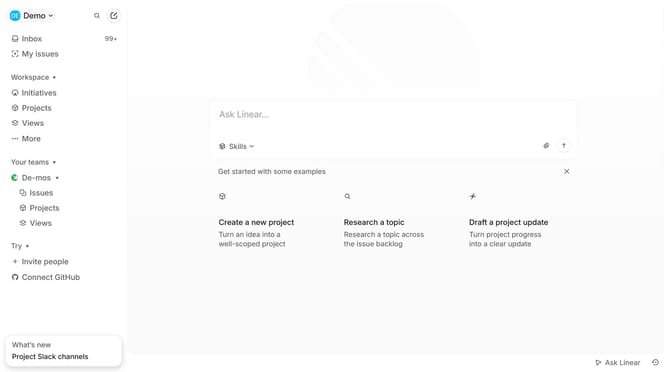
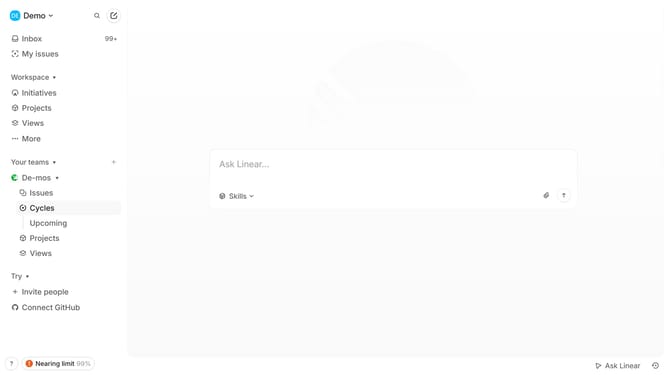
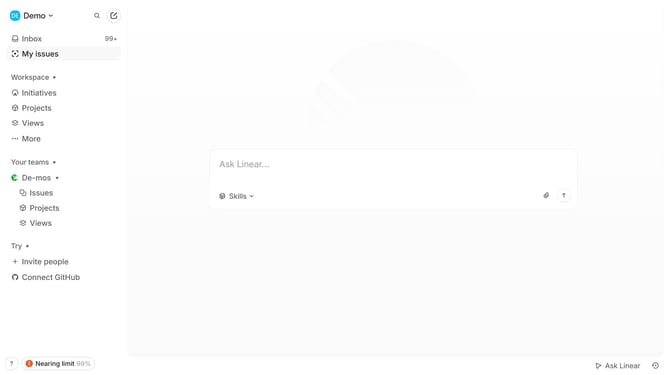
- First click on "Projects" item in the left sidebar
- Then click on the project in the projects list
- Next click on the "more options" button in the project details header
- Then click on the "Delete" button in the options menu
- Finally click on the "Delete" button in the confirmation dialog
Why should you delete updates on projects on Linear
Linear is an innovative tool designed to streamline and enhance project management workflows.
One of its efficient features is the ability to delete updates on projects. This capability ensures that teams can maintain a tidy workspace, free from unnecessary updates that may lead to confusion.
By allowing users to remove outdated or irrelevant project updates, Linear helps in maintaining focus on current and actionable data, thereby enhancing productivity and clarity.
Embracing this feature supports seamless collaboration, enabling teams to move forward with precision and confidence.
Last update