How to add labels to an issue on Linear
Here is how to add labels to an issue on linear
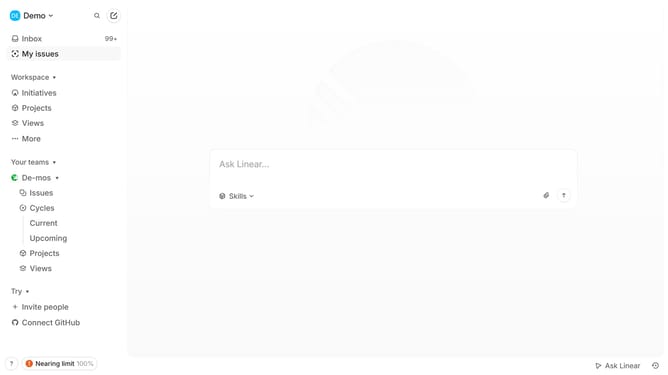
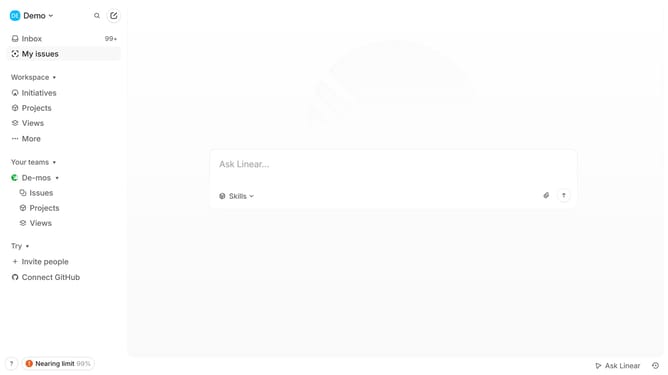
- First click on "My issues" in the left sidebar
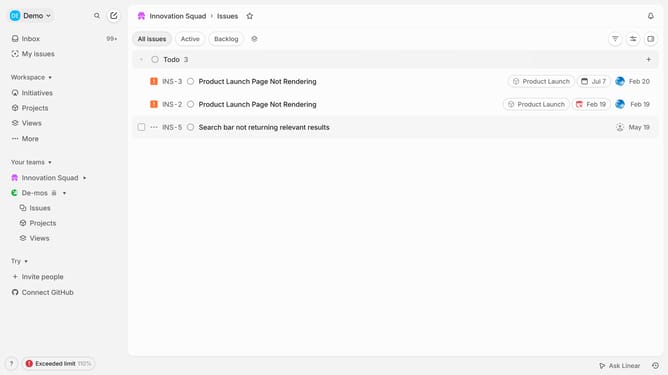
- Then click on the issue title that you want to manage
- Then click on the "Add label" button in the right sidebar
- Finally select a label from the list of labels
Why should you add labels to an issue on Linear
Linear is a powerful tool designed to streamline issue tracking and project management for teams.
The feature of adding labels to an issue on Linear enhances collaboration by categorizing tasks effectively. With labels, team members can easily filter, search, and prioritize issues, ensuring efficient task handling.
This leads to improved clarity in project management. By distinguishing tasks with descriptive labels, teams can quickly understand the context and status of each issue, fostering a more organized workflow.
Utilizing this feature not only boosts productivity but also enhances communication across teams, leading to successful project execution.
Last update