How to filter Linear app issues by agent on Linear
Here is how to filter linear app issues by agent on linear
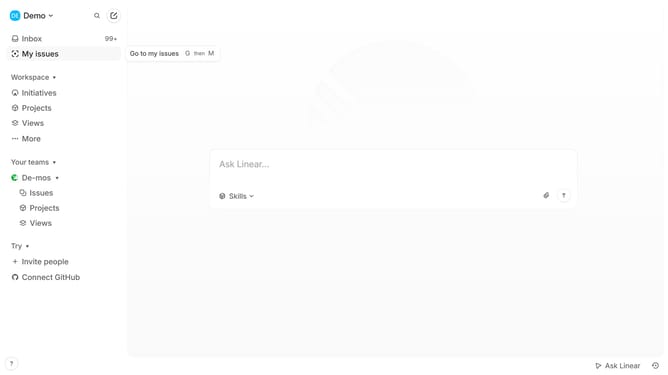
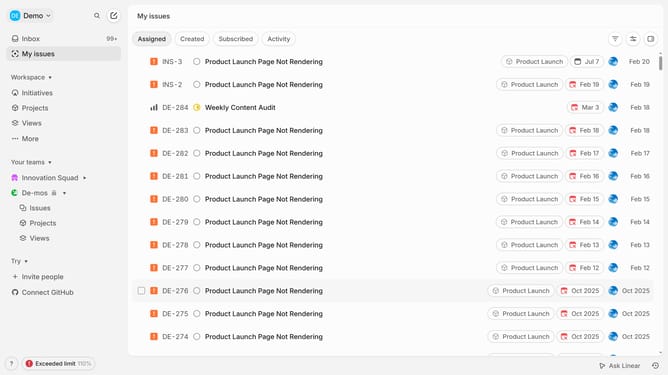
- First click on "My issues" in the left sidebar
- Then click on the "Assigned" button
- Then click on the filter icon
- Then click on the "Agent" option
- Finally click on the checkbox from the pop up options
Why should you filter Linear app issues by agent on Linear
Linear is a dynamic project management tool designed for streamlined team collaboration and productivity.
One of the standout features of Linear is the ability to filter issues by agent, enabling effortless management of tasks assigned to different team members.
This feature offers clarity and focus, allowing team leads and members to swiftly identify workload distributions and individual performance.
Moreover, filtering by agent helps to allocate resources accurately, ensuring that tasks are evenly distributed, minimizing bottlenecks and enhancing overall efficiency.
Last update