How to disable Linear app notifications for reminders and deadlines in Linear
Here is how to disable linear app notifications for reminders and deadlines in linear
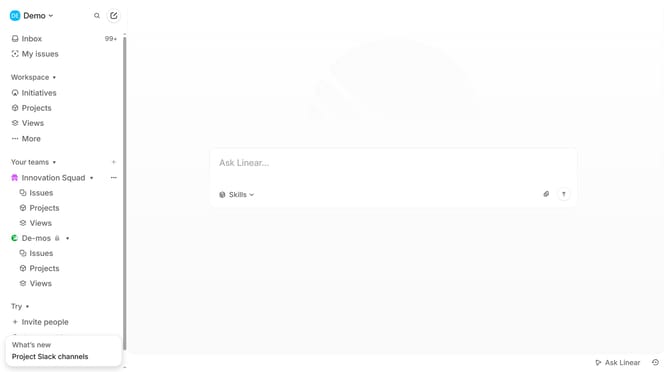
- First click on the "Demo" dropdown in the header
- Then click on "Settings" in the dropdown menu
- Next, select "Notifications" from the left sidebar
- Then click on "Mobile" element in the notification channels section
- Finally click the toggle switch next to "Reminders and deadlines" to turn it OFF
Why should you disable Linear app notifications for reminders and deadlines in Linear
Linear is a streamlined tool designed to optimize your project management experience by ensuring smooth workflow collaboration.
One useful feature of Linear is the ability to disable app notifications for reminders and deadlines. This option offers users more control over their notification flow, minimizing distractions and enhancing focus.
By managing notifications, you create a tailored work environment that prioritizes focus over interruption. Enjoy heightened productivity and a more serene workspace by fine-tuning your notification preferences in Linear.
Last update