How to add a user to a team on Linear
Here is how to add a user to a team on linear
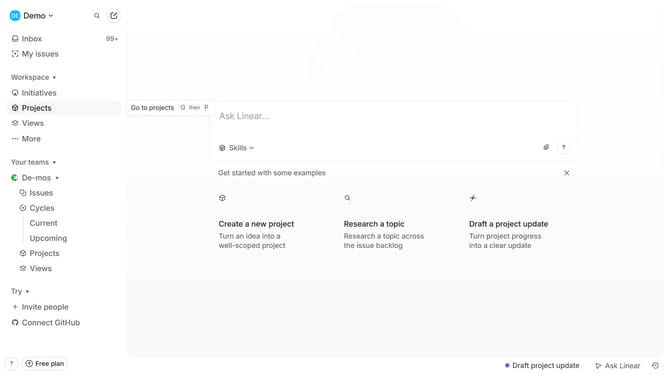
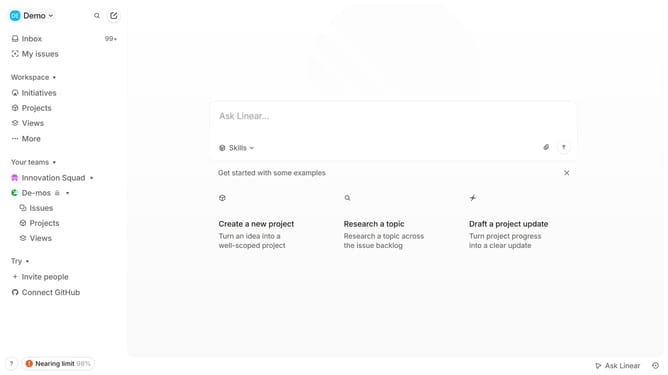
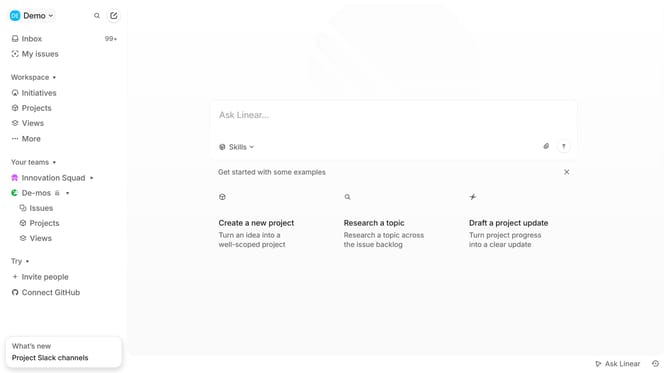
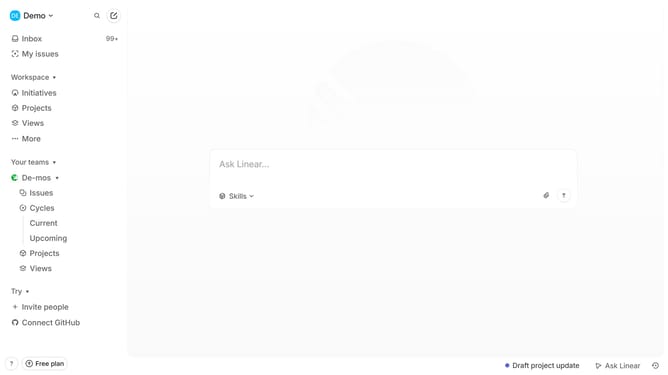
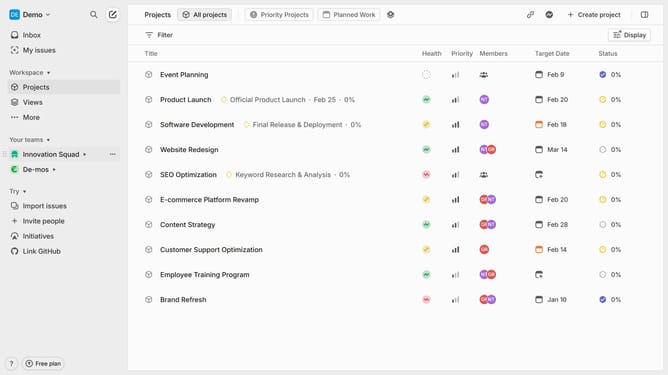
- First, go to your workspace, locate "Your Teams" and click on the three dots (...) next to it
- Then click on "Team settings" option from the dropdown menu
- Next click on "Members" in the team settings page
- Click "Add a member"
- Select "Invite people" option from the dropdown menu
- In the invite modal, type the email address of the person you want to invite
- Finally click on the "Send invites" button to send the invitation
- A confirmation message will appear, indicating that the invitation has been successfully sent
Why should you add a user to a team on Linear
Linear is a streamlined tool that revolutionizes team task management with simplicity and efficiency.
The feature of adding a user to a team on Linear enhances collaboration by seamlessly integrating new members into your workflow.
Using this feature elevates project progress and maintains consistent momentum as team roles expand.
This straightforward integration fosters an inclusive work environment, enabling each team member to contribute to shared goals immediately.
Last update