How to filter Linear app issues by label on Linear
Here is how to filter linear app issues by label on linear
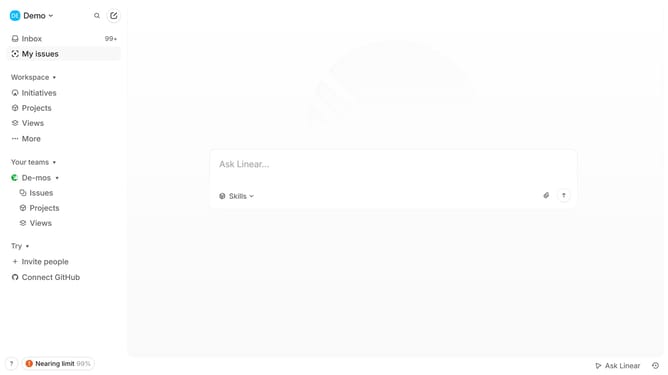
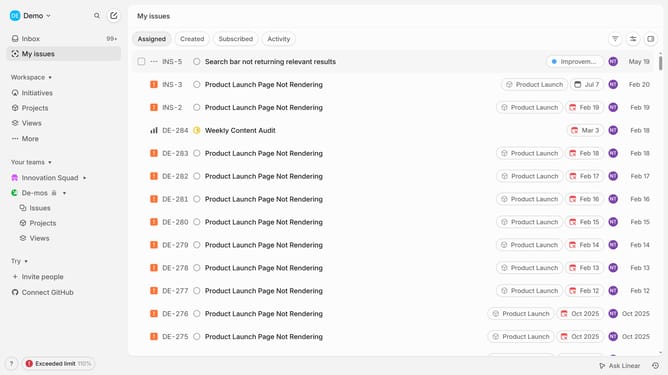
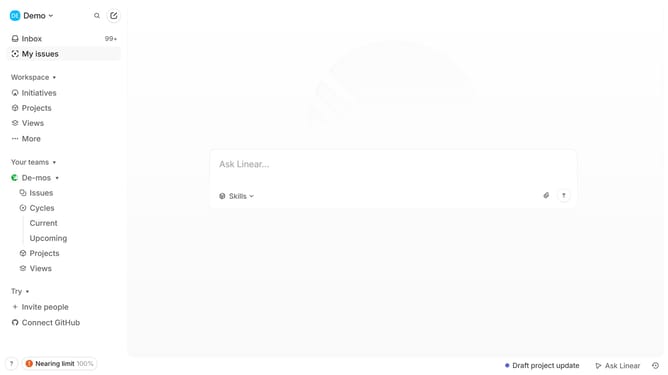
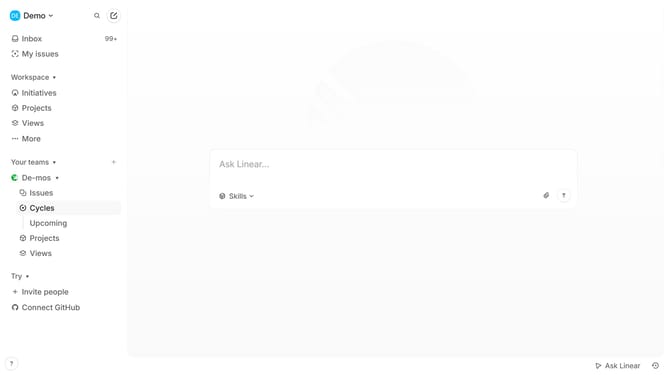
- First click on "My issues" in the left sidebar
- Then click on the "Filter" icon
- Next select "Labels" from the filter options
- Finally click on a label from the pop up options
Why should you filter Linear app issues by label on Linear
Linear is a sleek, modern tool designed to streamline project management and issue tracking for agile teams.
One of its standout features is the ability to filter issues by label, allowing you to quickly zero in on specific categories and priorities. This functionality is invaluable for teams striving to maintain focus and prioritize their work effectively.
By filtering issues by label, team members can ensure that relevant tasks are visible, reducing noise and enhancing productivity. This feature promotes a more organized workflow, leading to efficient problem-solving and time management.
Last update