How to disable email notifications for mentions in Linear
Here is how to disable email notifications for mentions in linear
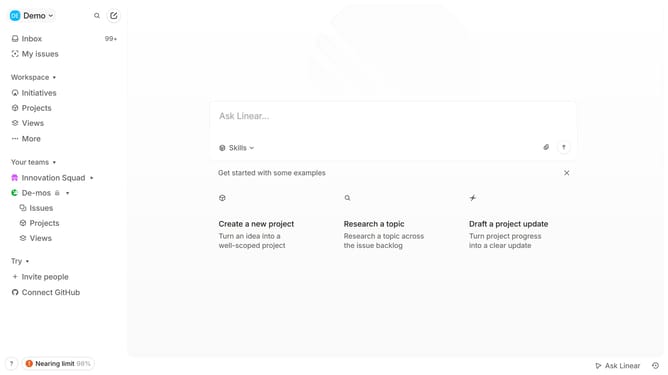
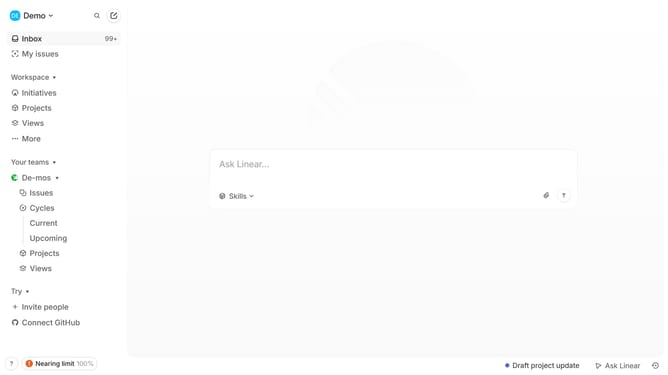
- First click on the "Demo" dropdown in the header
- Then select "Settings" from the dropdown menu
- Next, click on "Notifications" in the left sidebar
- Then click on the "Email" option
- Finally, toggle off the switch next to "Mentions" to disable it
Why should you disable email notifications for mentions in Linear
Linear is an innovative tool designed to streamline project management for teams with its intuitive interface.
A helpful feature of Linear is the ability to disable email notifications for mentions, allowing users to maintain an inbox free from overflow while still staying connected.
This feature empowers professionals by letting them control their communication workflow, promoting focus on tasks without constant email interruptions.
Enjoying the benefits of uninterrupted work can enhance productivity, fostering a calmer, more efficient working environment.
Last update