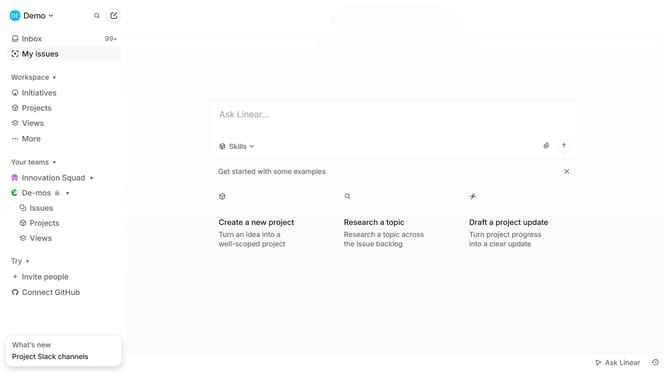
How to disable converting text emoticons to emojis in Linear
Here is how to disable converting text emoticons to emojis in linear
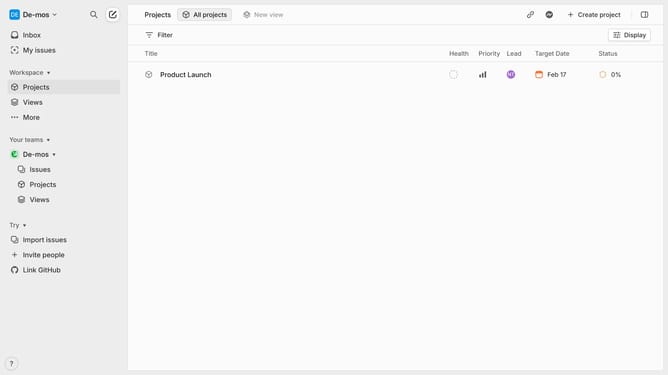
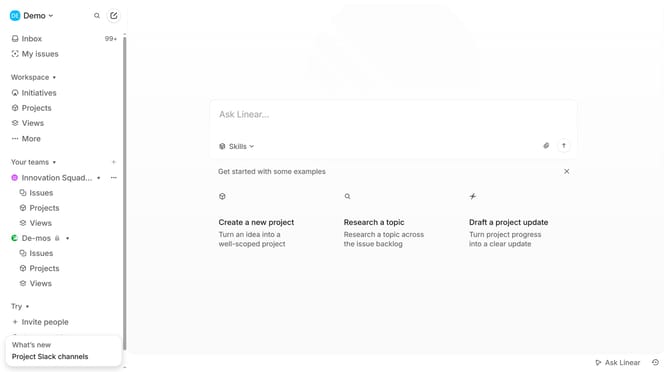
- First click on the "Demo" dropdown in the header
- Then click on the "Settings" link in the sidebar
- Finally click on the toggle switch OFF next to "Convert text emoticons into emojis"
Why should you disable converting text emoticons to emojis in Linear
Linear is a streamlined project management tool designed to enhance productivity and team collaboration.
Among its numerous customization options, Linear allows users to disable the automatic conversion of text emoticons to emojis. This feature is particularly beneficial for those who prefer traditional emoticons or want to maintain a specific tone in their communication.
Opting for text emoticons can also support consistency in documentation or written content where emojis might not fit the context.
Disabling this feature ensures that communication remains precise and aligned with personal or professional preferences.
Last update