How to open documents on Linear
Here is how to open documents on linear
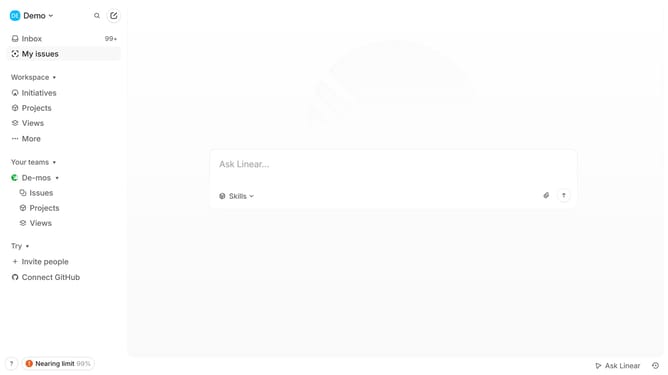
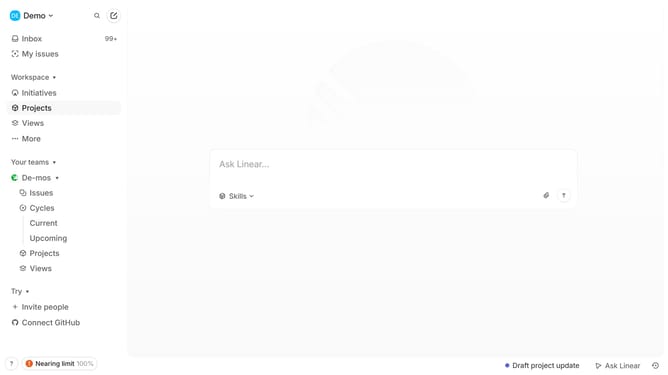
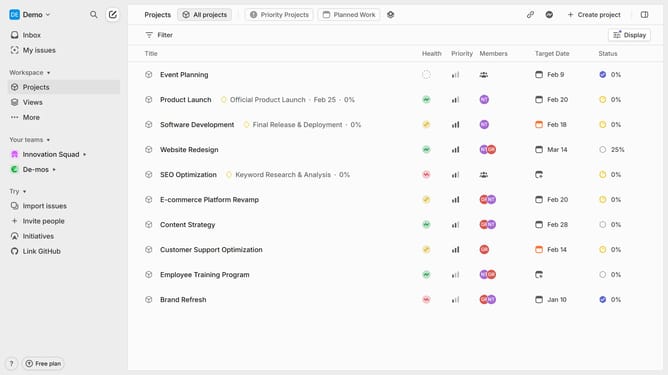
- First open the specific project where the document is located
- In the project details view, locate the "Ressources" section where documents are listed
- Then click on the document title you want to open
- Finally the document open in the main panel and you can now read, comment, or edit the document
Why should you open documents on Linear
Linear is an intuitive platform designed to streamline team productivity by managing projects and tasks efficiently.
Opening documents in Linear is a breeze, providing seamless access to important files within your workflow. This feature integrates documentation directly with your task management, making it easy to locate and reference necessary information while working on a project.
Using document accessibility on Linear enhances team collaboration, as everyone is able to access up-to-date information quickly. It ensures that all team members are aligned on project details, fostering a transparent and efficient work environment.
Last update