How to delete a view on Linear
Here is how to delete a view on linear
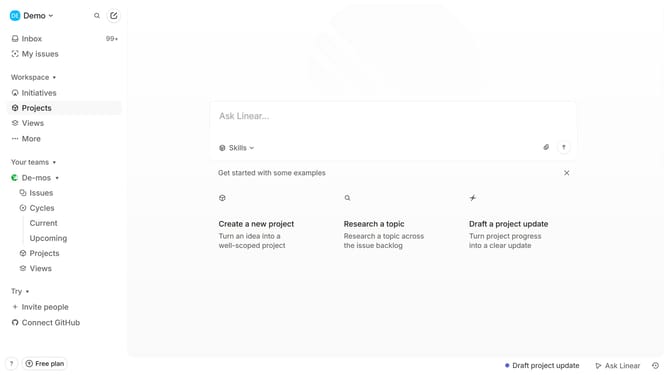
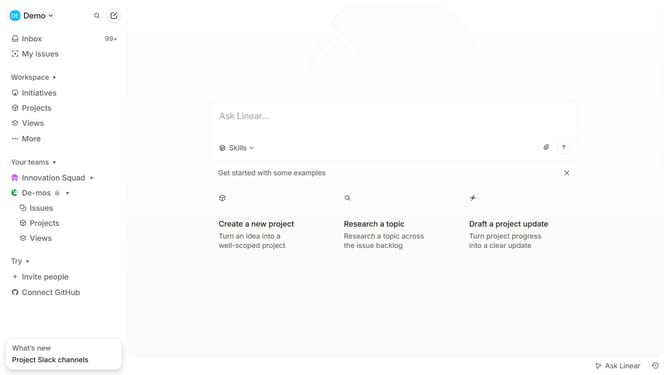
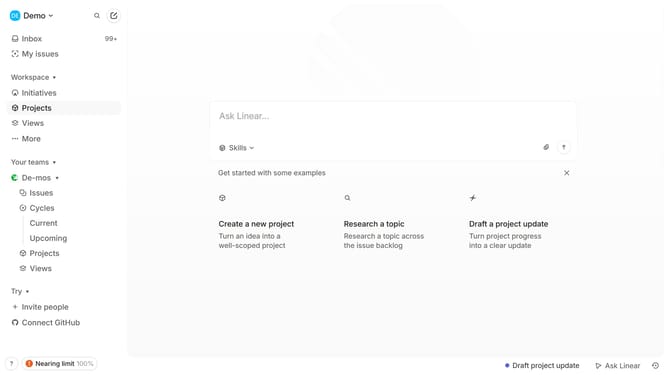
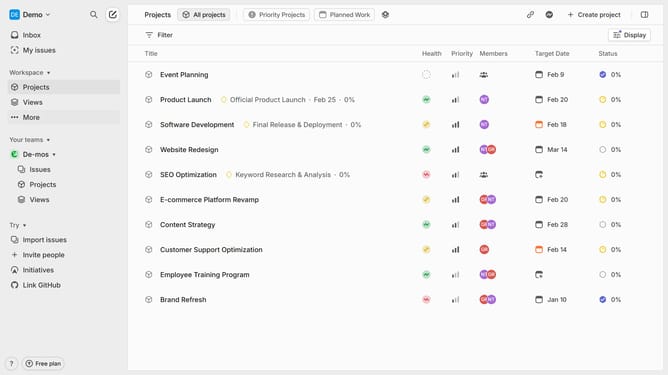
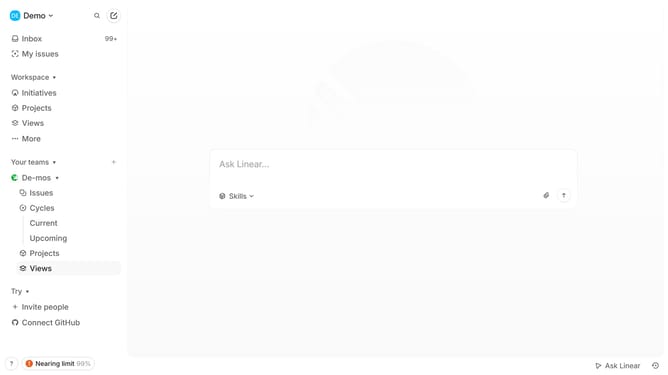
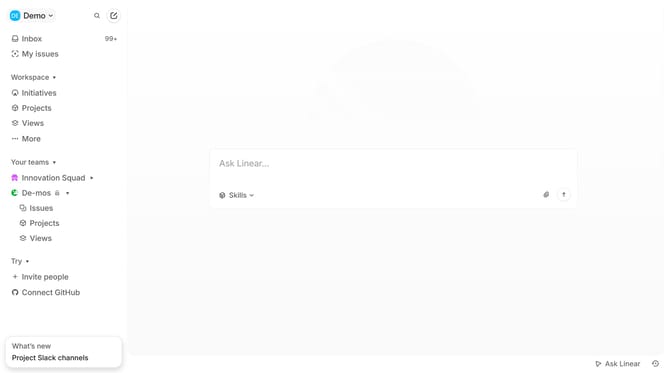
- First click on "Views" item in the left sidebar
- Then click on the view that you want to delete
- Next click on the "three dots" icon in the top menu
- Then select "Delete" option from the dropdown menu
- Finally click on the "Delete" button to confirm
Why should you delete a view on Linear
Linear is a streamlined project management tool designed to optimize team workflows and enhance productivity.
The ability to delete a view on Linear helps maintain a clutter-free workspace, allowing users to focus on pertinent tasks and objectives.
This feature is particularly beneficial in improving efficiency, as it reduces distractions and ensures that project views are always relevant to current needs.
By streamlining the workspace, users can quickly access vital information, ultimately enhancing team collaboration and project success.
Last update