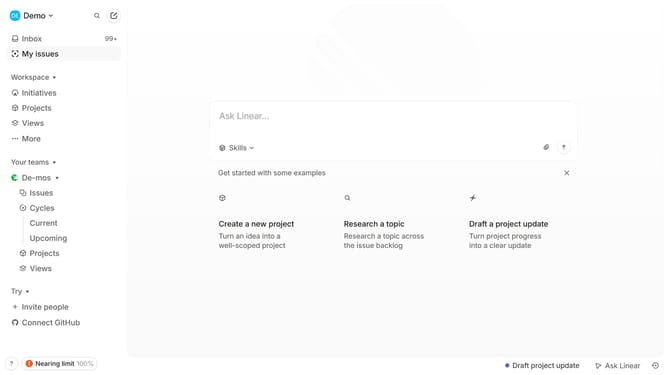
How to enable email notifications for status changes in Linear
Here is how to enable email notifications for status changes in linear
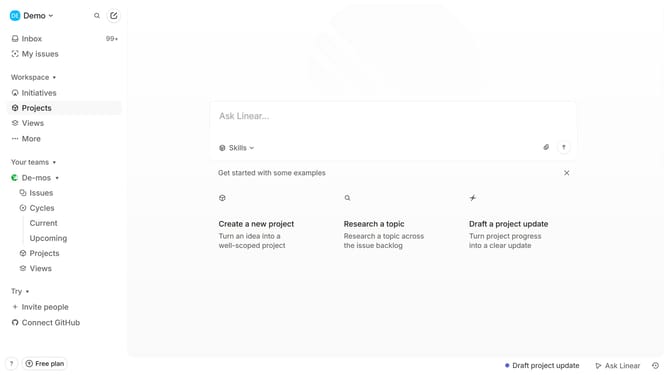
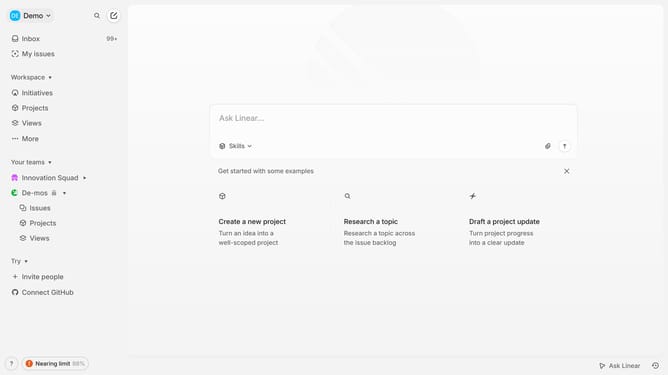
- First click on the "Demo" dropdown in the header
- Then click on "Settings" in the dropdown menu
- Next click on "Notifications" in the sidebar
- Then click on the "Email" option within the Notification channels section
- Finally click on the toggle switch ON next to "Status changes"
Why should you enable email notifications for status changes in Linear
Linear is a next-generation tool designed to streamline team workflows and task management.
Activating email notifications for status changes in Linear keeps team members informed and aligned effortlessly.
This feature enhances productivity by ensuring that everyone is updated with real-time task progress without the need to frequently check the platform.
Ultimately, it fosters more efficient communication, minimizes delays, and keeps projects on track.
Last update