How to unarchive team label in Linear
Here is how to unarchive team label in linear
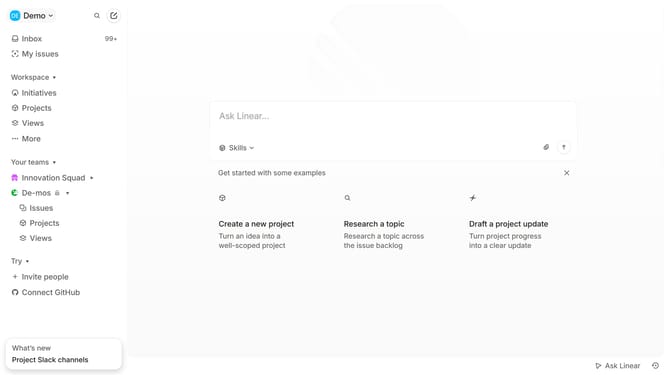
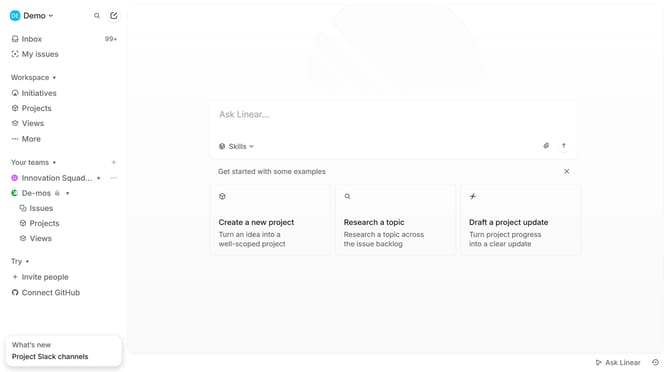
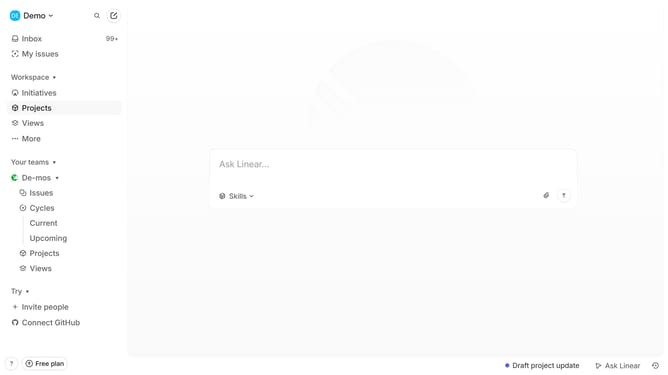
- First click on the three-dots button next to the team name in the sidebar
- Then click on 'Team settings' from the opened menu
- Next click on 'Issue labels' within the 'Issues, projects, and docs' section
- Then click on the 'Team' dropdown menu in the 'Team issue labels' section
- Next select 'Archived' from the dropdown
- Then click on the three-dots button next to the timestamp
- Finally click on 'Restore' from the opened menu
Why should you unarchive team label in Linear
Linear is a streamlined tool designed for efficient issue tracking and project management, helping teams stay organized and productive.
Unarchiving a team label is a straightforward feature that revitalizes your team's workflow by making previously archived labels accessible. This is particularly beneficial when projects or tasks become relevant again, as it allows teams to seamlessly reintegrate them into ongoing activities.
This feature ensures that no valuable label is permanently hidden, fostering an adaptable and responsive project management environment. By unarchiving labels, teams can better reference past work, enhance continuity, and maximize productivity.
Last update