How to search on a Linear workspace
Here is how to search on a linear workspace
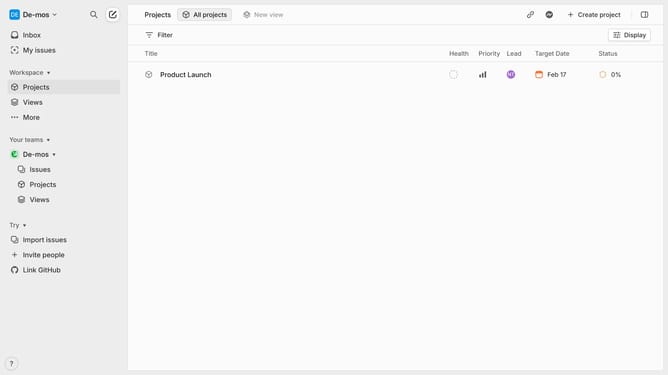
- First open Linear and navigate to the workspace where you want to search
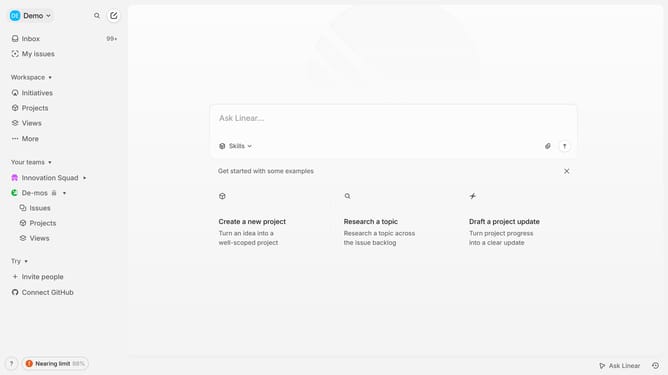
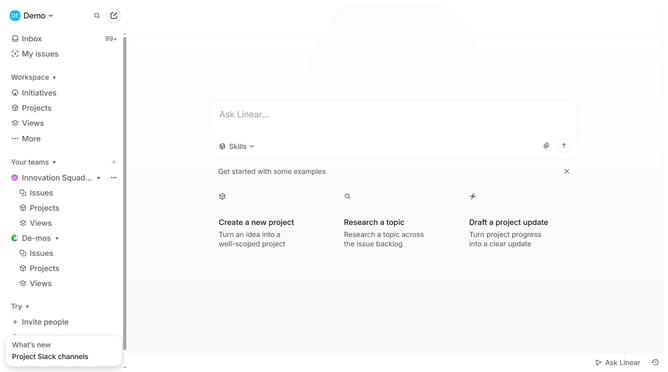
- Then click on the search icon in the top navigation bar
- Type the keywords or the project name
- Press "Enter" to see the search results
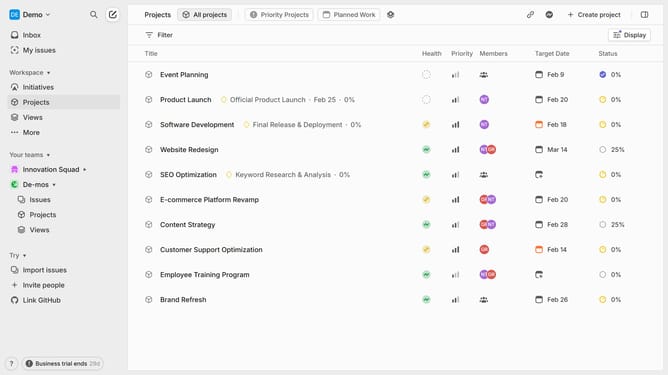
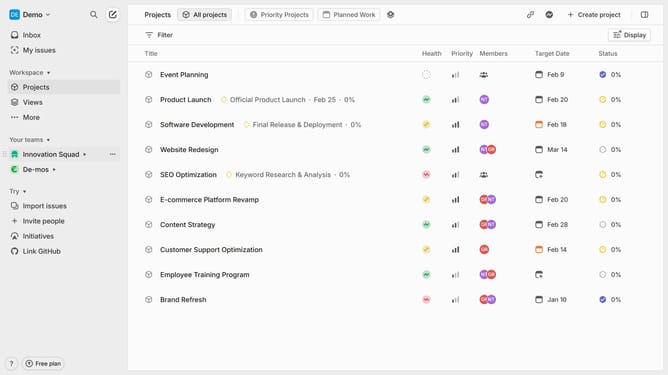
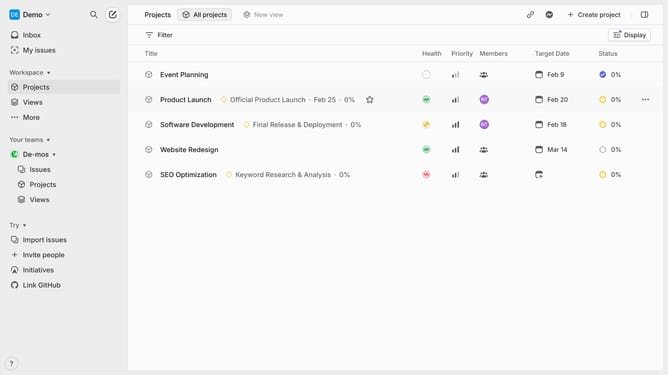
- You can click on the "Projects" tab to filter the results to show only projects
- To refine your search further, you can use filters (e.g., by assignee, status, or project).
Why should you search on a Linear workspace
Linear is a modern tool designed to streamline software project management and workflows efficiently.
The search feature in a Linear workspace allows users to quickly locate tasks, issues, and projects without hassle. Instead of sifting through endless lists, users can pinpoint exactly what they need in seconds.
This brings clarity and speed, fostering an environment where teams can focus on what truly matters: innovation and effective collaboration.
By enabling seamless navigation, the search functionality significantly boosts productivity and team coordination.
Last update