How to delete a linear app team in Linear
Here is how to delete a linear app team in linear
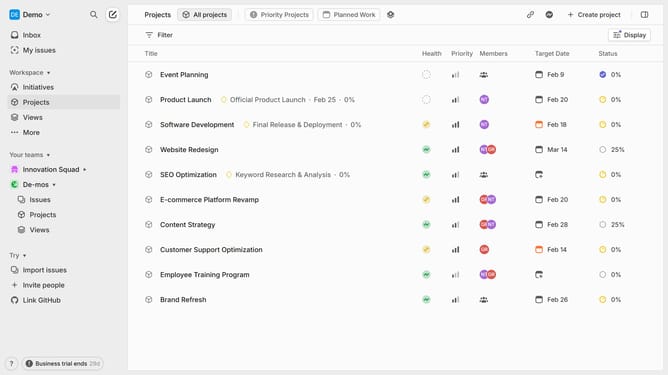
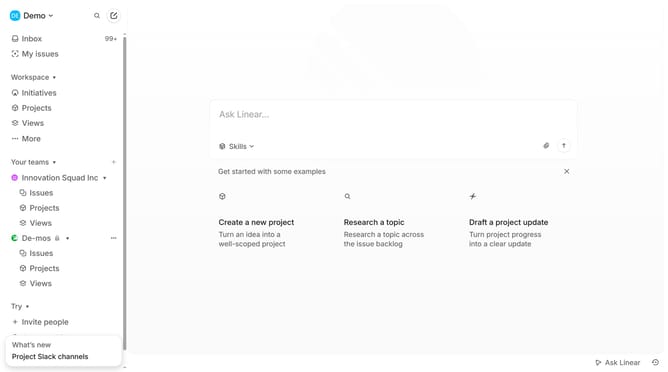
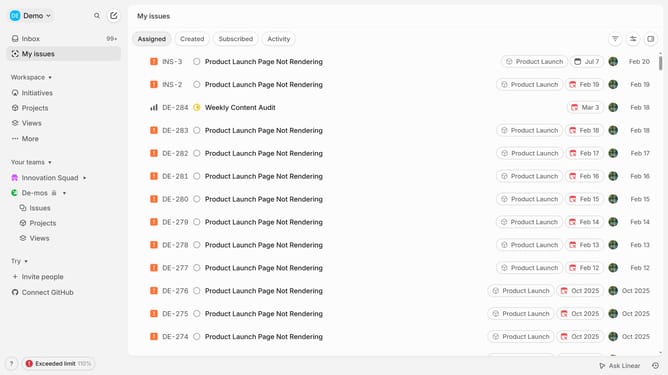
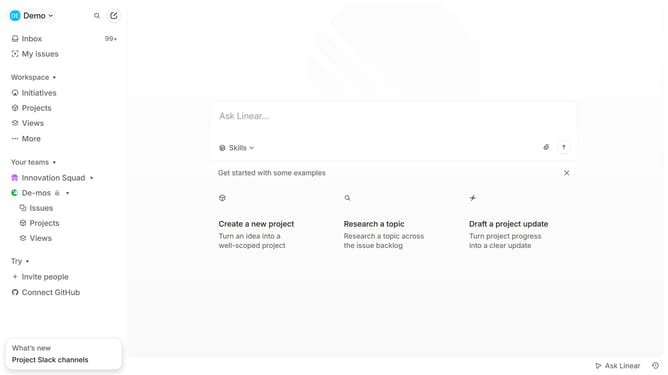
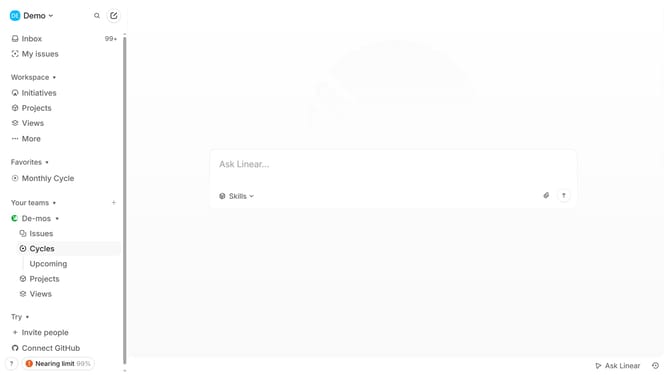
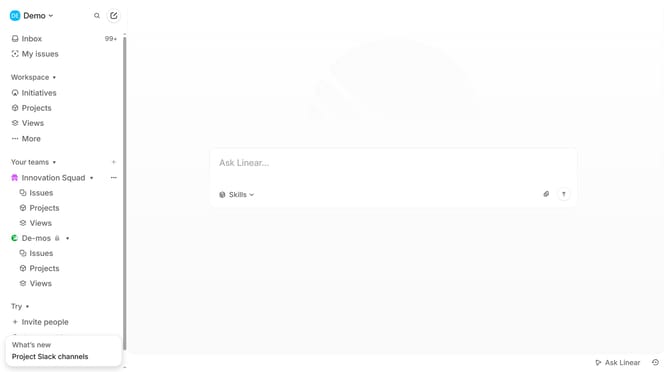
- First click on the three dots menu next to the team name in the sidebar
- Then click on "Team settings" from the dropdown menu
- Then click on the "Delete" button
- Then type the required word into the confirmation input field
- Finally click on the "Delete team" button
Why should you delete a linear app team in Linear
Linear is a streamlined project management tool designed to optimize teamwork and productivity.
The feature of deleting a team in Linear helps maintain clarity and organization within your workflow. Whether you're restructuring or removing obsolete projects, this capability allows for seamless transitions.
By keeping your workspace tidy, you can focus on the teams that drive progress and eliminate distractions. Maintaining an organized interface not only boosts efficiency but enhances collaboration among active contributors.
Last update