How to add more labels to an issue on Linear
Here is how to add more labels to an issue on linear
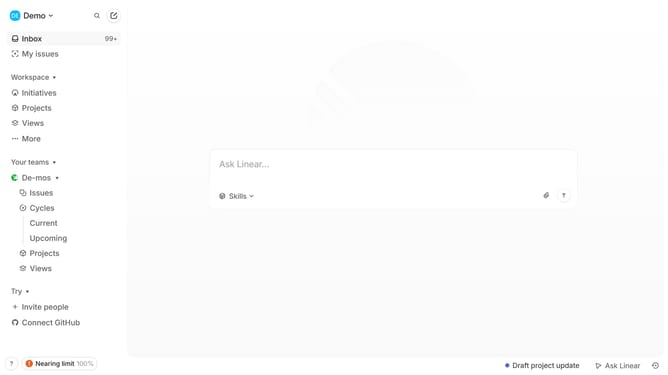
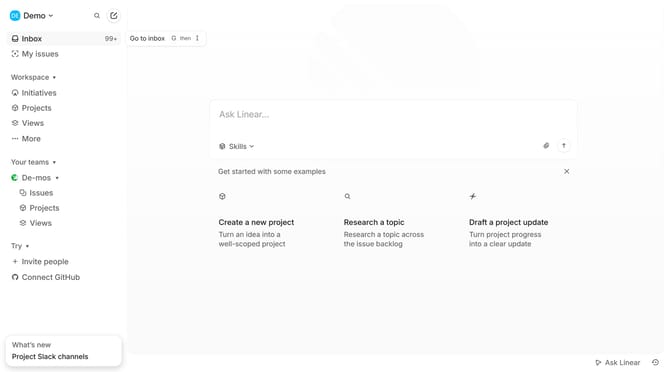
- First click on "My issues" in the left sidebar
- Then click on the issue title that you want to manage
- Next click on the "+" button next to labels
- Finally click on the checkbox next to the label that you want to add
Why should you add more labels to an issue on Linear
Linear is the ultimate tool for effortless team collaboration, purpose-built for enhancing productivity.
Adding more labels to an issue in Linear enhances the clarity of project tasks. This feature enables teams to categorize and prioritize work efficiently.
Utilizing multiple labels helps in tracking progress and simplifies the process of retrieving relevant data quickly, thereby ensuring seamless workflow management.
Incorporating this feature empowers teams to customize project management according to specific needs, promoting smoother communication and delivery.
Last update