How to edit milestones name on Linear
Here is how to edit milestones name on linear
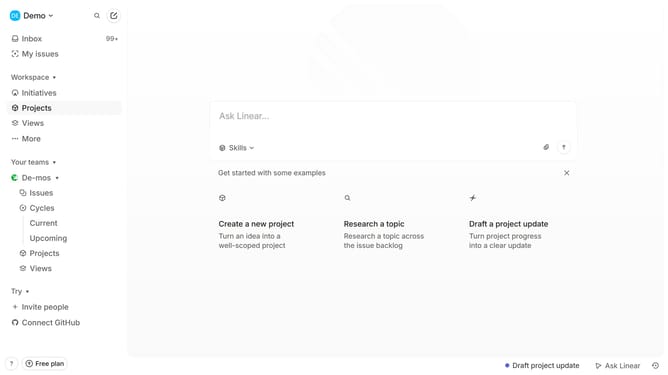
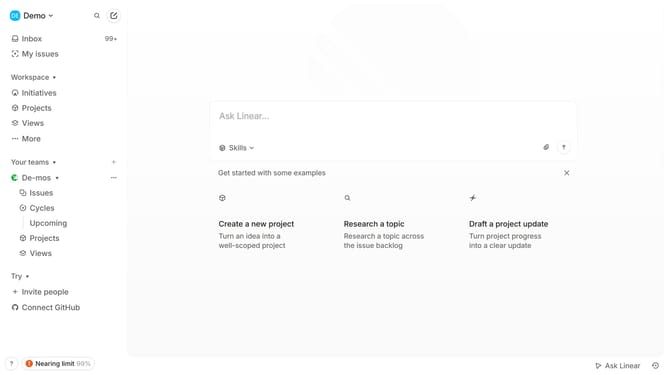
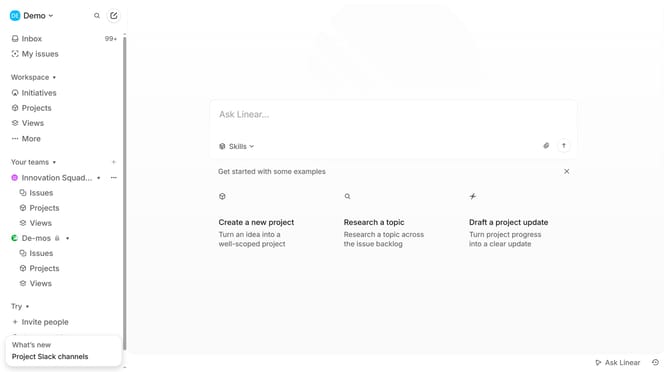
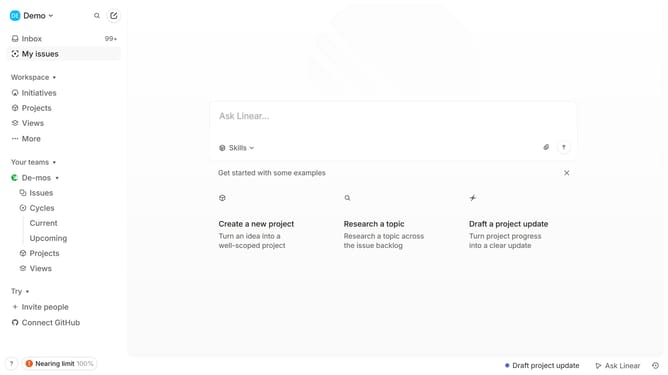
- First, click on "Projects" in the left sidebar
- Then, click on the project that you want to manage
- Next, click on the three dots button to open the menu
- Then, click on "Edit" in the dropdown menu
- Finally, edit the milestone name
Why should you edit milestones name on Linear
Linear is a modern tool designed to streamline team collaboration by efficiently managing tasks and projects.
Editing milestone names on Linear is a valuable feature that enhances project clarity and organization. It allows users to tailor milestone titles to better reflect their current goals and align their teams towards a common objective.
Using this feature ensures that all team members are on the same page, fostering improved communication and reducing potential misunderstandings. The ability to rename milestones offers flexibility and adaptability in fast-paced environments.
Last update