How to disable email notifications for reminders and deadlines in Linear
Here is how to disable email notifications for reminders and deadlines in linear
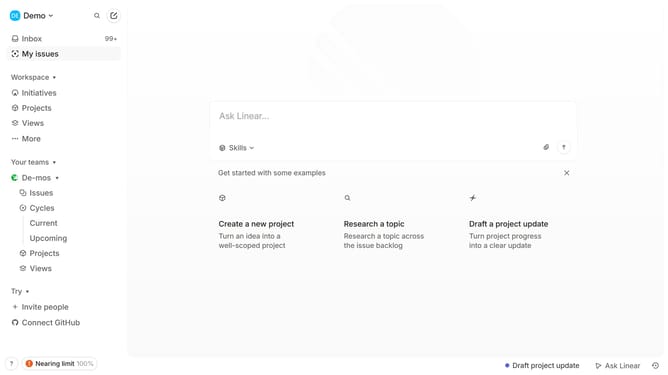
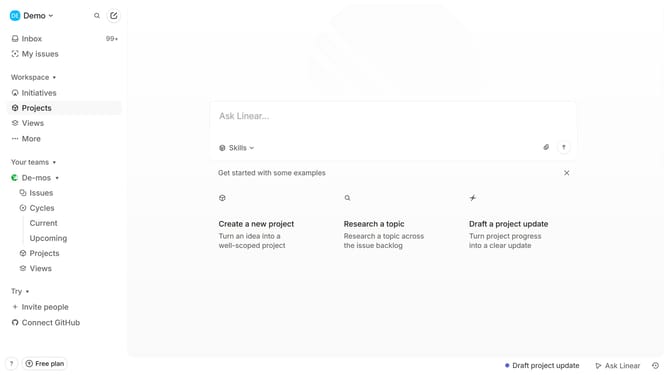
- First click on the "Demo" dropdown in the header
- Then click on "Settings" option in the dropdown menu
- Next, click on "Notifications" in the sidebar
- Click on the "Email" option in the main content area
- Finally, click the toggle switch next to "Reminders and deadlines" to disable it
Why should you disable email notifications for reminders and deadlines in Linear
Linear is a streamlined tool designed to enhance team productivity by managing tasks and projects with ease.
Disabling email notifications for reminders and deadlines in Linear can help reduce inbox clutter, allowing teams to focus on priority tasks without unnecessary distractions.
This feature is invaluable for those who rely on real-time updates within the app or prefer to manage notifications on their own terms. Enjoy a more personalized and efficient workflow by tailoring your notification preferences to your needs.
Last update