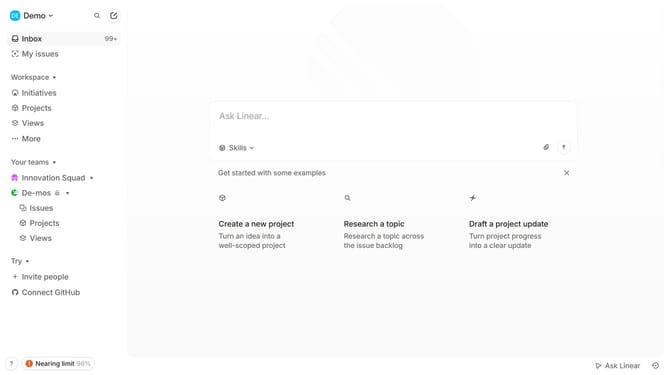
How to create a project on Linear
Here is how to create a project on linear
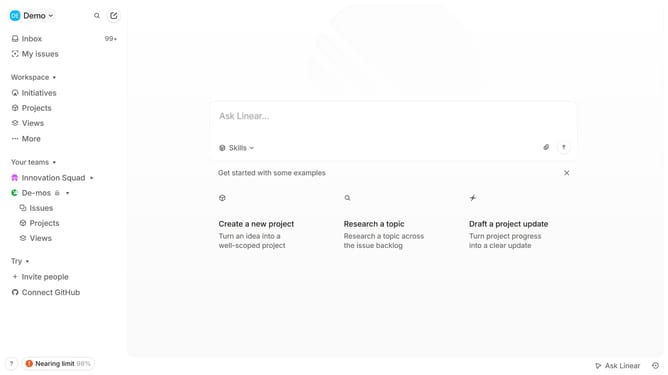
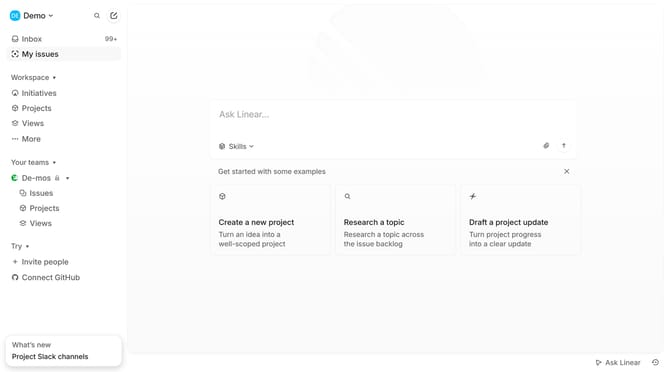
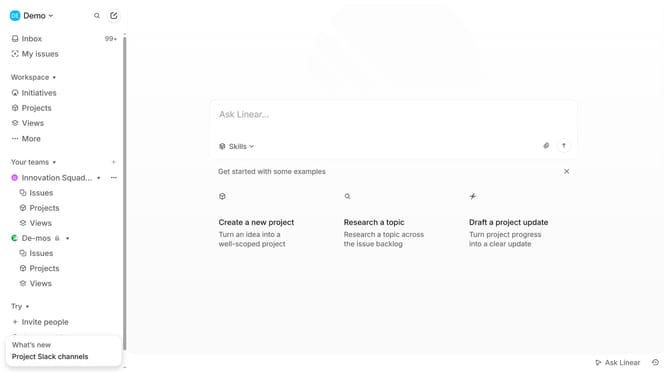
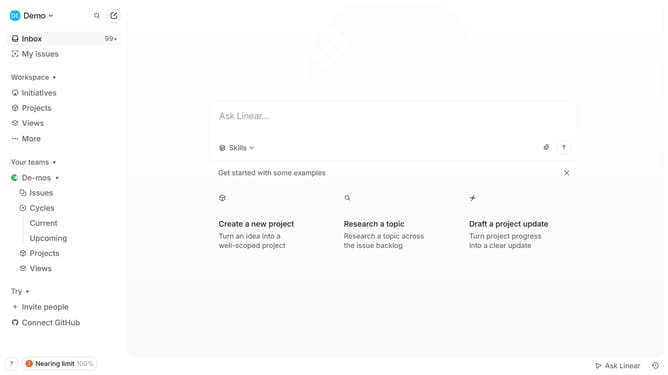
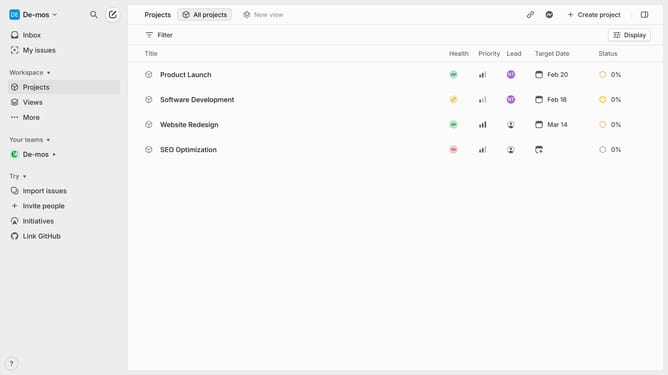
- First click on "Projects" in the left sidebar
- Then click the "Create new project" button
- Next enter the Project name
- And add a short summary and an optional description
- Next, configure the project settings
- You can set a priority for your project
- Select a project lead
- Add a "Start date" and a "target date" if needed
- Then click "Create project" to finalize
- A confirmation message will appear that the project was created successfully and ready to use
Why should you create a project on Linear
Linear is a modern productivity tool designed to streamline project management with efficiency and clarity.
Creating a project on Linear helps teams organize their tasks and goals in a centralized space, improving collaboration and tracking.
With its intuitive interface, Linear allows for quick setup, enabling teams to focus more on strategic initiatives and less on administrative work.
By structuring projects effectively, teams can prioritize work better, resulting in enhanced productivity and successful project outcomes.
Last update