How to change Linear app cycle end date in Linear
Here is how to change linear app cycle end date in linear
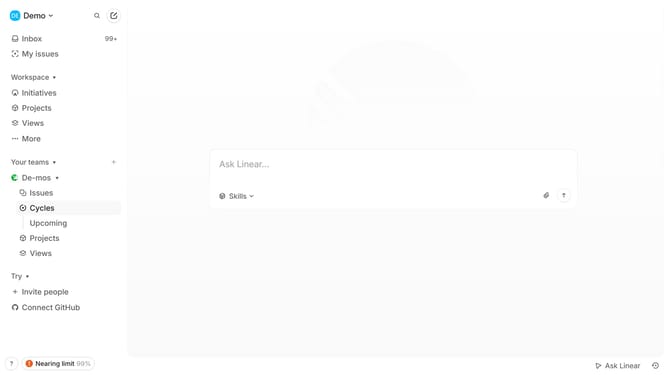
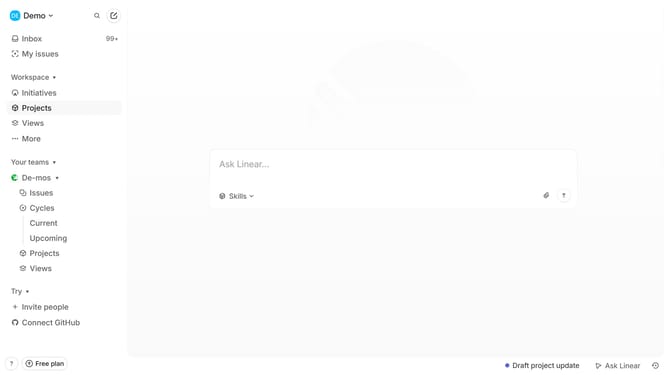
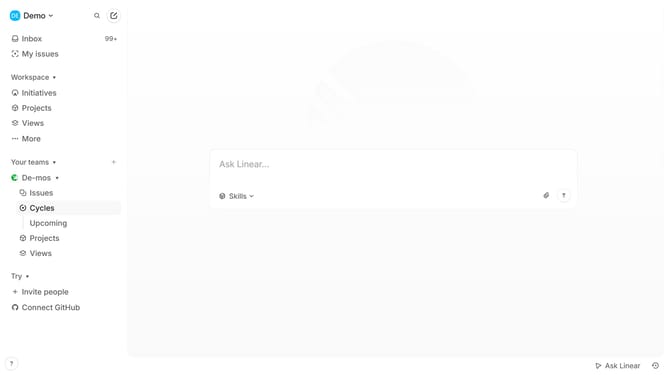
- First, from the left sidebar, click on "Cycles" to navigate to the cycles view
- Then, click on the Cycle item to open its details
- Next, click on the three dots icon to open the options menu
- After that, click on "Change cycle dates" within the options menu
- Then, select "Move end date" from the submenu that appears
- Next, select a date from the calendar to set the new end date
- Finally, click on the "Apply" button to confirm the changes
Why should you change Linear app cycle end date in Linear
Linear is a modern tool designed to streamline team workflow and project management.
Changing the cycle end date in Linear is a flexible feature that empowers teams to dynamically adapt their workflows. By adjusting the cycle end date, teams can better accommodate project changes and new priorities, ensuring alignment with evolving objectives.
Using this feature allows for enhanced planning and better resource allocation. It ensures that deadlines are realistic and achievable, providing clarity and focus for the team.
Last update