How to create an issue on Linear
Here is how to create an issue on linear
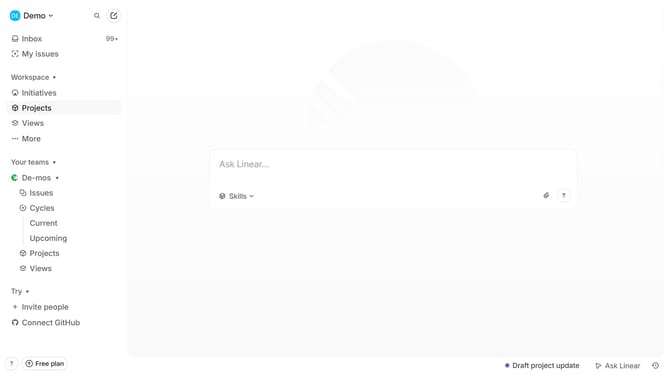
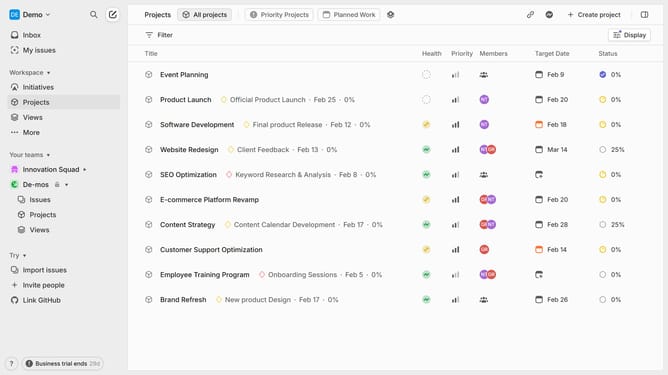
- First, click on "Projects" in the left sidebar
- Then, click on the project where you want to create the issue
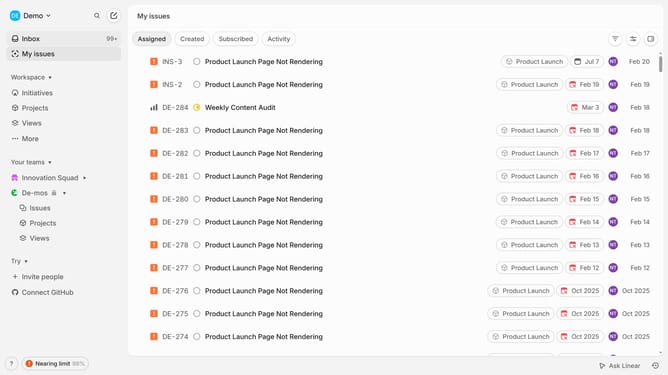
- Next, click on the "Issues" tab in the top
- Cick on "Create new issue" to start creating an issue
- A new issue form will appear. Enter the issue title
- And add a description to explain the problem or task
- Then click on "Priority" at the bottom menu
- Select the priority level from the dropdown menu
- Optionally, you can add labels, assign the issue to a team member, and set the status
- Once everything is filled out, click on "Create issue" to add the issue to the project
- Your issue is now created and can be tracked within the project
Why should you create an issue on Linear
Linear is a streamlined project management tool designed to enhance team productivity by simplifying issue tracking and workflow management.
Creating an issue on Linear is straightforward, making it easy for teams to track tasks, report bugs, or suggest new features. This centralizes task management, ensuring nothing falls through the cracks.
By effectively managing issues, teams can prioritize tasks, allocate resources efficiently, and maintain clear communication, ultimately improving project continuity and success.
Last update