How to change a project's status on Linear
Here is how to change a project's status on linear
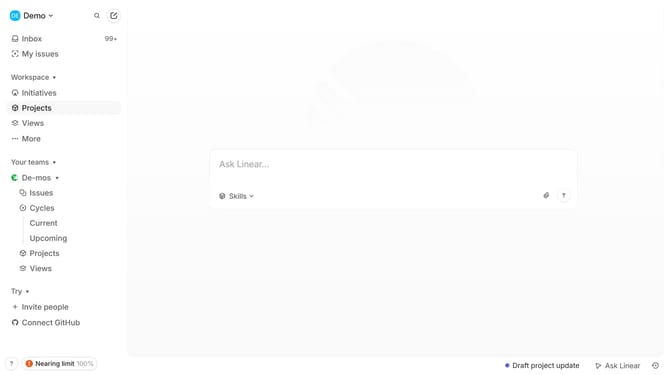
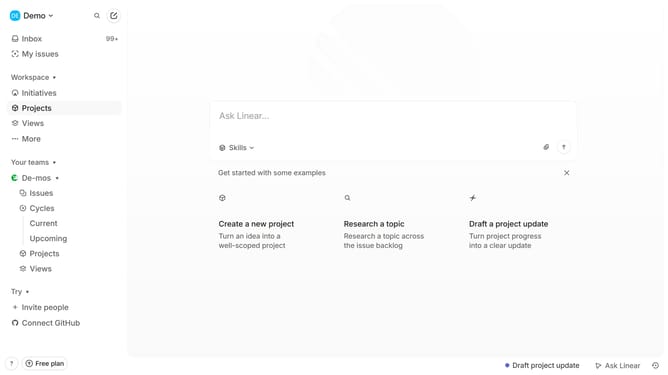
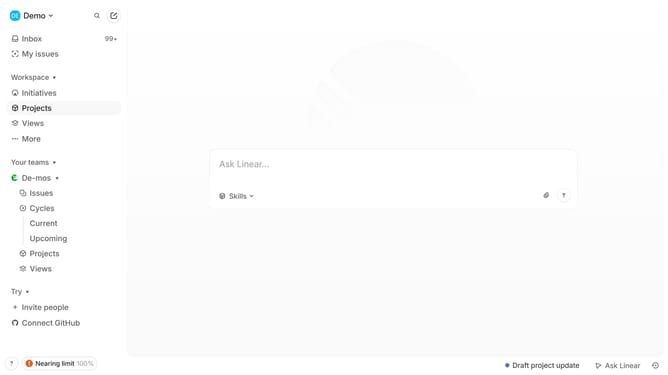
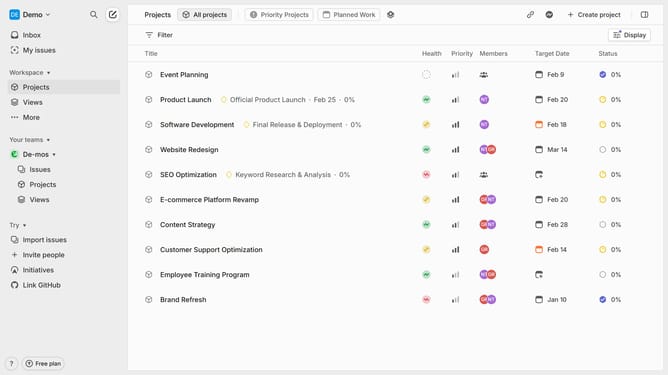
- First, click "Projects" in the left sidebar to navigate to the projects section
- Then select the project whose status you want to change and click on the three dots (...)
- Click on the "Status" option in the dropdown menu
- Select the new status for the project
- Alternatively, open the project
- Click on the current status in the Properties panel
- Then select the new status for the project
- The project's status will be updated accordingly
Why should you change a project's status on Linear
Linear is a streamlined platform designed for efficient project management and team collaboration.
Changing a project's status on Linear simplifies tracking progress and aligning team efforts. This feature allows managers to categorize projects based on their current phase, ensuring everyone stays informed and focused on priorities.
Utilizing this function enhances team collaboration, promotes accountability, and keeps projects on course. By centralizing status updates, teams experience faster decision-making and improved project visibility.
Last update