How to move milestones to a different project on Linear
Here is how to move milestones to a different project on linear
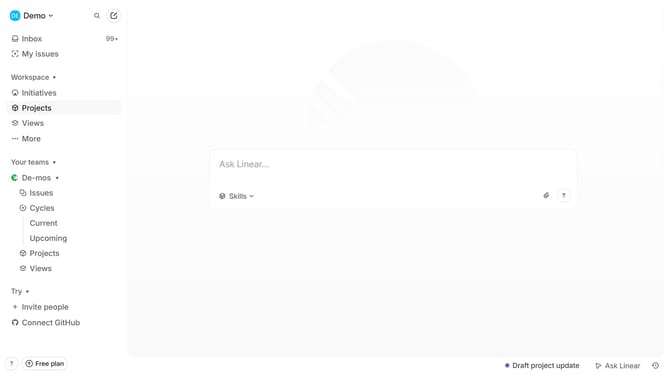
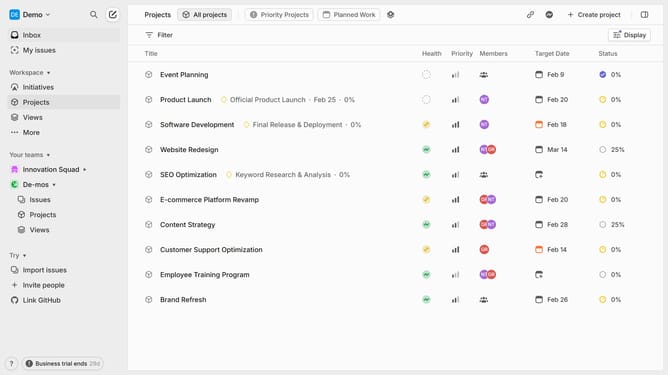
- First, click on "Projects" in the left sidebar
- Next, click on the project that you want to manage from the list
- Then, click on the three dots menu icon for the for the milestone that you want to move
- After that, select "Move milestone to" from the dropdown menu
- Finally, select a project from the sub-menu
Why should you move milestones to a different project on Linear
Linear is a streamlined and powerful tool for project management and team productivity.
One of Linear's standout features is its ability to easily move milestones between different projects.
This feature shines when teams need to reallocate resources or shift priorities without losing track of progress.
By seamlessly transferring milestones, teams benefit from greater flexibility and adaptability, ensuring that strategic goals are met efficiently and on time.
Last update