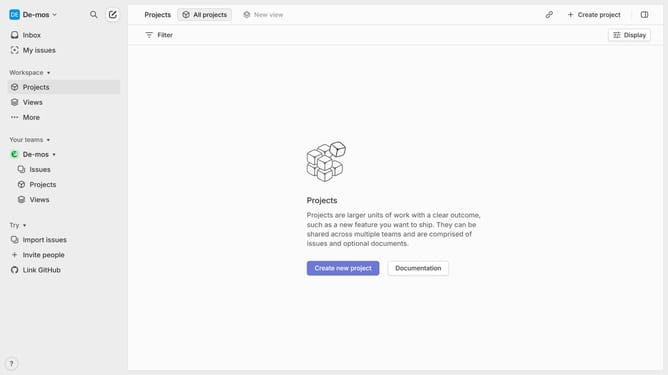
How to set priority to a project on Linear
Here is how to set priority to a project on linear
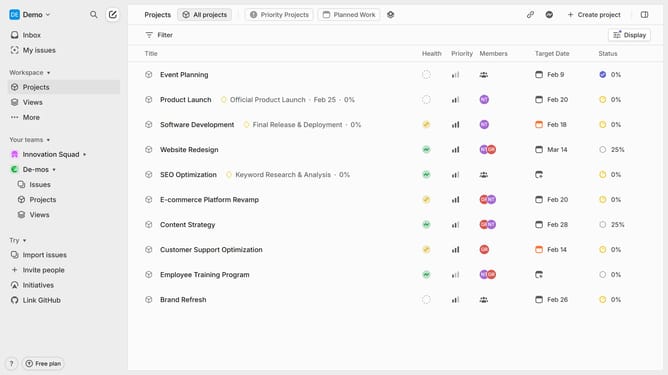
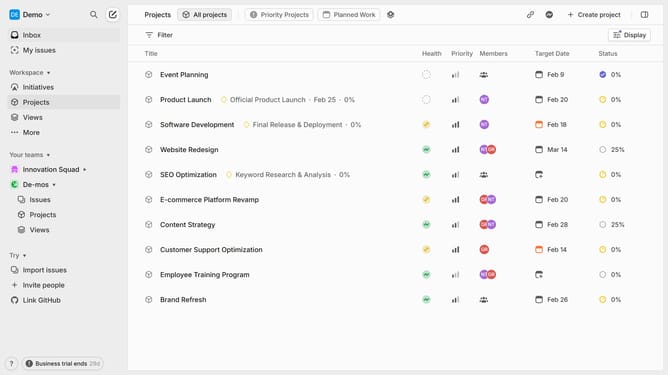
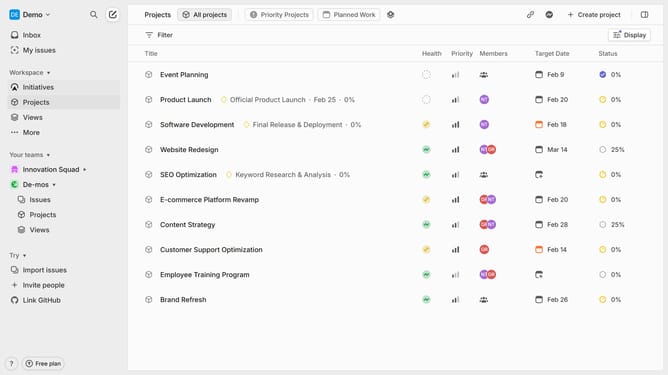
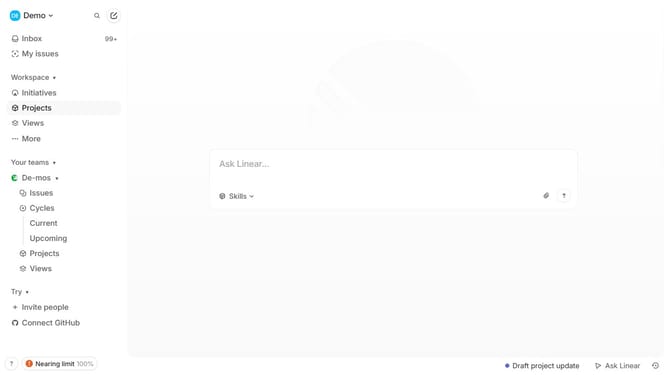
- First click "Projects" in the left sidebar menu
- Then select the project you want to set a priority for
- Click on the three-dot menu next to the project
- Next click on the "Priority" option in the dropdown menu
- Finally, select the desired priority level for the project
- You've successfully set the priority level for the project, ensuring that its urgency and importance are clearly defined
Why should you set priority to a project on Linear
Linear is a cutting-edge project management tool designed to streamline workflows and improve team efficiency.
Setting a priority to a project in Linear allows teams to focus on what truly matters, ensuring alignment on critical tasks. By effectively organizing tasks based on importance, teams can make informed decisions and allocate resources wisely.
This prioritization enhances productivity by empowering team members to concentrate on high-impact projects first, fostering a sense of accomplishment and momentum.
Ultimately, prioritizing projects ensures that deadlines are met seamlessly, with minimal stress and maximum clarity.
Last update