How to see document history in a project on Linear
Here is how to see document history in a project on linear
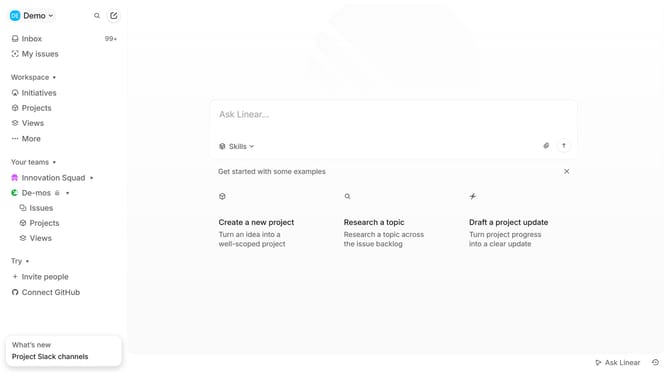
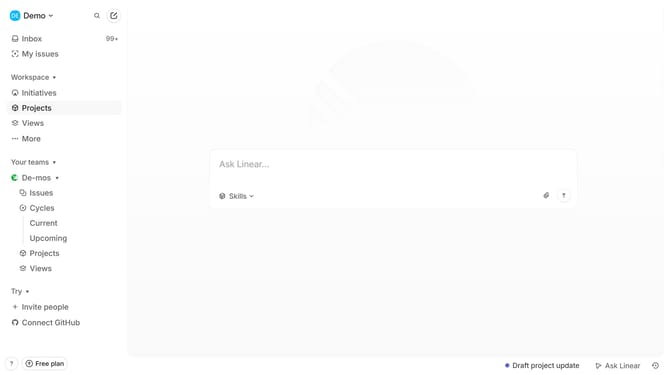
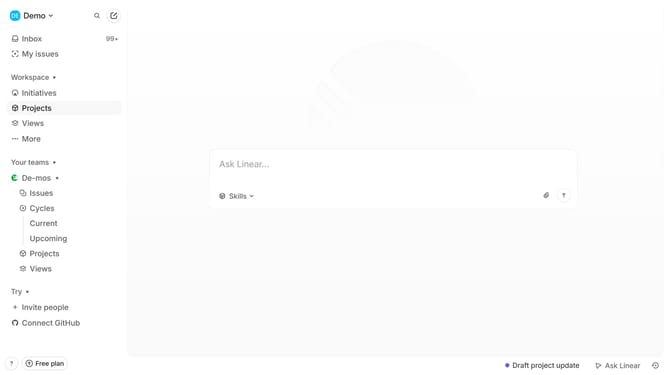
- First click on "Projects" item in the left sidebar
- Then click on the project name from the project list
- Next, click on the document link under the Resources section
- Then click on the three dots icon at the top right corner of the project page
- Finally, select "Show document history" from the dropdown menu
Why should you see document history in a project on Linear
Linear is a powerful tool designed to streamline team project management and boost productivity.
One of its standout features is the ability to view document history within projects.
This feature offers teams the clarity and context needed to track changes effortlessly, fostering transparency.
By accessing past iterations, teams can pinpoint progress and address any inconsistencies, ensuring more informed decision-making.
Last update