Your competitor changes its pricing page. A marketplace adds hundreds of products. Search rankings shift before your next reporting cycle.
Collecting that information once is easy. Turning it into reliable, structured data every week is where spreadsheets and improvised scripts start breaking.
The web scraping software market reached $909.9 million in 2025, according to Research and Markets in 2026. The firm projects it will reach $2.3 billion by 2032.
That growth has created a crowded field. Some products give marketers a visual website scraper. Others provide proxy infrastructure, APIs, or browser automation frameworks.
The right web scraping tool should reduce manual work and deliver usable data. It should also fit your technical resources, target websites, and responsible collection requirements.
What’s inside
This guide compares 17 web scraping tools for marketers, data teams, and technical operators. We assessed each option using criteria that affect daily work:
- Structured extraction quality and output formats
- Scheduling, monitoring, and workflow control
- JavaScript rendering and proxy support
- Pricing, maintenance, and technical ownership
- Responsible collection controls
Pricing comes from official vendor pages. G2 ratings reflect the current figures supplied in our November 2026 research. An N/A means no meaningful rating was available.
TL;DR
- Best overall web scraping software: Apify combines hosted workflows, scheduling, reusable Actors, and developer APIs
- Best for enterprise collection: Bright Data and Oxylabs support proxy-backed, high-volume data operations
- Best for no-code web scraping: Octoparse, ParseHub, and Browse AI suit visual extraction and recurring monitoring
- Best for AI workflows: Firecrawl produces LLM-ready Markdown, while Diffbot adds entity-level data
- Best for developer control: Scrapy, Playwright, BeautifulSoup, Crawlee, and Selenium support custom collection systems
- Best for search data: SERPApi returns structured search results without maintaining search scrapers
What is web scraping software?
Web scraping software extracts website content and converts it into structured formats such as CSV, JSON, spreadsheets, databases, APIs, or dashboards.
A website scraper reads pages, identifies selected fields, and delivers those values into another workflow. Marketing teams use data extraction software for pricing research, SEO analysis, catalog monitoring, and account research.
Web scraping and web crawling perform related jobs:
- Web crawling: Discovers pages by following links
- Web scraping: Extracts selected information from those pages
Many products combine both capabilities. A crawler may discover every product page in a catalog before the scraper collects prices and availability.
Common extraction targets include:
- Product prices and inventory
- Search results and ranking features
- Job listings and company information
- Reviews and category sentiment
- News articles and content libraries
- Ecommerce catalog data
Core capabilities vary by product:
- Visual selectors: Let nontechnical users choose page elements
- HTML parsing: Reads structured page markup
- JavaScript rendering: Loads content generated inside the browser
- Proxy rotation: Distributes requests across different addresses
- Session handling: Maintains cookies and authenticated states
- Scheduling: Runs jobs without manual restarts
- Change detection: Alerts teams when monitored fields change
- Data delivery: Sends results to files, APIs, or connected systems
Responsible automated data collection requires more than a working scraper. Review the site’s robots.txt file and website terms of service. Respect rate limits and favor approved APIs where possible.
Privacy rules also matter. Avoid collecting sensitive personal data without a lawful basis and appropriate legal review. Requirements differ by jurisdiction, including under GDPR and CCPA.
When to use web scraping software
Monitor competitor pricing and inventory
Use ecommerce scraping to track product prices, stock status, or marketplace listings. Scheduled runs and change detection help you catch shifts without checking every page manually.
SaaS teams can apply the same method to public pricing pages. Clean exports make those changes easier to compare over time.
Build market and content intelligence
Scraping software can collect search results, reviews, product messaging, and content libraries. Growth teams use those inputs to plan campaigns or spot category movement.
Choose scheduled collection when trends matter more than a single snapshot. Search-specific APIs work well when SERP data is the main target.
Collect lead and account research responsibly
Company-level data can support account prioritization and market sizing. No-code tools help marketers collect public firmographic information without waiting for engineering.
Treat lead generation scraping carefully. Restricted sources, authenticated pages, or personal data require legal review before collection.
Web scraping software comparison
This table is a starting point. Your best option depends on site complexity, output requirements, collection volume, and available technical support.
API prices often change with requests, rendering, or proxy traffic. Open-source tools remove subscription fees but still require infrastructure and maintenance.
| # | Product | Best for | Key differentiator | Pricing | G2 rating |
|---|---|---|---|---|---|
| 1 | Apify | Hosted scraping workflows | Actor marketplace and automation platform | Free, Starter $19 monthly | 4.7/5 |
| 2 | Bright Data | Enterprise web data collection | Proxy network and scraping infrastructure | Free tier, from $1.50 per 1,000 requests | 4.7/5 |
| 3 | Oxylabs | Large-scale extraction teams | Enterprise proxies and scraper APIs | Starter $30 monthly | 4.5/5 |
| 4 | Zyte | Managed API workflows | Rendering, proxying, and automatic extraction | Usage-based, from $0.06 per 1,000 responses | 4.4/5 |
| 5 | ScraperAPI | Developer-friendly scraping API | Proxy and rendering management through one endpoint | Free plan, Hobby $49 monthly | N/A |
| 6 | ScrapingBee | JavaScript-heavy pages | Headless browser rendering through an API | Trial, Hobby $19 monthly | 4.8/5 |
| 7 | Firecrawl | LLM-ready extraction | Markdown and structured outputs for AI workflows | Free, Hobby $19 monthly | 4.5/5 |
| 8 | Octoparse | No-code scraping | Visual builder for recurring extraction | Free, Standard $69 monthly billed annually | 4.8/5 |
| 9 | ParseHub | Visual scraping projects | Point-and-click extraction for dynamic sites | Free, paid plans from $189 monthly | N/A |
| 10 | Diffbot | Knowledge graph extraction | AI extraction and entity understanding | Free, Startup $299 monthly | 4.0/5 |
| 11 | Browse AI | Website monitoring | No-code robots and change tracking | Free, Personal $19 monthly billed annually | N/A |
| 12 | Scrapy | Python crawling projects | Open-source scraping framework | Free | N/A |
| 13 | Playwright | Browser automation | Browser control for dynamic websites | Free | 4.8/5 |
| 14 | BeautifulSoup | Lightweight HTML parsing | Simple Python parsing library | Free | 4.4/5 |
| 15 | Crawlee | JavaScript and Python crawlers | Crawling primitives with proxy support | Free | N/A |
| 16 | Selenium | Cross-browser automation | Mature WebDriver framework | Free | 4.3/5 |
| 17 | SERPApi | Search results extraction | Structured search engine results API | Free, Starter $25 monthly | 4.8/5 |
Best 17 tools for web scraping software
1. Apify
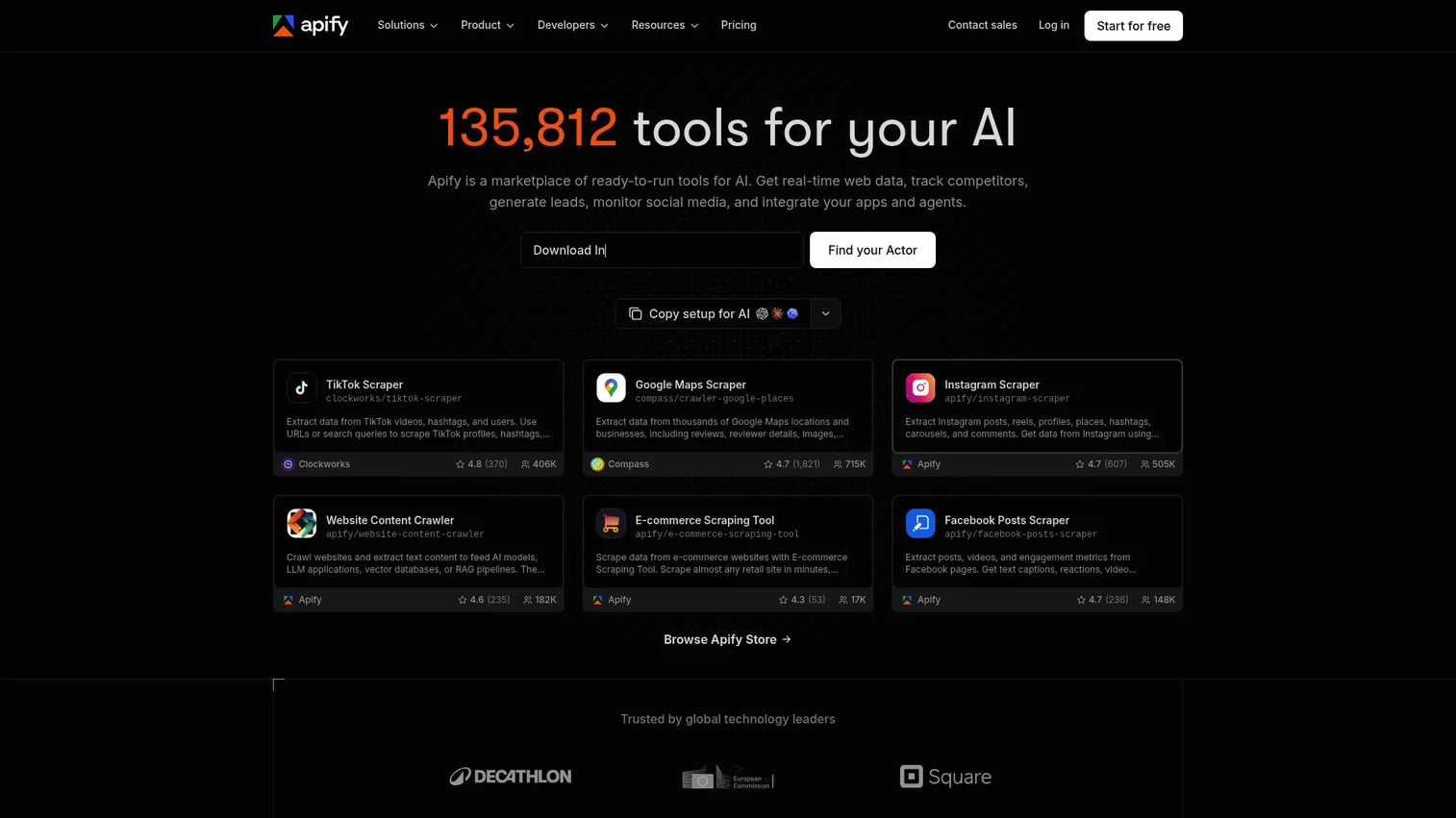
Apify combines cloud hosting, web data extraction, and browser automation. Its marketplace contains ready-to-run Actors for common scraping and monitoring jobs.
Teams can also build custom Actors using JavaScript or Python. Scheduled jobs, dataset storage, APIs, and webhooks support recurring workflows that feed reports or internal systems.
Best for: Growth and data teams that want reusable scraping workflows without building all infrastructure themselves.
Key features
- Ready-to-run Actor marketplace
- Scheduled scraping and monitoring
- API and webhook access
- Dataset exports
- Proxy and unblocking infrastructure
Why choose Apify: It covers both semi-technical operators and developers. Marketers can start with an existing Actor, while engineers can extend the same workflow.
The broad platform can be more than a small one-off project needs. Evaluate usage costs against job frequency and computing requirements.
Apify pricing: Free includes $5 of monthly prepaid usage. Starter costs $19 monthly plus usage, while Scale costs $199 monthly.
G2 rating: 4.7/5.
2. Bright Data
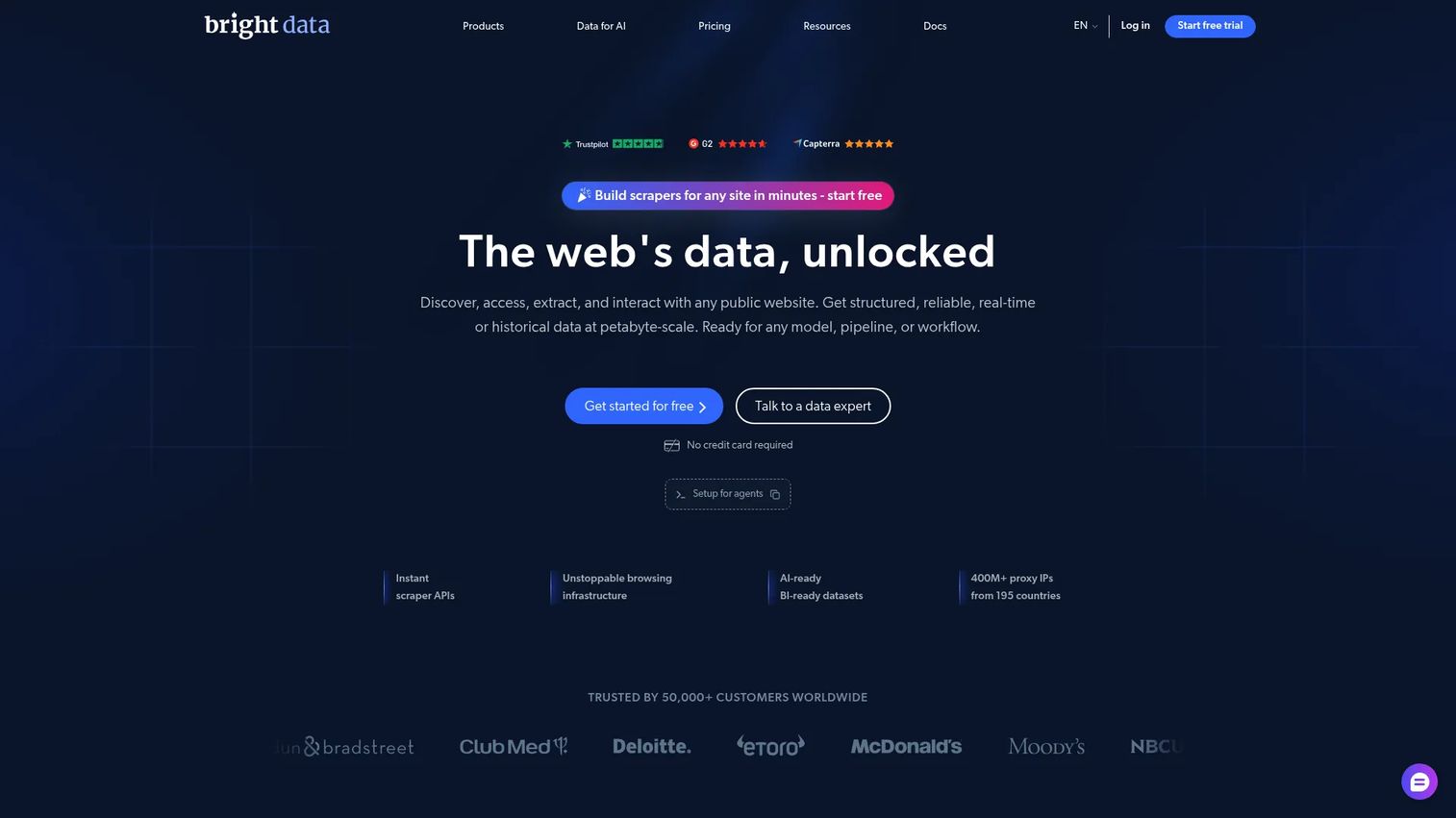
Bright Data provides web scraping APIs, browser automation, ready datasets, and proxy infrastructure. Its products handle JavaScript rendering, IP rotation, CAPTCHA solving, and structured delivery.
The platform suits organizations collecting public web data across many sites. Marketers usually encounter it through ecommerce scraping, search analysis, or large competitive intelligence projects.
Best for: Enterprise teams operating high-volume collection programs across varied targets.
Key features
- Rotating proxy infrastructure
- Scraping browser
- Web Unlocker
- Ready-to-use datasets
- Structured data APIs
Why choose Bright Data: It consolidates extraction tools with proxy management. That breadth helps mature teams reduce the number of vendors behind a collection pipeline.
Pricing spans several product lines. Estimate requests, target difficulty, and rendering requirements before comparing it with simpler APIs.
Bright Data pricing: A free tier includes 5,000 monthly requests. Web Unlocker and SERP API usage starts at $1.50 per 1,000 requests.
G2 rating: 4.7/5.
3. Oxylabs
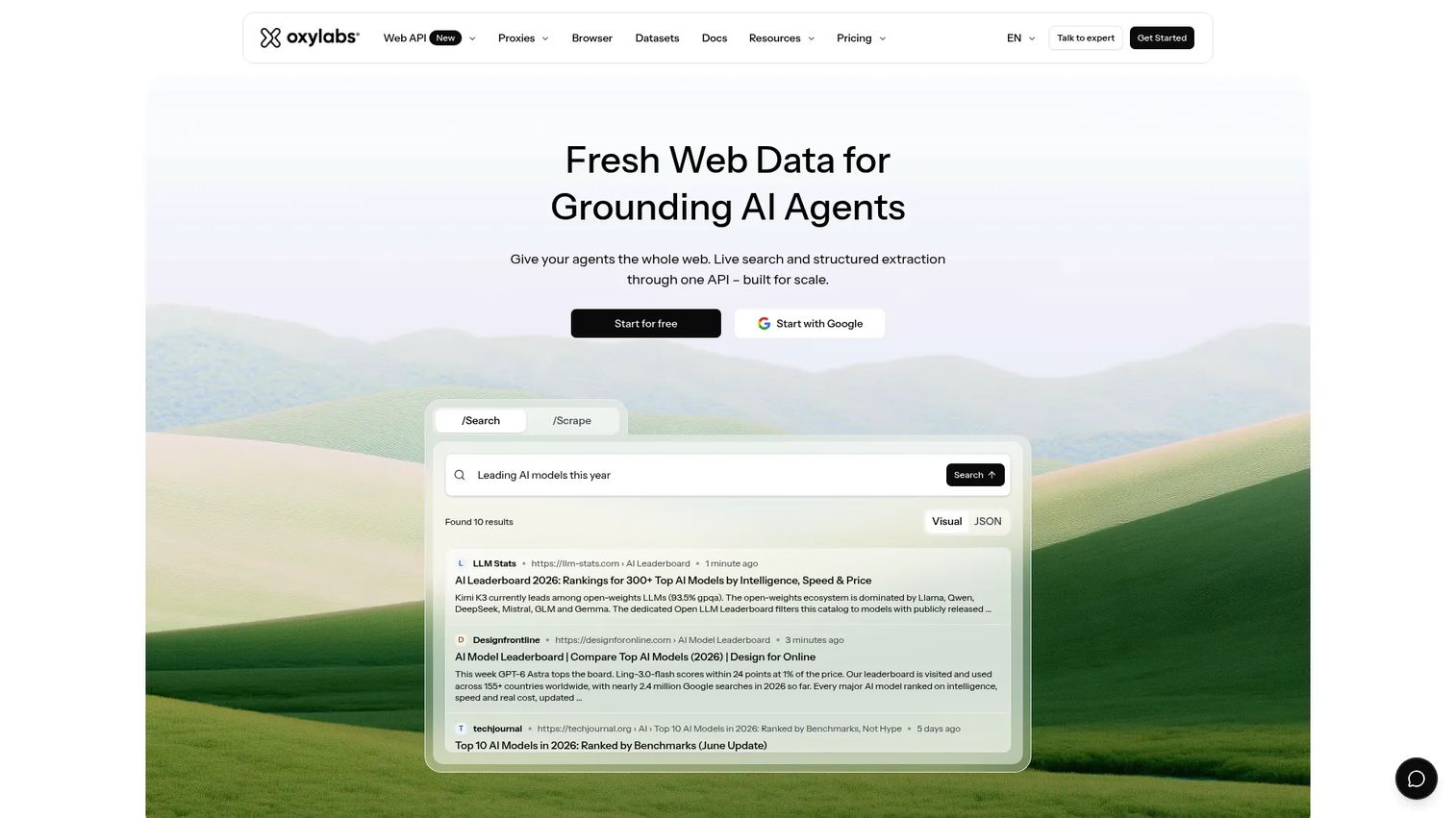
Oxylabs supplies proxy infrastructure and web data collection products. Its offering includes residential proxies, datacenter proxies, scraper APIs, JavaScript rendering, and custom parsing.
The platform focuses on large-scale collection for market intelligence, ecommerce research, or search data. A scheduler supports recurring jobs without manual execution.
Best for: Mature data teams needing scalable extraction infrastructure and vendor support.
Key features
- Rotating residential proxies
- Datacenter proxy access
- Web Scraper API
- JavaScript rendering
- Automated job scheduling
Why choose Oxylabs: It fits teams that want proxies and extraction products from the same provider. This can simplify ownership for large, recurring workloads.
Smaller marketing projects may find visual tools easier to own. Oxylabs makes more sense when volume and reliability justify technical involvement.
Oxylabs pricing: Starter costs $30 monthly, while Basic costs $100 monthly. New accounts receive $5 in welcome credits.
G2 rating: 4.5/5.
4. Zyte
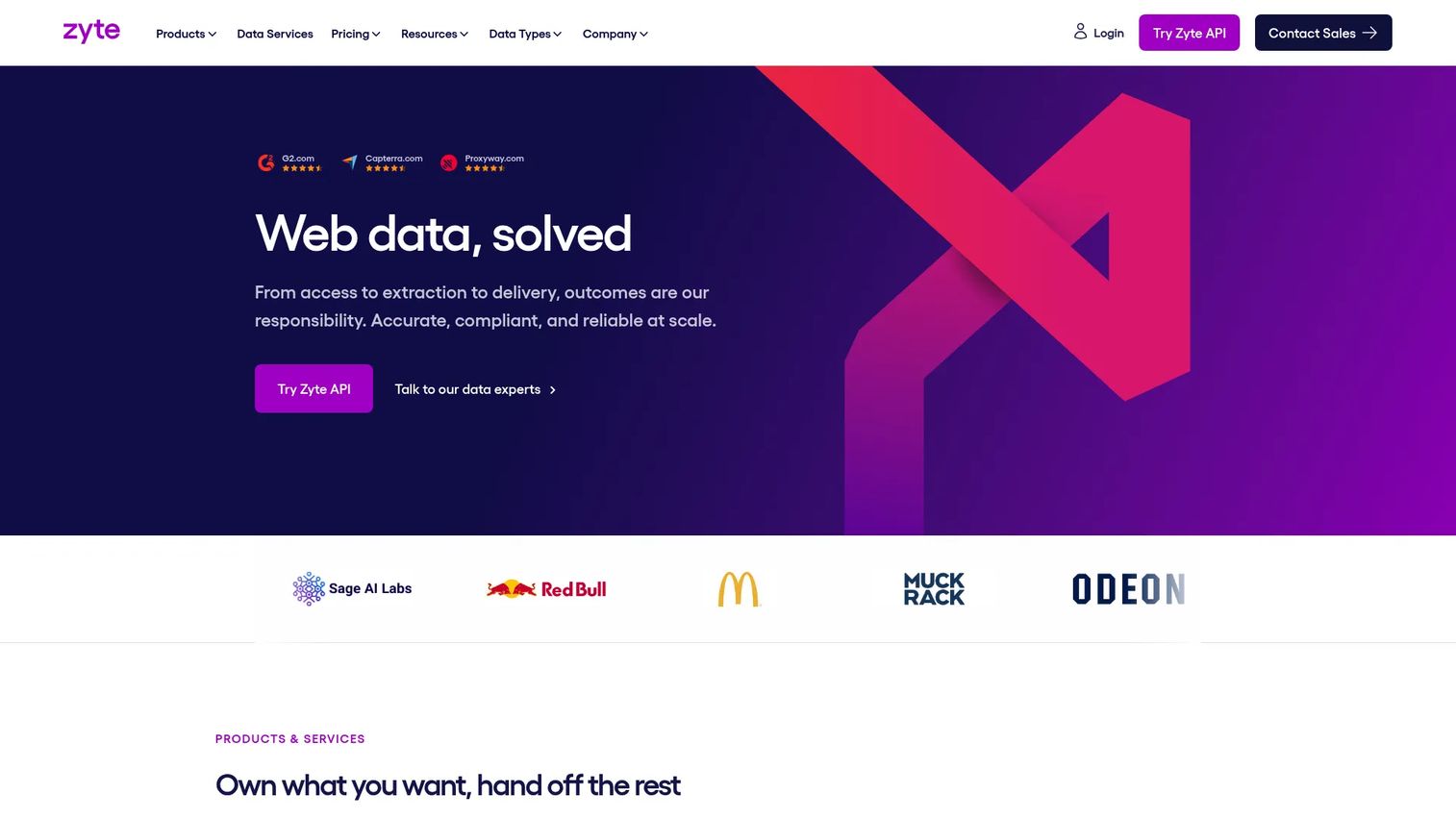
Zyte provides scraping APIs, browser rendering, automatic extraction, and managed data services. It handles proxy rotation, sessions, cookies, CAPTCHA challenges, and geographic targeting.
Its usage-based web scraping API helps teams avoid managing every anti-bot or rendering component internally. Structured outputs support pipelines that need more than raw HTML.
Best for: Teams seeking API-based scraping with managed extraction support.
Key features
- Automated proxy rotation
- Headless browser rendering
- Session and cookie handling
- Geo-targeted requests
- Structured data extraction
Why choose Zyte: It reduces infrastructure ownership while leaving developers in control of requests and delivery. This balance works for recurring production pipelines.
Costs vary with site complexity and request type. Browser-rendered requests cost more than basic HTTP responses.
Zyte pricing: Usage starts at $0.06 per 1,000 successful responses. A 30-day trial includes $5 in credit.
G2 rating: 4.4/5.
5. ScraperAPI
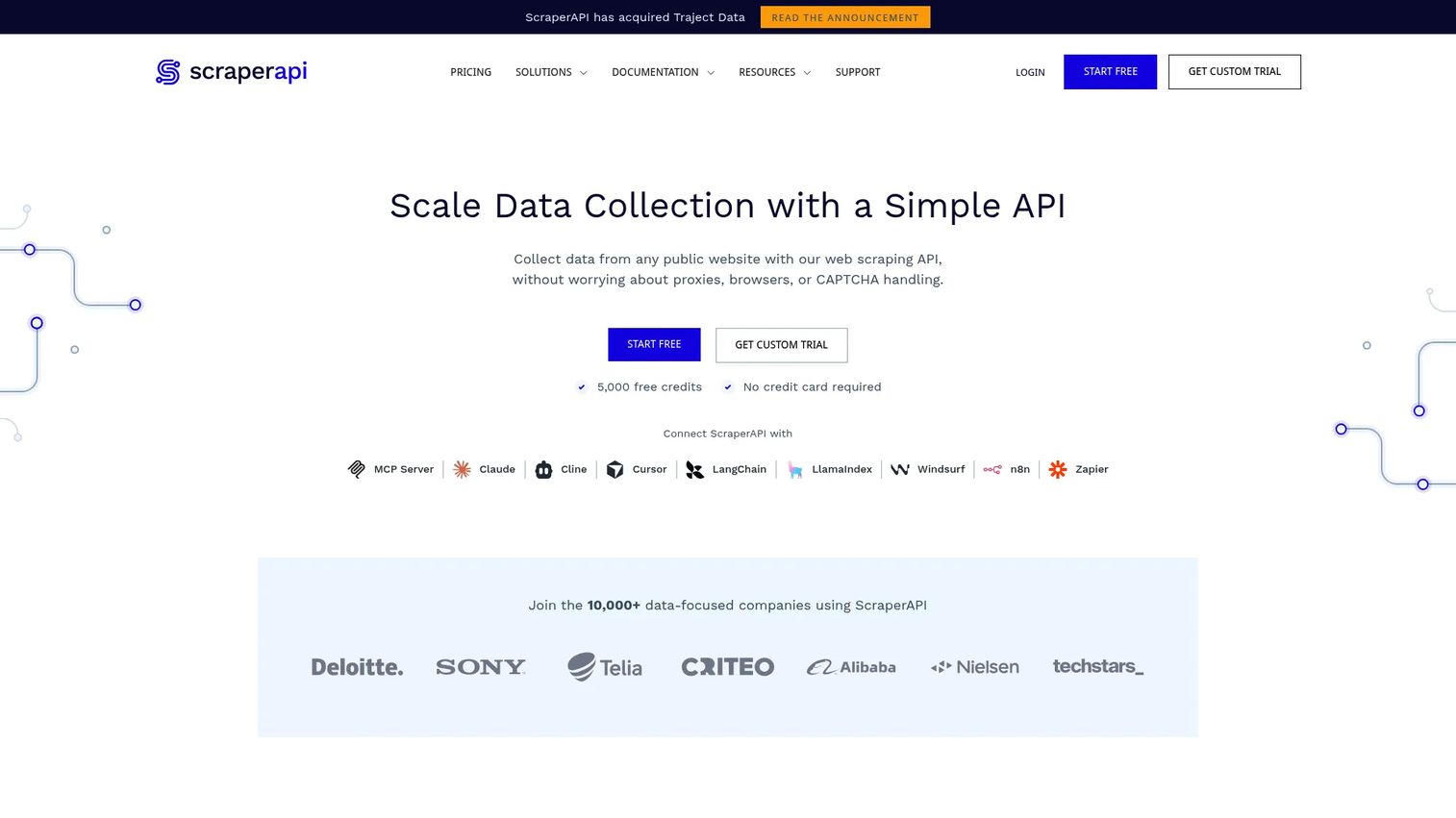
ScraperAPI gives developers one endpoint for retrieving website data. It manages proxy rotation, retries, geotargeting, JavaScript rendering, and common anti-bot measures.
Teams keep their own extraction logic while outsourcing request infrastructure. Structured data endpoints and JSON parsing support recurring data workflows.
Best for: Developers supporting marketers who need a straightforward web scraping API.
Key features
- Automatic proxy rotation
- JavaScript rendering
- CAPTCHA handling
- Geotargeted requests
- Asynchronous scraping
Why choose ScraperAPI: It lets technical teams retain code-level control without maintaining proxy pools. That model suits existing scripts that need better request reliability.
The platform still requires developers to define extraction and data delivery. Nontechnical marketers will need engineering support.
ScraperAPI pricing: A free plan provides 1,000 monthly API credits. Hobby starts at $49 monthly, with annual billing discounted by 10%.
6. ScrapingBee
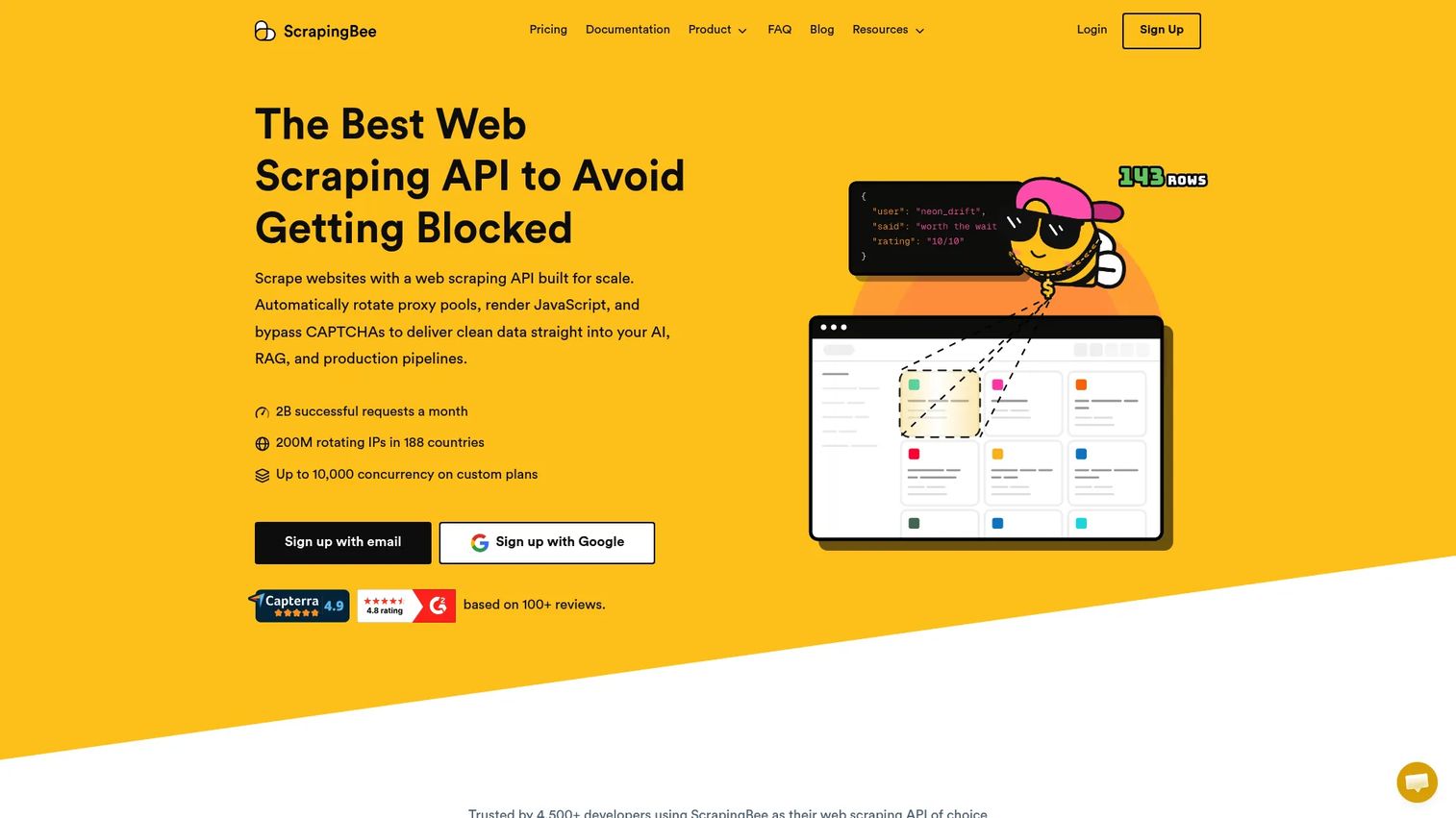
ScrapingBee is an API for browser-rendered extraction. It runs headless Chrome, rotates proxies, captures screenshots, and applies CSS or XPath extraction rules.
Dedicated APIs cover several search, retail, video, and AI sources. This can help data teams standardize repeated collection jobs.
Best for: Developers extracting data from JavaScript-heavy pages without operating browsers.
Key features
- Headless Chrome rendering
- Automatic proxy rotation
- Structured extraction rules
- Screenshots and HTML output
- Dedicated source APIs
Why choose ScrapingBee: It fits workflows where pages must render before useful content appears. Developers can request browser behavior without running browser clusters.
API credits vary with request features and proxy type. Model likely usage before comparing headline plan prices.
ScrapingBee pricing: A trial includes 1,000 API credits. Hobby starts at $19 monthly, while Freelance costs $49 monthly.
G2 rating: 4.8/5.
7. Firecrawl
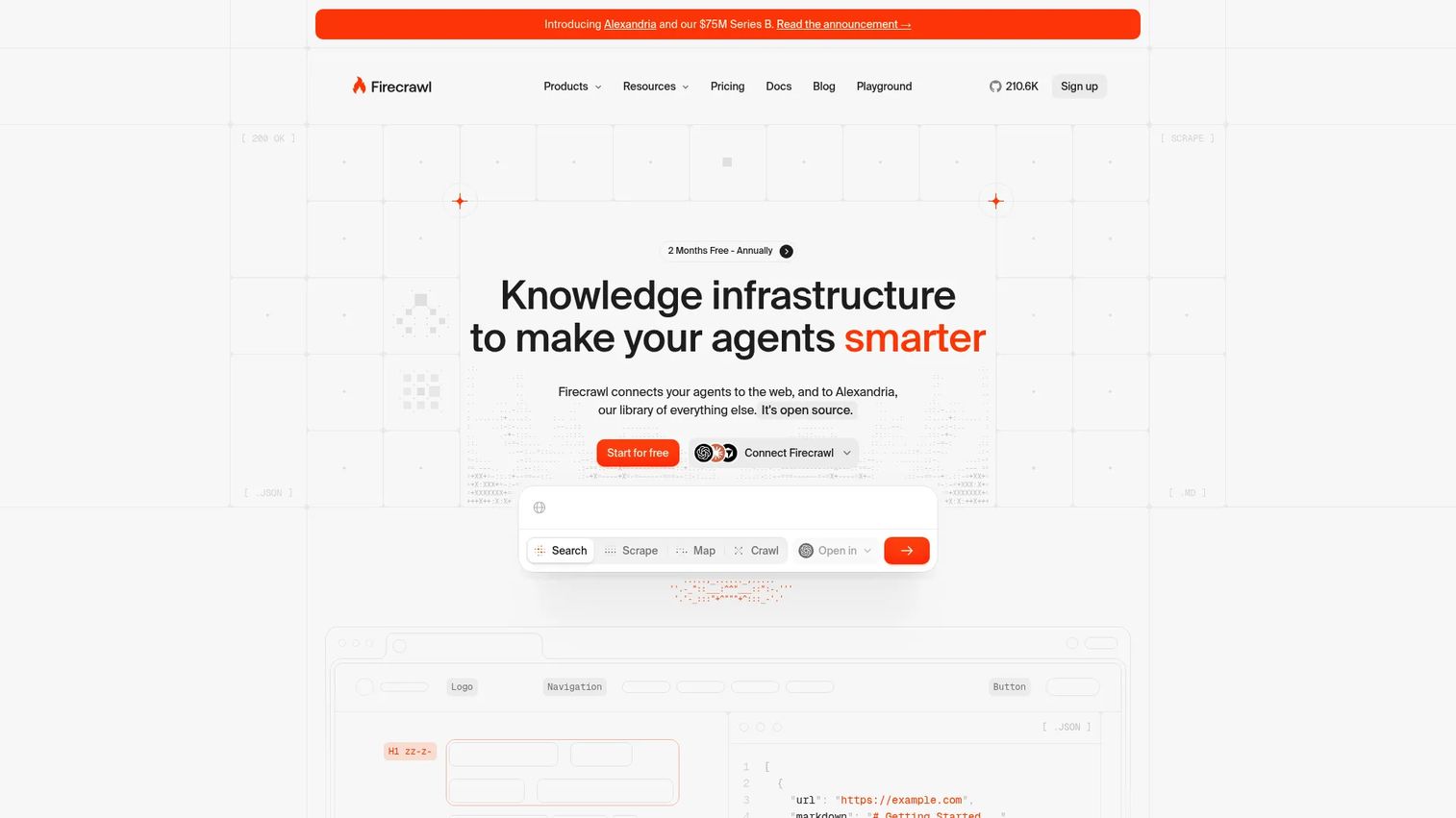
Firecrawl converts website content into Markdown, JSON, screenshots, and other machine-readable outputs. It can search, scrape, map, or crawl sites for AI applications.
Browser actions support clicking, scrolling, typing, and waiting. Document parsing also covers PDF and DOCX files.
Best for: AI teams and marketers feeding current public website content into LLM workflows.
Key features
- LLM-ready Markdown output
- Structured JSON extraction
- Website crawling and mapping
- Browser interaction actions
- PDF and DOCX parsing
Why choose Firecrawl: It reduces the cleanup between website collection and AI use. That makes it useful for RAG pipelines, agents, or content intelligence systems.
Traditional price monitoring may need more specialized field controls. Firecrawl is strongest when machine-readable content is the desired output.
Firecrawl pricing: Free includes 1,000 monthly credits. Hobby costs $19 monthly or $16 monthly with annual billing.
G2 rating: 4.5/5.
8. Octoparse
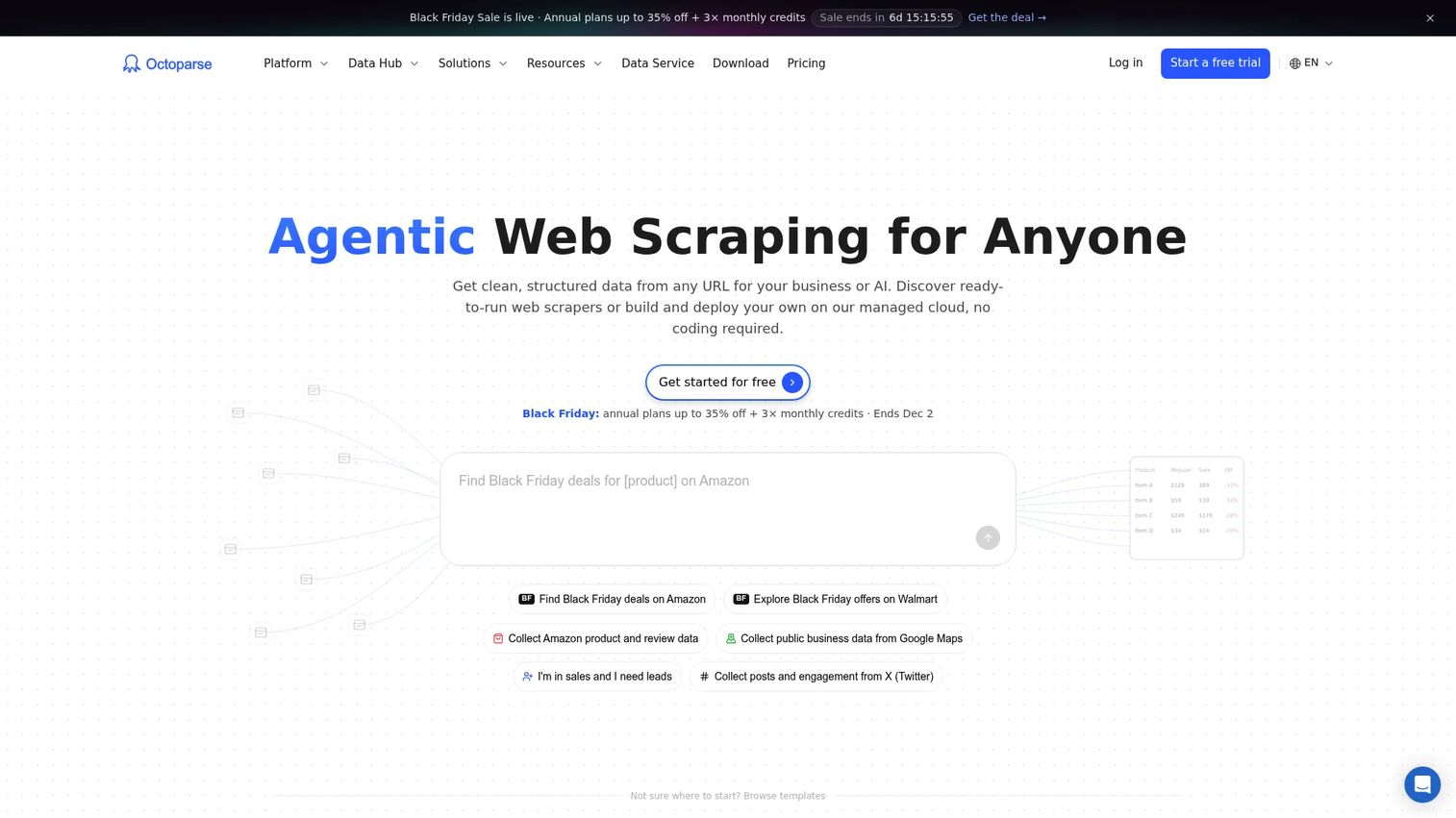
Octoparse provides no-code web scraping through a visual workflow builder. Users select page elements, configure navigation, and run extraction locally or in the cloud.
Templates shorten setup for common targets. Scheduled runs and exports suit recurring market research scraping without a custom codebase.
Best for: Marketers who need recurring extraction without filing an engineering ticket.
Key features
- Visual workflow builder
- Automatic element detection
- Cloud extraction
- Scheduled scraping
- CSV and Excel exports
Why choose Octoparse: It gives marketers direct control over collection schedules and outputs. This can replace repeated spreadsheet research when target pages follow stable patterns.
Complex site behavior still requires careful workflow setup. Test target pages before committing to a paid plan.
Octoparse pricing: Free includes 10 tasks and local extraction. Standard costs $69 monthly when billed annually.
G2 rating: 4.8/5.
9. ParseHub
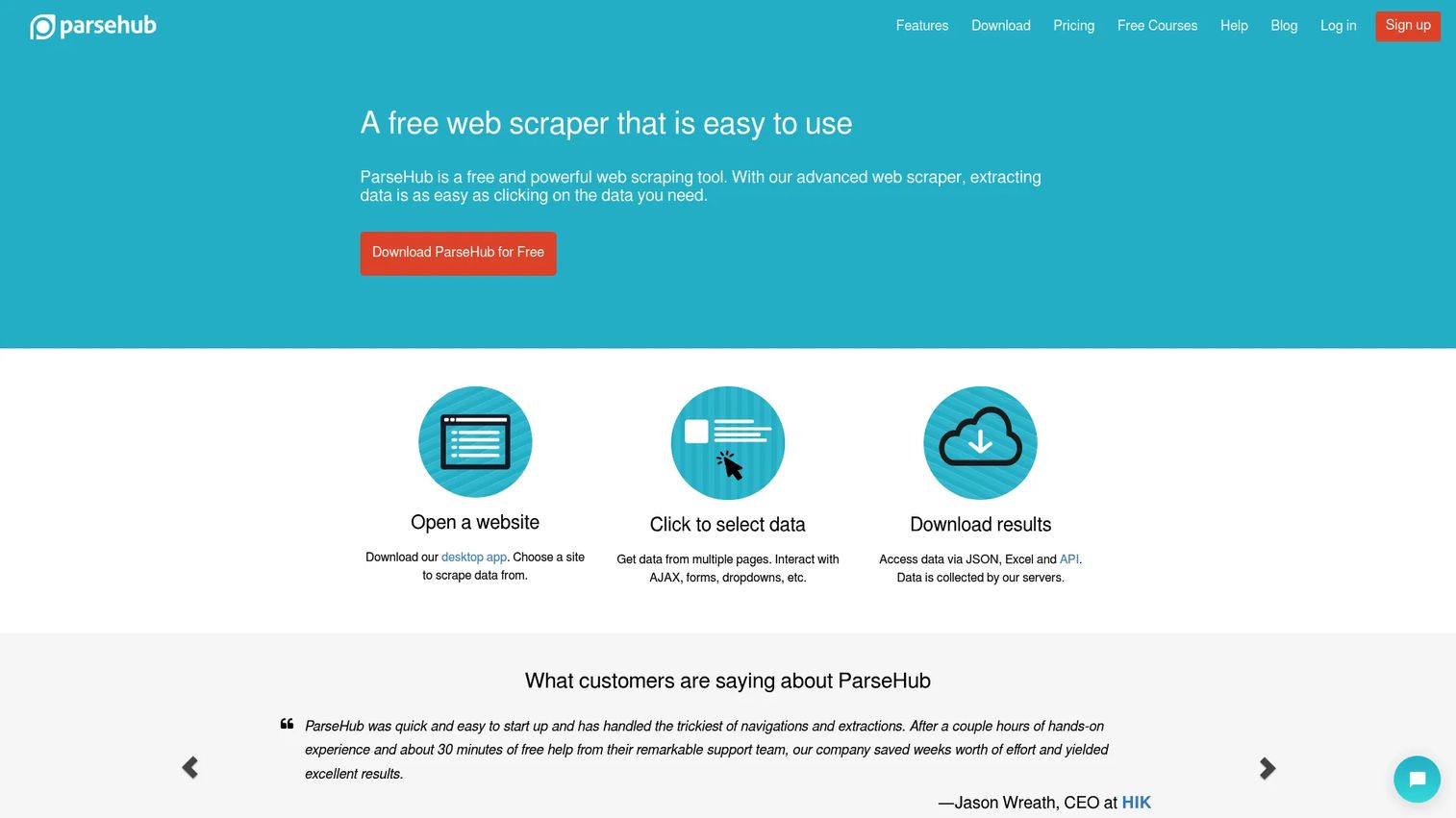
ParseHub is visual site scraper software for dynamic websites. It supports clicks, forms, pagination, AJAX content, and multi-step extraction workflows.
Results can flow into CSV, JSON, Excel, Google Sheets, or Tableau. APIs and webhooks support delivery beyond manual downloads.
Best for: Non-developers configuring detailed visual scraping projects.
Key features
- Point-and-click selectors
- JavaScript and AJAX support
- Pagination and form actions
- Scheduled cloud runs
- API and webhook delivery
Why choose ParseHub: It handles more interaction than a basic table extractor. Marketers can model multi-page workflows without writing a full browser script.
The paid entry point is higher than several no-code options. Compare project limits and run frequency before choosing it.
ParseHub pricing: A free plan is available. Paid plans start at $189 monthly, with custom plans offered for larger workloads.
10. Diffbot
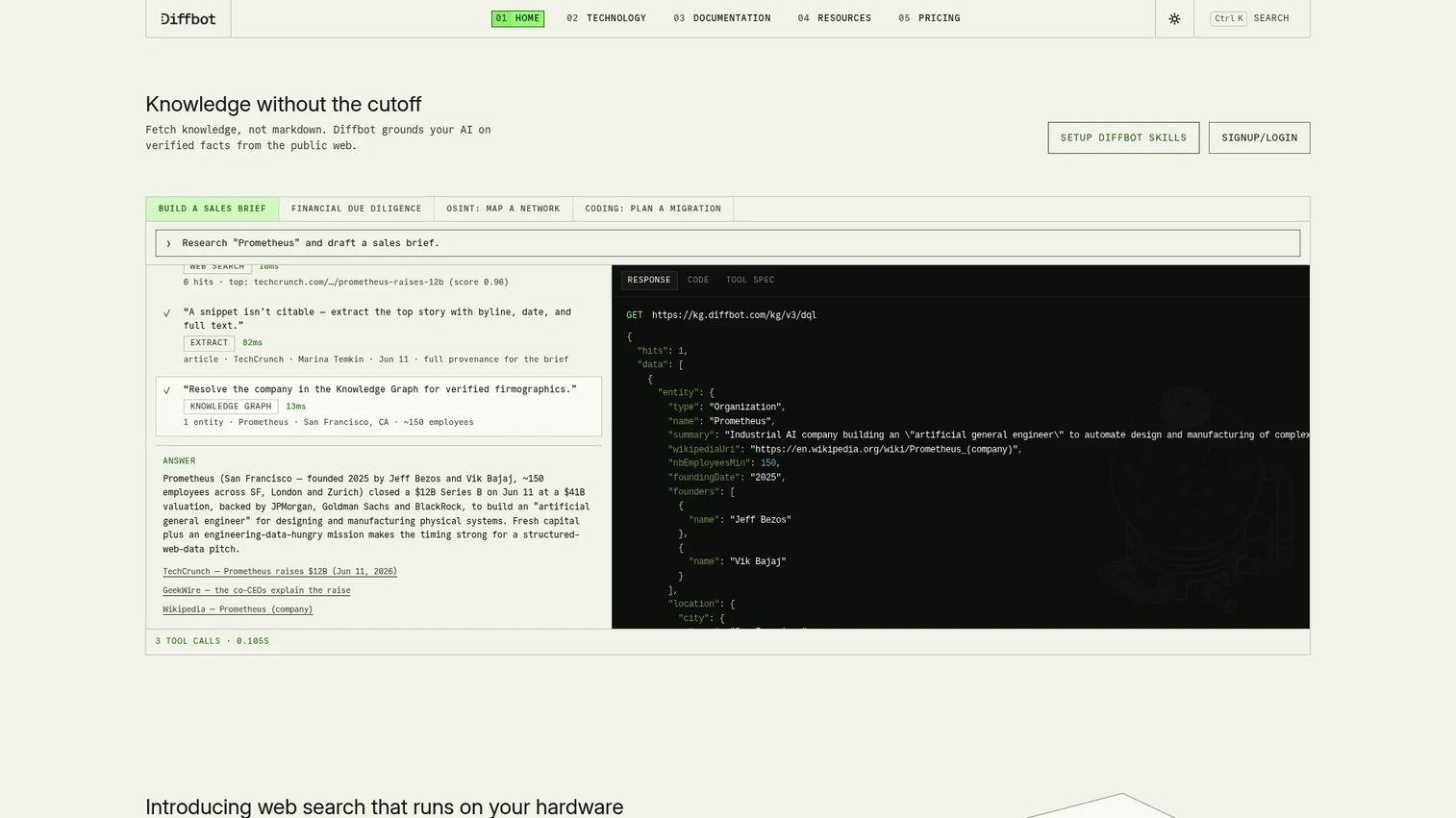
Diffbot uses AI to convert unstructured pages into linked, structured information. Its Knowledge Graph contains more than 10 billion entities.
Automatic extraction identifies page content without requiring a selector for every field. Crawlbot extends that process across entire websites.
Best for: Data teams needing normalized entities, relationships, or web-scale market intelligence.
Key features
- Automatic structured extraction
- Web-scale Knowledge Graph
- Entity and relationship matching
- Full-site crawling
- Natural-language queries
Why choose Diffbot: It suits projects where understanding entities matters more than copying rows. Examples include company enrichment, news intelligence, or category mapping.
Its credit model and $299 paid entry point target serious data programs. Smaller monitoring jobs may need less infrastructure.
Diffbot pricing: Free includes 10,000 monthly credits. Startup costs $299 monthly, while Plus costs $899 monthly.
G2 rating: 4.0/5.
11. Browse AI
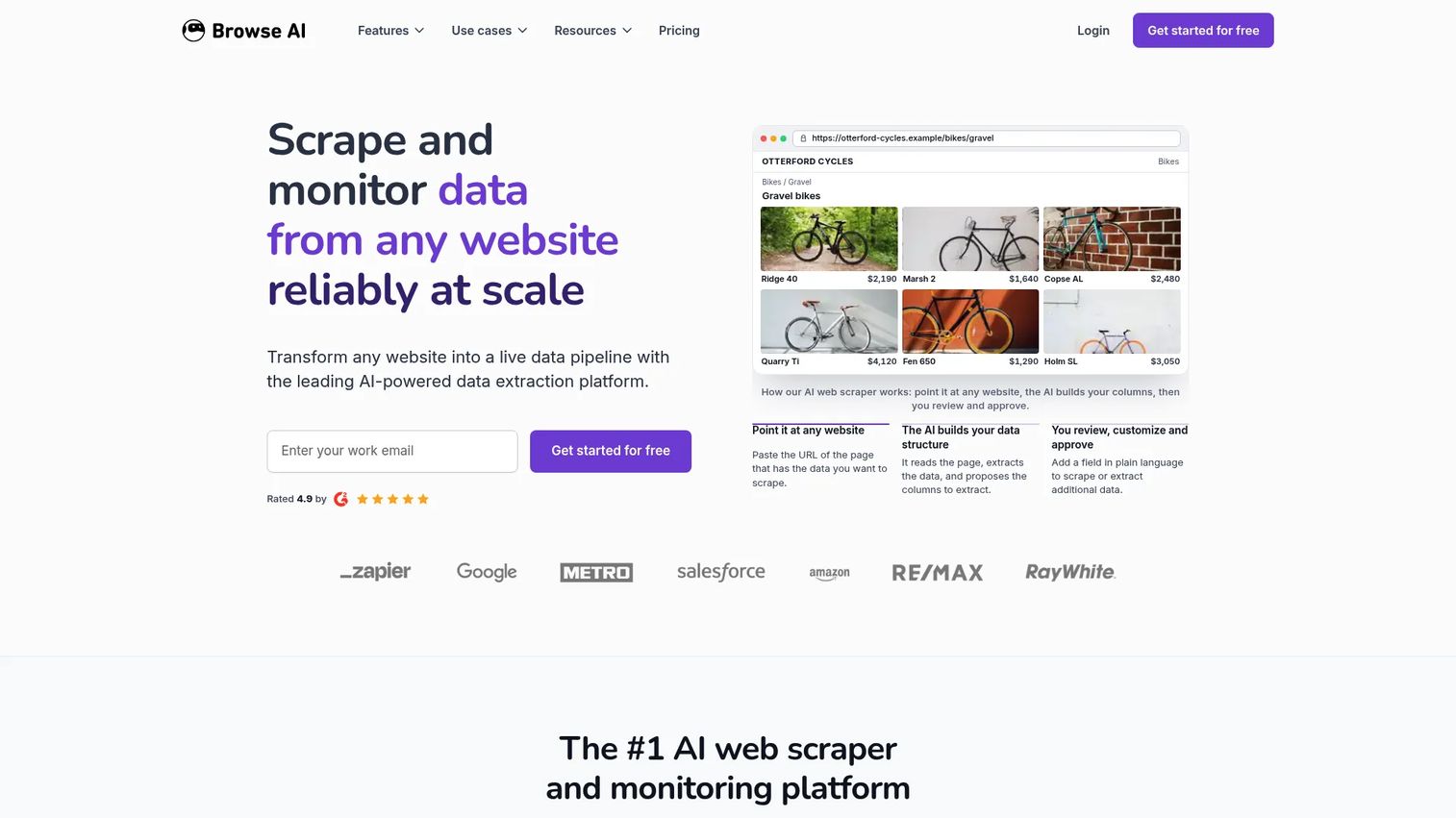
Browse AI lets users train no-code robots to extract fields or monitor website changes. Robots can handle pagination, dynamic content, and multi-step workflows.
Outputs connect with CSV, JSON, Google Sheets, Airtable, APIs, and webhooks. Alerts make it useful for recurring competitor monitoring.
Best for: Growth marketers tracking website changes without technical setup.
Key features
- No-code extraction robots
- Website change monitoring
- Scheduled collection
- Dynamic page handling
- Spreadsheet and API delivery
Why choose Browse AI: It focuses on repeatable monitoring rather than isolated exports. Marketing teams can track public pricing or content changes with limited developer involvement.
Credit consumption varies by task. Test recurring jobs on the free plan before estimating operating costs.
Browse AI pricing: Free includes 50 monthly credits. Personal costs $19 monthly when billed annually.
12. Scrapy
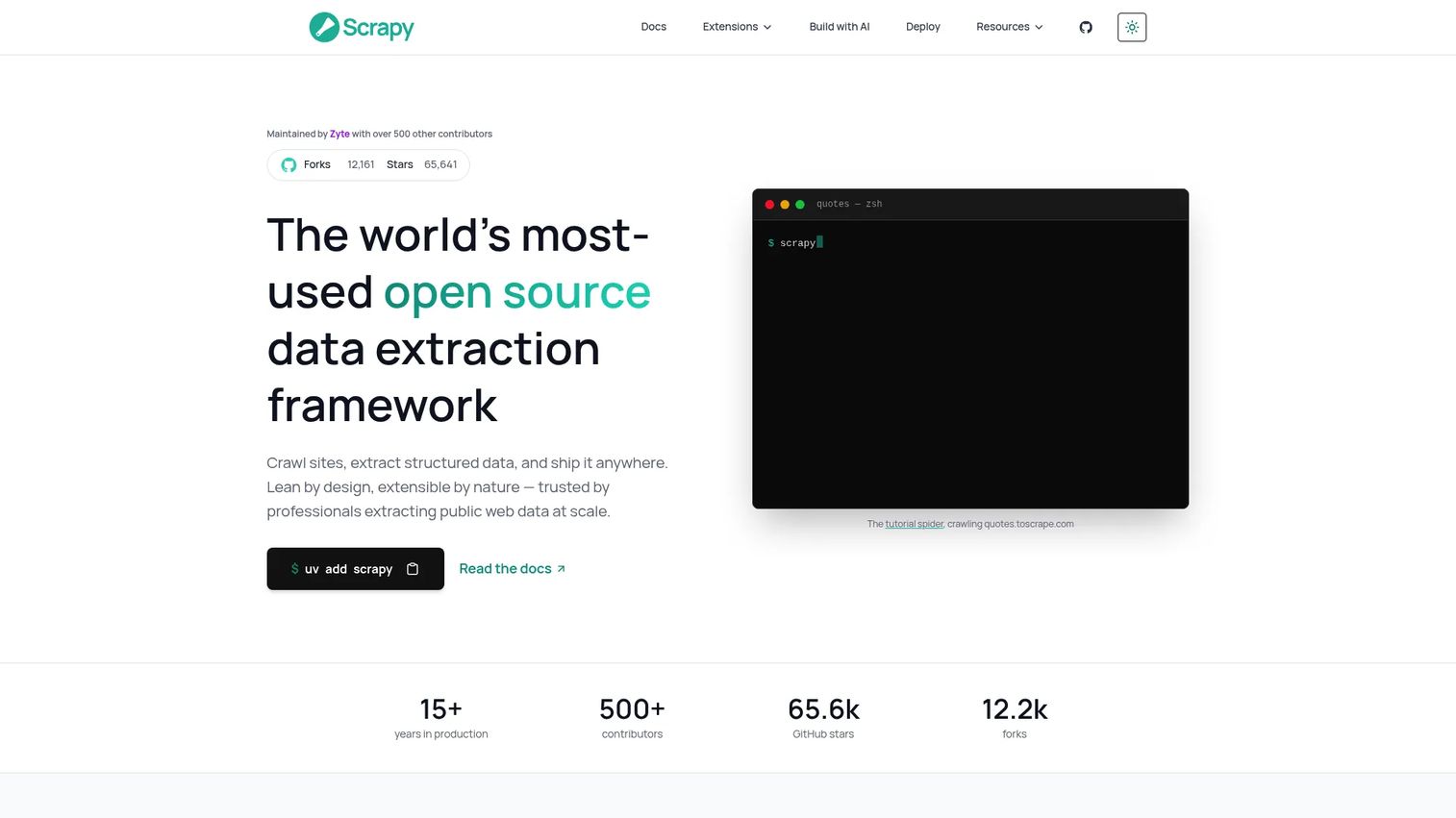
Scrapy is a free Python framework for crawling websites and extracting structured data. Developers create spiders, define fields, and process results through configurable pipelines.
Its asynchronous architecture supports concurrent requests. Middleware and extensions give engineering teams control over request behavior and exports.
Best for: Developers building custom Python crawling and extraction systems.
Key features
- Spider-based crawling framework
- CSS and XPath selectors
- Asynchronous requests
- Configurable item pipelines
- JSON and CSV exports
Why choose Scrapy: It offers deep control without a software subscription. Engineering teams can build collection logic around precise internal requirements.
Developer time, hosting, proxies, and maintenance remain operating costs. Marketers need technical ownership for production use.
Scrapy pricing: The open-source framework is free. Scrapy Cloud has a free Starter plan and Professional hosting from $9 per unit monthly.
13. Playwright
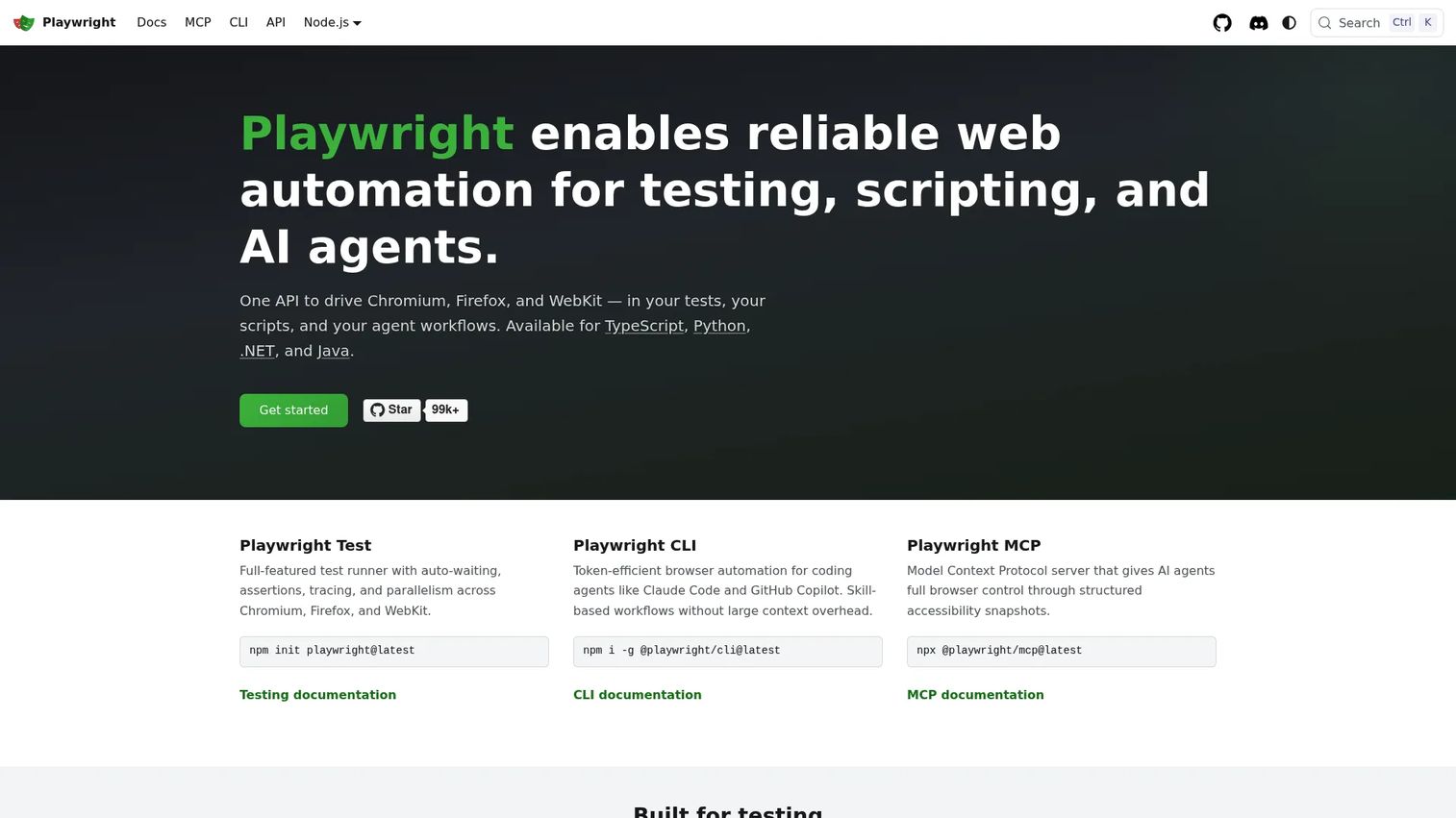
Playwright is an open-source browser automation framework. It controls Chromium, Firefox, and WebKit through TypeScript, Python, .NET, or Java.
Although built for testing and automation, developers often use it to load dynamic pages and extract browser-rendered data. Network interception provides control over requests and responses.
Best for: Developers scraping JavaScript-heavy websites with precise browser control.
Key features
- Chromium, Firefox, and WebKit support
- Automatic action waiting
- Network interception
- Headless browser execution
- Screenshot and trace capture
Why choose Playwright: It suits sites that require clicks, scrolling, or session behavior before content appears. Modern browser controls help engineers model complex flows.
It is a framework rather than turnkey scraping software. Teams must provide selectors, storage, proxies, and monitoring.
Playwright pricing: Playwright is free and open source. Infrastructure and developer costs remain separate.
G2 rating: 4.8/5.
14. BeautifulSoup
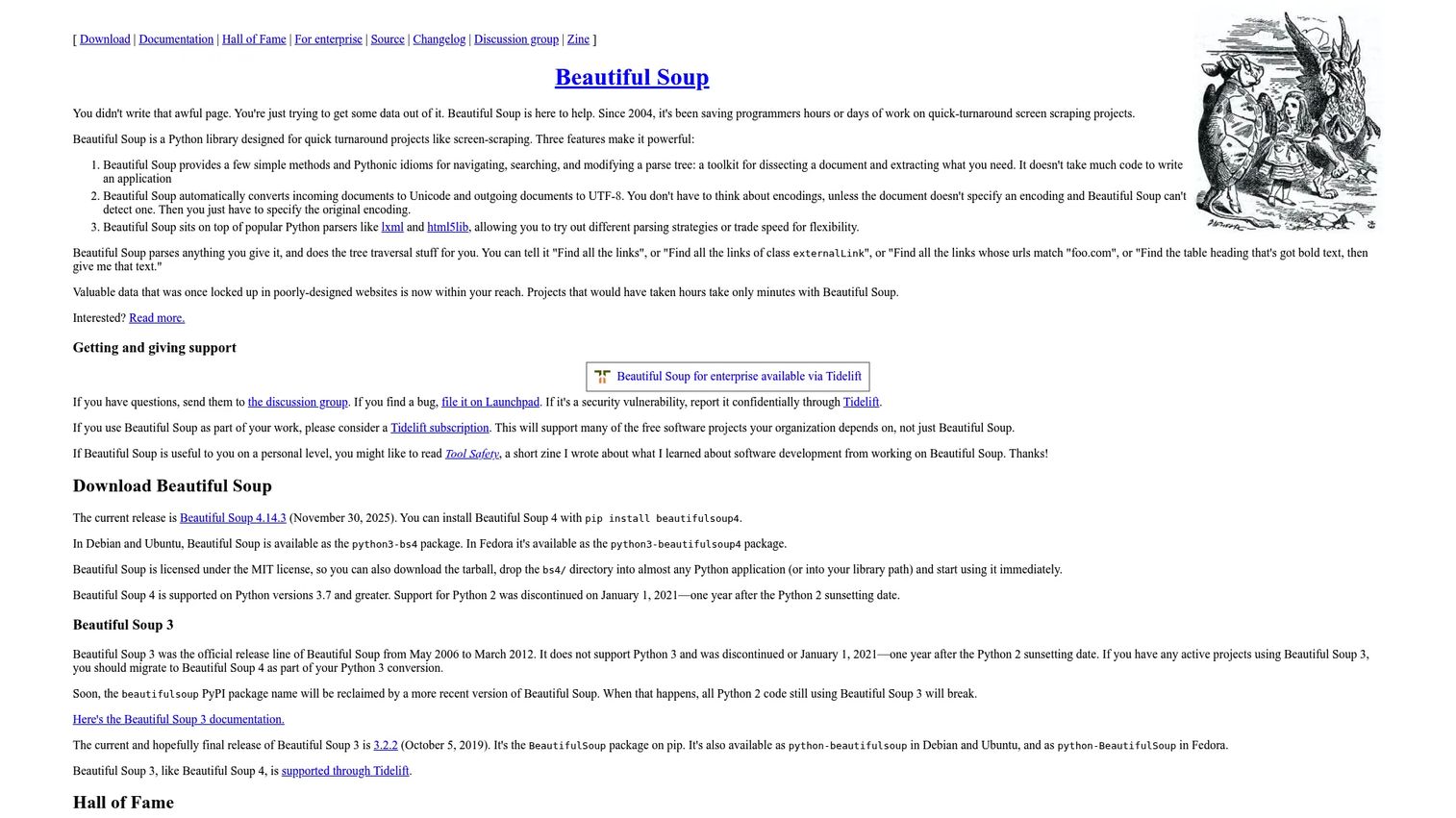
BeautifulSoup is a Python library for parsing HTML and XML. It handles imperfect markup and provides methods for navigating or modifying parse trees.
Developers often combine it with an HTTP client for lightweight extraction. Browser automation is needed when the target content depends on JavaScript rendering.
Best for: Developers creating small HTML parsing jobs or prototypes in Python.
Key features
- HTML and XML parsing
- Invalid markup handling
- Parse-tree navigation
- CSS selector support
- Pluggable parser support
Why choose BeautifulSoup: It is approachable for straightforward pages and small scripts. Teams can extract stable content without adopting a larger crawling framework.
It does not manage requests, scheduling, proxies, or browsers. Those components require additional libraries or infrastructure.
BeautifulSoup pricing: BeautifulSoup is free and open source under the same licensing terms as Python.
G2 rating: 4.4/5.
15. Crawlee
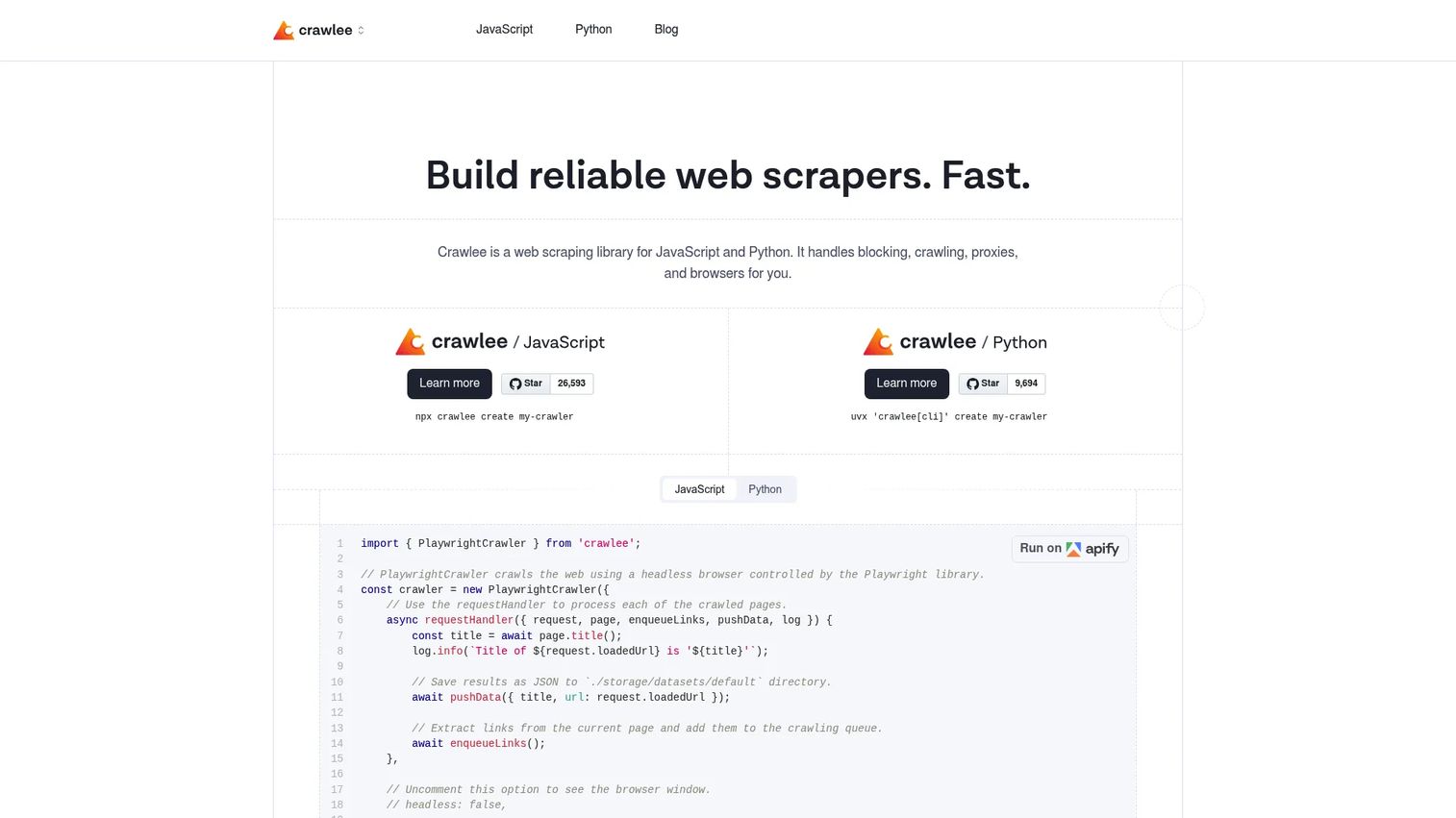
Crawlee is an open-source scraping library for JavaScript and Python. It supports HTTP crawlers, headless browsers, request queues, proxy rotation, and persistent storage.
Automatic retries and autoscaling provide useful building blocks for production collection. Developers can choose browser-based or lightweight HTTP approaches per target.
Best for: Engineering teams building scalable crawlers in JavaScript or Python.
Key features
- HTTP and browser crawling
- Persistent request queues
- Automatic retries
- Proxy rotation
- Structured dataset storage
Why choose Crawlee: It includes common crawling primitives that developers would otherwise assemble themselves. This shortens setup while preserving code-level control.
Production use still needs hosting and monitoring. Marketing teams should assign an engineering owner before relying on it.
Crawlee pricing: Crawlee is free and open source. Infrastructure, proxy traffic, and developer time determine operating cost.
16. Selenium
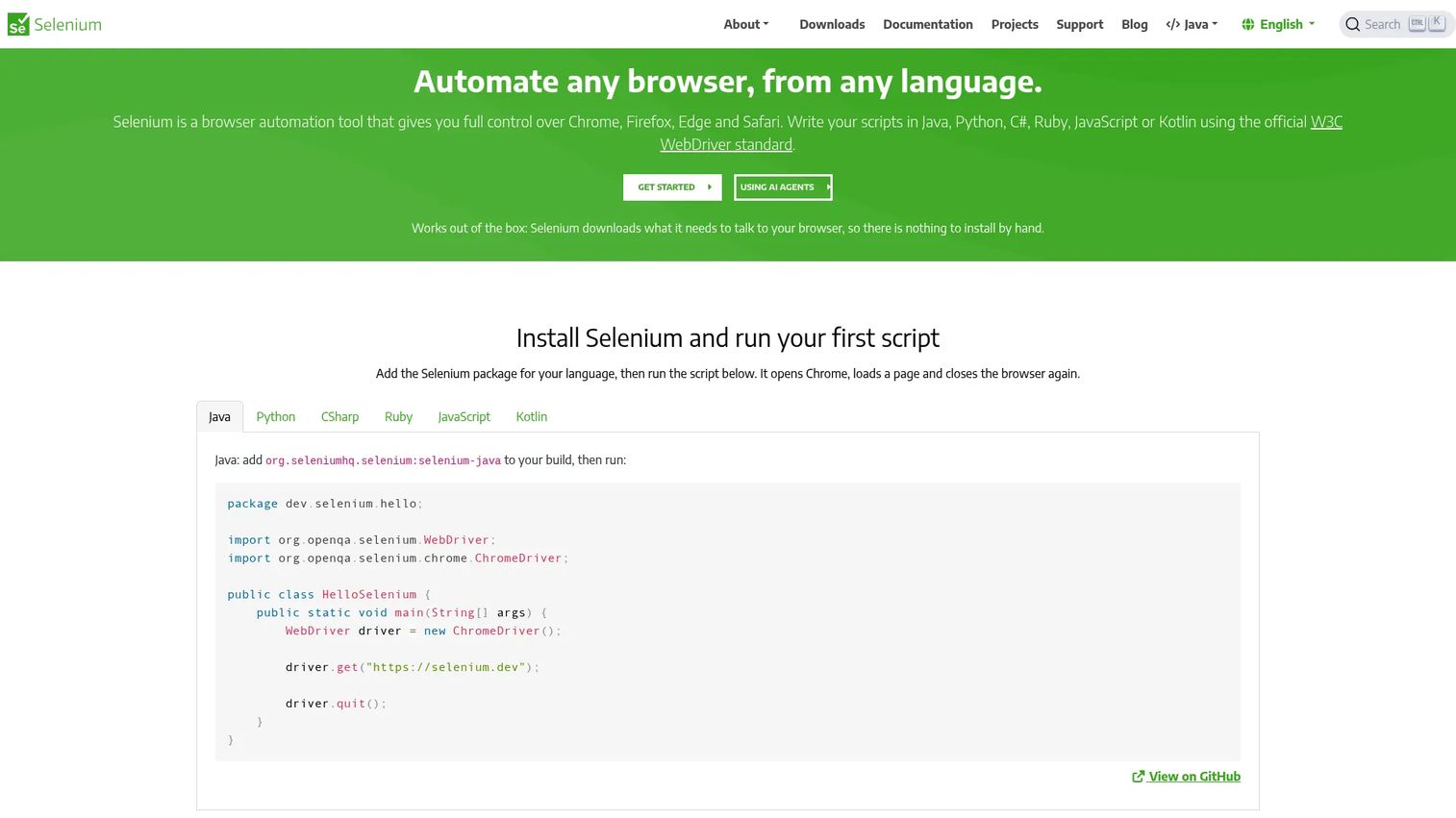
Selenium is an open-source browser automation toolset. WebDriver controls Chrome, Firefox, Edge, and Safari through code.
Selenium Grid runs parallel browser sessions across machines and operating systems. Selenium IDE can record and replay browser actions.
Best for: Teams with existing Selenium expertise or broad cross-browser requirements.
Key features
- WebDriver browser automation
- Major browser support
- Selenium Grid
- Recorded browser actions
- Testing workflow integration
Why choose Selenium: Its mature ecosystem helps organizations reuse existing browser automation skills. This is useful when scraping sits beside established testing infrastructure.
Teams starting fresh may prefer a framework with more scraping-oriented defaults. Selenium still requires extraction logic, proxies, and storage.
Selenium pricing: Selenium is free and open source. Hosting, maintenance, and proxy expenses remain separate.
G2 rating: 4.3/5.
17. SERPApi
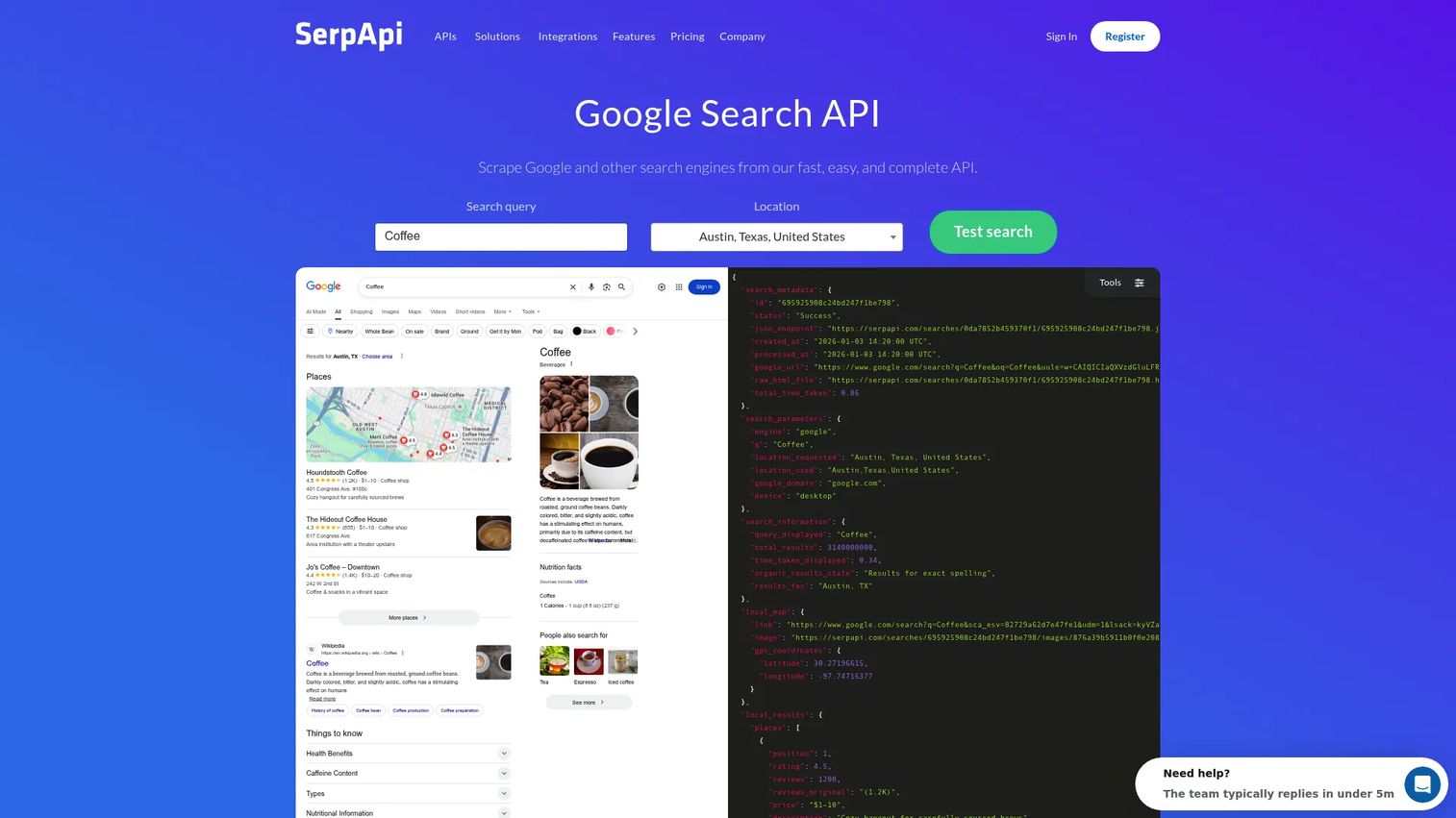
SERPApi extracts search engine results and returns structured data through an API. It supports full-browser requests, accurate geolocation, and JSON or Markdown output.
The specialized approach removes the need to maintain search result parsers. SEO teams can collect localized rankings, shopping results, or news features programmatically.
Best for: SEO and growth teams collecting search result data at scale.
Key features
- Structured search results
- Accurate geolocation
- Google results API
- JSON and Markdown output
- Shopping and news data
Why choose SERPApi: It fits teams focused on search intelligence rather than general website scraping. The API reduces maintenance as search result layouts change.
A general website scraper remains necessary for product pages or content libraries. SERPApi is strongest within its search-data specialty.
SERPApi pricing: Free includes a limited monthly search allowance. Starter costs $25 monthly, while Developer costs $75 monthly.
G2 rating: 4.8/5.
Considerations when choosing web scraping software
Start with the data output
Work backward from where the data must land. A CSV may suit occasional research, while recurring reporting may need an API or warehouse feed.
Check whether the tool supports your CRM, spreadsheet, dashboard, or webhook workflow. Scraped HTML has little value until your team can use it.
Check JavaScript and login requirements
Modern sites often load content after the initial page request. JavaScript rendering or browser automation becomes necessary when content appears after clicks or scrolling.
Authenticated pages add session handling and policy concerns. Confirm that collection is permitted before building the workflow.
Price the full workflow
Include subscriptions, request credits, proxy traffic, storage, and maintenance. Open-source software removes license fees but still consumes engineering time.
Run a small test against representative targets. Measure success rates and output quality before estimating the full budget.
Review terms, privacy, and access rules
Read robots.txt, website terms, and rate-limit guidance before collecting data. Robots.txt is an operational signal, not the only legal consideration.
Seek legal review for personal data, restricted sources, or authenticated content. This article does not provide legal advice.
Decide who owns maintenance
A marketer can often manage no-code monitoring. API pipelines and browser automation need a technical owner who can respond when websites change.
Assign responsibility before launch. An unattended scraper can quietly feed broken fields into reports and campaign decisions.
Conclusion
The best web scraping software matches the workflow around the data, not only the target page.
Apify provides the broadest hosted starting point for reusable collection jobs. Bright Data and Oxylabs suit enterprise-scale programs with demanding proxy needs.
Octoparse, ParseHub, and Browse AI give marketers visual control without requiring a custom codebase. Firecrawl fits LLM-ready extraction, while Diffbot adds entity understanding.
Developer teams can choose Scrapy for Python crawling or Crawlee for modern JavaScript and Python projects. Playwright and Selenium handle browser-driven workflows. BeautifulSoup covers lightweight parsing.
SERPApi is the focused choice for structured search data.
Before buying, test the websites you plan to collect. Confirm output quality, JavaScript behavior, maintenance ownership, and delivery into your reporting stack.
The best shortlist is usually small. Pick one no-code or hosted option and one technical alternative, then compare them against the same target pages.
FAQs
There is no universal winner. Apify fits recurring hosted workflows, while Octoparse and Browse AI provide no-code web scraping for marketer-owned projects.
SERPApi is a stronger choice when search data is the only requirement. Select the tool that delivers data directly into your reporting workflow.
Web scraping can be lawful in some contexts, particularly when collecting public information. The answer depends on the data, collection method, website terms, privacy rules, and jurisdiction.
Get legal review before collecting personal information, accessing authenticated pages, or running high-volume extraction. Do not treat robots.txt as a complete legal test.
Web crawling discovers pages by following links. Web scraping extracts selected fields from those pages.
A web crawling software framework may perform both jobs. The correct choice depends on whether you already know the target URLs.
Proxies help distribute requests, support geotargeting, and reduce failures caused by rate limits. They matter most for large workloads or protected websites.
Small projects may not need separate proxy management. Many hosted scraping tools include proxy handling within their service.
Octoparse suits visual workflow building and scheduled cloud extraction. ParseHub handles multi-step interactions, while Browse AI focuses on monitoring and alerts.
Test each site scraper software against your target pages. Dynamic content and unusual navigation can affect extraction quality.
JavaScript-heavy sites require rendering or browser control. ScrapingBee, ScraperAPI, and Zyte provide managed API approaches.
Playwright and Selenium offer code-level browser automation. Choose an API when you want managed infrastructure, or a framework when developers need precise control.
Most products support CSV, Excel, JSON, or API delivery. Several also connect with spreadsheets, webhooks, and automation platforms.
Direct CRM support varies. Check field mapping and update behavior before using scraped data in marketing operations.
Use a managed service when targets are complex, volume is high, or strict data quality controls are required. It also helps teams without technical capacity.
Software provides more control and can lower long-term costs for repeatable workflows. Compare internal maintenance time with the managed service fee.