Revenue can grow while service margins quietly shrink. Billable hours arrive late, receipts lose their project codes, and finance rebuilds invoice data in spreadsheets.
The workload behind that cleanup remains stubbornly manual. Skift reported in 2025 that more than 60% of travel and finance managers still process expense reports manually.
Good time and expense tracking software closes the gap between work performed and revenue recognized. It captures billable time, routes spending through approvals, and gives finance cleaner inputs for billing.
For a Series B founder, the question is practical: Which system will improve margin visibility without adding another disconnected tool?
What's inside
This guide compares 13 tools across the workflow that matters for a growing SaaS company.
- Selection criteria: Billable time capture, expense workflows, approvals, and project coding
- Finance fit: Invoicing handoff, accounting connections, reporting, and margin visibility
- Company fit: Lightweight trackers, professional services platforms, and finance systems
- Evidence: Pricing comes from vendor pages, while available ratings come from G2
- Decision angle: Operational fit matters more than the longest feature list
TL;DR
- Best for founder led services teams: Harvest connects time, expenses, budgets, and invoices without a heavy finance rollout
- Best free starting point: Clockify offers time tracking for five users at no cost
- Best for professional services scale: BigTime links project delivery with billing and financial reporting
- Best for expense operations: Zoho Expense and Expensify focus on receipts, approvals, cards, and reimbursements
- Best for finance led scale: Sage Intacct and NetSuite suit organizations standardizing broader financial operations
What is time and expense software?
Time and expense software helps companies record employee hours, billable work, business expenses, receipts, mileage, approvals, and project codes in one system. Finance teams then use that data for reimbursement, reporting, and invoicing.
The category covers more than employee time tracking. A useful time and expense management system connects work performed with its financial outcome.
Core capabilities
Common capabilities include:
- Time capture: Timers, manual entries, timesheets, calendars, or mobile apps
- Expense capture: Receipts, mileage, card spend, and reimbursement status
- Work classification: Projects, clients, tasks, and cost codes
- Billing control: Billable status, rates, budgets, and estimates
- Approval workflows: Manager review, finance checks, and locked periods
- Time and expense reporting: Utilization, costs, project margin, and exports
- Accounting handoff: Invoices, payroll data, reimbursements, and finance records
Some platforms cover the full process. Others specialize in project time tracking or expense reporting software. Accounting platforms may add project costing and receipt management around their general ledger.
Where it fits in a SaaS company
Time and expense management software becomes relevant when customer delivery carries a measurable cost. Common users include implementation teams, professional services, onboarding specialists, and support groups billing retainers.
The resulting data also affects founder level metrics. Project costs shape gross margin, while billable utilization influences revenue per employee. Accurate records help finance explain why services revenue grew while delivery margin moved differently.
This category also supports internal operations. Finance can monitor business spending, reimburse employees, and prepare records for monthly reporting.
What it is not
Time and expense software is not automatically a payroll system, project manager, or complete accounting platform. Several products overlap those categories, but their scope varies.
The core job remains consistent: Capture labor and expense data at its source, approve it, and make it usable downstream.
When to use time and expense software
Capture billable work before revenue leaks
Use billable time tracking when implementation specialists or consultants record client work. Late entries make forgotten hours more likely and delay invoice preparation.
A practical system should support the way employees already work. That may mean a timer, mobile entry, calendar view, or weekly timesheet.
Route expenses through approvals
Expense workflows become important when receipts arrive through email, chat, and shared folders. Managers need clear project codes, policy rules, and approval ownership before finance can reimburse or bill costs.
Adding those controls early helps a growing team avoid founder escalation whenever an unusual claim appears.
Hand approved data to finance
Time and expense tracking should reduce work between delivery and accounting. Approved records can support invoice preparation, payroll exports, expense reimbursement, or project profitability software.
Check whether the connection uses a direct sync or an export. A weak handoff simply moves spreadsheet cleanup to a different step.
Time and expense software comparison
The table below separates lightweight trackers from expense platforms and broader finance systems. Compare each option against your billing model first.
Prices reflect vendor information supplied for this 2026 review. A dash in the G2 column means the current rating could not be confirmed from an accessible listing.
| # | Product | Best for | Key differentiator | Pricing | G2 rating |
|---|---|---|---|---|---|
| 1 | Harvest | Client services teams | Time, expenses, budgets, and invoicing together | Free, Teams from $9 per seat monthly with annual billing | 4.3/5 |
| 2 | Clockify | Lean teams | Free time tracking with broad paid controls | Free, Basic from $3.99 per seat monthly with annual billing | 4.5/5 |
| 3 | Sage Intacct | Finance led organizations | Multidimensional reporting and configurable accounting | Custom pricing | Not confirmed |
| 4 | BigTime | Professional services | Project financials connected to billing | Essentials from $20 per user monthly | 4.4/5 |
| 5 | QuickBooks Time | Mobile teams using QuickBooks | Time data connected to payroll and invoicing | From $20 monthly plus $10 per user | Not confirmed |
| 6 | Replicon | Policy heavy teams | Labor cost visibility and compliance support | Contact Replicon for a quote | 4.0/5 |
| 7 | Zoho Expense | Expense first teams | Receipt, card, reimbursement, and travel workflows | Free, Standard from $3 per user monthly with annual billing | 4.5/5 |
| 8 | Expensify | Spend and reimbursement workflows | Receipts, cards, travel, and accounting connections | Free, Collect from $5 per member monthly | 4.5/5 |
| 9 | Toggl Track | Project time visibility | Accessible tracking with profitability reports | Free, Starter from $9 per user monthly | 4.6/5 |
| 10 | Time Doctor | Distributed teams | Workforce analytics alongside time capture | From $6.67 per user monthly with annual billing | 4.4/5 |
| 11 | Xero | Small finance teams | Accounting with expenses and project costing | Early usually $27 monthly after promotion | 4.4/5 |
| 12 | NetSuite | Multi entity organizations | Financial and operational data in an ERP | Custom pricing | 4.1/5 |
| 13 | Sage Timeslips | Professional billing | Time capture linked to detailed invoices | Starter from $579 yearly | Not confirmed |
Best 13 time and expense software tools for 2026
1. Harvest
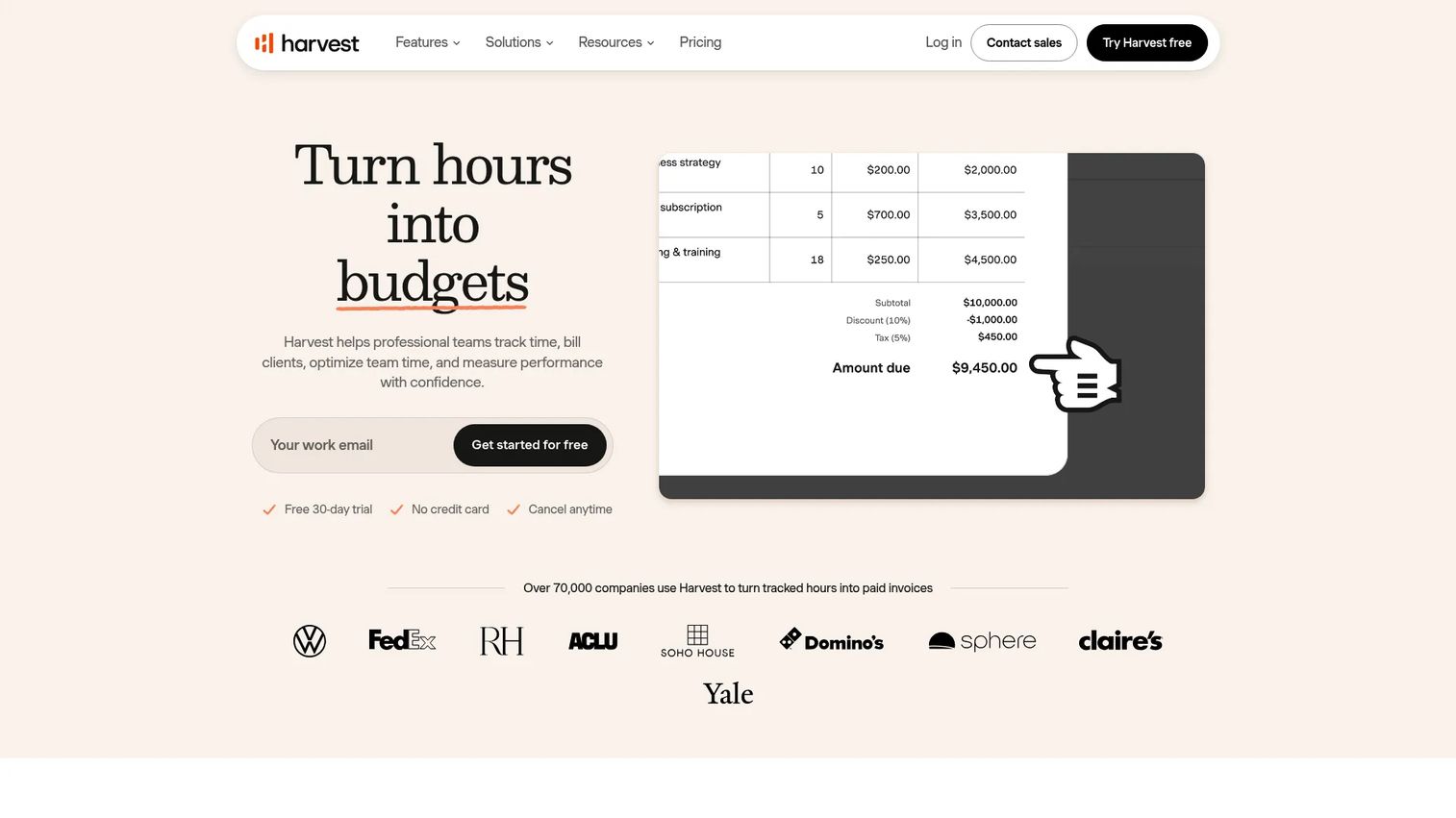
Harvest combines time tracking with project budgets, expense capture, invoicing, and online payments. Teams can record work through browser, desktop, or mobile interfaces.
Its reporting covers team capacity, costs, and profitability. That scope suits SaaS companies with implementation or advisory work that need cleaner billing without adopting a full professional services platform.
Best for: SaaS teams connecting client delivery time with budgets and invoices.
Key features
- Browser, desktop, and mobile time tracking
- Expense tracking and reimbursements
- Project budgets and capacity reports
- Invoicing from tracked work
- Timesheet approvals and activity logs
Why choose Harvest: Choose it when adoption matters more than deep finance configuration. The direct route from timesheet to invoice keeps operational ownership clear.
Harvest pricing: Free supports one seat and two projects. Teams costs $9 per seat monthly with annual billing or $11 with monthly billing.
G2 rating: 4.3/5
2. Clockify
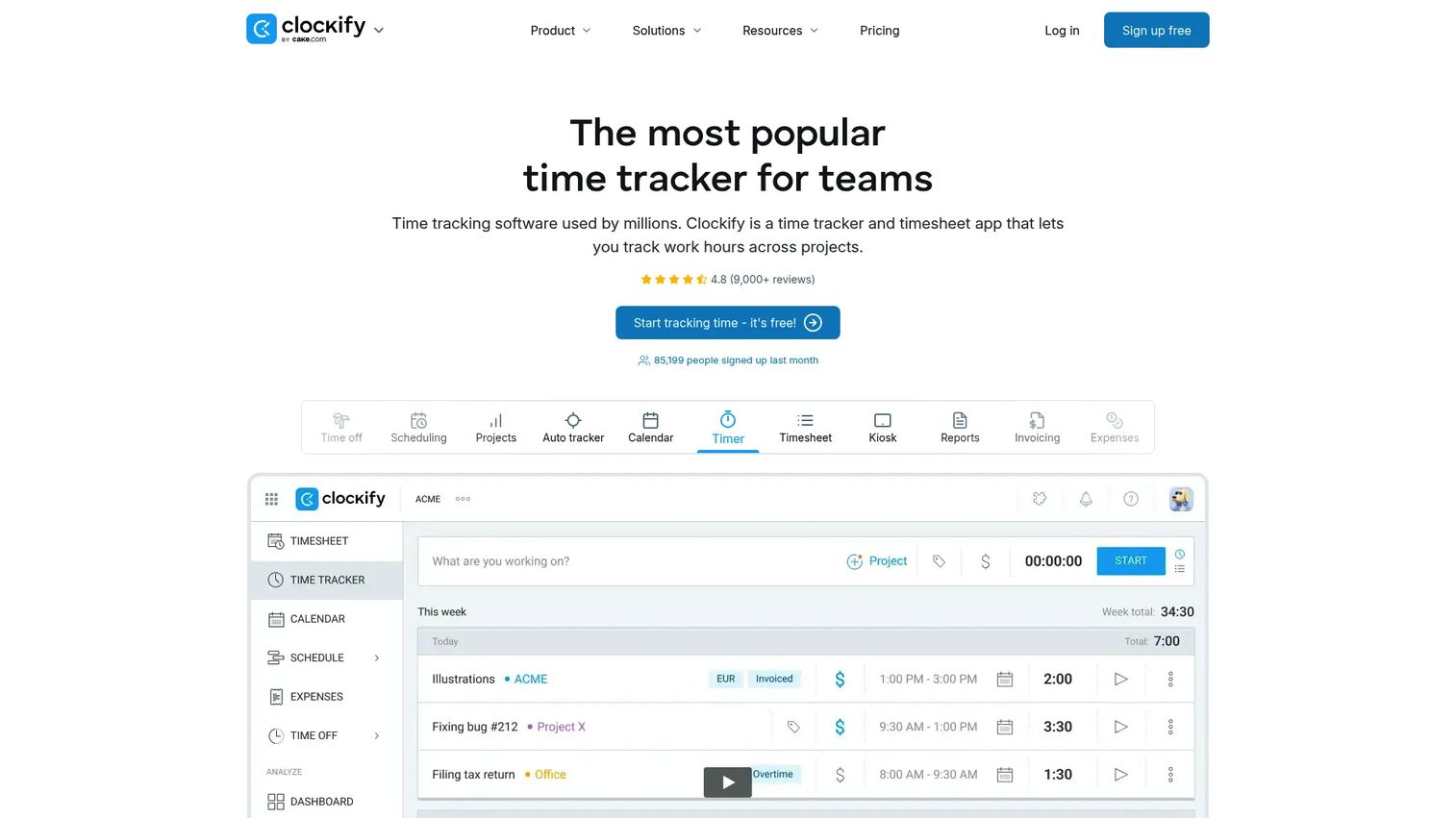
Clockify provides timers, manual entries, timesheets, reports, expenses, and invoicing. Its free plan covers five users, making it accessible for a lean delivery group.
Paid editions add administration, billing controls, forecasting, and security. This lets a company standardize capture before committing to a specialized finance system.
Best for: Cost conscious teams establishing consistent time and expense tracking.
Key features
- Timer and manual time entry
- Timesheets and approvals
- Project rates and budgets
- Expense and invoice workflows
- Reports and data exports
Why choose Clockify: It fits teams that need broad functional coverage at a low starting cost. Finance can test adoption before approving a wider rollout.
Clockify pricing: Free covers up to five users. Basic starts at $3.99 per seat monthly with annual billing or $4.99 with monthly billing.
G2 rating: 4.5/5
3. Sage Intacct
Sage Intacct is cloud financial management software for growing organizations. It supports configurable accounting, reporting, and multi entity consolidation.
Its strength lies in finance control. Dashboards and multidimensional analysis help leaders examine performance beyond a flat chart of accounts.
Best for: Growing organizations that need project data connected to broader financial reporting.
Key features
- Accounts payable automation
- Accounts receivable workflows
- Multidimensional financial analysis
- Multi entity consolidation
- Configurable finance dashboards
Why choose Sage Intacct: Consider it when the project workflow must feed a mature accounting operation. It suits finance teams that need defensible reporting across entities.
Sage Intacct pricing: Custom pricing. The quote reflects organization size, selected modules, industry, and required functionality.
4. BigTime
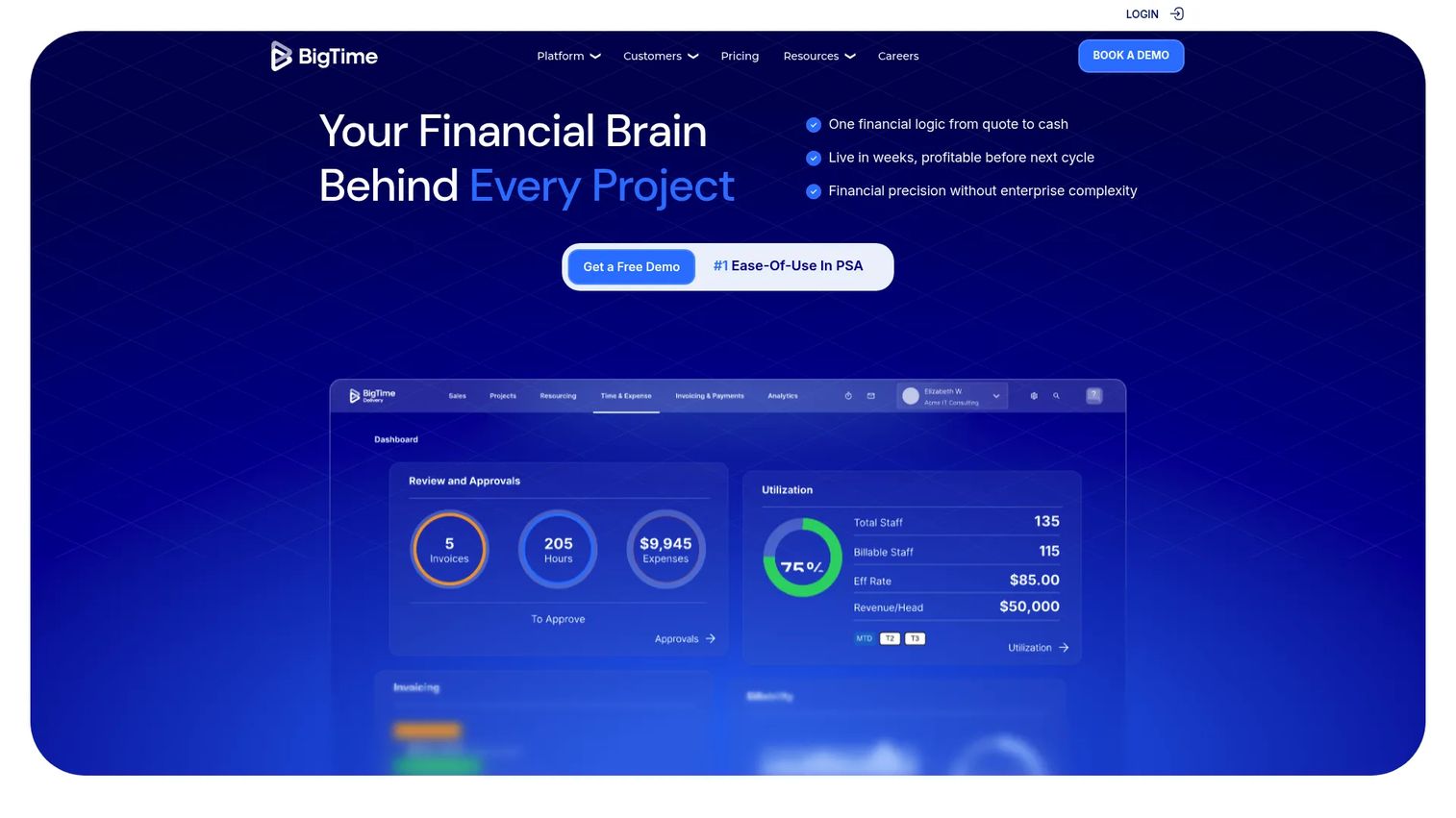
BigTime is a professional services automation platform covering time, expenses, projects, billing, and payments. It connects operational delivery with project financial reporting.
The platform also provides budgeting, reconciliation, and multilevel approvals. That depth matters once a services motion becomes material to revenue and gross margin.
Best for: SaaS companies with complex implementation or professional services operations.
Key features
- Time and expense management
- Project portfolio management
- Billing and invoice creation
- Project budgeting controls
- Custom reporting and approvals
Why choose BigTime: Choose it when basic time capture no longer explains delivery performance. Its project financial depth supports utilization and invoice readiness.
BigTime pricing: Essentials starts at $20 per user monthly. Advanced, Premier, and Enterprise use custom pricing.
G2 rating: 4.4/5
5. QuickBooks Time
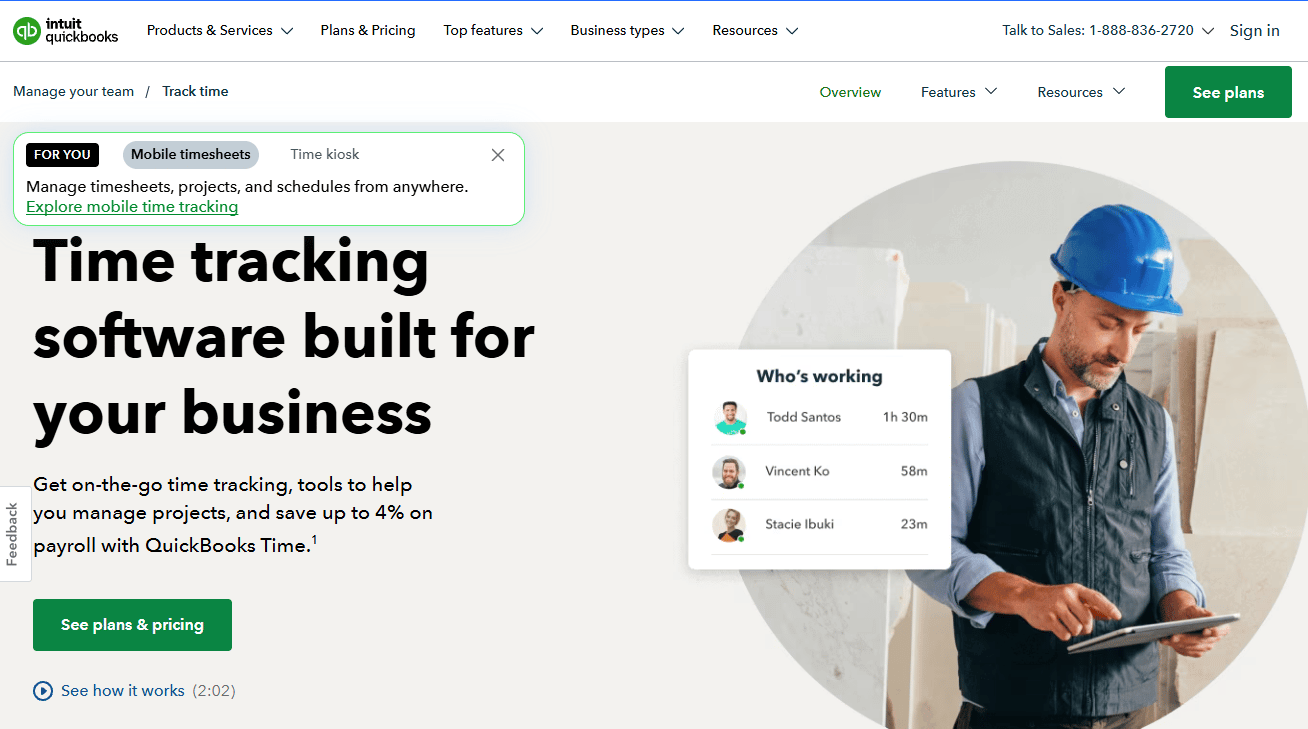
QuickBooks Time focuses on employee time tracking for mobile and field based teams. It connects tracked hours with QuickBooks payroll, invoicing, and project workflows.
The product includes scheduling and GPS features. Elite adds mileage tracking, geofencing, signatures, and project reporting.
Best for: Companies already using QuickBooks for payroll or client invoicing.
Key features
- Mobile time tracking
- Employee scheduling
- GPS and geofencing
- Project estimates reporting
- Payroll and invoicing connections
Why choose QuickBooks Time: Its value comes from stack fit. Existing QuickBooks users can keep time data closer to payroll and billing records.
QuickBooks Time pricing: Time Premium costs $20 monthly plus $10 per user. Time Elite costs $40 monthly plus $12 per user.
6. Replicon
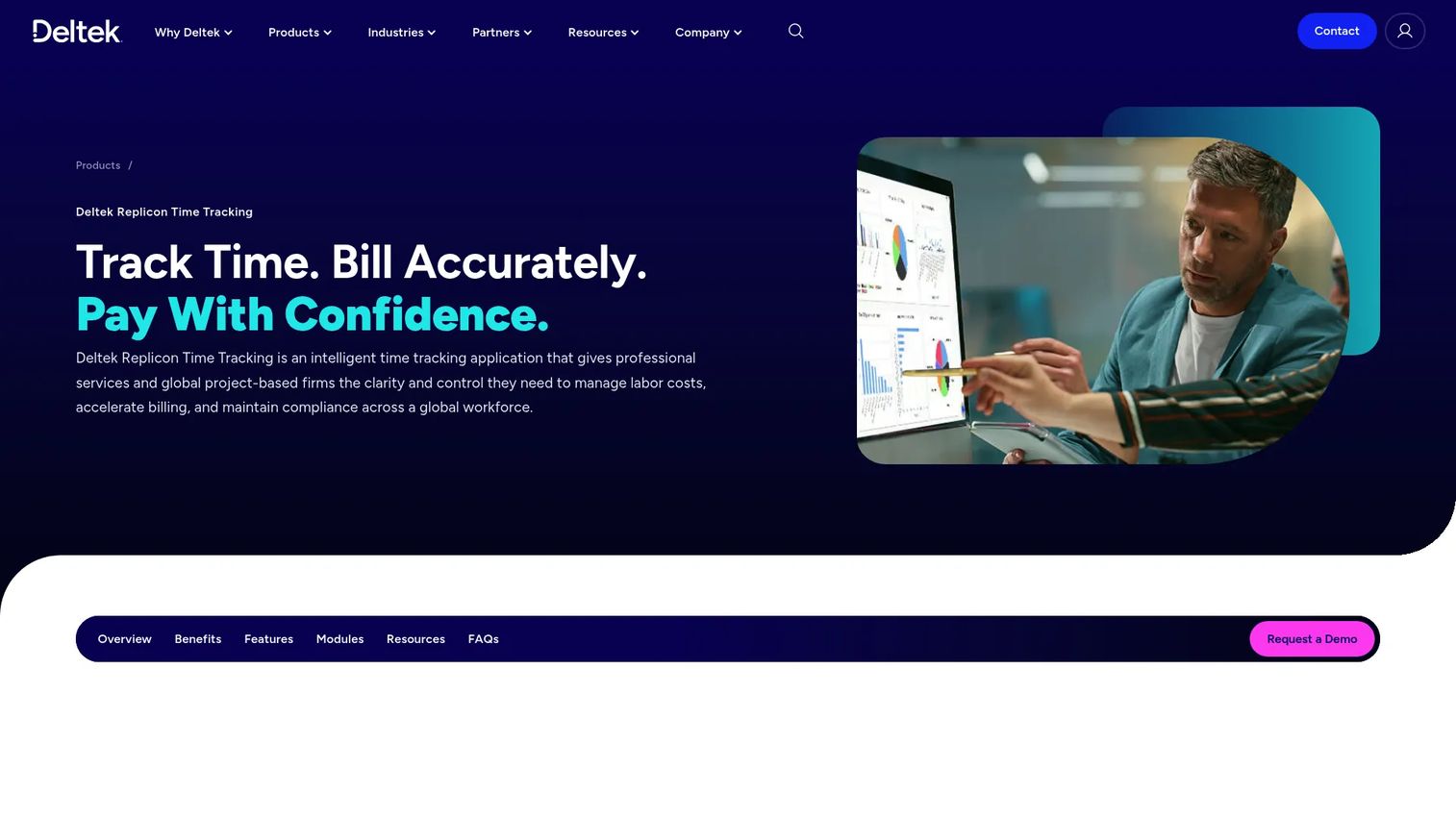
Replicon focuses on project time, labor costs, billing support, and workforce compliance. Its current homepage redirects to Deltek, where the product appears as Deltek Replicon Time.
The platform suits organizations managing policy heavy work across distributed teams. It provides more governance than a basic timer.
Best for: Professional services groups requiring labor cost visibility and compliance support.
Key features
- Automated time capture
- Project labor cost management
- Workforce compliance support
- Project time reporting
- Billing workflow support
Why choose Replicon: Evaluate it when policies differ across teams or locations. Its control model fits operations that have outgrown lightweight timesheets.
Replicon pricing: Contact Replicon for a quote. Plan names and starting rates were unavailable from the first party site reviewed.
G2 rating: 4.0/5
7. Zoho Expense

Zoho Expense is expense tracking software for receipts, corporate cards, reimbursements, and business travel. It includes policy controls and audit trails for finance review.
Mileage and per diem tools support employees who travel. Accounting and ERP connections help move approved spending into the finance stack.
Best for: Growing teams where receipt management and reimbursements cause the most cleanup.
Key features
- Receipt capture and OCR
- Expense policies and approvals
- Corporate card reconciliation
- Mileage and per diem tracking
- Employee reimbursement workflows
Why choose Zoho Expense: Choose it when expense operations matter more than project time capture. It also fits companies already using other Zoho products.
Zoho Expense pricing: Free supports up to three users. Standard starts at $3 per user monthly with annual billing or $4 with monthly billing.
G2 rating: 4.5/5
8. Expensify
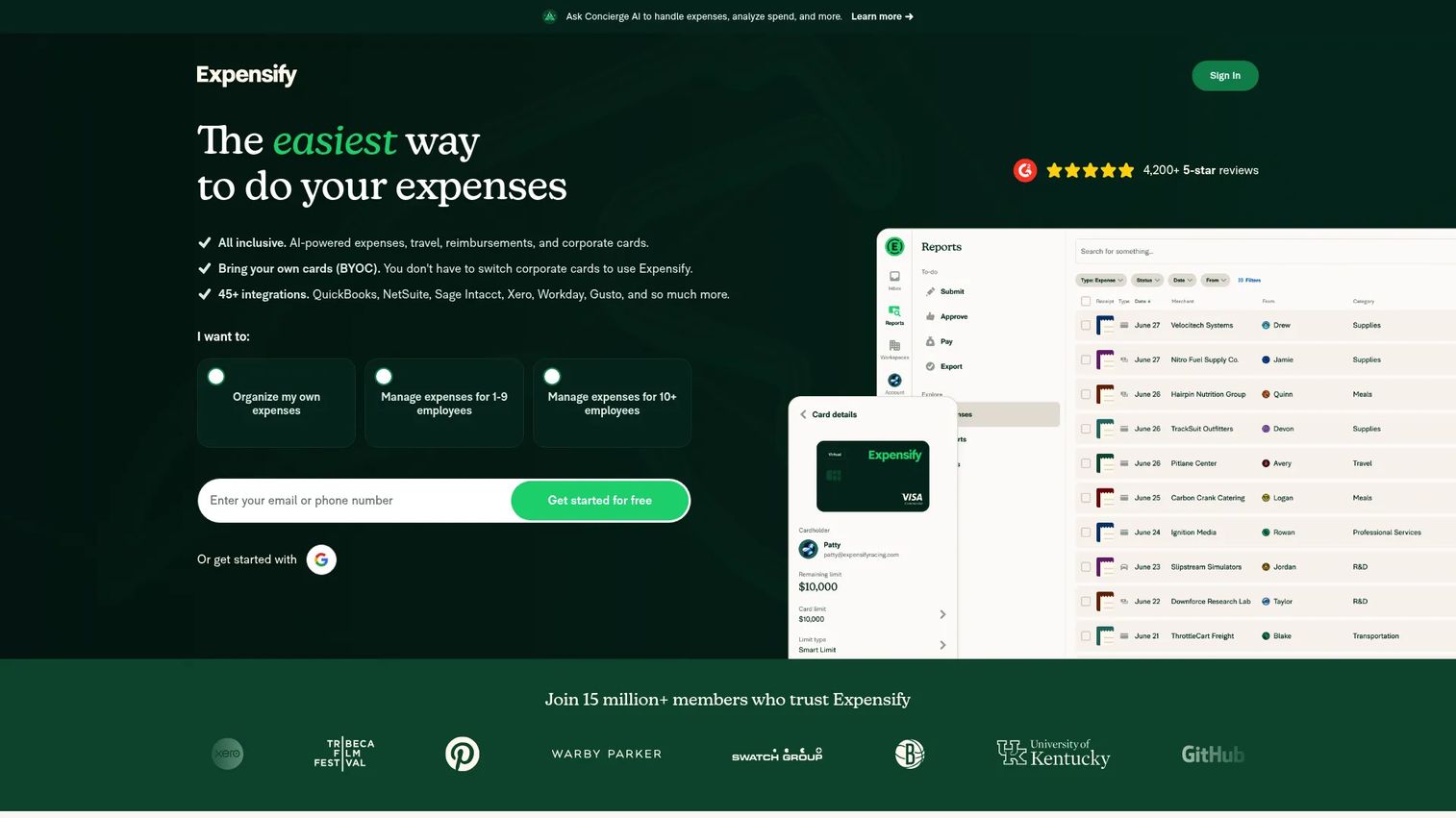
Expensify combines receipt scanning, expense reports, reimbursements, company cards, and travel booking. Policy controls route spending through approval before accounting receives it.
The product also supports global reimbursements and accounting connections. It works best when employee spend creates more operational friction than billable time.
Best for: Companies standardizing card spend, claims, and reimbursement workflows.
Key features
- Receipt scanning
- Expense reports and approvals
- Corporate card management
- Global reimbursements
- Accounting system connections
Why choose Expensify: It reduces the manual work around receipts and spending records. Teams needing deep project time tracking should pair it with a dedicated time tool.
Expensify pricing: Submit is free. Collect costs $5 per member monthly, while Control uses custom pricing from $9 per active member monthly.
G2 rating: 4.5/5
9. Toggl Track
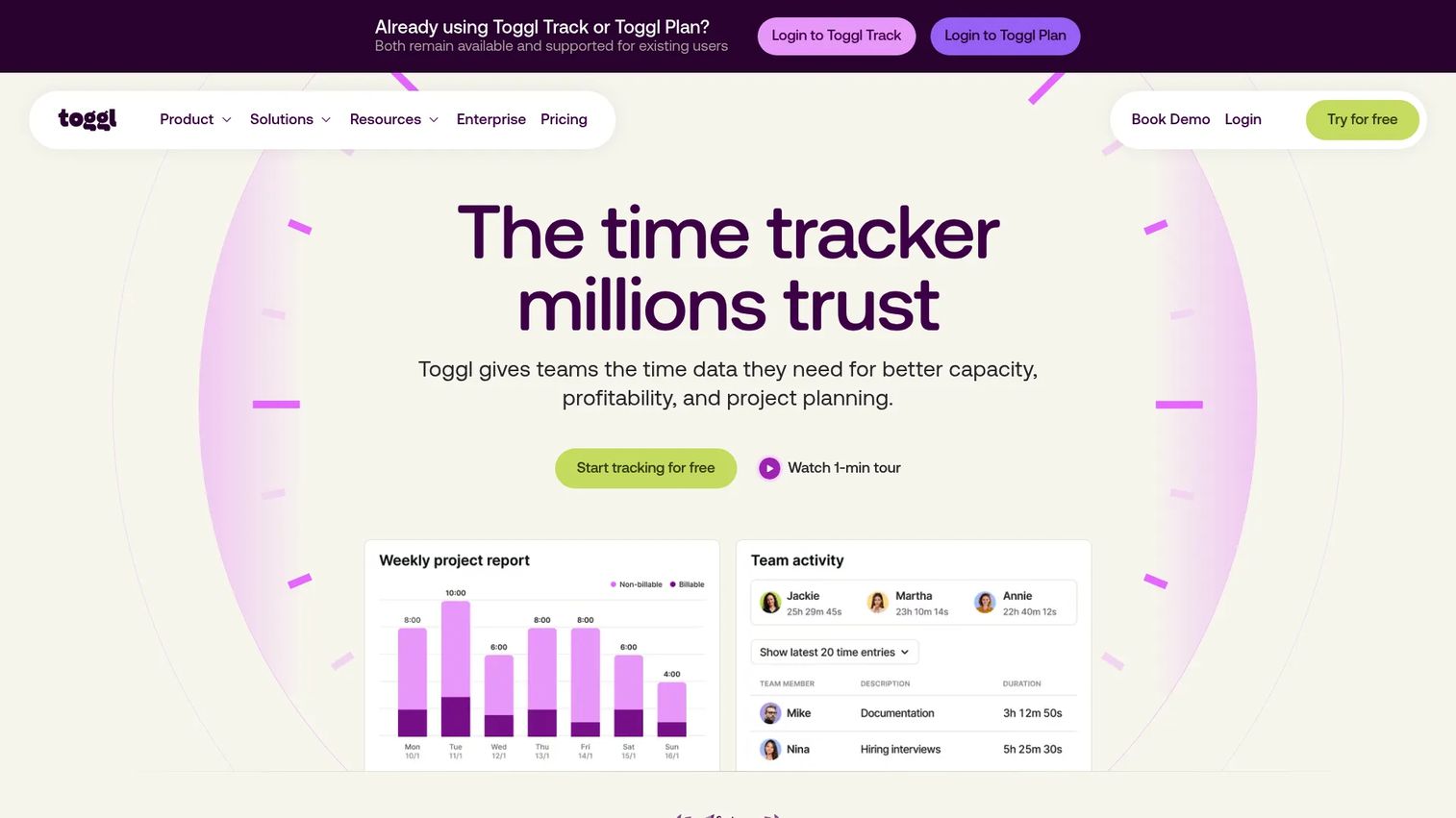
Toggl Track offers manual timing, live timers, automated activity capture, and calendar based entries. Reports cover billing, workload, productivity, and profitability.
Its project features include tasks and approvals. The accessible interface helps teams build the habit of recording time consistently.
Best for: Product and services teams needing lightweight project time tracking.
Key features
- Manual and live timers
- Automated activity tracking
- Calendar integrations
- Timesheet approvals
- Billing and profitability reports
Why choose Toggl Track: Choose it when adoption is the immediate problem. Its reporting gives finance useful time visibility without a broad ERP rollout.
Toggl Track pricing: Free includes core tracking. Starter costs $9 per user monthly, while Premium costs $16 per user monthly.
G2 rating: 4.6/5
10. Time Doctor
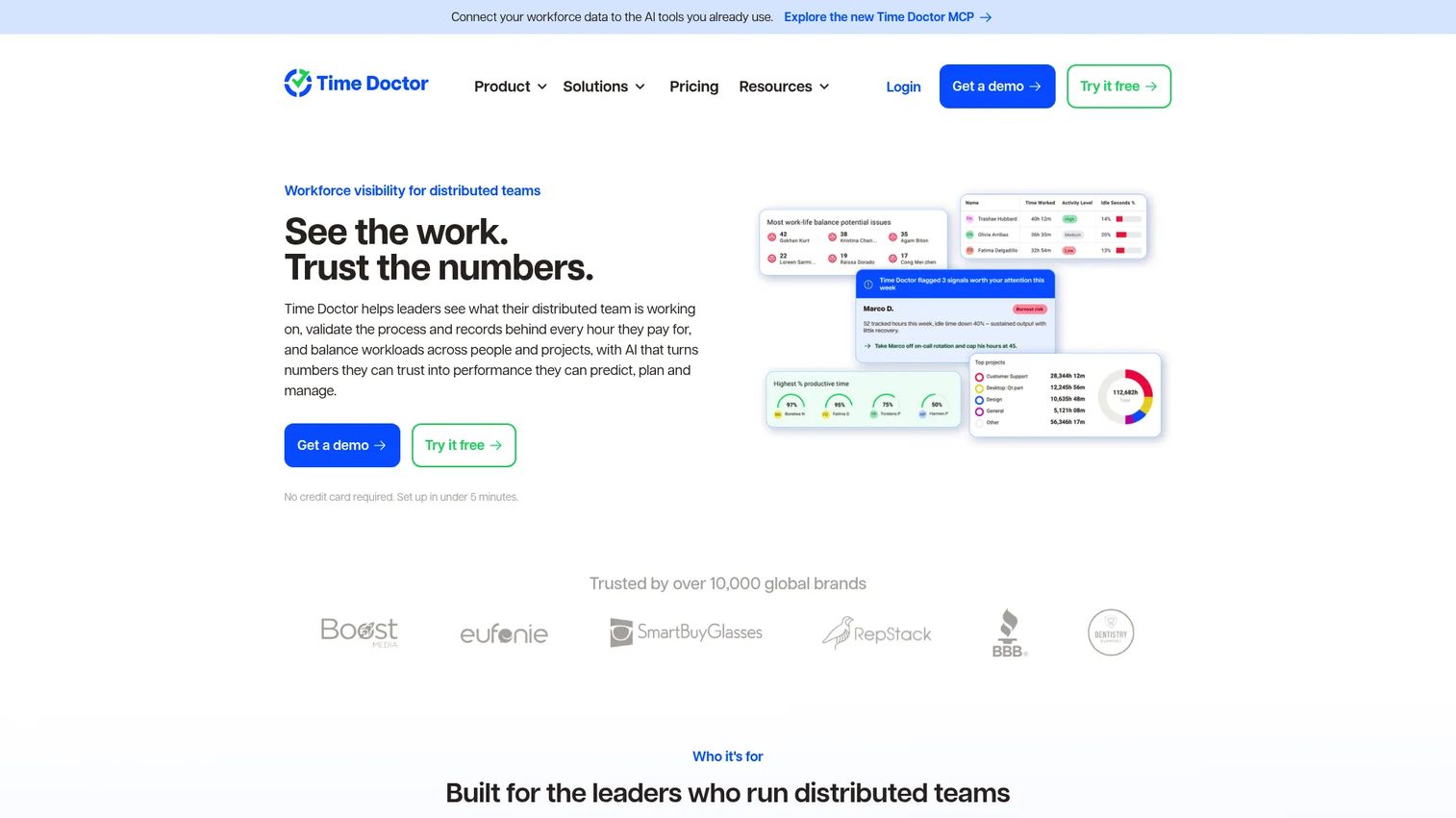
Time Doctor combines time tracking with workforce analytics for remote and distributed organizations. It reports attendance, activity, workload, and productivity patterns.
Premium capabilities include recording and custom dashboards. This makes the platform better suited to workforce visibility than client billing alone.
Best for: Distributed teams that need time records alongside productivity signals.
Key features
- Automatic time tracking
- Attendance reports
- Workforce analytics
- Screenshots and recordings
- Payroll related reporting
Why choose Time Doctor: It helps leaders understand how remote teams allocate time. Companies focused only on invoices may prefer a billing centered tool.
Time Doctor pricing: Basic starts at $6.67 per user monthly with annual billing or $8 monthly. A 14 day trial is available.
G2 rating: 4.4/5
11. Xero
Xero is cloud accounting software with expenses, invoicing, bank reconciliation, and project cost tracking. It keeps operational records close to the general ledger.
Project tools capture time and costs, while finance reports support cash flow analysis. The platform suits smaller companies seeking stack consolidation.
Best for: Growing businesses already using Xero as their accounting system.
Key features
- Expense and receipt capture
- Project time and cost tracking
- Invoicing and quotes
- Bank reconciliation
- Financial and cash flow reports
Why choose Xero: Choose it when accounting consolidation matters more than specialist time tracking. Existing users avoid adding another finance database.
Xero pricing: Early usually costs $27 monthly after its promotional period. Growing usually costs $59, while Established costs $97 monthly.
G2 rating: 4.4/5
12. NetSuite
NetSuite is a cloud ERP covering financial management, operations, CRM, and supply chain processes. It supports consolidated reporting across currencies and subsidiaries.
Its scope extends far beyond time expense software. That breadth makes sense when leadership wants one financial operating layer across a larger company.
Best for: Multi entity organizations standardizing finance and operational reporting.
Key features
- Financial management and accounting
- Global consolidated reporting
- Procurement and order workflows
- Operational dashboards
- Platform integrations and automation
Why choose NetSuite: Consider it when point tools create fragmented reporting across entities. The implementation commitment is broader than a standalone tracker.
NetSuite pricing: Custom pricing combines the core platform, selected modules, and user count. Buyers also pay a one time implementation fee.
G2 rating: 4.1/5
13. Sage Timeslips
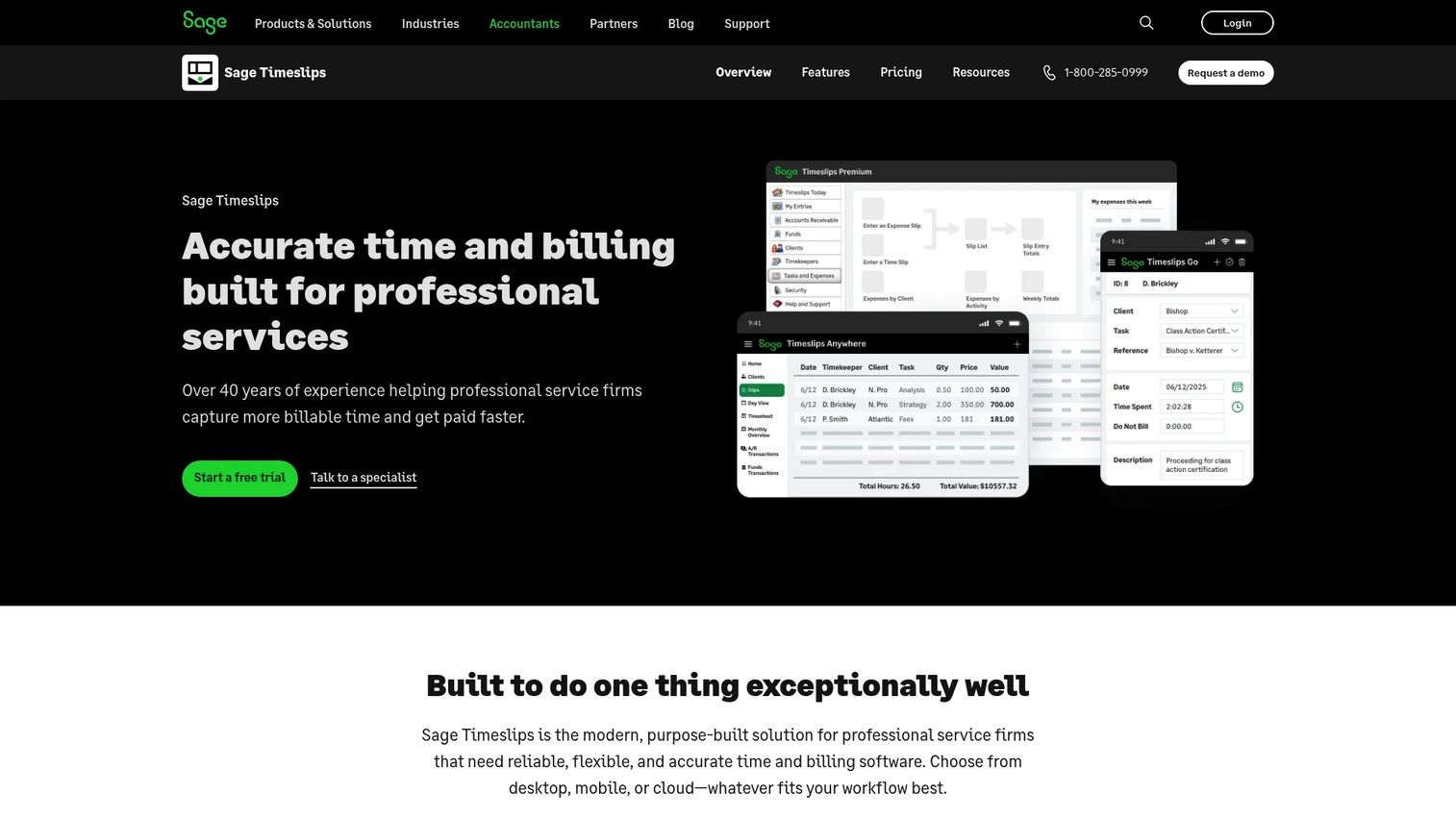
Sage Timeslips is time and billing software for professional service firms. It connects time and expense tracking with flexible billing arrangements and customizable invoices.
The platform includes more than 120 built in reports. It also connects with accounting and payment products.
Best for: Professional service firms that prioritize accurate time capture and billing.
Key features
- Time and expense tracking
- Flexible billing arrangements
- Customizable client invoices
- Built in financial reports
- Accounting and payment connections
Why choose Sage Timeslips: Choose it when billing detail matters more than modern corporate spend management. Its structure fits firms organized around clients and billable work.
Sage Timeslips pricing: Starter costs $579 yearly. Timeslips Anywhere costs $44 monthly for the first user and $34 for each additional user.
Considerations when choosing time and expense software
Match the system to your billing complexity
A fixed price onboarding package needs different controls from work billed by consultant or task. Confirm support for your rates, project structure, and invoice process.
Avoid paying for professional services automation when a straightforward tracker covers the workflow.
Check project code discipline
Bad codes create unreliable project margins. Employees should see the correct options when they enter time or upload a receipt.
Managers also need a quick route to reject miscoded records. Otherwise, finance becomes the permanent cleanup team.
Treat approvals as a finance control
Approvals determine whether records are ready for reimbursement or billing. Review manager routing, finance checks, locked periods, and audit history.
The process should also explain exceptions clearly. Ambiguous rejections push questions back to founders and department heads.
Verify the accounting handoff
Check what moves into your accounting platform and what still requires an export. Confirm how the system handles edits after approval.
Accounting integrations should remove duplicate entry. If finance still rebuilds every invoice, the connection has little operational value.
Measure adoption during the first quarter
The software earns its place only when people record work and submit expenses. Review completion rates, late entries, and rejected records after rollout.
Use those signals to find workflow problems before judging the reporting layer.
Conclusion
The right platform depends on where your workflow breaks.
Harvest provides a clear route from tracked work to invoices. Clockify gives a lean team an inexpensive starting point, while BigTime adds professional services depth.
Expense first organizations should compare Zoho Expense with Expensify. Toggl Track prioritizes approachable project timing, while Time Doctor adds workforce visibility for distributed teams.
Finance led companies can evaluate Sage Intacct or NetSuite for broader reporting. QuickBooks Time and Xero make more sense when those accounting products already anchor the stack.
Choose the tool that closes the gap between work performed and revenue recognized. Then measure whether finance spends less time repairing data during the first quarter.
Start your journey with Guideflow today!
FAQs
Time and expense software records employee hours, billable work, receipts, mileage, approvals, and project codes. Approved data supports reimbursements, financial reporting, payroll exports, or client invoices.
The strongest systems connect capture with downstream finance work. They reduce the need to rebuild records before billing.
The answer depends on whether time capture or expense processing causes more friction. Harvest and Toggl Track suit project based work, while Clockify offers a low cost starting point.
Zoho Expense fits teams focused on receipts and reimbursements. Small companies already using an accounting platform should also review its native features.
Professional services teams usually need billable rates, project budgets, utilization reports, approvals, and invoice handoff. BigTime provides deeper project financial controls for that operating model.
Harvest suits teams wanting a more focused workflow. Sage Intacct and Replicon fit organizations requiring broader finance or policy controls.
Time and expense tracking software should support timers, manual timesheets, mobile access, and project codes. Expense features should cover receipts, mileage, approvals, and reimbursement status.
Also examine billing rates, reporting, exports, and accounting connections. The right feature set follows your operating model rather than a generic checklist.
It captures billable work closer to when employees perform it. Managers can then review missing hours or coding errors before finance prepares an invoice.
Expense approvals also clarify which costs belong to a client project. Cleaner records reduce invoice delays and omitted charges.
Yes. Accounting software records financial transactions and produces financial statements. A time and expense management system captures the operational records behind labor and reimbursable costs.
Some accounting products include both functions. Specialist tools often provide more detailed capture, approval, or project workflows.
They need it when implementation, consulting, onboarding, or support retainers become financially material. The system helps leadership see the cost of delivering those services.
Time expense tracking software becomes especially useful when spreadsheets delay billing or weaken margin reporting. A small team with no billable services may not need a dedicated platform.
Calculate the cost for active users, approvers, administrators, and expense submitters. Include required modules, integrations, and implementation fees.
Then check which plan contains the controls you need. A low entry price matters little when approvals or reporting require a major upgrade.