Your customer feedback lives across support tickets, interviews, surveys, reviews, and sales notes. Everyone sees part of the picture. Few teams can prove which themes deserve roadmap space.
Manual tagging works for a small research batch. It breaks down once feedback spans several segments, release periods, or thousands of comments. Spreadsheets also make it difficult to trace a summary back to the source passage.
Text mining software turns that scattered language into topics, entities, sentiment signals, classifications, and trends. Product teams can use those outputs to investigate onboarding friction or prioritize discovery work.
Research and Markets reported that the global text mining market reached $8.47 billion in 2025. Its 2026 report reflects growing demand for systematic unstructured text analysis.
What’s inside
This guide compares 17 text mining tools across commercial, open source, research, and developer workflows.
- Who it’s for: Product managers, UX researchers, CX teams, analysts, and data scientists
- What it compares: Enterprise suites, qualitative systems, Python libraries, and browser tools
- How tools were selected: Analysis depth, usability, traceability, visualization, and category fit
- How to use it: Start with the table, then evaluate tools matching your data source and team skills
Each pricing figure comes from the supplied vendor research. Ratings use the relevant G2 listing where one exists.
TL;DR
- Best for mixed method analysis: WordStat combines automated text mining with dictionaries, classification, and source passage traceability
- Best for qualitative research: QDA Miner, ATLAS.ti, and NVivo support coding, interpretation, evidence review, and project organization
- Best for developer led NLP: spaCy, NLTK, and Gensim give technical teams control over preprocessing and model design
- Best for survey text analysis: Qualtrics Text iQ connects topics and sentiment with feedback workflows
- Best free options: KNIME, spaCy, NLTK, Gensim, and Taguette cover different technical or research needs
- Best for corpus research: Sketch Engine, Voyant Tools, and TDM Studio focus on language collections and scholarly analysis
What is text mining software?
Text mining software extracts patterns, topics, entities, sentiment, and meaning from unstructured text so teams can analyze language data systematically.
The category sits between natural language processing, statistics, qualitative research, and data visualization. Some products provide a visual interface for researchers. Others supply libraries for teams building custom NLP software.
Common inputs include survey comments, interviews, support tickets, call transcripts, app reviews, and research papers. Text data mining software can also process social posts, email collections, or large document archives.
Outputs vary by method. You might get topic clusters, keywords, named entities, sentiment scores, classifications, research codes, or network maps. Product managers can use these findings to investigate activation problems, feature requests, retention signals, and release impact.
Core capabilities in text mining software
- Topic modeling: Groups documents around recurring themes
- Entity extraction: Finds people, companies, products, places, and terms
- Sentiment analysis: Scores emotional tone across comments or responses
- Classification: Sorts text into predefined categories
- Qualitative coding: Tags passages for research interpretation
- Frequency analysis: Shows repeated words, phrases, and concepts
- Visualization: Maps patterns through charts, networks, and word clouds
- Source traceability: Connects findings to original passages
A useful platform should also preserve enough context to explain the result. A theme count matters less if nobody can inspect the comments behind it.
Text mining software versus text analysis software
Text analysis software is the broader term. It can include manual coding, qualitative interpretation, frequency counts, reporting, and visualization.
Text mining usually implies greater automation through NLP, pattern discovery, scalable classification, or machine learning. However, vendors often use both terms interchangeably.
The practical distinction is workflow. Choose content analysis tools when interpretation and auditability matter most. Pick developer libraries or enterprise analytics products when repeatable processing and scale drive the decision.
When to use text mining software
Turn customer feedback into roadmap evidence
Use text mining tools when feedback volume exceeds what a PM can tag consistently. Inputs can include app reviews, NPS comments, churn notes, interviews, and support tickets.
Segment the findings by persona, plan, lifecycle stage, or release period. This helps separate a widespread onboarding issue from a loud request made by one account.
Analyze surveys and research transcripts faster
Researchers can combine qualitative coding with topic modeling or sentiment analysis. The software reduces sorting work and surfaces patterns earlier.
Human judgment still matters. Keep access to the original passage when a finding will influence positioning, product scope, or prioritization.
Extract entities, topics, and trends at scale
Developer libraries and enterprise platforms fit recurring pipelines or large document collections. They support jobs such as entity extraction, classification, semantic similarity, and trend detection.
This approach works when an analyst needs repeatable processing across support logs, scientific literature, or research archives. It also helps teams monitor how themes change after releases.
Text mining software comparison
This table groups products by their strongest use case. The ranking reflects relevance to extracting structure from unstructured text, rather than one universal score.
Pay attention to the operating model. A visual research platform serves a different team than a Python library, even when both perform topic modeling.
| # | Product | Best for | Key differentiator | Pricing | G2 rating |
|---|---|---|---|---|---|
| 1 | WordStat | Mixed method content analysis | Dictionaries, classification, and source traceability | Custom pricing | 5.0/5 |
| 2 | QDA Miner | Qualitative coding plus analysis | Connects manual coding with mixed method research | Free Lite version, paid plans custom | 4.1/5 |
| 3 | IBM SPSS Text Analytics | Enterprise statistical analytics | Text concepts inside SPSS Modeler workflows | SPSS Modeler starts at $529/month | 4.0/5 |
| 4 | SAS Text Miner | SAS based analytics teams | Combines unstructured text with predictive analytics | Custom pricing | 4.5/5 |
| 5 | MATLAB Text Analytics Toolbox | Technical MATLAB teams | NLP modeling inside technical computing workflows | $220 individual license | N/A |
| 6 | KNIME Text Processing extension | Visual analytics workflows | Node based processing without custom scripts | Free | 4.5/5 |
| 7 | RapidMiner Text Processing Extension | Data mining workflows | Text preparation inside broader machine learning projects | Custom pricing | 4.6/5 |
| 8 | spaCy | Production NLP pipelines | Custom Python pipelines and linguistic annotations | Free | 4.5/5 |
| 9 | Natural Language Toolkit (NLTK) | NLP learning and prototypes | Broad toolkit with corpora and language methods | Free | 4.4/5 |
| 10 | Gensim | Topic modeling and similarity | Streaming analysis for large corpora | Free | 4.4/5 |
| 11 | Sketch Engine | Corpus linguistics | Concordance, word sketches, and collocation analysis | Custom pricing, free trial | N/A |
| 12 | Voyant Tools | Browser based exploration | Interactive corpus reading and visualization | N/A | N/A |
| 13 | ATLAS.ti | Qualitative research projects | Coding and interpretation across mixed media | Custom pricing | 4.7/5 |
| 14 | NVivo | Complex qualitative research | AI assisted analysis with source audit trails | From ¥1,762/month, billed annually | 4.0/5 |
| 15 | Qualtrics Text iQ | Survey response analysis | Text analytics within feedback workflows | Custom pricing | 4.4/5 |
| 16 | Taguette | Lightweight qualitative tagging | Free open source coding across common documents | Free | N/A |
| 17 | TDM Studio | Large academic collections | Research focused text and data mining environment | N/A | N/A |
Best 17 tools for text mining software
The tools below are ordered by category depth and relevance to unstructured text analysis. Your shortlist should reflect the text source, required methods, team skills, and maintenance capacity.
1. WordStat
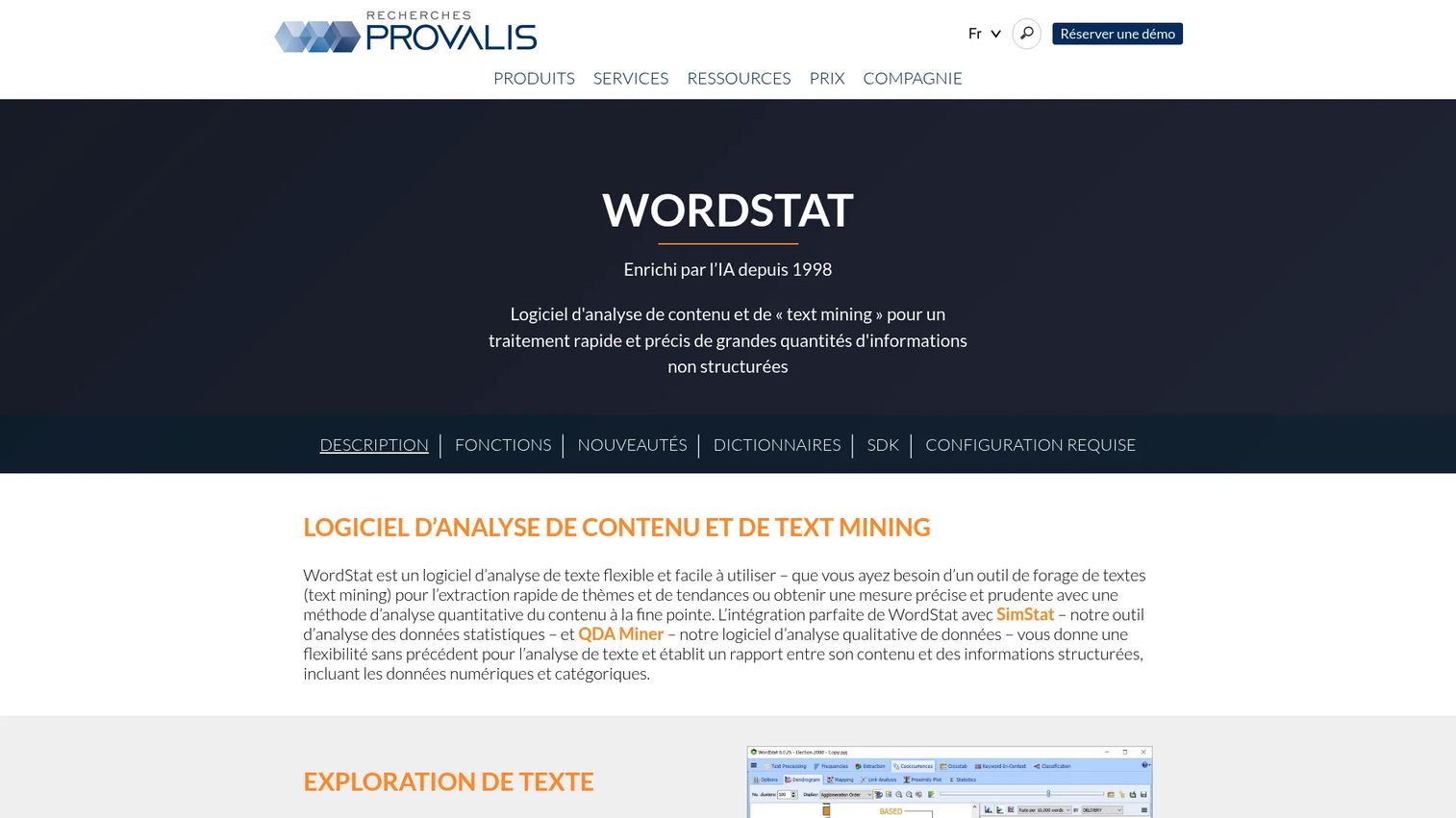
WordStat combines quantitative content analysis with automated text mining. It imports documents, survey responses, social content, email, and data from qualitative analysis systems.
Researchers can extract topics, explore word relationships, build dictionaries, classify documents, and return to matching source passages. That last capability matters when a PM needs defensible evidence behind a roadmap theme.
Best for: Research, insights, and product teams that need automated analysis with qualitative traceability.
Key features
- Topic and phrase extraction
- Dictionary based categorization
- Machine learning classification
- Source passage traceability
- Structured data integration
Why choose WordStat: Choose it when word counts and visual clouds are insufficient. Its mix of automation and source review supports decisions that require both scale and context.
For product teams, this makes it easier to quantify recurring onboarding complaints without losing the customer language behind each pattern. Structured variables can also connect feedback themes with segment or survey data.
WordStat pricing: Custom pricing.
G2 rating: 5.0/5.
2. QDA Miner
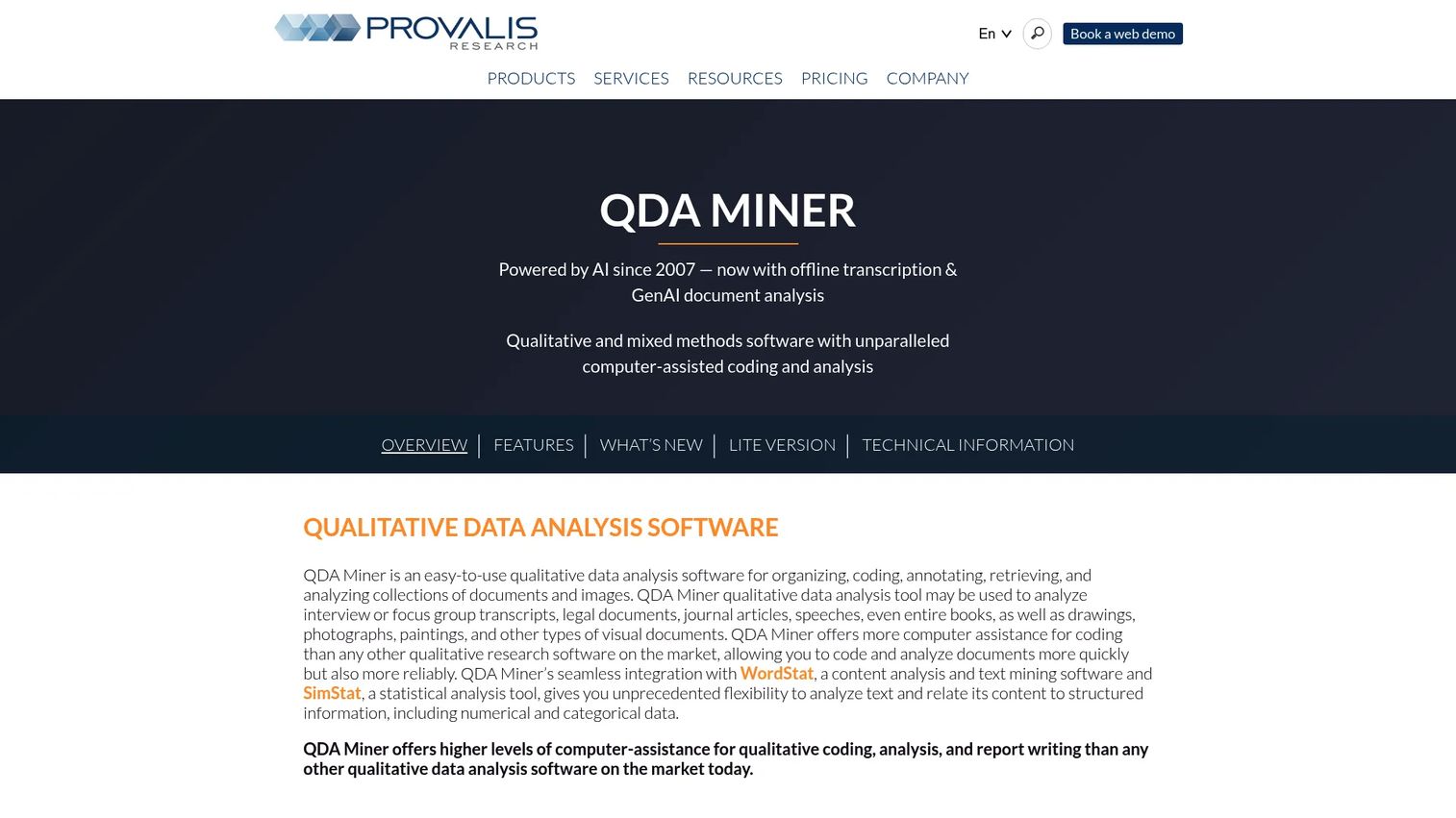
QDA Miner organizes, codes, annotates, retrieves, and analyzes documents or images. It supports mixed method projects where human interpretation remains central.
The software imports common office files, surveys, emails, images, and multimedia. Researchers can manage codebooks, annotate passages, compare coding, and explore results through statistical views or maps.
Best for: Researchers and product teams that need careful qualitative coding before making product decisions.
Key features
- Manual coding and annotation
- Case level organization
- AI assisted retrieval
- Research memoing
- Inter rater agreement
Why choose QDA Miner: It fits teams that want context behind every finding. PMs can preserve interview nuance while comparing themes across personas or customer segments.
The teamwork controls also support research operations. Coding logs and agreement checks help teams identify interpretation differences before findings reach a roadmap review.
QDA Miner pricing: QDA Miner Lite is free. The full product includes a 14 day trial and custom pricing.
G2 rating: 4.1/5.
3. IBM SPSS Text Analytics
IBM SPSS Text Analytics provides text analysis capabilities within SPSS Modeler. It applies linguistic processing and NLP to extract concepts from unstructured content.
Teams can organize concepts into categories and examine links between them. Those outputs can then join structured variables inside wider statistical modeling workflows.
Best for: Enterprise analytics teams already invested in IBM or SPSS modeling.
Key features
- Key concept extraction
- Category model development
- Text link analysis
- Statistical workflow connection
- Enterprise analytics deployment
Why choose IBM SPSS Text Analytics: Use it when feedback analysis needs to become structured input for statistical modeling. An analyst can connect extracted themes with customer attributes or outcome variables.
This setup suits organizations with established data governance and SPSS expertise. A PM working alone will usually need support from an analytics partner.
IBM SPSS Text Analytics pricing: IBM SPSS Modeler subscriptions start at $529 per month. Text Analytics sits within the Premium edition, which uses custom pricing.
G2 rating: 4.0/5 for IBM SPSS Modeler.
4. SAS Text Miner
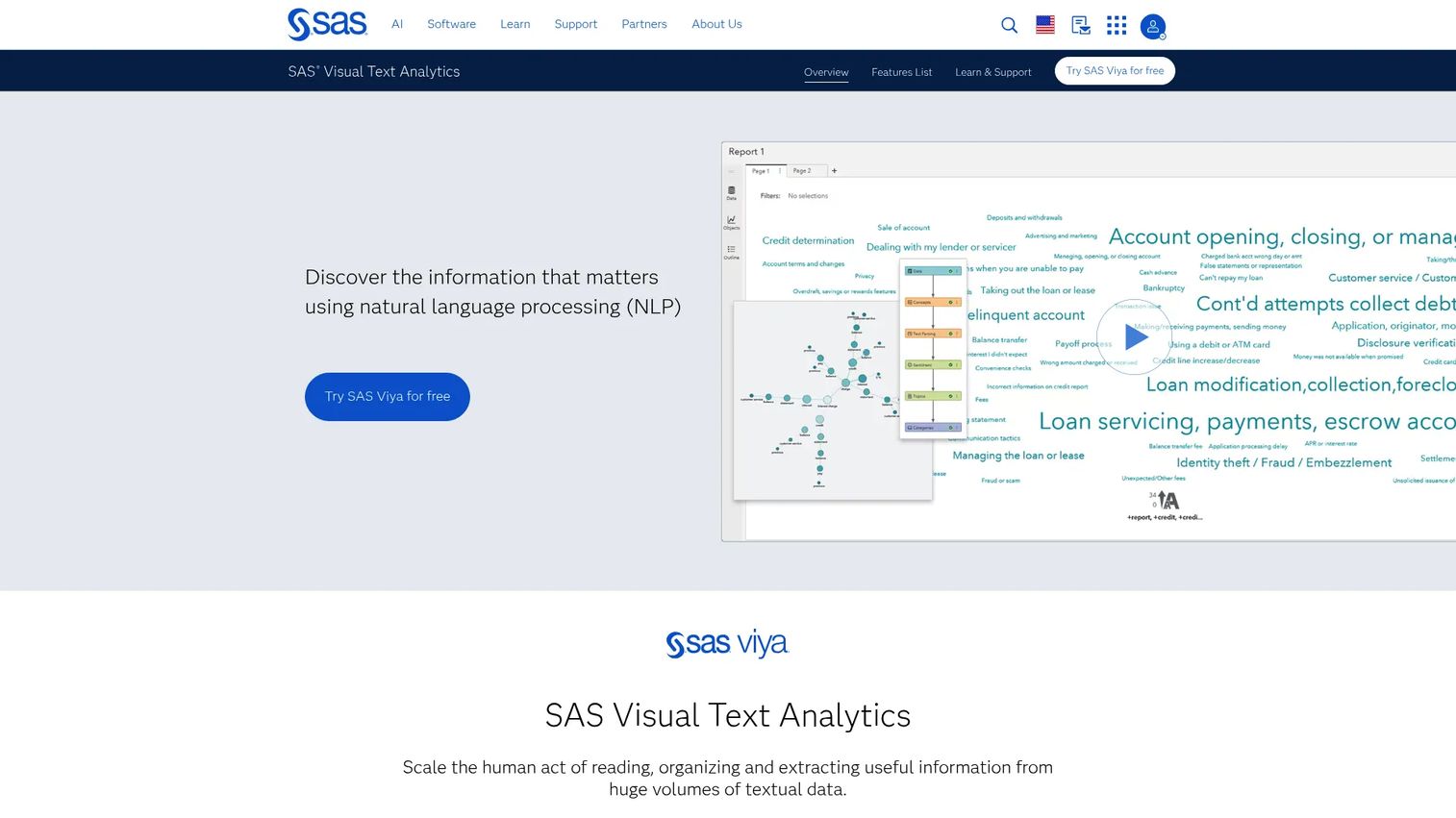
SAS Text Miner extracts themes, concepts, and information from text collections. Current SAS positioning centers on Visual Text Analytics, while documentation identifies Text Miner within SAS Enterprise Miner.
Capabilities include parsing, linguistic analysis, topic discovery, concept linking, classification, and prediction. Teams can combine text with structured data for broader analytical modeling.
Best for: Enterprise data teams that already use SAS for analytics and reporting.
Key features
- Document parsing
- Topic and document clustering
- Linguistic rule extraction
- Predictive text modeling
- Structured data connection
Why choose SAS Text Miner: It works well for mature analytics functions handling large text collections. Existing SAS skills and governance processes make adoption more practical.
Product managers gain most when analysts can connect feedback themes with behavior or account data. Teams seeking occasional research coding will find the operating model broader than required.
SAS Text Miner pricing: Custom pricing.
G2 rating: 4.5/5 for SAS Visual Text Analytics.
5. MATLAB Text Analytics Toolbox
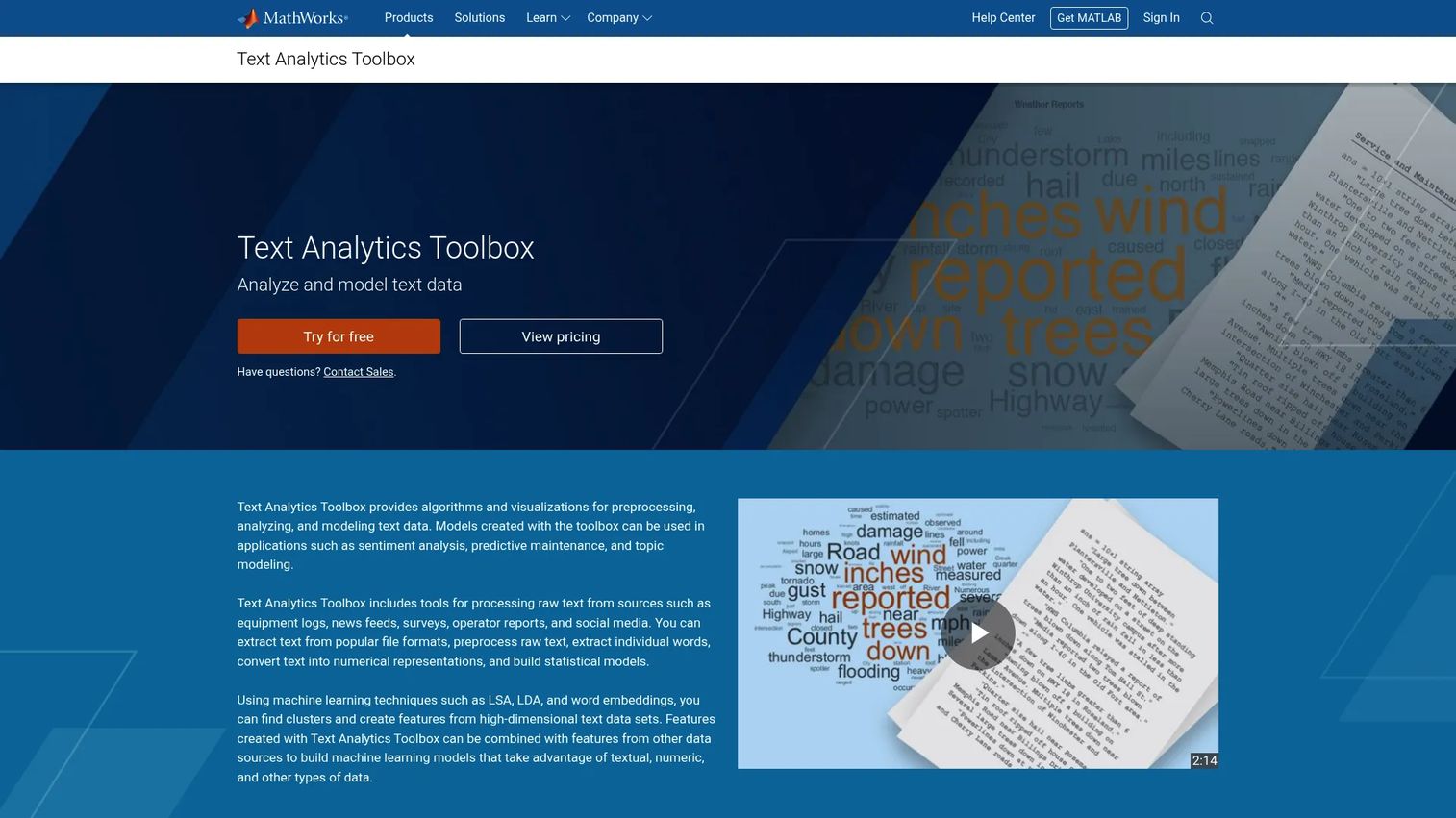
MATLAB Text Analytics Toolbox provides algorithms and visualizations for processing text within MATLAB. It imports content from common documents, spreadsheets, HTML, and CSV files.
Technical teams can clean text, build embeddings, train classification models, run topic analysis, and create visual outputs. Supported methods include LDA, LSA, LSTM, and transformer models.
Best for: Engineering, analytics, and technical product teams already working in MATLAB.
Key features
- Text cleaning and normalization
- Word embedding models
- Topic modeling workflows
- Document classification
- Text scatter visualizations
Why choose MATLAB Text Analytics Toolbox: Pick it when language analysis forms part of a broader engineering or modeling workflow. Existing MATLAB users can keep text work beside related technical analysis.
Most PMs will need an analyst or engineer to implement the pipeline. The benefit is control over methods and outputs rather than immediate no code exploration.
MATLAB Text Analytics Toolbox pricing: Individual licenses cost $220. A free trial is available.
6. KNIME Text Processing extension
KNIME Text Processing extension adds text import, preprocessing, enrichment, and analysis components to KNIME. Its node based interface helps analysts build repeatable pipelines without scripting every operation.
The extension can load documents from formats including PDF and DOCX. It also supports named entity tagging, term filtering, Word2Vec, document hashing, and text stream visualization.
Best for: Analysts who want visual text processing workflows with low code implementation.
Key features
- Visual workflow builder
- Document import nodes
- Named entity tagging
- Term filtering tools
- Word2Vec transformations
Why choose KNIME Text Processing extension: It helps analysts operationalize recurring feedback analysis without rebuilding scripts. Workflows remain visible, reusable, and easier to review with cross functional partners.
For PMs, KNIME offers a useful middle ground. Analysts retain technical flexibility while product partners can follow the sequence of cleaning and modeling steps.
KNIME Text Processing extension pricing: The extension is free with KNIME Analytics Platform.
G2 rating: 4.5/5 for KNIME.
7. RapidMiner Text Processing Extension
RapidMiner Text Processing Extension supports text mining inside broader data science workflows. Current product ownership and packaging sit under Altair.
Its documented capabilities cover tokenization, stop word filtering, stemming, term frequency processing, and word vector generation. Teams can prepare documents before applying classification or other machine learning methods.
Best for: Data mining teams adding unstructured text to existing machine learning projects.
Key features
- Text preprocessing
- Tokenization and stemming
- Stop word filtering
- Term frequency processing
- Word vector generation
Why choose RapidMiner Text Processing Extension: Choose it when text is one input within a wider predictive workflow. It gives analysts a visual way to connect document preparation with modeling.
The product fits analyst supported teams better than solo PM workflows. Confirm current naming and packaging during procurement because the broader platform now sits under Altair.
RapidMiner Text Processing Extension pricing: Custom pricing.
G2 rating: 4.6/5 for the broader RapidMiner platform.
8. spaCy
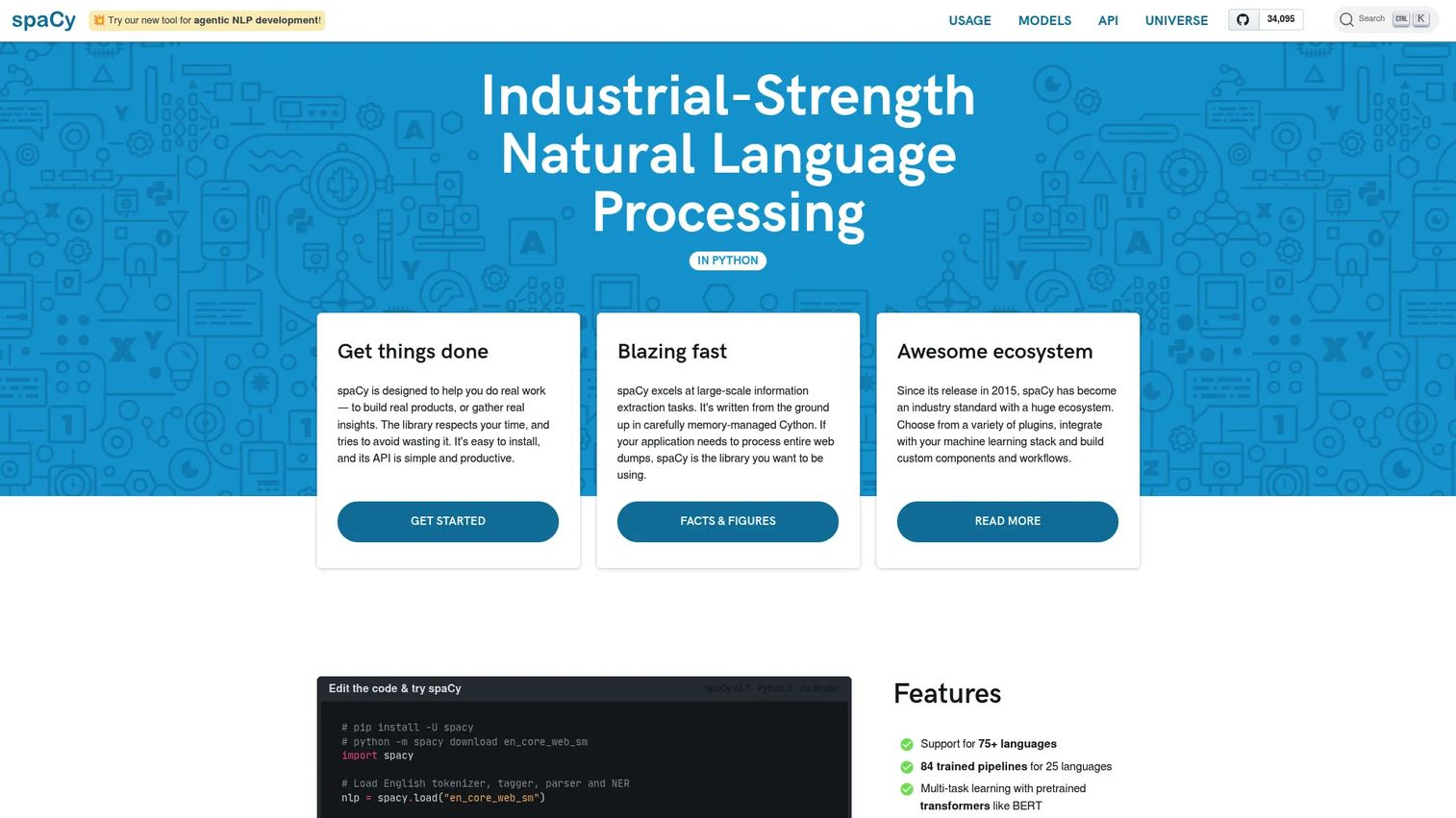
spaCy is a free Python library for production oriented natural language processing. It supports teams building custom extraction systems or language features inside their products.
The library includes tokenization, named entity recognition, part of speech tagging, dependency parsing, sentence segmentation, and text classification. Developers can add custom components or train pipelines for domain specific language.
Best for: Engineering and data science teams building custom NLP applications or internal analysis systems.
Key features
- Named entity recognition
- Linguistic tokenization
- Dependency parsing
- Custom pipeline components
- Transformer based workflows
Why choose spaCy: Use spaCy when control, deployment, and custom language models matter. It suits productized NLP better than occasional browser based exploration.
A PM should account for engineering ownership. Model evaluation, infrastructure, and maintenance become part of the ongoing product cost.
spaCy pricing: Free and open source. Custom pipeline services use custom pricing.
G2 rating: 4.5/5 under its publisher, Explosion AI.
9. Natural Language Toolkit (NLTK)
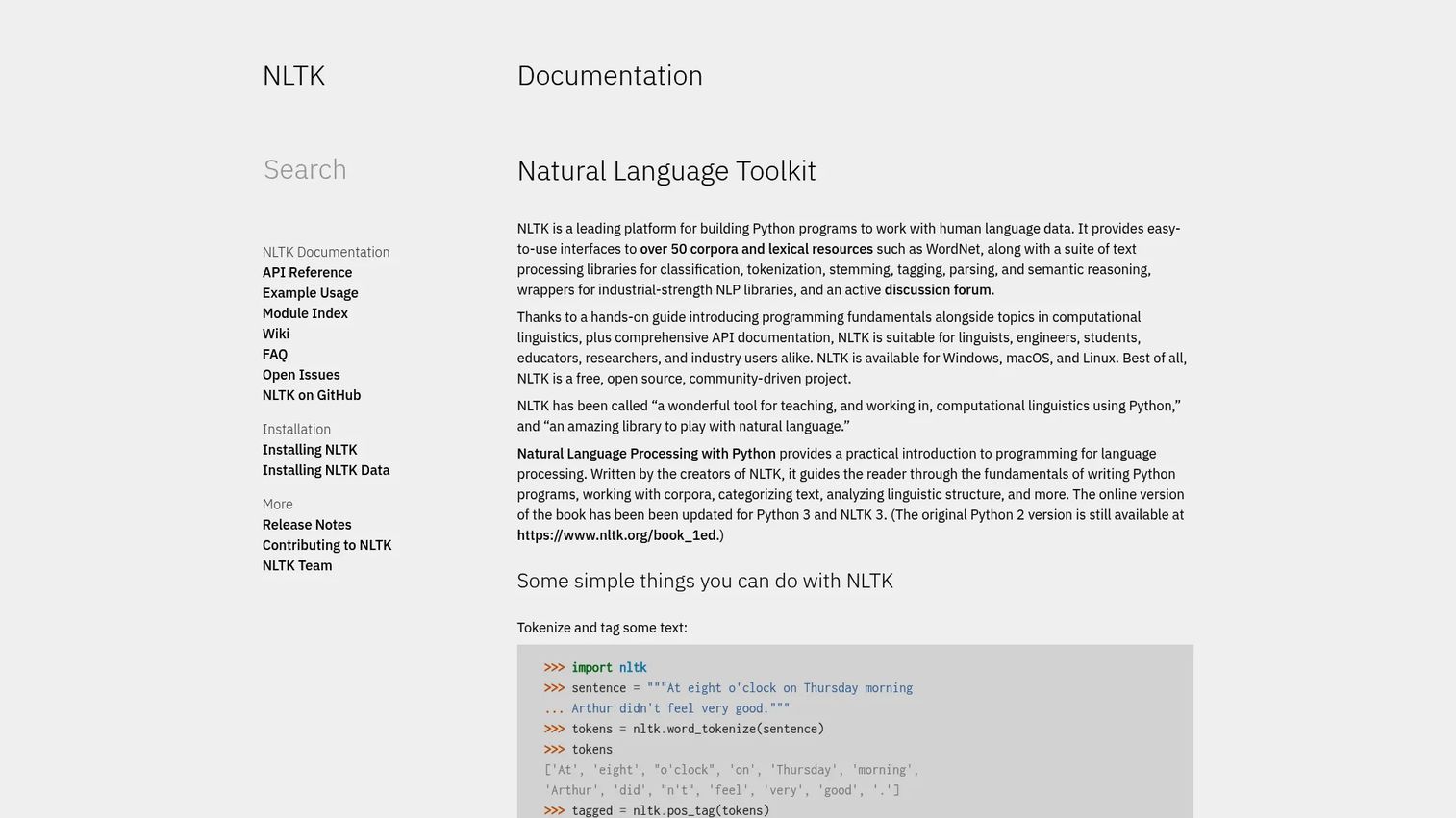
Natural Language Toolkit (NLTK) is a free Python platform for working with human language data. It has long served education, linguistic research, and NLP prototyping.
The toolkit provides access to more than 50 corpora and lexical resources, including WordNet. Methods cover classification, tokenization, stemming, tagging, parsing, and semantic reasoning.
Best for: Students, researchers, and technical teams learning or prototyping NLP methods.
Key features
- Language tokenization
- Stemming and tagging
- Parsing utilities
- Corpora and WordNet
- Python learning examples
Why choose Natural Language Toolkit (NLTK): NLTK makes language processing methods accessible for experimentation. Its documentation and corpus access help technical teams test an approach before building a larger system.
Choose a production focused library when runtime deployment becomes the main requirement. NLTK fits learning and research especially well.
Natural Language Toolkit (NLTK) pricing: Free and open source.
G2 rating: 4.4/5.
10. Gensim
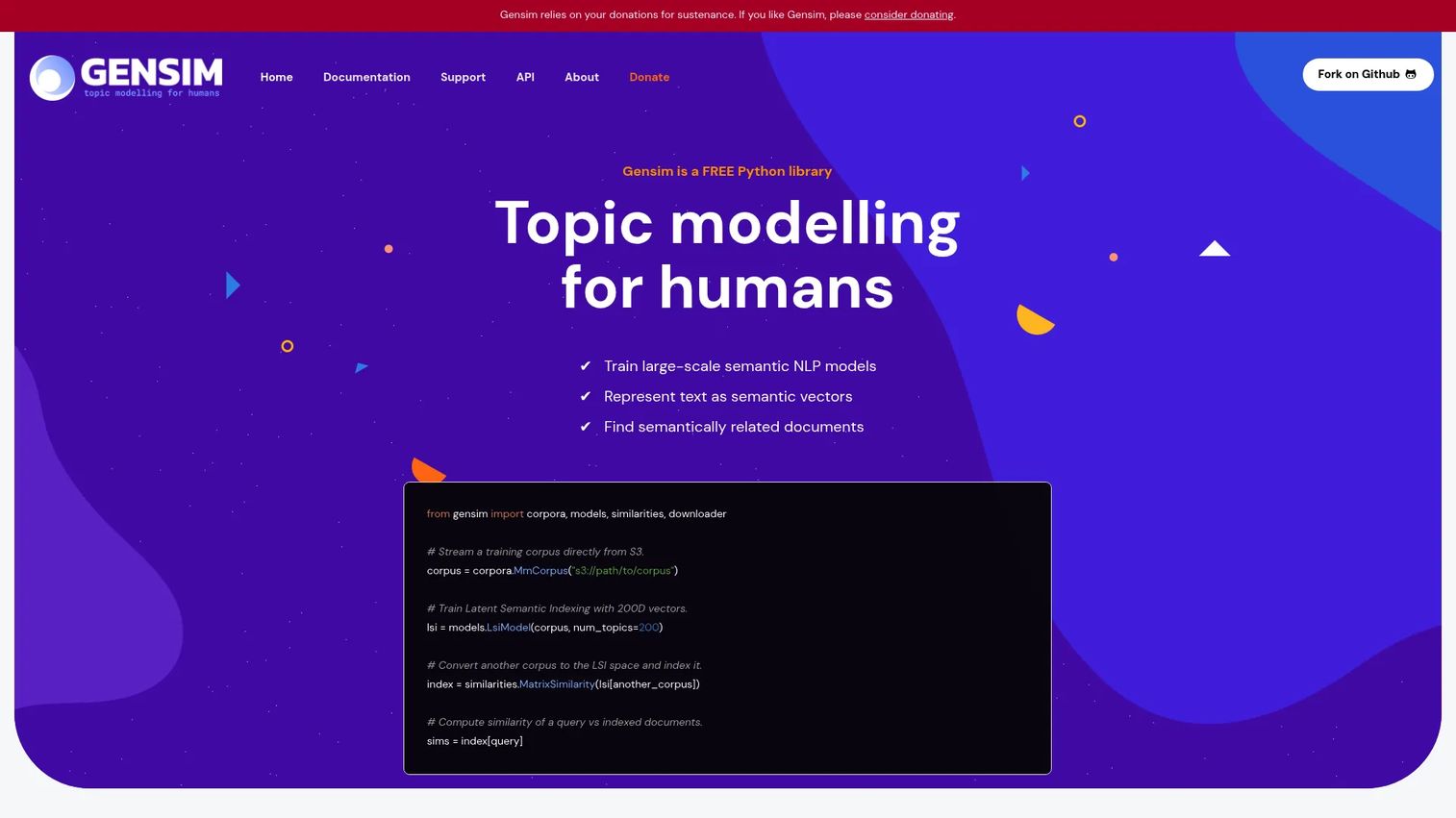
Gensim is a free Python library for topic modeling, semantic vectors, and document similarity. Its streaming architecture supports corpora that exceed available memory.
Teams can train semantic models, compare documents, and use pretrained vectors or corpora. The library is especially relevant when topic discovery or similarity drives the analysis.
Best for: Technical teams building topic modeling, semantic search, or document comparison systems.
Key features
- Topic modeling
- Semantic vector representations
- Document similarity search
- Streamed corpus processing
- Pretrained models
Why choose Gensim: Pick it when your core job involves latent topics or similarity across large document sets. Its focus is narrower than a full qualitative research environment.
PMs will need technical support for preprocessing and model evaluation. The output also requires validation before it informs a roadmap decision.
Gensim pricing: Free and open source. Commercial support uses custom pricing.
G2 rating: 4.4/5.
11. Sketch Engine
Sketch Engine is corpus analysis software for exploring language across large collections of authentic texts. It serves linguists, lexicographers, terminology teams, and academic researchers.
Users can build corpora, run concordance searches, examine collocations, extract terms, and track language trends. Parallel corpus tools also support multilingual analysis.
Best for: Researchers studying terminology, phrase usage, collocations, and language patterns across corpora.
Key features
- Corpus building
- Concordance search
- Word sketches
- Collocation analysis
- Term extraction
Why choose Sketch Engine: It fits research questions about how language appears in context. Choose it for terminology or linguistic analysis rather than general product feedback dashboards.
PMs may still find it useful when terminology shapes search, localization, or product language. Most customer feedback teams will need broader classification and workflow features.
Sketch Engine pricing: Custom pricing. A free trial is available.
12. Voyant Tools
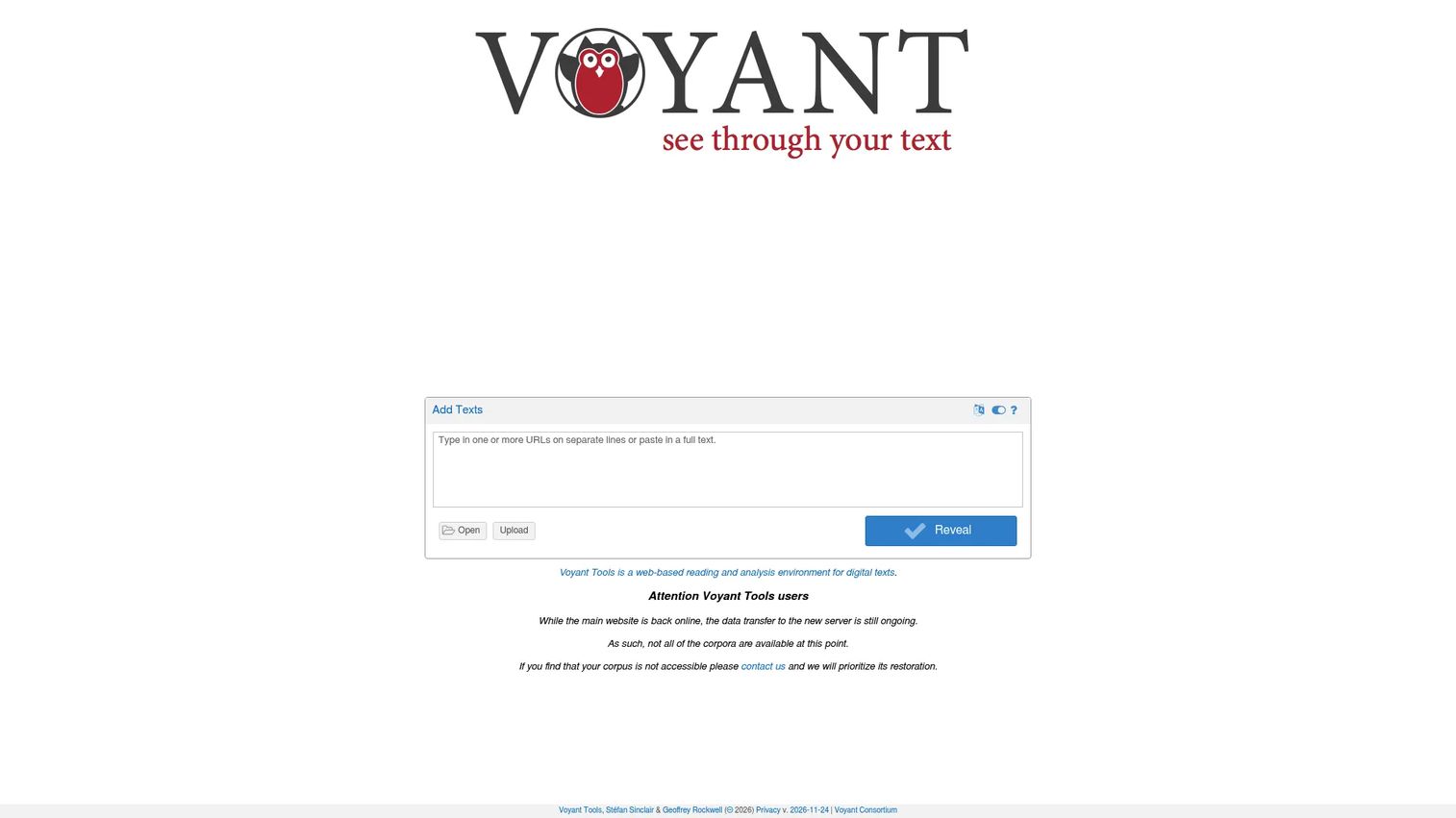
Voyant Tools is a web based reading and analysis environment for digital texts. Users can create corpora from pasted content, URLs, or uploaded files.
Its interactive modules include Cirrus, Reader, Trends, Summary, and Contexts. Researchers can inspect frequencies, compare term movement, review passages, and share corpus links.
Best for: Researchers and PMs who need an exploratory view of a small text collection.
Key features
- Browser based corpus creation
- Word frequency views
- Trend visualization
- Passage context review
- Shareable corpus links
Why choose Voyant Tools: It offers a quick route into corpus exploration without building a pipeline. Use it to inspect a research batch before committing to heavier analysis.
Teams handling sensitive customer data should review hosting and sharing controls first. The platform is oriented toward reading and exploration rather than production analytics.
13. ATLAS.ti
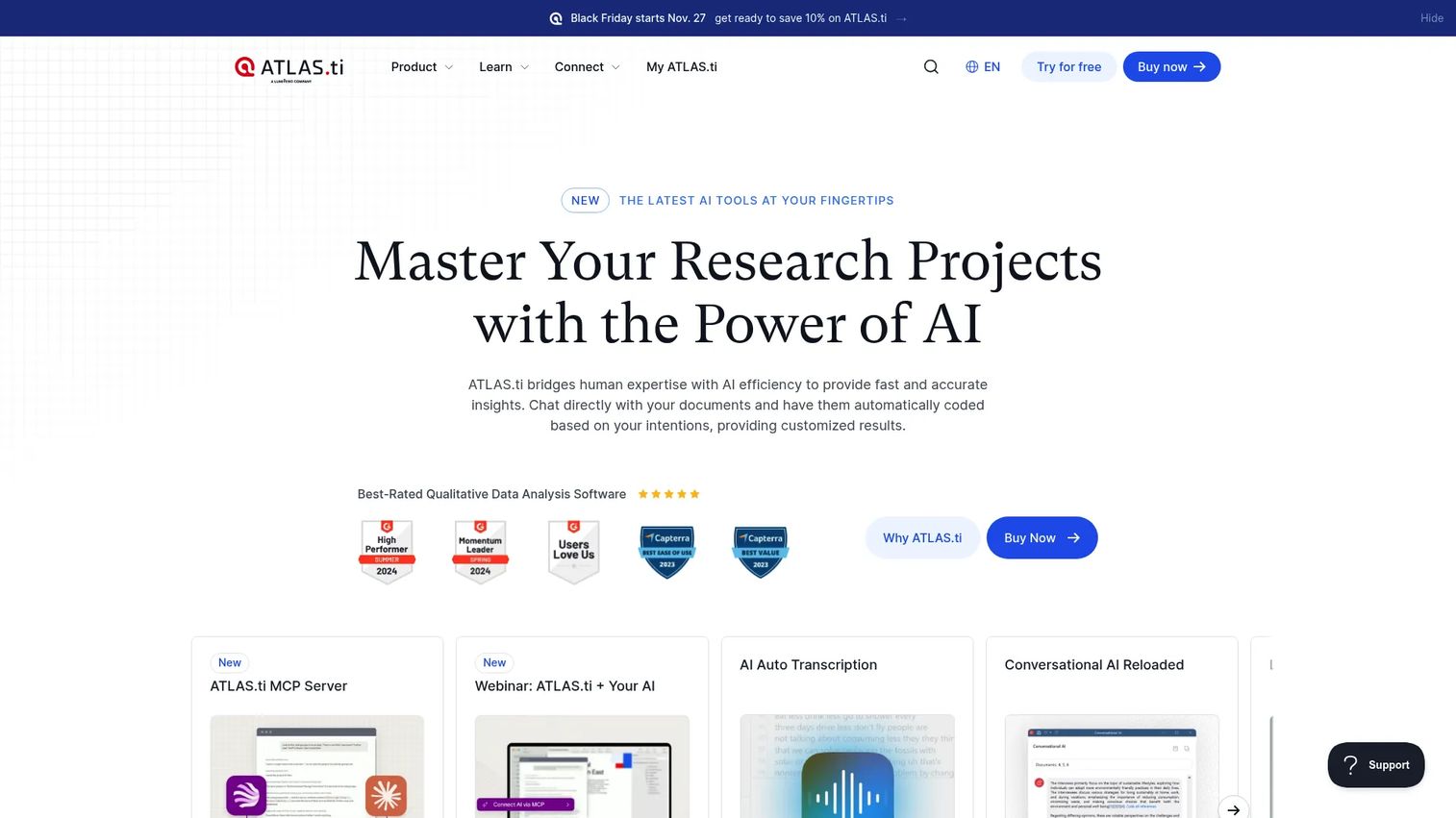
ATLAS.ti is qualitative data analysis software for coding, interpreting, and visualizing mixed research data. It supports text, PDFs, images, audio, video, surveys, and geographic material.
Researchers can build code hierarchies, write memos, examine code relationships, and create network views. AI assisted coding and summaries sit alongside researcher controlled analysis.
Best for: Research teams conducting rigorous qualitative or mixed method projects across several media types.
Key features
- Qualitative coding
- Code relationship analysis
- Network visualizations
- Automatic transcription
- Inter coder agreement
Why choose ATLAS.ti: Choose it when interpretation and auditability matter as much as automation. It supports discovery work where researchers need to show how evidence became a finding.
Product teams can use it for interview studies, diary research, or cross segment discovery. Its project structure also helps research operations maintain consistency.
ATLAS.ti pricing: Custom pricing.
G2 rating: 4.7/5.
14. NVivo
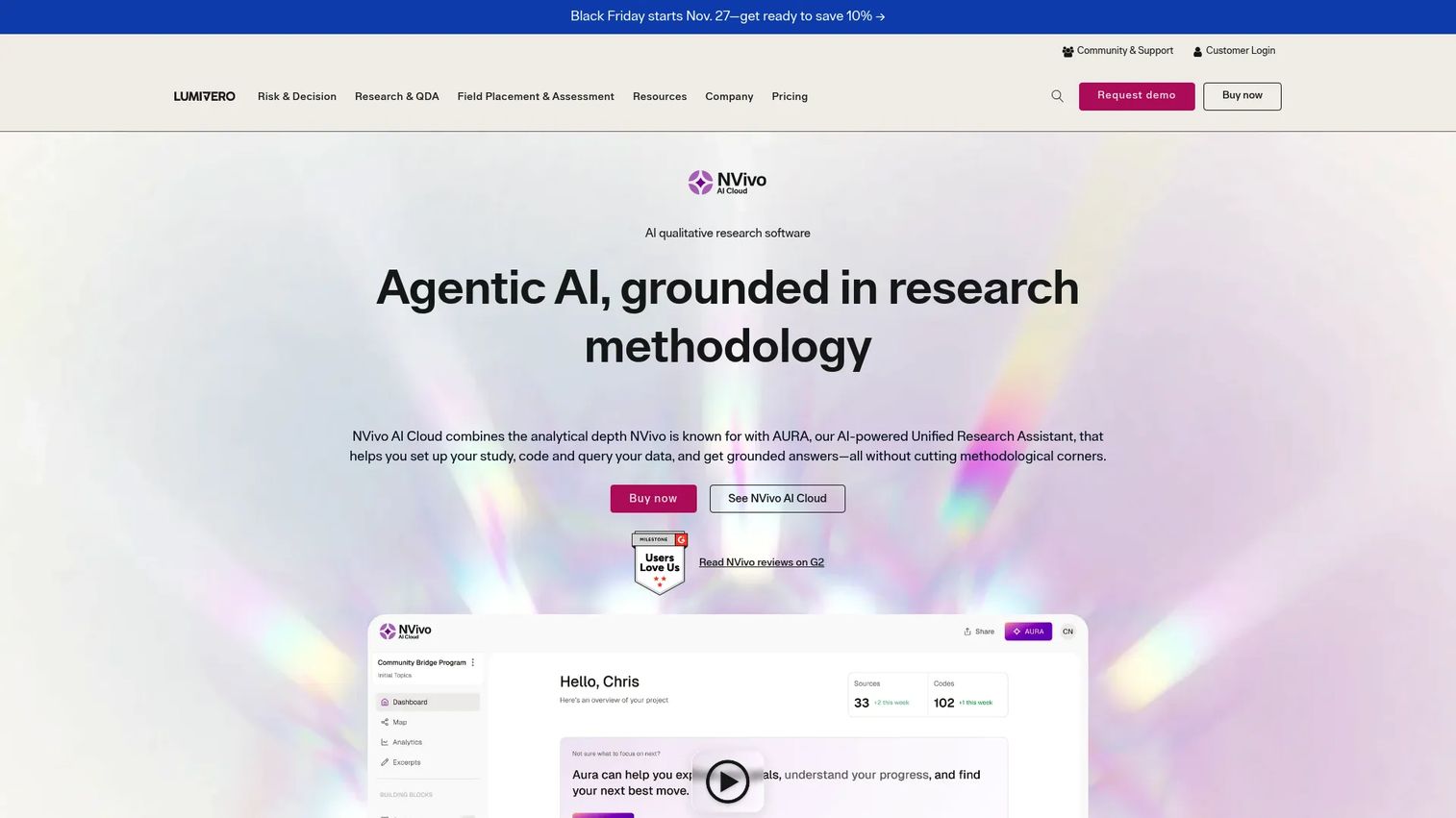
NVivo supports qualitative and mixed method research through cloud and desktop products. It handles coding, cases, attributes, queries, matrices, visualizations, and multimedia.
AI assisted workflows can help with setup, summarization, topic identification, querying, and coding. Researcher approval controls and audit trails connect findings with source evidence.
Best for: Academic, UX, and product research teams managing complex qualitative projects.
Key features
- Coding and thematic analysis
- Case and attribute management
- Matrix queries
- Multimedia analysis
- Source linked audit trails
Why choose NVivo: It fits long running research programs with complex evidence and several analytical views. PMs can use it to connect interview themes with personas or account attributes.
The project model supports rigor, but teams should budget time for setup and governance. It serves structured research better than quick feedback triage.
NVivo pricing: Student licenses start around ¥1,762 per month, billed annually. Researcher plans start around ¥7,048 per month, billed annually.
G2 rating: 4.0/5.
15. Qualtrics Text iQ
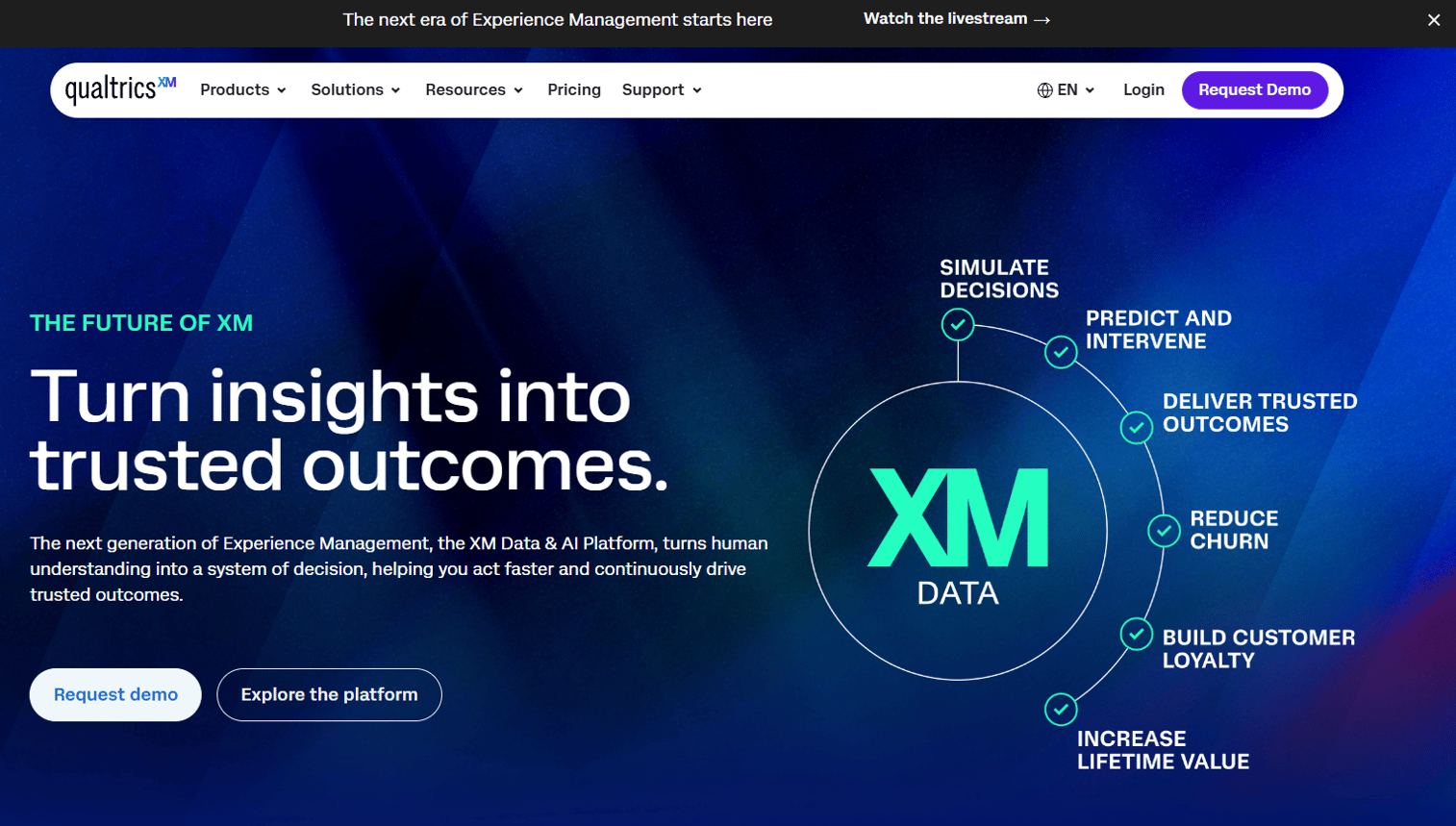
Qualtrics Text iQ analyzes open ended feedback through topics, sentiment, reporting widgets, and search. It sits inside broader Qualtrics feedback workflows.
Teams can assign hierarchical topics, build queries, translate comments, and surface findings through dashboards. This makes it relevant for recurring survey programs rather than isolated text projects.
Best for: Product, CX, and research teams already collecting feedback through Qualtrics.
Key features
- Survey text analytics
- Sentiment analysis
- Hierarchical topics
- Response search
- Dynamic reporting widgets
Why choose Qualtrics Text iQ: Pick it when open text analysis must remain close to survey operations. Product teams can compare topics across segments or research programs.
Its fit weakens when the primary evidence sits across unrelated systems. Check the required import and integration workflow before buying.
Qualtrics Text iQ pricing: Custom pricing.
G2 rating: 4.4/5 for Qualtrics overall.
16. Taguette
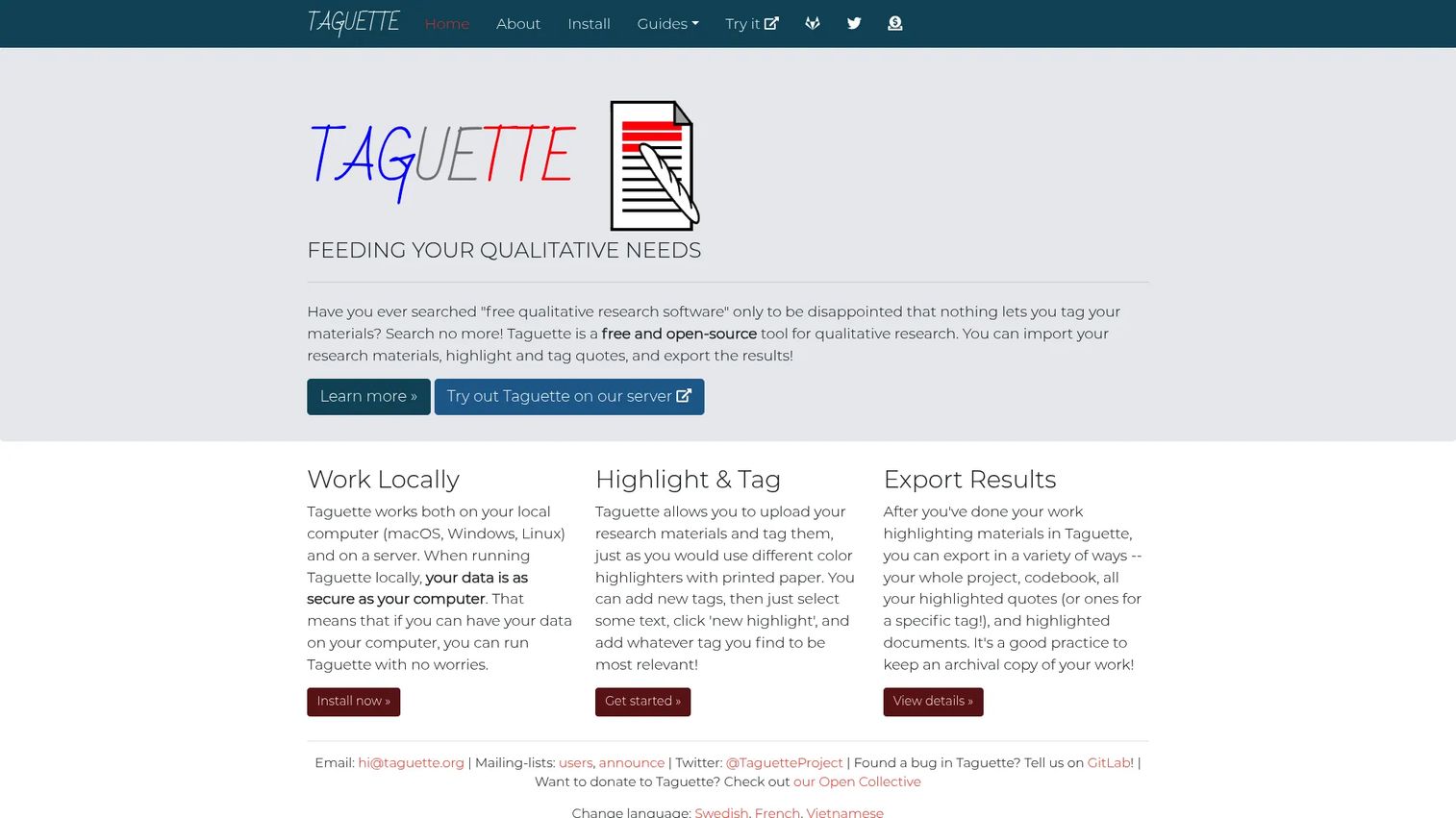
Taguette is free, open source qualitative research software. It imports common document formats and lets researchers highlight passages with custom tags.
Teams can organize codes, collaborate through self hosting or the hosted service, and export documents or tagged results. It runs on desktop operating systems or a server.
Best for: Researchers and small teams that need straightforward qualitative coding without a heavy platform.
Key features
- Manual passage highlighting
- Custom tag organization
- Common document imports
- Project and codebook exports
- Self hosted collaboration
Why choose Taguette: Use it for focused projects where manual coding is enough. It gives teams a practical entry point without subscription costs.
Taguette does not provide the analytical breadth of enterprise text analytics software. It works best when the research method depends on human interpretation.
Taguette pricing: Free for local use, self hosting, and the hosted service.
17. TDM Studio
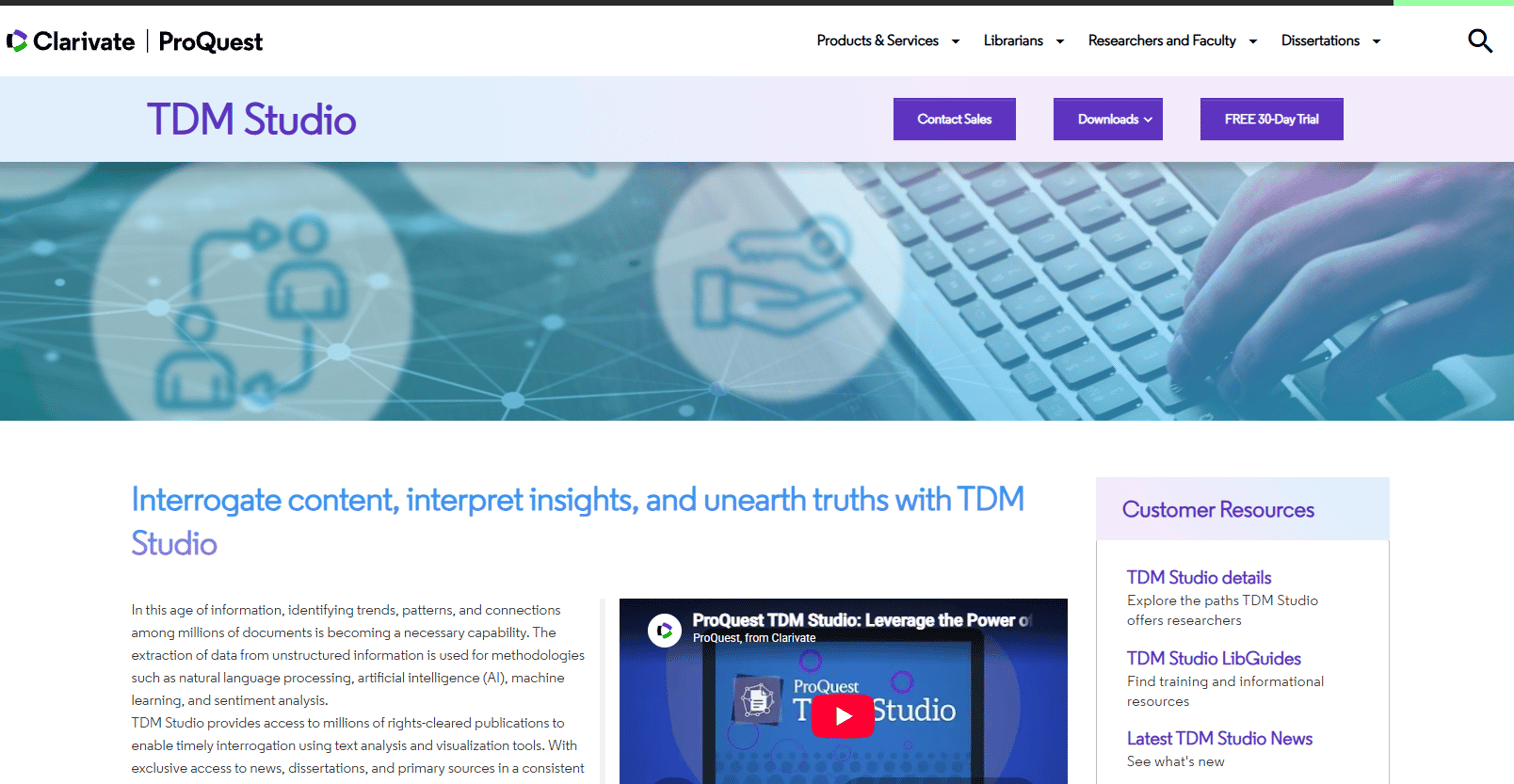
TDM Studio is included for its stated focus on large scale academic text and data mining. Its position in the category centers on research collections and institutional workflows.
Current product details could not be established from the supplied primary source research. Institutions should confirm collection access, supported methods, export rules, and visualization capabilities directly before evaluation.
Best for: Academic researchers and institutions assessing large document collections.
Key features
- Research oriented text mining
- Large collection workflows
- Institutional access model
Why choose TDM Studio: Evaluate it when your source material comes from licensed scholarly collections. Its institutional orientation separates it from customer feedback and product research platforms.
Product teams will usually find other options more aligned with tickets, surveys, or interview transcripts. Academic researchers should compare collection coverage before focusing on analytical features.
Considerations when choosing text mining software
Start with the text source
List where your text lives before comparing features. Survey responses, interviews, tickets, reviews, and academic corpora create different ingestion requirements.
A survey platform may suit one source. Mixed research projects often need qualitative data analysis software with broader imports.
Decide how much human interpretation you need
Automated topic modeling helps with scale. Qualitative coding preserves context when researchers need to interpret why a theme matters.
For roadmap decisions, prioritize source traceability. Stakeholders should be able to inspect the comments behind a claim.
Match the tool to team skills
Separate no code platforms from visual workflow systems and developer libraries. A Python package offers control but creates an ongoing technical dependency.
Account for maintenance across release cycles. The first analysis is only part of the total effort.
Check privacy, governance, and traceability
Text feedback can contain customer names, personal information, proprietary details, or sensitive support issues. Review hosting, access controls, retention, and export options.
Also check whether users can trace summaries back to source passages. Auditability matters when research influences high impact decisions.
Plan how insights reach the roadmap
Useful analysis should change a decision or sharpen a product question. Evaluate exports, dashboard readability, segmentation, and repeatability.
Decide who will rerun the workflow after each release. Clear ownership prevents the analysis from becoming another abandoned research artifact.
Conclusion
The right text mining software depends on the evidence you collect and who owns the workflow.
Start with WordStat when you need mixed method analysis with source traceability. QDA Miner, ATLAS.ti, NVivo, and Taguette fit qualitative research with different levels of depth.
Technical teams can evaluate spaCy, NLTK, Gensim, KNIME, RapidMiner, MATLAB, IBM, or SAS. Qualtrics Text iQ fits survey programs already running inside its broader platform.
Voyant Tools provides browser based exploration. Sketch Engine serves corpus linguistics, while TDM Studio targets institutional research collections.
Build a benchmark before buying. Select one research platform and one technical option from the table. Add a third tool that matches your main data source.
Run the same 500 to 1,000 comments through each. Compare setup time, theme quality, false positives, source access, export quality, and stakeholder readability.
FAQs
WordStat fits teams that need automated analysis with source traceability. QDA Miner and NVivo work well for interview based research, while Qualtrics Text iQ suits survey programs.
The best choice depends on where feedback lives. Prioritize segmentation, repeatable analysis, and direct access to original comments.
Text mining often emphasizes automated pattern discovery across large text datasets. Common methods include classification, entity extraction, topic modeling, and clustering.
Text analytics software can also include dashboards, qualitative coding, sentiment scoring, and reporting. Vendors frequently use the terms interchangeably.
KNIME provides free visual workflows, while spaCy and Gensim suit developer led analysis. NLTK works well for education or prototyping.
Taguette supports manual qualitative coding at no charge. Free tools often require more technical setup or narrower workflows.
Gensim supports developer led topic modeling and streamed corpus processing. WordStat combines topic discovery with dictionaries and source review.
KNIME or RapidMiner fit analysts who prefer visual workflows. Choose according to coding comfort, dataset size, and the required audit trail.
Yes. Text mining software can process survey responses, reviews, support tickets, interview transcripts, and churn comments.
Product teams should segment results by persona, plan, lifecycle stage, and release period. Source traceability helps validate themes before they influence prioritization.
Yes, provided you choose a research oriented or visual platform. Qualitative systems support coding and interpretation without requiring a custom NLP pipeline.
Developer libraries require technical support for setup, preprocessing, evaluation, deployment, and maintenance. Include that dependency in your buying decision.
Start with source coverage, segmentation, topic quality, sentiment accuracy, and traceability. Then evaluate privacy controls, exports, workflow maintenance, and stakeholder readability.
The tool should help you connect customer language with activation friction or retention signals. More charts alone will not improve roadmap confidence.
Create a benchmark dataset from tickets, survey comments, or research transcripts. Use the same source material and category definitions in every product.
Compare setup time, missed themes, false positives, source passage access, and export usability. Ask stakeholders whether they can understand and challenge the findings.