Your SOPs exist. The team still pings the same person for "how do I do this in the CRM?" The problem is adoption, not documentation. If that sounds familiar, you are probably comparing SweetProcess alternatives not because the tool is broken, but because a plain SOP library is not closing the gap between what the process says and what the team does.
The 11 tools in this guide span five categories: Employee training (Trainual), recurring checklist execution (Process Street), work management (monday.com and ClickUp), interactive demo software for software-step training (Guideflow), workflow automation (Kissflow and Pipefy), enterprise BPM (Appian and Nintex Process Platform), process mapping (IBM Blueworks Live), and issue tracking (Jira). Guideflow is the top pick for SaaS founders whose processes live inside software and whose written instructions go unread. Each of the other tools wins a different job.
The global business process management market reached $17.5 billion in 2025, according to IMARC Group, and 73.2% of surveyed businesses increased automation investment in the same period, per the Enterprise Automation Index 2025. The SweetProcess alternatives field has grown with that investment.
TL;DR
- Best for interactive software training: Guideflow supports six demo types: Interactive demos, demo pages, demo centers, sandboxes, live demos, and mobile demos. Free plan available; paid plans from $35 per user per month (annual).
- Best for employee training and onboarding: Trainual. Strong fit for founders replacing founder-led onboarding with role-based training paths.
- Best for recurring checklists with proof: Process Street. Closest SweetProcess alternative when the process must run repeatedly and leave an audit trail.
- Best for work management and operating visibility: monday.com (Free plan available; paid from $9 per seat per month, annual) or ClickUp (Free plan available; paid from $9 per user per month, annual).
- Best for no-code workflow automation: Kissflow (quote-based) or Pipefy (Free Starter plan available).
- Best for enterprise process management: Appian or Nintex Process Platform (from $15,000 per year).
- Best for process mapping before automation: IBM Blueworks Live (from $11.25 per authorized user).
What's inside
- A fair definition of SweetProcess and why teams outgrow it
- The specific gaps that drive founders toward alternatives
- Our selection criteria and category labels
- A comparison table with G2 ratings, free plan status, and starting prices
- Ranked cards for all 11 tools with strengths, shortfalls, and pricing
- Use-case routing by job, plus when staying with SweetProcess still makes sense
What is SweetProcess?
SweetProcess is process documentation software for teams that need to capture SOPs, policies, workflows, and internal operating knowledge in one structured system. It sits in the standard operating procedure category and serves small business owners, operations managers, and department leads who want procedures written down and accessible.
Its core strengths include structured procedure documentation, the ability to assign policies to employees for acknowledgment, and a focused interface that keeps process writing uncluttered. For teams whose main job is capturing the operating manual, SweetProcess does that job. The problems surface when teams need the work to actually run with proof, or when the processes live inside software and a paragraph of written instructions stops working.
Why teams look for SweetProcess alternatives
Teams do not leave SweetProcess because it fails at documentation. They leave because they need something the tool was not designed to do.
They need proof the process ran, not only the written procedure
A documented SOP tells a team member what to do. It does not prove the step happened. Growing SaaS teams typically need recurring tasks, approval chains, and audit trails that survive board scrutiny and due diligence. G2 reviewers of SweetProcess flag the absence of native recurring task execution as a friction point when compliance or operational accountability matters. Tools like Process Street, Pipefy, Kissflow, Appian, and Nintex fill this gap by running the work rather than storing the description.
Their processes live inside software tools
Written procedures for CRM updates, billing workflows, support ticket routing, or analytics dashboards become long and screenshot-heavy. Screenshots age. Paragraphs get skipped. New hires need to click through steps, not read about them. Guideflow fits this gap: It replaces the written procedure inside the checklist with an interactive demo people can complete. It does not replace the checklist itself.
They need faster employee and leader onboarding
A founder who hired a VP of Sales wants that VP running the motion on day one, not asking for a shadowing session. Trainual and Guideflow both address this, Trainual through role-based training paths and quizzes, Guideflow through interactive demos embedded in onboarding flows.
They want processes connected to project work
Processes often become tasks with owners, deadlines, and dashboard visibility. Founders scaling from 30 to 100 employees find that monday.com, ClickUp, and Jira fit this better than a documentation library.
Their organization needs enterprise governance
Larger teams or regulated workflows require process modeling, compliance controls, and deep integrations with existing enterprise systems. Appian, Nintex Process Platform, and IBM Blueworks Live serve this segment.
How we picked these SweetProcess alternatives
Each tool earned its place by solving a job a SweetProcess user would recognise: Documenting procedures, running recurring work, training employees on software, automating workflow routing, mapping processes before automation, or tracking work through engineering. Pricing was drawn from each vendor's own pricing page. G2 ratings come from each tool's G2 listing. The list spans seven categories, labeled throughout so founders can tell a documentation swap from a training layer from a workflow engine. Any statistic in this article is attributed to a named source with a year.
SweetProcess alternatives at a glance
Guideflow leads the list as the pick for founders whose SOP bottleneck is software-step adoption. Trainual follows for teams focused on employee onboarding and training accountability. The rest of the list covers the range from lightweight checklists to enterprise BPM.
| Tool | Category | Best for | G2 rating | Free plan | Starting price |
|---|---|---|---|---|---|
| Guideflow | Interactive demo software | Making software-heavy SOP steps learnable | 5.0/5 | Yes | $0; paid from $35/user/month (annual) |
| Trainual | Employee training | Standardizing onboarding and internal knowledge | 4.7/5 | No | Contact sales; $1,000 implementation fee |
| Process Street | Recurring checklist software | Running repeatable processes with task proof | 4.6/5 | No (14-day trial) | Custom quote |
| monday.com | Work management | Turning processes into cross-functional work | 4.7/5 | Yes | $9/seat/month (annual) |
| ClickUp | Work management | Consolidating docs, tasks, and dashboards | 4.6/5 | Yes | $9/user/month (annual) |
| Kissflow | Workflow automation | No-code workflow apps and approvals | 4.3/5 | No | Custom quote |
| Pipefy | Workflow automation | Intake, approvals, and operational workflows | 4.6/5 | Yes | Free Starter; paid by quote |
| Appian | BPM | Enterprise process automation and orchestration | 4.5/5 | Yes (Community Edition) | Custom quote (per user/month/app) |
| Nintex Process Platform | Process automation | Process mapping, automation, and forms | 4.3/5 | No | From $15,000/year |
| IBM Blueworks Live | Process mapping | Documenting and analyzing business processes | 4.3/5 | No | From $11.25/authorized user |
| Jira | Issue and project tracking | Engineering and product process tracking | 4.3/5 | Yes | $7.91/user/month |
The best SweetProcess alternatives in 2026
1. Guideflow (interactive demo software)
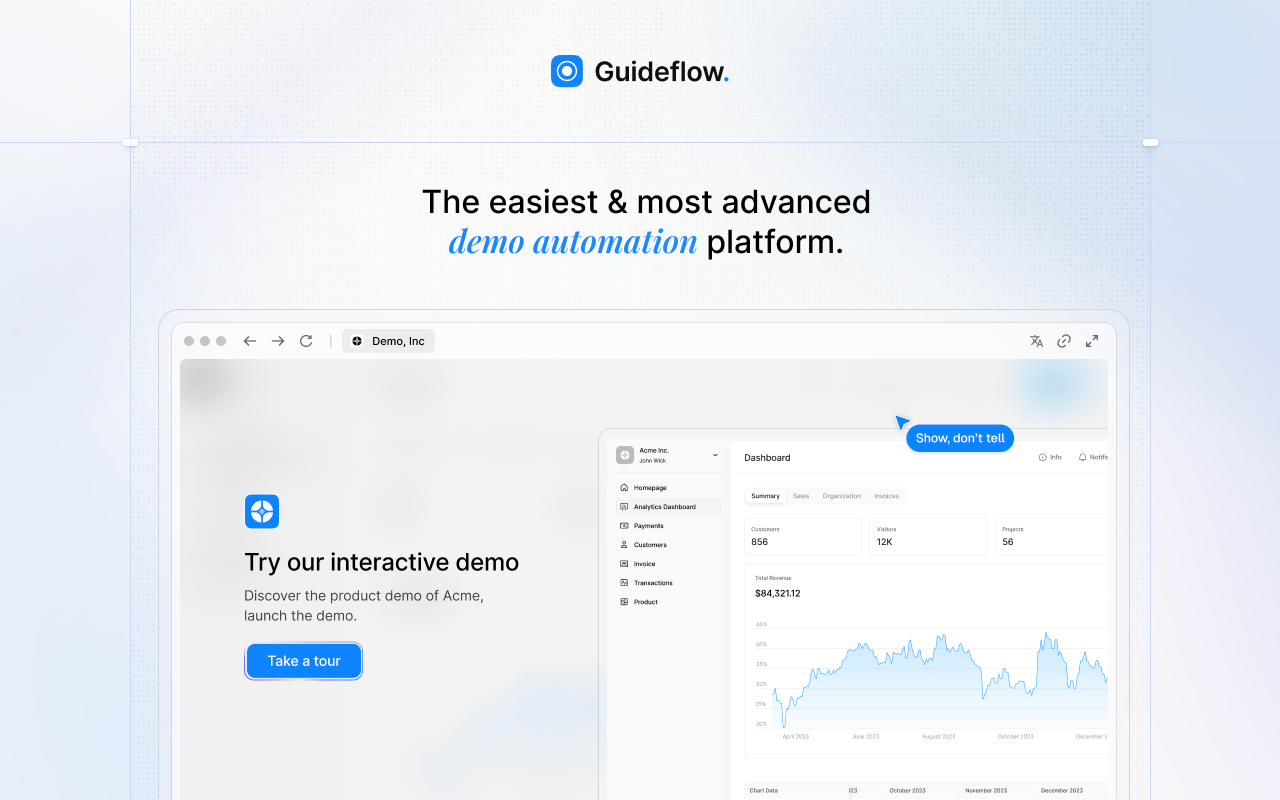
Guideflow is a demo automation platform built for teams whose SOPs depend on software. When a checklist tells someone what to do, but the instructions are four paragraphs and three screenshots nobody looks at, Guideflow replaces the written procedure with an interactive demo the person can complete. It does not run recurring processes, assign tasks, or handle conditional workflow logic. It sits inside the process stack as the training layer.
Best for: SaaS founders whose team processes live inside CRM, support, billing, analytics, or other software tools and whose written SOPs are too long to be useful.
What it is: Guideflow is a demo automation platform. It captures product flows through the Chrome extension or the native app, using screenshot, HTML, or video capture modes. The editor supports text, images, graphs, and branching. Analytics cover step-level completion, drop-off, and viewer flow. Visitor identification works at company level. CRM records are created when a viewer identifies through an in-demo form or a personalized link, and named integrations include HubSpot, Salesforce, Pipedrive, Zoho, and Marketo.
Key features:
- Six demo types: Interactive demos, demo pages, demo centers, sandboxes, live demos, mobile demos
- Step content and CTAs written automatically
- Editor supports text, images, graphs, and branching
- Translation into more than 30 languages
- Step-level analytics: Completion, drop-off, and viewer flow
Where Guideflow falls short: Guideflow does not assign tasks, run approvals, or handle conditional workflow logic. It works best alongside a checklist, SOP, or workflow tool when the bottleneck is learning the software step, not owning the recurring process.
Pricing: Free plan at $0. Solo plan at $35 per user per month (annual). Growth at $499 per month (annual). Advanced at $1,499 per month (annual). Enterprise from $2,999 per month (annual), adding SSO, advanced governance, and enterprise security.
G2 rating: 5.0/5
How it compares to SweetProcess: SweetProcess documents the process. Guideflow shows the software step inside that process. The two complement each other: SweetProcess owns the operating manual, Guideflow owns the instruction for each software task within it.
Start your journey with Guideflow today!
2. Trainual (employee training)
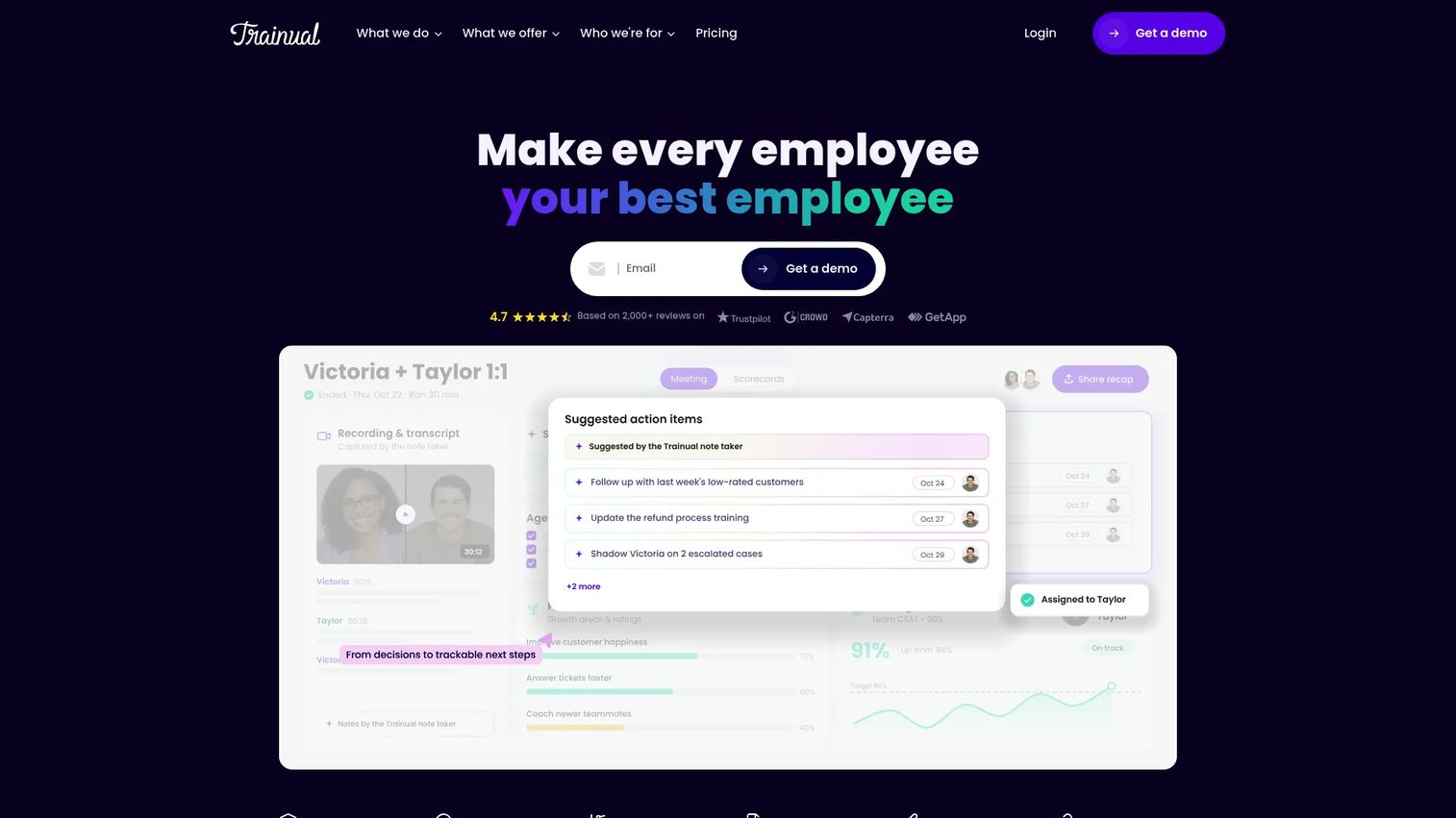
Trainual is built for companies that want employee onboarding and training to run without the founder in the room. It sits in the employee training and operations platform category, combining SOPs, training paths, role assignments, testing, and performance tracking in one hub. For a Series B SaaS founder who just hired a VP of Marketing, Trainual gives that VP a system to absorb the motion rather than asking the founder to explain it again.
Best for: Growing companies replacing founder-led or manager-led onboarding with structured, role-based training that proves employee readiness.
What it is: Trainual is a training, operations, and performance platform. It covers documentation and SOPs, AI-powered knowledge search, onboarding and training paths, testing and tracking, meetings and goal tracking, and performance reviews.
Key features:
- Role-based training paths with quizzes and completion tracking
- AI-powered knowledge search and Q&A
- Policies and SOPs linked to employee acknowledgments
- Performance reviews, goals, and scorecards
- Content governance and version control
Where Trainual falls short: Trainual's pricing page lists Core, Pro, Premium, and Enterprise plans but does not display subscription prices; a one-time $1,000 implementation fee applies. G2 reviewers note that content maintenance at scale requires deliberate governance, and that search quality inside large libraries can frustrate users who cannot find specific procedures. Pricing grows with headcount, which surfaces as a friction point for teams scaling quickly.
Pricing: Four plans (Core, Pro, Premium, Enterprise); subscription prices are quote-based. A one-time $1,000 implementation fee applies.
G2 rating: 4.7/5
How it compares to SweetProcess: Trainual is more training-forward with accountability features; SweetProcess is more process documentation-forward. Choose Trainual when employee readiness, quiz completion, and performance review matter alongside the SOP.
3. Process Street (recurring checklist software)
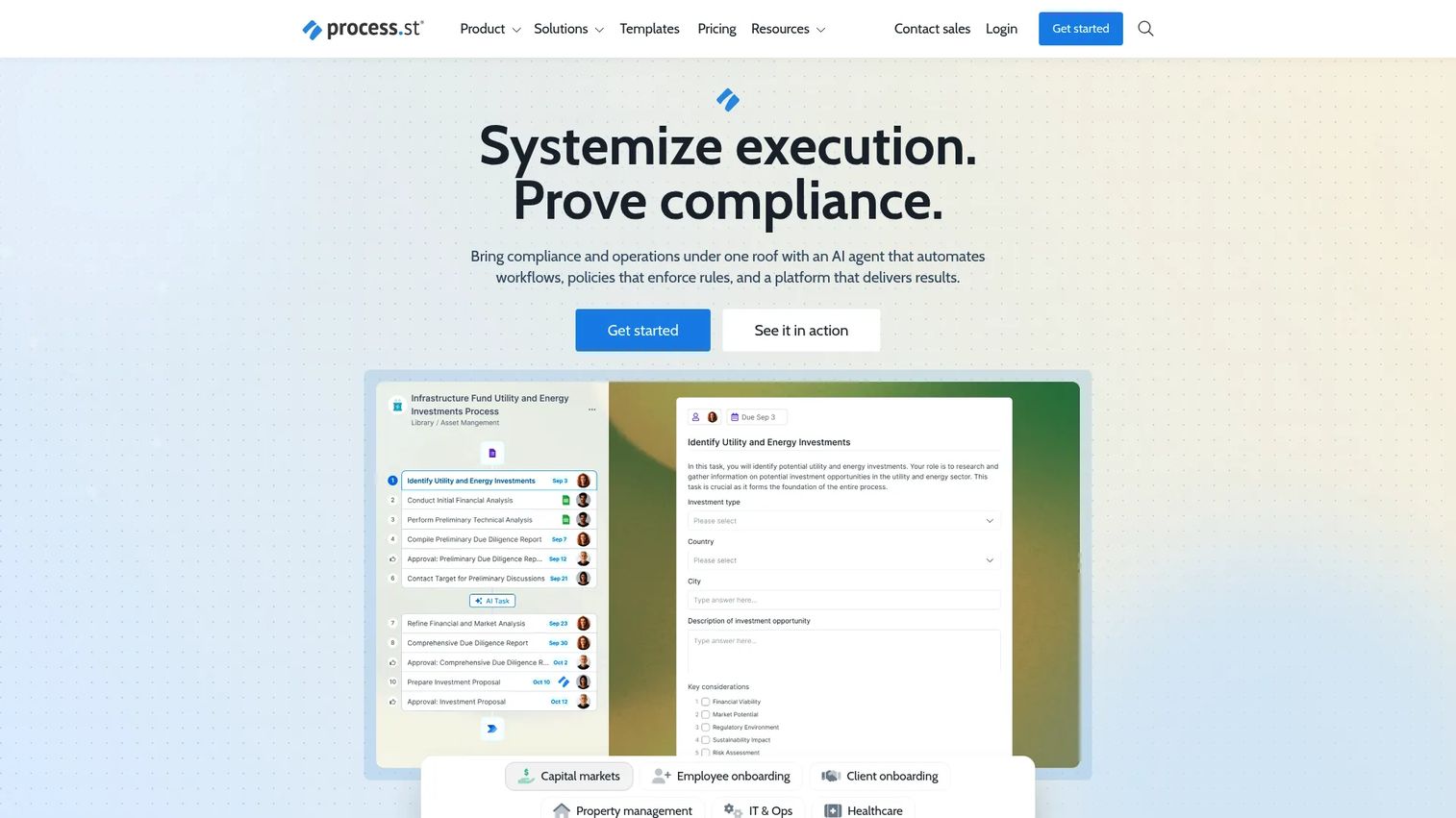
Process Street is the clearest like-for-like swap for SweetProcess buyers who need the process to run, not just exist. It sits in the compliance operations and recurring workflow category, letting teams document a process once and run it as a structured, trackable checklist every time the work repeats. Approvals, conditional logic, role assignments, and audit trails are core, not add-ons.
Best for: Operations, compliance, HR, and quality teams that need repeatable, trackable workflows with proof the process ran.
What it is: Process Street is a compliance operations platform for documenting, automating, and running structured business workflows. Its AI can generate workflows, import documents, and transform data. G2 rates it 4.6/5.
Key features:
- No-code workflows with tasks, forms, conditional logic, approvals, and due dates
- Role assignments and permission controls
- Process AI for generating and transforming workflow content
- Workflow analytics and reporting
- API access and mobile apps
Where Process Street falls short: All three plans (Startup, Pro, Enterprise) are custom-quoted, which makes upfront cost comparison difficult. G2 reviewers note that pricing grows significantly as team size increases, and that the complexity of building conditional logic in larger workflows requires setup time most small operations teams underestimate. Reporting depth on the lower plans also draws criticism from reviewers who want dashboard-level visibility without upgrading.
Pricing: Startup, Pro, and Enterprise plans; all are custom-quoted. A 14-day free trial is available on Pro.
G2 rating: 4.6/5
How it compares to SweetProcess: Process Street is the stronger fit when the process must run repeatedly with assigned owners and an audit trail. SweetProcess is the stronger fit when capturing the operating manual is the primary job.
4. monday.com (work management)
monday.com is an AI work platform that moves beyond documentation into execution. For founders who want processes to live alongside projects, dashboards, and cross-functional ownership, it gives each department's recurring work a home with visibility into whether it ran.
Best for: Founders and ops teams that need weekly operating visibility across marketing, sales, product, and CS, not only SOP storage.
What it is: monday.com is an AI work platform for projects, workflows, CRM, service, and development work. It offers Gantt charts, dashboards, workload management, automations, and an open API. G2 rates it 4.7/5.
Key features:
- Customizable boards with automations and integrations
- Gantt, timeline, calendar, and list views
- Cross-functional dashboards and workload management
- Forms and intake workflows
- Milestone and dependency tracking
Where monday.com falls short: G2 reviewers consistently flag notification volume as a pain point on larger boards, with some describing alert fatigue as the dominant daily frustration. Paid plans require a minimum of three seats, and several advanced features are gated behind the Pro tier. Reviewers also note that as board count grows, admin burden and configuration sprawl become significant.
Pricing: Free plan. Basic at $9 per seat per month (annual). Standard at $12 per seat per month (annual). Pro at $19 per seat per month (annual). Enterprise at custom pricing.
G2 rating: 4.7/5
How it compares to SweetProcess: monday.com gives processes an execution layer with dashboards and ownership; SweetProcess gives them a documentation layer with structured procedure storage. Choose monday.com when the team needs to see whether the process ran, not only how it should run.
5. ClickUp (work management)
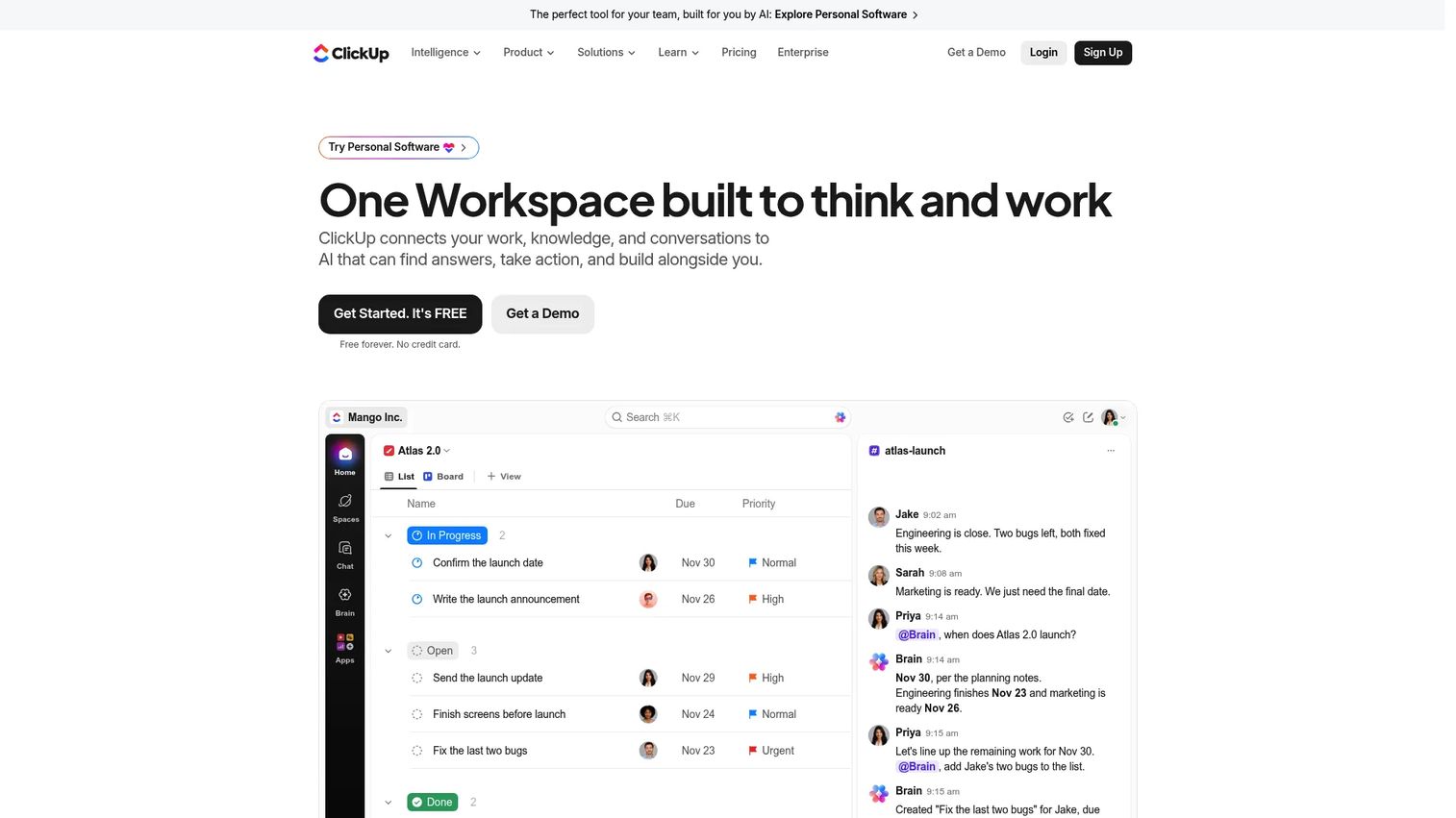
ClickUp consolidates more into one workspace than most tools in this category: Docs, tasks, whiteboards, chat, dashboards, goals, and automations. For a founder skeptical of adding yet another tool, ClickUp's argument is that it replaces several. The tradeoff is a steeper setup investment to get it working the way the team needs.
Best for: Teams that want process documentation, task management, and project dashboards in one workspace to reduce tool count.
What it is: ClickUp is a work management platform combining tasks, docs, communication, AI, dashboards, and integrations. G2 rates it 4.6/5.
Key features:
- Docs integrated directly with tasks and projects
- Sprints, backlogs, and agile boards
- Automations, templates, and goals
- Whiteboards and native chat
- AI and Brain capabilities for content generation and task management
Where ClickUp falls short: Feature density is the most cited complaint on G2. Reviewers describe a learning curve that adds weeks to onboarding new team members, and report that performance can degrade on large workspaces with many nested lists. Notification overload mirrors the same frustration as monday.com, and some reviewers note the mobile app lags the desktop experience.
Pricing: Free Forever plan. Core at $9 per user per month (annual). Business at $17 per user per month (annual). Max at $100 per user per month (annual). Enterprise at custom pricing.
G2 rating: 4.6/5
How it compares to SweetProcess: ClickUp adds project execution and broader documentation to what SweetProcess does. Choose ClickUp when process docs should live next to the tasks they govern.
6. Kissflow (workflow automation)
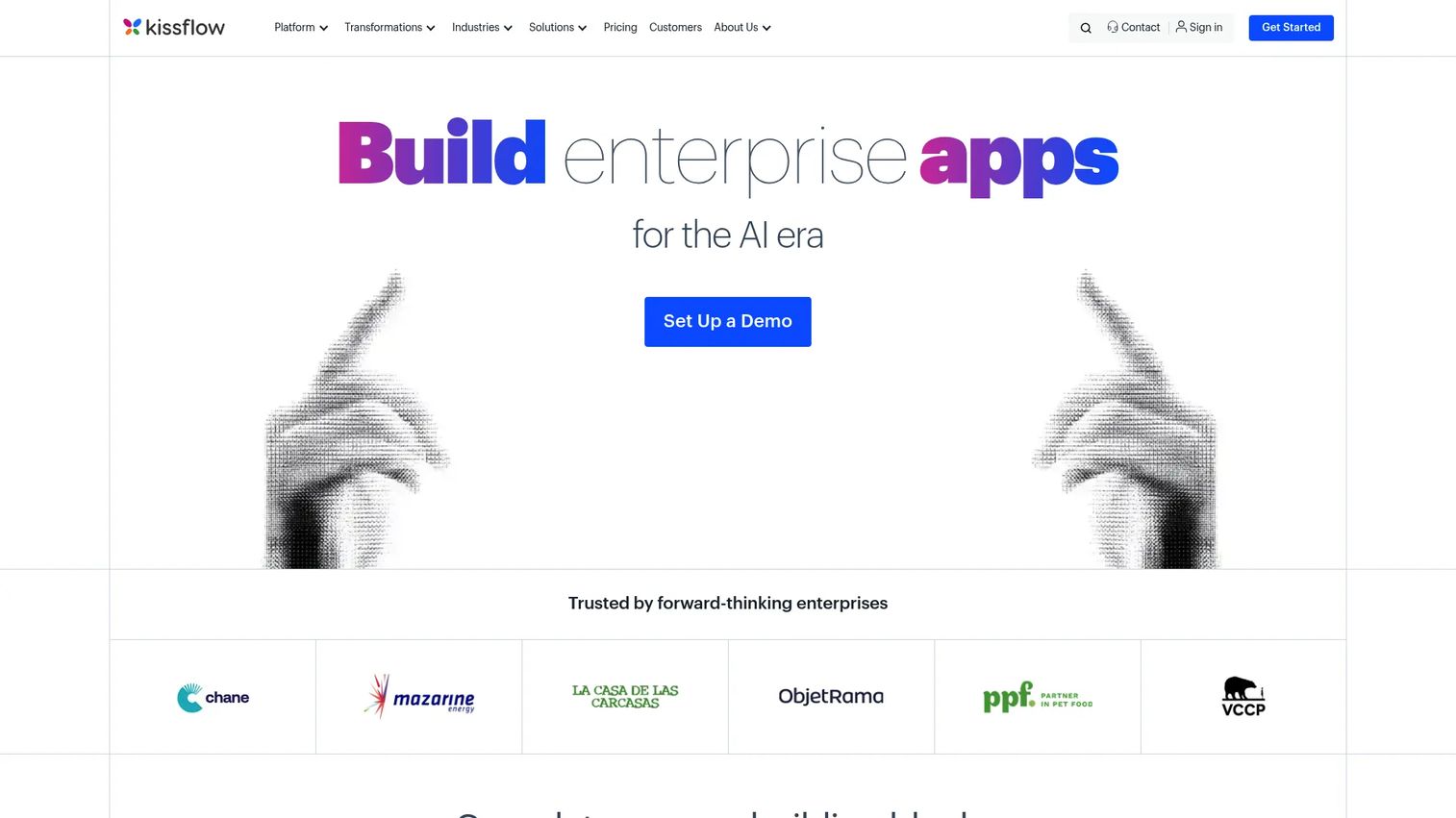
Kissflow enters the picture when SOPs need to route between people and systems, not just sit in a library. It is an enterprise AI and low-code platform for building custom applications, automating approvals, and running structured internal workflows without IT involvement. The focus is automation, not documentation.
Best for: Operations teams and enterprises that need no-code workflow applications, approval routing, and process automation built by process owners rather than developers.
What it is: Kissflow is an enterprise AI and low-code platform for workflow automation, application development, boards, forms, and reporting. G2 rates it 4.3/5. Pricing is fully custom-quoted.
Key features:
- No-code and low-code application development
- Workflow and process automation with conditional routing
- Forms, portals, and decision tables
- Boards for projects, tickets, and cases
- Reporting, analytics, and governance controls
Where Kissflow falls short: Kissflow's pricing page states custom quote pricing with subscription-based user tiers; no numeric price is shown. G2 reviewers note that the absence of transparent pricing creates friction during evaluation. Reviewers also describe setup time for complex multi-step workflows as longer than expected, and flag that customization options can feel constrained for edge-case processes.
Pricing: Custom quote. Subscription-based user tiers with fixed annual agreements. AI and API usage carry no additional surcharges per the pricing page.
G2 rating: 4.3/5
How it compares to SweetProcess: Kissflow automates how work routes between people and systems; SweetProcess documents how the work should be done. The two serve different layers of the same operational problem.
7. Pipefy (workflow automation)
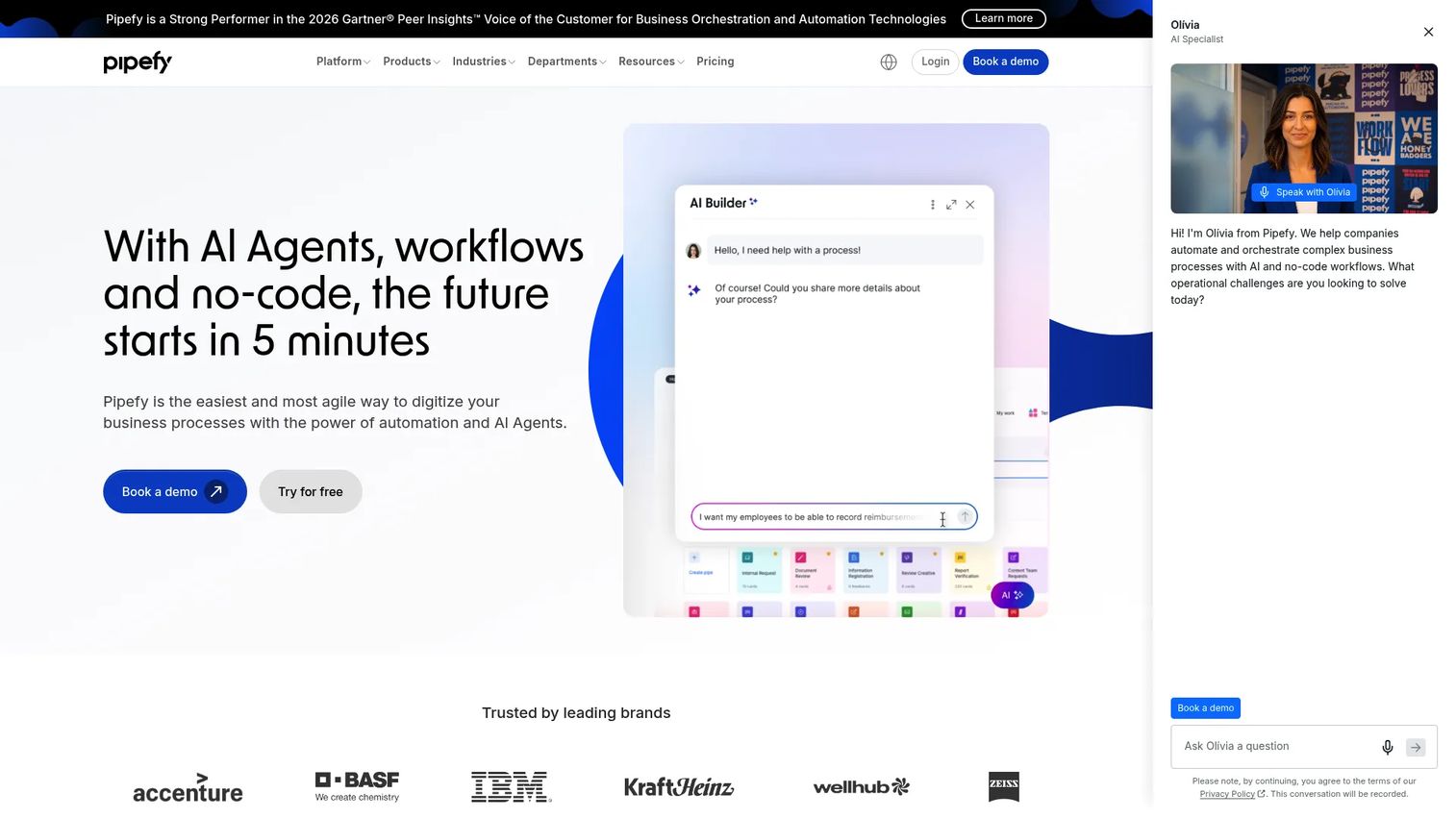
Pipefy focuses on intake management, approvals, and operational workflows, while Kissflow offers a broader platform that extends beyond these core process areas. RevOps, CS Ops, finance ops, and IT service teams find it a natural fit because it structures the inbound request, routes it through approvals, and tracks it to resolution without custom development.
Best for: Teams running intake, service requests, and cross-department approvals where bottlenecks happen at handoffs.
What it is: Pipefy is a no-code business process automation platform for creating, automating, and measuring workflows. It supports SLA management, role-based permissions, SSO, and two-factor authentication. G2 rates it 4.6/5. A free Starter plan is available.
Key features:
- No-code forms and intake pipelines
- AI-powered process building and automation
- SLA tracking and reporting
- Conditional logic and role-based permissions
- API, Zapier, and native integrations
Where Pipefy falls short: Business and Enterprise plan pricing requires contacting sales; no numeric price appears on the pricing page. G2 reviewers note that reporting depth on the Starter plan is limited, and that advanced automations require a Business or Enterprise plan upgrade. Some reviewers describe the conditional logic builder as requiring a learning investment before complex workflows feel manageable.
Pricing: Starter plan is free (up to 5 processes, up to 10 users). Business and Enterprise plans require contacting sales.
G2 rating: 4.6/5
How it compares to SweetProcess: Pipefy runs operational workflows from intake to resolution; SweetProcess documents the SOP behind those workflows. Choose Pipefy when process bottlenecks happen in intake queues and approval chains.
8. Appian (BPM)
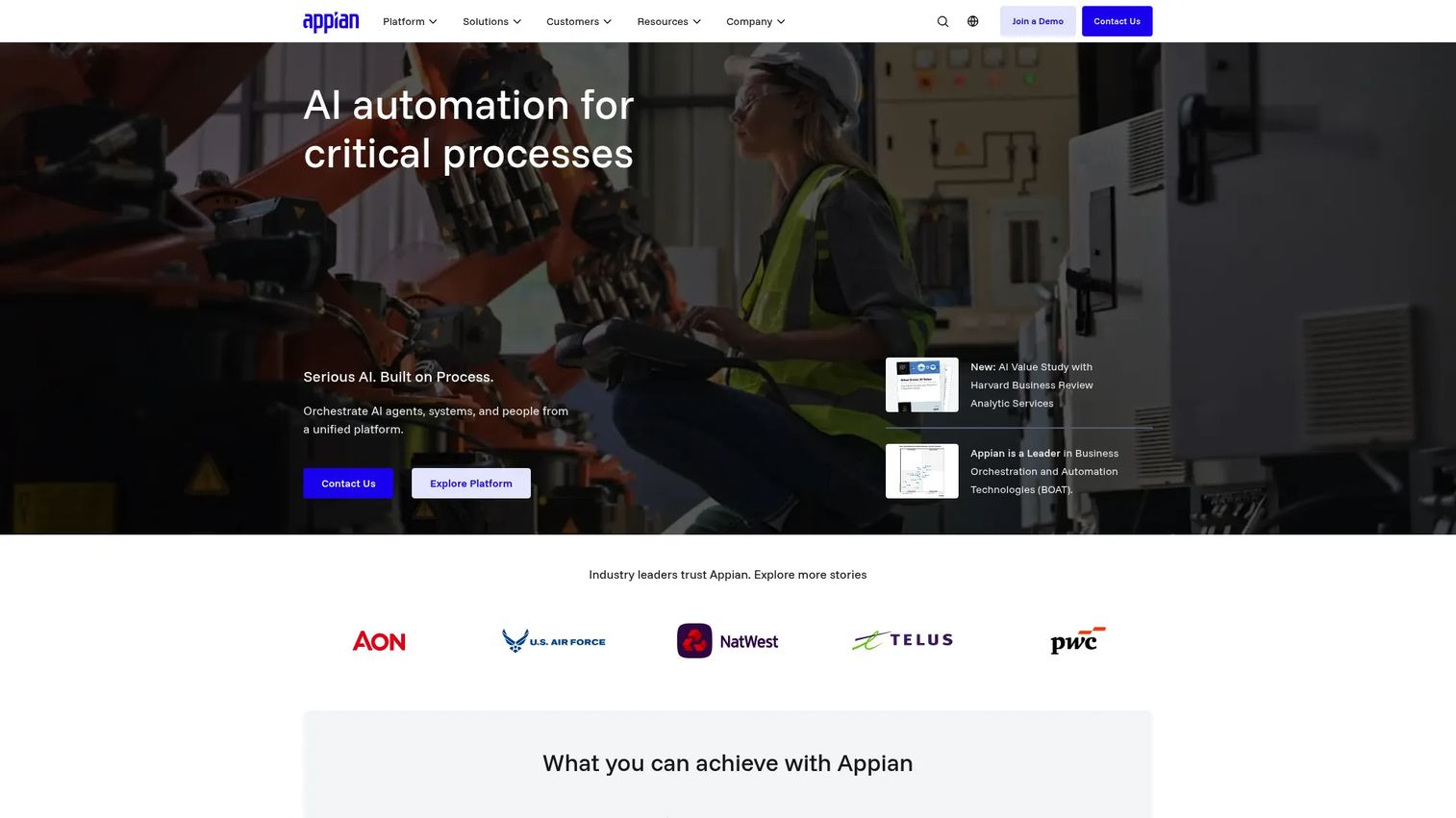
Appian is enterprise territory: Low-code application development, AI-assisted process orchestration, case management, robotic process automation, and intelligent document processing. For a Series B SaaS founder, Appian is likely too large a platform unless the company already operates enterprise-grade workflow governance. It earns its place here for founders comparing upmarket.
Best for: Large organizations automating complex, high-stakes business processes across people, systems, data, and AI.
What it is: Appian is an AI-powered process automation platform. It covers process orchestration, unified data fabric, AI agents, intelligent document processing, process intelligence, and RPA. Standard and Advanced plans are priced per user, per month, per app. A free Community Edition provides access to a dedicated Appian platform instance for personal development. G2 rates it 4.5/5.
Key features:
- Process orchestration across people, systems, and data
- Low-code application development
- AI agents and AI-assisted development
- Intelligent document processing
- Robotic process automation
Where Appian falls short: Standard and Advanced plan prices are not displayed; enterprise pricing requires contacting sales. G2 reviewers frequently note that implementation requires specialist skill, and that the platform is better suited to organizations with dedicated process engineers. Smaller teams report that the full value of Appian requires investment in professional services.
Pricing: Standard and Advanced: Custom-quoted per user, per month, per app. Free Community Edition available for personal development and learning.
G2 rating: 4.5/5
How it compares to SweetProcess: Appian replaces SweetProcess entirely at enterprise scale, adding process orchestration and application development. SweetProcess is the leaner choice for teams that need structured procedure storage without enterprise governance overhead.
9. Nintex Process Platform (process automation)
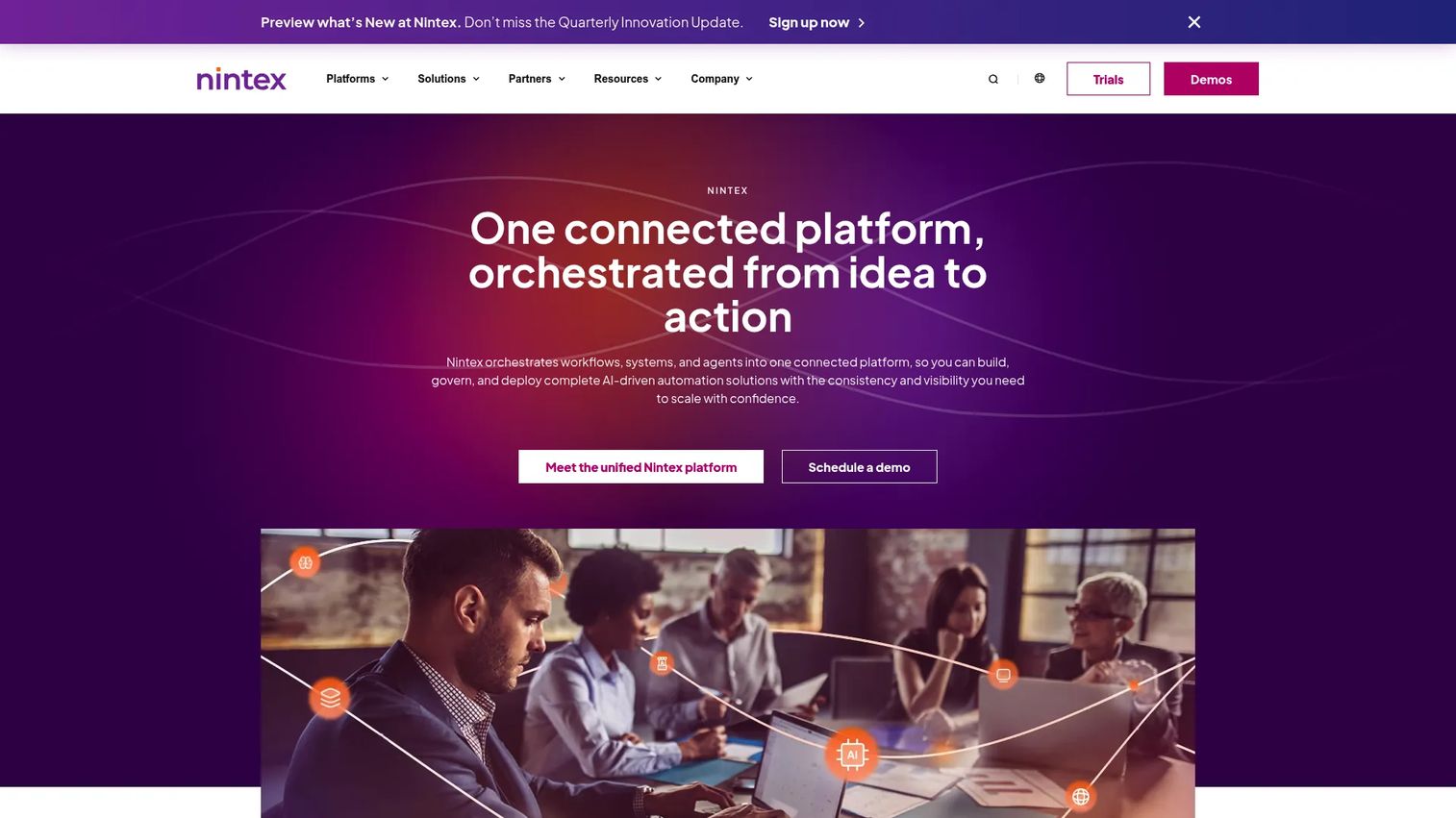
Nintex sits between process mapping and execution. It covers workflow automation, digital forms, document generation, and process management with a Microsoft-adjacent toolchain that many enterprise IT teams already know. The entry price is a signal: This is a platform for organizations with mature operations and a named process improvement budget.
Best for: Organizations that need to map, automate, and govern processes at scale with forms, document generation, and integration into enterprise systems.
What it is: Nintex is an AI-powered process automation platform with workflow automation, process management and mapping, digital forms, document generation, application development, and RPA. The Nintex Automation CE product lists three tiers: Essentials, Pro, and Expert. Pricing starts from $15,000 per year. G2 rates it 4.3/5.
Key features:
- Workflow automation with conditional logic
- Process management and mapping tools
- Digital forms and document generation
- Robotic process automation
- Application development
Where Nintex falls short: The $15,000 annual floor puts Nintex out of reach for early-stage teams. G2 reviewers note that licensing complexity across Nintex's product portfolio can make it difficult to understand what is included at each tier. Reviewers also describe the learning curve for advanced workflow configuration as significant, with implementation timelines that can run several months for complex environments.
Pricing: Essentials, Pro, and Expert tiers; entry from $15,000 per year.
G2 rating: 4.3/5
How it compares to SweetProcess: Nintex maps and automates processes; SweetProcess documents and trains around them. Choose Nintex when process governance must connect to automation and document generation across an enterprise.
10. IBM Blueworks Live (process mapping)
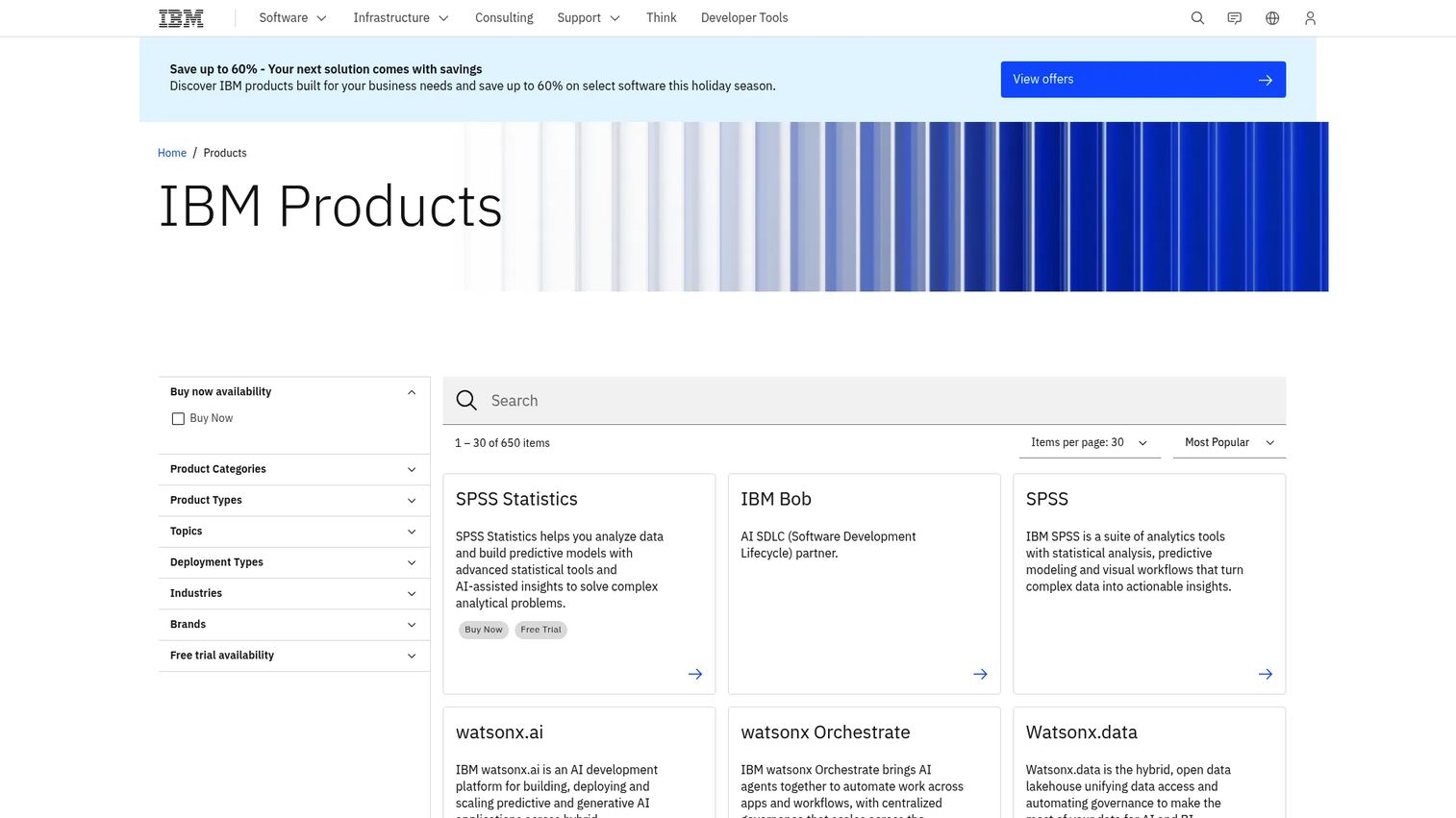
IBM Blueworks Live does one thing very well: It helps organizations discover, map, and analyze business processes collaboratively before they automate or redesign them. For a Series B founder whose ops team is trying to understand a tangled set of cross-department workflows, it provides a structured modeling environment with BPMN 2.0 export.
Best for: Organizations that need collaborative process discovery and mapping before committing to automation or redesign.
What it is: IBM Blueworks Live is cloud-based business process modeling and management software. It supports real-time collaboration, drag-and-drop process mapping, flexible permissions, BPMN 2.0 export, process playback, and a centralized process repository. G2 rates it 4.3/5.
Key features:
- Real-time collaborative process mapping
- Drag-and-drop BPMN 2.0 modeling
- Centralized workflow storage and permissions
- Process playback and analysis
- Glossary and process metadata
Where IBM Blueworks Live falls short: G2 reviewers describe the interface as dated compared to newer process mapping tools, and note that the platform is designed for documentation and analysis rather than execution. Collaboration features, while functional, draw criticism from reviewers who want more granular commenting and review workflows. Non-technical teams report a steeper adoption curve than expected.
Pricing: Editor plan from $56.20 per authorized user. Contributor plan from $11.25 per authorized user. Viewer plan from $225.00 per authorized user (sold in packs of 100).
G2 rating: 4.3/5
How it compares to SweetProcess: IBM Blueworks Live is stronger for process architecture and discovery; SweetProcess is better for day-to-day SOP documentation and employee training. Choose IBM Blueworks Live when leadership needs to understand and map processes before anyone automates them.
11. Jira (issue and project tracking)
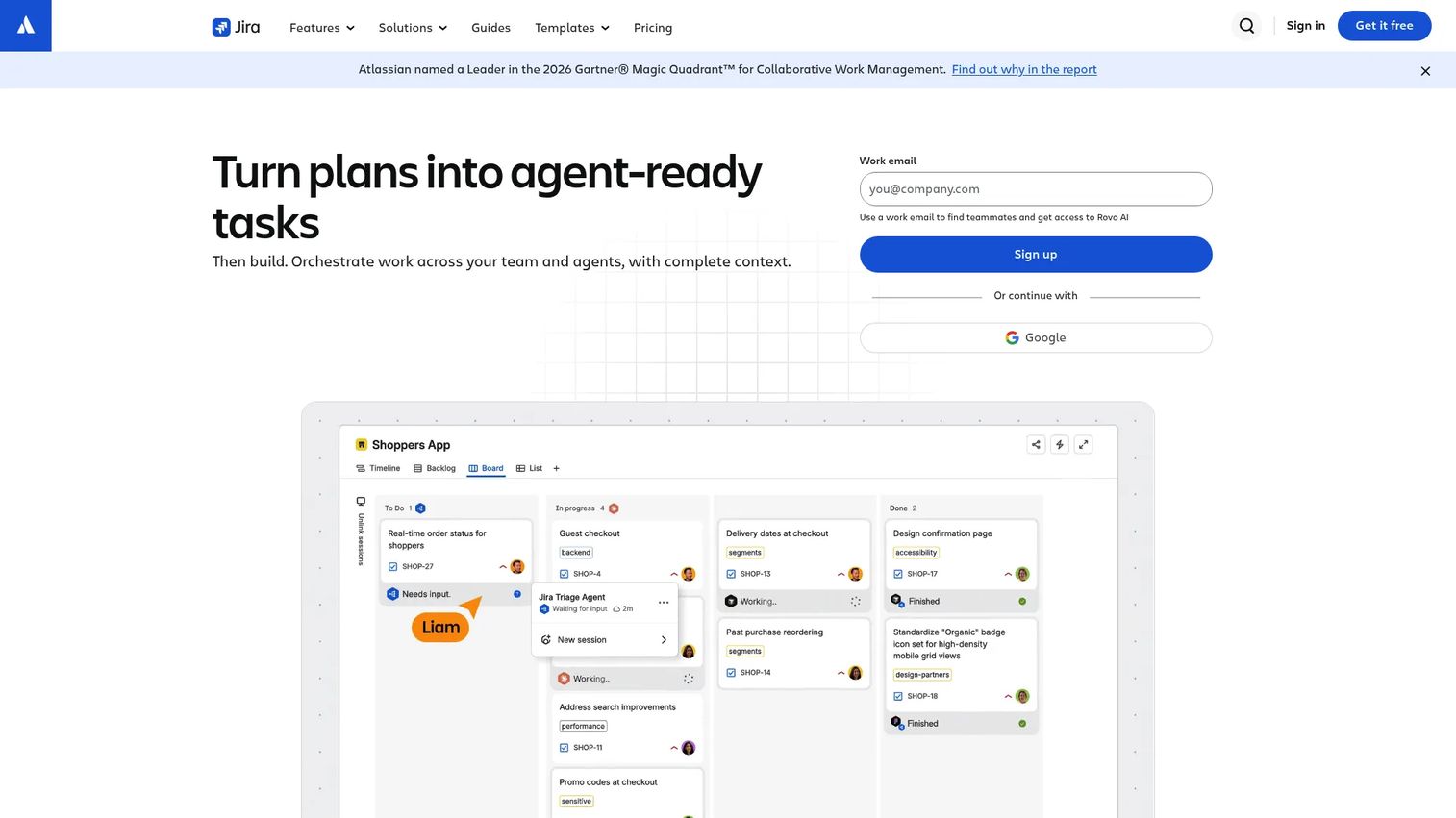
Jira tracks work through engineering and product processes. For SaaS founders, it is the natural home for release management, bug tracking, sprint planning, and product roadmap execution. It does not document SOPs in the SweetProcess sense, but it governs the most important processes in a software company: Shipping and fixing the product.
Best for: Engineering and product teams that need structured project management, agile planning, and issue tracking with custom workflows.
What it is: Jira is a project management and issue-tracking platform from Atlassian. It supports Scrum and Kanban boards, backlogs, timelines, automations, and reporting. AI-powered Rovo features are available on paid plans. G2 rates it 4.3/5. A free plan is available for up to 10 users.
Key features:
- Agile planning with Scrum and Kanban boards
- Backlogs, timeline, calendar, and board views
- Customizable workflows and automation rules
- Cross-team visibility and reporting
- AI-powered search and agents on paid plans
Where Jira falls short: G2 reviewers consistently describe configuration sprawl as the dominant pain point on larger instances; without active governance, Jira projects multiply and become difficult to navigate. Non-technical teams find the admin setup intimidating, and reviewers from outside engineering report that Jira's interface feels overkill for straightforward process work. Workflow customization, while powerful, requires administrative time to maintain.
Pricing: Free plan for up to 10 users. Standard at $7.91 per user per month. Premium at $14.54 per user per month. Enterprise at custom annual pricing.
G2 rating: 4.3/5
How it compares to SweetProcess: Jira tracks work through engineering or product processes; SweetProcess documents the procedure. Choose Jira when the process outcome is a ticket, release, or bug fix rather than a written operating procedure.
What is the best SweetProcess alternative for software training?
Guideflow. When the process is documented but people still need to learn the software step, Guideflow turns that step into an interactive demo someone can complete rather than read. The step-level analytics show completion and drop-off, so founders can see which parts of a software workflow are causing friction. The pairing works like this: The checklist or SOP tool owns the execution record, Guideflow owns the instruction layer for software-heavy steps.
Which SweetProcess alternative is best for recurring checklists?
Process Street is the clearest fit for recurring checklists with accountability and audit trails. Its workflow checklists recur on schedule, assign to roles, and log completion. Pipefy is the stronger pick when intake and approval routing matter alongside the checklist. For teams where recurring tasks live inside broader project work, monday.com and ClickUp handle both the task and the dashboard without a dedicated checklist tool.
Which tool is best for employee onboarding?
Trainual wins for structured employee onboarding with role-based training paths, quizzes, and completion tracking. For software-heavy onboarding where new hires need to learn how to use the product stack, Guideflow's interactive demos complement Trainual by showing the click-through steps. ClickUp works for teams where onboarding tasks already live inside the same workspace as project work. The founder's goal is the same in each case: The new VP or new hire should not need to ask you how the system works.
What is the best option for workflow automation?
Kissflow covers no-code workflow applications and approvals for teams that want process owners to build without IT. Pipefy fits intake, service requests, and operational queues. For organizations where process complexity and governance requirements justify the investment, Appian and Nintex Process Platform bring enterprise orchestration. Workflow automation tools differ from SOP libraries in one practical way: They route work and trigger actions, they do not store procedures.
What is the cheapest SweetProcess alternative?
For founders prioritizing cost: Jira's Free plan covers up to 10 users with agile boards and issue tracking at no charge. monday.com and ClickUp both have free plans for work management. Guideflow has a free plan with no time limit. Process Street and Kissflow have no free plans and require contacting sales. Appian offers a free Community Edition for learning, not production use. The cheapest option by plan availability is Jira or monday.com; the right question for a Series B founder is which tool reduces enough founder time to justify the paid tier, not which starts at zero.
When should you stay with SweetProcess?
Stay with SweetProcess if your primary job is documenting SOPs, policies, and repeatable procedures in a structured operating manual. It still fits when:
- The team needs straightforward SOP storage with procedure acknowledgment.
- Processes do not require recurring task execution or audit trails.
- The operating stack is not heavily software-dependent, so written instructions hold up.
- Process governance is in an early stage and the goal is capturing what currently lives in founders' heads.
Adding a training layer like Guideflow or an execution layer like Process Street addresses specific gaps without requiring a full migration.
Why teams switch from written SOPs to Guideflow for software training
Written SOPs are necessary. The problem is what happens when those SOPs describe software workflows. Product interfaces change with every release. Paragraphs of instructions get skipped by people who want to learn by doing. Screenshots become outdated within weeks. New hires navigate a gap between what the SOP says and what the screen actually shows.
Guideflow closes that gap. It captures software flows through the Chrome extension or the native app and turns them into interactive demos that show the step, not just describe it. More than 500,000 guideflows have been created by teams using it this way. A demo is ready in about two and a half minutes from capture to share.
The six demo types serve different moments in the process stack. Interactive demos show a guided software flow. Demo centers organize multiple demos by role or workflow. Sandboxes let team members explore a tool environment without risking production data. Live demos support presenter-led training. Mobile demos address mobile-app workflows. Demo pages embed a single demo on an internal wiki or checklist.
The integrations with HubSpot, Salesforce, Pipedrive, Zoho, and Marketo mean that when a team member identifies through an in-demo form, the engagement data flows to the CRM. Step-level analytics show where people drop off inside a training demo, which tells you which software step needs a better explanation.
Guideflow does not replace SweetProcess. It makes the written step inside SweetProcess learnable.
Start your journey with Guideflow today!
FAQs
The best alternative depends on the gap you are filling. Trainual fits teams replacing founder-led onboarding with role-based training. Process Street fits teams that need recurring checklists with proof the work ran. Guideflow fits teams whose SOP bottleneck is software-step adoption rather than missing documentation. Kissflow or Pipefy fit teams that need workflow routing and approvals. Appian or Nintex fit organizations with enterprise process governance requirements.
Guideflow is a SweetProcess alternative for the software training layer specifically. It does not run recurring processes, assign tasks, or handle conditional workflow logic. Use it when the checklist or SOP already exists and the gap is that people do not know how to complete the software step it describes.
SOP documentation explains how work should happen and stores the procedure for reference. Workflow automation routes the work between people and systems, triggers actions, and tracks completion. Most teams scaling past 50 employees need both: Documentation to define the process and automation to run it reliably.
For simple training with accountability, Trainual. For recurring checklists and audit trails, Process Street. For work management connected to process documentation, ClickUp or monday.com. For software-heavy SOP adoption at a Series B SaaS company, Guideflow. The choice depends on whether the problem is missing documentation, missing execution, or missing adoption.
Process Street is the strongest fit for recurring checklists with role assignments and conditional logic. Pipefy handles recurring intake and approval workflows well. monday.com and ClickUp work for teams where recurring tasks are part of broader project management rather than standalone process execution.
Appian suits enterprise process orchestration with AI agents, case management, and low-code application development. Nintex Process Platform fits organizations that need process mapping, workflow automation, and document generation with a mature governance layer. IBM Blueworks Live is the choice when leadership needs to map and analyze processes before committing to automation. All three sit at a price point and implementation complexity above what early-stage SaaS teams typically need.
Several do. monday.com, ClickUp, Jira, Pipefy, and Guideflow all offer free plans with varying feature limits. Process Street and Kissflow do not have free plans but offer trials or demo access. Appian has a free Community Edition for personal development. Trainual and Nintex require contacting sales for pricing with no free plan. Compare what the free tier actually covers, particularly for analytics, integrations, and process limits, before choosing on price alone.
Replace SweetProcess when the documentation format no longer fits the gap: For example, switching to Process Street when you need recurring execution and audit trails, or to Trainual when employee training accountability is the main job. Use another tool alongside SweetProcess when the gap is a specific layer: Guideflow for software-step training, monday.com for execution visibility, or Jira for engineering workflow governance. Most Series B SaaS teams find that the documentation layer and the training or execution layer serve different enough jobs to justify separate tools.