Customers skip the docs. They skim the help center, ignore the videos, and then open a ticket asking how to do the exact thing you documented three times. You explain it again. They book time with you. You walk through it on a call. Two weeks later, a different user asks the same question.
Manual onboarding does not scale, and static content does not change behavior. What actually works is practice: Letting learners complete a real task, make a real mistake, and see what happens, before they touch a live account.
Simulation training software creates that safe practice environment. The global simulation-based training market was valued at $13.8 billion in 2025 and is growing at 9.2% annually (Dataintelo, 2025), driven by demand for software practice, conversation coaching, healthcare simulation management, and AI-powered role-play. For CSMs and onboarding leaders, the category offers a direct path from "customers are confused" to "customers can do it on their own."
This guide compares 15 tools so you can find the right fit for your training job.
What's inside
This guide is for Customer Success Managers, onboarding leaders, L&D teams, support leaders, contact center managers, and healthcare education teams evaluating simulation training software.
Tools were selected based on:
- Coverage of major simulation subcategories: Software practice, eLearning authoring, AI conversation role-play, healthcare simulation operations, and branching scenario design
- Verified G2 ratings and pricing from official sources
- Fit for CSM and onboarding use cases
- Relevance to reducing ticket volume, improving time-to-value, and driving measurable product adoption
TL;DR
- Best for software simulation and customer onboarding: Guideflow, for sandbox-based product practice that shows CSMs exactly where users get stuck
- Best for enterprise software cloning: Assima Train, for replicating complex business applications in a risk-free training environment
- Best for eLearning simulation authoring: Adobe Captivate or Articulate 360, for formal course-based training programs with LMS publishing
- Best for healthcare simulation operations: SIMULATIONiQ Enterprise, for multi-site simulation management, recording, debriefing, and competency tracking
- Best for AI role-play and service coaching: Zenarate Coach, Attensi RealTalk, or Second Nature, for frontline teams that need repeated conversation practice before live interactions
What is simulation training software?
Simulation training software is software that creates safe, repeatable practice environments where learners complete realistic tasks, scenarios, conversations, or workflows before applying them in live settings.
The category covers more ground than most buyers expect. Depending on the team and training job, it can mean:
- Software simulations and product replicas: Learners click through a copy of an application without touching real data or live workflows
- Branching scenarios and eLearning modules: Decision trees where choices lead to consequences, built inside authoring tools and published to an LMS
- AI role-play and virtual customer practice: A simulated conversation partner that pushes back, asks follow-up questions, and scores the learner's response
- Healthcare simulation management: Platforms that schedule simulation labs, record and debrief sessions, and track clinical competency across multiple sites
- Assessment and competency tracking: Tools that score performance, identify gaps, and generate reports for managers or accreditation teams
For CSMs, the most useful slice is software simulation: Customers practise product workflows without risking live data, breaking a configuration, or waiting for a human trainer. For contact center leaders, the relevant slice is conversation simulation. For healthcare education directors, it often includes scheduling, recording, debriefing, and curriculum management.
Key capabilities to look for:
- Scenario authoring and customization
- Safe practice environments with no live data exposure
- Assessment, scoring, and feedback mechanisms
- Completion and drop-off analytics
- Competency tracking and cohort reporting
- LMS, CRM, or help center integrations
- Content maintenance and version control
- Multi-site or multi-team deployment
When to use simulation training software
Onboard customers without live training overload
CSMs cannot repeat the same onboarding explanation 40 times a quarter. A software simulation or guided interactive demo lets customers practise product workflows at their own pace, reducing the number of "how do I" calls and cutting time-to-value. When customers can complete the first critical workflow without a live session, support ticket volume drops and CSM time shifts toward strategic accounts.
Practise high-stakes conversations before customers hear them
Customer support agents, sales teams, and CSMs all have conversations that go sideways without practice: Difficult renewals, escalation calls, churn conversations. AI role-play tools create a safe space for agents to hear objections, choose responses, and get scored on empathy and accuracy. Repetition before the live call matters more than a training deck ever will.
Standardize skills assessment across teams or locations
Healthcare institutions, global enterprises, and distributed customer education teams need consistent competency measurement. Simulation platforms with rubric scoring, cohort reporting, and competency tracking let managers prove readiness across sites, compare cohorts, and meet accreditation requirements. Completion rate alone is not enough; the question is whether the learner can actually perform the task.
Simulation training software comparison
The tools below span several subcategories. Match the tool to the job: Software practice, eLearning authoring, customer service role-play, healthcare simulation management, or skills assessment. A contact center leader and a healthcare educator are searching the same keyword but need very different platforms.
The table uses verified pricing and G2 ratings sourced from each vendor's official pricing page and G2 listing.
| # | Product | Best for | Key differentiator | Pricing | G2 rating |
|---|---|---|---|---|---|
| 1 | Guideflow | Software simulation and customer onboarding | Sandbox practice in a product replica | Free; paid from $35/mo | 5.0/5 |
| 2 | Adobe Captivate | eLearning simulation authoring | Responsive courses with software simulation capture | From $39.99/mo | 3.9/5 |
| 3 | Assima Train | Enterprise software simulation | Editable system replicas for application training | Custom pricing | N/A |
| 4 | Articulate 360 | Course-based training simulations | Storyline and Rise authoring suite | From $500/unlimited seats/year | 4.7/5 |
| 5 | Easygenerator | SME-led training creation | Fast course creation for distributed teams | From $125/mo | 4.7/5 |
| 6 | SIMULATIONiQ Enterprise | Healthcare simulation operations | Simulation management, recording, debriefing, and competency tracking | Custom pricing | N/A |
| 7 | BranchTrack | Branching scenarios | Visual scenario authoring and decision paths | Free; paid from $83/mo | 4.8/5 (Capterra) |
| 8 | Zenarate Coach | AI customer service coaching | AI conversation practice for frontline teams | Custom pricing | 4.9/5 |
| 9 | Virti | Immersive workforce and healthcare training | AI role-play with virtual human avatars | From $359/mo | 4.8/5 |
| 10 | Mursion Intelligence Platform | Human skills simulation | Live and AI-supported role-play practice | Custom pricing | 4.5/5 |
| 11 | Attensi RealTalk | Service conversation practice | AI-powered customer dialogue simulations | Custom pricing | 4.9/5 (Attensi overall) |
| 12 | Second Nature | Sales and service role-play | AI video conversation practice | Custom pricing | 4.7/5 |
| 13 | Call Simulator | Call center training | Simulated calls for agent practice | Custom pricing | N/A |
| 14 | Quantified | Communication skills assessment | AI coaching for communication performance | Custom pricing | 4.5/5 |
| 15 | ReflexAI | High-stakes conversation training | AI simulation for crisis and service conversations | Custom pricing | 4.7/5 |
Best 15 simulation training software tools for 2026
1. Guideflow
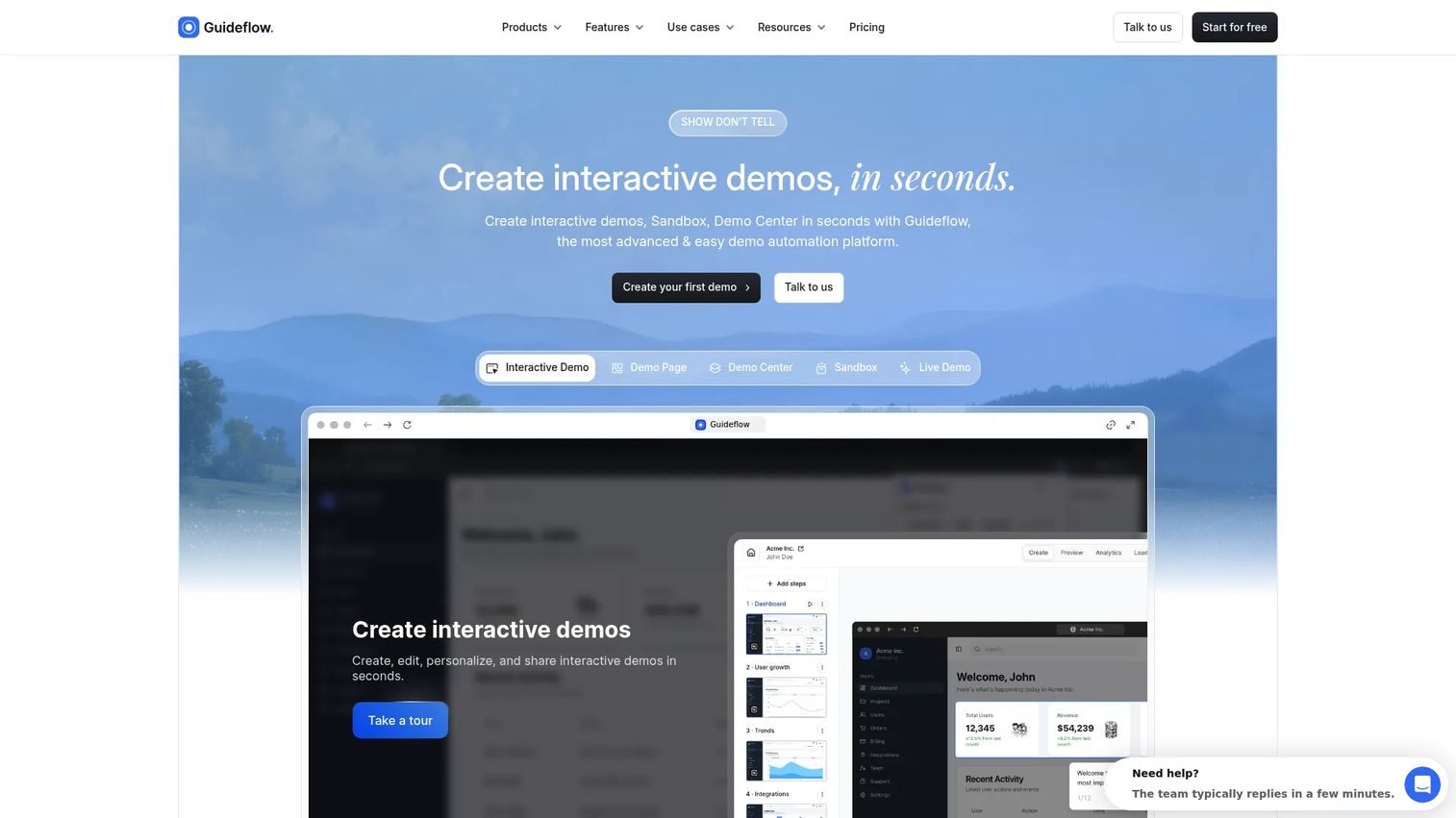
Guideflow is a demo automation platform that lets CS and onboarding teams turn their product into a safe, explorable practice environment. Learners click through a product replica, make decisions, and experience real workflows without touching a live account. For CSMs who answer the same "how do I" question every week, Guideflow gives customers a place to find out for themselves.
Best for: Customer Success and onboarding teams at SaaS companies who need customers to practise software workflows before they use the live product.
Key features
- Sandbox for free exploration inside a product replica
- Guided interactive demos with step-by-step learning paths
- Demo Center for organizing training content by workflow, persona, or feature
- Live Demo for CSM-led sessions and QBRs
- Completion rate and drop-off step analytics via analyze
Why choose Guideflow: Choose it when training means helping customers practise software tasks before they touch the live product. The Sandbox gives learners full freedom to explore on their own terms, while guided demos control the narrative for step-by-step onboarding. Drop-off analytics show exactly which step causes confusion, so CSMs can fix the training, not just re-explain it. The Mobile Demo extends that same practice experience to mobile product users.
Guideflow pricing: A free plan is available with up to 5 guideflows, screenshot capture, unlimited views, and team access. Paid plans start at $35/month (Solo), then $499/month (Growth), $1,499/month (Advanced), and Enterprise by quote. The Growth plan adds HTML capture, advanced analytics, AI features, personalization, and demo centers.
G2 rating: 5.0/5
Start your journey with Guideflow today!
2. Adobe Captivate
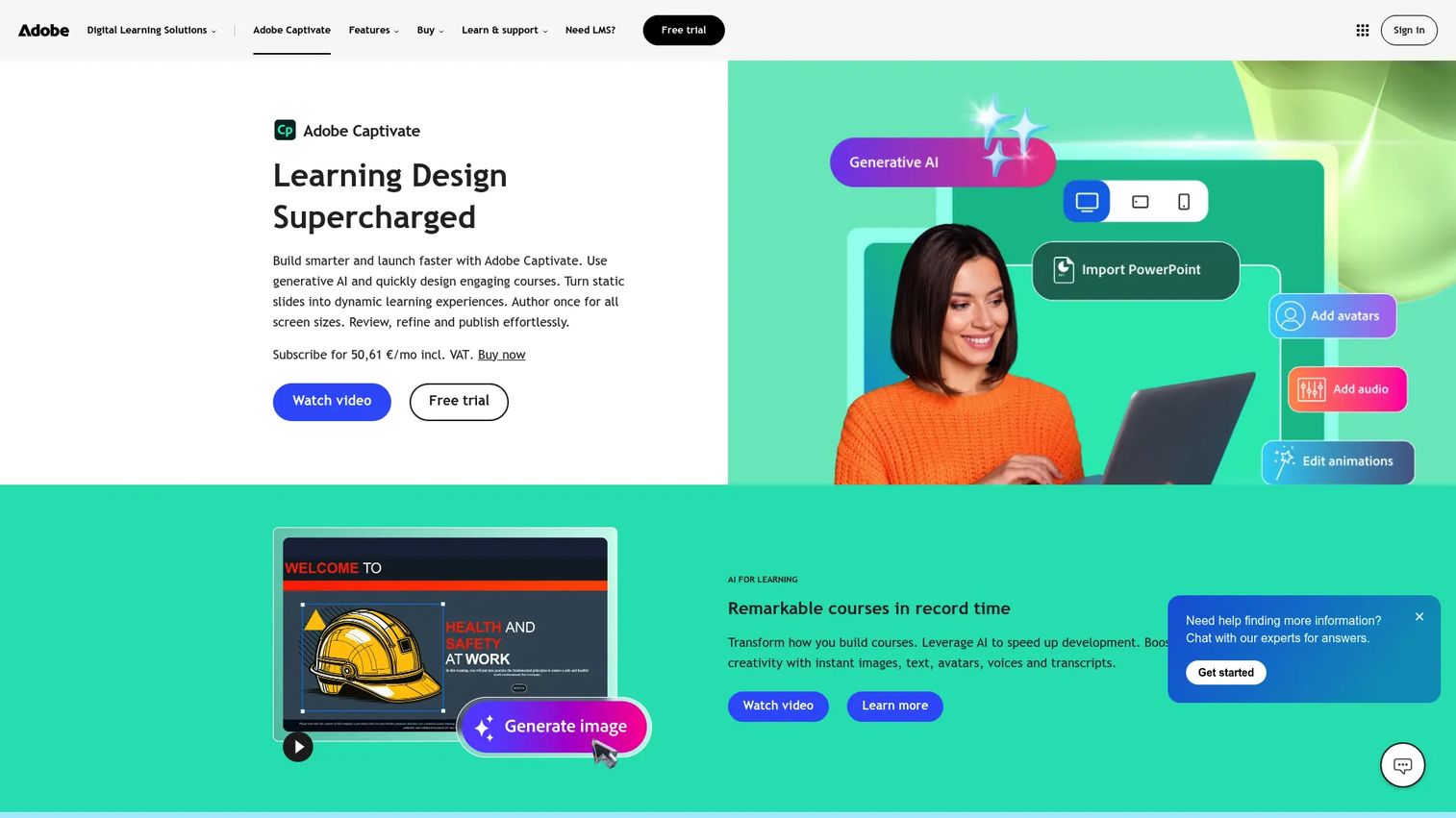
Adobe Captivate is an eLearning authoring tool built for creating responsive, interactive training courses with software simulations, branching, quizzes, and generative AI features. Teams use it to capture software flows, build interactive modules, and publish to an LMS or share directly with learners.
Best for: L&D teams and instructional designers building formal eLearning programs that include software simulation modules.
Key features
- Software simulation capture for screen-recording-based training
- Generative AI for images, text, avatars, and transcripts
- Responsive authoring with multi-device preview
- Interactive quizzes and branching
- LMS and SCORM publishing
Why choose Adobe Captivate: Choose it when the training output needs to feel like a formal course with quizzes, structured interactions, and LMS reporting. It is a strong authoring tool for compliance-heavy or structured learning programs, though it carries a steeper learning curve than lighter authoring options.
Adobe Captivate pricing: Individual subscriptions start at $39.99/month. Team, Enterprise, and Education plans require contacting Adobe for pricing. A trial is available. All plans include Adobe Captivate, Adobe Captivate Classic, and 100 GB of storage.
G2 rating: 3.9/5
3. Assima Train
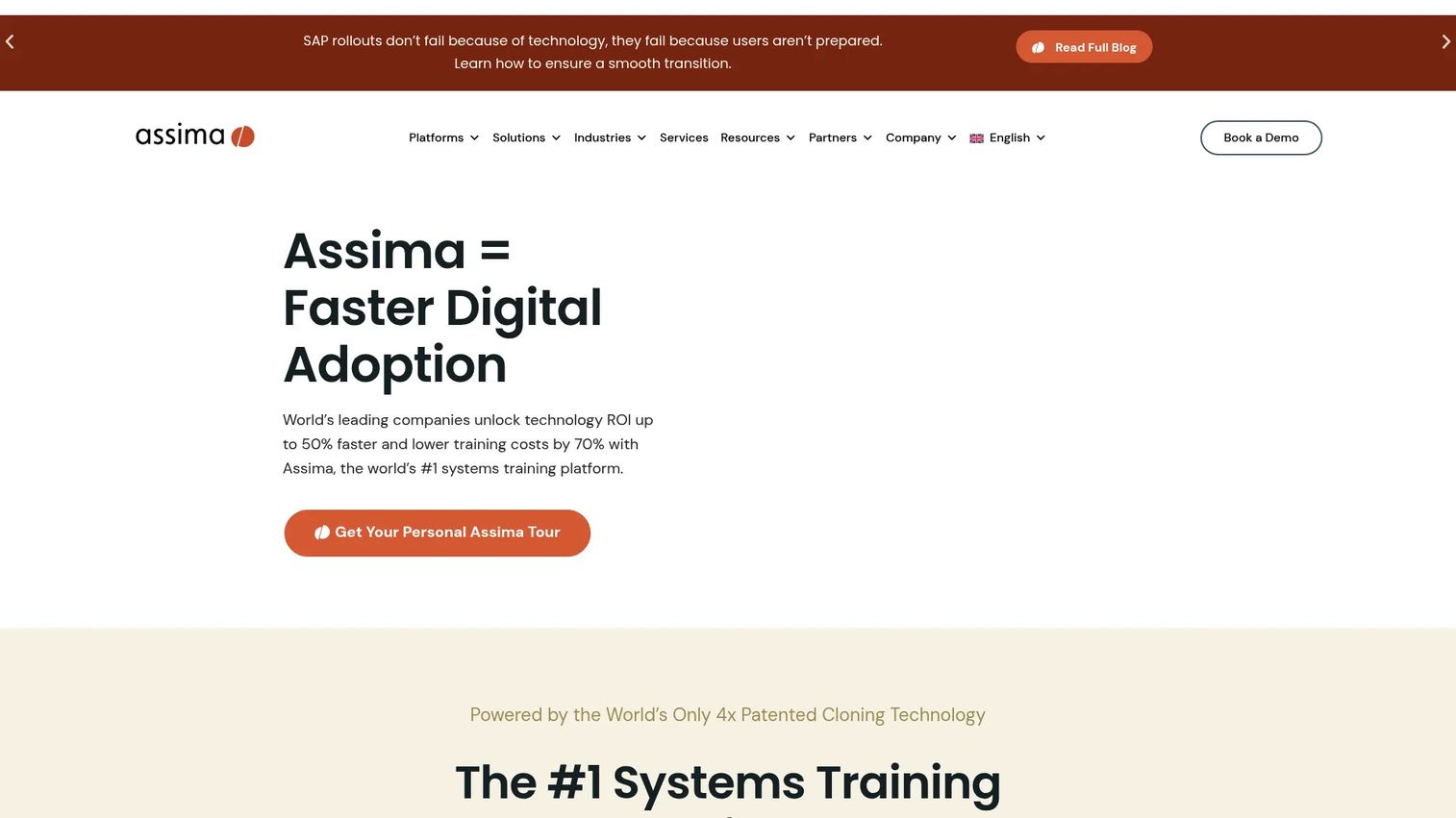
Assima Train is an enterprise systems training platform that creates hyper-realistic, interactive simulations of business applications using patented cloning technology. Rather than recording a walkthrough, Assima captures the actual objects inside an application, so edits propagate automatically across screens and lessons without re-recording.
Best for: Large organizations rolling out complex enterprise software, such as ERP, CRM, or internal platforms, where employees need to practise in a realistic replica before accessing production.
Key features
- Editable object-based application clones
- Automatic propagation of edits across all screens
- Multilingual lesson translation without re-recording
- Sensitive-data anonymization for safe practice
- Learner progress and activity analytics
Why choose Assima Train: Choose it for large-scale enterprise software rollouts where the application is too complex to teach through screenshots or videos. The edit-once, update-everywhere model keeps simulations current as systems change, which is a critical advantage in long deployment cycles.
Assima Train pricing: Contact Assima directly for a quote. Pricing is enterprise-tier and quote-based.
4. Articulate 360
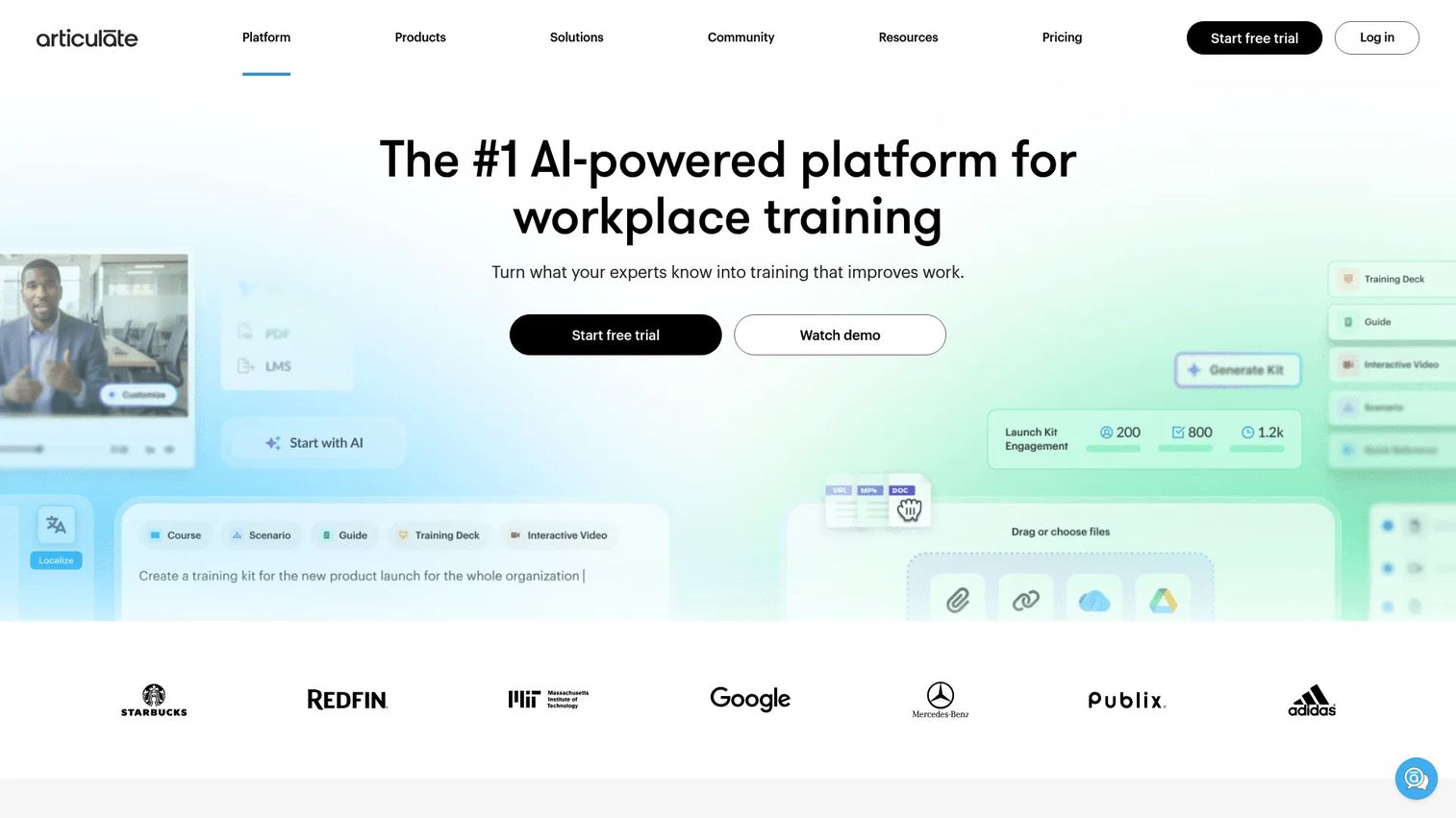
Articulate 360 is an AI-powered workplace learning platform that includes Storyline 360 for custom interactive course authoring and Rise 360 for faster, responsive course creation. It covers the full workflow from authoring and collaboration to LMS publishing and learner analytics.
Best for: L&D and instructional design teams building scenario-based eLearning programs, compliance training, or customer academy courses with LMS integration.
Key features
- Storyline 360 for custom interactive simulations and branching
- Rise 360 for rapid responsive course creation
- AI-powered content generation, avatars, and translation
- Stakeholder review and collaboration tools
- LMS publishing and integrated Reach LMS
Why choose Articulate 360: Choose it when your team needs a full eLearning authoring suite with both quick-build and deep-custom options. Storyline's branching capabilities make it strong for scenario-based learning, and the content template library cuts production time for distributed teams.
Articulate 360 pricing: The Frontline plan starts from $500/unlimited seats per year (billed annually). Articulate 360 AI costs $1,749 per seat per year. A Hybrid plan is available by contacting sales. A 14-day free trial is available.
G2 rating: 4.7/5
5. Easygenerator
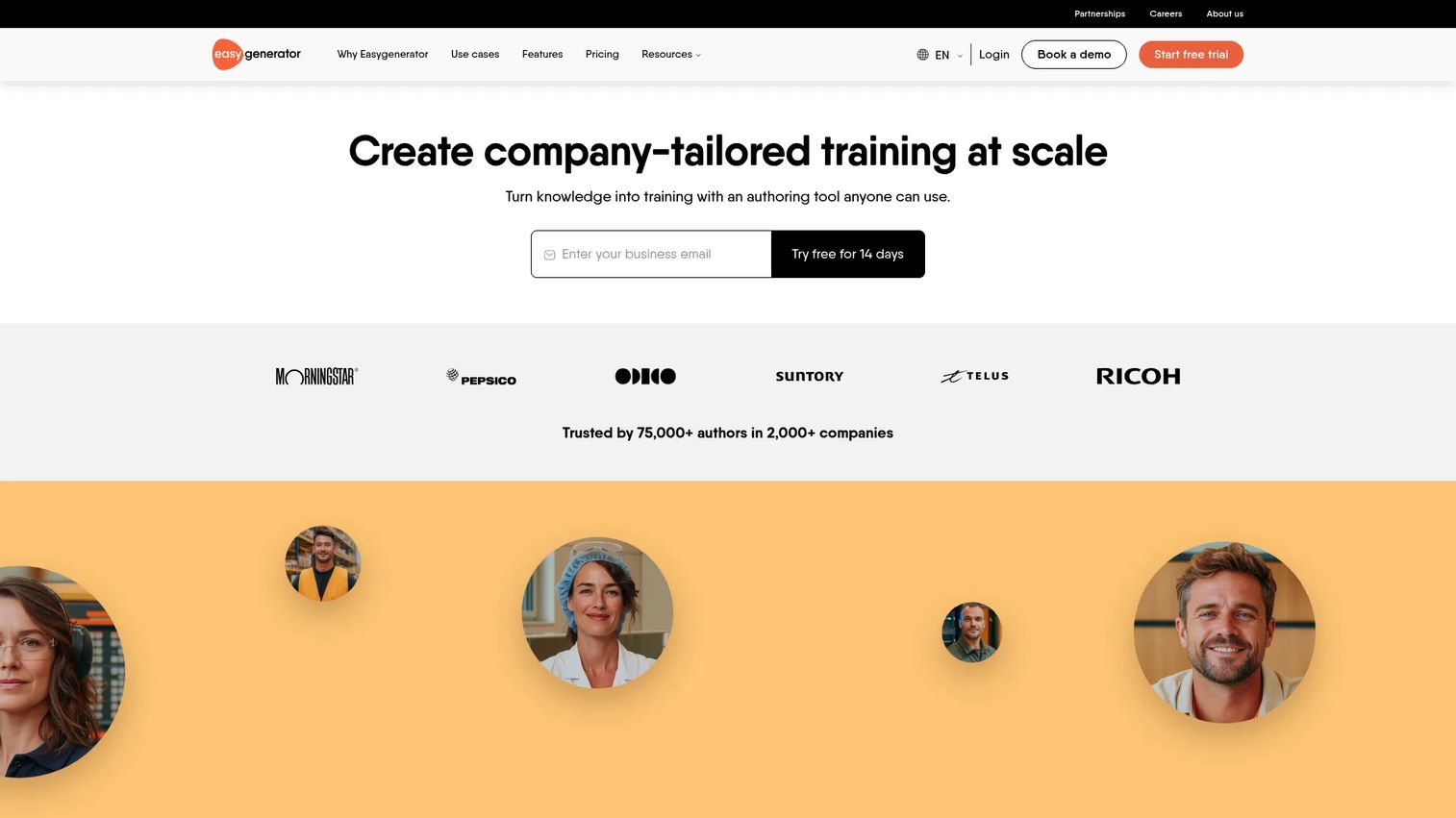
Easygenerator is a browser-based eLearning authoring platform designed for subject-matter experts and distributed teams who need to create training without waiting on a full instructional design production cycle. Authors work directly in the platform, and the tool handles publishing, sharing, and basic assessment.
Best for: Onboarding managers, support team leads, or CSMs who need to convert their own product knowledge into lightweight training quickly, without an L&D bottleneck.
Key features
- SME-friendly drag-and-drop course editor with templates
- EasyAI for AI-assisted course creation and editing
- Assessment and quiz tools
- Collaboration and review workflows
- SCORM, xAPI, and native LMS integration
Why choose Easygenerator: Choose it when speed matters more than instructional design depth. If a CSM or support manager wants to build a quick module from their own knowledge and share it with customers, Easygenerator removes the dependency on a dedicated L&D team.
Easygenerator pricing: A free trial is available, followed by a free plan. The Pro plan starts at $125/month (billed as $1,499 annually) for 1 author, 10 courses, and 100 learners. The Team plan starts at $625/month ($7,495 annually) for 5 or more authors with unlimited courses and learners. Enterprise pricing is by quote.
G2 rating: 4.7/5
6. SIMULATIONiQ Enterprise
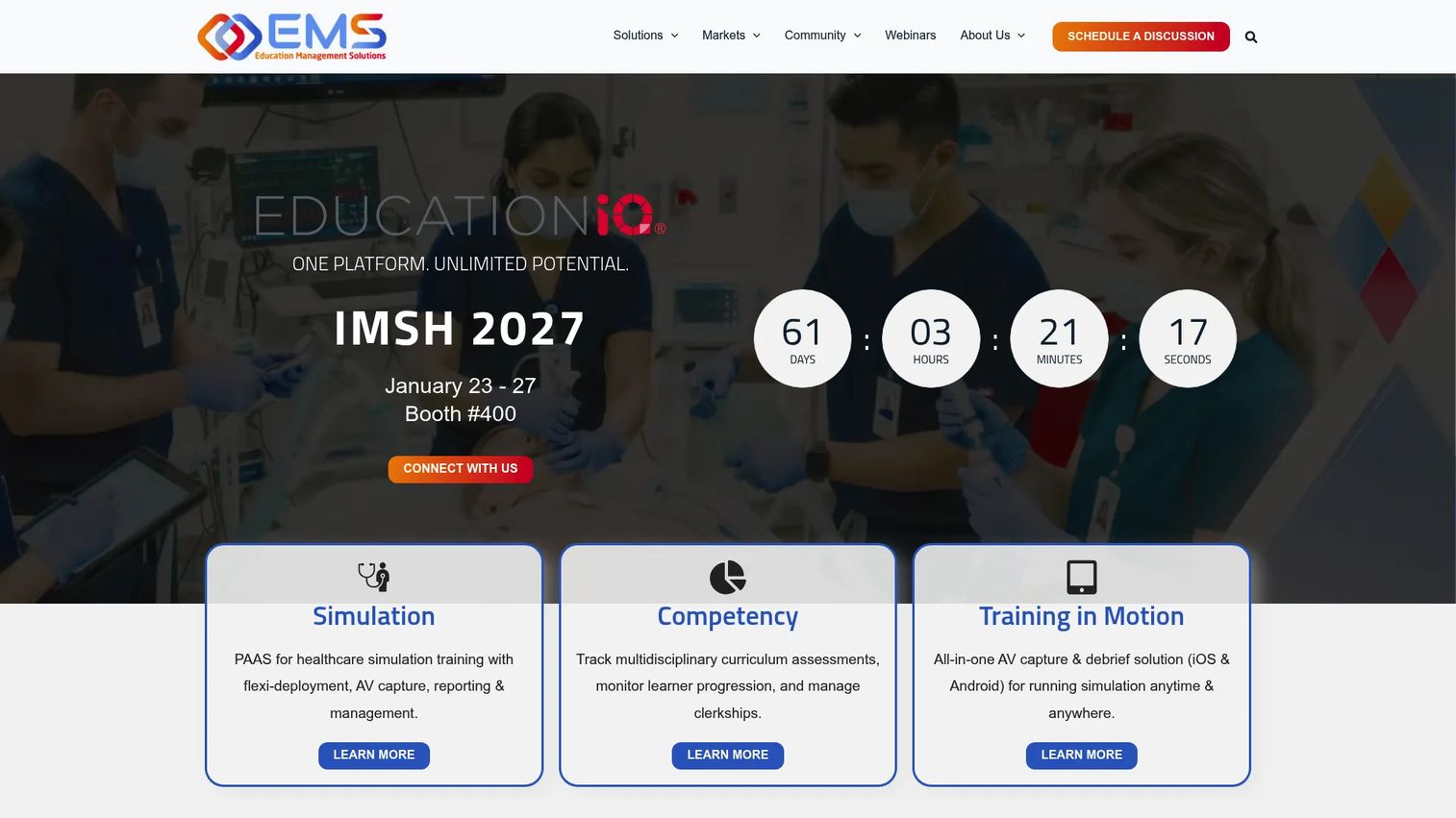
SIMULATIONiQ Enterprise is a healthcare simulation management platform for institutions that run complex, multi-site simulation training programs. It covers simulation scheduling, HD audio and video capture, debriefing, competency assessment, standardized patient programs, and curriculum management.
Best for: Healthcare education teams managing simulation labs, OSCEs, standardized patient programs, and clinical competency tracking across multiple sites or campuses.
Key features
- Enterprise HD audio/video capture, streaming, and synchronized debriefing
- Simulation and assessment management including OSCEs and scheduling
- Competency tracking and learner evaluation tools
- Multi-site operations supporting faculty, workflows, and resources
- Curriculum mapping and case management
Why choose SIMULATIONiQ Enterprise: Choose it when simulation training involves healthcare labs, clinical faculty, structured debriefs, and accreditation-level competency tracking. This platform is built for simulation operations, not general software onboarding.
SIMULATIONiQ Enterprise pricing: Contact the vendor to discuss your institution's scope and get a quote.
7. BranchTrack
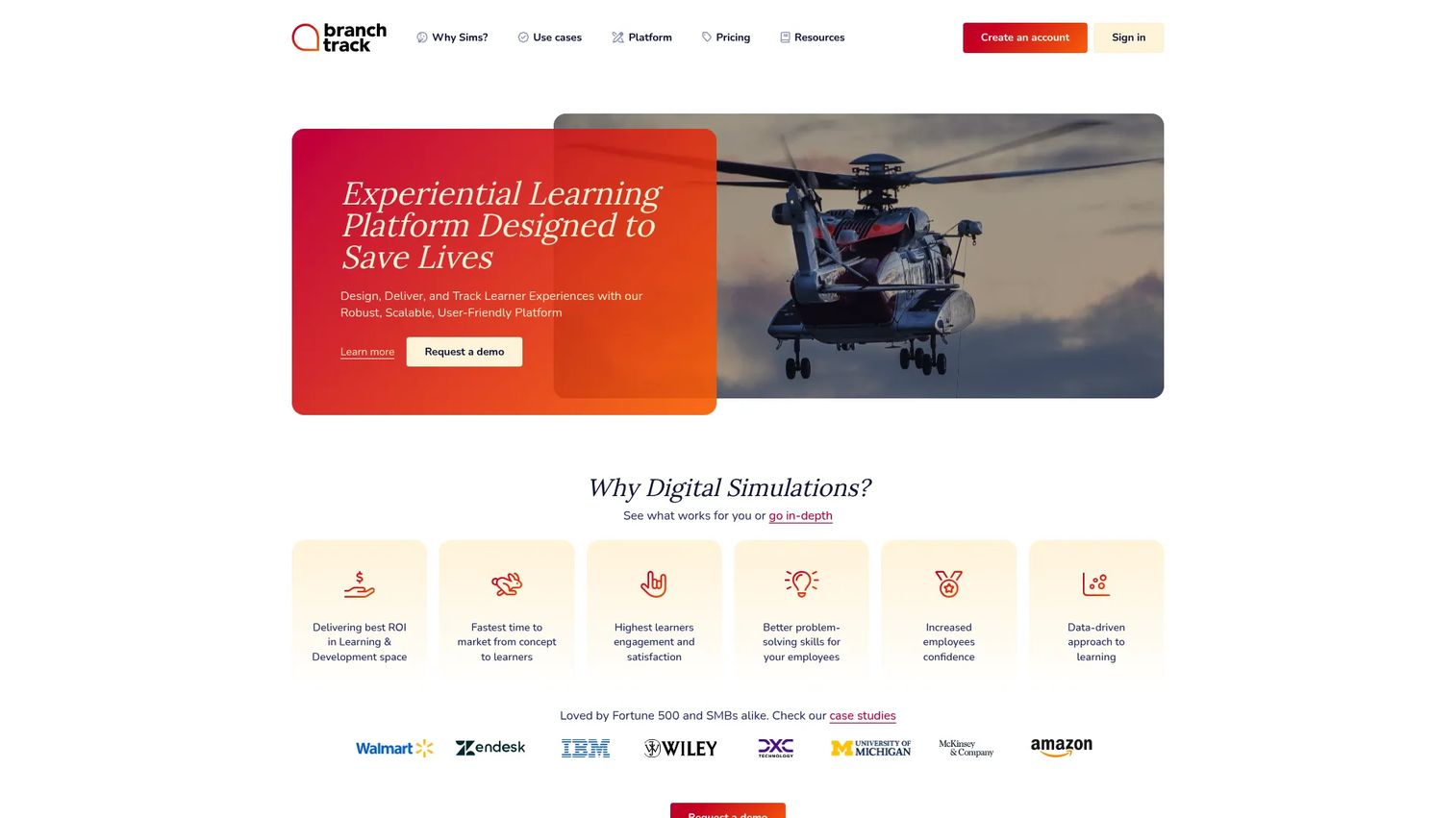
BranchTrack is a visual platform for building interactive branching scenarios and dialogue simulations. Authors map decision trees visually, attach feedback screens to each path, and export finished scenarios to SCORM, xAPI, or embed them directly in Articulate Storyline.
Best for: Training teams and support leaders building decision-based learning modules, dialogue practice, or customer communication scenarios without deep programming skills.
Key features
- Visual branching scenario builder
- Dialogue simulations with decision-path mapping
- SCORM and xAPI export
- Mobile-friendly publishing
- Real-time learner performance data and live scoreboard
Why choose BranchTrack: Choose it when training depends on choices and consequences rather than content recall. It is especially strong for soft-skill scenarios: Escalation paths, support triage decisions, or objection-handling simulations where the learner's choice shapes the outcome.
BranchTrack pricing: A free plan is available for one simulation. The Professional plan starts at $83/month (billed annually) for 10 simulations. The Team plan starts at $299/month (billed annually) for 50 simulations. Enterprise pricing is by quote.
Capterra rating: 4.8/5
8. Zenarate Coach
Zenarate Coach is an AI-powered coaching and conversation training platform designed for enterprise customer-experience organizations. It uses agent interaction history and performance data to deliver personalized, adaptive learning, and supports no-code authoring for configuring AI coaching conversations.
Best for: Enterprise contact center and CX teams that need AI-driven conversation practice, call review coaching, and ongoing frontline performance improvement at scale.
Key features
- AI Tutor for adaptive knowledge-gap coaching
- Call Review Coaching based on recent agent interactions
- Configurable no-code agentic coaching authoring
- Conversation analytics and knowledge management
- Integrations with over 100 systems including Microsoft Teams
Why choose Zenarate Coach: Choose it when service teams need repeated conversation practice that adapts to individual performance gaps. It fits high-volume environments where supervisors cannot coach every scenario manually and teams need consistent skill development across shifts.
Zenarate Coach pricing: The vendor prices by engagement scope, seat count, and program design. Contact Zenarate for a quote.
G2 rating: 4.9/5
9. Virti
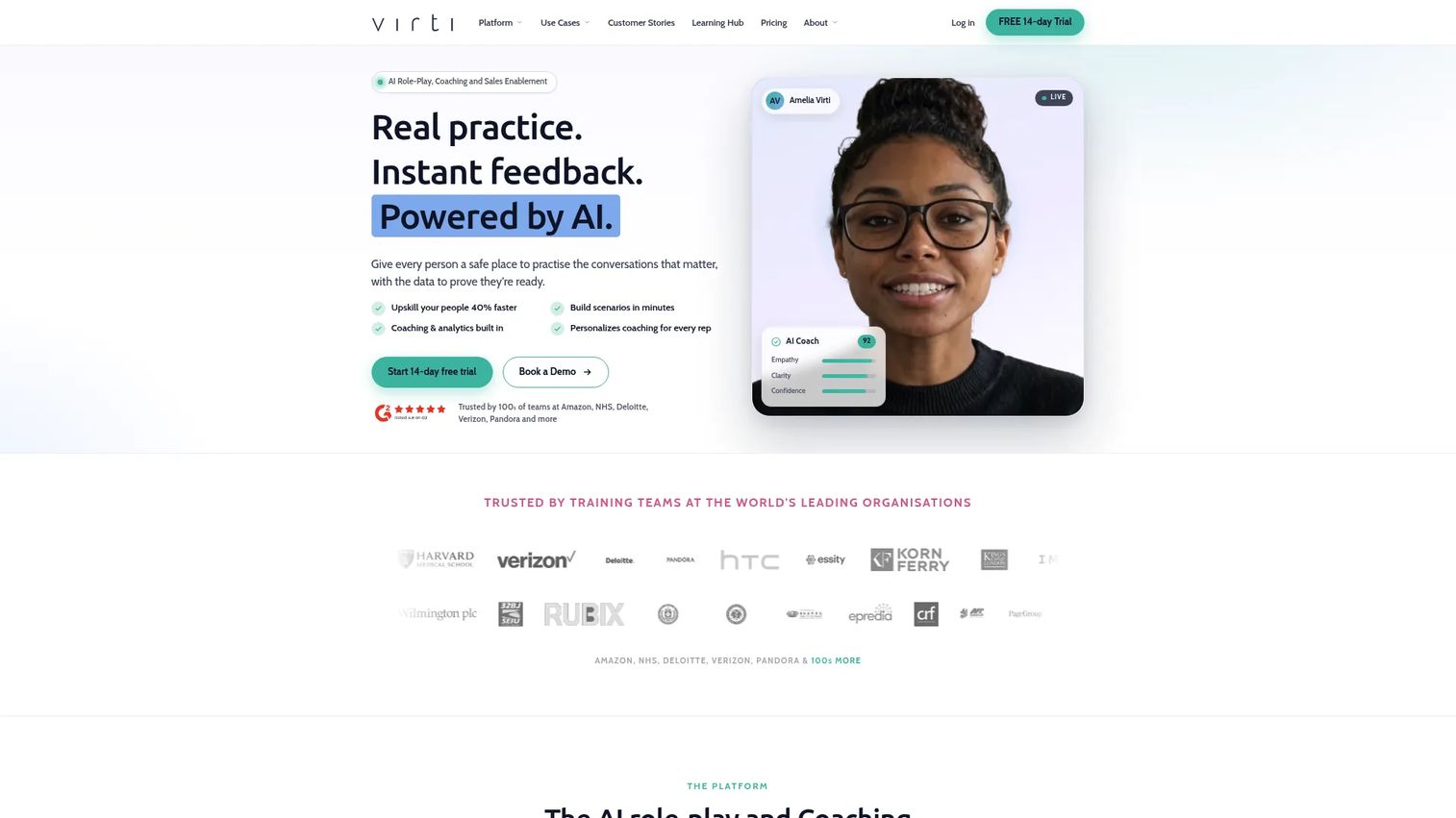
Virti is an AI role-play and immersive training platform that uses virtual human avatars, automatic coaching, and interactive video for workforce and healthcare learning. Learners practise sales calls, service conversations, leadership scenarios, or clinical interactions, and receive scored feedback on empathy, clarity, and confidence.
Best for: Enterprise L&D teams building scalable AI practice for customer service, sales, leadership, or healthcare scenarios, including teams that need VR delivery.
Key features
- AI role-play scenarios with virtual human avatars
- Automatic AI coaching and scoring across communication dimensions
- Interactive video training with no-code authoring
- Analytics and learner performance reporting
- Mobile, desktop, and VR delivery with LMS integration
Why choose Virti: Choose it when training benefits from immersion and conversation realism beyond text-based scenarios. It is stronger for workforce communication skills and healthcare simulation than for software product task training.
Virti pricing: The Teams plan starts at $359/month (billed annually at $4,308) for up to 25 learners. The Business plan is $1,079/month (billed annually at $12,948) for up to 150 learners. Enterprise starts at $25,000/year with custom capacity. A 14-day free trial is available.
G2 rating: 4.8/5
10. Mursion Intelligence Platform
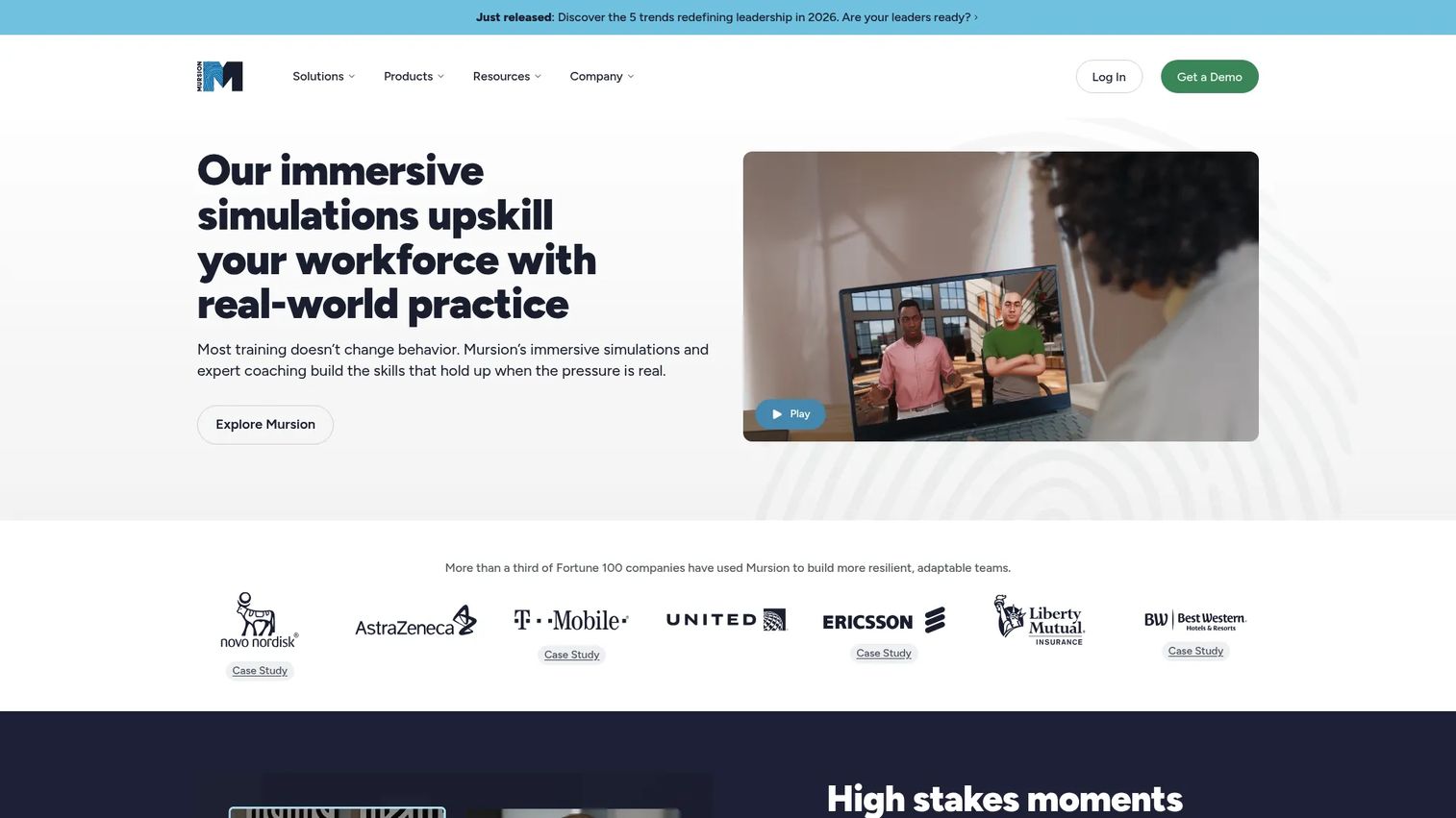
Mursion Intelligence Platform combines AI-powered simulations and human-powered simulations to help enterprise teams practise interpersonal skills: Leadership, conflict management, coaching conversations, and difficult customer interactions. AI-driven avatars deliver responsive dialogue, and human simulation specialists power the most complex scenarios.
Best for: Enterprise L&D teams focused on leadership development, communication coaching, and high-stakes interpersonal conversations that require behavioral nuance beyond scripted responses.
Key features
- AI-powered simulations with responsive digital avatars for repeat practice
- Human-powered simulations for high-stakes behavioral scenarios
- Personalized feedback, reflection, and performance analytics
- Enterprise dashboards, cohort reporting, SSO, and LMS integrations
Why choose Mursion Intelligence Platform: Choose it when the training goal is conversation quality and behavioral competency, not software task completion. It fits enterprise programs where developing emotional intelligence and nuanced communication is the priority.
Mursion Intelligence Platform pricing: Contact Mursion directly for program and seat pricing.
G2 rating: 4.5/5
11. Attensi RealTalk
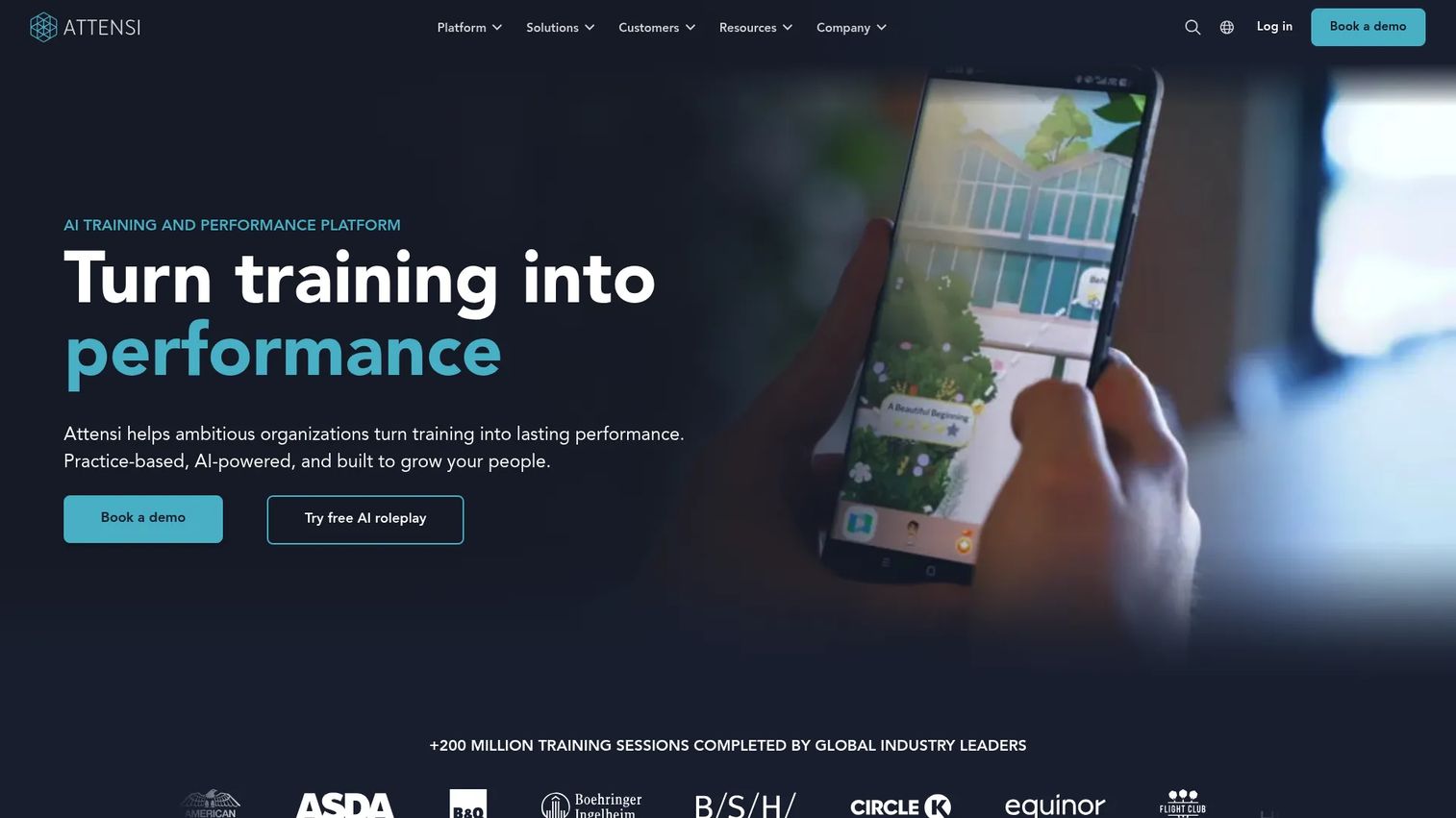
Attensi RealTalk is an AI-powered role-play training product that simulates realistic workplace conversations, including customer service interactions, leadership coaching, and difficult colleague conversations. AI characters push back naturally, and learners receive personalized scoring and actionable feedback after each session.
Best for: Organizations training frontline service teams, sales staff, or leaders who need scalable, repeatable conversation practice with structured feedback.
Key features
- Adaptive AI characters that respond and push back naturally
- Personalized scoring and feedback after each conversation
- Custom scenarios tailored to roles and business frameworks
- Gamification elements that encourage repeated practice
- LMS integration via SCORM, xAPI, and LTI
Why choose Attensi RealTalk: Choose it when learners need to practise what to say and how to respond in customer-facing or leadership conversations. The gamification approach increases repeat practice sessions, which is where skill actually develops.
Attensi RealTalk pricing: Contact Attensi for a program quote. Free demo scenarios are available.
G2 rating: 4.9/5 (Attensi overall)
12. Second Nature
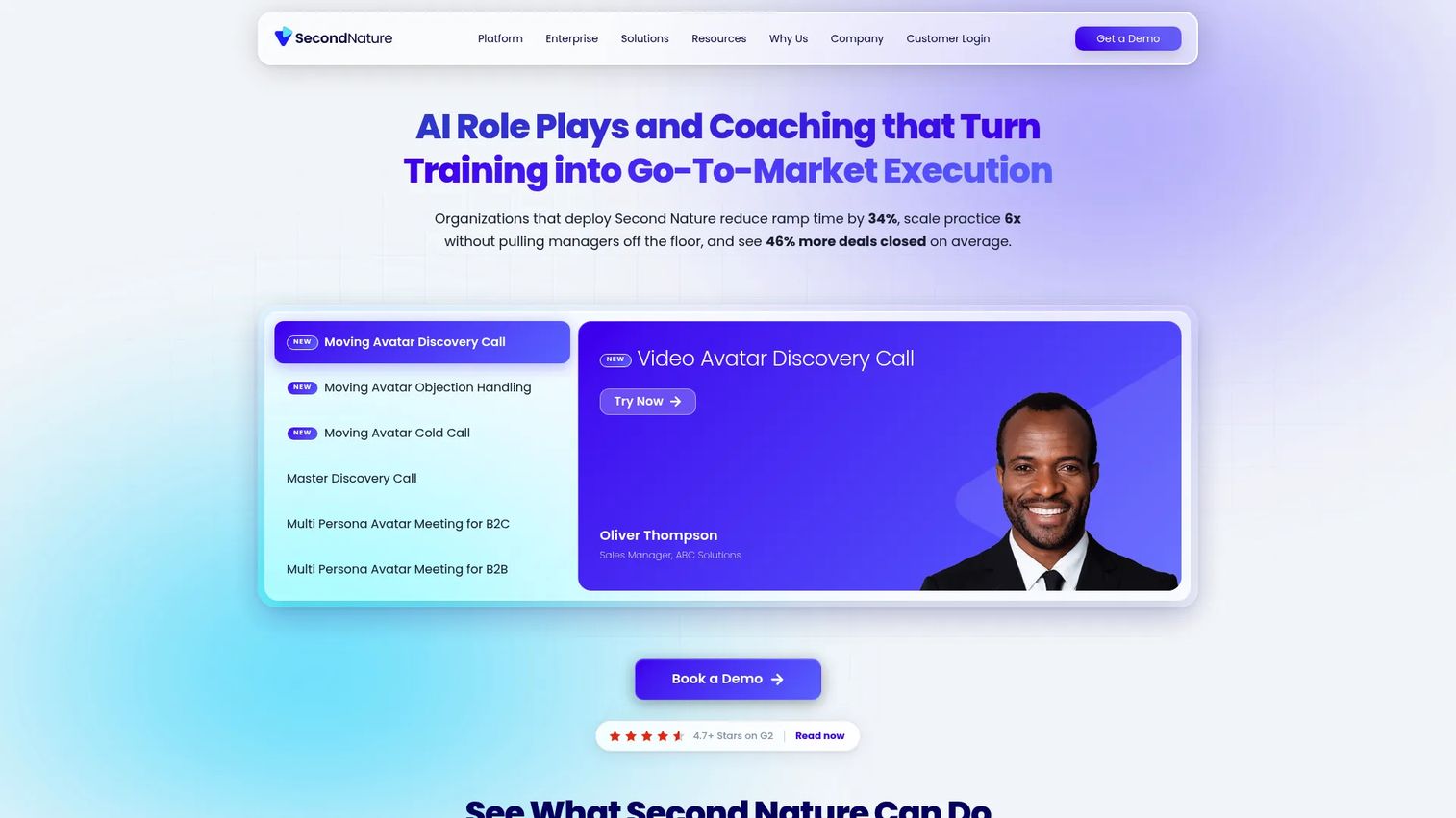
Second Nature is an AI-powered role-play and coaching platform for sales, customer success, support, and leadership teams. Learners practise through webcam-based or screen-sharing sessions with an AI conversation partner, receive scored feedback on knowledge, communication, and soft skills, and work through assigned practice scenarios.
Best for: Revenue and customer-facing teams that need consistent role-play practice at scale, including CSMs preparing for renewal conversations, QBRs, or objection-handling scenarios.
Key features
- AI-generated role-play scenarios from freeform descriptions or uploaded content
- Live interactive, webcam-based, and slide-based practice modes
- AI evaluation with scoring on knowledge, communication, and soft skills
- Progress tracking, performance trends, and knowledge-gap reporting
- Support for more than 30 languages
Why choose Second Nature: Choose it when training depends on spoken delivery and CSMs or service reps need to hear themselves handle objections before a real call. The webcam-based practice mode adds a realism that text-only scenario tools do not match.
Second Nature pricing: Contact Second Nature for a tailored quote. A demo is available on request.
G2 rating: 4.7/5
13. Call Simulator
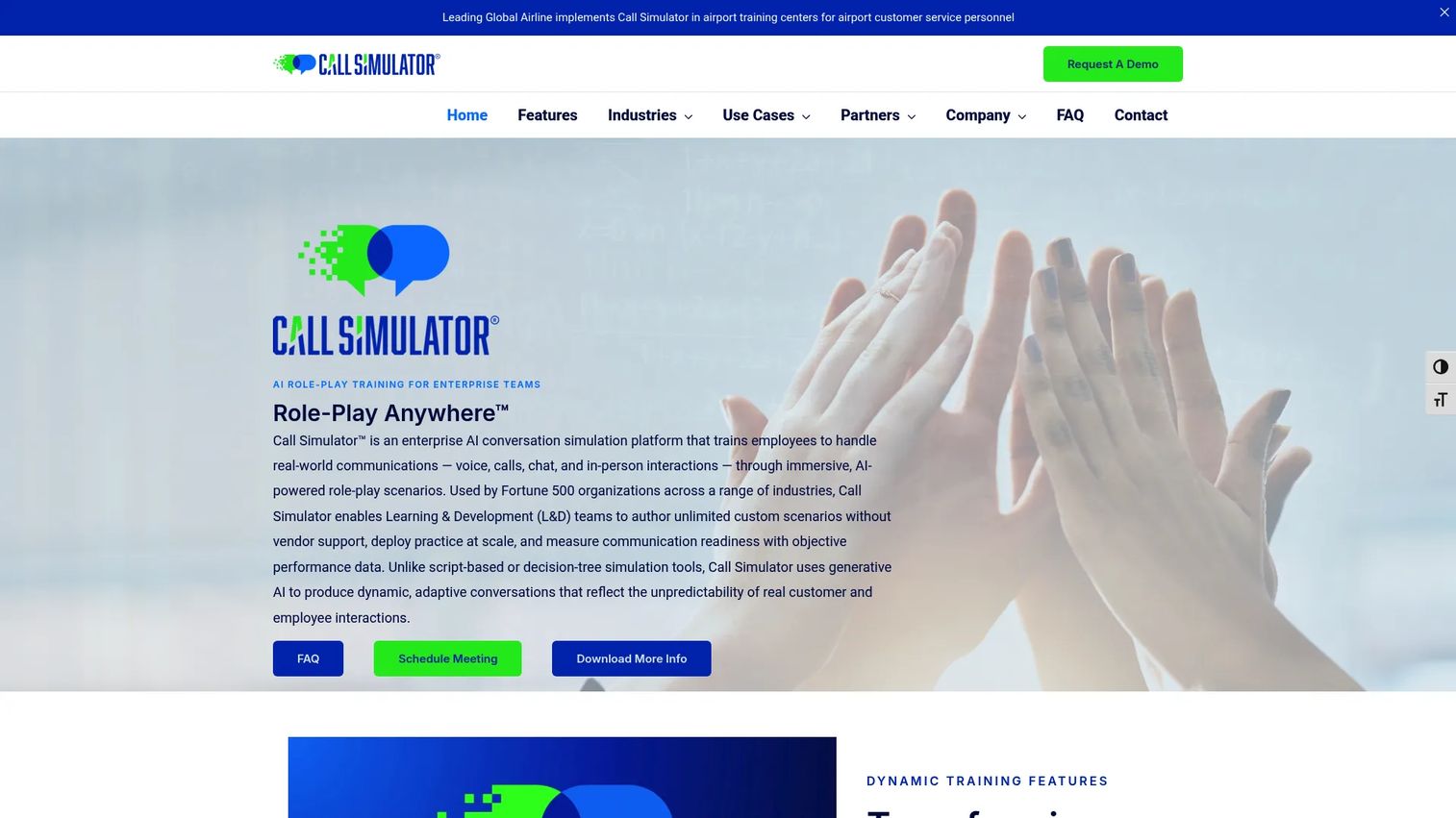
Call Simulator is an enterprise AI conversation simulation platform for training employees across voice, chat, and in-person interaction formats. It supports self-service scenario authoring via Scenario Studio, AI-powered dynamic simulations, customizable scoring rubrics, and integrations with LMS and HR systems.
Best for: Enterprise L&D and operations teams training employees for high-stakes customer calls, compliance conversations, sales scenarios, or HR interactions.
Key features
- Scenario Studio for self-service authoring
- AI-powered dynamic voice and chat simulations
- AI coaching with customizable scoring rubrics
- 15-language support
- SCORM, cmi5/xAPI, SSO, and API integrations
Why choose Call Simulator: Choose it when the training environment needs to sound and feel like an actual call. The flat-rate enterprise model covers unlimited scenarios and learner practice sessions, which makes it predictable for large team deployments.
Call Simulator pricing: Call Simulator uses flat-rate enterprise pricing with unlimited scenarios and learners. The exact price requires contacting sales.
14. Quantified
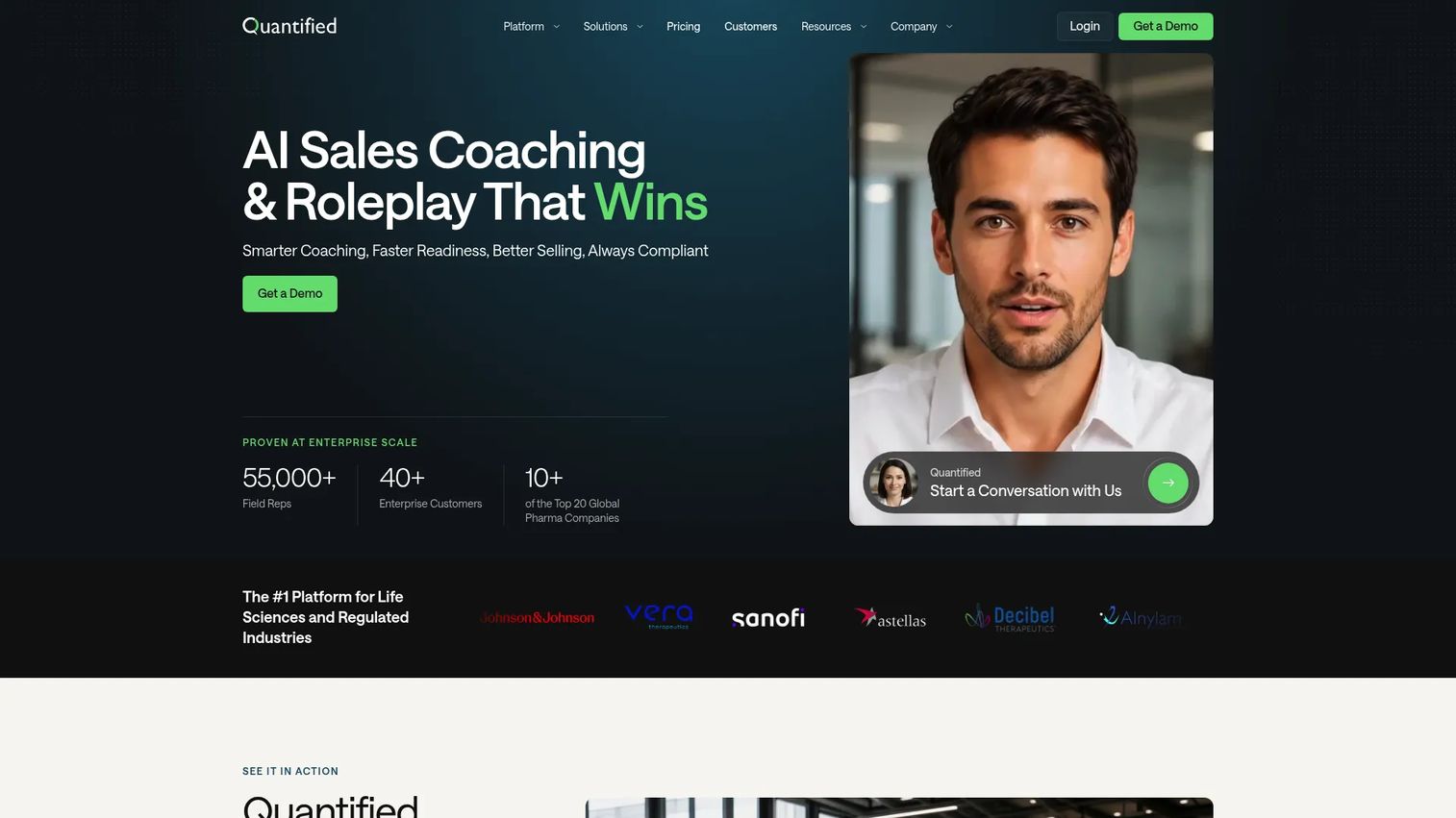
Quantified is an AI coaching platform focused on communication skills assessment, sales readiness, and performance coaching for commercial teams. It delivers AI role-play for high-stakes sales conversations, field coaching, self-authoring tools, and compliance governance, with a primary focus on life sciences and regulated industries.
Best for: Life sciences and regulated commercial teams that need measurable, audit-ready communication coaching and certification across large field forces.
Key features
- AI role-play for high-stakes sales conversations
- Adaptive learning and personalized readiness coaching
- Field coaching, self-authoring, and insights reporting
- Compliance governance and certification tracking
Why choose Quantified: Choose it when communication improvement needs to be measurable and defensible, particularly for regulated sales environments where certification and compliance documentation matter alongside performance.
Quantified pricing: Quantified prices by field-team size, package, and program scope. Plans include Standard and Base tiers. Contact Quantified sales for a quote tailored to your team.
G2 rating: 4.5/5
15. ReflexAI
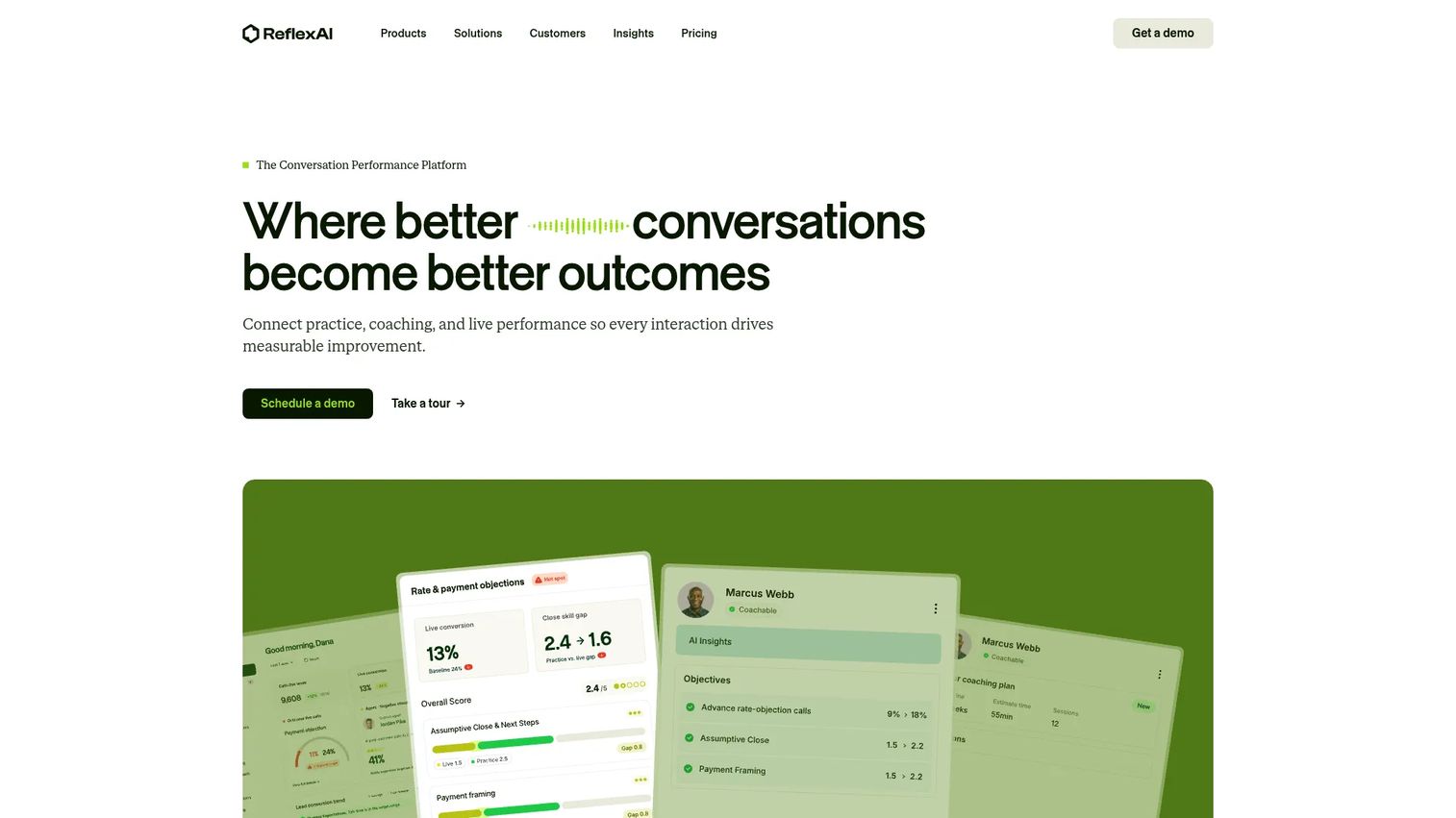
ReflexAI is a conversation performance platform that combines AI training simulations, coaching, and automated quality assurance for high-stakes conversations. It is built for contact centers, healthcare intake teams, crisis support lines, and other environments where the quality and consistency of every interaction carries real consequences.
Best for: Organizations that need scalable AI simulation training and automated conversation QA for high-stakes contact center, healthcare, or crisis-response teams.
Key features
- Configurable personas and AI training simulations
- Custom scoring dimensions and self-serve simulation creation
- Software overlays for simulated CRM or EMR workflows
- Automated analysis of 100% of conversations
- Cohort tracking and collaborative workspaces
Why choose ReflexAI: Choose it when service conversations require consistency under pressure, and when automated quality assurance on live interactions needs to reinforce what was practised in simulation. The CRM and EMR overlay feature is particularly valuable for agents who need to practise navigating a system while handling a conversation.
ReflexAI pricing: ReflexAI offers Essential, Growth, Pro, and Enterprise plans. Plan features vary by role-play limits, conversation modalities, session duration, manager licenses, and admin controls. Contact ReflexAI for pricing on each tier.
G2 rating: 4.7/5
Considerations when choosing simulation training software
Match the simulation type to the training job
Software simulation, healthcare simulation operations, AI role-play, and eLearning authoring solve different problems. A CSM training customers on product workflows needs a product replica or guided interactive demo, not a healthcare lab management platform. Identify the training job before shortlisting tools, or you will evaluate the wrong category entirely.
Check how safe the practice environment is
Ask whether learners can practise without touching live customer data, production systems, or real customer accounts. For software onboarding, look for product replicas, sandbox environments, and resettable practice paths. For customer service training, check whether the AI simulation uses real call recordings or synthetic data, and what access controls govern the content.
Measure completion, drop-off, and competency
Completion rate is a floor, not a ceiling. What matters for CSMs is which step causes drop-off, which workflow customers abandon, and whether learners are ready by cohort. Connect simulation analytics to outcomes: Ticket volume, feature adoption, time-to-value, and readiness before go-live. Use the integrations your team already has to route those signals into HubSpot, Salesforce, or your analytics stack.
Confirm integrations before buying
LMS publishing, CRM sync, help center embedding, and HR system connections all affect whether the tool fits your stack. For CSMs, the most useful connections are Salesforce, HubSpot, Zendesk, Intercom, Slack, and product analytics. Ask vendors for a confirmed integration list, not a marketing claim, before signing.
Plan for maintenance after the first launch
Training content decays when products change, policies update, or customer scenarios evolve. Evaluate how quickly authors can update simulations, whether edits propagate automatically across related content, and whether a Demo Center or centralized library makes it easier to push updates at scale. The best tool at launch is a burden six months later if updates require re-recording everything from scratch.
Conclusion
The right simulation training software depends on what your learners need to practise before the stakes are real.
For CSMs training customers on software workflows, Guideflow gives learners a safe product replica to explore, with analytics that show exactly where they get stuck. Assima Train handles complex enterprise application simulations where editable, object-based cloning is required. Adobe Captivate and Articulate 360 serve L&D teams building formal eLearning programs with LMS publishing. SIMULATIONiQ Enterprise covers healthcare simulation labs with scheduling, recording, debriefing, and competency tracking. Zenarate Coach, Attensi RealTalk, and Second Nature each address conversation practice for frontline service and sales teams through AI role-play.
Start by identifying the workflow your customers repeat, misunderstand, or abandon most often. Then choose the simulation type that matches that moment: Software task practice, guided learning path, conversation coaching, or branching decision scenario.
Start your journey with Guideflow today!
FAQs
Simulation training software creates safe, repeatable practice environments where learners complete realistic tasks, conversations, workflows, or procedures before applying them in live settings. It spans software simulations, AI role-play, branching scenarios, healthcare simulation management, and competency assessment platforms. The right definition depends on the training job: Software practice, conversation coaching, and healthcare operations management are all part of the same broad category.
The best choice depends on whether the onboarding job is software task practice, formal course delivery, or conversation coaching. For product workflow practice, Guideflow's Sandbox lets customers explore a product replica and practise real tasks without touching a live account. For structured onboarding modules published to an LMS, Easygenerator or Articulate 360 are strong options. For CSMs training customers on conversational workflows, BranchTrack handles branching decision scenarios well.
An LMS manages learning delivery, enrollment, completion records, and reporting. Simulation software creates the practice environment inside which the learning happens. Many teams use both: An LMS to organize and track training programs, and a simulation platform to deliver the interactive practice experience learners actually engage with. Some tools, like Articulate 360, include both authoring and an LMS within the same platform.
Yes, when it teaches the specific workflows that generate the most repetitive tickets. Customers who can complete a task independently stop submitting "how do I" requests. The key is matching the simulation to the actual ticket sources: Build practice scenarios around the top five workflows that create support volume, then track ticket trends after launch. Drop-off analytics help CSMs identify which step in a workflow still confuses users and needs adjustment.
Teams focused on conversation coaching should look at AI role-play tools with virtual customers, scoring, and coaching feedback. Zenarate Coach adapts to individual performance gaps using real interaction data. Attensi RealTalk and Second Nature deliver webcam-based or avatar-based conversation practice with structured scoring. Call Simulator is built specifically for voice and chat simulation. ReflexAI adds automated quality assurance on live conversations alongside its simulation training.
SIMULATIONiQ Enterprise is the strongest option for healthcare institutions managing multi-site simulation labs, standardized patient programs, OSCEs, and competency-based education. It covers scheduling, HD recording, synchronized debriefing, curriculum mapping, and competency tracking. Virti adds AI avatar practice and VR delivery for clinical and workforce communication training, making it useful for teams that need immersive scenario-based practice alongside operational lab management.
The most useful capabilities for CSMs are: A safe practice environment with no live data exposure, guided or explorable learning paths that match real product workflows, completion and drop-off analytics by step, shareable links or embeds that work inside help centers and onboarding emails, integrations with your CRM and support stack, and fast content updates when the product changes. The ability to show leadership where customers get stuck, and prove that training improved adoption, is what moves simulation software from an operational tool to a retention argument.
Pricing varies widely by category. eLearning authoring tools typically publish subscription tiers: Adobe Captivate starts at $39.99/month, Easygenerator at $125/month, and Articulate 360 at $500/unlimited seats per year. Virti publishes plans from $359/month. Guideflow offers a free plan and paid plans from $35/month. BranchTrack has a free tier and paid plans from $83/month. Enterprise simulation platforms, including Assima Train, Zenarate Coach, Mursion, SIMULATIONiQ Enterprise, Attensi RealTalk, Second Nature, Call Simulator, Quantified, and ReflexAI, all use custom pricing based on seats, programs, implementation scope, and integration requirements. Contact each vendor to get a quote tied to your actual use case and team size.