A server alert lands at 2:13 a.m. CPU usage is climbing, the patch window failed, and nobody knows whether the fault sits in Windows, firmware, or the hypervisor.
That uncertainty gets expensive as infrastructure spreads across cloud accounts, remote sites, virtual clusters, and physical data centers. Future Market Insights valued the global server management software market at $6.4 billion in 2025, in research published in 2026.
The hard part is choosing the right control plane. Some platforms manage operating systems. Others govern cloud resources, virtual machines, endpoints, or the baseboard management controller.
For presales teams, those boundaries matter during discovery and technical validation. You need to know what each product controls, which workflows it covers, and where another tool remains necessary.
What’s inside
- Server management tools covering monitoring, patch management, remote access, configuration, hardware control, and diagnostics
- Products spanning MSP operations, Microsoft environments, cloud governance, virtualization, hardware management, and open source monitoring
- Selection criteria covering environment fit, automation, security, deployment scale, integrations, and operational visibility
- Current vendor pricing and G2 ratings from the supplied research
- Presales guidance for discovery, technical demos, security review, and pilot planning
TL;DR
- Best for MSP server monitoring and patching: N-able N-sight combines endpoint monitoring, automation, remote support, and patch management
- Best for larger MSPs: N-able N-central adds policy-based operations across complex, multitenant environments
- Best for Windows Server administration: Windows Admin Center provides browser-based control at no additional cost beyond Windows licensing
- Best for hybrid infrastructure management: Azure Arc extends Azure governance to on-premises, edge, and multicloud servers
- Best for Supermicro hardware management: SuperCloud Composer and Supermicro Server Manager cover rack and fleet operations
- Best open source monitoring option: Nagios Core offers extensible host, service, application, and network monitoring
What is server management software?
Server management software helps IT teams monitor, configure, patch, secure, troubleshoot, and remotely administer physical, virtual, and cloud servers from a central interface.
The category covers several control planes. Operating system tools handle services, logs, storage, access, and updates. Virtualization platforms control hosts, clusters, and virtual machines. Hardware utilities operate through a baseboard management controller, commonly called a BMC.
Cloud governance platforms add inventory, policy, and security controls across distributed infrastructure. Monitoring products focus on health checks and alerts rather than direct administration.
Core capabilities to look for
- Server monitoring: CPU, memory, storage, availability, logs, and service health
- Remote server management: Browser consoles, remote control, scripts, and troubleshooting
- Patch management: Operating system, application, BIOS, BMC, and firmware updates
- Server configuration management: Policies, baselines, provisioning, and repeatable setup
- Hardware administration: BMC management, IPMI management, Redfish API access, and virtual media
- Server asset inventory: Hardware discovery, software inventory, topology, and lifecycle status
- Security controls: Identity integration, permissions, audit records, and policy enforcement
- Server automation: Scheduled scripts, remediation workflows, and repeatable maintenance
Server management overlaps with endpoint management and infrastructure monitoring. It also touches cloud management, virtualization administration, and hardware operations.
The key distinction is where the control plane lives. Windows Admin Center works near the operating system. VMware vCenter controls the virtualization layer. Azure Arc governs distributed resources through Azure. Intel and Supermicro utilities reach hardware through BMC interfaces.
Presales teams should establish that boundary early. It prevents a monitoring requirement from becoming a patching promise or a cloud governance request from becoming a hardware management discussion.
When to use server management software
Monitor server health before incidents become outages
Use server monitoring to track processor load, memory, storage, services, event logs, hardware condition, and availability. Fleet dashboards help operators find patterns across multiple locations.
During discovery, ask how alerts route and who owns escalation. Buyers may also need evidence that dashboards expose fleet-level risk rather than isolated server events.
Patch and configure servers without manual drift
Patch management keeps operating systems, applications, firmware, and management controllers current. Server configuration management applies repeatable policies across new and existing machines.
Clarify the required patching scope before a pilot. Operating system updates, third-party applications, BIOS releases, and BMC firmware often require different tools.
Troubleshoot remote and hybrid infrastructure at scale
Remote administration becomes essential when nobody can physically reach the server. Common workflows include log collection, scripts, remote consoles, KVM access, and virtual media.
Out-of-band management can remain available when the operating system is unresponsive. Hybrid environments also need consistent inventory and governance across on-premises servers, edge locations, and cloud accounts.
Server management software comparison
These products belong to different software classes. Compare them by environment and control plane before comparing feature counts.
An MSP may prioritize patching and multitenant monitoring. A Windows administrator may need browser-based administration. Data center teams often care about BMC access, firmware lifecycle, power, or rack visibility.
| # | Product | Best for | Key differentiator | Pricing | G2 rating |
|---|---|---|---|---|---|
| 1 | N-able N-sight | MSPs and lean IT teams | Unified endpoint monitoring and remote support | Custom pricing, free trial | 4.3/5 |
| 2 | N-able N-central | Larger MSPs and IT organizations | Policy-based, multitenant operations | Custom pricing, trial available | 4.4/5 |
| 3 | Microsoft Intune | Microsoft-oriented endpoint governance | Cloud device compliance and policy management | From $4 per user monthly, paid yearly | N/A |
| 4 | Windows Admin Center | Windows Server administration | Browser-based Microsoft administration | No additional cost beyond Windows | N/A |
| 5 | Microsoft System Center | Enterprise Microsoft data centers | Monitoring, automation, virtualization, and protection | From $1,455 | 4.1/5 |
| 6 | Azure Arc | Hybrid and multicloud governance | Azure control plane for distributed infrastructure | Free core control plane | 4.4/5 |
| 7 | Intel Data Center Manager | Intel power and thermal visibility | Server, rack, power, and thermal analytics | Discontinued | 4.3/5 |
| 8 | Intel Server Debug and Provisioning Tool | Intel hardware diagnostics | BMC-based command line debugging and provisioning | N/A | N/A |
| 9 | SuperCloud Composer | Supermicro rack management | Composable infrastructure and Redfish support | Free 90 day trial, then custom pricing | N/A |
| 10 | Supermicro Server Manager | Supermicro server fleets | Centralized hardware monitoring and remote control | $180 per node, one time | N/A |
| 11 | Supermicro Update Manager | Supermicro firmware maintenance | Parallel BIOS and BMC update workflows | Custom pricing | N/A |
| 12 | Supermicro Power Manager | Supermicro power operations | Agentless power monitoring and policy controls | Custom pricing | N/A |
| 13 | SuperDoctor 5 | Supermicro health diagnostics | Hardware monitoring with configurable alerts | Custom pricing | N/A |
| 14 | VMware vCenter | VMware virtual infrastructure | Centralized host, cluster, and VM administration | Custom pricing | 4.5/5 |
| 15 | Nagios Core | Open source infrastructure monitoring | Extensible plugin architecture | Free | N/A |
Best 15 tools for server management software
1. N-able N-sight
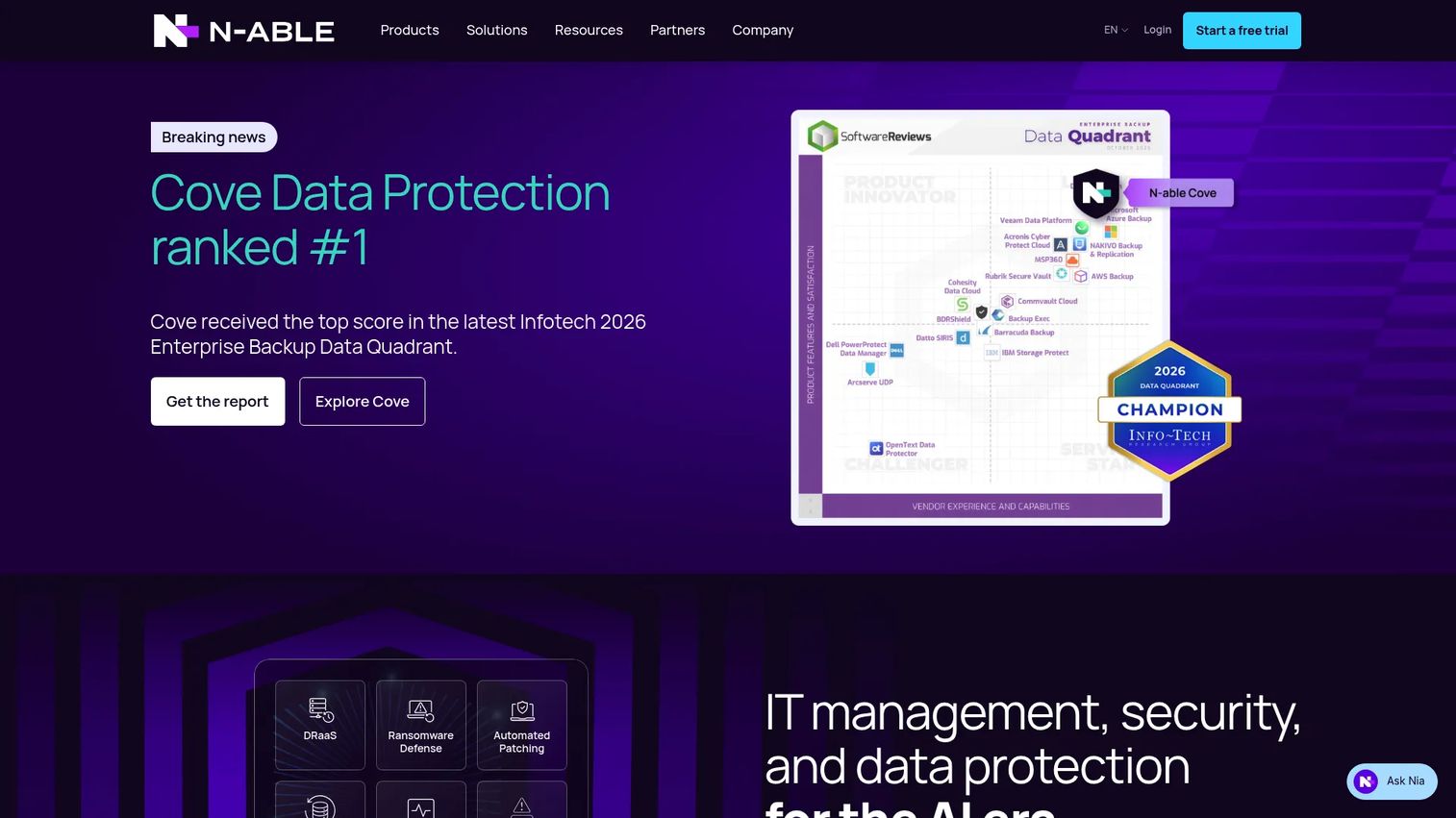
N-able N-sight is a cloud-based remote monitoring and management platform. It combines endpoint monitoring, patching, automation, asset discovery, and remote support.
The platform covers Windows, macOS, iOS, and Linux environments. Its operational model suits teams that manage servers alongside broader endpoint estates.
Best for: MSPs and lean IT teams that need server monitoring, patching, remote support, and automation within the same workflow.
Key features
- Multi-OS monitoring and remote support
- Patch and vulnerability management
- More than 700 automation scripts
- Network device discovery
- Integrated ticketing and billing
Why choose N-able N-sight: It fits teams managing many SMB or midmarket environments. Consolidated monitoring and support can reduce movement between daily administration tools.
This is an operational platform rather than a hardware-specific BMC utility. Pair it with vendor tools when firmware, virtual media, or hardware diagnostics drive the evaluation.
N-able N-sight pricing: Custom pricing. A free trial includes all features and requires no credit card.
G2 rating: 4.3/5.
2. N-able N-central
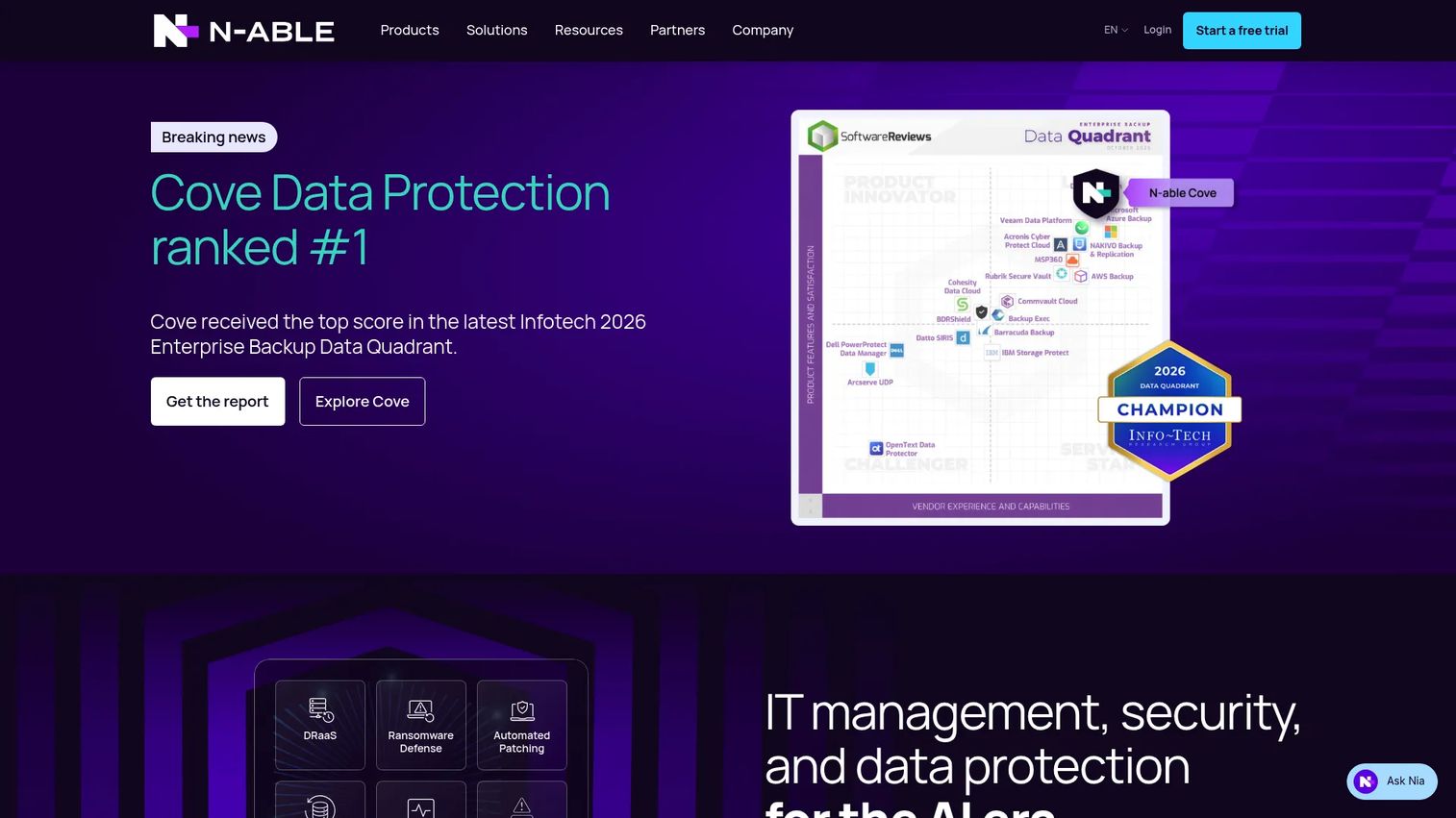
N-able N-central provides remote monitoring, patch management, security, automation, and unified endpoint operations. It supports Windows, macOS, Linux, network devices, and cloud-connected assets.
Policy-based management helps administrators standardize work across customers, sites, or business units. Reporting includes embedded Microsoft Power BI.
Best for: Larger MSPs and mature IT teams managing complex endpoint and server estates across multiple tenants.
Key features
- Unified endpoint monitoring
- Automated patch management
- Remote access and control
- Self-healing automation workflows
- Embedded Power BI reporting
Why choose N-able N-central: Choose it when policy depth and operational scale drive the shortlist. Its multitenant approach suits teams that need consistent monitoring across many managed environments.
For presales discovery, establish how many sites and policy groups the buyer manages. Also ask whether reporting must serve technicians, customers, or IT leadership.
N-able N-central pricing: Custom pricing. N-able offers sales consultations and product trials.
G2 rating: 4.4/5.
3. Microsoft Intune
Microsoft Intune is a cloud endpoint management service for organizational devices and applications. It supports cross-platform administration, app protection, device compliance, and Conditional Access integration.
Intune sits beside the server management category rather than covering every server control plane. It focuses on endpoint policy and security governance rather than bare metal administration.
Best for: Microsoft-centric organizations managing device policy, application protection, compliance, and access across several operating systems.
Key features
- Cross-platform device management
- Mobile application protection
- Device compliance policies
- Conditional Access integration
- Security and configuration profiles
Why choose Microsoft Intune: It fits organizations already using Microsoft cloud identity and security services. Policy management can support the broader server security management model.
Server-heavy environments will usually need additional administration tooling. Windows Admin Center, System Center, Azure Arc, or hardware utilities can cover controls outside Intune’s remit.
Microsoft Intune pricing: Plan 2 starts at $4 per user monthly, paid yearly. Plan 1 costs $8, while Intune Suite costs $10.
G2 rating: N/A.
4. Windows Admin Center
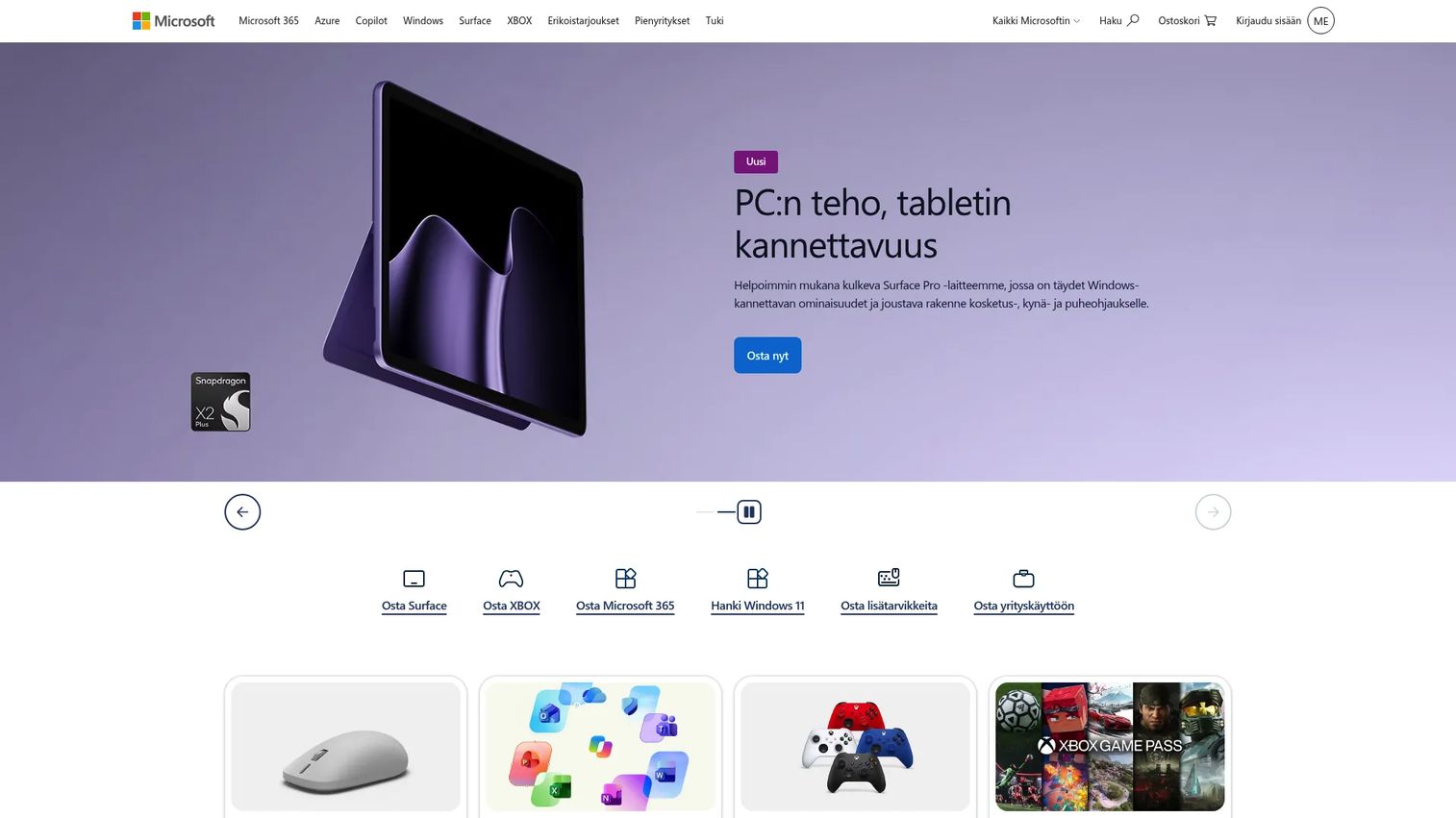
Windows Admin Center is Microsoft’s browser-based administration tool for Windows servers, clients, clusters, and hyperconverged infrastructure. It works across physical, virtual, hosted, and Azure-connected environments.
Administrators can inspect events and certificates, manage storage, configure networking, review updates, and open a PowerShell console.
Best for: Windows Server administrators who want centralized browser access without adopting a broader enterprise management suite.
Key features
- Browser-based server administration
- Event and certificate management
- Hyper-V and cluster controls
- Storage and update management
- PowerShell console access
Why choose Windows Admin Center: It is a practical option for daily Windows Server management. The interface exposes server state, roles, updates, and performance within one browser console.
That visibility also helps technical demonstrations. A solutions engineer can show the exact administrative path while keeping the discussion tied to familiar Microsoft workflows.
Windows Admin Center pricing: No additional cost beyond valid Windows Server or Windows client licensing.
G2 rating: N/A.
5. Microsoft System Center
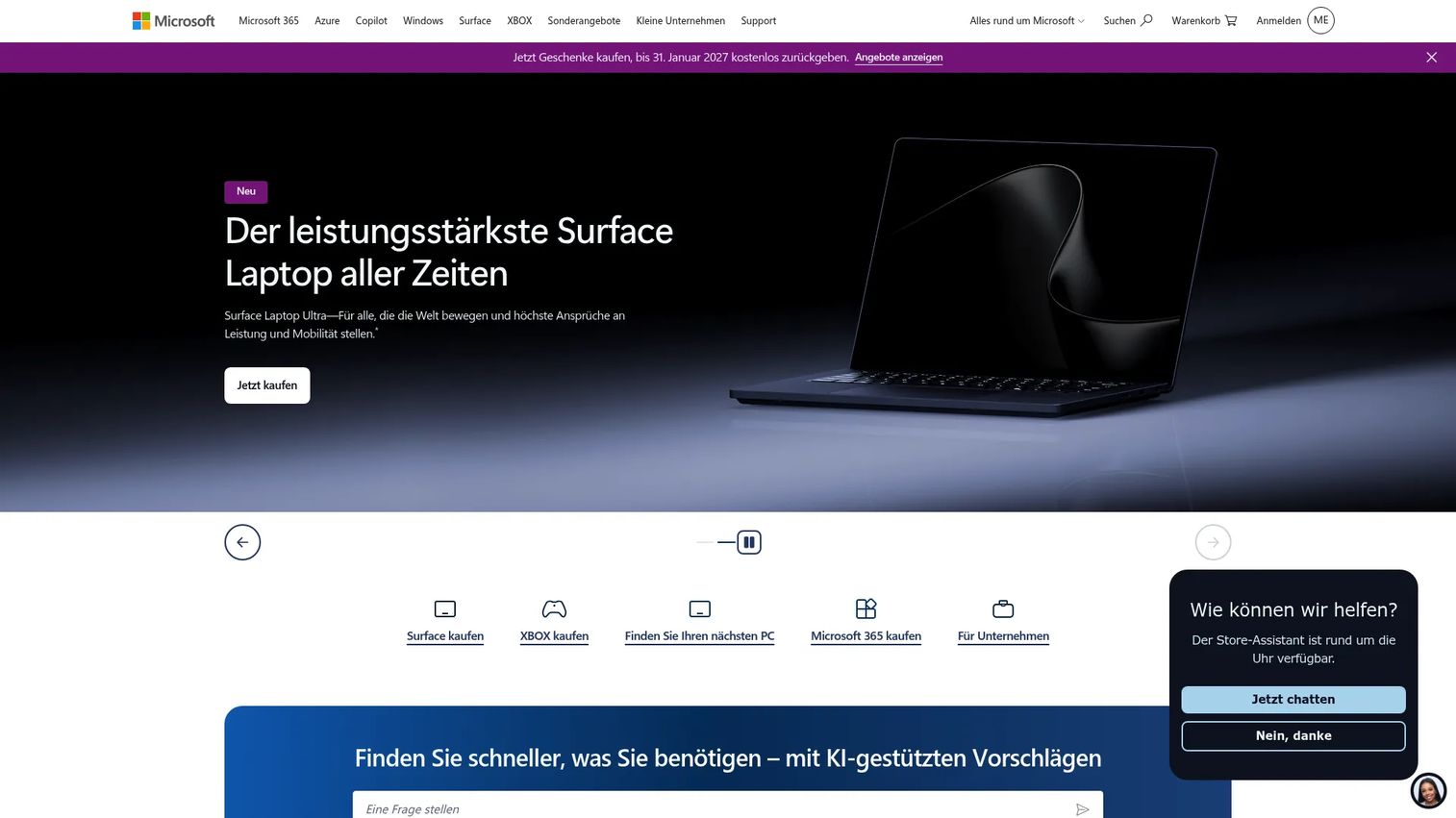
Microsoft System Center is an enterprise data center management suite. It covers infrastructure monitoring, task automation, virtualization, service management, data protection, and configuration.
Operations Manager handles monitoring. Orchestrator automates data center tasks, while Virtual Machine Manager controls virtualized environments.
Best for: Enterprise Microsoft environments requiring established monitoring, automation, backup coordination, and virtual data center administration.
Key features
- Operations Manager monitoring
- Orchestrator task automation
- Virtual Machine Manager
- Data Protection Manager
- Configuration and service management
Why choose Microsoft System Center: It fits organizations with established Microsoft infrastructure teams and substantial on-premises operations. The suite covers more administrative ground than a focused browser utility.
That breadth brings implementation work. During technical validation, assess existing Microsoft expertise, infrastructure scale, and the buyer’s operating model.
Microsoft System Center pricing: Standard Edition starts at $1,455. Datacenter Edition costs $3,968 for the stated 16-core, two-processor server basis.
G2 rating: 4.1/5.
6. Azure Arc
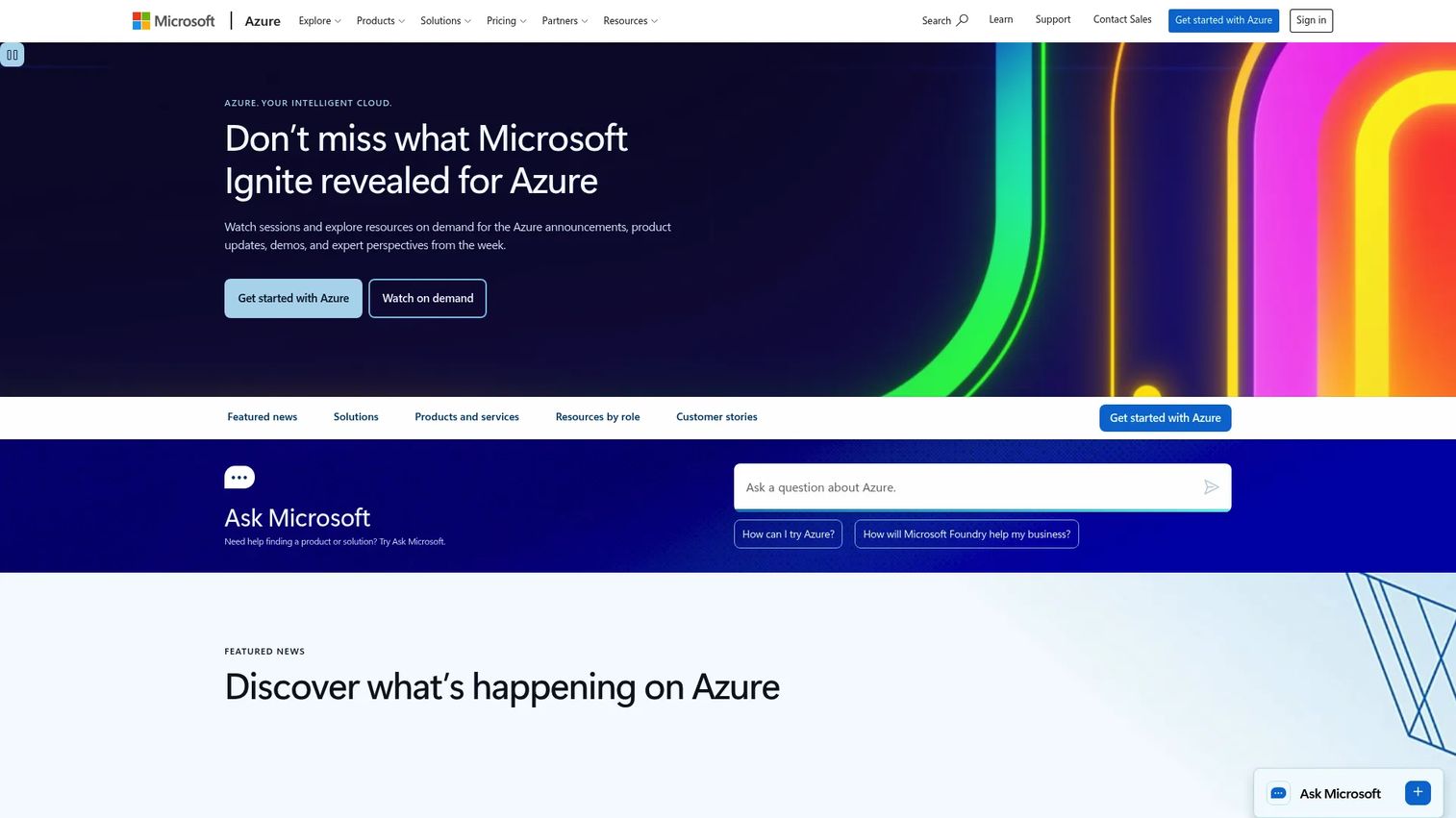
Azure Arc extends Azure management, governance, and security services to on-premises, edge, and multicloud infrastructure. It covers servers, databases, Kubernetes clusters, and virtualized resources.
The platform connects distributed assets to Azure Policy and Microsoft Defender for Cloud. Additional services add monitoring, inventory, and update management context.
Best for: Organizations seeking consistent hybrid infrastructure management through an Azure control plane.
Key features
- Hybrid server onboarding
- Azure Policy integration
- Microsoft Defender connection
- Centralized infrastructure inventory
- Multicloud resource governance
Why choose Azure Arc: It works well when a buyer already operates Azure services and wants a common governance layer. The value centers on inventory, policy, and control across distributed resources.
Presales teams should separate Arc’s core control plane from paid connected services. A pilot should test onboarding, policy application, security visibility, and reporting.
Azure Arc pricing: The core control plane is free. Guest Configuration plus Change Tracking and Inventory costs $6 per server monthly.
G2 rating: 4.4/5.
7. Intel Data Center Manager

Intel Data Center Manager monitored server health, power, thermals, utilization, inventory, and firmware. Its scope reached server and rack-level operations.
The software addressed energy visibility and capacity planning across Intel-based data center environments. Intel has since discontinued the product and removed current download availability.
Best for: Teams assessing an existing Intel Data Center Manager deployment or planning its replacement.
Key features
- Server health monitoring
- Power and thermal analytics
- Asset inventory views
- Rack-level visibility
- Server firmware updates
Why choose Intel Data Center Manager: Existing users may retain operational knowledge and historical data around Intel infrastructure. New buyers should treat it as replacement research rather than a fresh implementation option.
For technical discovery, confirm whether the prospect already runs the product. Then document required power, thermal, inventory, and firmware workflows before considering alternatives.
Intel Data Center Manager pricing: New licenses are unavailable because Intel discontinued the product.
G2 rating: 4.3/5.
8. Intel Server Debug and Provisioning Tool

Intel Server Debug and Provisioning Tool is a Linux command line utility for supported Intel Server Boards and Systems. It communicates through the BMC over an out-of-band network.
Administrators can use it for remote debugging and server provisioning. Its focused scope makes it a server troubleshooting tool rather than a fleet management suite.
Best for: Server administrators and support engineers working with supported Intel hardware through BMC connections.
Key features
- BMC-based remote debugging
- Out-of-band server provisioning
- Command line operation
- Single-server management
- Intel hardware family support
Why choose Intel Server Debug and Provisioning Tool: It belongs in the toolkit when hardware-level diagnosis matters. Command line access also supports repeatable technical support procedures.
Intel identifies version 4.2.3 from May 23, 2025. The company states that functional and security updates end after October 15, 2026.
Intel Server Debug and Provisioning Tool pricing: Intel provides downloads without a listed subscription price.
G2 rating: N/A.
9. SuperCloud Composer
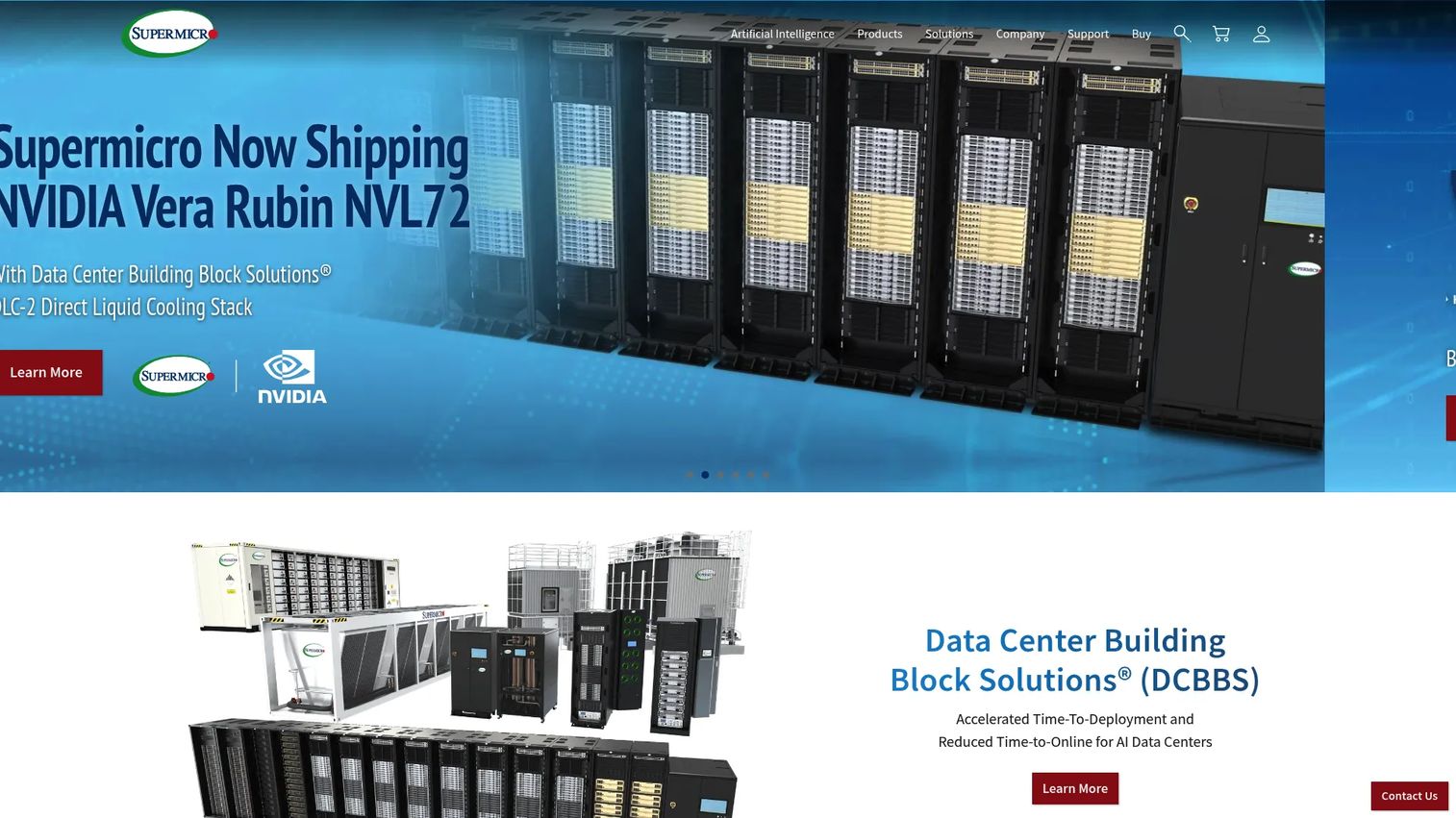
SuperCloud Composer manages software-defined data centers through a centralized console. It supports Supermicro hardware and third-party devices through Redfish API integration.
Its scope includes rack operations, asset monitoring, lifecycle automation, telemetry, network provisioning, and operating system deployment. Liquid cooling monitoring is also available.
Best for: Enterprise data center teams managing Supermicro and third-party infrastructure at rack scale.
Key features
- Rack and POD management
- Redfish API integration
- Zero-touch network provisioning
- Lifecycle automation and telemetry
- Liquid cooling monitoring
Why choose SuperCloud Composer: It reaches beyond single-server administration into composable infrastructure management. Data center teams can coordinate inventory, deployment, updates, and hardware telemetry.
During a POC, test discovery accuracy and lifecycle workflows. Also validate third-party device coverage against the buyer’s hardware estate.
SuperCloud Composer pricing: A free 90 day trial is available. Paid licenses use custom pricing.
G2 rating: N/A.
10. Supermicro Server Manager
Supermicro Server Manager provides centralized administration and monitoring for Supermicro server fleets. It supports a web interface and REST API.
Administrators can monitor hardware health, utilization, power, and services. The platform also handles firmware updates, operating system deployment, remote power control, and VNC console access.
Best for: IT teams managing large Supermicro estates that need centralized monitoring and remote administration.
Key features
- Centralized WebUI and REST API
- Hardware health monitoring
- BIOS and BMC updates
- Remote power and VNC control
- LDAP and Active Directory authentication
Why choose Supermicro Server Manager: It is the natural operational console for Supermicro-heavy environments. Linux deployments can manage up to 10,000 nodes.
Security review should cover identity integration, two-factor authentication, single sign-on, and alert delivery. Confirm the per-node license count before budgeting.
Supermicro Server Manager pricing: The SFT-DCMS-SINGLE license costs $180 per target node as a one-time purchase.
G2 rating: N/A.
11. Supermicro Update Manager

Supermicro Update Manager is a command line utility for BIOS, BMC, CPLD, and related firmware administration. It supports in-band and out-of-band workflows.
Parallel system management helps operators coordinate firmware update management across multiple servers. The utility also supports Redfish API access.
Best for: Administrators maintaining firmware and hardware configuration across Supermicro server fleets.
Key features
- BIOS firmware updates
- BMC configuration and updates
- CPLD firmware management
- Parallel system administration
- CLI and Redfish API support
Why choose Supermicro Update Manager: Use it when firmware lifecycle maintenance is the primary requirement. It stays focused on hardware updates rather than general server monitoring.
A technical pilot should include representative hardware generations. Test compatibility checks, batch behavior, rollback procedures, and maintenance reporting.
Supermicro Update Manager pricing: Custom pricing. Basic licensing requires SFT-OOB-LIC, while Advanced uses SFT-DCMS-SINGLE.
G2 rating: N/A.
12. Supermicro Power Manager
Supermicro Power Manager provides agentless, out-of-band power monitoring for supported Supermicro servers. It uses BMC connections on Intel Node Manager-enabled systems.
Operators get centralized dashboards, policy-based power management, notifications, and report exports. Access options include REST API, graphical interface, and command line tools.
Best for: Data center teams controlling power consumption across supported Supermicro deployments.
Key features
- Real-time power monitoring
- Agentless BMC management
- Policy-based power controls
- Email and SNMP notifications
- CSV and PDF exports
Why choose Supermicro Power Manager: It fits facilities where power capacity affects deployment and operating decisions. The focus stays on energy management rather than broad server administration.
Supermicro does not support this product on newer X14 or H14 platforms. The vendor recommends newer management products for those generations.
Supermicro Power Manager pricing: Custom pricing through Advanced and Enterprise management packages. Licensing applies per target node.
G2 rating: N/A.
13. SuperDoctor 5
SuperDoctor 5 monitors Supermicro hardware and system availability in real time. It covers fans, temperature, voltage, power, disks, RAID, memory health, and other physical components.
Administrators can work through web and command line interfaces. The product supports SNMP, Windows, Linux, notifications, and customizable plugins.
Best for: Teams needing focused hardware health monitoring and diagnostics for Supermicro servers.
Key features
- Real-time hardware health checks
- Fan and temperature monitoring
- Disk and memory diagnostics
- Email and SNMP alerts
- Windows and Linux support
Why choose SuperDoctor 5: It gives smaller Supermicro environments a focused monitoring utility. Compatibility with Nagios also supports wider infrastructure monitoring workflows.
It does not replace broader patching, remote access, or governance platforms. Use it where hardware condition and alerting define the requirement.
SuperDoctor 5 pricing: Custom pricing.
G2 rating: N/A.
14. VMware vCenter
VMware vCenter centralizes management for VMware virtual infrastructure. It provides visibility and control across virtual machines, ESXi hosts, clusters, and related resources.
Core capabilities include vMotion, Distributed Resource Scheduler, High Availability, Fault Tolerance, alerts, inventory search, and single sign-on.
Best for: Organizations administering VMware-based hosts, virtual machines, and clusters from a centralized control plane.
Key features
- ESXi host management
- Virtual machine lifecycle controls
- Cluster resource scheduling
- High Availability support
- Centralized alerts and inventory
Why choose VMware vCenter: It remains central to VMware-heavy server estates. The platform coordinates virtual infrastructure rather than replacing hardware-level BMC management.
Presales teams should confirm the buyer’s current VMware packaging and deployment scale. Licensing structures have changed, making commercial validation part of the evaluation.
VMware vCenter pricing: Custom pricing. VMware documents Essentials, Foundation, and Standard editions.
G2 rating: 4.5/5 for VMware vSphere, which includes vCenter functionality.
15. Nagios Core
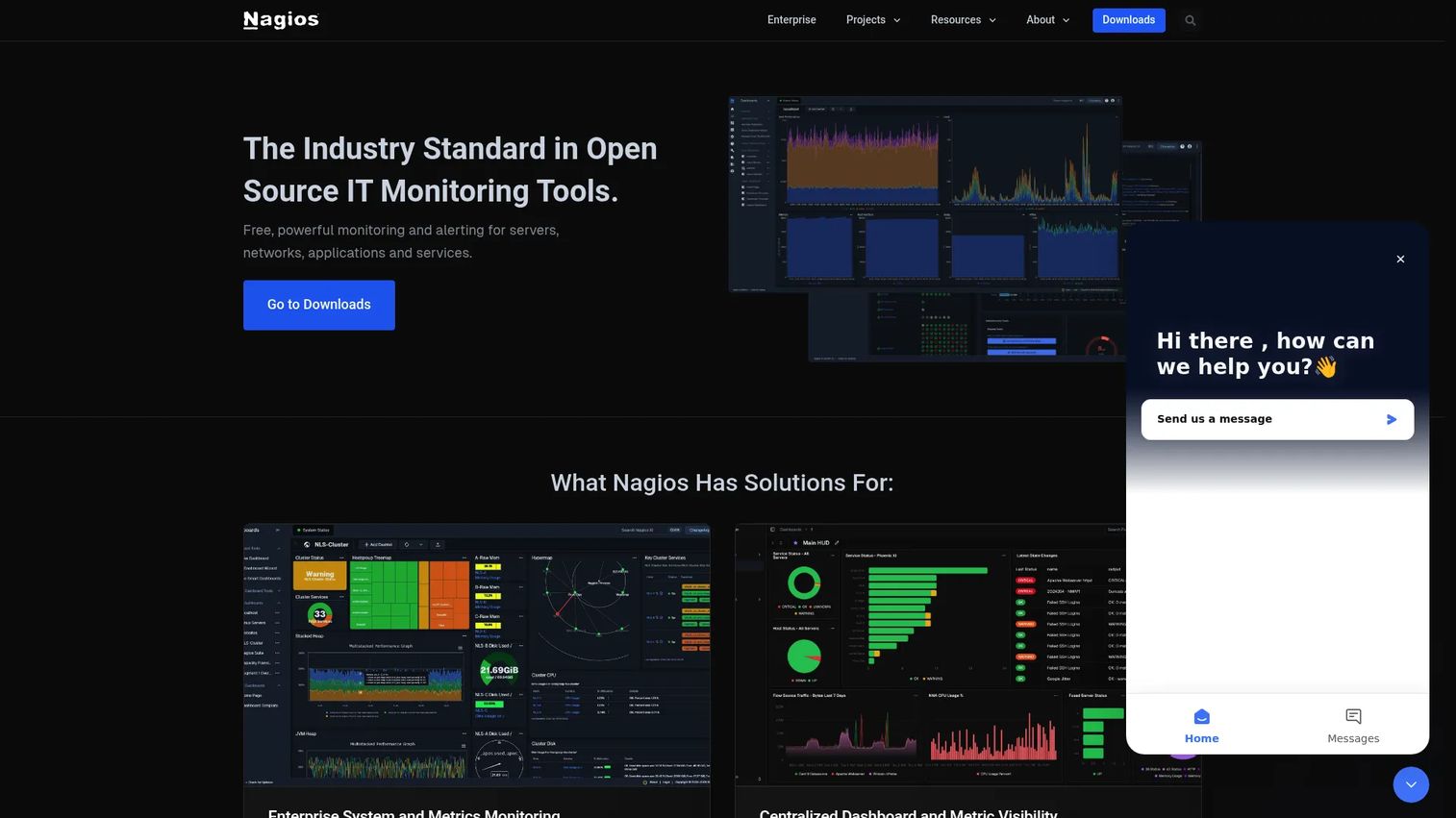
Nagios Core is an open source monitoring engine for servers, networks, applications, services, and custom metrics. Its plugin architecture supports both official and community extensions.
The platform provides alerts, escalation paths, notifications, and event handlers. Technical teams can configure checks around their own infrastructure.
Best for: Teams wanting flexible infrastructure monitoring without license costs and with the skills to maintain it.
Key features
- Host and service checks
- Application and network monitoring
- Extensible plugin architecture
- Alert escalation paths
- Automated event handlers
Why choose Nagios Core: It gives technical teams control over monitoring logic and plugin selection. The open source model suits organizations comfortable owning configuration and maintenance.
Additional server management tools remain necessary for patching, remote administration, firmware maintenance, and centralized governance.
Nagios Core pricing: Free forever under the GPL. Commercial capabilities and support are available through Nagios XI.
G2 rating: N/A because the Nagios Core listing has no reviews.
Considerations when choosing server management software
Start with the environment you manage
Map operating systems, hypervisors, cloud providers, hardware vendors, and remote locations. A Windows environment has different control requirements from a Supermicro data center.
Document which system owns inventory today. That answer often reveals the most useful control plane.
Separate monitoring from administration
Monitoring detects health changes and generates alerts. Administration gives operators the controls needed to investigate and remediate them.
Check whether each shortlist candidate includes remote access, scripts, patching, or diagnostics. A strong monitoring platform may still require separate administration software.
Check patching depth before you buy
Ask whether the platform handles operating system updates and third-party applications. Then confirm support for BIOS, BMC, and other firmware.
This distinction commonly surfaces late in technical validation. Put each patch type into the POC success criteria before testing begins.
Validate remote and out-of-band workflows
Remote access through the operating system stops working when the operating system becomes unavailable. Out-of-band management uses the BMC to preserve access.
Evaluate KVM, virtual media, IPMI, Redfish, and secure remote connections where relevant. Test the exact failure state the operations team worries about.
Confirm security, audit, and access controls
Review role-based permissions, audit records, identity integration, approval processes, and policy reporting. Security reviewers will expect evidence for administrative access.
Presales teams should capture these requirements during discovery. Waiting until the security questionnaire arrives slows technical validation.
Conclusion
Choose server management software by control plane rather than feature count.
N-able N-sight and N-central fit MSP-style operations. Windows Admin Center handles browser-based Windows administration, while System Center covers broader enterprise data center work.
Azure Arc suits Microsoft-oriented hybrid governance. Intel and Supermicro products address hardware health, firmware, power, diagnostics, and rack operations. VMware vCenter governs virtual infrastructure, while Nagios Core provides open source monitoring.
Start by identifying where administrators need control. Shortlist two to four products, then test routine workflows in a pilot. Include alert routing, patch deployment, remote troubleshooting, inventory accuracy, and access controls.
Selling infrastructure software also requires clear technical proof. Interactive demos perform best across technical validation, sales follow-ups, partner enablement, and self-serve product education. They let buyers inspect patching, alert triage, server inventory, or administration workflows before a live call.
Start your journey with Guideflow today!
FAQs
Server management software helps IT teams monitor, configure, patch, secure, and troubleshoot servers. It can also provide remote administration, server automation, inventory, and policy enforcement.
The category covers physical servers, virtual infrastructure, and cloud-connected systems. Individual products may focus on only one control plane.
Windows Admin Center fits browser-based Windows Server administration. Microsoft System Center suits enterprise monitoring, automation, virtualization, and data protection.
Azure Arc is worth evaluating when Windows servers span on-premises sites and multiple clouds. Deployment scale and governance requirements should drive the final choice.
Server monitoring detects status changes, performance issues, service failures, and hardware conditions. It tells operators when something requires attention.
Server management includes the controls used to respond. Those controls may cover configuration, patching, remote access, provisioning, and remediation.
Out-of-band management matters when administrators need server access while the operating system is unavailable. It commonly uses a BMC with IPMI or Redfish support.
Relevant capabilities include remote KVM, virtual media, firmware controls, and power operations. Hardware vendors often provide dedicated utilities for these tasks.
Azure Arc provides Microsoft-native governance across on-premises, edge, and multicloud servers. It works well for organizations already using Azure Policy and connected security services.
MSPs may prefer an RMM platform for daily operations. Mixed hardware environments can also require vendor-specific BMC and firmware utilities.
Open source software can cover monitoring and alerting well. Nagios Core supports host checks, service monitoring, event handlers, and extensibility through plugins.
Teams may still need separate products for patching, remote control, firmware updates, audit reporting, and commercial support.
Ask which operating systems, hypervisors, cloud providers, and hardware vendors the buyer runs. Record server count, remote sites, patching scope, and out-of-band access requirements.
Then cover audit needs, incident response, existing integrations, and pilot success criteria. These answers expose the required control plane.
Test alert routing, patch deployment, remote troubleshooting, inventory accuracy, reporting, and role-based access. Include representative servers from the buyer’s production mix.
Measure whether operators can complete weekly workflows without switching between unnecessary consoles. Document every dependency before recommending a platform.