A bay goes cold because parts status lives in one spreadsheet and technician notes live somewhere else entirely. An invoice sits unsigned because labor time is buried in a stack of handwritten job cards. A truck stays down an extra day not because the problem was hard to diagnose, but because the shop had no single workflow connecting the estimate to the parts order to the technician to the invoice.
That's the operational drag heavy-duty repair software is built to eliminate. According to the American Transportation Research Institute, heavy-duty truck repair and maintenance averaged $0.215 per mile in 2025, up 8.6% year over year. Shops that absorb cost increases without tightening their workflow processes see margin compress fast.
The question every owner, general manager, or fleet maintenance director faces is which platform will help the shop move work from estimate to invoice with less friction, fewer dropped handoffs, and better visibility into where jobs actually stand.
This guide gives you a shortlist of seven platforms, the criteria to evaluate them honestly, and enough detail to decide which tools earn a demo.
What's inside
This guide compares seven heavy-duty repair software platforms chosen for category fit, workflow depth, integration support, pricing visibility, and review presence.
- Who it's for: Independent repair shops, fleet maintenance teams, diesel operations, mobile repair businesses, and mixed-vehicle shops evaluating purpose-built or adjacent platforms
- Coverage: Work orders, estimates, parts inventory, technician labor tracking, scheduling, invoicing, payments, and reporting
- Shop types: Truck, trailer, diesel, fleet, heavy equipment, RV, agricultural, and mobile repair
- Selection criteria: Pricing and G2 ratings verified against live vendor and G2 pages during drafting
TL;DR
- Best overall for heavy-duty repair shops: Fullbay, purpose-built for commercial truck, trailer, diesel, and fleet workflows with the deepest category focus on this list
- Best for technician productivity and AI-assisted documentation: ShopView, with AI coaching insights and labor-hour capture designed specifically for heavy-duty operations
- Best for modular diesel operations: Pluss, covering VIN decoding, parts, purchasing, billing, and fleet maintenance under one platform with a free trial available
- Best trial-led entry path: Easy Truck Shop, with a seven-day free trial and published per-user pricing that makes the first-week gut test straightforward
- Best broader shop management platforms to validate carefully: Torque360, Tekmetric, and Shopmonkey are solid auto repair platforms, but heavy-duty buyers should confirm truck, trailer, and fleet workflow depth before committing
What is heavy-duty repair software?
Heavy-duty repair software is shop management software built to manage commercial vehicle, diesel, trailer, fleet, heavy equipment, RV, agricultural, and mobile repair workflows from estimate to invoice. It differs from standard auto shop management software because heavy-duty operations involve Class 4 to Class 8 vehicles, longer multi-day repair cycles, complex parts sourcing, fleet downtime pressure, preventive maintenance schedules, and technicians working in bays and in the field.
The category covers a wide range of shop types. An independent diesel shop has different depth requirements than an in-house fleet maintenance operation or a mobile repair business. The software category reflects that range, with some platforms built specifically for heavy-duty and others coming from the broader auto repair space.
Key features to look for
- Work orders, estimates, and service orders
- Technician labor tracking and productivity reporting
- Parts inventory, purchase orders, vendor management, and core returns
- Bay and job scheduling
- Preventive maintenance schedules and vehicle service history
- Invoicing, billing, and integrated payments
- Mobile technician access for field jobs
- Reporting on margin, cycle time, parts performance, and technician output
- Accounting integrations (QuickBooks is the most common ask)
- Fleet system, inspection, and estimating data integrations
The platforms on this list cover most of these areas. What separates them is the depth in each category and how well they fit the specific type of shop you operate.
When to use heavy-duty repair software
Replace paper work orders and disconnected spreadsheets
Shops outgrow paper when estimates, parts status, labor capture, and invoices stop matching each other. A technician finishes a job, parts never got updated, and the invoice goes out wrong. Heavy-duty repair software gives service managers and technicians one shared record from open to close. The payoff is faster invoice cycles and fewer billing disputes.
Coordinate fleet maintenance before downtime hits
Fleet operations need visibility into vehicle service history, upcoming preventive maintenance, and inspection results before a truck misses a service interval. The right software ties that history to work orders and surfaces alerts when attention is due. Shorter unplanned downtime is the measurable outcome.
Give mobile technicians a workflow they can use in the field
Road repairs and mobile service jobs break when technicians can't update job status, capture photos, record labor, or collect a digital signature from a bay or a truck stop parking lot. Mobile technician access keeps the shop's records accurate even when the work happens far from the office.
Heavy-duty repair software comparison
Use this table as a starting point. Pricing and ratings were verified against each vendor's pricing page and live G2 listing. Heavier evaluation should come from running a sample repair through the platforms you shortlist.
| # | Product | Best for | Key differentiator | Pricing | G2 rating |
|---|---|---|---|---|---|
| 1 | Fullbay | Commercial truck, trailer, diesel, and fleet repair | Purpose-built heavy-duty workflow with broad integrations | From $188/mo | 4.8/5 |
| 2 | ShopView | Shops focused on technician productivity and repair documentation | AI coaching insights and labor-hour capture for heavy-duty | Quote only | 4.9/5 |
| 3 | Pluss | Modular diesel and heavy-duty shop operations | VIN decoding, parts, billing, fleet maintenance, free trial | Quote only | 4.0/5 |
| 4 | Easy Truck Shop | Shops wanting a trial-led evaluation path | Seven-day trial, published per-user pricing, onboarding support | From $100/mo + $64/user | 5.0/5 |
| 5 | Torque360 | Repair shops evaluating modern shop management workflows | Estimates, inspections, invoices, CRM, and payments | From $89.99/mo | 4.6/5 |
| 6 | Tekmetric | Auto and mixed repair shops needing mature reporting | Shop management depth, Smart Jobs, and business analytics | From $309/mo | N/A |
| 7 | Shopmonkey | Shops wanting approachable cloud-based repair workflows | Estimates, messaging, workflow boards, payments, and inspections | From $239/mo | 4.6/5 |
Best 7 heavy-duty repair software tools for 2026
1. Fullbay
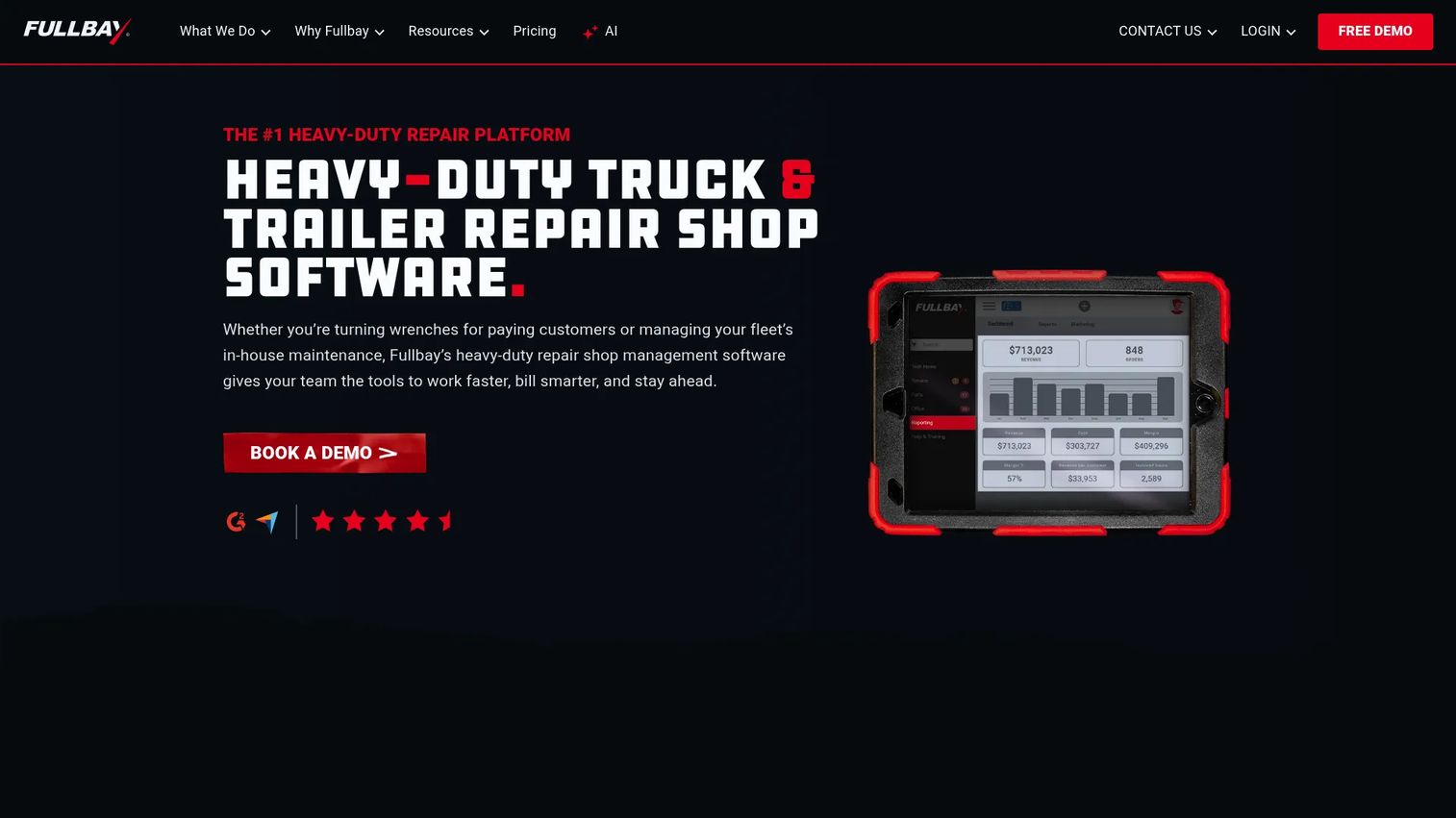
Fullbay is cloud-based shop management software built specifically for heavy-duty diesel repair operations. It covers independent commercial repair shops and in-house fleet maintenance teams, managing service orders, parts inventory, technician productivity, preventive maintenance, and accounting integrations from one platform. Fullbay also supports customer-facing communication through two-way texting and handles integrated payments.
Best for: Commercial truck and trailer shops and fleet maintenance teams that need a purpose-built heavy-duty workflow rather than an auto repair platform adapted for larger vehicles.
Key features
- Service orders, estimates, and invoicing
- Parts inventory and core tracking
- Preventive maintenance scheduling and vehicle history
- Technician labor tracking and productivity reporting
- Fleet, inspection, and accounting integrations
Why choose Fullbay: Fullbay earns its top position because heavy-duty is the entire product focus, not a feature add-on. Shops managing Class 4 to Class 8 vehicles consistently, with multi-day jobs and fleet maintenance schedules, will find the workflow depth here that generic shop management platforms don't match.
Fullbay pricing: Plans run on annual agreements with monthly billing. Basic starts at $188/month (one full-user license included; additional users are $89/month each). Pro is $258/month (additional users at $109/month each), and Elite is $318/month (additional users at $119/month each). Enterprise pricing requires a conversation with the sales team. Fullbay offers a free demo, not a free trial.
G2 rating: 4.8/5.
2. ShopView
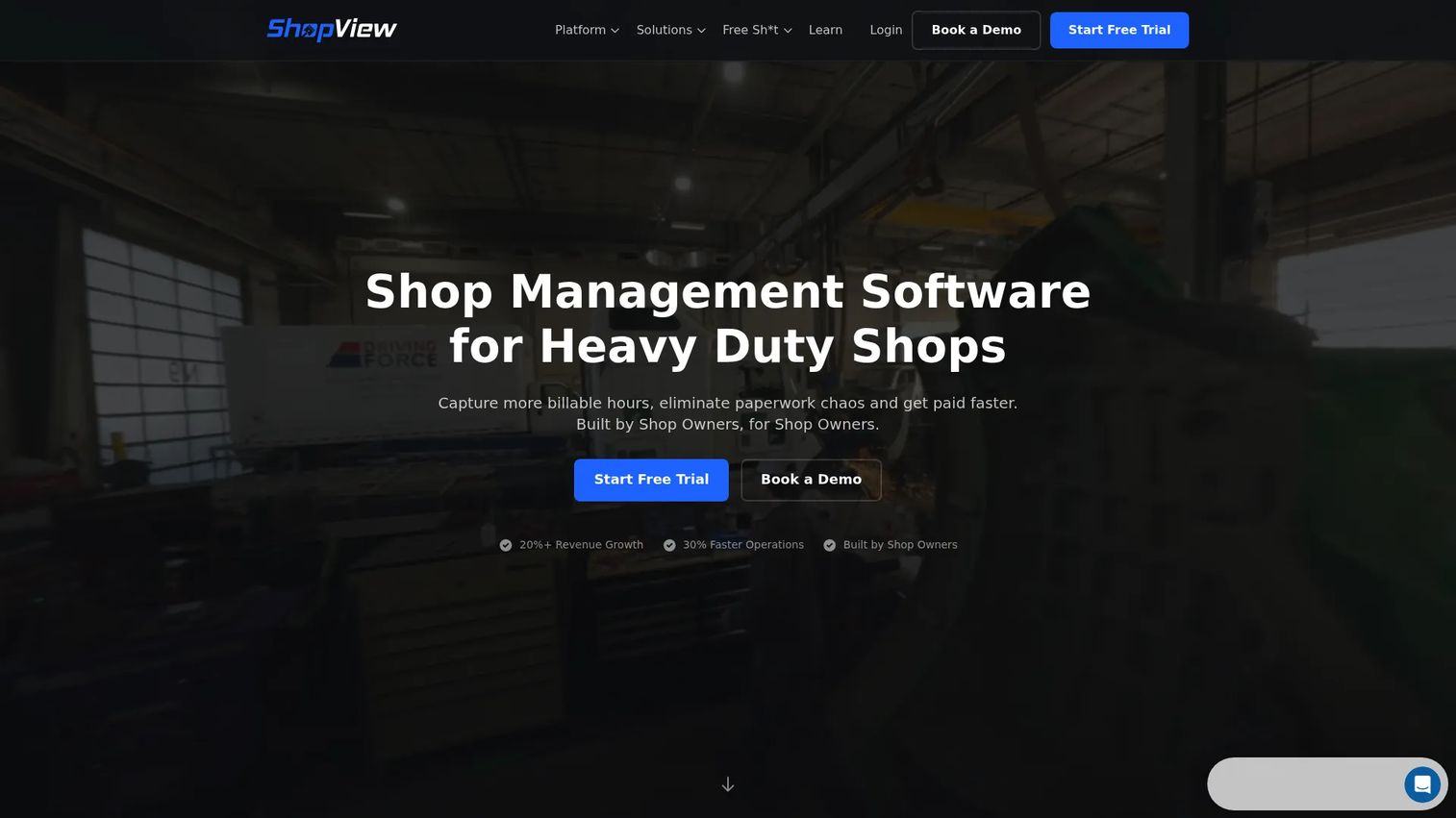
ShopView is heavy-duty repair shop management software covering work orders, estimates, scheduling, parts inventory, technician time tracking, invoicing, and reporting. Its differentiator is ShopCoach, an AI-powered insights layer that surfaces shop performance coaching and helps managers understand where labor hours, margins, and technician productivity are tracking against targets. QuickBooks integration and a customer portal are also included.
Best for: Heavy-duty truck, trailer, fleet, agricultural, and equipment repair shops that want to turn technician output into cleaner documentation and faster billing cycles.
Key features
- Work orders, estimates, and invoicing
- Technician time tracking and labor capture
- ShopCoach AI performance insights
- Parts and inventory management
- QuickBooks integration and customer portal
Why choose ShopView: ShopView fits shops where service managers want better visibility into technician productivity without adding a separate reporting tool. The AI coaching layer is targeted at heavy-duty operations specifically, which separates it from generic shop management platforms that bolt on analytics as an afterthought. Shops that struggle with underbilling labor will find this combination useful.
ShopView pricing: ShopView customizes pricing to each shop rather than publishing fixed tiers. Contact ShopView directly to discuss plan options. When you reach out, ask about user count, number of locations, and which integrations you need, since those factors shape the final number.
G2 rating: 4.9/5.
3. Pluss
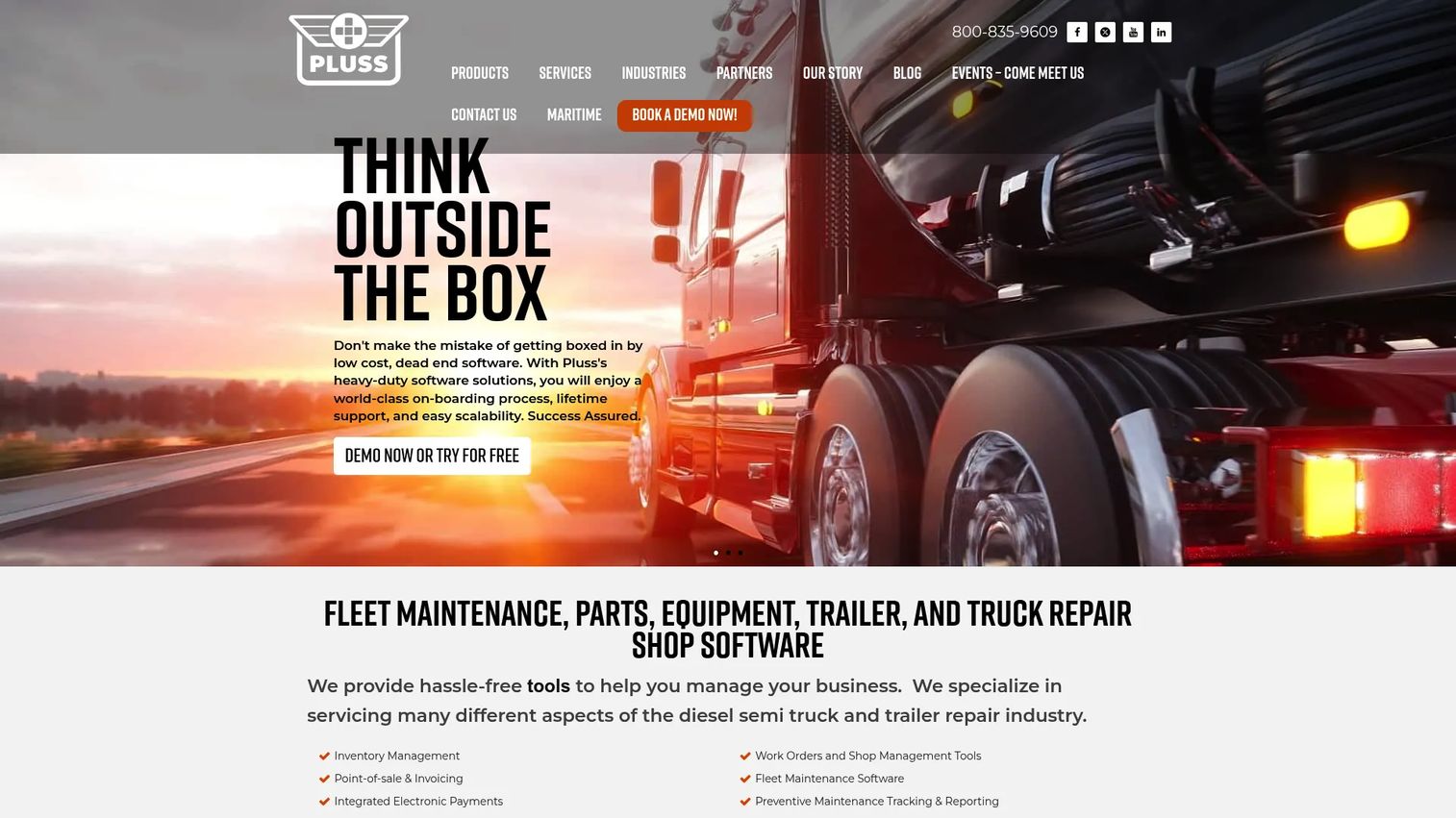
Pluss provides modular shop management software for heavy-duty truck, trailer, parts, and fleet maintenance businesses. Core modules cover point-of-sale and invoicing, parts inventory with barcoding, preventive maintenance tracking with notifications, work orders, purchasing with integrated accounting, and a built-in heavy-duty VIN decoder for truck and trailer identification. Mobile service and payments, text and email job-status notifications, and integrated electronic payments and financing round out the platform.
Best for: Diesel repair operations and heavy-duty parts businesses that need modular shop software with strong parts depth and VIN-based vehicle identification.
Key features
- Work orders, scheduling, and point-of-sale invoicing
- Parts inventory, barcoding, and purchasing
- Built-in heavy-duty truck and trailer VIN decoder
- Preventive maintenance tracking and notifications
- Mobile service, payments, and job-status texting
Why choose Pluss: The VIN decoder built for Class 8 trucks and trailers is a meaningful differentiator for shops that spend real time manually pulling vehicle specs. Modular software also lets smaller operations start with the pieces they need rather than paying for a full platform from day one. Map the modules against your current workflow before purchase to make sure the combination fits.
Pluss pricing: Pluss offers a free trial, which makes it easy to test the workflow before committing. Request pricing through the Pluss site and come prepared with your module requirements and location count.
G2 rating: 4.0/5
4. Easy Truck Shop
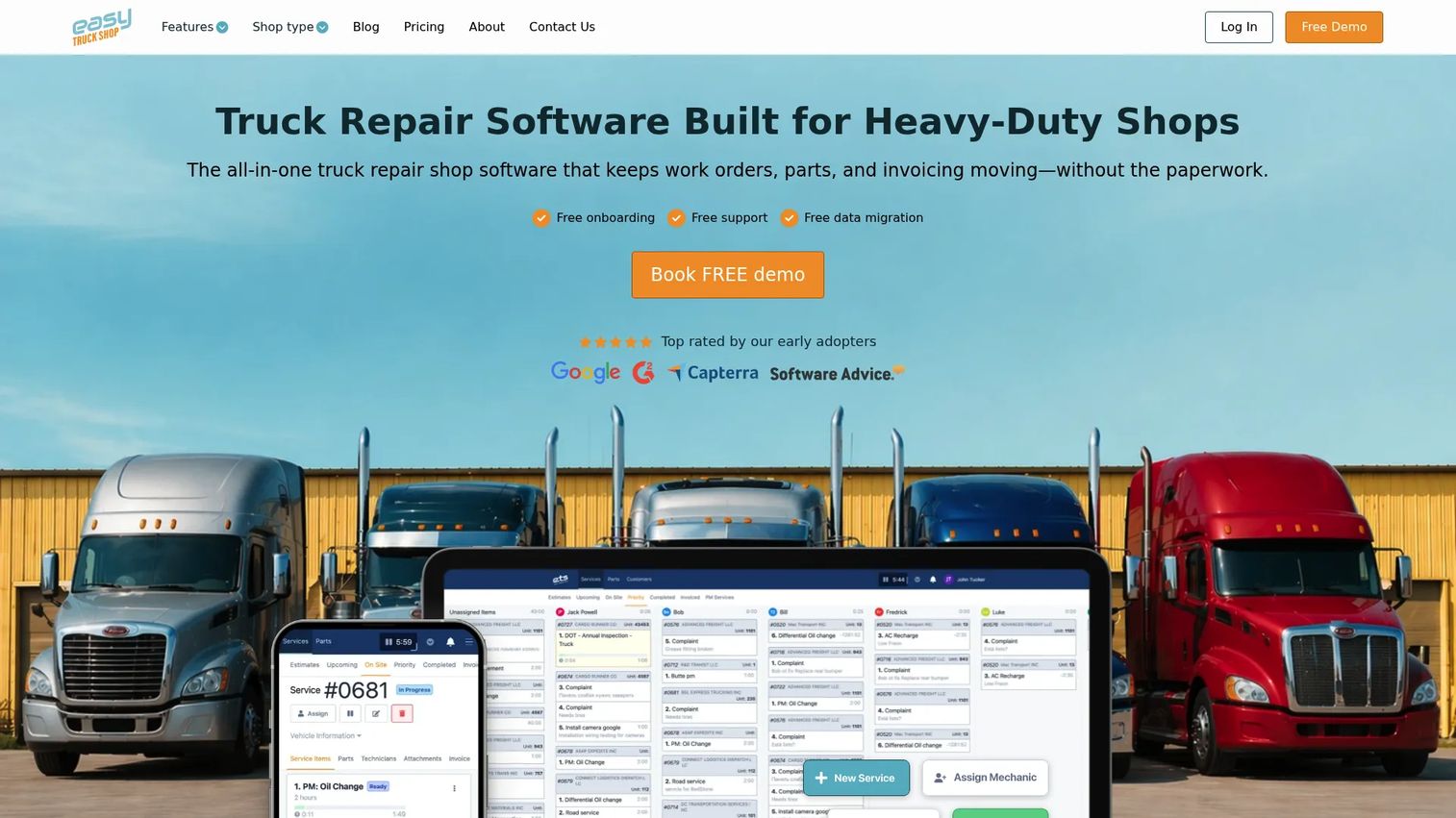
Easy Truck Shop is online shop management software built for heavy-duty truck repair businesses. It covers estimating, parts inventory, workflow management, technician scheduling, invoicing, payment processing, and team management. QuickBooks and Stripe integrations handle accounting and payment flow. The platform ships with free onboarding, support, and data migration, which matters for shops moving off a legacy system.
Best for: Heavy-duty truck and equipment shops that want to run a real workflow through the platform before signing a contract, using the seven-day trial as a first-week gut test.
Key features
- Digital work orders, estimates, and invoices
- Parts inventory and vendor management
- Technician scheduling and team management
- QuickBooks and Stripe integrations
- Payment processing and reporting
Why choose Easy Truck Shop: The published pricing and seven-day trial make the evaluation decision low-risk. Shops that have been burned by long implementation projects will appreciate the free onboarding and data migration included in the base plan. The platform covers the core truck repair workflow without requiring a custom quote to understand what it costs.
Easy Truck Shop pricing: The seven-day trial gives full platform access at no cost. Paid plans are $100/month per shop location plus $64/month per user. Enterprise plans carry custom pricing for shops needing unlimited users or custom configurations.
G2 rating: 5.0/5
5. Torque360
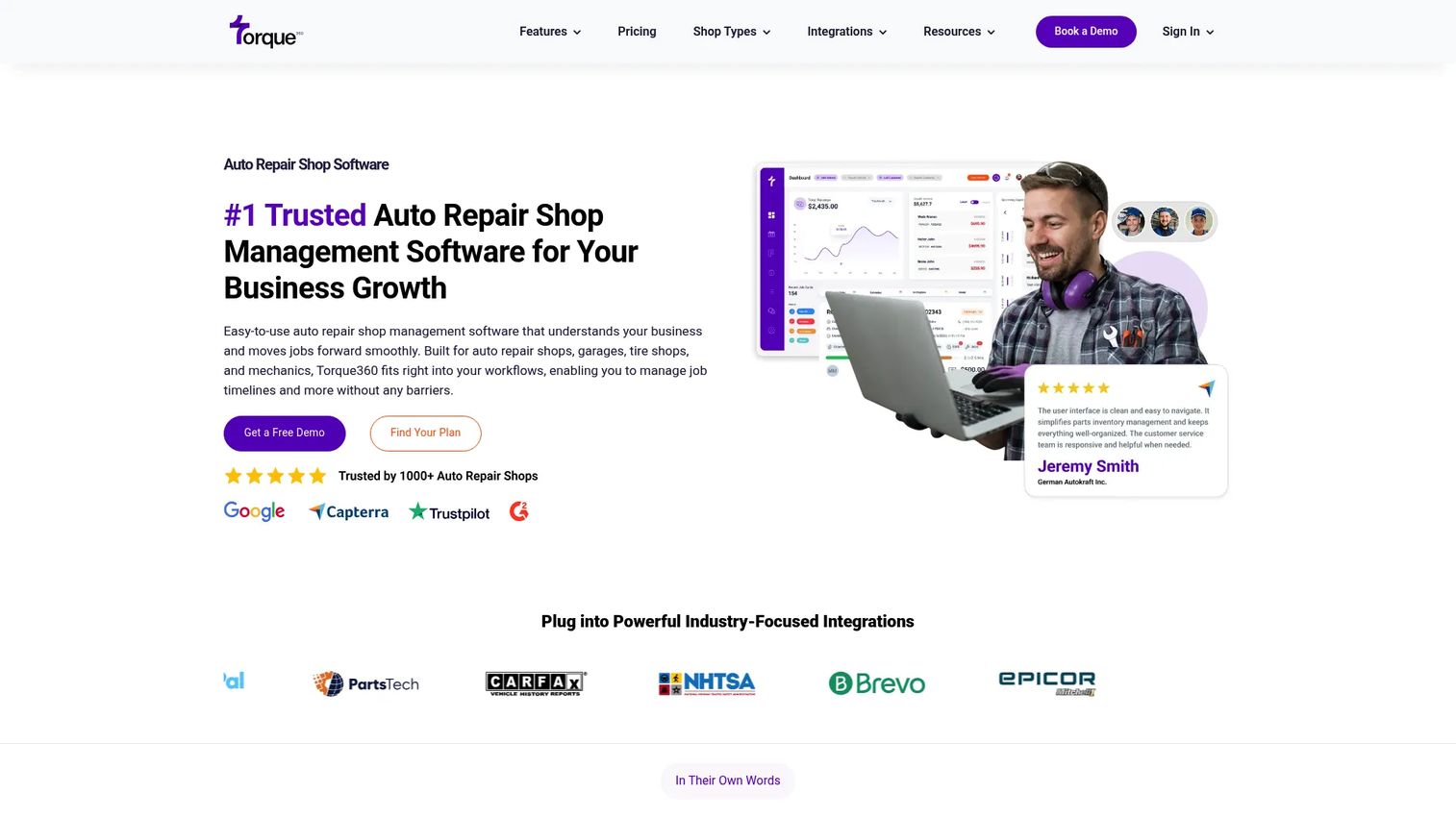
Torque360 is auto repair shop management software covering appointment scheduling, digital vehicle inspections, estimates, repair orders, invoicing, inventory management, integrated parts ordering, two-way texting, QuickBooks integration, and business reporting. It is built primarily for the auto repair and tire market.
Best for: Repair shops evaluating modern cloud-based shop management software, particularly mixed-vehicle operations that need estimate, inspection, and invoice workflows. Heavy-duty buyers should validate truck, trailer, diesel, and fleet workflow depth before committing.
Key features
- Estimates, repair orders, and invoicing
- Digital vehicle inspections
- Appointment scheduling and calendar management
- Inventory and integrated parts ordering
- QuickBooks integration and advanced business reporting
Why choose Torque360: Torque360 covers the core auto repair workflow well and is priced accessibly for smaller shops. Mixed-vehicle operations that handle both light-duty and some commercial repairs may find it fits their situation. Shops focused exclusively on Class 6 to Class 8 trucks should pressure-test whether the inspection and work order formats match heavy-duty job complexity before moving forward.
Torque360 pricing: Starter is $89.99/month billed annually, targeting solo mechanics and small shops. Turbo is $179.99/month billed annually for growing shops. Supercharged targets high-volume and multi-location operations with quote-based pricing. No free tier is available; check the current pricing page for trial options.
G2 rating: 4.6/5.
6. Tekmetric
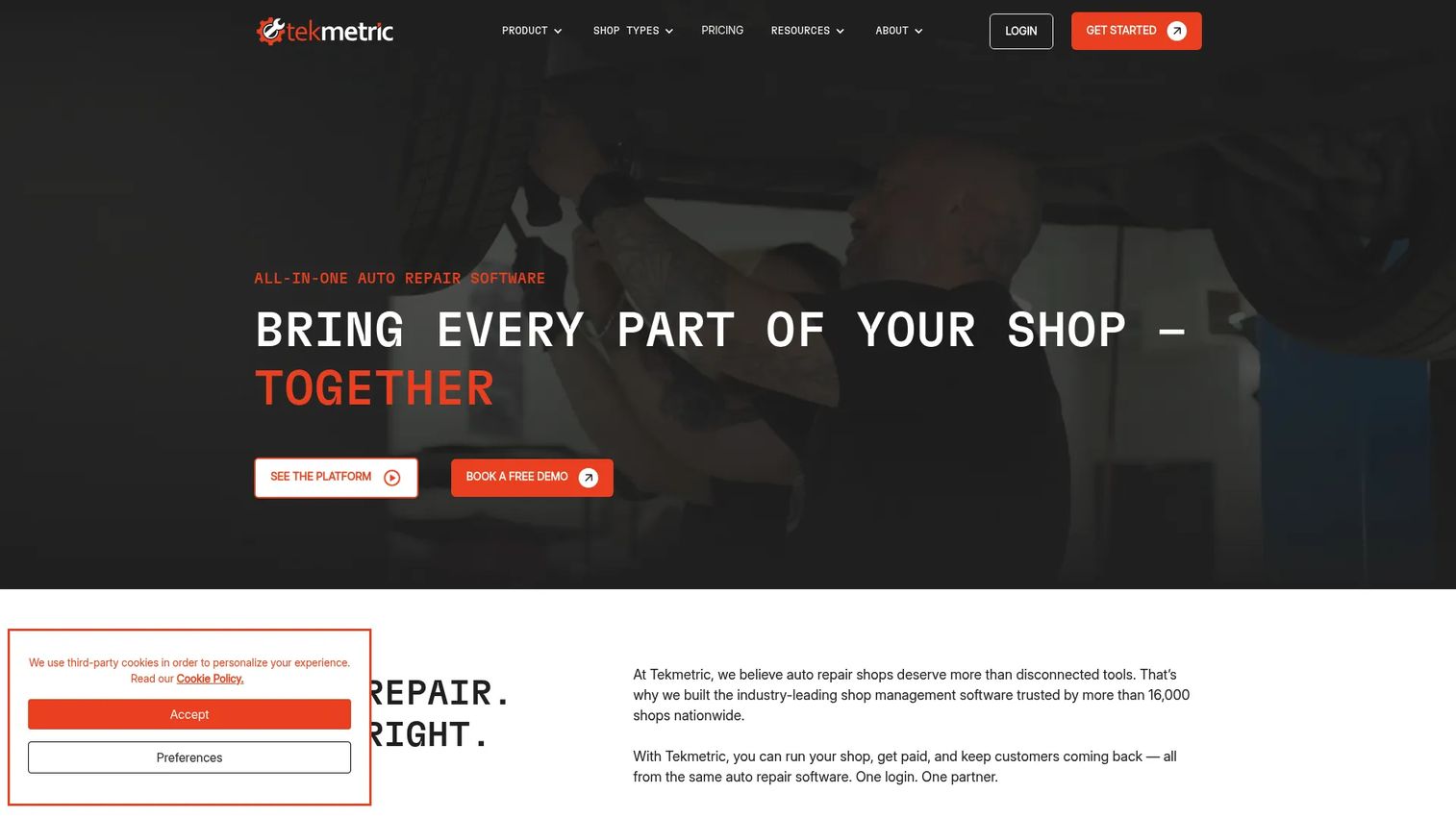
Tekmetric is cloud-based shop management software covering digital vehicle inspections, estimate building with Smart Jobs, parts and inventory management, real-time reporting, integrated payments and Text-to-Pay, online booking, automated reminders, and two-way texting. It is designed for automotive and tire shops.
Best for: Operators running auto repair or tire shops who want mature reporting, integrated payments, and business analytics. Heavy-duty and fleet buyers should validate diesel, trailer, and fleet workflow support before choosing Tekmetric as their primary platform.
Key features
- Digital vehicle inspections and Smart Jobs estimate building
- Parts and inventory management
- Integrated payments and Text-to-Pay
- Real-time business reporting and analytics
- Online booking and automated customer reminders
Why choose Tekmetric: Tekmetric's reporting and analytics capabilities are strong compared to the broader field. For a mixed repair operation that wants one platform to handle light and medium-duty vehicles while also managing business performance dashboards, Tekmetric is worth evaluating. Shops where Class 8 trucks, trailer repairs, and fleet preventive maintenance are the primary revenue source should confirm category depth with the sales team before proceeding.
Tekmetric pricing: Grow is $309/month billed annually; Scale is $409/month billed annually. Add-ons include Multi-Shop at $70/month per shop, Tire Suite at $39/month per shop, and Marketing at $345/month per shop.
7. Shopmonkey
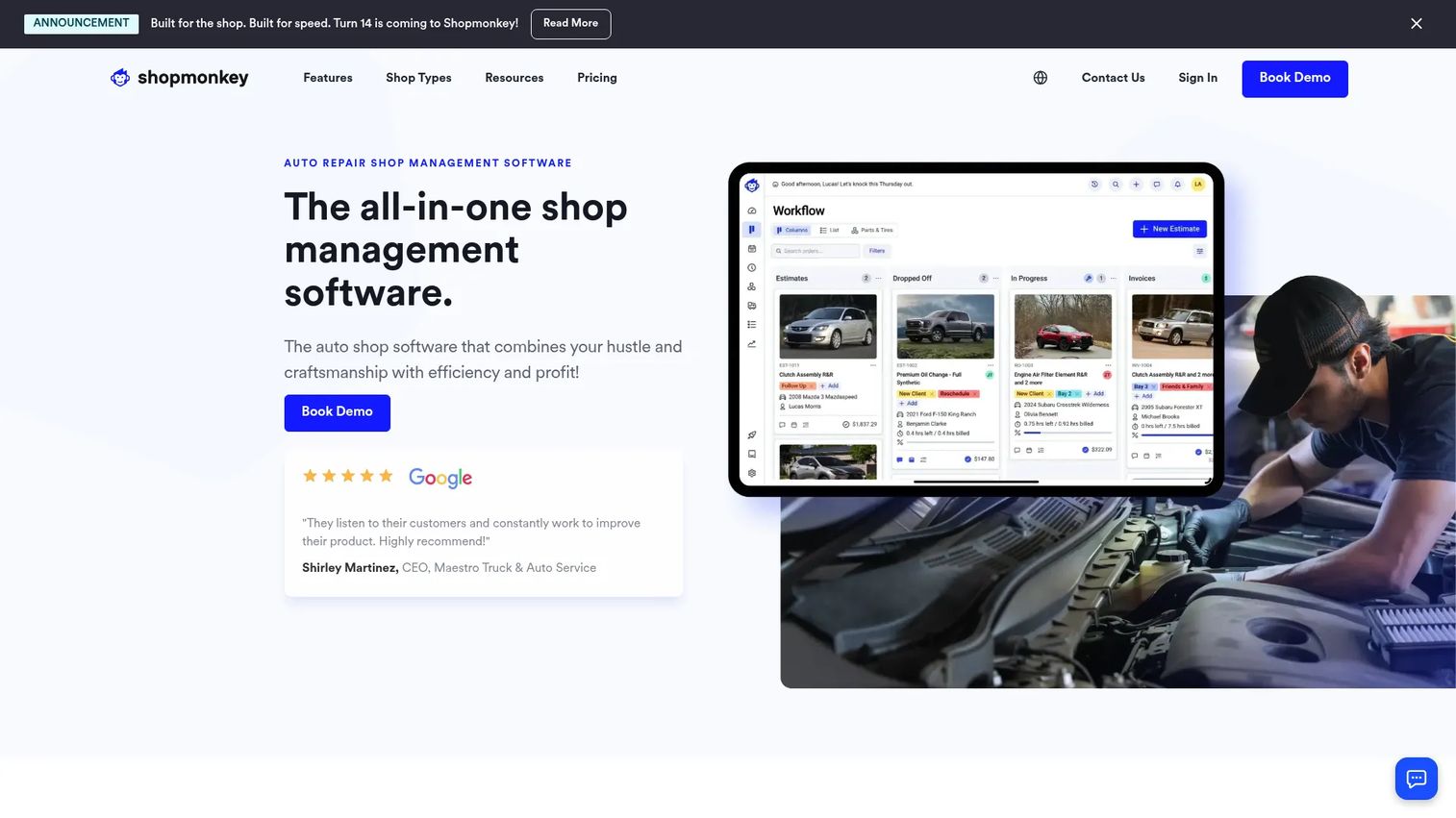
Shopmonkey is cloud-based repair shop software for auto repair, tire, oil and lube, heavy-duty, and multi-location shops. It covers two-way SMS and email messaging, digital estimates and vehicle inspections, online scheduling, customizable workflow management, parts lookup and inventory, integrated payments, and reporting. QuickBooks Online, CARFAX, PartsTech, Nexpart, and RepairLink are supported integrations. A Heavy Duty add-on is listed in the plans.
Best for: Shops that want an approachable cloud-based repair workflow with strong customer communication features. Mixed repair operations can explore the Heavy Duty add-on for broader vehicle support.
Key features
- Digital estimates and vehicle inspections
- Customizable workflow boards
- Parts lookup, ordering, and inventory management
- Two-way SMS and email customer messaging
- Integrated payments and QuickBooks Online sync
Why choose Shopmonkey: Shopmonkey's customer communication tools and workflow board customization make it one of the more operator-friendly platforms on this list for shops where the customer experience is a priority alongside the repair workflow. The Heavy Duty add-on is worth exploring, though shops managing primarily fleet maintenance and Class 8 operations should pressure-test the depth of that add-on against their actual job types.
Shopmonkey pricing: Basic is $239/month ($215/month billed annually). Clever is $399/month ($359/month annually). Genius is $499/month ($449/month annually). Multi-Shop plans use custom pricing. Add-ons for Heavy Duty, CRM Essentials, Bookkeeping, and Accounting are priced separately.
G2 rating: 4.6/5.
Considerations when choosing heavy-duty repair software
Heavy-duty workflow fit
Run one real job through any platform you're seriously considering: A multi-day engine repair, a trailer brake job, or a fleet PM service. A generic work order that covers basic auto repair won't surface whether the platform handles Class 8 inspection formats, DOT documentation, or multi-day labor capture correctly. The fit question answers itself faster through a real scenario than through a sales demo.
Parts, purchasing, and inventory depth
Parts management is where heavy-duty shops feel the most pain. Verify how the platform handles vendor purchase orders, core returns, markup rules, backordering, and stock visibility across locations. Inventory gaps show up within weeks of going live. Ask vendors to walk through a parts return and a core charge before you commit.
Technician adoption
If technicians avoid the platform in the bay or field, the reporting data will be incomplete and the invoices will be wrong. Evaluate mobile access specifically: Can a technician update job status, add photos, capture labor, and log notes from a phone or tablet without a complicated login? Poor adoption at the technician level undermines everything else the platform promises.
Accounting, payments, and integration depth
QuickBooks is the most common accounting integration request, but depth varies significantly across these platforms. Ask whether the integration handles customers, invoices, payments, purchase orders, and tax mapping in both directions, or only pushes invoices one way. The same due diligence applies to fleet system integrations, inspection tools, and payment processors.
Reporting and owner visibility
The owner or GM needs margin by job, technician productivity, parts performance, cycle time, aging work orders, and payment aging in one dashboard. If a platform requires exporting to spreadsheets for any of those numbers, factor in the operational cost of that workaround. For related guidance on appliance repair software and other service-business comparisons, the same reporting criteria apply.
Conclusion
The clearest split in this list is between purpose-built heavy-duty platforms and broader auto repair tools.
Fullbay, ShopView, Pluss, and Easy Truck Shop are the strongest options for shops where truck, trailer, diesel, and fleet repair is the core business. Fullbay has the deepest workflow and integration coverage. ShopView adds AI-driven labor and productivity insights that matter when technician billing accuracy is a margin issue. Pluss suits modular diesel operations that want parts and billing depth with a free trial to test the workflow. Easy Truck Shop gives smaller shops a low-friction evaluation path with published pricing.
Torque360, Tekmetric, and Shopmonkey are worth evaluating for mixed-vehicle operations, but each requires explicit confirmation that the platform covers your specific heavy-duty job types before you commit.
The evaluation step that separates good software decisions from expensive ones: Take the same sample repair through every platform you shortlist. Run the estimate, approve it, source the parts, assign the technician, capture the labor, generate the invoice, process the payment, and check the reporting. The workflow gaps become obvious fast when you run a real job instead of a guided demo.
Start your journey with Guideflow today!
FAQs
Heavy-duty repair software is shop management software built to handle commercial vehicle repair workflows from estimate to invoice. It covers trucks, trailers, diesel vehicles, fleets, heavy equipment, RV, agricultural equipment, construction vehicles, and mobile repair teams. The category includes work orders, parts inventory, technician labor tracking, preventive maintenance scheduling, invoicing, payments, and reporting.
Heavy-duty repair involves Class 4 to Class 8 vehicles, longer multi-day jobs, more complex parts sourcing, DOT and fleet maintenance schedules, mobile road technicians, and commercial invoicing requirements. Standard auto repair platforms are designed around 1 to 2 hour jobs on passenger vehicles. Some auto repair platforms include a heavy-duty add-on or module, but shops managing primarily truck, trailer, diesel, or fleet work should validate that depth specifically rather than assuming coverage.
Fullbay, ShopView, Pluss, and Easy Truck Shop are the most category-specific options on this list. All four are designed with heavy-duty operations in mind rather than adapted from an auto repair base. Evaluate them on work orders, parts inventory, technician access, fleet maintenance tracking, integrations, and reporting. Run one real truck or trailer repair scenario through any platform before making a final decision.
Many of them do, but integration depth varies. Some platforms sync invoices only. Others handle customers, payments, purchase orders, tax mapping, and inventory sync bidirectionally. Ask vendors to demonstrate the specific sync points you depend on, particularly purchase orders and payments, before accepting a general "yes we integrate with QuickBooks" answer.
Work orders and estimates, parts inventory with purchase orders and core tracking, VIN decoding for quick vehicle identification, technician labor tracking, job scheduling, preventive maintenance management, invoicing with integrated payments, and mobile technician access are the core requirements. Reporting on margin by job, technician productivity, and parts performance matters once the shop gets past 10 to 15 active jobs per week.
Pricing varies by user count, location count, modules, integrations, and onboarding support. Easy Truck Shop publishes a clear rate of $100/month per shop plus $64/month per user. Fullbay starts at $188/month for a single user on an annual agreement. Shopmonkey starts at $239/month. ShopView and Pluss price by quote. When budgeting, factor in implementation, training, and data migration in addition to the subscription rate.
Cloud access lets managers, service writers, parts staff, and mobile technicians work from the same record whether they're at the desk, in the bay, or on a road call. Updates happen without IT intervention and the data is backed up automatically. Some shops still prefer desktop systems when connectivity at their location is unreliable or when local workflows are structured around a fixed workstation. For most operations with mobile technicians or multiple locations, cloud access materially improves visibility and coordination.
Take one complete repair scenario through every platform you're seriously considering. Start with the estimate, get approval, place a parts order, assign the technician, track labor to the job, close the work order, generate the invoice, process payment, and pull the job-level margin report. Gaps in that workflow will surface immediately. Also test mobile access from a phone or tablet and confirm whether the accounting integration handles purchase orders in addition to invoices. For context on how auto shop management software evaluations work more broadly, the same workflow-first approach applies across service categories.