Your reps have spoken with the buyer, but the CRM still shows last week’s next step. The forecast meeting starts in an hour. Meanwhile, an inbound lead sits unassigned because its owner is out.
Sales force automation software should remove this administrative drag. The useful work happens between conversations, when records need updating and the next person needs enough context to act.
Research and Markets valued the global SFA software market at $10.9 billion in 2025. That spending reflects a substantial software category, but market size won’t tell you which platform your team will adopt.
Start with the work that keeps slipping. An SDR needs reliable routing. An AE needs an accurate opportunity record. Managers need forecast inputs they can inspect without chasing updates across messages.
Adding another dashboard won’t resolve unclear ownership. Sales workflow automation needs defined triggers and a person accountable when an exception occurs.
Which SFA platform helps you automate the admin half of selling without making adoption worse?
What’s inside
- A shortlist of 15 platforms: Options for small sales teams through enterprise revenue operations, with different levels of configuration and process breadth.
- Four selection criteria: Workflow coverage, existing stack fit, pipeline visibility, and adoption requirements across sales roles.
- A practical category explanation: How SFA connects customer records to repeatable action, and where it differs from general CRM storage.
- A pricing and ratings comparison: Vendor pricing and G2 information from November 2026 research, including product-specific billing and listing distinctions.
- A buying checklist: Questions for evaluating handoffs, data quality, forecasting, and the total cost of the configuration you need.
TL;DR
- Best enterprise SFA platform: Salesforce Sales Cloud suits complex sales processes requiring configurable automation and detailed forecast management.
- Best Microsoft-native choice: Microsoft Dynamics 365 Sales fits organizations already working across Microsoft 365 and Teams.
- Best connected growth stack: HubSpot Sales Hub combines pipeline management with sales engagement and shared customer context.
- Best value shortlist: Zoho CRM offers broad process automation, including Blueprint, alongside a free edition for three users.
- Best visual pipeline choice: Pipedrive suits managers who want clear deal stages and consistent follow-through from reps.
- Best built-in communication fit: Freshsales Suite brings sales automation software together with email, phone, WhatsApp, and chat.
What is sales force automation software?
Sales force automation software automates repetitive sales and CRM tasks, helping teams manage leads, maintain opportunity records, and coordinate follow-up.
SFA software usually operates inside a CRM sales platform. The CRM holds customer and deal information. Automation uses those records to trigger actions, such as assigning an inbound lead or creating a follow-up task.
For example, consider an SDR qualifying an account. The handoff should transfer the discovery context, identify the receiving AE, and make the next action visible. Your process defines the requirements; the system helps execute them consistently.
The phrase “SFA CRM” describes this overlap. Buyers are often selecting a customer database and its operational workflows together.
Core sales automation features include:
- Lead management: Capture inquiries, assign owners, and prioritize follow-up.
- Activity tracking: Record customer communication and connect it to relevant records.
- Opportunity management: Maintain deal stages, expected outcomes, and next steps.
- Pipeline visibility: Inspect opportunities by rep, region, or sales motion.
- Forecasting: Roll up expected revenue and support manager review.
- Workflow automation: Trigger tasks, approvals, notifications, or field updates.
- Sales cadences: Organize repeatable outreach and follow-up sequences.
- Reporting: Track conversion, velocity, coverage, and sales activity.
- AI assistance: Support scoring, summaries, recommendations, or predictions where available.
- Integrations: Connect customer information with the systems used around sales.
Different platforms emphasize different parts of that operating model. Pipeline management software centers on active deals and their progression. Sales forecasting software gives managers and RevOps a structured view of expected revenue.
Account management software adds relationship context, particularly when several stakeholders or business units belong to the same customer.
Sales performance management sits alongside these functions. It concerns how the organization measures and manages seller performance, rather than every administrative action inside a deal.
Evaluate SFA by the connection between data and action. Storing a contact is useful. Assigning responsibility and keeping the next step visible makes that record operational.
When to use sales force automation software
Automate follow-up before leads go cold
Use SFA when inbound ownership is inconsistent or follow-up depends on someone remembering to create a task. Lead management software should connect qualification criteria with assignment rules and a visible action queue. For outbound teams, test whether an SDR’s meeting handoff gives the AE enough context to continue without repeating discovery. Measure response time alongside meeting quality, rather than rewarding activity alone.
Keep pipeline data clean enough to forecast
Introduce structured automation when forecast calls become exercises in reconstructing deal history. Define what must be known before an opportunity advances, then evaluate how the platform supports those requirements. Managers should distinguish a changed close date from a meaningful change in buyer commitment. Start with consistent stage definitions before asking predictive sales analytics to improve the forecast.
Standardize handoffs across the sales team
Map where ownership changes from SDR to AE, then from sales into implementation or customer success. Specify the information each receiving role needs, including technical requirements when an SE joins the evaluation. Ask vendors to demonstrate how a reassigned opportunity preserves context and exposes unfinished work. A useful handoff makes the next owner accountable without making the buyer repeat the conversation.
Sales force automation software comparison
These sales force automation platforms cover different operating models. Compare the workflow you need before comparing entry prices.
A small team buying contact management faces a different decision from an enterprise replacing its sales forecasting system. Likewise, an ERP-connected implementation needs a broader evaluation than an isolated pipeline board.
The table uses vendor pricing and G2 research dated November 24, 2026. Entry pricing doesn’t establish which edition contains your required automation. Currency is USD unless shown otherwise.
Some ratings cover a related or broader listing, identified below. A blank rating means no current overall score was available in the research.
Zendesk Sell requires particular attention. Its announced retirement makes it an existing-customer planning consideration rather than a recommended new implementation.
| # | Product | Best for | Key differentiator | Pricing | G2 rating |
|---|---|---|---|---|---|
| 1 | Salesforce Sales Cloud | Complex sales operations | Configurable revenue workflows and forecasting | Free Suite; Starter Suite $25/user/month, monthly or annual billing | 4.4/5 |
| 2 | Microsoft Dynamics 365 Sales | Microsoft-centered organizations | Connected Microsoft collaboration and sales workflows | Professional $65/user/month, paid yearly | 3.8/5 |
| 3 | HubSpot Sales Hub | Growing revenue teams | Sales engagement and CRM pipeline management | Free tools; Starter from $7/seat/month, monthly billing | 4.4/5 |
| 4 | Zoho CRM | Budget-conscious process automation | Blueprint and broad customization options | Free edition; Standard from $14/user/month | 4.1/5 |
| 5 | Pipedrive | Visual deal management | Pipeline-centered sales execution | Lite $14/seat/month, billed annually | 4.3/5 |
| 6 | Freshsales Suite | Connected sales and communication | Multichannel engagement with customer records | Growth $9/user/month, billed annually | 4.5/5, Freshsales listing |
| 7 | SAP Sales Cloud | Enterprise B2B sales organizations | Guided selling and SAP integration | Custom pricing | 4.6/5 |
| 8 | Oracle CX Sales | Complex enterprise revenue processes | Sales connected with quoting and order management | Limited service $25/named user/month; minimum 10 users | 3.9/5, Oracle Sales Cloud listing |
| 9 | Creatio Sales | Configurable sales processes | No-code workflow design | Sales component £12/user/month plus platform charges; £8,300 annual minimum | 4.5/5 |
| 10 | Insightly CRM | Sales-to-delivery coordination | CRM alongside project and task management | Plus $29/user/month, billed annually | 4.2/5 |
| 11 | Vtiger One | Cross-functional small businesses | Sales, support, projects, and inventory together | Free One Pilot; One Growth $12/user/month, billed annually | 4.3/5 |
| 12 | Zendesk Sell | Existing users planning continuity | Sales CRM with an announced retirement | Sell Team $19/month | |
| 13 | Oracle NetSuite CRM | NetSuite-centered businesses | Customer context connected to ERP operations | Custom pricing | 4.1/5, broader NetSuite listing |
| 14 | Keap | Small businesses automating follow-up | CRM with marketing and payment-related workflows | $320/month or $3,195/year | |
| 15 | Nimble CRM | Relationship-led small teams | Contact enrichment and communication context | $24.90/seat/month annually; $29.90 monthly | 4.5/5 |
Best 15 tools for sales force automation software
1. Salesforce Sales Cloud
Salesforce Sales Cloud is a CRM platform for organizations managing complex sales processes and revenue operations. It connects customer records with pipeline management, forecasting, and automated selling workflows. Its breadth makes it a strong enterprise shortlist candidate when RevOps needs a configurable system of record.
Best for: Scaling and enterprise sales organizations with established process owners and requirements beyond a basic deal board.
Consider the operational question before the feature list. Does your organization need consistent execution across different segments, while preserving distinct qualification rules? That is the kind of evaluation where configuration deserves serious attention.
Bring a representative opportunity into the buying process. Ask the vendor to show assignment, qualification, forecast inclusion, and ownership transfer. Include a manager and a frontline rep in that session.
Also identify who will maintain the configuration after launch. Your evaluation should cover ongoing changes to required fields and reporting definitions. An administrator’s ability to explain a workflow matters as much as its initial construction.
Key features
- Account, contact, lead, and opportunity management
- Lead assignment and routing
- Forecasting and pipeline management
- Sales quoting
- AI-assisted workflows and Agentforce capabilities
Why choose Salesforce Sales Cloud: Choose it when sales-process complexity justifies a configurable platform and dedicated administration. Establish ownership for changes before expanding automation across teams.
Salesforce Sales Cloud pricing: Free Suite is available; Starter Suite costs $25/user/month, billed monthly or annually. Core costs $195/user/month, billed annually.
G2 rating: 4.4/5.
2. Microsoft Dynamics 365 Sales
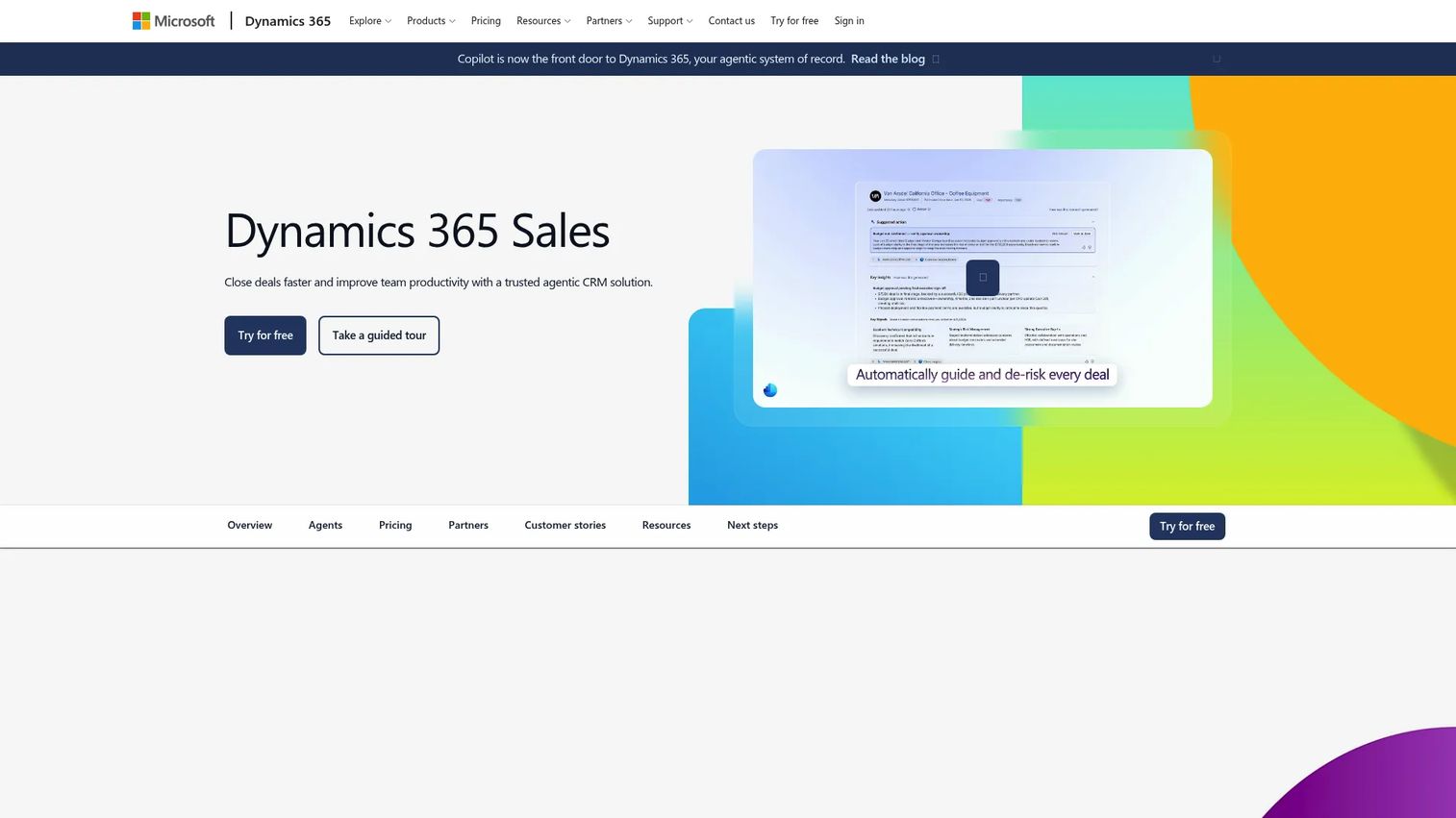
Microsoft Dynamics 365 Sales combines structured sales management with Microsoft’s collaboration environment. Its lead and opportunity capabilities sit alongside forecasting and pipeline analytics. Organizations using Microsoft 365 and Teams have a clear reason to evaluate how closely those working surfaces connect.
Best for: Mid-market and enterprise organizations that want sales operations aligned with their existing Microsoft environment.
An AE may spend much of the day preparing for meetings and reviewing customer communication. The buying question is whether relevant context remains accessible throughout that work.
Test a routine that crosses applications. Begin with an upcoming customer meeting, inspect the account, and update the opportunity afterward. Ask which steps write back to the CRM and which still require manual entry.
Managers should evaluate the reporting path separately. A convenient seller interface does not automatically establish useful forecast categories or management rollups. Agree on those definitions before assessing AI-assisted recommendations.
For lead management software, use your qualification rules as the test case. Include reassignment and incomplete records, because those exceptions reveal how the process operates beyond the ideal path.
Key features
- Lead and opportunity management
- Sales forecasting
- Pipeline analytics
- Microsoft 365 and Teams integration
- SharePoint and LinkedIn connections
Why choose Microsoft Dynamics 365 Sales: Choose it when Microsoft workflow fit is a major purchasing criterion. Evaluate the required edition against your sales process rather than assuming every connected capability shares one license.
Microsoft Dynamics 365 Sales pricing: Professional costs $65/user/month, paid yearly. A free trial is available.
G2 rating: 3.8/5.
3. HubSpot Sales Hub
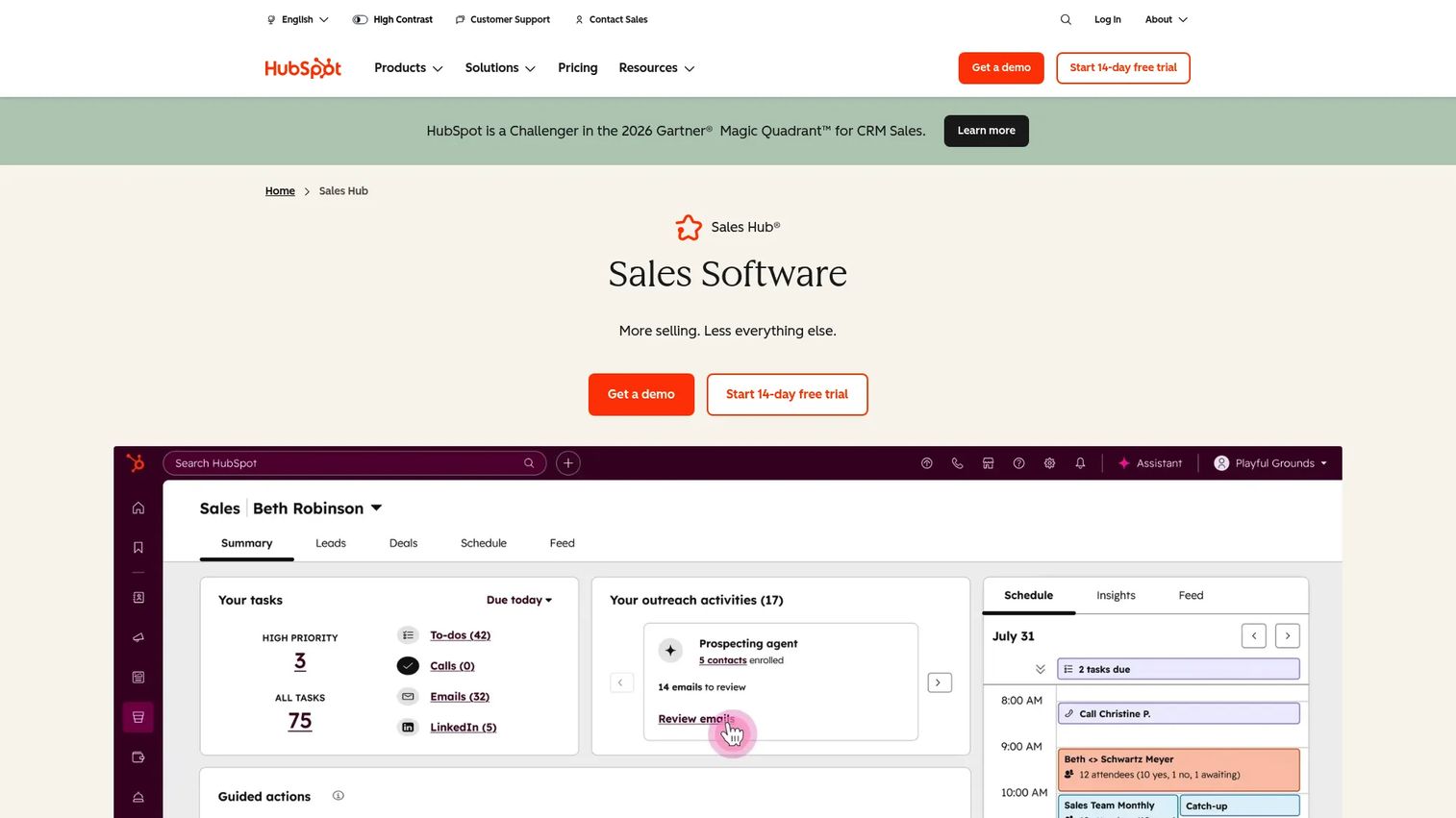
HubSpot Sales Hub brings pipeline management and sales engagement into a CRM-based workspace. Meeting scheduling and sequences support seller execution, while forecasting and dashboards support management. It belongs on the shortlist when a growing team wants customer context connected to its selling process.
Best for: Sales organizations seeking coordinated prospect engagement and pipeline reporting within a shared CRM environment.
Start the evaluation at the marketing-to-sales handoff. Ask what the receiving SDR can see about the inquiry and how ownership becomes clear. Then follow the record into an AE’s pipeline.
The next question is whether management can inspect progress without creating a separate reporting routine. Test a dashboard against the same deal the rep updated. Different interpretations of stages can create disagreement even when everyone uses the same platform.
Budget around the operating configuration rather than the first paid seat. Professional and Enterprise require onboarding fees, which matter when calculating initial expenditure.
For adoption, ask a rep to schedule a meeting and prepare the next outreach step during the evaluation. Watch where they need help. That observation is more useful than a polished administrator-led presentation.
Key features
- Deal pipelines
- Meeting scheduling
- Sales sequences
- Forecasting and reporting dashboards
- Conversation intelligence
Why choose HubSpot Sales Hub: Choose it when sales engagement and CRM activity need to stay closely connected. Include the required workflow edition and onboarding charges in your comparison.
HubSpot Sales Hub pricing: Free tools support up to two users; Starter begins at $7/seat/month on monthly billing. Professional and Enterprise require $1,500 and $3,500 onboarding fees, respectively.
G2 rating: 4.4/5.
4. Zoho CRM
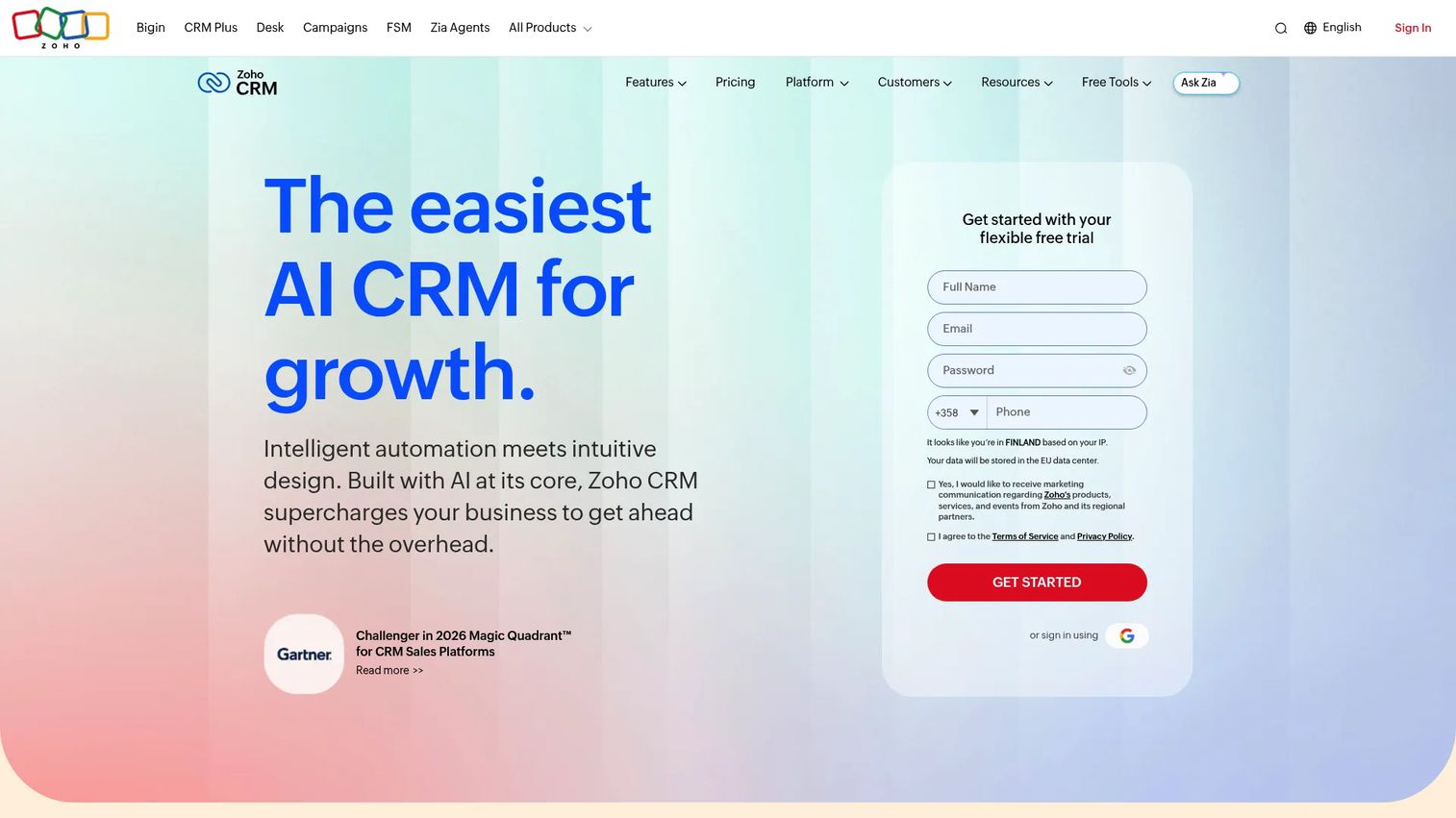
Zoho CRM offers broad sales automation with several ways to configure customer-facing processes. Blueprint and Cadences sit alongside pipeline management and analytics. Its customization options make it relevant for smaller organizations that need more structure without immediately selecting an enterprise-oriented platform.
Best for: Small and mid-sized teams balancing CRM automation requirements with a constrained software budget.
The useful distinction is process design. If qualification varies by product or customer segment, evaluate how those differences appear in the seller’s workflow. Ask the vendor to demonstrate the exception path as well as the normal sequence.
For RevOps, document the fields and rules your team already uses. Then decide which requirements deserve configuration and which reflect habits you should retire. Recreating every spreadsheet field creates unnecessary work regardless of the CRM.
Zoho also covers lead capture and nurturing, making it a relevant lead management software candidate. Test whether ownership remains clear when prospects move between engagement activities and active opportunities.
Configuration should end with a usable rep experience. Give someone outside the implementation team a record and ask them to identify the next action without coaching.
Key features
- Blueprint process automation
- Cadences and Journey Orchestration
- Lead capture and enrichment
- Pipeline and territory management
- Custom modules and analytics
Why choose Zoho CRM: Choose it when you need configurable sales processes at a comparatively accessible entry price. Keep the initial rollout focused on workflows your team can own.
Zoho CRM pricing: The Free edition supports three users. Paid pricing starts at $14/user/month for Standard; monthly and annual billing options are available.
G2 rating: 4.1/5.
5. Pipedrive
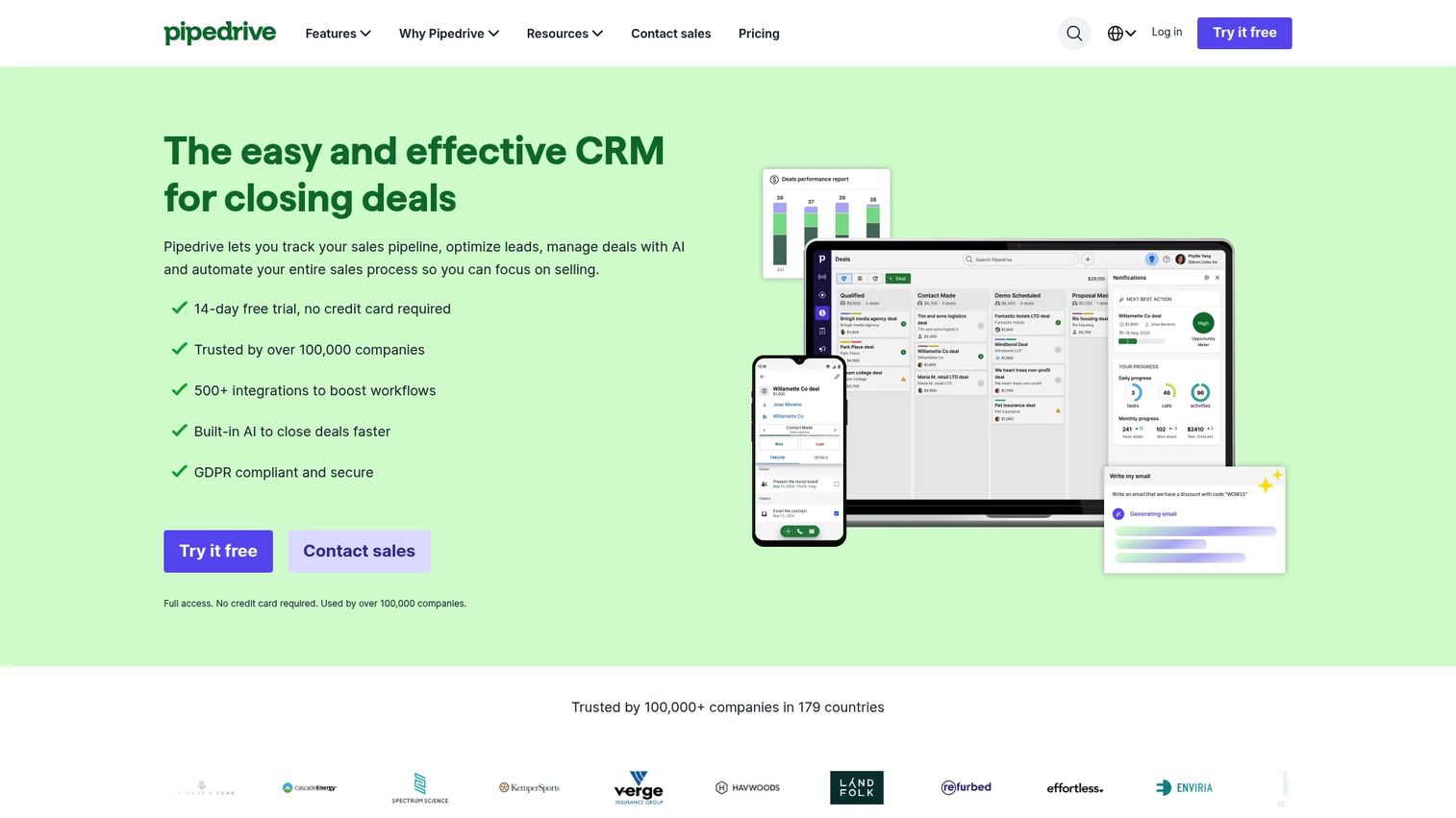
Pipedrive centers its CRM around visual pipeline and deal management. Sales automation and email synchronization support the activity surrounding each opportunity. Reporting and revenue forecasting extend that working view into manager oversight.
Best for: Small and midsize sales teams whose immediate priority is visible deal progression and consistent follow-through.
This is a practical shortlist choice when your manager’s recurring question is straightforward. Which opportunities need attention, and what should happen next?
Build the evaluation around your existing stages. Ask reps to move a representative deal through the process and explain why each transition is justified. Avoid accepting a stage change as proof that the buyer advanced.
Then inspect how email activity appears against the opportunity. The aim is to make the record useful during the next customer conversation, rather than maintaining it solely for reporting.
Pipedrive also lists optional add-ons, including Projects and Campaigns. Separate the functions you need inside the CRM from those already covered elsewhere. Consolidation should remove duplicated work, not simply collect more features under one contract.
Use the trial to test daily adoption with frontline sellers. Their ability to find an unfinished action matters more than how attractive the pipeline looks in a presentation.
Key features
- Visual pipeline and deal management
- Sales automation
- Email synchronization and tracking
- Revenue forecasting
- Meeting intelligence and AI reports
Why choose Pipedrive: Choose it when pipeline discipline is the main buying priority. Compare the required plan and add-ons against your current sales workflow.
Pipedrive pricing: Lite costs $14/seat/month, billed annually. A 14-day free trial is available.
G2 rating: 4.3/5.
6. Freshsales Suite
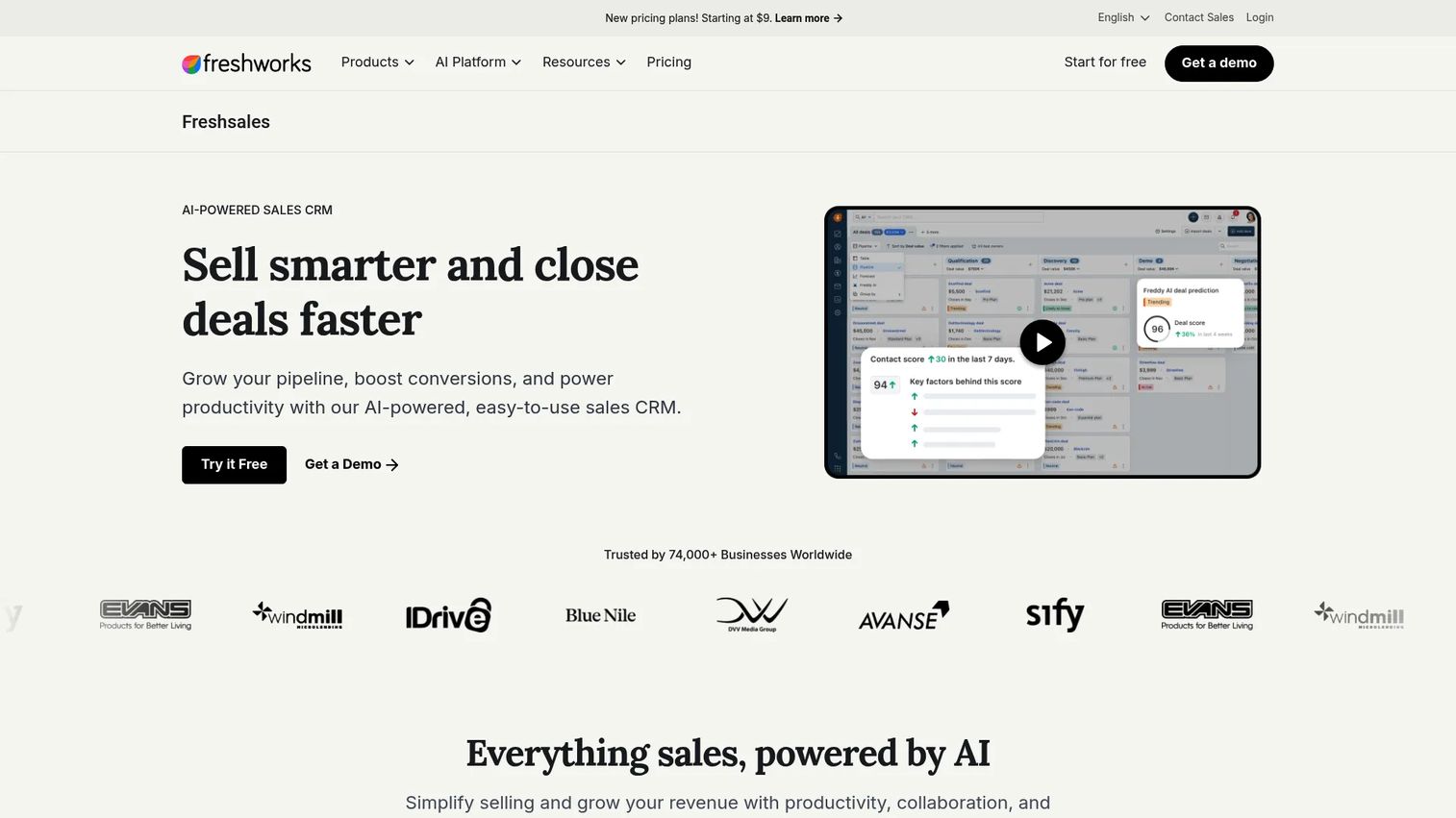
Freshsales Suite combines sales force automation with marketing automation and a unified customer view. Its communication coverage includes email, phone, WhatsApp, and chat. Freddy AI provides lead identification and deal insights alongside the broader pipeline workflow.
Best for: Sales and marketing teams seeking customer engagement and CRM activity within a connected platform.
The buying opportunity is strongest when conversations are fragmented across separate tools. Map where a prospect first engages and where the account owner looks before responding. Evaluate whether the proposed setup closes those context gaps.
For an inbound SDR team, test the full route from inquiry to qualified handoff. An AE should be able to understand the conversation already underway before preparing the next interaction.
Plan selection deserves attention. Growth covers core CRM and communication capabilities, while Pro adds sales sequences and contact scoring. Enterprise includes additional forecasting insights and governance controls.
That distinction matters for buyers attracted by the entry price. A team seeking sales cadence automation should evaluate the edition containing that capability, rather than comparing base subscriptions alone.
During the pilot, inspect communication history with both a seller and a manager. Each role should find the information needed for its own decision without maintaining a parallel spreadsheet.
Key features
- Unified customer records
- Email, phone, WhatsApp, and chat
- Sales sequences and workflows
- Freddy AI deal insights
- Pipeline management and forecasting
Why choose Freshsales Suite: Choose it when communication coverage is central to your consolidation plan. Match the edition to the engagement workflow you intend to standardize.
Freshsales Suite pricing: Growth costs $9/user/month, billed annually. Pro costs $39/user/month and Enterprise $59/user/month on annual billing.
G2 rating: 4.5/5
7. SAP Sales Cloud
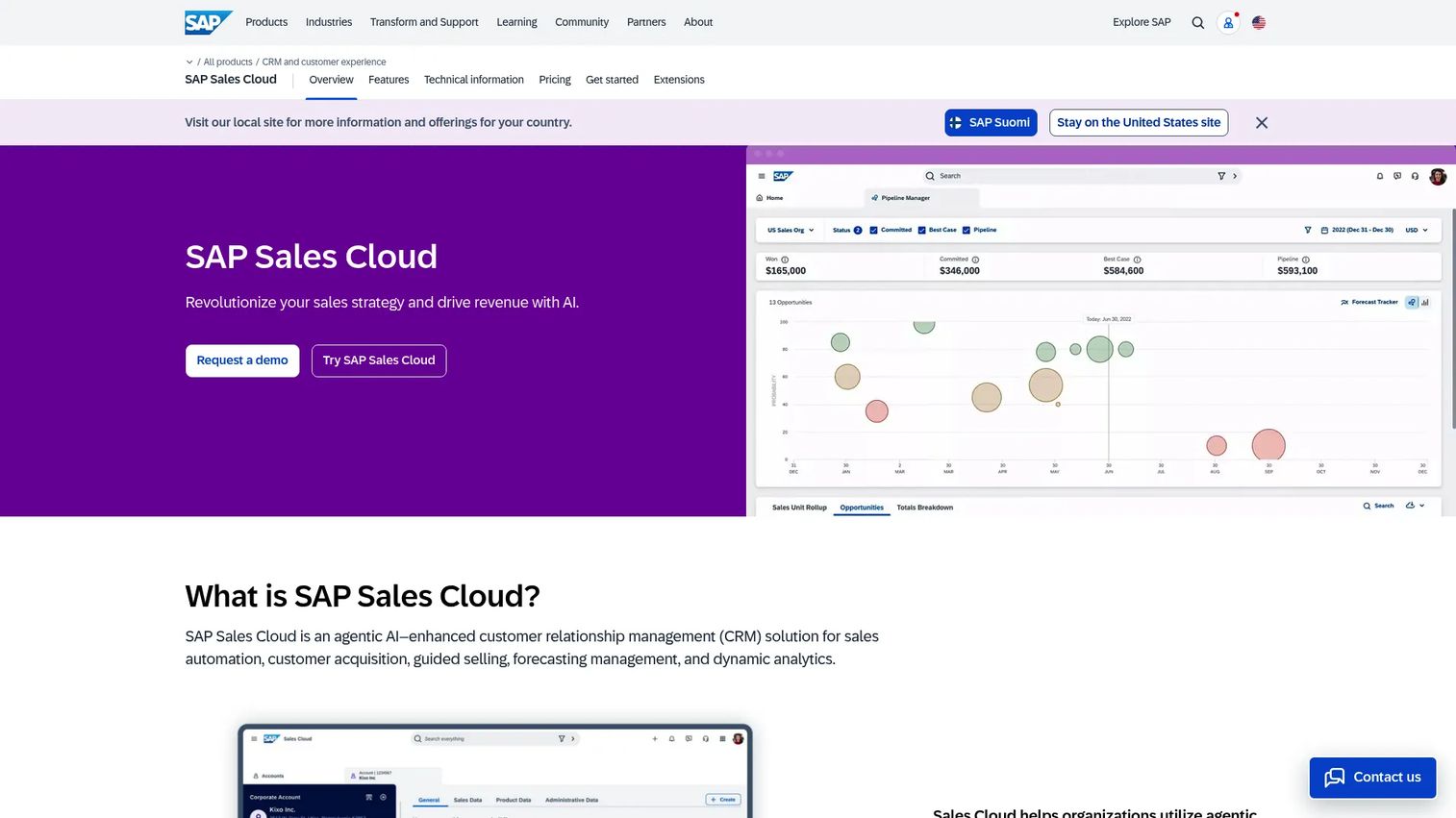
SAP Sales Cloud supports enterprise B2B sales automation with guided selling and pipeline intelligence. Joule-assisted processes and next-best-action recommendations contribute to seller workflows. Field sales capabilities make the platform relevant beyond desk-based opportunity management.
Best for: Enterprise organizations evaluating sales automation alongside existing SAP business operations.
A useful evaluation should reflect how your sales organization operates geographically. Field sellers need a different working routine from account teams managing opportunities remotely. Ask each group to demonstrate a representative task.
Dynamic visit planning deserves attention when customer visits are a substantial part of selling. Assess how the resulting activity connects with management visibility, rather than treating mobility as a separate checklist item.
For sales forecasting software, bring the definitions leadership already uses. Ask how pipeline inspection supports those categories and how a manager investigates changes. A recommendation is useful only when the team understands the underlying situation.
Include the operational stakeholders responsible for connected business systems. Identify which customer information sales owns and which records originate elsewhere. Those decisions should precede implementation planning.
The buying case should rest on enterprise process alignment. If you need only a basic deal board, compare the broader operating requirements carefully before pursuing this route.
Key features
- Joule-assisted sales processes
- Guided selling recommendations
- Pipeline and forecast intelligence
- Digital sales performance dashboards
- Field sales and dynamic visit planning
Why choose SAP Sales Cloud: Choose it when sales execution needs to align with a broader SAP operating model. Evaluate field workflows and manager reporting together.
SAP Sales Cloud pricing: Custom pricing, with licensing quoted in user-per-year units.
G2 rating: 4.6/5.
8. Oracle CX Sales
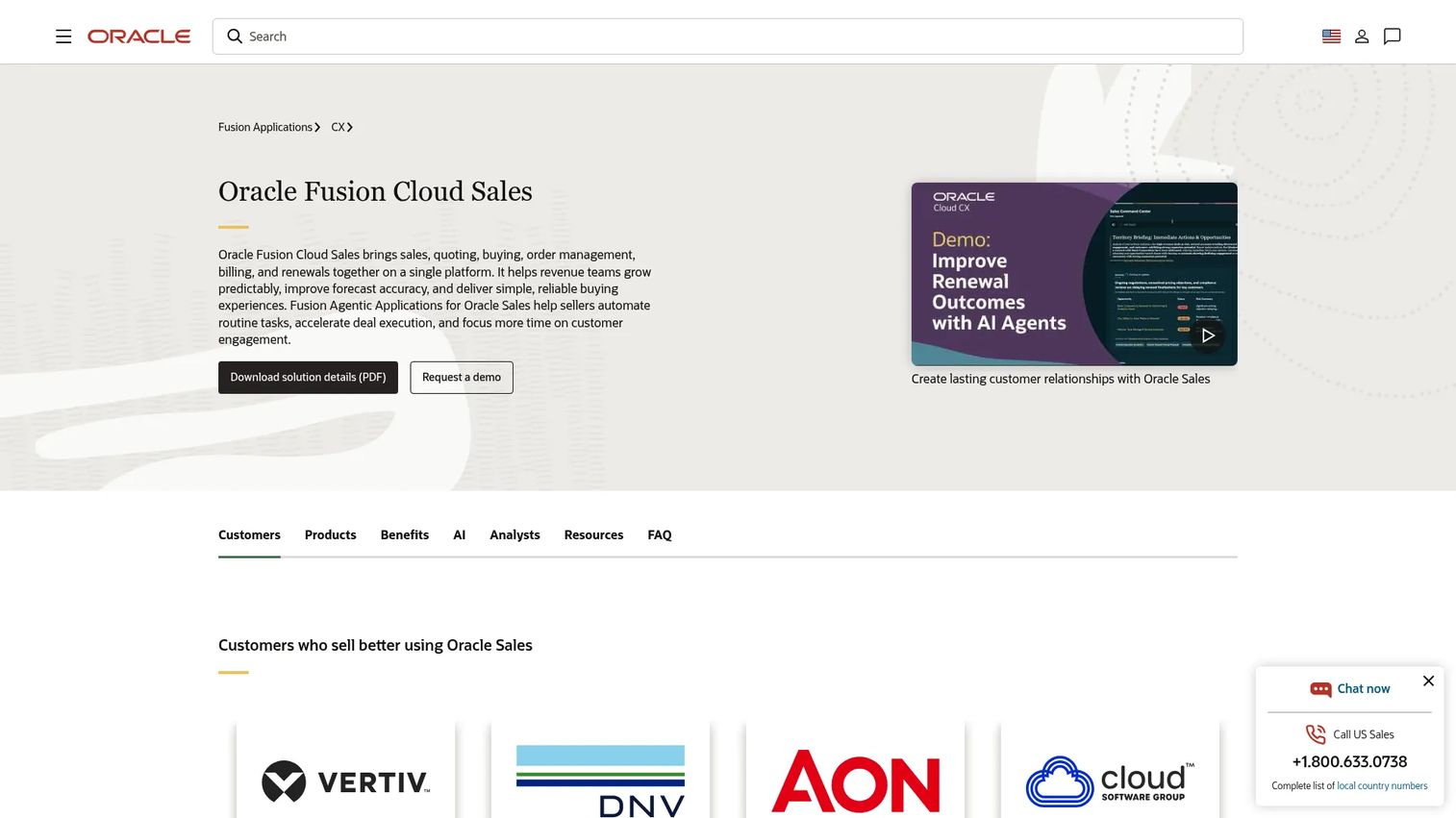
Oracle CX Sales, presented as Oracle Fusion Cloud Sales, connects selling with downstream revenue processes. Its scope includes quoting and order management, alongside billing and renewals. AI-driven forecasting and recommendations support opportunity execution within that broader model.
Best for: Enterprise organizations evaluating connected sales and revenue operations rather than an isolated CRM deployment.
Start with what happens after the buyer agrees to proceed. Does the team need to maintain consistency between the opportunity and the commercial transaction? That requirement creates a different shortlist from basic contact management.
Ask the vendor to demonstrate a representative deal through configuration and quoting. Include whoever manages orders or billing in the evaluation. Their requirements may change what “complete sales automation” means for your business.
The pricing model also requires careful interpretation. Oracle lists a Limited Cloud Service separately from its Sales Enterprise service. Treat them as distinct purchasing scopes rather than interchangeable entry points.
For managers, inspect how forecast recommendations connect with opportunity evidence. Request a plain explanation of what the seller sees and what leadership can review. Keep AI sales automation tied to a decision someone needs to make.
Mobile and offline access are also documented. Include those capabilities in testing if sellers work where connectivity is inconsistent.
Key features
- Sales automation and pipeline management
- AI-driven forecasting and recommendations
- Configuration, pricing, and quoting
- Subscription and renewal processes
- Mobile and offline access
Why choose Oracle CX Sales: Choose it when selling must connect with broader commercial operations. Evaluate the licensed service scope and contract structure before comparing headline seat prices.
Oracle CX Sales pricing: Oracle’s price list lists Limited at $25 and Sales Enterprise at $150/named user/month, each with a 10-user minimum. Standard terms run three years.
G2 rating: 3.9/5
9. Creatio Sales
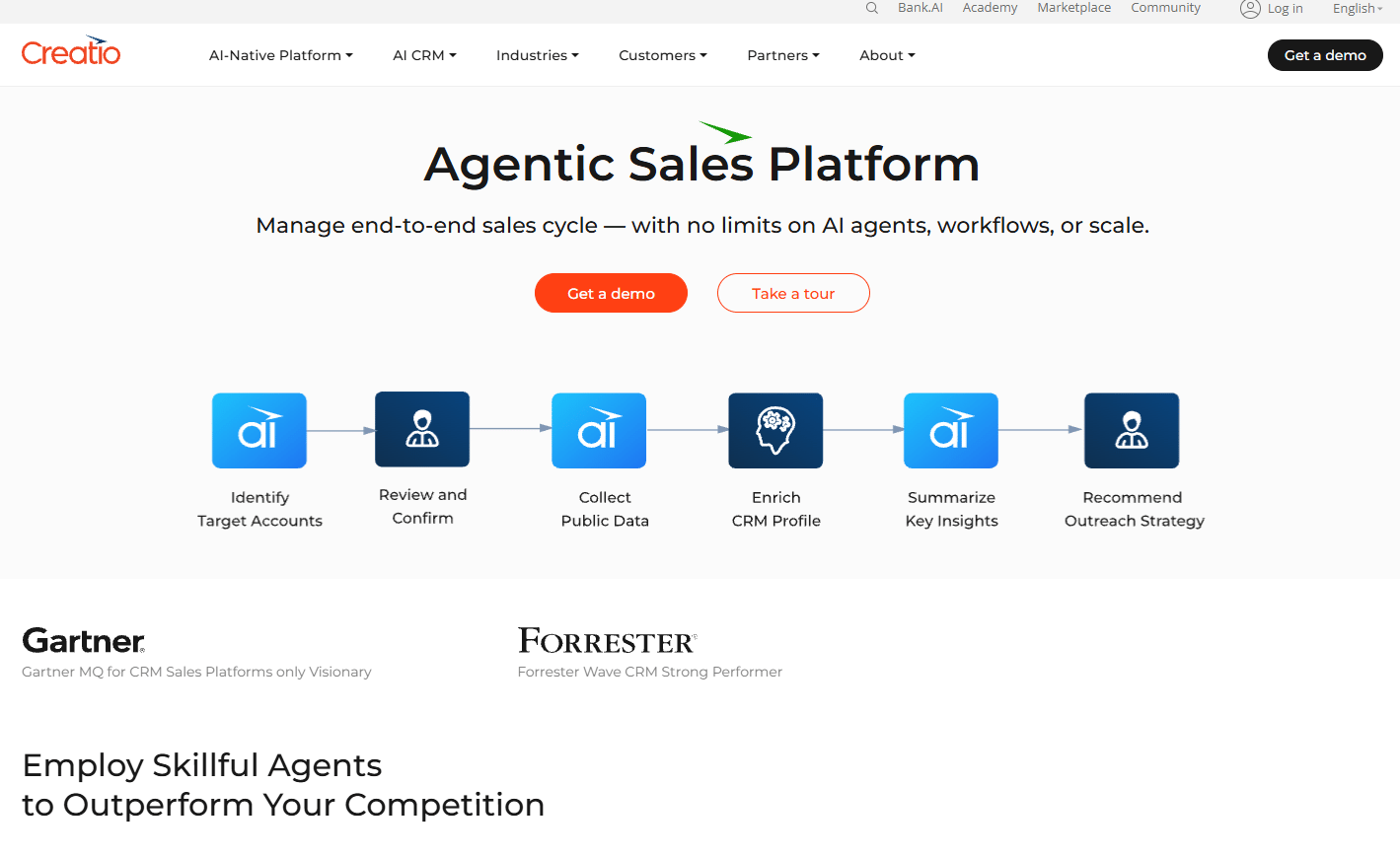
Creatio Sales is a no-code sales platform for organizations that need adaptable processes across the revenue cycle. It covers customer records and opportunity management alongside forecasting and commercial administration. The central buying question is how much control your operations team needs over workflow design.
Best for: Organizations with distinct sales processes that want configuration flexibility without making every change a custom development project.
Begin with a process that currently requires manual coordination. It might involve an approval before a proposal progresses or a handoff after qualification. Ask the vendor to model the exact requirement.
Then change one rule during the evaluation. For example, introduce a different approval path for a particular deal type. Observe who can make the adjustment and how the impact becomes visible.
No-code capability does not remove the need for process ownership. Decide who approves changes and who tests them before sellers encounter a revised workflow. Governance should be proportionate to the consequences of an incorrect action.
Commercial packaging is another important distinction. The Sales component sits within a composable platform configuration, rather than representing the complete purchasing commitment.
Use the quote to separate platform licensing from application charges. That makes the comparison fair against vendors whose headline subscription includes a different scope.
Key features
- Lead and opportunity management
- No-code sales process automation
- Sales forecasting and revenue intelligence
- Order and contract management
- Sales engagement and mobile access
Why choose Creatio Sales: Choose it when process adaptability carries more weight than adopting a fixed workflow. Assign a business owner for configuration and change approval.
Creatio Sales pricing: The displayed configuration combines Sales at £12/user/month with Enterprise at £61/user/month. New customers face an £8,300 annual minimum and a standard three-year term.
G2 rating: 4.5/5.
10. Insightly CRM
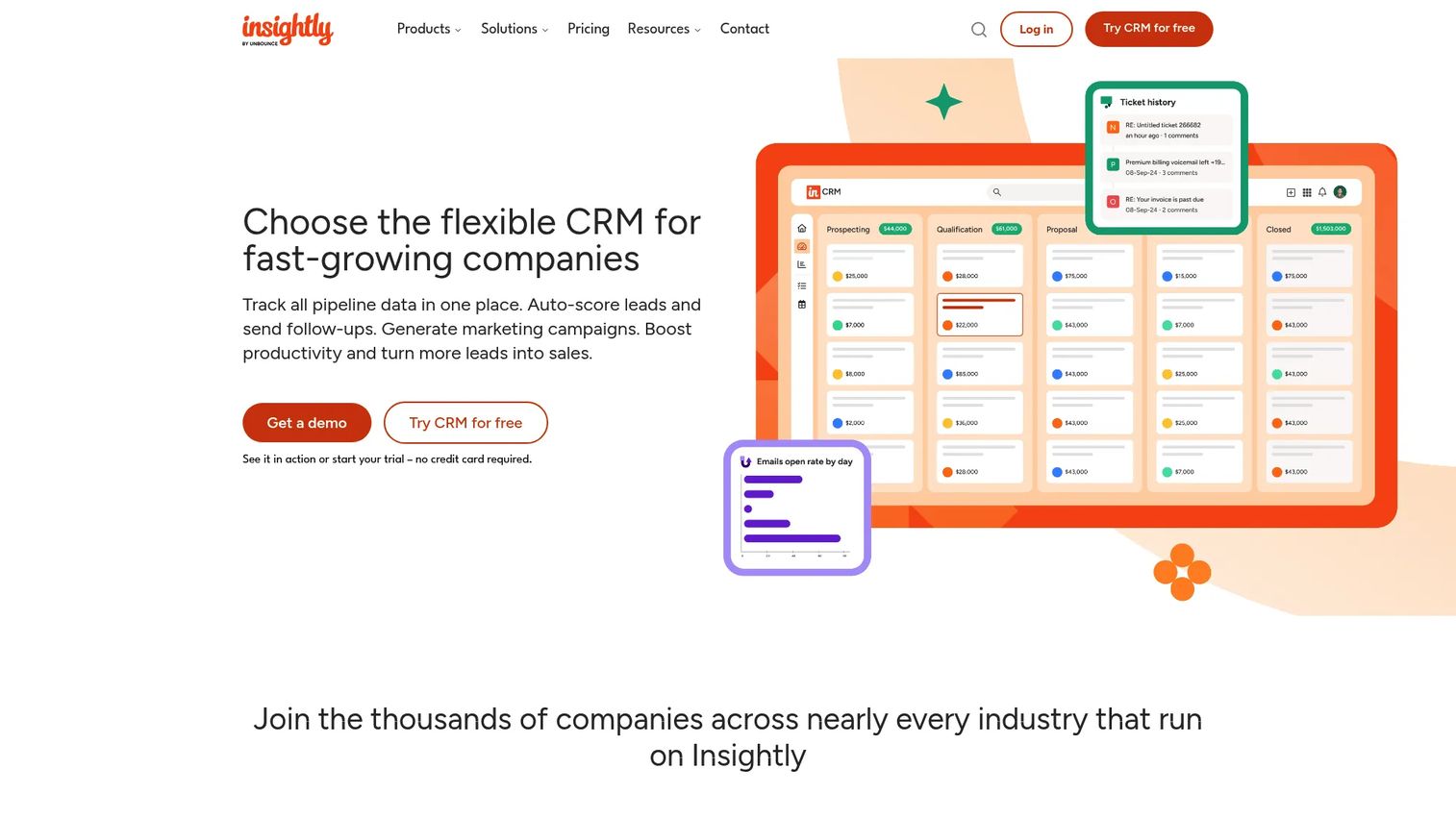
Insightly CRM combines customer and pipeline management with projects and tasks. That scope makes it relevant when the sales process connects closely to delivery. Workflow automation and reporting support the coordination between those responsibilities.
Best for: Growing businesses that want sales context to remain useful during implementation or project delivery.
A closed deal can still create operational friction if the receiving team lacks the commitments made during sales. Use that transition as the center of your evaluation.
Bring a representative opportunity with a delivery date and agreed scope. Ask how the team would carry the relevant information into project work. Identify what requires explicit action from the AE before ownership changes.
The important question is continuity. Can the next team understand the customer’s expectations without asking the buyer to repeat the sales discussion? Test that with someone responsible for delivery, not only the CRM owner.
Also inspect how tasks appear to the people responsible for completing them. A shared platform needs clear accountability to prevent work from remaining visible but unowned.
For reporting, distinguish sales progress from project progress. Managers should know which dashboard answers a pipeline question and which supports execution after the contract.
Key features
- Contact management
- Customizable sales pipelines
- Workflow automation
- Project and task management
- Reporting, dashboards, and AI Copilot
Why choose Insightly CRM: Choose it when sales-to-delivery continuity is a purchasing priority. Validate the handoff using a representative customer commitment before expanding the rollout.
Insightly CRM pricing: Plus costs $29/user/month, billed annually. A 14-day free trial is available.
G2 rating: 4.2/5.
11. Vtiger One
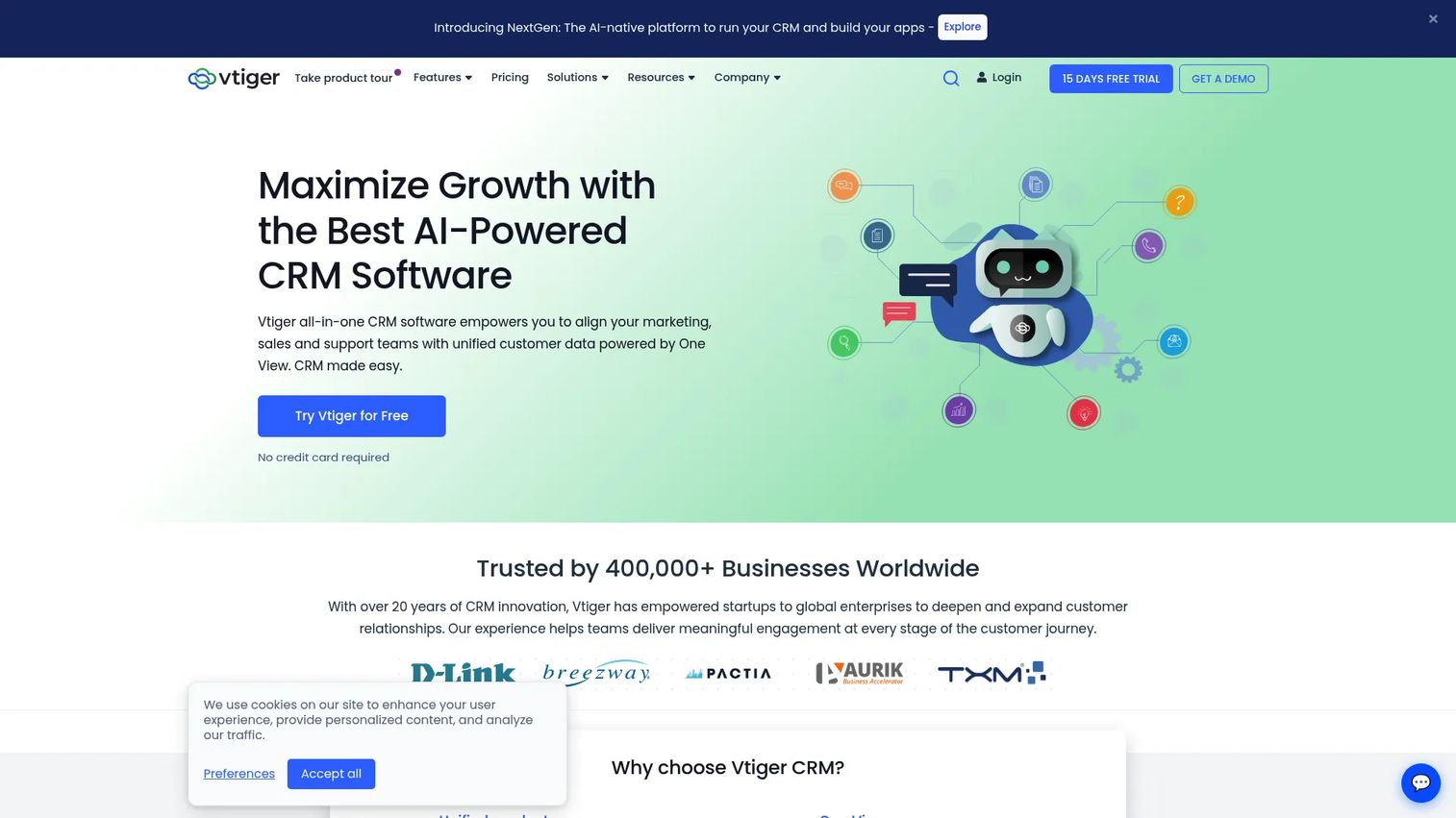
Vtiger One combines sales automation with customer support and other business functions. Projects and inventory sit alongside customer records, giving smaller organizations a broad consolidation option. The platform also offers marketing capabilities and AI through its One AI edition.
Best for: Small and midsize businesses evaluating a shared customer platform across several operating teams.
This is a useful candidate when sales context is scattered between departmental tools. Start by identifying the information a seller needs before approaching an existing customer.
For example, ask how a rep would review relevant service history before discussing additional work. Then inspect how a completed sale relates to project or inventory activity. Those connections determine whether consolidation improves the daily workflow.
Breadth also requires deliberate rollout choices. You do not need to deploy every available function at once. Start with the customer record and the handoff causing the most repeated work.
Licensing deserves a separate review because Vtiger distinguishes Standard users from Single App users. Build the purchasing model around each role’s required access. Avoid assuming every employee needs the same configuration.
Finally, define what you will retire. A broad platform earns its place when it replaces duplicated administration, rather than becoming another destination for copied records.
Key features
- Sales automation and pipeline management
- Help desk and customer portal
- Project tasks and milestones
- Inventory, quoting, and invoicing
- Reporting and mobile applications
Why choose Vtiger One: Choose it when several teams need shared customer context and a smaller stack. Match user types to responsibilities before purchasing.
Vtiger One pricing: One Pilot is free for up to 10 users. One Growth costs $12/user/month annually or $15/user/month on monthly billing.
G2 rating: 4.3/5.
12. Zendesk Sell
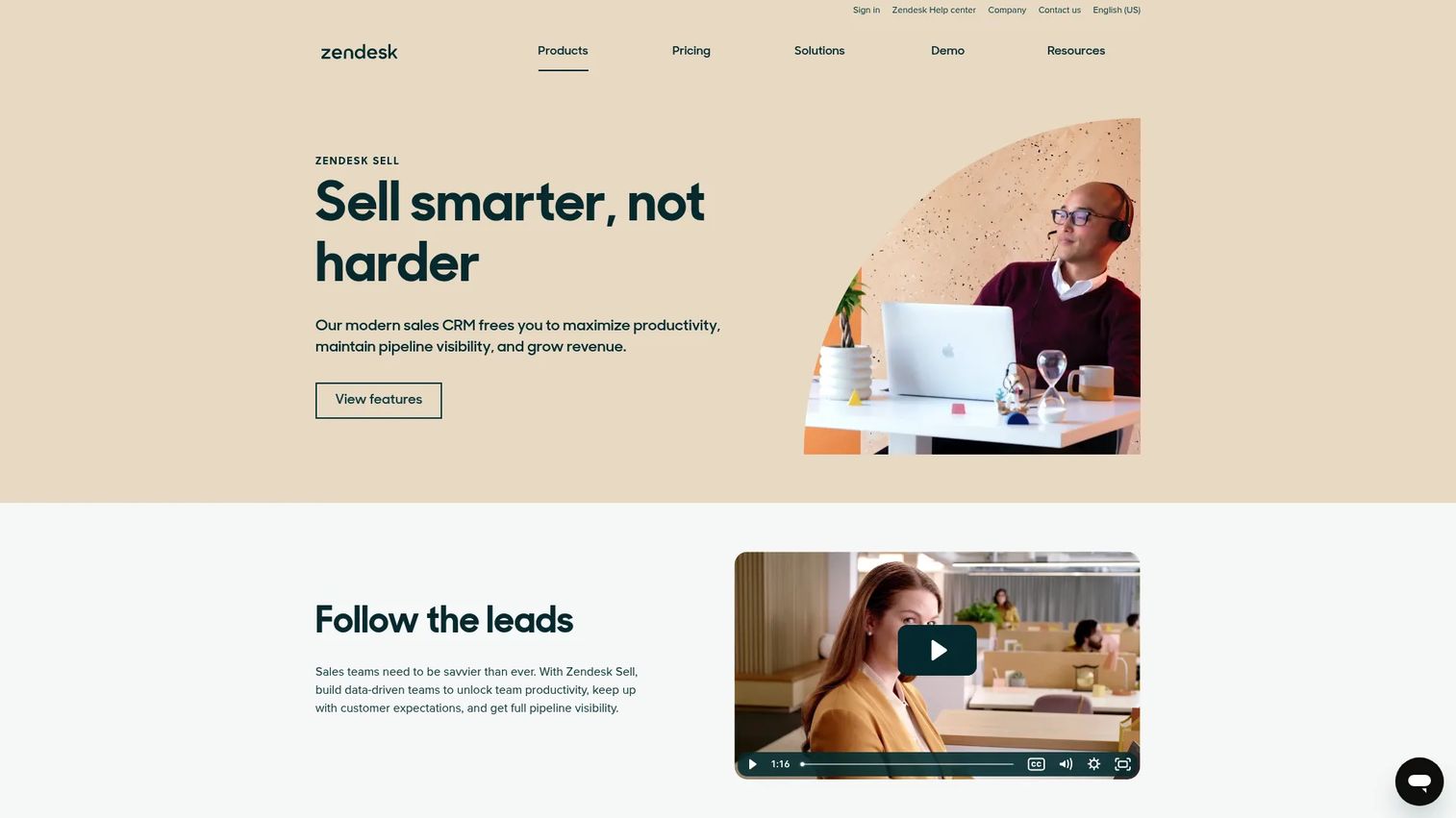
Zendesk Sell manages leads and contacts alongside outreach and deal pipelines. Its capabilities include automated email sequences, tasks, and sales analytics. However, Zendesk has announced that Sell will retire on August 31, 2027.
Best for: Existing Zendesk Sell customers assessing continuity and preparing a replacement plan.
For a new SFA purchase, the retirement announcement outweighs the feature comparison. A fresh implementation would need to account for another platform transition.
Existing users have a more specific job. Document the workflows that currently keep deals moving, then distinguish essential behavior from configuration nobody uses. That inventory becomes the replacement brief.
Prioritize ownership rules and active opportunities. Add recurring sequences, manager reports, and permissions to the review. The goal is to preserve operating context, not simply copy every field.
Ask your account team about transition requirements and available assistance. Confirm how customer records and activity history will move before choosing a cutover schedule.
Use the remaining operating period to reduce migration uncertainty. Assign a business owner for each critical workflow and test the replacement with frontline sellers. Their input will expose assumptions that an administrative review alone may miss.
The relevant buying question is continuity through change. An attractive subscription price does not resolve product-lifecycle risk.
Key features
- Lead and contact management
- Deal and pipeline tracking
- Automated email sequences and tasks
- Prospecting and lead-list creation
- Analytics, forecasting, and permissions
Why choose Zendesk Sell: Existing customers may need it during their transition period. New buyers should direct their evaluation toward a platform supporting their longer-term operating plan.
Zendesk Sell pricing: Sell Team lists $19/month; Growth lists $55/month. Professional lists $115/month and Enterprise $169/month.
13. Oracle NetSuite CRM
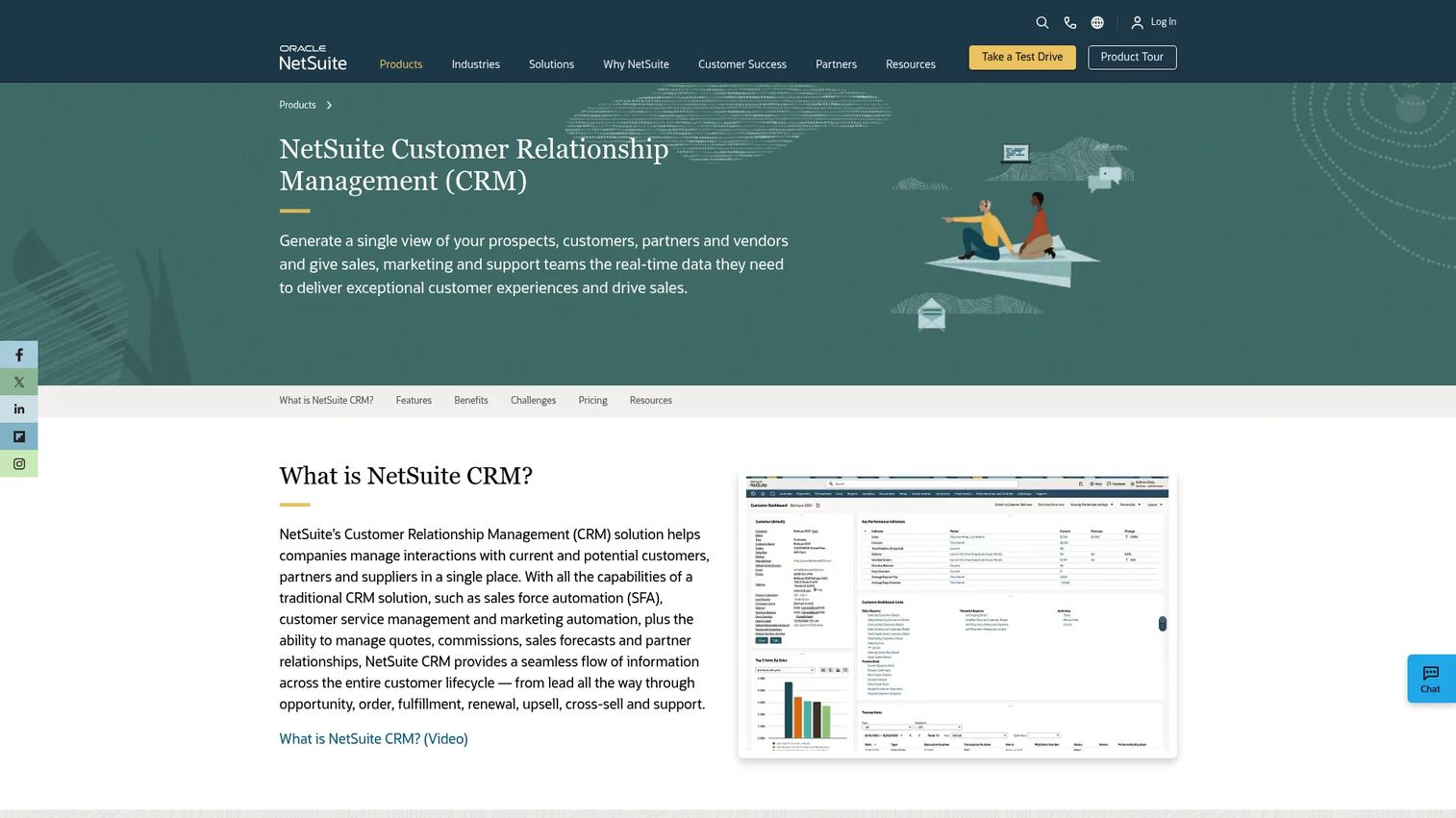
Oracle NetSuite CRM provides customer visibility across sales and broader business operations. Sales force automation sits alongside service and partner relationship management. Its strongest fit is a business evaluating CRM within a NetSuite-centered operating model.
Best for: Organizations that need sales context connected with ERP, finance, inventory, and customer-service operations.
Start with the operational record that matters after the deal closes. Sales may need to understand information held outside a conventional opportunity pipeline. The evaluation should establish how that context reaches the right person.
Include finance and operational owners in the discussion. Ask which customer fields originate in their systems and which sales should maintain. Shared visibility requires agreement about the authoritative record.
Partner relationship management is another relevant consideration for companies with indirect sales activity. Document whether partner-related context belongs in the same customer process or needs distinct ownership.
Budgeting also differs from a standalone CRM purchase. NetSuite describes an annual license covering the core platform, optional modules, and user counts. A one-time implementation fee adds to initial expenditure.
Compare the full operating scope when assessing cost. A narrow seat-price comparison misses the reason to consider an ERP-connected platform in the first place.
For adoption testing, ask a seller to locate the customer information required before an account review. The answer should reflect their daily work, not the administrator’s navigation expertise.
Key features
- Sales force automation
- Customer 360 visibility
- Partner relationship management
- Customer service management
- Reporting and mobile access
Why choose Oracle NetSuite CRM: Choose it when CRM and ERP decisions are closely connected. Evaluate data ownership and licensing across the complete operating model.
Oracle NetSuite CRM pricing: Custom pricing through an annual license, with additional CRM licenses and a one-time implementation fee.
G2 rating: 4.1/5, for NetSuite broadly rather than a separate CRM listing.
14. Keap
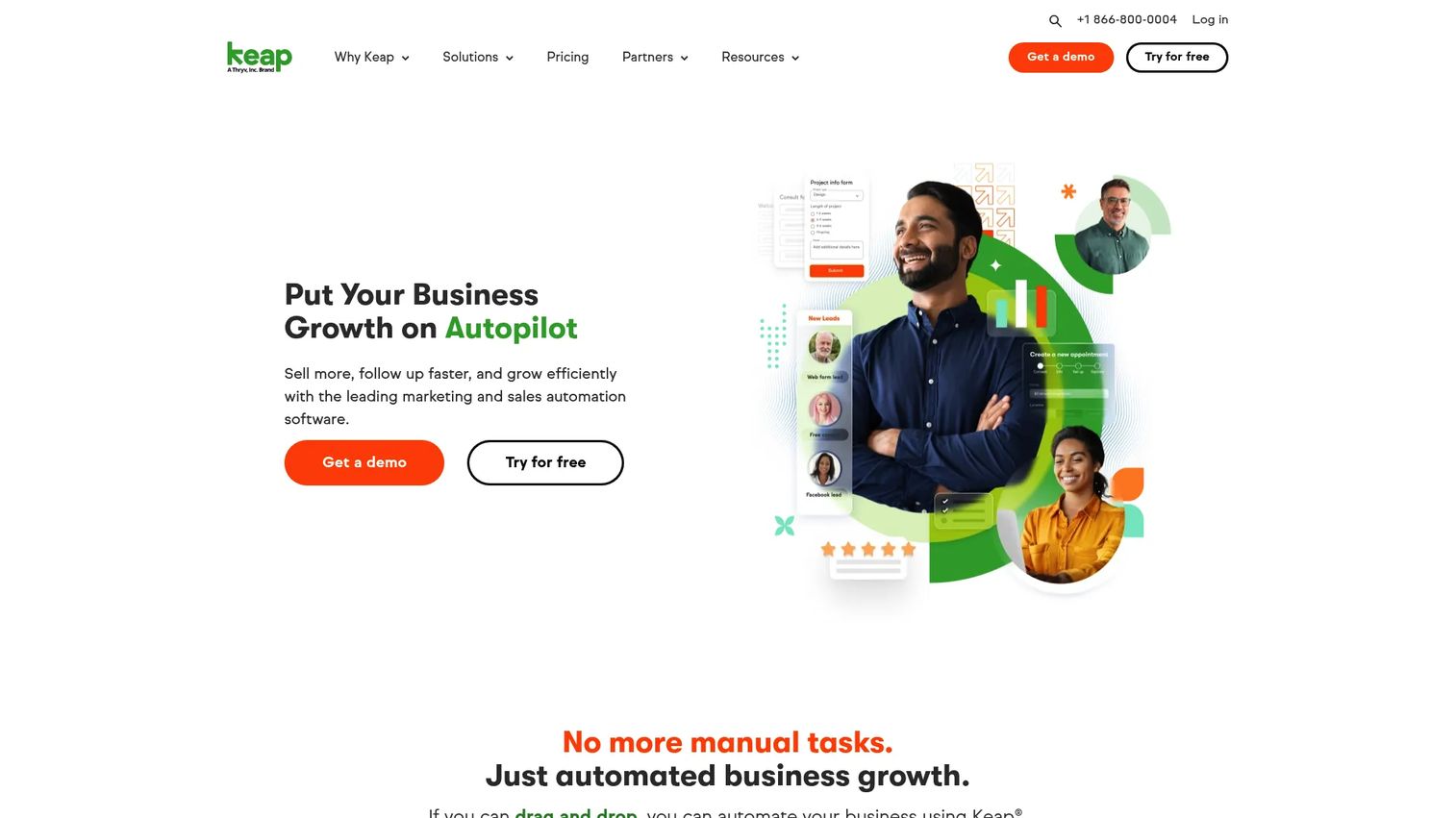
Keap combines CRM with sales and marketing automation for small businesses. Appointment scheduling and pipeline management sit alongside quotes and invoices. It fits an operating model where a small team handles the customer journey from initial inquiry through payment-related administration.
Best for: Owner-led businesses and small sales teams that need consistent follow-up across a compact operation.
The buying question is often about unfinished work. Who responds to an inquiry, and what happens when the prospect does not reply? Map those situations before evaluating the automation builder.
Then follow a customer through an appointment and commercial discussion. Ask how the record supports the next action without requiring the owner to remember every outstanding commitment.
Keap’s breadth is relevant when several responsibilities sit with the same person. A small business may value having these functions together more than extensive enterprise forecasting configuration.
The subscription model also differs from a low-cost individual CRM seat. Two users are included, with additional charges for users and contacts. Calculate the cost around your working database and expected team size.
Use the trial to test one complete customer process. Keep the test grounded in a recurring revenue task, rather than building a large campaign before basic ownership is clear.
Key features
- CRM and contact management
- Email and text marketing automation
- Sales pipelines
- Appointment scheduling
- Quotes and invoices
Why choose Keap: Choose it when follow-up and sales administration are shared responsibilities within a small business. Compare the complete subscription against the separate tools you intend to replace.
Keap pricing: Keap costs $320/month or $3,195/year, including two users; additional users cost $39/month each. A limited free trial is available.
15. Nimble CRM
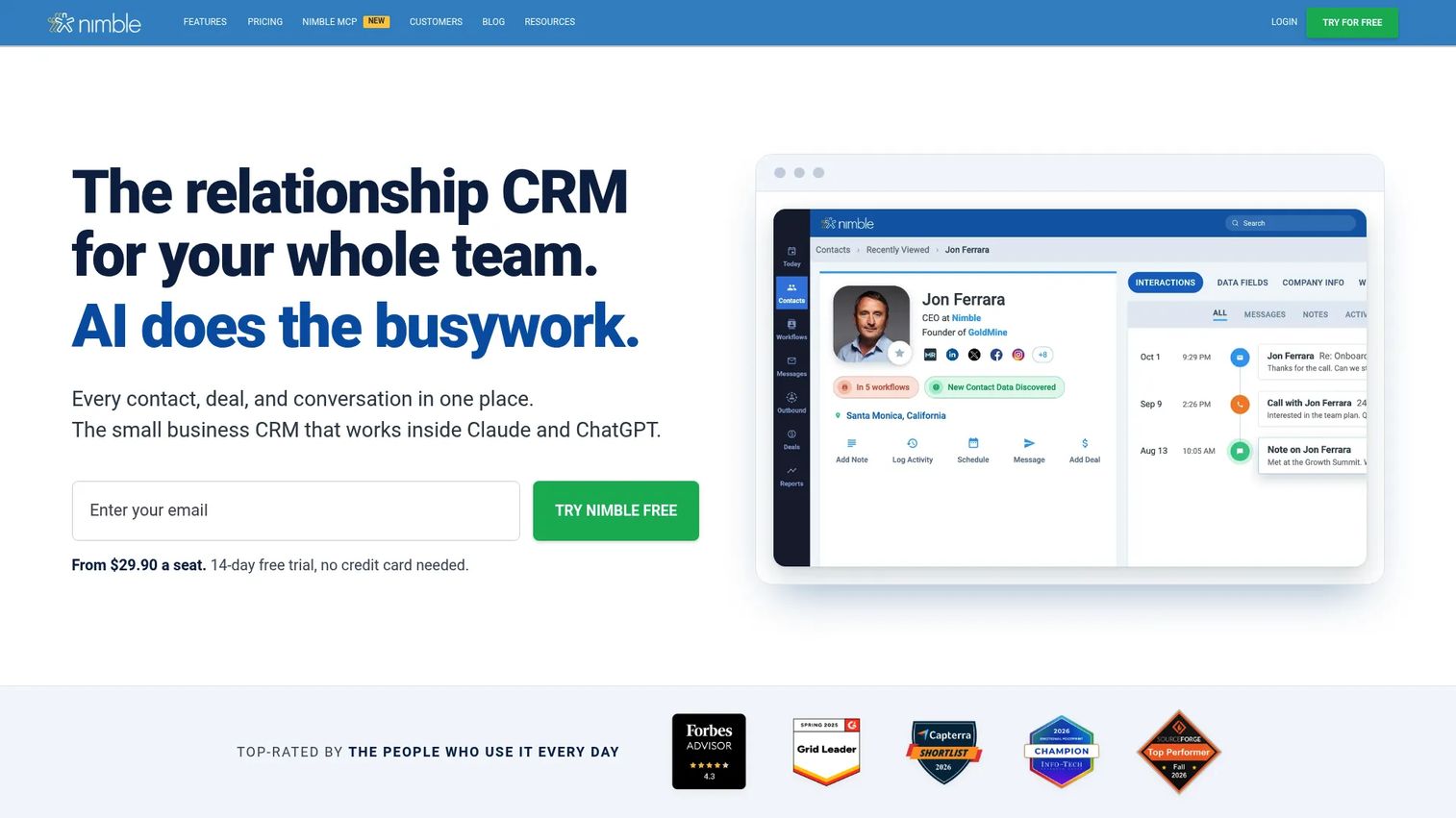
Nimble CRM focuses on relationship-led selling for small teams and solopreneurs. It connects contact context with email, calendars, workflows, and deal pipelines. Google Workspace and Microsoft 365 integration make existing communication habits central to its fit.
Best for: Small teams that need organized relationship context and repeatable follow-up around their current communication tools.
A relationship-driven seller needs to understand the person before choosing the next action. Evaluate how contact enrichment and communication history support preparation for a customer conversation.
Use a familiar account during the trial. Ask the seller to find relevant context and plan the follow-up without opening a separate research document. Then inspect how that work relates to the pipeline.
Nimble also offers add-ons for email marketing, enrichment credits, and web engagement. Separate the base CRM requirement from the additional services your process needs.
Pricing is changing soon after the research date. Nimble’s support notice states rates will rise on December 1, 2026. The announced rates are $35.90/seat/month monthly and $29.90/seat/month annually.
That scheduled change matters for purchasing comparisons. Request the rate applicable to your start date, and model any add-ons alongside the subscription.
Keep the pilot focused on relationship continuity. The most useful result is a seller who can pick up the next conversation with the necessary context.
Key features
- Contact enrichment and relationship history
- Google Workspace and Microsoft 365 integration
- Email sequences and tracking
- Customizable deal pipelines
- Nimble Prospector browser extension
Why choose Nimble CRM: Choose it when contact context drives selling and your team wants automation around established communication habits.
Nimble CRM pricing: The pricing page lists $24.90/seat/month annually or $29.90 monthly before the announced change. A 14-day free trial is available.
G2 rating: 4.5/5.
Considerations when choosing sales force automation software
Workflow fit
Evaluate the platform against a complete selling motion, including exceptions such as reassigned leads or delayed approvals. Inbound SDRs need clear ownership, while enterprise AEs need context across a longer buying process. Ask each vendor to demonstrate your scenario using the proposed edition.
CRM and data integrity
An SFA CRM needs dependable inputs before its automation can produce useful actions. Inspect duplicate handling and activity capture, then test required fields and validation options. Assign responsibility for data definitions so reporting does not change meaning between teams.
Adoption ease
Have frontline sellers complete routine tasks without the vendor driving the session. Observe whether inbox connections and task views remove work from their day. Include mobile access when it reflects how your reps sell, rather than treating it as a universal requirement.
Forecasting and manager visibility
Sales forecasting software should support investigation, not simply display a revenue total. Ask managers to inspect a changed close date and explain what drove the revision. Compare that experience with your current forecast meeting, including the manual reconciliation it requires.
Pricing and scalability
Price the configuration that includes your required sales automation features. Add implementation, integrations, and any AI or communication charges to the purchasing model. Estimate costs at your expected team size next year, and examine contract terms before committing.
Choose the system that keeps work moving
The best sales force automation software removes administrative work without making sellers operate around the system.
Salesforce Sales Cloud is a strong enterprise candidate when process complexity justifies configuration and administration. Microsoft Dynamics 365 Sales deserves attention when the organization already works heavily within Microsoft tools.
HubSpot Sales Hub fits a connected growth motion. Zoho CRM belongs on the value shortlist, while Pipedrive centers the decision on visible deal progression.
Freshsales Suite is worth evaluating when communication tools contribute to fragmentation. SAP Sales Cloud and Oracle CX Sales address broader enterprise operating requirements.
Your next step should be a workflow comparison, not another feature spreadsheet. Pick the handoff that loses the most context. Define its required information and receiving owner.
Then ask shortlisted vendors to demonstrate that process in the edition they are quoting. Have a rep complete the task and a manager inspect the resulting record. Measure the remaining manual work before deciding.
Start your journey with Guideflow today!
FAQs
Sales force automation software connects sales records with repeatable actions, such as assigning leads or creating follow-up tasks. Its scope commonly includes opportunity management and reporting, with capabilities varying by platform and edition. If you’re asking “what is a SFA,” the acronym refers to sales force automation. Evaluate the system by the administrative work it removes from an established selling process.
CRM provides the customer and deal records that a team uses to manage relationships. Sales force automation applies rules and workflows to those records, helping coordinate ownership and next steps. An SFA CRM combines both functions, which explains why the terms frequently overlap during purchasing. Compare the automation available in the proposed plan rather than assuming a customer database includes every workflow you need.
The intended benefits include less manual administration and more consistent follow-up, alongside better visibility into active opportunities. Outcomes depend on accurate inputs and clear ownership, rather than the presence of automation alone. Measure response time, incomplete opportunity records, missed actions, and forecast revisions before rollout. Comparing those measures afterward gives the team a more defensible result than counting how many workflows it created.
Pipedrive and Nimble CRM suit different small-team priorities, with the former emphasizing pipeline execution and the latter relationship context. Zoho CRM and Vtiger One deserve consideration when broader configuration or cross-functional coverage matters. Freshsales Suite fits communication-centered operations, while Keap addresses small-business follow-up and related administration. Choose against your recurring workflow and complete subscription cost, including the edition required for automation.
Salesforce Sales Cloud and Microsoft Dynamics 365 Sales are strong starting points for structured enterprise sales operations. SAP Sales Cloud and Oracle CX Sales warrant evaluation when sales processes connect with broader enterprise requirements. Oracle NetSuite CRM fits a NetSuite-centered operating model where customer context extends into ERP operations. Include IT and RevOps in the shortlist, while keeping frontline adoption part of the final decision.
Common models include per-user subscriptions, edition-based pricing, and enterprise quotes covering a wider operating scope. The entry rate may represent basic CRM access rather than the automation required for your process. Ask for a complete quote covering implementation, required integrations, additional modules, and contract terms. Compare the cost at your expected headcount, and distinguish annual billing from monthly payment options before calculating affordability.
Start with a repeatable task that already has a clear rule and a measurable failure point. Lead assignment and follow-up task creation are useful candidates when ownership is agreed. Activity capture or opportunity-field requirements may be better starting points when managers spend forecast meetings chasing missing information. Pilot the change with receiving users, and inspect exceptions before extending the same logic across the organization.
No. Sales automation software handles repeatable administrative actions and helps sellers find the context needed for their next decision. Discovery still requires judgment, especially when stakeholders disagree or the buyer’s priorities change during an evaluation. Keep human ownership of qualification and customer commitments, and assess automation by whether it supports those responsibilities without creating unnecessary work.