The roadmap says the release is on track. Engineering is waiting on a dependency. Marketing needs approved screenshots before it can finish launch materials.
Each team has a valid update. You still can’t tell whether the launch date holds.
Project tracking software should make that answer visible without another round of status chasing. For product managers, the useful signal is which commitment needs intervention and who can move it forward.
Capterra reported in 2025 that 41% of organizations use hybrid project management methodologies. That makes shared visibility important when engineering works in sprints while other teams organize around launch dates.
Planning establishes what should happen. Tracking shows what has changed since that plan was agreed.
The best project management software connects those perspectives without requiring everyone to adopt the same working style. It also separates delivery progress from product outcomes. Shipping an onboarding improvement and increasing activation are different milestones.
Start your evaluation with project status tracking and blocker visibility. A dashboard earns its place when it changes a decision, not when it looks complete.
What’s inside
- The shortlist: Seventeen project tracking software options for product managers coordinating concurrent initiatives, from small teams through formal project offices.
- The evaluation criteria: Status visibility, dependency handling, reporting clarity, and operational fit. Each entry explains where the platform belongs in a product team’s workflow.
- The evidence: Vendor product information and pricing research dated November 24, 2026, alongside available G2 scores. Recommendations reflect documented capabilities rather than hands-on testing.
- The decision framework: A comparison table, individual tool breakdowns, a buyer checklist, and practical FAQs. Pricing includes billing terms and currency distinctions that affect your shortlist.
TL;DR
- Best overall for cross-functional product teams: Asana connects delivery work to goals and portfolio reporting, making it a strong starting point for shared launch visibility.
- Best for consolidating work: ClickUp combines tracking with documentation and communication. Assign a workspace owner before expanding customization across teams.
- Best for engineering-led delivery: Jira fits teams whose release status comes from issues and sprint workflows.
- Best for portfolio oversight: Smartsheet suits spreadsheet-oriented reporting; Microsoft Project supports formal scheduling and resource controls.
- Best lightweight option: Trello makes Kanban project tracking accessible when a visible queue is enough. Several options also offer free project management software plans.
- Best for client delivery: Teamwork.com connects project health with billable time and delivery economics, particularly for agencies and implementation teams.
What is project tracking software?
Project tracking software is a digital system for monitoring task status, blockers, ownership, and progress across active projects.
A project tracking system connects individual work items to delivery commitments. It helps you understand whether a delayed approval affects a launch or whether several initiatives need the same engineer.
Project management tools often include planning capabilities alongside tracking. This article evaluates them through the visibility layer, particularly what a product manager can learn without requesting another update.
Core features of project tracking software
Look for capabilities that support your operating rhythm.
- Task tracking with clear status definitions
- Owners and due dates
- Milestone tracking and dependency relationships
- Timeline, Kanban, calendar, and list views
- Project dashboards and reporting
- Notifications for overdue or blocked work
- Workload and capacity visibility
- Connections to development and communication tools
- Permissions for internal and external stakeholders
- Templates for recurring delivery workflows
These capabilities need consistent inputs. A blocked task should identify the dependency and the person responsible for resolving it. A deadline needs an owner who can explain changes.
For example, an onboarding initiative might include a design approval and an instrumentation task. Completing the interface doesn’t establish whether activation improved. Track the release commitment separately from the outcome review.
Project tracking versus project management software
| Category | Project tracking | Project management |
|---|---|---|
| Main job | Monitor active work and exceptions | Organize the project lifecycle |
| Primary user question | What needs attention now? | How should this work be delivered? |
| Common outputs | Status reports and risk views | Plans, schedules, budgets, and delivery records |
| Best-fit moment | Execution and stakeholder updates | From initial planning through closure |
A project tracking platform can therefore be part of broader software for managing projects. You don’t necessarily need separate applications.
Choose the level of structure that makes delivery decisions clearer. A small squad may need a board with explicit blocked states. A program spanning departments may need portfolio visibility and resource management.
Neither setup replaces product judgment. The system should expose delivery risks while leaving prioritization and outcome assessment with the team.
When to use project tracking software
Track status across concurrent projects
Use shared tracking when launches compete with platform work, onboarding improvements, experiments, and technical debt. Each initiative needs a readable delivery signal, even when its team follows a different cadence. Portfolio visibility helps you examine conflicts before making another roadmap commitment.
Find blockers before deadlines slip
Treat blocker tracking as an operating rhythm with named escalation owners. Record decision delays and dependency risks alongside execution work, including design approvals or a growing QA queue. Resource management also matters when apparently separate projects rely on the same specialist. Review blocked items by business impact rather than simply counting overdue tasks.
Replace manual status reporting
Create stakeholder views that answer specific questions, such as which release commitments changed during the week. A useful dashboard combines current status with enough context to explain the next action. Keep routine updates in the system and use meetings for decisions that require discussion. Consistent ownership matters more than adding another reporting widget.
Project tracking software comparison
Use this table to narrow the field by operating model before comparing feature depth.
The best project tracking software for an engineering squad can differ from the right choice for an implementation team. Both need project visibility, but they track different evidence. Engineering needs delivery signals; client services also needs time and budget context.
Most entries cover broader project management workflows. Compare the project dashboards and reporting capabilities you’ll use regularly rather than choosing by the longest feature list.
Prices below show entry paid plans unless otherwise stated. Amounts are USD except monday.com, whose supplied pricing is in AUD. Microsoft’s entries share some subscription plans, so evaluate the licensed capabilities rather than treating them as unrelated purchases.
| # | Product | Best for | Key differentiator | Pricing | G2 rating |
|---|---|---|---|---|---|
| 1 | Asana | Cross-functional product teams | Goals and portfolio reporting | Free; $10.99/user/month annually | 4.4/5 |
| 2 | ClickUp | Consolidating work tracking | Tasks alongside docs and communication | Free; $9/user/month annually | 4.6/5 |
| 3 | Jira | Engineering-led delivery | Issue workflows and sprint tracking | Free; $7.91/user/month monthly | |
| 4 | Wrike | Governed cross-department work | Intake, approvals, proofing, and workload | Free; $10/user/month annually | |
| 5 | Notion | Documentation-connected projects | Flexible databases beside product context | Free; $10/member/month monthly | 4.6/5 |
| 6 | Trello | Visual task queues | Card-based Kanban tracking | Free; $5/user/month annually | 4.4/5 |
| 7 | Smartsheet | PMO and portfolio reporting | Spreadsheet-style work with roll-up reports | $9/member/month annually | 4.4/5 |
| 8 | monday.com | Configurable business workflows | Visual boards and automations | Free; AUD $14/seat/month annually | 4.7/5 |
| 9 | Microsoft Project | Formal schedule control | Critical path and resource management | Plan 3 $30/user/month annually | 4.0/5 |
| 10 | Microsoft Planner | Microsoft 365 teams | Task management within existing workflows | Eligible Microsoft 365 plans; premium $10/user/month annually | 4.2/5 |
| 11 | Teamwork.com | Client-service delivery | Project health tied to delivery economics | Free; $9.99/user/month annually | 4.4/5 |
| 12 | Zoho Projects | Cost-conscious project teams | Scheduling and issue management | Free; $4/user/month annually | 4.4/5 |
| 13 | Basecamp | Communication-centered coordination | Project conversations beside accountable tasks | Free; $29/month | |
| 14 | Hive | Collaborative execution | Project views alongside team communication | Free; $5/user/month annually | 4.6/5 |
| 15 | ProjectManager | Schedule and capacity tracking | Portfolio reporting with workload planning | $15/user/month annually | 4.4/5 |
| 16 | Workzone | Structured departmental tracking | Intake and approval workflows | $8/user/month annually | 4.3/5 |
| 17 | Nifty | Milestone-based delivery | Roadmaps connected to tasks and discussions | Free; $10/member/month monthly | 4.7/5 |
The 17 best tools for project tracking
1. Asana
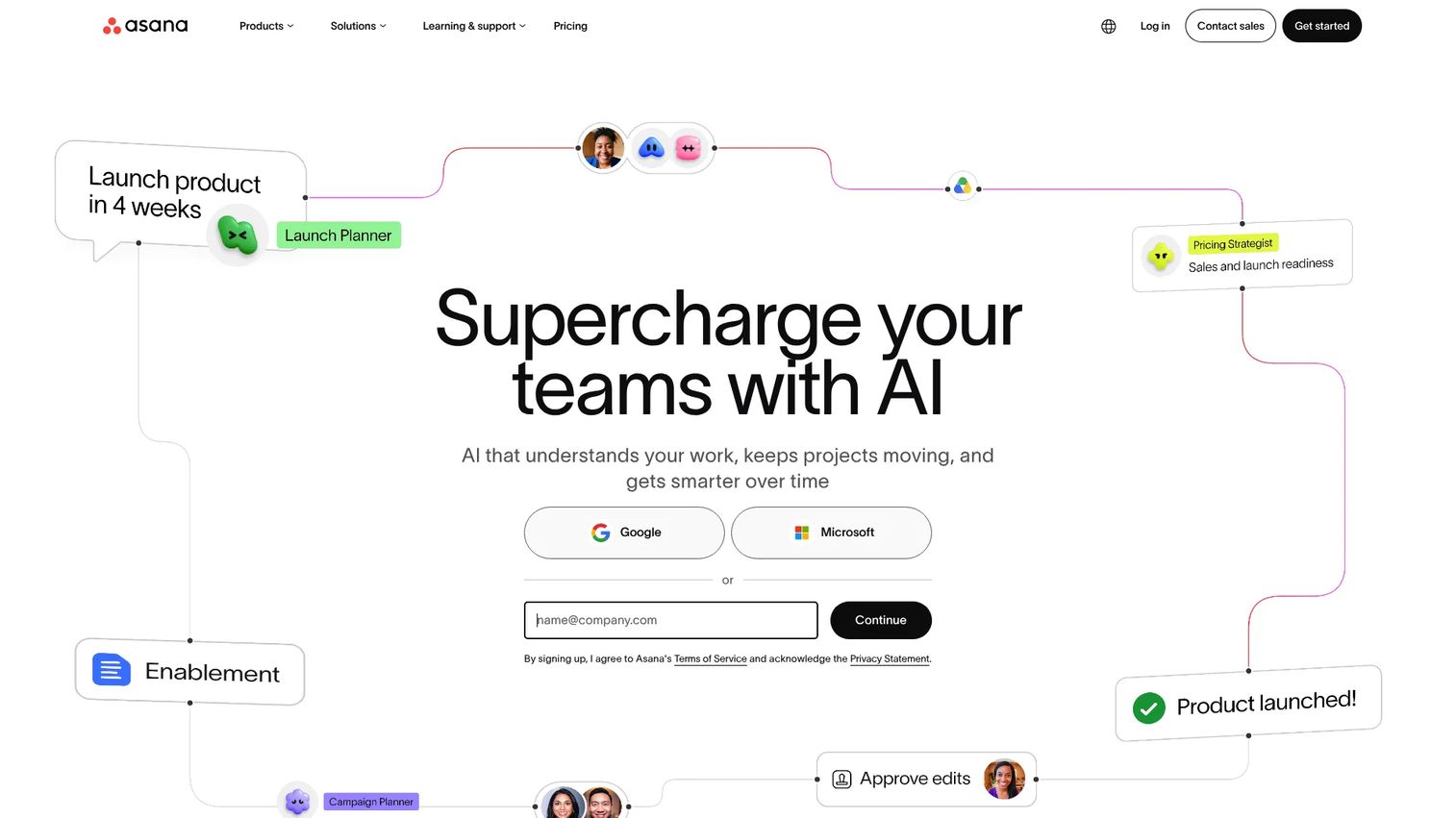
Asana organizes cross-functional work around assigned tasks and delivery commitments. Its combination of project views and higher-level reporting suits PMs coordinating teams beyond engineering. You can examine execution details while giving leadership a view organized around initiatives.
Best for: Product teams that need shared launch visibility across departments without making every stakeholder read an engineering backlog.
Key features
- Task owners and due dates
- List, calendar, timeline, and Gantt views
- Goals and portfolios
- Reporting dashboards
- Automation and approvals
For a release pilot, include work from design and customer success alongside engineering deliverables. Define what each status means before asking contributors to update their assignments.
Then test whether someone outside the delivery team can explain the project’s condition without your narration. That is a more useful evaluation than counting available dashboard layouts.
Asana’s packaging matters for this use case. Advanced adds goals and portfolios alongside resource management. Teams buying primarily for workload management or executive reporting should evaluate that level rather than assuming the entry plan covers everything.
Keep the reporting hierarchy deliberate. A portfolio should answer a leadership question, while individual projects should describe work that a team can own. Avoid creating overlapping initiatives that force contributors to maintain the same update in several places.
Why choose Asana: Choose it when shared understanding across functions is the main requirement. If every meaningful status already comes from engineering issues, compare the overhead against Jira.
Asana pricing: Personal is free; Starter costs $10.99/user/month annually or $13.49 monthly. Advanced costs $24.99/user/month annually or $30.49 monthly.
G2 rating: 4.4/5.
2. ClickUp
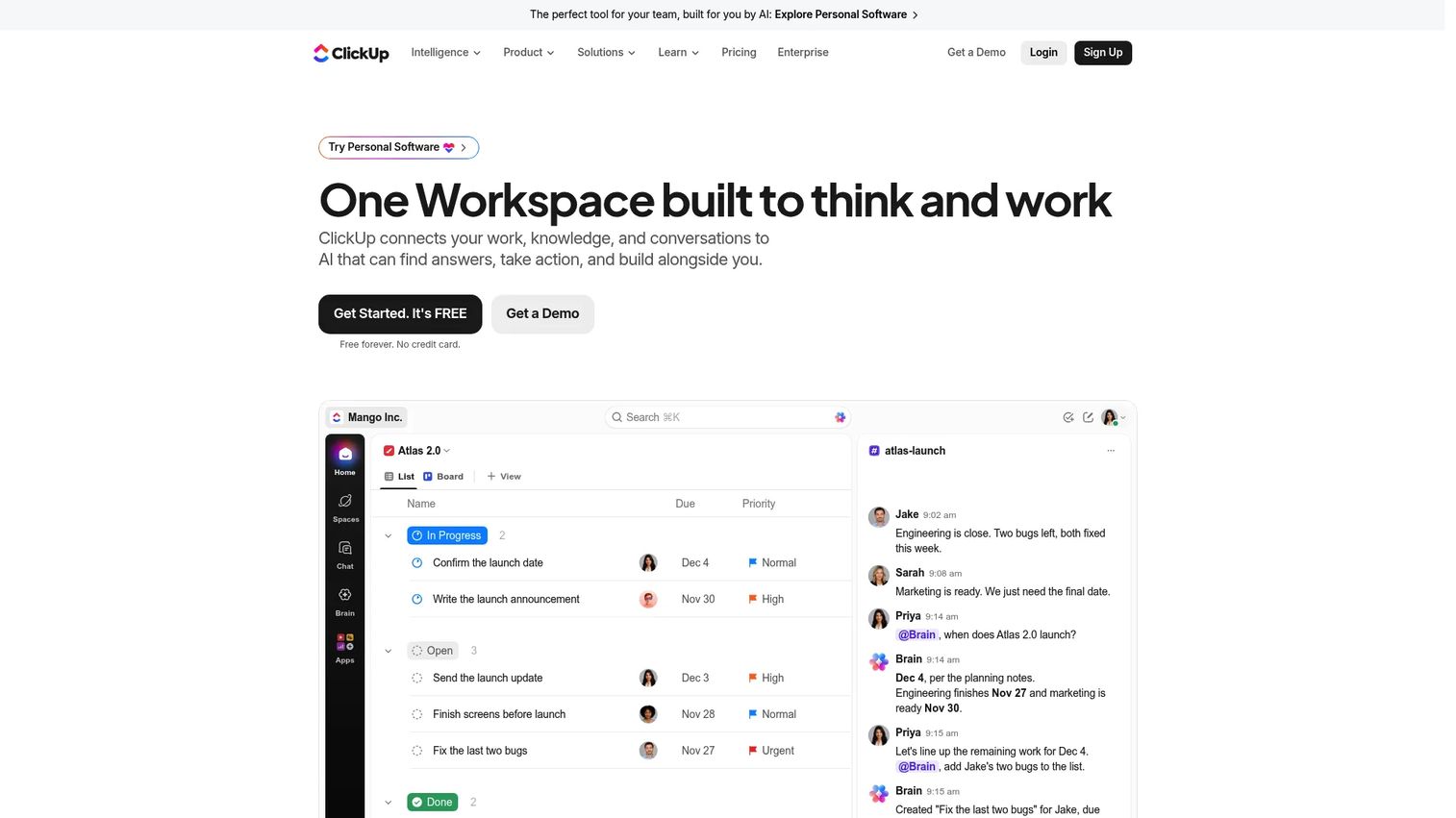
ClickUp brings project tracking together with documentation and team communication. That breadth makes it relevant when your release context is scattered across separate applications. The buying question is whether consolidation reduces handoffs enough to justify a shared workspace structure.
Best for: Teams prepared to standardize how different workflows operate within a configurable work management platform.
Key features
- Tasks and project workflows
- Docs, forms, and whiteboards
- Dashboards and reporting
- Time tracking and scheduling
- AI and automation
Start a pilot with an initiative that currently requires several reporting steps. An onboarding redesign is a useful candidate because it involves product decisions and measurable delivery commitments.
Keep requirements near the work, but define the authoritative source for execution status. Documentation should explain a decision without becoming a second task register.
Set rules for workspace structure before inviting every department. Decide who can create new workflows and which fields must remain consistent across projects. Otherwise, flexibility can turn into maintenance work for the PM.
Also test the reader experience. Ask a stakeholder to identify the next release risk without opening every task. The workspace must serve occasional reviewers as well as daily contributors.
ClickUp deserves particular attention when reducing tool sprawl is part of the business case. Compare the applications it would replace against those that must remain, including your development system.
Why choose ClickUp: Choose it when a shared workspace can eliminate repeated context switching. A team wanting only a visible task queue should compare Trello’s narrower approach.
ClickUp pricing: Free Forever is available; Core costs $9/user/month, billed yearly. Business costs $17/user/month, billed yearly.
G2 rating: 4.6/5.
3. Jira
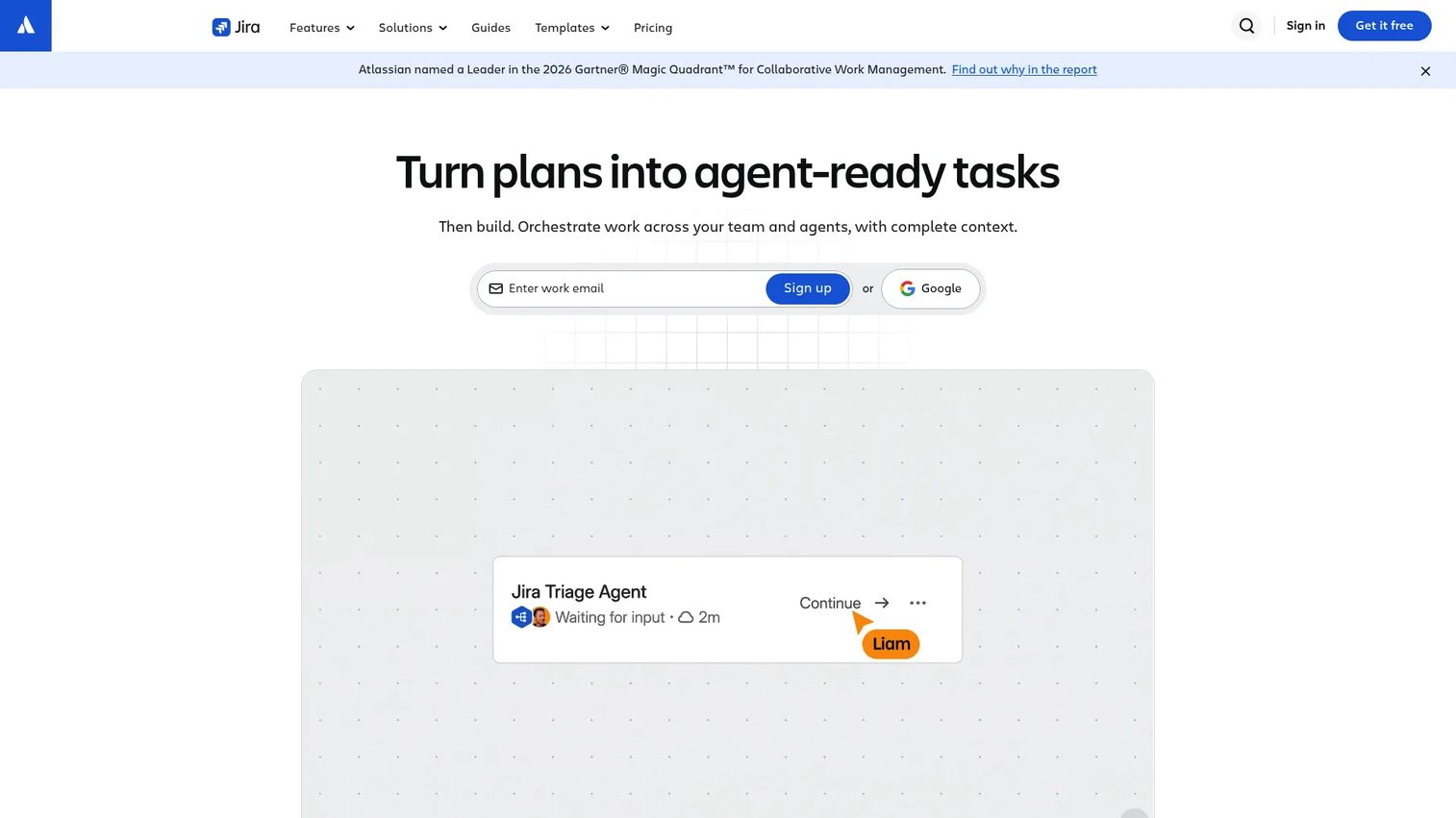
Jira is a project and issue-tracking platform with Scrum and Kanban boards. It fits product teams whose delivery commitments depend on engineering workflow data. Customizable processes let the tracking model follow how work moves from backlog toward release.
Best for: Product and engineering teams that need release visibility grounded in issues rather than manually maintained executive summaries.
Key features
- Scrum and Kanban boards
- Customizable issue workflows
- Dependencies and capacity management
- Reports and dashboards
- No-code automation
Evaluate Jira using a release with work crossing team boundaries. Include an unresolved dependency and a decision that requires someone outside engineering.
The important test is whether those conditions remain visible when you move from individual issues to a broader delivery review. A completed sprint does not automatically establish launch readiness.
For milestone tracking, define which issue transitions provide reliable evidence. Avoid treating every closed ticket as equal progress toward a release commitment.
Nontechnical stakeholders need a reporting vocabulary they understand. Build a focused view around delivery dates and unresolved decisions instead of exposing every workflow state.
Premium includes cross-team planning, while Enterprise adds advanced analytics and centralized administration. Those differences matter if your main requirement is coordination across several squads rather than managing one backlog.
During a pilot, compare the maintenance required for engineering updates with the effort needed to produce a leadership summary. The right setup should preserve the team’s delivery workflow while making its implications readable.
Why choose Jira: Choose it when technical execution is the authoritative source of project status. For business-led coordination, compare platforms whose reporting starts with cross-functional initiatives.
Jira pricing: Free supports up to 10 users; Standard costs $7.91/user/month, billed monthly. Premium costs $14.54/user/month, billed monthly.
4. Wrike
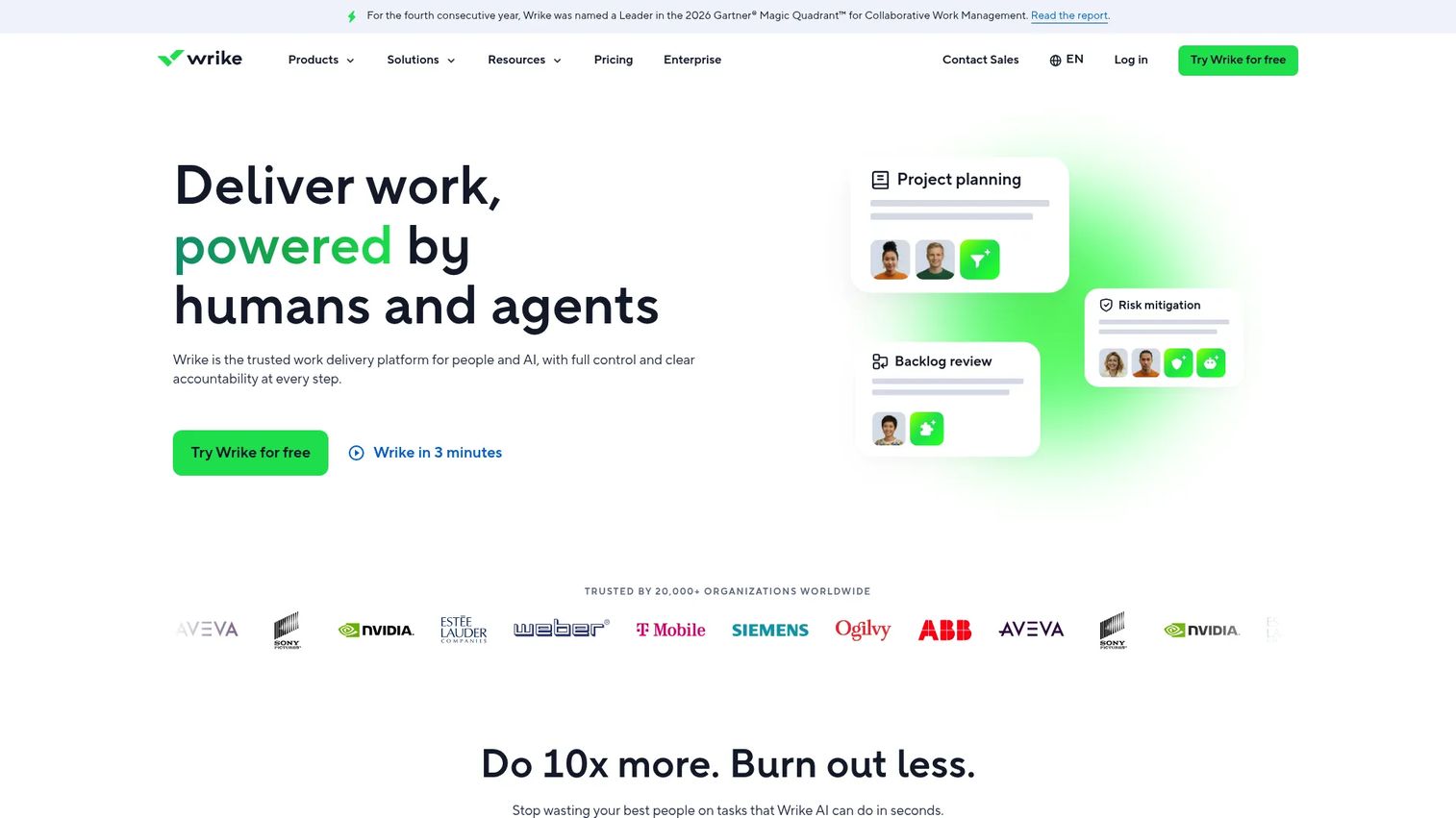
Wrike supports complex work that moves through intake and review before completion. It combines execution views with resource planning and governance capabilities. That makes it relevant when a product launch depends heavily on marketing or creative operations.
Best for: Cross-department teams that need workload visibility and controlled approval processes alongside delivery tracking.
Key features
- Gantt and workload charts
- Request forms and custom workflows
- Approvals and proofing
- Dashboards and advanced analytics
- Time tracking and budgeting
A useful pilot follows a request from submission through final approval. For example, track a launch asset that needs input from product marketing and a design reviewer.
Measure whether the system exposes waiting time as clearly as production time. A task can appear active while nobody owns the next approval.
Wrike’s workload management deserves separate attention from its project reporting. A launch can be scheduled correctly while the same reviewer is committed across too many initiatives. Capacity information gives that risk a place in the discussion.
Before rollout, agree on intake requirements. Request forms are useful when they prevent incomplete work from entering the queue, rather than merely adding another submission step.
Check the process from the contributor’s perspective too. People doing the work should understand which updates affect stakeholder reporting and which fields serve internal coordination.
For a PM, this is particularly valuable when release delays originate outside the engineering backlog. Evaluate the whole handoff rather than isolated task completion.
Why choose Wrike: Choose it when approvals and shared capacity materially affect delivery confidence. A small squad without those handoffs should prioritize a lighter operating model.
Wrike pricing: A free plan is available; Team costs $10/user/month, billed annually. Business costs $25/user/month, billed annually.
5. Notion
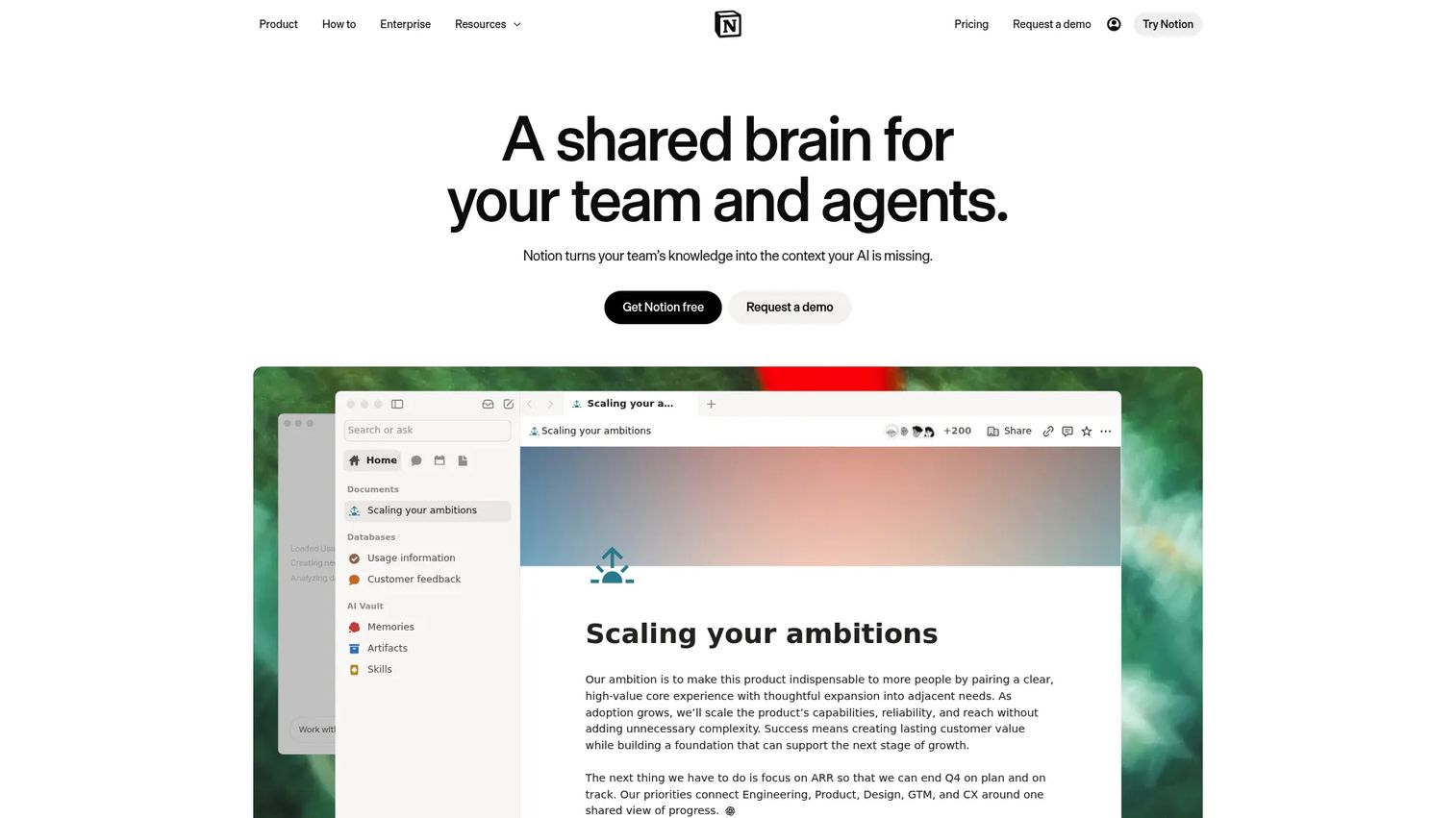
Notion connects project databases with documents and team knowledge. It suits PMs who want delivery context close to research and product specifications. The workspace is flexible enough to reflect your operating model, which makes database discipline important.
Best for: Small and midsized teams whose project updates need substantial written context alongside task status.
Key features
- Block-based documents and databases
- Collaborative comments
- Database automations
- Templates for recurring work
- AI writing and meeting notes
Build the pilot around a project that frequently sends people searching for background information. A product experiment with a linked hypothesis and outcome review is a useful example.
Separate project records from detailed task records. Decide which information belongs in each before building stakeholder views.
Naming conventions matter because similar pages can otherwise represent different things. “Activation improvement” might mean a research theme, a delivery initiative, or a completed experiment. Your structure should make that distinction explicit.
For blocker tracking, define the minimum information a reviewer needs to act. Include a named owner and a clear next decision rather than relying on a paragraph buried in meeting notes.
Notion is attractive when the team already values written collaboration. However, don’t assume a flexible database automatically provides the formal scheduling controls your organization expects. Test the required tracking behavior directly.
The maintenance question is also important. Ask whether another PM can understand the structure and update it without the original builder explaining every relation.
Why choose Notion: Choose it when project context and institutional knowledge belong together. Compare dedicated scheduling platforms if dependency calculations dominate your requirements.
Notion pricing: A free plan is available; Plus costs $10/member/month, billed monthly. Business costs $20/member/month, billed monthly.
G2 rating: 4.6/5.
6. Trello
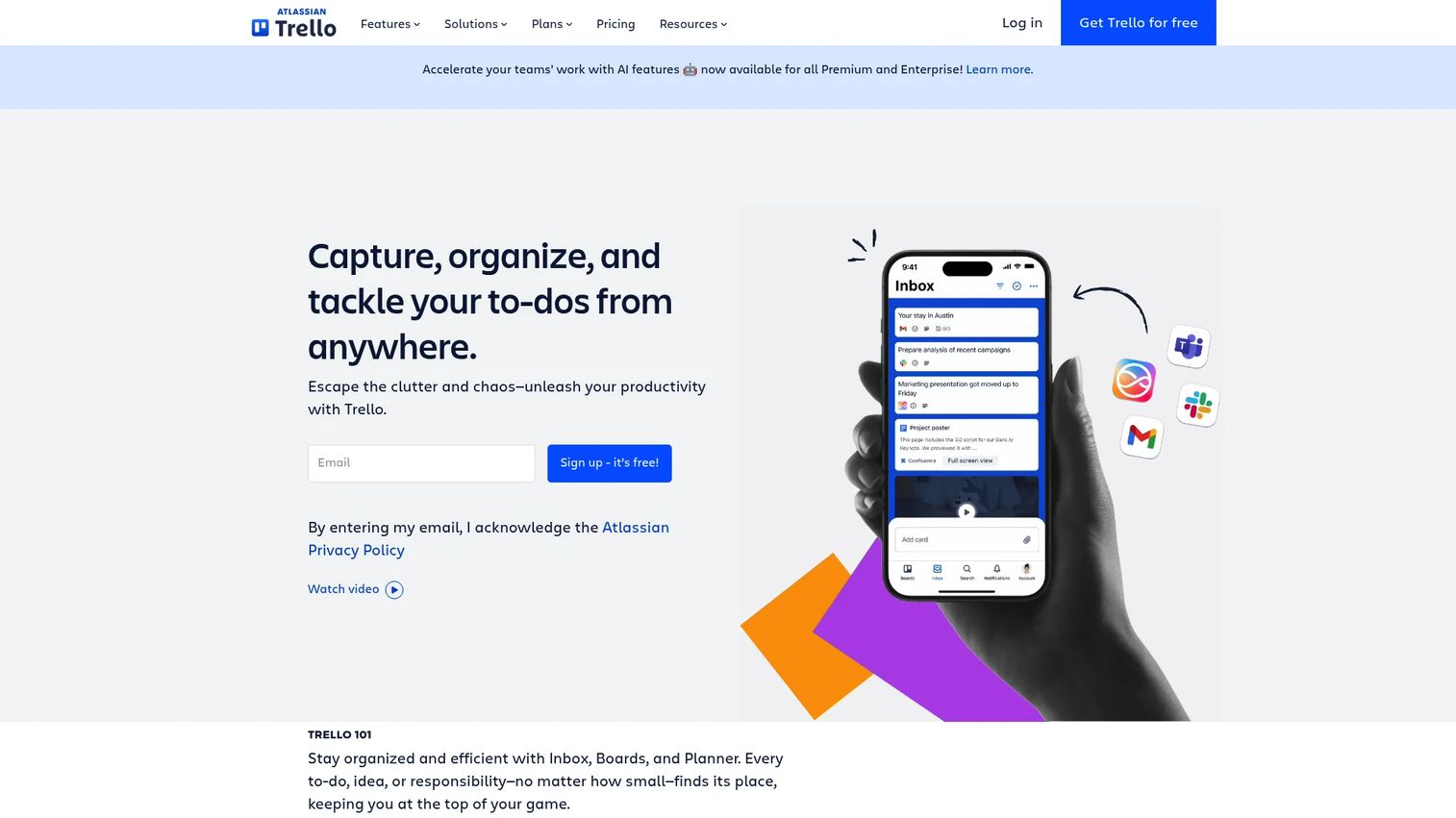
Trello organizes work into visual boards and cards. Its appeal is the direct connection between an item’s position and its current state. For smaller product teams, that can provide enough structure to stop routine status questions.
Best for: Teams that need an approachable visual queue more than formal portfolio or resource controls.
Key features
- Kanban boards and cards
- Custom fields and advanced checklists
- Built-in no-code automation
- Calendar and timeline views
- Power-Ups and integrations
Use a pilot to establish clear movement rules. A card entering review should identify who reviews it and what completion means.
Blocked work deserves explicit treatment. Choose whether it remains in its delivery stage with a visible indicator or moves into a dedicated queue. Apply that choice consistently.
The board should also distinguish waiting from active execution. Otherwise, an overloaded review stage can look like progress because cards keep arriving there.
Trello’s higher plans add views beyond the basic board. Evaluate those against your reporting needs before assuming a card layout will answer every stakeholder question.
For a small release, the most revealing test is a weekly review without narration. Can the team identify the next action from the board itself? If every item requires a verbal explanation, improve the card information before adding automation.
Check the likely growth path as well. Cross-project dependencies and capacity planning deserve a separate evaluation if they are becoming central to your operating model.
Why choose Trello: Choose it when visual simplicity supports adoption. Compare a portfolio-oriented platform when leadership needs consolidated delivery risk across several teams.
Trello pricing: Free supports 10 collaborators per workspace; Standard costs $5/user/month annually or $6 monthly. Premium costs $10/user/month annually or $12.50 monthly.
G2 rating: 4.4/5.
7. Smartsheet

Smartsheet combines spreadsheet-style work organization with dashboards and automated workflows. It fits organizations that already think in structured project registers. The advantage for PMs is connecting detailed tracking to reporting that reaches beyond one squad.
Best for: PMO and operations teams that need governed project reporting across multiple initiatives.
Key features
- Grid, Gantt, card, and calendar views
- Dashboards and reports
- Forms and formulas
- Automated workflows
- Portfolios and resource management
Start with a reporting question, such as which committed initiatives have unresolved delivery risks. Build the underlying project fields around answering that question consistently.
A familiar grid can make migration attractive, but copying an existing spreadsheet is only the beginning. Remove columns that nobody uses to make decisions.
For portfolio visibility, compare how individual project updates reach an executive view. Check whether the reporting structure still works when teams use different naming conventions or delivery phases.
Resource management also deserves an explicit evaluation. A launch dashboard can show apparently healthy dates while a shared specialist is overallocated. Ask how capacity information will influence prioritization.
Smartsheet’s contributor and guest arrangements matter when many people need to update or review work. Model the roles involved in your delivery process before estimating subscription cost.
This is a strong candidate when your organization expects formal project reporting but contributors remain comfortable working in rows. The pilot should test update discipline as carefully as dashboard design.
Why choose Smartsheet: Choose it when structured registers need to become an ongoing reporting system. For a squad that only needs sprint execution, compare engineering-focused tracking first.
Smartsheet pricing: Pro costs $9/member/month annually or $12 monthly. Business costs $19/member/month annually or $24 monthly.
G2 rating: 4.4/5.
8. monday.com
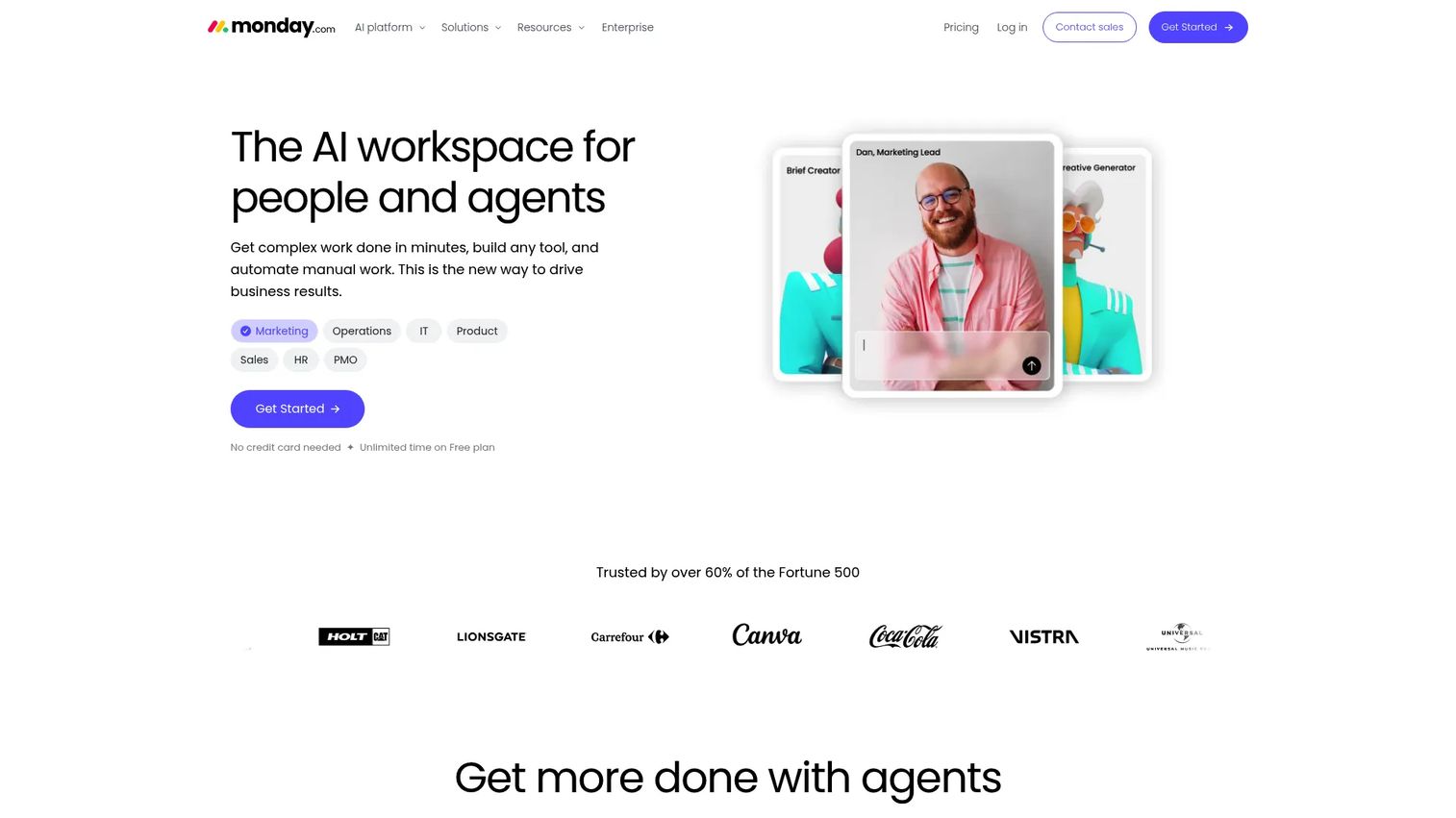
monday.com provides a configurable workspace for projects and operational workflows. Visual boards and dashboards make it relevant when departments need different views of shared work. Product managers should evaluate how that flexibility affects cross-functional reporting consistency.
Best for: Teams coordinating business workflows that need configurable tracking without organizing everything around engineering issues.
Key features
- Configurable boards and views
- Dashboards and documents
- Forms and workflow automations
- Integrations
- AI assistants and workflows
For a trial project, use a release that requires product and marketing coordination. Set common definitions for delivery status before each department adapts its own view.
The key question is whether board differences preserve a shared reporting language. “In progress” should not mean approved in one team and awaiting review in another.
Workload management should also be tested against your planning horizon. Ask how the team will recognize competing assignments before dates become unrealistic.
Avoid building a separate board for every stakeholder request. Decide whether the request needs a new workflow or simply another view of existing work.
The supplied pricing is Australian dollars, which matters when comparing it with USD figures elsewhere in this article. Keep currency conversion separate from evaluating the software’s fit.
During the pilot, include occasional users. A platform serving several departments must remain readable to someone who visits only for launch readiness reviews.
Why choose monday.com: Choose it when adaptable business workflows are central to team project management. Compare a more specialized platform if formal schedule controls drive the decision.
monday.com pricing: Free supports two seats; Basic costs AUD $14/seat/month, billed annually. Standard costs AUD $19 and Pro AUD $30 per seat/month, billed annually.
G2 rating: 4.7/5.
9. Microsoft Project
Microsoft Project supports formal scheduling and project controls. Its documented capabilities include baselines and critical-path tracking, which distinguish it from basic task boards. It belongs on the shortlist when a delivery commitment depends on understanding schedule relationships.
Best for: Project offices and program managers controlling complex dependencies, resource allocation, and delivery schedules.
Key features
- Gantt and timeline views
- Dependencies and milestones
- Baselines and critical-path tracking
- Resource and cost management
- Portfolio analysis and Power BI reporting
Use a pilot with a meaningful schedule dependency. Change an upstream completion date and examine what happens to downstream commitments.
That exercise is more informative than building a clean plan from scratch. Tracking becomes useful when the original assumptions change.
For product managers, formal scheduling can help explain the opportunity cost of adding work. It makes the relationship between resource decisions and release commitments part of the conversation.
However, consider who will maintain the schedule. Detailed controls require someone to own updates and interpret their consequences. A team seeking only personal task coordination should evaluate Microsoft Planner separately.
Microsoft’s subscription naming now includes Planner and Project plans. Some capabilities overlap across the two entries, while desktop licenses remain a separate purchasing option. Avoid comparing them as if each name represents one uniform feature set.
The evaluation should identify the exact licensed capabilities your operating model requires. Test stakeholder reporting as well as schedule construction, particularly when leadership expects portfolio-level summaries.
Why choose Microsoft Project: Choose it when schedule rigor is a requirement. For routine coordination without critical-path analysis, a lighter system may match the team’s habits better.
Microsoft Project pricing: Planner Plan 1 costs $10/user/month. Planner and Project Plan 3 costs $30/user/month, paid yearly.
G2 rating: 4.0/5.
10. Microsoft Planner
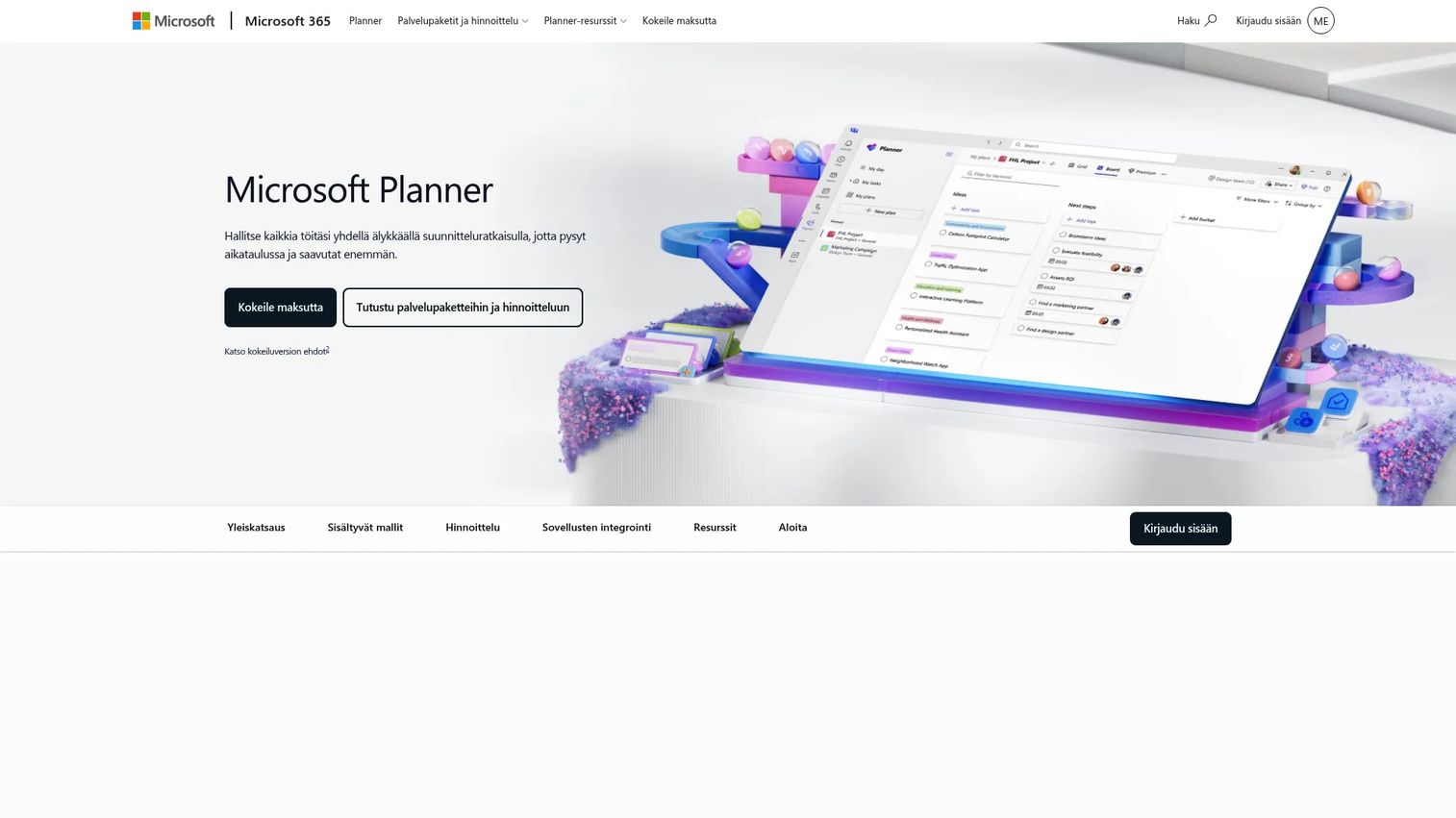
Microsoft Planner organizes tasks and collaborative plans across Microsoft 365. It is worth evaluating when contributors already work inside that environment. Existing access can make it a practical starting point for improving delivery visibility.
Best for: Microsoft 365 teams that want shared task tracking within their established collaboration workflow.
Key features
- Tasks with files and checklists
- Labels and due dates
- Board, grid, schedule, and chart views
- Timeline views
- Teams and Microsoft 365 integrations
Begin by reviewing what your existing license includes. Basic task coordination and premium project management capabilities should be evaluated as different purchasing decisions.
Then create a plan around a cross-functional commitment, such as preparing support materials for a feature release. Give each task a completion condition that someone outside the team can understand.
Ask contributors whether the workflow fits how they already receive and discuss work. Adoption matters because an integrated application still needs clear ownership.
For blocker tracking, establish a consistent convention and an escalation routine. A task board alone will not decide which delay requires a PM’s intervention.
Premium plans add capabilities including dependencies and reports. Teams needing advanced project execution should test those requirements directly rather than judging the entire product from its basic task experience.
Planner’s main appeal is workflow alignment. The relevant comparison is often whether another platform adds enough reporting depth to justify a separate system and its administration.
Why choose Microsoft Planner: Choose it when existing Microsoft 365 habits make shared task updates practical. Compare formal scheduling tools when resource controls define your requirements.
Microsoft Planner pricing: Basic Planner is included with eligible Microsoft 365 plans. Planner Plan 1 costs $10/user/month, paid yearly.
G2 rating: 4.2/5.
11. Teamwork.com
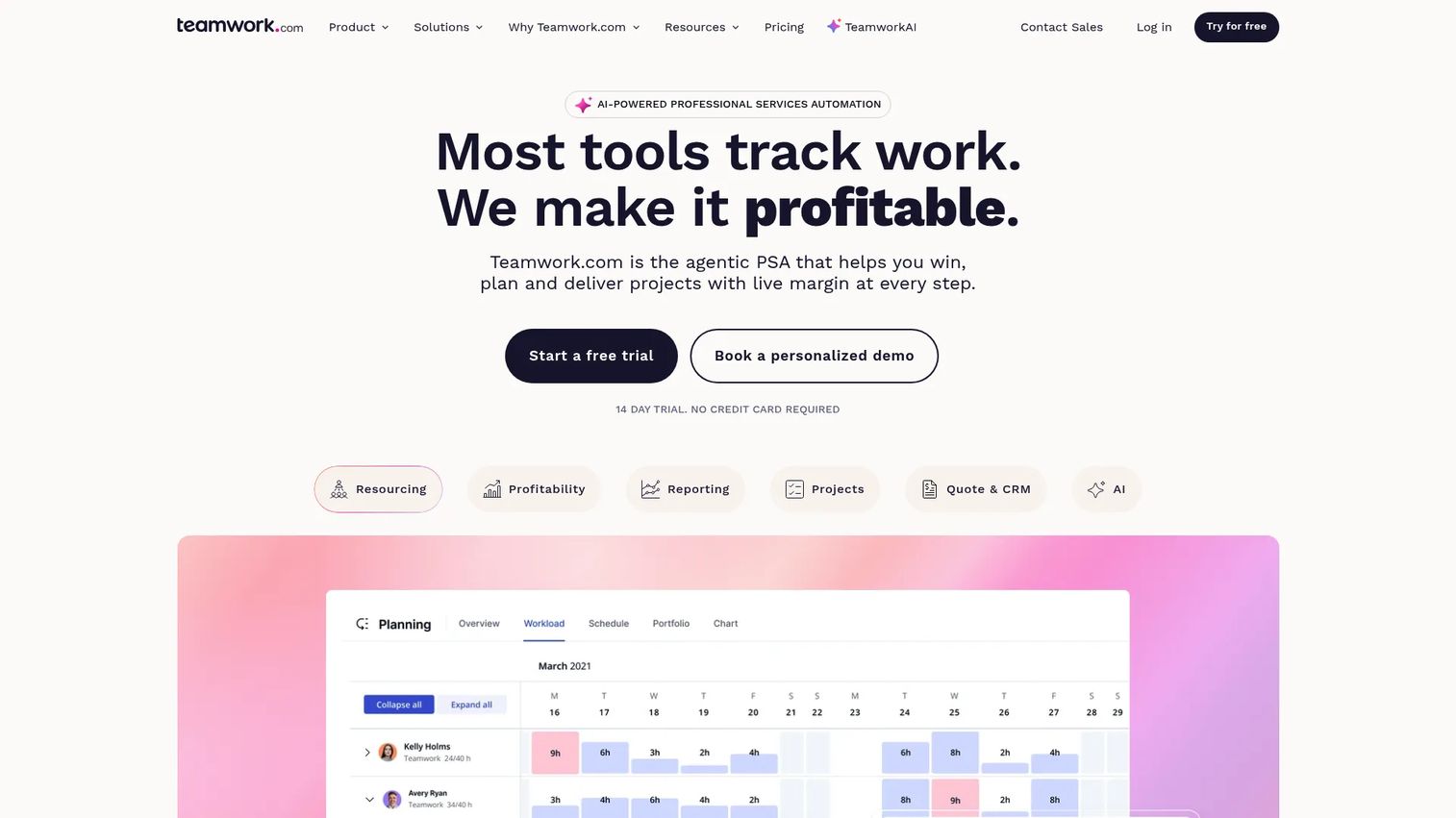
Teamwork.com connects project delivery with professional services operations. Its tracking includes the commercial side of work, particularly billable time and project budgets. That makes it relevant for implementation teams as well as agencies and consultancies.
Best for: Client-service organizations that need to understand delivery health alongside utilization and profitability.
Key features
- Task, board, Gantt, and table views
- Billable time tracking
- Resource and workload planning
- Budgets and retainers
- Profitability forecasting
A project can remain on schedule while consuming more effort than expected. Teamwork.com’s documented financial capabilities make that distinction part of the evaluation.
For a pilot, choose a client implementation with shared specialist resources. Track the delivery commitment and the effort required to meet it.
Review capacity across assignments rather than examining projects independently. An implementation lead may appear available in one plan while supporting several accounts elsewhere.
Packaging is particularly important here. Basics includes billable-time tracking and project health; Accelerate adds workload planning and time budgets. Financial budgets and profitability forecasting sit in Optimize.
A product manager supporting customer implementations should evaluate whether those commercial signals affect roadmap decisions. They can provide context for recurring customization requests or expensive delivery commitments.
For an internal product squad, the services orientation may be more than the operating model requires. Compare the value of financial tracking against the cost of maintaining those inputs.
Why choose Teamwork.com: Choose it when project status and delivery economics must be reviewed together. Internal teams without billable work should prioritize their execution workflow instead.
Teamwork.com pricing: Free supports five users and five projects. Basics costs $9.99/user/month and Accelerate $24.99/user/month, both billed yearly.
G2 rating: 4.4/5.
12. Zoho Projects
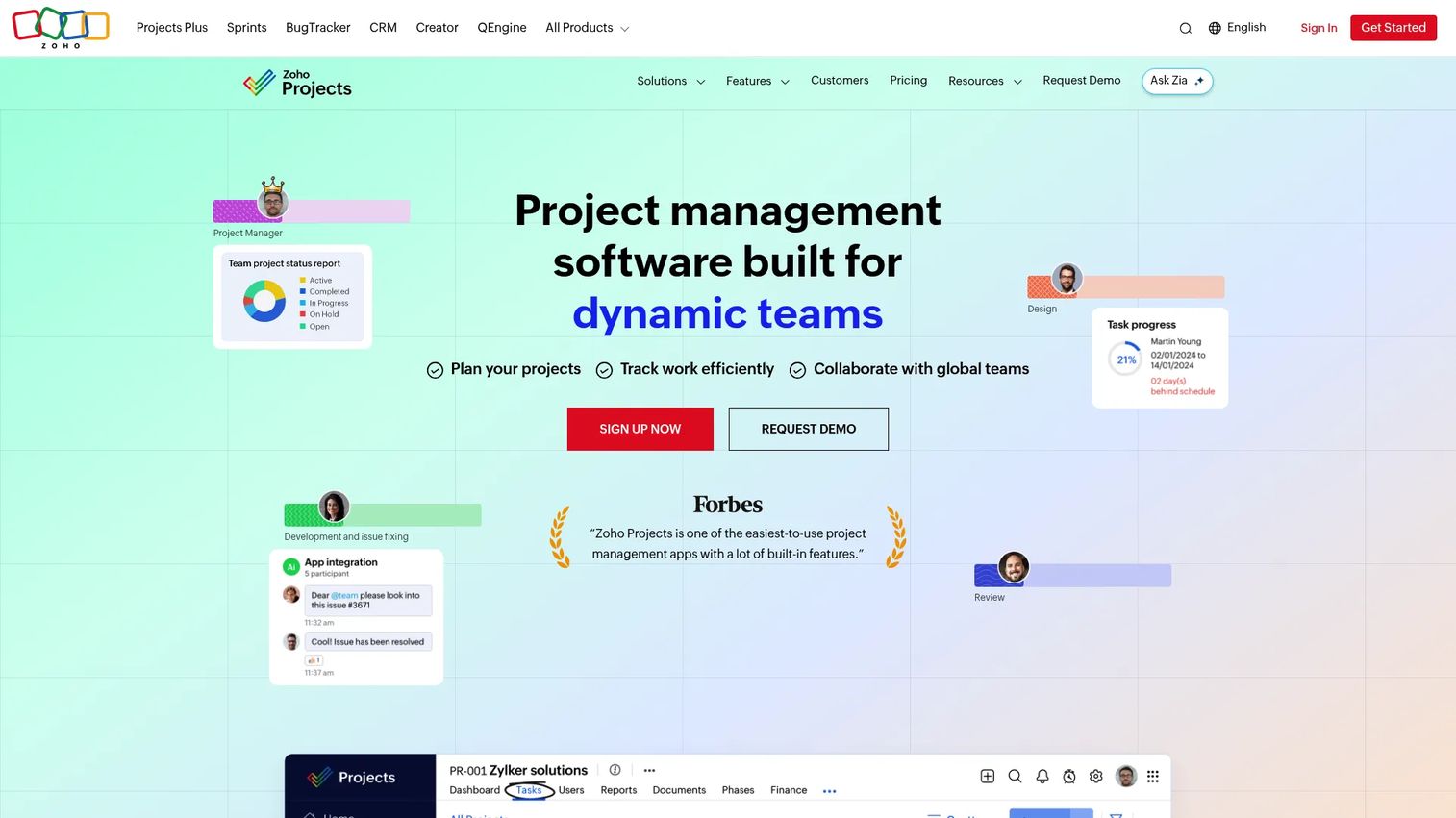
Zoho Projects covers core project tracking alongside scheduling and issue management. Its entry price makes it worth evaluating when budget constrains the shortlist. Product managers can assess a structured workflow without beginning with an enterprise-oriented purchase.
Best for: Cost-conscious teams that need conventional project controls and time tracking.
Key features
- Gantt charts and scheduling
- Tasks, milestones, subtasks, and issues
- Workflow automation
- Time tracking and timesheets
- Reporting and customization
The useful evaluation is whether the core tracking model captures your delivery signal. Start with a project containing a milestone and a separately owned issue that threatens it.
Make sure the issue’s importance remains clear during stakeholder review. Counting completed tasks should not conceal an unresolved release condition.
Timesheets may matter for implementation work or capacity analysis. Decide why you need that data before making time entry part of everyone’s routine.
For teams already using Zoho applications, investigate the specific connections your workflow requires. Suite familiarity is helpful, but the pilot still needs to establish how updates move between systems.
Keep the cost comparison focused on the required plan. Lower entry pricing is useful only if the reporting and administration capabilities match the rollout.
Also consider the support burden of your chosen configuration. A concise status model that contributors maintain is more valuable than an elaborate structure that needs constant PM intervention.
Why choose Zoho Projects: Choose it when core scheduling and issue tracking meet the requirement at a manageable subscription cost. Complex portfolio controls deserve a separate capability review.
Zoho Projects pricing: Free supports five users and three projects. Premium costs $4/user/month and Enterprise $9/user/month, both billed annually.
G2 rating: 4.4/5.
13. Basecamp
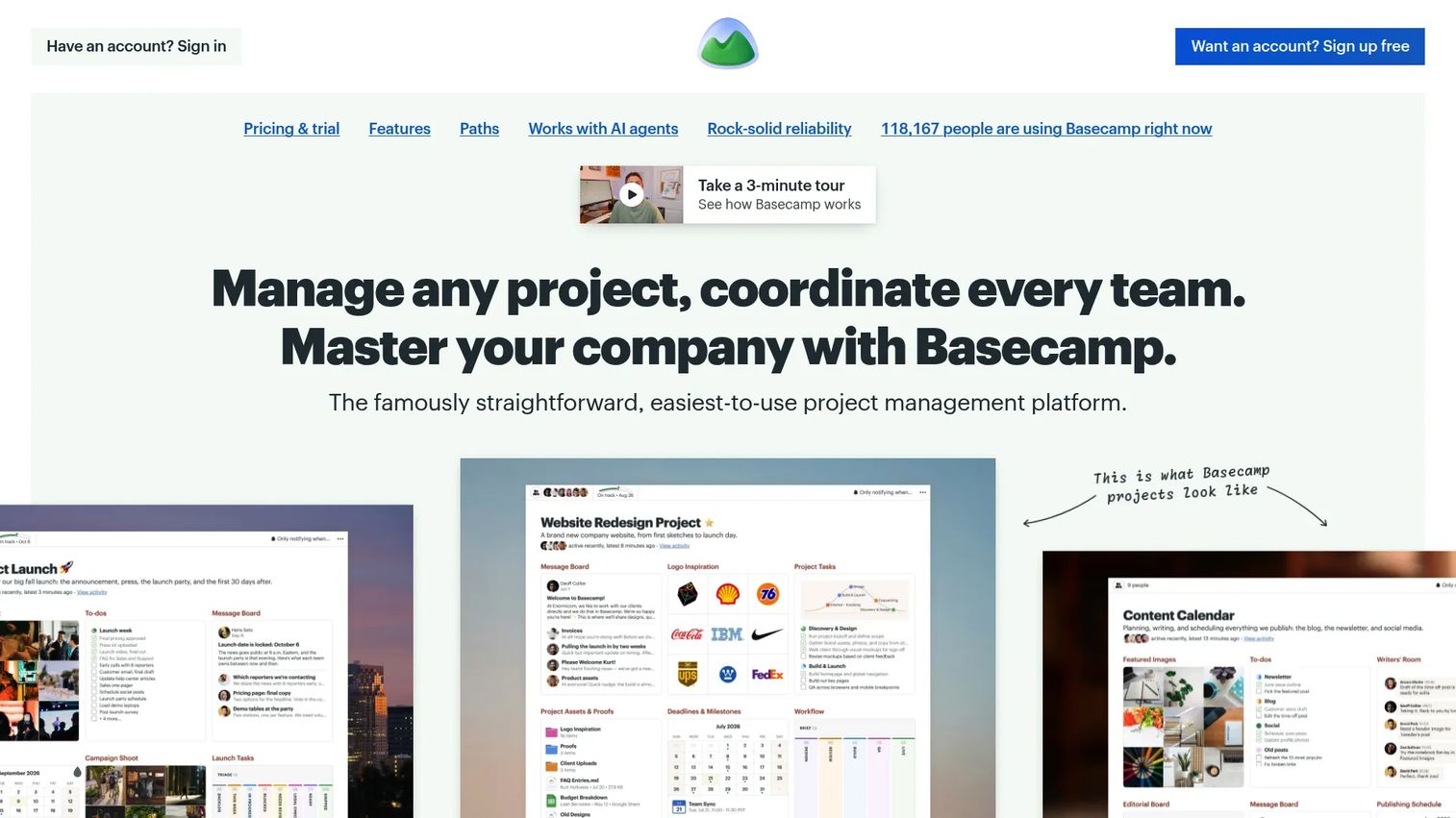
Basecamp brings project communication close to accountable tasks. It focuses on coordination through shared conversations and schedules rather than an elaborate tracking model. That makes it useful to evaluate when missing context causes more confusion than scheduling complexity.
Best for: Small teams and client-facing groups that want visible commitments alongside project discussions.
Key features
- To-dos and task accountability
- Message boards and chat
- Direct pings
- Calendars and milestones
- Files and client collaboration
Use a pilot to examine the relationship between a decision and the work it creates. Someone reading the project later should understand what changed without reconstructing a chat history.
For a feature launch, keep discussion around unresolved decisions explicit. Once a decision becomes an action, give it an owner and a completion condition.
This approach suits teams whose main problem is fragmented communication. However, evaluate formal dependency and portfolio requirements independently before choosing primarily for coordination.
The right question is how much structure the team will maintain consistently. If contributors resist extensive forms and workflow states, a smaller set of commitments may produce more reliable updates.
Basecamp’s flat-price options also change the purchasing comparison. Model the applicable user and project limits against your anticipated rollout rather than comparing only a headline monthly amount.
For PMs, the pilot should include at least one handoff. Test whether the recipient can understand the request and find its background without asking you to explain it again.
Why choose Basecamp: Choose it when project communication is the primary gap. Organizations needing detailed schedule analysis should evaluate a platform built around those controls.
Basecamp pricing: Free includes one project; Freelancer costs $29/month. Pro costs $79/month, while Pro Unlimited costs $199/month billed annually.
14. Hive
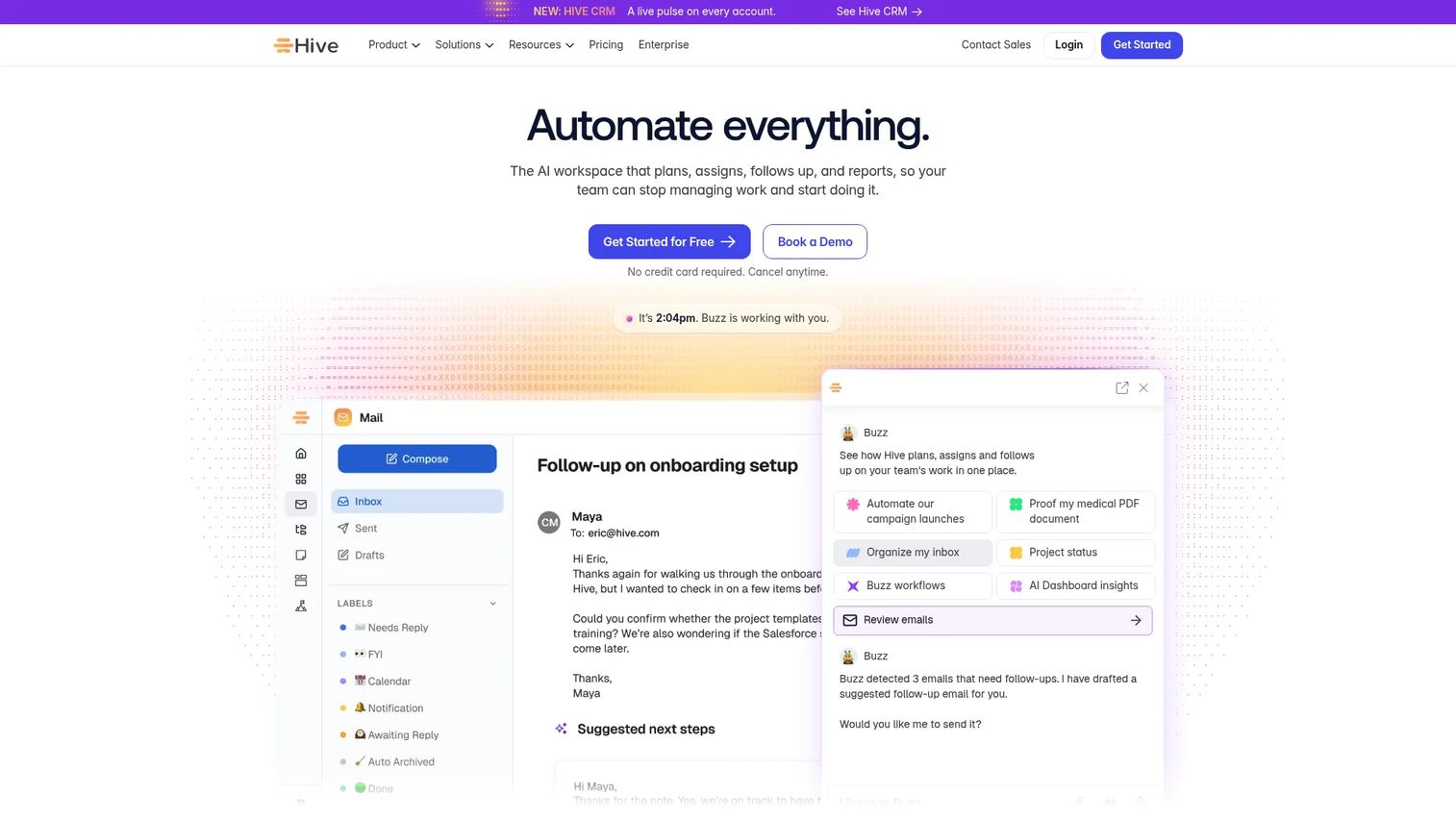
Hive combines project execution with team communication and reporting. Its range of work views makes it relevant for departments that coordinate differently. Product managers should assess whether those perspectives remain connected to the same delivery commitments.
Best for: Cross-functional teams that need project tracking close to collaborative notes and review work.
Key features
- Kanban, Gantt, timeline, and portfolio views
- Dashboards and live reporting
- Hive Notes and team communication
- Time tracking and resourcing
- Workflow automation and custom fields
Choose a pilot involving repeated review cycles. A launch campaign or customer-facing update can reveal whether discussion stays connected to the work being approved.
Evaluate how a meeting note becomes an accountable action. Capturing conversation has value only when the next owner can find the decision and act on it.
Hive’s collaboration capabilities are useful for that test, but avoid duplicating communication channels without a clear purpose. Define where final decisions belong.
Plan differences also affect the evaluation. Starter adds Gantt and calendar capabilities; Teams includes time tracking and portfolios alongside custom fields and statuses.
A PM coordinating marketing and product work should examine whether those additions improve reporting or simply increase configuration choices. The pilot needs to show which information changes a delivery decision.
Include a stakeholder who only reads updates occasionally. Their ability to interpret project health is a useful counterweight to the preferences of daily users.
Why choose Hive: Choose it when execution and collaborative review should share a workflow. Teams whose authoritative updates come from development issues should compare the integration effort carefully.
Hive pricing: Free supports 10 workspace members. Starter costs $5/user/month and Teams $12/user/month, both billed annually.
G2 rating: 4.6/5.
15. ProjectManager
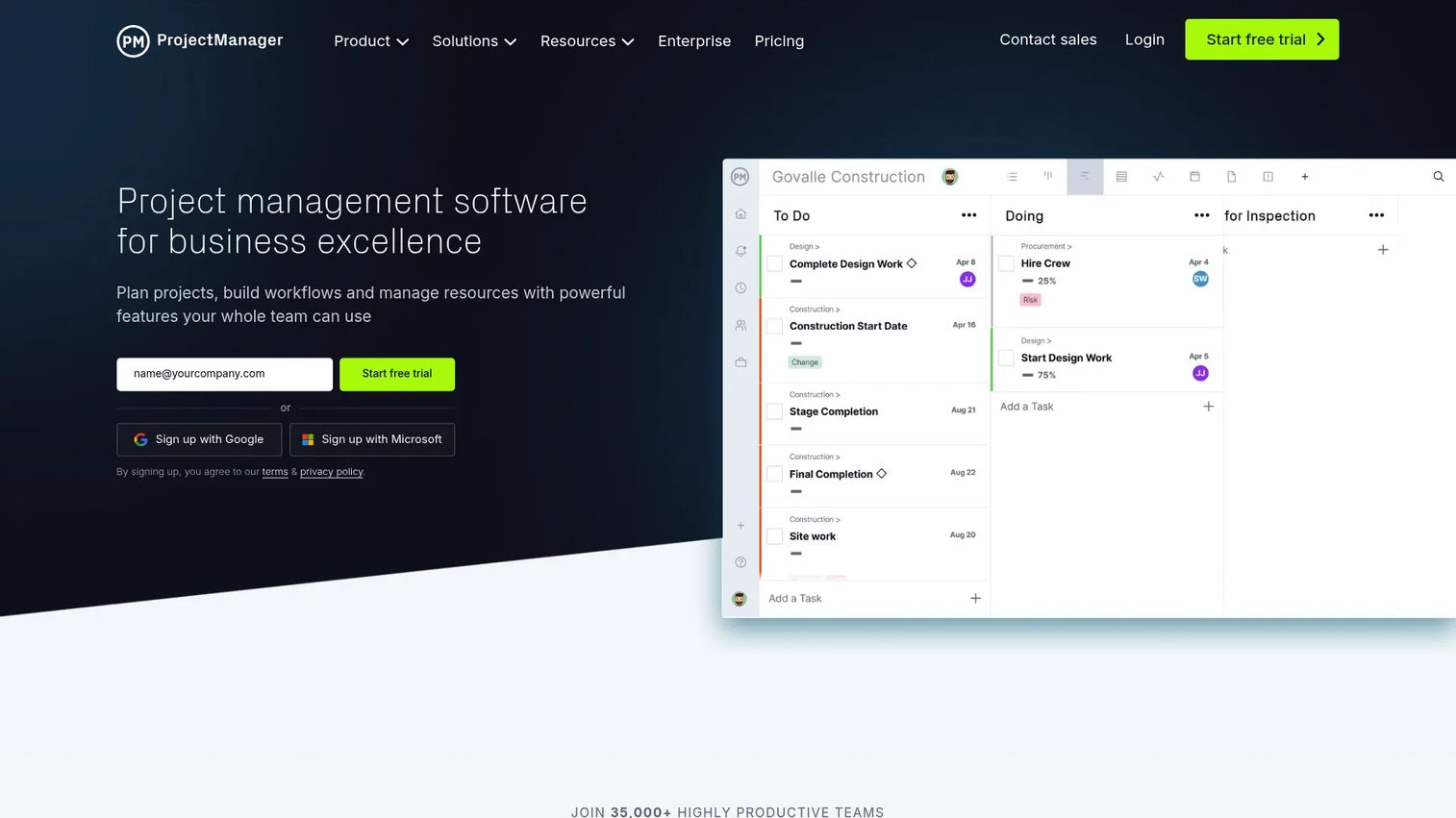
ProjectManager combines familiar scheduling views with portfolio and resource tracking. It fits teams moving from static plans toward ongoing execution visibility. For PMs, the relevant distinction is seeing schedule progress alongside the capacity required to sustain it.
Best for: Teams that need traditional project controls with workload visibility and consolidated reporting.
Key features
- Gantt, list, sheet, board, and calendar views
- Resource management and workload planning
- Time tracking and timesheets
- Portfolio dashboards and roadmaps
- Workflow automation
Test a project that shares resources with another initiative. A single-project pilot can hide the capacity conflicts that make portfolio tools worth buying.
Compare planned dates with the assignments needed to achieve them. The dashboard should support a discussion about intervention rather than merely show that work is late.
Milestone tracking is particularly useful when a commitment has a clear completion condition. Define those conditions before interpreting a progress percentage.
The Business plan adds portfolio and resource capabilities alongside cost and reporting functions. A buyer looking primarily for executive visibility should evaluate that package instead of assuming Team provides the required depth.
For product organizations, distinguish operational schedules from product roadmaps. A delivery plan describes commitments; it should not silently turn every discovery opportunity into a promised deadline.
During the pilot, ask a manager to identify the most important resource conflict. Then check whether the underlying information is practical for contributors to maintain.
Why choose ProjectManager: Choose it when schedule and capacity decisions belong in the same review. Teams needing only a short task queue should compare a less formal approach.
ProjectManager pricing: A 30-day free trial is available. Team costs $15/user/month annually or $18 monthly; Business costs $28 annually or $32 monthly.
G2 rating: 4.4/5.
16. Workzone
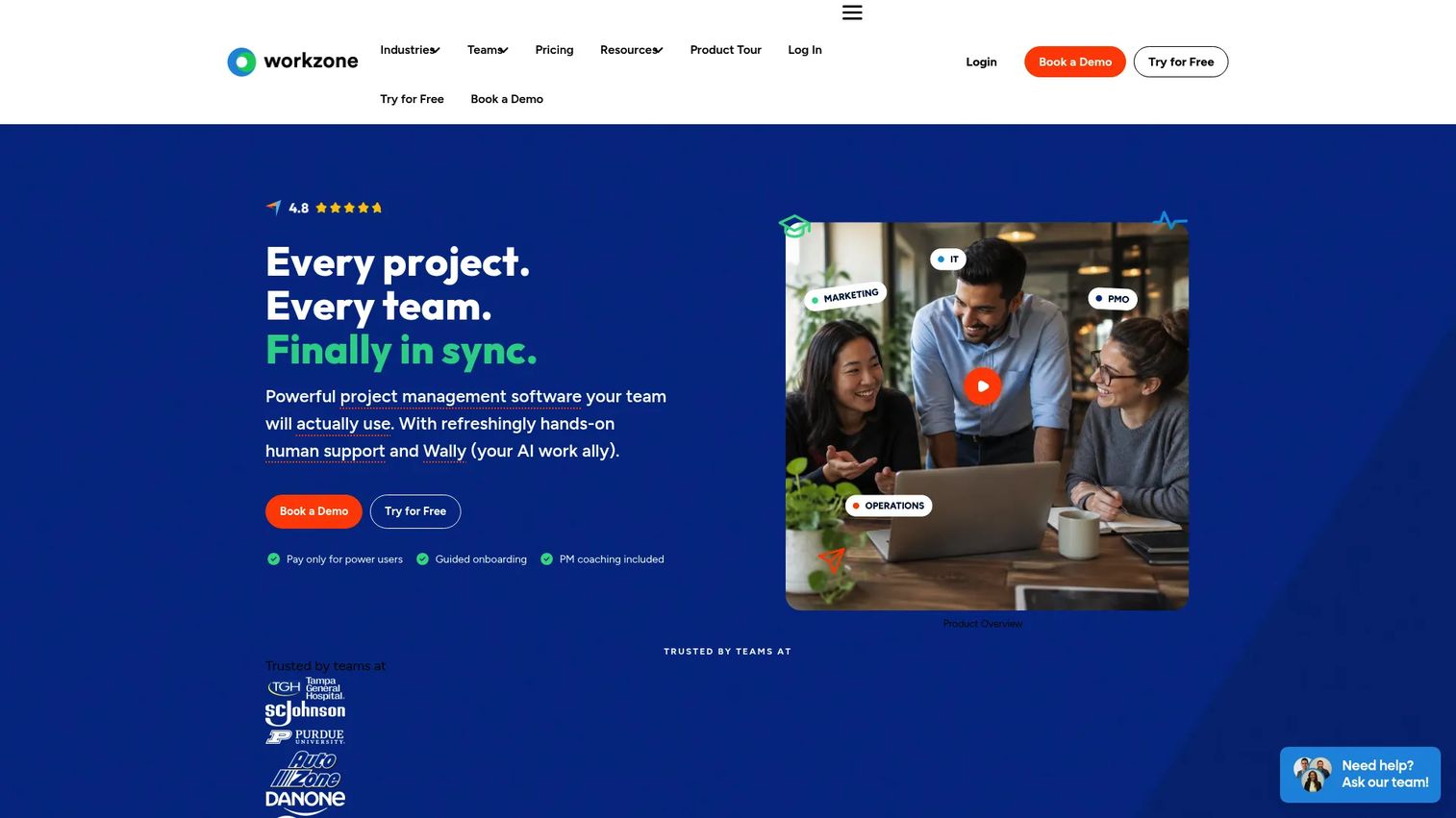
Workzone supports departmental projects with intake and approval workflows. Its combination of work views and capacity planning suits teams that have outgrown disconnected task boards. The useful evaluation centers on predictable handoffs across departments.
Best for: Marketing and operations groups that need structured delivery tracking with portfolio oversight.
Key features
- Portfolio, list, Gantt, Kanban, and calendar views
- Request intake forms
- Approvals and proofing
- Workload and capacity planning
- Reporting and dashboards
A good pilot follows one request across the entire process. Include the initial submission and the final approval, not just the production tasks between them.
The objective is to expose work waiting for a decision. A visible task list can still miss the reason a project has stopped moving.
Workzone’s packaging is important for cross-project tracking. Team adds portfolio management and workload planning, while Enterprise includes cross-project dependencies and advanced capacity planning.
Those distinctions affect a product manager coordinating several departments. Decide whether shared reporting is sufficient or whether explicit relationships between projects are essential.
Test the request form with someone who submits work infrequently. Intake should provide enough information to start without requiring the requester to understand your internal process.
Also evaluate who owns the project structure after rollout. A system designed around repeatable workflows needs someone to update those workflows when release practices change.
Why choose Workzone: Choose it when controlled intake and review processes are central to delivery. A team seeking highly individualized workspaces should compare its preferred configuration directly.
Workzone pricing: A two-week trial is available; Starter costs $8/user/month, billed annually. Team costs $20/user/month annually, with a five-user minimum.
G2 rating: 4.3/5.
17. Nifty
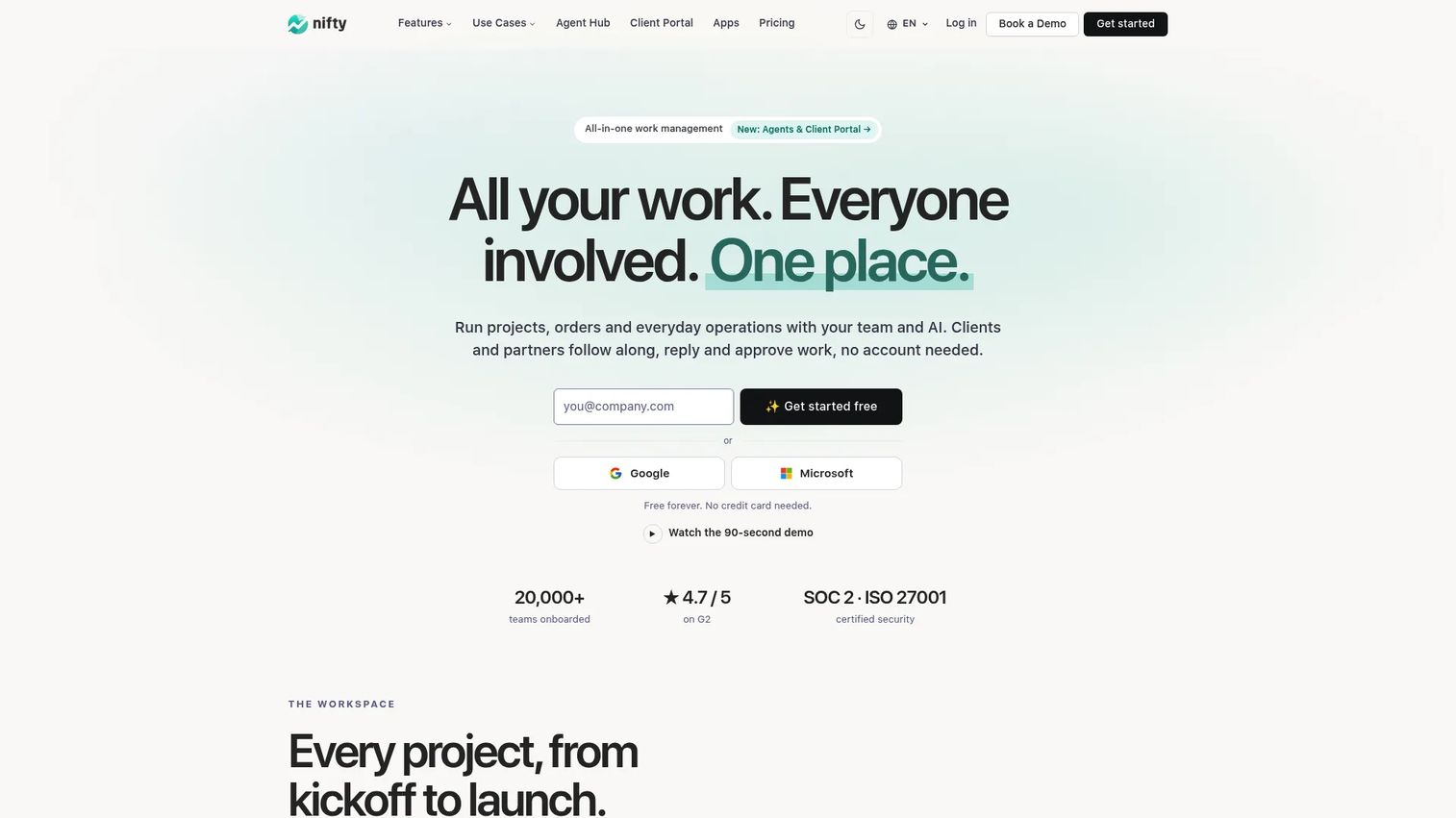
Nifty organizes delivery around tasks and milestones while keeping discussions nearby. It suits teams that explain progress through project phases. Product managers can use that structure to make release commitments more readable than a long task register.
Best for: Small and midsized teams that review delivery through milestone-based roadmaps.
Key features
- Tasks and milestones
- Roadmaps and timelines with dependencies
- Docs and team discussions
- Time tracking and reporting
- Goals, workloads, and portfolios
Begin the pilot by defining what each milestone proves. “Implementation complete” should mean something observable, rather than representing a collection of loosely related tasks.
Then include work that crosses a phase boundary. For example, an instrumentation review may need to finish before an onboarding experiment can launch.
Check whether the project view makes that relationship understandable to someone outside the squad. Milestone-based progress tracking should clarify commitments without hiding unresolved work beneath an encouraging percentage.
Nifty also combines documentation and conversations with execution records. Establish which updates belong in discussions and which must change the project’s tracked state.
The pricing model includes both per-member and flat-rate options. Compare the applicable structure against expected team size rather than assuming the initial subscription remains the best fit.
For PMs, this is a useful candidate when leadership already reviews delivery by phase. Keep outcome assessment separate so that reaching a launch milestone does not imply the experiment succeeded.
Why choose Nifty: Choose it when milestone-based reporting matches your operating rhythm. Teams requiring detailed formal schedule controls should test those requirements against a specialist platform.
Nifty pricing: A free plan is available; Pro costs $10/member/month, billed monthly. Business costs $16/member/month, while Unlimited costs $399/month.
G2 rating: 4.7/5.
Considerations when choosing project tracking software
Match the tool to your operating rhythm
List the decisions made in daily standups and weekly product reviews before designing views. A launch readiness meeting needs different information from an executive portfolio review. Your pilot should support both without requiring separate manual reports.
Check how blockers and dependencies appear
Use a delayed approval or an unresolved engineering dependency as a test case. Look for a clear owner and an explicit next action. Project risk tracking should expose consequences, not merely mark a task red.
Evaluate reporting before customization
Ask a stakeholder to identify which commitment needs intervention without your explanation. Then inspect the records behind that conclusion. A dashboard the team trusts needs consistent source data and a clear definition of project health.
Watch the maintenance cost
Every custom field creates an ongoing update obligation. Remove anything that doesn’t support a decision or required report. Include workload management only when the capacity data will inform assignments or prioritization.
Test integrations with the work source
Identify where execution status originates and decide which system remains authoritative. Test a changed assignment and a revised deadline across the required connections. Include permissions in that exercise so stakeholder visibility does not expose confidential work.
Choose the tool that makes intervention clearer
The best project tracking software matches how your team produces and consumes delivery signals.
Start with Asana for cross-functional visibility. Compare ClickUp when consolidation is part of the business case, or monday.com when departments need configurable business workflows.
Jira deserves priority when engineering execution determines release status. For formal project controls, assess Microsoft Project alongside Smartsheet’s reporting approach and Wrike’s governed workflows.
Smaller teams should resist buying for an imagined future process. Trello or Microsoft Planner may provide enough structure, while Basecamp emphasizes communication and Nifty organizes around milestones.
Client-service teams should include Teamwork.com when utilization and delivery economics affect project health.
Keep the pilot focused on work already underway. Include a delayed decision and a dependency crossing team boundaries. Invite both a contributor and a stakeholder to evaluate the result.
Judge the software by the decisions it supports and the upkeep it requires. A polished dashboard that needs constant reconstruction adds another reporting obligation.
Pick two tools from the comparison table, rebuild one active project in each, and compare which one surfaces blockers fastest.
FAQs
Project tracking software helps teams monitor active work and identify delivery risks that need intervention. A useful project tracking system connects ownership and current status with the commitments affected by a delay. Planning establishes the intended sequence; tracking provides evidence about what is happening during execution. For product managers, that evidence should support release decisions without confusing shipped work with improved customer outcomes.
Project management software usually covers a broader lifecycle, including planning and coordination alongside execution reporting. Project tracking focuses on whether active work is progressing and which commitments need attention. Many applications support both jobs, so the distinction is mainly an evaluation lens. Buyers should test their reporting workflow directly rather than assuming that extensive planning capabilities guarantee useful status visibility.
Asana is a strong starting point for cross-functional visibility, while Jira fits teams whose delivery evidence comes from engineering issues. ClickUp deserves consideration when consolidating documentation and work tracking is a priority. The best choice depends on the authoritative source of execution data and the people who need to interpret it. Test whether leadership can understand release risk without making contributors maintain duplicate updates.
Trello and Asana offer free plans, as do ClickUp, Notion, Zoho Projects, and several other tools in this comparison. Microsoft Planner is included with eligible Microsoft 365 subscriptions rather than being a standalone free purchase. Evaluate collaborator access and project limits against the workflow you intend to run. A free plan is useful when it supports sustained team participation, not merely a personal trial workspace.
Create a consistent blocked state and require a named owner for the next action. Link the affected delivery commitment and record the dependency or decision preventing progress. Review the combined queue regularly, with escalation rules based on business impact rather than only task age. Keep the update convention consistent across teams so one department’s unresolved approval is visible alongside another’s technical dependency.
Smartsheet and Wrike are strong candidates for consolidated reporting across departmental work. ClickUp and monday.com suit teams building configurable operational views, while Microsoft Project and ProjectManager support formal project reporting. Evaluate each platform against the same stakeholder questions and underlying project records. The important distinction is whether a dashboard leads reviewers to the source of a risk without requiring a separate explanation.
Trello is worth considering for visual queues, while Notion fits documentation-heavy work and Basecamp emphasizes shared project communication. Nifty suits milestone-based tracking; Zoho Projects offers a low-cost entry into conventional project controls. Microsoft Planner is also relevant for teams already using eligible Microsoft 365 subscriptions. Prioritize consistent participation and manageable administration before buying portfolio features that nobody will use during the current release cycle.
Rebuild one active initiative in two shortlisted tools, including an unresolved dependency and a stakeholder reporting requirement. Ask contributors to maintain it through an ordinary delivery cycle rather than a prepared presentation. Compare blocker visibility and reporting clarity, then assess integration behavior and ongoing administration. Choose the platform that makes project decisions more credible without diverting excessive attention from discovery or measuring customer outcomes.