You ask what's shipping this week. Operations sends a spreadsheet. Finance sends a different number. The plant lead says the schedule changed yesterday afternoon. Nobody is lying. The data is just scattered across disconnected systems, updated at different times, by different people, with different assumptions.
That's the real cost of running production without a dedicated system. According to Deloitte's 2025 smart manufacturing report, 92% of surveyed manufacturers say smart manufacturing will drive competitiveness over the next three years, yet most operations teams are still routing daily production decisions through informal channels and personal judgment calls. The production data exists. It's just arriving too late to act on.
Production management software earns its place when it turns daily factory output into a system your leadership team can trust, without routing every exception through you.
This guide doesn't preview the tools here. Read the comparison table and item sections to match the right tool to your production model and operational maturity.
What's inside
This guide compares 12 production management software options for 2026, selected to cover the range from lightweight shop-floor tools to full ERP suites and industry-specific platforms.
- Who this is for: Founders, COOs, plant leaders, and operations teams replacing spreadsheets or disconnected tools
- How tools were selected: Production planning depth, shop-floor visibility, inventory and materials support, reporting quality, and implementation load
- What the comparison covers: Best use case, key differentiator, pricing, and G2 rating for each tool
- How to read it: Start with your production model, then match the tool to your operating maturity and stack
Pricing and G2 ratings were checked against vendor pages and live G2 listings before publication.
TL;DR
- Best for small manufacturers moving off spreadsheets: Prodio gives shop-floor visibility and production tracking without ERP-scale complexity
- Best for Microsoft-stack operations: Microsoft Dynamics 365 Supply Chain Management connects production, finance, and supply chain in one enterprise platform
- Best for ERP-centered operations: NetSuite (finance-first ERP) or Rootstock (Salesforce-native manufacturing ERP) depending on your stack
- Best for inventory-led production: Katana connects sales orders, inventory, and production planning; Fishbowl Inventory adds warehouse and QuickBooks integration
- Best for quality and inspections: SafetyCulture runs mobile inspections, checklists, and issue tracking across frontline teams
- Best for film and media production: Yamdu covers script breakdowns, shooting schedules, call sheets, and crew workflows
What is production management software?
Production management software is a system that helps teams plan, schedule, execute, track, and report on production work across people, machines, materials, orders, and costs.
It typically includes:
- Work orders and job tracking: Create, assign, and monitor production jobs from start to finish
- Production planning and scheduling: Set sequences, timelines, capacity allocations, and priority rules
- Shop-floor status and task queues: Give operators and supervisors live visibility into job progress
- Bills of materials, routings, and recipes: Define what goes into each product and how it gets made
- Inventory and materials availability: Track stock, flag shortages, and trigger replenishment
- Capacity planning and resource allocation: Match demand to machine and labor capacity
- Quality checks and traceability: Log inspections, capture defects, and trace components through the production chain
- Labor tracking and productivity data: Measure time on task, attendance, and output per operator
- Production analytics and cost visibility: Report on cycle times, scrap rates, job costs, and throughput
How it fits alongside other systems: ERP software manages the broader business, including finance, HR, and procurement. MES (manufacturing execution systems) focus tightly on shop-floor execution. MRP focuses on material requirements. WMS covers warehouse movement. Production management software often overlaps with all four categories, and many vendors position their product across multiple labels depending on the audience.
The practical distinction: If your first pain is production visibility and work order control, a dedicated production management system usually deploys faster than a full ERP rollout.
When to use production management software
Replace spreadsheet-based planning
Spreadsheets break when multiple planners edit separate files, work order status lags the shop floor, and delivery dates shift without a reliable source of truth. Leadership meetings turn into a hunt for the right version. Choose a production management tool when the founder or operations leader has become the informal reconciliation layer between finance and the plant.
Give operators live shop-floor visibility
Supervisors need to see which jobs are running, which stations are bottlenecked, and where scrap or downtime is occurring, without calling the floor. The right advanced planning and scheduling software shows current status rather than last night's report. Mobile access matters for teams that move between stations.
Connect production, inventory, and reporting
Disconnected tools create false confidence. Materials look available but are already allocated to another job. Finance sees cost after the job closes, not during. Sales promises delivery dates that operations can't support. A connected production management system closes these gaps and gives leadership a single version of what's actually happening.
Production management software comparison
Use this table as a first-pass routing tool. Match your production environment to the "Best for" column, then read the tool section for implementation and pricing detail. G2 ratings and pricing were verified at publication time; confirm directly with vendors before purchasing.
| # | Product | Best for | Key differentiator | Pricing | G2 rating |
|---|---|---|---|---|---|
| 1 | Prodio | Small manufacturers replacing spreadsheets | Shop-floor work registration and production tracking | Contact vendor | Not listed on G2 |
| 2 | Microsoft Dynamics 365 | Larger manufacturers on the Microsoft stack | ERP-connected production, finance, and supply chain | From $210/user/month | Not verified on G2 |
| 3 | NetSuite | Growing companies needing ERP plus production visibility | ERP, inventory, finance, and manufacturing in one suite | Annual license, quote-based | Not verified on G2 |
| 4 | Rootstock | Salesforce-centered manufacturers | Manufacturing ERP built natively on Salesforce | Quote-based | 4.0/5 |
| 5 | Mitti | Teams needing mobile-first production coordination | Inspections, checklists, and field workflows for frontline teams | Free plan; from $24/seat/month | 4.6/5 |
| 6 | SafetyCulture | Quality, audits, and operational inspections | Mobile inspections, checklists, and issue tracking | Free plan; from $24/seat/month | Not verified on G2 |
| 7 | Katana | Inventory-led small manufacturers | Visual production planning with inventory and sales order sync | Free plan; Advantage is custom-priced | 4.4/5 |
| 8 | InkSoft | Print shops and decorated apparel production | Order, production, and ecommerce workflow for print businesses | From $299/month | 3.3/5 |
| 9 | Fishbowl Inventory | Inventory-heavy manufacturers using QuickBooks | Inventory, manufacturing, and warehouse operations | From $229/month (billed annually) | Not verified on G2 |
| 10 | ProofHub | Production teams needing project collaboration | Flat-rate project management with file proofing and team communication | From $45/month (billed annually) | 4.6/5 |
| 11 | Optessa | Advanced production scheduling and optimization | Constraint-based scheduling and sequencing | Quote-based | 4.3/5 |
| 12 | Yamdu | Film and media production teams | Script breakdowns, schedules, call sheets, and crew workflows | Contact vendor | 5.0/5 |
Best 12 production management software tools for 2026
1. Prodio
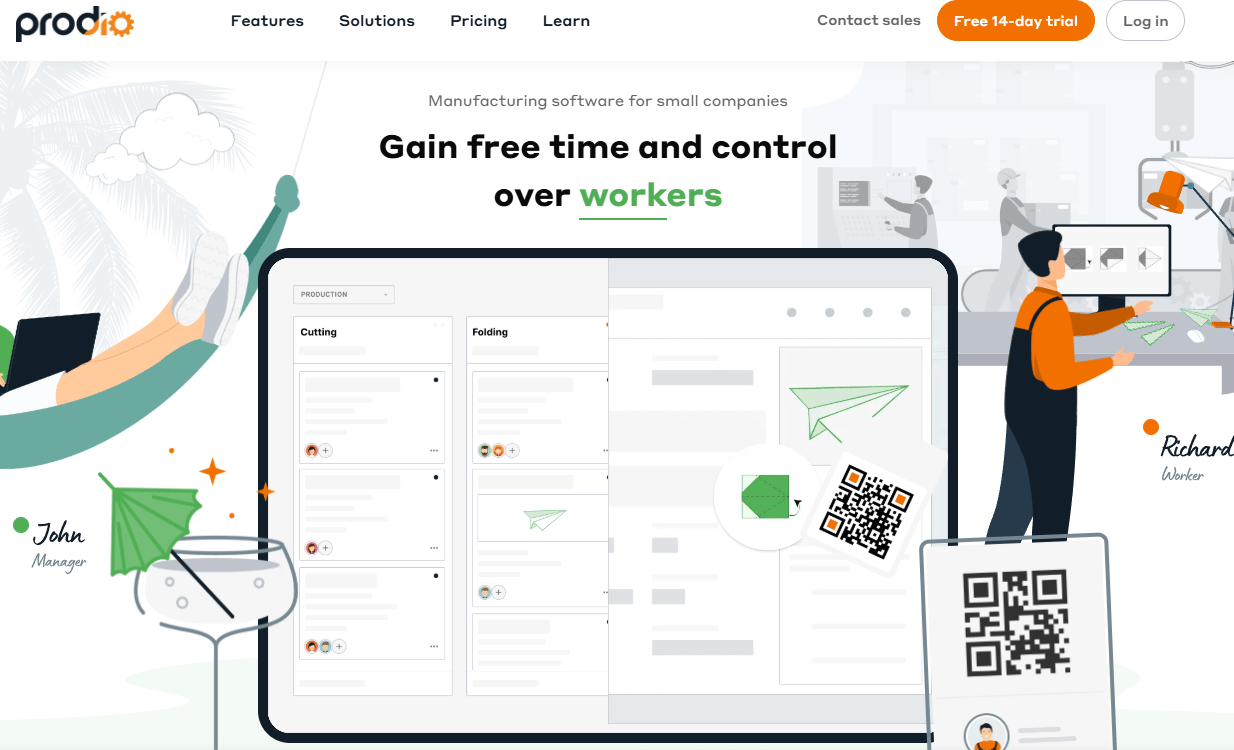
Prodio is a production management tool built for small and midsize manufacturers replacing paper job cards, Excel files, and disconnected order tracking. It covers production planning, work orders, shop-floor task registration, time and attendance tracking, inventory, and reporting. The platform is designed for teams that need shop-floor adoption quickly, without a lengthy ERP implementation.
Best for: Small manufacturers that want production visibility and work order control without ERP-scale complexity.
Key features
- Work order creation and tracking
- Shop-floor task queues and registration
- Time and attendance per operator
- Inventory and materials management
- Production cost and reporting
Why choose Prodio: Prodio is strongest when the team wants operators updating job status from the floor on day one. It removes the pattern where supervisors manually relay production status to a spreadsheet that's already out of date by the time management sees it.
Prodio pricing: Pricing was not confirmed on the official website at publication time. Contact Prodio directly for current plan names and pricing. Capterra reviewers report a 4.8/5 rating, which suggests active users are finding value at the price points offered.
2. Microsoft Dynamics 365
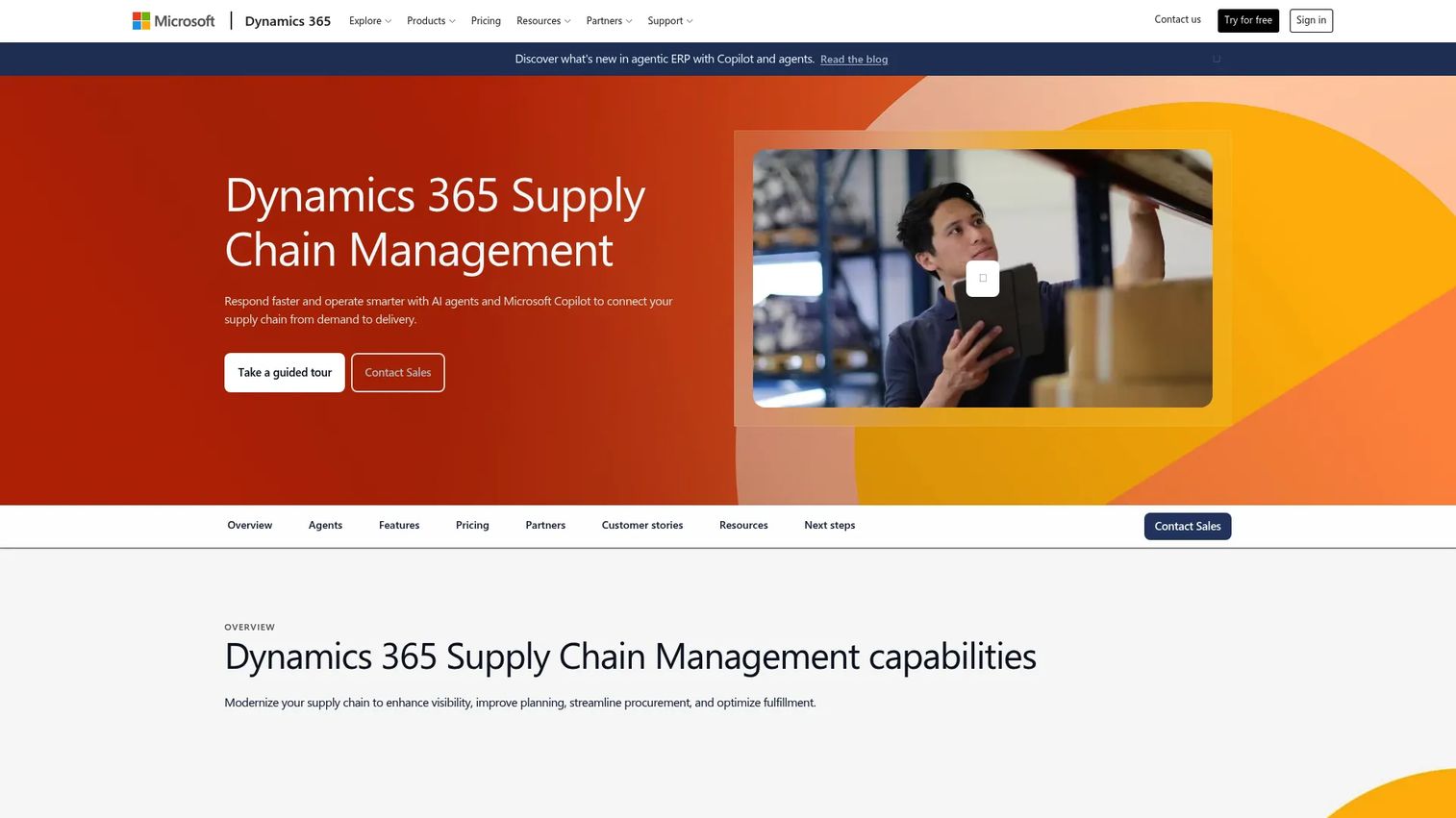
Microsoft Dynamics 365 Supply Chain Management is an enterprise ERP and operations platform that connects production planning, supply chain, finance, inventory, procurement, warehouse management, and asset management. It includes AI-powered demand forecasting, Copilot-assisted workflows, and native integration with Power BI, Azure, and the broader Microsoft 365 stack. This is a larger operational commitment than a lightweight production app.
Best for: Manufacturers already standardized on the Microsoft stack that need production, finance, and supply chain data connected across the business.
Key features
- Production orders and manufacturing management
- Capacity planning and resource scheduling
- Supply chain and procurement management
- Native Power BI reporting and analytics
- Asset management and maintenance
Why choose Microsoft Dynamics 365: Choose it when production data must connect with finance, procurement, and enterprise reporting in one governed platform. For founders hiring a VP of Operations, this is infrastructure that scales with the business rather than something that gets replaced at the next growth stage.
Microsoft Dynamics 365 pricing: Supply Chain Management starts at $210 per user per month (billed annually). The Premium tier, which adds advanced planning, additional analytics, and 1,000 Copilot Credits per user per month, is $300 per user per month. Intelligent Order Management is priced at $315 per month for 1,000 order lines. Implementation cost is a significant factor in total investment and should be scoped separately.
3. NetSuite
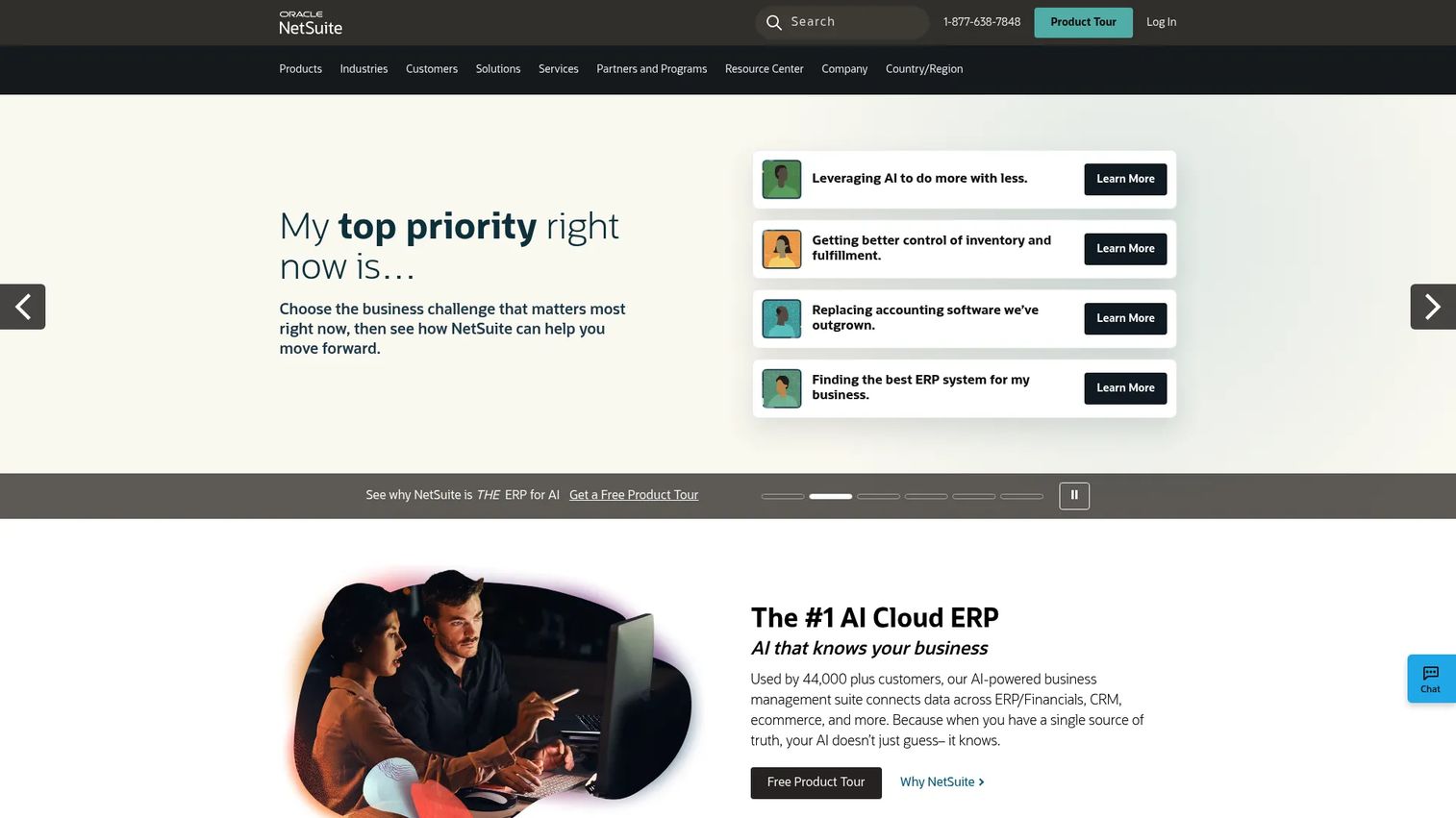
NetSuite is a cloud ERP suite that combines financial management, order management, inventory, supply chain, CRM, and manufacturing capabilities in a single platform. It suits growing companies that need finance and operations data in the same system without managing integrations between separate tools. Capterra reviewers rate it 4.2/5 across thousands of reviews.
Best for: Growing manufacturers that want ERP, inventory, finance, and production data in a connected system rather than separate tools that have to be reconciled.
Key features
- Manufacturing work orders and routing
- Inventory and supply chain management
- Demand planning and forecasting
- Financial reporting and multi-subsidiary management
- Order management across channels
Why choose NetSuite: Use it when fragmented finance and operations data is slowing weekly leadership decisions. NetSuite is a broader operational commitment than a production-only tool, so evaluate whether your pain is company-wide data consolidation or specifically factory-level visibility.
NetSuite pricing: NetSuite uses an annual license model. The price covers the core platform, additional modules, and user count, plus a one-time implementation fee. The exact annual price is quote-based and depends on the modules selected and the number of users. Contact NetSuite or a licensed solution provider for a proposal.
4. Rootstock
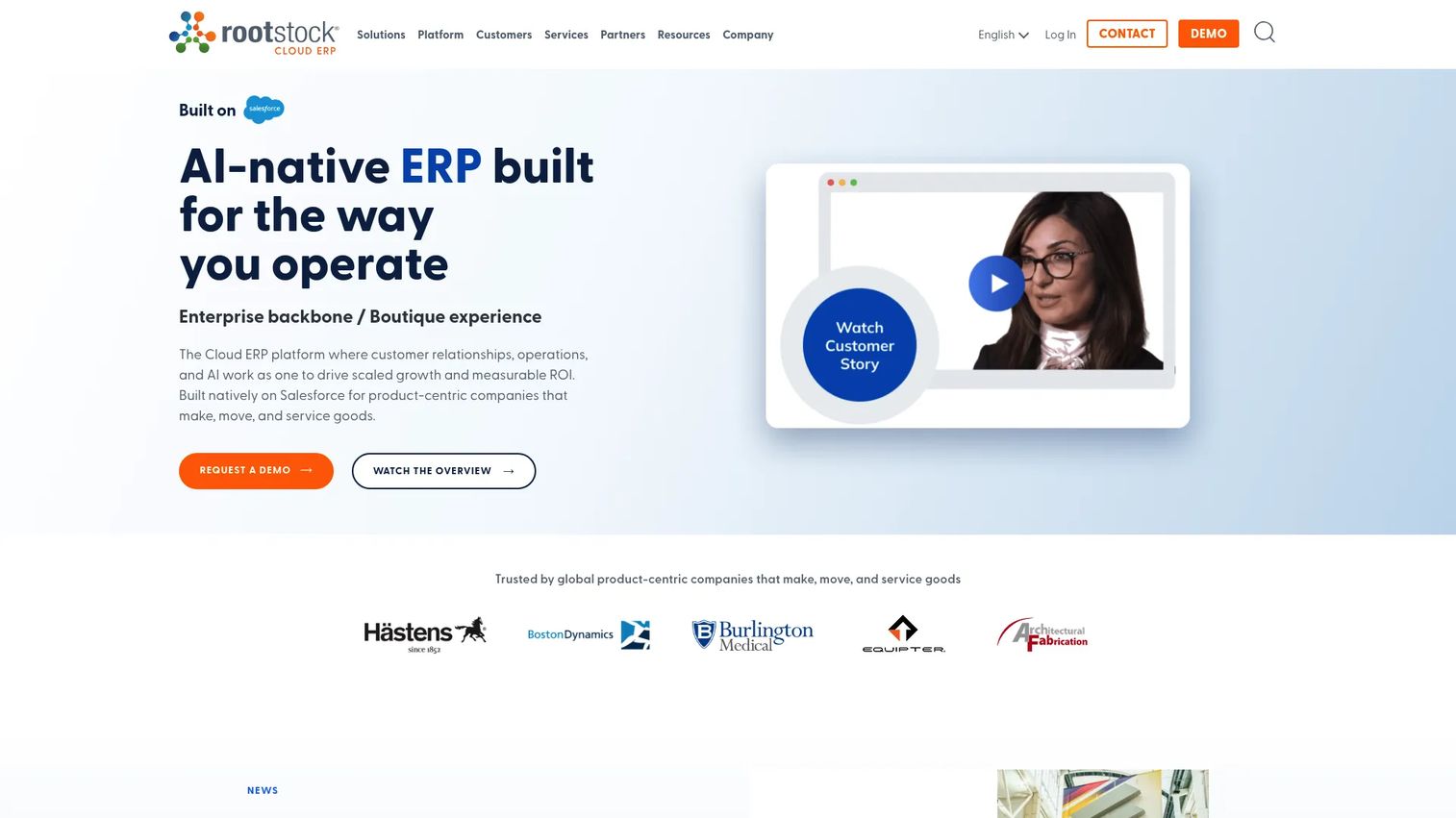
Rootstock is an AI-native cloud ERP for manufacturers and product-centric companies, built natively on the Salesforce platform. It covers manufacturing planning, production management, bills of materials, routings, MRP, capacity planning, work orders, shop-floor control, quality management, inventory, warehouse operations, and financial management. Because it runs on Salesforce, customer data and production data share the same system of record.
Best for: Salesforce-centered manufacturers that want production, sales, and customer data aligned rather than maintained separately.
Key features
- Work order lifecycle and shop-floor control
- Bills of materials, routings, and MRP
- Capacity planning and scheduling
- Quality inspections and traceability
- Inventory and warehouse management with lot and serial tracking
Why choose Rootstock: Strong when sales, service, and production teams all need to act on the same operational data. For a founder, it closes the gap between what sales commits to customers and what production can actually deliver.
Rootstock pricing: Pricing is quote-based. Rootstock directs prospects to request a demo rather than listing standard plan prices. Cost drivers include the Salesforce footprint, user count, manufacturing modules selected, implementation scope, and support level. Contact Rootstock for a proposal.
G2 rating: 4.0/5 on G2.
5. Mitti
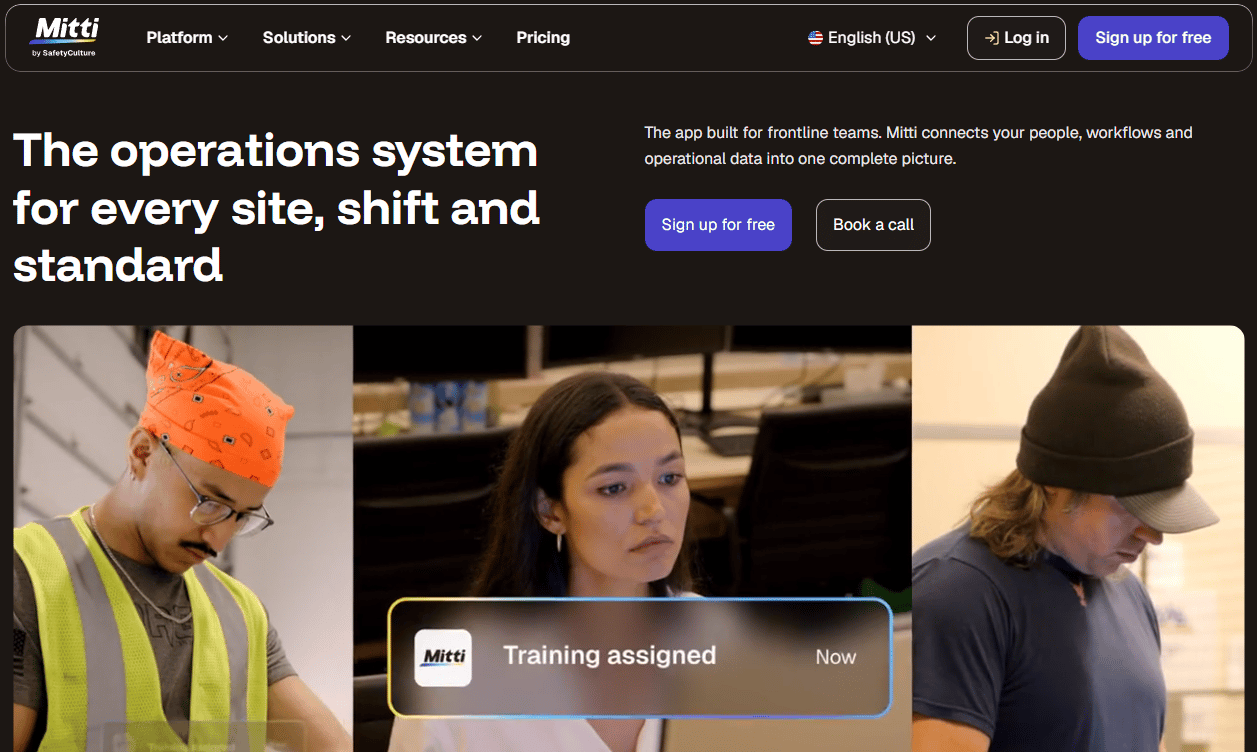
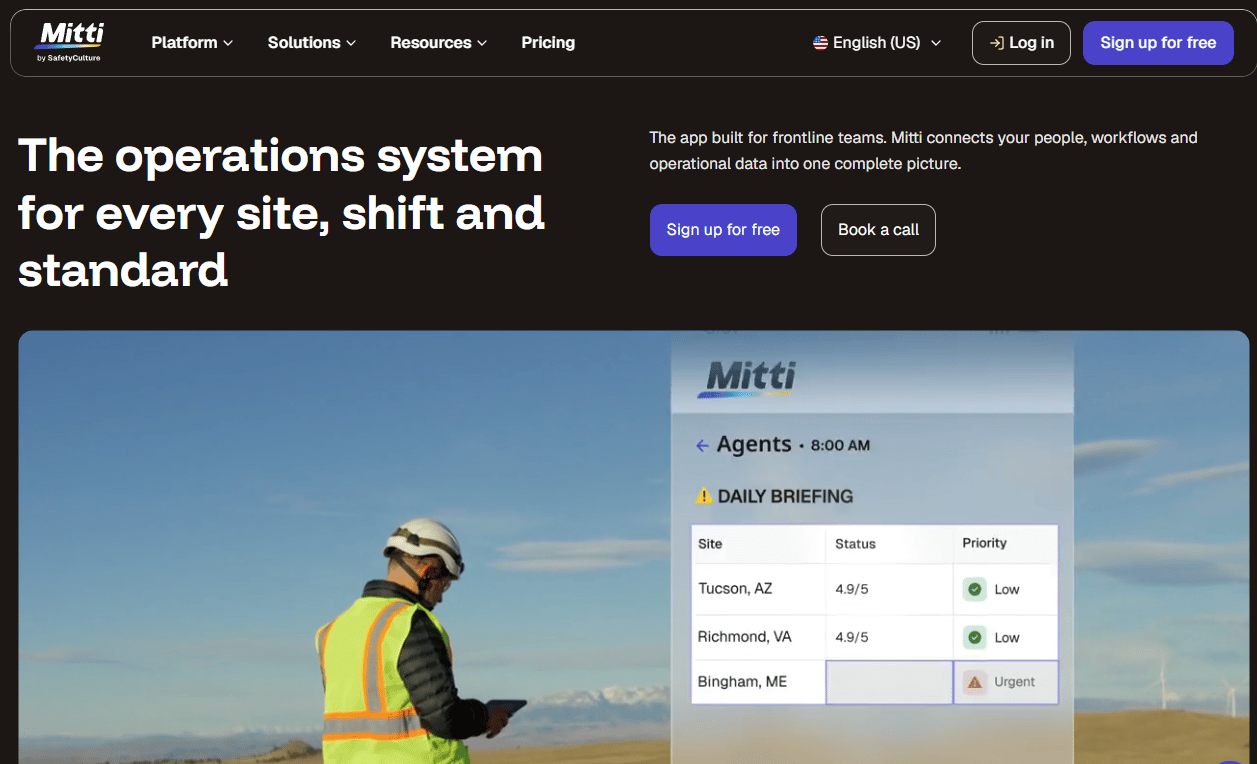
Mitti is a workplace operations platform for frontline and multi-site teams, connecting inspections, training, issue reporting, asset maintenance, and team workflows in a mobile-first interface. It suits operations teams where the production bottleneck is consistency in field procedures and inspection workflows rather than complex manufacturing scheduling.
Best for: Operations teams that need mobile-first production coordination, standardized checklists, and field workflow tracking across multiple sites.
Key features
- Mobile inspections and checklist workflows
- Training and on-the-job learning
- Issue reporting and investigation tracking
- Asset maintenance and monitoring
- AI-powered analytics and benchmarking
Why choose Mitti: Best when operators and supervisors need to update work from the floor or field without a desktop interface. Mobile adoption matters more here than deep ERP manufacturing functionality.
Mitti pricing: Mitti offers a free plan for teams of up to 10, covering inspections, reports, basic analytics, training, and tasks. The Premium plan is $24 per seat per month billed annually, or $29 per seat per month billed monthly. Enterprise pricing is custom. Location-based pricing with unlimited users per site is also available.
G2 rating: 4.6/5 on G2.
6. SafetyCulture
SafetyCulture is a workplace operations platform for digitizing inspections, audits, training, issue reporting, asset management, and frontline communications. It's not a full manufacturing ERP, but it directly addresses the quality and compliance bottlenecks that slow production teams. For operations where inspection consistency and corrective action speed are the limiting factors, it earns its place in the stack.
Best for: Production teams that need mobile inspections, digital checklists, audit trails, and structured issue resolution across frontline workers.
Key features
- Digital inspections, audits, and checklists
- Task and corrective action management
- Asset management and sensor integrations
- Training and upskilling workflows
- Analytics dashboards and IoT data
Why choose SafetyCulture: Choose it when the operational gap is inspection consistency and issue follow-through, not production scheduling or inventory control. It complements ERP and MES systems rather than replacing them.
SafetyCulture pricing: A free plan covers up to 10 seats. The Premium plan is $24 per seat per month. Enterprise pricing is custom. Lite seats can be added to paid plans at $5 per seat per month (billed annually).
7. Katana
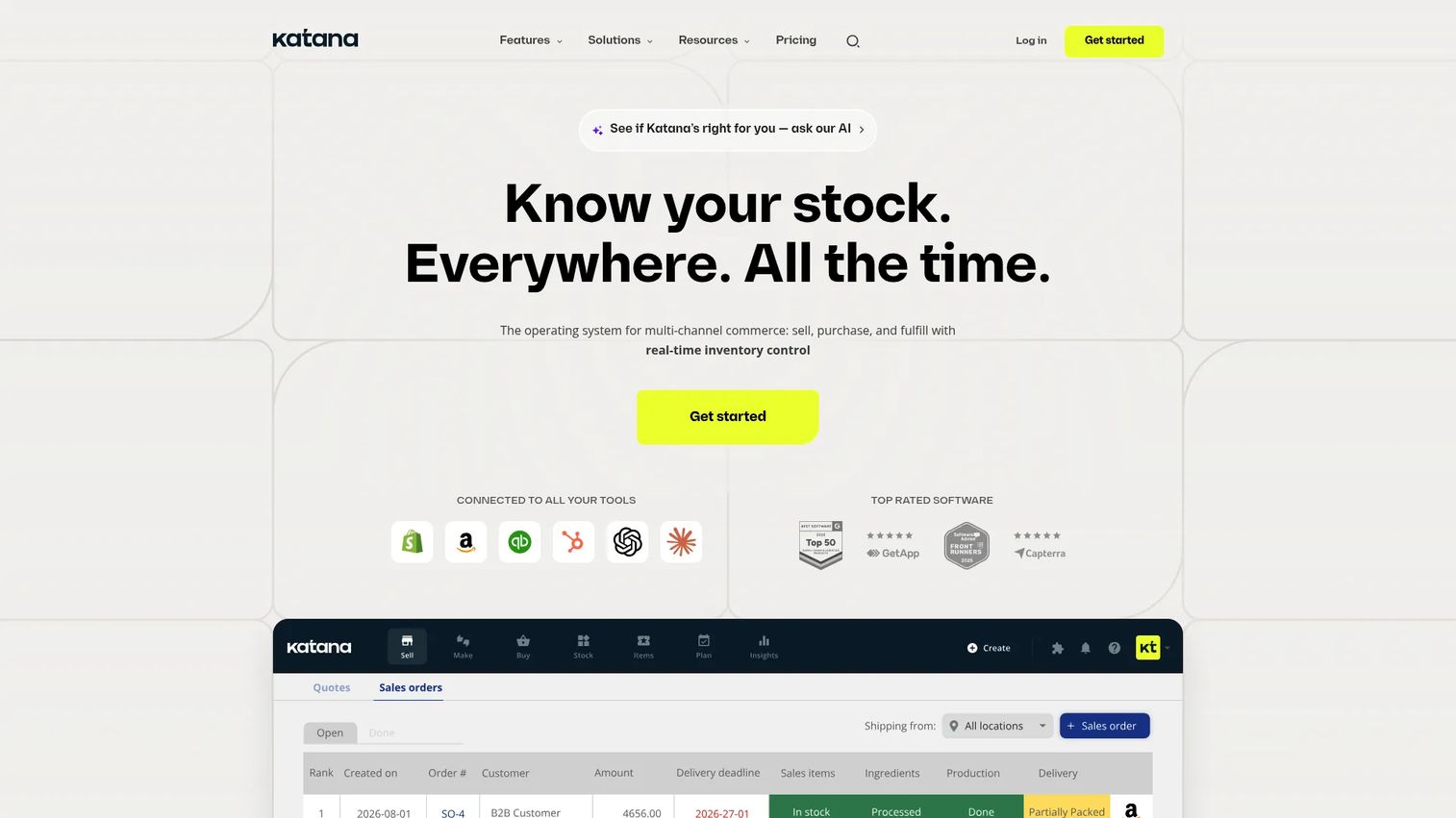
Katana is cloud inventory and manufacturing software for product businesses that need production planning tied directly to stock and sales orders. It covers real-time inventory management across locations, manufacturing and production tracking, multi-channel order management, demand forecasting, barcode-enabled warehouse workflows, and lot and serial-number traceability. Ecommerce integrations make it a natural fit for product companies selling across multiple channels.
Best for: Inventory-led manufacturers that need production planning connected to live stock levels and incoming sales orders.
Key features
- Visual production planning board
- Real-time inventory control across locations
- Multi-channel sales order syncing
- Lot and serial-number traceability
- Purchase order and demand forecasting
Why choose Katana: Choose Katana when inventory availability drives production decisions. It helps founders reduce stockouts, overproduction, and the manual work of allocating materials to orders across multiple sales channels.
Katana pricing: Katana's Free plan supports up to 30 SKUs with unlimited users, integrations, and inventory locations, with no credit card required. The Advantage plan provides a customized setup with unlimited SKUs and includes implementation, automation, reporting, and dedicated support. Contact Katana for Advantage pricing.
G2 rating: 4.4/5 on G2.
8. InkSoft
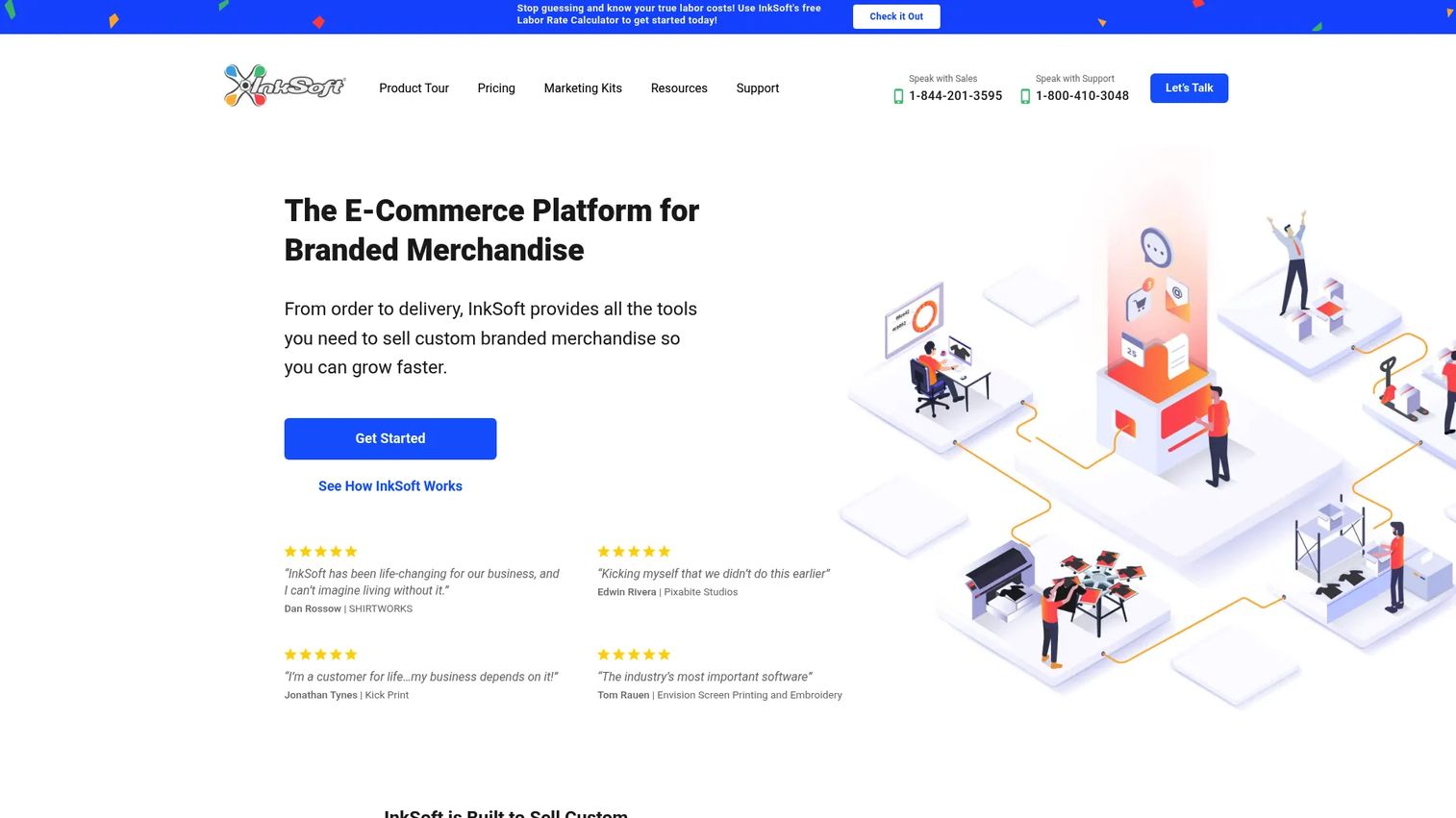
InkSoft is an all-in-one ecommerce and production management platform for print shops, decorated-apparel businesses, and promotional-product sellers. It combines online stores, an interactive product designer, order management, production workflows, art approvals, digital quoting, and customer management in one platform. The industry fit is narrow by design.
Best for: Print, apparel, and decorated-merchandise teams managing the workflow from custom order intake through artwork approval and production.
Key features
- Online stores and ecommerce management
- Interactive product designer with artwork and image uploads
- Order management with payments and shipping
- Production workflows, work orders, and production calendars
- Digital proposals, quotes, and customer approvals
Why choose InkSoft: Best when production begins with a custom order and requires artwork approval before work starts. Don't use it for general manufacturing outside the print and decorated-merchandise vertical.
InkSoft pricing: Plans start at $299 per month. Detailed tier pricing is not broken out on the pricing page. Contact InkSoft for plan options based on store count, order volume, and production modules.
G2 rating: 3.3/5 on G2.
9. Fishbowl Inventory
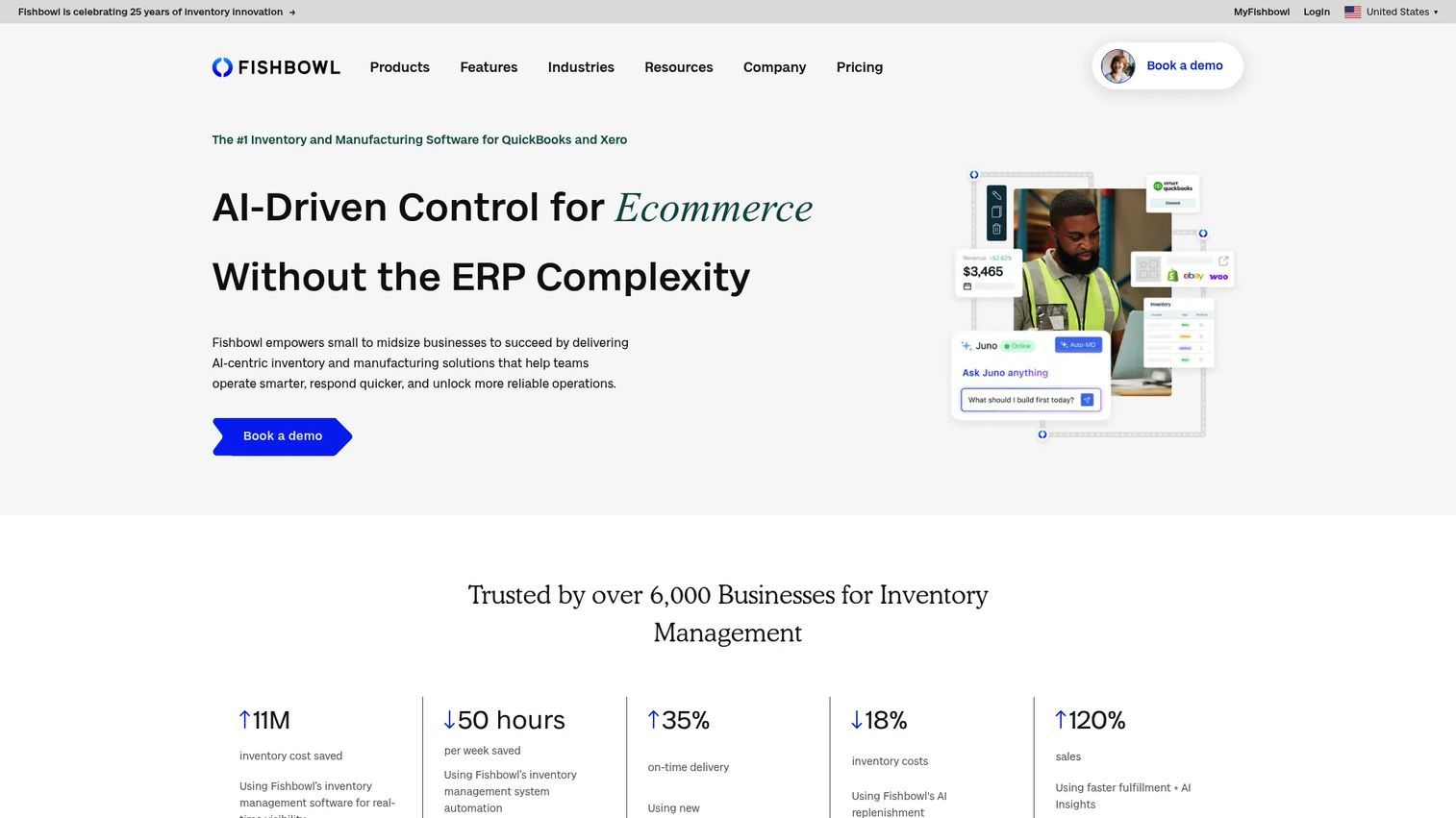
Fishbowl Inventory is cloud-based inventory management software for businesses that stock, move, and sell finished goods, with manufacturing order capabilities layered on top. It covers real-time inventory tracking, multi-location management, barcode scanning, manufacturing orders, bills of materials, automated reorder points, warehouse fulfillment, and direct integration with QuickBooks Online and Xero.
Best for: Manufacturers and distributors that need inventory control, manufacturing orders, and warehouse workflows connected to their accounting system.
Key features
- Real-time inventory tracking across locations
- Manufacturing orders and bills of materials
- Barcode scanning and warehouse fulfillment
- Automated reorder points and purchasing
- QuickBooks Online and Xero integration
Why choose Fishbowl Inventory: Strong when inventory accuracy is the first problem to fix. For founders, it closes the gap between stock, production, purchasing, and accounting without requiring a full ERP implementation.
Fishbowl Inventory pricing: The Essentials plan starts at $229 per month billed annually. The Growth plan is $429 per month billed annually, and the Scale plan is $729 per month billed annually. Fishbowl Advanced is a separate platform with quote-based pricing.
10. ProofHub
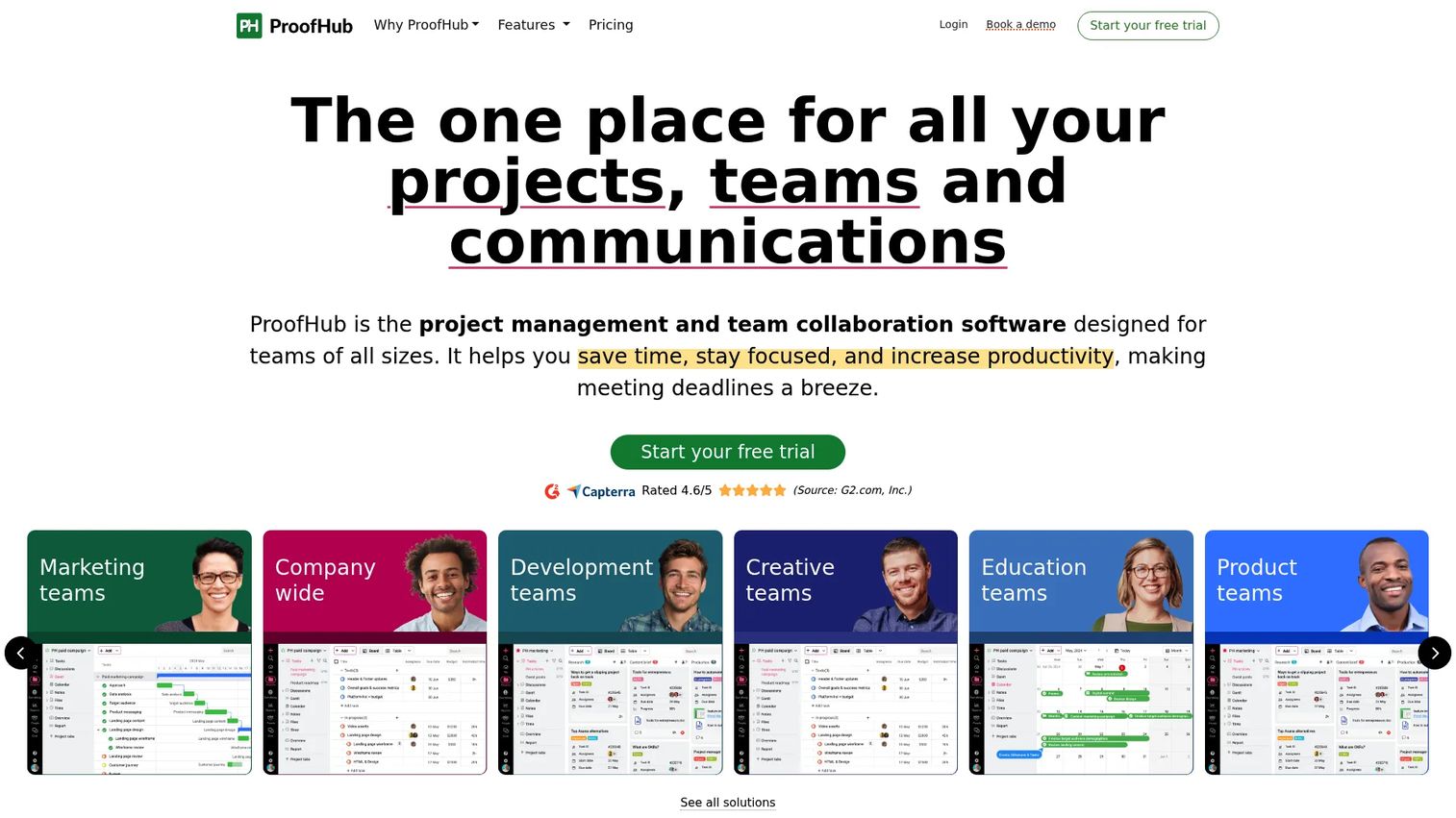
ProofHub is project management and team collaboration software covering tasks, boards, Gantt charts, calendars, file proofing, discussions, and team communication. It's not specialized manufacturing software. It supports production coordination when the work is project-based and collaboration is the primary gap rather than shop-floor execution or inventory control.
Best for: Production teams whose work is project-structured and where the gap is task coordination and file approval rather than work order tracking or materials management.
Key features
- Task management with boards, tables, and Gantt charts
- File proofing with annotations and approval workflows
- Team discussions, chat, and announcements
- Project calendars and milestones
- Time tracking and reporting
Why choose ProofHub: Choose it when production work looks more like creative or project-based output than factory manufacturing. It's a poor fit for teams that need shop-floor execution, inventory control, or MES-style work registration. See related guidance on business process management software for broader process coverage.
ProofHub pricing: The Essential plan is $45 per month billed annually ($50 per month billed monthly), covering unlimited users. The Ultimate Control plan is $89 per month billed annually ($99 per month billed monthly), also with unlimited users. A 14-day free trial is available with no credit card required.
G2 rating: 4.6/5 on G2.
11. Optessa
Optessa is advanced planning and scheduling software for manufacturers with complex sequencing, capacity, and constraint problems. It covers constraint-based scheduling, production sequencing, capacity optimization, and scenario modeling for environments where the production plan itself is the bottleneck. Optessa's G2 rating is 4.3/5 from a small review sample.
Best for: Manufacturers with complex scheduling problems, high product-mix variability, or capacity constraints that manual planning cannot keep up with.
Key features
- Constraint-based production scheduling
- Capacity planning and optimization
- Production sequencing and scenario modeling
- Advanced planning for complex environments
- Integration with ERP and manufacturing systems
Why choose Optessa: Best when the production plan itself is the operational bottleneck. For founders, it becomes relevant when manual planning breaks down under product-mix complexity, shifting constraints, or demand volatility. Explore how it compares to broader capacity planning software before committing.
Optessa pricing: The official Optessa website was not accessible at publication time. Pricing is quote-based for platforms of this type. Cost drivers typically include the number of plants, planning complexity, user count, required integrations, and implementation scope. Contact Optessa directly for current pricing.
G2 rating: 4.3/5 on G2, from 4 reviews.
12. Yamdu
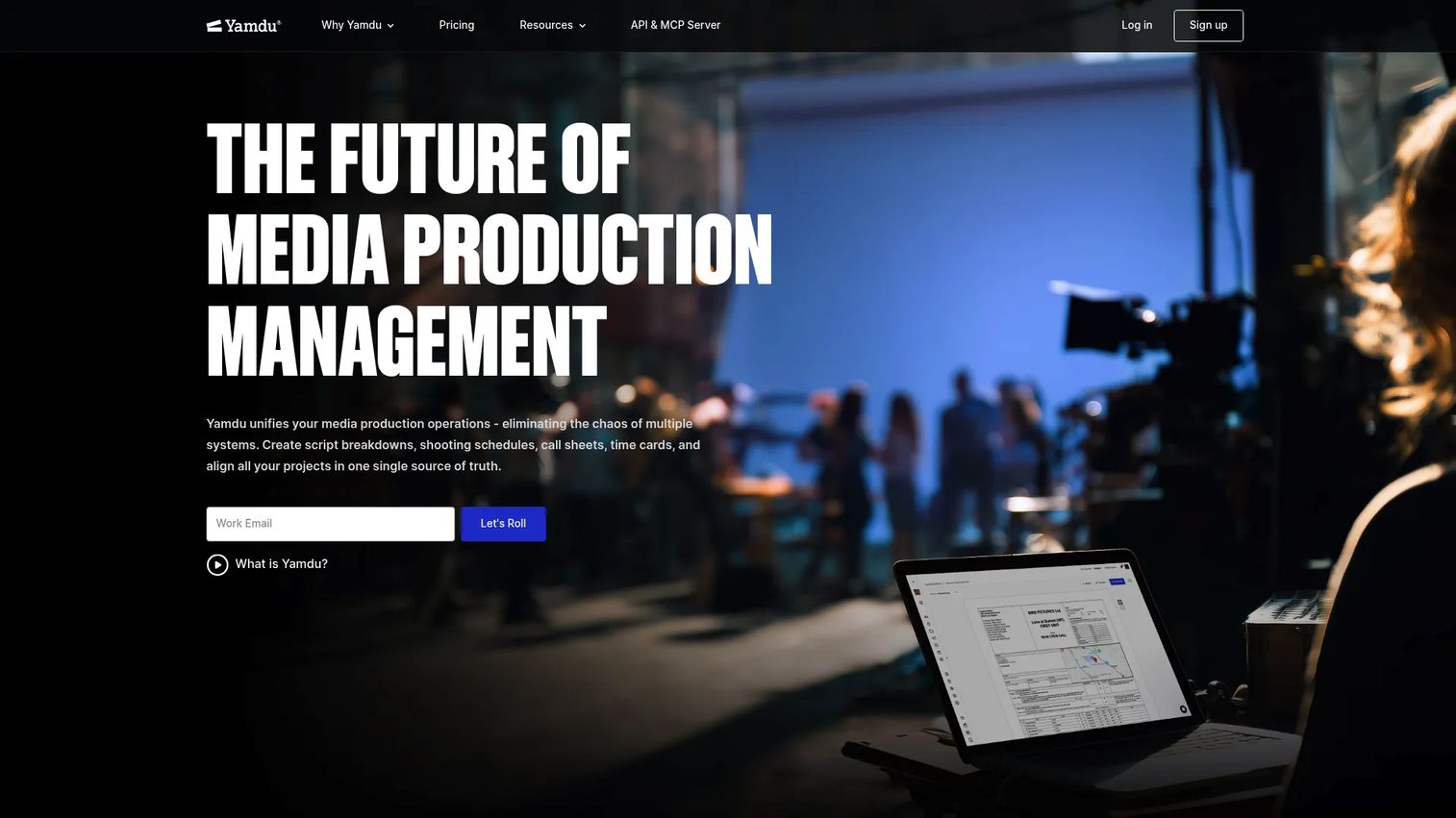
Yamdu is cloud-based production management software for film, television, commercial, documentary, and other media productions. It covers script import, AI-enhanced script breakdowns, shooting schedules, Day Out of Days reports, call sheets, budgeting, time cards, cast and crew management, production calendars, file sharing, permissions, and watermarking. It belongs in this list because "production management" spans media production workflows, not only factory floors.
Best for: Film, television, and media teams managing pre-production planning, crew coordination, and production scheduling in a single platform.
Key features
- Script import and AI-enhanced breakdowns
- Shooting schedules and Day Out of Days reports
- Call sheets and crew management
- Budgeting and dynamic globals
- File permissions and watermarking
Why choose Yamdu: Choose Yamdu when production means cast, crew, call sheets, and scripts rather than work orders and inventory. It is not a manufacturing tool and should not be evaluated as one.
Yamdu pricing: Pricing details were not listed on the official pricing page at publication time. Contact Yamdu for current plan names and pricing.
G2 rating: 5.0/5 on G2, from 2 reviews.
Considerations when choosing production management software
Start with the production model
The tool must match how work moves through your business. Make-to-order, make-to-stock, batch production, job shop, field production, and media production each have different requirements. A tool designed for linear batch manufacturing will create workarounds inside weeks when applied to a custom job shop.
Decide whether you need ERP, MES, MRP, or a lighter system
ERP manages the broader business, including finance, HR, and procurement. MES focuses on shop-floor execution. MRP handles materials planning. WMS handles warehouse movement. Production management software often overlaps all four. Avoid purchasing a full ERP when the real operational pain is production visibility and work order control, since deployment complexity and cost will be disproportionate to the problem.
Evaluate implementation load honestly
First-week value matters for a founder handing off to a new operations leader. Factor in data migration, user training, shop-floor device setup (tablets, barcode scanners), integrations with accounting or ecommerce tools, and who inside the business owns the rollout. A tool with a lower subscription price but a six-month implementation is not necessarily cheaper than a lightweight system that deploys in two weeks.
Demand reporting your team will actually trust
Production dashboards fail when data entry fails. The tool must make status updates easy for operators on the floor, not only useful for managers reviewing reports the next morning. Ask vendors how operators submit updates: Mobile app, tablet kiosk, barcode scan, or manual entry. Adoption at the worker level determines whether leadership reporting is reliable.
Price the full operating change
Compare total cost, not monthly subscription. Subscription fees, implementation services, training, hardware, integrations, ongoing support, and internal admin time all contribute to what a production management system costs in practice. For capacity planning software and scheduling tools, solver licensing and configuration fees can exceed the base subscription.
Conclusion
The right production management software depends on your operating model before it depends on features.
Prodio suits small manufacturers replacing spreadsheets with shop-floor tracking. Microsoft Dynamics 365, NetSuite, and Rootstock fit ERP-centered operations where production data must connect with finance and supply chain. Katana and Fishbowl Inventory work for inventory-led production environments. SafetyCulture addresses quality and inspection gaps rather than full production execution. Optessa serves complex manufacturing environments with demanding scheduling needs. Yamdu covers film and media production entirely outside the factory context.
A practical next step: Pick two tools that match your production model, then run a test against one live work order, one inventory scenario, and one reporting question. See which one your operations team can actually update and trust.
If your team sells complex software and needs buyers to understand the product before a live call, build an interactive demo that shows the workflow instead of explaining it. Start your journey with Guideflow today!
FAQs
Production management software helps teams plan, schedule, execute, and report on production work across work orders, people, machines, and materials. It gives operations leaders visibility into what's running, what's delayed, and where cost is accumulating, without waiting for an end-of-day or end-of-week reconciliation.
ERP manages the full business, covering finance, HR, procurement, and operations in one system. Production management software focuses specifically on production planning, execution, and reporting. Many ERP systems include production modules, but buying an ERP when the actual pain is shop-floor visibility often means a longer deployment and higher cost than a focused production tool.
MES (manufacturing execution systems) focus tightly on real-time shop-floor execution, including machine connections, operator work registration, and process control. Production management software typically covers planning, scheduling, materials, reporting, and collaboration in addition to execution. The categories overlap significantly in practice, and many vendors use both labels depending on how they position the product.
Prodio, Katana, and Fishbowl Inventory are among the most practical options for small manufacturers on this list. The choice between them depends on the first pain: If it's shop-floor tracking and work order visibility, Prodio fits best. If inventory drives production decisions, Katana connects stock and sales orders directly. If the team uses QuickBooks and needs inventory with warehouse operations, Fishbowl Inventory makes the accounting connection easier.
Core features to evaluate: Work order creation and tracking, production scheduling, materials and inventory availability, capacity planning, quality inspection support, labor tracking, production reporting, and integrations with your accounting and ecommerce tools. For shop-floor teams, mobile or tablet access determines whether operators actually update job status. For founders, reporting trust and adoption matter as much as any individual feature.
Cost ranges widely across this category. Lightweight tools like Mitti and ProofHub start under $100 per month for small teams. Mid-market inventory and production platforms like Fishbowl Inventory start around $229 per month. Full ERP systems like Microsoft Dynamics 365 start at $210 per user per month. Quote-based ERP and advanced scheduling platforms like NetSuite, Rootstock, and Optessa involve annual license fees, implementation costs, and ongoing support that can push total first-year investment well above subscription price alone.
Yes, when spreadsheets are being used for work orders, production schedules, inventory updates, and reporting. The replacement only works if the team changes the operating process alongside the tool. Spreadsheets often persist as a parallel system because the new tool is harder to update in real time than the old one. The best test is a single work order tracked from planning through reporting to see whether the team's data stays current without a manual reconciliation step.
No. Manufacturing is the dominant context, but the category spans film and media production (Yamdu), field service operations, construction-adjacent project tracking, and any environment where production work requires planning, scheduling, and progress reporting. The term "production" maps to the primary workflow of the business, which differs significantly across industries.