Your front desk shouldn’t need five screens to answer one patient question. Yet records, appointments, forms, payments, and messages often live in separate systems.
Every gap creates another lookup or handoff. Patients wait while staff reconstruct information that should already be connected.
The demand for better self service is clear. Market.us reported in 2026 that 77% of people accessing online medical records in 2024 used their portal to schedule appointments.
The best patient management software connects clinical and administrative workflows. It helps staff answer routine questions, process requests, and move patients through each visit with fewer manual steps.
The difficult part is choosing the right category. Some products replace your core EHR. Others improve access, communication, or specialty workflows around it.
What’s inside
This guide compares 17 platforms for medical groups, health systems, dental practices, and aesthetic providers. Each product was assessed using four practical criteria:
- Coverage across records, scheduling, billing, and communication
- Integration with EHR, EMR, CRM, and practice management systems
- Fit for medical, dental, enterprise, or aesthetic workflows
- Pricing, G2 rating, and implementation considerations
The shortlist includes systems of record, patient engagement platforms, healthcare CRM software, and specialty products. Pricing comes from vendor sources. G2 ratings reflect the supplied November 2026 research.
TL;DR
- Best for connected ambulatory operations: CureMD combines EHR, practice management, billing, and patient engagement
- Best for healthcare CRM: Salesforce Health Cloud supports longitudinal profiles and coordinated service workflows
- Best for patient intake: Phreesia covers registration, eligibility checks, payments, and appointment tasks
- Best for enterprise communication: Luma and Artera coordinate outreach across healthcare organizations
- Best for independent practices: Tebra and AdvancedMD combine clinical and administrative capabilities
- Best for dental practices: Curve Dental, Dentrix Ascend, and Open Dental offer dental specific workflows
What is patient management software?
Patient management software is a digital system that helps healthcare practices manage records, scheduling, communication, intake, billing, payments, and follow up workflows.
A patient management system may serve as the main clinical record or connect to an existing EHR. The category includes several product types:
- Systems of record: EHR and EMR software for charts, prescriptions, orders, documentation, and longitudinal care history
- Practice management systems: Registration, scheduling, claims, payments, and front desk operations
- Patient engagement platforms: Reminders, texting, portals, waitlists, digital forms, recalls, and reviews
- Healthcare CRM platforms: Segmentation, outreach, relationship history, service cases, and care team visibility
- Specialty platforms: Dental, aesthetic medicine, behavioral health, and other specialty workflows
Patient record management software concentrates on clinical documentation and care history. Software for patient management usually covers a broader operational journey.
Likewise, patient experience software improves the patient facing parts of care. It may support online booking, two way communication, and self service without replacing the clinical system.
Core capabilities commonly include:
- Appointment scheduling and online booking
- Digital intake and consent forms
- Insurance eligibility verification
- EHR and practice management integrations
- Patient communication and reminders
- Portal access and self service
- Billing, claims, payments, and collections
- Charting and clinical documentation
- Reporting and operational analytics
- Role based access and audit trails
- Multi location and provider management
The broader healthcare management software category also includes workforce, facility, and population health products. Those functions fall outside this shortlist unless they directly support patient workflows.
For support teams, the practical test is simple. Can staff answer appointment, form, portal, and payment questions without switching between several disconnected records?
When to use patient management software
Connect scheduling, records, and billing
Use medical patient management software when booking, documentation, claims, and payments require repeated data entry. A connected workflow gives staff a reliable view from appointment creation through balance collection.
This matters when a routine patient question triggers multiple internal handoffs. Fewer lookups can shorten response time and reduce contradictory answers.
Reduce repetitive patient communication
Patient communication software can automate appointment reminders, recalls, payment prompts, and waitlist updates. Two way messaging also gives patients an alternative to calling the front desk.
Patient intake software moves forms and eligibility tasks before the visit. It helps staff find missing information earlier rather than during check in.
Standardize growing or specialty operations
Multi location practices need consistent scheduling rules, intake forms, billing processes, and reporting. Shared standards also help patient service teams route requests correctly.
Specialty products can fit better than generic platforms. Dental charting, aesthetic photography, and specialty documentation each require workflows that broad systems may approach differently.
Patient management software comparison
The table below compares all 17 products by fit, primary use case, starting cost, and G2 rating.
Separate core systems from engagement overlays before comparing prices. A lower priced communication product cannot replace an EHR. Likewise, a large clinical platform may offer more functionality than a small practice needs.
| # | Product | Best for | Key use case | Pricing | G2 rating |
|---|---|---|---|---|---|
| 1 | CureMD | Ambulatory medical practices | Connect clinical, administrative, and revenue workflows | EHR Cloud starts at $295/month | 3.1/5 |
| 2 | Salesforce Health Cloud | Large healthcare organizations | Add CRM and service workflows around clinical data | Starts at $350/user/month, billed annually | 4.0/5 |
| 3 | Veradigm | Ambulatory organizations | Combine EHR, practice management, and revenue operations | Custom pricing | 3.7/5 |
| 4 | NexHealth | Medical and dental practices | Add digital scheduling, intake, and payments | Custom pricing | 4.8/5 |
| 5 | Phreesia | Medical groups and health systems | Digitize patient intake and access | Free access through December 31, 2026, then custom pricing | 4.0/5 |
| 6 | Luma | Health systems | Coordinate patient access and follow up | Custom pricing | 4.8/5 |
| 7 | Artera | Enterprise healthcare teams | Manage patient communication across channels | Custom pricing | 4.8/5 |
| 8 | Relatient | Provider groups and hospitals | Automate scheduling and patient access | Custom pricing | 4.8/5 |
| 9 | Tebra | Independent practices | Manage clinical, billing, and growth workflows | Starts at $49/provider/month | 4.1/5 |
| 10 | AdvancedMD | Independent medical practices | Combine EHR, billing, and engagement | Starts at $0.87/claim | 3.7/5 |
| 11 | athenaOne | Ambulatory practices | Connect EHR, revenue cycle, and engagement | Percentage of collections | N/A |
| 12 | NextGen | Specialty ambulatory groups | Configure EHR and practice workflows | Custom pricing | 3.8/5 |
| 13 | eClinicalWorks | Ambulatory practices | Run EHR and practice management together | Starts at $499/provider/month | 3.7/5 |
| 14 | PatientNow | Aesthetic practices | Connect treatments, photos, payments, and retention | Custom pricing | 3.8/5 |
| 15 | Curve Dental | Dental practices | Run cloud based dental operations | Custom pricing | 4.6/5 |
| 16 | Dentrix Ascend | New and multi location dental practices | Manage dental workflows in the cloud | Ascend Starter costs $199/month for year one | 4.3/5 |
| 17 | Open Dental | Configurable dental operations | Manage records, billing, and integrations | Starts at $199/month/location | 4.3/5 |
Best 17 tools for patient management software
1. CureMD
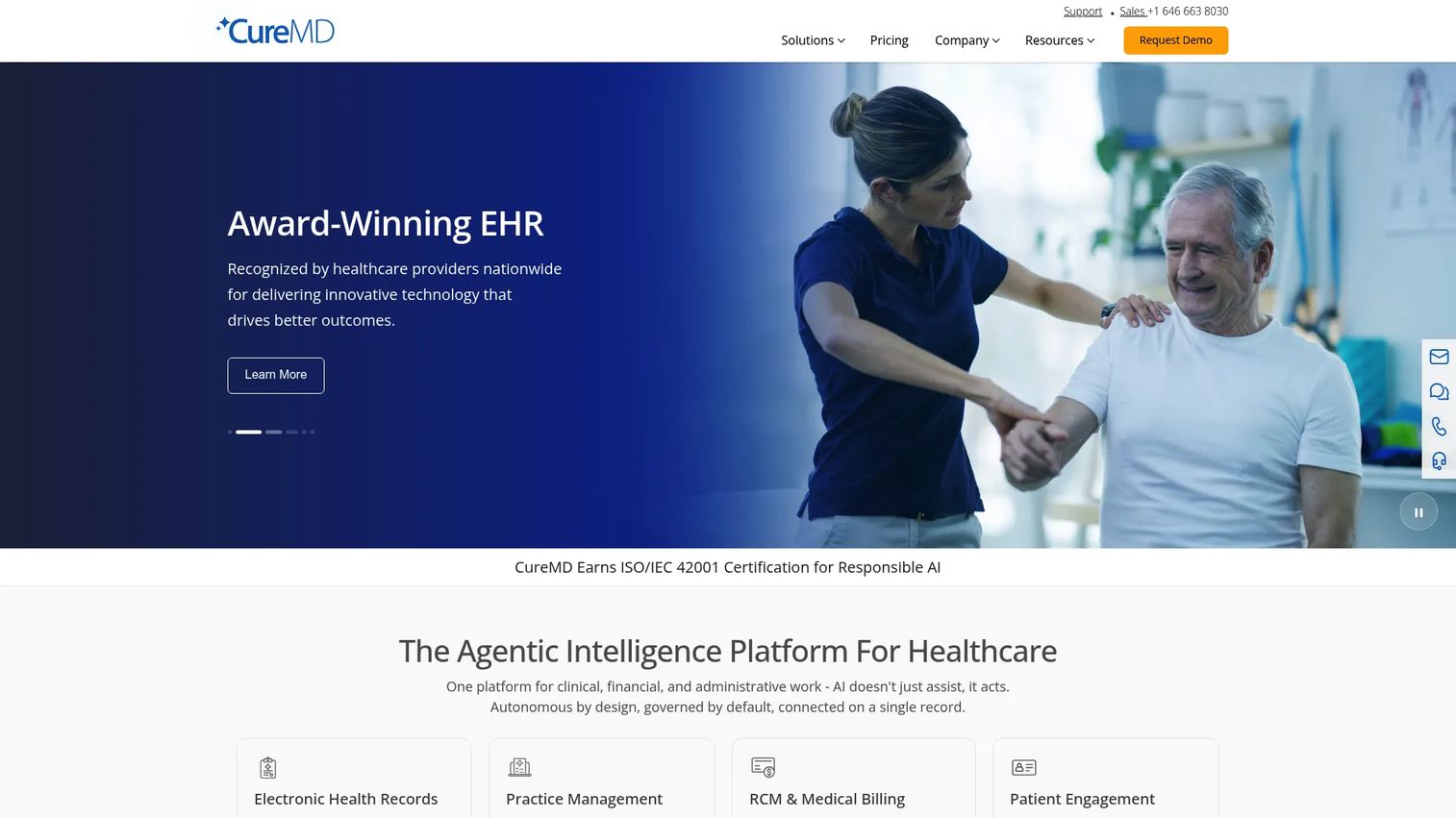
CureMD combines EHR, practice management, revenue cycle management, billing, and patient engagement. Specialty workflows support practices that want clinical records connected to front office operations.
The platform includes scheduling and eligibility verification alongside documentation. Its AI medical scribe also supports clinical notes and coding.
Best for: Independent and mid sized medical practices seeking connected clinical, administrative, and revenue workflows.
Key features
- Specialty specific electronic health records
- Scheduling and eligibility verification
- Billing and claims management
- Automated clinical documentation
- Patient engagement tools
Why choose CureMD: Choose it when one vendor must cover the patient record, practice operations, and revenue cycle. Support staff can trace scheduling and billing issues within a connected environment.
CureMD pricing: EHR Cloud starts at $295 per month. Subscriptions are charged per provider.
G2 rating: 3.1/5.
2. Salesforce Health Cloud
Salesforce Health Cloud is a healthcare CRM for patient and member relationships. It combines healthcare data models with care management, service workflows, and automation.
The product complements EHR software rather than replacing it. Organizations can connect clinical information with outreach, service cases, referral management, and patient profiles.
Best for: Health systems and large provider organizations adding CRM capabilities around established clinical systems.
Key features
- Clinical and insurance data models
- Integrated care management
- Patient and member timeline
- Care team collaboration
- EHR integration interface
Why choose Salesforce Health Cloud: It fits organizations coordinating patient access and service across several departments. The CRM structure supports segmentation and longitudinal relationship management.
Salesforce Health Cloud pricing: Sales and Service Core costs $350 per user monthly, billed annually. Other editions range from $525 to $725 per user monthly.
G2 rating: 4.0/5.
3. Veradigm
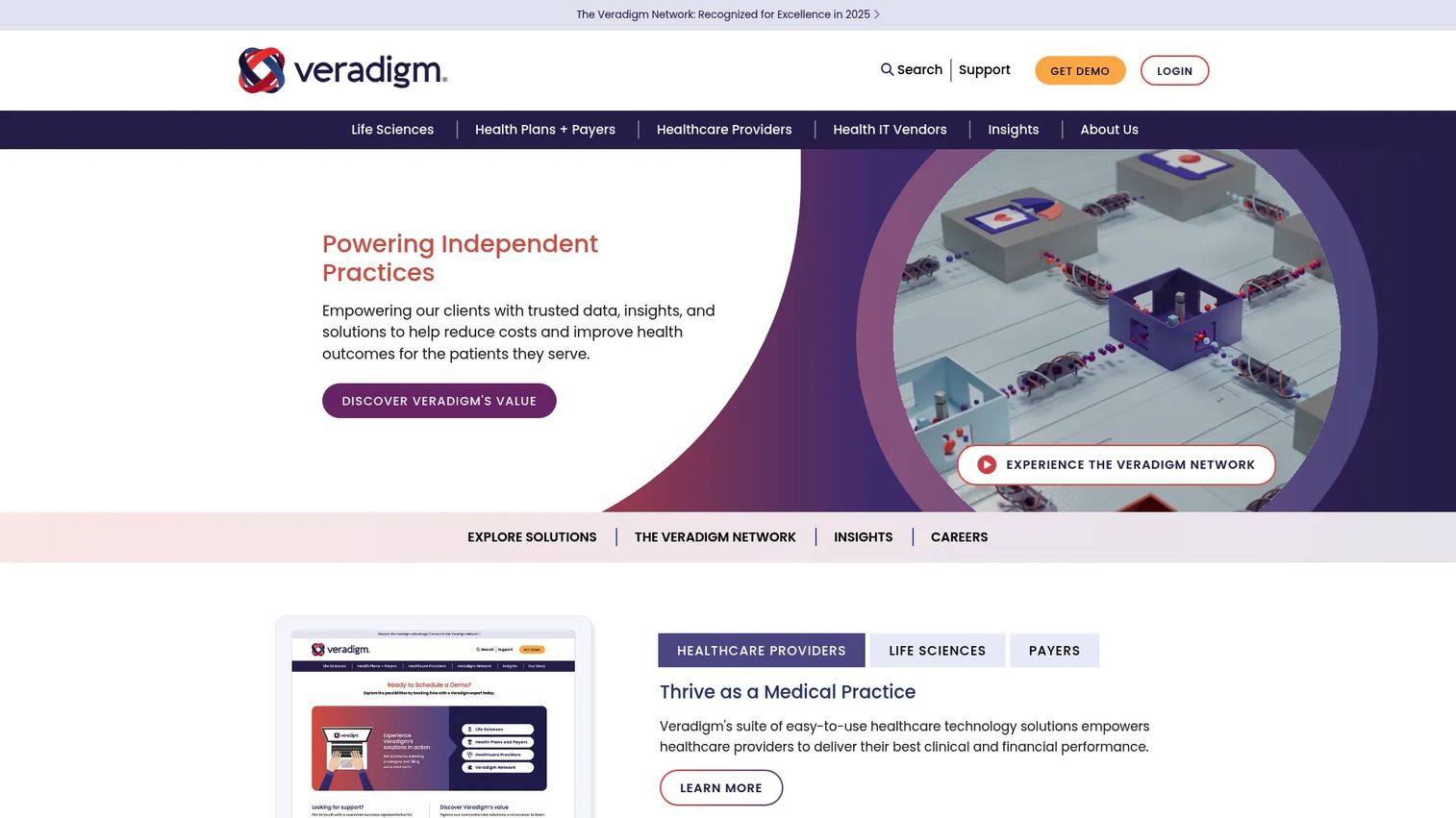
Veradigm provides EHR, practice management, revenue cycle, and prescribing technology. Its broader portfolio also serves health plans and life sciences organizations.
For ambulatory practices, the relevant capabilities connect clinical workflows with billing and claims processing. Electronic prescribing includes formulary checks and interaction alerts.
Best for: Healthcare organizations seeking established clinical, financial, and prescribing technology.
Key features
- Electronic health record workflows
- Practice management capabilities
- Revenue cycle management
- Claims processing
- Electronic prescribing
Why choose Veradigm: Its breadth suits organizations evaluating connected clinical and financial workflows. Buyers should match individual products to their specialty and current infrastructure.
Veradigm pricing: Custom pricing. Cost depends on selected products, users, implementation, and revenue cycle services.
G2 rating: 3.7/5.
4. NexHealth
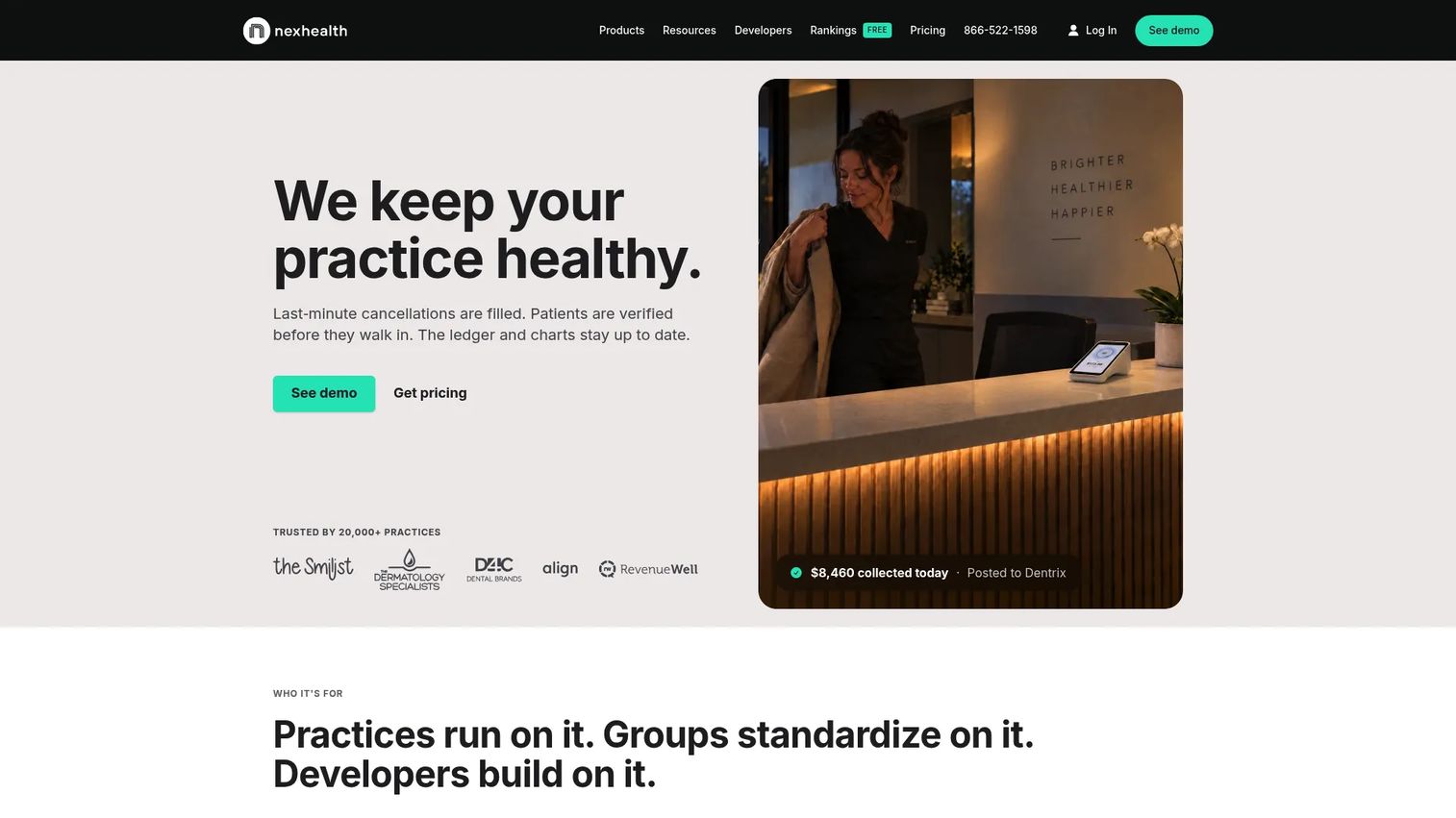
NexHealth is a patient experience platform for medical and dental practices. It connects scheduling, forms, communications, payments, and insurance verification with existing health record systems.
The product acts as a patient facing layer. Staff can offer online booking and digital forms without replacing the main clinical platform.
Best for: Practices improving patient self service around an existing EHR or dental management system.
Key features
- Online scheduling and waitlists
- Digital forms with conditional logic
- Reminders and recall campaigns
- Digital statements and payments
- Insurance eligibility verification
Why choose NexHealth: It addresses repetitive appointment, form, and payment questions. The fit is strongest when the core system remains adequate but patient access needs work.
NexHealth pricing: Custom pricing. Packages cover Scheduling, Forms, Communications, Payments, and Verification.
G2 rating: 4.8/5.
5. Phreesia
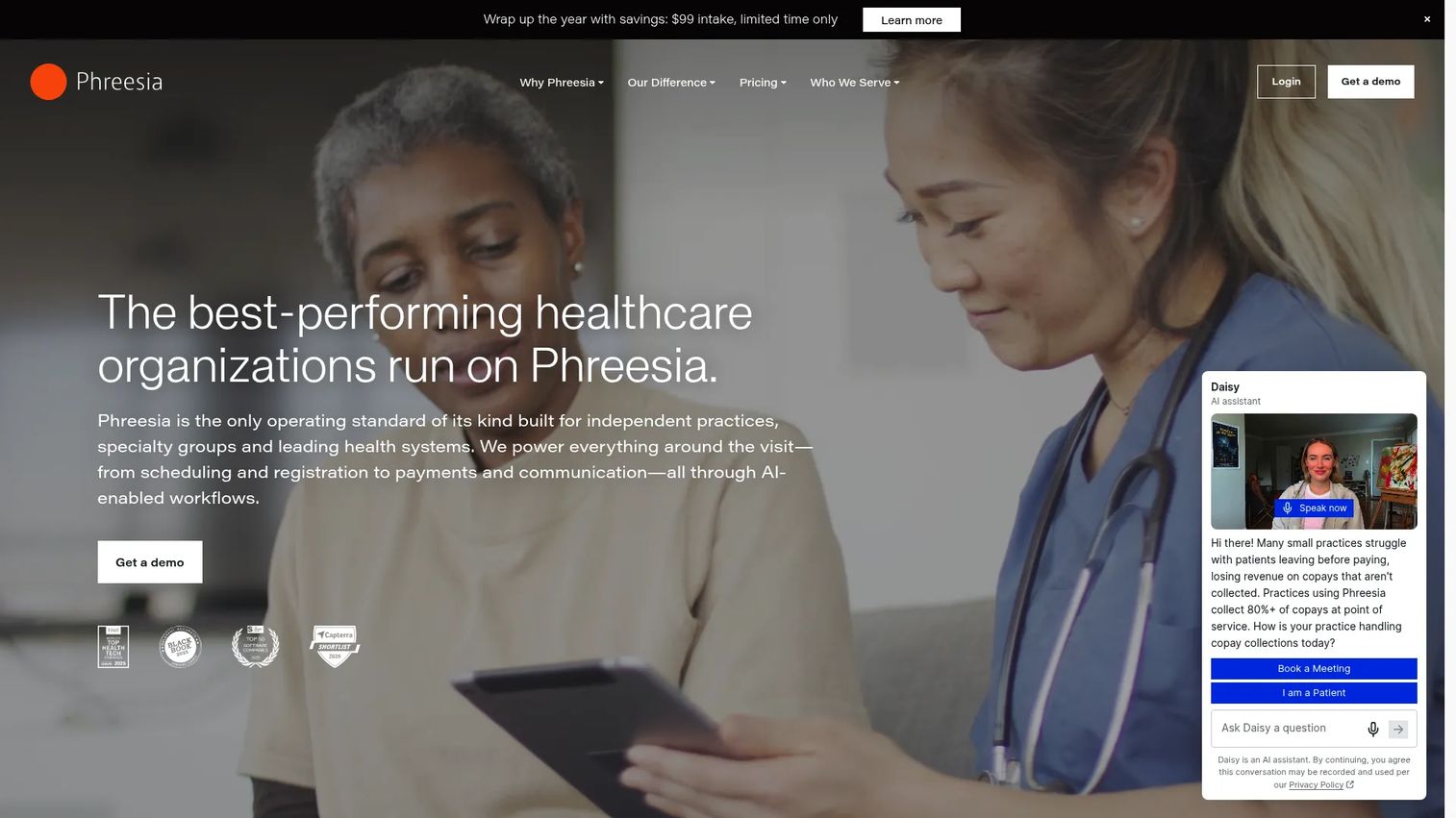
Phreesia focuses on patient intake, registration, access, and payment workflows. It collects demographics, insurance details, clinical histories, consents, and screenings.
Scheduling tools support reminders and appointment gap filling. Payment functions include eligibility verification, online collection, card storage, and payment plans.
Best for: Medical groups and health systems digitizing previsit intake and patient access.
Key features
- Digital registration and check in
- Insurance eligibility verification
- Consent and screening forms
- Appointment management
- Patient payment collection
Why choose Phreesia: It fits organizations where incomplete forms and insurance checks consume front desk time. The platform concentrates on the work before and around the visit.
Phreesia pricing: Full Intake access is free through December 31, 2026. Standard pricing starts May 1, 2027 and is customized by organization size, workflow, and products.
G2 rating: 4.0/5.
6. Luma
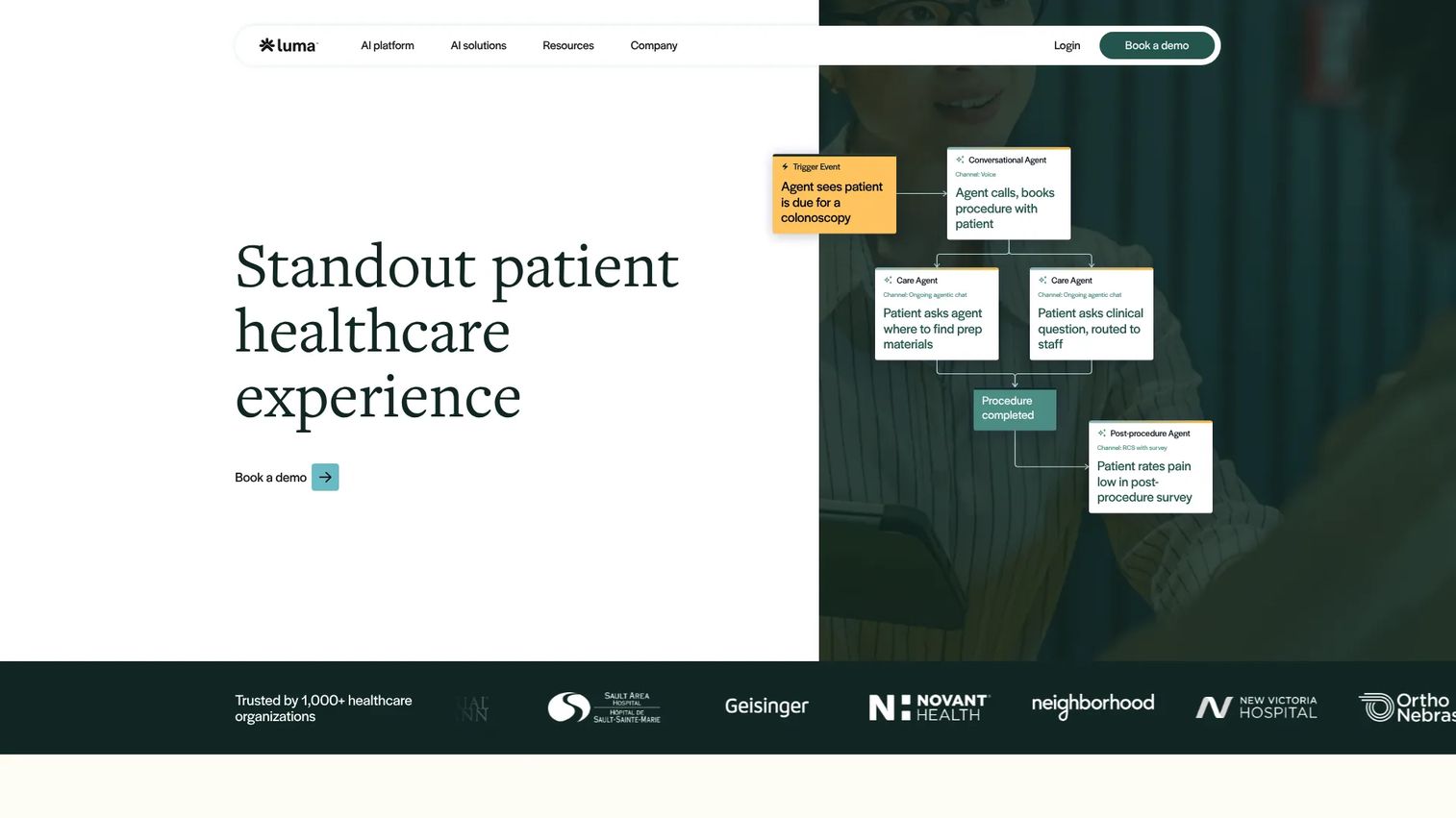
Luma supports patient communication and healthcare operations. Its workflows cover scheduling, referrals, intake, payments, waitlists, and follow up.
Patients can interact through voice, chat, SMS, or RCS. The platform also supports recall campaigns and care gap outreach.
Best for: Health systems coordinating patient access and communication across several care workflows.
Key features
- Voice and text communication
- Scheduling and waitlist management
- Referral and fax processing
- Intake and eligibility workflows
- Recall and follow up campaigns
Why choose Luma: It suits organizations that need to coordinate outreach beyond basic reminders. Automated next steps can reduce routine calls and manual follow up.
Luma pricing: Custom pricing. Cost depends on products, organization size, message volume, integrations, and deployment support.
G2 rating: 4.8/5.
7. Artera

Artera is a patient communication and operational workflow platform. It supports communication through text, email, and telephone.
Healthcare teams can automate reminders, recalls, referrals, follow ups, and campaigns. Additional capabilities cover intake, cost estimates, insurance eligibility, forms, payments, and self scheduling.
Best for: Enterprise healthcare teams managing patient communication across departments and locations.
Key features
- Two way patient messaging
- Voice and text agents
- Automated reminders and recalls
- Digital intake and payments
- Self scheduling and waitlists
Why choose Artera: It fits organizations where fragmented calls and messages create inconsistent patient service. Central communication workflows can give staff clearer ownership of each request.
Artera pricing: Custom pricing. Cost varies with organization size, channels, message volume, integrations, and contract structure.
G2 rating: 4.8/5.
8. Relatient
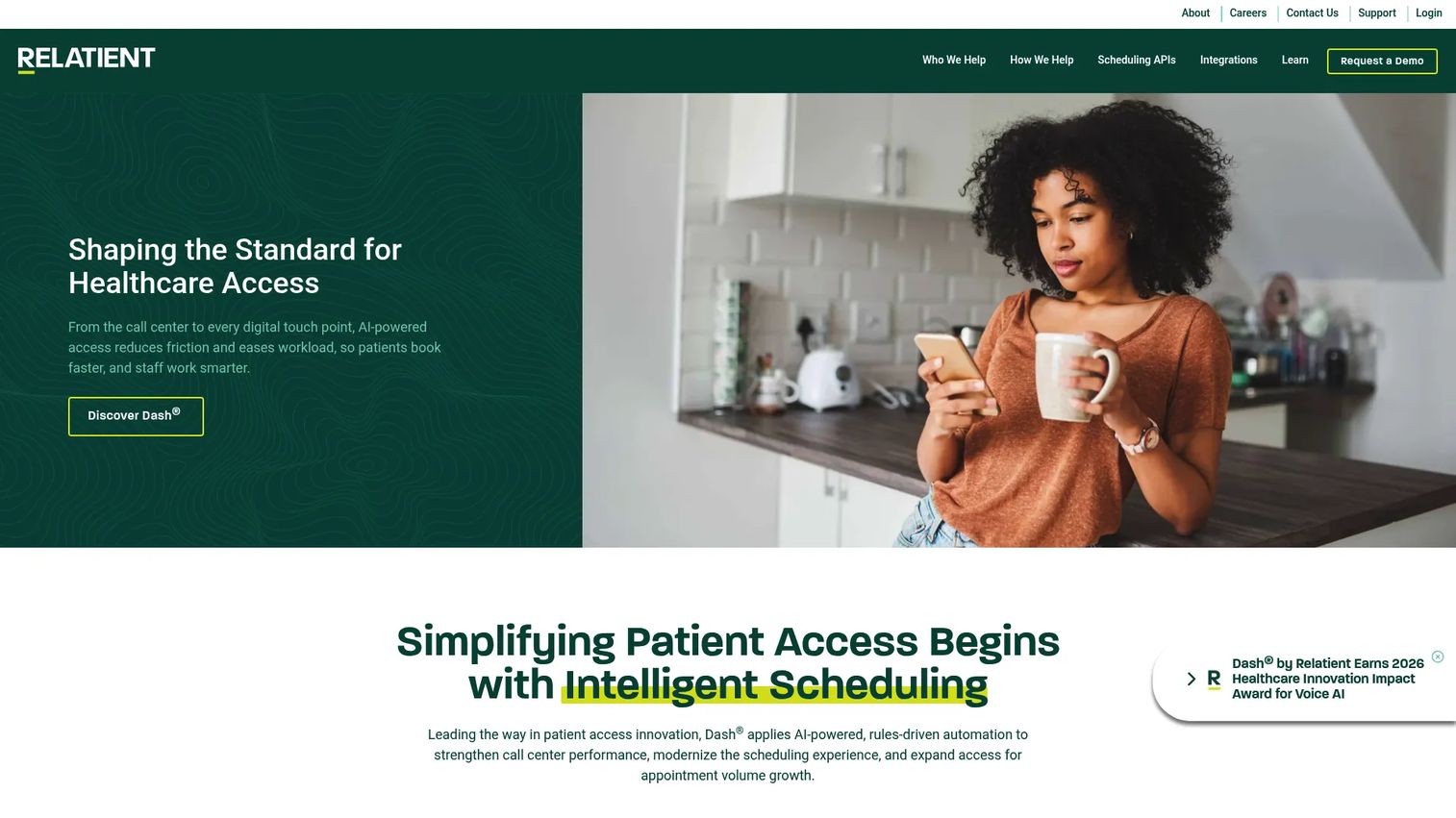
Relatient provides patient access software for hospitals, health systems, and medical practices. Its Dash platform combines scheduling, communication, intake, payments, chat, and voice automation.
Rules driven scheduling supports contact centers and online self service. Automated communication handles reminders and appointment changes across channels.
Best for: Provider groups improving patient scheduling and access without replacing their EHR.
Key features
- Rules driven patient scheduling
- Automated appointment communication
- Digital patient intake
- Payment workflows
- Voice based appointment management
Why choose Relatient: It fits organizations with heavy appointment volume and avoidable access calls. Scheduling and intake automation can remove repetitive work from patient service queues.
Relatient pricing: Custom pricing. Cost depends on locations, providers, modules, integrations, and communication volume.
G2 rating: 4.8/5.
9. Tebra
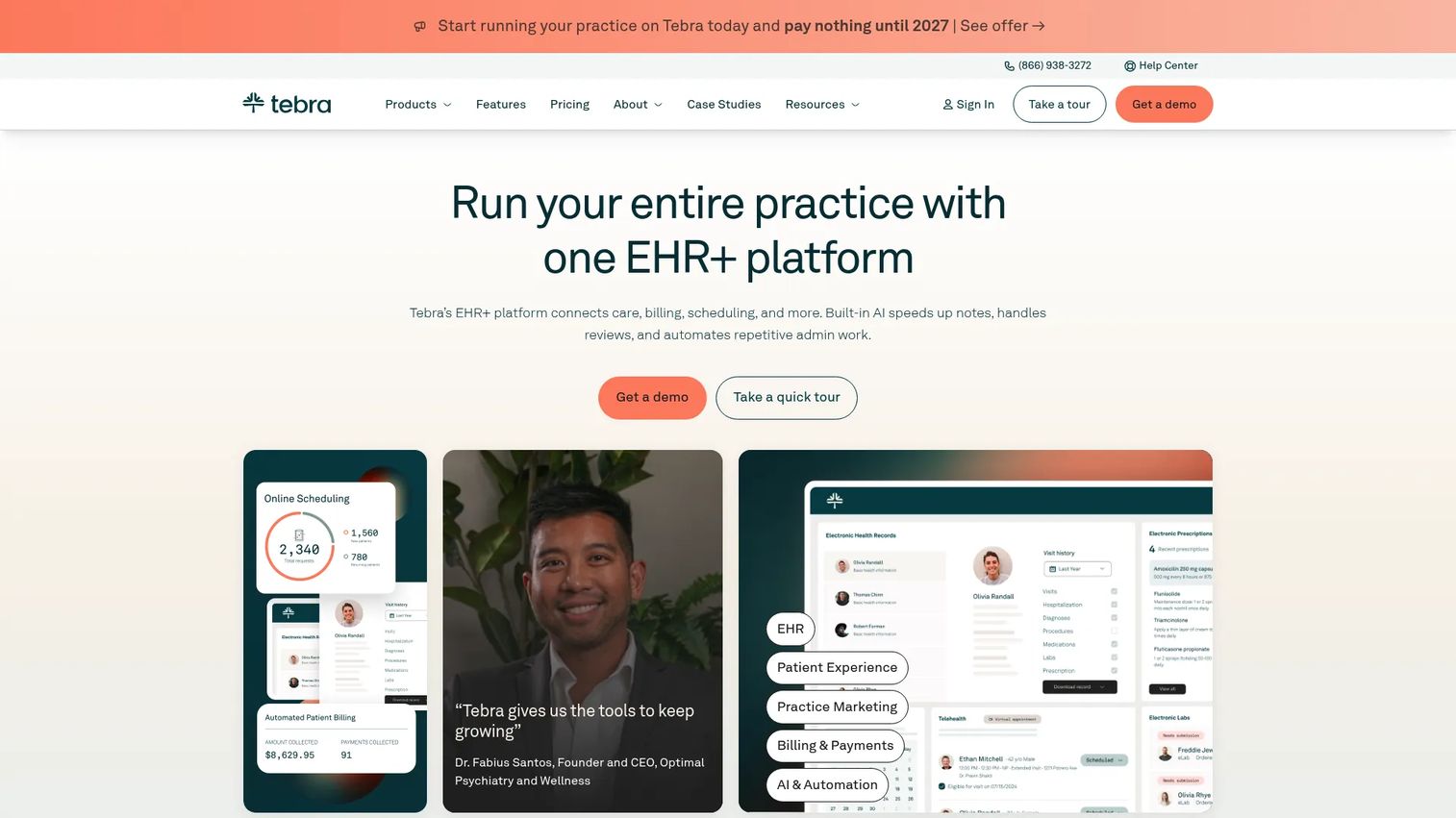
Tebra combines EHR, billing, patient experience, telehealth, and practice marketing. Its products are built around independent healthcare practices.
Clinical functions include templates, prescribing, labs, and note assistance. Patient tools cover scheduling, reminders, intake, a portal, and two way messaging.
Best for: Independent practices combining clinical operations with billing and patient growth workflows.
Key features
- Electronic health records
- Medical billing and payments
- Online scheduling and intake
- Patient portal and messaging
- Practice marketing tools
Why choose Tebra: It can reduce the gap between care delivery and practice operations. Independent teams can select focused products or broader platform bundles.
Tebra pricing: Plans start at $49 per provider monthly for eligible low claim volume practices. Standard physician bundles cost $599 or $799 per provider monthly.
G2 rating: 4.1/5.
10. AdvancedMD
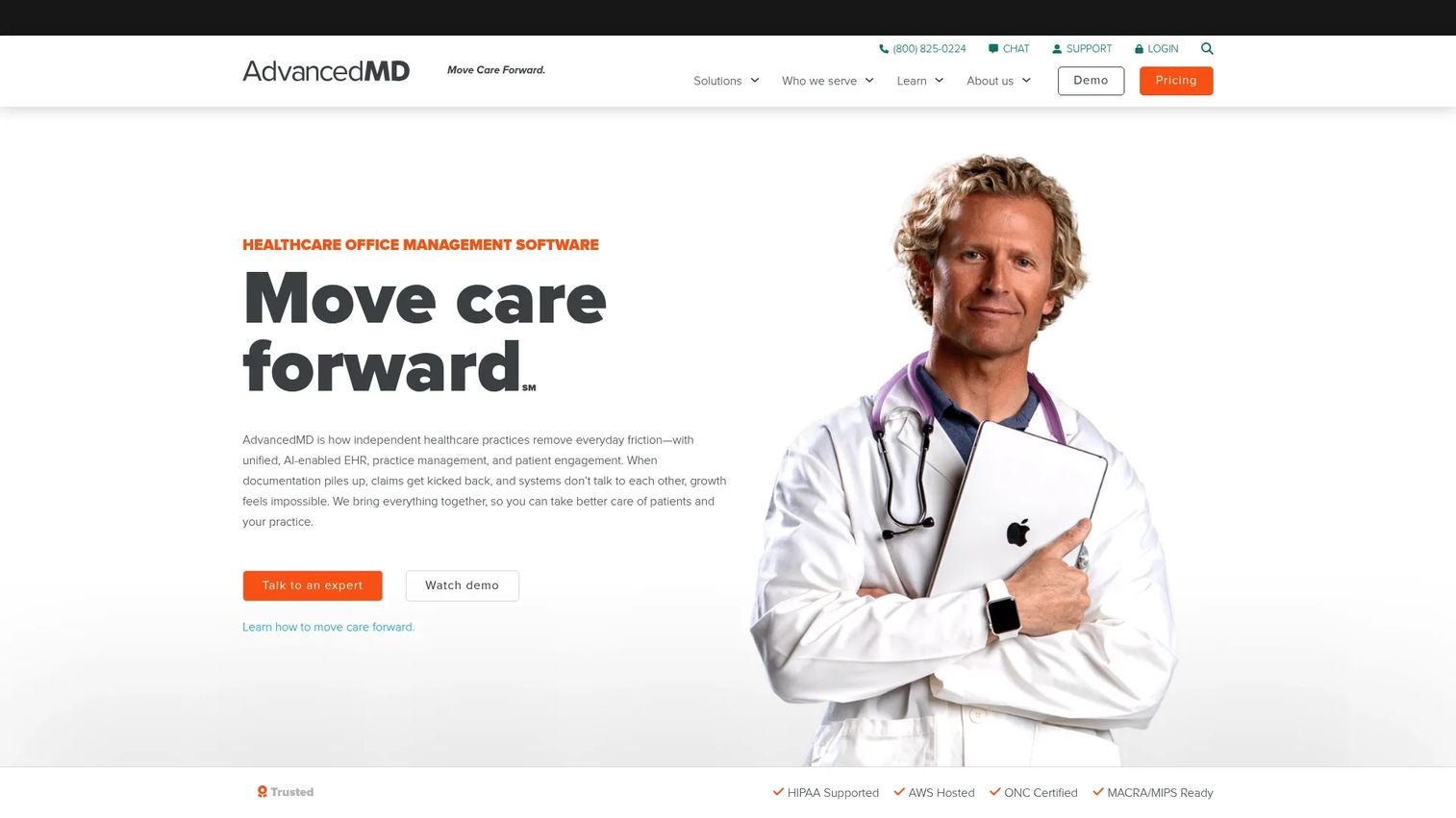
AdvancedMD combines EHR, practice management, patient engagement, billing, and revenue cycle tools. The cloud platform supports clinical and administrative work for independent practices.
Scheduling, claims management, collections, and reporting sit alongside patient charts and prescribing. Engagement capabilities include portals, reminders, intake, messaging, and telemedicine.
Best for: Independent medical practices seeking configurable clinical, billing, and patient service capabilities.
Key features
- Cloud electronic health records
- Scheduling and practice management
- Claims and collections
- Patient portal and intake
- Messaging and telemedicine
Why choose AdvancedMD: It offers several pricing structures for different operating models. Practices should map required modules before comparing its total cost.
AdvancedMD pricing: Encounter pricing starts at $0.87 per claim. AdvancedMD Now costs $130 per provider monthly.
G2 rating: 3.7/5.
11. athenaOne
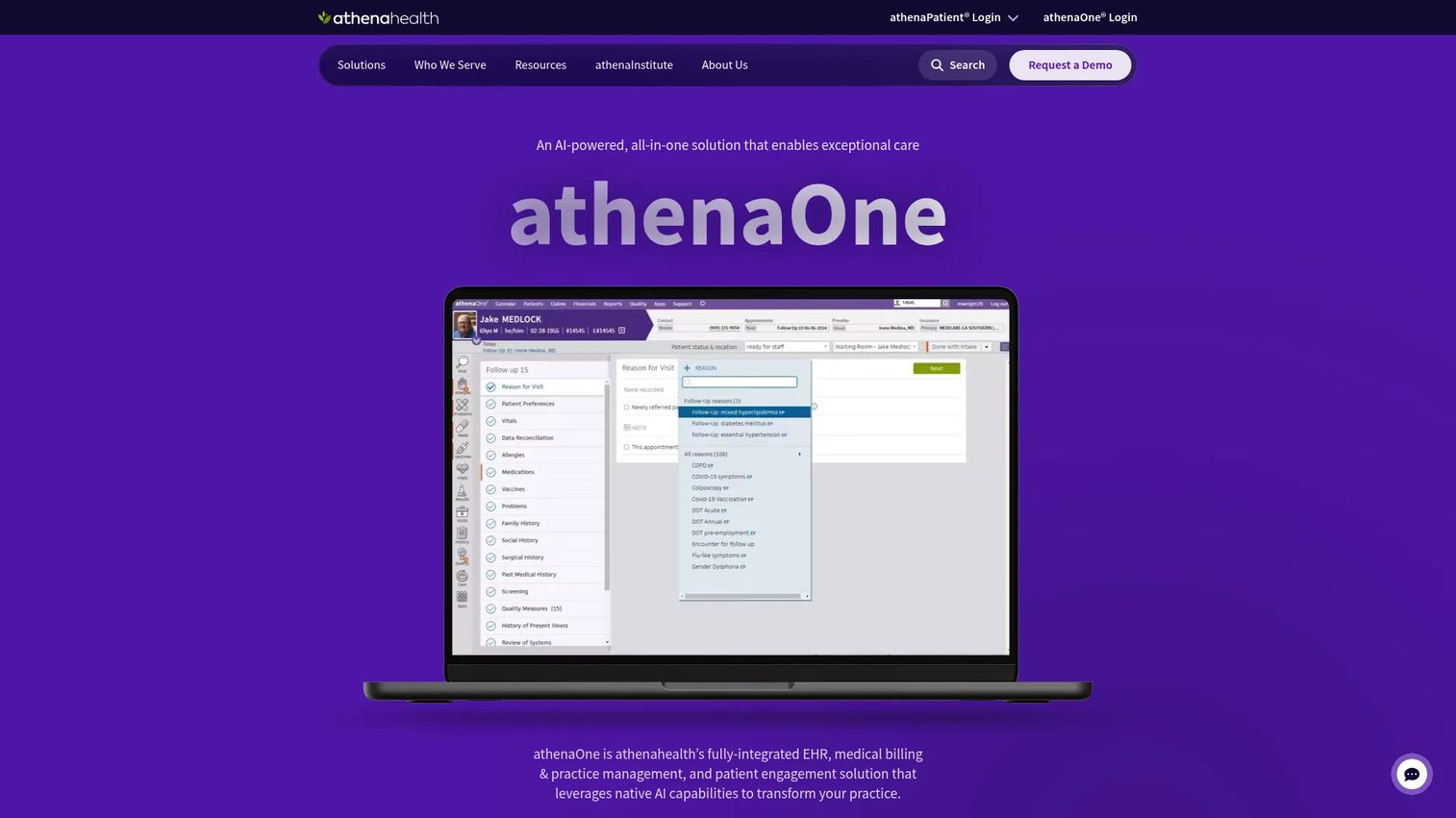
athenaOne combines EHR, medical billing, practice management, and patient engagement. It serves ambulatory practices seeking connected clinical and revenue workflows.
The platform supports documentation, specialty processes, coding, authorizations, and claims error detection. Patient features include portal access, appointment management, payments, telehealth, and outreach.
Best for: Ambulatory practices connecting EHR workflows with revenue cycle and patient engagement.
Key features
- Integrated electronic health records
- Medical billing and coding
- Authorization services
- Patient portal and mobile app
- Automated patient outreach
Why choose athenaOne: It fits organizations seeking vendor involvement across clinical operations and revenue management. The percentage model requires comparison against expected collections.
athenaOne pricing: Pricing uses a percentage of collections. The percentage depends on practice size, services, claims volume, integrations, and contract terms.
G2 rating: N/A.
12. NextGen
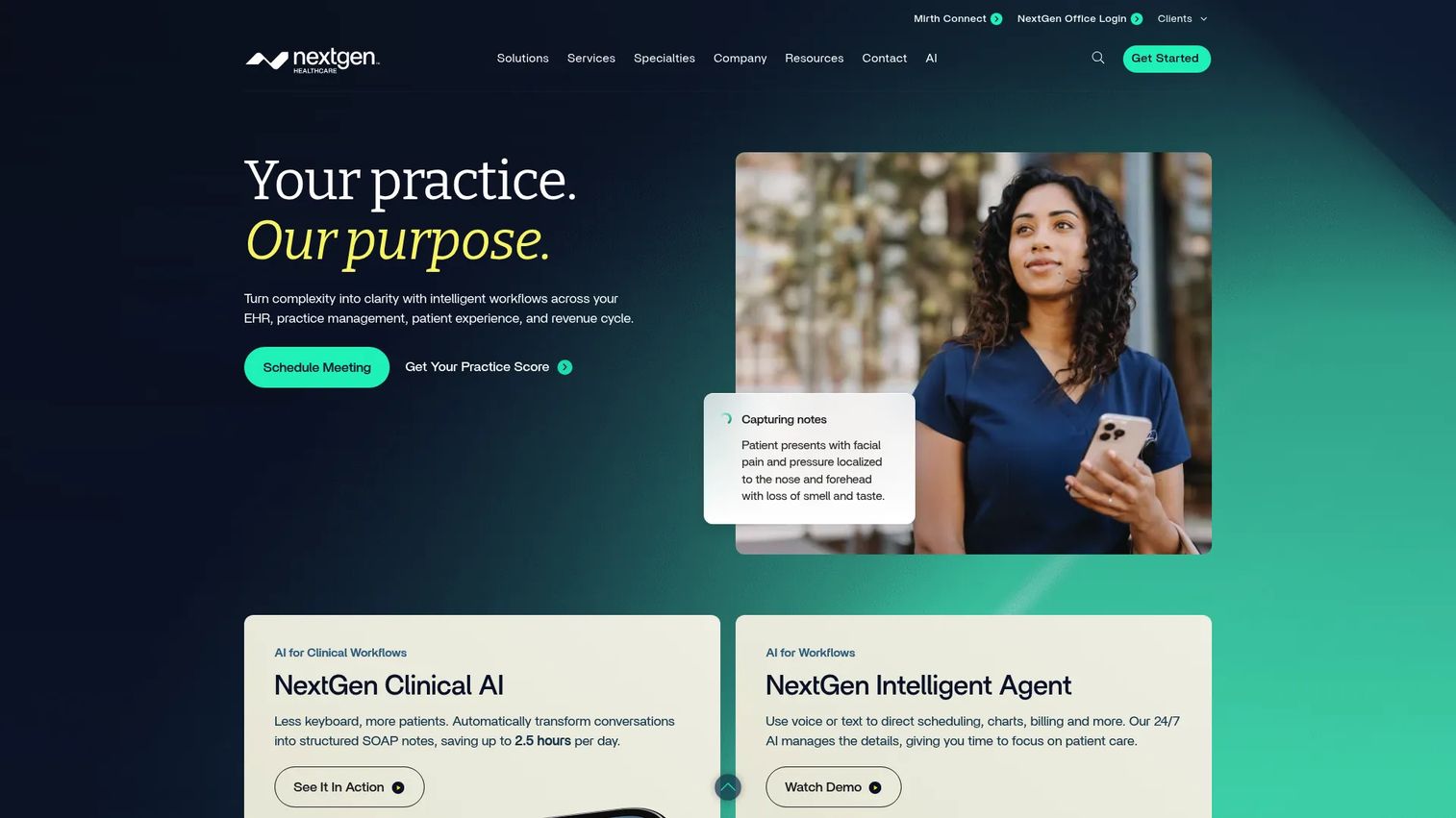
NextGen provides cloud EHR, practice management, patient experience, revenue cycle, analytics, and interoperability software. Its focus is ambulatory healthcare.
The patient portal supports scheduling, messaging, payments, results, and refill requests. Clinical tools include AI generated SOAP notes and workflow assistance.
Best for: Ambulatory groups and specialty practices with configurable clinical and operational requirements.
Key features
- Cloud EHR workflows
- Practice management tools
- Patient portal
- Interoperability capabilities
- Clinical workflow assistance
Why choose NextGen: It suits specialty practices that need more operational depth than a communication overlay. Implementation planning should account for workflows, integrations, and reporting requirements.
NextGen pricing: Custom pricing. Cost depends on specialty, provider count, modules, integrations, and services.
G2 rating: 3.8/5.
13. eClinicalWorks
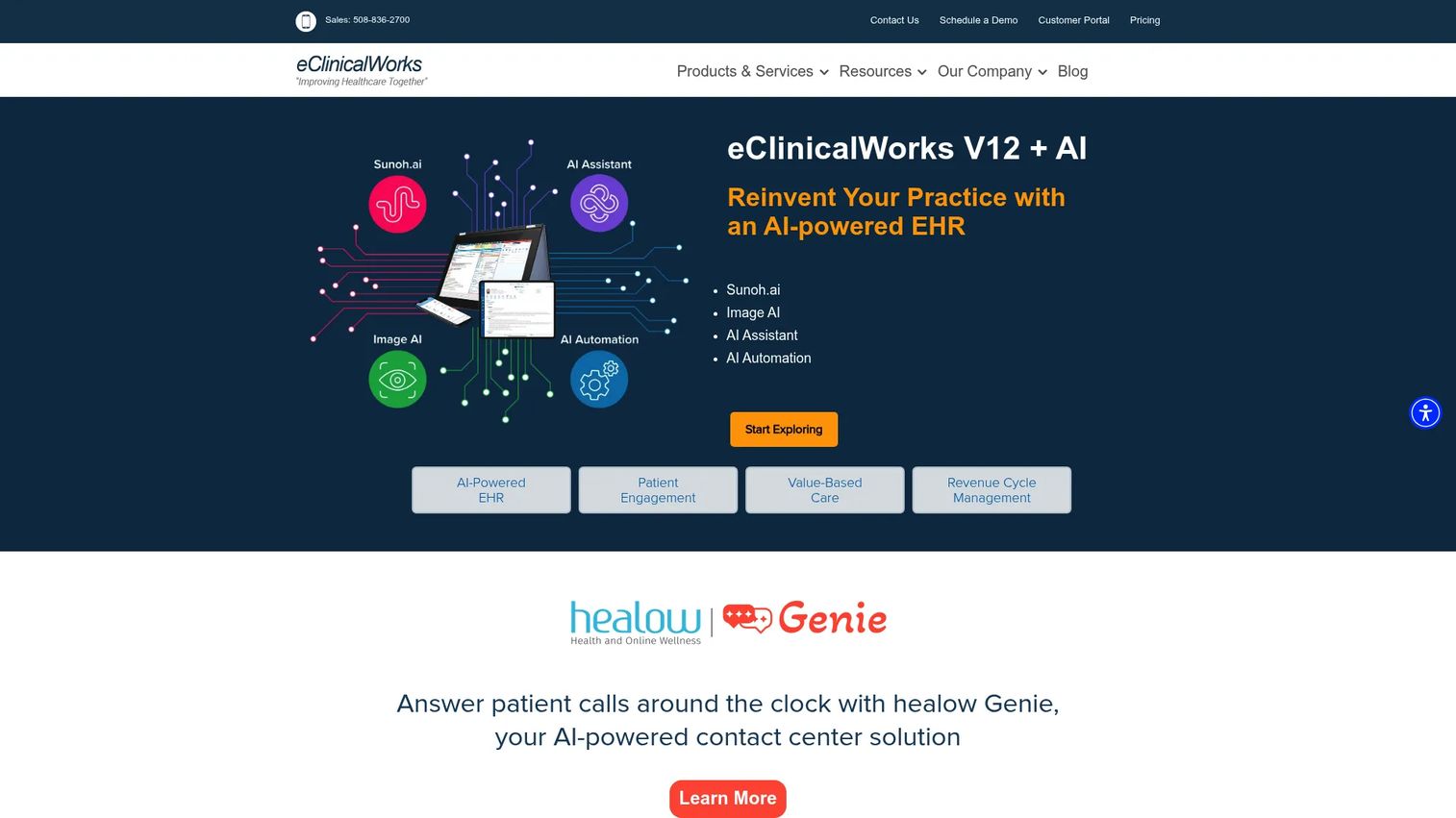
eClinicalWorks provides cloud EHR, practice management, patient engagement, telehealth, and population health capabilities. Revenue cycle services are also available.
Its patient tools include a portal and broader engagement functions. Clinical products include a medical scribe, information search, and workflow assistance.
Best for: Ambulatory practices seeking broad clinical, administrative, and engagement functionality.
Key features
- Cloud EHR and practice management
- Patient portal and engagement
- Medical scribe capabilities
- Population health tools
- Revenue cycle management
Why choose eClinicalWorks: It covers a wide operational range under one vendor. Buyers should test specialty workflows and support scenarios during evaluation.
eClinicalWorks pricing: EHR Only costs $499 per provider monthly. EHR with Practice Management costs $599 per provider monthly.
G2 rating: 3.7/5.
14. PatientNow
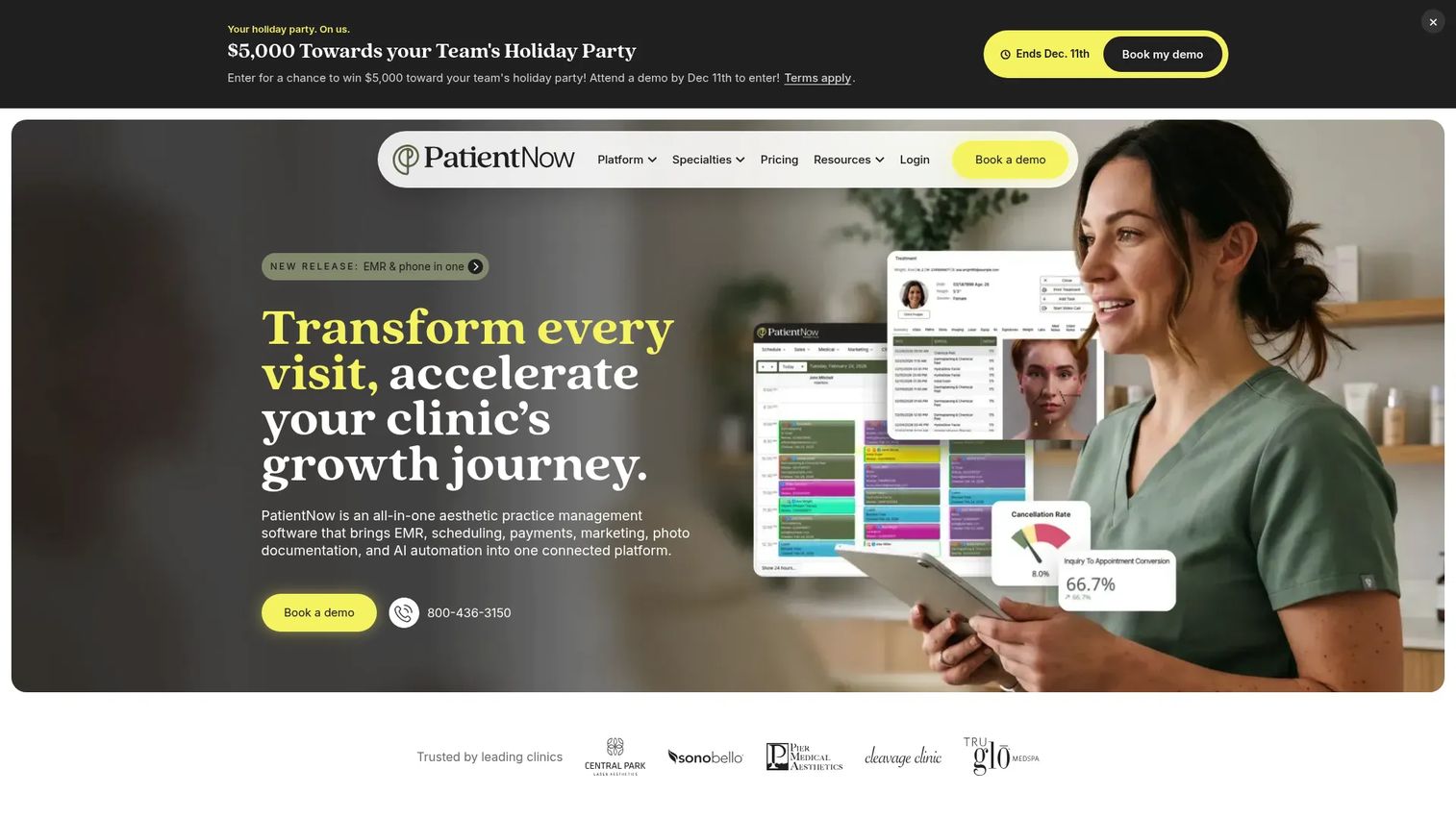
PatientNow provides aesthetic practice management software for med spas, dermatology, plastic surgery, and wellness practices. It combines EMR, booking, marketing, payments, and photo documentation.
Specialty capabilities include deposits, memberships, treatment records, and before and after images. This supports patient journeys that differ from general medical care.
Best for: Aesthetic and elective care practices connecting treatment, visual records, payments, and retention.
Key features
- Aesthetic EMR
- Online booking and reminders
- Digital intake and consent
- Before and after photography
- Payments and memberships
Why choose PatientNow: Its specialty design reflects the complete aesthetic patient journey. General medical platforms may require extra tools for photography, packages, and marketing follow up.
PatientNow pricing: Custom pricing across Standard, Amplify, and Catalyst. Cost varies by providers, modules, payment tools, marketing features, and implementation.
G2 rating: 3.8/5.
15. Curve Dental
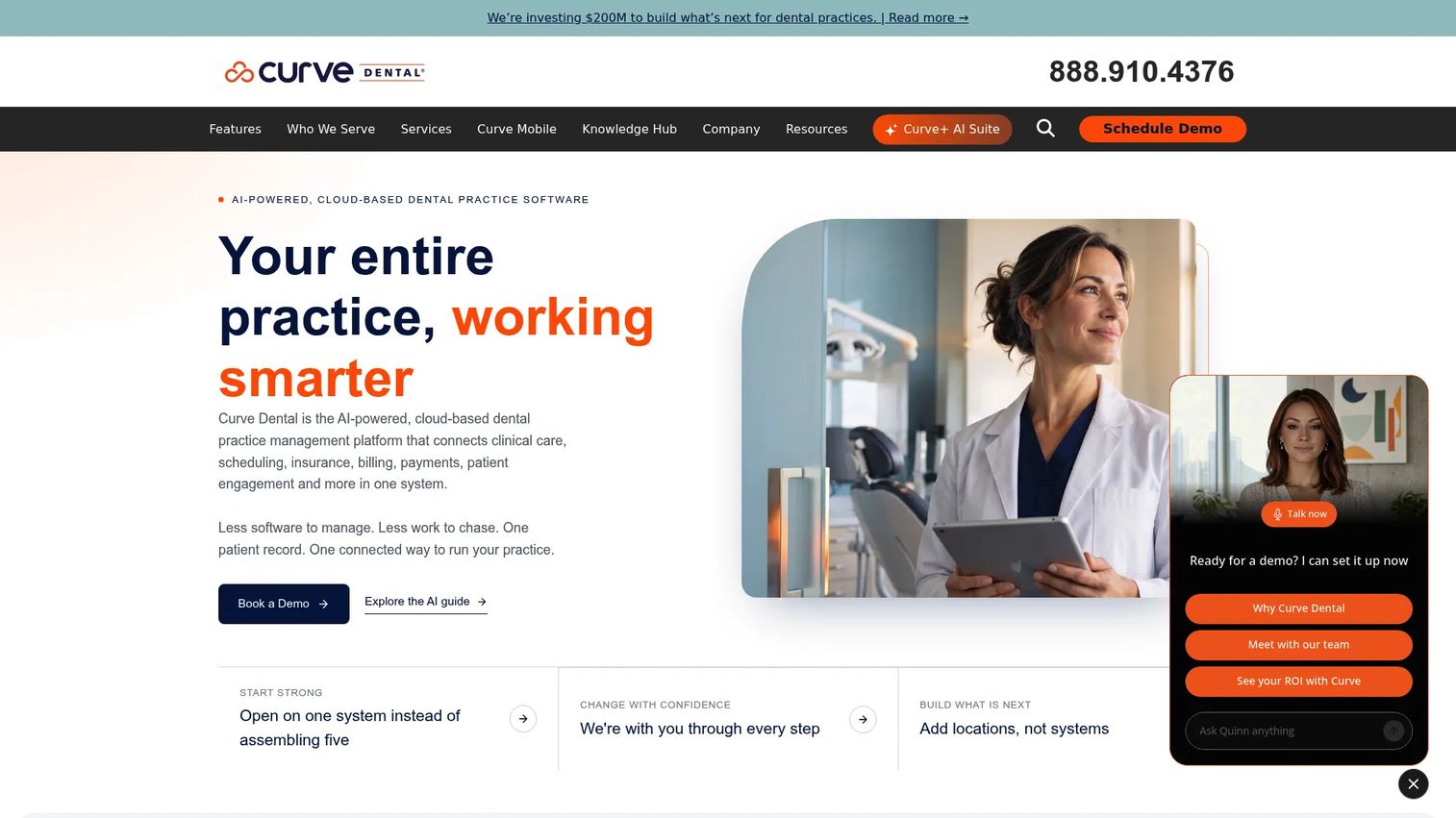
Curve Dental is cloud based dental patient management software. It connects clinical care with scheduling, insurance, billing, payments, and patient engagement.
Dental features include charting, treatment planning, imaging, periodontal records, and prescribing. Reporting supports administrative and financial oversight.
Best for: Dental practices seeking cloud based clinical and administrative workflows.
Key features
- Dental scheduling
- Clinical charting and treatment planning
- Cloud based imaging
- Insurance billing and verification
- Patient billing and communication
Why choose Curve Dental: It fits dental teams that want purpose built workflows rather than adapting general medical software. Cloud access supports practices working across locations or devices.
Curve Dental pricing: Custom pricing. Cost depends on practice size, locations, required features, integrations, and implementation.
G2 rating: 4.6/5.
16. Dentrix Ascend
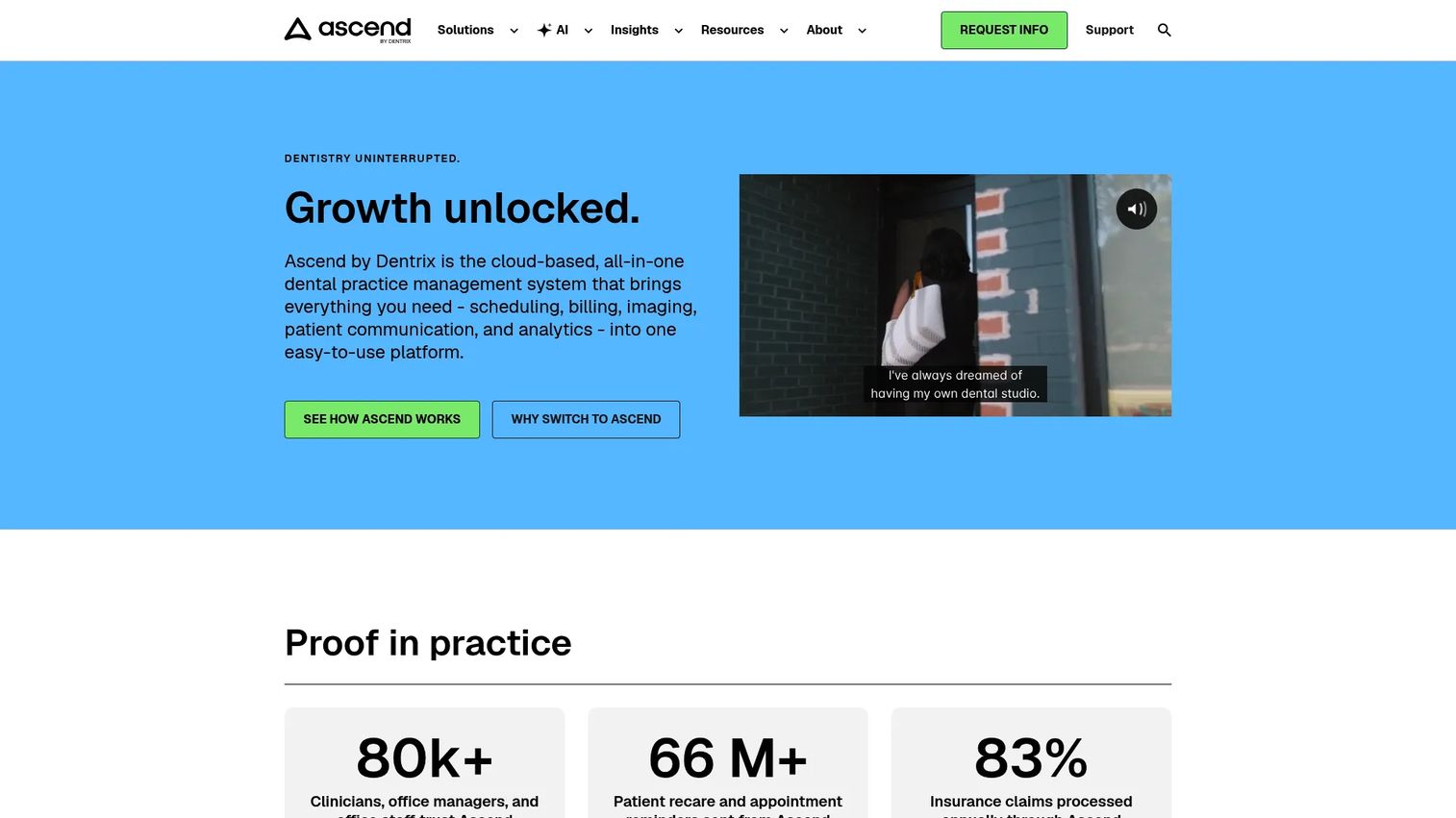
Dentrix Ascend is cloud dental practice management software. It connects scheduling, clinical charting, insurance, billing, patient communication, and reporting.
Multi location dashboards support dental groups with distributed operations. Patient facing capabilities include online scheduling, reminders, surveys, and two way messaging.
Best for: New and multi location dental practices seeking cloud based management.
Key features
- Cloud dental practice management
- Clinical charting and imaging
- Insurance and claims workflows
- Online scheduling and reminders
- Multi location reporting
Why choose Dentrix Ascend: It fits dental groups that need consistent workflows across sites. New practices may qualify for the introductory Ascend Starter offer.
Dentrix Ascend pricing: Ascend Starter costs $199 monthly for the first year. Eligibility requires a new practice with fewer than 500 active patients.
G2 rating: 4.3/5.
17. Open Dental
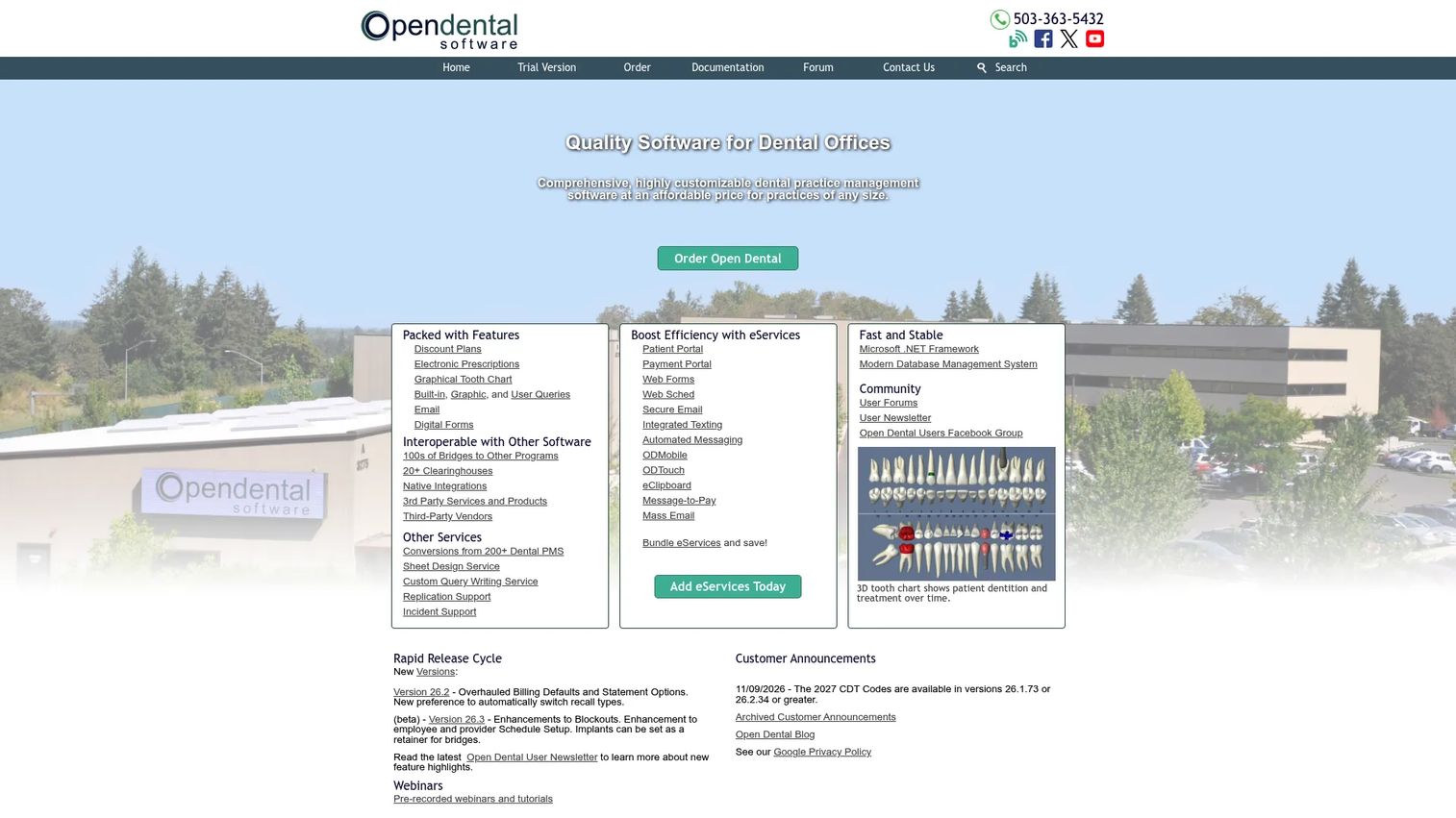
Open Dental manages dental scheduling, records, treatment planning, billing, insurance, and patient communication. Its configurable structure appeals to practices that value integration flexibility.
Patient functions include web scheduling, a portal, texting, and automated messages. Cloud hosting is available alongside the self hosted licensing model.
Best for: Dental practices seeking configurable management software with clear starting costs.
Key features
- Dental scheduling and records
- Treatment planning tools
- Billing and insurance workflows
- Patient portal and texting
- Third party integrations
Why choose Open Dental: It combines practical dental operations with a flexible integration approach. Practices can choose self hosting or the vendor’s cloud option.
Open Dental pricing: Software licensing and support costs $199 monthly per location. Open Dental Cloud costs $430 monthly per location, and a free trial is available.
G2 rating: 4.3/5.
Considerations when choosing patient management software
Decide whether you need a system of record or an overlay
Start with the architectural decision. Replacing an EHR affects clinical documentation, records, and revenue workflows.
An engagement overlay carries a narrower implementation scope. It should connect deeply enough to avoid duplicate work or inconsistent patient information.
Map the complete patient journey
Document booking, intake, eligibility, the visit, follow up, billing, payment, and recall processes. Mark every manual handoff and duplicate entry.
The benefits of patient management software come from removing those gaps. A new platform that creates another inbox adds work instead.
Verify the integration details
Ask which records synchronize and whether the connection supports write back. Confirm update frequency, supported fields, error handling, and implementation ownership.
A vendor saying it “integrates with your EHR” does not explain what staff can complete without changing screens.
Review security and access controls
Evaluate role based permissions, audit logs, encryption, retention, and business associate agreements. Include clinical, administrative, and support users in access testing.
HIPAA requirements depend on how your organization configures and uses the software. Route legal and security questions through qualified internal reviewers.
Test support workflows
Run common patient questions through the product before signing. Include appointment changes, missing forms, portal access, payment status, insurance updates, and refill requests.
Measure how many screens and handoffs each answer requires. A strong platform should improve patient service as well as clinical work.
Conclusion
The best patient management software matches your system architecture and practice type.
CureMD, AdvancedMD, athenaOne, NextGen, and eClinicalWorks cover broad medical operations. Salesforce Health Cloud adds CRM capabilities around existing clinical systems.
NexHealth, Phreesia, Luma, Artera, and Relatient focus more closely on access or engagement. Tebra addresses independent practice operations, while PatientNow serves aesthetic care.
Dental buyers should compare Curve Dental, Dentrix Ascend, and Open Dental against dental specific charting, insurance, imaging, and recall requirements.
Start by deciding whether you need to replace the clinical system or add a patient facing layer. Then test the workflows your staff handles every day.
Your shortlist should make appointment changes, intake questions, and payment requests easier to resolve. Feature volume matters less if the patient services team still needs several screens.
Start your journey with Guideflow today!
FAQs
Patient management software manages records, appointments, communication, intake, billing, payments, and follow up workflows. Some products serve as the clinical system of record.
Other patient management systems connect to existing EHRs. These overlays usually focus on access, communication, payments, or relationship management.
An EHR stores clinical records and supports care documentation. It can include charts, orders, prescriptions, results, and longitudinal patient history.
Patient management software can include EHR functionality. The broader category may also cover booking, forms, reminders, claims, payments, and front desk operations.
Patient engagement software focuses on patient facing workflows. Common functions include reminders, messaging, online booking, digital forms, portals, recalls, and reviews.
Patient management software has a broader scope. It may also manage clinical records, billing, scheduling rules, insurance, and practice operations.
Start with scheduling, digital intake, insurance verification, EHR integration, portal access, billing, and payments. Then review reporting and security controls.
Workflow fit matters more than feature count. Test whether staff can resolve common patient questions without duplicate entry or unnecessary transfers.
Pricing varies by provider count, locations, modules, patient volume, and implementation. Billing services or communication volume can also change the total.
Compare licenses, setup, integrations, training, support, and payment processing. Percentage of collections pricing should be modeled against expected revenue.
Healthcare software vendors often provide security features and business associate agreements designed for regulated environments. Those capabilities do not remove the practice’s responsibility for configuration and use.
Ask about access controls, audit logs, encryption, retention, and incident procedures. Have qualified legal and security reviewers assess the contract.
Small practices benefit when scheduling, records, intake, billing, or communication create repeated manual work. The right platform can reduce lookups and front desk calls.
A small team may choose a focused platform or a lighter medical practice management software package. Replacing the EHR is unnecessary when an engagement layer solves the primary problem.
Dental practices should evaluate Curve Dental, Dentrix Ascend, and Open Dental. Each provides dental patient management software rather than general medical workflows.
Compare dental charting, insurance processing, imaging, treatment plans, recalls, and multi location support. The best choice depends on hosting preferences and required integrations.