Your team has a wiki. New hires still ask the same Slack questions every two weeks.
That gap is the problem Nuclino alternatives are really solving. Finding the right Nuclino alternative depends on what broke down: The wiki exists, but employees still need live help to execute the actual process inside the software. According to Atlassian (2025), 56% of workers often have to ask someone or schedule a meeting to get information they need, even when documentation is in place.
This guide covers 14 alternatives across five categories: Interactive guide platform, connected workspaces, enterprise knowledge bases, open-source wikis, and process documentation tools. Guideflow is the top pick for teams whose bottleneck is training adoption, not documentation volume. Notion and Slab are the strongest wiki replacements. Outline, Docmost, and Wiki.js cover self-hosted needs. Whale and Guru fit structured SOP workflows.
TL;DR
- Best overall for internal training: Guideflow turns software processes into interactive step-by-step guides employees follow inside the product, with step-level analytics to see where people get stuck. More than 500,000 guideflows have been created on the platform.
- Best wiki replacement: Notion for flexible workspaces; Slab for a clean, structured company wiki.
- Best for structured SOPs and process training: Whale, with AI-assisted creation and built-in completion tracking.
- Best for verified knowledge retrieval: Guru, designed for revenue and support teams that need trusted answers in existing workflows.
- Best open-source option: Outline for a polished cloud or self-hosted team wiki; Docmost for self-hosted collaborative docs with enterprise features.
- Best for lightweight team knowledge: Slite, the closest direct Nuclino replacement with stronger AI search.
- Best for enterprise documentation governance: Confluence, particularly when documentation connects to Jira and Atlassian tooling.
What's inside
- What Nuclino does well and where scaling teams hit its limits
- Why teams look for Nuclino alternatives (with sourced pains)
- A side-by-side table of all 14 tools with category, rating, free plan, and pricing
- Ranked tool sections with consistent structure
- Use-case routing by job: Internal training, wiki replacement, open-source, SOPs, and cost
What is Nuclino?
Nuclino is a lightweight team wiki for organizing internal knowledge, documents, and collaborative notes in a simple workspace. Its appeal is speed of setup: You can create a structured knowledge base in minutes, with a clean interface and real-time collaboration that feels closer to a document editor than a heavyweight enterprise system.
Teams use it for internal docs, project knowledge, onboarding overviews, meeting notes, and linked pages. The minimal design keeps adoption friction low, and that works well when the team is small and knowledge is straightforward.
The limits show up at scale. As headcount grows past 50, duplicate docs multiply, ownership becomes unclear, search gets noisier, and the same process questions keep reappearing in Slack. For teams whose SOP knowledge needs to be followed inside software rather than simply read, Nuclino's static page format stops being enough.
Why teams look for Nuclino alternatives
Teams usually look for Nuclino alternatives when a simple wiki stops matching their operating reality. The wiki is technically complete, but the team is still not following the process.
Internal knowledge is stored but not used
Writing a SOP and getting someone to execute it correctly are different problems. Nuclino solves the first. It does not solve the second. A new RevOps hire can read the CRM hygiene doc and still make the same field errors because a static page cannot guide them through the actual steps inside the tool.
Onboarding needs role-specific paths
New hires across product, sales, support, and CS need different entry points, different examples, and different levels of guidance. Nuclino's flat page structure makes it hard to build paths by role or seniority without manual organization discipline that rarely survives a reorg.
Search and ownership degrade with headcount
G2 reviewers of Nuclino note that content organization and permissions become harder to maintain as teams grow. Stale pages with no owner create noise, and weaker search means the right answer gets buried under outdated versions of the same doc.
Governance is thin for board-level scrutiny
Series B companies often face due diligence questions about process consistency, access controls, and documentation standards. Nuclino's permission model is functional for small teams but limited compared to what a board or new VP of Operations expects to see.
Teams need the right format for the job
Some teams need a flexible connected workspace. Others need self-hosted control. Others need interactive internal training that employees complete, with analytics to prove it. A single wiki format cannot serve all three.
How we picked these Nuclino alternatives
Each tool was selected for real capability overlap with internal knowledge, SOPs, onboarding, documentation, and training. Pricing comes from each vendor's official pricing page. Ratings come from G2. The list spans two categories: Knowledge management tools (team wikis, enterprise docs, open-source wikis, process platforms) and an interactive guide platform (Guideflow), so readers can tell a direct swap from a category upgrade. The global knowledge management software market reached $13.7 billion in 2025, projected to grow to $37.64 billion by 2031 (Mordor Intelligence, 2025), which explains why the field is wide.
Nuclino alternatives at a glance
Guideflow leads the list as the interactive training layer. The remaining 13 tools cover wiki replacements, enterprise documentation, open-source deployments, and process-focused platforms. Use the Category column to separate a direct Nuclino swap from a fundamentally different kind of tool.
| # | Tool | Category | Best for | G2 rating | Free plan | Starting price |
|---|---|---|---|---|---|---|
| 1 | Guideflow | Interactive guide platform | Internal software training, employee onboarding, SOP execution | 5.0 | Yes | $35/user/month (annual) |
| 2 | Notion | Connected workspace | Flexible docs, databases, and team knowledge | 4.6 | Yes | $10/member/month |
| 3 | Confluence | Enterprise wiki | Structured documentation with governance | 4.1 | Yes (up to 10 users) | $5.42/user/month |
| 4 | Slite | AI team knowledge base | Lightweight internal knowledge and AI search | 4.6 | No (14-day trial) | $10/user/month (annual) |
| 5 | Coda | Doc and app builder | Docs with automations and lightweight internal apps | 4.6 | Yes | Contact pricing page |
| 6 | Tettra | Internal knowledge base | Q&A-led knowledge for growing teams | 4.7 | No (30-day trial) | $8/user/month |
| 7 | Guru | AI knowledge management | Verified knowledge and answers in workflow | 4.7 | No | Custom pricing |
| 8 | Slab | Team wiki | Clean, structured company documentation | 4.6 | Yes (up to 10 users) | $6.67/user/month (annual) |
| 9 | Outline | Open-source team wiki | Self-hosted or cloud documentation | 4.4 | Yes (Community Edition) | $3/user/month |
| 10 | Docmost | Open-source wiki | Self-hosted collaborative documentation | 4.9 | Yes | $6/seat/month (annual) |
| 11 | Wiki.js | Open-source wiki | Technical documentation and self-hosting | 4.3 | Yes | Free and open source |
| 12 | Anytype | Local-first workspace | Private personal and team knowledge | 4.6 | Yes | $4/month |
| 13 | Whale | Process documentation | SOPs, training, and process enablement | 4.8 | Yes | $299/month (annual) |
| 14 | Superhuman Docs | AI-native documentation | Fast AI-assisted collaborative docs | 4.6 | Yes | $12/Doc Maker/month (annual) |
The best Nuclino alternatives in 2026
1. Guideflow (interactive guide platform)
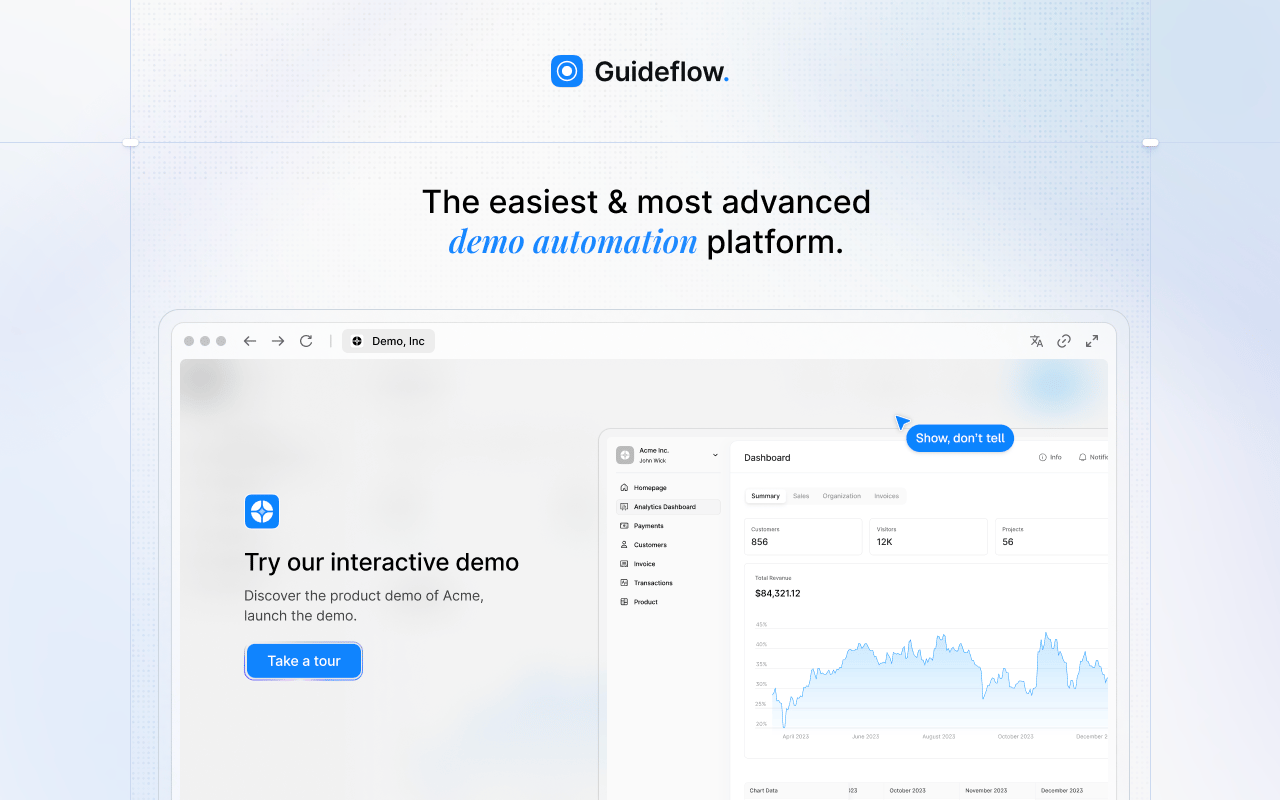
Guideflow is the right pick when the documentation already exists but employees still need handholding to execute the process. Where Nuclino stores the knowledge, Guideflow turns software workflows into interactive step-by-step guides that employees complete, with analytics that show exactly where they get stuck. If your new VP of Sales needs the CRM handoff process working on day one without a founder-led walkthrough, this is the tool for that job.
Best for: Scaling SaaS teams that need employees to learn internal software processes without live handholding, covering onboarding for RevOps, support, CS, sales, and product operations.
What it is: Guideflow is a demo automation platform with six formats: Interactive demos, demo pages, demo centers, sandboxes, live demos, and mobile demos. Teams use the interactive demo format for internal audiences, turning software workflows into guided step-by-step experiences rather than static pages. Guides are interactive demos applied to internal training rather than a separate product category. Capture runs through the Chrome extension or the native app.
Key features:
- Screenshot, HTML, and video capture modes through the Chrome extension or native app
- Editor supports text, images, graphs, and branching for role-specific paths
- Step content and CTAs written automatically after capture
- Step-level completion, drop-off, and viewer flow analytics
- Demo centers for organizing training libraries by team or workflow
- Sandboxes for free-form exploration when employees need to test a process
- Translation into more than 30 languages
Where Guideflow falls short: Look elsewhere if your primary need is a static written wiki for policies, meeting notes, or long-form reference documentation. Guideflow performs best when the knowledge needs to be followed inside software, not merely read on a page. Many teams run both: Guideflow for process execution, a wiki for the written reference layer.
Pricing: Free plan available. Solo is $35 per user per month (annual). Growth is $499 per month (annual). Advanced is $1,499 per month (annual). Enterprise starts from $2,999 per month (annual) and adds SSO, advanced governance, and enterprise security.
G2 rating: 5.0
How it compares to Nuclino: Nuclino helps teams write and organize knowledge. Guideflow helps teams follow software workflows through an interactive experience with completion analytics. The bottleneck each tool solves is different.
Start your journey with Guideflow today!
2. Notion (connected workspace)
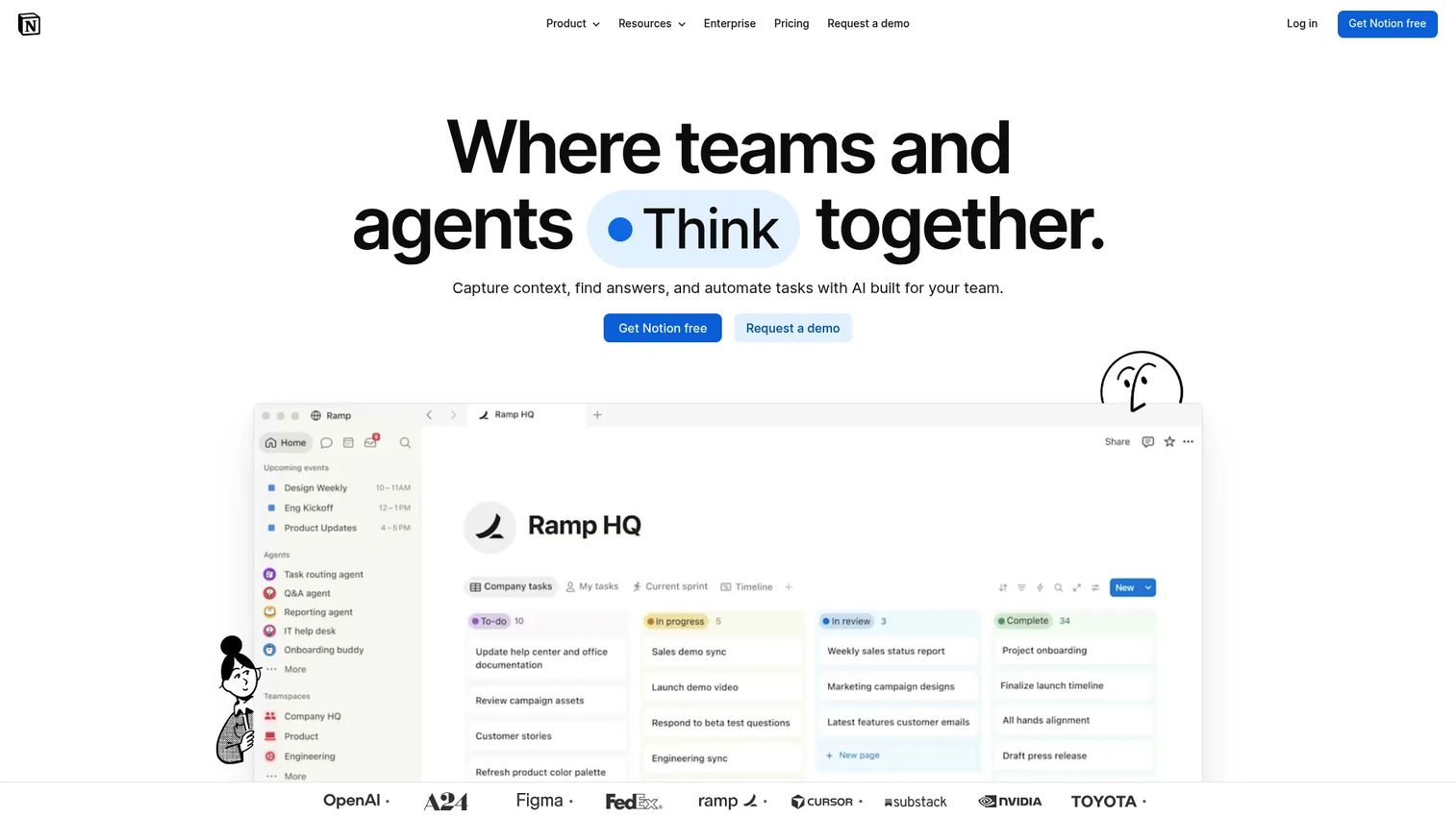
Notion has become the default flexible workspace for SaaS teams that want knowledge, lightweight databases, and project context in the same place. It is broader than Nuclino by design, which is both its strength and the source of its main failure mode: Teams overbuild internal systems instead of keeping things simple.
Best for: SaaS teams that want docs, databases, project hubs, and internal pages in a single workspace without committing to a heavier tool.
What it is: Notion is a connected workspace combining documents, databases, wikis, templates, and lightweight project tracking. Its homepage positions it as an AI workspace for capturing knowledge, finding answers, and automating work. Teams use it for everything from company wikis to CRM-lite databases and OKR tracking.
Key features:
- Docs and nested pages with real-time collaboration
- Databases with relations, filters, and multiple views
- Wiki homepages and sidebar navigation
- Granular permission controls
- AI-assisted answers and search within the workspace
Where Notion falls short: G2 reviewers frequently note that Notion workspaces become difficult to govern without strong admin discipline, duplicate pages accumulate over time, and complex database structures have a steep learning curve for non-technical users.
Pricing: Free plan available. Plus is $10 per member per month. Business is $20 per member per month. Enterprise is custom pricing.
G2 rating: 4.6
How it compares to Nuclino: Notion is broader and more customizable. Nuclino stays focused for teams that want a minimal wiki without the overhead of maintaining databases and nested page hierarchies.
3. Confluence (enterprise wiki and documentation)
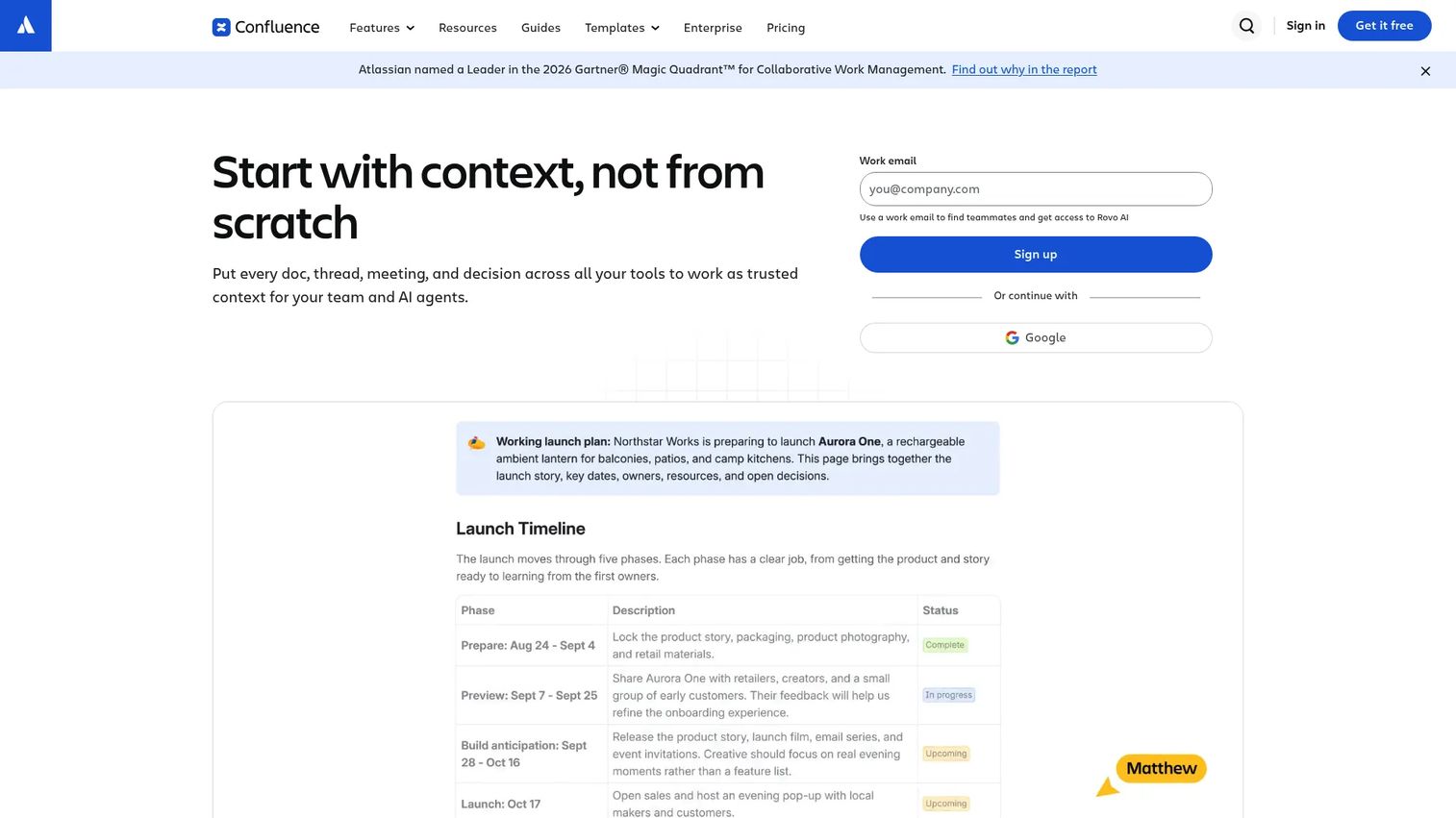
Confluence fits teams that need documentation governance rather than speed. Its strength is structured spaces, page versioning, and deep integration with Jira and the Atlassian stack. For a Series B team where engineering and product already run on Jira, Confluence keeps documentation connected to delivery workflows.
Best for: Product, engineering, and operations teams that need structured documentation, mature permissions, and Atlassian integration.
What it is: Confluence is an enterprise wiki and collaborative workspace. Atlassian positions it as an AI-powered environment for creating, organizing, and sharing team knowledge, with spaces organized by team or project, page trees, and analytics on content usage.
Key features:
- Spaces and page trees for structured knowledge organization
- Page versioning and templates
- Permission controls at space and page level
- Jira integration for connecting docs to delivery
- Analytics and automation on paid plans
Where Confluence falls short: G2 reviewers note that setup and administration feel heavy for teams below 50 people, page structures sprawl without clear ownership, and the user interface requires a learning investment compared to lighter wiki tools.
Pricing: Free for up to 10 users. Standard is $5.42 per user per month. Premium is $10.44 per user per month. Enterprise is contact-sales pricing.
G2 rating: 4.1
How it compares to Nuclino: Confluence suits structured, governed documentation at scale. Nuclino works better for small teams that want a minimal wiki with fast setup and no administration overhead.
4. Slite (AI team knowledge base)
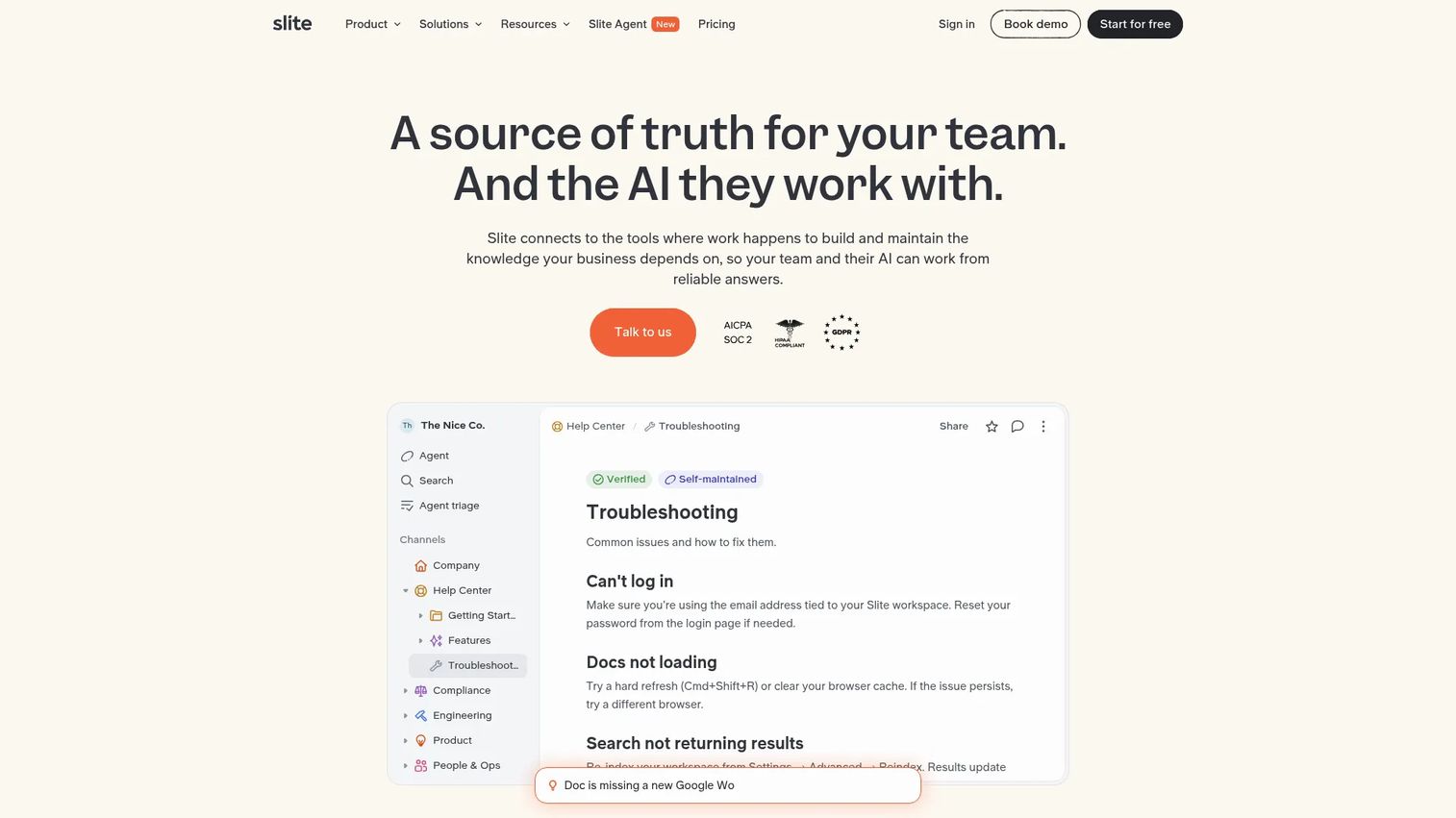
Of all the tools in this list, Slite is the closest direct replacement for Nuclino. It covers the same lightweight team knowledge use case with added AI search and document verification features that address the stale-content problem Nuclino users hit at scale.
Best for: Teams that want a lightweight internal knowledge base with stronger knowledge discovery, AI answers, and documentation maintenance.
What it is: Slite is a self-maintaining team knowledge base built around docs, collaboration, search, and knowledge discovery. Its AI layer, called Slite Agent, can answer questions from connected tools, fact-check content, and automate knowledge digests, making it considerably more maintenance-aware than Nuclino.
Key features:
- Team docs with comments, mentions, and recurring docs
- AI search and answers across Slite and connected tools
- Document verification, ownership tracking, and a Knowledge Management Panel
- Slite Agent for automated fact-checking and knowledge workflows
- Integrations including MCP access and a browser extension
Where Slite falls short: Slite's pricing page does not offer a free tier, only a 14-day trial, which makes it harder to evaluate at the team level before committing. G2 reviewers note that the tool's feature depth around workflows can exceed what small teams need.
Pricing: No free plan (14-day trial available). Basic is $10 per user per month (annual). Pro is $20 per user per month (annual). Enterprise is custom pricing.
G2 rating: 4.6
How it compares to Nuclino: Slite is a natural step up from Nuclino: Same lightweight wiki form factor, stronger knowledge maintenance, and AI-assisted answers. The main difference is cost and the absence of a free tier.
5. Coda (doc and app builder)
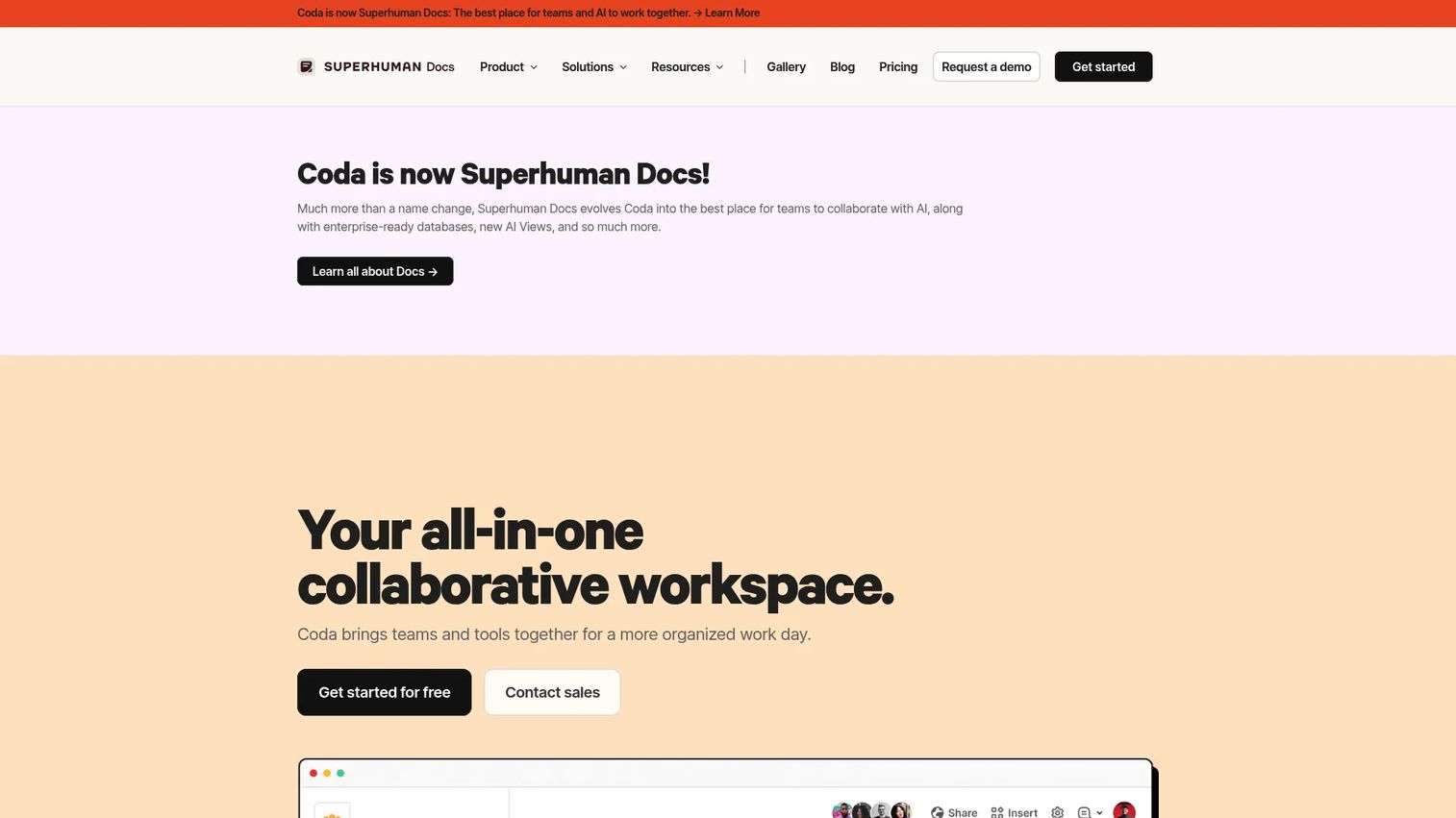
Coda sits in a different bracket from most wiki tools. Its value is for teams that want documentation that also does something, triggering actions, automations, and views from within the doc itself. For founders who want their internal ops docs to drive actual workflow rather than just describe it, Coda is worth evaluating.
Best for: Teams that need docs with tables, automations, buttons, and integrations for lightweight internal applications.
What it is: Coda is a collaborative all-in-one platform combining documents, structured tables, apps, integrations, and AI for teams. Its Packs system connects docs to external tools, and its maker-based billing model charges for creators rather than all users.
Key features:
- Collaborative docs with structured tables, formulas, and multiple views
- Buttons and automations within documents
- Packs and integrations with external tools
- Coda AI for content creation and insights
- Publishing and API access
Where Coda falls short: G2 reviewers note that the learning curve can be steep for teams that only need basic docs, and that internal docs can become complex quickly when every process gets built as a mini-app. Pricing information on Coda's pricing page was inaccessible during research; check coda.io/pricing directly for current plan prices before committing.
Pricing: Free plan available. Pro, Team, and Enterprise tiers exist; the billing model charges per Doc Maker while editors and viewers are free. Current prices require checking Coda's pricing page.
G2 rating: 4.6
How it compares to Nuclino: Coda is more powerful for teams where documentation should trigger operational actions. Nuclino is the better fit when the job is simply writing and organizing knowledge without the overhead of building doc-based workflows.
6. Tettra (internal knowledge base)
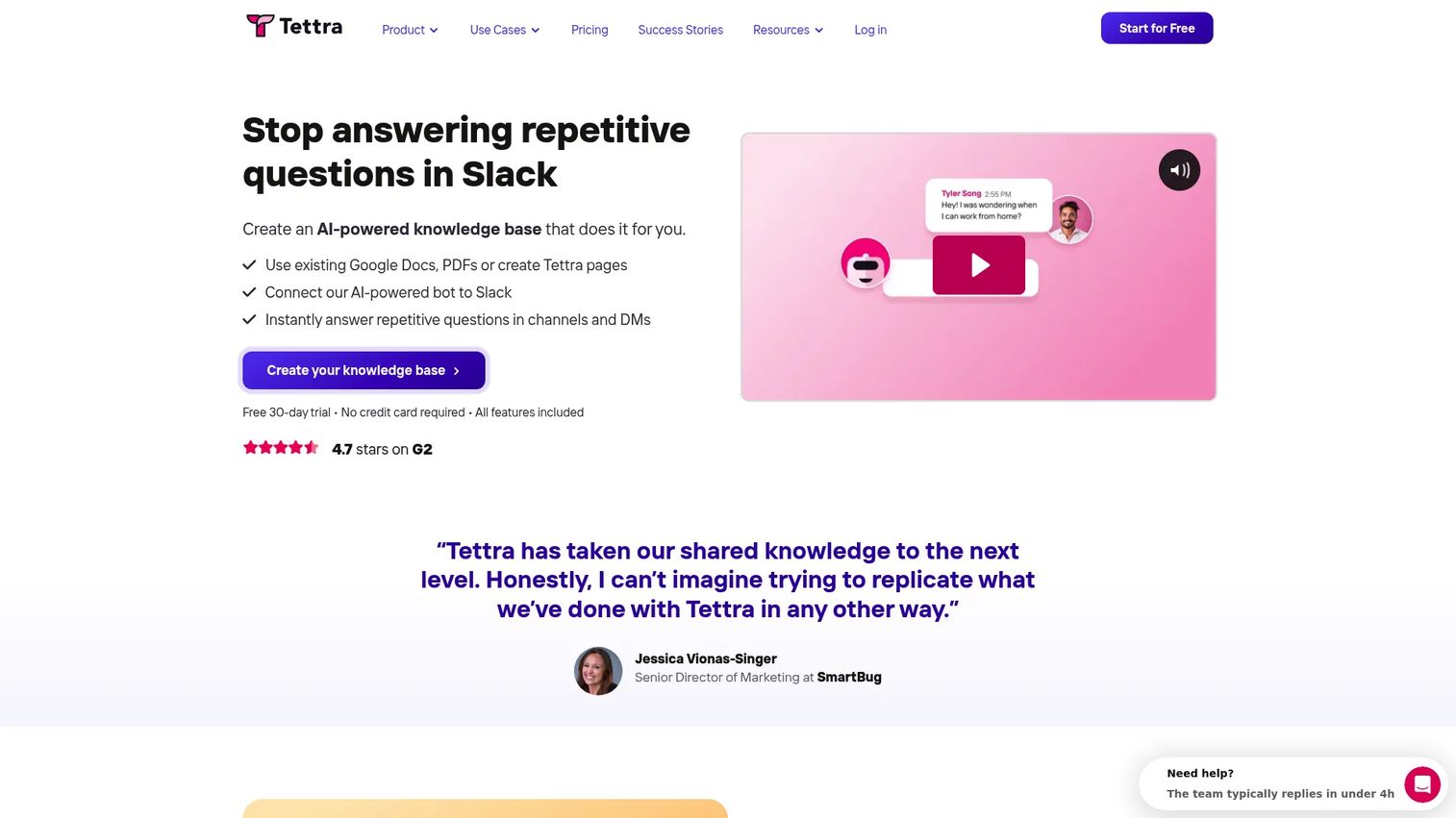
Tettra is built around a specific insight: Most team knowledge problems are repeated questions, not missing documents. Its Q&A model and answer ownership workflow address the specific Slack question-and-answer problem that static wikis fail to solve.
Best for: Growing teams with high volumes of repeated internal questions and a need for owned, maintained answers.
What it is: Tettra is an AI-powered internal knowledge base built for company answers, process documentation, and repeated question management. It integrates with Slack for in-workflow answer delivery, tracks which answers are stale, and surfaces Google Workspace documents alongside Tettra content.
Key features:
- Internal knowledge base with AI answers and FAQ generation
- Q&A workflows with ownership tracking
- Slack integration for in-workflow answers and thread summarization
- Stale-page reports and usage analytics
- Google Workspace integration
Where Tettra falls short: Tettra requires a 10-user minimum on its paid plan, which makes it less flexible for small teams. G2 reviewers note that it works best when teams commit to the Q&A and answer ownership workflow rather than using it as a general-purpose doc store.
Pricing: No free plan (30-day trial). Scaling is $8 per user per month with a 10-user minimum. Enterprise is custom pricing.
G2 rating: 4.7
How it compares to Nuclino: Tettra is more answer-driven and workflow-integrated than Nuclino. Nuclino is better for page-based wikis; Tettra fits teams whose knowledge problem is fundamentally about recurring questions rather than document organization.
7. Guru (AI knowledge management)
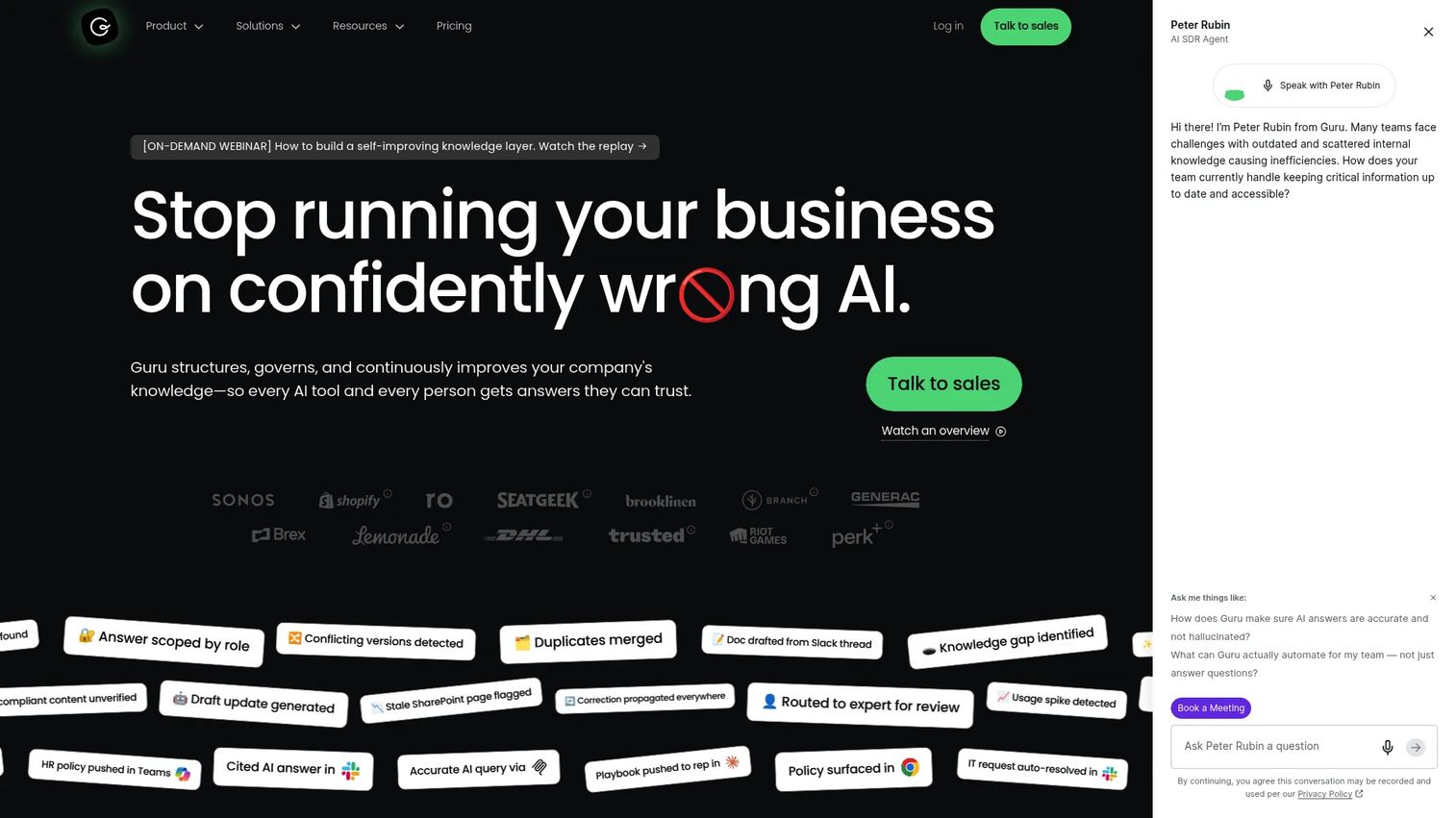
Guru is built for teams where wrong or stale knowledge creates direct business risk, particularly revenue, support, and CS functions. Its verification workflow and in-workflow delivery model make it one of the strongest tools in this list for operational knowledge governance.
Best for: Revenue, support, and operations teams at mid-market and enterprise scale that need verified, in-workflow knowledge and AI-assisted answers.
What it is: Guru is an AI knowledge platform that connects company knowledge, delivers cited answers across work tools, and keeps information accurate through automated verification, deduplication, and governance workflows. It supports 100+ source connectors and surfaces answers directly in Slack, Microsoft Teams, and browser extensions.
Key features:
- 100+ source connectors with a unified knowledge index
- Permission-aware ingestion with cited AI answers
- Automated verification, deduplication, and knowledge maintenance workflows
- Slack, Microsoft Teams, browser extension, and MCP integrations
- Analytics, audit logs, and usage reporting
Where Guru falls short: Guru's pricing page shows no public numeric tiers; pricing is fully custom and tailored to organizational scale, which makes budget comparison difficult at the evaluation stage. G2 reviewers note that Guru requires strong internal ownership to keep cards current, and the platform is more than small teams need for basic documentation.
Pricing: Custom pricing. Contact Guru for a quote.
G2 rating: 4.7
How it compares to Nuclino: Guru is a more governed, more integrated, and more expensive tool than Nuclino. Nuclino works for teams that need a lightweight wiki; Guru fits teams where the accuracy of knowledge has operational consequences.
8. Slab (team wiki)
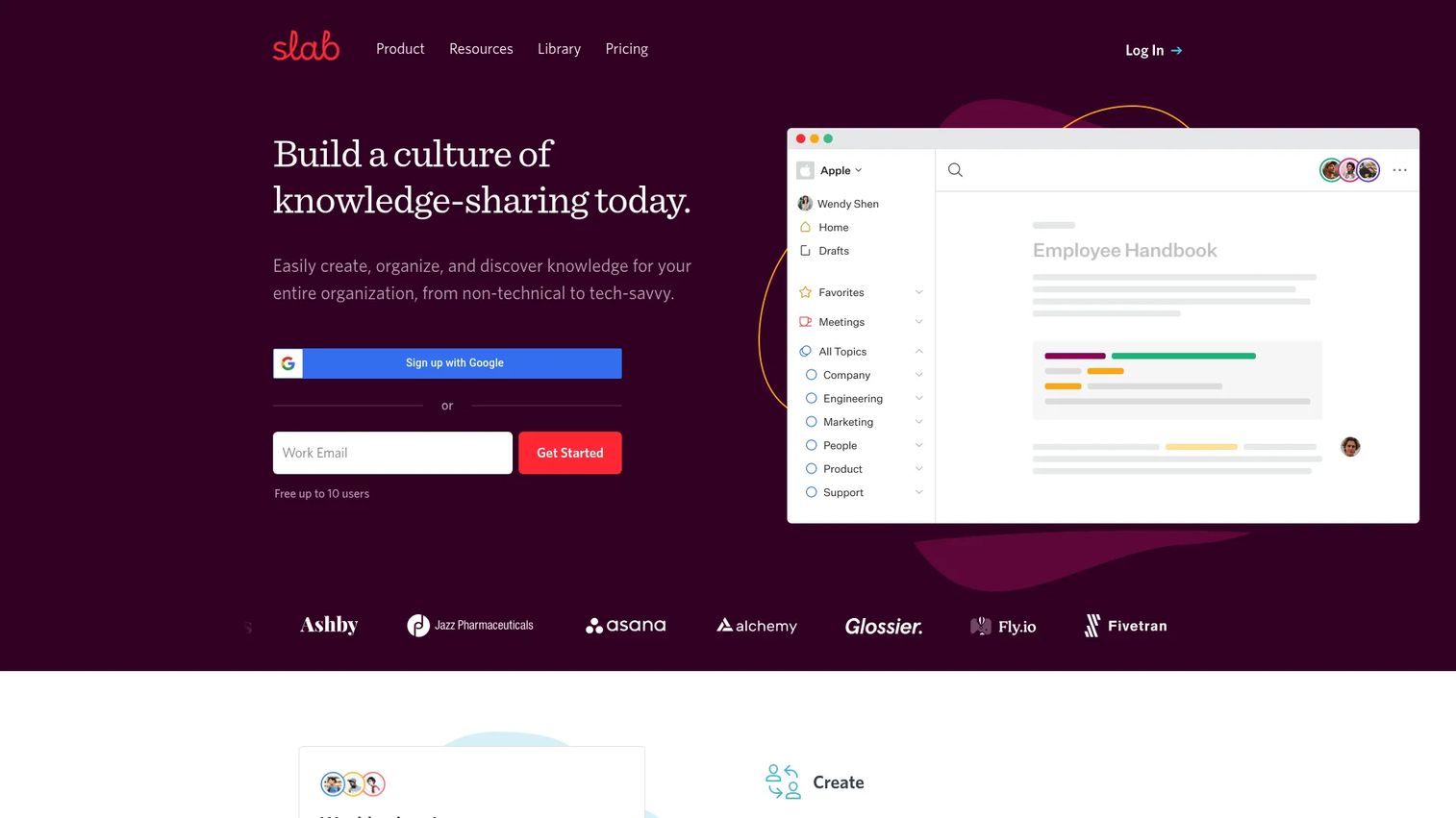
Slab is the cleanest like-for-like wiki alternative in this list. It has the same documentation-first focus as Nuclino with better topic organization, stronger search, and more polished integrations with the tools growing teams already use.
Best for: Teams that want a structured, polished company wiki with strong search and integrations into GitHub, Slack, and Google Workspace.
What it is: Slab is a team knowledge hub and wiki for shared documentation, collaboration, and search. It organizes content into hierarchical topics rather than free-form pages, which keeps knowledge more organized as headcount grows.
Key features:
- Collaborative editor with real-time collaboration and inline comments
- Hierarchical topics for structured knowledge organization
- Unified search across Slab and integrated tools
- Integrations with GitHub, Slack, and Google Workspace
- Usage analytics and content feedback
Where Slab falls short: G2 reviewers note that Slab is narrower than all-in-one workspaces like Notion, so teams that want databases, project tracking, or operational workflows alongside docs will hit its limits. Advanced process training and SOP completion tracking require a separate tool.
Pricing: Free for up to 10 users. Startup is $6.67 per user per month (annual). Business is $12.50 per user per month (annual). Enterprise is custom pricing.
G2 rating: 4.6
How it compares to Nuclino: Slab and Nuclino compete closely as clean team wikis. Slab wins on topic organization, search quality, and integration depth. Nuclino wins on minimal setup and simplicity.
9. Outline (open-source team wiki)
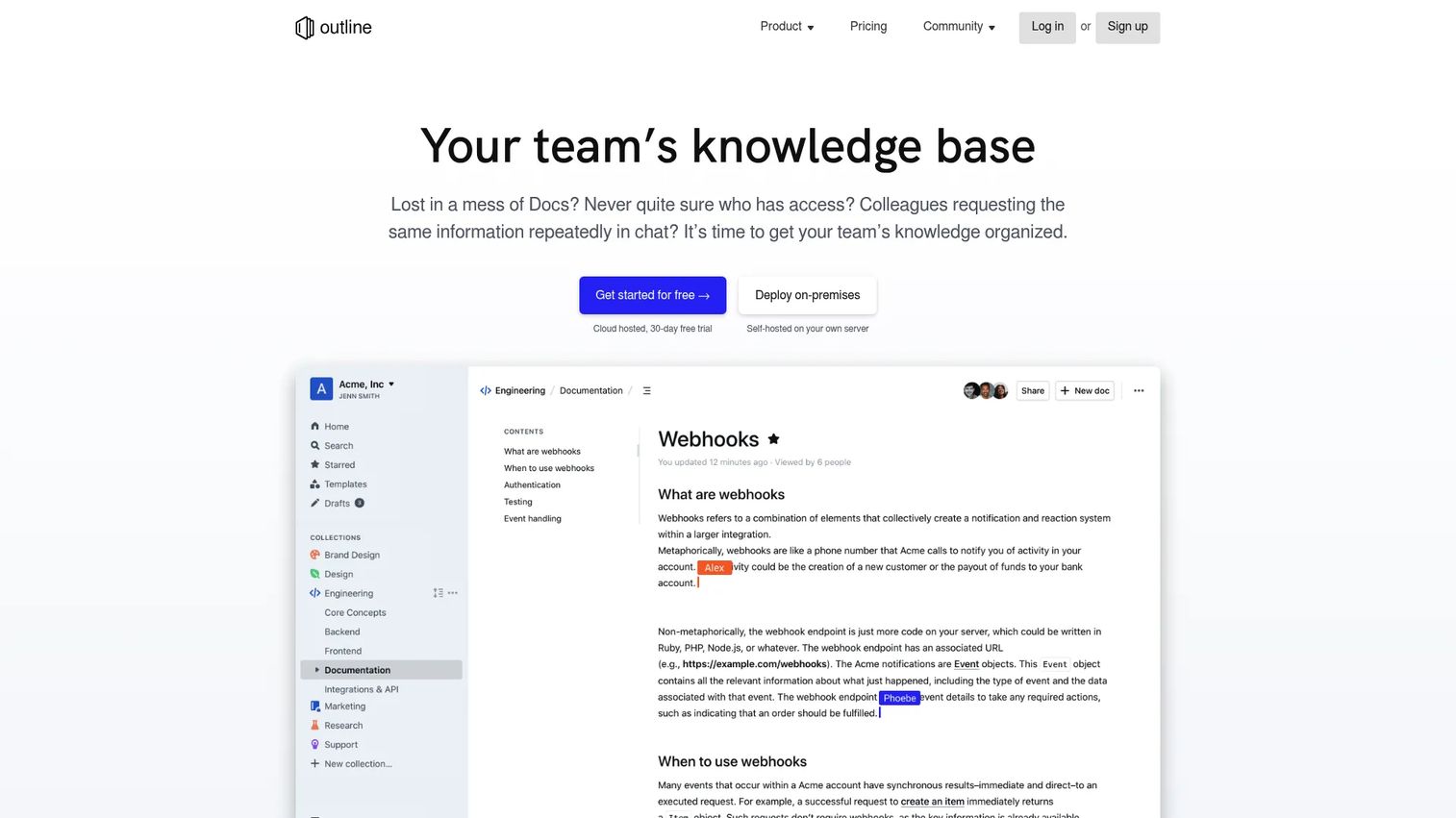
Outline is the strongest open-source option for teams that want a polished wiki experience with the option to self-host. Its cloud-hosted version is fully managed; its open-source version gives teams complete infrastructure control.
Best for: Teams that want a developer-friendly, open-source team wiki with either cloud or self-hosted deployment.
What it is: Outline is a modern team knowledge base and wiki with real-time collaborative editing, powerful search with AI question answering, and integrations with Slack and 20+ tools. It is available as a managed cloud service and as an open-source project teams can deploy on their own infrastructure.
Key features:
- Real-time collaborative editing with Markdown support
- AI-powered search and question answering
- Collections and nested docs with granular permissions
- SSO and user group management
- Self-hosting via Docker, Node.js, or similar setups
Where Outline falls short: Self-hosting Outline requires a technical team member to own the deployment and maintenance. G2 reviewers note that documentation and community support for edge cases in self-hosted setups can be thin compared to fully managed SaaS tools.
Pricing: Cloud Standard is $3 per user per month (or $30 per user per year). Cloud Business is $4 per user per month (or $40 per user per year). On-premises Community Edition is free with limited features. On-premises Business is $4 per user per month (annual, 10-user minimum). On-premises Enterprise is $5 per user per month (annual, 100-user minimum).
G2 rating: 4.4
How it compares to Nuclino: Outline gives teams the option of full infrastructure ownership without sacrificing a polished writing experience. Nuclino is a hosted tool with no self-hosting path.
10. Docmost (open-source wiki)
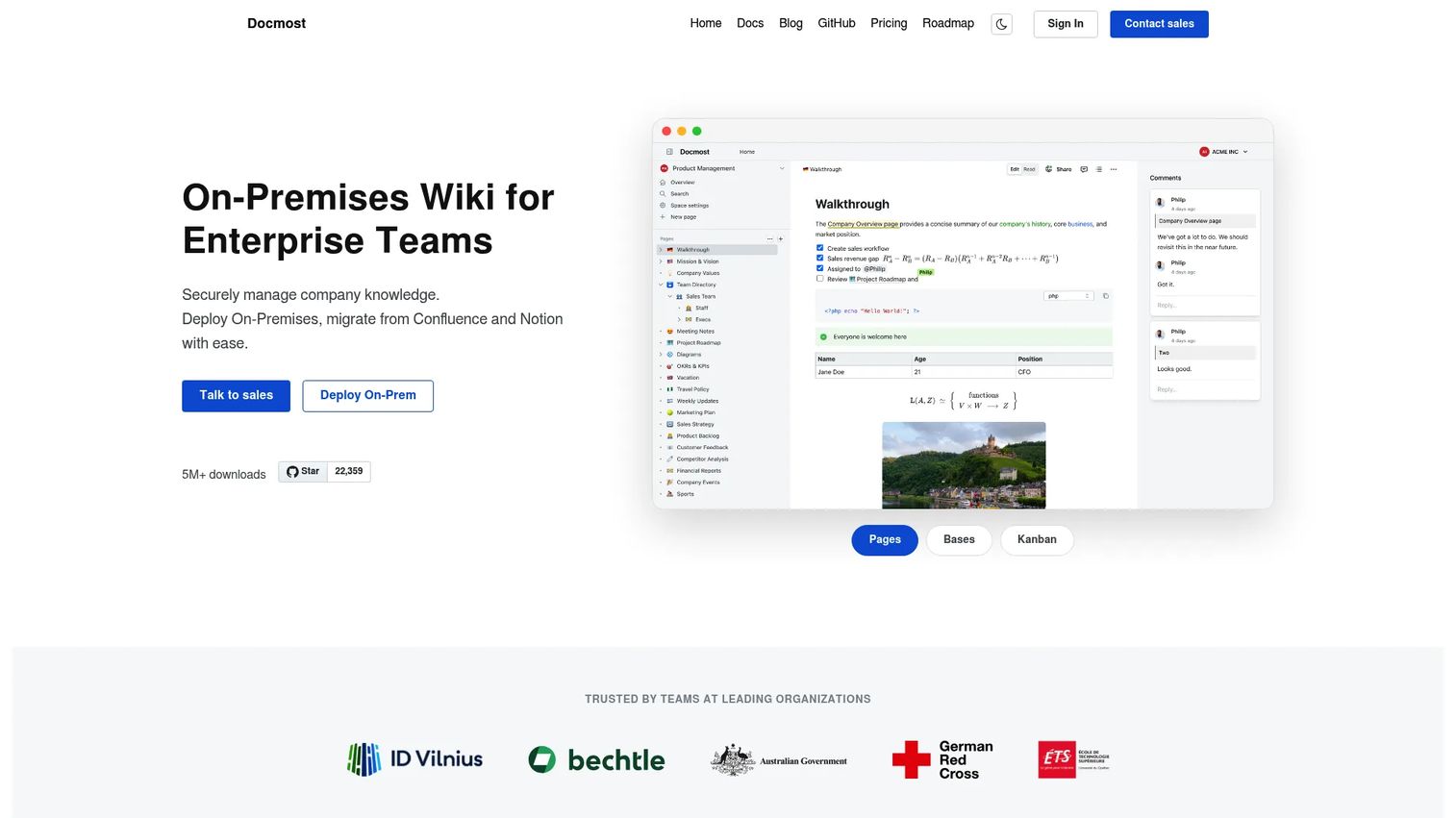
Docmost is a younger open-source wiki built specifically for teams that need collaborative documentation with enterprise-grade controls and a self-hosted deployment model. It includes features like Confluence and Notion migration, which makes it a practical consideration for teams leaving heavier tools.
Best for: Technical teams that need a self-hosted collaborative wiki with enterprise security controls and migration tooling from major platforms.
What it is: Docmost is a self-hosted enterprise wiki and knowledge management platform for teams. It supports real-time collaboration, an AI assistant, semantic search, granular permissions, SSO, Kanban and database views, and diagram support through Draw.io, Excalidraw, and Mermaid.
Key features:
- Real-time collaboration with comments and inline editing
- AI assistant and semantic search
- Granular permissions and SSO support
- Kanban and database views alongside standard docs
- Confluence and Notion migration support
Where Docmost falls short: Docmost has no G2 rating data, reflecting its early-stage adoption. The ecosystem of integrations and community support is thinner than established SaaS wikis, and self-hosting requires engineering resources to maintain.
Pricing: Community Edition is free and open source. Business is $6 per seat per month (annual, 10-seat minimum). Enterprise is custom pricing.
G2 rating: 4.9
How it compares to Nuclino: Docmost trades Nuclino's minimal hosted experience for full self-hosting control and stronger enterprise governance. Teams with regulatory or data residency requirements will find it more flexible.
11. Wiki.js (open-source wiki)
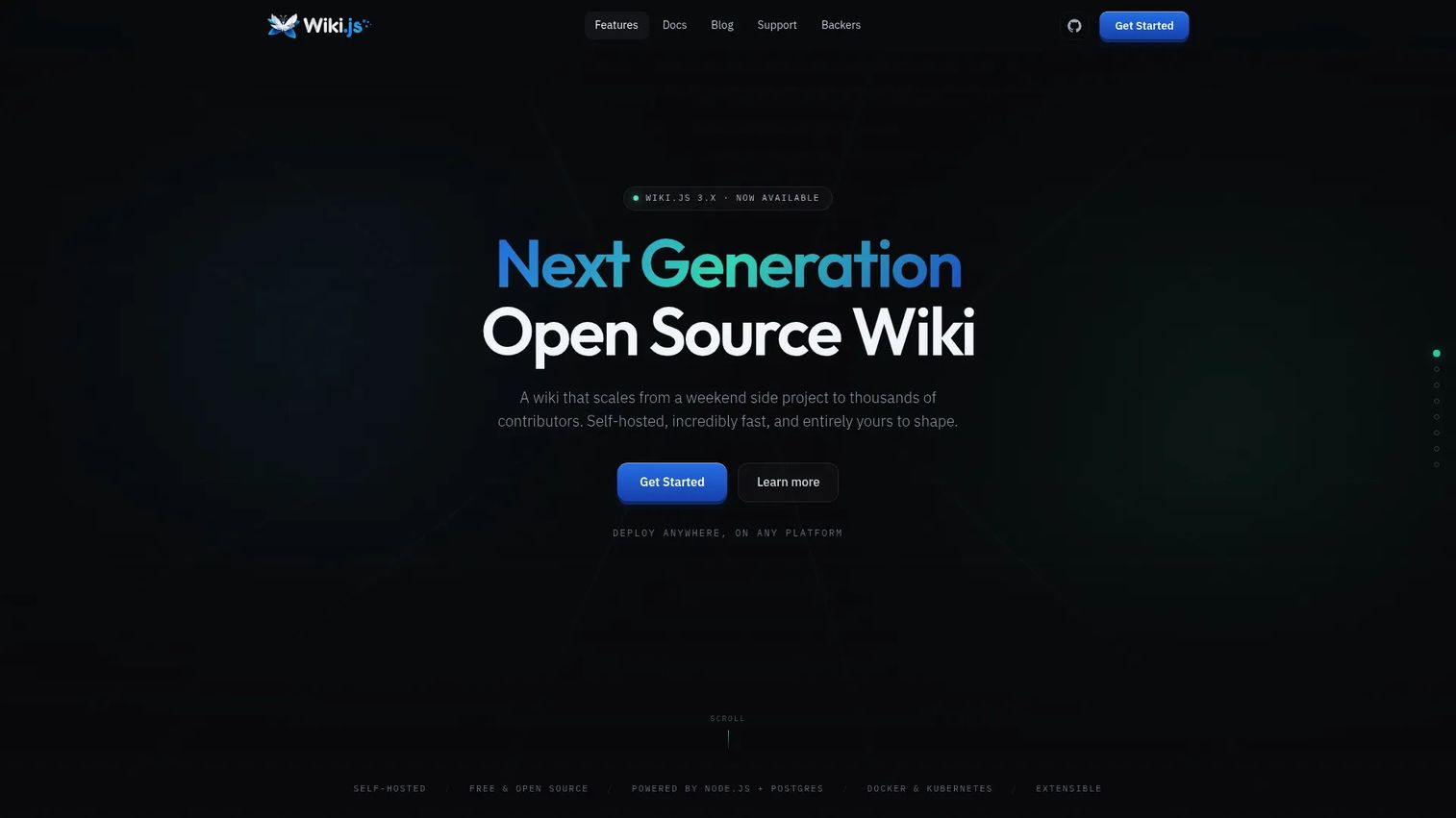
Wiki.js is for engineering and IT teams that want a customizable, self-hosted technical documentation environment. Its feature set, including authentication integrations, versioning, and multiple editor modes, makes it well-suited to developer-owned documentation rather than company-wide knowledge bases.
Best for: Engineering and IT teams that want a self-hosted wiki with technical documentation features, authentication flexibility, and open-source licensing.
What it is: Wiki.js is free and open-source wiki software built for self-hosted deployment. It supports Markdown, visual, and AsciiDoc editors, real-time collaboration, content blocks, diagrams, and Excalidraw. Deployment runs on Node.js with PostgreSQL, Docker, or Kubernetes.
Key features:
- Multiple editor modes: Markdown, visual, AsciiDoc
- Real-time collaboration with comments, annotations, and live notes
- Content blocks, diagrams, and feedback boards
- Self-hosted deployment on standard infrastructure
- Versioning and content history
Where Wiki.js falls short: Wiki.js requires engineering ownership for setup and ongoing maintenance. G2 reviewers note that non-technical users need onboarding support, and the tool is less suitable as a company-wide knowledge base for business users without an admin keeping it organized.
Pricing: Free and open source. No paid tiers listed on the official project site. Hosting and maintenance costs apply for self-deployment.
G2 rating: 4.3
How it compares to Nuclino: Wiki.js offers complete infrastructure ownership for technical teams. Nuclino is a better fit for mixed business-and-technical teams that want a hosted, low-maintenance wiki.
12. Anytype (local-first workspace)
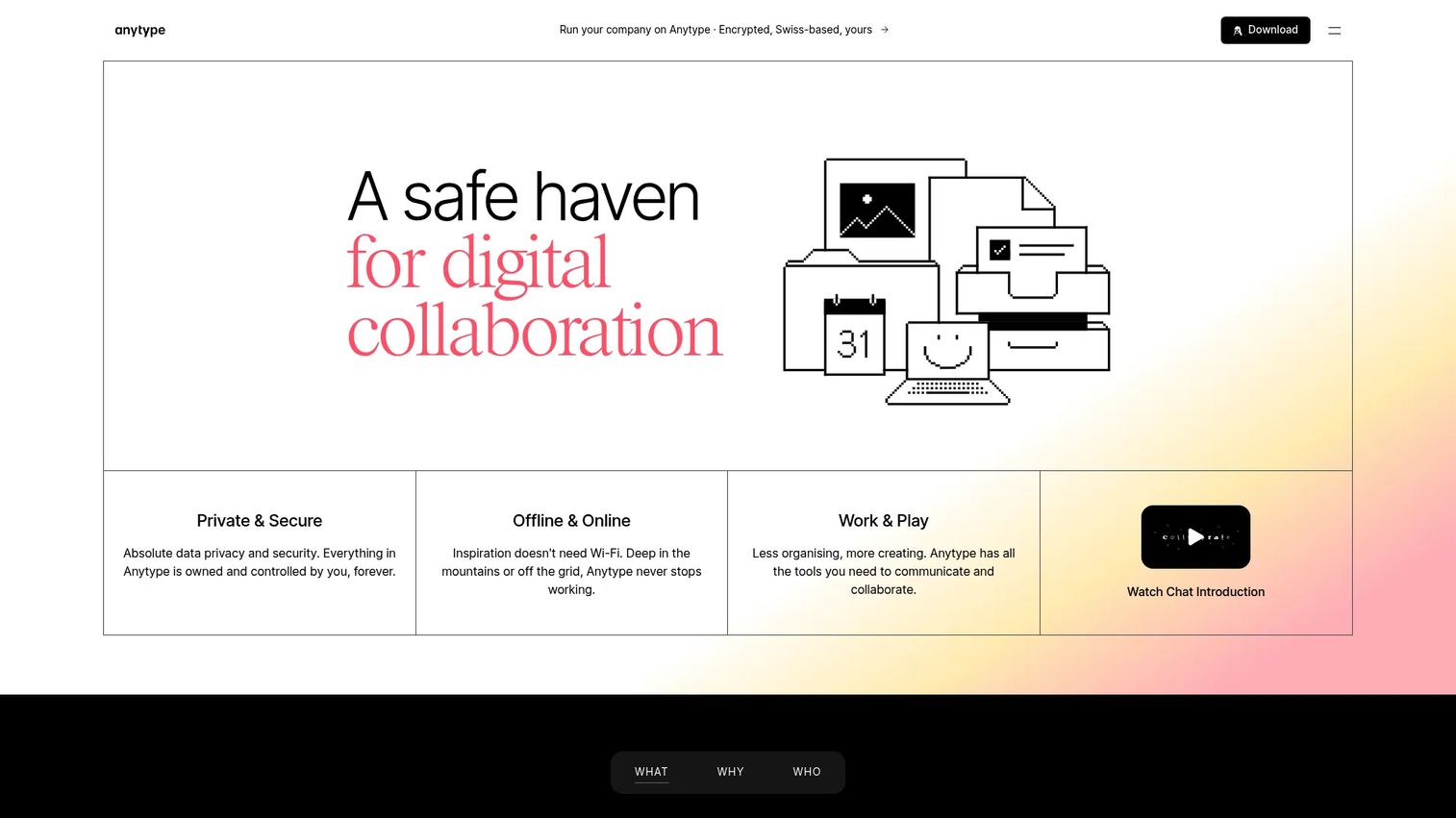
Anytype is built on a privacy-first architecture where data lives locally by default. For teams where data sovereignty is a priority, or for founders who want personal knowledge management alongside team use, it offers a genuinely different model than cloud-first wikis.
Best for: Privacy-conscious teams or individuals that want offline-first knowledge management with peer-to-peer sync.
What it is: Anytype is a local-first workspace for chats, documents, databases, tasks, and project collaboration. Its offline-first storage with peer-to-peer sync means data stays on your device rather than a cloud server by default. It supports graph and database views, block-based documents, and Kanban layouts.
Key features:
- Block-based private documents with nested pages, tables, media, and links
- Offline-first local storage with peer-to-peer sync
- Private databases for people, tasks, and projects
- Graph and database views including Kanban and gallery
- Private chats with attachments and task integration
Where Anytype falls short: Anytype has no G2 rating data, and its enterprise governance features are less mature than older knowledge tools. Teams migrating from a standard SaaS wiki will find the local-first mental model requires adjustment.
Pricing: Free plan available (100 MB remote storage). Plus is $4 per month. Pro is $8 per month. Ultra is $16 per month. Annual billing is advertised at 20% off.
G2 rating: 4.6
How it compares to Nuclino: Anytype prioritizes privacy and local-first architecture over Nuclino's cloud-hosted simplicity. Teams that do not have data sovereignty requirements will find Nuclino or a standard wiki tool more straightforward for shared team use.
13. Whale (process documentation platform)
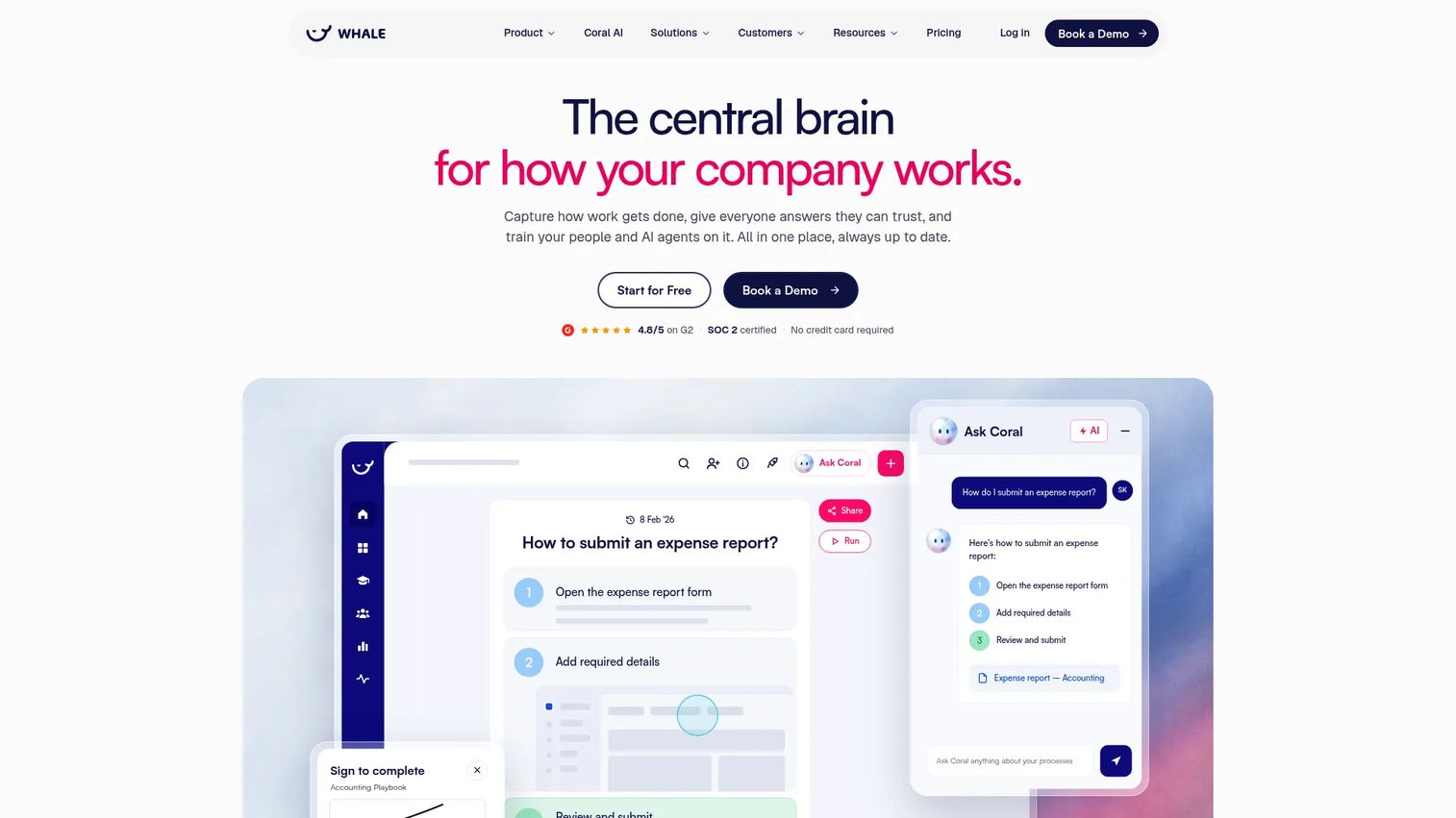
Whale is the strongest SOP-focused tool in this list. Where most wiki tools store processes as documents, Whale treats SOPs as structured training assets with assigned completion, version tracking, and AI-assisted creation from screen recordings and existing documents.
Best for: Teams that need structured SOP documentation, employee onboarding paths, training completion tracking, and process ownership.
What it is: Whale is AI-powered SOP and training software for documenting processes, onboarding employees, and keeping company knowledge current. Its AI assistant, Coral, answers employee questions from approved SOPs. Training flows include AI-generated quizzes, assignments, and completion tracking.
Key features:
- AI-assisted SOP creation from screen recordings, videos, PDFs, and Word documents
- Training flows with AI-generated quizzes and completion tracking
- AI assistant Coral for SOP-based question answering
- Version history, expert review cycles, approval flows, and SSO
- Exports to PDF and Word, QR codes, mobile access, and Slack integration
Where Whale falls short: Whale's pricing starts at $299 per month (annual) for the Scale plan, which is a higher commitment than a simple wiki replacement. G2 reviewers note that the platform is most valuable when teams invest in proper SOP ownership workflows; without that discipline, it can function like a more expensive wiki.
Pricing: Free plan available (1 creator, up to 10 members, 20 Playbook items). Scale is $299 per month (annual, 3 creators). Advance is $599 per month (annual, 5 creators). Enterprise is custom pricing.
G2 rating: 4.8
How it compares to Nuclino: Whale solves a more specific problem than Nuclino: Not just documenting the process, but ensuring employees complete it correctly and organizations can track that. Teams that want a lightweight wiki should stay with a simpler tool; teams with SOP enforcement needs should evaluate Whale.
14. Superhuman Docs (AI-native documentation)
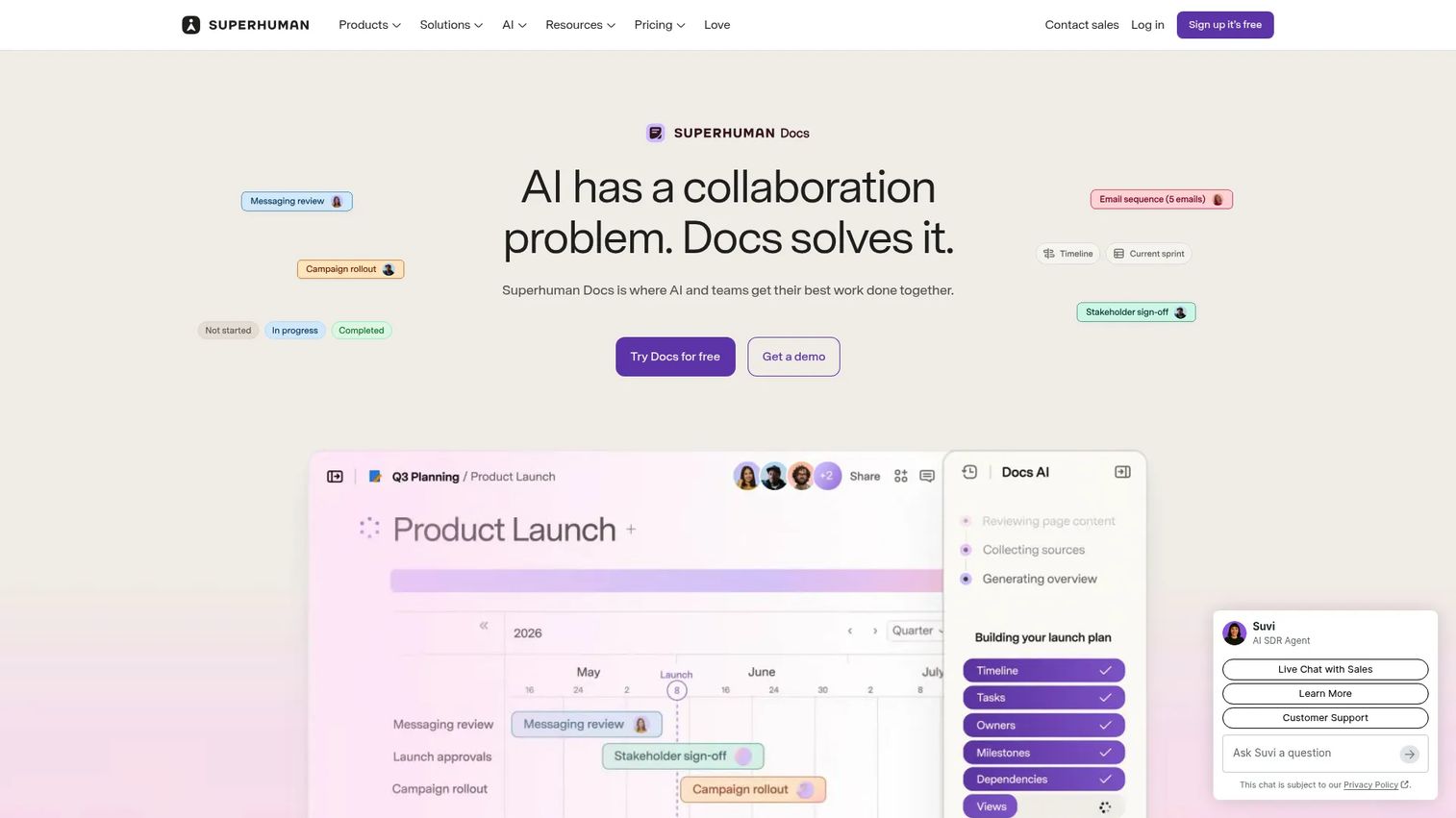
Superhuman Docs is an AI-native collaborative workspace that combines documents, structured data, and workflow automation in one environment. It is a newer entrant in the knowledge management space with a strong feature set for teams that want AI assistance throughout the documentation process.
Best for: Teams that want collaborative docs with embedded AI, structured data views, automations, and 800+ tool integrations in a single workspace.
What it is: Superhuman Docs is an AI-powered collaborative workspace for creating documents, tables, workflows, dashboards, and connected team tools. Its AI assists with document creation, editing, summarization, and workspace actions. It connects to 800+ tools and supports MCP for AI workflows.
Key features:
- AI-assisted document creation, editing, and summarization
- Collaborative docs with tables, formulas, charts, views, forms, and automations
- Connected integrations with 800+ tools and MCP support
- Databases, private folders, and group training on higher tiers
- SAML SSO, SCIM, audit events, and HIPAA compliance on Enterprise
Where Superhuman Docs falls short: G2 reviewers mention that the product's breadth can require a learning investment to use effectively, and that some teams find the AI features most valuable on paid tiers. As a newer tool, the community and documentation ecosystem is thinner than established platforms.
Pricing: Free plan available. Pro is $12 per Doc Maker per month (annual) or $15 per month (monthly). Business is $33 per Doc Maker per month (annual) or $40 per month (monthly). Enterprise is custom pricing.
G2 rating: 4.6
How it compares to Nuclino: Superhuman Docs is more capable than Nuclino for teams that want AI-native documentation with workflow automation. Nuclino remains more focused for teams that want a minimal team wiki without learning a broader workspace platform.
What is the best Nuclino alternative for internal training?
Guideflow is the top pick when the job is getting employees to follow software processes accurately, not storing the written reference.
A new support hire can read the refund workflow doc in Nuclino and still submit the wrong refund type. The same hire can complete an interactive step-by-step guide in Guideflow and follow the actual steps inside the tool, with analytics showing whether they completed each stage. The gap is between documentation and training execution. For RevOps CRM handoffs, CS renewal processes, support queue workflows, and admin panel training, Guideflow covers the execution layer that a wiki cannot.
Which Nuclino alternative works best as a direct wiki replacement?
Notion, Slite, and Slab are the strongest direct replacements depending on team structure.
Notion fits teams that want knowledge, lightweight databases, and project context in the same workspace. Slite fits teams that want a minimal wiki with better AI search and document verification than Nuclino offers. Slab fits teams that want polished topic organization and strong integrations with Slack, GitHub, and Google Workspace without leaving the documentation-first model.
What is the best open-source Nuclino alternative?
Outline, Docmost, and Wiki.js each cover a different self-hosting need.
Outline provides the most polished open-source wiki experience, available as a free Community Edition or a managed cloud plan. Docmost adds enterprise governance features, Confluence/Notion migration, and an AI assistant for teams with more complex requirements. Wiki.js suits engineering teams that want maximum customization and are comfortable managing infrastructure. The tradeoff for all three: Self-hosting delivers data control but requires a technical owner. For founders with engineering teams already stretched thin, that opportunity cost is worth factoring in before choosing self-hosted over managed SaaS.
Which Nuclino alternative is best for SOPs?
Whale, Guru, and Guideflow approach the SOP problem from different angles.
Whale is for teams that need to write, assign, and track completion of SOPs as structured training assets. Guru is for teams where verified knowledge retrieval inside existing tools matters more than training completion. Guideflow is for teams whose SOPs describe software processes that employees need to follow step by step inside the actual tool. Choose Whale when the SOP needs to be documented, assigned, and tracked. Choose Guideflow when the SOP needs to be performed correctly inside software.
What is the cheapest Nuclino alternative?
Wiki.js and Docmost's Community Edition are free for self-hosted deployment. Outline's Cloud Standard plan starts at $3 per user per month.
For managed SaaS with a free tier, Slab covers up to 10 users at no cost, and Confluence covers the same up to 10 users. Notion and Anytype both have free tiers for individuals and small teams. Keep in mind that cheap wiki tools can generate repeated internal training questions, which carry their own cost in senior-staff time. A $0 wiki that creates five weekly Slack escalations costs more than a $6 per user tool that eliminates them.
When should you stay with Nuclino?
Nuclino may still be the right tool if your internal knowledge is simple, ownership is clear, and the team is not hitting its limits. If documentation covers policies, meeting notes, and straightforward reference content without governance requirements, the migration cost to a heavier tool is probably not worth it yet.
The trigger for switching is operational drag: The same process questions repeating in Slack, new hires taking longer than expected to become productive, SOPs written but not followed, or permissions becoming a liability. If Nuclino is not creating those problems, do not migrate for the sake of it.
Why teams switch from Nuclino to Guideflow
The specific Nuclino failure mode that sends teams to Guideflow is a recurring one: The wiki has the SOP, but new employees still need a live person to walk them through the actual software workflow. The founder or a senior team member becomes the repeating explanation. That becomes a bottleneck at 50 employees and a serious structural problem at 100.
Guideflow addresses this by turning the workflow itself into an interactive step-by-step guide that employees complete independently. Capture runs through the Chrome extension or native app across screenshot, HTML, and video modes. Demo centers let you organize multiple guides into a training library organized by team or workflow. Step-level completion, drop-off, and viewer flow analytics show exactly where employees get stuck, so you can fix the specific step causing confusion rather than rewriting the whole process doc.
The team that benefits most is not the team with no documentation. It is the team with good documentation that employees still need help executing. Guideflow is built for that gap.
Start your journey with Guideflow today!
FAQs: Nuclino alternatives
Guideflow is the strongest option when the goal is training employees to execute software processes rather than storing written reference documentation. Whale is the better fit for structured SOP creation with training paths and completion tracking. Guru addresses the in-workflow knowledge retrieval problem for revenue and support teams. Each tool solves a different part of the training problem.
Notion, Slite, and Slab are the strongest direct wiki replacements. Notion suits teams that want databases and project context alongside docs. Slite fits teams that want a lightweight wiki with AI search and self-maintaining knowledge features. Slab fits teams that want clean topic organization and solid integrations with Slack and GitHub. Confluence suits teams already in the Atlassian ecosystem that need governance-ready documentation.
Outline, Docmost, and Wiki.js are the main open-source options. Outline is available as a free Community Edition for self-hosting and offers managed cloud plans starting at $3 per user per month. Docmost provides collaborative docs with enterprise controls and free open-source licensing. Wiki.js is fully free and open source, best suited to engineering teams comfortable managing their own infrastructure.
Replace Nuclino when it is creating operating drag: Repeated onboarding questions, stale SOPs, weak search, missing ownership, or employees who still need live help executing documented processes. If Nuclino is working and documentation is current and used, the migration cost may not be justified yet. The clearest signal is whether new team members become independently productive within the expected timeframe without needing escalations.
Choose a wiki when the job is storing and organizing written knowledge: Policies, reference docs, meeting notes, and decision logs. Choose an interactive guide platform when employees need to complete software processes accurately without live assistance. The two formats are complementary: A wiki holds the written layer, and an interactive guide delivers the execution layer for workflows that live inside software.
Content migration effort is the first consideration: How many pages exist, how well-structured they are, and whether the destination tool has an import path. After that, consider permission architecture (who should own what), knowledge ownership assignment (who updates each section), training adoption (whether the new tool will actually be used), and total cost across licenses and migration time. The most important question is whether the current tool is creating a bottleneck that justifies the disruption of a migration.
Whale for structured process documentation with AI-assisted creation, training flows, and completion tracking. Guideflow for SOPs that describe software workflows employees need to follow step by step inside the actual tool. Guru for teams that need verified SOP answers delivered inside existing workflow tools like Slack or a browser extension. Choose based on whether the SOP primarily needs to be documented, performed, or retrieved.
Guideflow should not be framed as a full wiki replacement. It does not store policies, meeting notes, or long-form reference documentation. It replaces or supplements the specific wiki pages that describe software processes employees need to follow inside a tool. Teams that run both are common: Guideflow for the execution layer, a wiki for the written reference layer. Use Guideflow when the goal is interactive internal training and process completion, not documentation storage.