Your mailroom queue gets busy before anyone notices. Packages arrive, staff update a spreadsheet, and recipients start asking whether their deliveries are ready.
When a parcel disappears, pickup proof may live in someone’s memory. Support and operations teams then spend time searching logs, checking shelves, or answering repeated status requests.
Mailroom management software gives that workflow a record. It supports inbound package tracking, recipient notifications, and documented chain of custody from receipt through pickup.
The category is also growing. Market Research Future valued the global mailroom management software market at $3.1 billion in 2025, according to its 2026 research.
The best mailroom management software depends on the handoff you need to fix. Package rooms need different capabilities from virtual mailboxes, outbound shipping desks, or bulk mailing teams.
What’s inside
This guide covers software for physical package intake, digital mail, outbound shipping, postage, and USPS presorting.
We selected the tools using five practical criteria:
- Package logging and barcode scanning
- Recipient notifications and self service pickup
- Custody proof through signatures, timestamps, or photos
- Fit across offices, campuses, properties, and distributed teams
- Verified pricing and current G2 ratings where available
The goal is to help you choose by workflow. A support team deflecting package questions needs different mailroom automation software from a print shop preparing bulk mail.
TL;DR
- Best overall for workplace package tracking: Envoy connects delivery management with broader workplace operations
- Best for residential package rooms: Notifii Track suits teams evaluating dedicated recipient pickup workflows
- Best for automated parcel logging: Parcel Tracker Mailroom reads labels, matches recipients, and records collection proof
- Best for enterprise chain of custody: PackageX supports complex logistics workflows across multiple systems and locations
- Best by mail type: PostScan Mail handles digital mail, while PitneyShip and ShippingEasy cover outbound shipping
What is mailroom management software?
Mailroom management software is a system for receiving, logging, tracking, notifying recipients about, and proving pickup or delivery of inbound mail and packages.
A mailroom management system replaces handwritten logs, spreadsheets, or shared inboxes with a searchable operational record. Staff can scan an item, match it to a recipient, trigger a notification, and document the final handoff.
The category includes several distinct tool types:
- Inbound package tracking: Records parcels from arrival through pickup or internal delivery
- Digital mailroom software: Scans physical mail for online viewing, forwarding, or storage
- Postage and shipping software: Creates labels, compares carrier rates, and tracks outbound shipments
- Mail sorting software: Cleans addresses and prepares bulk mail for postal presorting
- Facility platforms: Manage mailroom tasks alongside visitors, contractors, assets, or workplace requests
A dedicated mailroom tracking software platform usually focuses on parcel intake and custody. Virtual mailbox services focus on letter mail and remote access. Postage platforms manage outbound packages rather than employee pickup.
Key features to look for
- Package intake scanning: Capture labels, barcodes, or package details
- Recipient matching: Connect items with employees, residents, or departments
- Automated notifications: Send alerts without manual follow up
- Pickup confirmation: Record signatures, photos, or collection timestamps
- Custody records: Track staff actions and package status changes
- Digital mail scanning: Convert physical correspondence into accessible files
- Mailroom analytics: Report parcel volume and operational workload
- Multi site management: Standardize processes across several locations
- Directory integrations: Keep recipient records aligned with current users
- Postal support: Prepare labels, postage, forms, or presorted mail
Start with your broken handoff. Then choose the category built to fix it.
When to use mailroom management software
Track inbound packages without a spreadsheet
Use mailroom package tracking software when package volume has outgrown manual logging. Barcode scanning and label capture create a consistent intake record.
Some systems also save package photos or identify recipients from label data. Staff can search each item’s status without walking through the package room.
Reduce “where is my package?” requests
Automated alerts give recipients a status update when staff log their items. Pickup workflows can then document collection without another message to the front desk.
For support teams, that creates a self service answer to a repetitive question. Agents spend less time checking shared inboxes or asking facilities staff for updates.
Prove custody when packages go missing
Chain of custody matters whenever several people handle a package. Scans, timestamps, staff assignments, signatures, and photos build an audit trail.
That record helps operations teams identify where a handoff stopped. It also gives support staff concrete evidence when responding to a missing package report.
Mailroom management software comparison
Mailroom management software covers several operational jobs. Some products track parcels inside an office or campus. Others digitize letter mail, create postage, or prepare mailing lists.
The table below separates those workflows. Pricing reflects verified first party information. G2 ratings appear only where a current listing was available.
| # | Product | Best for | Key differentiator | Pricing | G2 rating |
|---|---|---|---|---|---|
| 1 | Envoy | Workplace package tracking | Delivery workflows within a workplace platform | Deliveries Enterprise: $250 per location monthly, billed annually | 4.7/5 |
| 2 | Notifii Track | Residential and campus package teams | Dedicated package tracking category | Contact Notifii for a quote | 4.5/5 |
| 3 | Parcel Tracker Mailroom | Automated parcel intake | AI label scanning and recipient extraction | Free plan, Plus from $67 per site monthly | 4.8/5 |
| 4 | PackageX | Enterprise logistics operations | Vision AI and cross system workflows | Custom pricing | N/A |
| 5 | PitneyTrack | Auditable inbound tracking | Custody records with delivery proof | From $299 monthly | N/A |
| 6 | FacilityOS | Broader facility operations | Modular workplace and facility management | From $199 monthly | 4.7/5 |
| 7 | PostScan Mail | Remote access to physical mail | Mail scanning with forwarding and storage | From $10 monthly | 3.6/5 |
| 8 | Earth Class Mail | Business digital mail | Digital mail management and check deposit | From $39 monthly | N/A |
| 9 | Anytime Mailbox | Location based virtual mailboxes | Broad address selection | From $4.99 monthly | N/A |
| 10 | Click2Mail | Sending physical mail online | Pay as you go printing and mailing | No subscription fee | 4.1/5 |
| 11 | PitneyShip | Office postage and shipping | Multi carrier rates and label printing | Free plan, Premium from $34.99 monthly | N/A |
| 12 | ShippingEasy | Ecommerce shipping | Order imports and shipment automation | Free plan, Basic from $29 monthly | 4.6/5 |
| 13 | Stamps.com | USPS postage and labels | Online postage without a meter | From $14.99 monthly | 4.4/5 |
| 14 | Quadient Impress | Recurring outbound documents | Print and digital document delivery | Custom pricing | N/A |
| 15 | MAILERS+4 | USPS and Canadian presorting | Address cleansing with postal preparation | Custom pricing | 4.6/5 |
| 16 | SmartAddresser | Bulk mail address quality | CASS correction and PAVE presorting | Custom pricing | N/A |
| 17 | Postage $aver | Affordable USPS bulk mail prep | First year desktop licensing | From $49.50 | N/A |
Best 17 tools for mailroom management software
1. Envoy
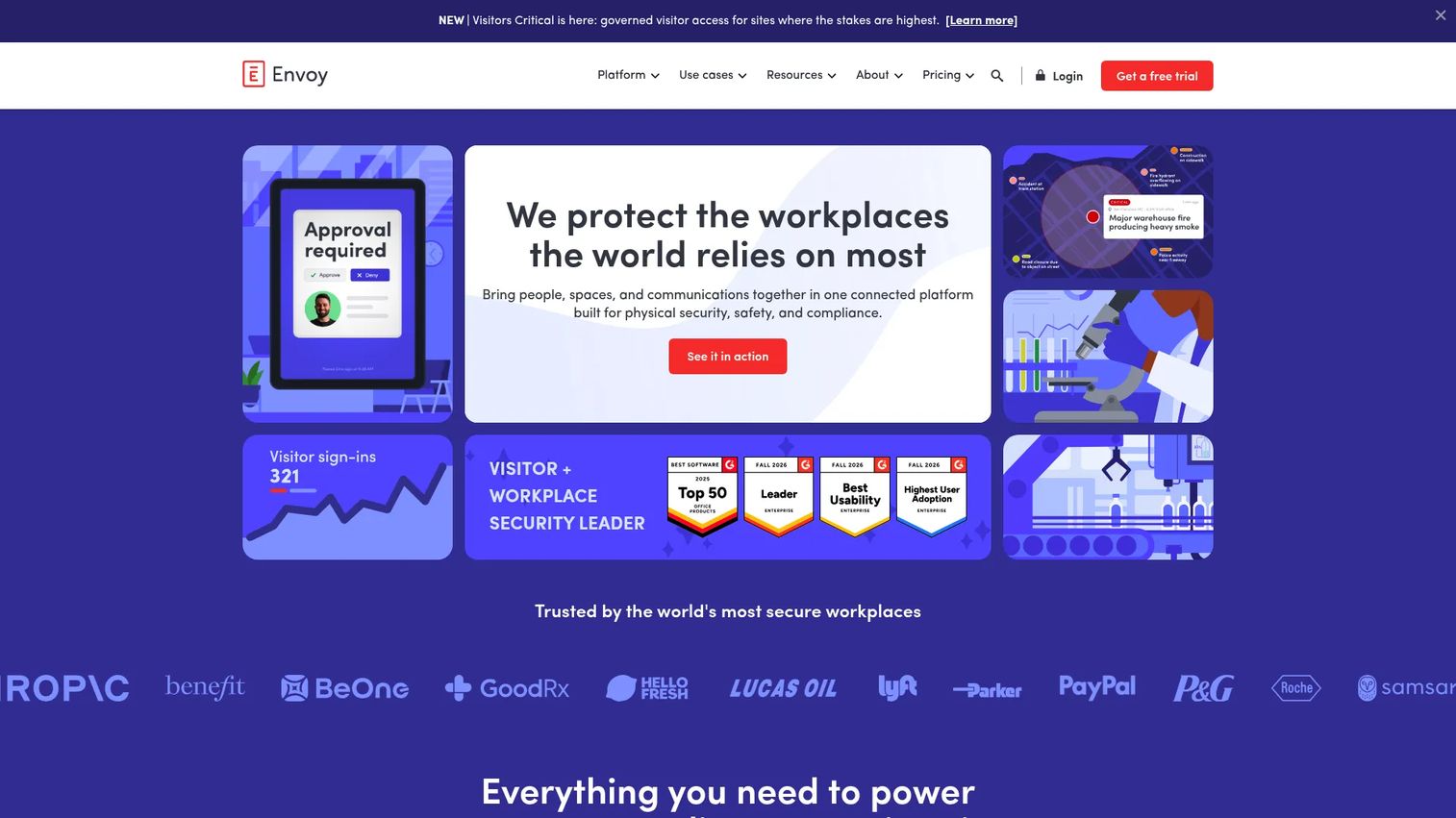
Envoy is a workplace management platform with modules for visitors, reservations, emergency response, screens, and deliveries. Its modular structure suits organizations that want package handling connected to wider workplace operations.
The platform is strongest where employee and location workflows already sit inside the same workplace system. Support staff can route package questions through a process shared with front desk and facilities teams.
Best for: Office and workplace teams connecting deliveries with broader employee operations.
Key features
- Delivery location management
- Modular workplace platform
- Visitor registration workflows
- Room and desk reservations
- Emergency notification tools
Why choose Envoy: It fits teams that want delivery management inside their workplace stack. The broader platform also supports front desk and facility processes beyond package intake.
Envoy pricing: Deliveries Enterprise costs $250 per delivery location monthly, billed annually. Module prices exclude Envoy’s platform fee.
G2 rating: 4.7/5.
2. Notifii Track
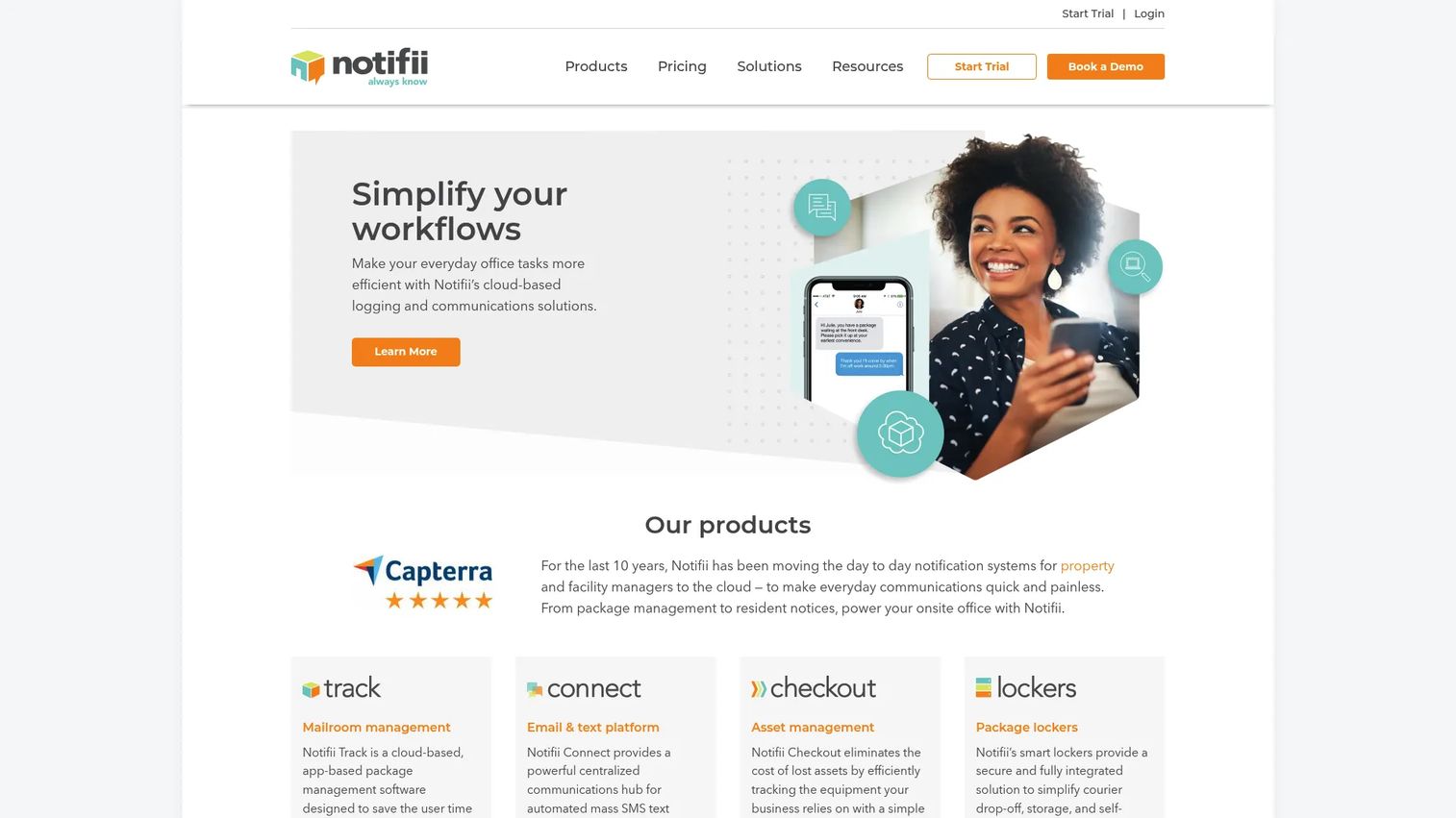
Notifii Track is a dedicated package tracking product with a current G2 presence. It belongs on shortlists for teams evaluating specialized parcel intake rather than a broad facility platform.
This distinction matters for campus housing or residential operations. Package rooms in those environments often behave like pickup counters, with recipients arriving throughout the day.
The primary product pages were unavailable during this research. Confirm workflow details against the vendor’s current documentation before selecting it.
Best for: Residential, campus, and property teams evaluating dedicated package room software.
Key features
- Dedicated package tracking category
- Recipient focused workflow
- Property operations positioning
- Campus use case fit
Why choose Notifii Track: Consider it when package handling is a standalone operational problem. Compare its current intake, notification, and pickup capabilities with your documented process.
Notifii Track pricing: Contact Notifii for a quote.
G2 rating: 4.5/5.
3. Parcel Tracker Mailroom
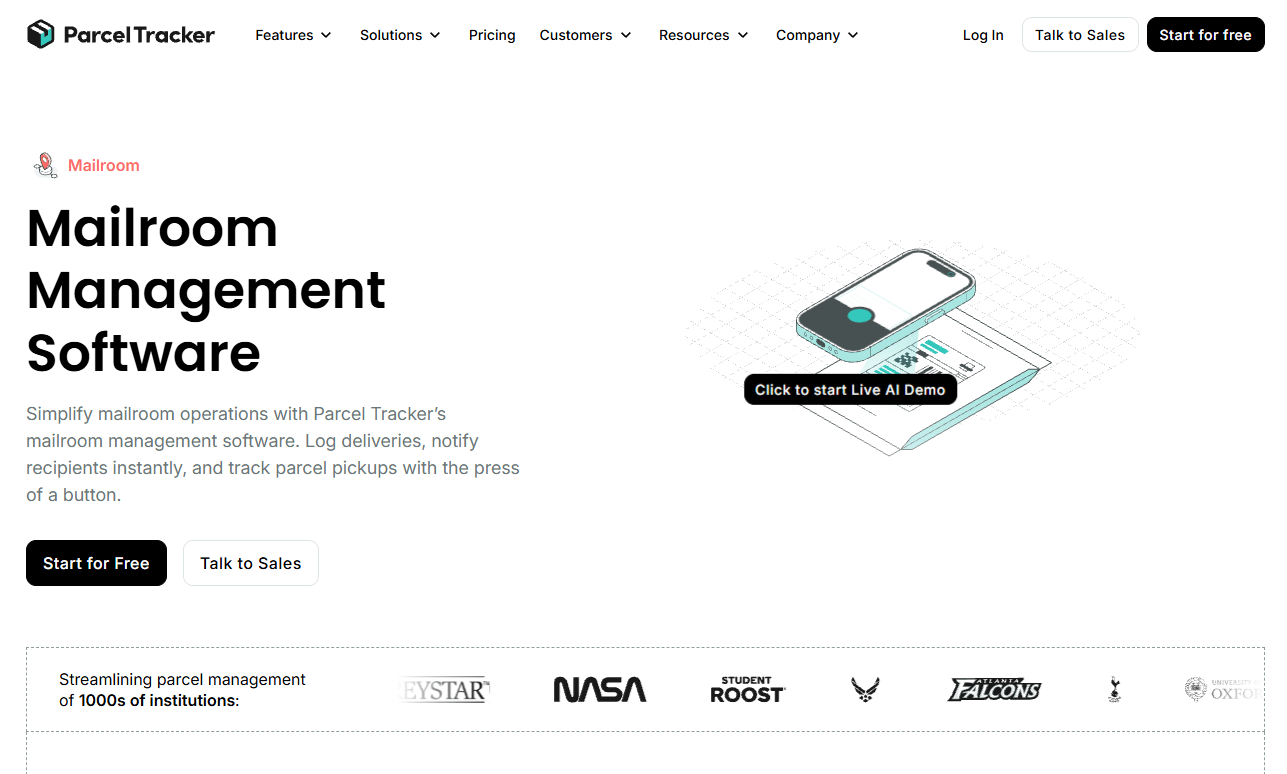
Parcel Tracker Mailroom is mailroom automation software for logging parcels and notifying recipients. It can also digitize documents and record proof of collection.
AI powered scanning extracts recipient data from package labels. This reduces manual entry when labels lack convenient barcodes or use inconsistent formatting.
Automated notifications can run through email, SMS, workplace messaging, or Zapier. Digital signatures and timestamped photos create evidence at pickup.
Best for: Teams that want faster parcel intake and fewer manual recipient lookups.
Key features
- AI parcel label scanning
- Automated recipient data extraction
- Email and SMS notifications
- Digital collection signatures
- Timestamped pickup photos
Why choose Parcel Tracker Mailroom: It combines automated intake with documented collection. The free tier also gives smaller mailrooms a practical way to test the workflow.
Parcel Tracker Mailroom pricing: Free supports 100 parcels monthly. Plus costs $67 per site monthly, while Pro costs $117 per site monthly.
G2 rating: 4.8/5.
4. PackageX
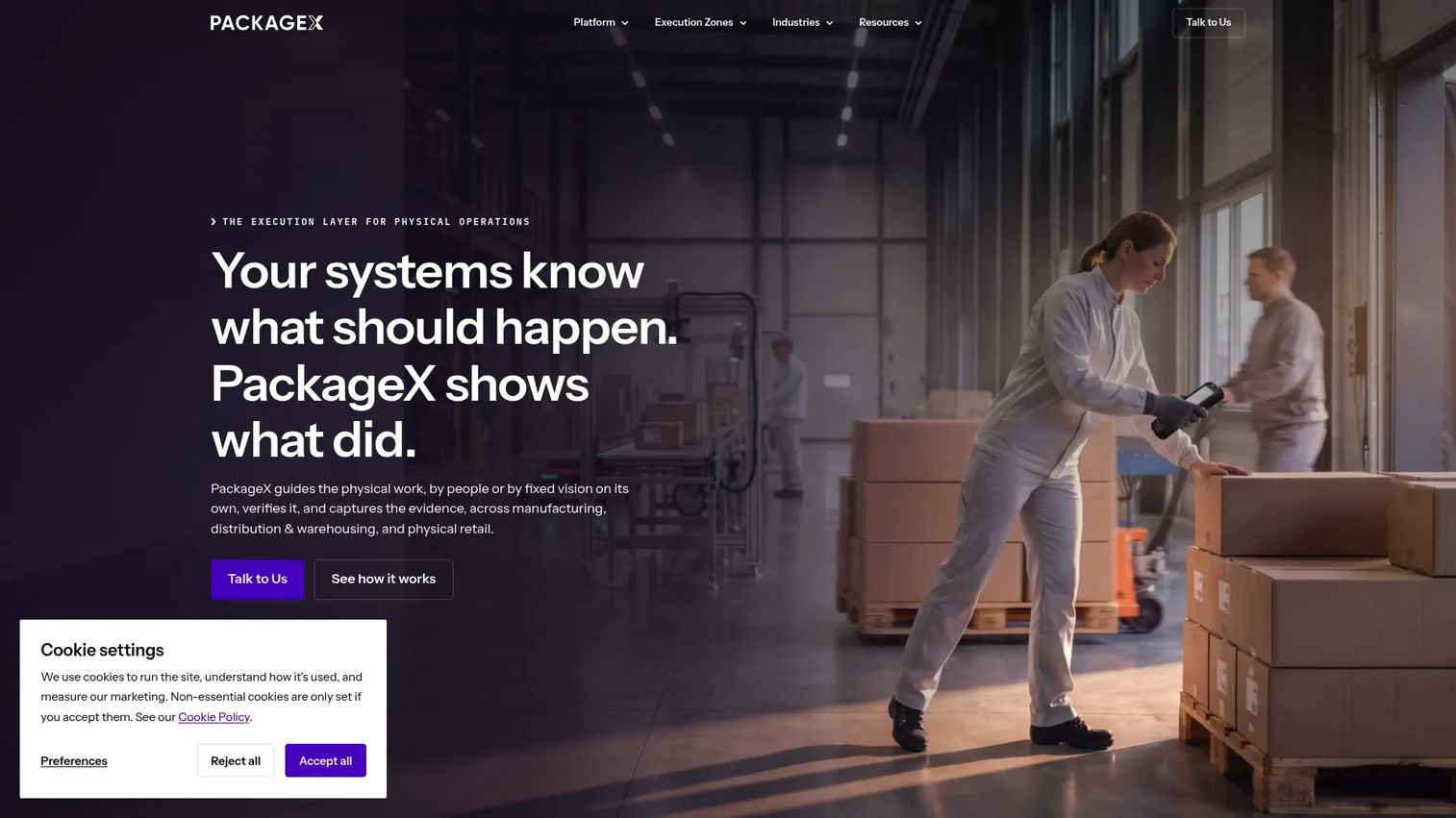
PackageX is a physical logistics execution platform for frontline operations. It connects receiving workflows with ERP, warehouse, order, and transportation systems.
Its Vision AI reads labels, documents, barcodes, dates, text, and codes. Guided processes can support receiving, internal movement, outbound activity, or back office work.
Evidence capture includes images, scans, timestamps, and verification records. Those details suit complex chain of custody workflows where several locations or teams handle an item.
Best for: Enterprise operations needing verified logistics activity across connected systems.
Key features
- Vision AI label reading
- Guided receiving workflows
- Exception handling
- Evidence capture records
- Enterprise system integrations
Why choose PackageX: It extends beyond a single front desk package log. Choose it when receiving data must move into broader logistics systems.
PackageX pricing: Custom pricing. Ask about locations, package volume, workflows, and required integrations.
5. PitneyTrack
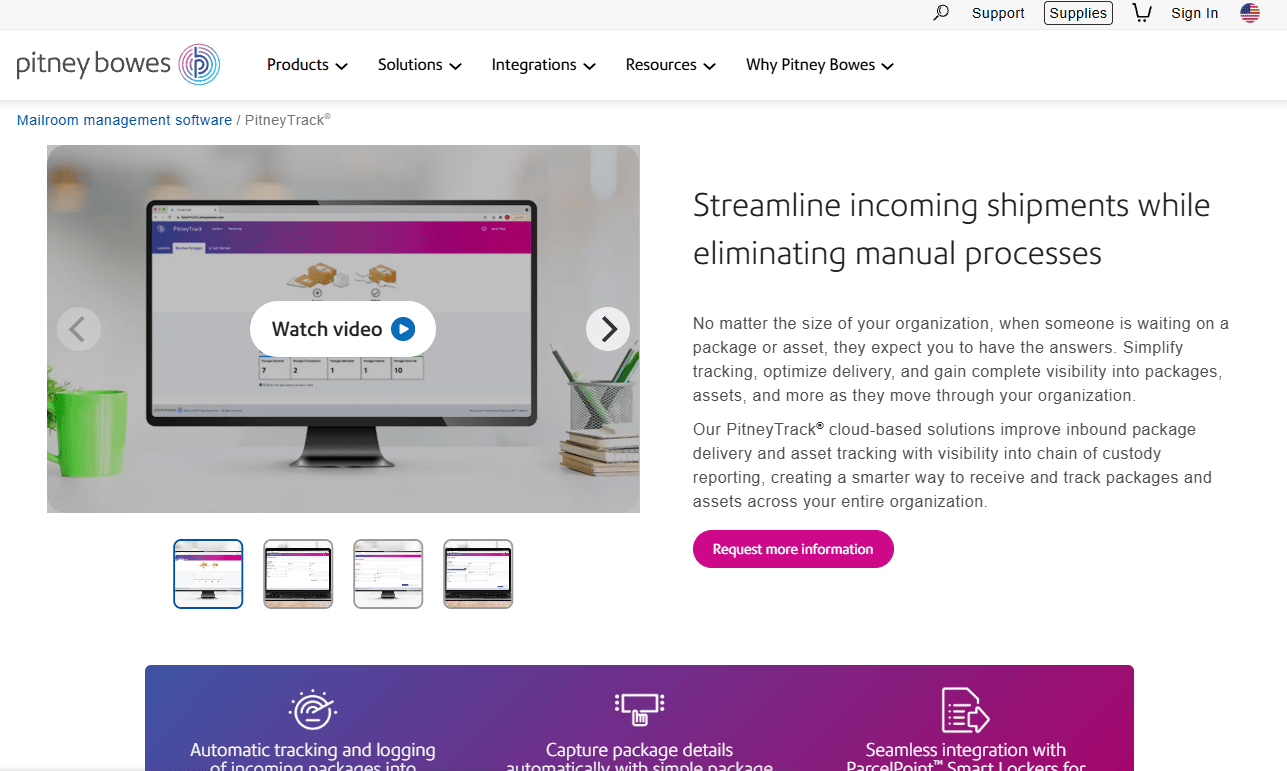
PitneyTrack is cloud software for tracking inbound packages and organizational assets. It creates chain of custody records from arrival through internal delivery.
Barcode scanning captures package information, while desktop and mobile workflows support receiving teams away from a fixed desk. Recipient notifications provide status updates without repeated manual messages.
Photo and signature proof document the final handoff. The software also works with ParcelPoint Smart Lockers.
Best for: Organizations needing centralized and auditable inbound package tracking.
Key features
- Barcode package scanning
- Custody history
- Automated recipient alerts
- Photo delivery proof
- Signature capture
Why choose PitneyTrack: It fits teams that want inbound tracking within established mail center operations. Locker support can extend the pickup process beyond staffed hours.
PitneyTrack pricing: PitneyTrack Inbound starts at $299 monthly. Enterprise costs $499 monthly.
6. FacilityOS
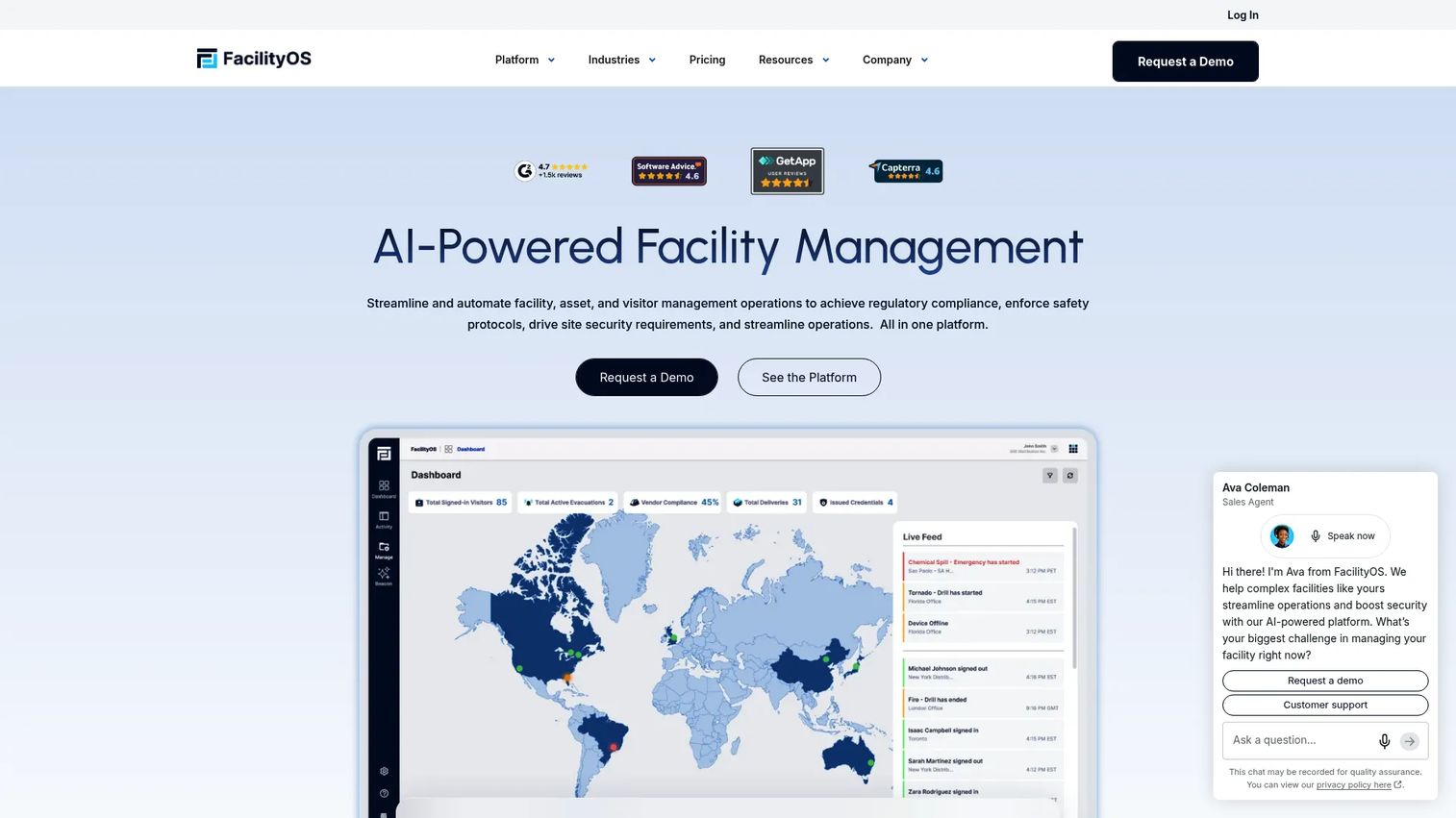
FacilityOS is a modular facility management platform. It covers visitor, contractor, emergency, logistics, asset, security, and access workflows.
The platform suits organizations treating mailroom work as part of wider facility operations. That context helps when the same team manages reception, site access, contractor records, and emergency processes.
Its verified capabilities include visitor registration, ID scanning, badge printing, contractor document tracking, and digital emergency mustering.
Best for: Facility teams managing mailroom responsibilities alongside broader site operations.
Key features
- Visitor registration
- Contractor document tracking
- Emergency evacuation workflows
- Modular facility management
- Multi site operations support
Why choose FacilityOS: Pick it when mailroom work shares owners with other facility processes. A dedicated parcel tool may fit better when package tracking is the only priority.
FacilityOS pricing: Modules start at $199 monthly. VisitorOS Corporate starts at $225 monthly.
G2 rating: 4.7/5.
7. PostScan Mail
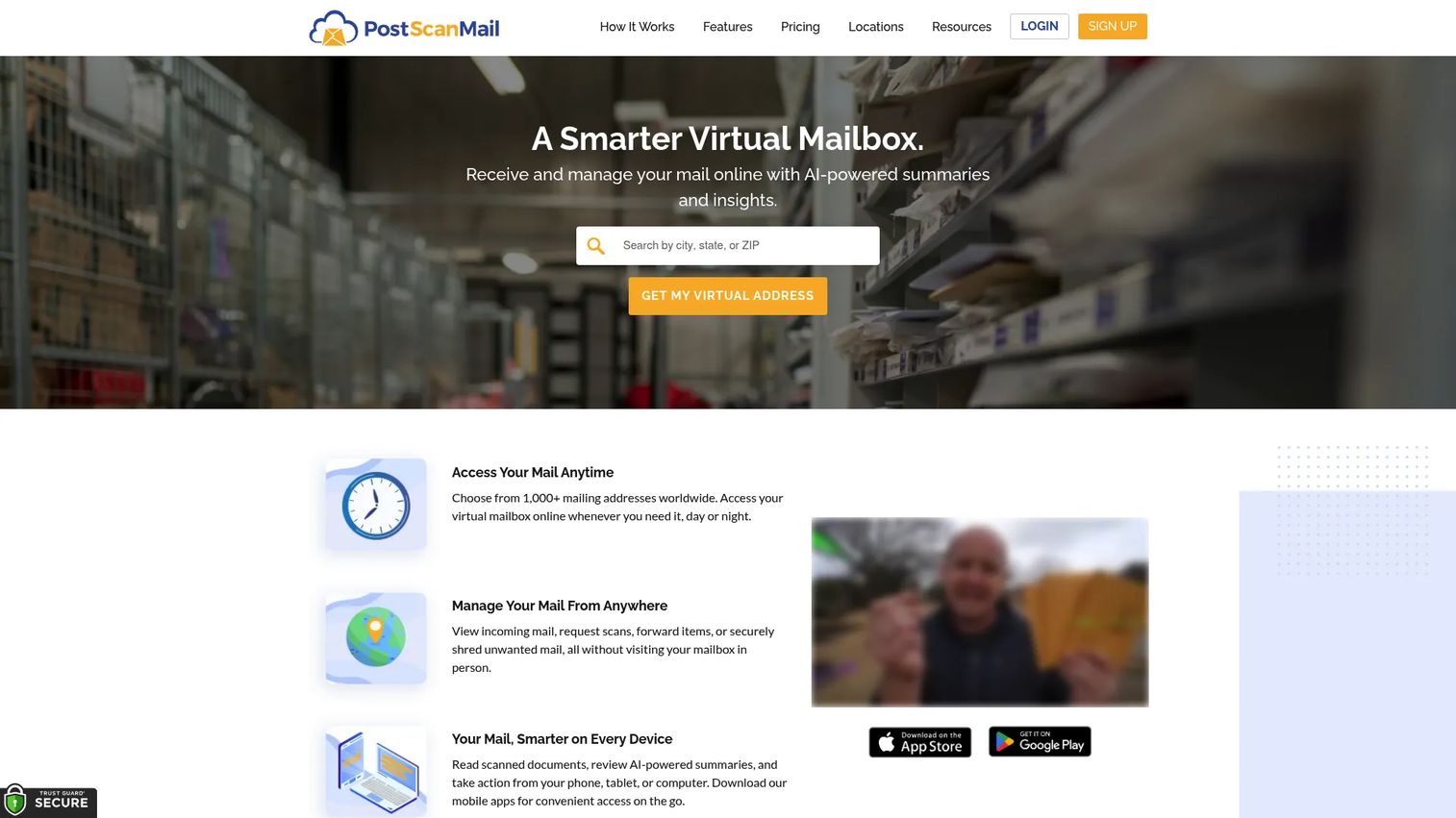
PostScan Mail is a virtual mailbox service for managing physical mail online. Users can receive, scan, forward, store, discard, or shred mail without visiting an office.
Its network includes more than 1,000 mailing addresses. Search, sorting, filters, and folders help remote teams manage incoming correspondence.
Package management and consolidation extend the service beyond letter mail. AI summaries provide a quicker view of scanned items.
Best for: Remote workers and distributed businesses needing digital access to physical mail.
Key features
- Virtual mailing addresses
- Online mail scanning
- Mail forwarding
- Secure shredding
- Package consolidation
Why choose PostScan Mail: It focuses on remote mail access rather than workplace pickup. Choose it when correspondence needs digital routing across a distributed team.
PostScan Mail pricing: Starter begins at $10 monthly. Standard starts at $20, while Premium starts at $30 monthly.
G2 rating: 3.6/5.
8. Earth Class Mail
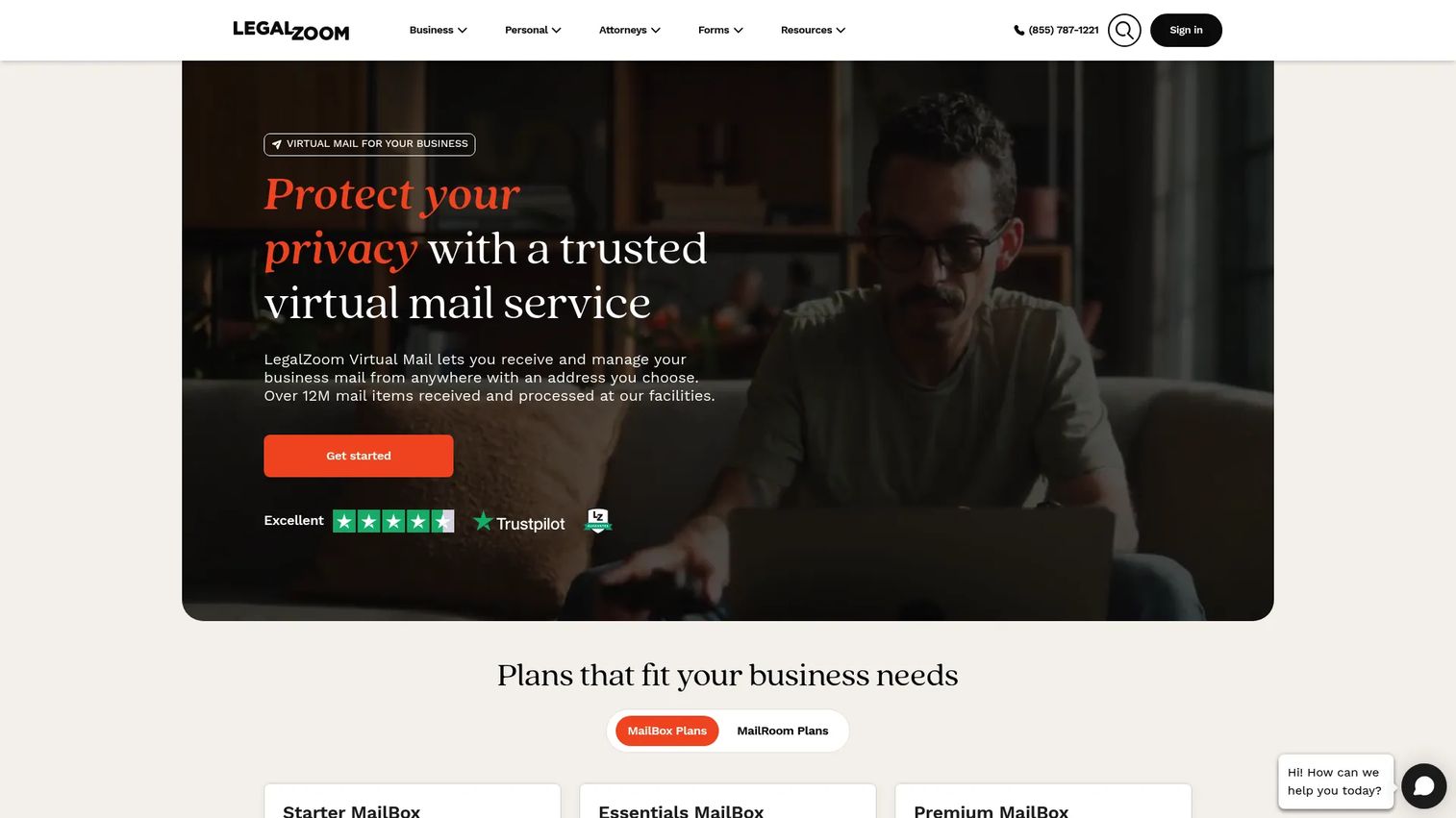
Earth Class Mail now directs users to LegalZoom Virtual Mail. The service gives businesses a mailing address and digitizes incoming postal mail.
Users can organize mail online, request forwarding, or use check deposit services. API access and cloud storage support business workflows beyond personal mail viewing.
AI summaries and categorization help teams review incoming items without opening every scan manually.
Best for: Businesses moving physical correspondence into a digital mail workflow.
Key features
- Business mailing addresses
- Mail digitization
- AI mail summaries
- Check deposit services
- Cloud storage
Why choose Earth Class Mail: It suits companies handling business mail across remote teams. Check deposit and API access make it broader than a basic personal mailbox.
Earth Class Mail pricing: Starter MailBox costs $39 monthly. Essentials costs $59, while Premium costs $119 monthly.
9. Anytime Mailbox
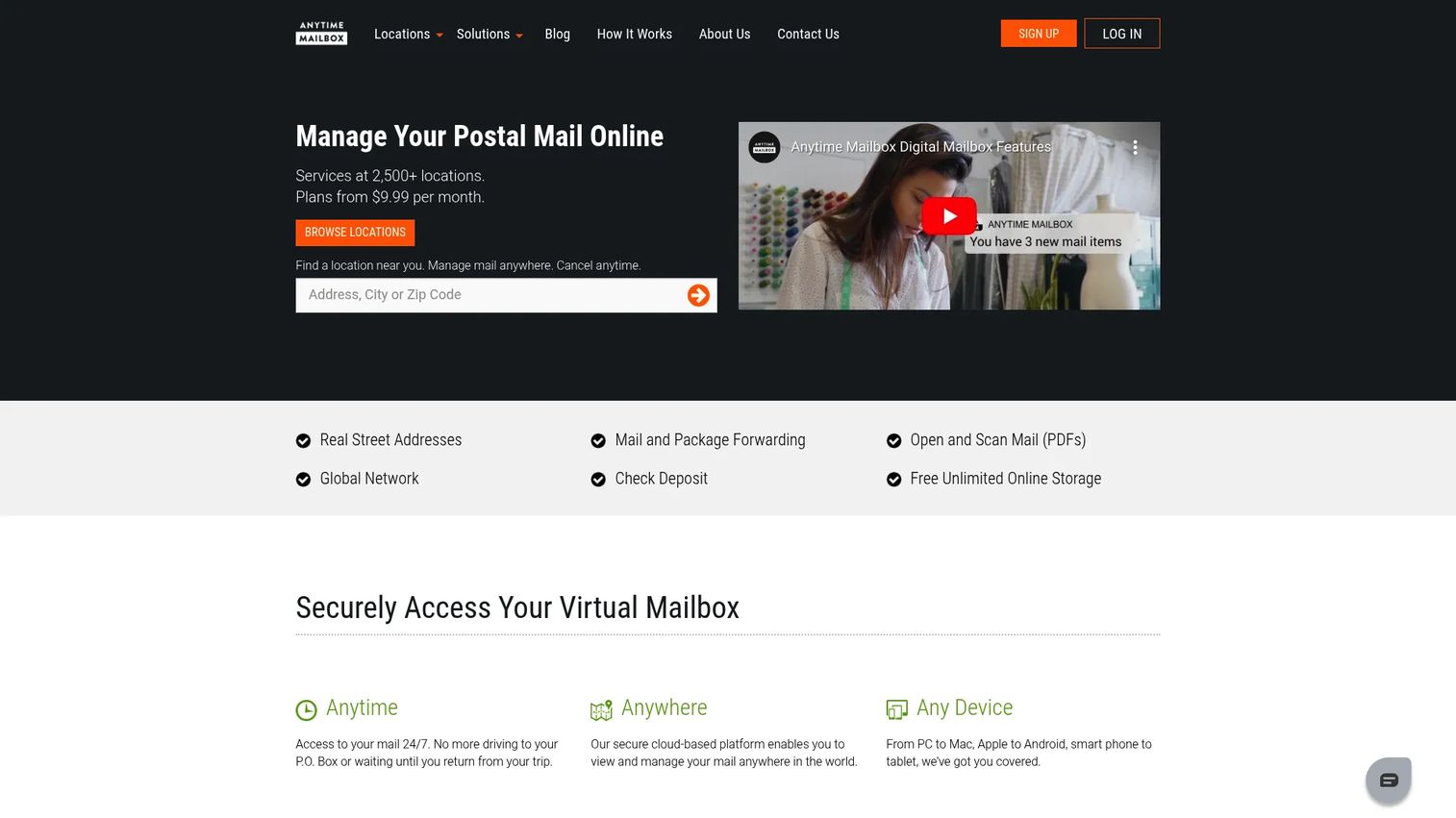
Anytime Mailbox provides virtual mailbox services through a network of physical locations. Users select an address and manage received mail through a web portal or mobile app.
Available actions include opening and scanning mail, forwarding packages, recycling items, or scheduling pickup. Check deposit is available at select locations.
Pricing and service availability vary by chosen mailbox location.
Best for: Small businesses and remote workers prioritizing address selection.
Key features
- Real street addresses
- Mail opening and scanning
- Package forwarding
- Pickup scheduling
- Mobile mailbox access
Why choose Anytime Mailbox: Location choice is its key buying factor. Review each address carefully because included services differ between mailbox operators.
Anytime Mailbox pricing: Plans start at $4.99 monthly. The vendor reports an average monthly price of $9.99.
10. Click2Mail
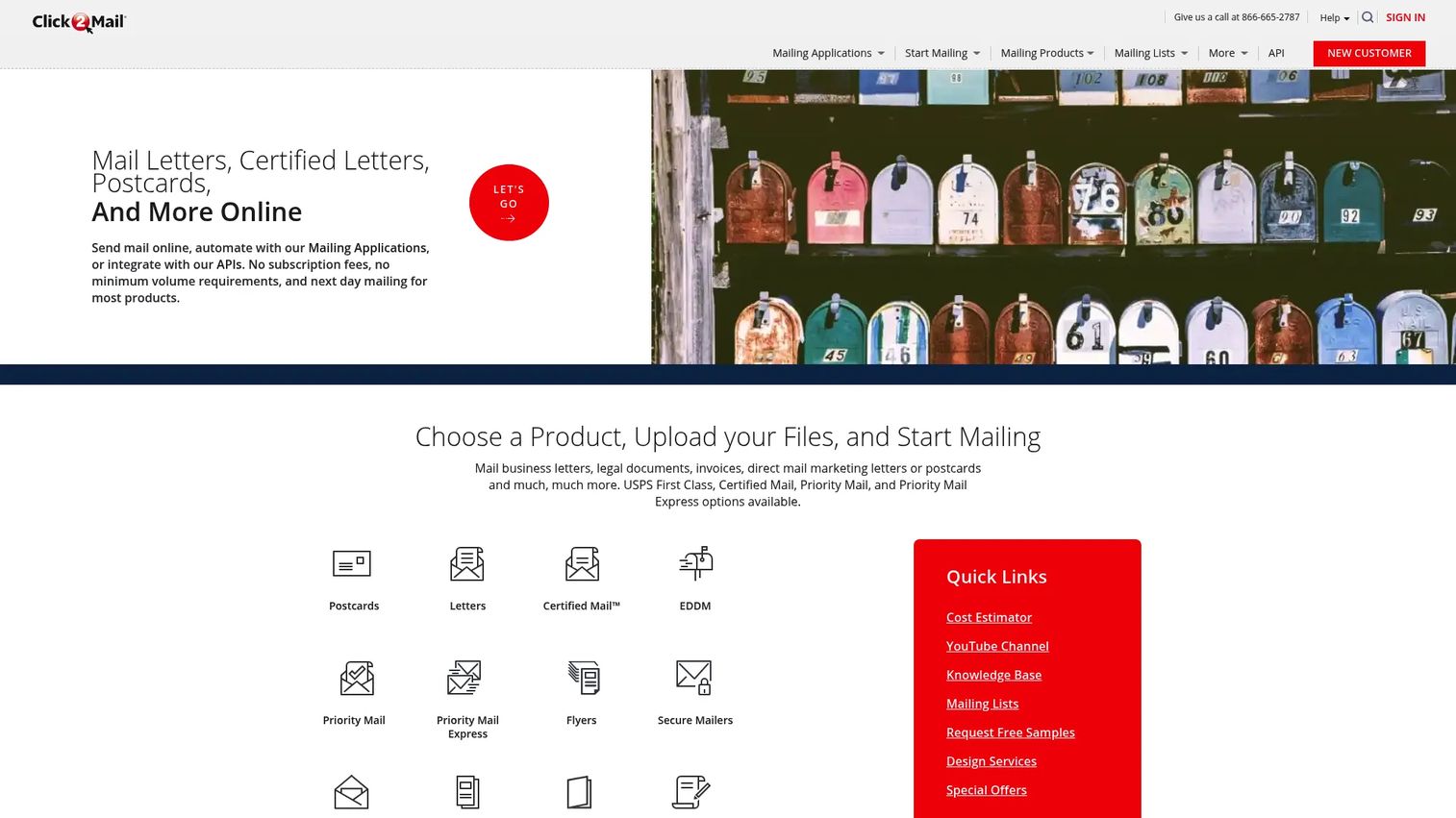
Click2Mail is a cloud platform for creating, printing, and sending physical mail. It supports letters, postcards, brochures, and certified mail.
Teams upload documents or build mailpieces through the online interface. Click2Mail then handles printing, postage, and postal entry.
Automation options include desktop folder monitoring, an API, and no code connections. These capabilities suit recurring outbound correspondence rather than inbound package pickup.
Best for: Teams sending physical mail without operating an internal print room.
Key features
- Online document designer
- Automated postal mail
- Desktop folder monitoring
- Mailing API
- USPS product support
Why choose Click2Mail: It removes print production from outbound mail workflows. Use it for sending customer communications, rather than tracking parcels inside an office.
Click2Mail pricing: There is no monthly subscription fee or minimum mailing volume. Cost changes by mailpiece, postage, quantity, and selected services.
G2 rating: 4.1/5.
11. PitneyShip
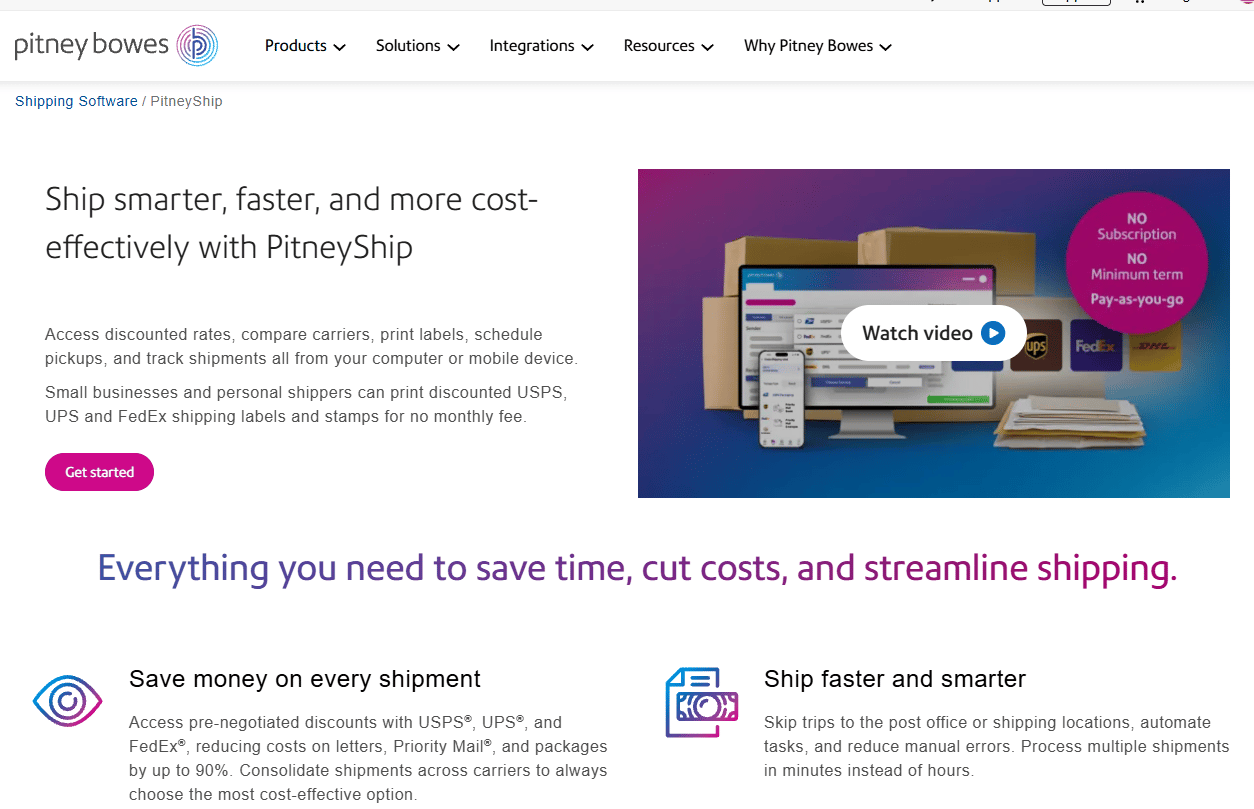
PitneyShip handles outbound postage and package shipping. Users can compare carrier rates, print stamps or labels, schedule pickups, and monitor shipments.
Supported carriers include USPS, UPS, and FedEx. Ecommerce connections also bring order information into the shipping process.
This tool addresses outgoing office mail rather than inbound employee pickup. It belongs on shortlists where postage creation consumes staff time.
Best for: Small businesses and office teams managing outbound postage and shipments.
Key features
- Multi carrier rate comparison
- USPS postage printing
- Shipping label creation
- Shipment tracking
- Ecommerce connections
Why choose PitneyShip: It covers everyday office shipping without a postage meter. Teams focused on inbound custody should choose dedicated package tracking software instead.
PitneyShip pricing: Pay as you go costs $0 monthly with a 5% usage fee. Premium costs $34.99 monthly.
12. ShippingEasy
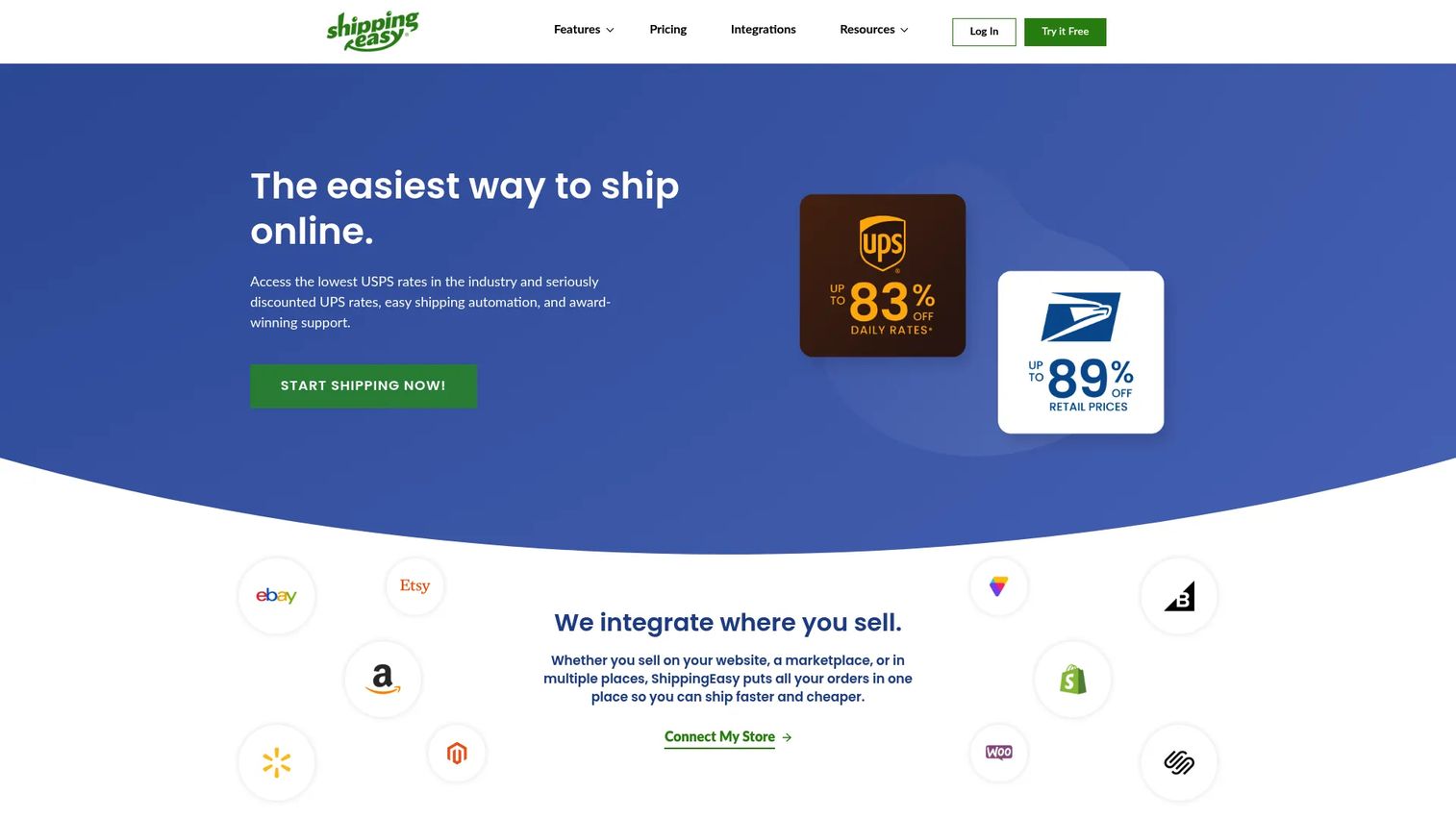
ShippingEasy is cloud shipping software for online sellers. It imports orders, applies shipping rules, prints labels, and manages tracking across sales channels.
Batch processing helps teams handle higher shipment volumes. Discounted carrier rates and comparison tools support cost control.
Tracking notifications keep customers informed after dispatch. Return label management covers the reverse shipping flow.
Best for: Growing ecommerce teams managing orders across several sales channels.
Key features
- Shipping automation rules
- Multi carrier comparisons
- Batch label printing
- Tracking notifications
- Return label management
Why choose ShippingEasy: It combines order management with outbound shipping operations. Internal mailrooms focused on employee packages will need a different system.
ShippingEasy pricing: Starter is free for 25 shipments monthly. Basic costs $29 monthly, while Plus costs $49 monthly.
G2 rating: 4.6/5.
13. Stamps.com
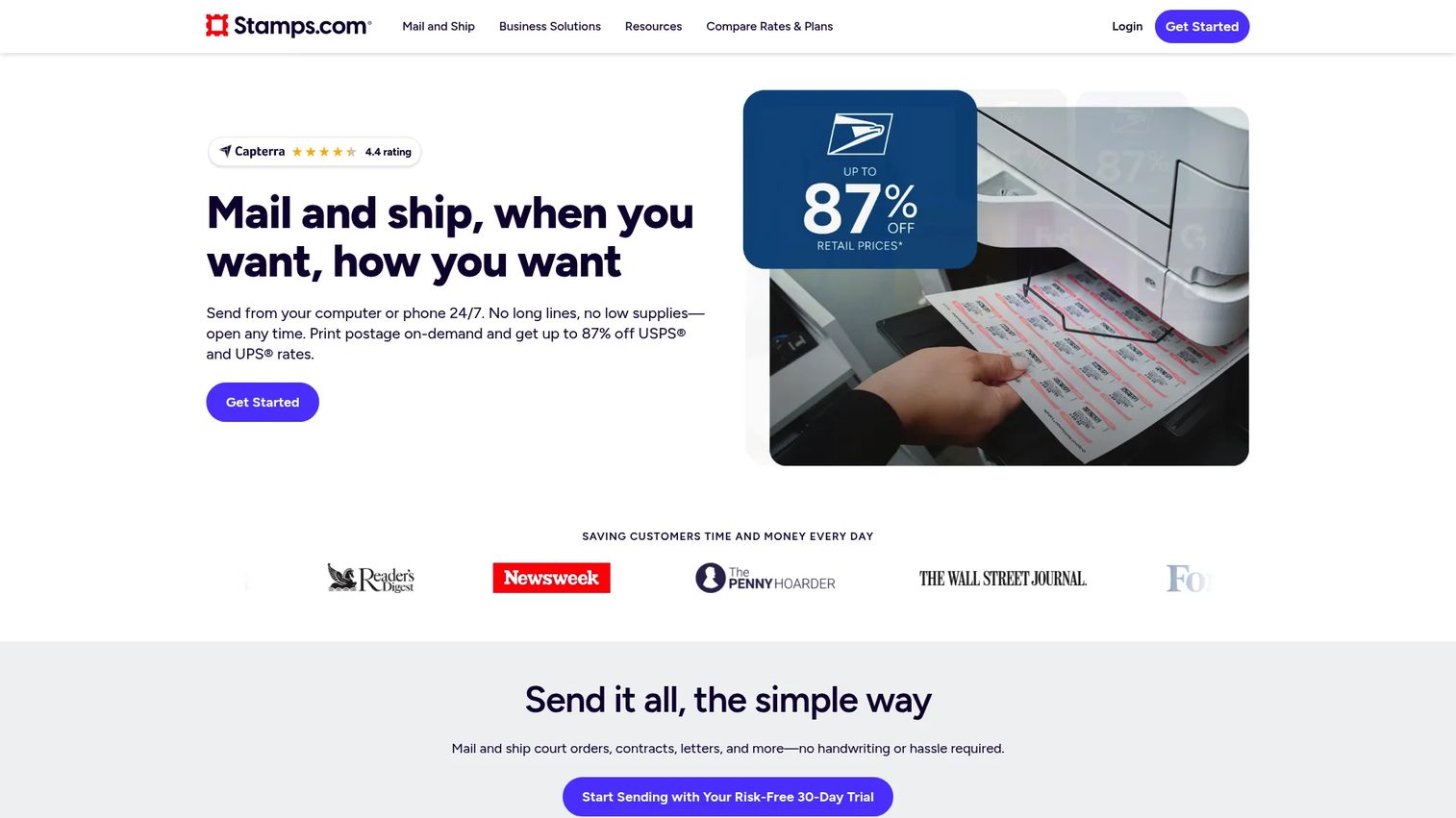
Stamps.com provides internet based postage and shipping tools. Teams can print stamps, generate labels, compare carrier rates, and track outgoing shipments.
The Professional plan adds Certified Mail, batch printing, reporting, international shipping, and accounting integration. Multi location controls are available on the highest listed plan.
A 30 day trial lets teams test the workflow. Postage and optional carrier services cost extra.
Best for: Small offices and retailers needing online postage without a meter.
Key features
- USPS postage printing
- Shipping label creation
- Certified Mail support
- Carrier rate comparison
- Mailing reports
Why choose Stamps.com: It fits postage heavy office workflows with predictable label needs. It does not replace inbound package custody software.
Stamps.com pricing: Basic costs $14.99 monthly. Professional costs $29.99, while Multi Location costs $49.99 monthly.
G2 rating: 4.4/5.
14. Quadient Impress
Quadient Impress automates outbound business documents. It prepares and delivers invoices, statements, letters, and notices across print or digital channels.
Delivery options include postal mail, tracked email, SMS, fax, and web portals. Teams can monitor documents through approvals, delivery tracking, and audit records.
This product serves recurring customer communications rather than incoming parcels. It fits operations teams replacing manual document production.
Best for: Organizations sending recurring, high volume business communications.
Key features
- Outbound document automation
- Postal mail delivery
- Tracked digital delivery
- Approval workflows
- Document audit trails
Why choose Quadient Impress: It coordinates print and digital customer communications from the same workflow. Choose it when outbound document production creates the operational bottleneck.
Quadient Impress pricing: Custom pricing. Ask about document volume, users, delivery channels, and production requirements.
15. MAILERS+4
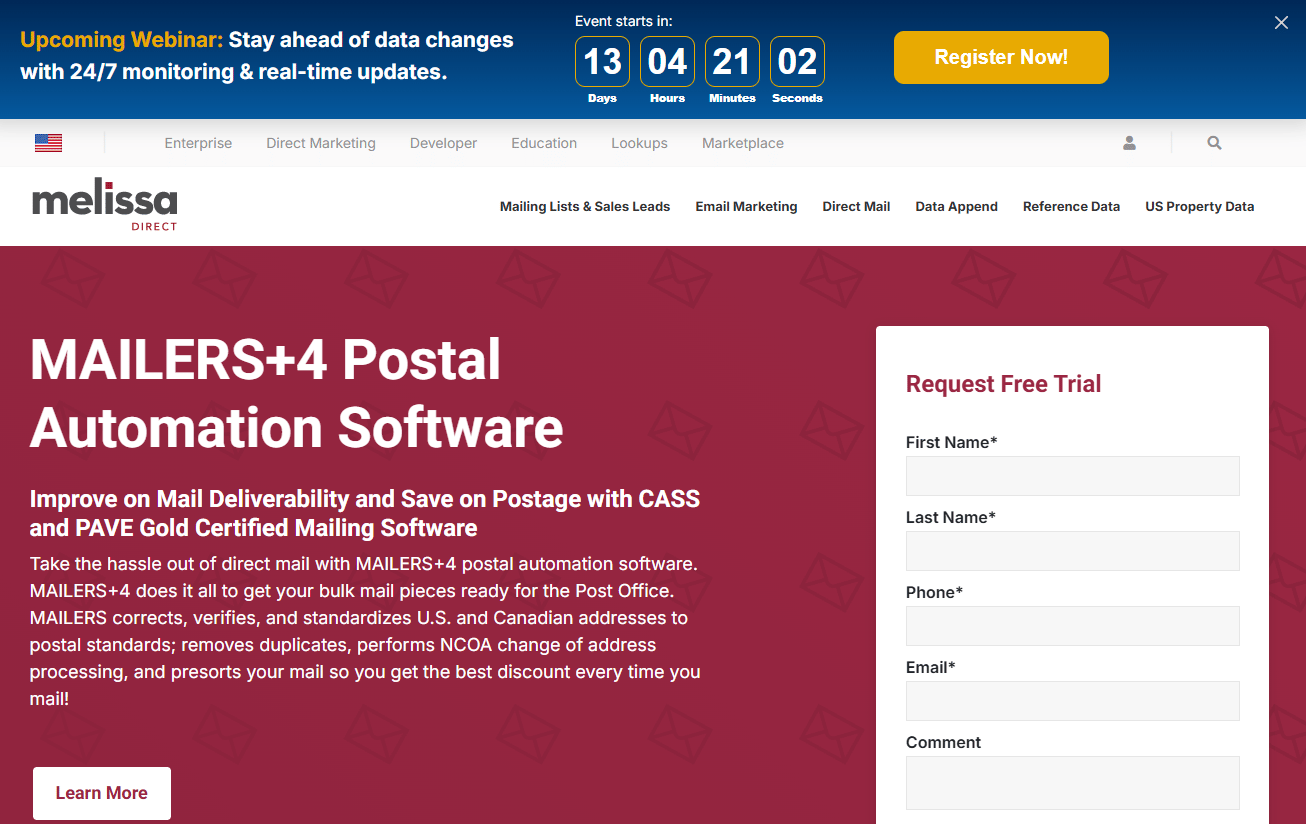
MAILERS+4 is postal automation software for USPS and Canadian mailings. It verifies addresses, processes move updates, removes duplicates, and prepares presorted mail.
Verified capabilities include CASS and SERP address checks. The product also supports NCOA processing, PAVE Gold presorting, and Intelligent Mail workflows.
Standard targets lower volume mailings. Pro is designed for jobs exceeding 5,000 records.
Best for: Mail teams preparing large USPS or Canadian bulk mailings.
Key features
- CASS address verification
- NCOA move processing
- Duplicate record removal
- PAVE Gold presorting
- Intelligent Mail support
Why choose MAILERS+4: It focuses on address quality and postal preparation. This makes it relevant when returned mail or presort work causes the delay.
MAILERS+4 pricing: Custom pricing for Standard and Pro. Contact Melissa for the current license cost.
G2 rating: 4.6/5.
16. SmartAddresser
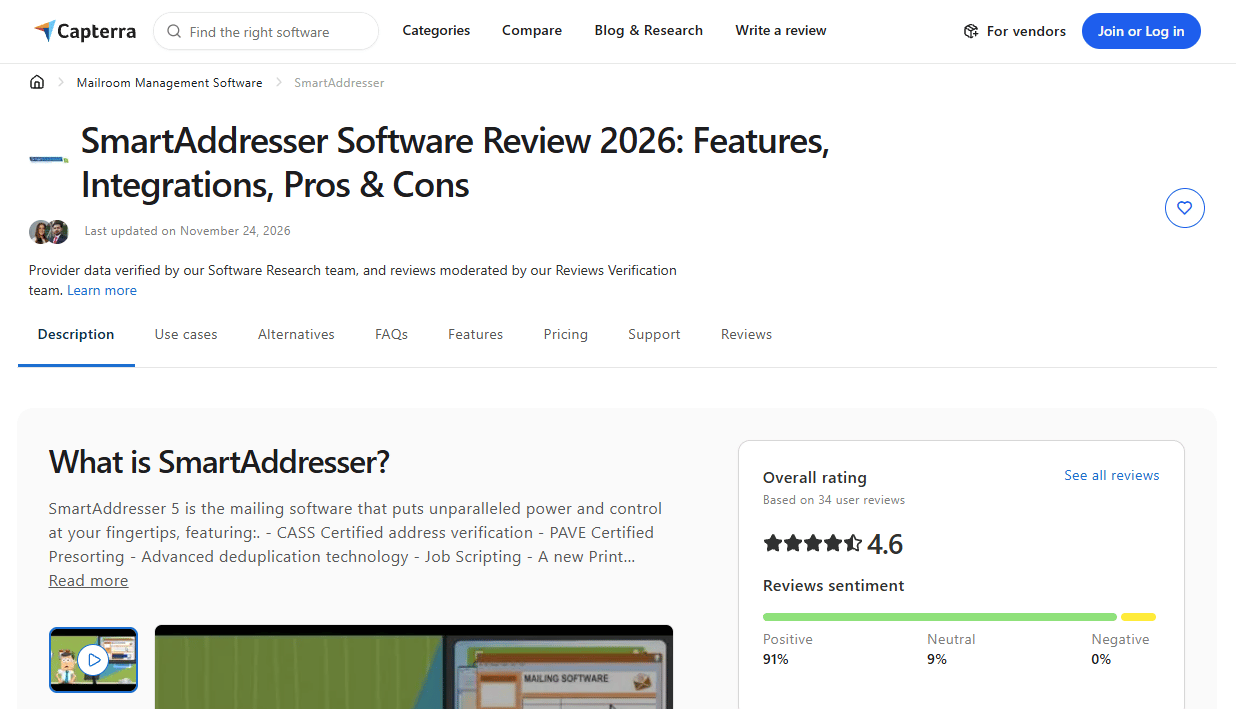
SmartAddresser is mailing software for address correction, list management, presorting, and mail processing. Its target users include printers, universities, government teams, and nonprofits.
CASS certified correction improves address data before production. PAVE certified presorting prepares mailing lists for postal workflows.
The product also supports Intelligent Mail barcodes, duplicate management, envelope design, and USPS reports.
Best for: Organizations that need cleaner address lists before high volume mailing.
Key features
- CASS certified correction
- PAVE certified presorting
- Intelligent Mail barcodes
- Duplicate management
- USPS mailing reports
Why choose SmartAddresser: It addresses the data quality work that happens before postage. Choose it when returned mail and incorrect records drive avoidable costs.
SmartAddresser pricing: Custom pricing. Ask about record volume, required modules, and mailing frequency.
G2 rating: N/A.
17. Postage $aver
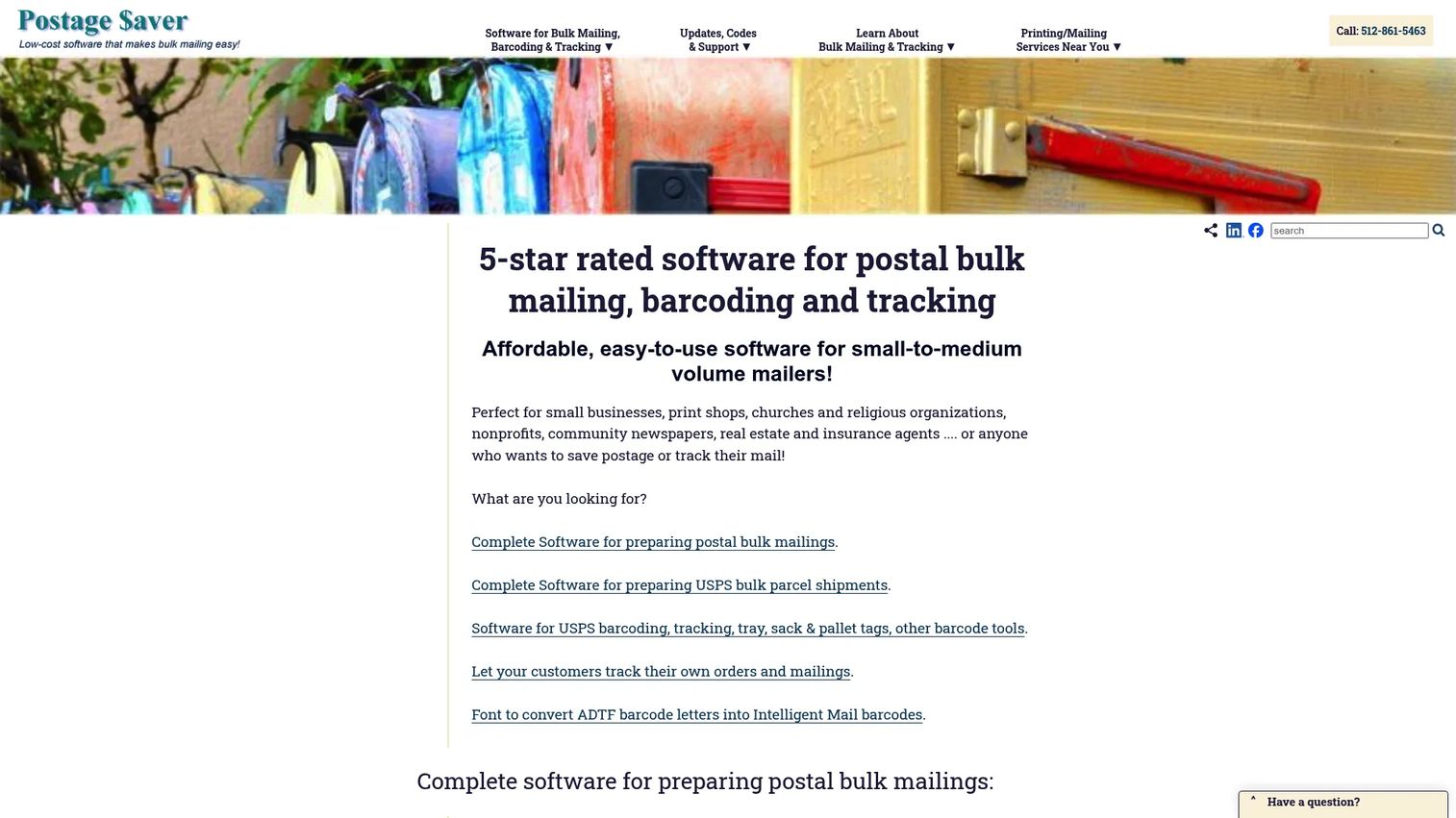
Postage $aver is USPS certified software for preparing bulk mail. It sorts address records, creates barcodes, calculates postage, and produces required postal documents.
The software accepts common list formats, including Excel and CSV. USPS Informed Visibility provides mail tracking after preparation.
Pro supports barcoded mailings across USPS allowed weights. Lite covers nonbarcoded items weighing up to three ounces.
Best for: Small organizations preparing bulk mail for USPS discounts.
Key features
- USPS mail presorting
- Intelligent Mail barcodes
- Postage statement generation
- Common mailing list formats
- Informed Visibility tracking
Why choose Postage $aver: It offers focused bulk mail preparation through desktop software. It suits smaller teams that do not need a wider mailroom management system.
Postage $aver pricing: Lite costs $49.50 for the first year. Pro costs $98.50, and both include a 30 day trial.
Considerations when choosing mailroom management software
Start with inbound versus outbound workflows
Package tracking platforms solve intake, recipient notification, and pickup proof. Postage products create labels and manage outgoing shipments.
Choose based on the handoff causing requests. If employees ask where parcels are, prioritize inbound tracking over carrier rate tools.
Check how recipient matching works
Review how each system handles alternate names, departments, suite numbers, and label errors. Poor matching pushes the problem back onto staff.
Directory synchronization matters when employees join, leave, or move offices. Ask how quickly those changes reach the mailroom.
Verify notification channels
Check whether the platform supports email, SMS, mobile alerts, or workplace messaging. Match those options with the channels recipients already monitor.
Also test reminders and escalation rules. One arrival alert may be insufficient for packages left uncollected.
Look for pickup proof and audit trails
Signatures, photos, staff assignments, and timestamps make missing package investigations easier. Searchability matters as much as capture.
Ask how long the platform retains delivery history. Support teams need to find records without requesting help from an administrator.
Match the pricing model to your volume
Vendors may charge by location, user, mailbox, shipment, or mailpiece. Calculate costs using your busiest month rather than an average week.
Include platform fees, postage, forwarding, and add ons. A low subscription can still become expensive when every scan or shipment carries another charge.
Conclusion
The best mailroom management software fixes the handoff where your process loses visibility.
Choose Envoy when deliveries belong inside a broader workplace platform. Parcel Tracker Mailroom suits teams prioritizing automated intake and collection evidence. PackageX fits complex logistics environments where receiving data must connect with enterprise systems.
PitneyTrack handles auditable inbound tracking, while FacilityOS brings mailroom responsibilities into broader facility operations.
For digital mail, compare PostScan Mail, Earth Class Mail, and Anytime Mailbox. Each focuses on remote access rather than an onsite pickup counter.
PitneyShip, ShippingEasy, and Stamps.com cover outgoing postage and package shipping. Click2Mail or Quadient Impress fit outsourced outbound communications.
Bulk mail teams should compare MAILERS+4, SmartAddresser, and Postage $aver for address quality or USPS presorting.
Before booking calls, list your top three failure points. Shortlist only the tools that fix those exact handoffs, then test them against a normal delivery day.
FAQs
Mailroom management software records how mail and packages move through an organization. It can log arrivals, match recipients, send alerts, and document pickup or internal delivery.
The broader category also includes digital mail, outbound postage, shipping, address cleansing, and postal presorting.
The right choice depends on the operating environment. Envoy suits workplace delivery management, while Parcel Tracker Mailroom focuses on automated parcel logging and collection proof.
PackageX supports complex enterprise logistics. PitneyTrack fits organizations that need auditable custody records and delivery evidence.
Mailroom tracking software creates a searchable record when each parcel arrives. Recipient matching and automated alerts reduce the chance that an item sits unidentified.
Pickup confirmation records the final handoff. Signatures, timestamps, staff actions, and photos help teams trace missing items.
For inbound parcels, prioritize label capture, recipient lookup, automated notifications, and pickup proof. Search, reporting, custody history, and directory connections also matter.
Digital mail teams should assess scan allowances and forwarding. Outbound teams need postage, carrier, or postal preparation capabilities.
No. Digital mailroom software converts physical letter mail into scanned files for remote access, forwarding, storage, or digital routing.
Package tracking software manages physical parcel intake and collection. Some vendors cover both workflows, but buyers should evaluate them separately.
Many package focused tools can send notifications after staff log an item. Available channels may include email, SMS, mobile alerts, or workplace messaging.
Check whether the system also supports reminders. Repeated alerts can reduce manual follow up for uncollected packages.
Pricing varies by workflow. Vendors may charge by delivery location, mailbox, package volume, shipment count, user, or mailpiece.
Entry prices in this comparison range from free plans to enterprise contracts. Calculate the total using your locations, busiest volume, and required modules.
Chain of custody is the recorded path a package follows from receipt through pickup or internal delivery. Each staff action or status change adds evidence to that history.
Useful records include scans, timestamps, signatures, photos, and assigned staff. Together, they provide an audit trail when a package goes missing.