Your customer finished onboarding, passed the quiz, and still needs a call to configure their first workflow. Before replacing LearnUpon, identify what needs changing.
The best LearnUpon alternatives serve different jobs. Guideflow is the pick for hands-on product practice across onboarding, feature adoption, support education, and partner enablement. TalentLMS is a practical starting point for structured customer training software.
That distinction matters when choosing customer onboarding software. A training platform for SaaS customers should help people reach a useful outcome, while giving your team evidence of progress. Course completion alone doesn’t answer whether someone can perform the task independently.
This shortlist includes conventional LMS platforms, enterprise learning suites, collaborative learning, and product practice. Some replace the academy infrastructure. Others change what happens inside a lesson.
Start with the recurring customer question you want to eliminate. Then decide whether you need different learning administration, better content, or an opportunity to practice.
By Team Guideflow. Last updated: November 24, 2026.
TL;DR
- Best hands-on practice option: Guideflow supports onboarding, product adoption, support education, and partner enablement alongside an LMS.
- Best broad LMS shortlist pick: TalentLMS suits customer academies and employee education. Its free plan supports five users and ten courses.
- Best enterprise training option: Absorb LMS covers external education and formal learning operations.
- Best open-source option: Moodle gives teams ownership of their learning environment.
- Best enterprise learning platform: Docebo supports learning across customer, employee, and partner audiences, including certification tracking.
- Best employee training software shortlist: iSpring Learn emphasizes structured onboarding; Cornerstone OnDemand and SAP SuccessFactors Learning connect learning with workforce operations.
The best LearnUpon alternatives include both LMS replacements and complementary training tools. Choose the category before comparing prices.
What’s inside
- Reasons to reconsider your current learning model
- A comparison of pricing models and G2 ratings
- Twelve options with distinct buying reasons
- Recommendations for customer education and enterprise training
- Guidance on keeping LearnUpon
- FAQs about migration, costs, and product practice
What is LearnUpon?
LearnUpon is a cloud-based learning management system for employee training, customer education, partner programs, and compliance learning.
It supports course delivery and learner administration, with reporting, branded portals, and integrations. Its central job is managing structured learning across different audiences.
For customer success teams, that means organizing education beyond individual onboarding calls. A customer academy can give new administrators a learning sequence and provide a record of completed training.
LearnUpon also suits organizations that need separate learning experiences for internal and external audiences. Those requirements differ from publishing a collection of help articles.
Comparing learning management system alternatives becomes useful when your operating model changes. You might need academic assessment workflows, closer HR alignment, or more collaborative content ownership. Define that requirement before treating a migration as the answer.
Why teams look for LearnUpon alternatives
Compare LearnUpon competitors when your requirements change, rather than assuming another platform will fix every training problem. These are buying triggers to investigate.
Your learning model has changed
A centralized course catalog serves a different purpose from peer-created training or a customer academy.
Write down who creates lessons and who maintains them after a product release. Your next platform should support that ownership model.
Customer onboarding needs more than attendance
Consider a customer who completes a configuration lesson but still asks their CSM to perform the task.
Evaluate whether your education program includes opportunities to apply the material. Measure independent task completion alongside course completion rates.
Your commercial model needs a closer look
Learning management system alternatives use different billing models. Registered learners, active users, and employee counts can produce different costs for the same audience.
Request an estimate using your expected onboarding volume. Include implementation and any content subscriptions in the comparison.
Leadership needs evidence beyond completions
A learning report can establish participation. Customer success also needs to understand whether education contributes to activation or reduces repeated support requests.
Define the operational outcome before buying reporting capabilities. Ask each vendor to demonstrate how you would retrieve the required data.
Administration is competing with customer work
Map the recurring work behind the academy. Include enrollment changes, content updates, reporting requests, and access management.
During evaluation, have the future administrator perform those tasks. A polished learner homepage reveals little about the work required behind it.
How we picked these LearnUpon alternatives
The shortlist separates LMS alternatives from product practice tools, with emphasis on customer education and onboarding.
Selection criteria include documented capabilities, vendor pricing models, and G2 review presence. The assessment uses product documentation and commercial information rather than claimed hands-on testing.
For a training platform for SaaS customers, the key question is operational fit. Can your team maintain the material and see whether learners progress?
Enterprise employee learning, academic delivery, and collaborative authoring receive separate treatment. Their requirements overlap with customer success, but they shouldn’t determine every CSM’s purchase.
LearnUpon alternatives at a glance
Guideflow addresses hands-on product education; TalentLMS is the broad LMS starting point. The remaining LearnUpon competitors serve more specific organizational requirements.
Use the category column to distinguish customer training software from workforce or academic platforms. Comparing these LMS alternatives on subscription price alone would hide important differences.
A free software license also differs from a hosted service. Moodle’s software is free, while running the environment still requires resources.
“Ask sales” in the free-plan column is an action, not a claim that a free tier exists. SAP’s regional price appears with its geographic context.
| Tool | Category | Best for | G2 rating | Free plan | Starting price |
|---|---|---|---|---|---|
| Guideflow | Demo automation platform | Onboarding, adoption, support education, partner enablement | 5.0/5 | Yes | Solo $35/user/month, billed annually |
| TalentLMS | LMS | Broad customer and employee education | 4.6/5 | Yes | $119/month, monthly billing |
| Absorb LMS | LMS | Enterprise customer training software | 4.6/5 | Ask sales | Quote-based, learner-count bands |
| Moodle | Open-source LMS | Configurable learning infrastructure | 4.1/5 | Free software | Free core; hosting costs separate |
| Docebo | Enterprise learning platform | Multi-audience learning operations | 4.3/5 | Ask sales | Quote-based |
| iSpring Learn | Corporate LMS | Employee onboarding and learning tracks | 4.6/5 | Ask sales | Quote-based, per active user/month |
| Cornerstone OnDemand | Talent and learning suite | Workforce learning and talent development | 4.3/5 | Ask sales | Quote-based, package-specific billing |
| SAP SuccessFactors Learning | Enterprise learning suite | SAP-connected employee learning | Ask sales | €1.61/user/month, Estonia regional offer | |
| Litmos | LMS | Employee and compliance training | 4.3/5 | Ask sales | Foundation from $8,000/year |
| 360Learning | Collaborative learning platform | Expert-led course creation | 4.6/5 | Trial available | Team $8/user/month |
| Canvas LMS | Academic and organizational LMS | Assessment-led education | 4.5/5 | Canvas Lite | Institutional plans quote-based |
| Knowledge Anywhere | LMS | Configurable extended-enterprise learning | 4.0/5 | No; trial available | Launch from $275/month |
The best LearnUpon alternatives in 2026
The order reflects relevance to a LearnUpon buying decision, rather than vendor size. A customer academy and an enterprise talent program require different shortlists.
Each entry distinguishes the product’s job from its commercial constraints. Where a vendor requires a quote, the useful comparison is its billing model and package structure.
Bring one representative course and one reporting requirement to your evaluation. Include the person who will maintain the system after launch.
1. Guideflow (demo automation platform)
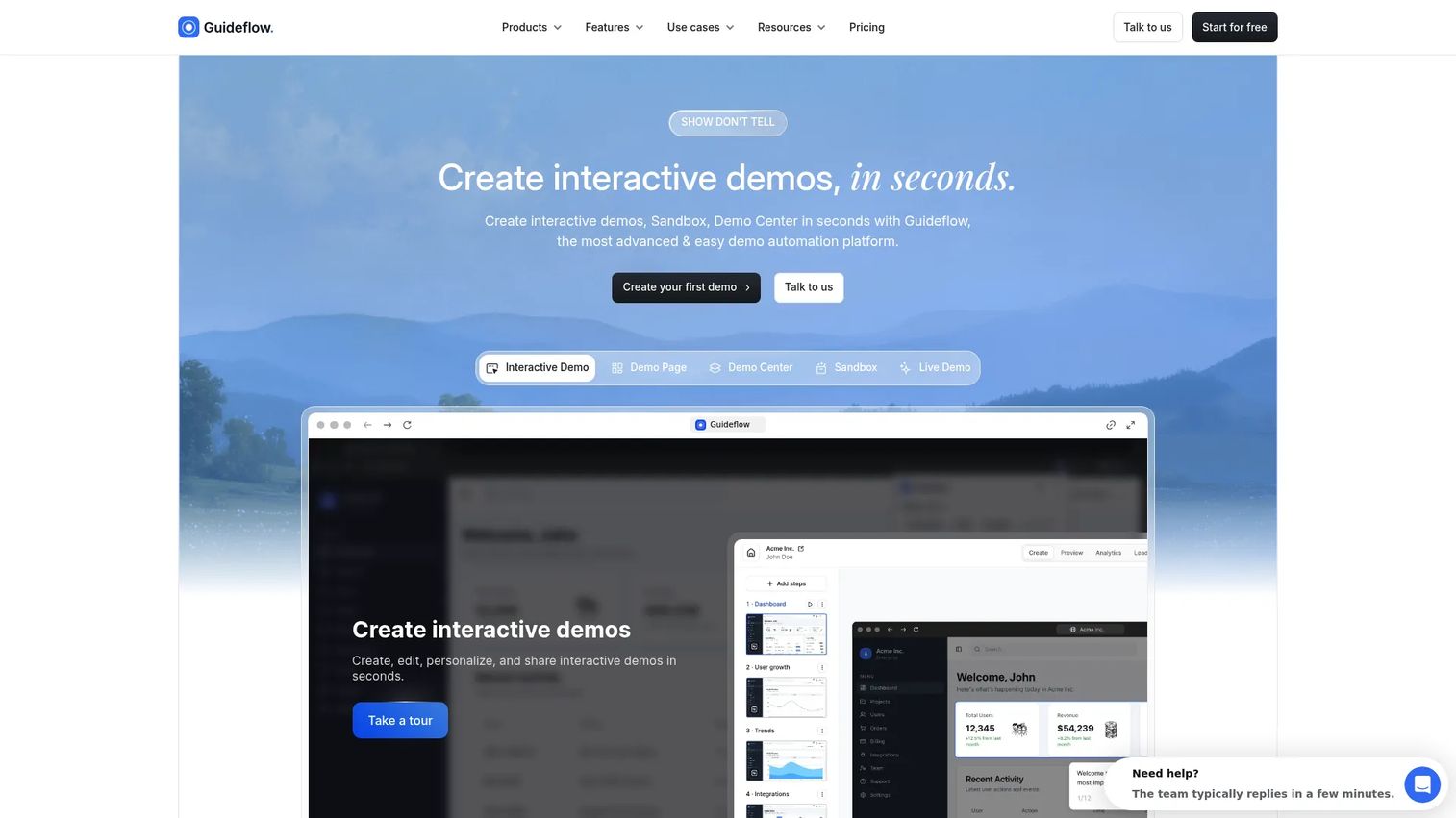
Guideflow is the hands-on product training choice for onboarding, feature adoption, support education, and partner enablement. It serves the practical lesson within a training program.
Best for: Customer success and education teams helping learners practice software workflows in a controlled product-like experience.
What it is: A demo automation platform offering interactive demos, demo pages, demo centers, sandboxes, live demos, and mobile demos.
Capture runs through the Chrome extension or the native app. Screenshot and HTML are capture modes; video capture is also available.
Interactive demos guide a curated product story. Sandboxes support open exploration for technical evaluation, complex customer training, partner certification, and self-serve trials.
Demo centers organize branded collections for customer education, sales enablement, partner portals, and onboarding programs. Live demos support workshops, sales presentations, webinars, and renewal conversations.
Mobile demos serve mobile onboarding, app listings, field sales, and mobile-feature support. Together, these formats give a training platform for SaaS customers practical learning assets across the customer lifecycle.
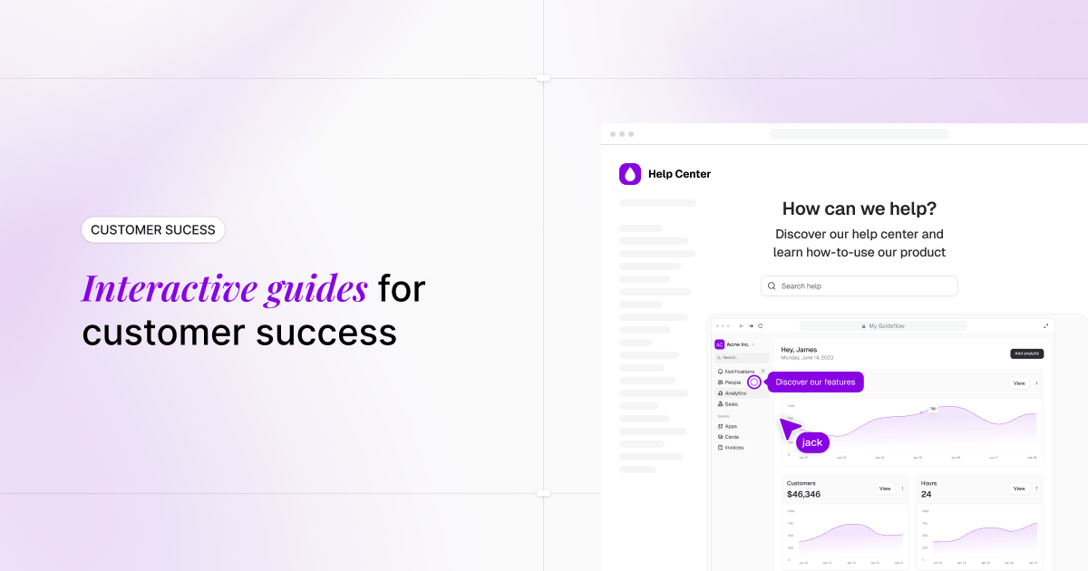
Try the capture process below.
Key features:
- Editable text, images, graphs, and branching
- Automatically written step content and calls to action
- Step-level completion and drop-off analytics
- Translation into more than 30 languages
- Integrations with HubSpot, Salesforce, Pipedrive, Zoho, and Marketo
Where Guideflow falls short:
- Keep an LMS alongside Guideflow for formal compliance records, SCORM-heavy catalogs, or academic learning administration.
- Choose conventional course hosting when your entire requirement is distributing static lessons.
Pricing: A free plan is available. Annual-billed plans include Solo at $35/user/month, Growth at $499/month, and Advanced at $1,499/month. Enterprise uses custom pricing.
G2 rating: 5.0
How it compares to LearnUpon: LearnUpon manages structured learning programs. Guideflow provides a fundamentally different engagement model for product practice across onboarding, adoption, support education, and partner enablement.
For customer onboarding software or product training software evaluations, test a specific workflow. Observe where learners stop before deciding which explanation to improve.
2. TalentLMS (LMS)
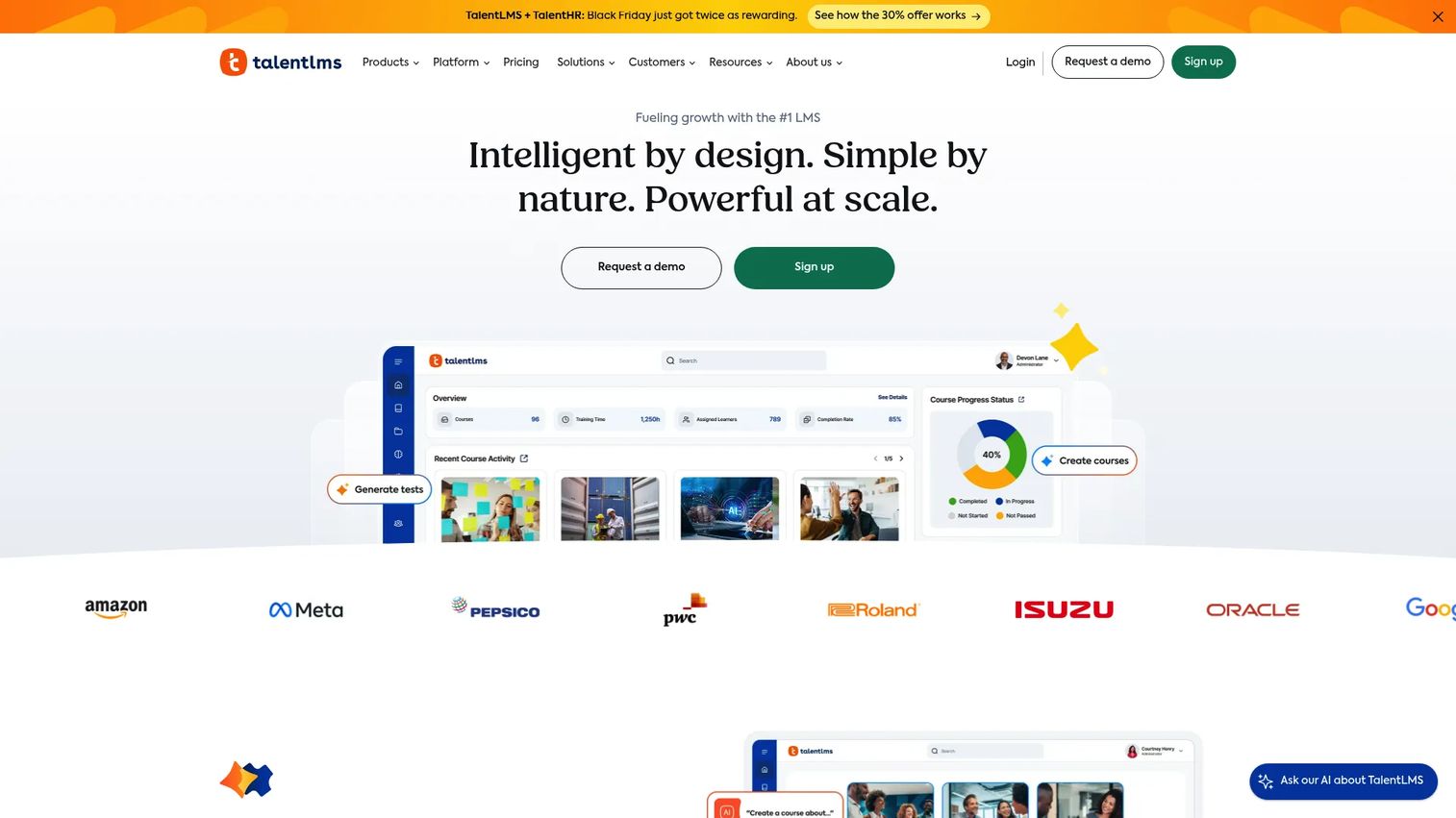
TalentLMS is a strong starting point for teams comparing conventional customer academies. It brings course creation and structured learning into the same buying decision.
Best for: Small and mid-market organizations evaluating a training platform for SaaS customers or internal teams.
What it is: A cloud LMS for employee, partner, and customer education. Its customer training software supports learning paths and formal assessments.
For a CSM, the relevant question is whether a repeatable curriculum can replace recurring introductory sessions. Test an administrator’s onboarding course before expanding the program.
Key features:
- AI-assisted course and content creation
- Learning paths and assessments
- Certifications
- SCORM, xAPI, and cmi5 support
Where TalentLMS falls short:
- TalentLMS’s pricing page sets user-based plan boundaries, making audience growth a budgeting consideration.
- Enterprise uses an annual sales-led agreement rather than the monthly purchasing model available on lower plans.
Pricing: Core starts at $119/month, Grow at $229/month, and Pro at $449/month with monthly billing. Annual billing is available; Enterprise requires a quote.
G2 rating: 4.6
How it compares to LearnUpon: Shortlist TalentLMS for a conventional LMS purchase with published entry pricing. Evaluate its administrative workflow against your current enrollment and course-maintenance tasks.
3. Absorb LMS (LMS)
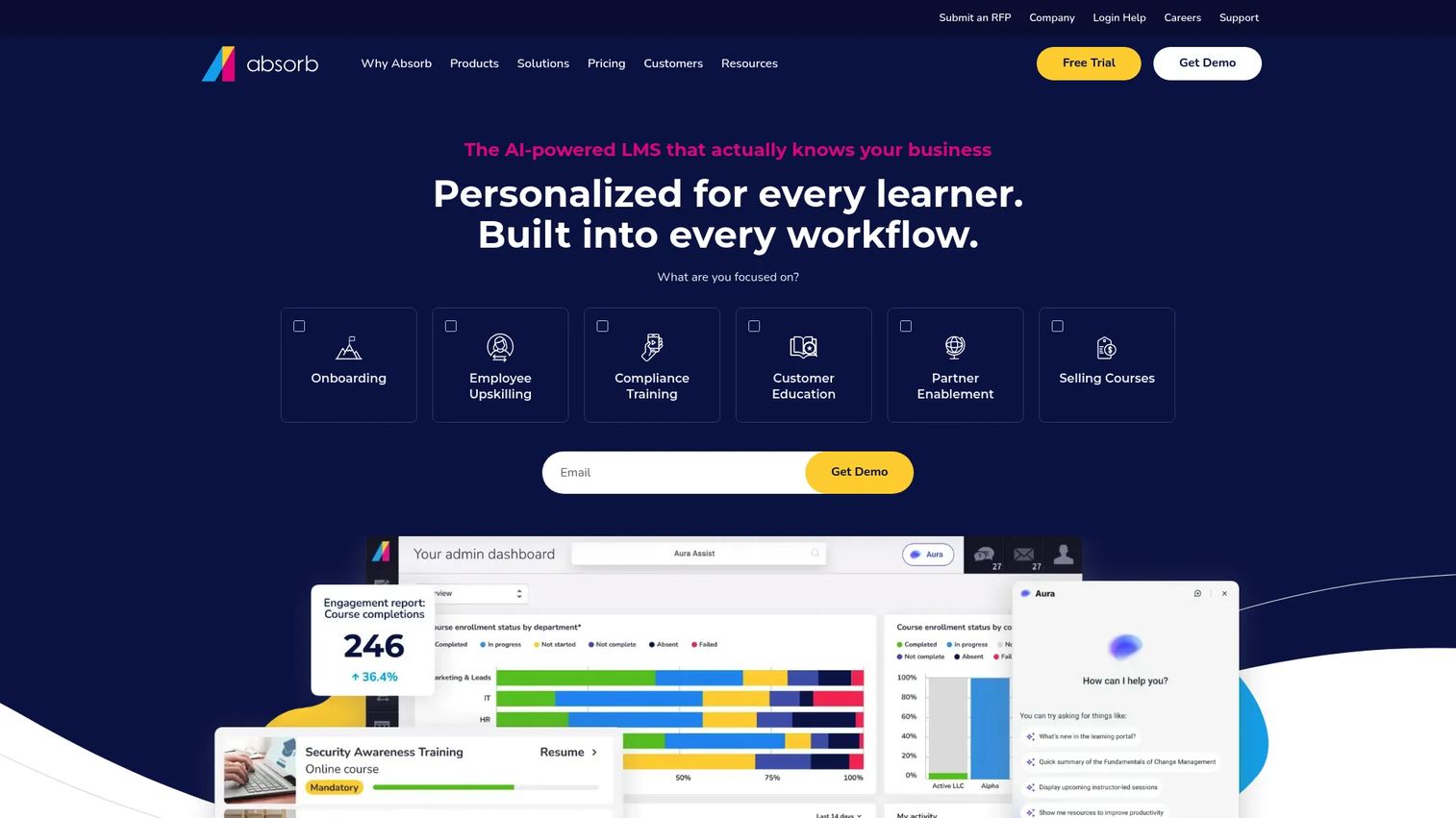
Absorb LMS deserves a place when customer education has become a formal operation. Its external training and course-selling capabilities extend beyond an onboarding checklist.
Best for: Mid-market and enterprise organizations managing several learner audiences.
What it is: An enterprise LMS covering employee education, partner enablement, customer training, and compliance. It also supports selling courses through e-commerce functionality.
As customer training software, Absorb is worth evaluating when education needs its own commercial and reporting processes. A compliance training LMS buyer should include assignment rules in the evaluation.
Key features:
- Role-based and skill-gap-based learning assignments
- AI-assisted course creation
- Custom performance reporting
- E-commerce with multiple currencies and payment gateways
- API connectivity and business-system integrations
Where Absorb LMS falls short:
- Absorb’s pricing page requires a quote based on learner-count bands, preventing a self-service budget comparison.
Pricing: Quote-based. Bring your learner volumes and training audiences to the pricing conversation.
G2 rating: 4.6
How it compares to LearnUpon: Consider Absorb when course commerce or detailed enterprise learning operations are central requirements. Have the vendor demonstrate your reporting model with representative learner data.
4. Moodle (open-source LMS)
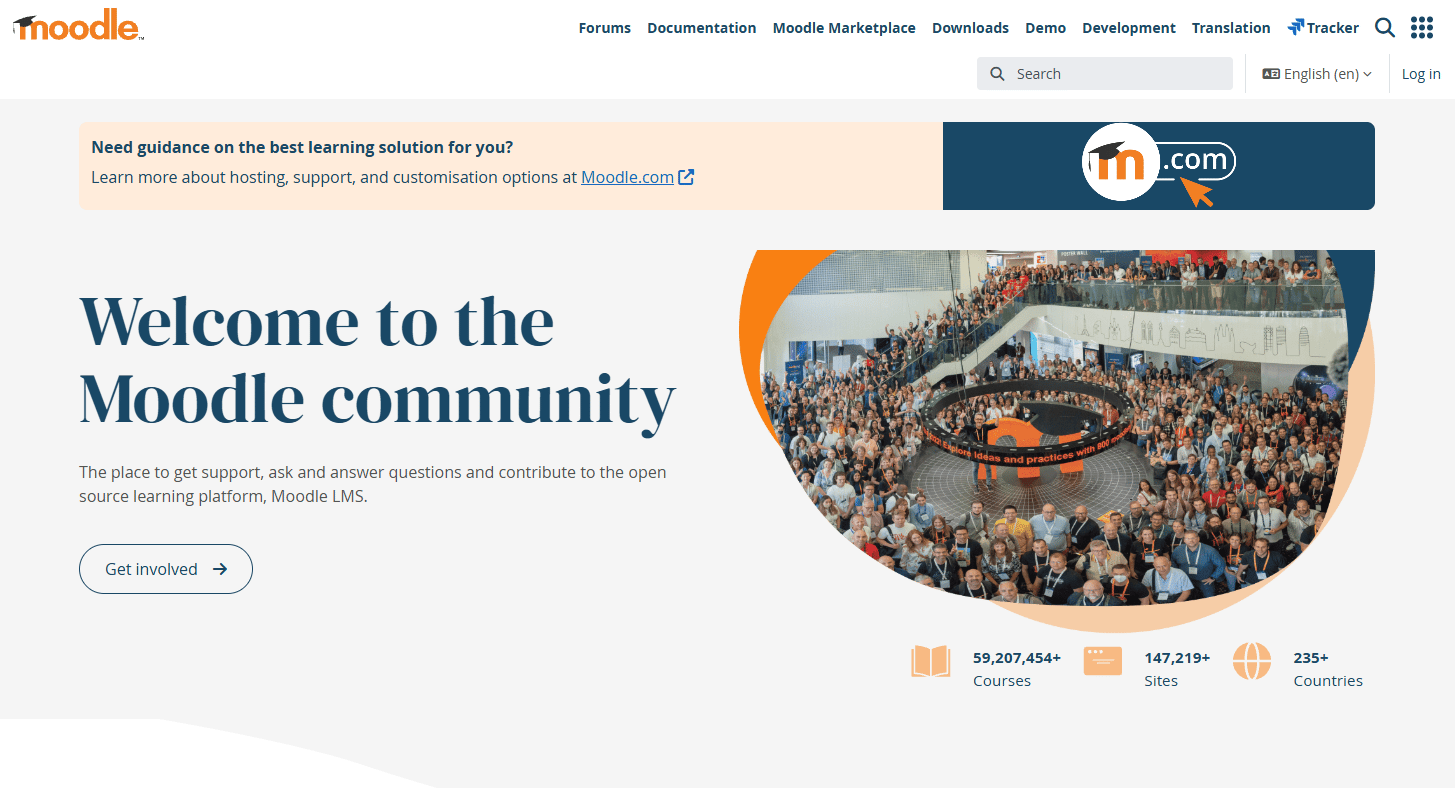
Moodle fits teams that want to own the learning environment’s configuration. That ownership should come with a named technical operator.
Best for: Organizations with technical resources or a hosting partner.
What it is: An open-source LMS for online courses and collaborative learning spaces. Its assessment tools suit online and blended education.
Separate the software decision from the hosting decision. Your team should identify who handles upgrades and learner access before choosing an operating model.
Key features:
- Course and activity creation
- Quizzes, assignments, and grading
- Forums and collaborative learning
- Competency frameworks and certificates
- Mobile access with offline capabilities
Where Moodle falls short:
- Free software doesn’t remove hosting and maintenance responsibilities.
- MoodleCloud’s plan documentation specifies user and storage quotas, which constrain the hosted subscription.
Pricing: Moodle’s core software is free. MoodleCloud uses paid annual subscriptions billed in AUD and offers a time-limited trial.
G2 rating: 4.1
How it compares to LearnUpon: Moodle suits buyers who want configurable learning infrastructure and accept operational ownership. Include technical staffing in the comparison with a managed LMS.
For customer success teams, establish a service owner before migrating. An unowned learning environment can create another queue of requests for the CSM.
5. Docebo (enterprise learning platform)
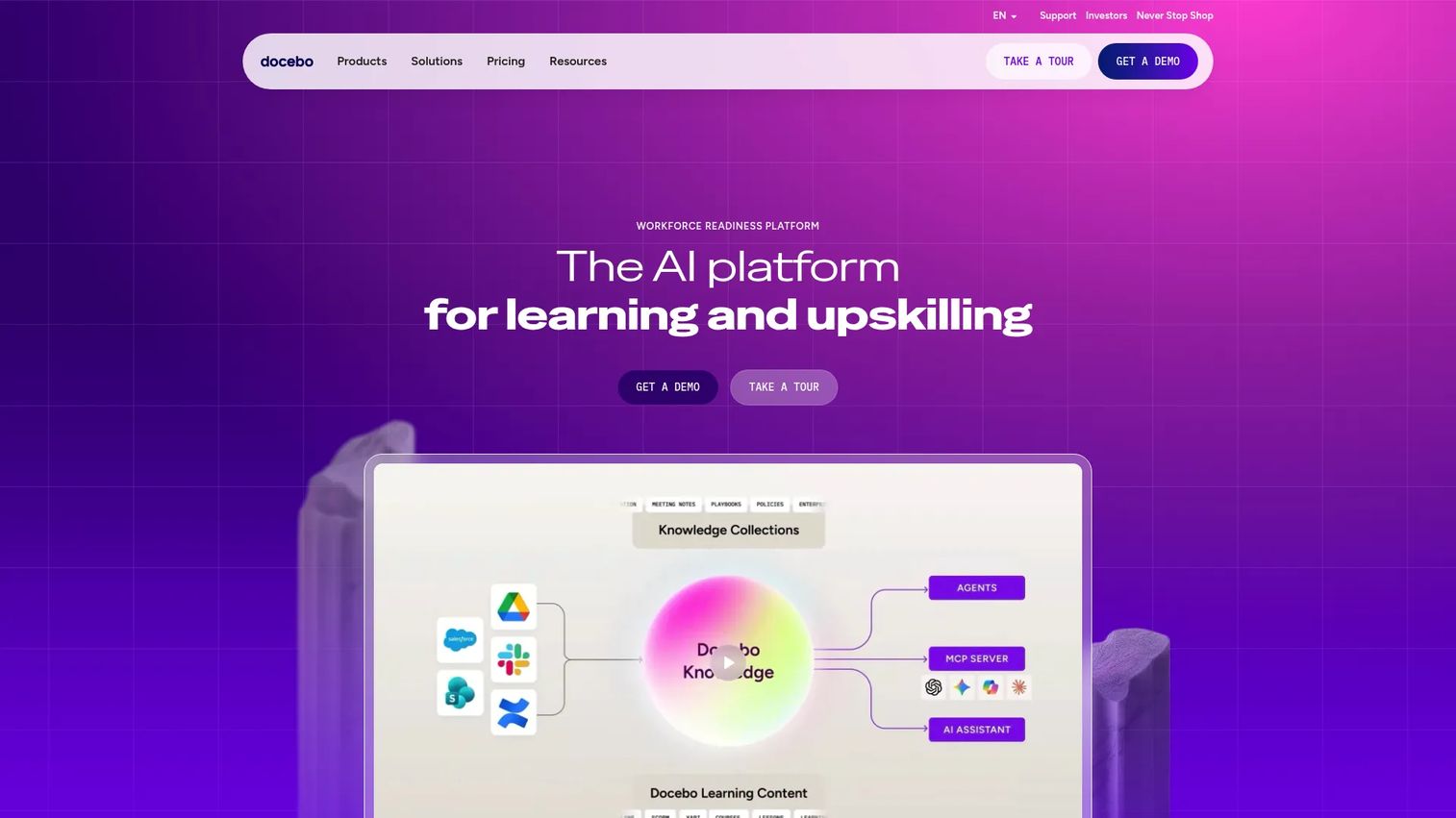
Docebo suits learning programs that span departments and external audiences. Its breadth makes organizational requirements more important than a single course demonstration.
Best for: Enterprises coordinating customer education with employee and partner learning.
What it is: An AI-supported learning platform with content creation, learning delivery, reporting, and integrations. It serves customer training software buyers alongside internal L&D teams.
Organizations comparing enterprise LMS software should establish which business unit owns the platform. Shared ownership needs clear rules for content and reporting access.
Key features:
- AI content creation and learning assistant
- Certification and compliance tracking
- Multilingual training and translations
- Live, on-demand, mobile, and social learning
- Learning insights and APIs
Where Docebo falls short:
- Docebo’s pricing page separates Skills Intelligence, Career Developer, and Talent Marketplace into add-ons.
- Both core packages require sales-led pricing, adding a commercial step before budget approval.
Pricing: Elevate and Enterprise are quote-based. Price the required add-ons separately.
G2 rating: 4.3
How it compares to LearnUpon: Evaluate Docebo when you need learning across several organizational audiences and delivery formats. Ask for a proposal that distinguishes the core platform from additional workforce capabilities.
6. iSpring Learn (corporate LMS)
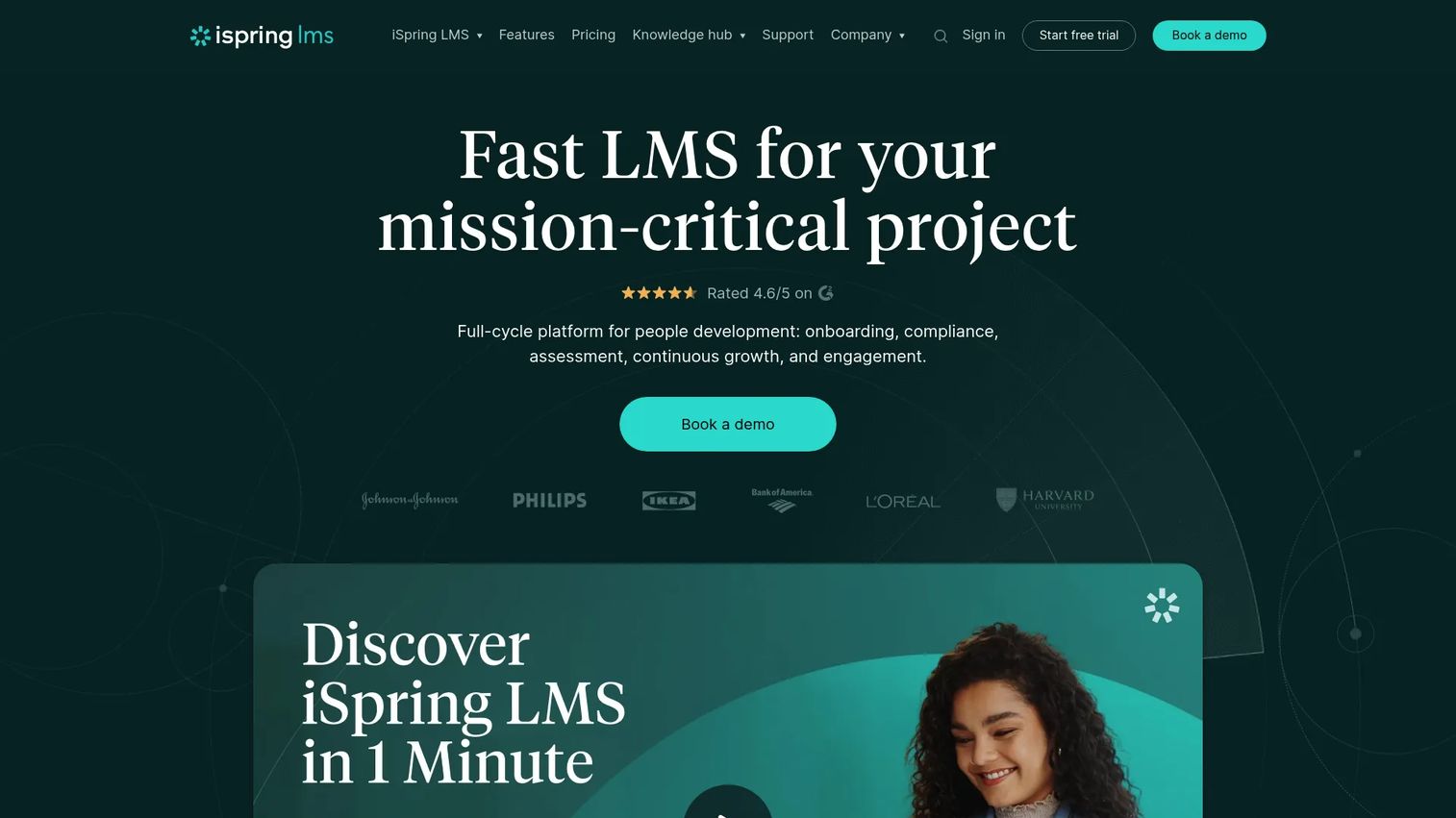
iSpring Learn, now presented as iSpring LMS, fits structured employee onboarding. Its learning tracks make it relevant when training follows a defined progression.
Best for: Teams choosing employee training software for onboarding and ongoing development.
What it is: A corporate LMS covering compliance learning, assessments, employee engagement, and continuous development. It supports both assigned training and reference knowledge.
Evaluate it with a new-hire curriculum that includes required learning and optional material. Ask the administrator to show how a manager sees progress.
Key features:
- Onboarding plans and learning tracks
- Assessments and quizzes
- Completion tracking and reporting
- Mobile learning and knowledge base
- 360-degree assessments
Where iSpring Learn falls short:
- iSpring’s pricing model charges per active user per month, making participation volume relevant to cost.
- Budgeting requires a sales quote rather than a listed entry subscription.
Pricing: Custom pricing using a per-active-user, per-month model.
G2 rating: 4.6
How it compares to LearnUpon: Shortlist iSpring for structured corporate onboarding and employee development. Treat course-authoring requirements as a separate purchase question, including which authoring products the proposed agreement contains.
For a customer success organization, this is especially relevant to training new CSMs. Keep that internal readiness requirement separate from the customer academy.
7. Cornerstone OnDemand (talent and learning suite)
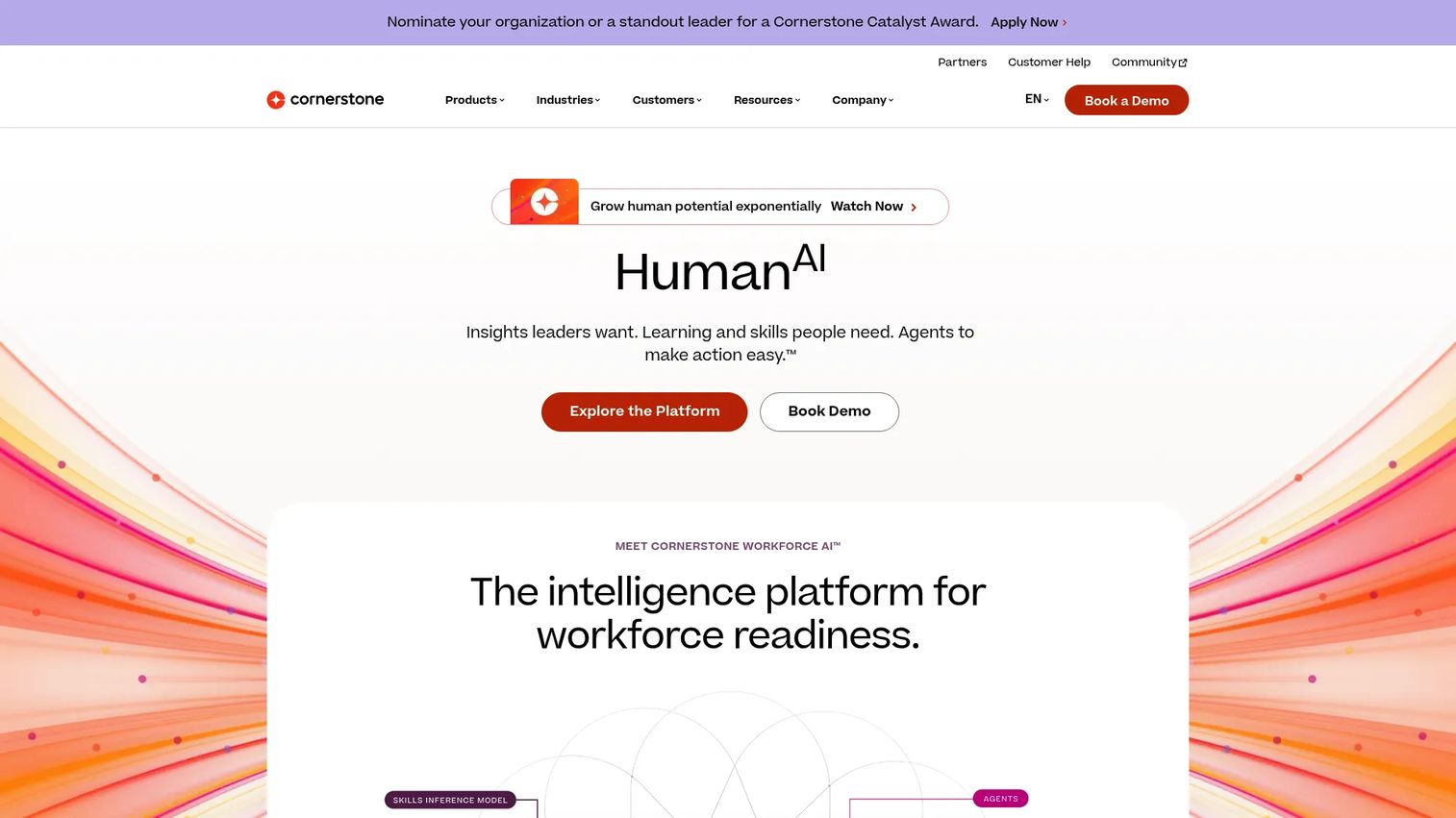
Cornerstone OnDemand belongs on the shortlist when learning is part of a workforce strategy. A standalone customer academy is a different purchase.
Best for: Large organizations connecting employee development with talent management.
What it is: A workforce readiness platform covering learning, skills intelligence, talent development, and AI capabilities. It also supports extended-enterprise customer and partner training.
This is enterprise LMS software for buyers evaluating broader workforce processes. A CSM team should involve HR and L&D before making it the default academy choice.
Key features:
- Learning management and compliance training
- Performance management and succession
- People Graph and Skills Engine
- Extended-enterprise training
- AI assistants and readiness agents
Where Cornerstone OnDemand falls short:
- Cornerstone’s package structure separates learning, workforce intelligence, and broader HCM capabilities.
- Its portfolio page prices Readiness Agents individually by outcome, creating additional purchasing decisions.
Pricing: Learn+ and Elevate+ use per-employee annual pricing. Intelligence+ uses employee-count bands; HCM+ is also available. All require quotes.
G2 rating: 4.3
How it compares to LearnUpon: Consider Cornerstone when employee training software must connect with talent development. For a compliance training LMS purchase, specify the learning package separately from the wider suite.
8. SAP SuccessFactors Learning (enterprise learning suite)
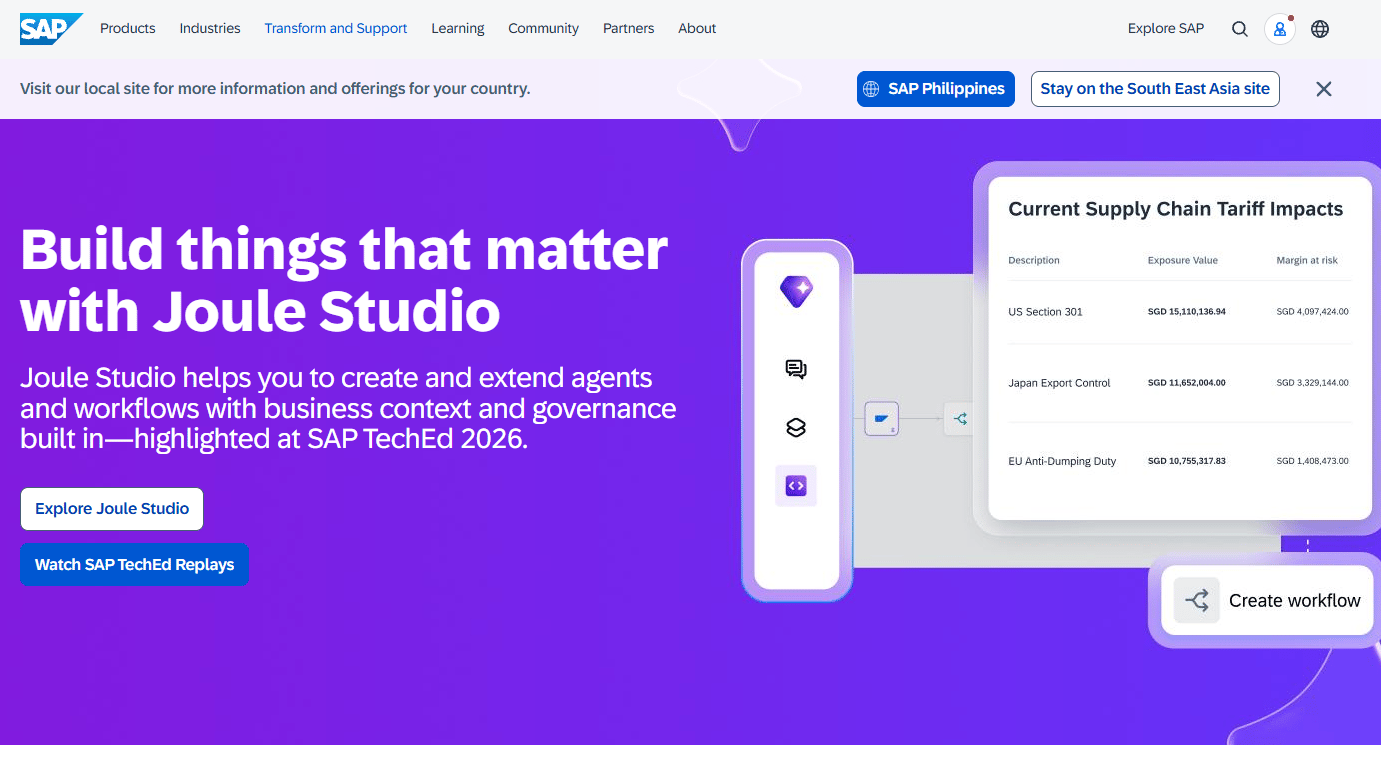
SAP SuccessFactors Learning is most relevant when your organization already operates within SAP’s HR environment. Stack alignment is its main shortlist reason.
Best for: Enterprises connecting employee education with SAP SuccessFactors HCM.
What it is: A cloud corporate LMS for compliance training, skills development, and workforce learning. It combines personalized recommendations with learning administration.
For customer success leaders, this usually represents an internal employee training software decision. Establish whether external customer education belongs in the same procurement project.
Key features:
- Personalized learning recommendations
- Advanced learning search
- Compliance automation and reporting
- Learning-content integrations
- Open content network support
Where SAP SuccessFactors Learning falls short:
- SAP’s regional pricing offer requires implementation by a certified partner.
- That offer carries a one-to-three-year contract with automatic renewal.
Pricing: SAP’s Estonia pricing page lists €1.61/user/month. Treat this as a regional offer rather than a US price.
How it compares to LearnUpon: SAP SuccessFactors Learning merits evaluation when enterprise LMS software must align with established HR operations. A lean customer education team should justify that organizational connection before pursuing it.
For a compliance training LMS evaluation, bring your assignment rules and reporting requirements. Request a full implementation estimate alongside subscription terms.
9. Litmos (LMS)
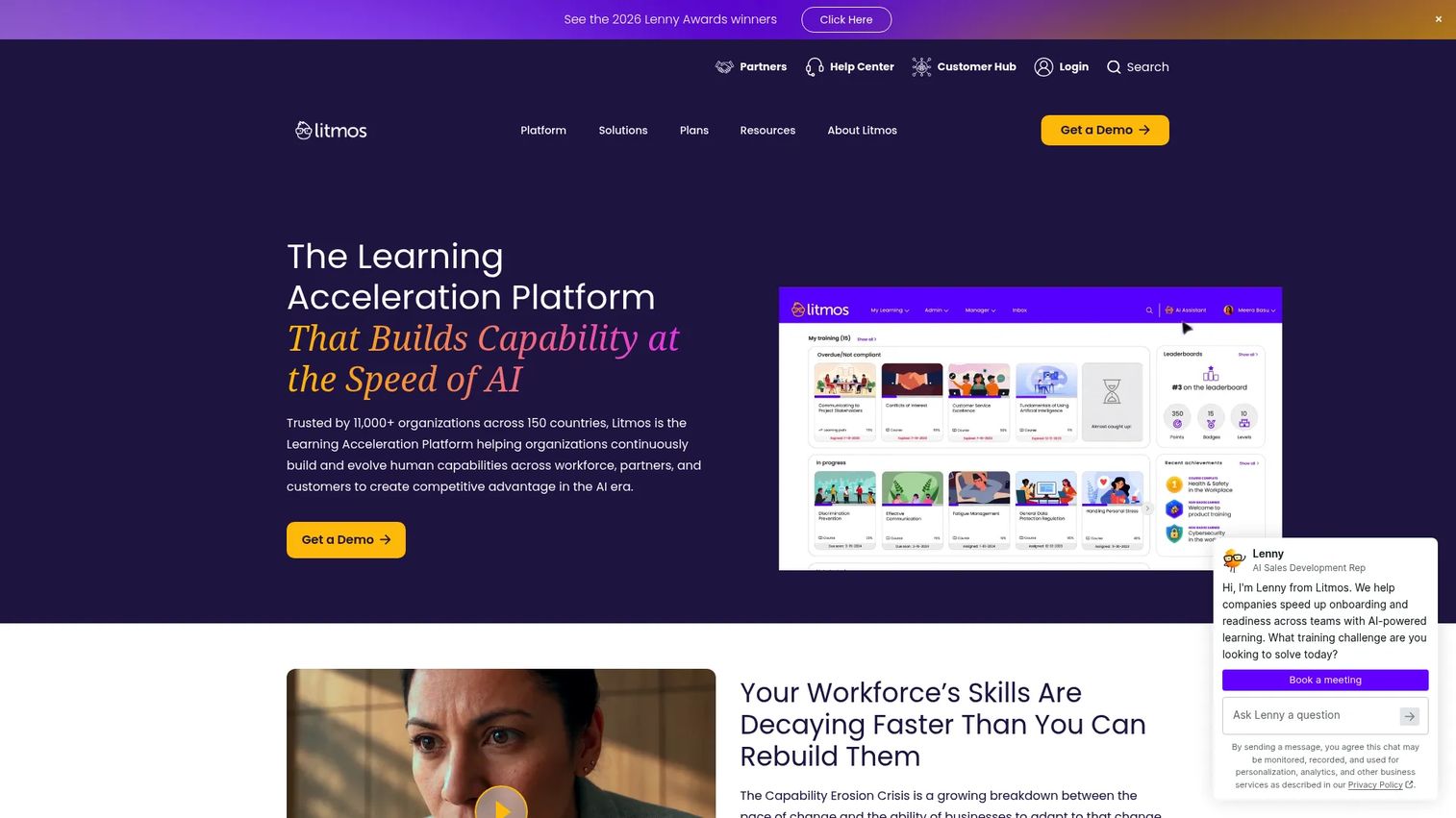
Litmos is a strong shortlist option for formal workforce training. Its published annual entry prices help establish an initial budget.
Best for: Mid-market and enterprise teams delivering employee, customer, partner, and frontline education.
What it is: An LMS and learning platform supporting structured courses and instructor-led delivery. It combines assessments with learning administration.
As employee training software, Litmos suits programs that mix independent study with scheduled instruction. Buyers evaluating a compliance training LMS should test the required documentation workflow.
Key features:
- Learning paths and instructor-led training
- SCORM, xAPI, and AICC imports
- Certifications and compliance management
- Assessments, e-signatures, and surveys
- Reporting, dashboards, and APIs
Where Litmos falls short:
- Litmos’s plans page places advanced administration and compliance capabilities in Platinum.
- Embedded platform-wide AI sits in Platinum AI, which requires a separate sales conversation.
Pricing: Foundation starts at $8,000/year. Platinum starts at $15,000/year; Platinum AI uses quote-based pricing.
G2 rating: 4.3
How it compares to LearnUpon: Compare Litmos for structured learning that includes instructor-led sessions and formal assessments. Map your required controls to the proposed plan before comparing annual totals.
Content production deserves its own budget line. Ask which existing materials you can import and what your team must create or purchase separately.
10. 360Learning (collaborative learning platform)
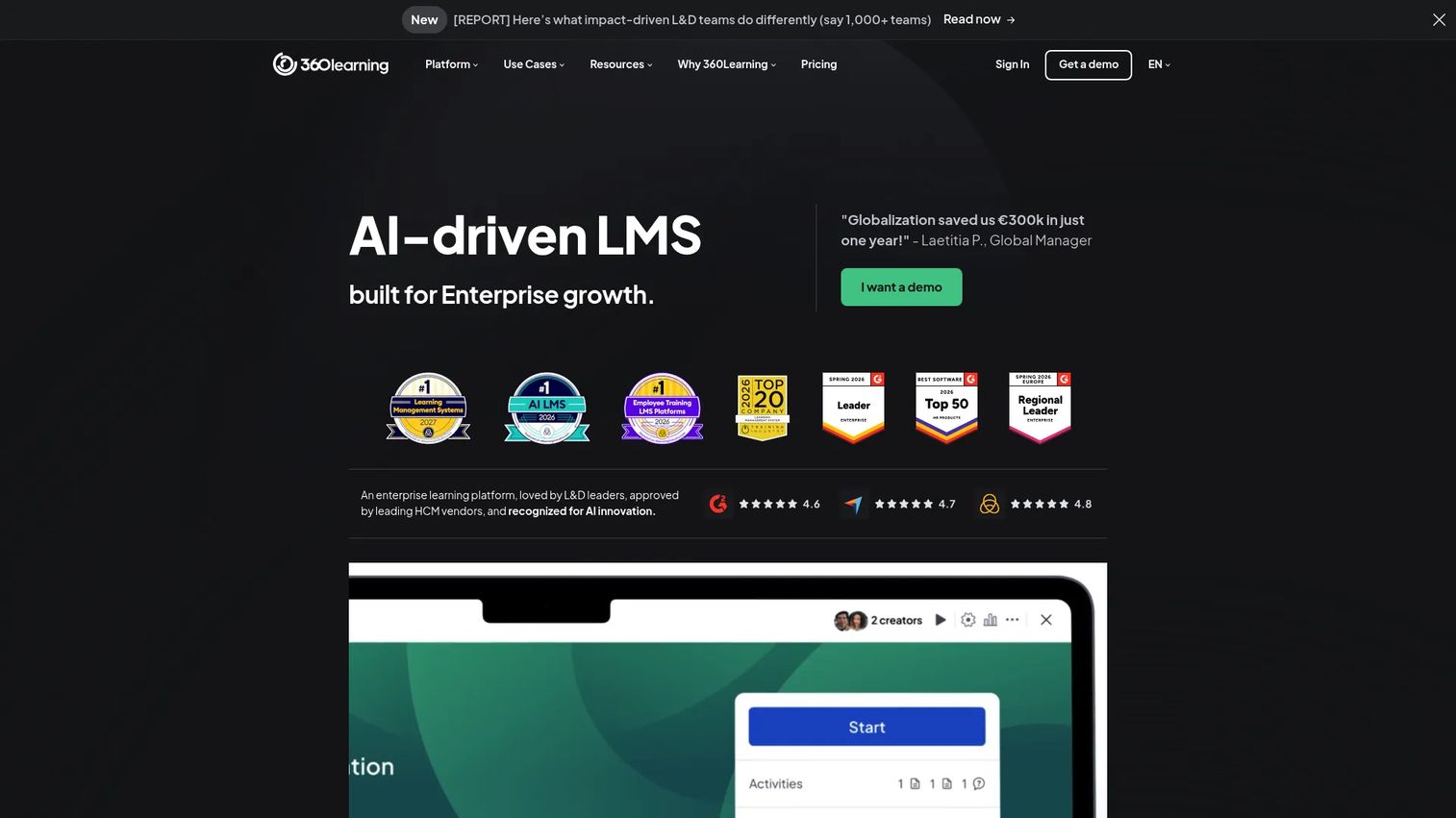
360Learning fits organizations where product knowledge lives with subject-matter experts. Its collaborative model gives those contributors a role in course creation.
Best for: Teams maintaining frequently changing training through distributed expertise.
What it is: An enterprise learning platform combining collaborative authoring with training delivery and skills tracking. It supports internal education and customer or partner learning.
For product training software, the buying question is who will keep lessons current. Invite a product specialist and a CSM to evaluate the authoring workflow together.
Key features:
- Co-authoring and collaborative learning
- AI-assisted authoring and AI Companion
- Learning paths and blended learning
- SCORM player
- Skills-based learning and analytics
Where 360Learning falls short:
- The Team plan stops at 100 users, according to 360Learning’s pricing page.
- Flexible internal and external learner models sit within sales-led Business and Enterprise packages.
Pricing: Team costs $8/user/month and offers a free trial. Business and Enterprise use custom pricing.
G2 rating: 4.6
How it compares to LearnUpon: Consider 360Learning when collaborative content ownership drives the purchase. Test how contributors review and revise a lesson, alongside the learner-facing experience.
A collaborative platform still needs accountable owners. Assign someone to approve product changes before material reaches customers.
11. Canvas LMS (academic and organizational LMS)
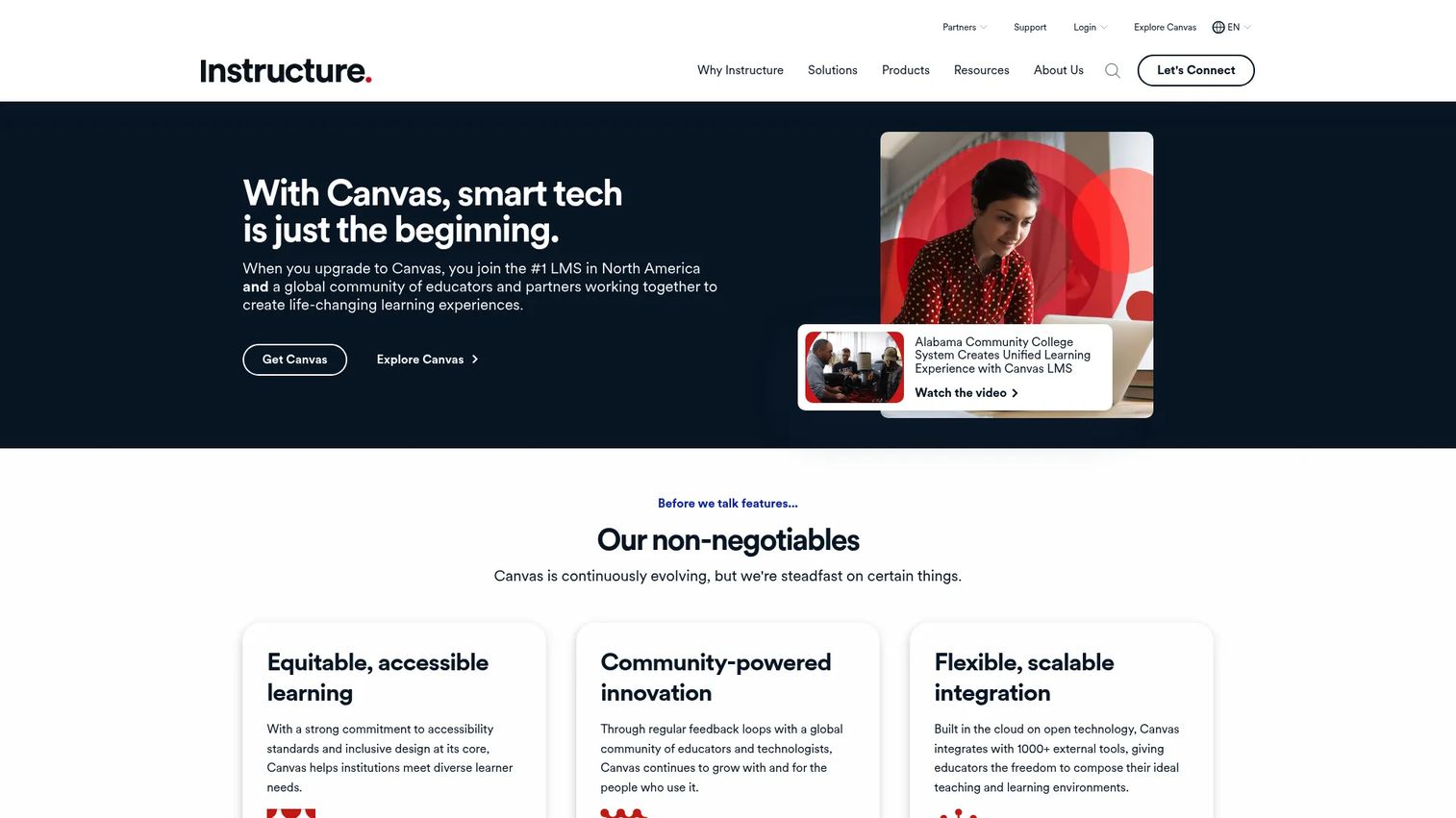
Canvas LMS makes sense when your program resembles formal education. Assignments and instructor feedback take a central role.
Best for: Institutions and organizations running assessment-led learning.
What it is: A web-based LMS for creating, delivering, managing, and assessing digital education. Its structure supports educators and learners.
Canvas is a specific product training software choice when the curriculum includes graded work. Test a representative assignment before deciding whether that model fits customer onboarding.
Key features:
- Course creation and delivery
- Assignments, quizzes, discussions, and rubrics
- Gradebook and SpeedGrader
- Course and learner analytics
- Mobile apps and integrations
Where Canvas LMS falls short:
- Instructure positions free Canvas Lite for individual educators, with limited learner and course capacity.
- Institutional packages require a quote, so an individual educator’s free account cannot establish organizational pricing.
Pricing: Canvas Lite is available at no cost. Canvas Core, Canvas Plus, and Canvas Next use quote-based institutional pricing.
G2 rating: 4.5
How it compares to LearnUpon: Canvas is worth evaluating for education-style programs with instructor assessment. LearnUpon’s commercial training orientation provides a different starting point for customer academies.
Avoid buying around familiar academic terminology alone. Have your customer education owner demonstrate the intended enrollment and completion process.
12. Knowledge Anywhere (LMS)
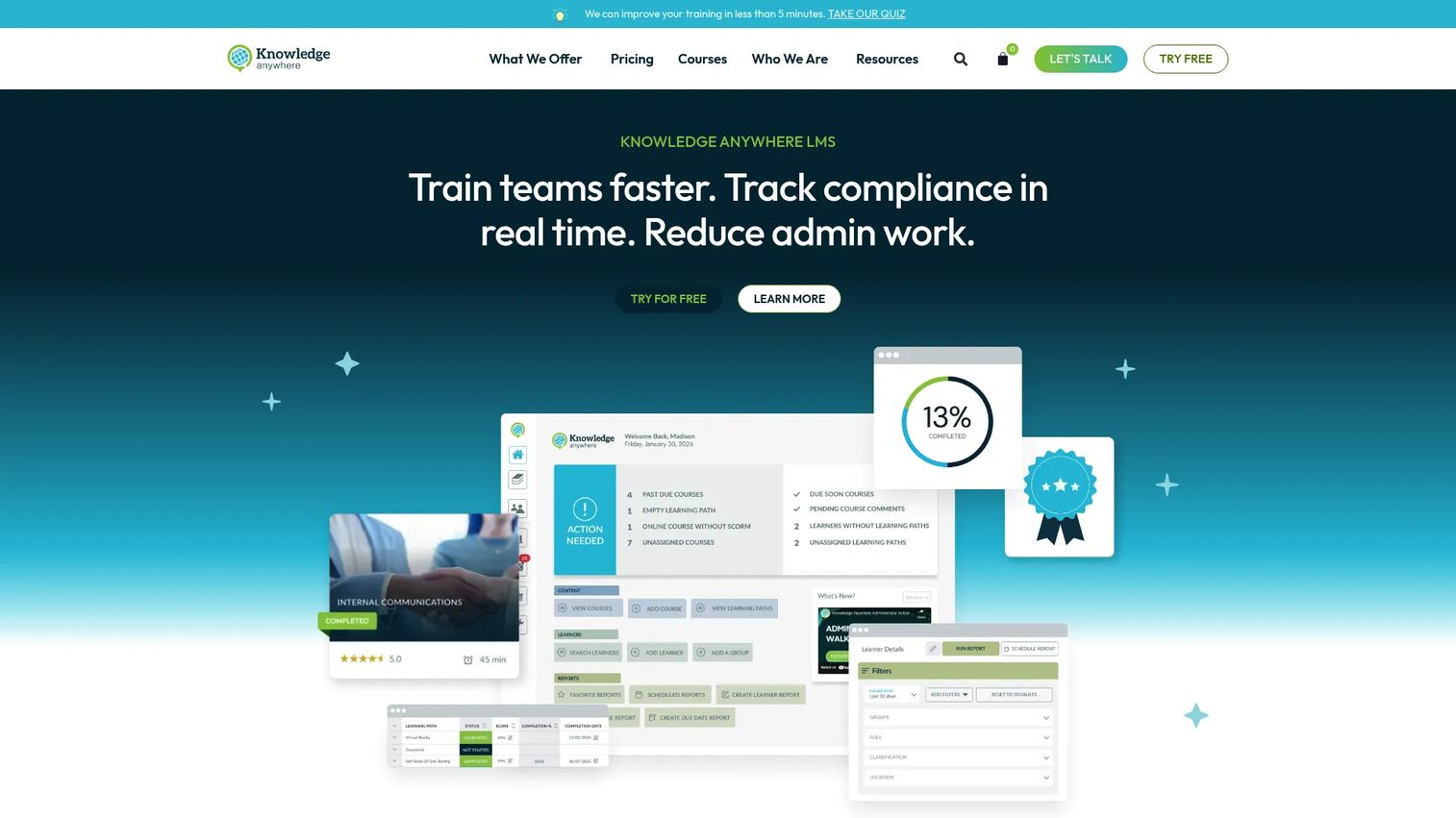
Knowledge Anywhere is worth considering when you want configurable learning with explicit active-user pricing. Its microsites make external education relevant to the evaluation.
Best for: Organizations building workforce or extended-enterprise learning programs.
What it is: An LMS covering onboarding, compliance, certifications, and customer or partner education. It combines course delivery with authoring and reporting.
As customer training software, it belongs on a shortlist where separate audiences need organized access. Evaluate it as a training platform for SaaS customers using a representative onboarding cohort.
Key features:
- Course Studio and AI-assisted authoring
- SCORM support
- Assessments and certifications
- Learning paths and checklists
- Microsites and extended-enterprise learning
Where Knowledge Anywhere falls short:
- Knowledge Anywhere’s pricing page sets minimum user commitments for Launch and Boost.
- Monthly purchasing includes setup fees; annual plans waive those charges.
Pricing: Launch costs $5.50/active user/month, with a 50-user minimum and $3,500 setup fee. Boost costs $4.50/active user/month, with a 200-user minimum and $5,000 setup fee. Orbit uses annual custom pricing. A 14-day trial is available.
G2 rating: 4.0
How it compares to LearnUpon: Evaluate Knowledge Anywhere when active-user economics and extended-enterprise delivery match your education model. Include implementation support and expected participation in the commercial comparison.
What is the best LearnUpon alternative for customer onboarding?
Guideflow addresses practical learning across customer onboarding, feature adoption, support education, and partner enablement.
TalentLMS and Absorb LMS are useful starting points for structured customer academies.
Define the task customers should complete independently before selecting customer onboarding software. Ask whether the proposed program reduces repeated explanations or simply introduces another content destination.
Pilot with one customer segment. Compare time-to-value and related support requests against your current process before expanding the rollout.
Which LearnUpon alternative is best for hands-on product training?
Guideflow is the fit for hands-on product training across onboarding, adoption, support education, and partner enablement.
Use a curated product story when learners benefit from a defined sequence. Open exploration supports complex workflow training, technical evaluation, partner certification, and self-serve trials.
Choose a task with an observable outcome, such as configuring an account setting. Review where learners stop, then improve the instruction around that decision.
Keep formal course records in the system responsible for learning administration.
What is the strongest LearnUpon alternative for enterprise learning?
Choose the enterprise shortlist around organizational ownership.
Docebo fits multi-audience learning operations. Cornerstone OnDemand connects learning with broader workforce development, while SAP SuccessFactors Learning aligns with SAP-centered HR processes.
Ask who owns the budget and learner data before comparing features. An HR-led employee program may justify a different platform from a customer success academy.
Include the administrator in procurement. Their recurring workload matters as much as the executive feature presentation.
Which LearnUpon alternative is best for compliance training?
Compare Absorb LMS, Litmos, Cornerstone OnDemand, and SAP SuccessFactors Learning against your specific training-record requirements.
Ask vendors to demonstrate assigned learning and completion reporting. Include certification workflows and permission controls in the evaluation script.
Specify the evidence your organization needs to retrieve during an audit. A platform’s compliance-training label does not establish that it satisfies a legal obligation.
Have your compliance owner approve the requirements and assess the proposed configuration.
What is the best open-source LearnUpon alternative?
Moodle is the open-source choice for teams that want configurable learning infrastructure.
Decide whether you will operate it internally or purchase hosting. Assign ownership for updates and access management before moving learner records.
The financial comparison should include technical time, support, and migration work. A free license is one component of operating cost.
If your customer success team cannot own those responsibilities, involve IT or a service provider before committing.
When should you stay with LearnUpon?
Stay with LearnUpon when the current platform supports your requirements and the main problem sits in the learning program itself.
An outdated lesson or unclear assignment can persist after migration. Review whether customers understand what to do next and whether the curriculum matches the current product.
Also consider disruption. Moving active learners and historical records can compete with customer-facing work.
Define the requirement your current implementation cannot meet. If you cannot name it precisely, improve the existing program first.
A useful next step is a review of one onboarding cohort. Examine completion alongside customer questions and task success before authorizing a replacement project.
Why teams add Guideflow alongside or instead of course modules
Guideflow gives customer education teams a practical learning surface across onboarding, feature adoption, support education, and partner enablement.
A customer can understand a concept while still needing help applying it. Build the lesson around the workflow they need to perform independently.
For example, create a product experience around configuring a permission or producing a report. Decide which outcome marks success before writing the explanation.
Use a guided sequence when you want to control the narrative. Open exploration complements that approach for complex customer training, technical evaluations, partner certification, and self-serve trials.
Organize the material around the learner’s job. A new administrator and an experienced user exploring an advanced feature should find different starting points.
Personalization can make examples recognizable without rebuilding the learning objective. Maintain a consistent definition of success across each variation.
Keep measurement practical. Establish a baseline for repeated questions, then observe whether customers complete the target task with fewer human interventions.
Guideflow’s company-level visitor identification also needs careful interpretation. CRM records are created when viewers identify through an in-demo form or personalized link.
Preserve the LMS where formal learning administration remains important. Add product practice where customers need to develop confidence performing software tasks.
Start your journey with Guideflow today!
FAQs
TalentLMS and Absorb LMS are useful starting points for conventional customer academies. Docebo fits broader enterprise learning programs, while Knowledge Anywhere offers configurable extended-enterprise learning. Compare the actual customer enrollment process and reporting requirements before choosing between LearnUpon competitors.
iSpring Learn and TalentLMS suit structured employee learning programs. Litmos is relevant when instructor-led training and formal assessments matter. Cornerstone OnDemand or SAP SuccessFactors Learning deserves consideration when education must connect with workforce and HR operations.
Start with the first product task customers should complete independently. Evaluate content maintenance and the evidence available to your CSMs. Hands-on product training can support onboarding, feature adoption, support education, and partner enablement alongside academy courses.
Some offer published entry prices, while others require enterprise quotes. Compare the same learner volumes and include implementation, content subscriptions, administrative access, and required integrations. A low unit price can still carry a minimum commitment or contract requirement.
Test course migration and the treatment of historical completion records. Document SCORM or xAPI requirements, then assess reporting exports and identity management. Have the future administrator perform recurring tasks before approving the migration plan.
Guideflow addresses product practice across onboarding, adoption, support education, and partner enablement. Keep LearnUpon or another LMS for structured course administration, certification records, and compliance learning. The tools serve complementary responsibilities, and individual product lessons can move to an interactive format.
An LMS organizes courses and learner administration, including assignments and learning records. A demo automation platform creates interactive product experiences for onboarding, customer education, partner enablement, and sales evaluation. Choose according to the learning outcome and the records your organization needs to maintain.