You spent three weeks building the ebook. The form filled. The asset disappeared into a nurture sequence, and you have almost no idea what happened next.
That's the problem most digital marketers have with static content. According to research from DemandGen cited by HubSpot in 2025, interactive content earns twice the engagement of static content. But the ebook sitting in your Dropbox folder doesn't track page views, flag drop-off, or tell you which section moved a buyer closer to a conversation.
The challenge is that "interactive ebook software" covers very different tools. Some produce EPUB files for bookstore distribution. Some convert PDFs into page-turning flipbooks. Some let you build HTML5 publications with quizzes and multimedia. A fourth category, increasingly relevant to B2B marketers, turns product education into a clickable experience with lead capture and engagement data tied to pipeline.
Picking the wrong tool means shipping an asset that doesn't serve the goal. This guide separates those categories and helps you match the tool to the actual deliverable.
What's inside
This guide compares 21 interactive ebook software options across five job types: Product-led interactive content, EPUB publishing, fast branded lead magnets, PDF-to-flipbook workflows, and self-publishing. Tools were chosen based on:
- Output format coverage (EPUB, PDF, HTML5, flipbook, web link)
- Interactivity depth and analytics capabilities
- Lead capture and marketer workflow fit
- Pricing accessibility across team sizes
Written for digital marketers, content teams, educators, and self-publishing authors.
TL;DR
- Best for product-led interactive content: Guideflow for measurable demos, lead capture, and self-serve product education
- Best for interactive EPUB authoring: Kotobee Author or PubCoder for publishing, training, and education teams
- Best for fast branded ebooks: Canva or Visme for marketers who need polished assets quickly
- Best for PDF-to-flipbook workflows: FlippingBook, FlipHTML5, or Flipsnack, depending on price point
- Best for self-publishing: Vellum, Kindle Create, or Pressbooks, chosen by output target
- Best free starting point: Google Docs (free), Canva Free, or FlipHTML5 Free, each with format limits
What is interactive ebook software?
Interactive ebook software helps teams create digital books, guides, lead magnets, or web-based reading experiences that include clickable, multimedia, or trackable elements beyond static text.
The term covers several distinct categories:
- EPUB3 ebooks: Multimedia-capable files for bookstores, library apps, and LMS platforms
- Flipbooks: PDF-to-HTML5 conversions with a page-turning interface and optional analytics
- Web-based content hubs: Browser-hosted digital publications with embedded media and forms
- Lead magnets: Gated downloadable assets designed to capture email addresses and qualify pipeline
- Interactive product experiences: Clickable, guided product journeys that replace static PDFs with measurable intent signals
- Education and training content: Quizzes, assessments, SCORM exports, and controlled access for learners
Common output formats include EPUB, PDF, HTML5, Kindle, web links, native apps, and SCORM packages.
Key capabilities to evaluate across the category:
- Templates and layout editors
- Multimedia support (audio, video, animation)
- Quizzes, widgets, and embedded media
- Lead capture forms and gated access
- Engagement analytics and reader tracking
- Branding controls and white-labeling
- Collaboration and version management
- Accessibility standards and EPUB validation
- Export and distribution options
For SaaS marketers, the "ebook" is often not a book at all. It's a buyer education asset, where a guided interactive demo can deliver materially higher engagement than a static PDF. That framing shapes how the first tool in this list is positioned.
When to use interactive ebook software
Turn static PDFs into trackable campaign assets
Your team already has the research. The problem is that a PDF download produces a form fill and very little else. Tools in the flipbook and web publishing category can add page-level tracking, gated access, and shareable links to existing assets without a rebuild. This matters for content marketers running nurture campaigns where knowing which section a prospect read changes the follow-up.
Create multimedia learning or training content
Education, onboarding, and certification teams need more than formatted text. EPUB authoring tools and dedicated training platforms support quizzes, assessments, SCORM exports, LMS integrations, and controlled access. These capabilities sit inside dedicated authoring tools rather than general design software.
Build product-led lead magnets
B2B SaaS teams often use "ebook" as a placeholder for a buyer education asset that should actually demonstrate product value. A clickable, guided product experience lets prospects explore the software without scheduling a call. This is where tools designed for interactive content outperform traditional ebook software, because the asset captures intent, tracks engagement by step, and feeds lead data into the pipeline.
Interactive ebook software comparison
The table below sorts 21 tools by use case. Pricing is verified against each vendor's official pricing page.
| # | Product | Best for | Key differentiator | Pricing | G2 rating |
|---|---|---|---|---|---|
| 1 | Guideflow | Product-led interactive content | Interactive demos with engagement analytics and lead capture | Free; paid from $35/mo | 5.0/5 |
| 2 | Kotobee Author | Interactive EPUB and training ebooks | Multimedia authoring, SCORM export, LMS integrations | Free; paid from $150 one-time | 4.3/5 |
| 3 | PubCoder | Fixed-layout interactive books | EPUB3, HTML5, app export with accessibility depth | €99/year | 5.0/5 |
| 4 | Canva | Fast branded ebook design | Templates and drag-and-drop editor | Free; Pro $144/year | 4.7/5 |
| 5 | Adobe InDesign | Professional publishing workflows | Layout control for print and digital EPUB | From $22.99/mo | 4.6/5 |
| 6 | Designrr | Repurposing content into ebooks | Blog, podcast, and document import | From $29/mo | N/A |
| 7 | FlippingBook | Trackable PDF flipbooks | Engagement analytics and CRM-connected sharing | From $20/mo | 4.7/5 |
| 8 | FlipHTML5 | HTML5 flipbook publishing | PDF-to-HTML5 with multimedia and free tier | Free; paid from $12/mo | 4.7/5 |
| 9 | Pressbooks | Academic and open publishing | Structured book production and EPUB/PDF export | From $12/mo | N/A |
| 10 | Vellum | Polished self-published books | Mac-only formatting for ebooks and print | $199.99 one-time | 4.8/5 |
| 11 | Book Creator | Classroom multimedia ebooks | Student publishing with audio, video, and drawing | Free; Premium pricing on request | N/A |
| 12 | PandaSuite | No-code interactive app-style content | App-like experiences across web, iOS, Android, and kiosk | Free; from €66/mo to publish | N/A |
| 13 | Visme | Visual ebooks and lead magnets | Templates, data viz, brand kits, and analytics | Free; paid from $12.25/mo | 4.5/5 |
| 14 | Kitaboo | Enterprise digital publishing | DRM, LMS delivery, white-label apps, and analytics | From $1/user/mo | 4.4/5 |
| 15 | Marq | Brand-controlled marketing ebooks | Template governance and locking for distributed teams | Free; paid from $10/mo | 4.5/5 |
| 16 | Kindle Create | Kindle ebook formatting | Free Amazon KDP preparation workflow | Free | N/A |
| 17 | Google Docs | Collaborative ebook drafting | Free writing and editing before formatting | Free; Workspace from $7/user/mo | 4.6/5 |
| 18 | Scrivener | Long-form ebook drafting | Manuscript organization for authors | From $23.99 one-time | N/A |
| 19 | Flipsnack | Interactive catalogs and magazines | PDF flipbooks with lead forms and analytics | Free; paid from $14/mo | 4.7/5 |
| 20 | Draft2Digital | Ebook distribution | Multi-retailer distribution with 15% commission model | Free account; $20 activation fee | N/A |
| 21 | Beacon | Quick marketing lead magnets | Lead magnet creation from blog posts and existing content | Free; paid from $19/mo | N/A |
Best 21 interactive ebook software tools for 2026
1. Guideflow
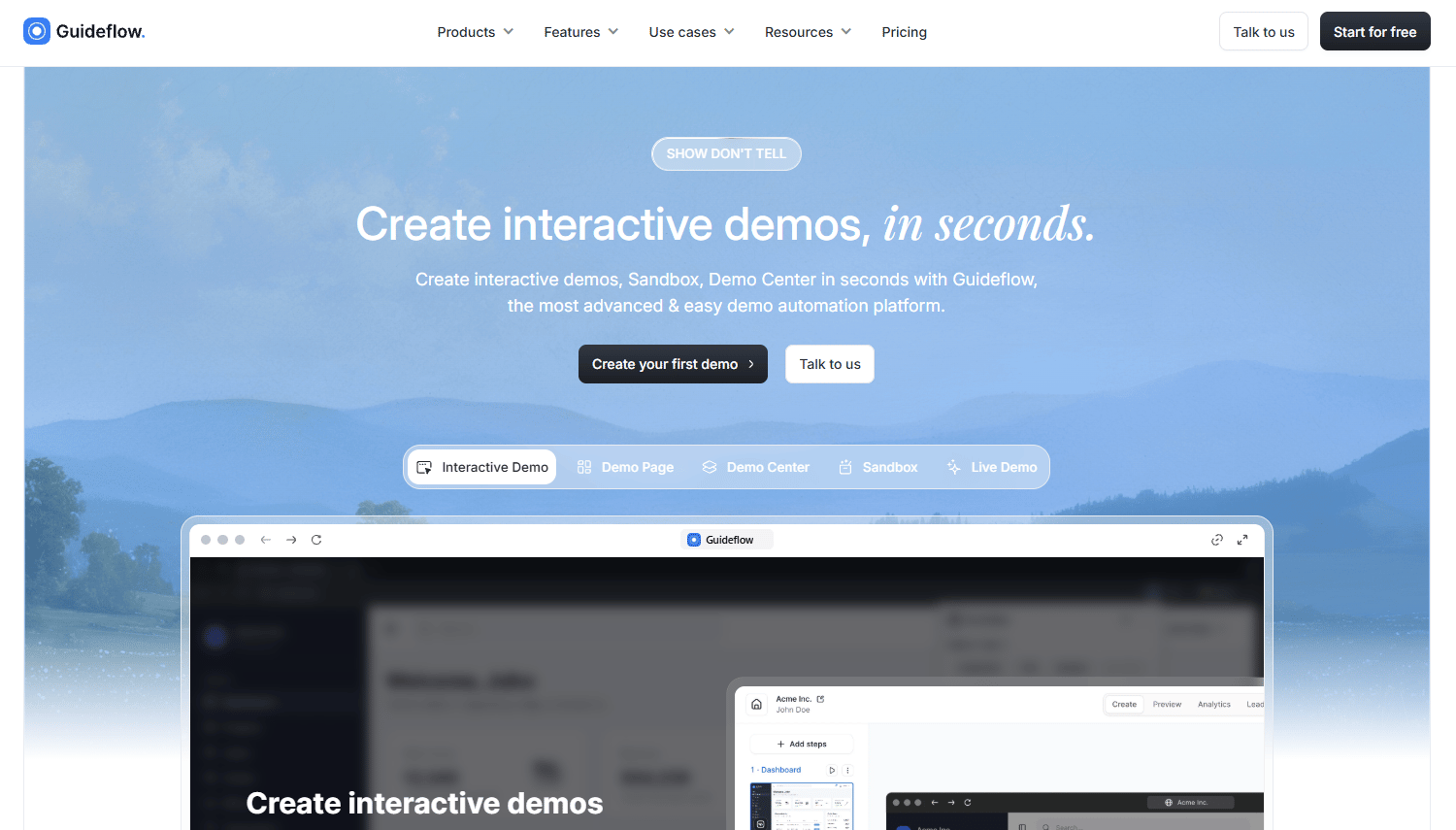
Guideflow is a demo automation platform for creating interactive product demos, sandboxes, demo centers, mobile demos, and live demos. For digital marketers, the relevant use case is replacing a static PDF lead magnet with a clickable product story that captures leads, tracks engagement by step, and feeds intent data into CRM and marketing automation tools. Demos can be embedded on landing pages, shared in email, used in paid ads, or dropped into nurture flows.
Best for: B2B SaaS marketing and demand gen teams replacing static buyer education assets with measurable product-led experiences.
Key features
- No-code product capture via screenshot, HTML, or video recording
- Guided step-by-step interactive demos with branching paths
- Demo Center for organizing multiple demos in a branded hub
- Lead capture forms and visitor identification built into demos
- Engagement analytics covering impressions, completion rate, and conversion signals
- AI-generated steps, voiceover, and personalized content per viewer
Why choose Guideflow: If the deliverable is an EPUB file or a print-ready layout, choose an authoring tool later in this list. If the goal is a buyer education asset that proves pipeline impact, tracks who engaged, and shows which steps drove intent, Guideflow fits that job better than any traditional ebook tool.
Guideflow pricing: Free plan available with 5 guideflows and 7-day analytics. Solo starts at $35/month (billed annually) or $40/month. Startup is $499/month billed monthly, Growth $499/month billed annually, Advanced from $1,499/month annually, Enterprise on request.
G2 rating: 5.0/5
Start your journey with Guideflow today!
2. Kotobee Author
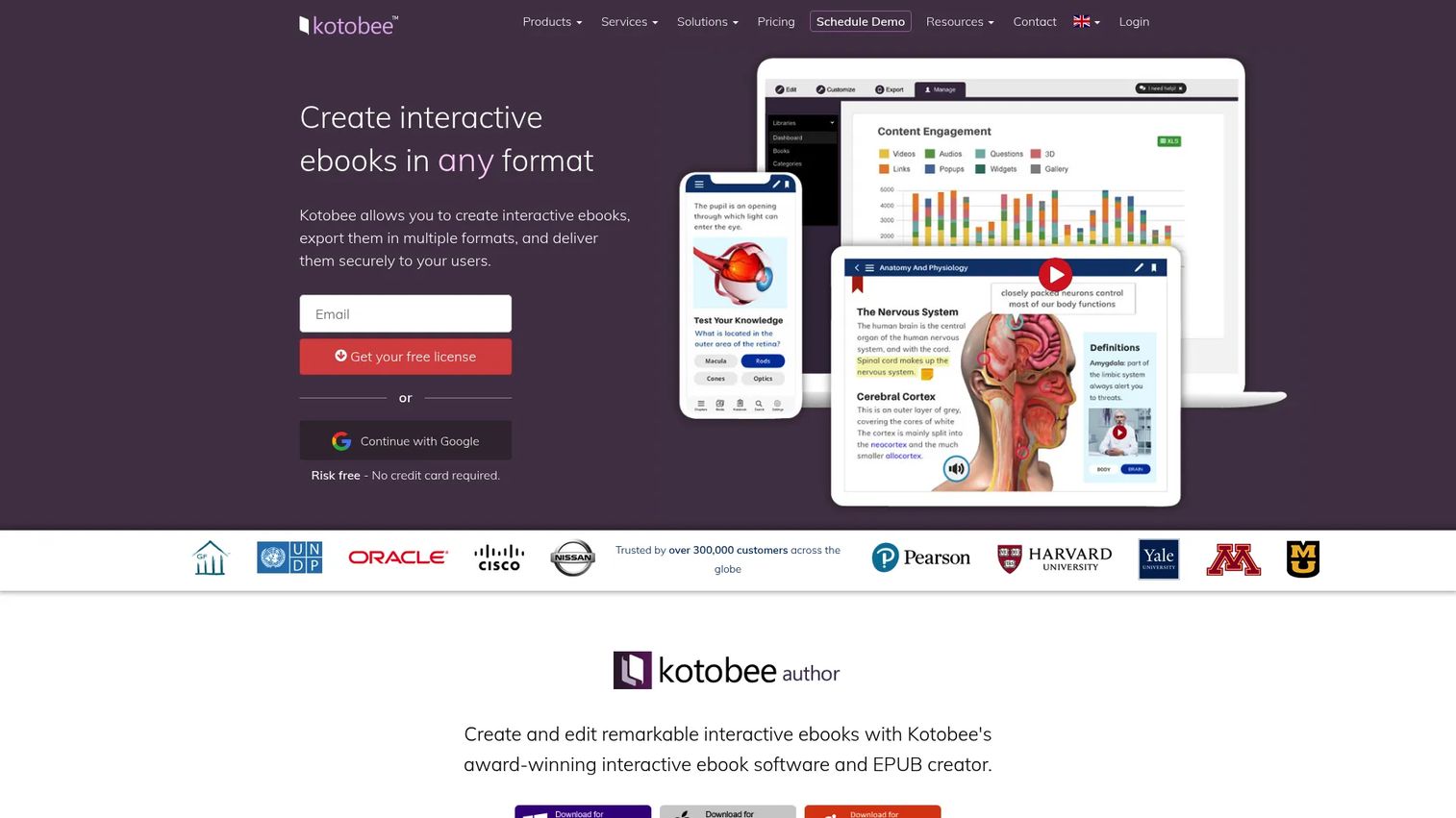
Kotobee Author is desktop software for creating, editing, and publishing interactive EPUB-based ebooks. Teams import content from PDF, Word, or HTML, then enrich it with multimedia, quizzes, widgets, animations, and AI-generated voice narration. Output options include EPUB, web apps, desktop apps, mobile apps, and SCORM packages, with LMS integrations via SCORM, LTI, or Tin Can.
Best for: Education, training, and publishing teams that need interactive ebooks with LMS delivery and assessment capabilities.
Key features
- EPUB3 export with interactive multimedia and quizzes
- Import from PDF, Word, HTML, and existing EPUB files
- SCORM and LTI export for LMS platforms
- AI text generation, image creation, and voice narration
- Access control and custom branding for published apps
Why choose Kotobee Author: Strong choice when the deliverable is a formal interactive ebook with training, publishing, or LMS distribution requirements. Less suited to marketers who primarily need lead capture and pipeline analytics.
Kotobee Author pricing: Free license for one user. Basic is $150 one-time. Premium is $300 one-time. Institutional is $2,000 for 10 users, lifetime.
G2 rating: 4.3/5
3. PubCoder
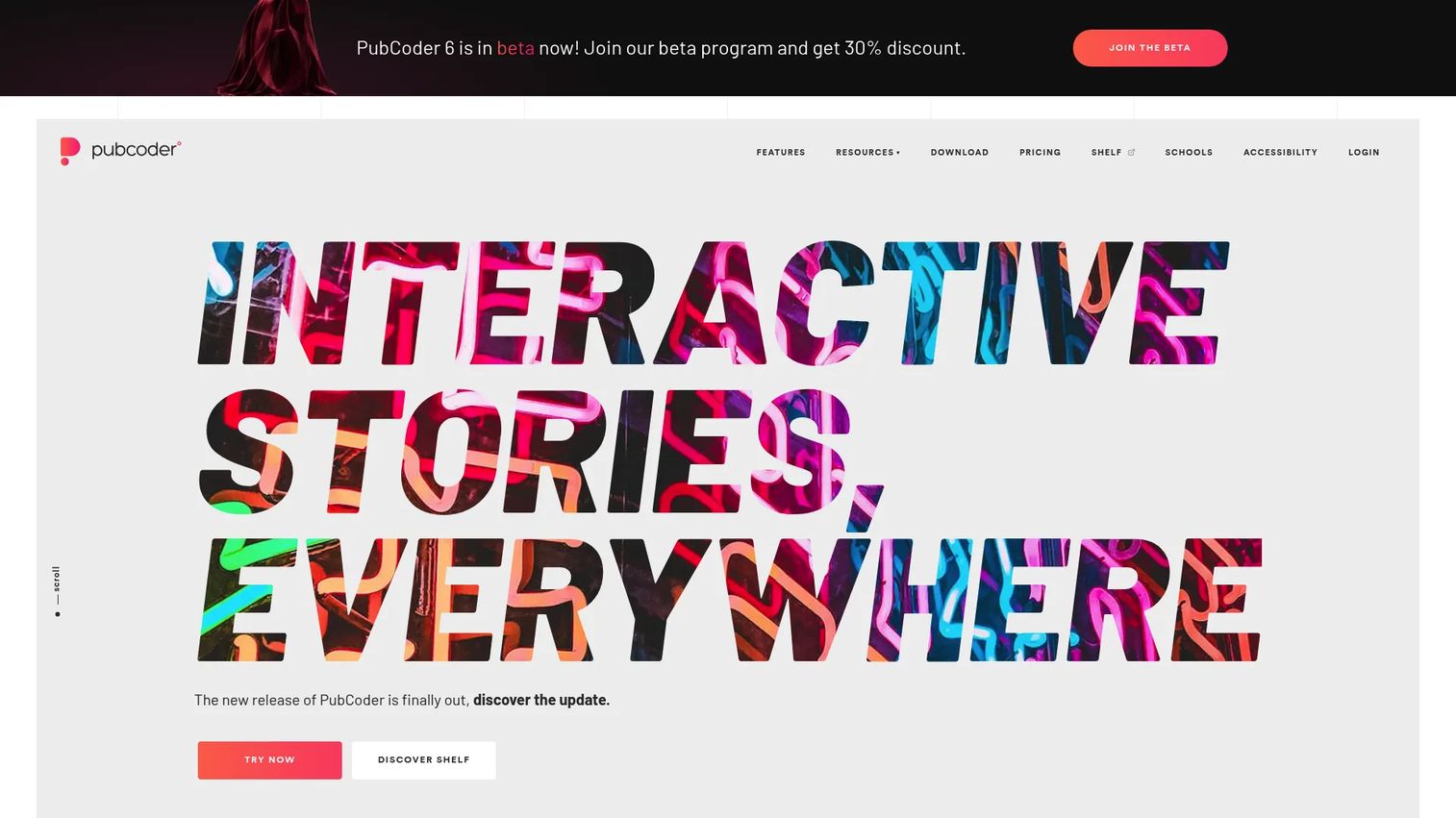
PubCoder is desktop software for creating interactive digital publications across EPUB3 fixed layout, HTML5, and native iOS/Android apps. Publishers, educators, and content teams use it for children's books, educational materials, and multimedia publications where pixel-perfect layout control matters.
Best for: Publishers and education teams that need fixed-layout EPUB3, accessibility compliance, and multi-platform app export.
Key features
- Fixed-layout EPUB3 and HTML5 export
- Native iOS and Android app publishing
- Quizzes, image galleries, learning games, and coloring features
- Accessibility support including screen readers, alt text, and read-aloud
- Adobe InDesign import and custom HTML/CSS/JavaScript editing
Why choose PubCoder: Best when layout precision, accessibility standards, and multi-format publishing matter more than speed or lead capture. Teams comfortable with a 15-day trial and annual subscription will get strong EPUB authoring depth here.
PubCoder pricing: 15-day free trial with full feature access. Standard plan is €99/year. Team pricing is available on request.
G2 rating: 5.0/5
4. Canva
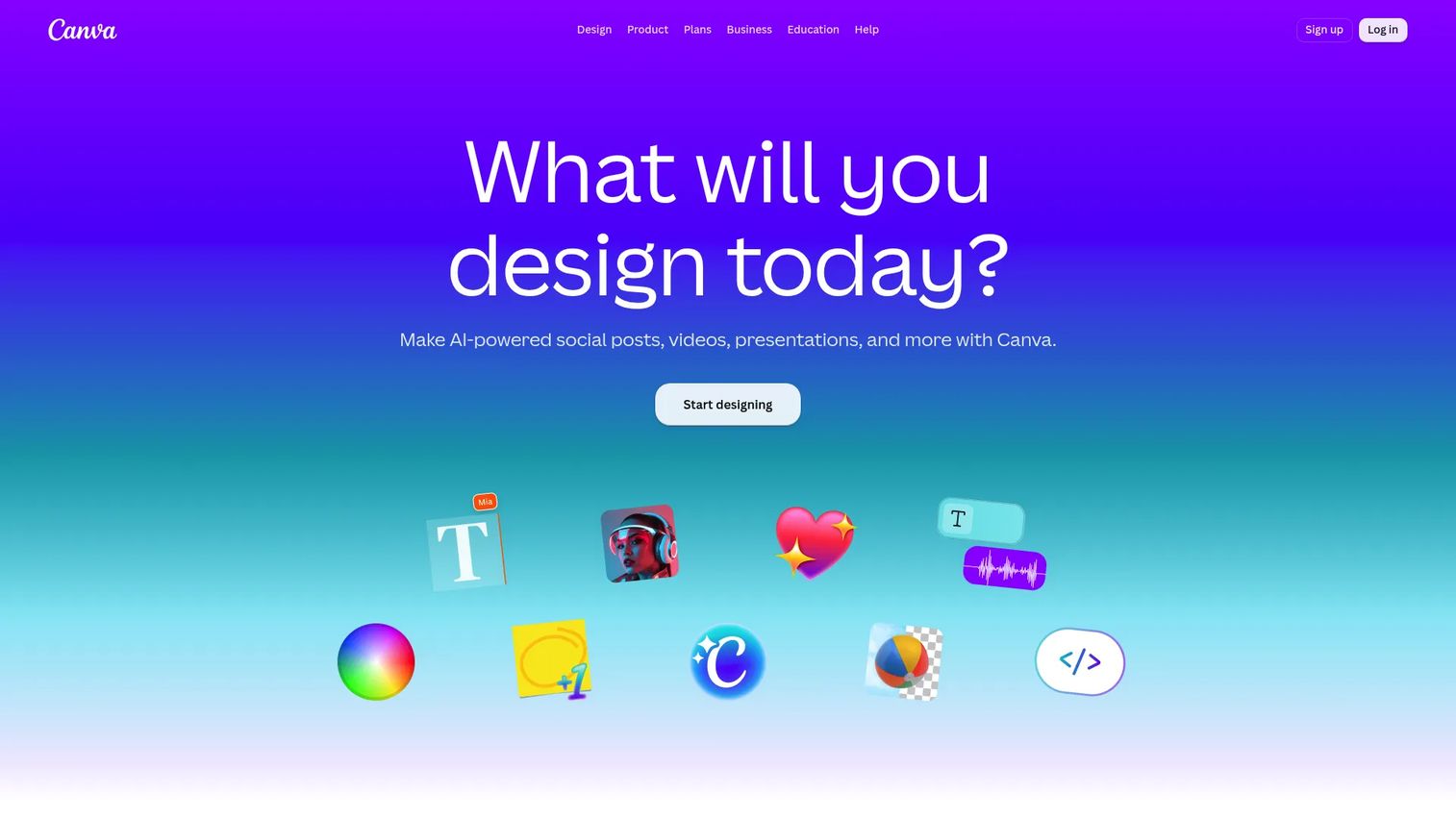
Canva is a visual content platform with ebook templates, drag-and-drop editing, brand kits, and PDF export. It's the fastest way for a marketer to produce a polished, on-brand downloadable asset without design support. Collaboration, stock assets, and a large template library make it practical for teams iterating quickly.
Best for: Marketing teams that need attractive lead magnets and downloadable guides without deep EPUB or interactivity requirements.
Key features
- Hundreds of ebook and presentation templates
- Brand kits for fonts, colors, and logos
- Real-time team collaboration
- PDF export and direct sharing
- Stock photo and graphic library
Why choose Canva: Fastest path to a finished, branded PDF ebook. It doesn't produce EPUB files or provide reader analytics, so it's the right tool when visual quality and speed matter more than format flexibility or engagement data.
Canva pricing: Free plan available. Pro is $144/year for one person. Business is $250/year per person. Enterprise pricing is on request.
G2 rating: 4.7/5
5. Adobe InDesign
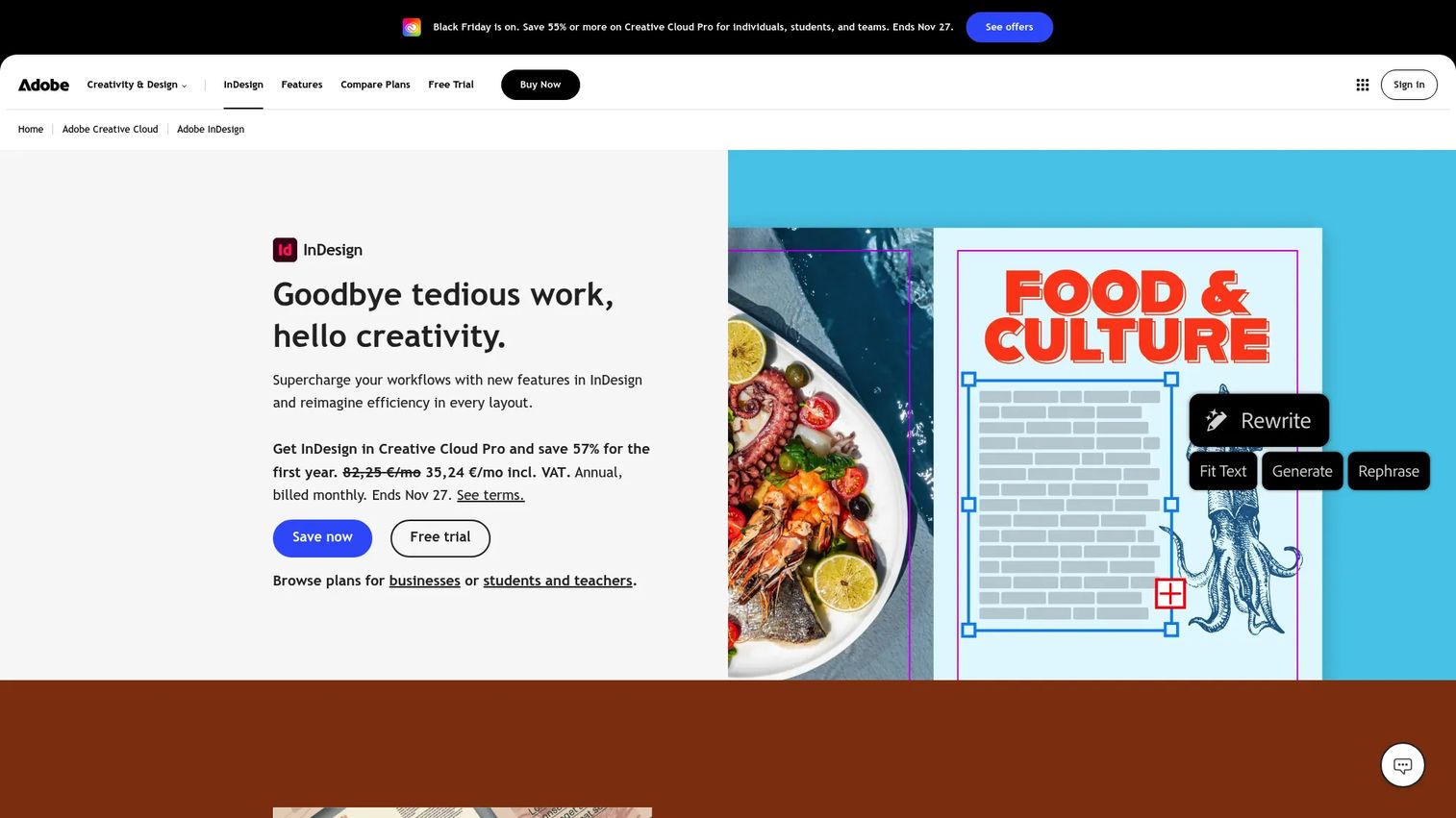
Adobe InDesign is professional page-layout software for print and digital publications. Design teams use it for multi-page layouts where typography, grid structure, and print-to-digital parity matter. It exports EPUB and interactive PDFs alongside print-ready files.
Best for: Professional designers and publishing departments creating complex, typography-heavy multi-page documents for print and digital.
Key features
- Professional layout tools with Flex Layout and adaptive design
- EPUB and interactive PDF export
- Typography controls and Adobe Fonts integration
- Publish Online for browser-based document sharing
- Data Merge for generating personalized design variations
Why choose Adobe InDesign: The right tool when layout quality and production standards take priority over speed. Requires design skill and an Adobe Creative Cloud subscription.
Adobe InDesign pricing: InDesign alone starts at $22.99/month (annual, billed monthly). Creative Cloud Pro starts at $34.99/month for the first 3 months, then $69.99/month. A 7-day free trial is available.
G2 rating: 4.6/5
6. Designrr
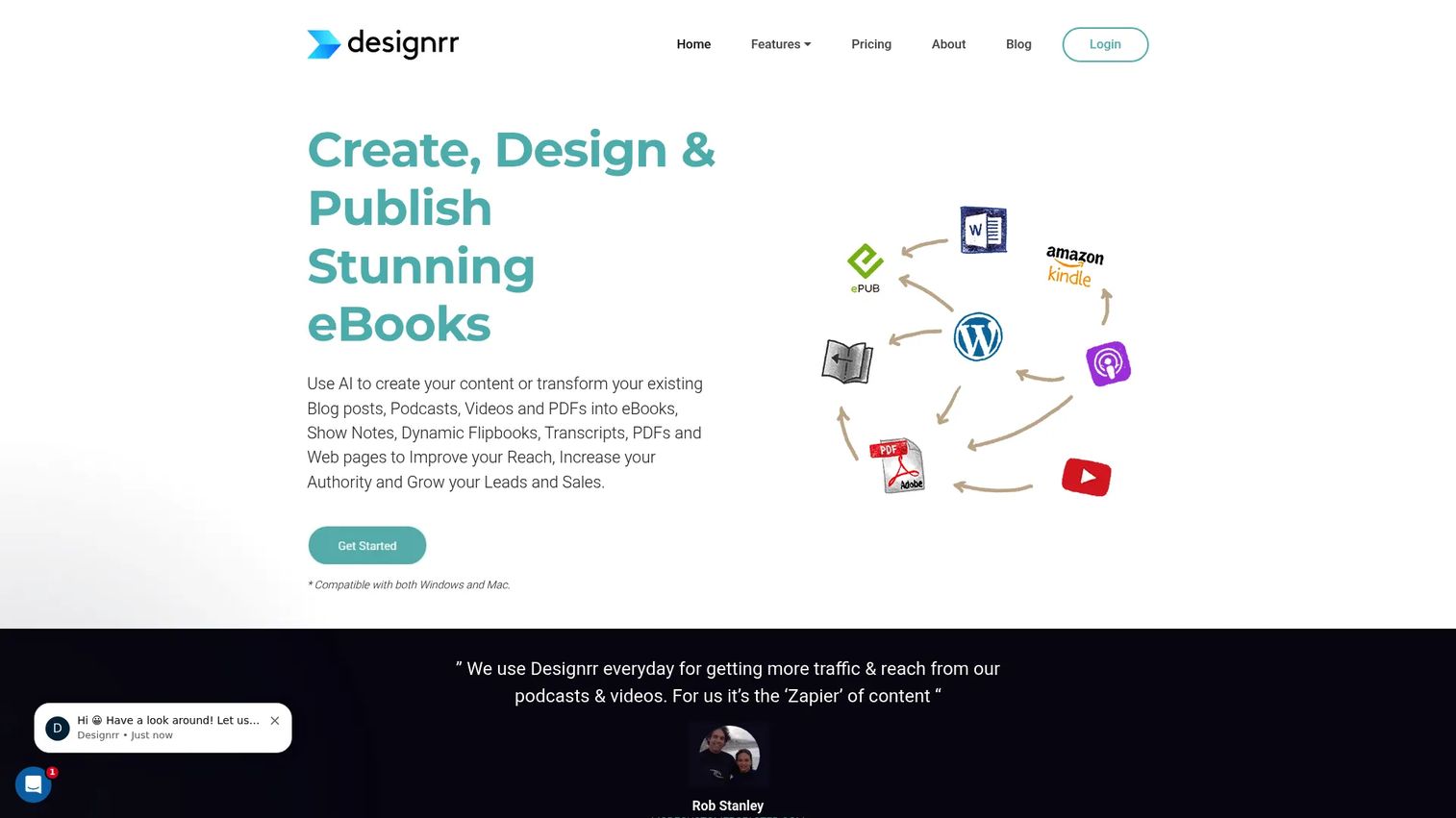
Designrr converts existing content into formatted ebooks, whitepapers, and lead magnets. Import from blog posts, Word documents, Google Docs, PDFs, and podcast transcripts, then apply templates to produce a finished asset. AI writing tools are available on higher plans.
Best for: Content marketers and agencies that need to package existing content into downloadable assets without rebuilding from scratch.
Key features
- Import from blogs, Word, Google Docs, PDFs, and transcripts
- Ebook and lead magnet templates
- Kindle, iBooks, and ePub export options
- AI image generation on selected plans
- Automatic table of contents and page numbering
Why choose Designrr: Practical when the team already has content and wants to format it quickly. Output is primarily PDF-focused; analytics and lead capture are limited compared to dedicated lead magnet platforms.
Designrr pricing: Standard starts at $29/month. Pro is $39/month, Premium is $49/month, Business is $99/month, and Agency Premium is $249/month. All plans are monthly subscriptions.
7. FlippingBook
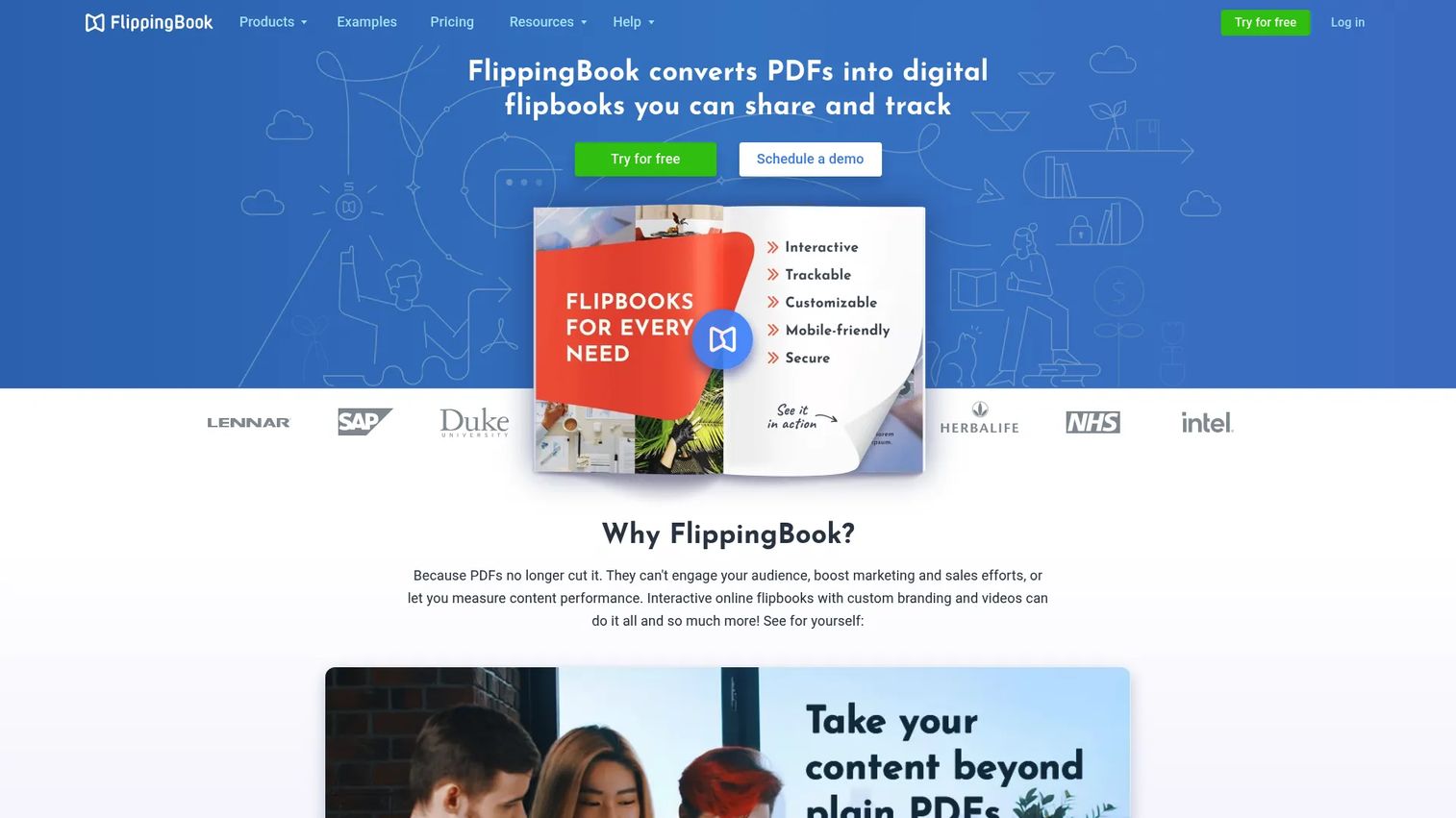
FlippingBook converts PDFs into branded HTML5 flipbooks with a page-turning interface. The platform includes lead capture forms, trackable sharing links, engagement analytics, and CRM integration via Zapier. It's aimed at business teams distributing brochures, catalogs, reports, and proposals.
Best for: Sales and marketing teams that want to present and track existing PDF assets without rebuilding the content.
Key features
- PDF-to-HTML5 flipbook conversion
- Lead capture forms embedded in publications
- Trackable links and reader analytics
- Custom branding and embedding options
- CRM integration via Zapier
Why choose FlippingBook: The strongest analytics and sharing controls in the flipbook category for business use. No free plan exists, so teams on a tight budget should compare FlipHTML5 or Flipsnack first.
FlippingBook pricing: Lite starts at $20/month ($234 billed annually). Starter is $46/month, Optimal $93/month, Advanced $187/month, Team $257/month. Enterprise pricing requires a conversation.
G2 rating: 4.7/5
8. FlipHTML5
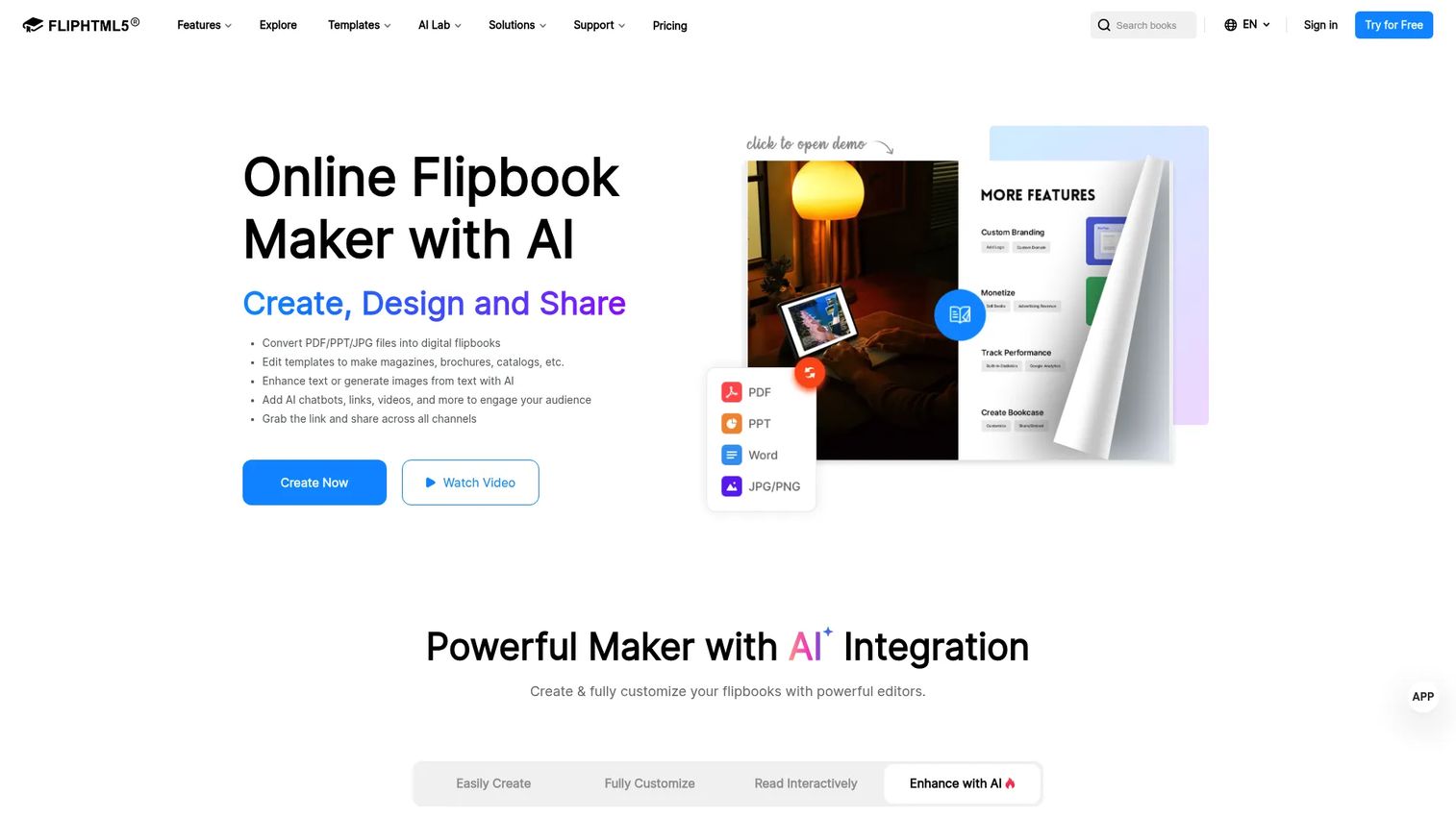
FlipHTML5 converts PDFs and other content into interactive HTML5 flipbooks with multimedia support, custom domains, and online hosting. A free plan is available for teams exploring the format before committing to a paid tier.
Best for: Teams creating digital magazines, catalogs, brochures, and reports who need a free or low-cost flipbook option.
Key features
- PDF-to-HTML5 conversion with multimedia embeds
- Customizable templates and layouts
- Online hosting, QR code distribution, and embedding
- SEO, analytics, and AI-assisted content tools
- Digital sales features on higher plans
Why choose FlipHTML5: Good balance of features and price for teams publishing a variety of online documents. The free plan works for testing but limits branding and storage.
FlipHTML5 pricing: Free plan available. Pro starts at $12/month ($149 billed annually). Platinum is $25/month ($299/year). Enterprise is $83/month ($999/year).
G2 rating: 4.7/5
9. Pressbooks
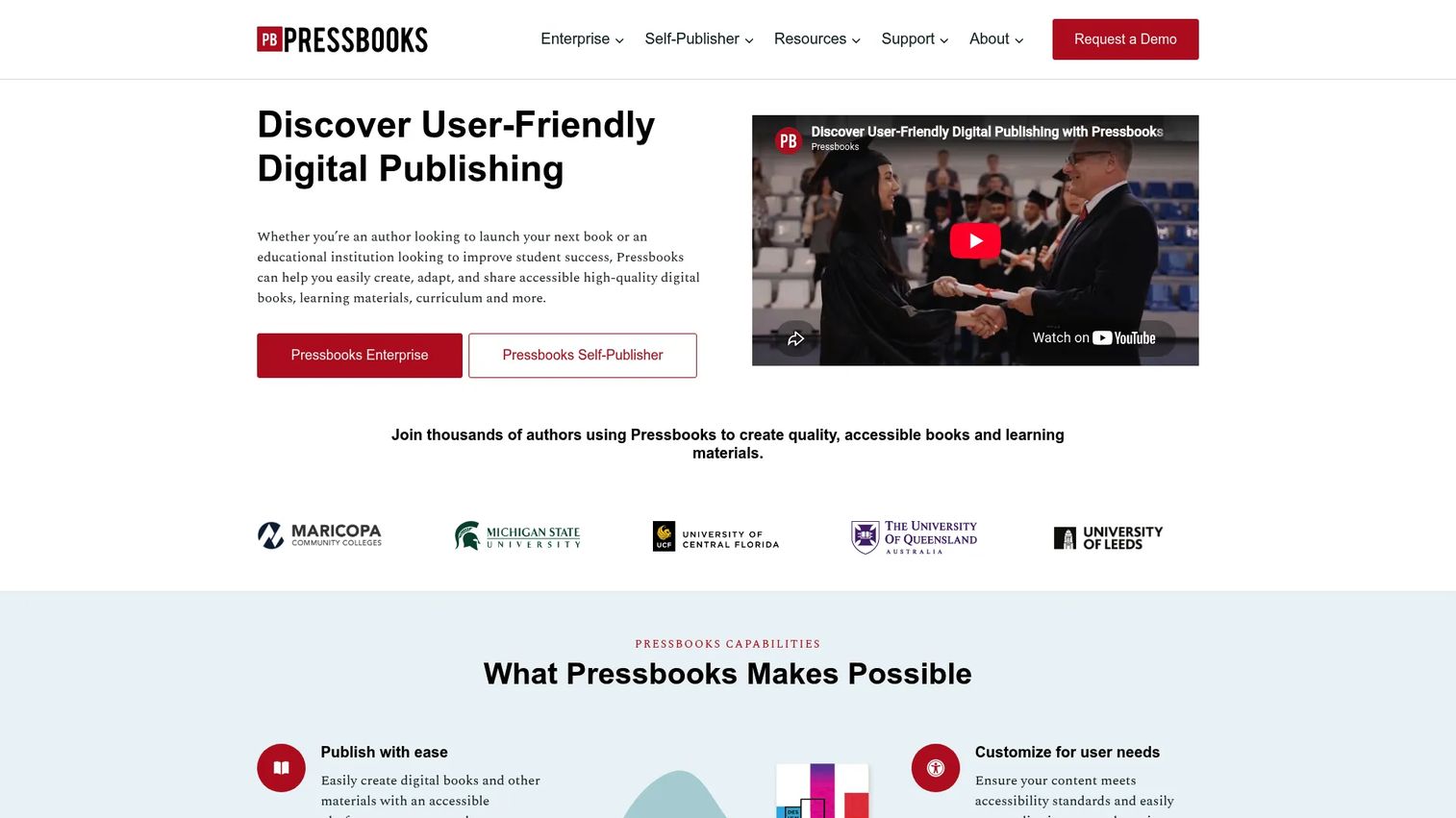
Pressbooks is a digital publishing platform for creating accessible books and open educational resources. Authors and institutions use it to produce webbooks, EPUB files, and PDFs from a single structured source. H5P interactive activities, glossary terms, and footnotes can be added within the platform.
Best for: Authors, educators, and institutions producing structured open educational resources or accessible digital books.
Key features
- Webbook, EPUB, PDF, and Common Cartridge export
- H5P interactive activities and multimedia support
- Multi-author collaboration
- Customizable themes and CSS
- Accessibility tools and standards support
Why choose Pressbooks: Strong for academic and institutional publishing where structured output, open access, and accessibility matter. Not designed for lead capture or marketing analytics.
Pressbooks pricing: 7-day free trial available. Single Author plan is $12/month or $120/year. Collaboration plan is $40/month or $400/year.
10. Vellum
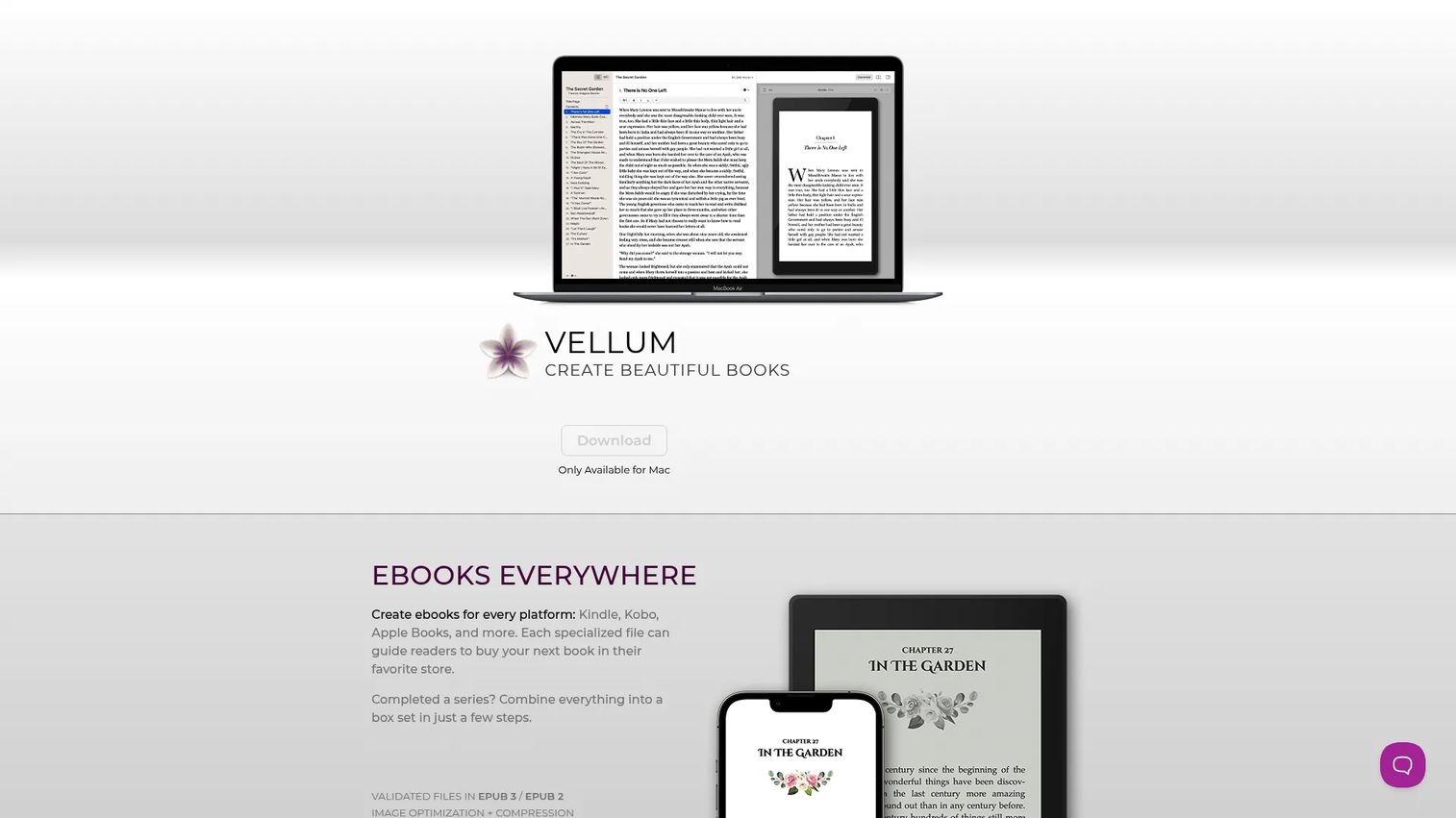
Vellum is Mac-only software that formats ebooks and print books with a high level of typographic quality. Independent authors use it to produce files ready for Kindle, Kobo, Apple Books, and print distribution without needing design skills.
Best for: Authors on macOS who prioritize beautifully formatted ebooks and paperbacks for retail distribution.
Key features
- Ebook formatting for Kindle, Kobo, Apple Books, and others
- Print layout with trim sizes, margins, page numbers, and headers
- Book styles, drop caps, ornaments, and embedded fonts
- EPUB3, EPUB2, MOBI, and PDF/X-1a output
- Instant preview across devices
Why choose Vellum: The cleanest formatting output in its price range for self-publishing authors. macOS 14 or newer is required, and it has no interactive or analytics features.
Vellum pricing: Vellum Ebooks is a one-time purchase of $199.99. Vellum Press (ebooks plus print) is $249.99 one-time.
G2 rating: 4.8/5
11. Book Creator
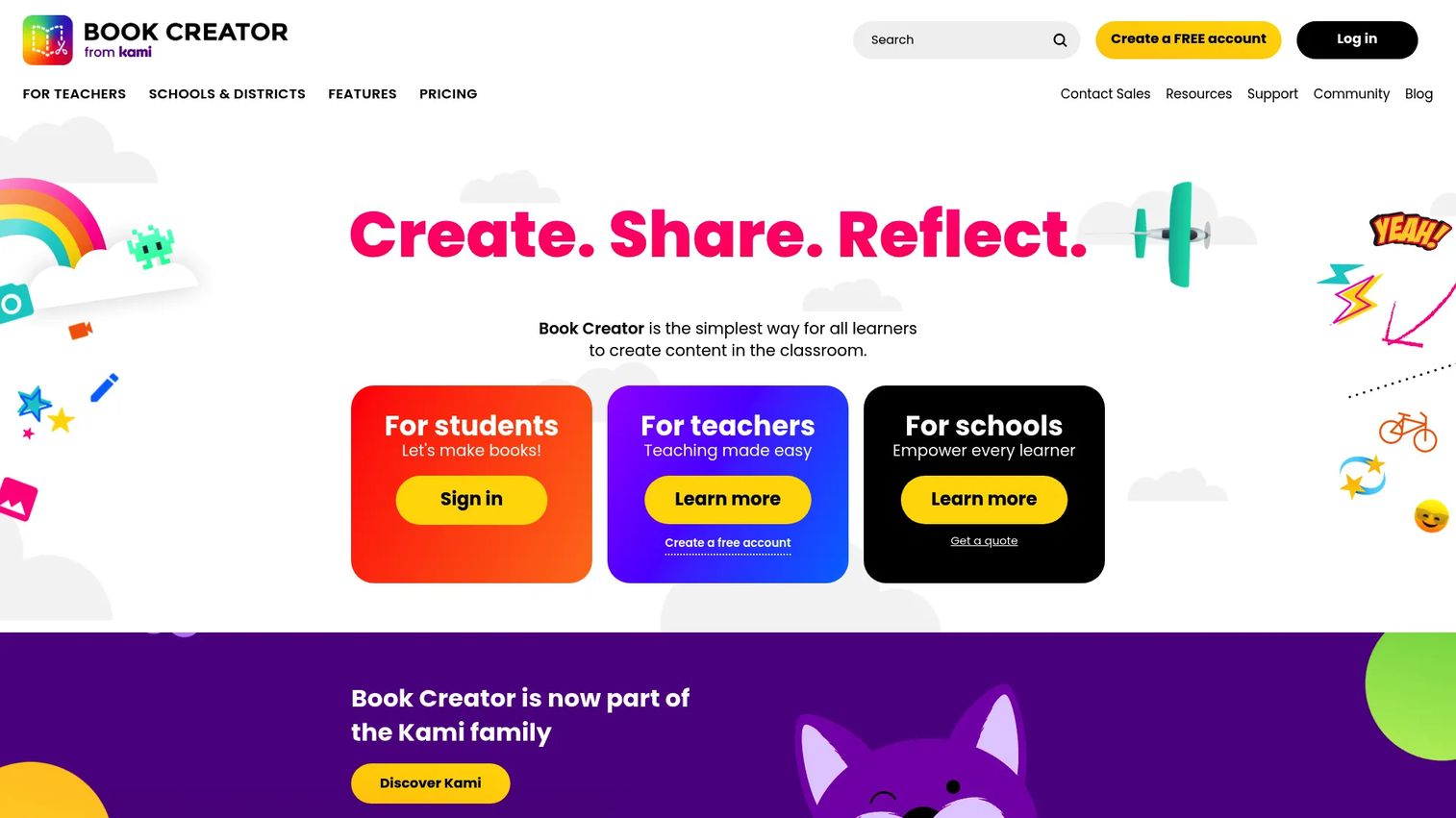
Book Creator is a classroom-focused tool for creating multimedia digital books. Students add text, images, audio recordings, video, and drawings to produce digital portfolios and projects. Teachers can organize libraries, track student work, and export to PDF or ePub.
Best for: K-12 teachers and education teams running student publishing and multimedia classroom projects.
Key features
- Student-friendly multimedia book creation
- Drawing, audio recording, and video embedding tools
- Digital portfolio and classroom library management
- Real-time collaboration
- PDF and ePub export with accessibility features
Why choose Book Creator: Purpose-built for education. It's not suited to business lead magnets or professional ebook publishing, but it's among the most accessible tools for student-created content.
Book Creator pricing: Starter is free for individual teachers with one library and up to 40 books. Premium pricing requires contacting the team. School and district pricing is volume-based.
12. PandaSuite
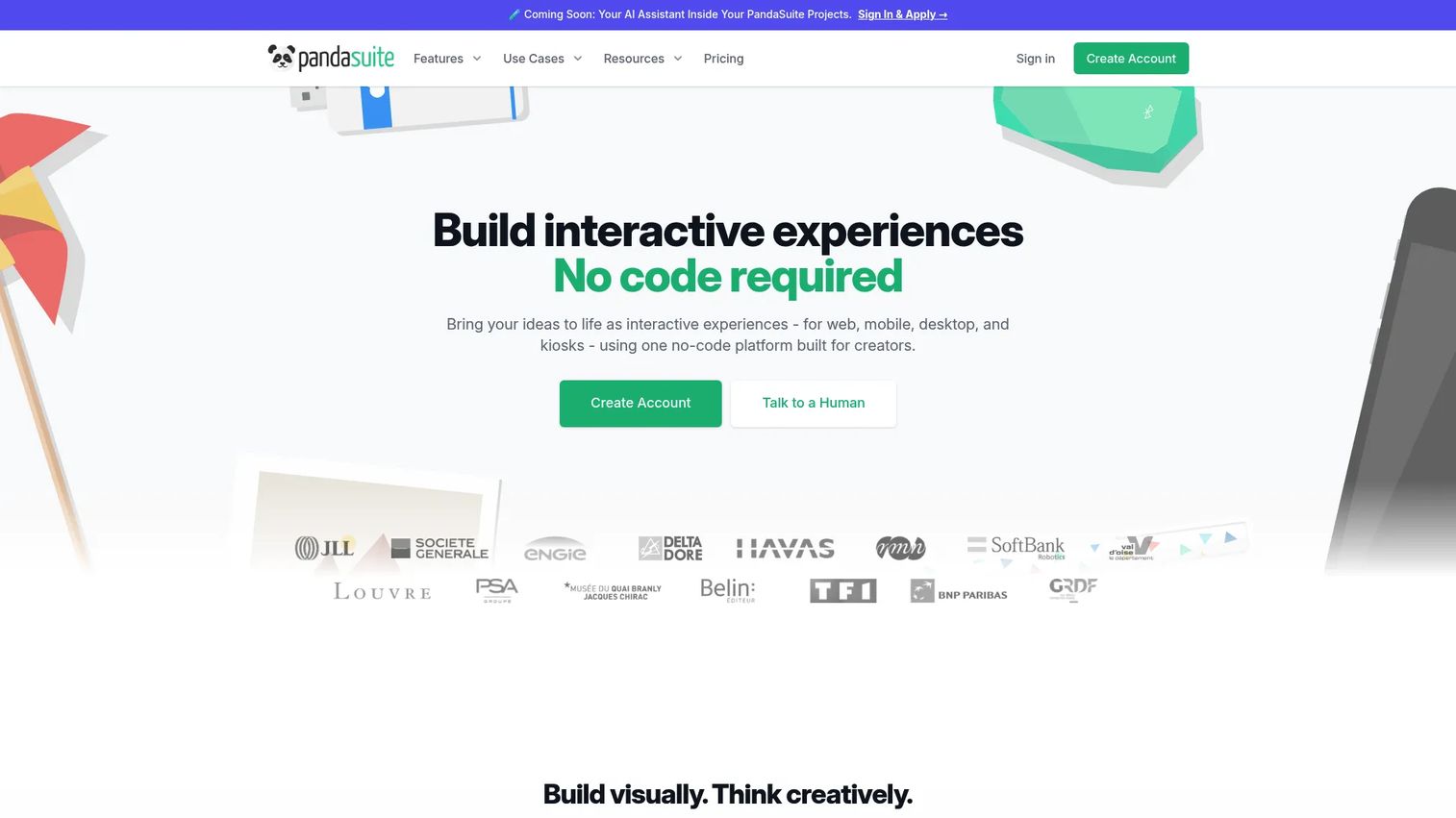
PandaSuite is a no-code visual platform for building interactive experiences across web, iOS, Android, macOS, Windows, and kiosk environments. Teams create app-like ebooks, presentations, and digital experiences without writing code, with support for animations, sensors, AR, and 3D components.
Best for: Agencies, museums, brands, and educational organizations that need rich interactive content published across multiple platforms.
Key features
- Visual WYSIWYG editor with no coding required
- Interactive multimedia components, AR, 3D, and image recognition
- Publish to web/PWA, iOS, Android, macOS, Windows, and Linux
- Offline access and instant update capabilities
- Analytics integrations and white-label publishing
Why choose PandaSuite: Best when the ebook needs to function more like an interactive app than a linear document. Publishing plans are priced in EUR and vary by platform targets.
PandaSuite pricing: Free plan available for project creation and testing. Web publishing starts at €66/month (€790/year). Single-platform publishing is €83/month. Multi, Full, and Ultra plans go up to €333/month. Enterprise pricing is on request.
13. Visme
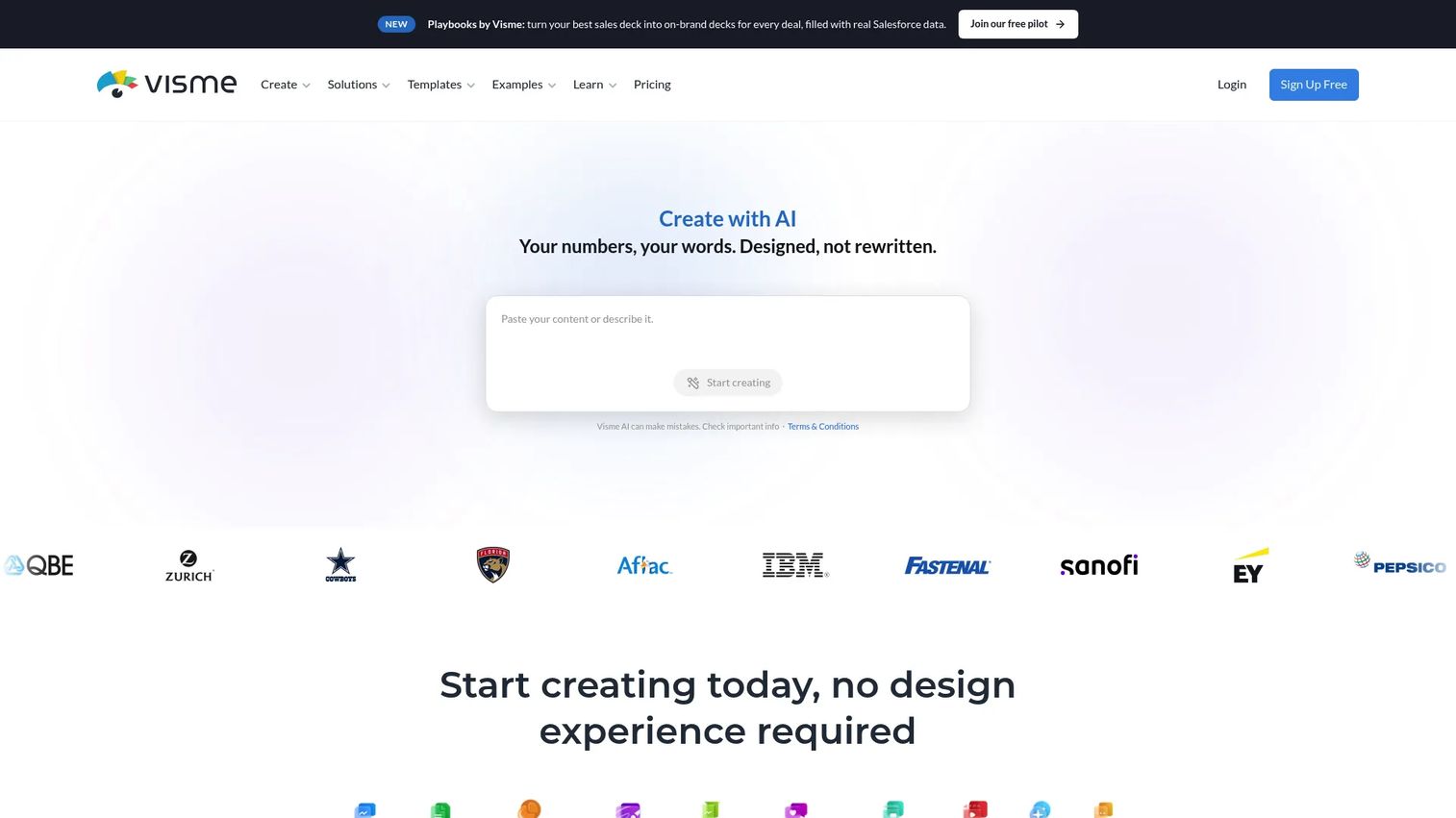
Visme is a visual communication platform for creating ebooks, presentations, infographics, reports, and social graphics. Marketing teams use it for branded content assets, lead magnets, and campaign materials. AI design tools, brand kits, data visualization, and content analytics are built in.
Best for: Marketing and business teams that need a visual design platform spanning ebooks, infographics, presentations, and branded reports.
Key features
- Ebook, infographic, presentation, and document templates
- AI Designer and AI Document Generator
- Brand Kit for consistent visual identity
- Data visualization with charts and Google Sheets integration
- Content analytics and interactive element support
Why choose Visme: Stronger than Canva for data-heavy reports and infographics, and broader than a pure ebook tool. Good choice when the team produces multiple visual content types from one platform.
Visme pricing: Basic plan is free. Starter is $12.25/month (billed $147). Business is $24.75/month (billed $297). Enterprise pricing is custom.
G2 rating: 4.5/5
14. Kitaboo
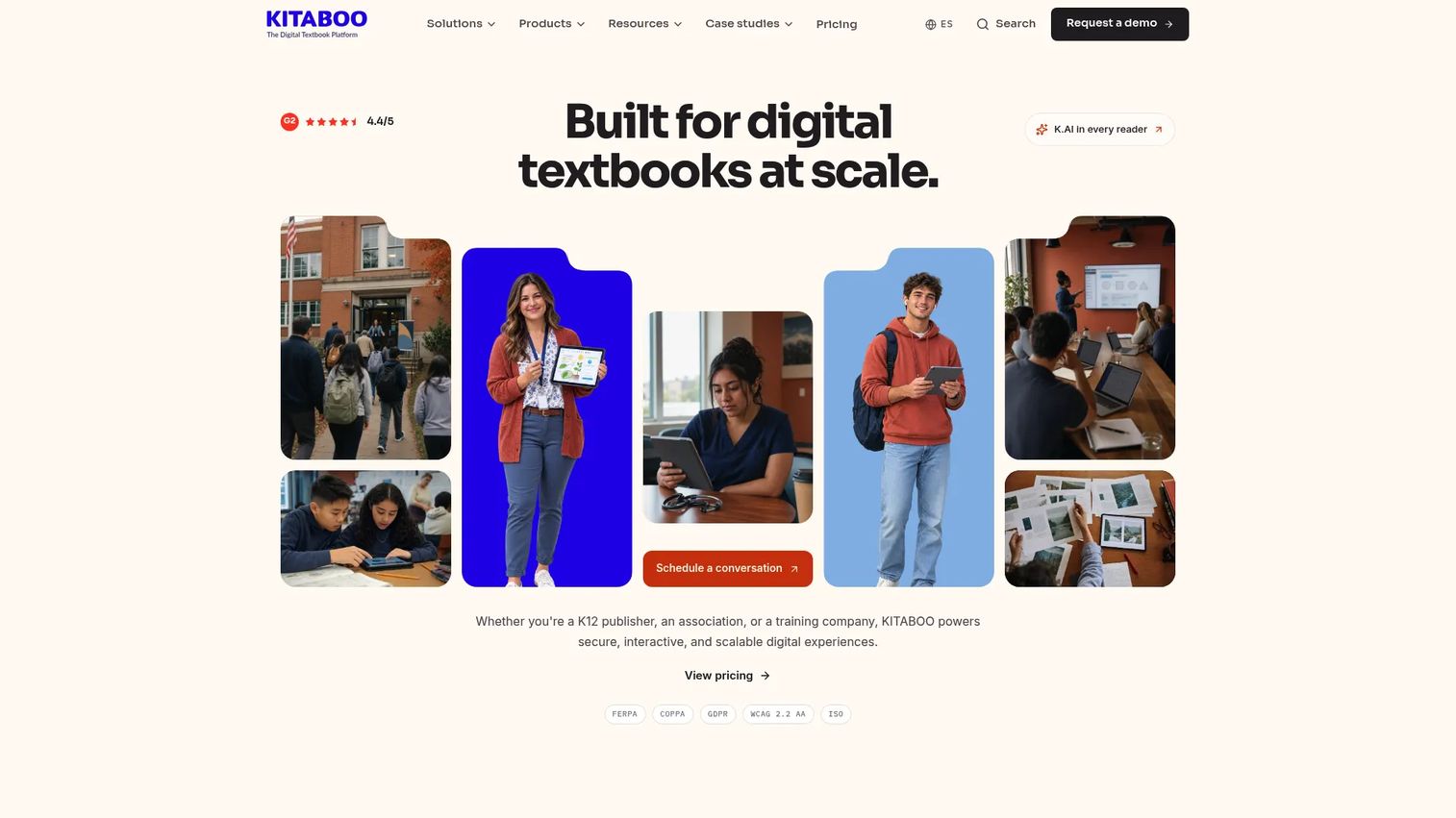
Kitaboo is an enterprise digital publishing platform for creating, securing, and delivering interactive textbooks, ebooks, and training content at scale. Publishers, associations, and training companies use it for secure distribution, DRM enforcement, and LMS integration.
Best for: Publishers, training companies, and enterprises that need secure content delivery, white-label apps, and learner analytics at scale.
Key features
- Converts PDF, InDesign, and Word into accessible EPUB3 ebooks
- Adds audio, video, AI-generated MCQs, flashcards, and summaries
- DRM, watermarking, and granular rights controls
- White-label iOS and Android apps
- LMS delivery through Canvas, Schoology, Blackboard, and Google Classroom
Why choose Kitaboo: Best when content security, controlled distribution, and enterprise learner analytics drive the decision. Pricing scales by user volume.
Kitaboo pricing: Lite plan starts at $1/user/month (pay as you go). Professional is $9,900/year for up to 3,000 activated users. Enterprise pricing is custom.
G2 rating: 4.4/5
15. Marq
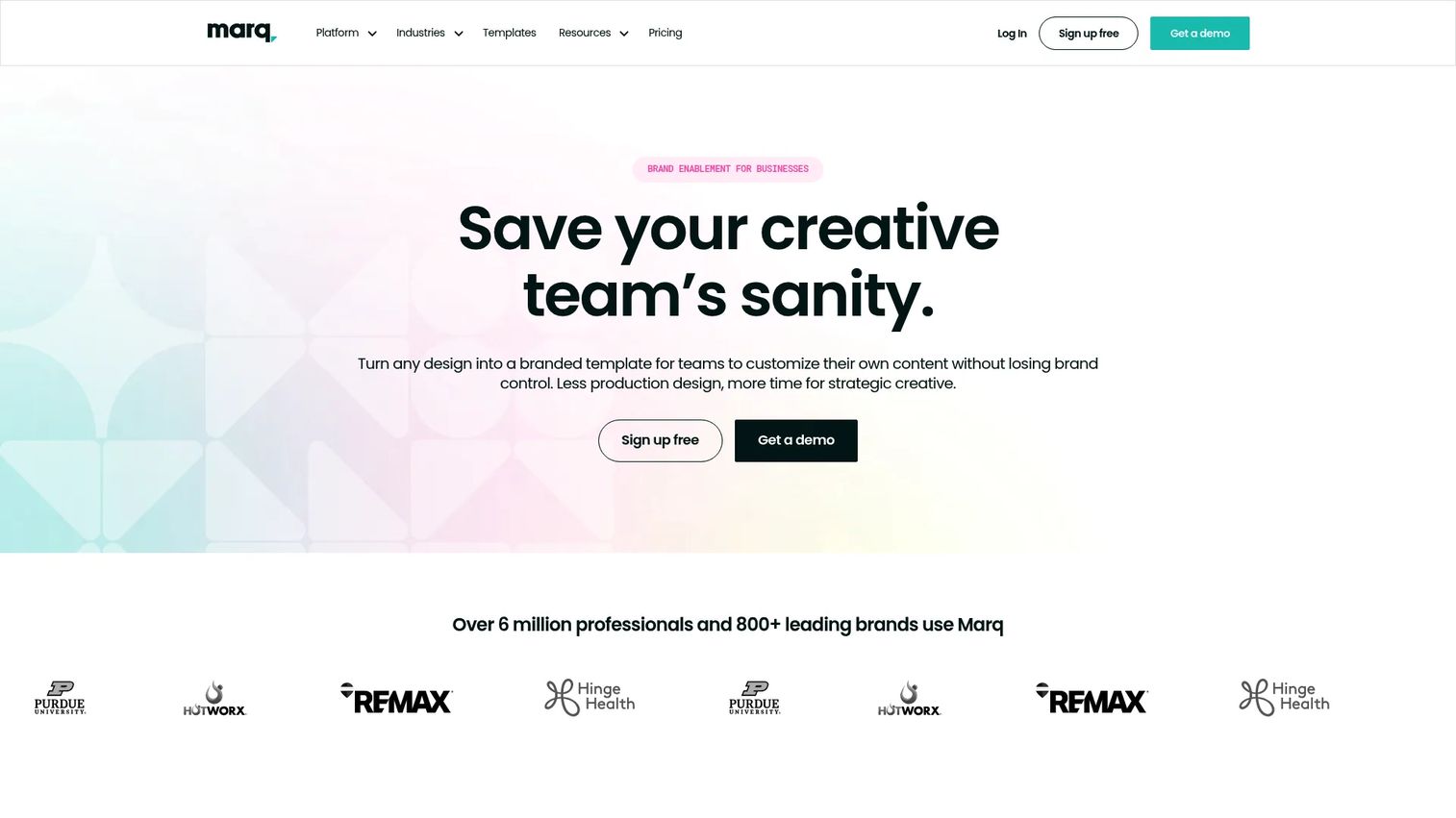
Marq is a brand enablement platform for creating and distributing on-brand marketing content at scale. Formerly known as Lucidpress, it lets central marketing teams lock logos, fonts, and colors in templates while giving distributed users flexibility to personalize approved content.
Best for: Distributed marketing teams that need governance over branded collateral across many contributors.
Key features
- Branded templates with lockable design elements
- Smart fields and data automation for personalized content
- Team collaboration, commenting, and approvals
- AI writing and brand compliance tools
- Print integration and digital sharing
Why choose Marq: Strong fit when brand consistency across a large, distributed team is the primary concern. It's a governance-first platform rather than a deep interactivity or analytics tool.
Marq pricing: Free plan for one user with limited storage. Pro and Team plans are $10/month each (billed annually) or $12/month (billed monthly). Enterprise pricing is custom.
G2 rating: 4.5/5
16. Kindle Create
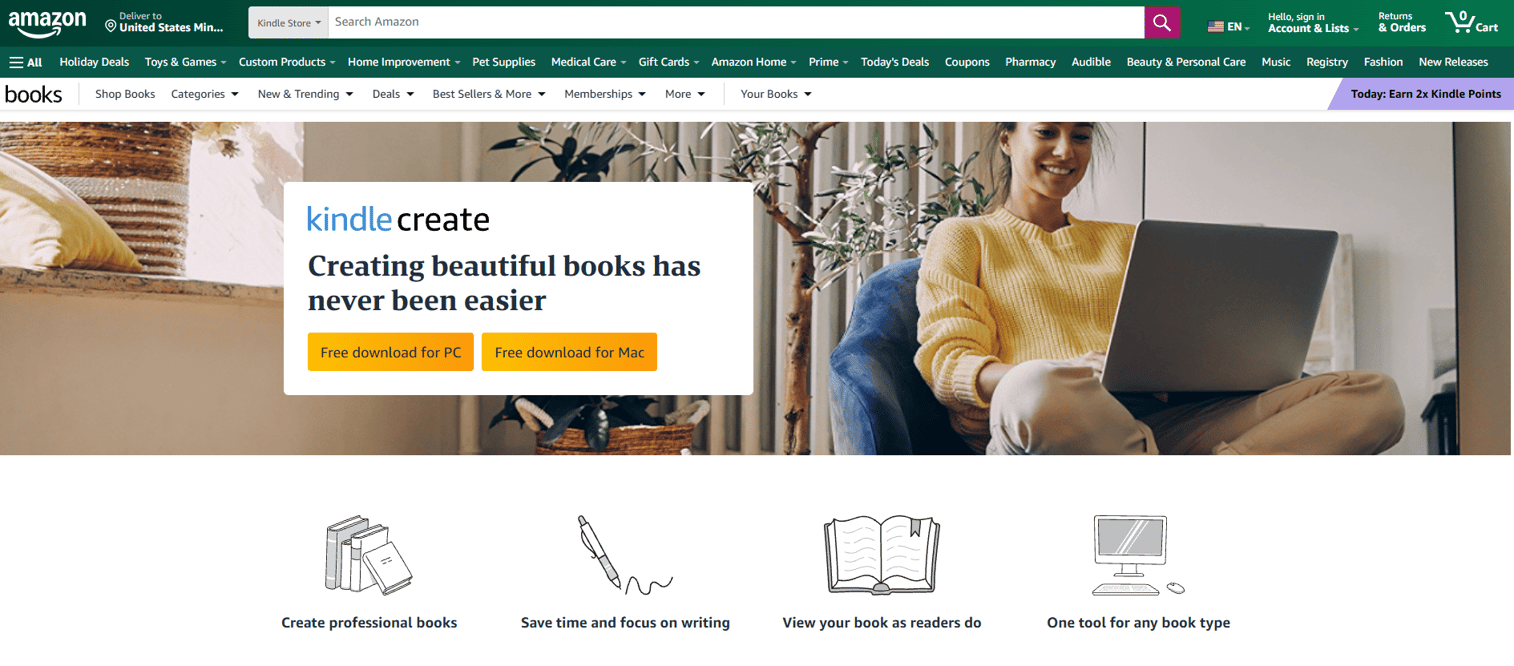
Kindle Create is Amazon's free formatting tool for preparing manuscripts as Kindle ebooks and print books through Kindle Direct Publishing. It supports reflowable ebooks, interactive print replica ebooks, and comic books with Guided View, with automatic chapter detection and a built-in device previewer.
Best for: Authors publishing text-heavy books, illustrated titles, or comics through Amazon KDP.
Key features
- Kindle ebook and paperback formatting
- Automatic chapter detection and table of contents
- Built-in previewer for phone, tablet, and Kindle e-readers
- Exports publishable KPF files and reflowable EPUB
- Prepare ebook and paperback from the same manuscript
Why choose Kindle Create: The obvious choice for Kindle-first publishing workflows. It has no interactive marketing features and is not suited to lead magnets or analytics-driven content.
Kindle Create pricing: Completely free. No paid tier.
17. Google Docs
Google Docs is a free, browser-based document editor with real-time collaboration, version history, comments, and PDF export. Most teams use it as the drafting layer before moving content into a formatting or design tool. Gemini-assisted drafting and editing is available within Docs.
Best for: Individuals and teams writing and editing ebook content before moving to a dedicated formatting or design platform.
Key features
- Real-time multi-user collaboration and comments
- Version history and change tracking
- PDF export and Microsoft Word compatibility
- Pageless and tabbed document views
- Gemini-assisted writing and editing
Why choose Google Docs: The practical starting point for any long-form ebook project. It doesn't format, distribute, or add interactivity, but it's free and ubiquitous for collaborative drafting.
Google Docs pricing: Free for anyone with a Google Account. Google Workspace business plans start at $7/user/month (Starter), $14/user/month (Standard), and $22/user/month (Plus). Enterprise pricing requires a conversation with sales.
G2 rating: 4.6/5
18. Scrivener
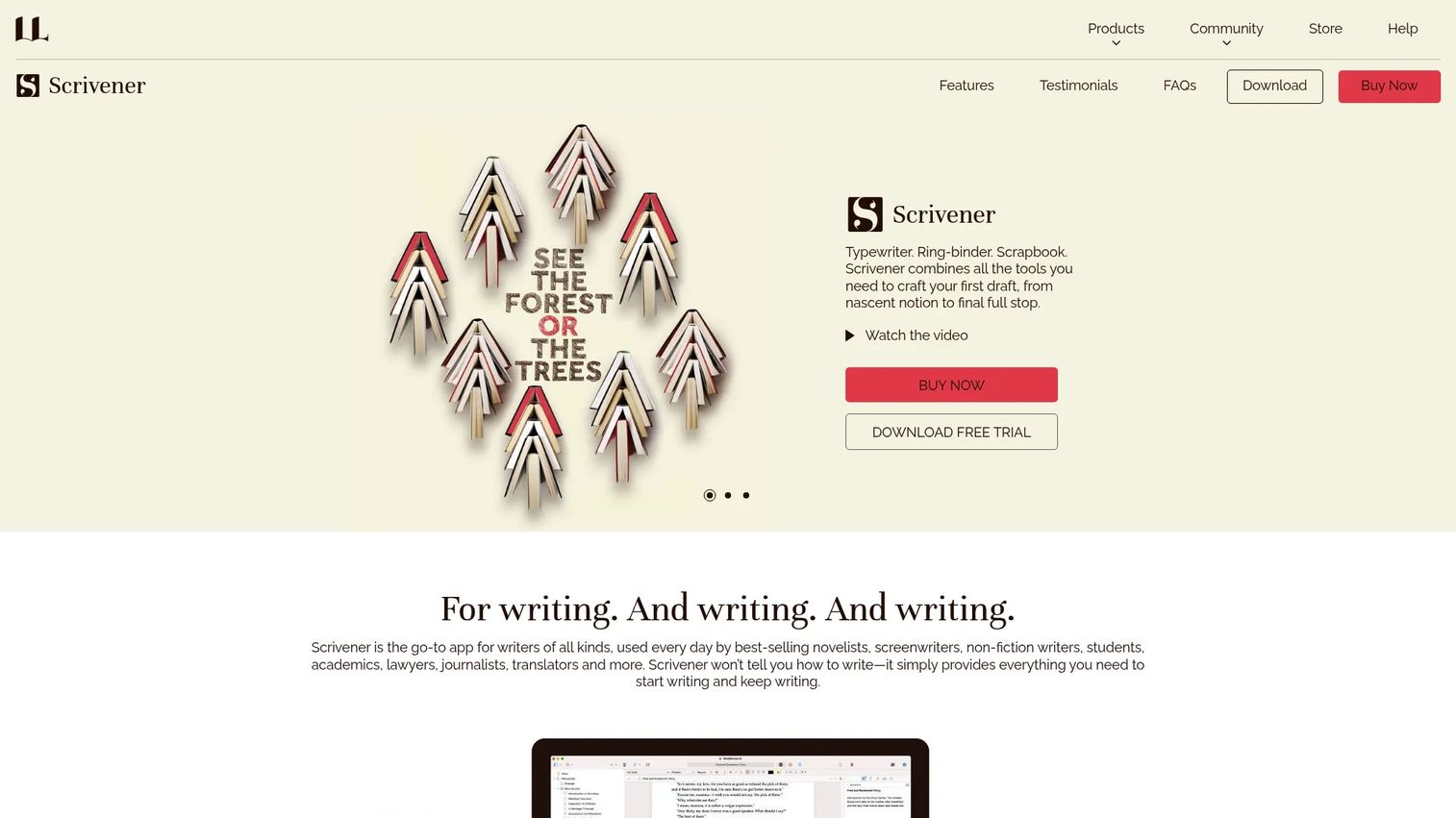
Scrivener is a writing application that organizes long manuscripts, research, notes, and chapters in one workspace. Novelists, screenwriters, and academics use it to plan and draft complex projects before exporting to Word, PDF, or ePub.
Best for: Authors and long-form writers managing complex multi-chapter manuscripts with significant research and structural planning needs.
Key features
- Corkboard and outliner for planning and reorganizing content
- Research folder for storing images, PDFs, and web pages
- Export and compile to Word, PDF, and ePub
- Word and character targets with live progress tracking
- Automatic saving and project backups
Why choose Scrivener: Best when managing a long, complex manuscript is the hard part. It's a drafting and organization tool, not a design or distribution platform.
Scrivener pricing: iOS version is $23.99 one-time. macOS and Windows are each $59.99 one-time. A macOS and Windows bundle is $95.98. macOS and Windows offer a 30-day free trial.
19. Flipsnack
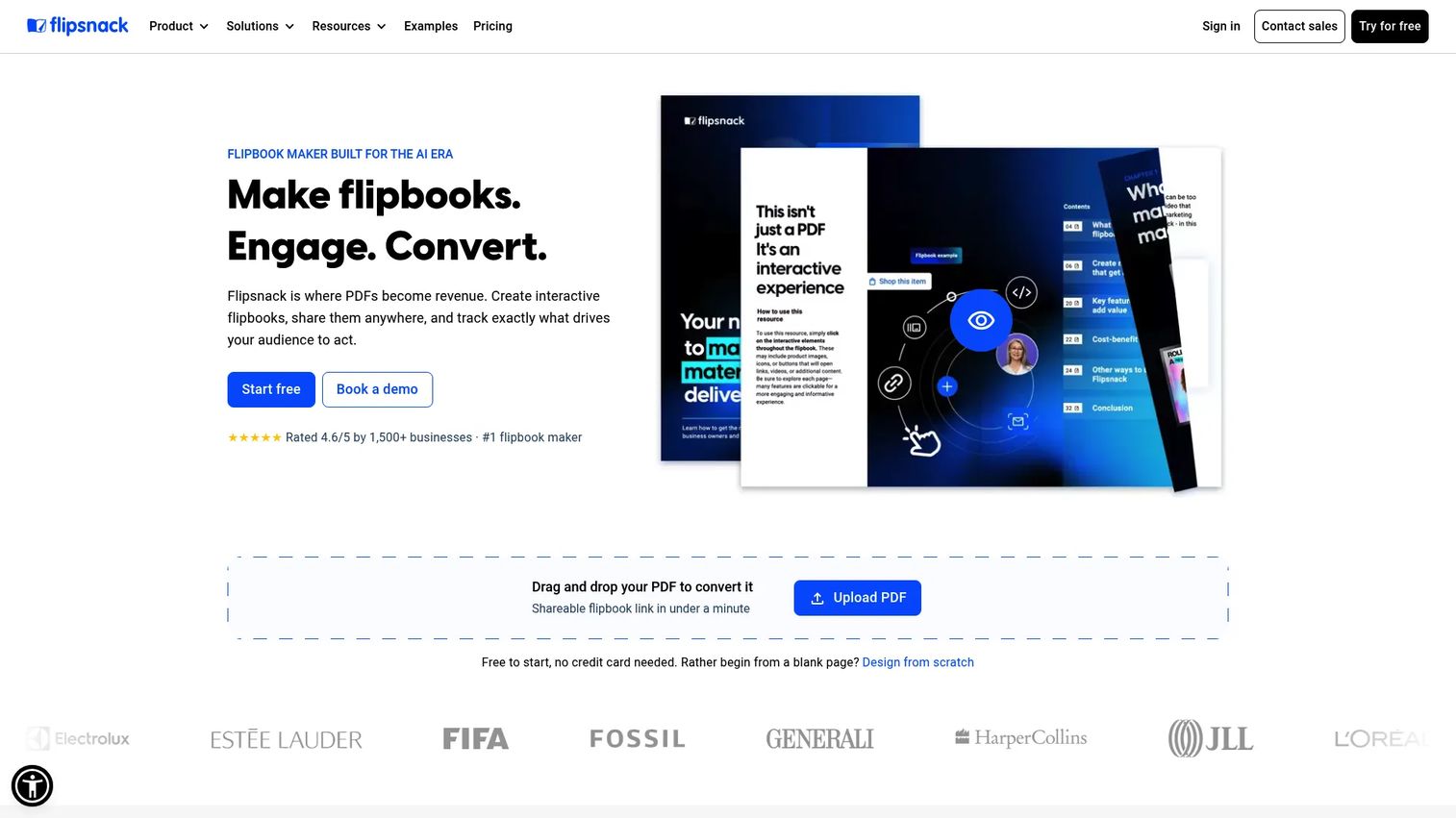
Flipsnack is a platform for creating, publishing, and analyzing interactive flipbooks from PDFs or from scratch. Marketing, sales, and publishing teams use it for catalogs, magazines, brochures, and digital reports with lead forms and embedded media.
Best for: Teams creating visually rich digital publications and catalogs that need a free starting point and gradual scale-up.
Key features
- PDF-to-flipbook conversion and design-from-scratch editor
- Interactive hotspots, videos, forms, buttons, and product embeds
- Brand customization, sharing, embedding, and QR code distribution
- Analytics covering views, time spent, page-level performance, and interactions
- Privacy controls and collaboration features
Why choose Flipsnack: A practical mid-tier choice between FlipHTML5 (more affordable) and FlippingBook (stronger analytics). The free plan allows testing before committing.
Flipsnack pricing: Free plan for 5 flipbooks with up to 15 pages. Lite is $14/month ($168/year). Pro is $38/month ($456/year). Business is $85/month ($1,020/year). Enterprise pricing is custom.
G2 rating: 4.7/5
20. Draft2Digital
Draft2Digital is a self-publishing platform focused on distributing ebooks and audiobooks to retailer networks including Amazon, Apple Books, Kobo, Barnes & Noble, and library platforms. It handles formatting, file conversion, and distribution, taking a 15% commission on sales.
Best for: Independent authors who want broad multi-retailer distribution without managing individual store relationships.
Key features
- Retailer distribution to major ebook and library platforms
- Ebook formatting and file conversion
- Universal book links for consolidated promotion
- Sales tracking and reporting
- Print-on-demand options and promotional pricing tools
Why choose Draft2Digital: The right tool when distribution reach is the primary goal, not interactive content creation. No analytics beyond sales data.
Draft2Digital pricing: Account creation is free. A one-time activation fee of $20 applies to new accounts. An annual maintenance fee of $12 applies if earnings in the prior 12 months fall below $100. Commission is 15% for ebooks and audiobooks distributed outside Smashwords.
21. Beacon
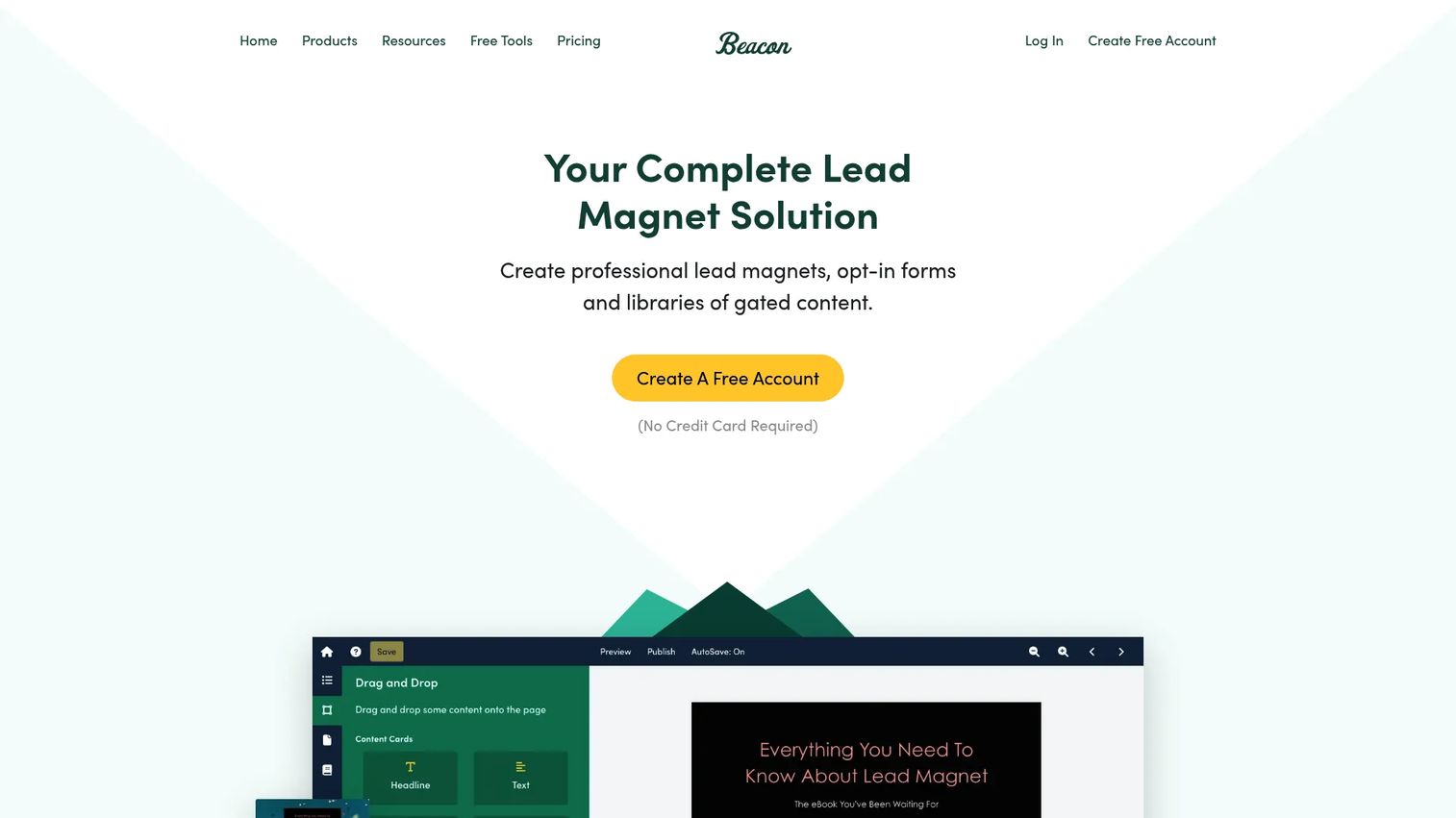
Beacon is a lead magnet creation platform that turns blog posts and existing content into downloadable ebooks, checklists, and guides. Lead capture forms, content upgrade triggers, and a gated resource library are built in, making it one of the more complete tools specifically designed for email capture workflows.
Best for: Businesses and marketers creating gated lead magnets and content upgrades with integrated opt-in forms.
Key features
- Lead magnet templates with drag-and-drop editing
- Blog post import for fast content repurposing
- Lead capture forms with link locking and double opt-in
- Gated resource library with search, filters, and analytics
- Content upgrade triggers for specific blog posts
Why choose Beacon: One of the cleaner lead magnet tools for marketers who want forms, gating, and a resource library without stitching together multiple tools. Free plan is limited to 1 lead magnet per month.
Beacon pricing: Free plan available (1 lead magnet per month). Lite is $19/month. Professional is $49/month. Agency is $99/month. Annual billing saves 2 months.
Considerations when choosing interactive ebook software
Match the tool to the output format
EPUB, Kindle, PDF, HTML5, flipbook, app, and interactive demo outputs serve genuinely different distribution channels and reader experiences. An EPUB produced for Apple Books won't work as a marketing asset you can embed on a landing page. Decide the output first, then choose the tool that produces it.
Check whether interactivity is cosmetic or measurable
Page-turn animations and embedded videos are not the same as buyer intent data. If the goal is pipeline attribution, look for lead capture forms, step-level engagement tracking, CRM integrations, and drop-off reporting. Most EPUB authoring tools and many flipbook platforms don't offer this. Tools designed around analytics and lead capture are a different category.
Evaluate the workflow before the feature list
The best tool for your team depends on where the content starts: A blank page, an existing PDF, a blog post archive, a manuscript, or a live product. A content marketer repurposing blog posts has different needs than an author managing a 90,000-word manuscript. Identify the starting point, then match the tool's import and editing workflow to it.
Verify pricing at the usage level you actually need
Most tools price differently at the seat count, publishing volume, storage, analytics depth, and branding control you require. A free plan that lacks custom domains or CRM integrations may not serve a mid-market demand gen team. Check which features are gated to which tier before shortlisting.
Consider accessibility and content maintenance
EPUB validation, alt text, responsive behavior, and reading order matter if the content will be distributed through academic channels or consumed on assistive technologies. For marketing teams, the maintenance question is equally relevant: A 40-page interactive PDF becomes outdated quickly, and tools that allow step-level editing rather than full rebuilds reduce that overhead significantly.
Conclusion
The right interactive ebook software depends on what the asset needs to do after it ships.
For product-led, measurable content, start with Guideflow. It's designed for SaaS marketers who need buyer education assets that capture leads, track engagement, and connect to pipeline rather than disappearing into a download folder. You can explore more approaches to measurable content in Guideflow's guides on best interactive demo tools and best content creation software tools.
For interactive EPUB publishing, Kotobee Author and PubCoder cover training, education, and formal publishing workflows. For fast branded lead magnets, Canva and Visme let marketers move from brief to finished asset in hours. For PDF-to-flipbook publishing, FlippingBook offers the strongest analytics, FlipHTML5 offers a free entry point, and Flipsnack sits in between. For self-publishing and retail distribution, Vellum handles formatting for Mac-based authors, Kindle Create handles Amazon-specific preparation at no cost, and Draft2Digital handles distribution reach.
The book publishing software landscape is broader than any single article can cover, but the five-category framework above should narrow the decision down to two or three tools worth trialing.
Start your journey with Guideflow today!
FAQs
For digital marketers running demand gen campaigns, the right tool depends on what the ebook is meant to prove. Guideflow fits teams replacing static PDFs with measurable, product-led experiences that capture leads and track engagement. Canva, Visme, Designrr, and Beacon fit teams that need faster, download-focused lead magnets.
A flipbook typically converts a PDF into a page-turning online publication with optional media embeds and basic analytics. An interactive ebook can include richer elements such as quizzes, assessments, branching content, reader-controlled navigation, embedded video, and step-level engagement tracking. The two terms are often used interchangeably, but they describe different levels of interactivity.
Yes, though free tiers typically limit branding, storage, export formats, or monthly creation volume. Google Docs is free for drafting before formatting in another tool. Canva Free supports ebook design with PDF export. FlipHTML5 Free allows basic flipbook creation. Kotobee Author has a free desktop license for individual use. Beacon Free allows one lead magnet per month. Each has real limits that matter at scale.
For SaaS teams measuring pipeline impact, Guideflow is built around lead capture, visitor identification, and engagement analytics that connect to CRM. For more traditional downloadable lead magnets, Beacon provides integrated forms, link locking, and a resource library. FlippingBook and Flipsnack both support lead capture forms within flipbook publications, with analytics on paid plans.
The right format depends on the goal. EPUB works for formal ebook distribution through bookstores and library platforms. PDF is universal for downloads and print. HTML5 is best for browser-based flipbooks and web-hosted publications. Kindle format (KPF or MOBI) is required for Amazon distribution. SCORM is needed for LMS delivery in training contexts. Some tools export to native iOS and Android apps as well.
Yes, particularly for formal publishing, education, and library distribution. EPUB3 supports multimedia, accessibility standards, and fixed or reflowable layouts that matter for academic and institutional contexts. For marketing campaigns, web-based interactive experiences or flipbooks are often easier to distribute and measure, so many marketing teams skip EPUB entirely.
Canva is for speed and visual quality without design expertise. InDesign is for professional layout control where typography, grid structure, and print-to-digital parity drive the brief. Dedicated interactive ebook platforms like Kotobee Author or PubCoder are better when the deliverable requires multimedia, formal publishing standards, analytics, or controlled distribution. Each solves a different job.
For many marketing and training use cases, yes. Interactive tools deliver materially higher engagement than static PDFs because they track reader behavior, support embedded media, and enable gated access with lead capture. Static PDFs still work for simple downloads, legally sensitive documents, and print-ready assets where format fidelity matters more than engagement data.