Your help center went live, the articles are accurate, and people are still asking the same questions in Slack. The knowledge base covers the "what," but it does not show the "how." According to Pryon and Unisphere Research (2024), 70% of enterprise professionals spend at least an hour searching for a single piece of information, and 23% spend more than five hours.
Searching for Helpjuice alternatives usually starts with one of two problems. The first is a conventional knowledge base need: Better governance, stronger search, a tighter fit with a support suite, or a self-hosted option. The second is different. Some teams realize the documentation problem is a training and adoption problem, and a static article is the wrong format.
The best Helpjuice alternative for interactive internal training is Guideflow. Document360, Zendesk Guide, Help Scout Docs, KnowledgeOwl, and Confluence are stronger fits for conventional knowledge base and help center needs. This list of 14 tools covers both categories.
TL;DR
- Best for interactive internal training and SOPs: Guideflow. Teams record software once and share interactive step-by-step demos for onboarding, product education, and enablement.
- Best for enterprise documentation governance: Document360 (4.7/5 on G2, custom pricing, 14-day free trial).
- Best for support teams already on Zendesk: Zendesk Guide, bundled inside Zendesk Suite starting at $55 per agent per month.
- Best for a shared inbox plus simple docs: Help Scout Docs, included in Help Scout plans from $25 per user per month.
- Best for a flexible standalone knowledge base: KnowledgeOwl, starting at $100 per month with a 30-day free trial.
- Best for internal company wiki at scale: Confluence, free for up to 10 users, then from $5.42 per user per month.
- Best self-hosted options: Docmost (open-source, free Community edition) and BookStack (fully open-source, self-hosted).
- This list spans two categories: Interactive guide platforms and conventional knowledge base or wiki tools. The category label in the table below helps you tell a direct swap from a format change.
What's inside
- Why teams look beyond Helpjuice, by use case.
- How to read a mixed-category list of knowledge base, help center, wiki, and interactive guide tools.
- A 14-tool comparison table with category labels, ratings, and pricing.
- Ranked cards with key features, shortfalls, and how each tool compares.
- Use-case picks for internal training, customer self-service, self-hosting, and free plans.
- FAQs for PMMs, support teams, and knowledge owners.
What is Helpjuice?
Helpjuice is knowledge base software built for creating and publishing customer-facing and internal documentation. Teams use it for help centers, support FAQs, internal wikis, and self-service content. Its core strengths include deep customization options, search analytics, article authoring, permission controls, and branding flexibility.
Alternatives to Helpjuice split across several categories:
- Interactive guide platforms: Show software step by step, rather than describe it in text.
- Knowledge base tools: Store, search, and publish articles for internal or customer-facing audiences.
- Help center tools: Customer-facing documentation tied to a support or ticketing workflow.
- Company wiki tools: Internal collaborative documentation with page hierarchies and spaces.
- Developer documentation tools: Technical docs with Markdown, Git integration, and API documentation.
- Self-hosted documentation systems: Open-source tools teams run on their own infrastructure.
Each category solves a different problem. The right choice depends on who the audience is, what format the content needs, and whether the goal is reading or doing.
Why teams look for Helpjuice alternatives
Teams usually look for Helpjuice alternatives when their documentation needs have shifted, their support stack has changed, or their internal training requires a more guided format.
Static articles do not drive process adoption
A PMM can write a perfect onboarding article. Reps can skip it, skim the wrong section, or read it and still not follow the workflow. Some knowledge problems are process problems. When the goal is for someone to complete a software task, an interactive step-by-step demo delivers fundamentally different engagement than a written article. Pryon and Unisphere Research (2024) found that professionals lose significant time searching for information rather than completing the work. The format matters.
Search quality depends on content freshness
AI-powered search and semantic retrieval raise the value of a well-maintained knowledge base. They also make stale content more visible. A G2 reviewer of Helpjuice noted that keeping articles current and accurate requires consistent editorial ownership. If the team lacks a strong review workflow, any search improvement is limited by the underlying content quality.
Support teams may prefer helpdesk-native docs
Teams running ticketing, chat, and customer conversations often find it more practical to manage documentation inside their support suite. Zendesk Guide, Help Scout Docs, and Intercom Articles each keep knowledge content close to the workflows that surface it, reducing the tool-switching involved in updating articles after answering a ticket.
Internal teams may need wiki-style collaboration
PMMs building launch plans, product requirements, and messaging repositories often need spaces, hierarchies, page comments, and collaborative editing, not a customer-facing knowledge base. Confluence and Notion serve those workflows better than a documentation-focused tool. Message drift across Docs, decks, and Slack is a PMM pain Helpjuice was not designed to fix.
Technical teams may need developer documentation workflows
API docs, OpenAPI support, Git synchronization, Markdown-first authoring, and versioning by release branch are requirements for developer documentation. GitBook and Document360 cover this territory. Helpjuice targets broader knowledge base use cases and may fall short for teams publishing SDK or API reference content.
How we picked these Helpjuice alternatives
Each tool was selected for real capability overlap with a Helpjuice switcher's job: Customer self-service documentation, internal knowledge management, technical documentation, company wikis, or interactive training. Pricing comes from each vendor's official pricing page. Ratings come from G2. The knowledge management software market reached $13.70 billion in 2025 and is forecast to grow at an 18.34% CAGR through 2031, according to Mordor Intelligence (2026).
This list spans two categories. Tools labeled "interactive guide platform" produce clickable step-by-step demos, not text articles. Tools in every other category produce conventional written documentation. The category label in each card and in the comparison table helps you decide whether you are choosing a direct replacement or a different format for training and enablement.
Helpjuice alternatives at a glance
Guideflow leads for interactive internal training. Document360 and KnowledgeOwl are the strongest conventional knowledge base alternatives. Confluence and Notion cover internal wikis. Docmost and BookStack serve self-hosted needs.
| Tool | Category | Best for | G2 rating | Free plan | Starting price |
|---|---|---|---|---|---|
| Guideflow | Interactive guide platform | Internal training, SOPs, employee onboarding | 5.0/5 | Yes | $35/user/month (annual) |
| Document360 | Knowledge base software | Enterprise documentation governance | 4.7/5 | No (14-day trial) | Custom pricing |
| Zendesk Guide | Help center software | Support teams using Zendesk | 4.3/5 | No | $55/agent/month (annual) |
| Help Scout Docs | Help center software | Shared inbox plus simple customer docs | 4.4/5 | No | $25/user/month |
| KnowledgeOwl | Knowledge base software | Flexible internal and external KBs | 4.6/5 | No (30-day trial) | $100/month |
| Confluence | Company wiki software | Internal collaboration and knowledge sharing | 4.1/5 | Yes (up to 10 users) | $5.42/user/month |
| GitBook | Documentation software | Developer and product documentation | 4.7/5 | Yes | $65/site/month (annual) |
| HelpDocs | Knowledge base software | Lightweight self-service help centers | 4.3/5 | No (14-day trial) | $99/month (annual) |
| Docmost | Self-hosted wiki software | Open-source internal documentation | 4.9 | Yes (Community) | $6/seat/month (annual) |
| BookStack | Self-hosted wiki software | Simple open-source knowledge bases | 3.5 | Yes (open-source) | Free (self-hosted) |
| Guru | Knowledge management platform | Internal knowledge and sales enablement | 4.7/5 | No | Custom pricing |
| Notion | Workspace and wiki software | Flexible team docs and lightweight wikis | 4.6/5 | Yes | $10/member/month |
| Microsoft SharePoint | Enterprise intranet and document management | Microsoft 365-based knowledge management | 4.0/5 | No | $5/user/month (annual) |
| Intercom Articles | Help center software | Support teams using Intercom Messenger | 4.3 | No | $29/seat/month (annual) |
The best Helpjuice alternatives in 2026
1. Guideflow (interactive guide platform)
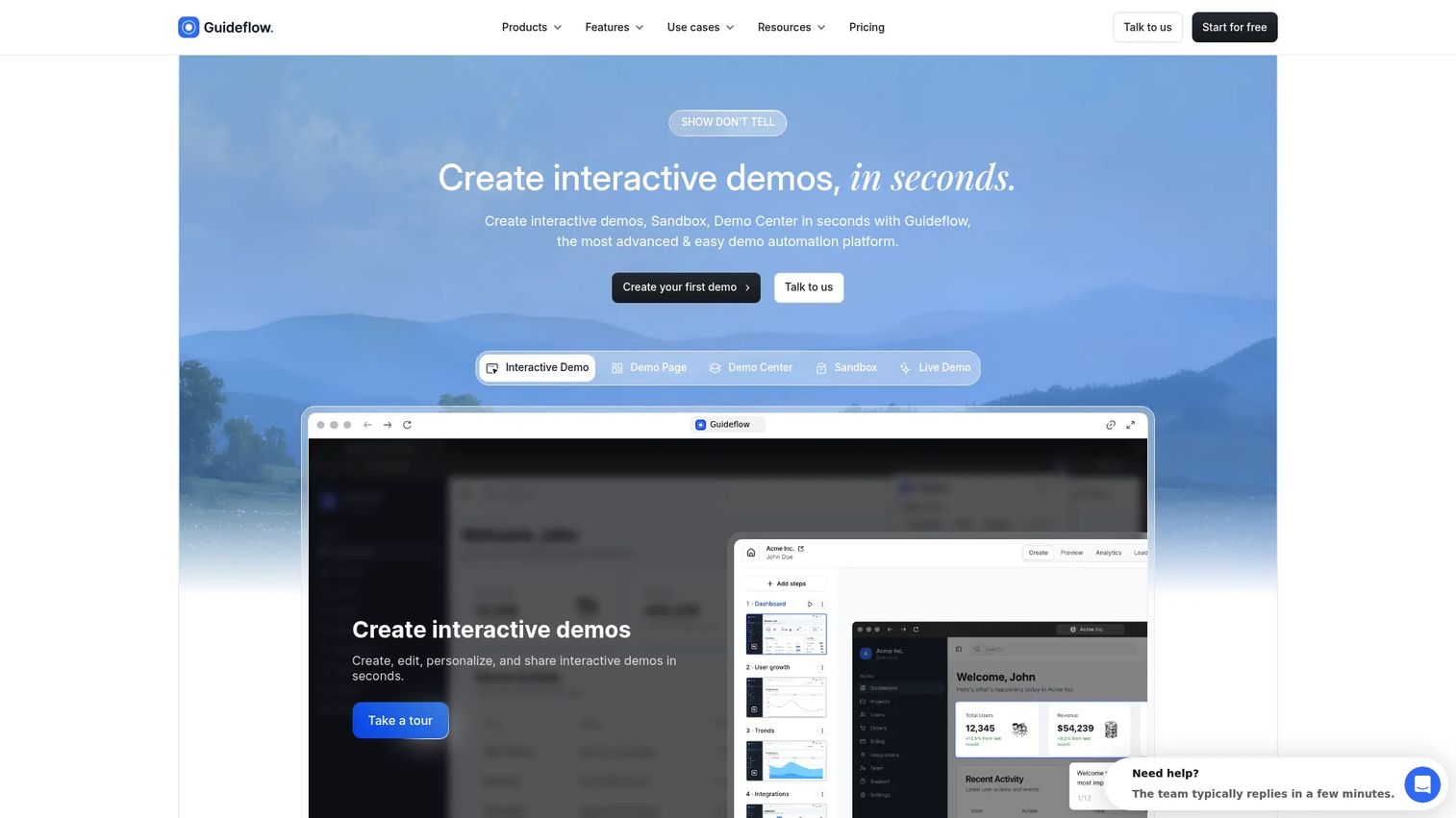
Guideflow is a demo automation platform that turns software into interactive step-by-step demos. For internal teams, those demos work as training content, SOP delivery, and product education. Instead of writing another article about how the CRM works, a PMM captures the workflow once and shares a clickable demo that employees can follow at their own pace.
Best for: PMM, enablement, support, ops, and CS teams whose training goal is process completion, not content reading.
What it is: Guideflow is a demo automation platform supporting six formats: Interactive demos, demo pages, demo centers, sandboxes, live demos, and mobile demos. Teams capture software through the Chrome extension or the native app using screenshot, HTML, or video capture modes. Step content is generated automatically. The editor supports text, images, graphs, and branching. Interactive demos used for SOPs, internal training, and process documentation are not a separate product. Analytics track step-level completion, drop-off, and viewer flow. CRM records are created when a viewer identifies through an in-demo form or a personalized link, with named integrations for HubSpot, Salesforce, Pipedrive, Zoho, and Marketo. Translation covers more than 30 languages.
Key features:
- Chrome extension and native app capture across screenshot, HTML, and video modes
- Automated step and CTA generation in the editor
- Text, image, graph, and branching edits with personalization controls
- Step-level analytics: Completion, drop-off, viewer flow
- In-demo forms and personalized links for lead and viewer identification
- Translation into more than 30 languages with dictionary-level control
- AI voiceover
Where Guideflow falls short: Look elsewhere if your primary need is a large-scale article-based help center for public customer FAQs. Guideflow performs best when the job is showing a software workflow, not publishing long-form policy documentation. Teams that need a searchable article library for public support content will want a dedicated knowledge base alongside it.
Pricing: Free plan available. Solo is $35 per user per month (annual). Growth is $499 per month (annual). Advanced is $1,499 per month (annual). Enterprise starts from $2,999 per month (annual) and adds SSO, advanced governance, and enterprise security.
G2 rating: 5.0/5
How it compares to Helpjuice: Helpjuice is purpose-built for article-based knowledge bases. Guideflow covers the adjacent job: When the team needs people to follow a software process step by step, not just read about it. For launches, rep onboarding, SOP adoption, and customer training on complex workflows, Guideflow's interactive demos deliver materially higher engagement than a written article.
Start your journey with Guideflow today!
2. Document360 (knowledge base software)
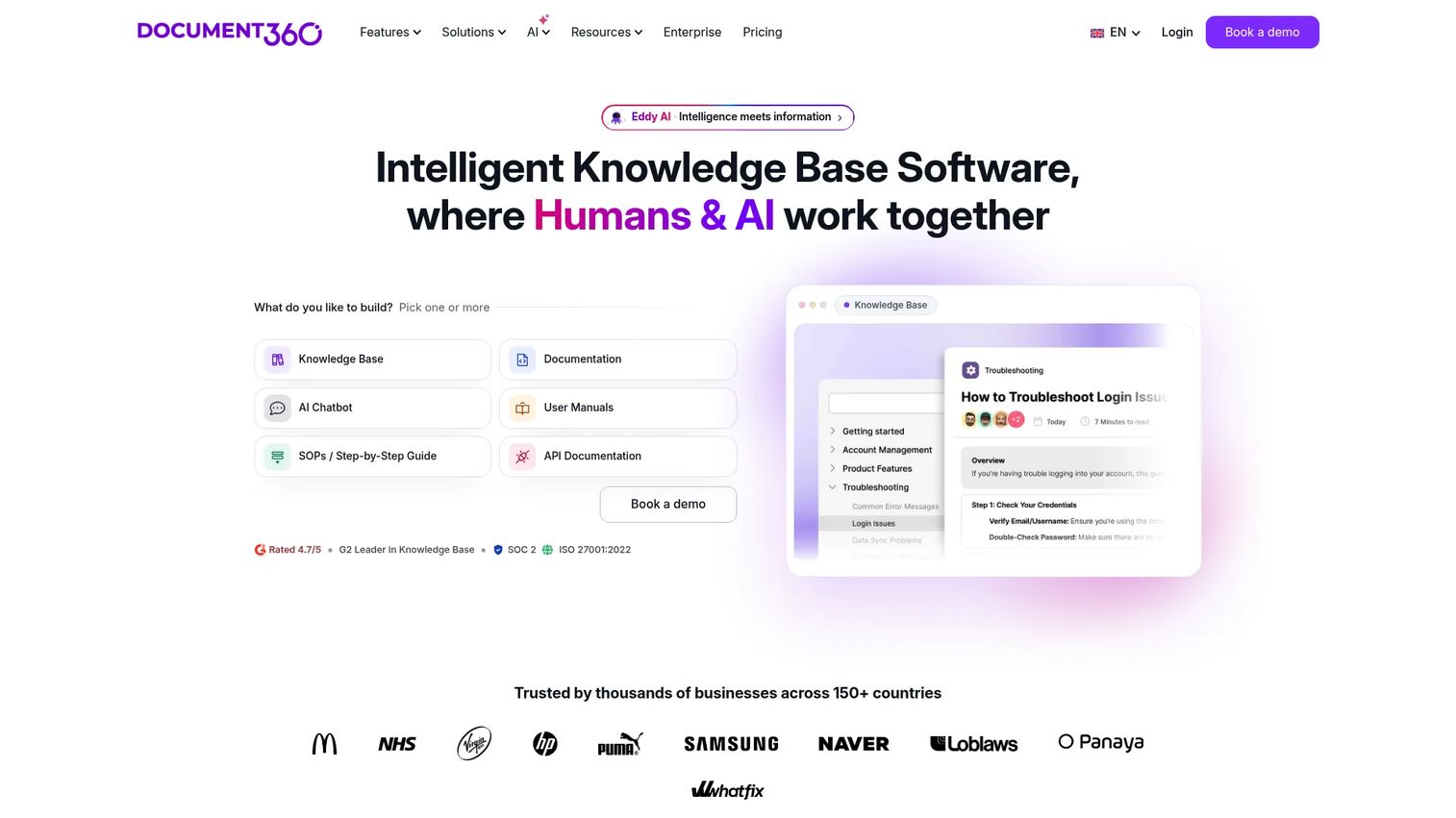
Document360 is the most governance-heavy knowledge base option on this list. For enterprise teams managing multiple knowledge bases, complex approval workflows, and multilingual documentation, it goes substantially deeper than Helpjuice on structure and control.
Best for: Enterprise documentation teams that need versioning, workflow approvals, AI search, and audit-grade analytics.
What it is: Document360 is AI-powered knowledge base software for customer-facing, internal, API, and product documentation. It supports both WYSIWYG and Markdown editors, structured article hierarchies, and category management. G2 reviewers consistently praise its search quality and customization depth.
Key features:
- Custom workflow builder with approval-based publishing
- AI search, AI chatbot, writing assistance, and translation
- Version control, revision history, and article restoration
- SSO, SCIM, JWT authentication, IP restrictions, and audit logs
- Analytics for articles, readers, searches, and feedback
Where Document360 falls short: G2 reviewers note that pricing increases steeply as workspace and language requirements grow. Some reviewers describe the initial setup and category configuration as time-intensive, and several note a learning curve for non-technical authors managing the approval workflows.
Pricing: Custom pricing. Pricing depends on workspace count, language requirements, team accounts, SSO needs, and AI Premium Suite usage. A 14-day free trial is available.
G2 rating: 4.7/5
How it compares to Helpjuice: Document360 adds governance depth that Helpjuice does not match at scale. For teams with strict publishing workflows, multiple knowledge bases, and enterprise security requirements, Document360 is the stronger fit.
3. Zendesk Guide (help center software)
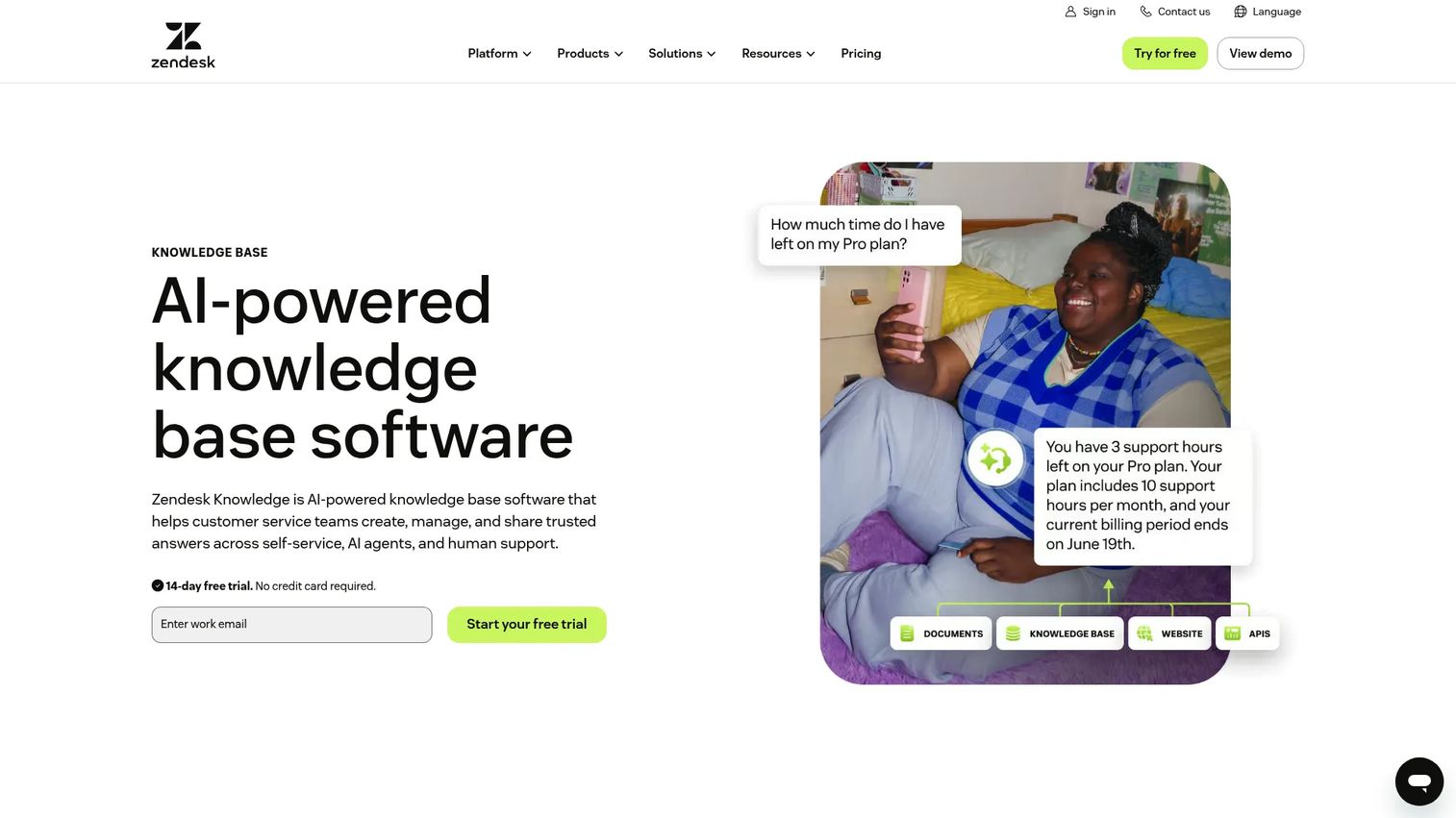
Zendesk Guide is the right choice when knowledge content needs to live inside the same workflow as tickets, chat, and customer service automation. It is Zendesk's native knowledge base and self-service layer, not a standalone product.
Best for: Support teams that run their entire customer service operation on Zendesk and want their help center managed in the same place.
What it is: Zendesk Guide (now branded as Zendesk Knowledge) provides a branded, searchable help center integrated with Zendesk's support suite. It includes article suggestions inside ticket workflows, generative search, and a customer portal. Ticket deflection metrics are built into the reporting.
Key features:
- Native help center tightly connected to Zendesk ticketing and chat
- Generative search and article suggestions surfaced inside agent workflows
- Multiple help centers with customizable themes
- Customer portal for support requests
- AI-powered knowledge management tools
Where Zendesk Guide falls short: G2 reviewers note that Zendesk's overall admin complexity carries over to the Guide module. Some reviewers flag that customization beyond the built-in themes requires developer involvement. Cost scales significantly as agent seats increase, and the help center capability is bundled rather than priced separately, which creates friction for teams only needing documentation.
Pricing: Zendesk Guide is included in Zendesk Suite plans. Suite Team starts at $55 per agent per month (annual). Suite Professional is $115 per agent per month (annual).
G2 rating: 4.3/5
How it compares to Helpjuice: Zendesk Guide wins when documentation must live close to support operations and ticket data. Helpjuice is a stronger option for teams that want a standalone, visually customized knowledge base independent of a support suite.
4. Help Scout Docs (help center software)
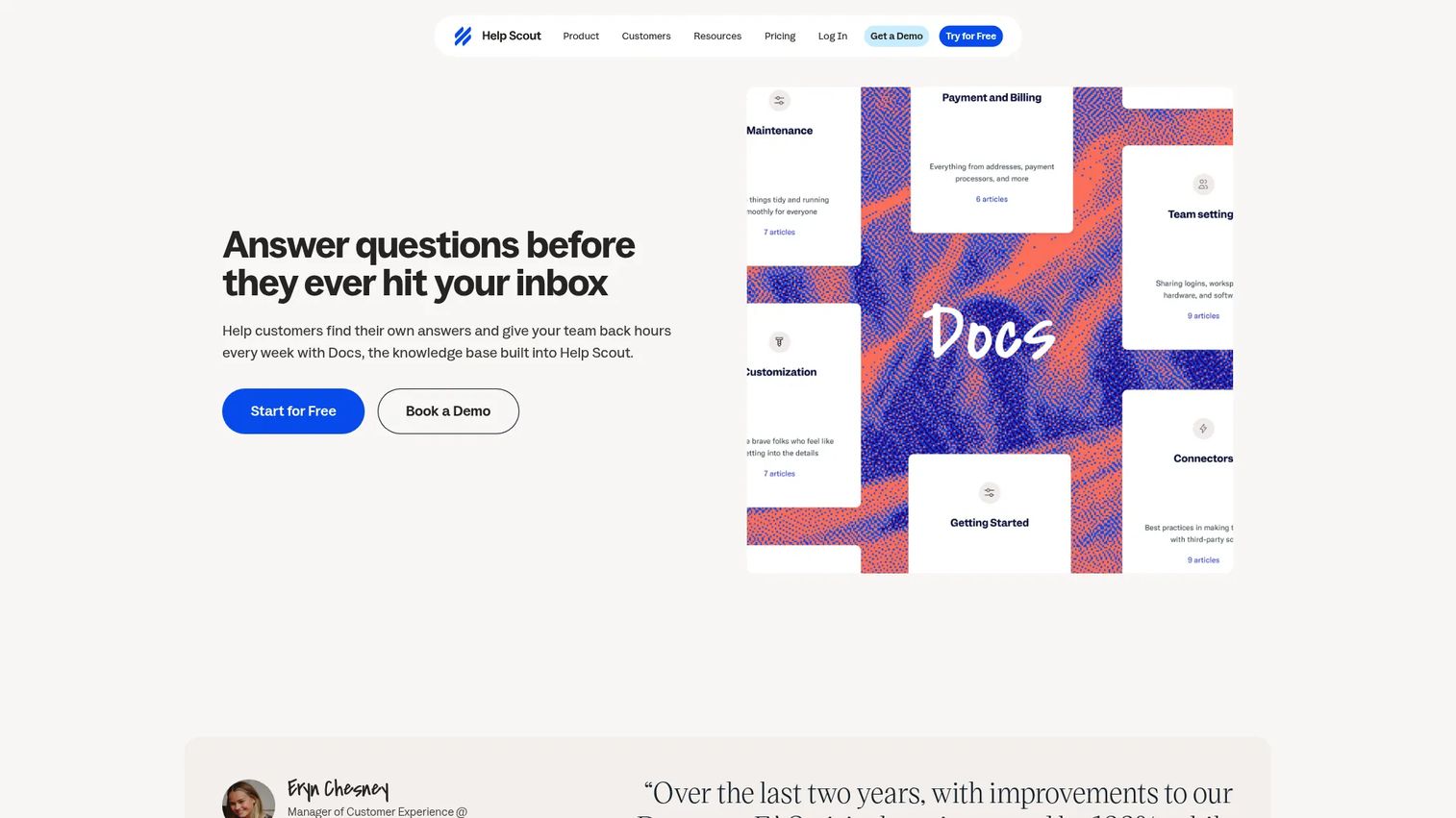
Help Scout Docs keeps documentation close to customer conversations without the complexity of a full enterprise support platform. For support teams running a shared inbox, it is the most practical pairing.
Best for: Small and mid-size support teams that want a customer-facing knowledge base embedded in a shared inbox product.
What it is: Help Scout Docs is a knowledge base product included in Help Scout's shared inbox plans. It supports article collections, custom branding, Beacon widget embedding for in-context self-service, and satisfaction ratings on articles. G2 reviewers rate Help Scout overall at 4.4/5.
Key features:
- Code-free help center with collections and categories
- Beacon widget for embedding contextual help inside products or websites
- Custom branding, layouts, and CSS
- Article satisfaction ratings and popularity reporting
- HTML and Markdown editing with multimedia support
Where Help Scout Docs falls short: G2 reviewers note that Docs' customization depth is limited compared to standalone knowledge base tools. Some reviewers flag that advanced analytics and permissions are gated behind higher-tier plans. Teams with complex documentation structures or large article libraries may outgrow what Docs offers.
Pricing: Docs is included with all Help Scout plans. Standard is $25 per user per month. Plus is $45 per user per month. Pro is $75 per user per month. Additional Docs sites cost $20 per site per month on paid plans.
G2 rating: 4.4/5
How it compares to Helpjuice: Help Scout Docs wins when the team needs a support inbox and documentation managed together. Helpjuice remains stronger for standalone knowledge base customization and analytics depth.
5. KnowledgeOwl (knowledge base software)
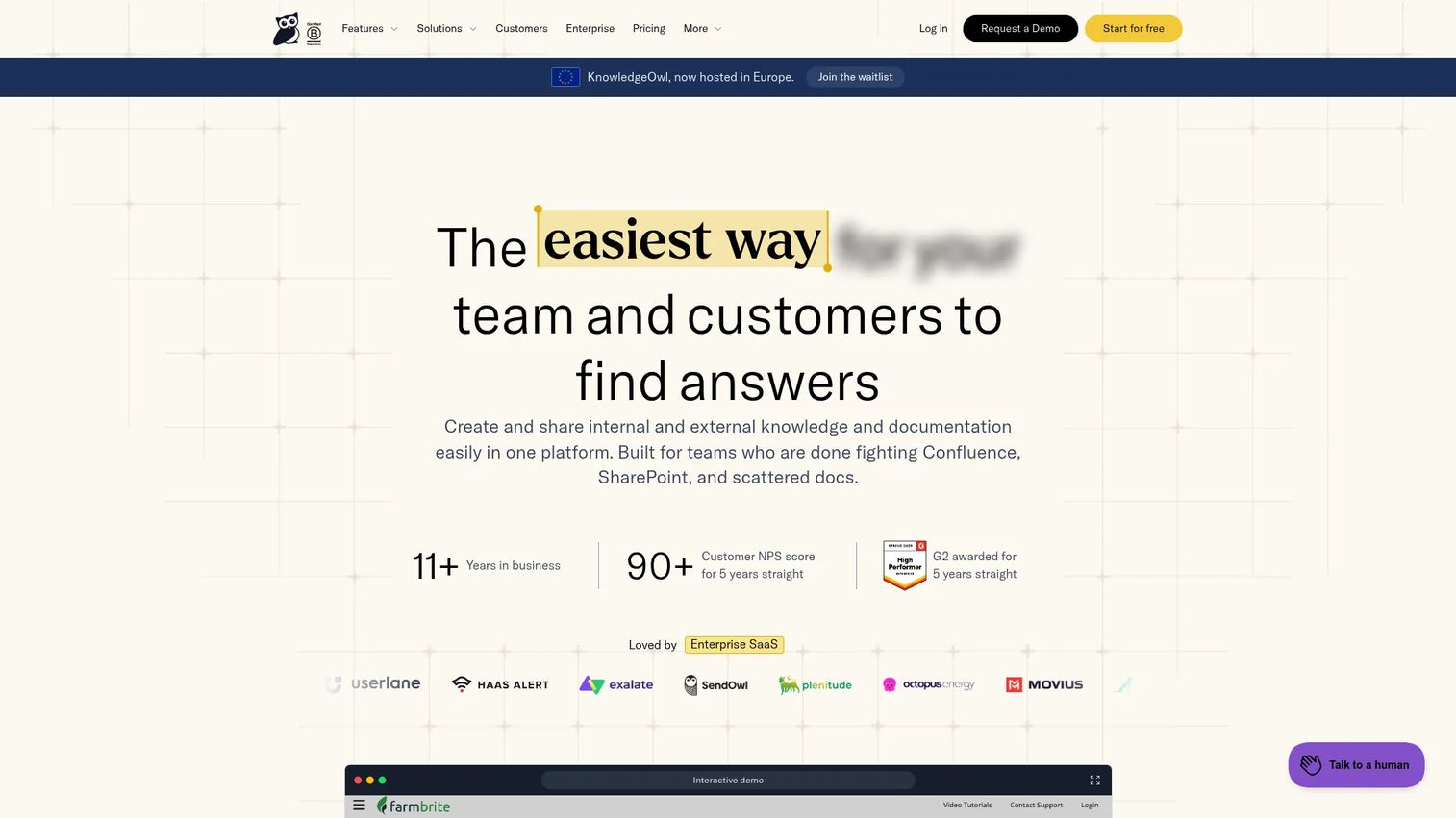
KnowledgeOwl is a dedicated knowledge base platform known for strong customer support and straightforward migration. For teams leaving Helpjuice and wanting a like-for-like swap with a more flexible structure, it is a practical first evaluation.
Best for: Teams that want a dedicated knowledge base with granular permission controls, AI search, and migration assistance.
What it is: KnowledgeOwl supports both internal and external knowledge bases with an AI chatbot, AI search, custom branding via HTML, CSS, and JavaScript, reader groups, and a developer API. The 4.6/5 G2 rating reflects strong reviewer satisfaction with support responsiveness and documentation completeness.
Key features:
- AI chatbot and AI search built into the platform
- Granular access controls and reader group segmentation
- Custom branding with full HTML, CSS, and JavaScript control
- Versioning and revision history
- Developer API for integration with existing toolchains
Where KnowledgeOwl falls short: G2 reviewers note that the interface looks dated relative to newer knowledge base tools. Some reviewers flag that advanced reporting and design flexibility require work to configure. Pricing grows meaningfully as author count increases, since extra authors are billed at $25 per author per month beyond the base allocation.
Pricing: No free tier. Basic starts at $100 per month. Pro is $250 per month. Business is $500 per month. Enterprise is $1,250 per month. Extra authors cost $25 per author per month. A 30-day free trial is available.
G2 rating: 4.6/5
How it compares to Helpjuice: KnowledgeOwl is a strong direct Helpjuice alternative for teams that want dedicated knowledge base software with practical migration support and responsive customer service. The gap is design polish and reporting depth.
6. Confluence (company wiki software)
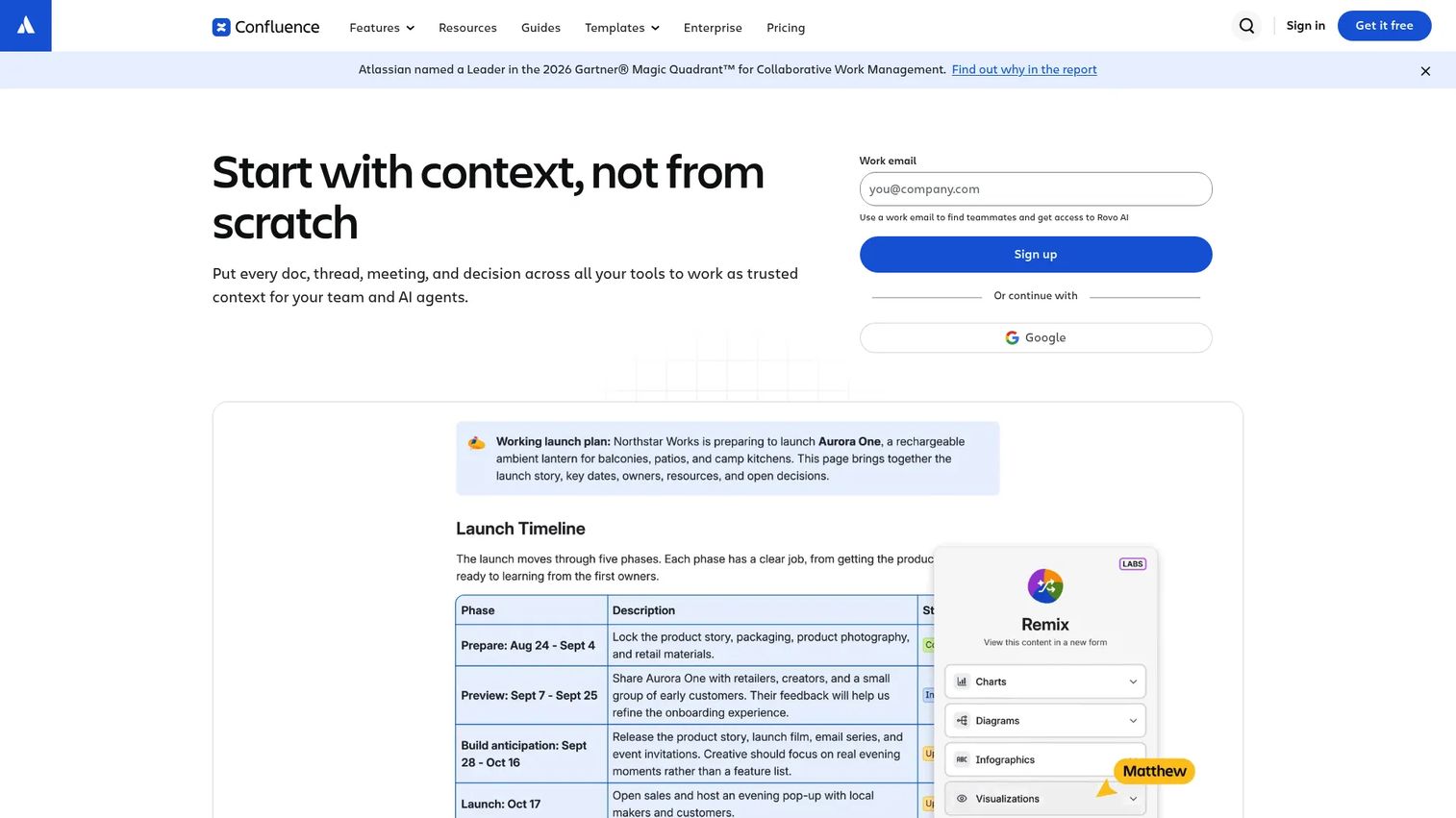
Confluence is where most PMMs already spend part of their workday. Launch plans, product requirements, messaging frameworks, and meeting notes live in Confluence spaces. For internal knowledge management tied to Jira and an Atlassian-based workflow, it is the default choice.
Best for: Internal teams standardized on Atlassian tools that need a collaborative wiki connected to project and engineering workflows.
What it is: Confluence is an AI-powered collaborative workspace for organizing internal knowledge. It supports spaces and nested pages, real-time editing, comments, whiteboards, templates, Jira integration, and automation through Rovo AI. G2 rates Confluence at 4.1/5 in the knowledge base software category.
Key features:
- Structured spaces, pages, and templates with granular permissions
- Real-time editing and commenting for cross-functional collaboration
- Jira integration for connecting documentation to engineering work
- Whiteboards, databases, and visual collaboration tools
- Automation and Rovo AI for search and knowledge discovery
Where Confluence falls short: G2 reviewers consistently flag information sprawl: Pages multiply quickly and content becomes hard to find without disciplined governance. Several reviewers note that search quality in large Confluence instances is a known pain. Admin complexity grows with organization size, and the Premium tier is required for unlimited storage and advanced analytics.
Pricing: Free for up to 10 users. Standard is $5.42 per user per month. Premium is $10.44 per user per month. Enterprise requires contacting sales.
G2 rating: 4.1/5
How it compares to Helpjuice: Confluence is for internal documentation and collaboration, not for publishing a polished customer-facing help center. Helpjuice gives more control over the external knowledge base experience. For PMMs managing launch documentation and internal messaging, Confluence covers the internal side while a separate tool handles customer-facing content.
7. GitBook (documentation software)
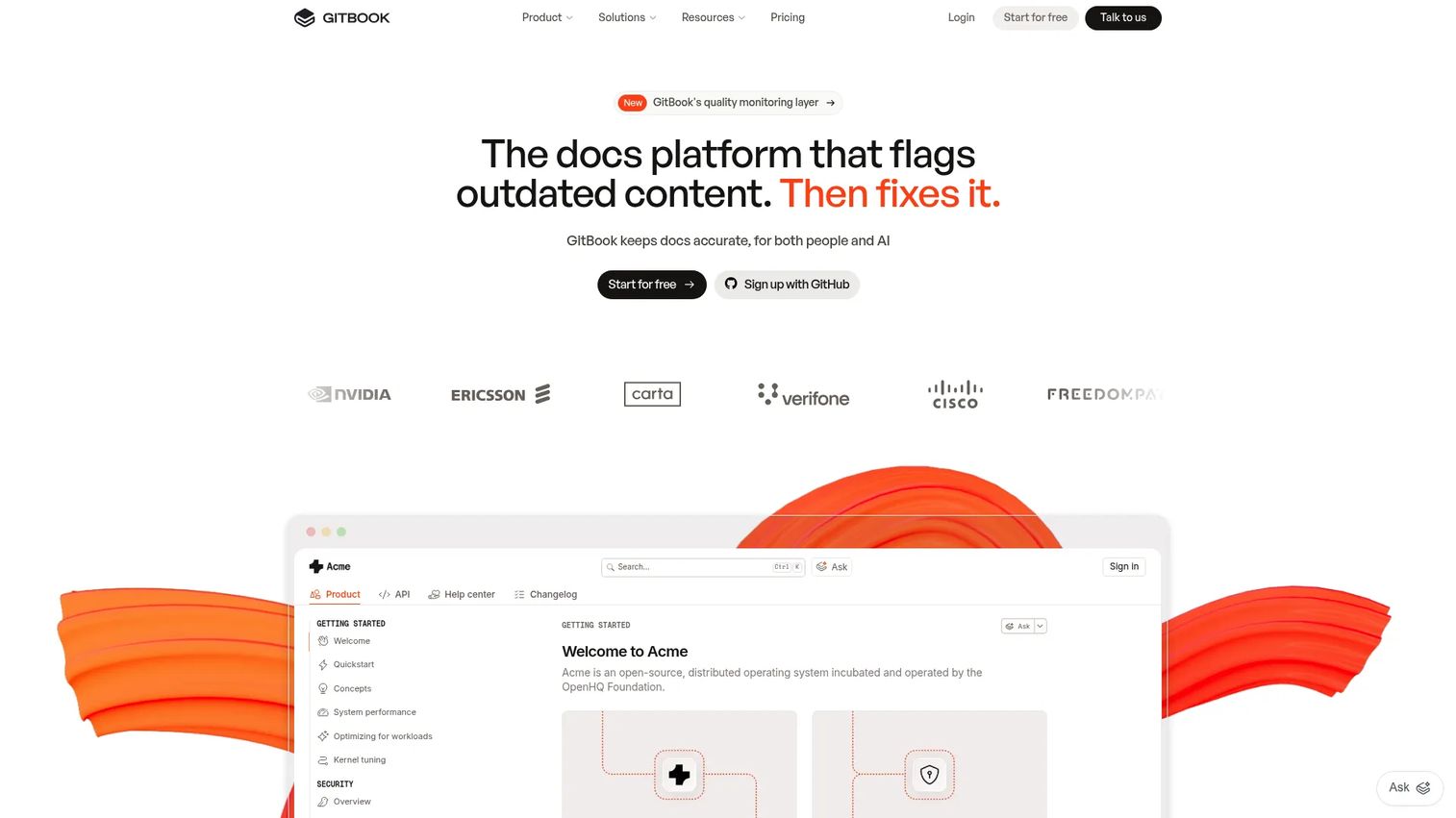
GitBook is the documentation platform most developer teams already know. Product documentation, API references, and internal developer wikis each fit naturally into its block-based editor and Git synchronization workflow.
Best for: Technical and product teams publishing API docs, SDK references, or developer-facing product documentation.
What it is: GitBook is a platform for AI-ready product and API documentation. It supports a block-based visual editor with Markdown, GitHub and GitLab synchronization, and auto-generated interactive API documentation. The free tier covers individual use. G2 rates GitBook at 4.7/5.
Key features:
- Block-based editor with full Markdown support
- GitHub and GitLab synchronization for Git-based documentation workflows
- Auto-generated and interactive API documentation
- AI-powered search across published documentation
- Public and private documentation spaces
Where GitBook falls short: G2 reviewers note that non-technical authors face a learning curve with the editor and Git-centric workflow. Some reviewers flag that permission management for complex organizations requires careful setup. Advanced analytics and AI features are gated behind the Ultimate tier.
Pricing: Free for individuals. Essential is $65 per site per month plus $12 per user per month (annual). Ultimate is $249 per site per month plus $12 per user per month (annual). Enterprise pricing is custom.
G2 rating: 4.7/5
How it compares to Helpjuice: GitBook covers developer and technical documentation workflows that Helpjuice does not prioritize. For teams publishing API references or product docs alongside an engineering workflow, GitBook is the cleaner choice.
8. HelpDocs (knowledge base software)

HelpDocs is a focused help center tool without the enterprise overhead. Teams that want a hosted knowledge base without committing to a full support suite will find the feature set covers most common self-service needs.
Best for: Teams that want a hosted, AI-assisted knowledge base with multilingual support and without suite dependencies.
What it is: HelpDocs is knowledge base software with AI-assisted article drafting, rewriting, and an Ask AI answer layer. Reusable Clips and Variables let teams maintain centrally managed content blocks. Multilingual knowledge bases support machine or manual translation. The platform includes analytics, permissions, audit trails, SSO, and MCP connectivity.
Key features:
- AI-assisted drafting, rewriting, metadata generation, and Ask AI
- Reusable Clips and Variables for managed content blocks
- Multilingual knowledge bases with machine or manual translation
- CSS, JavaScript, and HTML templating for full custom branding
- Analytics, permissions, audit trails, SSO, and integrations
Where HelpDocs falls short: G2 reviewers note that advanced permission structures and enterprise governance features require the higher-tier plans. Some reviewers flag that the analytics dashboard could provide more segmentation depth. HelpDocs does not offer a free plan, which creates a cost barrier for early-stage teams exploring options.
Pricing: No free plan. Sprout is $99 per month (annual) or $129 per month. Bloom is $239 per month (annual) or $299 per month. Harvest is $399 per month (annual) or $499 per month. Enterprise starts from $1,250 per month (annual). A 14-day free trial is available.
G2 rating: 4.3/5
How it compares to Helpjuice: HelpDocs covers the core Helpjuice use case at a comparable price point. The AI-assisted authoring and Clips system add efficiency for teams maintaining large article libraries. Helpjuice may still suit teams that prioritize visual customization depth or Helpjuice-specific integrations.
9. Docmost (self-hosted wiki software)
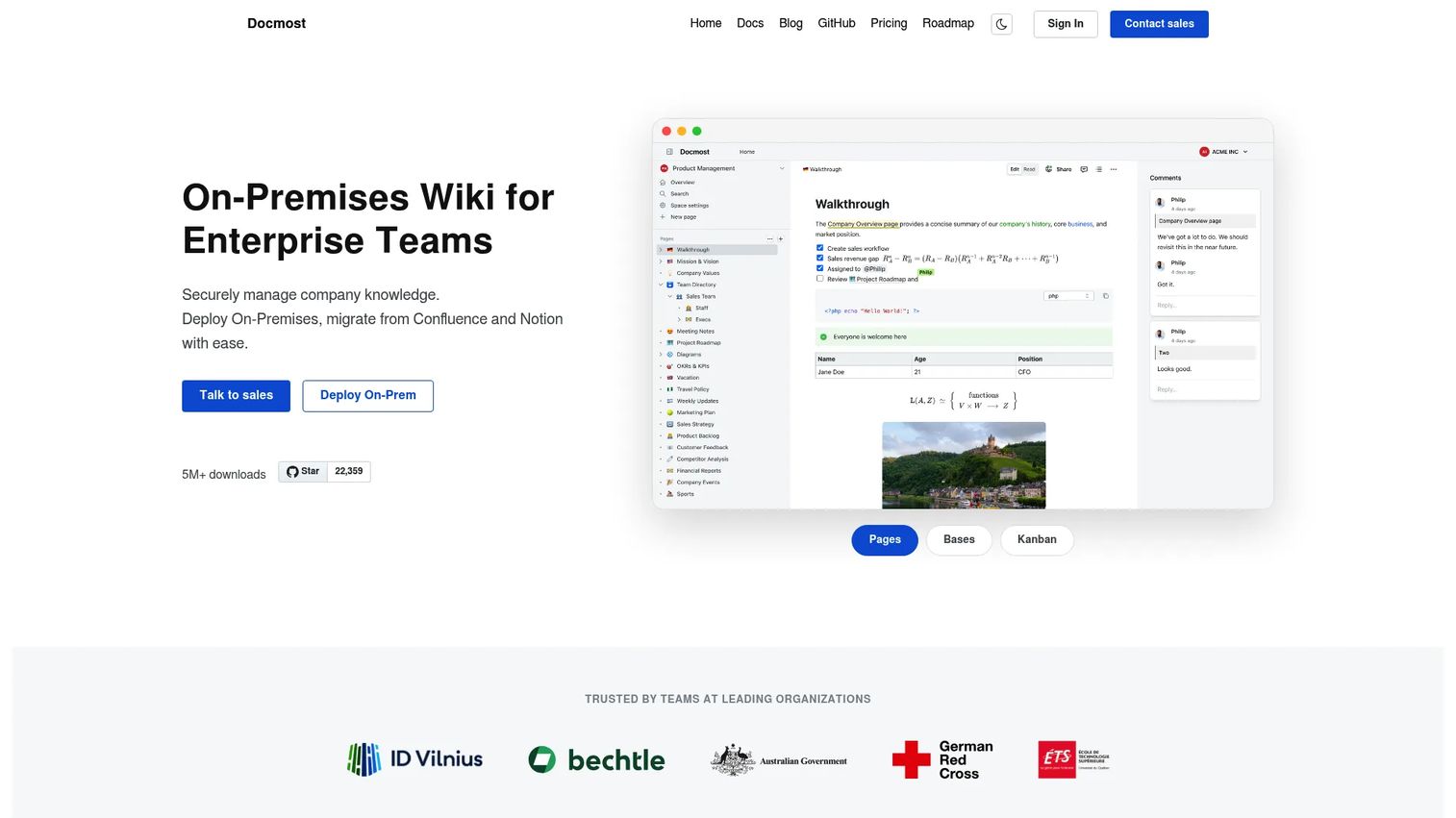
Docmost is an open-source collaborative wiki built for teams that need to run documentation infrastructure on their own servers. It is a modern alternative to Confluence for teams with a data-residency or infrastructure-ownership requirement.
Best for: Security-conscious teams that need self-hosted internal documentation with enterprise access controls.
What it is: Docmost is open-source, enterprise-ready wiki software for self-hosted deployments. It includes real-time collaborative editing, spaces with nested pages, permissions management, group-based access, built-in diagram tools (Draw.io, Excalidraw, Mermaid), full-text search across attachments, AI assistant, AI search, MCP support, and import from Confluence, Notion, PDF, and Markdown. G2 currently shows no published rating for Docmost.
Key features:
- Real-time collaborative editing with spaces and nested pages
- SSO, LDAP, MFA, SCIM, audit logs, and air-gapped deployment
- Built-in Draw.io, Excalidraw, and Mermaid diagram support
- Full-text search including PDF and DOCX attachments
- Confluence, Notion, PDF, and Markdown import and export
Where Docmost falls short: Because Docmost is self-hosted, teams own maintenance, backups, upgrades, and security patching. The Community edition is free, but operational overhead requires engineering capacity. G2 review data is not yet available, so reviewer-sourced shortfall data is limited.
Pricing: Community edition is free and open-source (self-managed). Business is $6 per seat per month (annual, minimum 10 seats). Enterprise pricing is custom.
G2: 4.9
How it compares to Helpjuice: Docmost targets a different buyer. Teams choosing Docmost prioritize infrastructure control over a managed SaaS experience. Helpjuice is the right call when the team wants a hosted, polished knowledge base without engineering ownership.
10. BookStack (self-hosted wiki software)
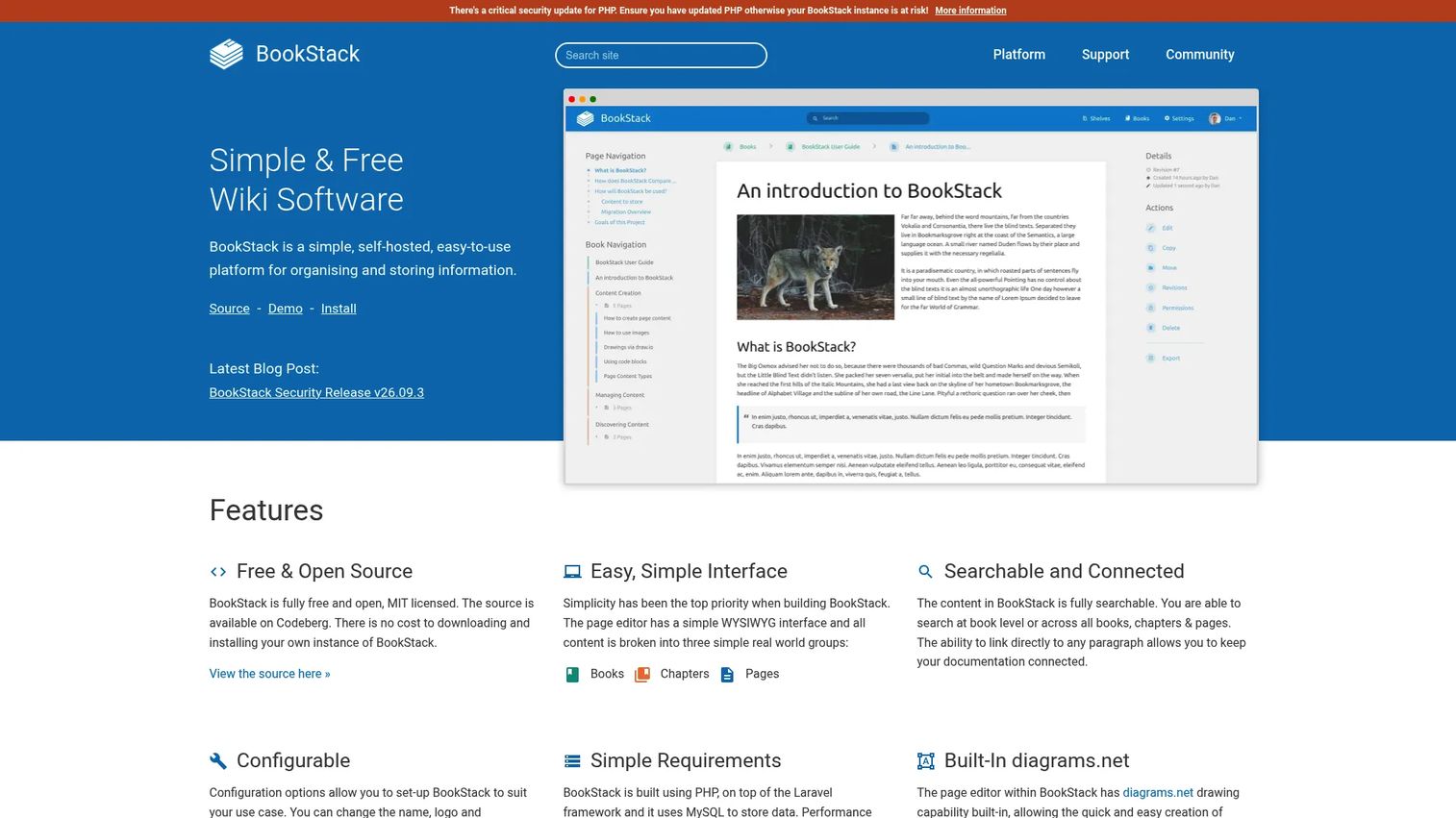
BookStack organizes knowledge into books, chapters, and pages, which maps naturally to teams documenting structured processes or multi-topic knowledge domains. It is fully open-source and free to use.
Best for: Technical teams comfortable managing their own server infrastructure who need a structured, searchable internal wiki.
What it is: BookStack is a free, open-source, self-hosted platform for organizing and storing information. Its books, chapters, and pages hierarchy gives documentation a clear structure. It includes WYSIWYG and Markdown editors, full-text search with paragraph-level linking, built-in diagrams.net integration, roles and permissions, multi-factor authentication, and OIDC, SAML2, and LDAP authentication. No G2 rating was available.
Key features:
- Books, chapters, and pages content hierarchy
- WYSIWYG and Markdown editors
- Full-text search with paragraph-level linking
- Built-in diagrams.net integration
- OIDC, SAML2, and LDAP authentication support
Where BookStack falls short: As a fully open-source project, BookStack has no managed hosting or enterprise edition. Teams handle server provisioning, SSL, database management, upgrades, and security independently. Community support through forums and documentation is available, but no SLA-backed vendor support exists unless teams purchase optional paid support contracts separately.
Pricing: Free (open-source, self-hosted under MIT license). No paid SaaS tier.
G2: 3.5
How it compares to Helpjuice: BookStack requires infrastructure ownership that Helpjuice does not. For teams with the technical capacity to self-host, BookStack eliminates per-seat costs entirely. Teams that want a managed, branded knowledge base without server work should stay with Helpjuice or choose a hosted alternative.
11. Guru (knowledge management platform)
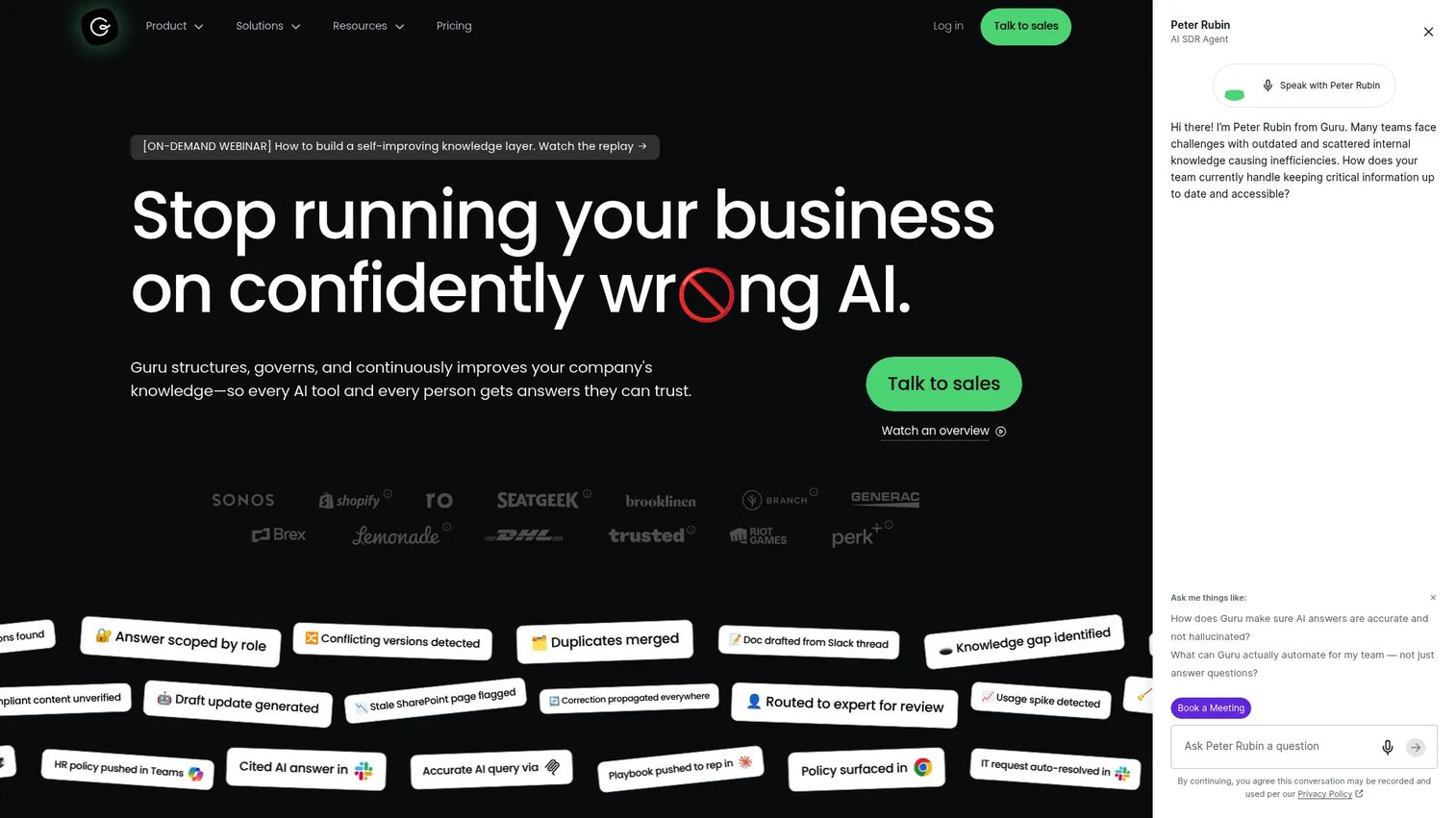
Guru connects verified internal knowledge to the tools teams already use rather than asking people to open a separate knowledge base. For revenue and support teams, the browser extension and workflow integrations reduce the gap between knowing something and finding it.
Best for: Revenue, support, and enablement teams that need verified, permission-aware knowledge surfaced inside existing workflows.
What it is: Guru is an AI-powered governed knowledge platform. It indexes knowledge across 100+ source connectors, maintains permission-aware search, and delivers cited Knowledge Agent answers. Automated verification workflows flag content that may be outdated, and content reconciliation keeps related cards consistent. G2 rates Guru at 4.7/5.
Key features:
- 100+ source connectors with unified knowledge indexing
- Permission-aware search and cited Knowledge Agent answers
- Automated verification, maintenance, and content reconciliation workflows
- Browser extension for surfacing knowledge inside other tools
- Customizable knowledge cards
Where Guru falls short: G2 reviewers note that pricing scales significantly for larger teams and that custom pricing creates uncertainty during budget planning. Some reviewers flag that card-based content organization can feel fragmented for teams used to hierarchical documentation. Notification volume from verification reminders is a recurring reviewer complaint.
Pricing: Custom pricing.
G2 rating: 4.7/5
How it compares to Helpjuice: Guru prioritizes knowledge delivery inside existing workflows rather than a standalone browsable help center. For PMMs focused on ensuring reps find the right messaging at the right moment, Guru's enablement angle is more practical than a documentation portal people must remember to visit.
12. Notion (workspace and wiki software)
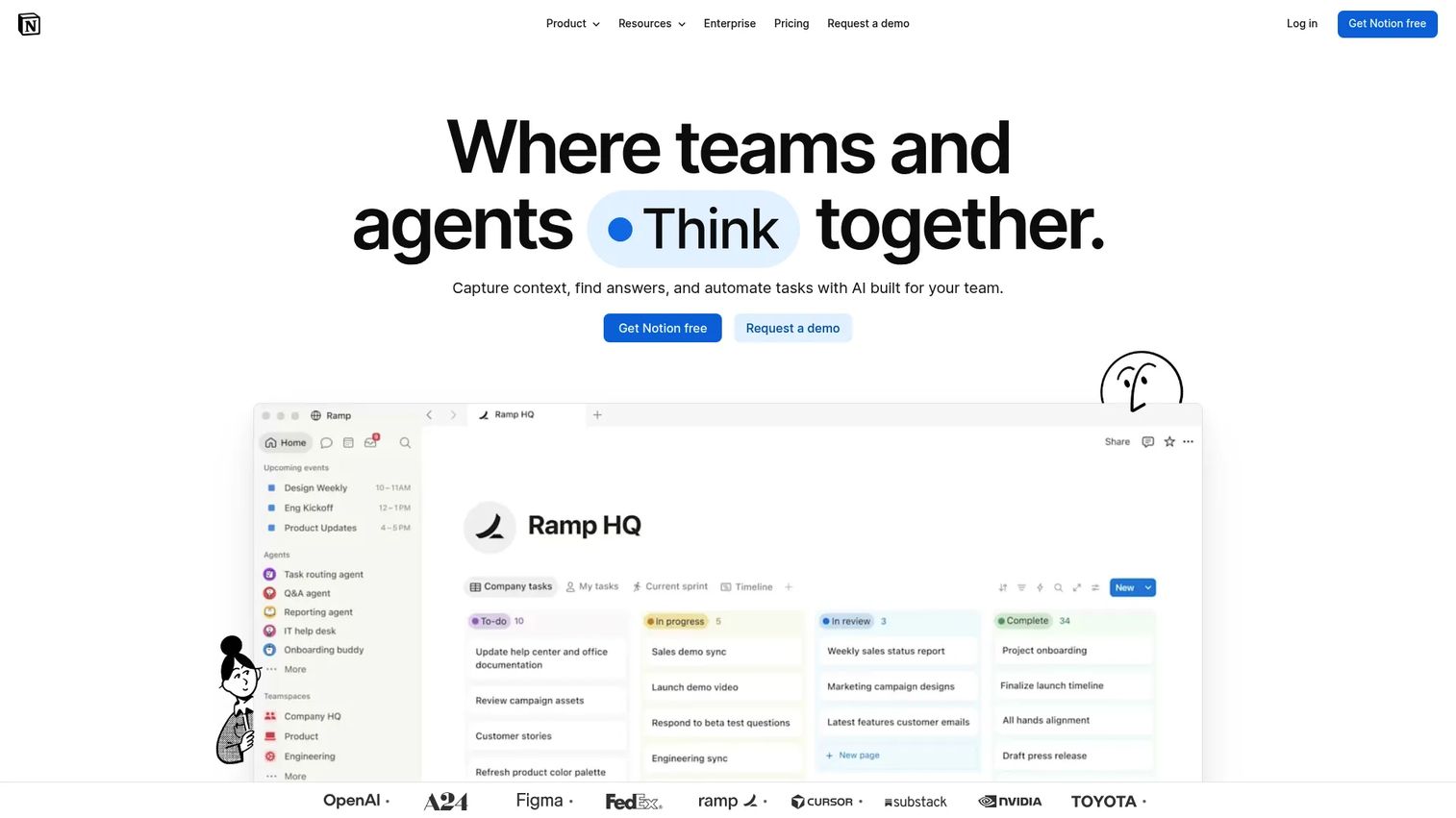
Notion is where many PMM teams already manage launch plans, messaging docs, and research repositories. The flexibility that makes Notion useful for internal work also makes it a reasonable lightweight wiki substitute, though it trades governance depth for flexibility.
Best for: Teams that want a flexible workspace for internal documentation, launch planning, and lightweight team wikis without a dedicated knowledge base tool.
What it is: Notion is an AI workspace for knowledge capture, search, collaboration, and workflow automation. It supports pages and databases, team wikis, templates, comments, AI-powered search with citations, and AI agents. G2 rates Notion at 4.6/5.
Key features:
- Pages and databases with flexible relational linking
- AI-powered search and answers with source citations
- Team wikis with permission controls
- Templates for launch plans, project tracking, and documentation
- AI agents and workflow automation
Where Notion falls short: G2 reviewers note that content sprawl is a significant problem as team size grows. Without active governance, Notion pages multiply and search becomes unreliable. Several reviewers flag that Notion is not purpose-built for customer-facing help centers, and the permissions model for external sharing is less refined than dedicated knowledge base tools. Offline functionality limitations also appear in reviews.
Pricing: Free plan available. Plus is $10 per member per month. Business is $20 per member per month. Enterprise pricing is custom.
G2 rating: 4.6/5
How it compares to Helpjuice: Notion covers internal team documentation and launch planning effectively. For customer-facing knowledge bases with branded search and analytics, Helpjuice is better suited. Many PMM teams run Notion internally and a separate tool externally.
13. Microsoft SharePoint (enterprise intranet and document management)
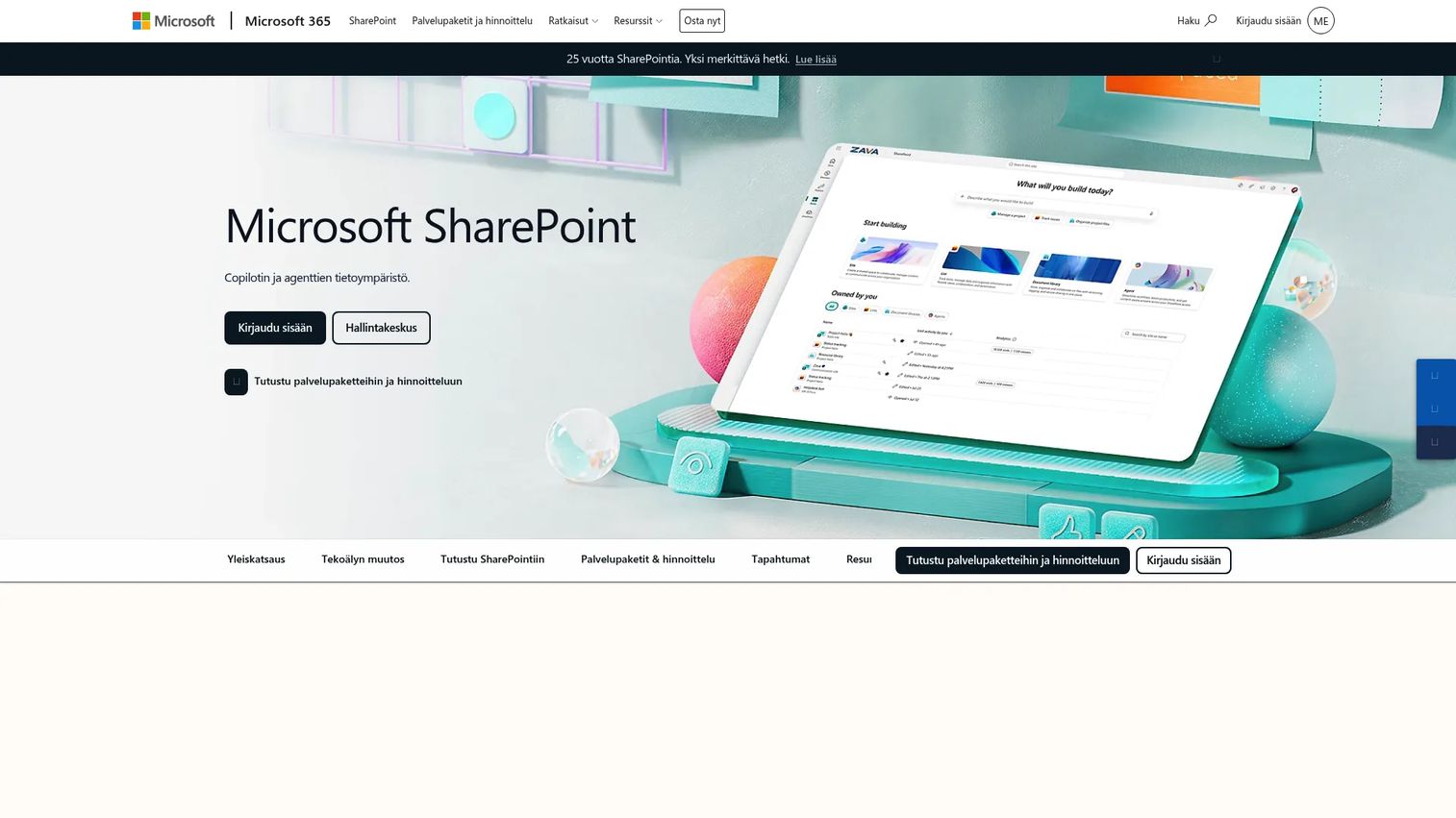
Microsoft SharePoint is not a knowledge base in the conventional sense. For enterprises already standardized on Microsoft 365, it is the internal intranet and document management layer that knowledge often lives in by default.
Best for: Enterprise organizations standardized on Microsoft 365 that need secure document libraries, intranet sites, and compliance-grade access controls.
What it is: SharePoint is a web-based collaboration and document management platform for storing, organizing, sharing, and accessing organizational information. It includes secure file sharing, real-time coauthoring, document libraries with version history, team and communication sites, AI-powered search, custom agents, and workflow automation across SharePoint and Microsoft Teams. G2 rates SharePoint at 4.0/5.
Key features:
- Document libraries with version history and access control
- Team and communication sites for intranet publishing
- AI-powered search and custom agent support
- Workflow automation across Microsoft 365
- Enterprise compliance, permissions, and audit controls
Where SharePoint falls short: G2 reviewers consistently flag that SharePoint requires significant admin investment to configure well. The user experience for content discovery is cited as a pain point compared to purpose-built knowledge base tools. Several reviewers note that SharePoint's search can be inconsistent without careful taxonomy and metadata management. Non-technical users often find the authoring experience heavy.
Pricing: SharePoint (Plan 1) is $5 per user per month (annual). Microsoft 365 Business Standard, which includes SharePoint, is $12.50 per user per month (annual). No free plan.
G2 rating: 4.0/5
How it compares to Helpjuice: SharePoint is for enterprise document management and intranet governance, not for publishing a polished customer help center or standalone knowledge base. Helpjuice delivers a more focused knowledge base experience with less administrative overhead.
14. Intercom Articles (help center software)
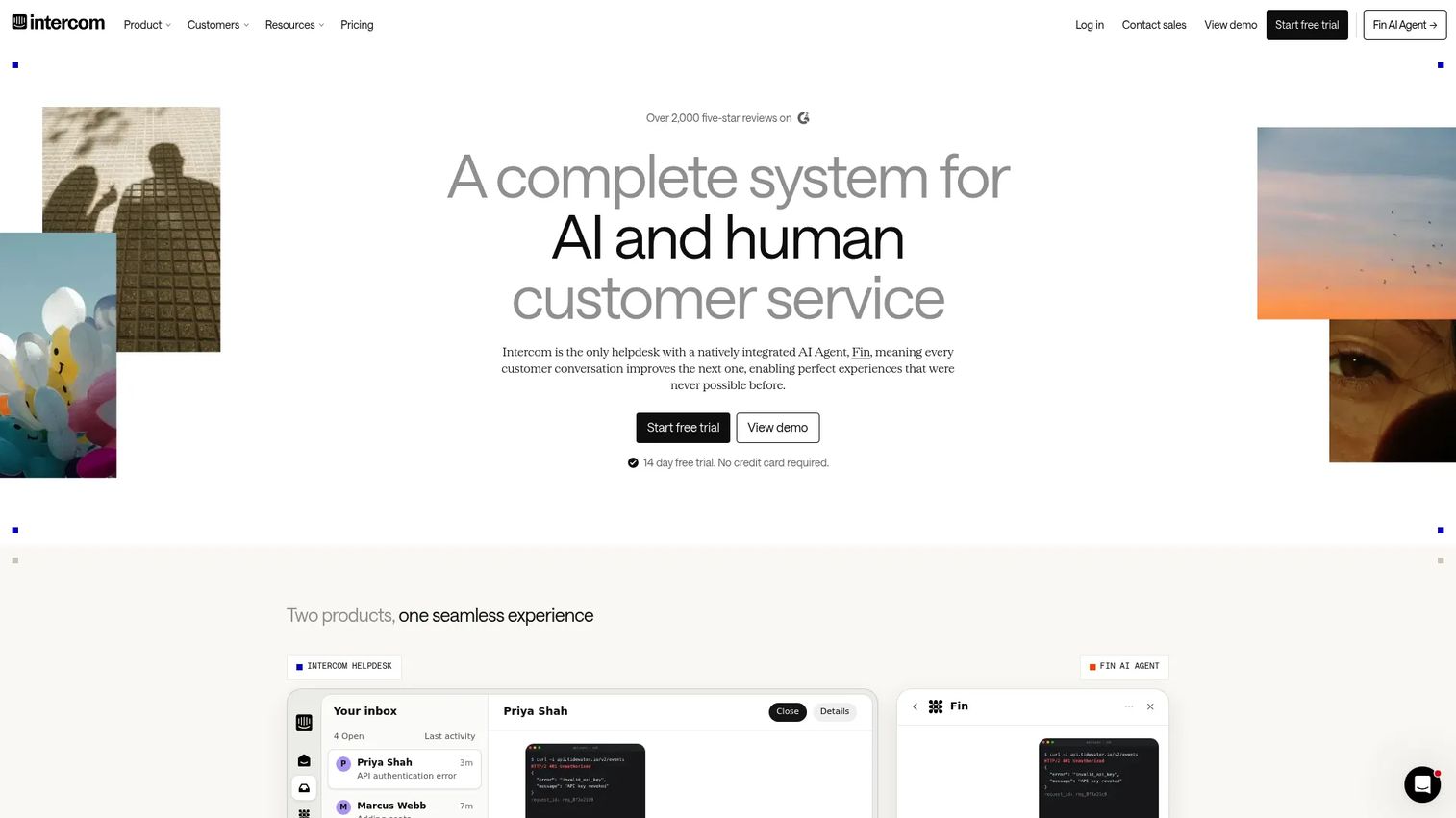
Intercom Articles is the help center layer inside Intercom's customer support platform. For teams running conversational support through Intercom Messenger, keeping articles in the same system as chat and AI automation is the practical choice.
Best for: Support teams using Intercom Messenger who want help content surfaced directly inside customer conversations.
What it is: Intercom Articles is a knowledge base and help center capability for creating, publishing, organizing, localizing, and sharing support articles. Articles can be made available to Fin AI Agent and Copilot, shared directly in Inbox conversations, and published to a customizable help center. Rich formatting, multilingual support, and article reporting are included. No G2 rating was available.
Key features:
- Rich article formatting with headings, images, GIFs, tables, and callouts
- Fin AI Agent and Copilot integration for automated article surfacing
- Direct article sharing inside Inbox conversations
- Multilingual and localized article support
- Article reporting and customer feedback reactions
Where Intercom Articles falls short: Intercom's pricing model bundles articles inside platform plans, and pricing scales with seat count. G2 reviewers of Intercom overall note that the platform can become expensive as team and usage scale. Some reviewers flag that help center customization options are limited compared to standalone knowledge base tools, and that multilingual and multibrand help centers require Advanced or Expert plan tiers.
Pricing: Intercom Articles is included in Intercom plans. Essential is $29 per seat per month (annual). Advanced is $85 per seat per month (annual). Expert is $132 per seat per month (annual). Public help center is available on Essential. Private and multilingual help centers require Advanced. Fin AI Agent usage is charged separately at $0.99 per outcome.
G2: 4.3
How it compares to Helpjuice: Intercom Articles fits teams whose documentation strategy is inseparable from conversational support. Teams that want a standalone, independently customizable knowledge base will find Helpjuice or Document360 a better fit.
What is the best Helpjuice alternative for interactive internal training?
Guideflow is the strongest pick when training requires showing a software workflow rather than describing it in text.
PMMs can record a product launch workflow once and share an interactive demo reps navigate at their own pace. Enablement teams can build onboarding sequences for new hires without scheduling live screen-share sessions. Ops teams can convert SOPs into step-by-step interactive demos that show the exact clicks rather than a bulleted list. CS teams can share customer onboarding demos that reduce repetitive calls. The analytics show step-level completion and drop-off, so you know where people stop following the process. Guideflow is not a conventional article-based help center, so teams with large public FAQ libraries will want a knowledge base alongside it.
Which Helpjuice alternative is best for customer self-service?
For article-based customer self-service, the right tool depends on the support stack the team already runs.
Zendesk Guide is the strongest fit for teams already using Zendesk for ticketing and customer service. Help Scout Docs works well for teams running a shared inbox on Help Scout. Intercom Articles covers teams whose support motion is conversational, with Messenger at the center. For standalone customer-facing knowledge bases independent of a specific support suite, KnowledgeOwl and Document360 are the most capable options. Guideflow supports customer education when the content needs to show a software process, but it is not the default answer for large public article libraries.
Which Helpjuice alternative works best for internal company knowledge?
Internal documentation has several distinct shapes, and the right tool follows the shape.
Confluence works for Atlassian-heavy teams where internal knowledge lives alongside Jira issues and project pages. Notion covers flexible team documentation, launch planning, and research repositories where the team values freeform page structure. Guru fits revenue and support teams that want verified, workflow-integrated knowledge rather than a browsable portal. Microsoft SharePoint serves enterprises already standardized on Microsoft 365, where document governance and intranet sites are the primary need.
For PMMs dealing with message drift across Docs, decks, and Slack, the actual problem is often content governance rather than the tool. Docmost and BookStack serve self-hosted internal documentation for teams with infrastructure ownership requirements.
What is the best self-hosted Helpjuice alternative?
Docmost and BookStack are the two self-hosted options on this list.
Docmost is the more modern choice, with real-time collaborative editing, enterprise access controls (SSO, SCIM, audit logs), AI search, and import from Confluence or Notion. It suits teams that need a Confluence-like experience on their own infrastructure. BookStack organizes content into books, chapters, and pages and is simpler to set up. Both require technical ownership: Server provisioning, database management, security patching, and upgrades. Neither provides a managed SaaS experience, so the total cost of ownership includes engineering time.
Which Helpjuice alternative is best for developer documentation?
GitBook is the strongest option when the audience is developers and the content is technical.
GitBook's GitHub and GitLab synchronization, Markdown-first authoring, auto-generated API documentation, and block-based editor are purpose-built for technical content workflows. For product documentation that spans both technical and non-technical audiences, Document360 adds governance and analytics depth that GitBook's higher tiers also cover. Neither Helpjuice nor Confluence matches GitBook's fit for teams publishing API references or SDK guides.
What is the cheapest Helpjuice alternative?
Free or open-source options are available, but each has a different cost profile.
BookStack and Docmost (Community edition) are free in terms of software license. Both require hosting, which carries infrastructure and engineering costs. Confluence and Notion offer free plans for small teams (Confluence up to 10 users, Notion with page limits). GitBook has a free tier for individual use. Guideflow has a free plan. For teams evaluating paid options, KnowledgeOwl starts at $100 per month and HelpDocs starts at $99 per month (annual), both with trial periods.
When should you stay with Helpjuice?
Helpjuice is still the right choice in several situations.
If the team already has a well-maintained Helpjuice knowledge base with consistent article ownership and a working review workflow, switching carries real migration and re-training costs that may outweigh any capability gain. Helpjuice's visual customization and branded help center experience are genuinely strong, and teams that have invested in building out that presentation should weigh what they would lose.
For teams whose primary need is a polished, article-based customer help center with clean search and analytics, Helpjuice covers that job without suite dependency or self-hosting overhead. The case for switching gets stronger when the team's documentation need has evolved into interactive training, wiki-style collaboration, developer docs, or tight helpdesk integration. If the job is still publishing and maintaining a knowledge base, Helpjuice may be the right tool.
Why teams switch from Helpjuice to Guideflow
The clearest signal that a knowledge base problem is a training problem: People read the article and still do not follow the process. For PMMs, that shows up as reps reverting to old messaging after a launch, customers asking "how do I" questions the help center already answers, or onboarding timelines that stretch because new hires cannot translate written steps into software actions.
Guideflow addresses this by converting product workflows into interactive demos. Teams use the capture feature to record the software once through the Chrome extension or native app. The step content generates automatically. The result is a shareable, clickable demo that guides the viewer through the exact workflow rather than describing it.
For internal use cases, those interactive demos function as training content, SOP delivery, and product education. A sales enablement team can share a demo of the updated CRM workflow instead of a slide. A CS team can send a customer onboarding demo that shows the setup process rather than a written guide. A PMM can embed a feature demo inside a launch plan so stakeholders experience the new capability before the call.
Analytics at the step level show where people stop. Translation covers more than 30 languages for global teams. CRM integrations with HubSpot, Salesforce, Pipedrive, Zoho, and Marketo capture viewer identification through in-demo forms or personalized links.
The limitation remains: Guideflow is not a conventional article-based knowledge base. Teams with large public FAQ libraries or long-form policy documentation will want a dedicated knowledge base alongside it. For everything else, the interactive format delivers fundamentally different engagement than a written article.
Start your journey with Guideflow today!
FAQs
The best option depends on the job. Guideflow is the strongest alternative when the goal is interactive internal training, SOP adoption, or product education that requires showing a software workflow step by step. Document360, Zendesk Guide, Help Scout Docs, KnowledgeOwl, and Confluence are stronger fits for conventional knowledge base, help center, and company wiki needs.
Guideflow fits best when training requires people to follow a software process rather than read about it. Teams capture the workflow once through the Chrome extension or the native app, and the resulting interactive demo can be shared with employees, reps, or customers. Step-level analytics show where people stop, so the content can be refined based on actual completion behavior.
Zendesk Guide, Help Scout Docs, and Intercom Articles are the strongest options when help content needs to sit close to ticketing, chat, and customer conversations. KnowledgeOwl and Document360 are the best standalone knowledge base alternatives when the team wants a customer-facing help center independent of a specific support suite.
Several options have free or open-source entry paths. Confluence offers a free plan for up to 10 users. Notion has a free plan. BookStack and Docmost (Community edition) are free open-source tools, though both require self-hosting. Guideflow has a free plan. The right free option depends on whether the team needs a hosted managed service, an internal wiki, or an interactive guide platform.
Docmost and BookStack are the two self-hosted options in this list. Docmost is the more feature-complete choice, with real-time collaboration, enterprise access controls, and AI search. BookStack is a structured wiki organized into books, chapters, and pages. Both require technical ownership for hosting, upgrades, backups, and security management.
Guideflow is a demo automation platform, not a traditional article-based knowledge base. It works best when teams need employees, customers, or reps to complete a software workflow step by step. For long-form reference documentation, public FAQ libraries, and searchable help center articles, a conventional knowledge base tool is the right format.
PMMs typically benefit from both. A knowledge base covers long-form reference material: Positioning documents, battle cards, launch plans, and policy content. Interactive guides serve launches, onboarding, product education, and enablement where the goal is adoption rather than reference. The distinction matters because reading an article and following a process are different behaviors, and 73% of consumers say they want the ability to solve issues on their own (Zendesk, 2025). Giving them the right format for the right task improves that self-service rate.
Choose by audience and job. Customer support teams need help center workflows tied to ticketing and chat, so Zendesk Guide, Help Scout Docs, and Intercom Articles are the natural fits. Internal teams building company wikis and launch documentation need Confluence, Notion, or Guru. Technical teams publishing API and developer docs should evaluate GitBook. Training and enablement teams whose content needs to show a software workflow should evaluate Guideflow. Teams with data-residency or infrastructure control requirements should look at Docmost or BookStack.