Guidde records narrated how-to videos from software workflows. For teams that need exactly that output, it works well. But PMMs searching for Guidde alternatives are usually asking a different question: How do we build product education, internal training, launch enablement, and SOPs that people will use and that stay accurate after releases?
That question spans multiple categories. Some teams need interactive step-by-step guides users can click through. Others need async video for quick updates, structured training with completion tracking, or a searchable knowledge base. The 20 tools below cover all of these jobs, labeled clearly so you can self-select.
Guideflow is the top pick for interactive step-by-step guides used in internal training, employee onboarding, SOPs, and product education. Loom is the strongest like-for-like video alternative. Trainual and Whale lead for structured onboarding with accountability. Confluence and Helpjuice cover knowledge management. Claude and ChatGPT help draft and transform content, but each needs a publishing system around it.
TL;DR
- Best overall: Guideflow for interactive step-by-step guides across internal training, employee onboarding, SOPs, and product education
- Best video alternative: Loom (G2: 4.7/5) for async screen recordings and face-camera updates; free Starter plan available
- Best for training accountability: Trainual for structured onboarding, role-based paths, and completion tracking
- Best knowledge base: Confluence for internal wikis; Helpjuice for customer-facing help centers
- Best AI drafting support: Claude or ChatGPT for scripts, SOP drafts, and documentation outlines, with paid plans from $17 to $20/month
- The list spans interactive guides, video, screen recording, AI documentation, knowledge bases, training platforms, and AI assistants; choose by output format and what you need to maintain
What's inside
- Why PMMs search for Guidde alternatives
- How the 20 tools break down by category
- Comparison table with category labels, G2 ratings, free plans, and starting prices
- Full cards for all 20 tools with pricing, key features, and honest fit guidance
- Use-case routing for video, interactive guides, SOPs, free options, and onboarding
What is Guidde?
Guidde is a video documentation platform for creating AI-assisted how-to videos from software recordings. Teams use it for SOP videos, product tutorials, internal process clips, onboarding walkthroughs, and support documentation.
Its appeal: AI-generated voiceover, automatic captions, narrated steps, and fast publishing from a browser or desktop recording. The free plan supports up to 25 how-to videos. Pro costs $19 per creator per month on annual billing, and Business costs $39 per creator per month annually. G2 rates it at 4.8/5.
Guidde's core output is a rendered, passive video. Buyers compare it when they need a different format, deeper training accountability, stronger knowledge management, more editing control, or interactive step-by-step guides that users click through rather than watch.
Why teams look for Guidde alternatives
Teams generally compare Guidde when the output format, pricing model, maintenance burden, or training workflow no longer fits the job.
Pricing shifts at team scale
Guidde prices per creator. Pro is $19/creator/month annually, and Business is $39/creator/month annually. Reviewers on G2 note that costs climb when multiple creators need access, and that AI-translation features are gated to Enterprise. For PMMs supporting Sales, CS, and Product with shared assets, per-creator pricing requires careful planning.
Passive video has limits for internal training
A narrated video explains. It does not let the viewer practice a workflow, follow their own path, or stop and explore at a decision point. Teams building internal training for software products increasingly need guides where the learner clicks through real product steps, not watches a recording. One G2 reviewer put it plainly: "More interactivity would be helpful."
Content gets stale when the UI changes
A video-based how-to becomes outdated the moment the interface changes. Re-recording is the only fix, and that overhead multiplies across a launch cycle. PMMs managing frequent feature releases or repositioning need assets where individual steps can be edited without a full re-record.
Training accountability requires a separate system
Guidde records and shares video. It does not assign courses, track completion rates, or require attestation. Teams running structured employee onboarding or compliance training generally layer on a separate LMS, adding cost and coordination.
Embedding interactive experiences requires a different tool
Some workflows, landing pages, and sales leave-behinds need a buyer or new hire to explore the product, not watch it. G2 reviewers comment that Guidde's output is a one-way recording. For interactive product education, those teams need a different category of tool.
How we picked these Guidde alternatives
We selected tools based on real overlap with the jobs Guidde handles: Software documentation, internal training, SOPs, product education, and async knowledge sharing. Pricing comes from each vendor's pricing page. Ratings come from G2. Tools are labeled by category so readers can tell a like-for-like swap from a category upgrade.
The list spans eight categories: Interactive guide platform, video documentation, async video, training platform, AI video, screen recording, knowledge base, process documentation, work management, video editing, screen capture, AI documentation, AI assistant, and consent management. According to Training magazine (2025), 34% of U.S. training hours were delivered online, and 92% of organizations delivered at least some compliance training digitally, which explains why the market for documentation and training tools is now genuinely fragmented across these types.
Guidde alternatives at a glance
Guideflow is the strongest choice when the goal is an interactive guide users click through rather than a passive recording to watch. The table below labels each tool by category so you can identify a direct swap or a category change.
| # | Tool | Category | Best for | G2 rating | Free plan | Starting price |
|---|---|---|---|---|---|---|
| 1 | Guideflow | Interactive guide platform | Interactive step-by-step guides for training, onboarding, SOPs, and product education | 5.0 | Yes | Free; Solo $35/user/month (annual) |
| 2 | Loom | Async video | Personal screen recordings and async updates | 4.7/5 | Yes | Free; Business $18/user/month |
| 3 | Trainual | Training platform | Employee onboarding, assignments, and training accountability | 4.7/5 | No | Contact sales |
| 4 | Clueso | AI video documentation | Polished product videos from software workflows | 5.0 | Yes | Free; Solo $40/month (annual) |
| 5 | Confluence | Knowledge base | Internal documentation, wikis, and launch notes | 4.1/5 | Yes (up to 10 users) | Free; Standard $5.42/user/month |
| 6 | CookieYes | Consent management | Cookie consent and compliance documentation | 4.8/5 | Yes | Free; Basic $10/month/domain |
| 7 | Claude | AI assistant | Drafting, summarizing, and restructuring documentation | 4.7/5 | Yes | Free; Pro $17/month (annual) |
| 8 | ChatGPT | AI assistant | First drafts, SOP outlines, and transcript transformation | 4.6/5 | Yes | Free; Plus $20/month |
| 9 | ngram | AI video | On-brand AI videos from prompts, PDFs, and source material | 4.5/5 | Yes | Free; Basic $29/month |
| 10 | Zight | Screen recording | Screenshots, short recordings, and visual feedback | 4.6/5 | Yes | Free; Create $9.95/user/month (annual) |
| 11 | Helpjuice | Help center | Customer-facing knowledge base content | 4.7/5 | No (14-day trial) | $249/month |
| 12 | Screendragon | Work management | Creative operations, workflows, and approvals | 4.7/5 | No | Contact sales |
| 13 | Camtasia | Video editor | Polished software tutorial production | 4.6/5 | Yes (watermarked) | From $45/year (student); standard plans contact sales |
| 14 | Snagit | Screen capture | Annotated screenshots and step-by-step visual documentation | 4.7/5 | No (trial available) | $39/user/year (individual) |
| 15 | Descript | Video editing | Transcript-based video editing and repurposing | 4.6/5 | Yes | Free; Hobbyist $16/person/month (monthly) |
| 16 | Synthesia | AI video | Avatar-led training and enablement videos | 4.6/5 | Yes | Free; Starter $29/month |
| 17 | Whale | Process documentation | SOP libraries and employee process training | 4.8/5 | Yes | Free; Scale $299/month (annual) |
| 18 | Glitter AI | AI documentation | AI-generated guides from screen recordings | 4.8/5 | Yes | Free; Pro $16/seat/month (annual) |
| 19 | Folge | Offline documentation | Desktop-first, one-time-purchase process documentation | 4.7 | Yes | Free; full app $89 (one-time) |
| 20 | GuideMagic | AI guide creation | Fast AI-generated step-by-step guides | 5.0/5 | Yes | Free during beta |
The best Guidde alternatives in 2026
1. Guideflow (interactive guide platform)
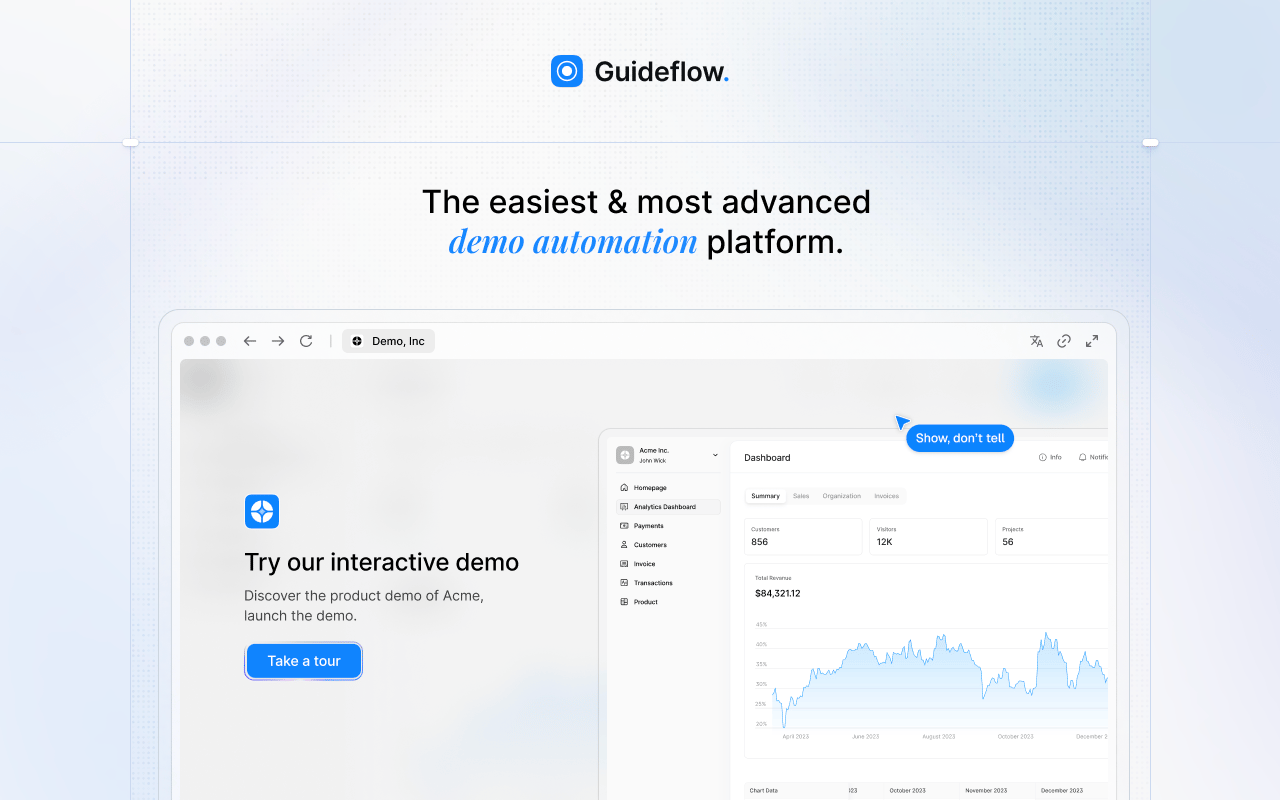
Guideflow is a demo automation platform that excels when PMMs and enablement teams need interactive step-by-step guides rather than passive recordings. Record your software once through the Chrome extension or the native app, and the resulting interactive demo becomes a clickable experience that users navigate at their own pace. For internal training, SOPs, and product education, this fundamentally changes how learners engage with the material.
Best for: PMMs and enablement teams building interactive step-by-step guides for internal training, employee onboarding, SOPs, and product education.
What it is: Guideflow is a demo automation platform supporting six formats: Interactive demos, demo pages, demo centers, sandboxes, live demos, and mobile demos. For internal audiences, interactive demos serve as software-specific guides that can embed in help articles, launch emails, Confluence pages, or sales leave-behinds. Step content and CTAs are generated automatically after capture.
Key features:
- Chrome extension or native app capture across screenshot, HTML, and video modes
- Editor supporting text, images, graphs, and branching
- Translation into more than 30 languages
- Analytics covering step-level completion, drop-off, and viewer flow
- Personalization tools for adjusting content per viewer
- Demo Center for organizing multiple guides by audience or use case
- Integrations with HubSpot, Salesforce, Pipedrive, Zoho, and Marketo
Where Guideflow falls short: Look elsewhere if your primary need is a full LMS with quizzes, certificate paths, HR policy attestation, or compliance sign-off workflows. Trainual, Whale, or Synthesia serve those jobs. Look elsewhere too if you only need one-off narrated screen recordings with face-camera updates; Loom handles that job. Guideflow performs best when the team is ready to build a structured library of interactive guides that people explore rather than watch.
Pricing: Free plan available. Solo is $35/user/month (annual). Growth is $499/month (annual). Advanced is $1,499/month (annual). Enterprise starts from $2,999/month and adds SSO, advanced governance, and enterprise security.
G2: 5.0
How it compares to Guidde: Guidde produces a rendered video with AI voiceover. Guideflow produces an interactive demo that users click through. The choice comes down to whether the goal is narration or exploration.
Start your journey with Guideflow today!
2. Loom (async video)
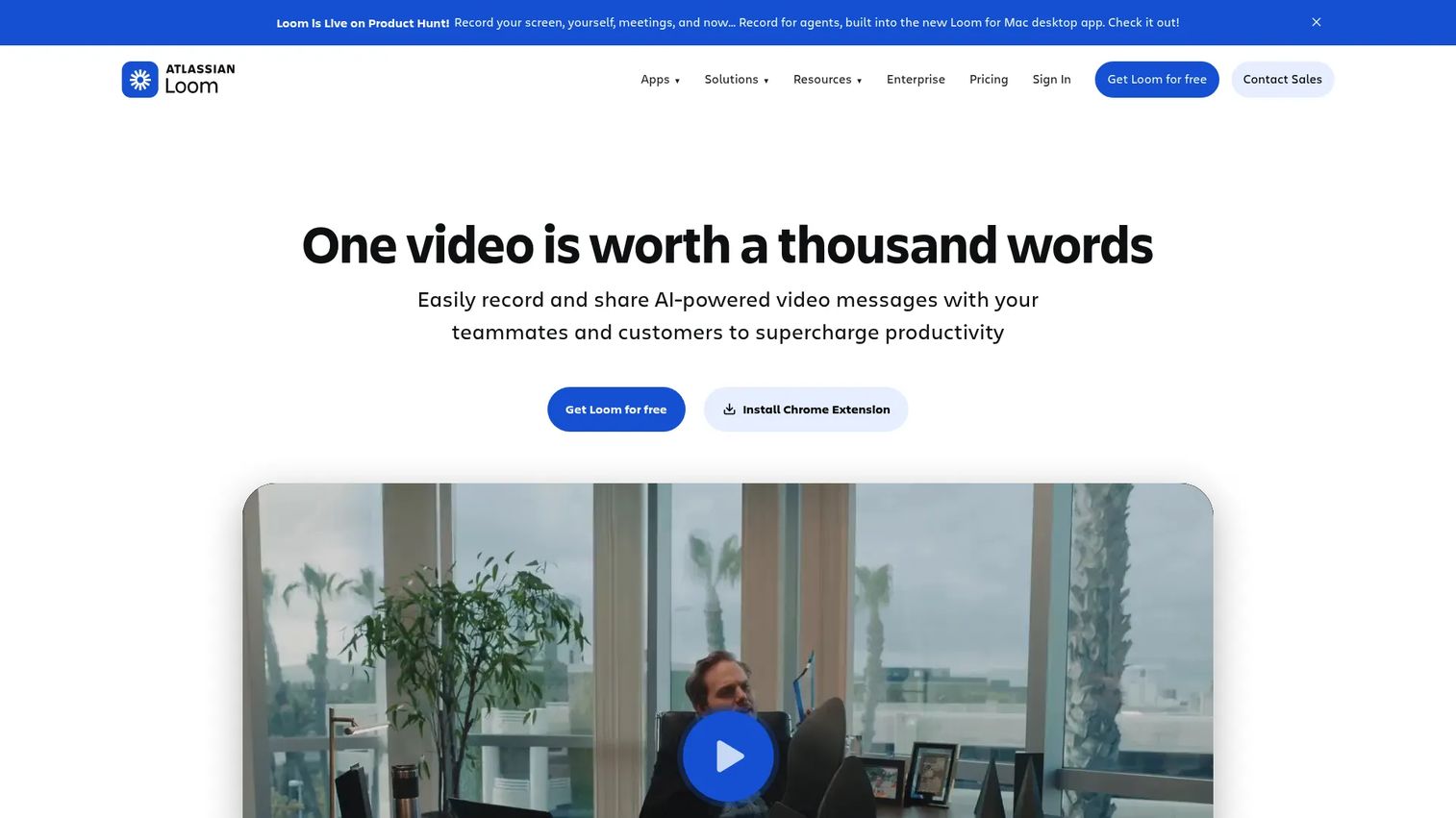
Loom is the clearest like-for-like video swap for Guidde. Where Guidde focuses on how-to documentation, Loom is built for the full range of async video communication: Quick updates, design feedback, bug reports, and personal screen recordings with face-camera.
Best for: PMMs, sales reps, and CS teams that need quick async screen recordings with voice or face-camera context.
What it is: Loom is an async video messaging tool, now part of Atlassian. Record your screen, camera, or both and share via an instant link. AI generates titles, summaries, chapters, and can remove filler words on Business plans. G2 rates it 4.7/5.
Key features:
- Screen and camera recording with instant link sharing
- Auto-generated transcripts
- AI-generated summaries and chapter markers (Business plans)
- Viewer engagement analytics
- Integrations with Slack, Jira, Confluence, GitHub, Gmail, and Salesforce
Where Loom falls short: Loom produces a passive recording. G2 reviewers note it offers no structured training, assignment tracking, or interactive navigation. Governance for large shared video libraries is a recurring concern. When a UI changes, the recording must be re-made.
Pricing: Starter is free. Business is $18/user/month. Business + AI is $24/user/month. Enterprise is contact-based.
G2 rating: 4.7/5
How it compares to Guidde: Both are video tools, but Loom skews toward async communication and personal presence. Guidde is more purpose-built for how-to documentation with AI voiceover. Neither creates interactive guides.
3. Trainual (training platform)
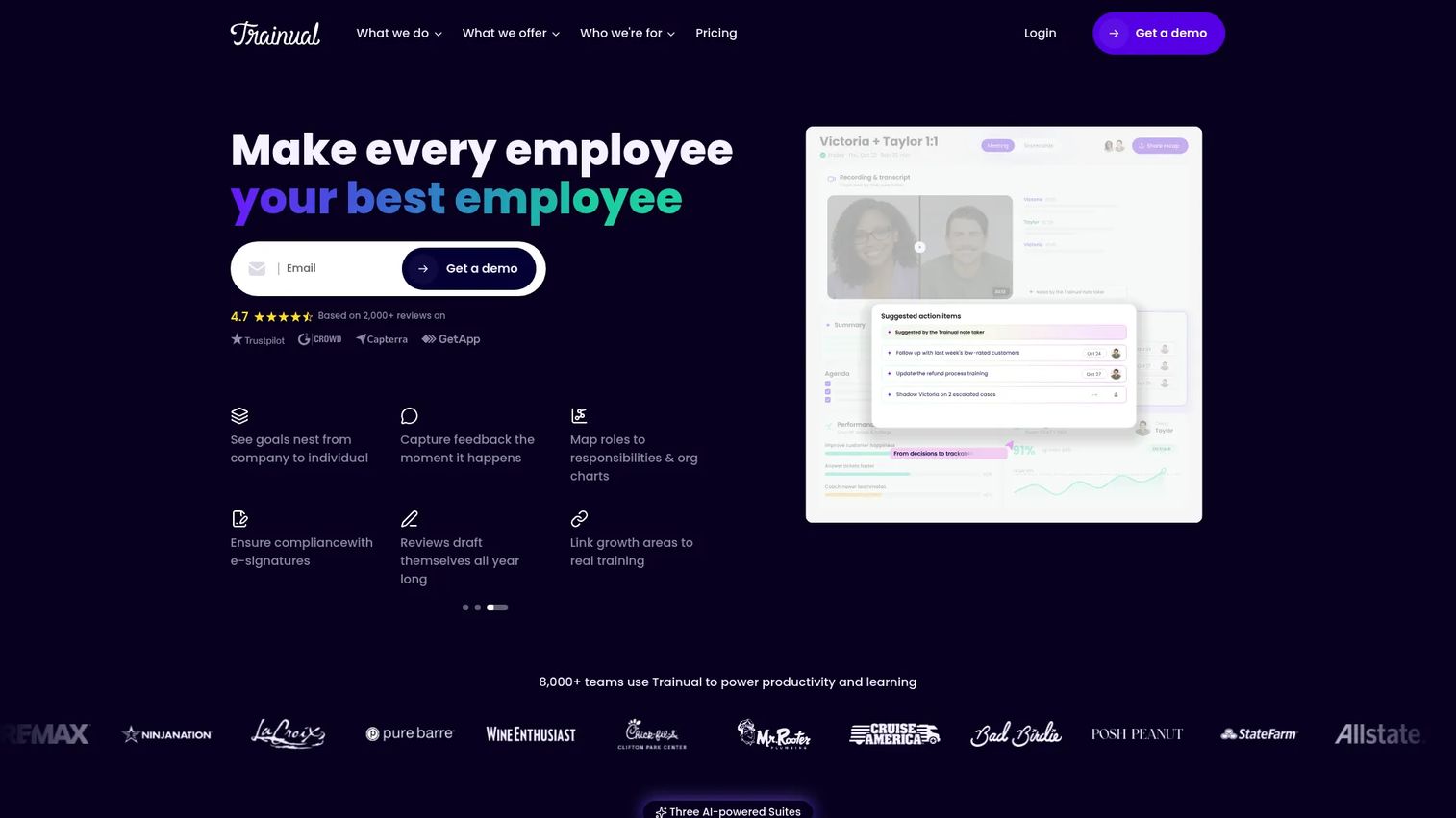
Trainual is the strongest option when the job requires structured training accountability, not just documentation publishing. If your team needs to assign onboarding paths, track completion, and test knowledge, Trainual is built for exactly that.
Best for: Growing businesses that need centralized employee onboarding, role-based training paths, and completion tracking.
What it is: Trainual is a training, operations, and performance platform. It covers SOPs, documentation, onboarding sequences, testing, role-based assignments, and performance reviews in one system. G2 rates it 4.7/5. A one-time $1,000 implementation fee applies.
Key features:
- AI-powered knowledge search and Q&A
- Onboarding and role-based training paths
- Tests, e-signatures, and completion tracking
- Goals, KPIs, decisions, and performance reviews
- Customizable SOPs and documentation templates
Where Trainual falls short: G2 reviewers mention that the editor is less flexible than a standard word processor for custom formatting. Pricing is not publicly listed; teams need to contact sales to get a quote, which slows evaluation. The platform is built for internal HR and operations, not buyer-facing product education.
Pricing: Core, Pro, Premium, and Enterprise plans exist. A one-time $1,000 implementation fee applies. Contact Trainual for a quote.
G2 rating: 4.7/5
How it compares to Guidde: Guidde records and publishes video. Trainual runs a training system with accountability. Teams with structured onboarding requirements generally need Trainual alongside, not instead of, a recording tool.
4. Clueso (AI video documentation)
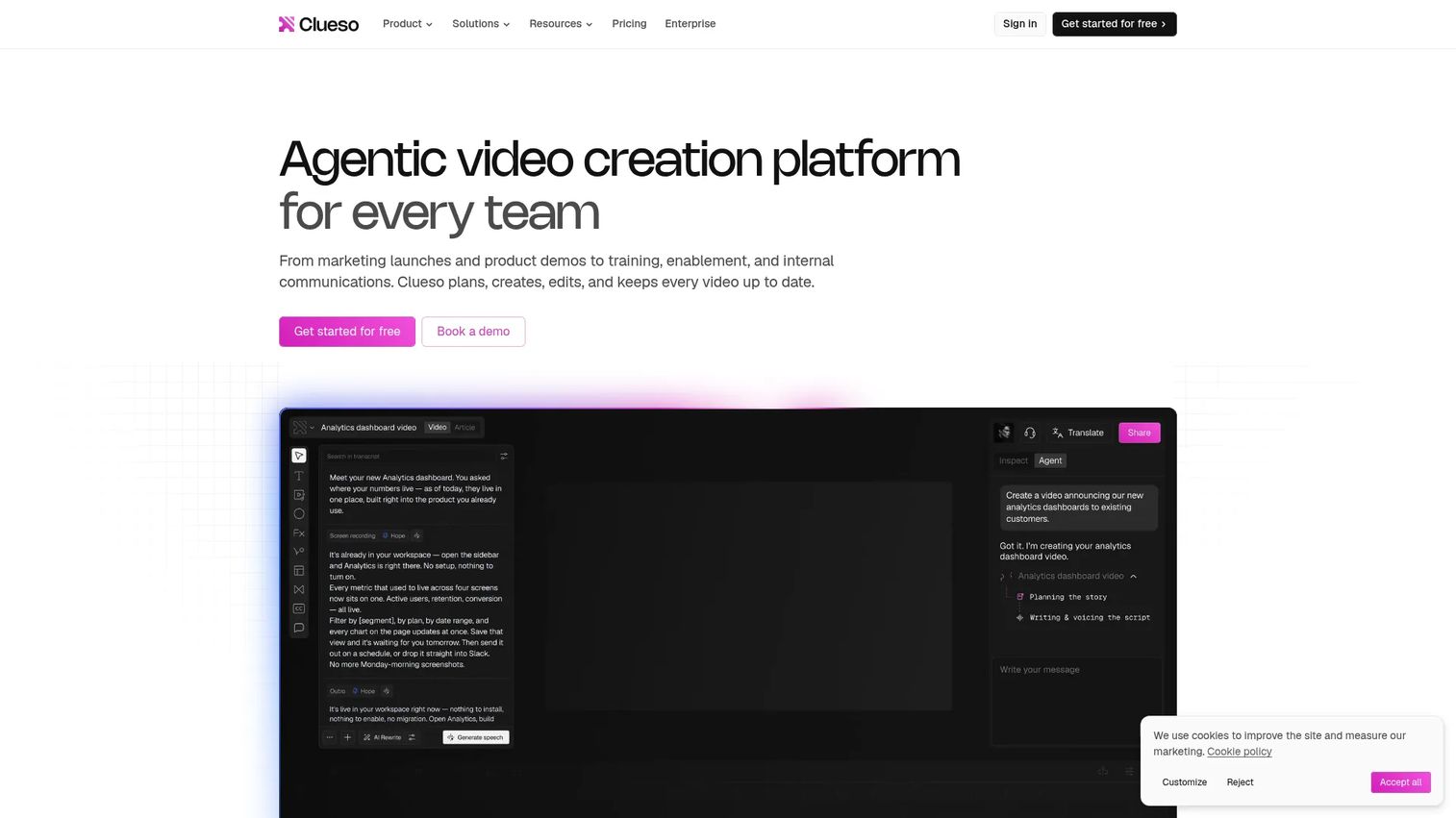
Clueso is worth evaluating when the team needs polished product education videos without a heavy production workflow. It generates video from prompts, recordings, slide decks, PDFs, and documents, which covers a wider set of inputs than Guidde.
Best for: Teams creating polished product demos, onboarding videos, and help-center content with AI assistance.
What it is: Clueso is an AI-powered video and documentation platform. It supports screen recording with AI voiceover, multi-track timeline editing, motion graphics, AI avatars, brand kits, and translation into 150+ languages. Enterprise includes SCORM export and quizzes.
Key features:
- AI video creation from prompts, recordings, PDFs, and slide decks
- Screen recording with AI voiceover, editing, and captions
- Video and guide translation into 150+ languages
- Multi-track timeline editing and motion graphics
- SCORM/xAPI export and quizzes on Enterprise
Where Clueso falls short: G2 coverage for Clueso is limited, so aggregated review themes are sparse. The free plan caps at 10 minutes of video exports per month, which is tight for teams building a documentation library. Advanced interactive features require Enterprise.
Pricing: Free plan at $0 (10 minutes of video exports/month). Solo is $40/month (annual). Business is $120/month (annual) for 2 users. Enterprise is custom.
G2: 4.7
How it compares to Guidde: Both handle AI-assisted video documentation. Clueso accepts broader input types and offers deeper editing. Guidde focuses on the browser-based recording-to-video workflow.
5. Confluence (knowledge base)
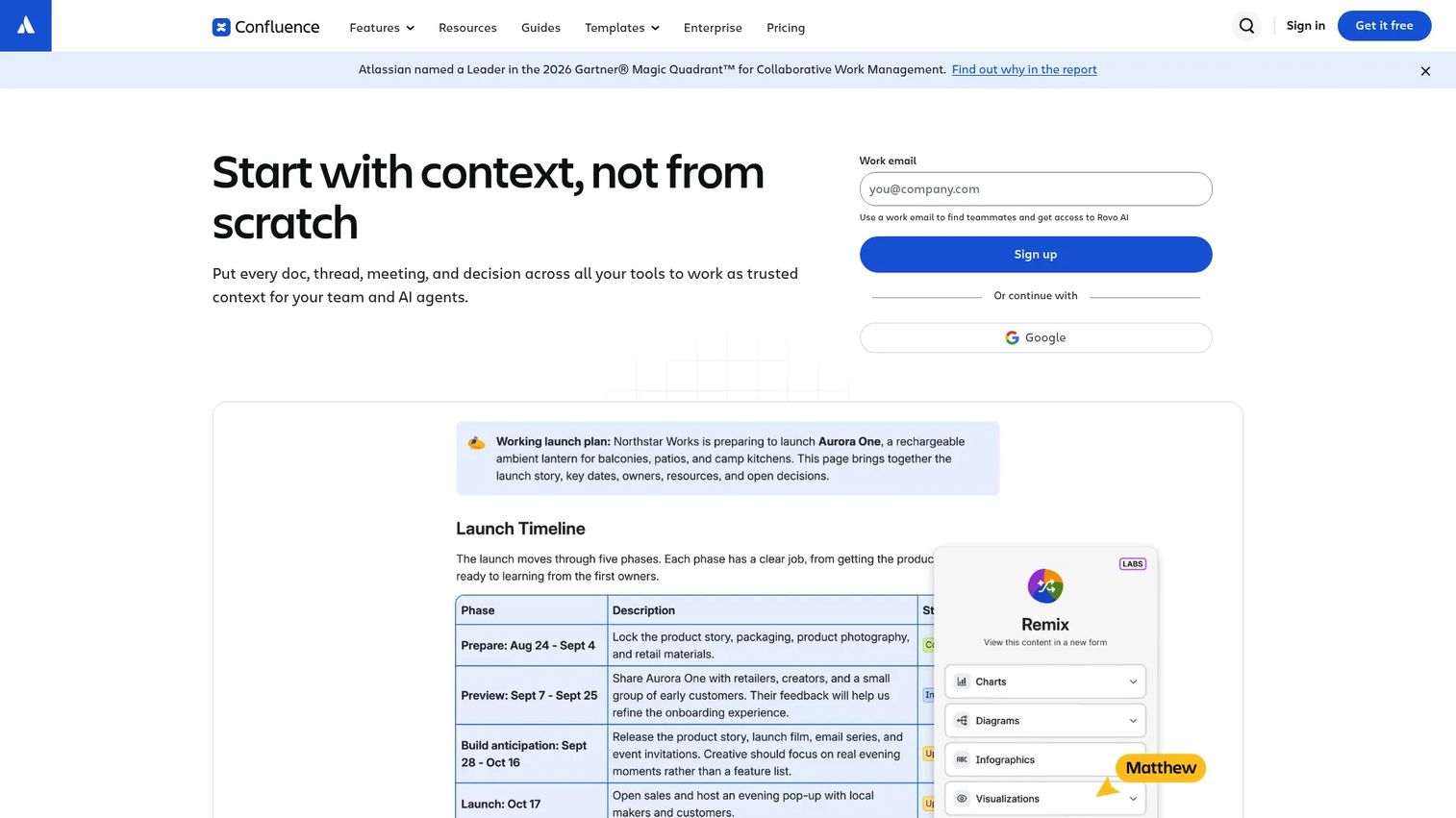
Confluence is not a video tool or a screen recorder. Its place in this list is as the most common internal destination for the written documentation that teams often need alongside any recording tool.
Best for: Teams and organizations that need centralized internal documentation, wiki spaces, launch notes, and cross-functional knowledge management.
What it is: Confluence is a collaborative workspace for pages, whiteboards, databases, and templates. PMMs use it for launch plans, positioning docs, messaging repositories, and internal enablement pages. G2 rates it 4.1/5. It is part of the Atlassian ecosystem.
Key features:
- Pages, spaces, and structured content organization
- Real-time editing, comments, mentions, and page versioning
- Whiteboards and databases
- Templates and macros
- Atlassian ecosystem integrations including Jira, Loom, and Rovo AI
Where Confluence falls short: G2 reviewers note that content sprawl and inconsistent governance are persistent pain points. Search quality degrades as page volume grows. Confluence requires manual documentation; it has no screen recording, no capture workflow, and no interactive demo output.
Pricing: Free for up to 10 users. Standard is $5.42/user/month. Premium is $10.44/user/month. Enterprise is contact-based (annual).
G2 rating: 4.1/5
How it compares to Guidde: Guidde records software. Confluence stores written documentation. Many PMMs use both: Guidde for video assets, Confluence as the source-of-truth repository.
6. CookieYes (consent management)
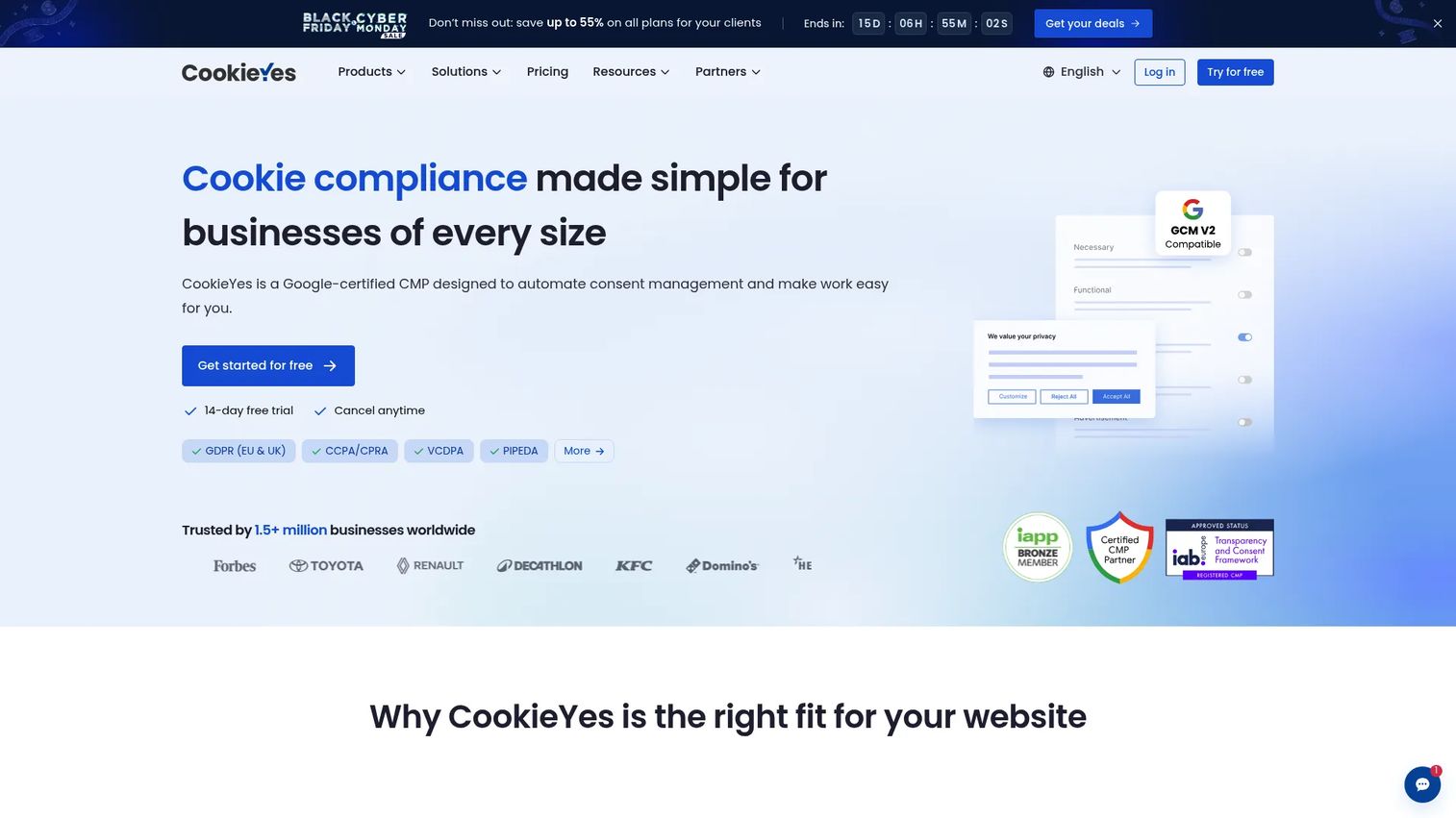
CookieYes is a narrow entry in this list. It appears in the Guidde alternatives landscape because documentation workflows sometimes include website compliance setup, and teams searching for documentation tools occasionally encounter it.
Best for: Small and mid-sized businesses managing cookie consent workflows, privacy banners, and compliance documentation for websites.
What it is: CookieYes is a consent management platform. It scans cookies, generates banners, logs consent, and supports Google Consent Mode v2 and IAB TCF v2.3. G2 rates it 4.8/5.
Key features:
- Automated cookie scanning and categorization
- Customizable, geo-targeted consent banners
- Automatic third-party script blocking
- Consent logs and proof-of-consent exports
- Cookie and privacy policy generators
Where CookieYes falls short: CookieYes is not a general documentation or training tool. Its pricing scales by pageview volume per domain, so costs for high-traffic sites grow quickly. G2 reviewers note that banner customization options are more limited than standalone web design tools.
Pricing: Free plan at $0 (5,000 pageviews/month). Basic is $10/month/domain. Pro is $25/month/domain. Ultimate is $55/month/domain.
G2 rating: 4.8/5
How it compares to Guidde: These tools serve entirely different purposes. CookieYes belongs here only for teams whose documentation need includes website compliance setup.
7. Claude (AI assistant)
Claude is a strong choice for PMMs who need to draft SOP text, restructure existing documentation, or transform a rough recording transcript into a publishable guide. It does not capture software or host training content.
Best for: Individuals and organizations needing an AI assistant for drafting, summarizing, rewriting, and structuring documentation content.
What it is: Claude is an AI assistant from Anthropic. It supports long-form drafting, summarization, file analysis, web search, code execution, and memory across conversations. Pro and Team plans add extended usage, Projects, Research, and organizational controls. G2 rates it 4.7/5.
Key features:
- Long-form drafting and document restructuring
- Summarization and source material analysis
- Web search and file input
- Memory and Projects for ongoing work
- Team workspaces with administration controls
Where Claude falls short: No native software capture. No built-in training assignments or completion tracking. No analytics on guide consumption. Everything Claude produces needs a separate publishing system before it reaches an audience.
Pricing: Free plan available. Pro is $17/month (annual) or $20/month (monthly). Max starts from $100/month. Team Standard is $20/seat/month (annual). Enterprise is $20/seat/month plus API usage (20-seat minimum).
G2 rating: 4.7/5
How it compares to Guidde: Guidde records and publishes video. Claude drafts and transforms text. They serve different production steps in a documentation workflow and work well together.
8. ChatGPT (AI assistant)
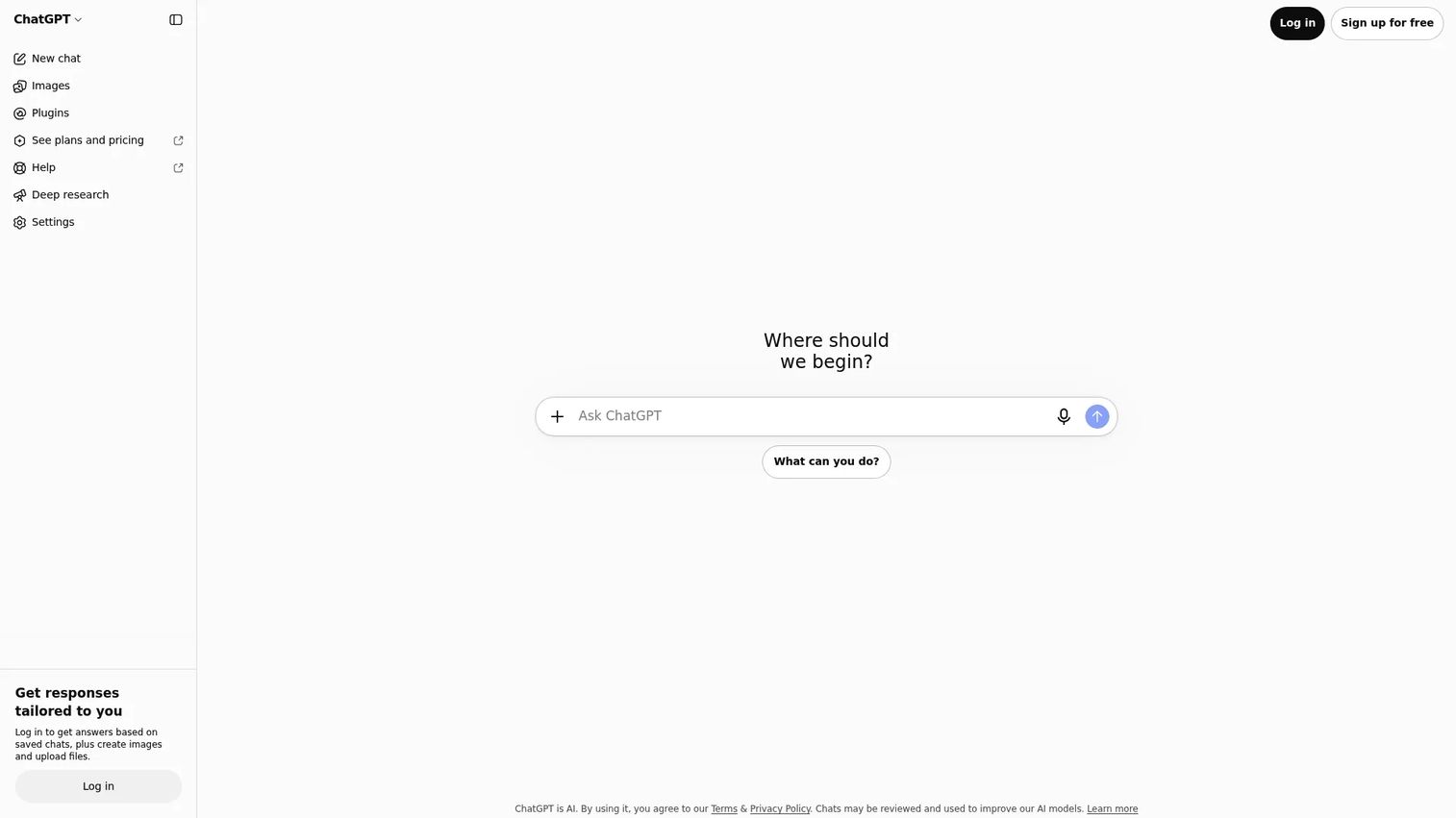
ChatGPT handles the same drafting and transformation jobs as Claude. The practical choice between the two depends on team familiarity, integrations, and whether the workflow leans on OpenAI's ecosystem.
Best for: Individuals and teams needing a general-purpose AI assistant for writing, research, SOP drafting, and transcript transformation.
What it is: ChatGPT is a conversational AI assistant from OpenAI. It supports web search, image input, file and audio uploads, data analysis, voice mode, and memory. Business and Enterprise plans add team administration and security controls. G2 rates it 4.6/5.
Key features:
- Draft generation and document transformation
- Web search and deep research
- Image input and generation
- File and audio uploads
- Data analysis
Where ChatGPT falls short: No built-in software recording workflow. No native SOP publishing with governance or access controls. No completion tracking for internal training. G2 reviewers note occasional accuracy issues requiring careful review before publishing.
Pricing: Free plan available. Plus is $20/month. Pro starts from $100/month.
G2 rating: 4.6/5
How it compares to Guidde: ChatGPT helps produce scripts and outlines. Guidde captures and renders those scripts as narrated video. They occupy different steps of the same workflow.
9. ngram (AI video)
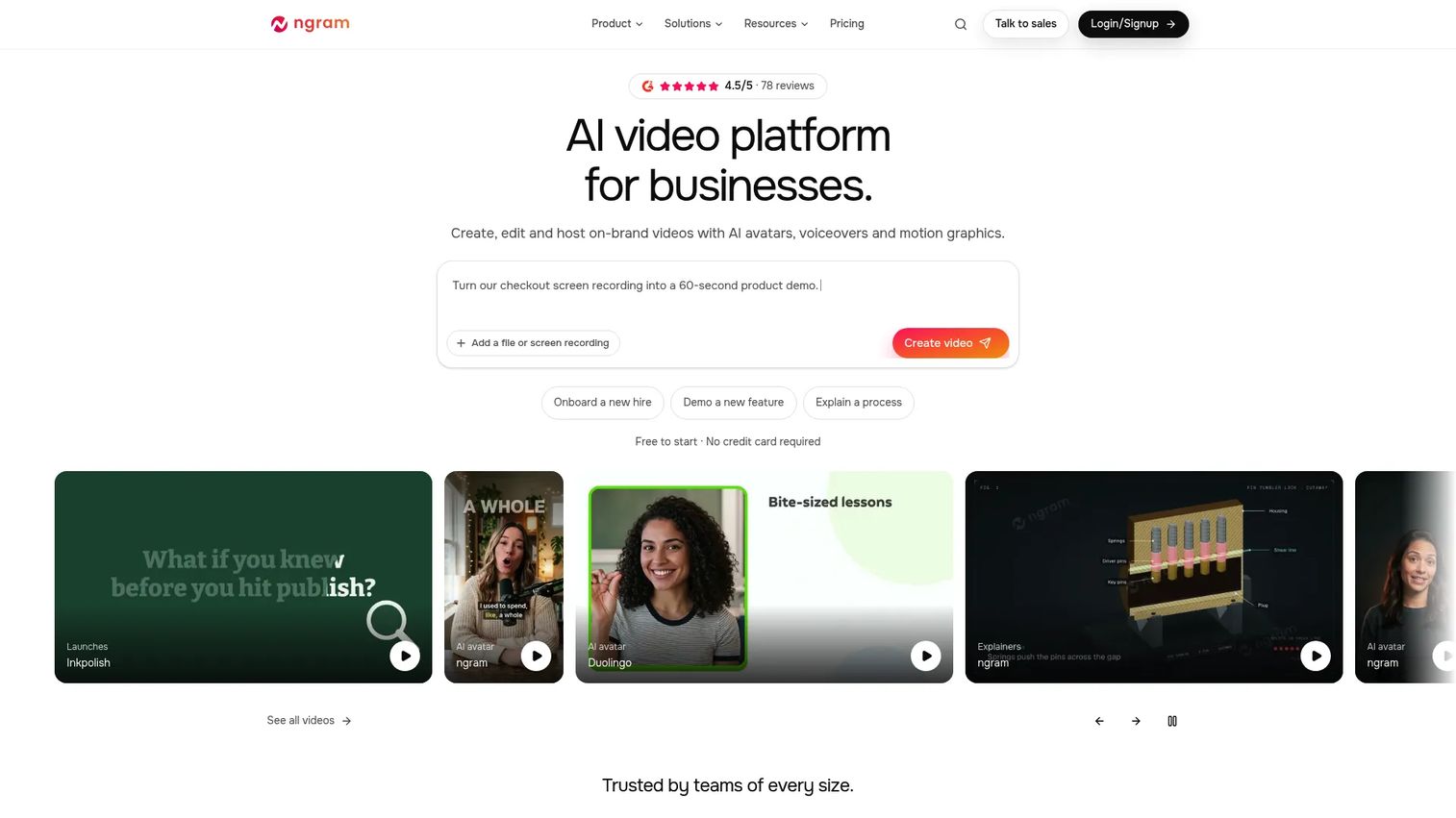
ngram generates on-brand business videos from prompts, PDFs, URLs, presentations, and recordings using AI avatars and voiceovers. It suits product and marketing teams that need recurring video output at scale.
Best for: Product, marketing, and sales teams producing recurring on-brand business videos from source material.
What it is: ngram is an AI video platform for creating, editing, and hosting branded videos with AI avatars, voiceovers, and motion graphics. It supports video translation with regenerated voiceover and lip sync. G2 rates it 4.5/5.
Key features:
- AI avatars, voiceovers, and motion graphics
- Script generation from prompts, PDFs, URLs, presentations, and recordings
- Video translation and localization with lip sync
- Video hosting
Where ngram falls short: G2 reviewers note inconsistency in avatar rendering across updates. The credit model on lower plans can run out before a full documentation library is complete. Desktop capture for software-specific how-to flows is not a primary feature.
Pricing: Free plan (1,000 credits/month). Basic is $29/month. Premium is $59/month. Ultimate is $299/month. Annual billing provides a 20% effective discount.
G2 rating: 4.5/5
How it compares to Guidde: Both generate AI-narrated video, but ngram starts from source documents and scripts while Guidde starts from recorded software workflows. ngram fits marketing video; Guidde fits step-by-step software documentation.
10. Zight (screen recording)
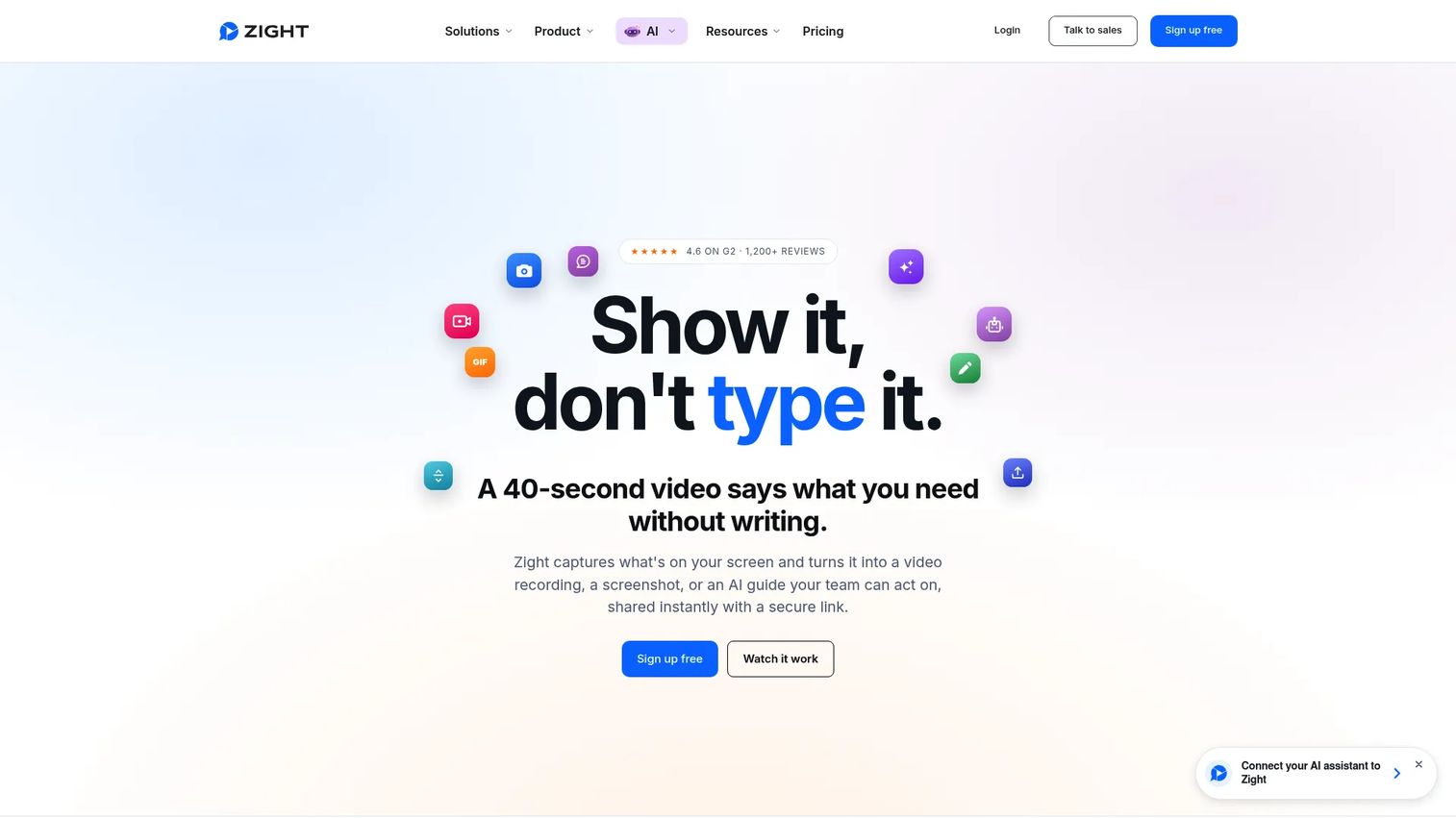
Zight is a strong swap for teams that use Guidde mainly for lightweight visual communication: Screenshots, short recordings, GIFs, and annotated feedback. It goes further than Guidde on visual capture but does not produce full AI-narrated documentation.
Best for: Teams that need fast visual communication, screen recording, screenshots, and AI-assisted step-by-step guides.
What it is: Zight is a visual communication platform covering screen recording, webcam recording, screenshots, GIFs, Video Requests, AI-generated step-by-step guides, and a Meeting Recorder. G2 rates it 4.6/5.
Key features:
- Screen recording with webcam, cursor, and audio
- Screenshots with annotation, blur, and redaction
- AI-generated step-by-step guides from recordings
- GIF creation
- Link sharing and viewer analytics
Where Zight falls short: Zight is not a structured training system. G2 reviewers mention that the team library governance is limited compared with dedicated training platforms. The step-by-step guides it generates are lightweight documentation rather than fully interactive demos.
Pricing: Share plan is free. Create is $9.95/user/month (annual). Collaborate is $12/user/month (annual). Scale is contact-based.
G2 rating: 4.6/5
How it compares to Guidde: Zight is a broader visual communication tool. Guidde focuses specifically on AI-narrated how-to video documentation. For teams that value annotated screenshots alongside recordings, Zight offers more in that direction.
11. Helpjuice (help center)
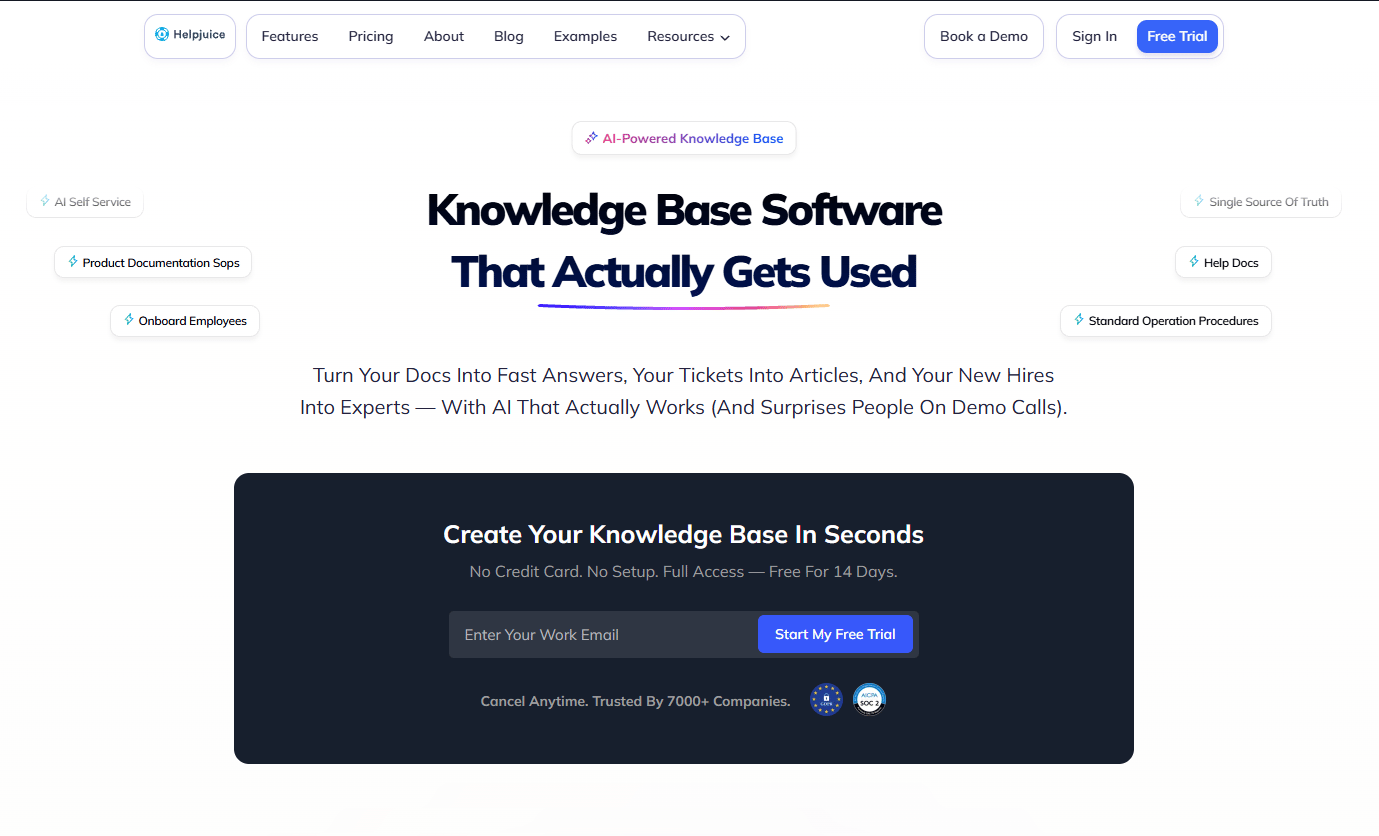
Helpjuice is for teams whose primary need is a searchable, branded knowledge base for customers. It does not replace a recording tool but handles the destination where help articles and product guides live.
Best for: Support, operations, and enablement teams that need a customizable, searchable customer-facing knowledge base.
What it is: Helpjuice is knowledge base software with an AI-powered search and chatbot, multilingual support, custom branding, version control, and deep analytics. G2 rates it 4.7/5. A 14-day free trial is available; there is no permanent free tier.
Key features:
- AI-powered search and chatbot
- Rich-text editing with collaboration and version control
- Multilingual support and AI-powered translation
- Custom branding and custom domains
- 100+ integrations and a Chrome extension
Where Helpjuice falls short: Helpjuice requires manual article creation. It has no screen recording and no interactive demo output. G2 reviewers flag the starting price at $249/month as a barrier for smaller teams, and note that the editor occasionally saves changes with a delay.
Pricing: Knowledge Base plan is $249/month (30 users). AI-Knowledge Base is $449/month (100 users). Unlimited AI-Knowledge Base is $799/month (unlimited users). No free tier; 14-day trial available.
G2 rating: 4.7/5
How it compares to Guidde: Guidde records software videos. Helpjuice hosts written documentation. Teams that need a customer-facing help center alongside their video library use both.
12. Screendragon (work management)
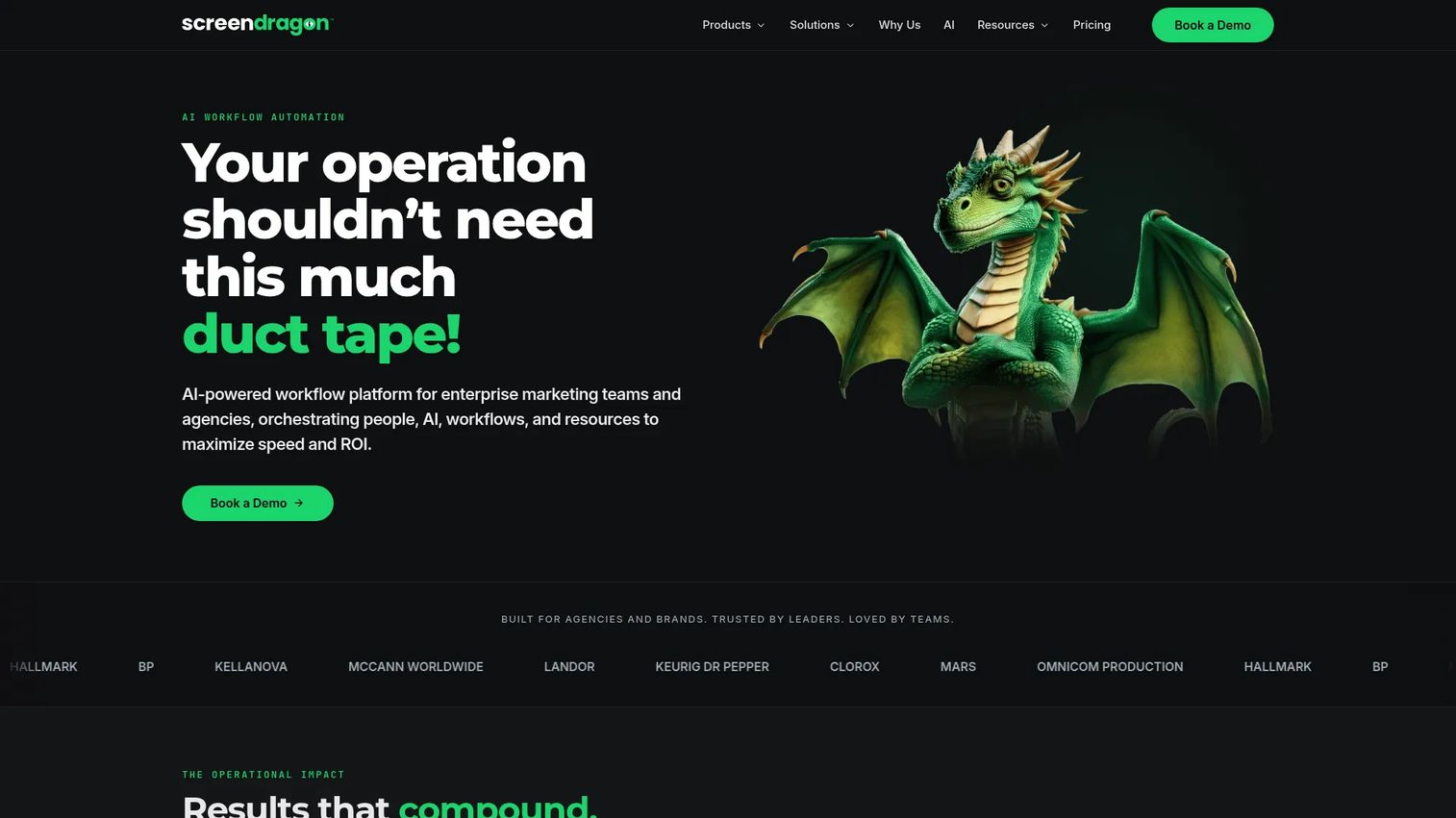
Screendragon appears in Guidde alternatives searches because operations and marketing teams often look for documentation and process tools together. Its actual job is work management and workflow automation, not documentation publishing.
Best for: Enterprise marketing teams and in-house agencies managing complex, high-volume workflows, approvals, and resource planning.
What it is: Screendragon is an AI-powered enterprise work management platform. It covers workflow automation, resource management, content operations, approvals, brand management, and AI agents. G2 rates it 4.7/5.
Key features:
- No-code workflow automation
- Resource management and scheduling
- Content operations and approvals
- Brand management
- AI agents embedded in workflows
Where Screendragon falls short: Screendragon is not a documentation tool and does not capture software. G2 reviewers note a longer implementation timeline compared with lighter process tools. Pricing requires a sales conversation; no public figures are listed.
Pricing: Contact Screendragon for pricing. Per-user, per-month plus a one-time setup and training fee.
G2 rating: 4.7/5
How it compares to Guidde: These tools serve different functions. Guidde documents software workflows. Screendragon manages the operational workflows around marketing work.
13. Camtasia (video editor)
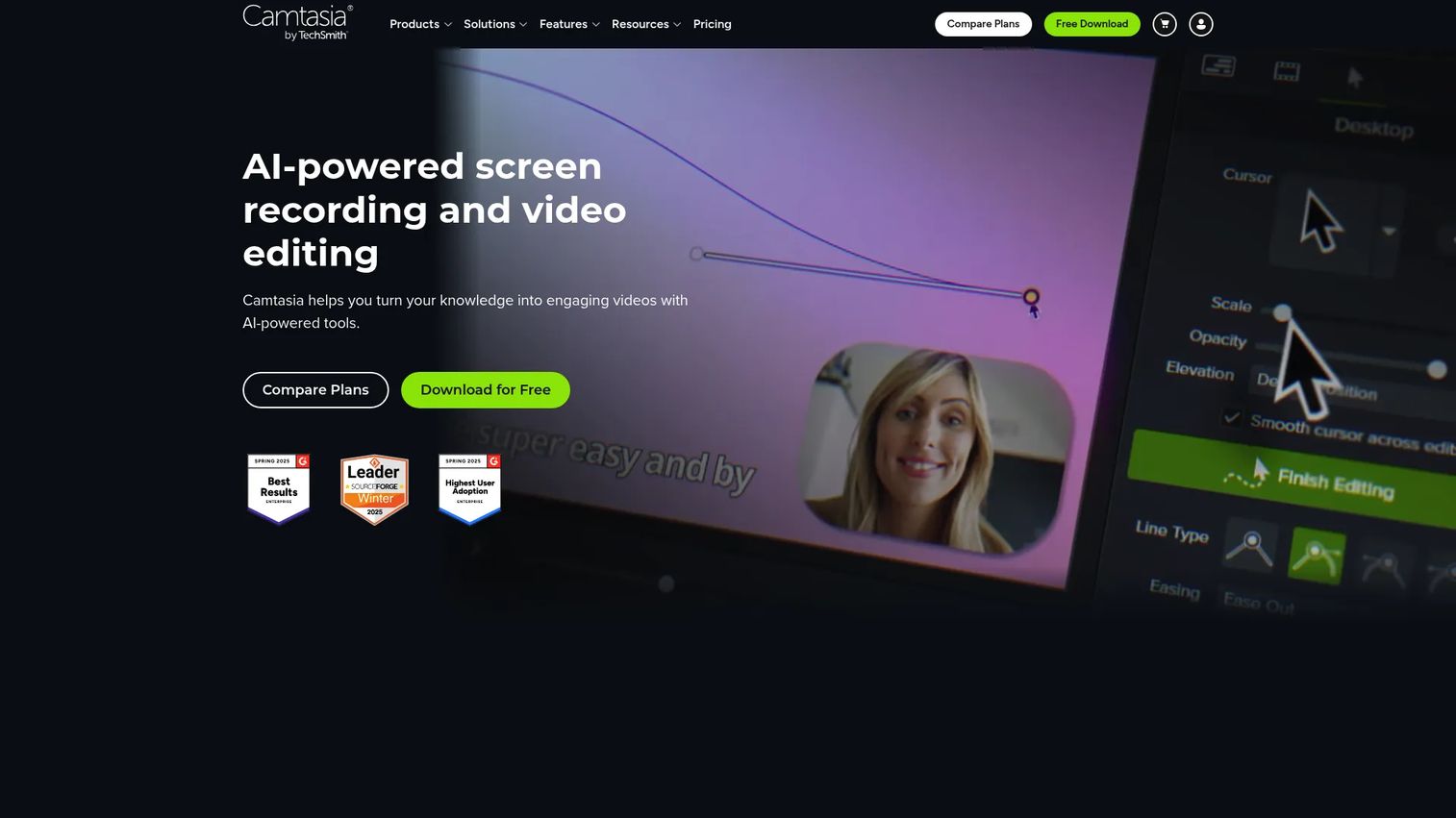
Camtasia is the go-to choice for teams that want polished, heavily edited tutorial videos with full timeline control. It trades speed for production quality compared with AI-assisted tools.
Best for: Teams and individuals creating high-quality screen-based training, tutorials, and customer-education videos.
What it is: Camtasia is a screen recording and video editing tool from TechSmith. It supports multi-track recording, text-based editing via transcription, annotations, cursor effects, themes, and templates. G2 rates it 4.6/5. A free version exists with watermarked exports.
Key features:
- Multi-track screen, camera, system-audio, and microphone recording
- Text-based video editing via transcription
- Annotations, cursor effects, themes, and templates
- Timeline editing and export controls
Where Camtasia falls short: Camtasia requires more editing work than AI documentation tools. Standard plan pricing is not publicly listed; teams must contact sales. G2 reviewers note the learning curve for complex multi-track projects. It produces passive video only, with no interactive guide output.
Pricing: A free version with watermarked exports is available. Student offer at $45/year. Standard plan prices for Starter, Essentials, Create, and Pro require contacting TechSmith.
G2 rating: 4.6/5
How it compares to Guidde: Camtasia offers more production control. Guidde offers AI-assisted narration and faster publishing from browser recordings. For teams that need broadcast-quality tutorial videos, Camtasia handles post-production that Guidde does not.
14. Snagit (screen capture)
Snagit is the most direct replacement for Guidde when the job is annotated screenshots and lightweight step-by-step visual documentation. It does not produce narrated video by default but its Step Recorder creates guide-style output from captures.
Best for: Professionals and teams creating software documentation, training materials, visual explanations, and step-by-step screenshots.
What it is: Snagit is a screen capture and recording tool from TechSmith. It offers scrolling capture, screenshot annotation, the Step Recorder for automatic step-by-step guides, Smart Redact, and GIF creation. G2 rates it 4.7/5. No permanent free tier; a trial is available.
Key features:
- Scrolling capture
- Step Recorder for automatic step-by-step guides
- Annotations, Smart Redact, and text recognition
- GIF creation and video trimming
- Library search, filtering, and tagging
Where Snagit falls short: Snagit is not a training system and has no completion tracking. G2 reviewers note that video features are lightweight compared with dedicated recording tools. Manual maintenance is required when software UI changes.
Pricing: Snagit Individual is $39/user/year. Business is $48/user/year.
G2 rating: 4.7/5
How it compares to Guidde: Snagit produces screenshots and annotated steps. Guidde produces AI-narrated how-to videos. For teams whose documentation needs run to static screenshots and PDF exports, Snagit fits at a lower annual cost.
15. Descript (video editing)
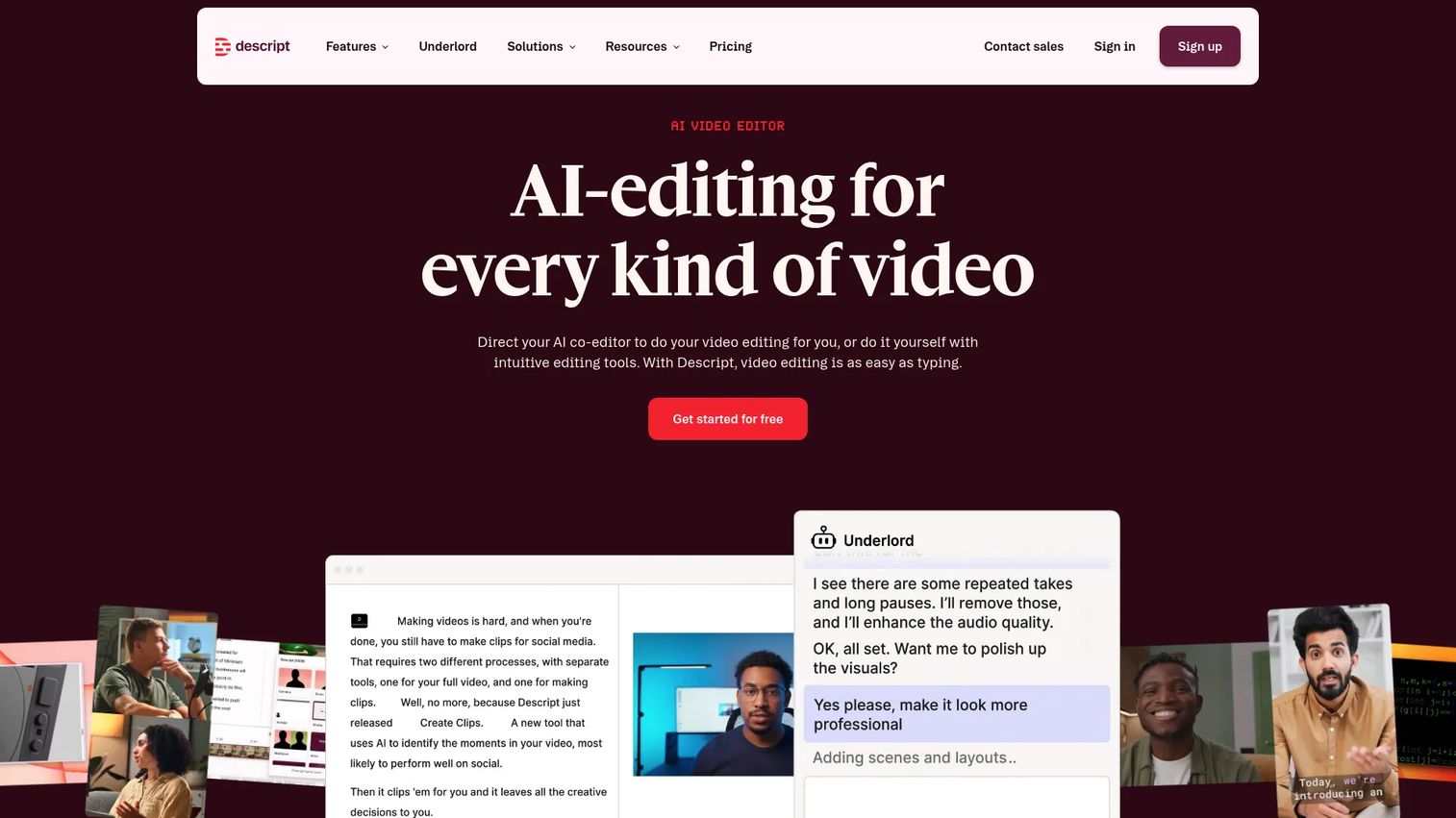
Descript is the right choice when the team already has recorded content and needs to edit, repurpose, or polish it at speed. Its transcript-based editing model makes video revision feel like word processing.
Best for: Creators and teams producing video or podcasts who want text-based editing, transcription, and AI-assisted repurposing.
What it is: Descript is an AI video and audio editor. Users edit video by editing its transcript; cuts made in text cut the video accordingly. AI tools handle studio-quality audio cleanup, captions, translation, dubbing, and clipping. G2 rates it 4.6/5.
Key features:
- Text-based video and audio editing
- Automatic transcription
- AI audio enhancement with Studio Sound
- Captions, subtitles, and translation
- Screen and remote recording
- Video clipping and repurposing
Where Descript falls short: Descript is an editing tool, not a documentation system. G2 reviewers note that it requires source recordings and that publishing or training analytics require additional tools. No interactive guide output exists.
Pricing: Free plan available. Hobbyist is $16/person/month (monthly) or $24/person/month (annual). Creator is $24/person/month (monthly) or $35/person/month (annual). Business is $50/person/month (monthly) or $65/person/month (annual). Enterprise is custom.
G2 rating: 4.6/5
How it compares to Guidde: Guidde records and publishes documentation video. Descript edits and repurposes existing recordings. Teams often use them at different production stages.
16. Synthesia (AI video)
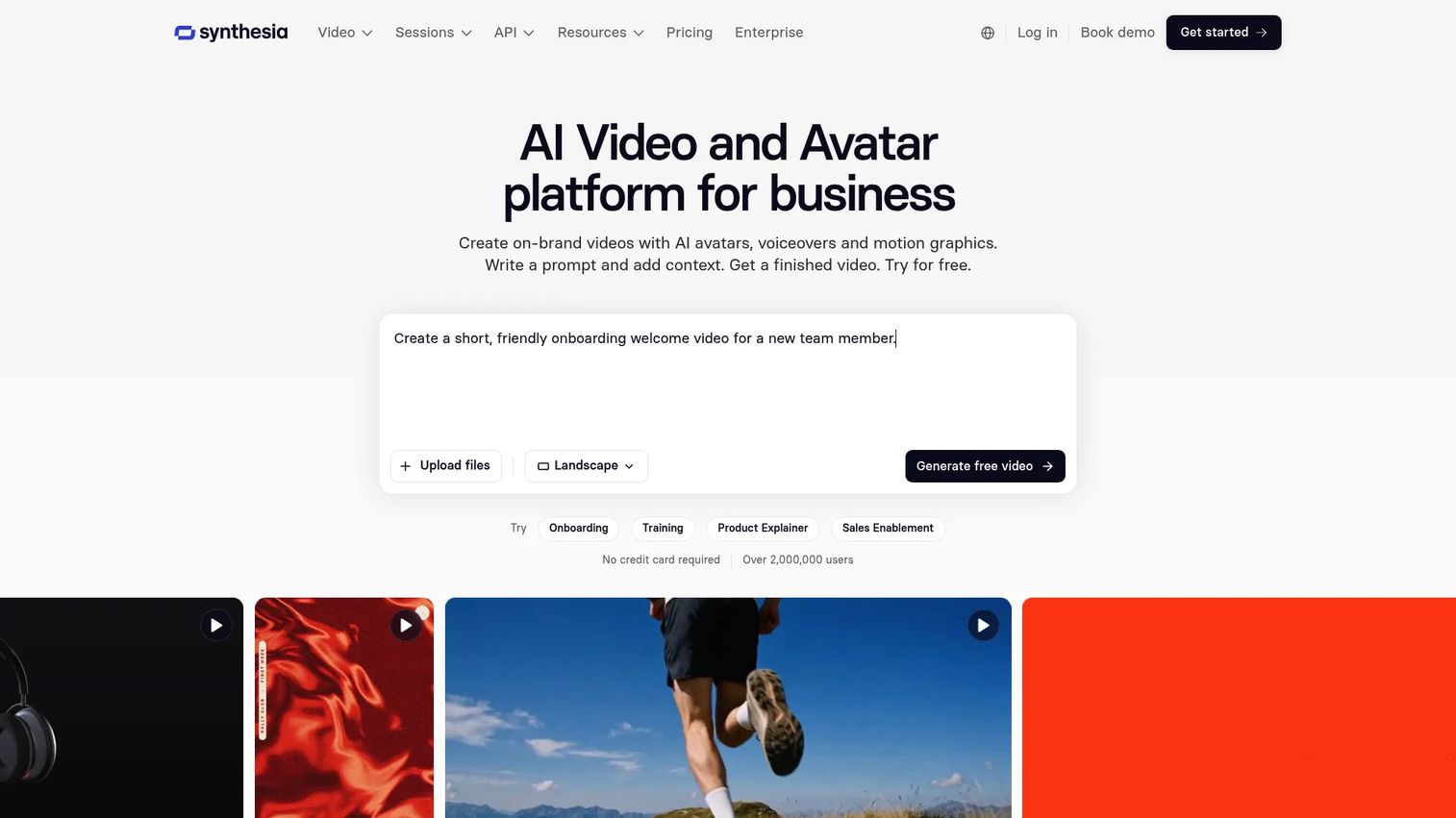
Synthesia is the strongest pick for teams creating avatar-led training videos at scale, especially when localization across multiple languages is a requirement.
Best for: Businesses creating scalable training, communications, and instructional videos with AI presenters.
What it is: Synthesia is an AI video platform. Users write a script and an AI avatar delivers it on camera, removing the need for recording equipment, studio space, or on-camera presenters. It supports one-click translation, role-play sessions, screen recording, brand kits, and SCORM export on Enterprise. G2 rates it 4.6/5.
Key features:
- AI avatars and voice cloning
- AI voices and one-click translation
- Interactive videos and role-play sessions
- Screen recording
- Templates, brand kits, and SCORM export (Enterprise)
Where Synthesia falls short: G2 reviewers note that video minute credits limit output on lower plans, and that some avatars can appear less natural in longer videos. Synthesia is not built for software step capture; it works from scripts, not from recorded workflows.
Pricing: Basic is free (500 credits/month). Starter is $29/month. Pro is $89/month. Enterprise is custom with unlimited video minutes and SSO.
G2 rating: 4.6/5
How it compares to Guidde: Guidde records software workflows and adds AI narration. Synthesia generates presenter-led video from scripts. For compliance training and localization-heavy content, Synthesia is the stronger fit.
17. Whale (process documentation)
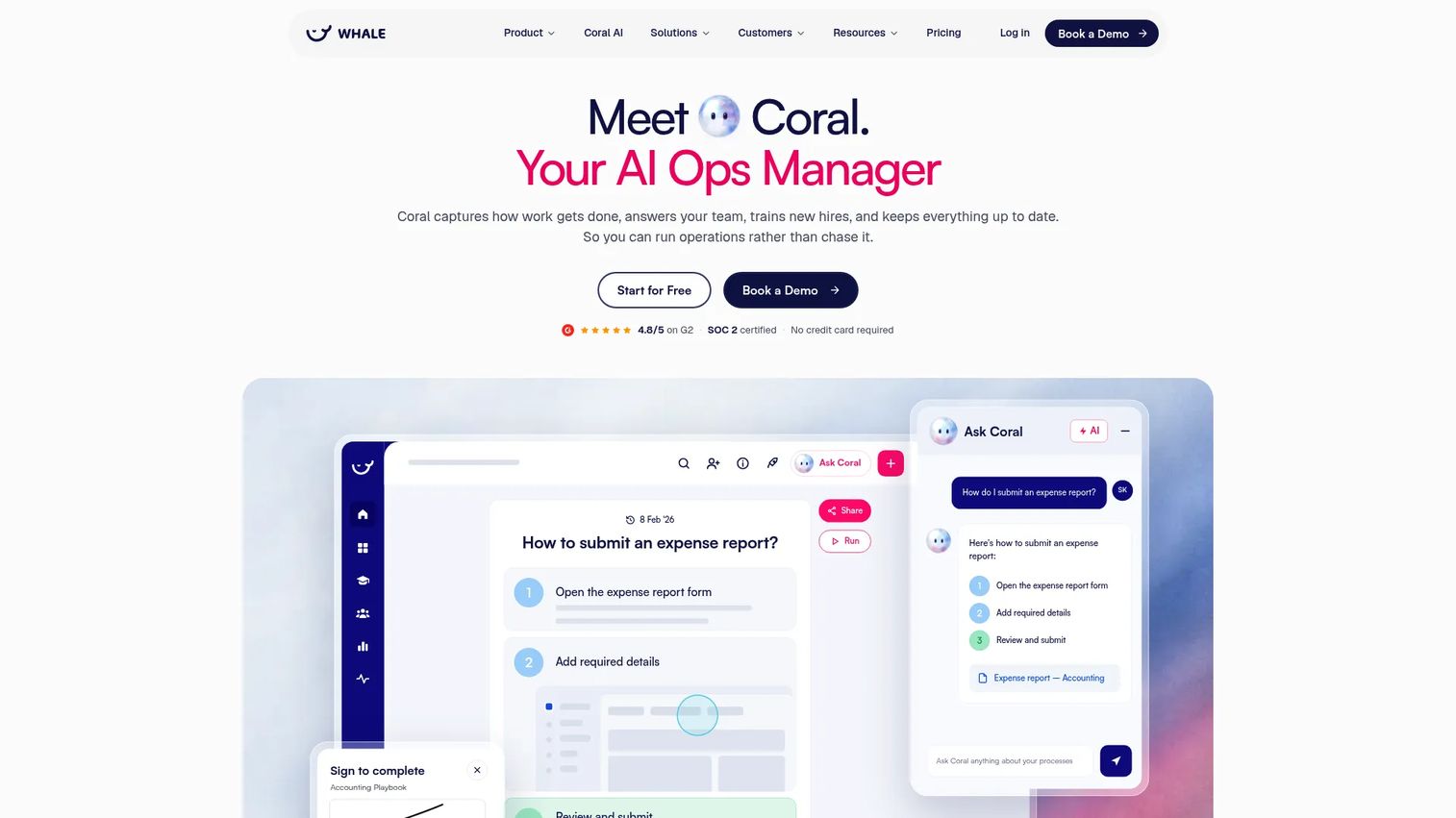
Whale combines SOP management with employee training in a way that neither Guidde nor a standalone knowledge base does. Its AI assistant, Coral, answers questions sourced from approved company knowledge.
Best for: Teams that need to centralize SOPs, standardize processes, onboard employees, and provide AI-assisted answers from approved knowledge.
What it is: Whale is an AI-powered SOP, process documentation, and training platform. It supports screen recording, video-to-SOP conversion, training flows, quizzes, completion tracking, e-signatures, and browser extension access. G2 rates it 4.8/5.
Key features:
- AI-powered SOP creation including screen recording and video-to-SOP conversion
- Coral AI assistant for sourced answers across SOPs
- Training flows, quizzes, completion tracking, and e-signatures
- Slack and Microsoft Teams integrations
- Compliance features including permissions, version history, and SSO
Where Whale falls short: G2 reviewers note that the editor has fewer rich-formatting options than standalone documentation tools. The free plan is limited to 1 creator and 10 members, so growing teams move to paid quickly at $299/month on the Scale plan.
Pricing: Free plan forever (1 creator, 10 members). Scale is $299/month (annual). Advance is $599/month (annual). Enterprise is custom.
G2 rating: 4.8/5
How it compares to Guidde: Guidde records and publishes video. Whale turns those recordings into SOPs, routes them to the right team members, and tracks whether they completed and acknowledged the content.
18. Glitter AI (AI documentation)
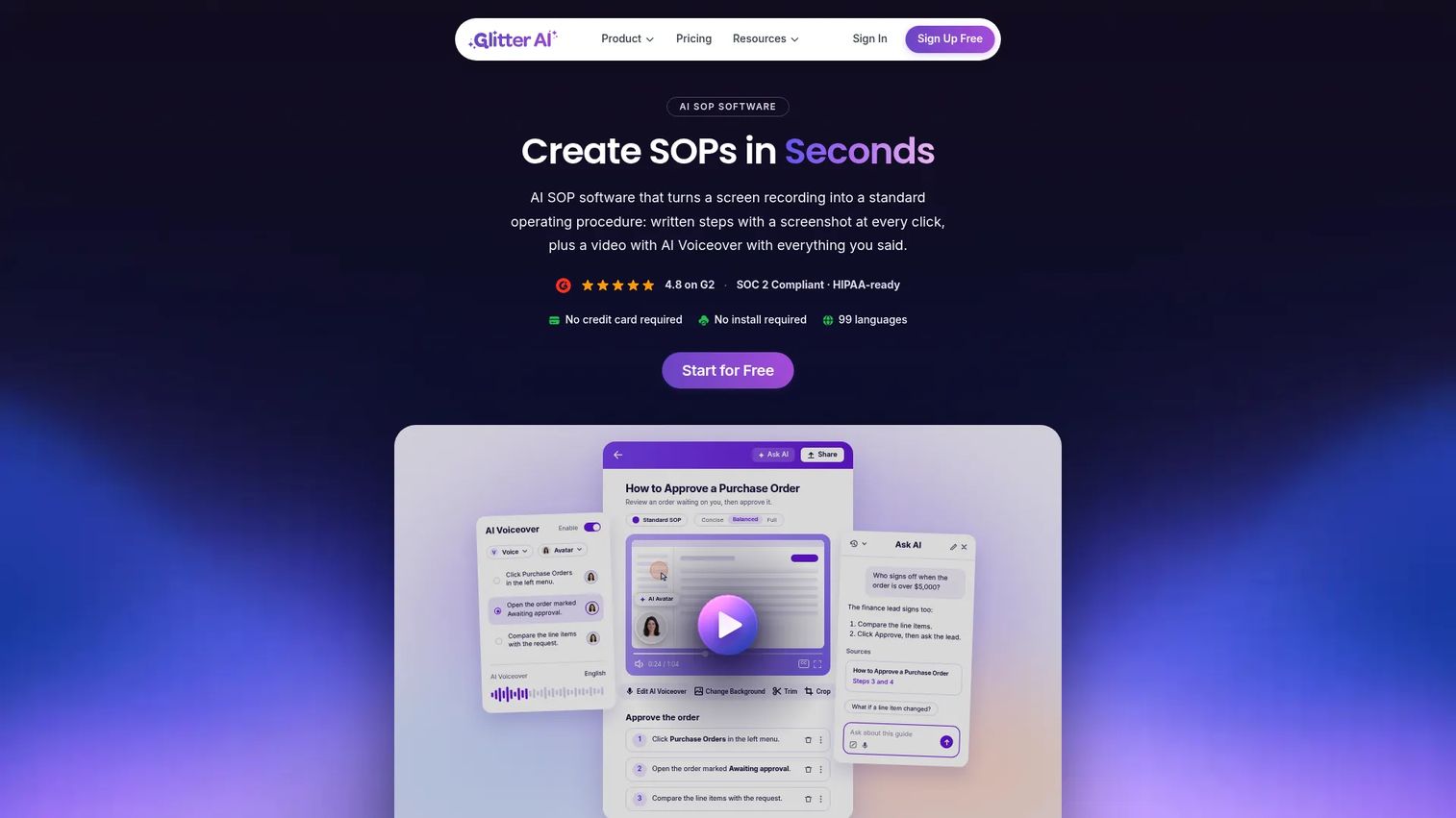
Glitter AI takes a recording and converts it into a written step-by-step guide rather than a video. For teams that want text-based SOPs from screen captures rather than narrated video, it handles the job.
Best for: Teams creating SOPs, process documentation, training materials, and internal how-to guides from screen recordings.
What it is: Glitter AI turns screen recordings, narration, and existing videos into searchable step-by-step guides. It transcribes speech in 99 languages, extracts screenshots automatically, and exports to PDF, HTML, Markdown, Word, PowerPoint, and SCORM. G2 displays a 4.8/5 rating on its product page.
Key features:
- Screen recording with automatic screenshots and written guides
- AI speech-to-text transcription in 99 languages
- Video-to-guide and video-to-SOP conversion
- Guide editing with blur, annotations, and transcript editing
- Exports to PDF, HTML, Markdown, Word, PowerPoint, and SCORM
Where Glitter AI falls short: Glitter AI produces written guides, not interactive demos. Advanced analytics and deep integrations with CRM tools are limited compared with platforms built for PMM workflows. The free plan caps at 10 guides.
Pricing: Free plan (10 guides). Pro is $16/seat/month (annual). Team is $12/seat/month (annual). Enterprise is custom.
G2 rating: 4.8/5
How it compares to Guidde: Guidde produces narrated video. Glitter AI produces written step-by-step documentation from the same recording workflow. For teams that want text output rather than video, Glitter AI is a focused alternative.
19. Folge (offline documentation)
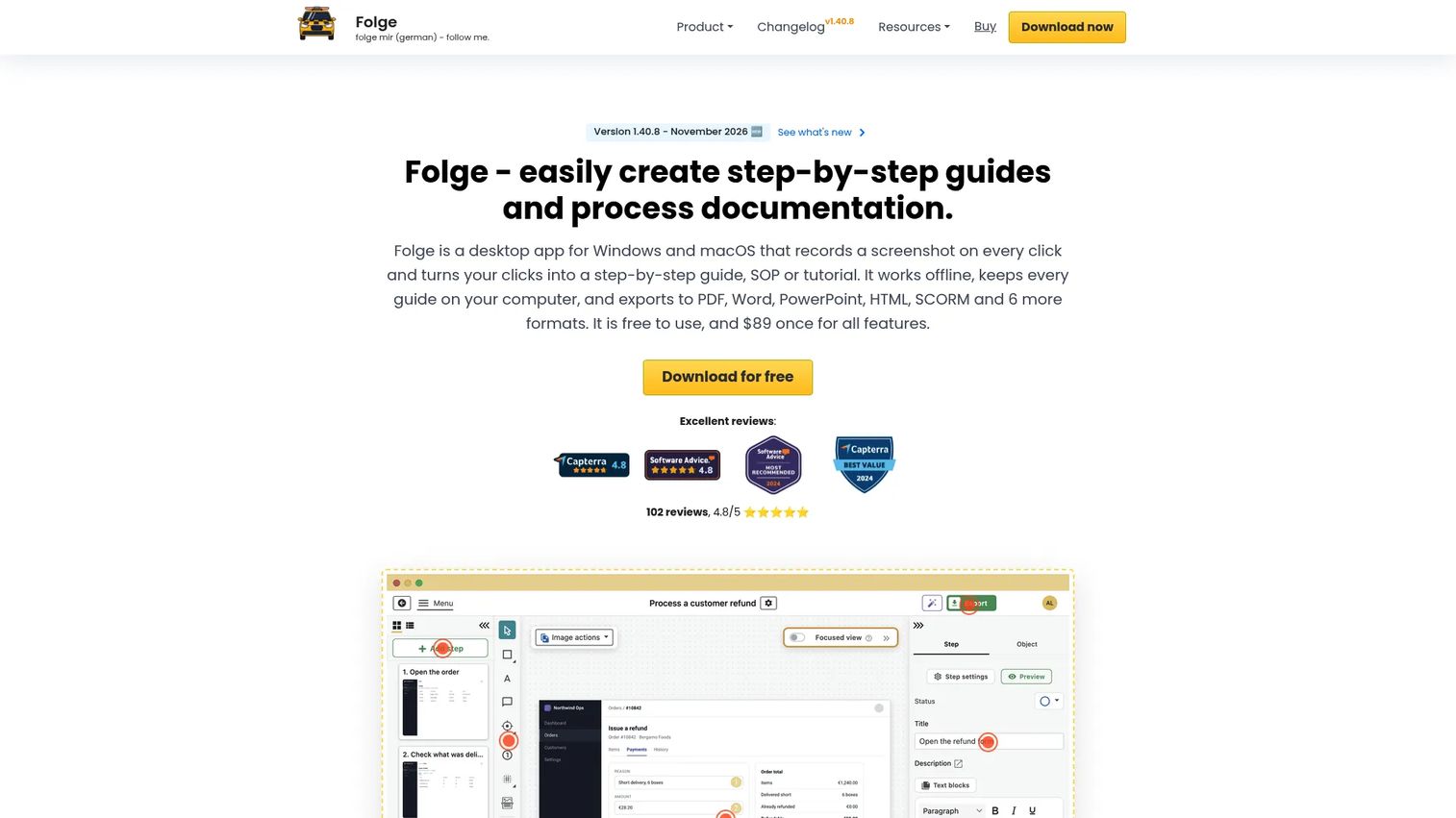
Folge suits teams that want offline, desktop-first documentation with a one-time license rather than a SaaS subscription. It captures steps, annotates screenshots, and exports to 11 formats without sending data to a cloud by default.
Best for: Teams and individuals creating private, reusable process documentation, SOPs, and software tutorials with offline operation.
What it is: Folge is a desktop documentation tool for Windows and macOS. It captures mouse clicks and keypresses as screenshots, annotates them with 20+ tools, and exports to PDF, Word, PowerPoint, HTML, SCORM, Markdown, GIF, and more. Folge Cloud is an optional add-on for online publishing and analytics. No G2 rating was confirmed; Capterra shows 4.8/5.
Key features:
- Automatic screenshot capture on clicks and keypresses
- 20+ annotation tools including blur, highlight, magnifier, and numbered badges
- Exports to 11 formats including SCORM and GIF
- Offline, local-first operation on Windows and macOS
- Optional Folge Cloud for publishing, analytics, and embedding
Where Folge falls short: No cloud collaboration by default. The core app requires a desktop install, which limits accessibility for distributed teams. Analytics require the Folge Cloud add-on. Manual maintenance is needed when software UI changes.
Pricing: Free desktop version available (limited features). Full app is $89 (one-time). Business license is $155/seat (one-time). Folge Cloud Free is $0. Folge Cloud Pro is $7/month.
G2: 4.7
How it compares to Guidde: Guidde is a cloud-based AI video tool. Folge is a local desktop documentation tool with a one-time purchase option. For teams that prefer ownership over subscription and do not need AI narration, Folge is a distinctive choice.
20. GuideMagic (AI guide creation)
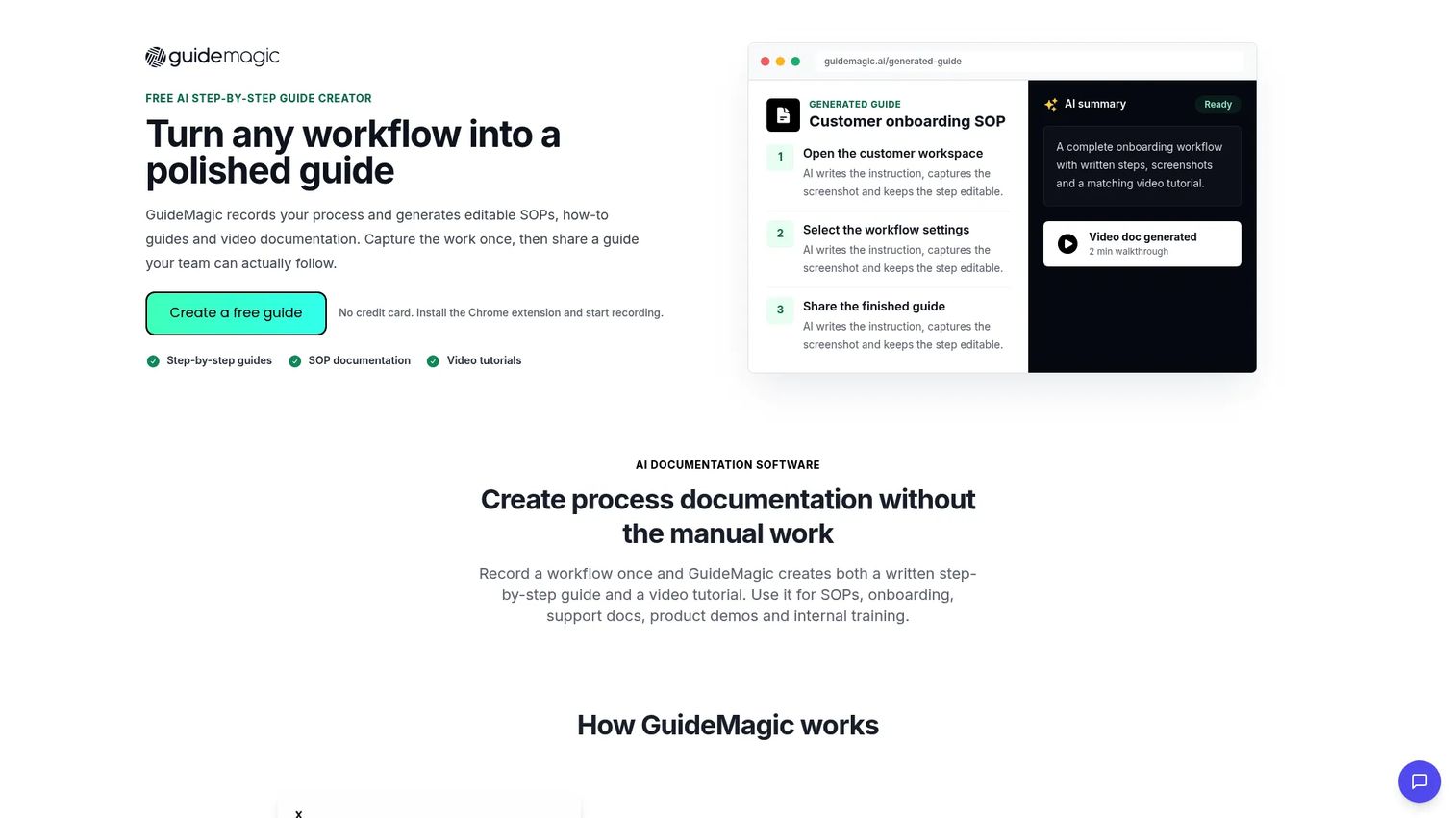
GuideMagic records workflows and generates editable step-by-step guides, screenshots, and video documentation from the same capture. It is currently free in beta, which makes it worth trialing before pricing is set.
Best for: Teams creating SOPs, onboarding documentation, support guides, and internal training materials from recorded workflows.
What it is: GuideMagic is an AI guide creation tool. It records workflows, generates AI step-by-step instructions, extracts screenshots, produces video documentation, and supports private link sharing and collections with AI search. G2 rates it 5.0/5 based on 1 review.
Key features:
- AI-generated step-by-step instructions from recorded workflows
- Automatic screenshot capture and video documentation
- Editable guides
- Private link sharing
- Collections with AI search and website embedding
Where GuideMagic falls short: G2 coverage is a single review, so aggregated feedback is limited. Beta status means pricing and features may change. No LMS-style training assignments or completion tracking are available currently.
Pricing: Free during beta.
G2 rating: 5.0/5
How it compares to Guidde: Both generate documentation from recorded workflows. GuideMagic produces written step-by-step guides and video from the same capture. Guidde focuses specifically on AI-narrated video. For teams that want both outputs without committing to a paid plan, GuideMagic's beta is worth testing.
Which Guidde alternative is best for interactive guides?
Guideflow is the best Guidde alternative for interactive step-by-step guides. Users click through the software story rather than watch a passive recording. For PMMs running internal training, employee onboarding, SOPs, and product education, the difference matters: Interactive demos let the learner follow the workflow at their own pace and explore decision points. Guidde explains. A Guideflow interactive demo lets users do. Many teams run both: Guidde for narrated async documentation and Guideflow for the training or enablement experiences where engagement and completion tracking matter.
Which tool records the most polished video?
Loom is the clearest video alternative for async communication, while Camtasia and Descript handle teams that need deeper editing. Loom suits quick face-camera updates, async status messages, and personal recordings with instant link sharing. Camtasia fits teams that need broadcast-quality tutorial production with full timeline editing. Descript is the right choice when the starting point is existing recordings that need transcript-based editing and repurposing. Synthesia covers avatar-led training videos at scale, particularly when localization is a requirement.
What is the best Guidde alternative for employee onboarding?
Trainual leads for structured onboarding with assignments and completion tracking. Whale is a strong alternative when the job also involves SOP management and AI-sourced answers from company knowledge. For software-specific onboarding where new hires need to click through product steps, Guideflow's interactive demos serve that use case. Confluence or Helpjuice cover the documentation destination where onboarding content lives after it is created.
What is the best free Guidde alternative?
Several tools in this list offer free plans, but the limits differ by category. Guideflow has a free plan. Loom's Starter plan is free. Descript has a free tier. Confluence is free for up to 10 users. Synthesia's Basic plan is free. Whale has a free plan for 1 creator and 10 members. GuideMagic is free during beta. When comparing free tiers, focus on creator seats, video or guide output limits, analytics access, and whether branding can be removed. The free plan that fits depends on the volume and type of documentation the team needs to publish.
What is the cheapest Guidde alternative overall?
Folge is the cheapest option for teams comfortable with a one-time purchase. The full desktop app costs $89 once, with no recurring fee. For teams that need recurring cloud-based tools, Zight Create starts at $9.95/user/month, Glitter AI Team starts at $12/seat/month, and Snagit runs at $39/user/year. AI assistants like Claude Pro and ChatGPT Plus cost $17 to $20/month but require a separate publishing system. Cheap entry prices do not cover governance, analytics, or completion tracking unless the plan includes those features.
Which Guidde alternative is best for SOPs and internal knowledge?
The right answer depends on whether the SOP is written, video-based, or interactive. For written SOP repositories, Confluence, Whale, and Helpjuice are the strongest fits. For process documentation with accountability, Trainual and Whale add assignment and completion tracking. For software SOPs that employees need to click through rather than read or watch, Guideflow creates interactive demos that map each step of the workflow. Folge and Glitter AI both generate written step-by-step documentation from screen captures, which works well for teams that want PDF or HTML exports.
When should you stay with Guidde?
Stay with Guidde when your team is producing narrated AI how-to videos and that output is working. The 4.8/5 G2 rating reflects a genuinely useful product for browser-based software documentation with AI voiceover. If the existing library serves its audience and the content stays current between releases, the switching cost rarely justifies a move.
Switch when the output format no longer fits the job: When learners need to click through software rather than watch it, when structured onboarding accountability is required, or when re-recording after every product change is consuming too much time.
Why teams switch from Guidde to Guideflow
Guidde builds a video someone watches. Guideflow builds an interactive demo someone navigates. For PMMs whose job is internal training, launch enablement, and product education, that distinction drives four real outcomes.
Learners engage with the material, not just receive it. An interactive step-by-step guide lets a Sales rep or new hire follow the actual software workflow rather than watching someone else do it. The difference shows in retention and in how often people come back to the guide.
Step-level analytics show where training breaks down. Guideflow's analytics surface step-level completion, drop-off, and viewer flow. PMMs can see exactly which step loses people, then fix the guide or the product story at that point. Guidde analytics cover video views; Guideflow analytics cover where learners stopped interacting.
Guides stay current without full re-records. The capture workflow captures text, images, graphs, and branching that can be edited after the fact. When a UI changes or messaging shifts after a launch, individual steps update without rebuilding the full asset.
A Demo Center organizes the library for the whole team. PMMs managing guides for Sales, CS, Product, and new hires can organize everything by audience or use case inside a Demo Center, so the right guide reaches the right person without Slack archaeology.
The limit to name: Guideflow is not an LMS. Teams that need quizzes, HR policy attestation, or certification paths need Trainual or Whale alongside it.
Start your journey with Guideflow today!
Conclusion
Guidde remains a solid AI video documentation tool for teams that need narrated how-to videos from software recordings, and its 4.8/5 G2 rating reflects that.
For everything beyond that job, the right alternative depends on the output format and what the team needs to maintain. Guideflow is the strongest choice for interactive step-by-step guides across internal training, employee onboarding, SOPs, and PMM-owned product education. Loom, Camtasia, Descript, and Synthesia serve video-first workflows at different production levels. Trainual and Whale handle structured training with accountability. Confluence and Helpjuice cover knowledge management for internal teams and customers respectively. Claude and ChatGPT accelerate documentation drafting but need a publishing layer around them.
The question every PMM should answer before choosing is not "which tool is better" but "what output format will the audience use, and how will we update it after the next release?"
Frequently asked questions: Guidde alternatives
Guideflow is the best overall Guidde alternative for teams that need interactive step-by-step guides for internal training, employee onboarding, SOPs, and product education. For teams whose primary need is a like-for-like video tool, Loom is the strongest pick for async communication. The best choice depends on whether the team needs passive video or an interactive experience users click through.
Several tools offer free plans. Guideflow has a free plan. Loom's Starter plan is free. Descript, Synthesia, Whale, Confluence, and GuideMagic (in beta) each have free tiers. Free plan limits differ by creator seats, output volume, analytics depth, and branding options, so compare each against the actual volume the team needs to publish.
Guideflow performs best when internal training centers on software steps that employees need to click through. Trainual is the stronger fit when the team needs structured cour