You open a session and immediately have six browser tabs running: A wiki, a crafting guide, a map, a hardware monitor, a streaming dashboard, and a Discord thread. The game hasn't launched yet.
That's the actual overhead of modern gaming. The global games market reached $201.6 billion in revenue in 2025, up 9.1% year over year (Newzoo, 2026), which means the ecosystem of support tools has scaled at the same pace. Databases have multiplied, companion apps have matured, and streaming toolchains have become serious infrastructure.
The challenge is that "gaming tools" means something different to every player. A survival game fan needs crafting calculators and interactive maps. A PC builder needs hardware diagnostics. A streamer needs capture software and a distribution platform. Someone running a Friday-night board game session needs a dice roller.
Picking the wrong tool for the job doesn't just waste time. It adds maintenance overhead you'll carry every session. This guide routes you to the right category first, then to the right tool within it.
What's inside
This guide covers 15 gaming tools evaluated for practical session value in 2026.
- Who it's for: PC gamers, survival and MMO players, streamers, and tabletop hosts
- How tools were chosen: Usefulness during or around active gameplay sessions
- Selection criteria:
- Low setup overhead for first use
- Breadth of supported games or session types
- Current availability and update cadence in 2026
- Practical value for planning, troubleshooting, recording, or running a session
G2 ratings are listed where verified. Consumer gaming tools often have no G2 listing, so app-store ratings and community signals are noted where relevant.
TL;DR
- Best for multi-game companion workflows: gaming.tools Companion handles live maps, overlays, and game-specific workspaces across five supported titles
- Best for game-specific databases: Dune Awakening Database, Valheim Database, Aion 2 Database, and Palia Database each cover one game in depth
- Best for PC hardware troubleshooting: CPU-Z for processor and memory identification, GPU-Z for graphics-card diagnostics
- Best for recording and streaming: OBS Studio for capture and production control, Twitch for live distribution
- Best for tabletop and party sessions: Game Tools Android app covers dice, timers, scoreboards, and tournament draws
- Best for security and privacy: Malwarebytes Anti-Malware for malware protection, NordVPN for network privacy with caveats on latency
What are gaming tools?
Gaming tools are software utilities, companion apps, databases, overlays, and session aids that help players plan, optimize, track, record, or manage gameplay outside the core game client.
The category is broad by nature. A crafting calculator for a survival MMO sits in the same keyword space as a VPN, a hardware monitor, and a dice roller. The unifying thread is that none of these are games themselves. They all support the gaming workflow.
Types of gaming tools
- Game databases: Searchable references for items, quests, crafting recipes, NPCs, creatures, and locations
- Interactive maps: Route planning, points of interest, resource tracking, and seed exploration
- Companion apps: Live overlays, game-specific workspaces, tracking tools, and account integration
- PC utilities: Hardware monitoring, security software, network tools, and game launchers
- Streaming tools: Recording software, broadcasting platforms, and scene management
- Tabletop utilities: Dice rollers, chess timers, scoreboards, counters, and tournament generators
Key features to look for
- Searchable, accurate game data with current patch support
- Interactive maps and location tools
- Overlay compatibility for Windows desktop
- Hardware visibility for CPU, GPU, and memory
- Recording controls with scene and audio management
- Low setup friction from install to first use
- Cross-device access where sessions extend to mobile
Category boundary
Gaming tools are distinct from mods and game clients. Mods change the game itself. Gaming tools help you manage, plan, monitor, or share the experience around it. A crafting calculator is a tool. A texture pack is a mod.
When to use gaming tools
Plan a build before you log in
Databases and crafting calculators earn their place before a session starts. If the in-game UI hides material costs, buries recipes across menus, or requires trial-and-error to plan an efficient leveling path, an external reference cuts that friction significantly. This is where game databases and trade-skill calculators do their clearest work.
Troubleshoot performance during play
CPU-Z, GPU-Z, and security tools answer specific diagnostic questions: What hardware is actually installed? Is the GPU running hot? Could a background process or malware be affecting frame rates? These tools don't require ongoing sessions. You run them when something is wrong, check the data, and move on.
Capture or share a session
Recording locally and broadcasting to an audience are related but distinct jobs. OBS Studio handles both, but streaming adds the layer of a live platform with chat, discoverability, and VOD storage. Knowing which job you're doing before choosing a tool saves setup time.
Run tabletop sessions without extra hardware
A mobile utility app replaces physical dice, paper scoresheets, and tournament brackets. The overhead is a single app install. For families, gaming groups, or one-off party sessions, that tradeoff makes clear sense.
Gaming tools comparison
This table covers all 15 tools. Because the category spans game databases, PC utilities, security software, and mobile apps, choose by job first. G2 covers business software more reliably than consumer gaming utilities, so several entries show N/A where no verified G2 listing exists.
| # | Product | Best for | Key differentiator | Pricing | G2 rating |
|---|---|---|---|---|---|
| 1 | gaming.tools Companion | Multi-game companion workspaces on Windows | Desktop companion with live maps and overlays for 5 supported games | Free with ads | N/A |
| 2 | Dune Awakening Database | Dune: Awakening resource and crafting planning | Game-specific items, recipes, quests, and interactive maps | Free | N/A |
| 3 | Valheim Database | Valheim crafting, exploration, and seed planning | Crafting calculator with raw-material breakdowns and seed map | Free | N/A |
| 4 | Aion 2 Database | AION 2 MMO item, quest, and progression tracking | Searchable database plus enchant simulator and crafting calculator | Free | N/A |
| 5 | Palia Database | Palia cozy MMO item and gift tracking | Fish and bug tracker, weekly gift tracker, housing database | Free | N/A |
| 6 | Palworld Companion App | Palworld live tracking and breeding planning | Breeding calculator with inheritance odds and live Pal tracking | Free with ads | N/A |
| 7 | New World crafting calculators | New World trade-skill leveling | Multi-profession crafting calculators and material planners | Free | N/A |
| 8 | NordVPN | Network privacy while gaming | Encrypted VPN with threat protection and multi-device coverage | From $3.49/month (2-year plan) | N/A |
| 9 | CPU-Z | PC hardware identification | Lightweight CPU, motherboard, and memory detail tool | Free | N/A |
| 10 | GPU-Z | GPU monitoring and identification | Graphics-card specs and real-time sensor readings | Free | N/A |
| 11 | Steam | Game library and PC gaming storefront | Storefront, launcher, Workshop, cloud saves, and community hub | Free account | N/A |
| 12 | OBS Studio | Recording and live streaming | Open-source capture and stream production with scene management | Free | N/A |
| 13 | Malwarebytes Anti-Malware | Malware protection for gaming PCs | Real-time malware, ransomware, and browser protection | From $59.99/year | 4.5/5 |
| 14 | Game Tools Android app | Tabletop and party-game sessions | Dice, counters, chess timer, scoreboard, and tournament tools | Free with ads | N/A |
| 15 | Twitch | Live streaming and community | Interactive streaming platform with subscriptions and VOD storage | Free account | 4.4/5 |
Best 15 gaming tools for 2026
1. gaming.tools Companion
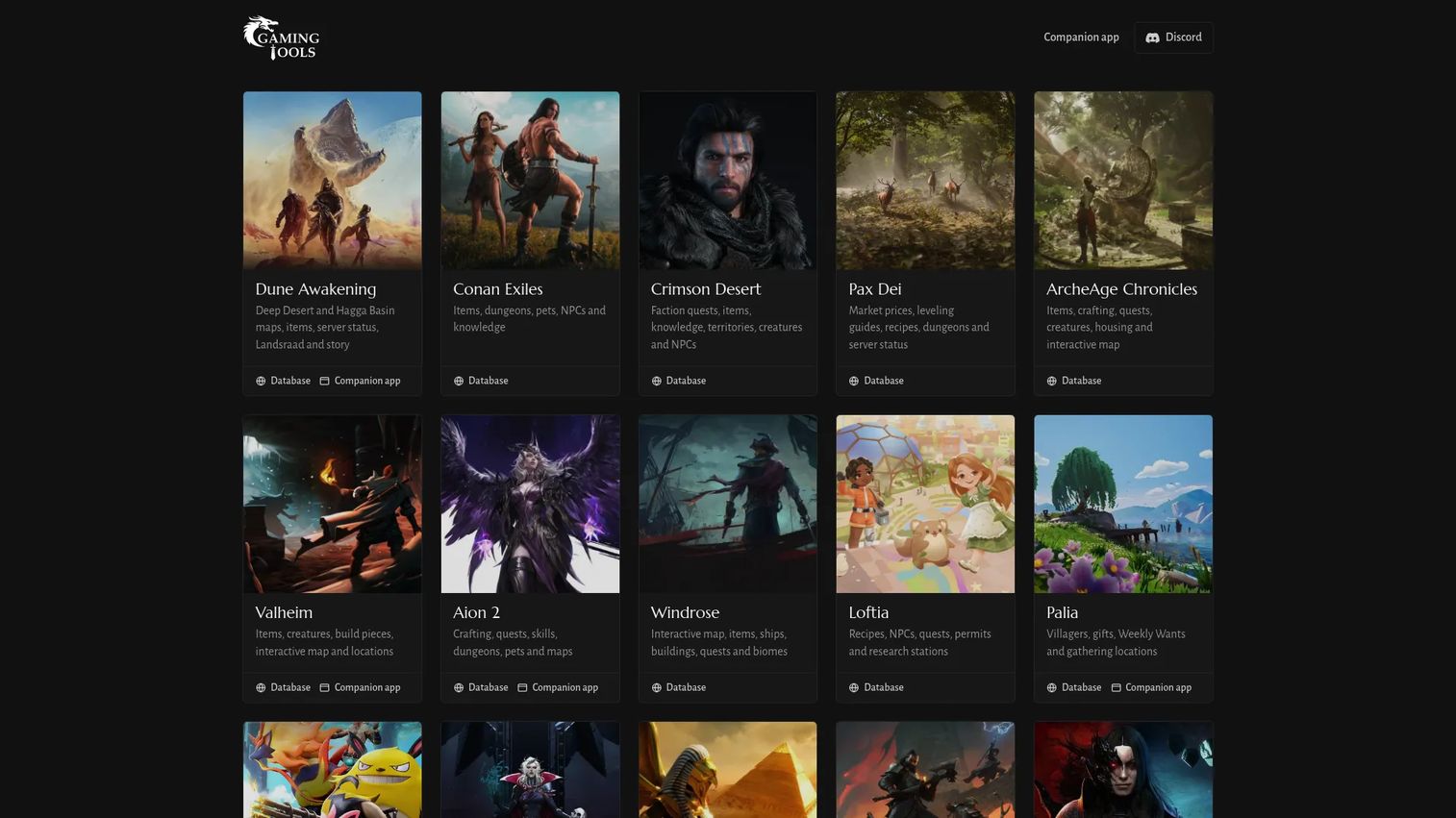
gaming.tools Companion is a Windows desktop companion app that provides game-specific workspaces for five supported titles: Dune: Awakening, AION 2, Palia, Palworld, and Valheim. It runs alongside your game and provides live maps, overlays, tracking tools, and cloud-synced settings without switching to a browser. The app checks for updates automatically and links to web access for some supported game features.
Best for: Players who switch between multiple supported survival games or MMOs and want one persistent workspace for maps and tracking.
Key features
- Live game-specific workspaces for five supported titles
- Customizable in-game overlays with target tracking
- Live maps with location and resource data
- Cloud settings sync and automatic update checks
- Web access for supported game features
Why choose gaming.tools Companion: The clearest value is consolidation. Instead of multiple browser tabs running different wikis for different games, you get one desktop layer that follows the session. Strongest for players committed to supported titles.
gaming.tools Companion pricing: Free to download and use, with ads supporting development. An eligible Patreon membership or recognized entitlement may remove ads.
2. Dune Awakening Database
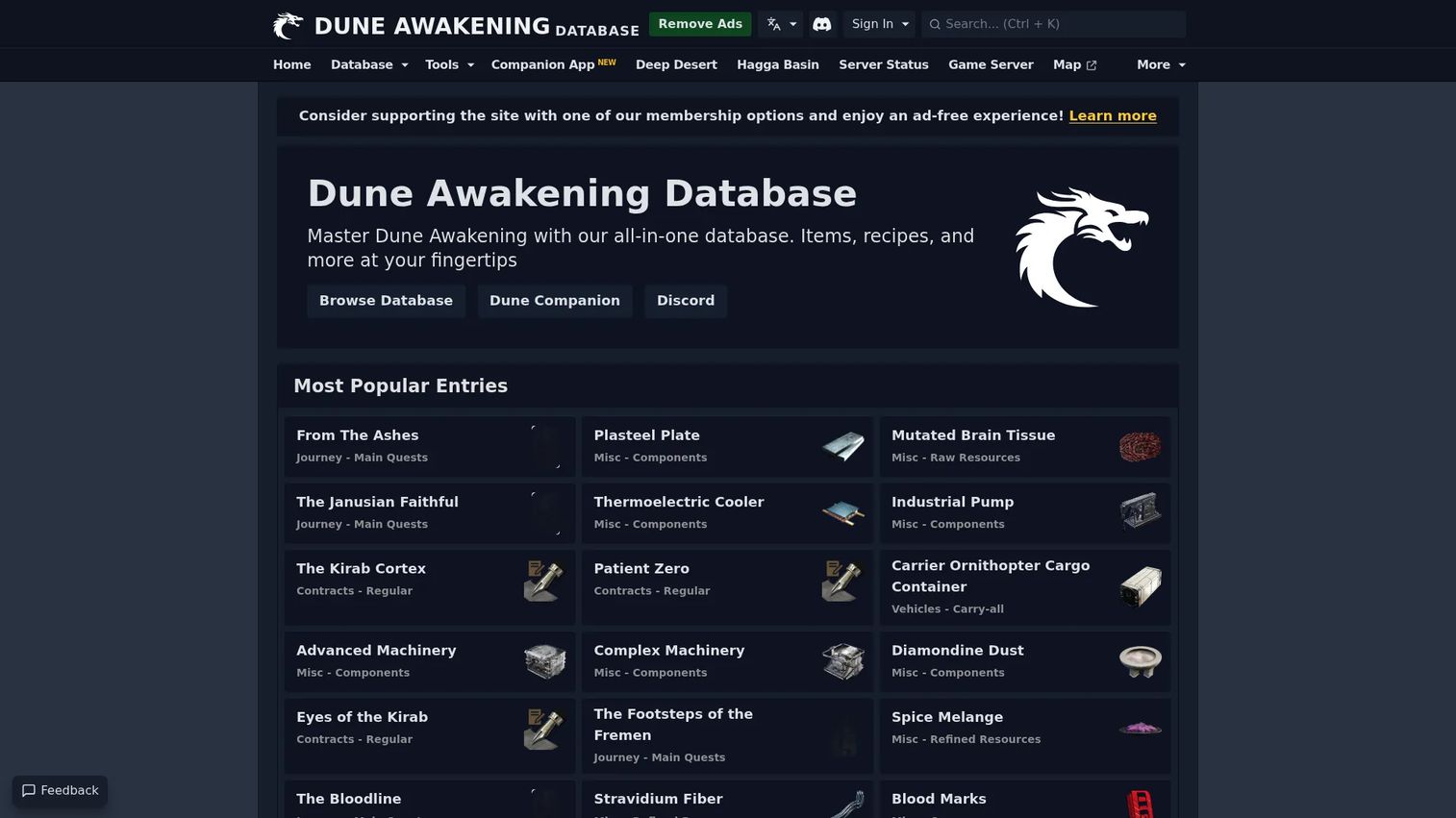
Dune Awakening Database is a fan-made reference site for Dune: Awakening players who need searchable data on items, crafting recipes, quests, contracts, resources, server status, and interactive maps. The site identifies itself as fan-made and unaffiliated with the game's developer. It provides a faster path to specific game information than navigating scattered wiki pages or in-game menus.
Best for: Dune: Awakening players who want a single searchable destination for items, crafting, and quest references before or during a session.
Key features
- Searchable item and recipe database
- Quest and contract reference data
- Interactive maps with game tools
- Server status information
- Companion app integration via gaming.tools
Why choose Dune Awakening Database: Best when you're deep in one game and want depth rather than breadth. It doesn't help with other titles, but for Dune: Awakening specifically, the searchable structure beats random wiki pages.
Dune Awakening Database pricing: The site is free to access.
3. Valheim Database
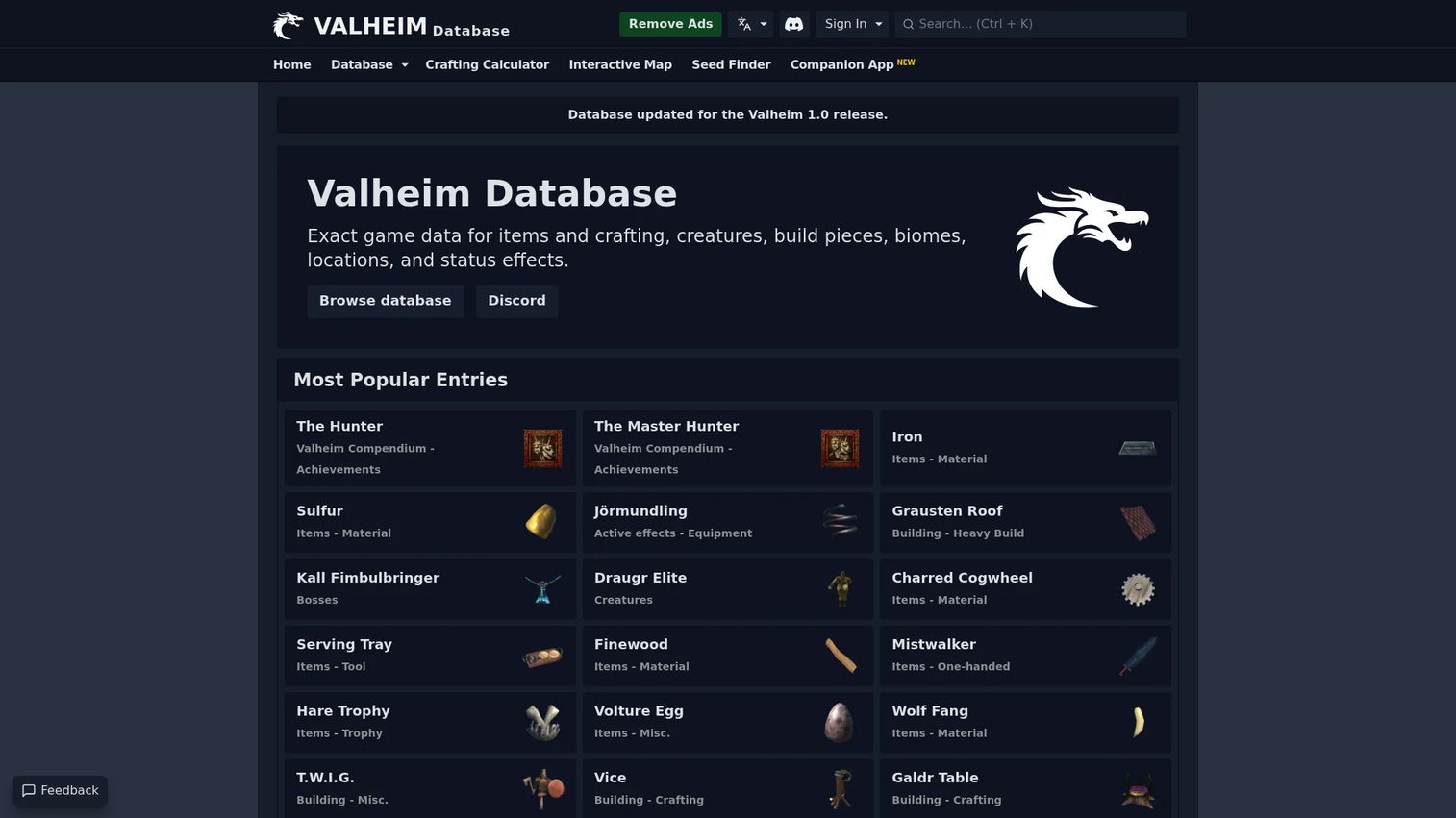
Valheim Database is a fan-made reference covering every item, crafting recipe, creature, biome, building piece, location, and status effect in the game. Its crafting calculator breaks down raw-material requirements across multiple steps, which matters for a game where crafting chains run deep. A seed map and seed finder help exploration-focused players plan runs before entering a world.
Best for: Survival players who want to plan gear progression, crafting paths, and exploration runs in Valheim without in-game trial and error.
Key features
- Searchable database covering items, creatures, biomes, and status effects
- Crafting calculator with full raw-material breakdowns
- Interactive seed map and location search
- Seed finder for pre-planned world exploration
- Optional Windows companion app with live map and overlay
Why choose Valheim Database: The crafting calculator stands out. Valheim's progression requires planning across multiple material tiers, and the tool makes those chains visible at a glance. The optional companion app extends it to an in-game overlay.
Valheim Database pricing: The website is free to access. The companion app is free with ads.
4. Aion 2 Database
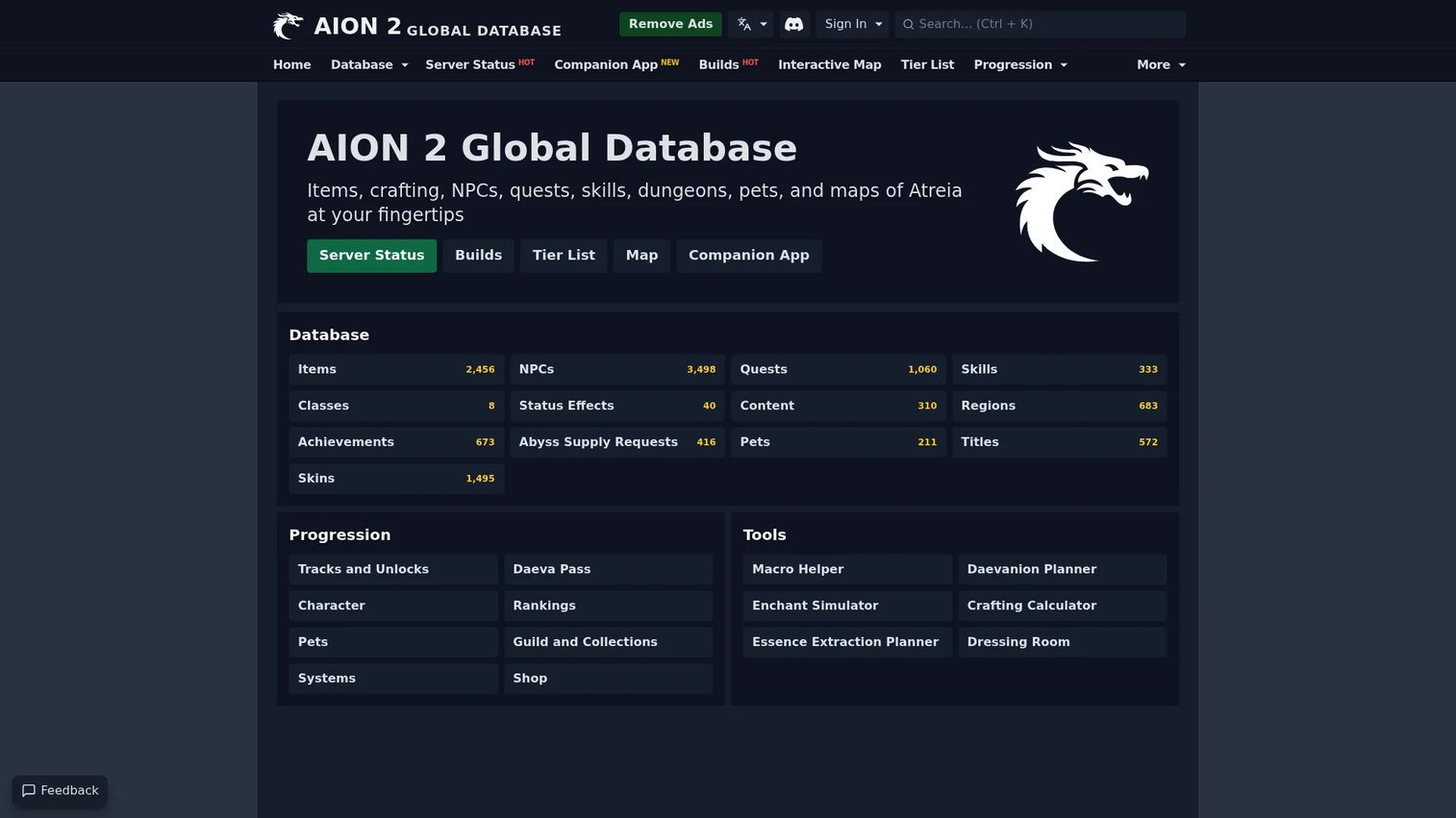
Aion 2 Database is a fan-made global reference for AION 2 covering items, NPCs, quests, skills, classes, regions, achievements, pets, titles, and skins. Beyond the searchable database, it offers planning tools: An enchant simulator, Daevanion planner, crafting calculator, essence extraction planner, and a dressing room. The site identifies itself as fan-made and unaffiliated with NCSOFT.
Best for: AION 2 players who need a persistent MMO reference database with both lookup and planning tools for leveling and group content preparation.
Key features
- Searchable database covering items, NPCs, quests, skills, and classes
- Enchant simulator and Daevanion planner
- Crafting calculator and essence extraction planner
- Progression tools: Rankings, guilds, collections, and systems
- Dressing room for visual item planning
Why choose Aion 2 Database: MMOs create information density problems. Players leveling toward group content benefit from tools that surface skill synergies, item drop locations, and crafting costs in one searchable layer.
Aion 2 Database pricing: Free to access. Pricing details for any membership options were not publicly displayed on verified pages.
5. Palia Database
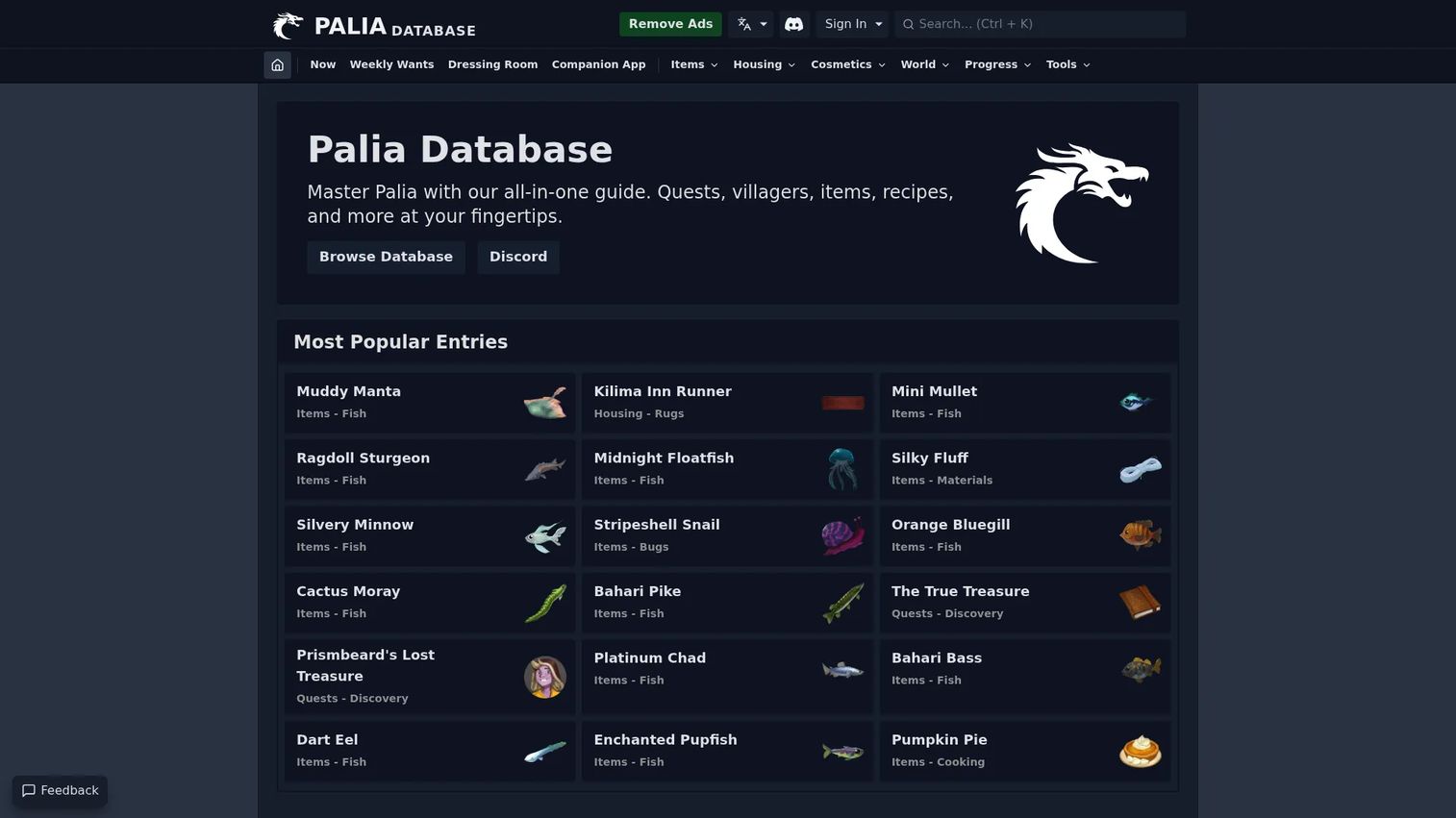
Palia Database is a fan-made all-in-one guide for Palia players, covering quests, villagers, items, recipes, housing, bugs, fish, and weekly gift preferences. Its fish and bug tracker shows what's catchable at a given time, and the weekly villager gift tracker removes the guesswork from relationship progression. The site identifies itself as fan-made and unaffiliated with the game's developer.
Best for: Palia players who want session planning support for gathering, crafting, collection completion, and villager gift timing.
Key features
- Searchable database of items, housing pieces, and recipes
- Current fish and bug tracker by time and location
- Weekly villager wants and gift tracker
- Quest and villager reference data
- Companion app integration via gaming.tools
Why choose Palia Database: Palia's calendar-driven mechanics, including weekly gifts and time-gated fish and bugs, create recurring planning questions. The tracker answers those without requiring manual note-taking between sessions.
Palia Database pricing: Free to access. Membership options for gaming.tools may apply, with specific prices not publicly displayed on verified pages.
6. Palworld Companion App
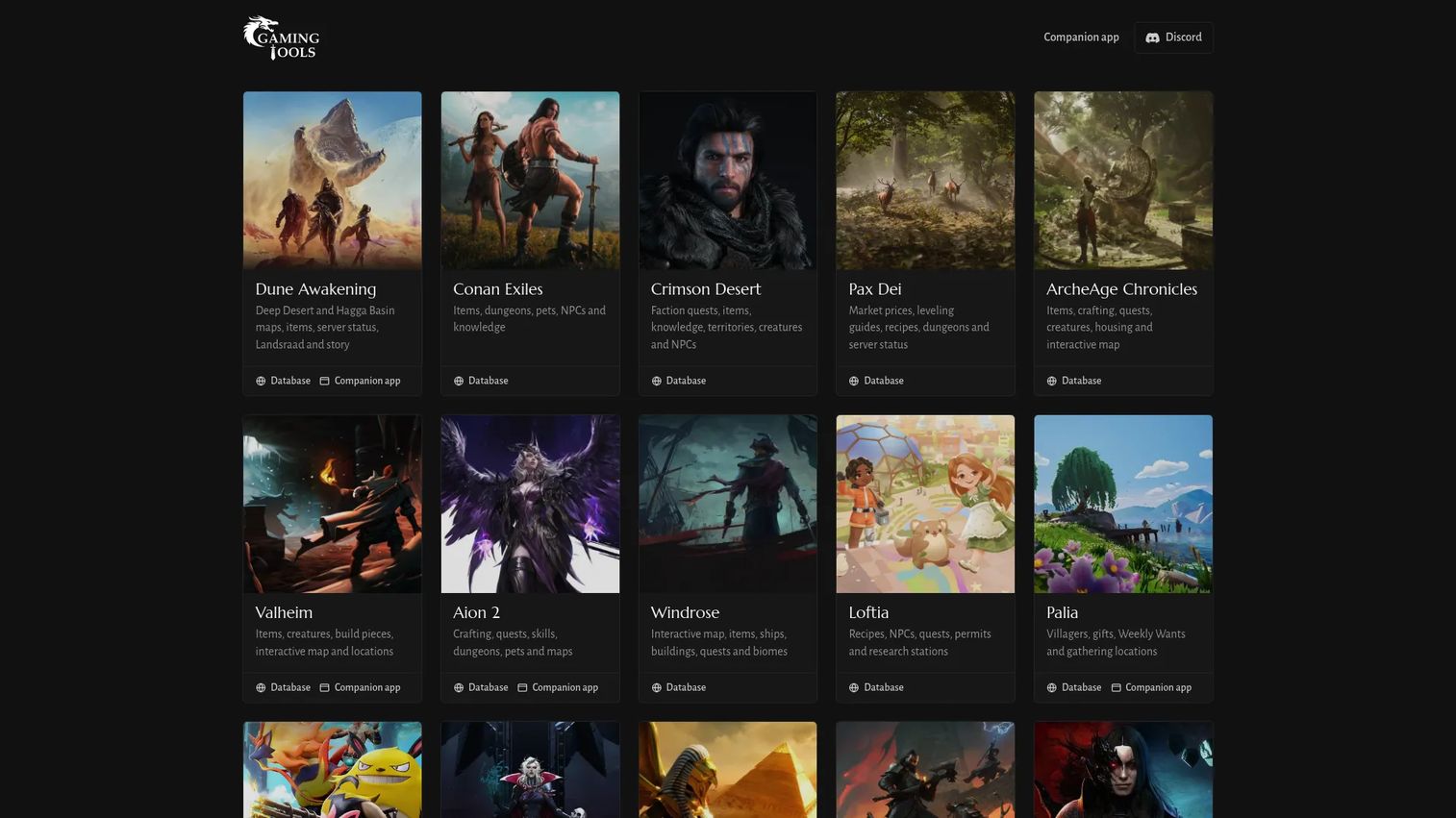
Palworld Companion App is a Windows desktop companion providing live tracking of wild Pals, resources, loot, treasures, and eggs as you explore. Its breeding calculator uses your owned Pals to map inheritance odds, ranked routes, and dependency graphs, covering a part of Palworld's progression that the in-game UI leaves largely unexplained. A live Paldeck shows locations, stats, skills, passives, and work suitability with filtering.
Best for: Palworld players on Windows who want live session tracking and breeding optimization without toggling between the game and a browser.
Key features
- Live tracking of wild Pals, resources, loot, and eggs during play
- Breeding calculator with inheritance odds and dependency graphs
- Live Paldeck with location, stat, and skill filters
- Searchable inventory and nearby base storage
- Customizable in-game overlay for player status and navigation
Why choose Palworld Companion App: Palworld's breeding system has significant depth that the game doesn't surface well. The calculator turns a trial-and-error process into a planned one.
Palworld Companion App pricing: Free to download and use, with ads.
7. New World crafting calculators
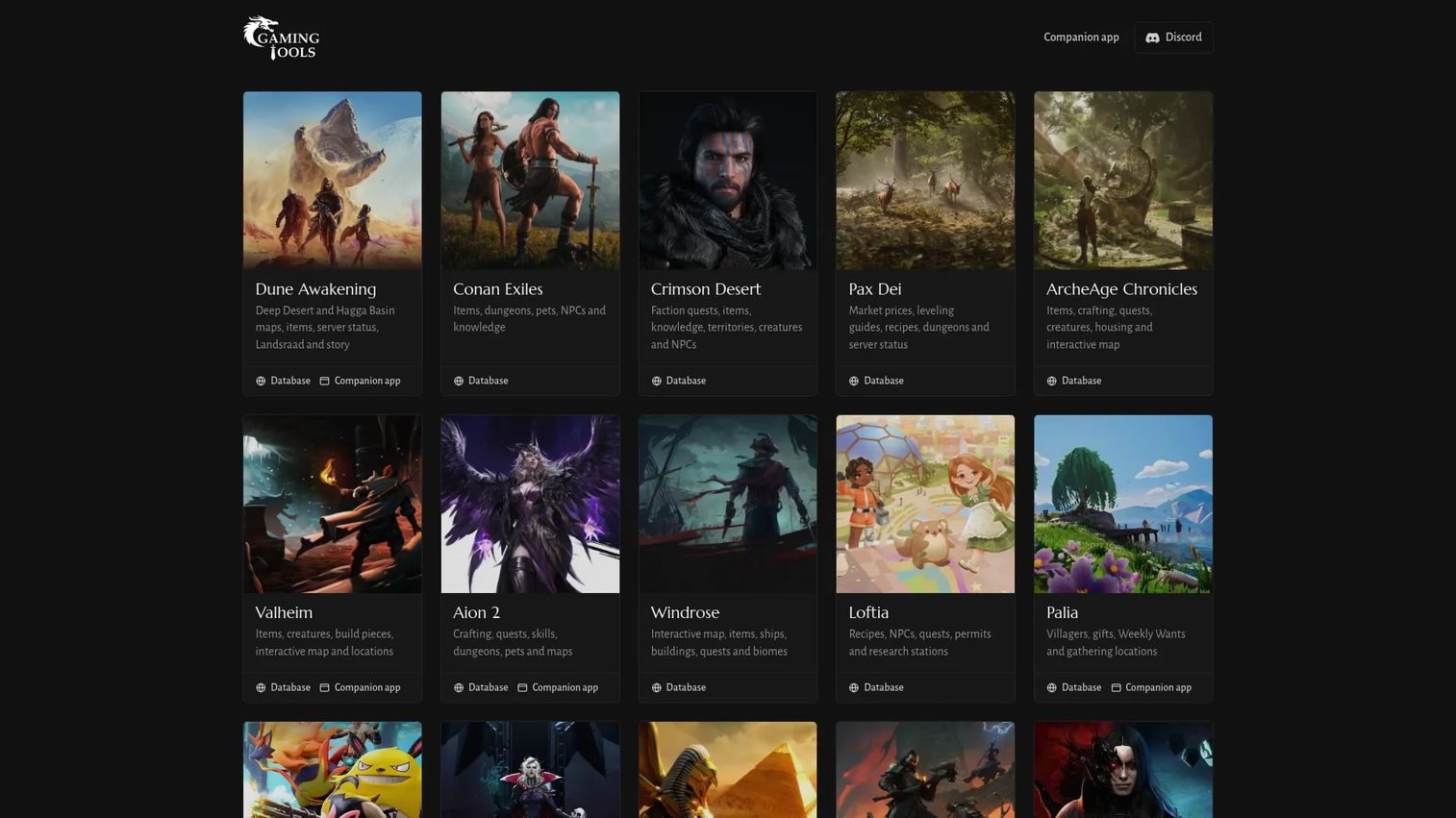
New World crafting calculators on gaming.tools provide trade-skill leveling guides and crafting calculators across multiple professions, including Golden Scarab and Prismatic material planners. The site is fan-made and unaffiliated with the game's developer. For New World players optimizing material spend across leveling paths, these calculators replace spreadsheets that most players would otherwise build manually.
Best for: New World players planning trade-skill progression who want to calculate material requirements before spending resources.
Key features
- Crafting calculators across multiple trade professions
- Trade-skill leveling guides with material requirements
- Golden Scarab and Prismatic material calculators
- Multilingual interface
- Fan-maintained with game-patch updates
Why choose New World crafting calculators: The main value is planning before spending. New World's trade-skill system consumes materials at scale, and knowing the most efficient path before committing resources is a meaningful efficiency gain.
New World crafting calculators pricing: Free to access. Pricing details for any associated membership were not publicly displayed on verified pages.
8. NordVPN

NordVPN is a digital security service offering encrypted VPN connections, threat protection, Dark Web Monitor, Meshnet, and additional privacy tools across up to 10 simultaneous devices. Some gamers use it for network privacy or to troubleshoot routing issues with specific game servers. VPN effects on latency vary by route, server selection, and ISP, so test before using NordVPN in ranked or competitive play.
Best for: Players who prioritize privacy protection or need to diagnose routing issues, and who understand that VPN latency impact runs in both directions depending on route.
Key features
- Encrypted VPN with large server network
- Threat protection against malware, phishing, ads, and trackers
- Dark Web Monitor and Meshnet for private networking
- Double VPN and obfuscated servers for added privacy
- Split tunneling to route only selected traffic through VPN
Why choose NordVPN: Fits players for whom privacy matters alongside gameplay, or those troubleshooting ISP-level routing problems. The bundled threat protection adds security value beyond the VPN layer.
NordVPN pricing: Plans start at $3.49 per month on a 2-year commitment (Basic tier). Monthly billing starts at $14.99 per month. Complete and Prime tiers add antivirus, password manager, cloud storage, and identity protection at higher prices.
9. CPU-Z
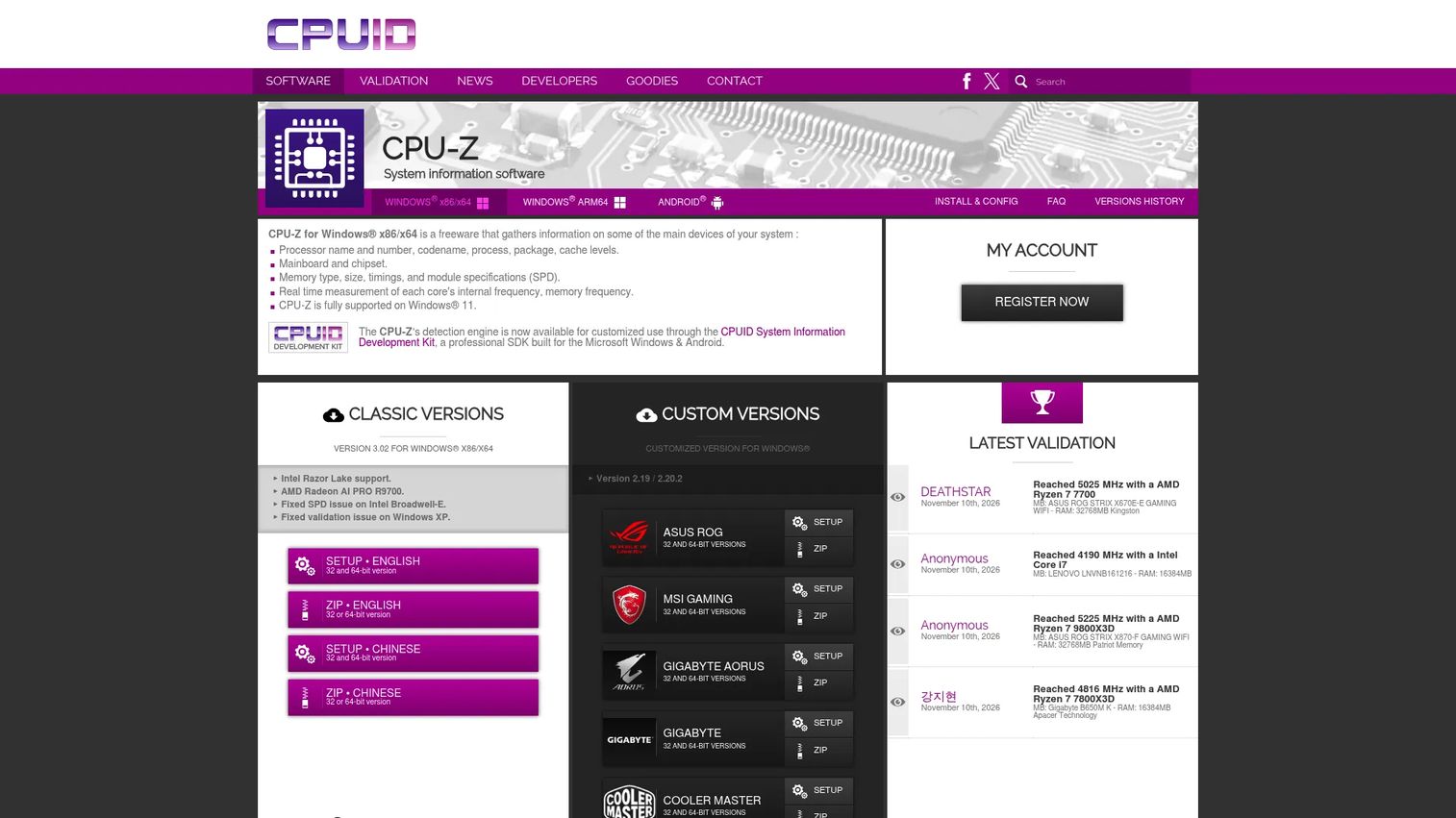
CPU-Z is a lightweight freeware tool from CPUID that reports processor name, codename, process, cache levels, mainboard and chipset details, memory type, size, timings, and SPD module specifications. It also measures each core's internal frequency and memory frequency in real time. Installation is minimal and the interface opens directly to hardware data with no account required.
Best for: PC gamers diagnosing hardware specs before troubleshooting performance issues, checking upgrade compatibility, or validating a new build.
Key features
- CPU identification: Name, codename, package, process, and cache
- Mainboard and chipset detail
- Memory type, size, timings, and SPD specifications
- Real-time per-core frequency and memory frequency
- Lightweight install with no ongoing overhead
Why choose CPU-Z: When performance questions arise, CPU-Z answers the hardware side quickly. It's a first-stop diagnostic before escalating to driver updates, cooling checks, or other interventions.
CPU-Z pricing: Free. The Windows version is freeware with no paid tier listed on the official product page.
10. GPU-Z
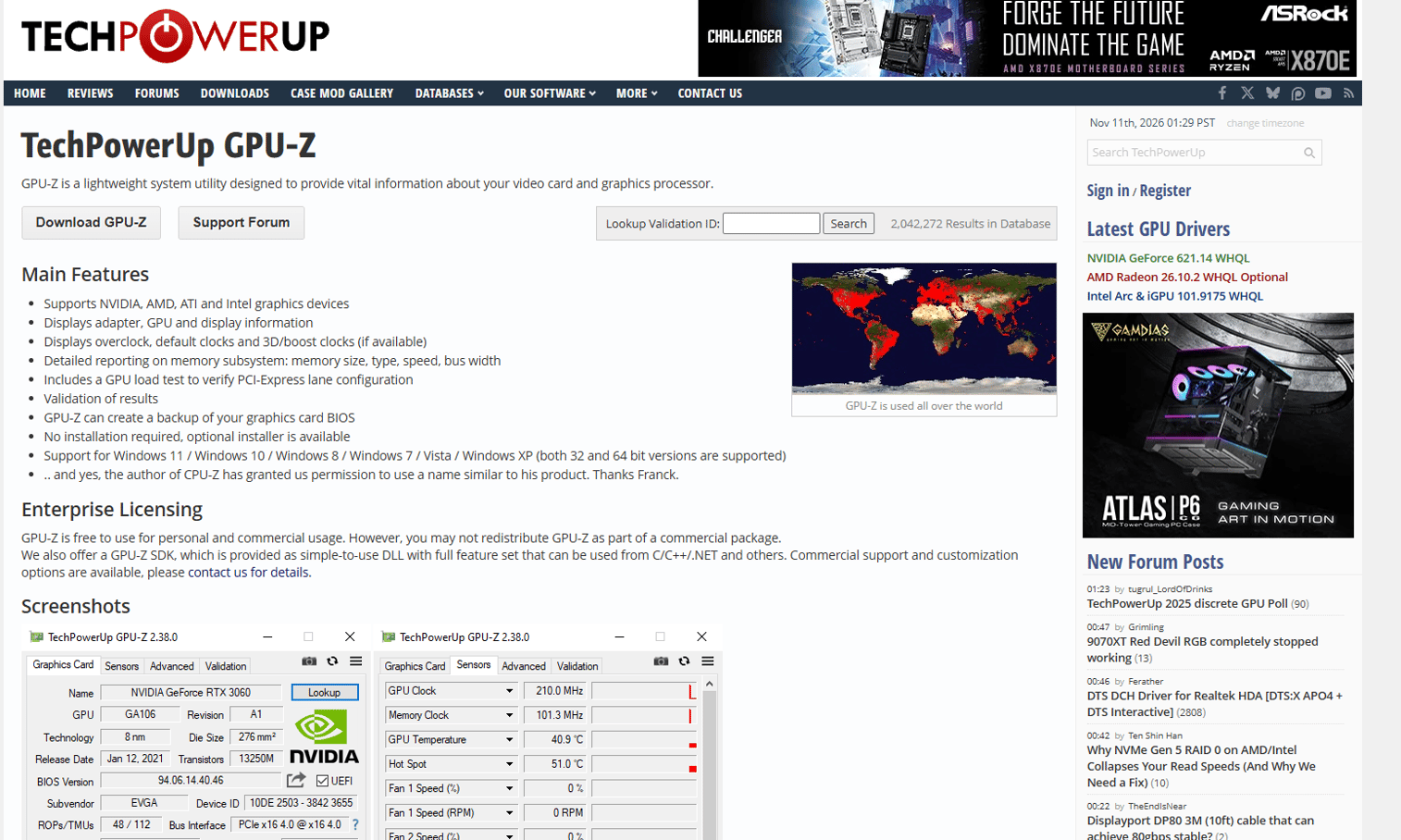
GPU-Z is a TechPowerUp utility focused on graphics-card identification and sensor monitoring. It reports graphics-card specifications, real-time sensor readings including temperature, clock speeds, and fan data, and driver details. Like CPU-Z, it's lightweight, requires no account, and provides answers quickly when you need to know what your GPU is doing during a performance problem.
Best for: Players checking GPU health, temperatures, and graphics hardware details when investigating frame-rate drops or stability issues.
Key features
- Graphics-card specification and hardware identification
- Real-time sensor monitoring: Temperature, clocks, fan speed
- Driver version details
- Sensor logging to file for diagnostics
- Lightweight utility with no ongoing overhead
Why choose GPU-Z: Performance issues that begin at the graphics card, whether temperature-related, driver-related, or clock-related, show up in GPU-Z's sensor panel. It tells you whether the problem starts there before you spend time elsewhere.
GPU-Z pricing: Free.
11. Steam
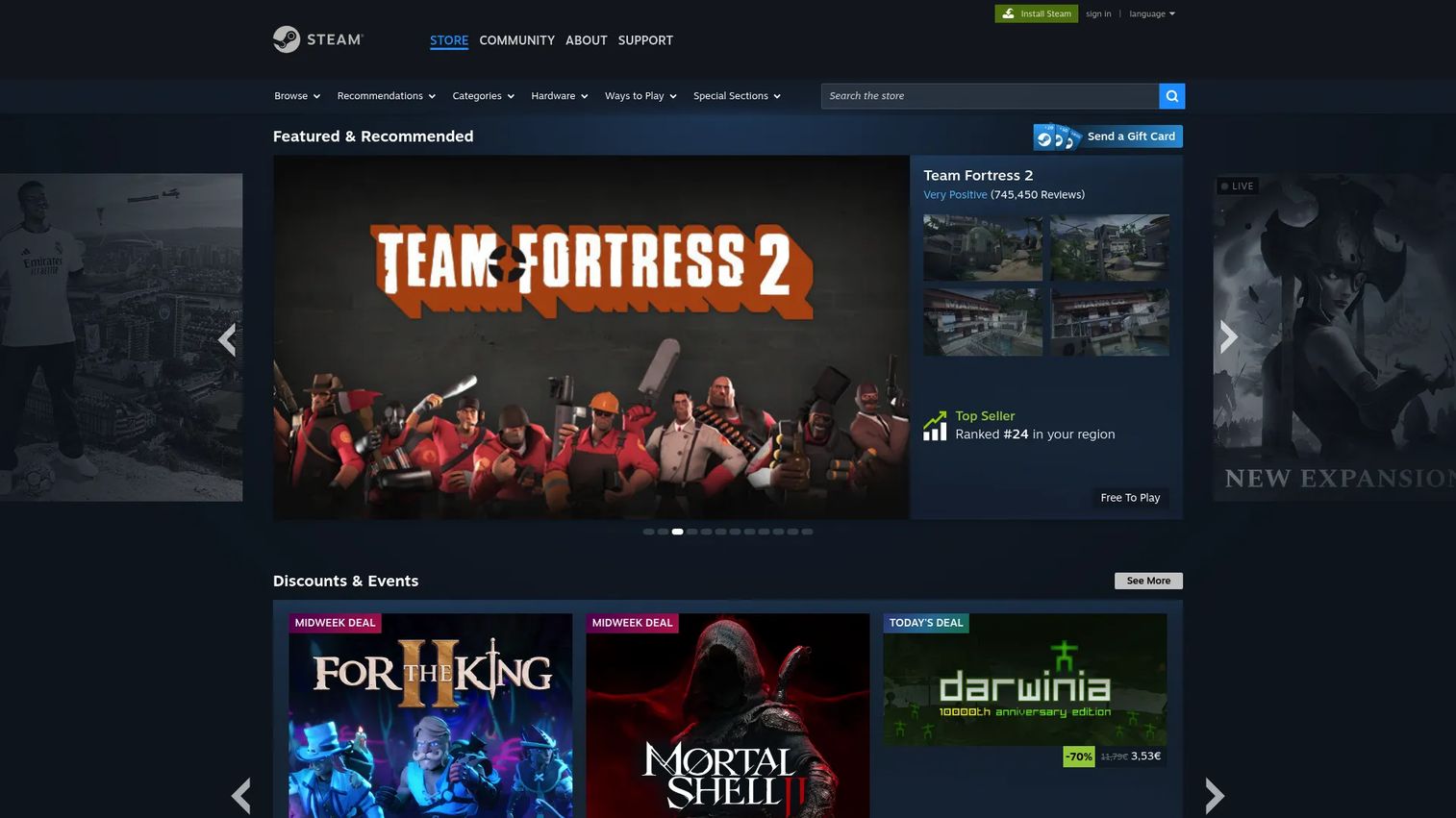
Steam is Valve's digital gaming platform combining a game storefront, library manager, automatic update system, Workshop for player-created mods and cosmetics, cloud saves, Remote Play, community hubs, and broadcasts. For PC gamers, it functions as the central layer where purchasing, launching, and updating games all happen without switching between separate tools.
Best for: PC gamers who want a single platform for buying, organizing, updating, and launching their game library with community and mod support built in.
Key features
- Game storefront with automatic updates and deals
- Community features: Chat, groups, game hubs, and broadcasts
- Steam Workshop for player-created mods and items
- Cloud saves and Remote Play across devices
- Early Access, controller support, and mobile app access
Why choose Steam: Its practical value is consolidation. For most PC gamers, it's already the default platform. The Workshop integration is a meaningful addition for players who use mods regularly.
Steam pricing: Creating an account is free. Game prices vary. The Steam Direct developer submission fee ($100 per product, recoupable after $1,000 in revenue) applies to publishers, not players.
12. OBS Studio
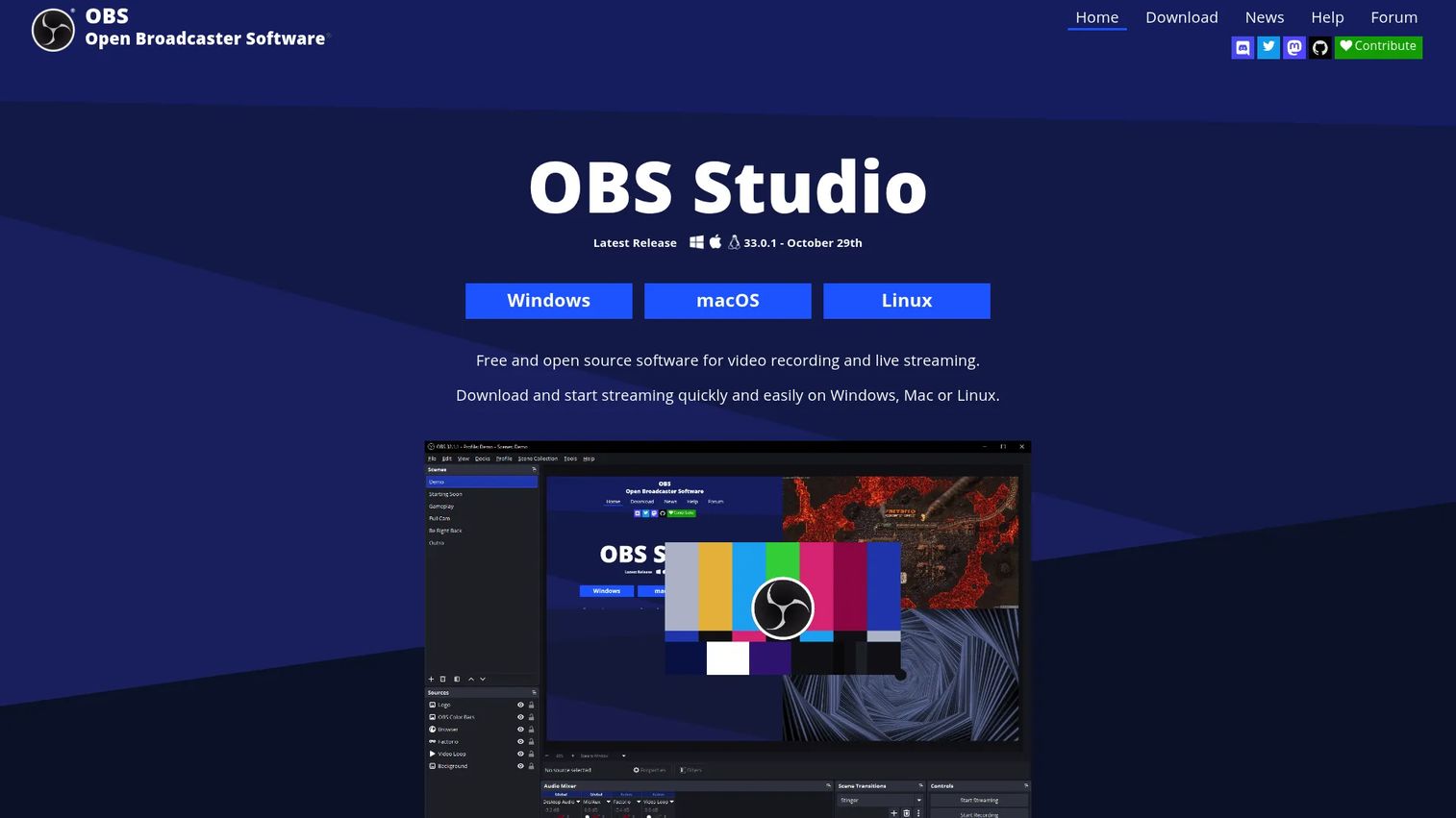
OBS Studio is free, open-source software for video recording and live streaming. It supports real-time video and audio capture and mixing, scenes with multiple sources (windows, images, text, webcams, and browser captures), a per-source audio mixer with VST plugin support, custom transitions, Studio Mode, and Multiview. No watermarks, no usage limits, and commercial use is permitted.
Best for: Players and creators who want full control over recording quality and stream production and are willing to invest time in scene and audio configuration.
Key features
- Real-time video and audio capture and mixing
- Scene management with multiple configurable sources
- Audio mixer with per-source filters and VST plugin support
- Stream output to major platforms and local recording
- API and plugin support with Lua and Python scripting
Why choose OBS Studio: The reward for setup time is control. OBS handles everything from a simple single-scene recording to a multi-scene live production. If you're serious about content, there's no paid equivalent with this feature depth at zero cost.
OBS Studio pricing: Free and open source, with no subscription and no watermarks.
13. Malwarebytes Anti-Malware
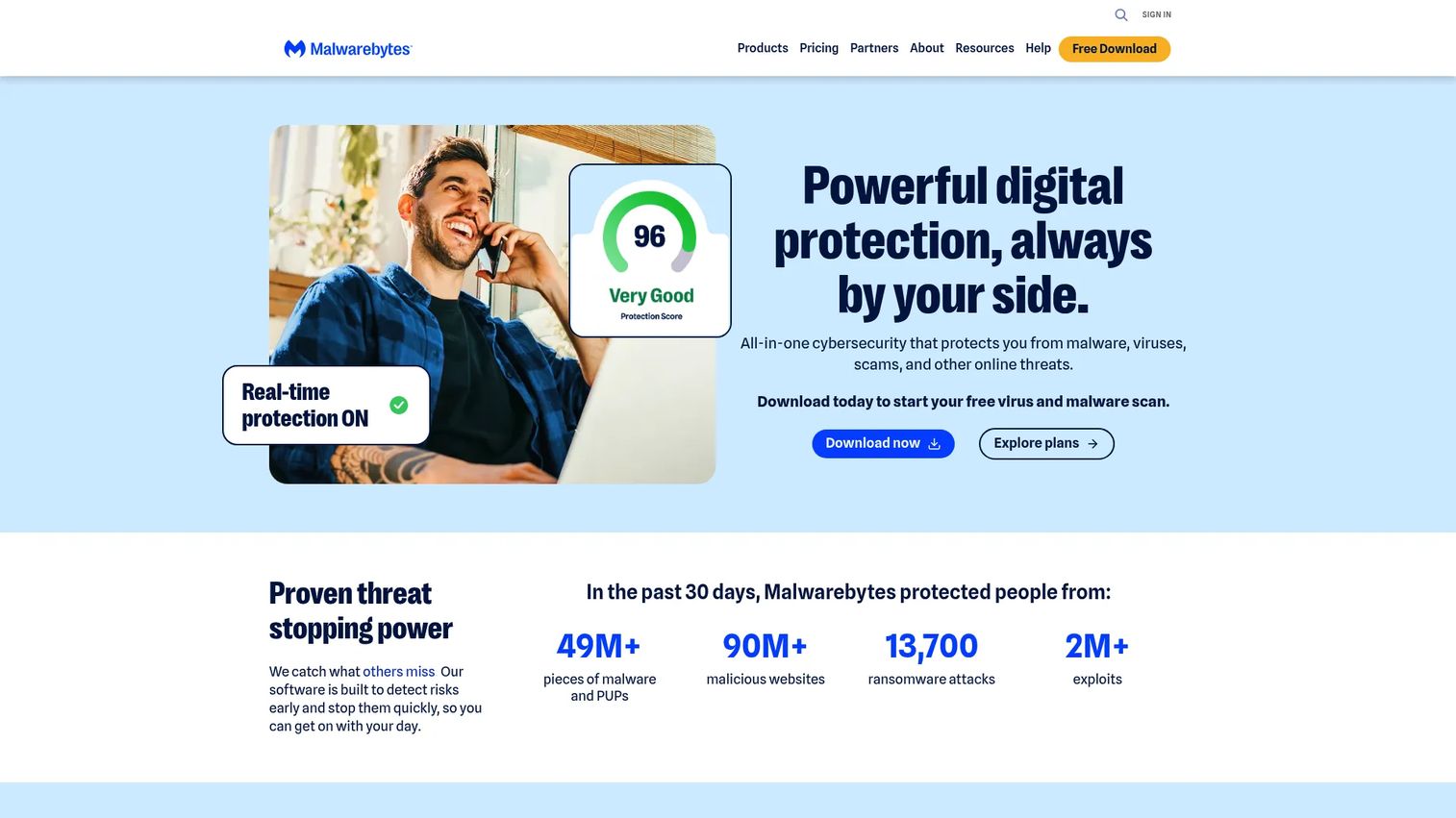
Malwarebytes Anti-Malware scans for and removes malware while providing real-time protection against malware, ransomware, phishing, exploits, and malicious websites. For gamers, the relevant risk surface is mod files, third-party launchers, community downloads, and links shared in gaming forums. A free scanner is available; real-time protection requires a paid subscription.
Best for: Players who regularly download mods, community tools, or third-party files and want a dedicated security layer covering malware, ransomware, and browser threats.
Key features
- Real-time malware and PUP protection
- Ransomware protection
- Web and phishing protection
- On-demand, quick, and deep scan modes
- Browser Guard for ad and tracker blocking
Why choose Malwarebytes Anti-Malware: Most gaming security risks come from outside the game: A suspicious mod archive, a fake patch download, or a phishing link in a community chat. Malwarebytes targets exactly that surface.
Malwarebytes Anti-Malware pricing: Standard plans start at $59.99 per year. Plus adds a VPN at $79.99 per year, and Ultimate adds identity protection at $139.99 per year. Family plans are priced separately. A free on-demand scanner is available without a subscription.
G2 rating: 4.5/5
14. Game Tools Android app
Game Tools Android app by Hande Aktan is a mobile utility covering board game, party game, and casual gaming session needs. It includes a finger chooser for random participant selection, tournament generators for 8 to 64 participants, dice rollers, counters, a chess timer, scoreboard, countdown timer, and randomizers. The app is Android-only.
Best for: Tabletop players, families, and party-game hosts who want a quick all-in-one session utility on Android without carrying physical dice, timers, or score pads.
Key features
- Finger Chooser for random participant selection
- Tournament draw generator for 8, 16, 32, or 64 participants
- Dice rollers in multiple configurations
- Chess timer, countdown timer, and counters
- Scoreboard for multi-player sessions
Why choose Game Tools Android app: It replaces several physical session aids in one install. For casual or one-off situations, the absence of setup friction is the main benefit.
Game Tools Android app pricing: Free to install on Google Play, supported by ads. No purchase price was displayed on the verified listing.
Google Play rating: The listing reports 10+ downloads. No aggregate star rating was confirmed from verified sources at generation time.
15. Twitch
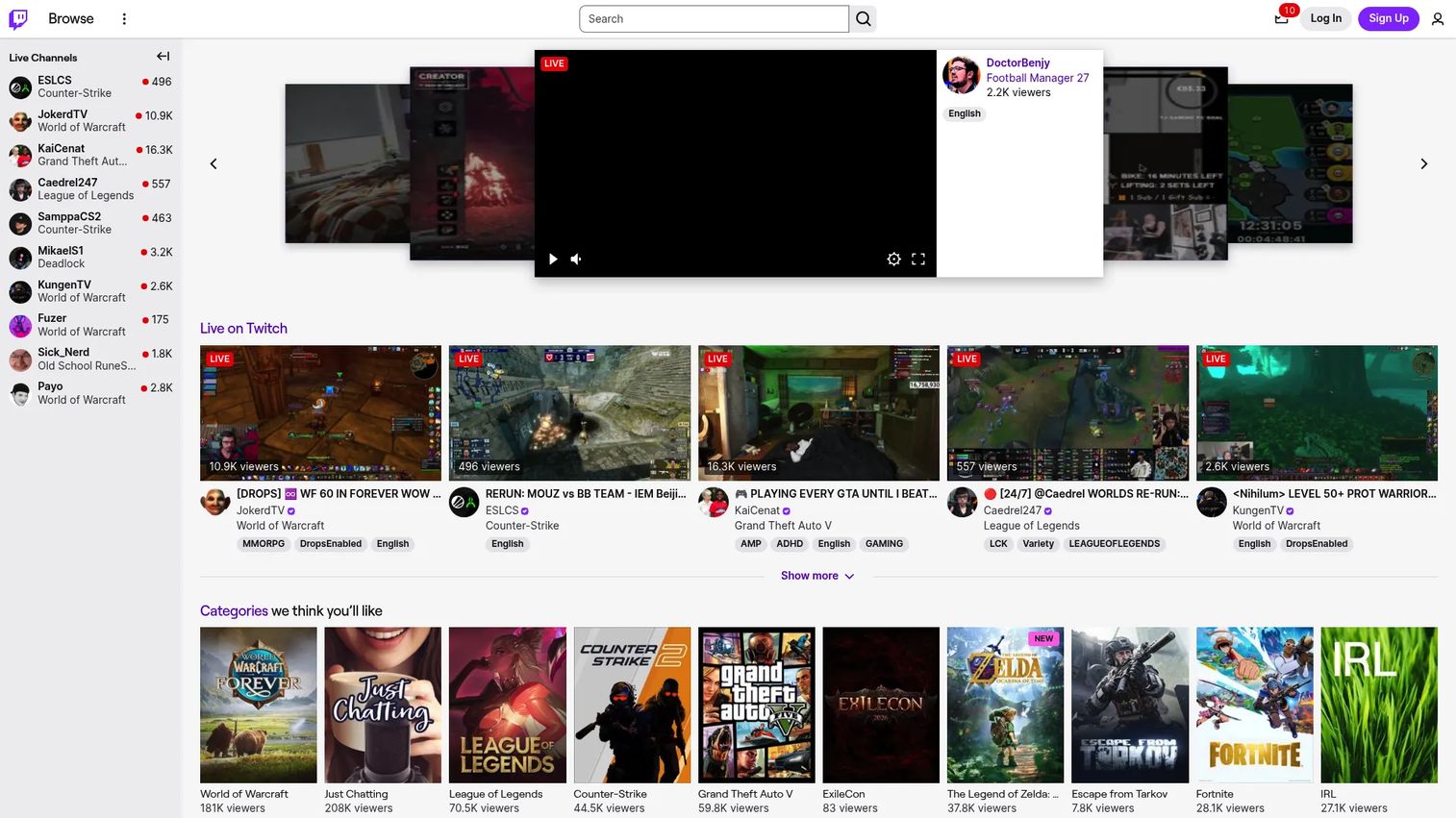
Twitch is a live, interactive streaming platform for gaming, music, sports, and creative content. It provides live streaming, chat interaction, subscriptions with custom emotes, VOD storage, channel tools, and creator monetization through subscriptions, Bits, and ads. For players who want to broadcast sessions, Twitch provides the distribution layer that OBS Studio doesn't. The two tools pair naturally: OBS handles production, Twitch handles audience.
Best for: Gamers who want a live audience layer with chat, discoverability, and community features around their streaming sessions.
Key features
- Live streaming with interactive chat
- Channel subscriptions in three tiers with custom emotes
- VOD storage and reruns
- Creator monetization: Subscriptions, Bits, and ads
- Community discovery and channel growth tools
Why choose Twitch: Use Twitch when audience interaction is part of the goal. If you're only recording locally for personal review or offline editing, OBS alone covers the job.
Twitch pricing: Creating an account is free. Channel subscriptions cost viewers $5.99, $9.99, or $24.99 per month depending on tier. Twitch Turbo (ad-reduction) is $11.99 per month. Creator revenue share and monetization terms vary.
G2 rating: 4.4/5
Considerations when choosing gaming tools
Match the tool to the job
The biggest source of wasted setup is picking a category that doesn't match the actual problem. A VPN doesn't fix a crafting planning problem. A database doesn't diagnose GPU temperatures. Before evaluating specific tools, name the job: Planning, troubleshooting, recording, security, or running a session. That choice narrows the field significantly.
Check update cadence before trusting a database
Game databases depend on fan maintenance. After a major patch, item stats, crafting recipes, and drop rates can change, and an outdated database gives wrong answers with confidence. Before relying on any database for builds or progression planning, check the last update date and whether the community behind it stays current with the game's release schedule.
Watch setup overhead per use case
Some tools pay off immediately: CPU-Z opens in seconds and answers a hardware question. Others, like OBS Studio, require meaningful configuration before they produce usable output. Match the setup investment to how frequently you'll use the tool. A well-configured OBS setup justifies the time for a regular streamer. It doesn't for someone who records once a month.
Verify platform support before installing
Windows-only companion apps won't serve Mac or Linux players. Android utilities don't cover iOS. Browser-based databases work across devices. Check operating system support and mobile availability against your actual setup before committing to a tool.
Treat G2 ratings carefully for consumer gaming tools
G2 covers business software reliably. Many consumer gaming tools, including the databases, companion apps, and hardware utilities in this guide, have no G2 listing. For tools in this category, combine the vendor's own pages, app-store ratings where available, and community feedback on update cadence and accuracy. A tool with no G2 rating isn't necessarily less useful. It's simply outside G2's primary scope.
Conclusion
The right gaming tool for your session depends on what's slowing you down. Choose by job, not by name recognition.
For multi-game companion workflows, gaming.tools Companion covers live maps, overlays, and workspace consolidation across five supported titles. For game-specific depth, the Dune Awakening Database, Valheim Database, Aion 2 Database, Palia Database, Palworld Companion App, and New World crafting calculators each serve one game well rather than many games thinly.
PC hardware questions go to CPU-Z for processor and memory identification and GPU-Z for graphics diagnostics. Steam handles library management for most PC players by default. OBS Studio covers recording and streaming production, and Twitch adds the live audience layer.
Malwarebytes Anti-Malware addresses the security risks that come with gaming's download culture. NordVPN adds network privacy for players who need it, with the caveat that latency impact varies by route and ISP.
For tabletop and party sessions, Game Tools Android app replaces physical dice, timers, and scoreboards with a single mobile install.
Start with the category that removes the most friction from your next session, then pick the tool within it.
FAQs
Gaming tools are software utilities, companion apps, game databases, overlays, streaming software, and session aids that support the gaming workflow outside the game client itself. They cover planning, monitoring, recording, securing, and managing sessions rather than modifying or running the game.
A practical baseline includes Steam for library and launch management, a hardware monitor like CPU-Z or GPU-Z for diagnostics, security software for downloads and mods, and a game database for any title where crafting or progression requires planning. Add OBS Studio and Twitch if you create or share content.
No. Mods change or add to the game itself, modifying assets, mechanics, or content. Gaming tools operate outside the game client to support planning, monitoring, recording, or session management. A crafting calculator is a tool. A new armor texture is a mod.
A VPN can improve routing in some cases, particularly when your ISP's default route to a game server is poor. It can also add latency by routing traffic through an additional server. The outcome depends on the VPN server location, your ISP, and the game's server location. Test on a non-competitive mode before using a VPN in ranked play.
The answer depends on the job. OBS Studio is free and handles recording and streaming without watermarks or limits. CPU-Z and GPU-Z are free for hardware diagnostics. Steam is free for library management. Game databases for supported titles are generally free and fan-maintained.
Reliability depends on update cadence and community maintenance. After a major game patch, item stats, drop rates, and crafting costs may change. Check the database's last update date, the game version it references, and community activity before treating its data as current for active builds.
A game database is a searchable reference of static game data: Items, recipes, quests, NPCs, and locations. A companion app typically adds dynamic features such as live overlays running during play, real-time tracking, account integration, and workspace tools. Some tools, like gaming.tools Companion, combine both: A database layer plus a live overlay.
OBS Studio handles video and audio capture, scene management, and stream output. Twitch provides the live platform with chat, discoverability, and VOD storage. Those two tools cover the core streaming workflow. Audio setup, overlays, and moderation tools typically come later as the channel grows.