The board packet went out through an unrestricted link. A customer’s security documents sit in someone’s personal drive. Nobody remembers who owns the contractor’s folder.
For a growing SaaS company, file sharing software becomes an operating decision. Your team needs to exchange documents without asking the founder to approve every request or locate the latest version.
The scale of cloud storage makes that decision worth getting right. Eurostat reported in 2026 that 71.5% of EU enterprises using paid cloud services used them for file storage in 2025.
Storage alone doesn’t answer the harder questions. Who can open a forwarded link? What happens when an engagement ends? Can Finance reconstruct access during an audit?
Secure file sharing should give department owners clear responsibility without creating another administrative bottleneck. Start with what happens after a file leaves your company, especially for client file sharing and investor communications.
What’s inside
This guide compares 17 file sharing tools through the lens of external collaboration at a scaling SaaS company.
- External access: Recipient permissions, link controls, and the experience for customers or advisors
- Operational fit: Everyday cloud collaboration versus client portals, managed transfers, or encrypted storage
- Business oversight: Activity reporting, document ownership, and administration across departments
- Buying economics: Entry prices, billing terms, minimum seats, and overlap with your existing subscriptions
The shortlist includes broad productivity suites alongside specialist services. Those products solve different jobs, so the recommendations distinguish replacing a shared drive from improving a particular document workflow. Pricing comes from the cited vendor pages; ratings use the corresponding G2 listings where available.
TL;DR
- Best starting point for client document workflows: ShareFile combines secure exchange with document collection, approvals, and electronic signatures.
- Best for established cloud collaboration: Evaluate Dropbox or the storage already included in your productivity suite before adding another subscription.
- Best for Microsoft environments: Microsoft 365 covers the suite decision; SharePoint, Teams, and OneDrive address different working contexts.
- Best for structured external workspaces: OneHub suits branded portals and data rooms. Box and Egnyte add broader content governance.
- Best for infrastructure or encryption priorities: Nextcloud Files fits self-hosted control; Tresorit and NordLocker emphasize encrypted sharing.
- Best for delivery-specific jobs: WeTransfer handles large-file delivery, Files.com supports automated transfers, and Jumpshare adds visual explanations and feedback.
What is file sharing software?
File sharing software lets people exchange files and manage access across internal teams and external collaborators.
The category includes cloud drives, client portals, managed transfer services, and enterprise content platforms. Some products emphasize file synchronization across devices. Others focus on controlled delivery or the processes surrounding a document.
Cloud file sharing supports everyday work on shared content. Secure file transfer software addresses movement between recipients or systems, including scheduled operational exchanges. Document sharing platforms add structure around access and collaboration.
Client portals give external stakeholders a dedicated workspace. Enterprise file platforms provide broader administration and content governance. Encrypted vaults prioritize protecting sensitive material in storage and during sharing.
These distinctions matter when comparing a board packet with an agency video export. The former needs controlled readership and clear ownership. The latter may require substantial upload capacity and straightforward retrieval.
Evaluate these capabilities against your workflow rather than expecting every product to include everything.
- File permissions: View, comment, edit, and download controls
- Link management: Passwords, expiry dates, revocation, and recipient restrictions
- Activity records: Access events, download history, and administrative reporting
- Encryption: Protection during transfer and storage, plus key-management options
- Synchronization: Desktop access, offline availability, and version recovery
- External collaboration: Guest workspaces, file requests, and document collection
- Transfer capacity: Upload ceilings, storage allowances, and delivery limits
- Governance: Ownership policies, retention requirements, and access reviews
For SaaS companies, secure document sharing spans customer onboarding and procurement. Finance needs reliable investor access; Legal needs a controlled exchange with outside counsel.
File sharing with link expiry helps teams define an access window. It should sit alongside recipient authentication and an offboarding process.
Separate your requirements into storage, collaboration, delivery, and oversight. Then identify who owns each decision. A department head should know where approved documents belong and who can authorize external access.
That operating model matters as much as the software. Buying additional capacity won’t resolve unclear ownership or inconsistent sharing rules.
When to use file sharing software
Share sensitive files outside the company
Use controlled sharing for investor materials and customer security packets. Contracts or financial reports deserve a defined audience and an accountable owner.
Choose the required safeguards before sending anything, including authentication and an access deadline. For system-driven exports, evaluate secure file transfer software rather than relying on someone to upload files manually.
Replace email attachments with controlled access
Move recurring document exchanges into a managed location where your team can maintain the current version. Establish who approves updates and when external access should end.
During evaluation, test revocation from the recipient’s perspective. Ask vendors what happens to files already downloaded, rather than assuming a revoked link recalls every copy.
Collaborate with clients, partners, and agencies
A shared workspace fits ongoing relationships involving repeated submissions or revisions. Client file sharing should make it clear where an outside collaborator uploads material and where your team responds.
Assign ownership to the relevant department instead of keeping the founder in the approval chain. Include the recipient’s experience in the pilot, especially when they work outside your productivity suite.
File sharing software comparison
These file sharing platforms span different purchasing decisions. Microsoft 365 and Google Workspace are suites, while their storage products also appear separately for component-level evaluation.
Avoid treating those rows as independent subscriptions you necessarily need to buy together. First establish what your company already licenses and which controls your administrator can enable.
For secure file sharing, compare the plan that supports your required workflow rather than selecting the lowest headline price. File sharing with audit trails also requires examining the events recorded and who can retrieve them.
Prices below retain their stated billing basis. Personal offers are labeled separately from business plans. Google Drive’s rating refers to Google Workspace; Nextcloud Files uses the broader Nextcloud listing.
| # | Product | Best for | Key differentiator | Pricing | G2 rating |
|---|---|---|---|---|---|
| 1 | ShareFile | Client document processes | Portals, collection, approvals, and signatures | From $16.50/user/month, annually; 3-user minimum | |
| 2 | Dropbox | Everyday cloud collaboration | Sync with external link controls | Free; team Standard $15/user/month, monthly | 4.4/5 |
| 3 | OneHub | Branded client workspaces | Permissions and data-room functionality | From $12.50/user/month, annually; 3-user minimum | 4.2/5 |
| 4 | Microsoft 365 | Microsoft suite consolidation | Productivity apps with connected storage | Business Standard $12.50/user/month, annually | 4.6/5 |
| 5 | SharePoint | Structured document libraries | Team sites with versioning and access control | Plan 1 $5/user/month, annually | 4.0/5 |
| 6 | Microsoft Teams | Conversation-led collaboration | Shared content alongside channels and meetings | Free; Essentials $4/user/month, annually | 4.4/5 |
| 7 | Google Drive | Collaborative cloud storage | Document editing with granular sharing permissions | Free personal access; Workspace from $7/user/month, monthly | 4.6/5, Workspace |
| 8 | Google Workspace | Google suite consolidation | Business email and collaboration with Drive | From $7/user/month, monthly | 4.6/5 |
| 9 | Box | Governed business content | Content workflows and security administration | Free; Business Starter $5/user/month, annually | 4.2/5 |
| 10 | Nextcloud Files | Self-hosted storage control | File sharing on infrastructure you manage | Enterprise from €71.29/user/year; 100-user minimum | 4.4/5, Nextcloud |
| 11 | Tresorit | Confidential document exchange | End-to-end encryption with recipient controls | Free Basic; 14-day trials | 4.5/5 |
| 12 | WeTransfer | Large-file delivery | Transfer links with expiry options | Free; Starter $6.99/month | 4.6/5 |
| 13 | OneDrive | Microsoft-connected file sync | Cross-device access and version recovery | Free; personal Basic $1.99/month | |
| 14 | Files.com | Automated operational transfers | Managed protocols, integrations, and audit logging | Starter $199/month or $2,099/year | 4.6/5 |
| 15 | Egnyte | Content security and governance | Sensitive-data discovery with collaboration | Business $22/user/month, annually | 4.4/5 |
| 16 | NordLocker | Encrypted storage | Zero-knowledge architecture and secure sharing | Free 3 GB plan | 4.2/5 |
| 17 | Jumpshare | Visual communication | Recordings and screenshots alongside shared files | Free; Plus $12/user/month, monthly | 4.3/5 |
The 17 best file sharing software tools
1. ShareFile
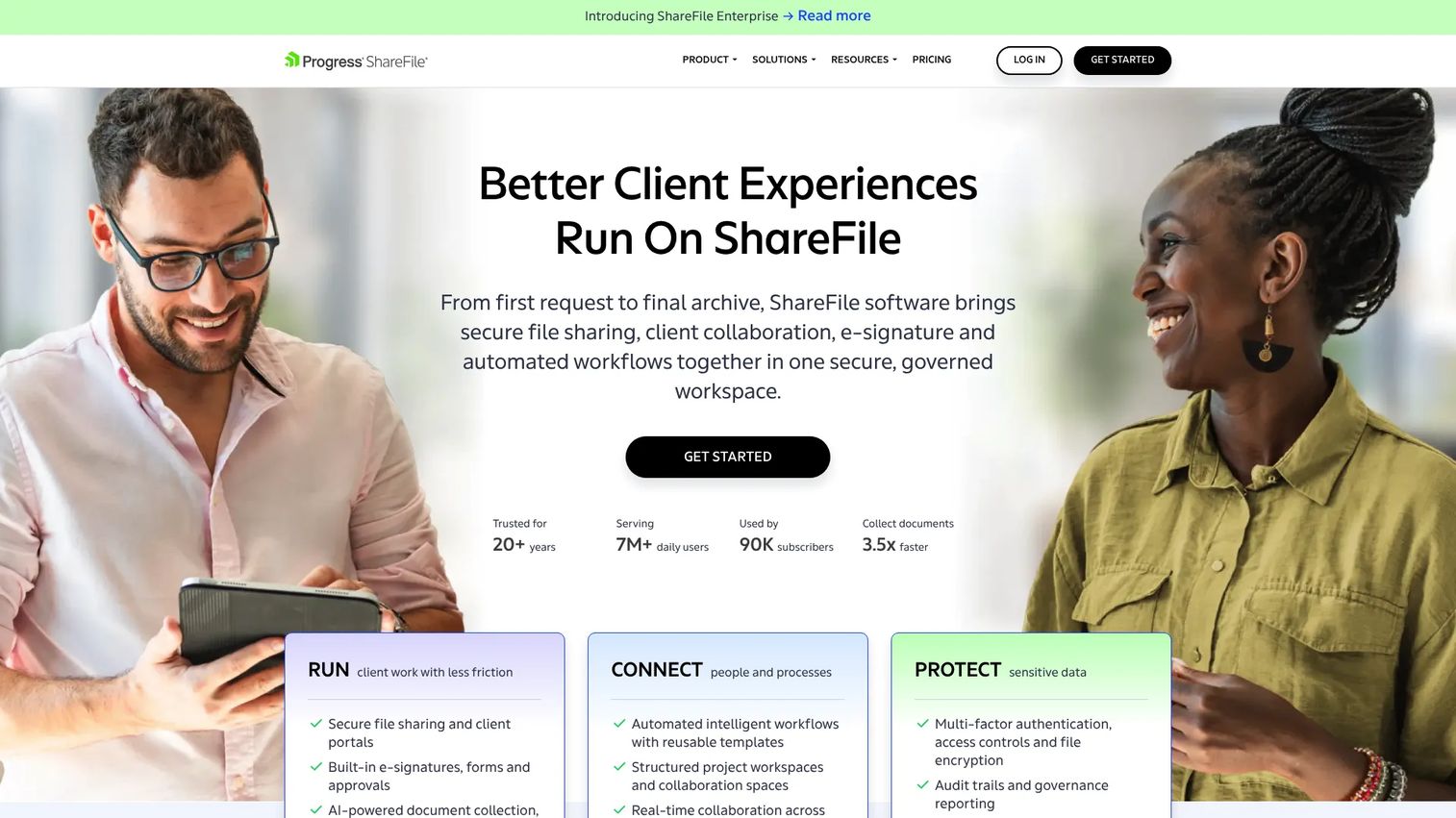
ShareFile combines secure file exchange with external document workflows. Its client portals and collection tools suit recurring exchanges with customers or professional advisors. Integrated approvals and signatures extend the process beyond uploading a finished document.
Best for: Companies that need a secure client portal and a repeatable document collection process.
Key features
- Secure sharing and encrypted storage
- Client portals and document collection
- Workflow automation
- Forms and approvals
- Integrated electronic signatures
Consider a customer onboarding process that requires several documents before implementation begins. Give the customer a clear destination and assign an internal owner to each outstanding request.
For a founder, the evaluation should focus on operational handoff. Can Customer Success manage the exchange without asking you where the latest attachment went? Does Finance have a separate process for sensitive submissions?
Have a department owner run the pilot from request through approval. Include an external participant who hasn’t used the service before. Watch for steps that require staff explanations, then decide whether those instructions belong in your operating procedure.
Also distinguish the portal requirement from a general storage requirement. A company exchanging recurring customer documentation has different priorities from a team distributing occasional presentation files.
Why choose ShareFile: Choose it when secure document sharing forms part of a defined client process. The fit is strongest when collection and approval matter alongside delivery.
ShareFile pricing: Advanced costs $16.50/user/month annually or $18.15 monthly, with a three-user minimum. A 14-day trial is available.
2. Dropbox
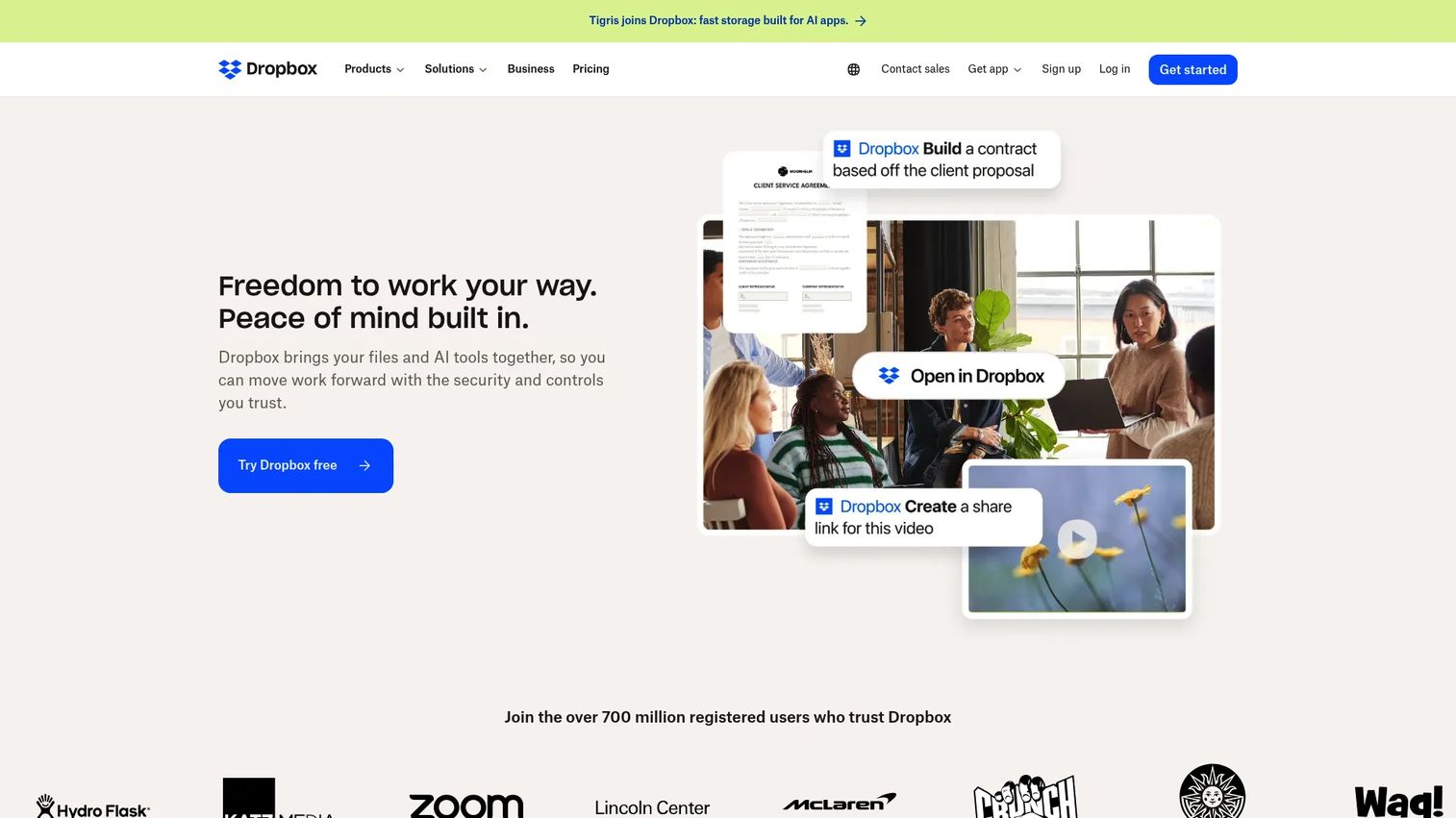
Dropbox supports cloud file sharing and cross-device synchronization. Its documented sharing controls include passwords, expiring links, and download restrictions. Recovery and version history also matter when collaborators revise working files.
Best for: Growing teams that want shared storage and external delivery within a familiar file-based workflow.
Key features
- File and folder permissions
- Password-protected links and expiration
- Desktop sync and offline access
- Version history and recovery
- Comments and video feedback
The founder-level question is whether Dropbox can replace scattered personal accounts with a company-owned process. Start by identifying which departments already use it and which documents remain outside managed folders.
Then test a common external exchange, such as handing assets to an agency. Include a revision so you can assess how your team communicates the current version.
Dropbox also deserves evaluation for large file sharing when recipients need continuing access rather than a single delivery. Check the relevant upload and storage limits against your own files.
Don’t choose a plan solely because it includes enough capacity. Map password protection and other required controls to the subscription your team would purchase. Your administrator should also explain how ownership changes when an employee leaves.
Why choose Dropbox: It fits teams that want to retain a conventional folder workflow while improving external sharing controls. Assess the required governance separately from storage capacity.
Dropbox pricing: Basic is free; Plus costs $9.99/month. Team plans start with Standard at $15/user/month, billed monthly.
G2 rating: 4.4/5.
3. OneHub
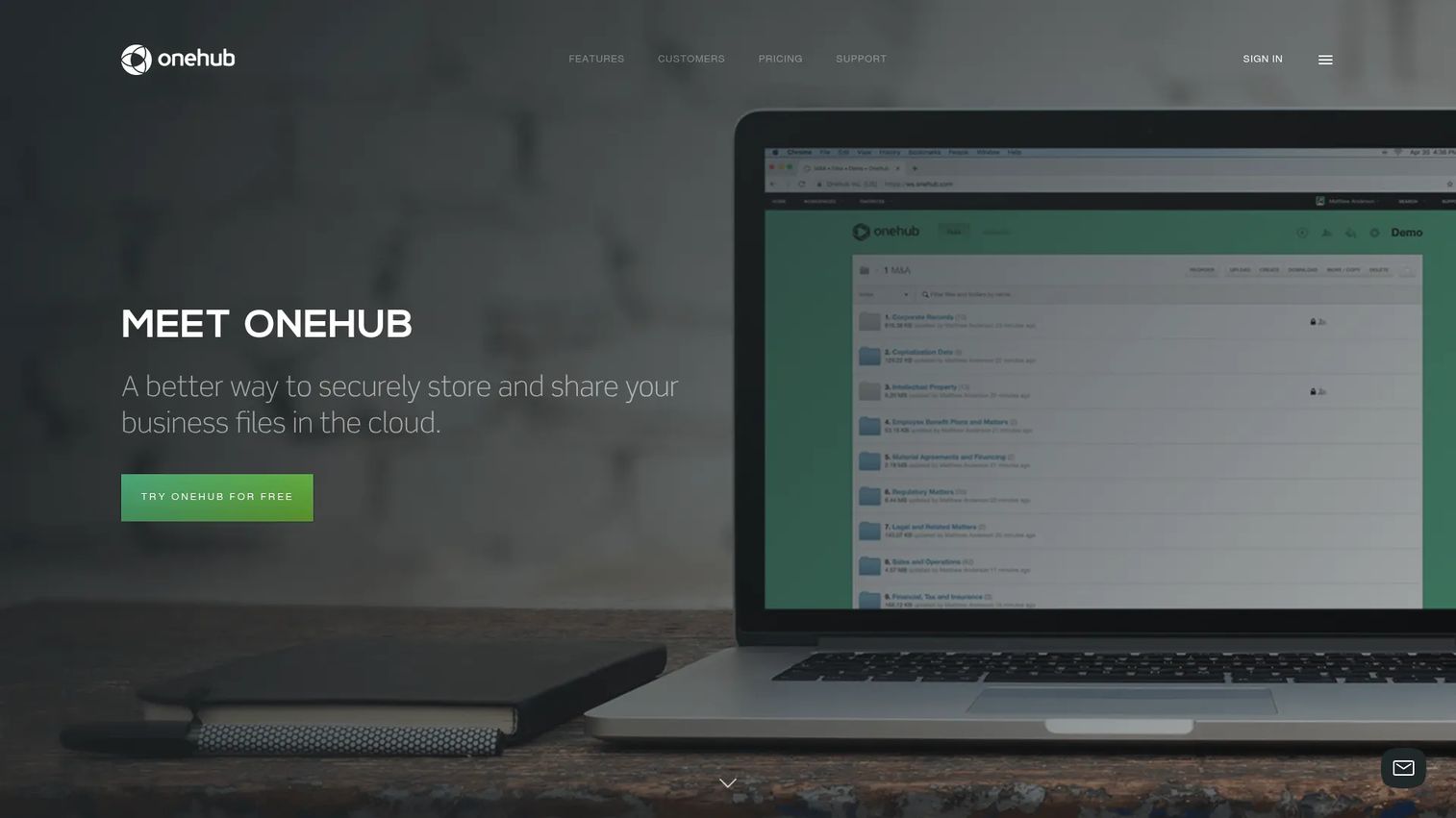
OneHub provides secure cloud workspaces and virtual data rooms. Custom branding gives external collaborators a recognizable destination, while role-based permissions define access. Its data-room capabilities include watermarking and document indexing.
Best for: Teams managing investor diligence or client relationships that need a structured external workspace.
Key features
- Role-based permissions and audit trails
- Custom branding and domains
- Document watermarking and indexing
- Secure links and online previews
- Version control and full-text search
A branded portal is useful when outside stakeholders return repeatedly. For example, organize an investor exchange around a clear folder structure rather than sending separate links throughout an email thread.
Before rollout, decide who can invite collaborators and who approves access to sensitive folders. Give an operations lead responsibility for maintaining that structure.
OneHub’s positioning makes secure document sharing the central job. During evaluation, inspect the workspace as both an administrator and an outside reviewer. Those perspectives reveal different questions about navigation and permission boundaries.
For a data-room project, ask your legal or finance owner to define the required document controls. Treat that list as the acceptance criteria rather than assuming every portal package covers diligence requirements.
Why choose OneHub: Choose it when the external workspace itself matters, particularly for recurring client access or formal document review. Its data-room orientation distinguishes it from a general shared drive.
OneHub pricing: Standard costs $12.50/user/month annually or $15 monthly, starting at three paid users. All plans include a 14-day trial.
G2 rating: 4.2/5.
4. Microsoft 365

Microsoft 365 is a productivity suite rather than a standalone file sharing service. It combines Office applications with cloud storage and collaboration. Evaluate it when the purchasing decision extends to how employees create documents and work together.
Best for: Companies consolidating around Microsoft applications and connected file workflows.
Key features
- Office desktop applications
- OneDrive cloud storage
- Real-time document collaboration
- Microsoft Teams communication
- Microsoft Defender security features
For an existing Microsoft customer, begin with a license inventory. Ask IT which subscriptions your employees have and what file-sharing requirements remain unmet.
This prevents a founder from approving another platform before understanding the current stack. It also separates a configuration problem from a product gap.
Use an external contract review as the pilot. Have the document owner collaborate with outside counsel, then ask the administrator to explain the access model.
Be precise about the purchasing unit. Microsoft 365 is the suite decision; SharePoint and OneDrive represent particular storage and document-working contexts. Teams adds the conversation layer.
Those related entries help you evaluate how work happens, not justify buying overlapping subscriptions. Assign IT responsibility for the architecture and give department leads responsibility for document ownership.
Why choose Microsoft 365: It earns consideration when you want file collaboration connected to the applications employees already use. Confirm the business package rather than comparing consumer storage prices.
Microsoft 365 pricing: Business Standard costs $12.50/user/month, paid yearly. The version without Teams costs $9.29/user/month, paid yearly.
G2 rating: 4.6/5.
5. SharePoint
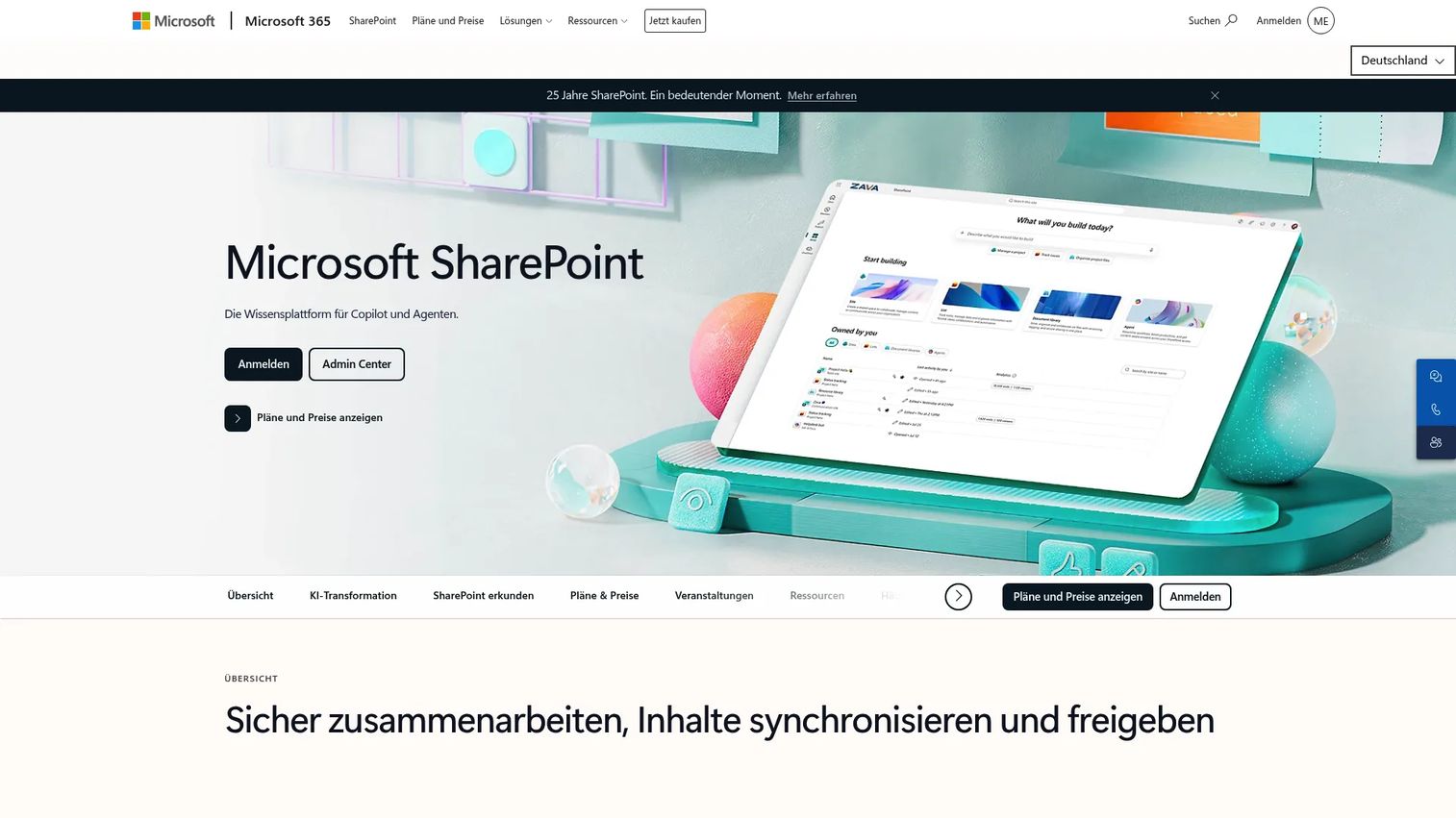
SharePoint provides document management and team sites within the Microsoft environment. Libraries combine versioning with access control. Organizational search helps employees locate content across a more structured information environment.
Best for: Microsoft-based companies that need department-owned document libraries and organized collaboration spaces.
Key features
- Document libraries with versioning
- File access controls
- Real-time coauthoring
- Team sites
- Organizational content search
SharePoint deserves a place on the shortlist when documents need a defined home beyond an employee’s working folder. Finance materials and approved company policies are useful examples for evaluation.
Start with ownership before designing sites. Specify who maintains each library, who approves external invitations, and who handles departing employees.
A founder should be able to hand this model to Operations without becoming its permanent administrator. Ask the implementation owner to document the structure in language department leads understand.
For external collaboration, test the exact document library and recipient path you intend to use. Review a guest’s access after a project ends, and ask IT to demonstrate the administrative process.
Enterprise file sharing also raises questions about retention and investigation. Make those requirements explicit during procurement rather than assuming they follow automatically from selecting a Microsoft product.
Why choose SharePoint: Choose it when shared content requires organizational structure and clear departmental responsibility. Its library-and-site model suits a different operating need from individual cloud storage.
SharePoint pricing: SharePoint Plan 1 costs $5/user/month, paid yearly. Microsoft also offers it through relevant Microsoft 365 packages.
G2 rating: 4.0/5.
6. Microsoft Teams

Microsoft Teams combines workplace communication with shared content. Files sit within a broader collaboration context involving channels and meetings. Its security capabilities include controls and encryption for workplace communications.
Best for: Teams whose document exchanges happen during active project conversations.
Key features
- Chat and channels with shared content
- Meetings and events
- Microsoft 365 workflows
- Security controls and encryption
- Connected workplace applications
The practical use case is an ongoing relationship rather than an isolated transfer. A customer implementation team, for example, needs discussion around the documents it exchanges.
Test whether that working context matches your external collaborators. Some recipients need sustained participation; others only need to retrieve a final deliverable.
Before adding customers or partners, define the intended collaboration boundary. Ask IT to show where shared files live and which permissions govern them.
That distinction matters when employees assume access to a conversation automatically answers every file-access question. Your pilot should include the person responsible for Microsoft administration.
For founder handoff, give each external project an accountable owner. Require a closure step that reviews ongoing access and identifies where final records belong. Software selection should support that process rather than substitute for it.
Why choose Microsoft Teams: Choose it when files need the surrounding discussion and meeting context. Evaluate dedicated transfer or portal products separately for exchanges that don’t require ongoing participation.
Microsoft Teams pricing: A free plan is available; Essentials costs $4/user/month, paid yearly. Microsoft 365 Business Basic costs $7/user/month, paid yearly.
G2 rating: 4.4/5.
7. Google Drive
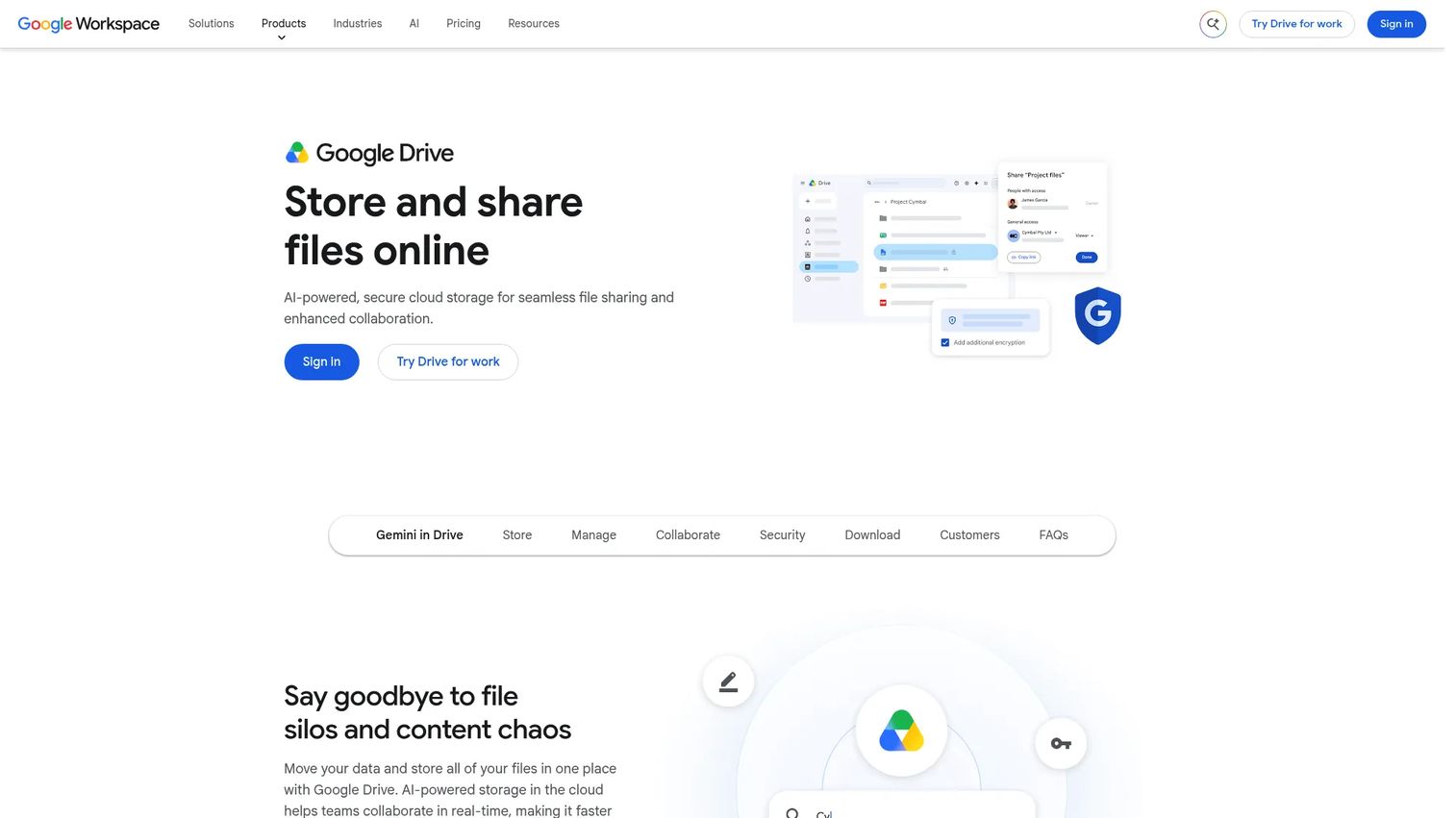
Google Drive combines cloud storage with collaborative document editing. Sharing permissions distinguish viewing from commenting or editing. Desktop synchronization supports access outside the browser, while business capabilities connect to Google Workspace.
Best for: Teams already collaborating in Google documents that need managed cloud file sharing.
Key features
- View, comment, and edit permissions
- Shared drives
- Real-time document editing
- Windows and macOS synchronization
- Content search
Drive is worth evaluating before purchasing an additional repository for a Google-based company. The important question is whether your existing configuration supports the external-sharing policy you want.
Use a customer procurement packet to test the workflow. Separate the approved documents from internal working material and ask an outside participant to access only the intended files.
For leadership, ownership is a central issue. Determine which documents belong in managed team locations rather than a founder’s personal working area.
Business security capabilities vary across the broader suite. Have your administrator map required controls to the proposed subscription, especially for sensitive content.
The recipient test should include someone outside your company’s domain. Record any authentication or access-support steps. Those details determine whether customer-facing employees will follow the approved process during a busy sales cycle.
Why choose Google Drive: It fits companies whose document creation already happens in Google applications. Focus the evaluation on external permissions and ownership rather than adding another storage destination.
Google Drive pricing: Free personal access is available; Workspace Starter costs $7/user/month, billed monthly. Business subscriptions offer a 14-day trial.
G2 rating: Google Workspace scores 4.6/5; this is the suite rating, not a separate Drive score.
8. Google Workspace
Google Workspace combines business email with cloud collaboration applications. Drive provides storage and file sharing within that broader suite. It suits a company-level productivity decision rather than a narrow requirement to deliver one document securely.
Best for: Google-native companies seeking shared administration across communication and document work.
Key features
- Custom business email
- Drive storage and sharing
- Collaborative office applications
- Video conferencing
- Shared calendars and messaging
Evaluate Workspace through the lens of subscription consolidation. List the email and collaboration services it would replace before calculating the additional cost.
For a Series B founder, the benefit must extend beyond another place to upload files. Department leads need a repeatable way to create company-owned material and collaborate with outsiders.
Ask Operations to document the intended setup for customer projects. Include who creates the working area, who manages participants, and how the relationship ends.
This is also where the suite-versus-component distinction matters. Google Drive describes the file experience; Workspace describes the wider purchasing and administration decision.
Do not migrate every department solely to fix one external-sharing problem. Compare the scale of the change with the specific requirement. A focused portal may deserve separate evaluation when the rest of your productivity stack already works.
Why choose Google Workspace: Choose it when file sharing belongs within a broader consolidation of business communication and collaboration. Treat migration effort as part of the business case.
Google Workspace pricing: Starter costs $7/user/month; Standard costs $14/user/month, both billed monthly. A 14-day trial is available.
G2 rating: 4.6/5
9. Box

Box combines secure content collaboration with governance and workflow capabilities. Its documented tools extend to forms and electronic signatures. This makes it relevant when documents need controlled business processes beyond shared storage.
Best for: Companies that want content administration and external collaboration under a common governance model.
Key features
- Secure content sharing
- Workflow automation and forms
- Electronic signatures
- Governance and threat detection
- Application integrations and APIs
Box belongs on the shortlist when several departments need secure document sharing under common rules. Customer-facing teams may prioritize recipient access, while Legal focuses on how business records are handled.
Define those requirements together before comparing packages. Otherwise, each department may evaluate a different problem and reach an incompatible purchasing recommendation.
For a pilot, use a document that moves between teams before reaching an external recipient. Ask each participant to explain the handoff and identify who owns the final version.
Give particular attention to administration after launch. A founder needs an accountable operating owner, not a platform whose policy decisions keep returning to the executive team.
Also inspect which workflow and governance capabilities belong in the proposed package. A low entry price is useful only if the plan supports your intended business process.
Why choose Box: Choose it when content is subject to cross-functional governance and recurring workflows. Its broader content-management focus merits evaluation beyond the cost of storage.
Box pricing: A free Individual plan is available; Business Starter costs $5/user/month with annual billing. Business plans require at least three users.
G2 rating: 4.2/5.
10. Nextcloud Files
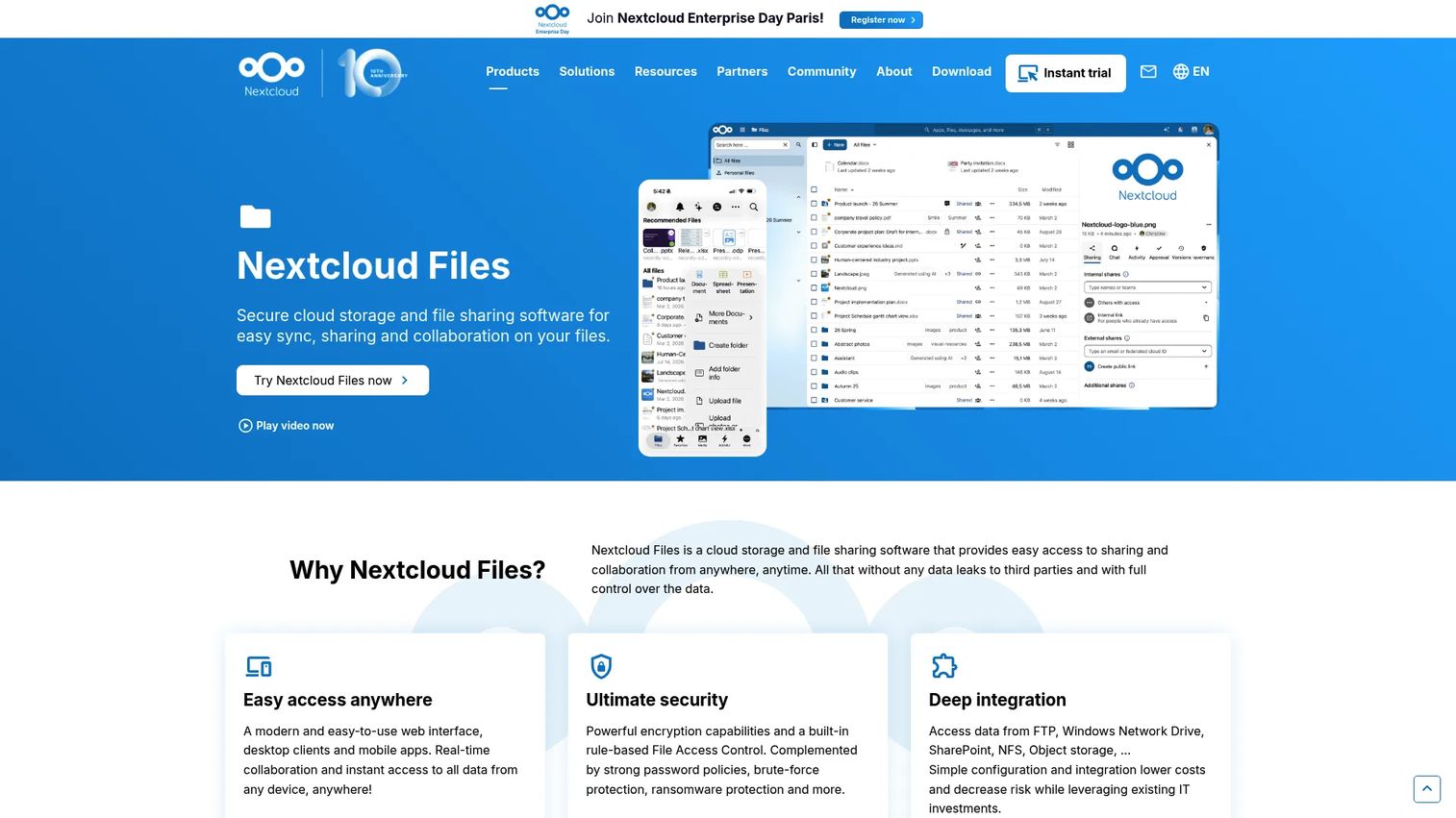
Nextcloud Files provides self-hosted cloud storage and file sharing. Its synchronization clients support desktop and mobile use. File Drop enables uploads through a link, while versioning supports restoration of earlier content.
Best for: Organizations that want infrastructure ownership and have the technical capacity to operate their file environment.
Key features
- Desktop and mobile synchronization
- Flexible file and folder permissions
- File Drop upload links
- End-to-end encryption
- Versioning and restoration
The purchasing question is as much about responsibility as software. Decide whether your organization wants to operate the environment and who will own maintenance.
For a founder, data-location control needs a corresponding operating budget. Ask IT to explain deployment responsibilities and how the service will be supported when the primary administrator is unavailable.
Test external collaboration with the hosting arrangement you intend to use. Include an upload from an outside participant and a recovery exercise for an altered file.
Nextcloud Files deserves consideration for enterprise file sharing where infrastructure control is a firm requirement. Avoid choosing that model purely to avoid subscription costs.
Compare the complete operating commitment with a hosted service. Your team should be able to explain why self-hosting serves a business requirement and how it will sustain the deployment.
Why choose Nextcloud Files: Choose it when control over the hosting environment matters enough to justify internal operational ownership. Technical responsibility should be explicit before procurement.
Nextcloud Files pricing: Enterprise Files Standard starts at €71.29/user/year. Enterprise plans start at 100 users.
G2 rating: 4.4/5
11. Tresorit
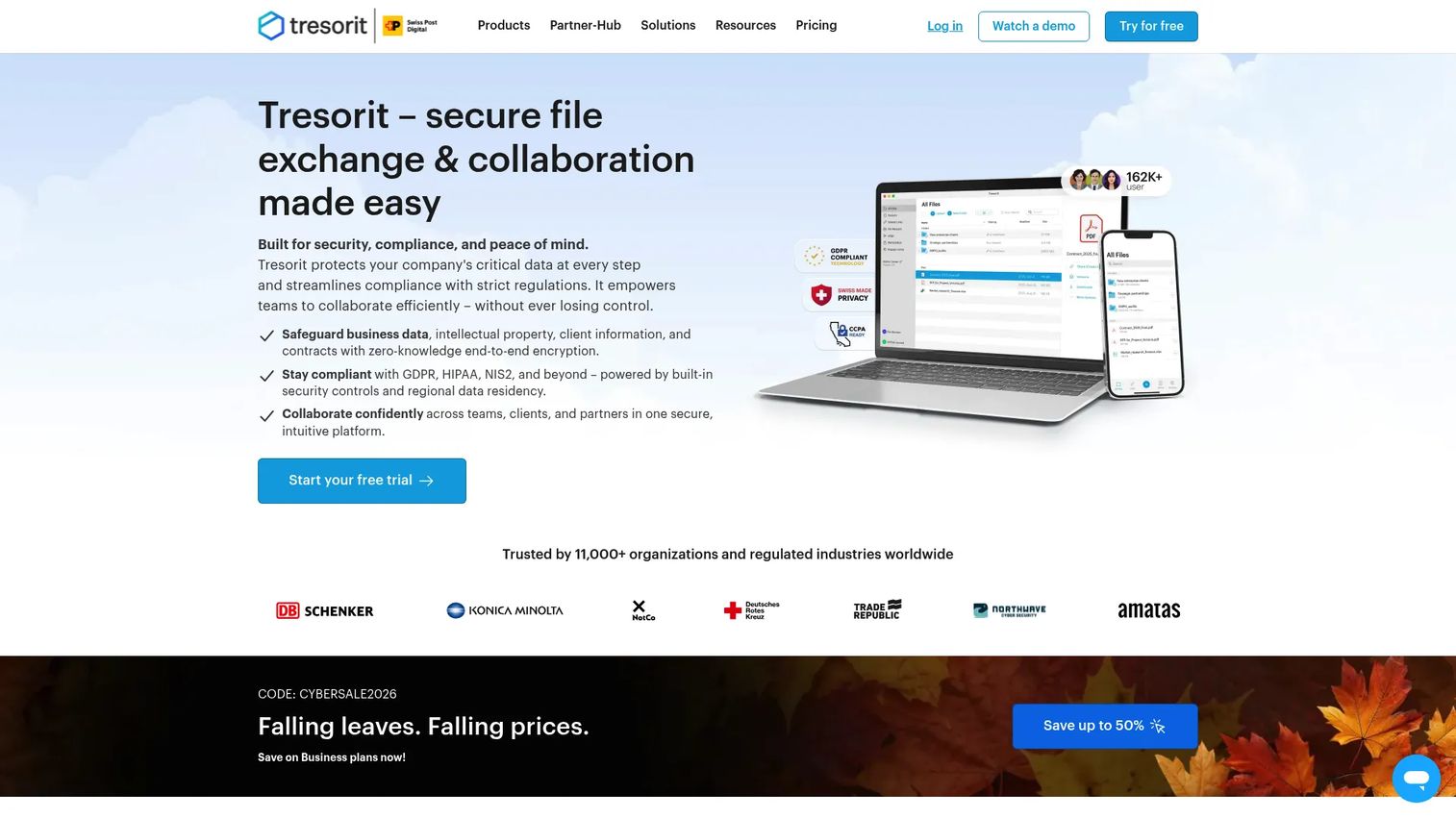
Tresorit focuses on end-to-end encrypted storage and external collaboration. Its zero-knowledge architecture accompanies detailed sharing controls. Those include expiration dates and download limits, alongside access logs.
Best for: Teams exchanging confidential documents with advisors or security-conscious customers.
Key features
- End-to-end encryption
- Passwords and expiry dates
- Download limits and access logs
- Cross-device sync and offline access
- Administrative controls
Tresorit is worth evaluating when the sensitivity of the material drives the purchase. Board documents and confidential finance exchanges provide useful scenarios for a pilot.
Ask the security owner to define the protection requirement before selecting a subscription. Encryption terminology alone doesn’t settle questions about recipient behavior or internal access.
The external test should follow the entire relationship. Send a document, inspect the available activity information, and review what happens when access ends.
For a founder, the desired outcome is a process department owners can run consistently. Give Legal or Finance responsibility for the relevant document class instead of handling exceptions personally.
Also separate encrypted file sharing from automated operational transfers. If the requirement involves scheduled system exchanges, include that explicitly in procurement rather than assuming any security-focused product covers it.
Why choose Tresorit: Choose it when confidential exchange and detailed recipient controls define the job. Its security-oriented approach fits a different priority from general productivity-suite consolidation.
Tresorit pricing: A free Basic plan and 14-day trials are available through Tresorit’s plans.
G2 rating: 4.5/5.
12. WeTransfer

WeTransfer is a file-transfer service built around downloadable delivery links. Its documented capabilities include password protection and expiry options. Team workspaces and brand controls support organizations sending material externally.
Best for: Teams delivering large creative assets or finished customer files.
Key features
- Large-file transfer links
- Password protection
- Custom expiry options
- Team workspaces
- Brand controls
Use WeTransfer as a delivery decision rather than automatically treating it as your document system of record. Determine where the approved source file lives before distributing a copy.
A marketing team handing a video export to an agency is a useful evaluation scenario. The questions are whether the recipient can retrieve it and whether the access window matches the project.
Test large file sharing with a representative deliverable. Include the recipient’s download process and any instructions required from the sender.
For a founder, the operational rule should distinguish temporary delivery from ongoing collaboration. A completed asset and an actively edited contract don’t need the same working environment.
The verified Ultimate specification allows transfers up to 1 TB per transfer. Assess the package against your expected frequency as well as individual file size.
Why choose WeTransfer: Choose it when the central job is delivering finished files to an external recipient. Use a separate ownership policy for the source material and final records.
WeTransfer pricing: A free plan is available. Starter costs $6.99/month.
G2 rating: 4.6/5.
13. OneDrive
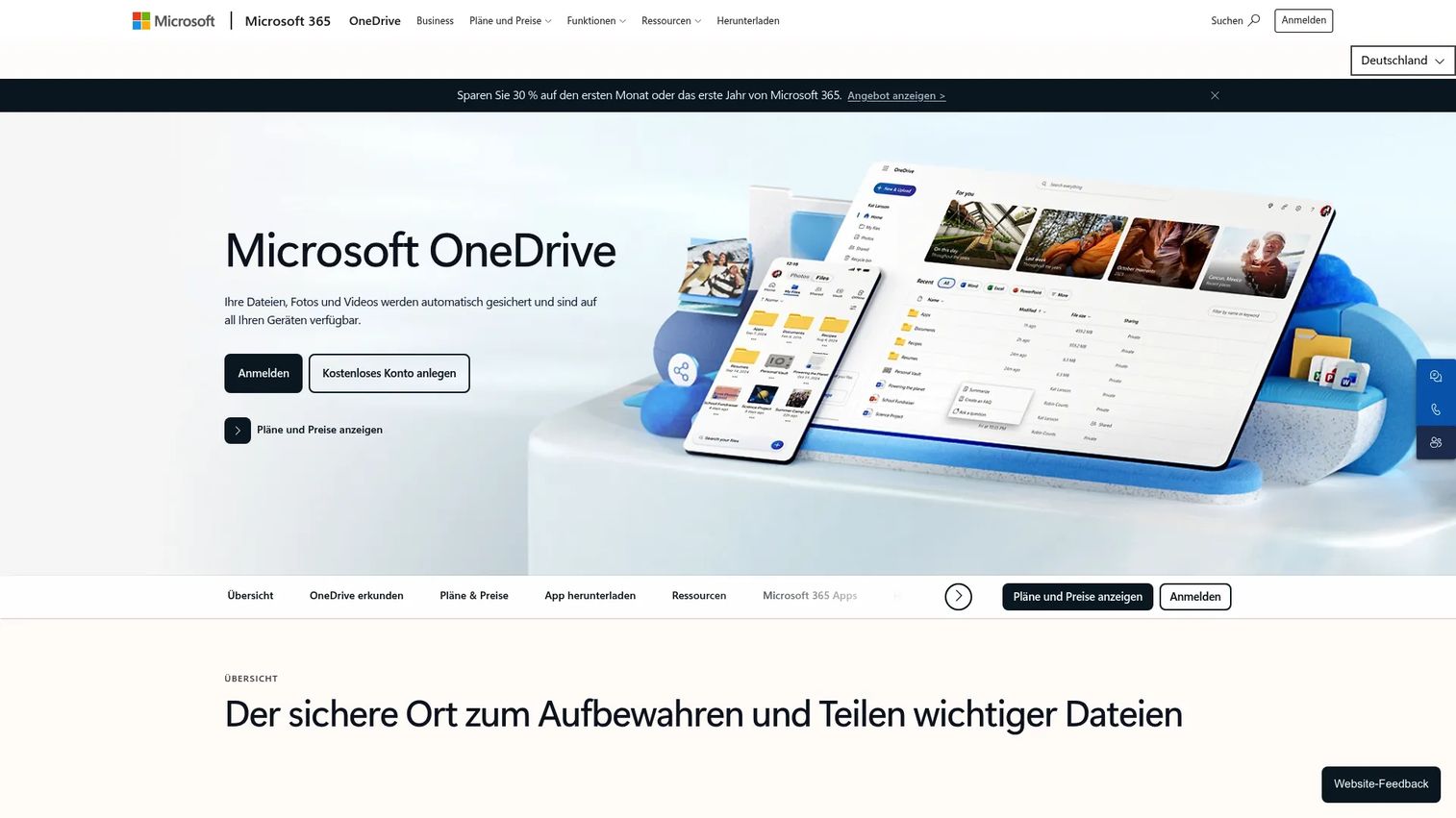
OneDrive provides Microsoft-connected cloud storage and synchronization. It supports file sharing and real-time collaboration across devices. Version history and restoration help users recover earlier material.
Best for: Microsoft users who need accessible working files and connected document collaboration.
Key features
- Cross-device synchronization
- File sharing and collaboration
- Offline files and folders
- Version history and restoration
- Cloud backup
The key distinction for founders is personal working storage versus company document ownership. Establish where an employee can work independently and where shared records should live.
Use a common sales or finance document to evaluate that boundary. Ask the owner to demonstrate how the file is shared and how another employee takes responsibility.
Your IT lead should explain the relevant business configuration separately from consumer subscriptions. A cheap personal storage plan doesn’t answer company administration requirements.
OneDrive is also worth examining before purchasing another synchronization product. Map the existing Microsoft setup and identify the exact workflow that remains unresolved.
For external sharing, include a recipient outside your organization in the test. Review access changes and document recovery as separate exercises. A successful upload proves little about the administrative work that follows.
Why choose OneDrive: Choose it when file access begins with an individual’s Microsoft workflow. Pair that decision with clear rules for department-owned material and external recipients.
OneDrive pricing: The free personal plan includes 5 GB. Microsoft 365 Basic costs $1.99/month or $19.99/year.
14. Files.com
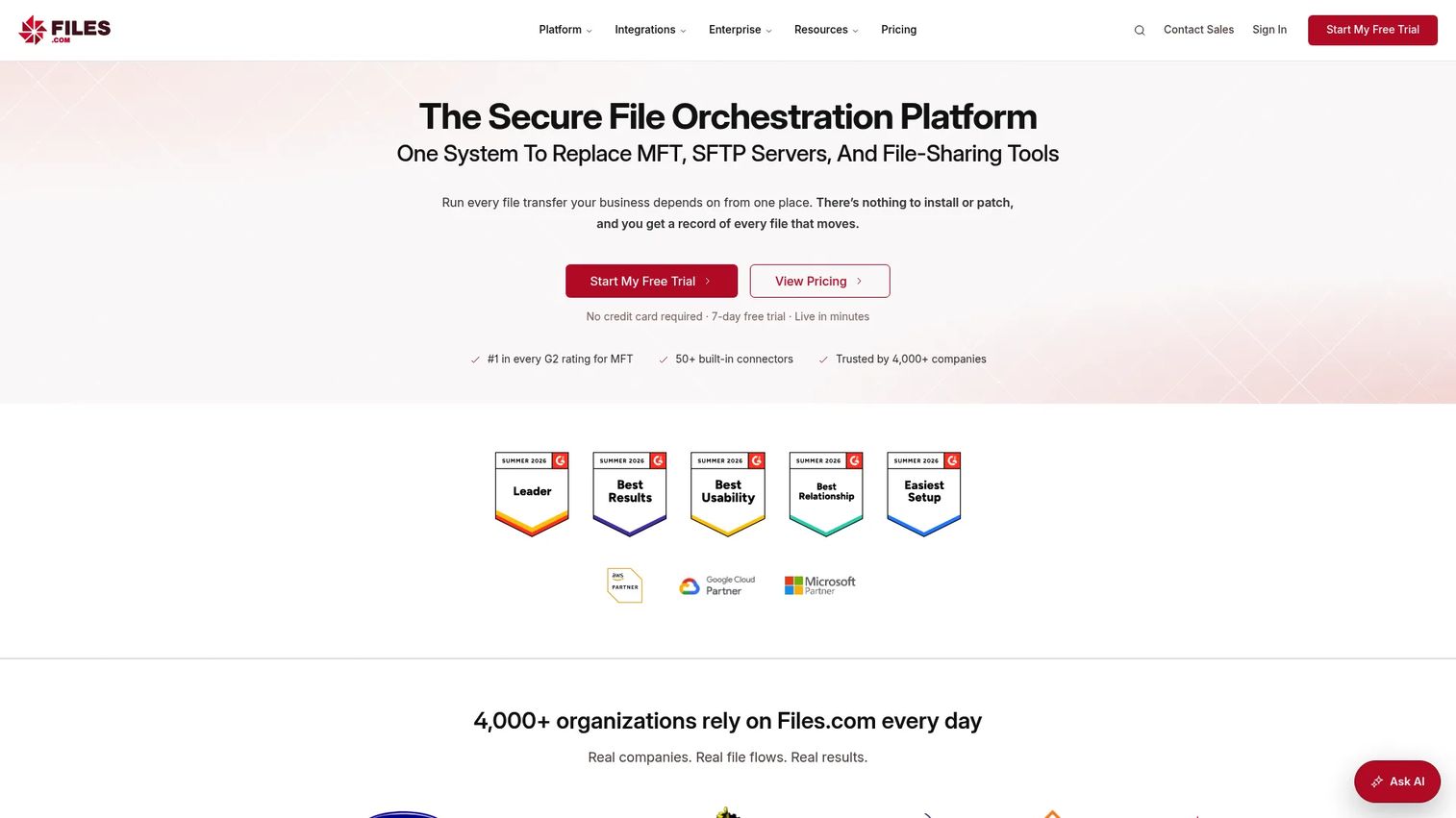
Files.com focuses on managed file transfer and orchestration. It supports operational file movement through managed protocols and automation. Secure links and inboxes also serve exchanges involving people.
Best for: Companies moving files repeatedly between business systems or external partners.
Key features
- Managed SFTP, FTP, FTPS, and WebDAV
- No-code transfer automation
- Secure share links and inboxes
- APIs and developer tooling
- SSO, MFA, and audit logging
This is a different purchasing problem from finding a shared folder. A recurring customer export needs a dependable operating process and someone responsible when an expected delivery doesn’t arrive.
Begin with one recurring exchange. Document the source and destination, then identify the employee currently moving the file manually.
Use that workflow to evaluate automation and operational visibility. Include the relevant system owner rather than asking only end users to assess the interface.
Files.com also belongs in a large file sharing evaluation when transfers connect business applications. Check the commercial treatment of your expected workload and required connections.
For a Series B founder, the case should name the manual process being retired. Ask Operations to describe the escalation path and demonstrate how the transfer history supports troubleshooting.
Why choose Files.com: Choose it when file movement is an operational dependency requiring automation and oversight. Its managed-transfer orientation addresses a different need from casual document collaboration.
Files.com pricing: Starter costs $199/month or $2,099/year. A seven-day free trial is available.
G2 rating: 4.6/5.
15. Egnyte

Egnyte combines cloud content collaboration with data security and governance. Sensitive-data discovery and classification extend its scope beyond file delivery. Workflow orchestration and recovery capabilities support broader content operations.
Best for: Security-conscious companies that need visibility into sensitive business content.
Key features
- Secure file collaboration
- Sensitive-data discovery and classification
- Workflow orchestration
- Ransomware detection and recovery
- PDF markup and electronic signatures
Egnyte merits evaluation when leadership needs to understand what sensitive content exists before defining external access. That is a broader task than selecting a place to store customer files.
Give the security owner and a business department equal input. One needs oversight; the other needs a workable process for customer or advisor exchanges.
During the pilot, choose a representative document set and establish how the organization wants it classified. Then examine the external-sharing workflow around that material.
Secure document sharing should be evaluated alongside administration. Ask who will respond to findings and who can authorize an exception.
For founder handoff, avoid creating a system where every sensitive-content decision becomes an executive escalation. Establish delegated authority and a review process before rolling the platform across departments.
Why choose Egnyte: Choose it when content security and governance are central purchasing requirements. Compare the relevant package and add-ons against a clearly defined operating model.
Egnyte pricing: Business costs $22/user/month, paid annually. Enterprise Lite costs $39/user/month, paid annually.
G2 rating: 4.4/5.
16. NordLocker
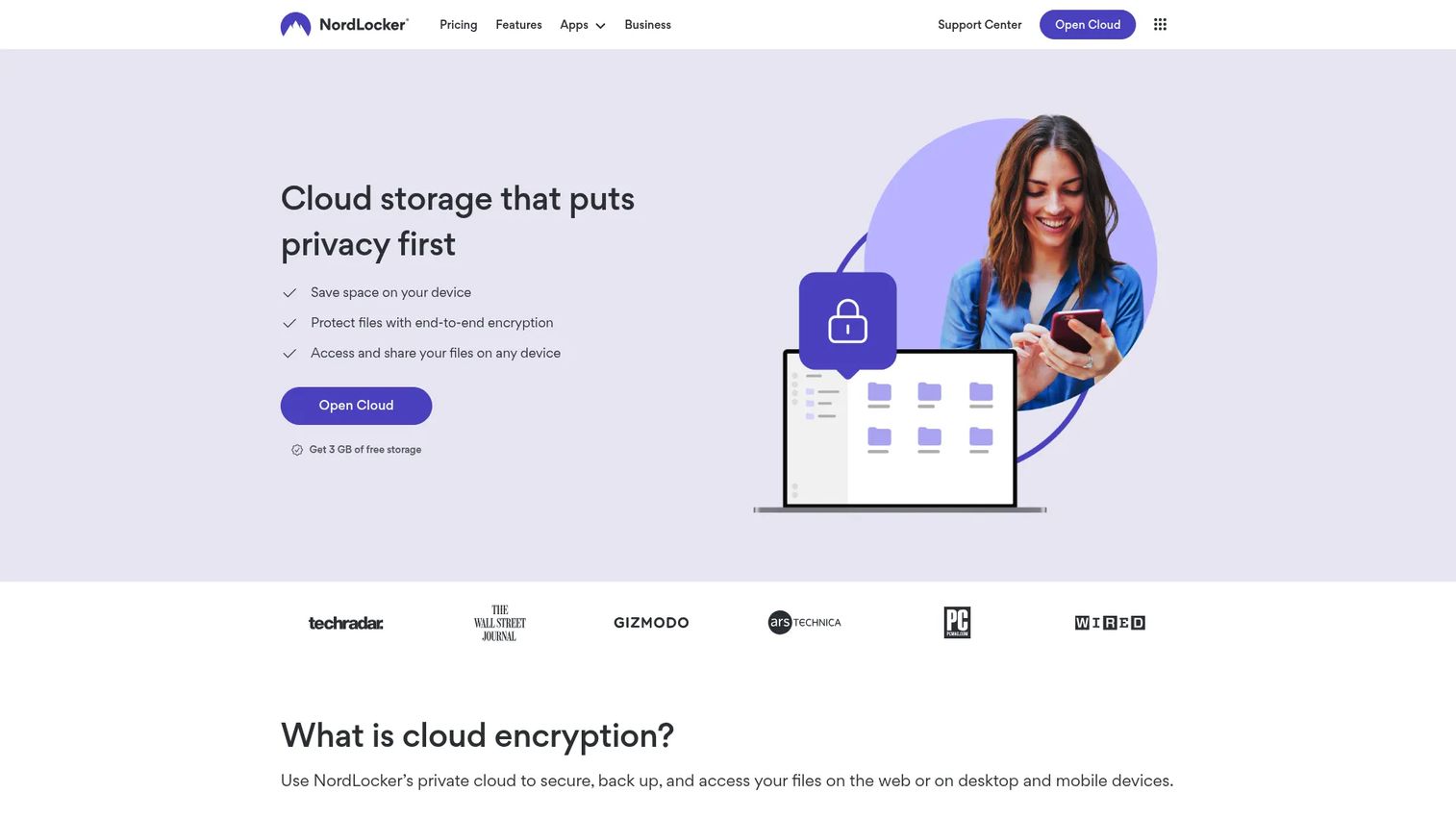
NordLocker provides end-to-end encrypted cloud storage with a zero-knowledge architecture. It supports secure sharing through email or links. Cross-device synchronization lets users access stored material across supported applications.
Best for: Individuals or teams prioritizing encrypted storage for confidential documents.
Key features
- End-to-end encrypted storage
- Zero-knowledge architecture
- Secure email and link sharing
- Cross-device synchronization
- Web and device access
Evaluate NordLocker when protection of stored material is the central requirement. A collection of confidential legal files provides a more relevant test than a broad company collaboration project.
Start by defining which documents belong in this environment. Then identify the people responsible for granting access and maintaining the collection.
For a founder, a separate encrypted vault should have a clear purpose in the stack. Avoid creating another repository whose ownership becomes unclear after staff changes.
Ask the security lead to assess the protection model and the business owner to test sharing. Those are complementary evaluations, and neither should stand in for the other.
If you need secure file transfer software for automated system exchanges, assess that requirement separately. NordLocker’s documented positioning centers on encrypted storage and sharing rather than the operational orchestration described elsewhere in this list.
Why choose NordLocker: Choose it when encrypted document storage is the primary job. Establish the business administration requirements before expanding a personal trial into a company process.
NordLocker pricing: The free plan includes 3 GB of cloud storage. Paid storage options include 500 GB and 2 TB.
G2 rating: 4.2/5.
17. Jumpshare

Jumpshare combines file sharing with visual communication. Screen recordings and annotated captures let senders provide context alongside an asset. Its sharing capabilities include online previews and link controls.
Best for: Teams explaining visual work to customers or outside collaborators.
Key features
- Screen recording and webcam capture
- Screenshot annotation and redaction
- Online file previews
- Password protection and link expiry
- Version history
Consider a product or design team explaining a proposed change to an agency. The recipient needs the file and the reasoning behind it.
Use that scenario to assess Jumpshare rather than comparing it solely on storage. Have the sender explain a visual issue, then ask the recipient to review the shared material.
For customer-facing teams, include sensitive-screen review in the process. Decide what can appear in a recording before distributing the link.
Large file sharing also needs a practical test with your expected assets. Confirm the relevant upload limits and storage allowance for the subscription you intend to buy.
The founder-level benefit should be tied to a specific communication workflow. Identify whether the product replaces a separate capture tool or another sharing service. Without that mapping, visual communication can become an additional subscription rather than a deliberate consolidation.
Why choose Jumpshare: Choose it when recipients need visual explanation alongside files. Its capture-and-sharing focus suits a different job from formal document governance.
Jumpshare pricing: Basic is free; Plus costs $12/user/month with monthly billing. Business costs $16/user/month with monthly billing.
G2 rating: 4.3/5.
Considerations when choosing file sharing software
External access controls
Test named recipients and forwarded links separately. For file sharing with link expiry, confirm which plan supports the setting and what happens when the deadline passes.
Ask how revocation affects access, including material recipients have already downloaded. Treat recipient authentication and download restrictions as separate requirements.
Audit trails and reporting
For file sharing with audit trails, request a sample export covering an external collaboration session. Inspect whether it records views, downloads, edits, and permission changes.
Determine who can retrieve those records and how long the information remains available. Download tracking should answer a business question rather than merely populate a dashboard.
File-size limits and transfer reliability
Test representative files, including your largest expected deliverable. Examine per-file limits separately from storage capacity and transfer allowances.
Ask the vendor how interrupted uploads are handled. Include the external recipient’s download experience in acceptance testing.
Stack fit and identity management
Inventory existing subscriptions before adding another repository. Ask IT to map authentication and offboarding against the current identity setup.
A new service should have a named administrator and a clear relationship with company-owned records. Avoid unmanaged accounts created to solve isolated sharing requests.
Governance without slowing the team
Measure the recipient’s experience alongside administrative control. Record the support requests generated during the pilot and the time department owners spend managing access.
Compare document sharing platforms on the complete operating process. The right purchase gives your new VP a system they can own without returning every exception to you.
Choose the tool that matches the external-sharing job
The best file sharing software depends on what your company sends and what must happen afterward.
Start with ShareFile for client document processes. OneHub is worth evaluating when a branded workspace or data room matters.
For broad collaboration, inspect your existing suite before buying another drive. Dropbox provides an independent storage-and-sync option; Microsoft 365 and Google Workspace connect files to wider productivity workflows.
Consider SharePoint for structured Microsoft document libraries. Box and Egnyte deserve evaluation when content governance drives the purchase. Nextcloud Files fits organizations deliberately choosing infrastructure ownership.
Specialist needs deserve specialist comparisons. Tresorit and NordLocker emphasize encrypted storage and sharing. Files.com addresses operational transfers, while WeTransfer focuses on delivery. Jumpshare adds visual context.
Shortlist three candidates based on your external collaborators and required controls. Give the pilot to the department that will own the workflow.
Use a representative exchange with an outside participant. Evaluate access changes and activity reporting before discussing a company-wide migration. The purchase should remove an identifiable operational gap, not create another folder the founder has to manage.
FAQs
File sharing software helps teams exchange files and manage access for colleagues or external recipients. The category includes cloud drives, client portals, managed transfer services, and content-management platforms. Choose according to the work surrounding the file, such as collaborative editing, controlled client access, or recurring system delivery. Different categories belong in different operating processes.
ShareFile is a strong starting point for client document workflows, while OneHub suits structured external workspaces. Box and Egnyte merit consideration when governance is central; SharePoint fits document libraries within Microsoft environments. Tresorit emphasizes encrypted collaboration with detailed link controls. The best choice depends on the recipient experience and the specific safeguards your organization requires.
Prioritize external permissions and clear document ownership before comparing storage allowances. Evaluate link expiry, activity reporting, identity integration, and the process for removing access after an engagement ends. Ask a department lead to run the pilot with an outside participant. A scalable system lets that owner handle routine requests without relying on the founder’s inbox.
Cloud storage is one part of the broader category. Some products focus on storing and synchronizing working files, while others add client portals or automated transfers. Content-management platforms address additional governance and workflow requirements. Before replacing your current drive, identify whether the unresolved problem concerns capacity, external delivery, access control, or document administration.
Use a company-approved service and assign access to the intended recipients. Set an appropriate expiry window and restrict editing or downloads according to the document’s sensitivity. Before sending, test the link outside your own account and confirm the recipient sees only the intended material. Review ongoing access when the project ends, rather than assuming it expires automatically.
WeTransfer fits delivery-focused exchanges, while Files.com addresses managed operational transfers. Dropbox and Google Drive deserve evaluation when recipients need continued collaboration around stored material. Compare per-file limits with total storage and transfer frequency, because those are separate buying criteria. Run a representative upload and download before relying on a plan’s headline capacity.
Match the protection model to the sensitivity of the material and the people receiving it. Evaluate encryption alongside authenticated access, appropriate permissions, and a defined access window. Tresorit and NordLocker emphasize encrypted sharing; client portals and governed content platforms address additional workflow requirements. Have your security owner assess the configuration rather than treating a product choice as a guarantee.
Some business platforms provide download records or broader activity logs, but reporting depth varies. Ask the vendor to demonstrate an authenticated recipient’s session and an anonymous-link session separately. Inspect the recorded events and the available export rather than assuming every download identifies a person. Include log access and retention in procurement requirements when the information supports investigations or customer disputes.