

You scheduled the file server cutover for a Saturday night. Monday morning, half the team can't open the folders they used Friday. Permissions broke. Ownership reset. A few thousand files came over without their metadata, and now you're rebuilding NTFS access control lists by hand while tickets pile up.
That's the real risk in a migration. Moving bytes is easy. Moving bytes with their permissions, ownership, timestamps, and SID history intact, without downtime that lands on a help desk queue, is the hard part. The right file migration tools handle that fidelity layer for you. The wrong ones leave you reconciling access controls for weeks.
This matters more every year. The cloud migration services market hit USD 21.66 billion in 2025 and is projected to grow at a 26.88% CAGR through 2035, according to Precedence Research (2025). The file migration software segment specifically is tracking a 12.4% CAGR from 2026 to 2033. More data is moving, across more environments, under more compliance scrutiny. Picking the wrong migration tool is expensive in a way that compounds.
The same evaluation discipline applies whether you're buying infrastructure software or adjacent tooling. If you're a product marketer mapping messaging to technical buyers, the criteria below mirror how you'd assess any complex platform: an enterprise search tool, a customer data platform, or data visualization software. Compatibility, reporting, automation, and workflow fit are the constants.
What's inside
This guide is a buyer's decision framework, not just a ranked list. We selected 15 file migration tools based on buyer relevance, competitive visibility in the category, and coverage across the migration scenarios that actually come up: cloud-to-cloud moves, file server migrations, and storage consolidation.
We evaluated each tool against five criteria:
- Compatibility: which sources, destinations, and platforms it supports
- Automation: scheduling, delta migrations, multi-threading, and bandwidth throttling
- Reporting: discovery scans, dashboards, and migration validation
- Security: access controls, encryption, and audit logging
- Workflow fit: how it maps to your team, including MSP and enterprise needs
The list includes standalone data transfer tools, cloud migration platforms, and a documented server migration service, so you can match a tool to your exact source and destination.
TL;DR
For readers who want the shortlist before the detail:
- Best broad cloud migration platform: Movebot moves files and mailboxes across 30-plus platforms with discovery scans and delta migration.
- Best file server migration toolkit: Quest Secure Copy preserves NTFS permissions, ownership, and SID history for Windows-centric migrations.
- Best documented server migration path: Microsoft Storage Migration Service for teams already in the Windows Server ecosystem.
- Best for Microsoft 365 governance: ShareGate for tenant-to-tenant migration plus reporting and bulk fixes.
- Best high-speed large file transfer: IBM Aspera on Cloud and MASV for moving terabytes fast.
- Best MSP multi-tenant management: Cloudiway and CloudFuze for teams running migrations across many client environments.
What are file migration tools?
File migration tools are software platforms that move files, folders, and their associated metadata between storage systems, servers, clouds, or tenants while preserving structure, permissions, and operational continuity. They handle the assessment, transfer, cutover, and validation work that manual copy operations cannot do reliably at scale.
The category spans three related but distinct contexts. File migration moves data between file shares, drives, or cloud storage. Server migration usually includes configuration, workloads, and an operational cutover, not just file data. A storage migration service is often vendor-specific tooling that owns a documented end-to-end workflow for a particular ecosystem.
Core capabilities you should expect from file migration software:
- Permissions preservation: NTFS permissions, share permissions, ownership, and access control lists carried intact
- Metadata fidelity: timestamps, attributes, and SID history retained through the move
- Discovery and assessment: pre-migration scans that inventory what you're moving before you move it
- Delta migration: incremental sync that catches changes between the initial pass and final cutover
- Performance controls: multi-threading, bandwidth throttling, and scheduling to manage load
- Reporting and validation: dashboards, logs, and verification that confirm the migration completed cleanly
- Cross-platform support: cloud-to-cloud migration and tenant-to-tenant migration across providers
Permissions, metadata, and validation matter because a migration that drops them isn't done. It's a problem deferred. If ownership resets or SID history breaks, users lose access, audit trails fragment, and you spend the week after cutover reconstructing what the tool should have preserved.
When to use file migration tools
Different migrations call for different tools. Here's how to self-identify before you scan the list.
Move files between cloud platforms
When you migrate data from one cloud provider to another, or run a tenant-to-tenant migration after a merger or acquisition, you need a tool that preserves folder structure, sharing permissions, and metadata across the boundary. Cloud-to-cloud migration tools keep business continuity intact so people keep working while the data moves. Reporting matters here because you need proof that every file landed.
Migrate file servers or shares
File server migration and file share migration are where permissions fidelity is non-negotiable. When you consolidate Windows file servers or move shares to new hardware, NTFS permissions, ownership, and SID history have to survive the move. A file server migration toolkit with locked-file handling and multi-threading minimizes downtime and avoids the Monday-morning access-control scramble.
Consolidate storage after restructuring
After a merger, reorganization, or infrastructure cleanup, you often have fragmented data spread across systems that should be one source of truth. Storage consolidation reduces sprawl, but it has to happen without losing the metadata and permissions tied to that data. Validation and delta migration let you sync incrementally, then cut over cleanly once you've confirmed everything reconciles.
Comparison table
The table below sorts tools by relevance to file and server migration buyers, not alphabetically. Use it to shortlist, then read the full sections for the detail that matters to your scenario.
| # | Product | Intent | Key use case | Pricing | G2 rating |
|---|---|---|---|---|---|
| 1 | Movebot | Cloud and mailbox migration | Multi-platform file and mailbox moves with delta migration | From $0.75 or less/GB | 4.9/5 |
| 2 | Quest Secure Copy | File server migration | NTFS permissions and SID history preservation | Free trial; quote-based | 4.0/5 |
| 3 | Microsoft Storage Migration Service | Server migration | Documented Windows Server migration workflow | Included with Windows Server | Not listed |
| 4 | ShareGate | Microsoft 365 migration | Tenant-to-tenant migration plus governance | From $5,995/year | 4.6/5 |
| 5 | CloudM | Google Workspace migration | Workspace migration, automation, and backup | From £18/user/year | 4.6/5 |
| 6 | Cloudiway | Cloud migration and coexistence | MSP multi-tenant cloud migration | From €450 one-time | 4.9/5 |
| 7 | MigrationWiz | SaaS migration | Automated mailbox, document, and tenant moves | From $6.25/user | 4.7/5 |
| 8 | AWS DataSync | Data transfer | Large dataset moves into and within AWS | From $0.015/GB | 4.2/5 |
| 9 | IBM Aspera on Cloud | High-speed transfer | Fast movement of very large files | From $250.20/TB/year | 4.4/5 |
| 10 | CloudFuze | Enterprise cloud migration | Cloud migration plus SaaS governance | Custom quote | 4.0/5 |
| 11 | AnyMP4 TransMate | Device data transfer | Moving phone and PC data across devices | From $15.60/month | 4.4/5 |
| 12 | C2 Transfer | Secure file transfer | Controlled, encrypted file delivery | Free plan available | 4.7/5 |
| 13 | MASV | Large file transfer | High-speed delivery of very large files | From $0.25/GB | 4.8/5 |
| 14 | Duplicator Pro | WordPress migration | Site, backup, and server-to-server moves | From $79 one-time | 4.8/5 |
No single tool wins every scenario. Windows file server migrations favor the permissions-preserving toolkits near the top. High-volume transfer workflows favor the speed-first platforms lower down. Match the tool to your source and destination.
1. Movebot
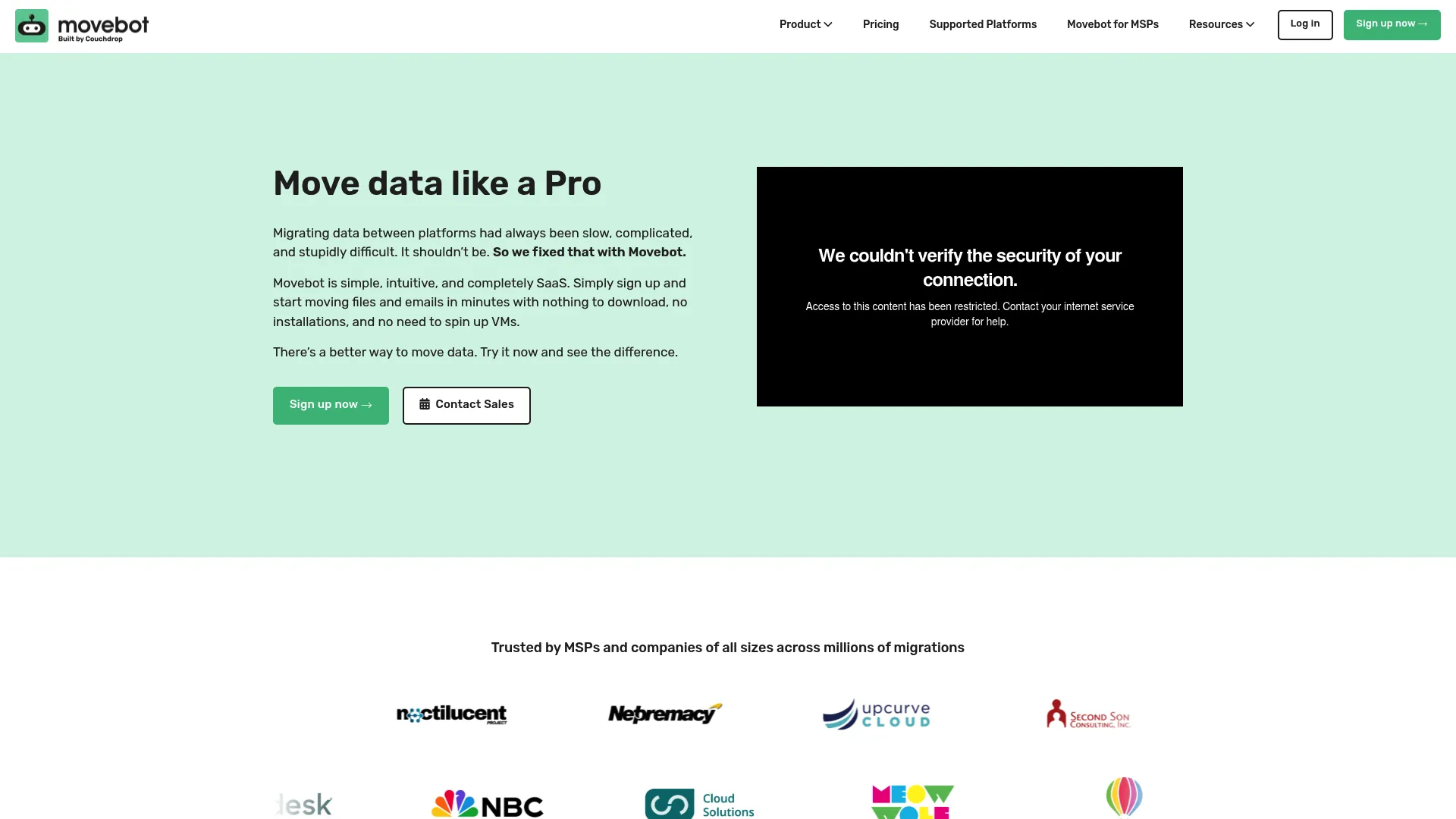
Movebot is a cloud-based data migration tool for moving files and mailboxes between platforms. It positions as the broad, cloud-native option in this list, with compatibility across more than 30 platforms and a workflow built around discovery scans, transfer mapping, and live performance tracking. The platform is built to give teams visibility across a lot of environments at once, which is why it shows up so often in MSP and multi-client migration conversations.
What makes Movebot stand out is the combination of breadth and operational visibility. You run a pre-migration scan to inventory what you're moving, map source paths and permissions to the destination, then watch the transfer in real time. Delta migrations let you sync changes before final cutover, so you can run an initial pass, keep users working, and reconcile the difference at the end.
Best for: Teams running cloud or mailbox data migrations across multiple platforms who want one tool with visibility into every environment.
Key strengths
- Pre-migration scans and discovery: Inventory source data before you commit, so there are no surprises at cutover.
- Transfer and permission mapping: Map source structure and permissions to the destination to keep access intact.
- Delta migrations and detailed reporting: Sync incremental changes and validate the move with granular reporting.
Why choose Movebot: If your migrations span many platforms and you manage them for multiple clients or business units, Movebot's breadth and live tracking reduce the coordination overhead. The MSP plan adds discounted rates and multi-client management for teams running this motion repeatedly. The human support model matters when a migration window is tight and you need an answer fast.
Movebot pricing: Movebot uses usage-based pricing with no subscription. File migrations are priced at $0.75 or less per GB, and mailbox migrations are $15.00 per transfer. An MSP plan with discounted rates and additional features is available on request. Free scanning and test migrations let you validate scope before you commit budget.
2. Quest Secure Copy
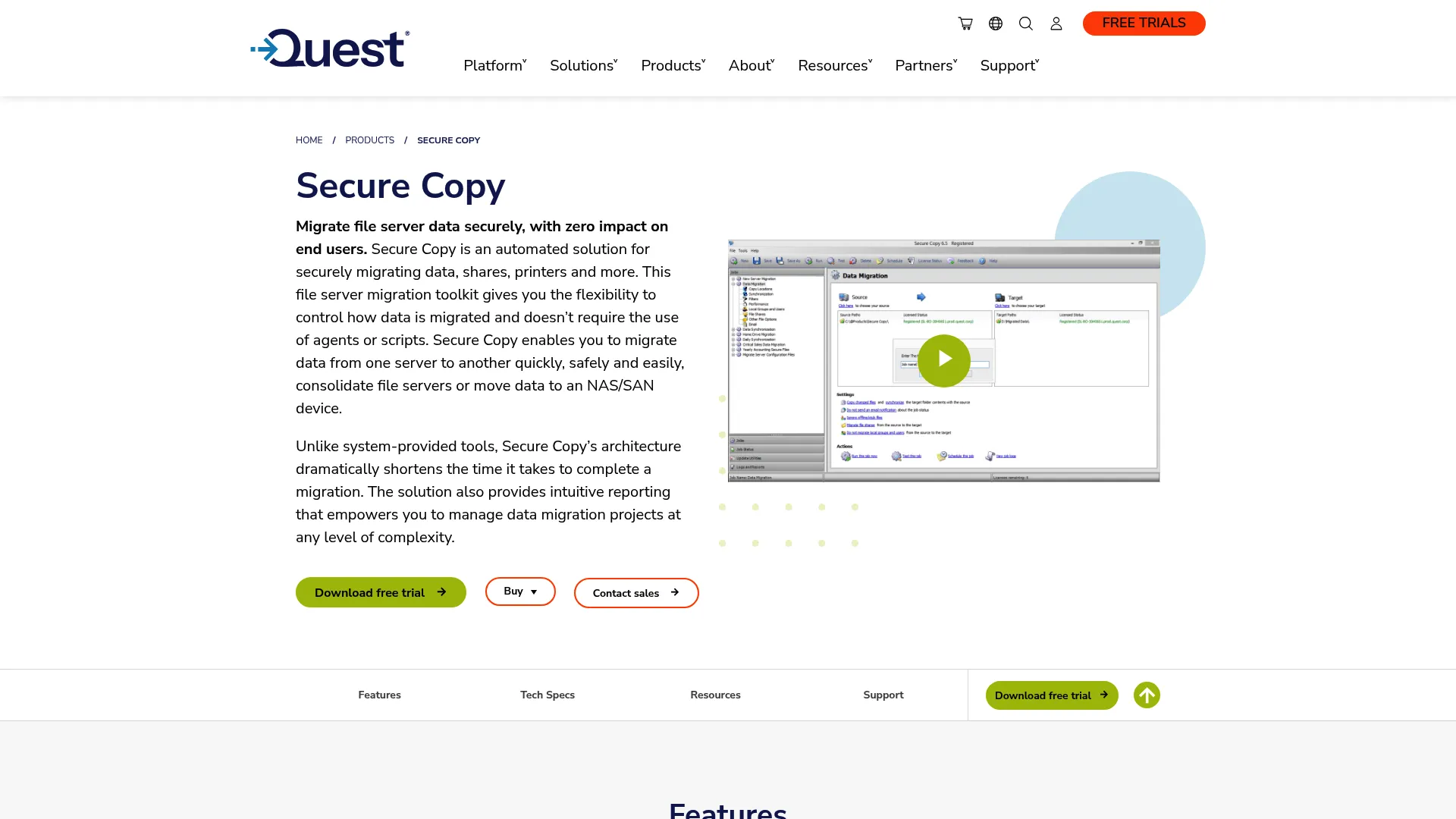
Quest Secure Copy is a file server migration toolkit for securely moving data, shares, printers, and permissions without agents or scripts. This is the Windows-centric pick in the list, built for admins who care about fidelity and control more than raw breadth. When NTFS permissions, ownership, and SID history have to survive a file server migration, Secure Copy is purpose-built for the job.
The tool migrates files, folders, shares, users and groups, and NTFS permissions in one controlled operation. You set the migration timing, control threading and bandwidth, and handle locked files without scripting your way around them. Pre- and post-migration tasks can be automated, and dashboards give you the reporting trail you need for validation and audit.
Best for: IT teams migrating Windows file servers while preserving permissions and metadata with full control over timing and load.
Key strengths
- Permissions and metadata preservation: Migrate files, folders, shares, users, groups, and NTFS permissions intact.
- Migration control: Tune timing, threading, bandwidth, and locked-file handling to minimize disruption.
- Automation and reporting: Automate pre- and post-migration tasks with dashboards for validation.
Why choose Quest Secure Copy: When your migration is server-to-server on Windows and access controls cannot break, this is the controlled, metadata-preserving option. The agentless, scriptless approach means you're not maintaining custom tooling to handle edge cases like locked files or permission inheritance.
Quest Secure Copy pricing: Quest does not publish a public price on the product page. A free trial is available to download, and you can request a quote or buy online through Quest's sales channels. G2 reviewers rate it 4.0/5.
3. Microsoft Storage Migration Service
Microsoft Storage Migration Service is Microsoft's built-in migration workflow for moving server data and configuration onto newer infrastructure. It's the documented, in-ecosystem path for teams already running Windows Server. Rather than a separate purchase, it ships as part of Windows Server, with a structured inventory, transfer, and cutover process you follow through Windows Admin Center.
The workflow runs in three phases. Inventory scans your source servers to catalog shares, data, and configuration. Transfer copies the data and settings to the destination, preserving permissions along the way. Cutover moves identities and network settings so the new server takes the old one's place, with the post-migration steps documented for validation and operational follow-up.
Best for: Teams already in the Microsoft ecosystem who want a documented, supported server migration path without buying a separate tool.
Key strengths
- Three-phase workflow: Inventory, transfer, and cutover with each step documented.
- Broad source and target support: Migrate from Windows Server, Samba, NetApp FAS array, and similar sources.
- In-ecosystem integration: Runs through Windows Admin Center with no additional licensing for the service itself.
Why choose Microsoft Storage Migration Service: If your migration is Windows Server to Windows Server and you want a path Microsoft documents and supports, this owns the implementation workflow end to end. Review the networking and firewall prerequisites before you start, since the transfer phase depends on specific ports being open between source and destination.
Microsoft Storage Migration Service pricing: The service is included with Windows Server at no additional cost, and the implementation documentation is free on Microsoft Learn. Microsoft 365 productivity plans, separate from this service, start at $9.99/month for Personal.
4. ShareGate
ShareGate is Microsoft 365 migration and governance software for moving and managing tenant content and permissions. It's a widely recognized name in this category for a reason: it handles the migration workflow and the governance layer that comes after, which is exactly what Microsoft-centered admin teams need. If your migration is SharePoint, Teams, Exchange Online, OneDrive, or file shares into Microsoft 365, ShareGate is built for it.
Beyond migration, ShareGate adds governance and security reporting for Microsoft 365, with bulk fixes and access and risk visibility. A PowerShell module supports automation, and incremental migration handles delta sync so you can run repeated passes before cutover. The combination of migration plus ongoing governance is what differentiates it from transfer-only tools.
Best for: IT teams migrating and then governing Microsoft 365 environments, including tenant-to-tenant migration scenarios.
Key strengths
- Broad Microsoft 365 migration: SharePoint, Teams, Exchange Online, OneDrive, Google Workspace, Box, and file shares.
- Governance and security: Reporting, bulk fixes, and access and risk visibility after the move.
- Automation and delta sync: PowerShell module and incremental migration support.
Why choose ShareGate: When the migration is only half the job and you also need to govern permissions, access, and risk in Microsoft 365 afterward, ShareGate covers both. It's a strong fit for teams managing collaboration platform migration plus the long-term reporting that follows.
ShareGate pricing: Migrate Essentials starts at $5,995 per year for one machine activation. Migrate Pro starts at $9,995 per year for up to five activations, and Migrate Enterprise starts at $17,995 per year for up to 25 activations. A 15-day full-featured free trial is available. G2 reviewers rate it 4.6/5.
5. CloudM
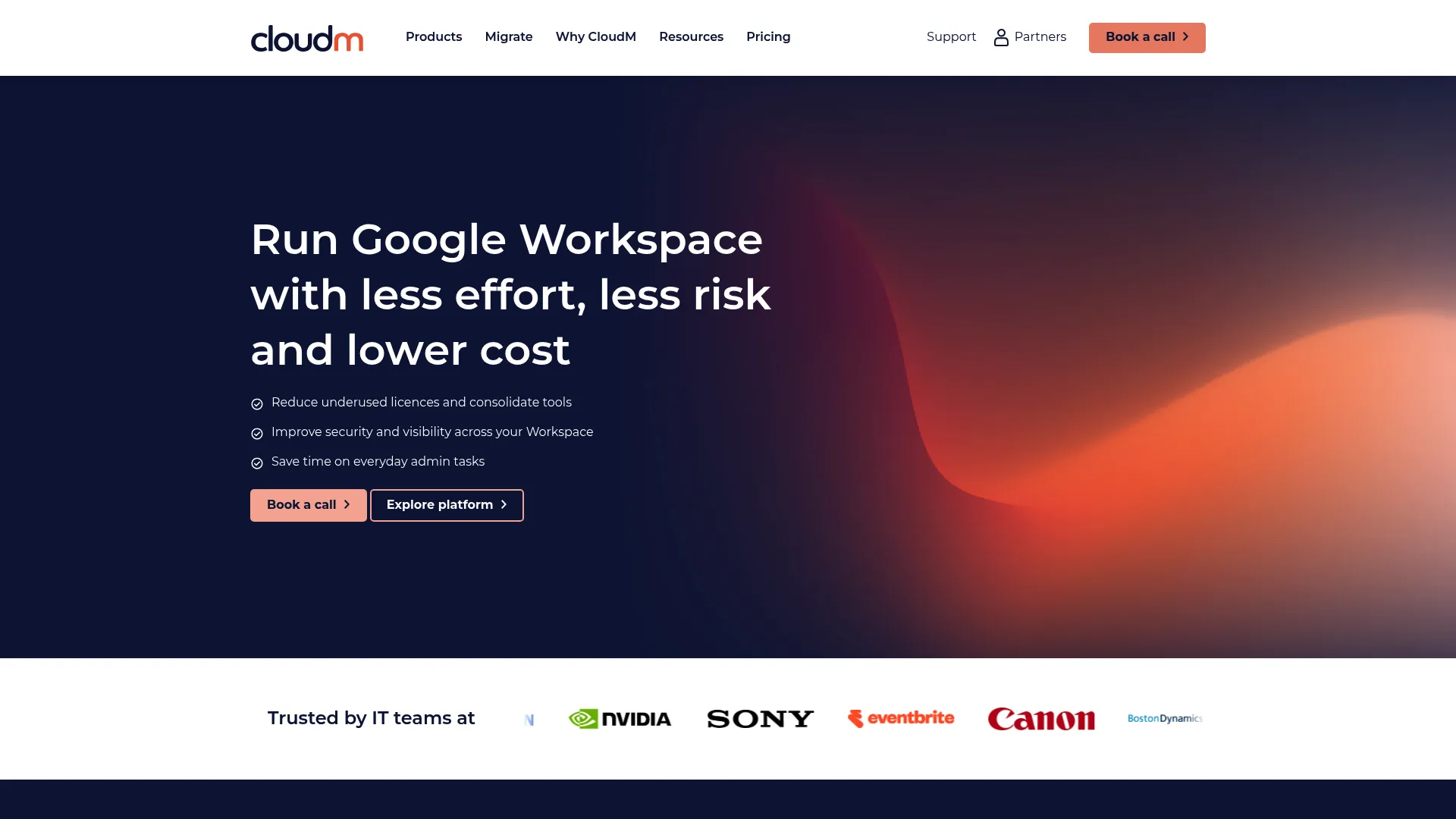
CloudM provides Google Workspace-focused automation, backup, archiving, migration, and continuity tools for IT teams. In the file migration context, its cloud migration capability moves data into Google Workspace or Microsoft 365, with the surrounding lifecycle management that Workspace admins tend to need alongside the move. It's a fit for teams whose center of gravity is Google rather than Microsoft.
The platform handles user lifecycle automation, backup for Gmail, Drive, Shared Drives, Calendar, Contacts, and Chat, and archiving for Mail, Google Drive, and Google Chat. The migration component moves cloud data to your chosen destination, and the admin tooling gives you the reporting and planning layer to manage it. For Workspace-heavy organizations, having migration and ongoing management in one platform reduces tool sprawl.
Best for: IT teams managing Google Workspace automation, backup, archiving, and migrations from a single platform.
Key strengths
- Cloud migration: Move data to Google Workspace or Microsoft 365 with admin oversight.
- Workspace lifecycle automation: Automate user provisioning and management across Workspace.
- Backup and archive: Protect Gmail, Drive, Calendar, Contacts, and Chat data.
Why choose CloudM: If you run a Google Workspace environment and want migration alongside backup, archiving, and lifecycle automation, CloudM consolidates that into one tool. It's a planning-and-management fit, not just a one-time transfer utility.
CloudM pricing: Automate & Protect starts at £18 per user per year on tiered annual pricing. The Migrate offering is priced per destination user or per GB, and Business Continuity is available on request with weekly, daily, and hourly sync tiers. G2 reviewers rate it 4.6/5.
6. Cloudiway
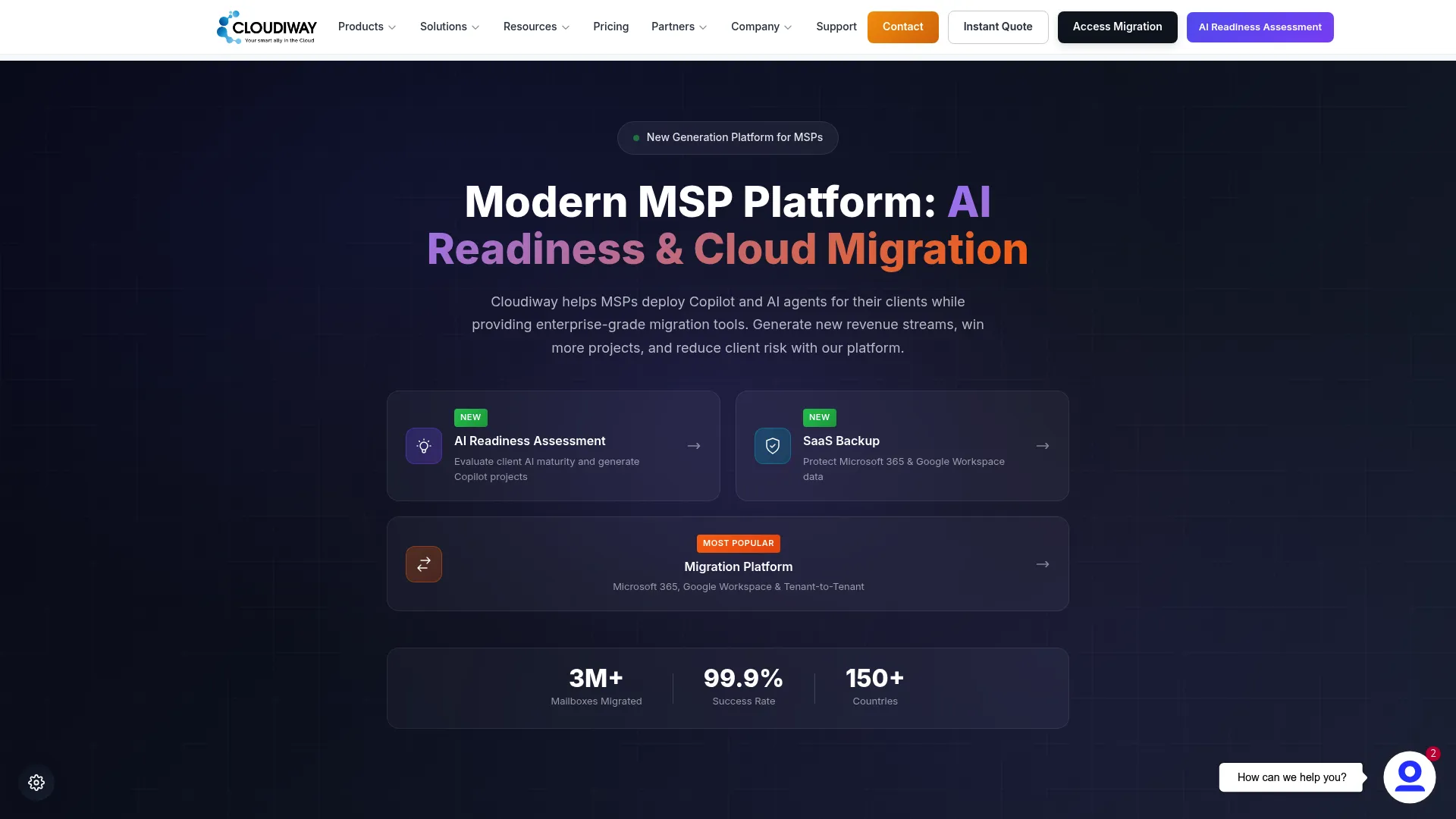
Cloudiway is a cloud migration and coexistence platform for Microsoft 365, Google Workspace, and related collaboration tools. It supports a wide range of migration types and adds coexistence features for the period when source and destination both have to keep working. The MSP multi-tenant management is the standout: this is built for teams running migrations across many client environments at once.
Cloudiway migrates mailboxes, files, Teams, sites, archives, chat, and groups. Enterprise coexistence features like GALSync and calendar free/busy keep two environments functional during a phased migration, which matters in long mergers and acquisitions. Backup and tenant-to-tenant migration round out the capability set, and the multi-tenant console lets MSPs manage many engagements from one place.
Best for: IT and MSP teams migrating mail, files, and collaboration data across cloud platforms with coexistence requirements.
Key strengths
- Broad workload migration: Mailbox, file, Teams, site, archive, chat, and groups migration.
- Enterprise coexistence: GALSync and calendar free/busy keep environments working during phased moves.
- MSP multi-tenant management: Run and track migrations across many client environments.
Why choose Cloudiway: When you're an MSP or enterprise running phased tenant-to-tenant migration with coexistence needs, Cloudiway's multi-tenant console and GALSync features are built for exactly that. The one-time migration bundle pricing fits project-based engagements well.
Cloudiway pricing: Migration bundles start at €450 one-time, with Standard at €475, Premium at €490, Tenant Migration at €500, and Document at €500. Cloud backup plans are billed yearly, and an AI readiness assessment includes a free trial plus paid annual tiers. G2 reviewers rate it 4.9/5.
7. MigrationWiz
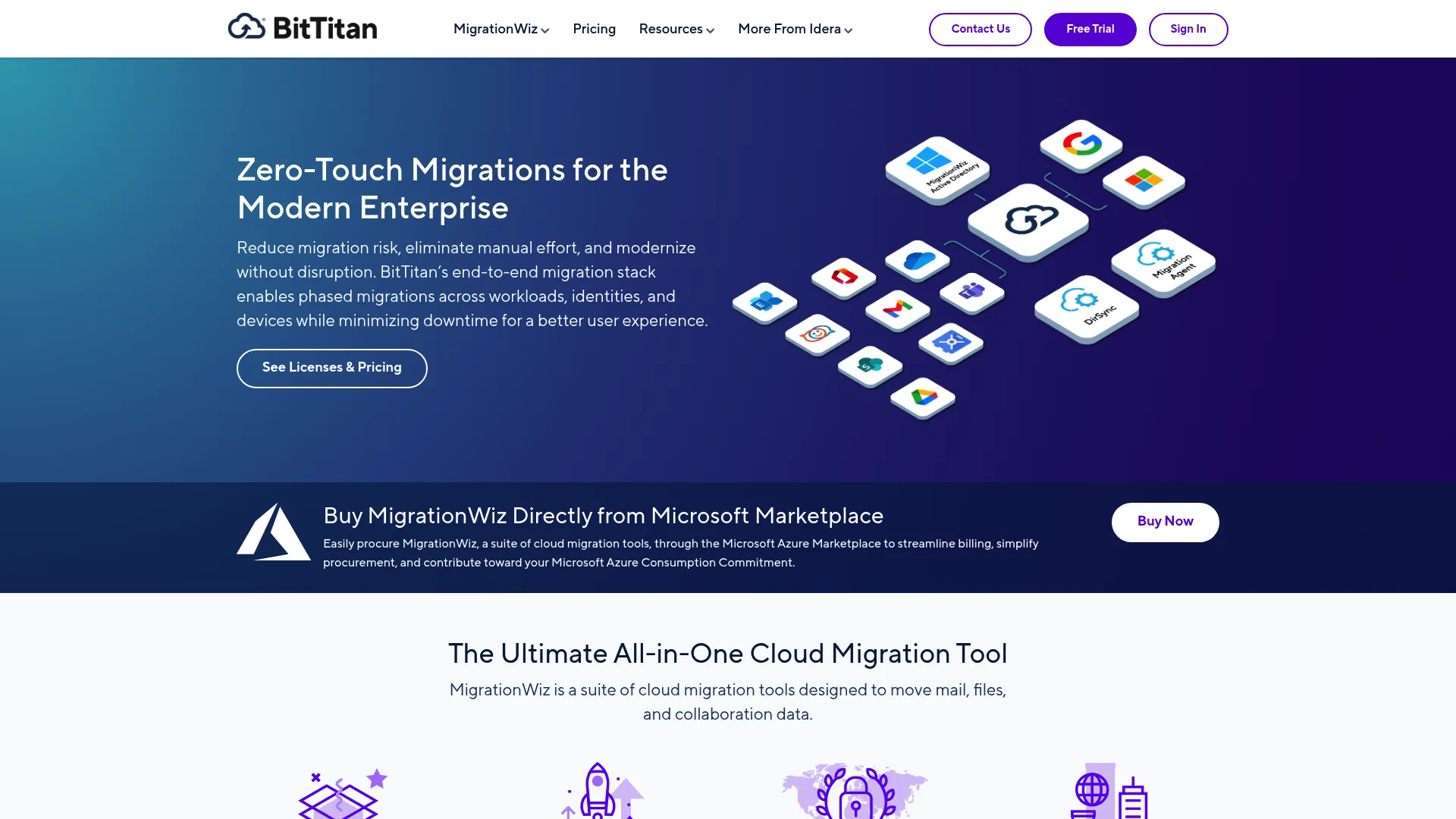
MigrationWiz is a fully automated, 100% SaaS migration platform for moving mailboxes, documents, collaboration data, and related workloads. As a high-visibility product in the broader migration market, it's a common pick for cloud and enterprise moves because the SaaS model means there's nothing to install or maintain. You configure the migration in the browser and run it.
The platform covers mailbox migration, document and shared document migration, Teams collaboration migration, and Active Directory or Entra ID migration. Advanced options and an SDK support automation for teams running migrations at scale or building repeatable processes. The per-workload licensing model lets you pay for exactly the migration types you need.
Best for: IT teams and MSPs running cloud, mailbox, document, Teams, or directory migrations without deploying infrastructure.
Key strengths
- Fully SaaS, agentless: Configure and run migrations in the browser with nothing to install.
- Broad workload coverage: Mailbox, document, Teams, public folder, and directory migration.
- SDK automation: Build repeatable, scripted migration processes at scale.
Why choose MigrationWiz: If you want a zero-infrastructure, agentless migration platform with granular per-workload licensing, MigrationWiz fits cloud and enterprise moves cleanly. The SDK makes it a strong fit for MSPs standardizing a repeatable migration motion.
MigrationWiz pricing: Licensing is per workload. Mailbox migration is $14 per user, the User Migration Bundle is $17.50 per user, and the Tenant Migration Bundle is $57 per user. Teams Collaboration is $48 per team, and Active Directory / Entra ID (SMB Edition) starts at $6.25 per user for 12 months. G2 reviewers rate it 4.7/5.
8. AWS DataSync
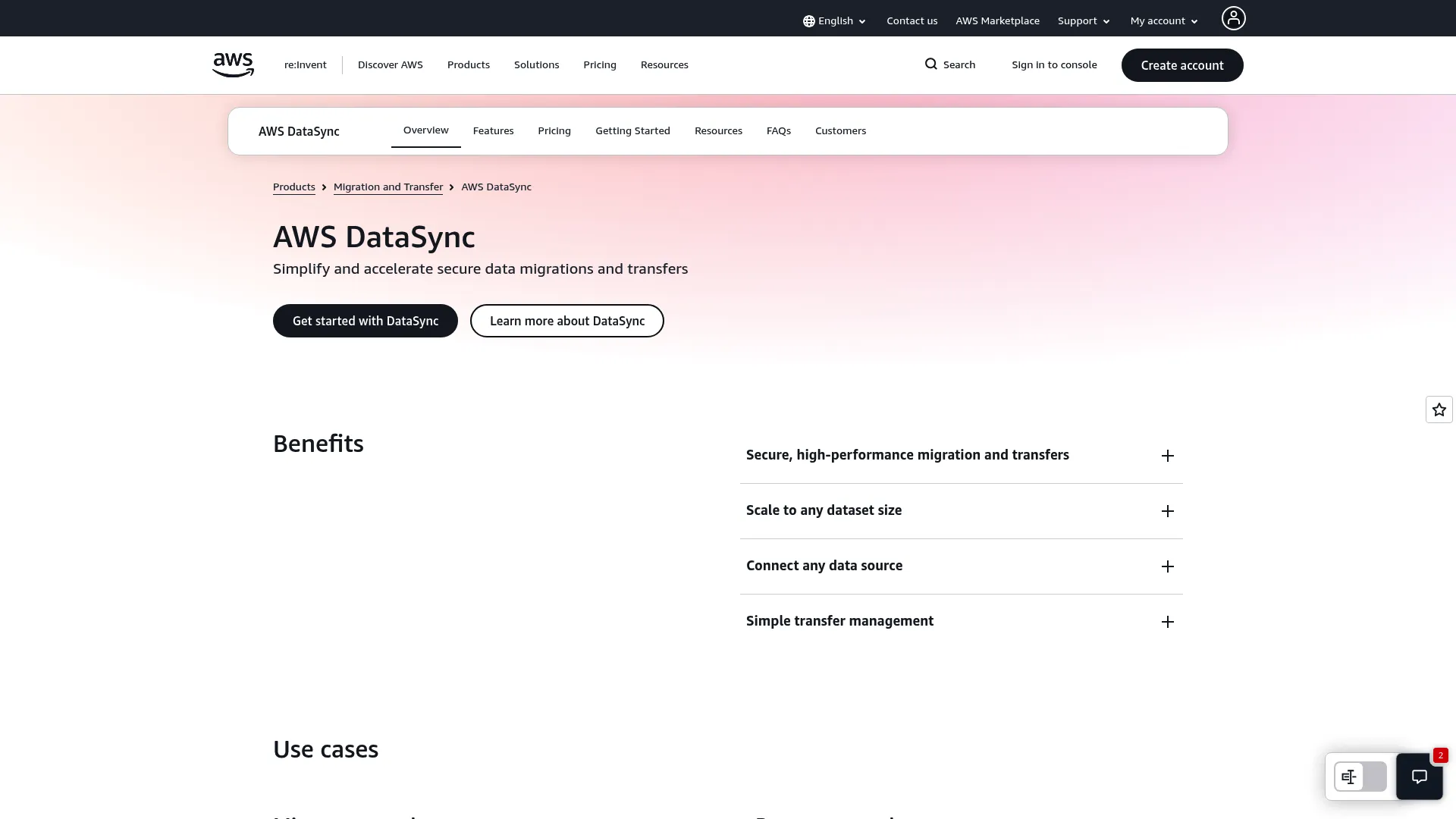
AWS DataSync is an online data movement service for securely transferring file or object data between on-premises storage, edge locations, other cloud providers, and AWS storage. It's the cloud-native pick for moving large datasets into or within AWS, with the security and automation you'd expect from a first-party AWS service. If your destination is AWS, this is the natural path.
DataSync transfers data between NFS, SMB, HDFS, self-managed object storage, and AWS storage services. It also supports multicloud movement with Google Cloud Storage, Azure Files, and Azure Blob Storage. Incremental transfers, in-line compression, encryption, validation, scheduling, and task reports cover the automation and monitoring side, so you can schedule recurring syncs and verify each run.
Best for: Teams migrating or synchronizing large datasets between on-premises, AWS, and multicloud storage.
Key strengths
- Broad protocol support: Move data across NFS, SMB, HDFS, object storage, and AWS services.
- Multicloud movement: Transfer to and from Google Cloud Storage, Azure Files, and Azure Blob.
- Built-in automation: Incremental transfers, compression, encryption, validation, and scheduling.
Why choose AWS DataSync: When AWS is your source or destination and you need scheduled, validated, incremental data transfer at scale, DataSync is purpose-built and pay-as-you-go. The multicloud support also makes it useful for teams syncing across providers, not just into AWS.
AWS DataSync pricing: Pricing is pay-as-you-go with no upfront or minimum fees. Data transfer is $0.015 per GB, and enhanced mode adds $0.55 per task execution. Other AWS service charges may apply depending on your setup. G2 reviewers rate it 4.2/5.
9. IBM Aspera on Cloud
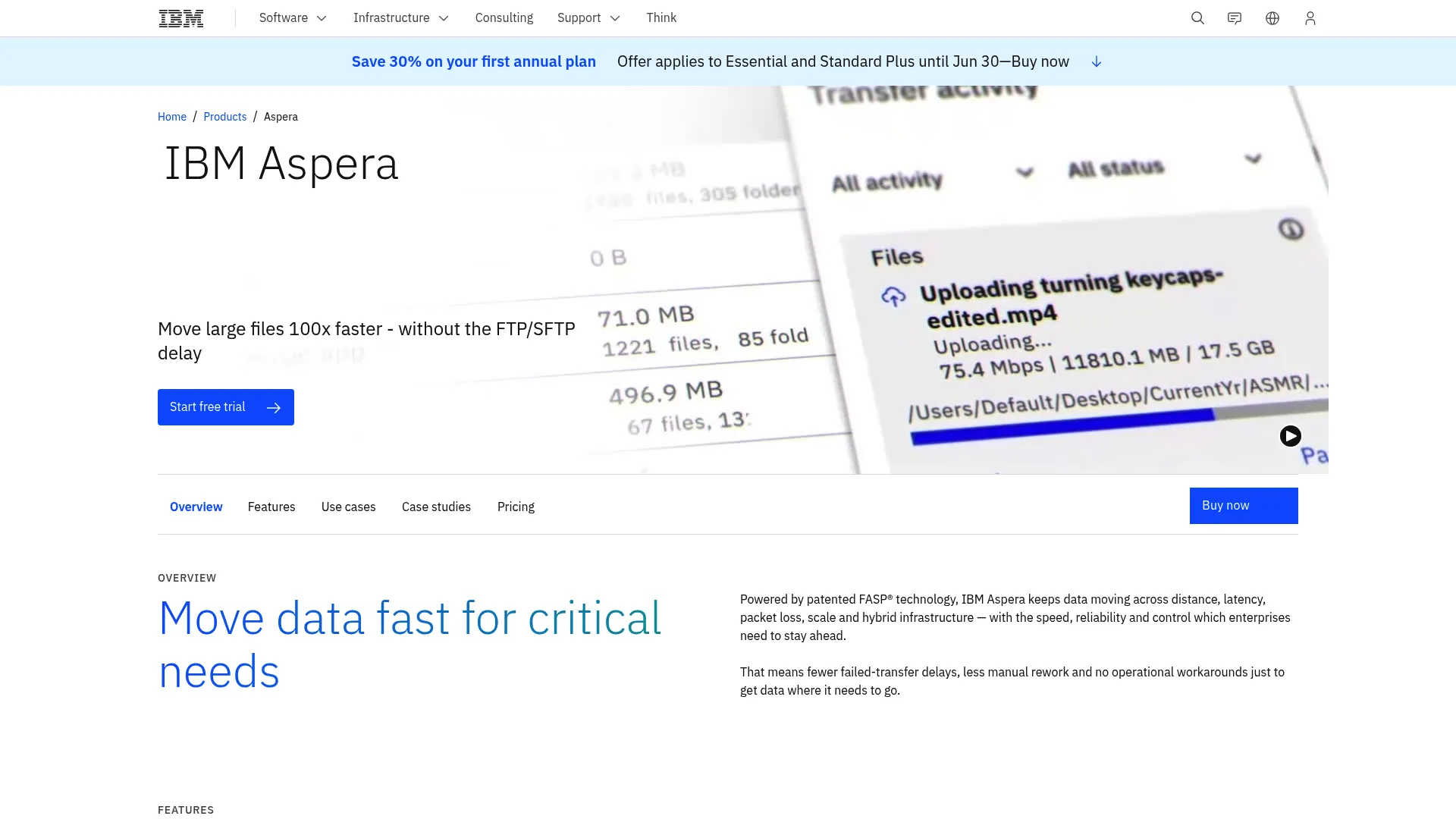
IBM Aspera on Cloud is IBM's SaaS for fast, secure transfer and exchange of large files and datasets across hybrid and multi-cloud environments. When speed and transfer reliability over distance matter most, Aspera's FASP technology is built to move terabytes at line rate where standard transfer protocols would crawl. This is the high-throughput specialist in the list.
The platform delivers high-speed transfer using IBM Aspera FASP, secure policy-controlled delivery with automatic recovery, and built-in automation, APIs, and multi-cloud collaboration. For enterprises moving very large media files, datasets, or backups across geographies, the recovery and policy controls keep long transfers reliable even on imperfect networks.
Best for: Teams that need secure, high-speed transfer of large files and datasets across clouds and remote locations.
Key strengths
- FASP high-speed transfer: Move very large files at speed where standard protocols bottleneck.
- Policy-controlled delivery: Secure transfers with automatic recovery on interruption.
- Automation and APIs: Built-in automation and multi-cloud collaboration for enterprise workflows.
Why choose IBM Aspera on Cloud: If your bottleneck is moving terabyte-scale data fast and reliably over long distances, Aspera's FASP protocol is engineered for exactly that. It's an enterprise-grade fit for media, research, and large-dataset transfer where speed is the constraint.
IBM Aspera on Cloud pricing: IBM lists self-managed solutions starting as low as $250.20 per TB per year. The product page mentions a free trial and a price estimator but does not publish full plan prices for tiers like Enterprise, Lite, Endpoint, and faspio Gateway. G2 reviewers rate it 4.4/5.
10. CloudFuze
CloudFuze is an enterprise cloud migration and SaaS/AI governance platform. It moves files, folders, chats, emails, and tenant data, then adds a governance layer for managing SaaS and AI apps after the migration. For enterprises and MSPs that need migration plus ongoing oversight, the combination is the draw.
CloudFuze Migrate handles the data movement across cloud platforms, including tenant-to-tenant migration and chat and email migration. CloudFuze Manage covers SaaS and AI app governance. The platform carries security and compliance claims including SOC 2 Type 2, GDPR, and ISO 27001, which matters for enterprise migrations under audit and compliance requirements.
Best for: Enterprises and MSPs needing cloud migrations alongside SaaS and AI governance.
Key strengths
- Broad data migration: Move files, folders, chats, emails, and full tenant data.
- SaaS and AI governance: Manage app access and oversight after the migration.
- Enterprise compliance: SOC 2 Type 2, GDPR, and ISO 27001 claims for regulated environments.
Why choose CloudFuze: When your migration sits inside a compliance-heavy enterprise and you also want governance over SaaS and AI apps afterward, CloudFuze pairs the two. The MSP licensing options make it workable for teams running many client migrations.
CloudFuze pricing: Pricing is tailored by quote, based on users, data size, the metadata and context to preserve, and governance seats or apps. The site offers one-off and annual licenses, plus pay-as-you-go or recurring licenses for MSPs, and a free consultation. G2 reviewers rate it 4.0/5.
11. AnyMP4 TransMate
AnyMP4 TransMate is desktop data-transfer and management software for iOS, Android, and PC. It's the lighter-weight option in this list, and it's worth being precise about scope: TransMate moves data between phones and computers, not file servers or cloud tenants. It fits a different job than the enterprise platforms above.
The tool transfers photos, contacts, music, and videos between iOS devices, and moves data between Android and iPhone, iPad, iPod, or PC over USB. It also bundles toolbox features like Contacts Backup and Restore, a Ringtone Maker, and a HEIC Converter. For individuals and small teams managing device-to-device data, it's a straightforward utility.
Best for: Users who need a simple tool to move and manage phone data across iOS, Android, and Windows PCs.
Key strengths
- Cross-device transfer: Move photos, contacts, music, and video between phones and PCs.
- iOS and Android coverage: Transfer across iPhone, iPad, iPod, Android, and Windows.
- Built-in toolbox: Contacts backup and restore, ringtone maker, and HEIC converter.
Why choose AnyMP4 TransMate: If your need is device-level data transfer rather than infrastructure migration, TransMate handles phone-to-PC and cross-platform device moves simply. It's not a server or cloud migration tool, and the pricing reflects its consumer-and-small-team scope.
AnyMP4 TransMate pricing: A one-month license is $15.60, a lifetime license is $49.96, and a five-user license is $99.96. A seven-day free trial is mentioned on the product page. G2 reviewers rate it 4.4/5.
12. C2 Transfer
C2 Transfer is Synology's cloud-based file transfer service for secure sharing, requests, and controlled access to files. In the broader category, its role is secure, controlled transfer rather than bulk server migration. When the priority is moving sensitive files with verification and access controls, C2 Transfer is built around that security-first workflow.
The service provides end-to-end encryption, recipient verification via one-time password, and controls like watermarks, expiration, and download limits. Outlook integration, domain allowlists, and transfer policies give admins the governance layer for controlled delivery. It's a fit for transfer workflows where who receives the file and under what conditions matters as much as the transfer itself.
Best for: Organizations that need secure, controlled large-file transfer and file-request workflows.
Key strengths
- End-to-end encryption: Protect files in transit with encryption by default.
- Recipient verification: Confirm identity via one-time password before access.
- Access controls: Watermarks, expiration, and download limits on shared files.
Why choose C2 Transfer: When secure, verified file delivery matters more than moving an entire file server, C2 Transfer's encryption and access controls fit. It's a controlled-transfer tool, useful for sensitive file exchange rather than infrastructure migration.
C2 Transfer pricing: C2 Transfer offers Free, Professional, and Business plans, with an always-free tier and 30-day free trials on the paid plans. Public numeric prices for the paid tiers were not readable at the time of review. G2 reviewers rate it 4.7/5.
13. MASV
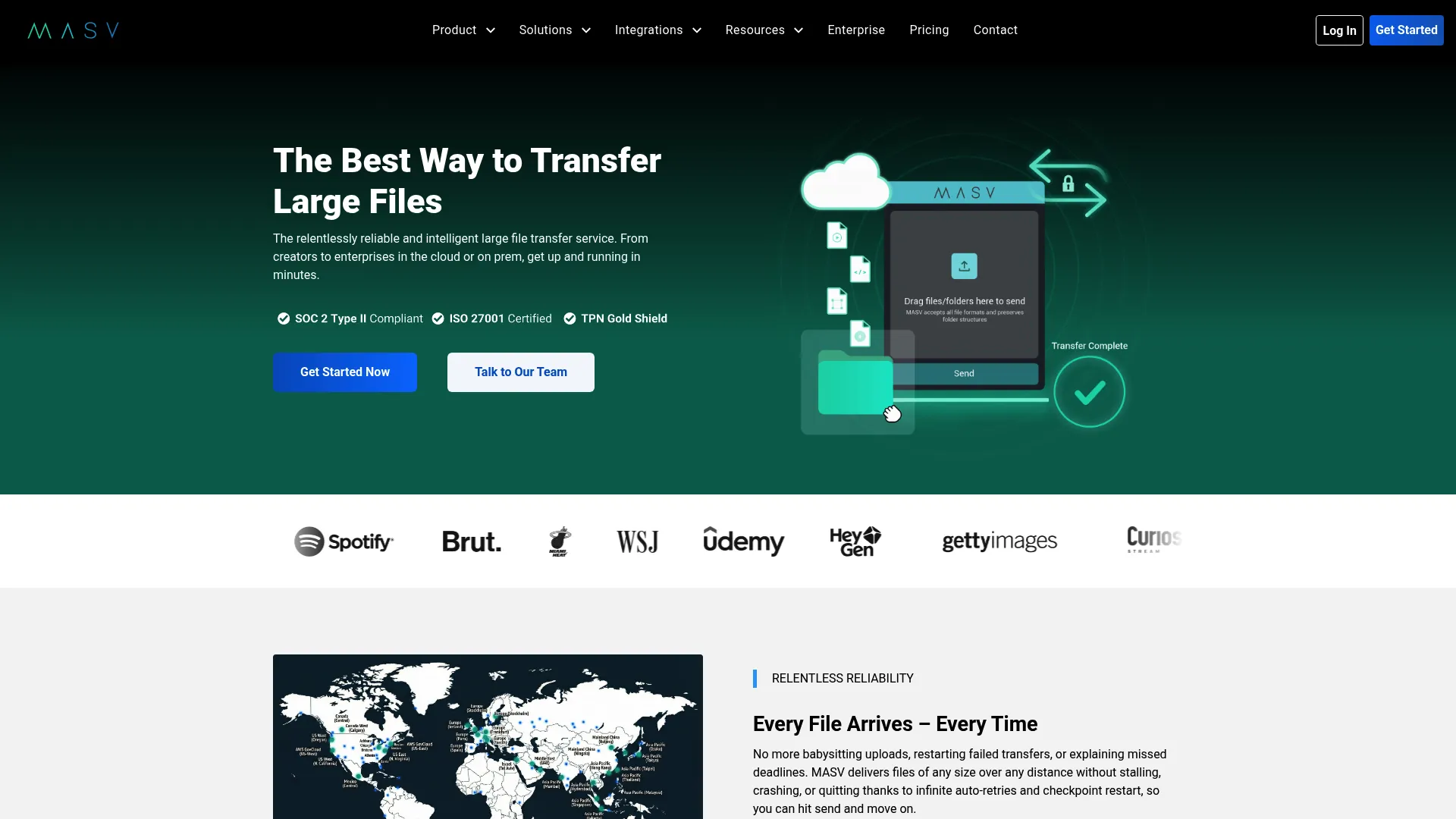
MASV is a managed file transfer platform for fast, secure large-file delivery, collection, and automation. It belongs in the shortlist for transfer-heavy workflows where moving very large files reliably is the whole job. Media, post-production, and data-heavy teams use it to move terabytes without the failures that plague consumer transfer tools.
MASV supports large file transfer via web app, desktop app, API, and the MASV Agent. No-code automations and Watch Folders let you automate ingest and delivery workflows so transfers trigger on their own. Enterprise security covers encryption, SSO, MFA, and role-based access controls, which makes it viable for organizations with real security requirements around transfer.
Best for: Teams that need secure, high-speed large file transfer and automated ingest and delivery workflows.
Key strengths
- Multi-channel transfer: Move files via web app, desktop app, API, and MASV Agent.
- No-code automation: Watch Folders and automations trigger transfers without scripting.
- Enterprise security: Encryption, SSO, MFA, and role-based access controls.
Why choose MASV: If your workflow is high-volume file delivery and collection rather than server migration, MASV's speed and automation fit. The pay-as-you-go model and free monthly allowance make it easy to start without committing to a subscription.
MASV pricing: A free 15 GB monthly allowance is included. Pay As You Go is $0.25 per GB, the Value subscription is $215 per month on an annual commitment, and a Value pre-buy is $2,355 as a single payment. Enterprise is custom. G2 reviewers rate it 4.8/5.
14. Duplicator Pro
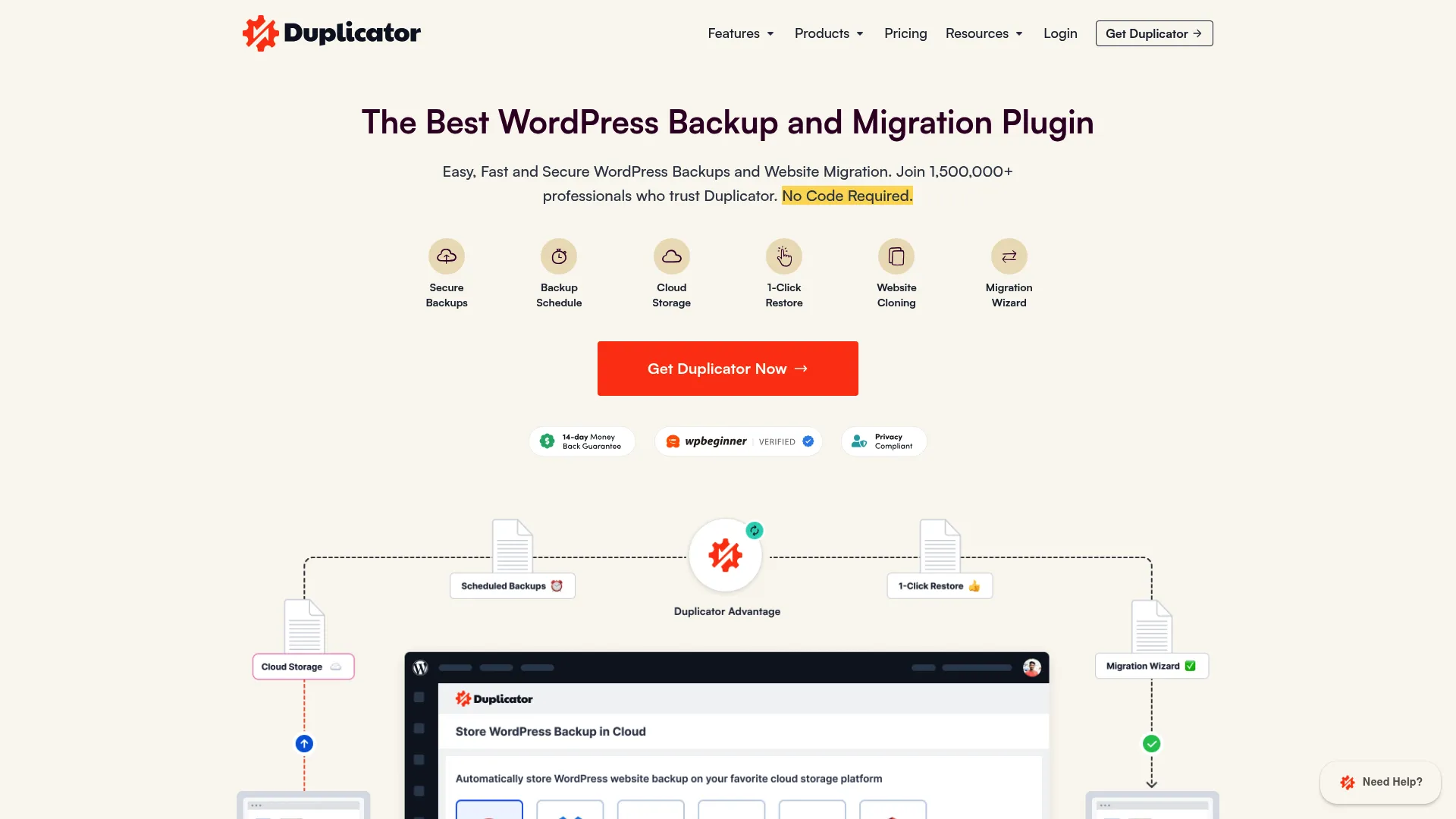
Duplicator Pro is a WordPress backup and migration plugin for sites, backups, restores, and staging. It earns a place in the broader file migration ecosystem for a specific job: moving WordPress sites and their files between servers. If your migration is a WordPress site rather than a file server or cloud tenant, this is the precise tool.
Duplicator Pro handles scheduled backups, one-click restore points, and server-to-server migration, plus drag-and-drop website import. It supports WordPress multisite backups, cloud storage integrations, staging sites, media cleanup, database optimization, and an activity log. For agencies and WordPress teams, having backup, migration, and staging in one plugin keeps the workflow tight.
Best for: WordPress teams that need backup, migration, and staging in one plugin.
Key strengths
- Server-to-server migration: Move WordPress sites and files between servers cleanly.
- Backup and restore: Scheduled backups and one-click restore points.
- Staging and import: Drag-and-drop website import with staging site support.
Why choose Duplicator Pro: When the migration is a WordPress site, not a file server or cloud environment, Duplicator Pro is built for exactly that workflow. The backup and staging features make it a complete site-management plugin, not just a one-time migration tool.
Duplicator Pro pricing: Plans are one-time purchases: Basic at $79, Plus at $199, Pro at $399, and the Elite Bundle at $599. All pricing is in USD, with renewals noted at full price. G2 reviewers rate it 4.8/5.
Move files with the right workflow, not just the fastest one
Speed is the easy thing to optimize for. Fidelity is the thing that decides whether your migration is done or just deferred. The right file migration tool depends entirely on your source, your destination, and what has to survive the move.
Here's the shortlist by scenario:
- Windows file server migration with permissions preservation: Quest Secure Copy for the controlled, NTFS-and-SID-history-preserving move, or Microsoft Storage Migration Service if you want Microsoft's documented in-ecosystem path.
- Cloud-to-cloud and tenant-to-tenant migration: Movebot for broad multi-platform visibility, ShareGate for Microsoft 365 plus governance, CloudM for Google Workspace.
- MSP and multi-client migration: Cloudiway for coexistence and multi-tenant management, MigrationWiz for agentless per-workload licensing, CloudFuze for compliance-heavy enterprise moves.
- High-speed large file transfer: IBM Aspera on Cloud and MASV for terabyte-scale movement, AWS DataSync when AWS is your source or destination.
- Specialized transfer and site migration: C2 Transfer for secure controlled delivery, Duplicator Pro for WordPress, AnyMP4 TransMate for device-level data.
Before you commit, run the evaluation: confirm compatibility with your exact source and destination, verify it preserves the permissions and metadata you care about, check the reporting and delta migration capabilities, and make sure the security and support model fits your requirements. Shortlist two or three, run a test migration on a non-critical share, and validate the results before you trust it with production data.
FAQs
File migration software moves files, folders, and their associated metadata between storage systems, servers, clouds, or tenants. It transfers not just the data but the permissions, ownership, timestamps, and attributes attached to it, then validates that everything landed correctly. The goal is a clean move that preserves structure and access without manual reconciliation afterward.
File migration is about moving data: files, folders, shares, and the metadata tied to them. Server migration usually goes further, including configuration, workloads, identities, and an operational cutover where the new server takes the old one's place. A pure file migration tool handles data movement, while server migration tools and services like Microsoft Storage Migration Service also manage the configuration and cutover layer.
Strong file migration tools map source NTFS permissions, share permissions, ownership, and access control lists to the destination during transfer. They also carry SID history so user and group access resolves correctly after the move, along with timestamps and attributes. When you evaluate a tool, check specifically that it preserves NTFS permissions and SID history, and that it provides reporting to validate the permissions actually transferred intact.
For Windows file server migrations, Quest Secure Copy is purpose-built for permissions and metadata fidelity, with control over timing, threading, and locked files. Microsoft Storage Migration Service is the documented in-ecosystem path if you want a Microsoft-supported workflow. The best pick depends on whether you value workflow guidance, granular control, or metadata fidelity most.
Confirm compatibility between your source and destination, verify the tool preserves permissions and metadata across the cloud boundary, and check that reporting gives you proof every file landed. Also evaluate bandwidth throttling and scheduling so you can manage load, and plan your rollback and validation approach. Run a delta migration so you can sync changes between the initial pass and final cutover.
Yes, delta migration is common across the category and one of the most useful capabilities. It lets you run an initial transfer, keep users working on the source, then sync only the changes before final cutover. This incremental sync minimizes downtime and ensures the destination reflects the latest state when you switch over.
Enterprise-grade file migration tools provide encryption in transit, access controls, audit logging, and admin permissions to govern who can run migrations. Many carry compliance certifications like SOC 2, GDPR, and ISO 27001, as CloudFuze does. For enterprise file migration, verify the security model, encryption standards, and audit trail meet your compliance requirements before you move sensitive data.
The answer depends on your source, destination, and scope. Choose a cloud migration tool when you're moving data between cloud platforms or running tenant-to-tenant migration and need cross-platform compatibility. Choose a server migration toolkit when you're moving file servers on-premises and need to preserve NTFS permissions, ownership, and SID history with an operational cutover. If your migration includes configuration and workloads, not just file data, a server migration service or toolkit is the right call.