Choosing fashion design software used to mean finding a better sketching tool. Now, teams need to connect concepts with patterns, fit reviews, production files, and downstream systems.
A weak choice creates another handoff problem. Designers export files that technical teams must rebuild. Pattern makers lose version history. Factories receive data that doesn’t match their equipment.
The shift toward digital workflows is already widespread. More than 80% of fashion professionals used industry-specific digital tools at least weekly, according to The Interline and MMGNET in 2025.
The best fashion apparel design software protects design intent while reducing rework across development and manufacturing. Your decision should start with the workflow you need to improve, rather than the longest feature list.
What’s inside
This guide compares 15 apparel design software tools across independent, midmarket, and enterprise workflows. We evaluated each option using the following criteria:
- Pattern capability: Drafting, grading, marker making, and custom sizing
- Three-dimensional development: Garment visualization, fit review, and fabric simulation
- Production handoff: Tech packs, CAD exports, cutting, and PLM integration
- Adoption fit: Training needs, pricing, support, and operational overhead
Pricing comes from vendor materials reviewed in November 2026. G2 ratings appear only where a current listing was available.
TL;DR
- Best overall for three-dimensional apparel workflows: Style3D combines garment simulation, digital fabrics, cloud collaboration, and production support
- Best for enterprise development: Browzwear, Lectra, Optitex, and Gerber AccuMark support broader technical workflows
- Best for visual iteration: CLO 3D gives designers two-dimensional pattern editing alongside garment rendering
- Best for made-to-measure work: Tailornova generates custom patterns from sizing inputs
- Best pattern-focused options: PAD System and Seamly2D cover dedicated drafting workflows at different budgets
- Best free choices: Seamly2D serves fashion pattern work, while FreeCAD supports general technical modeling
What is fashion design software?
Fashion design software is a category of digital tools used to create apparel concepts, draft patterns, simulate garments, validate fit, and prepare production data.
The category spans focused pattern design software and broader digital product development platforms. Some products help designers visualize garments. Others support grading, marker planning, cutting, or PLM handoff.
Core fashion design software workflows
Common capabilities include:
- Two-dimensional sketching and technical drawing
- Pattern drafting, adjustment, and grading
- Three-dimensional garment visualization
- Digital fabric and material simulation
- Virtual fitting with adjustable avatars
- Marker making and cutting optimization
- Tech pack creation and manufacturing preparation
- DXF, OBJ, FBX, and CAD interoperability
Two-dimensional patterns versus three-dimensional garments
Two-dimensional clothing pattern making software creates the pieces used to construct a garment. It supports measurements, seam placement, grading rules, and production files.
Three-dimensional garment design software places those patterns on a digital avatar. Virtual garment simulation then models drape, tension, proportion, or movement using defined fabric properties.
Many apparel teams need both capabilities. A polished visualization has limited production value when its underlying pattern data is inaccurate. Likewise, a technically correct pattern can be difficult for nontechnical stakeholders to review without a visual sample.
What fashion design software does not replace
Fashion designing software covers more than illustration, but it doesn’t replace technical judgment. Teams still need expertise in construction, textiles, fit, and manufacturing.
It also differs from PLM. Product lifecycle management systems organize product data and approvals. Design software creates or validates the garment assets that move through those systems.
Virtual try-on software serves another job. It helps shoppers visualize products, while fashion design CAD software supports creation and production before the garment reaches e-commerce.
When to use fashion design software
Move from concept to pattern without losing detail
Use fashion design software when sketches, measurements, blocks, and garment specifications keep moving between disconnected files. A shared digital pattern reduces version confusion across design and technical teams.
The right system also makes revisions traceable. Teams can update measurements or construction details without rebuilding the entire pattern.
Validate fit before physical sampling
Use three-dimensional sampling when stakeholders need earlier visibility into silhouette, proportion, drape, or fit. Digital fabric libraries and avatar customization support more focused review cycles.
Virtual sampling can reduce unnecessary physical rounds. Final production often still requires material and fit validation.
Hand off cleaner production data
Choose production-oriented software when grading, marker making, cutting plans, or factory exports create delays. CAD software for apparel design can carry technical decisions closer to manufacturing.
Test the complete handoff before purchase. A successful evaluation should include the factory, required file formats, and one representative garment.
Fashion design software comparison
This table gives you a starting point. The better decision comes from matching each product with your most important workflow and downstream system.
Three-dimensional platforms suit visual development and digital sampling. Apparel CAD products fit pattern engineering, grading, marker making, or factory preparation. Several tools cover both areas, but implementation depth varies.
| # | Product | Best for | Key differentiator | Pricing | G2 rating |
|---|---|---|---|---|---|
| 1 | Style3D | Three-dimensional apparel development | Physics-based simulation with digital asset workflows | Academy costs $500 yearly per license; other plans use custom pricing | Not available |
| 2 | Browzwear | Enterprise digital product development | Apparel-focused design, fit review, and collaboration | From $75 monthly or $750 yearly | 4.8/5 |
| 3 | CLO 3D | Visual garment creation | Two-dimensional pattern editing with garment rendering | From $25 monthly for students | 4.6/5 |
| 4 | TUKA3D | Virtual sampling and fit validation | Pattern-based fit analysis with animated models | Custom pricing | Not available |
| 5 | Tailornova | Made-to-measure pattern generation | Custom-fitted patterns from sizing inputs | From $29 monthly | Not available |
| 6 | Lectra | Enterprise fashion operations | Software, cutting equipment, data, and lifecycle coverage | Custom pricing | 4.6/5 |
| 7 | Optitex | Integrated pattern engineering | Two-dimensional CAD with three-dimensional validation | Custom pricing | 4.6/5 |
| 8 | Gerber AccuMark | Production pattern development | Grading, simulation, and cut-planning connections | Custom pricing | Not available |
| 9 | Richpeace | Factory-linked soft-material production | CAD connected with cutting and sewing equipment | Custom pricing | Not available |
| 10 | PAD System | Focused pattern design | Affordable drafting, grading, and marker tools | From $15 monthly on annual billing | 4.5/5 |
| 11 | StyleCAD | Apparel CAD and marker workflows | Pattern tools with automarking and cut planning | Custom pricing | Not available |
| 12 | Vetigraph | Industrial garment preparation | Pattern development with printing and cutting support | Custom pricing | Not available |
| 13 | Assyst Bullmer | Supplier evaluation requiring careful validation | Product identity and ownership need direct confirmation | Custom pricing | Not available |
| 14 | Seamly2D | Free made-to-measure pattern drafting | Parametric, reusable pattern creation | Free | Not available |
| 15 | FreeCAD | General technical CAD work | Extensible parametric modeling across technical disciplines | Free | 4.2/5 |
Best 15 tools for fashion design software
1. Style3D
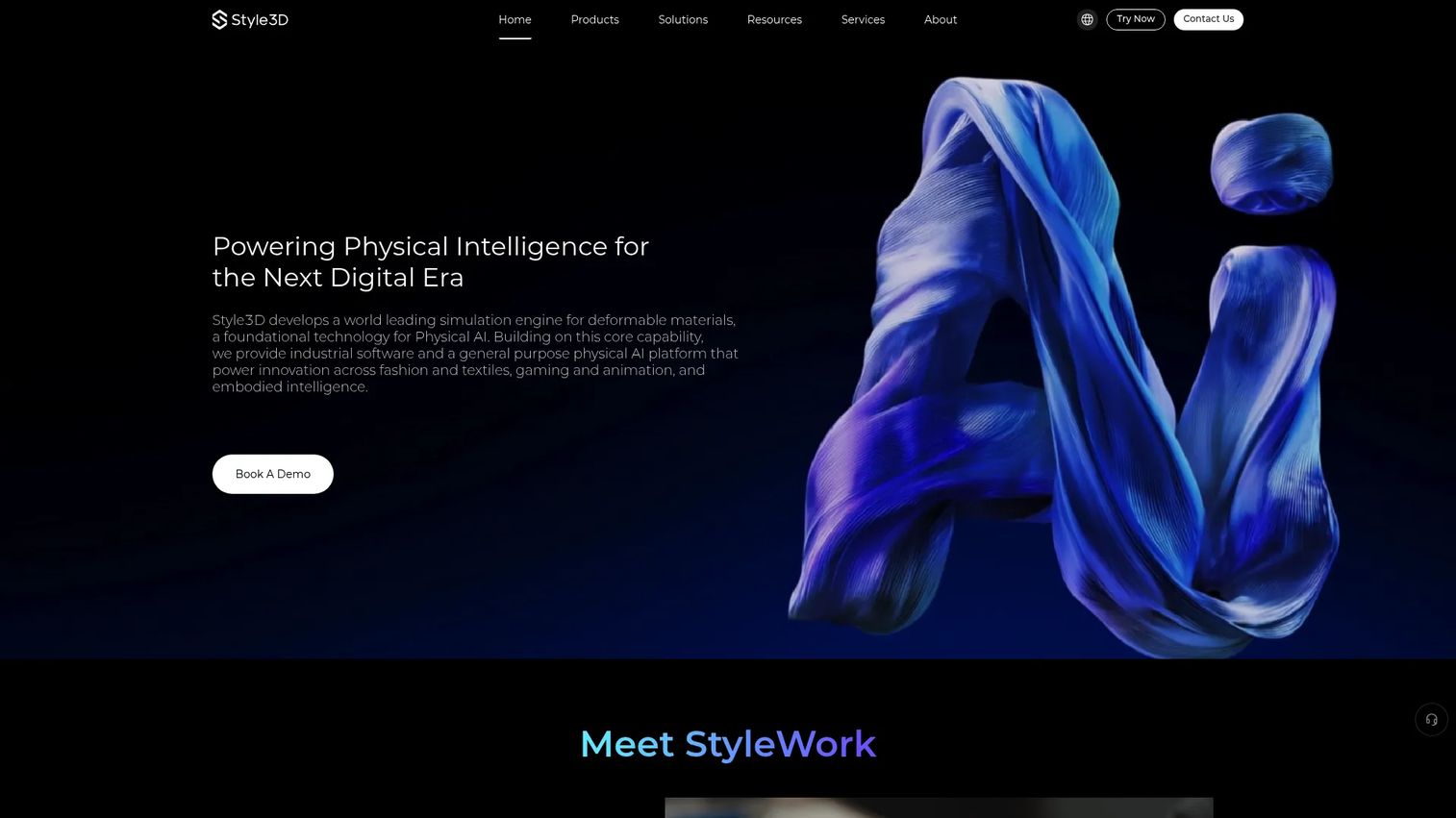
Style3D provides fashion design, physics-based garment simulation, digital asset management, and collaboration capabilities. Its workflow covers digital garments, fabric behavior, visual content creation, and team review.
The platform fits apparel organizations moving from repeated physical samples toward digital product development. Teams should still plan for fabric digitization, process design, and user training during rollout.
Best for: Fashion brands and product teams building a three-dimensional-first design and review workflow.
Key features
- Physics-based garment simulation
- Digital fabric management
- Cloud collaboration workflows
- Digital asset management
- Production-oriented export support
Why choose Style3D: Choose it when visual review, fabric behavior, and digital assets must stay connected. Product teams should validate implementation effort against their release cadence and existing production systems.
Style3D pricing: A 30-day trial is available. Academy access costs $500 yearly per license, while Individual and Enterprise plans use custom pricing.
2. Browzwear
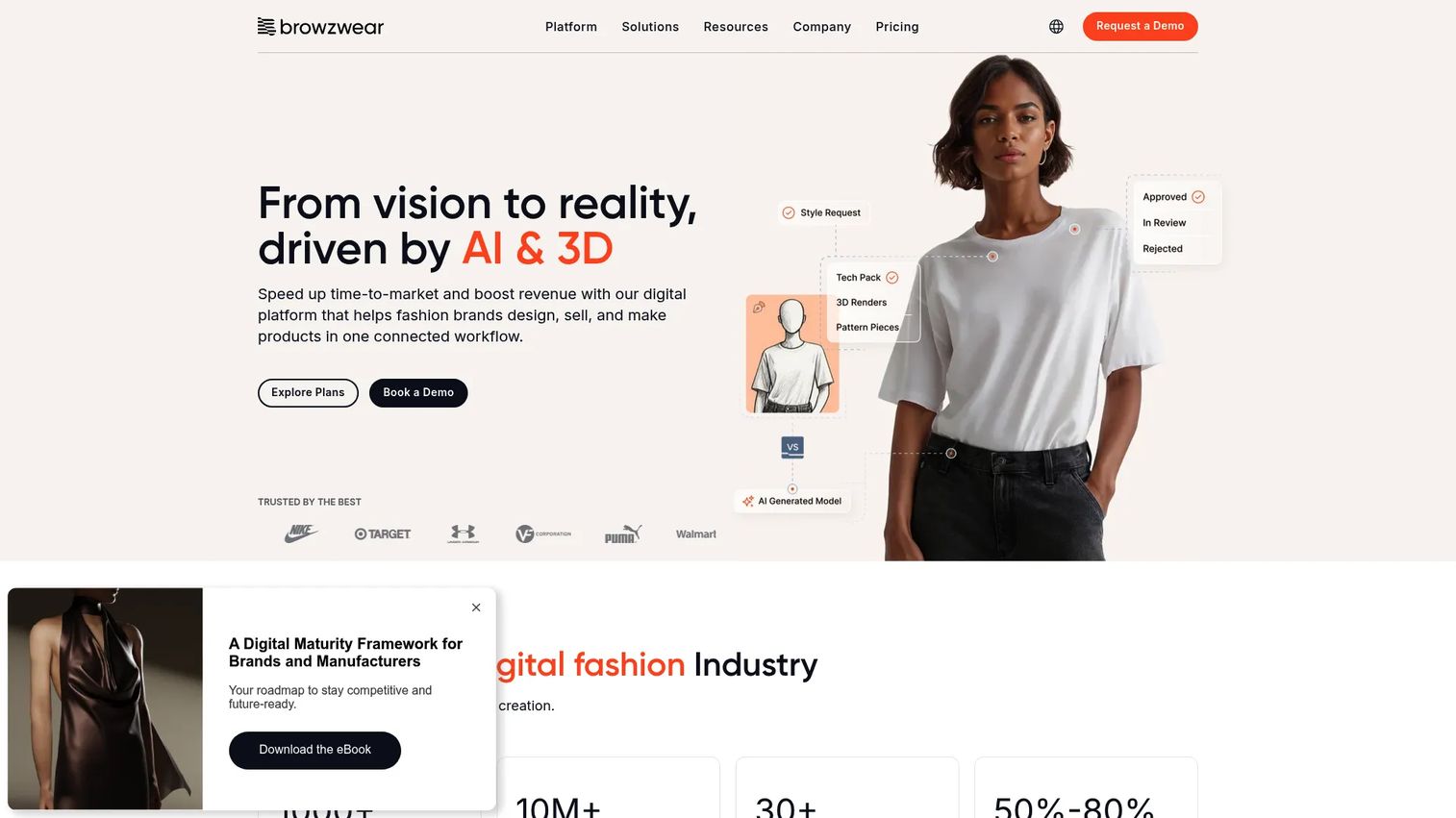
Browzwear focuses on three-dimensional digital product development for fashion brands and manufacturers. Its product set covers garment creation, fit validation, material digitization, and collection review.
VStitcher supports garment development and fit analysis. Stylezone provides cloud-based review, while Lotta supports pattern-based style creation. The Open Platform connects enterprise workflows through integrations and automation.
Best for: Midmarket and enterprise apparel teams connecting digital design with technical development.
Key features
- VStitcher garment development
- Stylezone collection review
- Lotta style creation
- Fabric Analyzer material digitization
- Open Platform integrations
Why choose Browzwear: Choose it when three-dimensional design must feed a broader product-development process. Evaluate PLM connections, training ownership, and workflow governance before rollout.
Browzwear pricing: Freelancer costs $75 monthly or $750 yearly. FreelancerPlus costs $150 monthly, Teams costs $3,950 yearly, and Enterprise uses custom pricing.
Eligible students and recent graduates can apply for a six-month Learner License.
G2 rating: 4.8/5.
3. CLO 3D
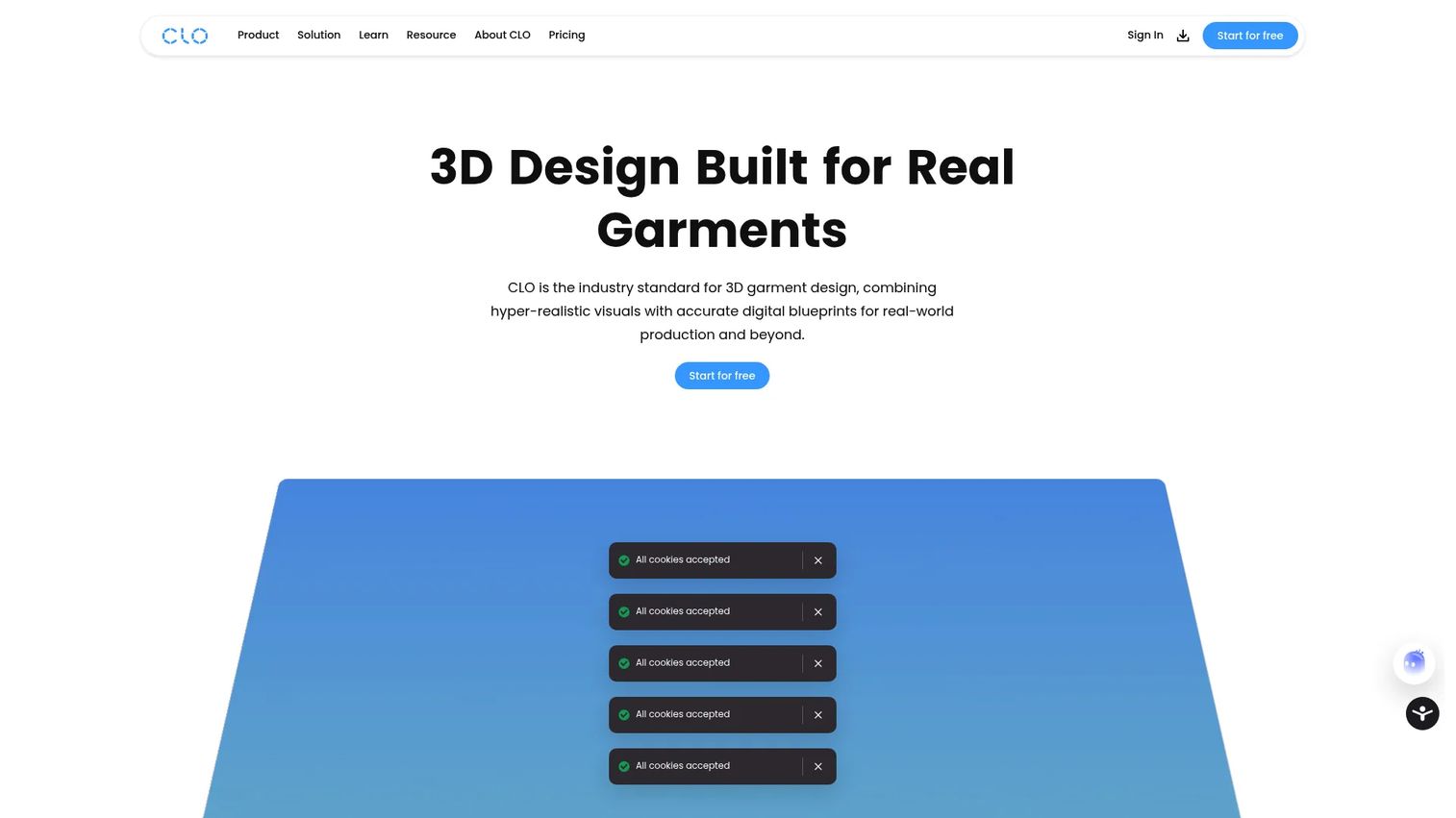
CLO 3D combines garment simulation with two-dimensional pattern editing, avatar fitting, and rendering. Designers can adjust patterns and inspect the corresponding garment within the same working environment.
The software serves freelancers, educators, pattern makers, technical designers, and apparel brands. Its visual output also supports presentations, colorway development, animation, and digital fashion content.
Best for: Designers and smaller teams prioritizing visual garment iteration over a broad enterprise CAD deployment.
Key features
- Three-dimensional garment simulation
- Two-dimensional pattern editing
- Custom avatar fitting
- Fabric behavior modeling
- Animation and rendering
Why choose CLO 3D: Choose it when visual iteration and pattern experimentation need to happen together. Production teams should test exports and PLM handoff using a representative style.
CLO 3D pricing: Student plans cost $25 monthly or $225 yearly. Individual plans cost $50 monthly or $450 yearly, with a 14-day trial available.
Enterprise and Academic plans use custom pricing.
G2 rating: 4.6/5.
4. TUKA3D
TUKA3D supports virtual sample making, garment development, and digital fit validation. It connects pattern-based workflows with animated fit models and configurable fabric properties.
Teams can review tension maps, garment behavior, and internal construction before producing another sample. Virtual photoshoot controls include cameras, backgrounds, lighting, and built-in rendering.
The software also works with TUKAdesign pattern-making and grading processes. This connection matters for teams whose approval criteria begin with measurements and construction accuracy.
Best for: Apparel brands and manufacturers evaluating fit before committing to additional physical samples.
Key features
- Pattern-based virtual sampling
- Animated fit models
- Fabric tension mapping
- Virtual photoshoot controls
- TUKAdesign workflow connection
Why choose TUKA3D: Choose it when fit review sits at the center of your sample process. Test how patterns, material settings, and approval data move through your existing stack.
TUKA3D pricing: Custom pricing. Professional Edition is offered through six-month and yearly subscriptions paid upfront.
5. Tailornova
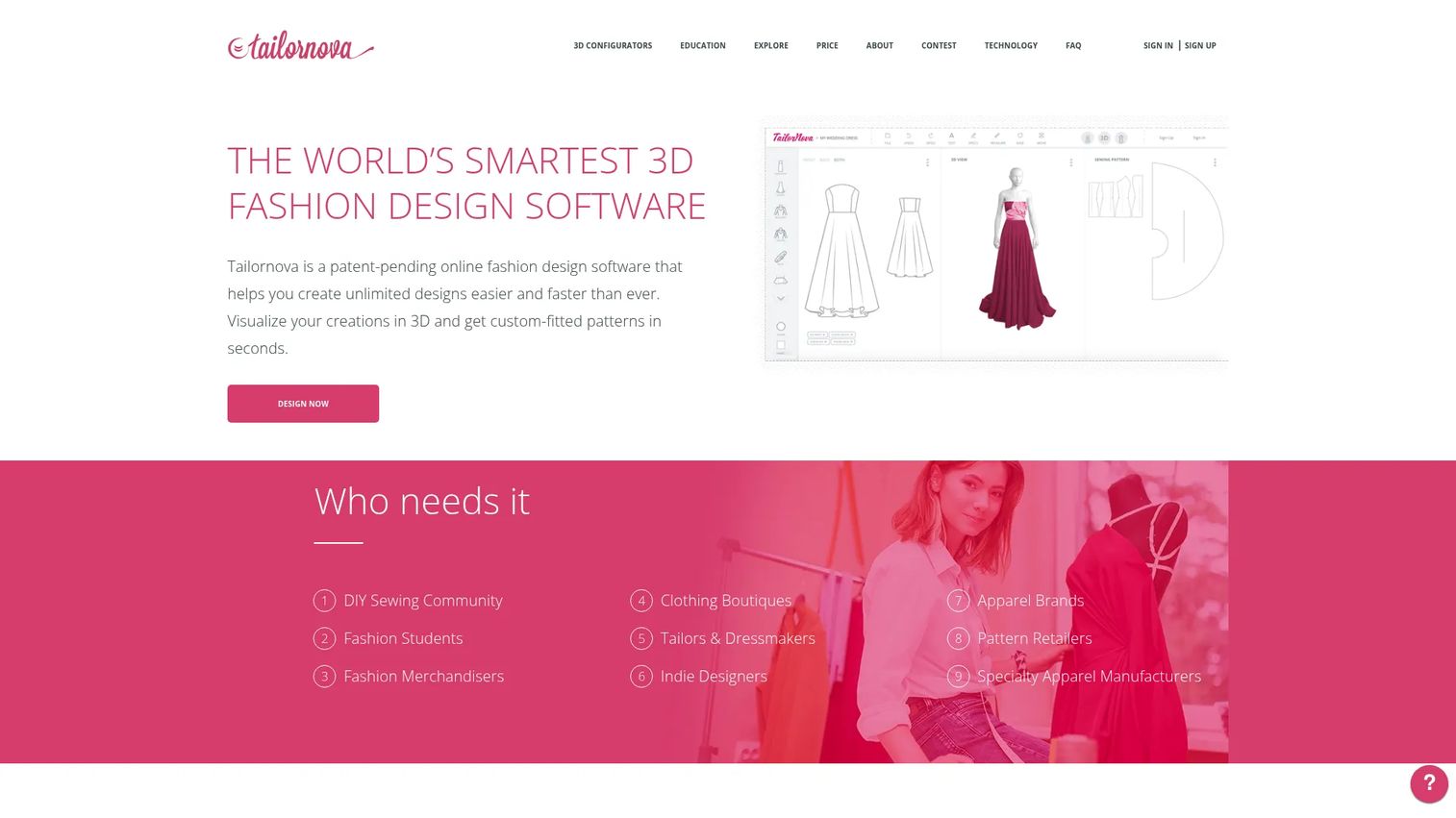
Tailornova is browser-based fashion designing software for made-to-measure patterns and garment previews. Users combine design templates, enter sizing data, and generate custom-fitted outputs.
The platform creates vector flat sketches and downloadable pattern files. Supported formats include PDF, DXF, and DXF-AAMA. Automated sewing instructions help move designs toward construction.
Its scope suits custom clothing businesses and independent labels better than complex enterprise product-development programs. Commercial Pro adds grading, tech packs, custom fit charts, and PatternFast AI.
Best for: Independent designers, boutiques, and dressmakers producing custom-fit garments.
Key features
- Made-to-measure pattern generation
- Customizable three-dimensional FitModel
- Vector flat sketches
- PDF and DXF downloads
- Automated sewing instructions
Why choose Tailornova: Choose it when custom sizing drives the workflow. Teams needing industrial marker planning or broad PLM governance should assess production-focused CAD products.
Tailornova pricing: Personal costs $29 monthly. Commercial costs $49 monthly, while Commercial Pro costs $79 monthly.
Enterprise uses custom pricing.
6. Lectra
Lectra serves fashion, automotive, and furniture companies through industrial software, automated cutting equipment, data, and services. Its fashion coverage extends from product development into cutting-room operations.
The portfolio includes pattern-development capabilities and connected production planning. It also supports lifecycle management, collection processes, traceability, benchmarking, and brand-performance workflows.
This breadth makes Lectra relevant when software selection touches several operational areas. Procurement will need input from design, technical development, IT, and manufacturing leaders.
Best for: Enterprise organizations managing complex apparel development and industrial production processes.
Key features
- Fashion product development
- Pattern-making capabilities
- Connected cutting-room planning
- Product lifecycle workflows
- Traceability and benchmarking tools
Why choose Lectra: Choose it when your decision spans apparel CAD, lifecycle data, and cutting operations. Plan for formal implementation, training, and governance across affected teams.
Lectra pricing: Custom pricing. Buyers select relevant products, services, and deployment components through Lectra’s sales process.
G2 rating: 4.6/5.
7. Optitex
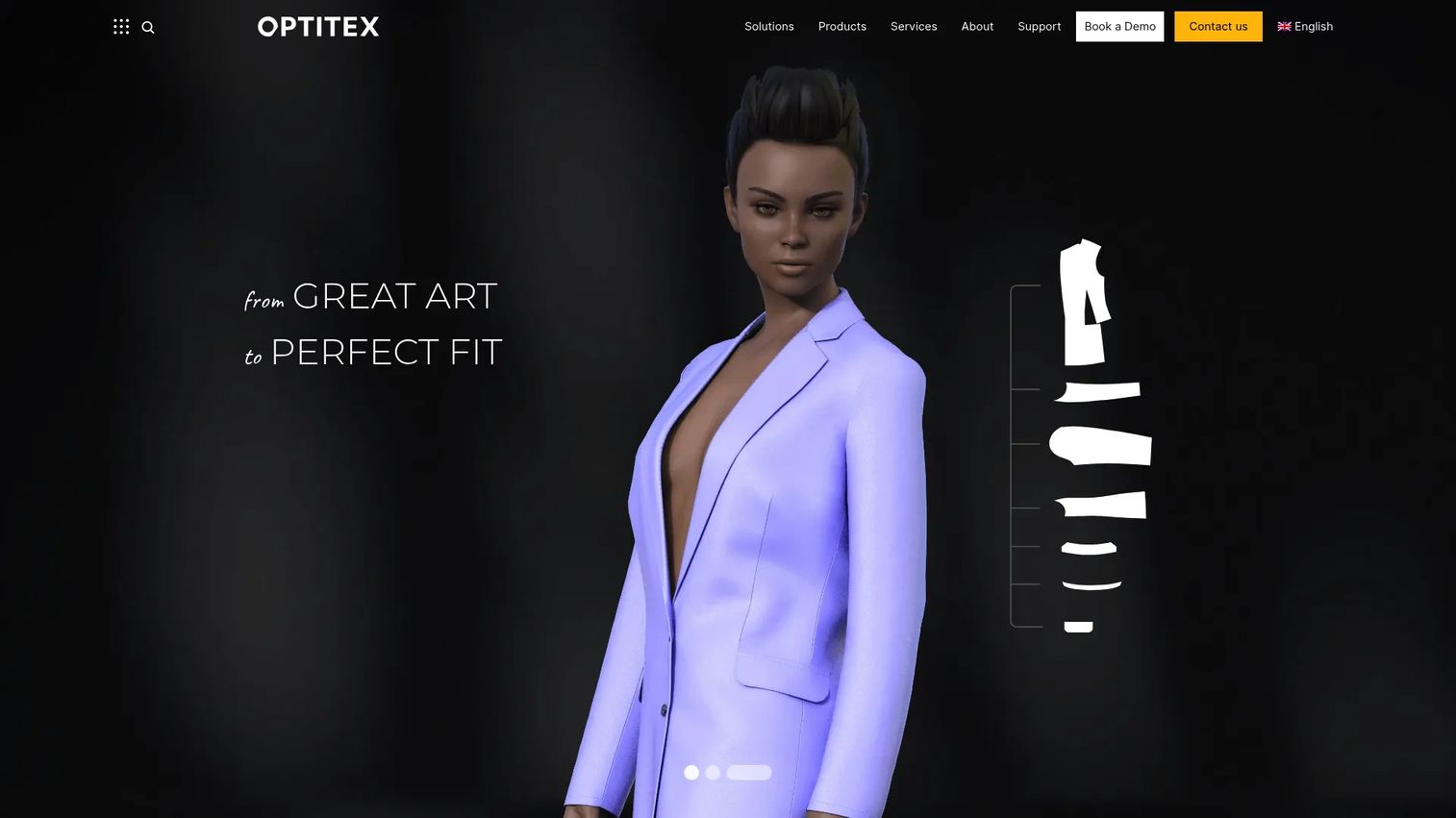
Optitex combines two-dimensional pattern engineering with three-dimensional garment visualization. Its workflow supports apparel, textiles, transportation, and furniture applications.
Technical teams can create patterns, apply grading, and verify designs through simulation. Fabric measurement and tension maps add context during fit review. Marker tools support later production planning.
OPTINEDCloud adds digital collaboration for teams that need design data available across locations. Optitex packages its software in modules, which makes scope definition important during procurement.
Best for: Technical design teams that need production patterns and virtual garment validation within a connected workflow.
Key features
- Integrated pattern and garment views
- Pattern grading and verification
- Automated marker nesting
- Fabric measurement tools
- OPTINEDCloud collaboration
Why choose Optitex: Choose it when pattern accuracy and virtual validation must stay close. Include pattern makers and production users in testing, rather than limiting evaluation to visual design.
Optitex pricing: Custom pricing. Subscription fees and modules are specified in each customer order.
G2 rating: 4.6/5.
8. Gerber AccuMark
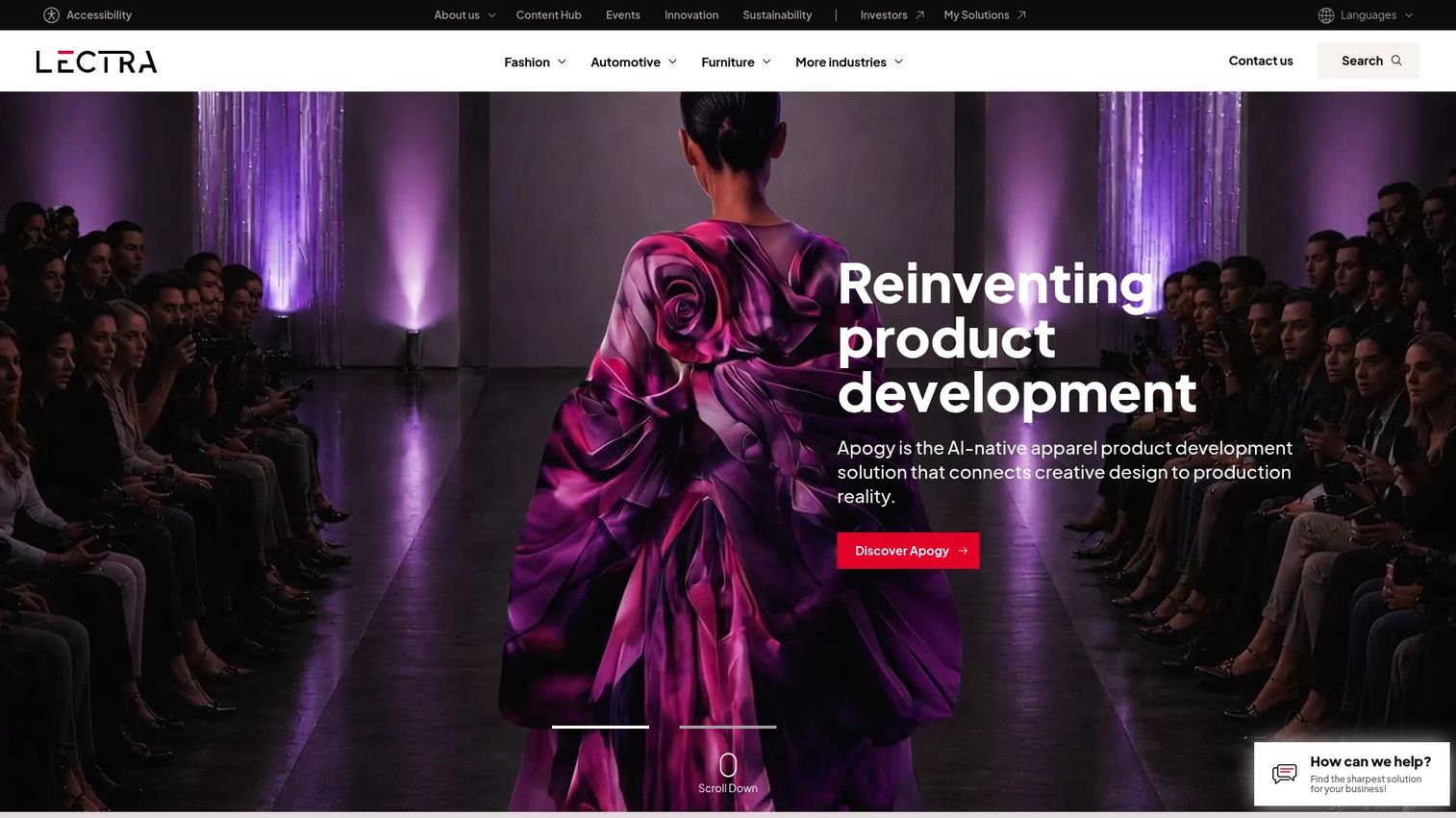
Gerber AccuMark is an integrated two-dimensional and three-dimensional CAD suite within Lectra’s fashion portfolio. It supports professional pattern development, grading, simulation, and product industrialization.
The system connects garment simulation with underlying pattern data. Made-to-measure automation supports workflows where fit rules vary across customers or product lines.
Nesting and cut-planning connections extend the process toward manufacturing. Pattern-file collaboration also helps technical teams exchange data with downstream partners.
Best for: Pattern rooms, manufacturers, and technical design teams requiring production-grade apparel CAD.
Key features
- Two-dimensional pattern creation
- Pattern grading tools
- Three-dimensional garment simulation
- Made-to-measure automation
- Nesting and cut planning
Why choose Gerber AccuMark: Choose it when pattern integrity and manufacturing handoff carry more weight than visual concepting. New users should expect technical training before broad adoption.
Gerber AccuMark pricing: Custom pricing. Lectra offers subscription options and routes buyers through sales.
9. Richpeace
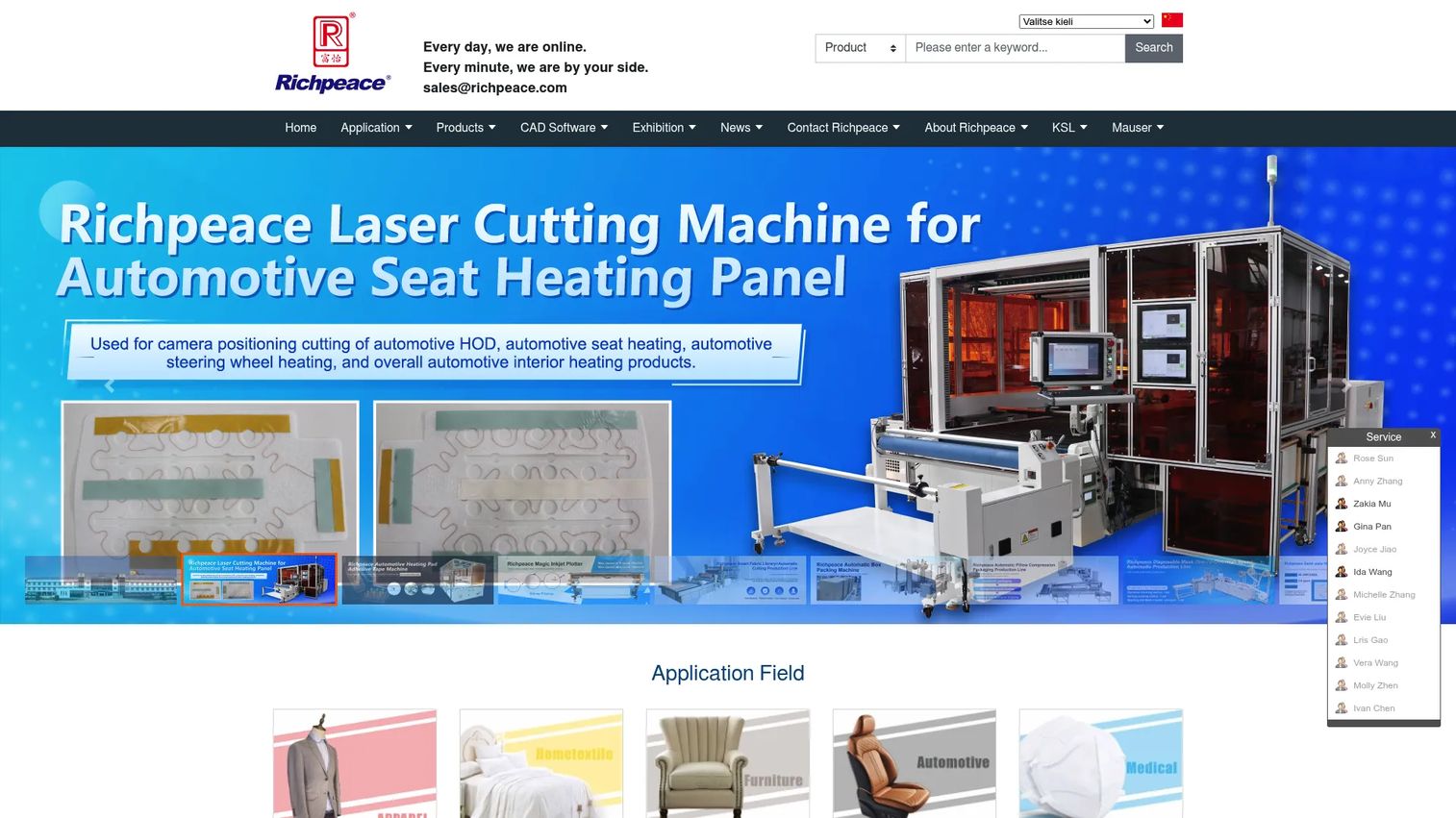
Richpeace combines software with machinery for soft-material production. Its coverage spans apparel, footwear, luggage, upholstery, and automotive interiors.
The portfolio includes CAD for garment and template work. Manufacturing equipment supports cutting, embroidery, sewing, quilting, and laser processing.
This makes Richpeace more relevant to factory operations than design-only teams. Buyers should map the software decision against equipment compatibility, local service, and plant requirements.
Best for: Manufacturers connecting garment CAD with cutting or sewing equipment.
Key features
- Garment CAD software
- Pattern and template workflows
- Automated cutting equipment
- Sewing and embroidery systems
- Laser processing tools
Why choose Richpeace: Choose it when digital design data must connect closely with factory machinery. Confirm regional distribution, technical support, and equipment service before purchase.
Richpeace pricing: Custom pricing. Buyers request a quote for the required software and production equipment.
10. PAD System
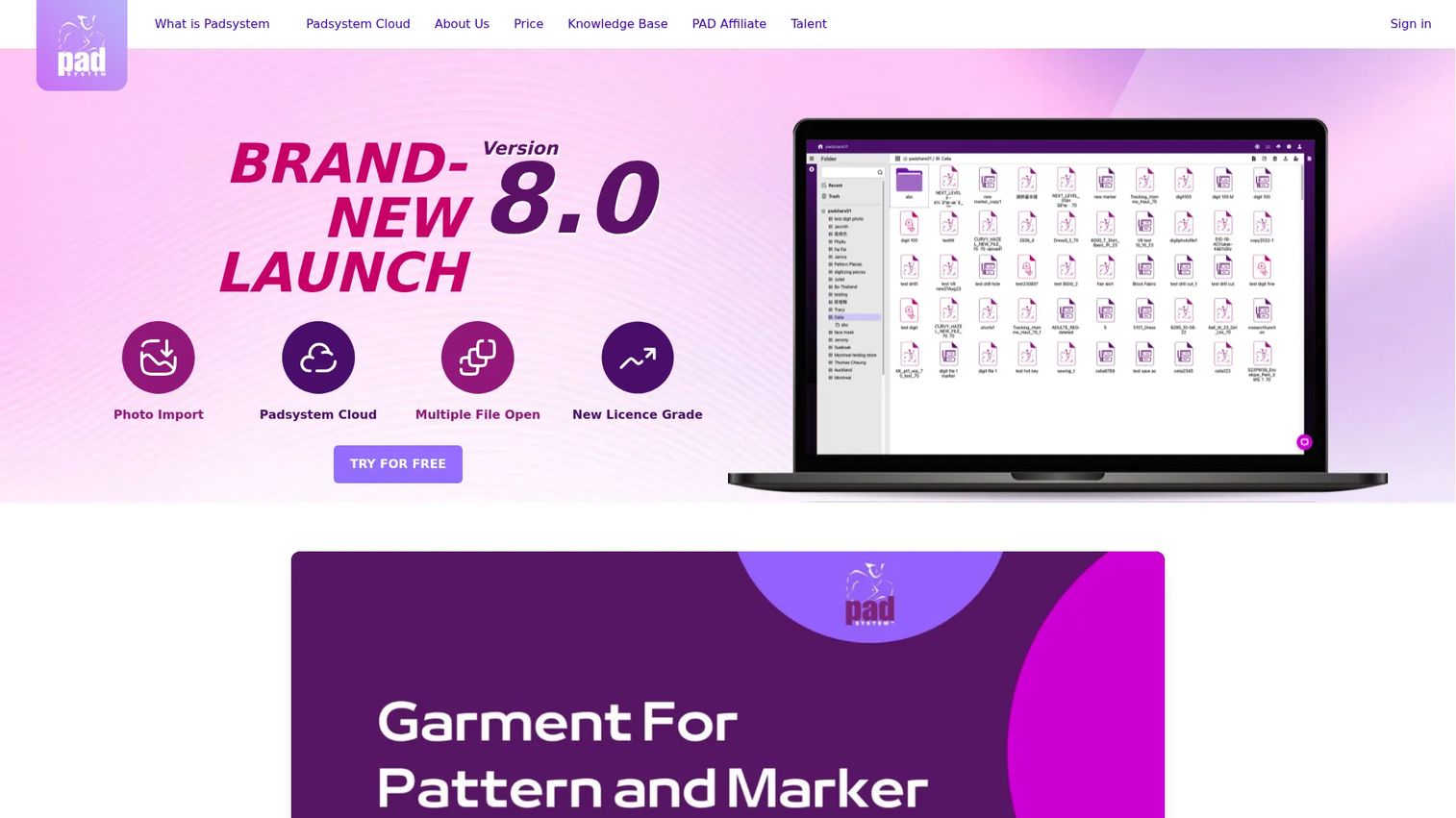
PAD System provides apparel CAD for pattern design, grading, marker production, and pattern digitization. Its focused scope suits users who need technical pattern tools without a large enterprise platform.
The software converts paper patterns into digital assets and supports made-to-measure work. Its format coverage includes DXF, Gerber, Lectra, Illustrator, HPGL, and ANSI.
Cloud tools cover pattern work, marker creation, and automatic nesting. The accessible starting price also makes PAD System relevant for education and smaller product teams.
Best for: Pattern makers, fashion students, and garment businesses needing dedicated drafting tools.
Key features
- Pattern design and grading
- Marker design and optimization
- Paper pattern digitization
- Made-to-measure functionality
- Broad CAD format support
Why choose PAD System: Choose it for a pattern-first workflow with a lower entry cost. Test file exchange against your manufacturer’s current CAD setup before rollout.
PAD System pricing: Basic costs $15 monthly with annual billing. Standard costs $45 monthly, and both plans include a trial.
G2 rating: 4.5/5.
11. StyleCAD
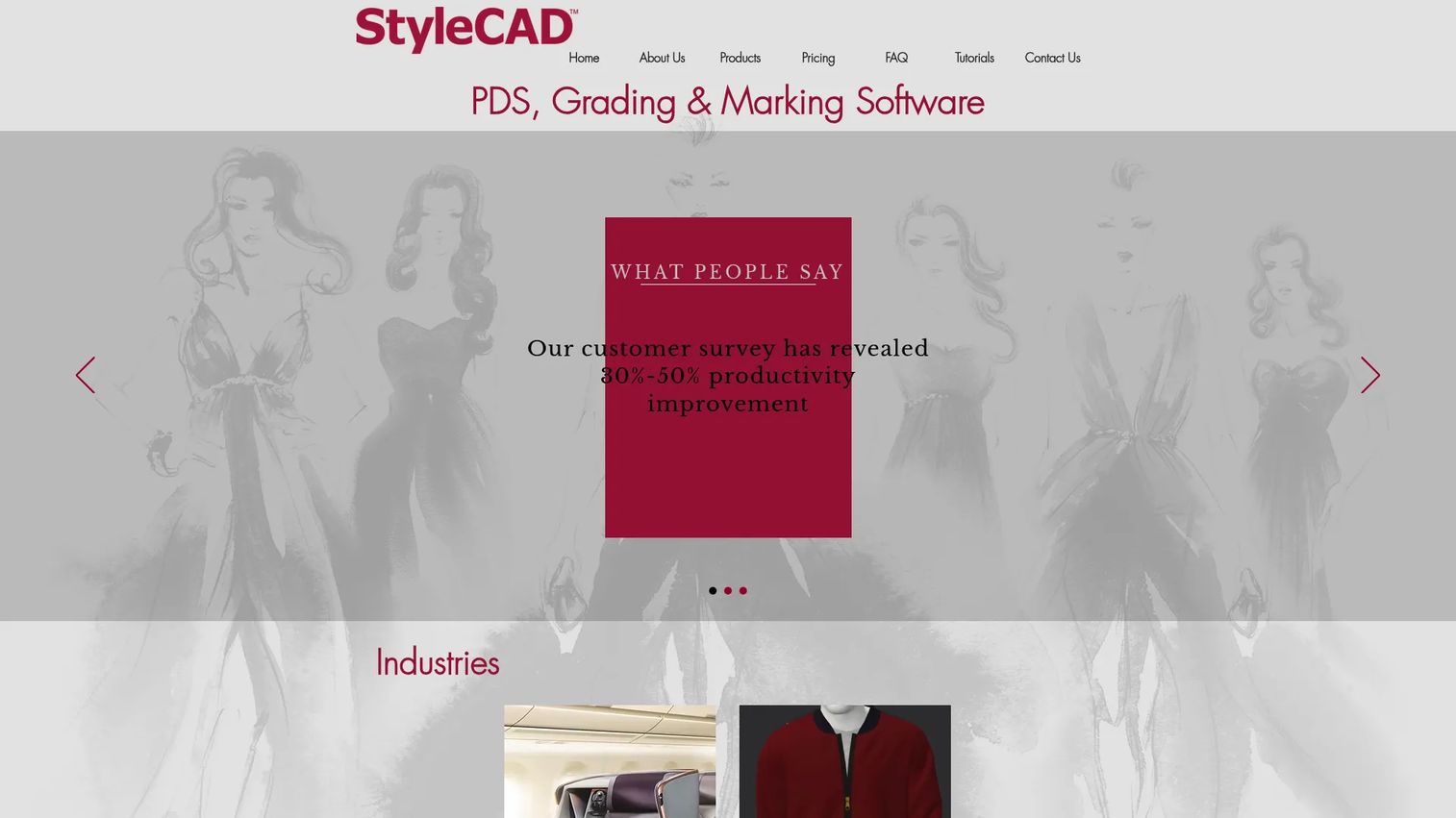
StyleCAD provides apparel CAD for pattern design, grading, marker making, automarking, and cut planning. Its tools focus on technical development and production preparation.
Pattern functions cover drafting, seams, darts, curves, and notches. Grading options include automatic, radial, perimeter, and intermediate methods.
The platform also connects two-dimensional data with three-dimensional workflows. Conversion support covers Gerber, Lectra, and Optitex files. Cut-planning tools help teams prepare production orders and evaluate costs.
Best for: Apparel manufacturers needing connected pattern, marker, and production-planning workflows.
Key features
- Pattern drafting tools
- Multiple grading methods
- Marker making and automarking
- Three-dimensional workflow connections
- Automatic cut-order planning
Why choose StyleCAD: Choose it when apparel CAD and production planning are central requirements. Review importer quality, training availability, and support coverage with representative files.
StyleCAD pricing: Custom pricing. Buyers request quotes for individual systems, plugins, or production modules.
12. Vetigraph
Vetigraph develops CAD and CAM software for apparel and other industries working with flexible materials. Its workflow spans pattern creation, grading, marker preparation, digitization, and cutting.
Users can modify patterns on screen and select from 20 grading methods. Manual and automatic marker functions support production preparation.
Digitization tools convert existing patterns, while printing and cutting connections move files toward manufacturing. Three-dimensional garment simulation adds visual review to the technical process.
Best for: Apparel manufacturers needing industrial pattern development and cutting preparation.
Key features
- On-screen pattern modification
- Twenty grading methods
- Automatic marker making
- Pattern digitization
- Printing and cutting support
Why choose Vetigraph: Choose it when industrial garment preparation is the primary job. Verify local support, equipment compatibility, and CAD exchange with your production partners.
Vetigraph pricing: Custom pricing. Buyers request a quote for the required CAD and production setup.
13. Assyst Bullmer
Assyst Bullmer requires extra diligence during vendor evaluation. The supplied Assyst address redirects to a different fashion software site, while Assyst Bullmer appears associated with separate cutting technology.
Because product ownership wasn’t established in the available research, buyers shouldn’t assume the redirected software portfolio belongs to the same supplier. Treat naming, contracts, and support responsibilities as procurement questions.
This matters when an implementation depends on CAD compatibility or cutting equipment. A mismatch between software ownership and machinery support can create operational risk after purchase.
Best for: Industrial buyers prepared to validate the supplier, product scope, and equipment relationship directly.
Key features
- Supplier identity requires confirmation
- Product ownership needs validation
- Deployment scope needs documentation
- Equipment compatibility needs testing
- Support responsibility needs clarification
Why choose Assyst Bullmer: Keep it on the shortlist only when its industrial offering matches your cutting environment. Require a documented product map before technical evaluation.
Assyst Bullmer pricing: Custom pricing. Request a written quote that names the software, equipment, deployment services, and support owner.
14. Seamly2D
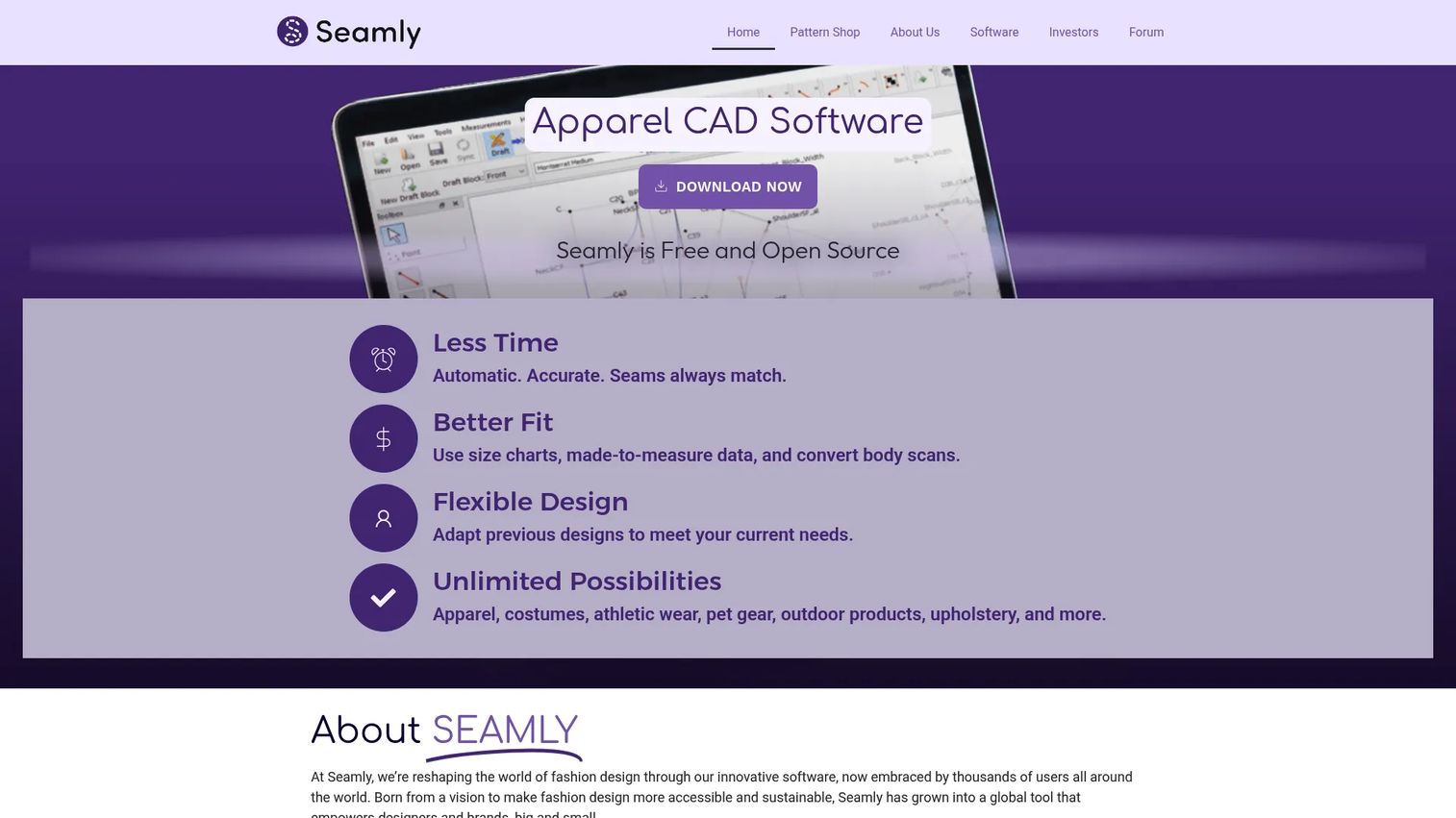
Seamly2D is free, open-source pattern making software for parametric, made-to-measure designs. Patterns can reference size charts or individual body measurements.
The parametric model lets users adapt and reuse pattern logic instead of redrawing every size. Body-scan measurement conversion also supports custom-fit workflows.
Seamly2D runs on Windows, Linux, and macOS. Its open-source model suits technically comfortable designers, educators, and apparel businesses willing to use community-led resources.
Best for: Makers and educators seeking free sewing pattern making software with reusable measurement logic.
Key features
- Parametric pattern design
- Size chart support
- Made-to-measure inputs
- Body-scan measurement conversion
- Cross-platform desktop access
Why choose Seamly2D: Choose it for low-cost pattern experimentation or teaching. Plan for self-directed learning and a community support model.
Seamly2D pricing: Free. The desktop software is open source with no paid tiers.
15. FreeCAD
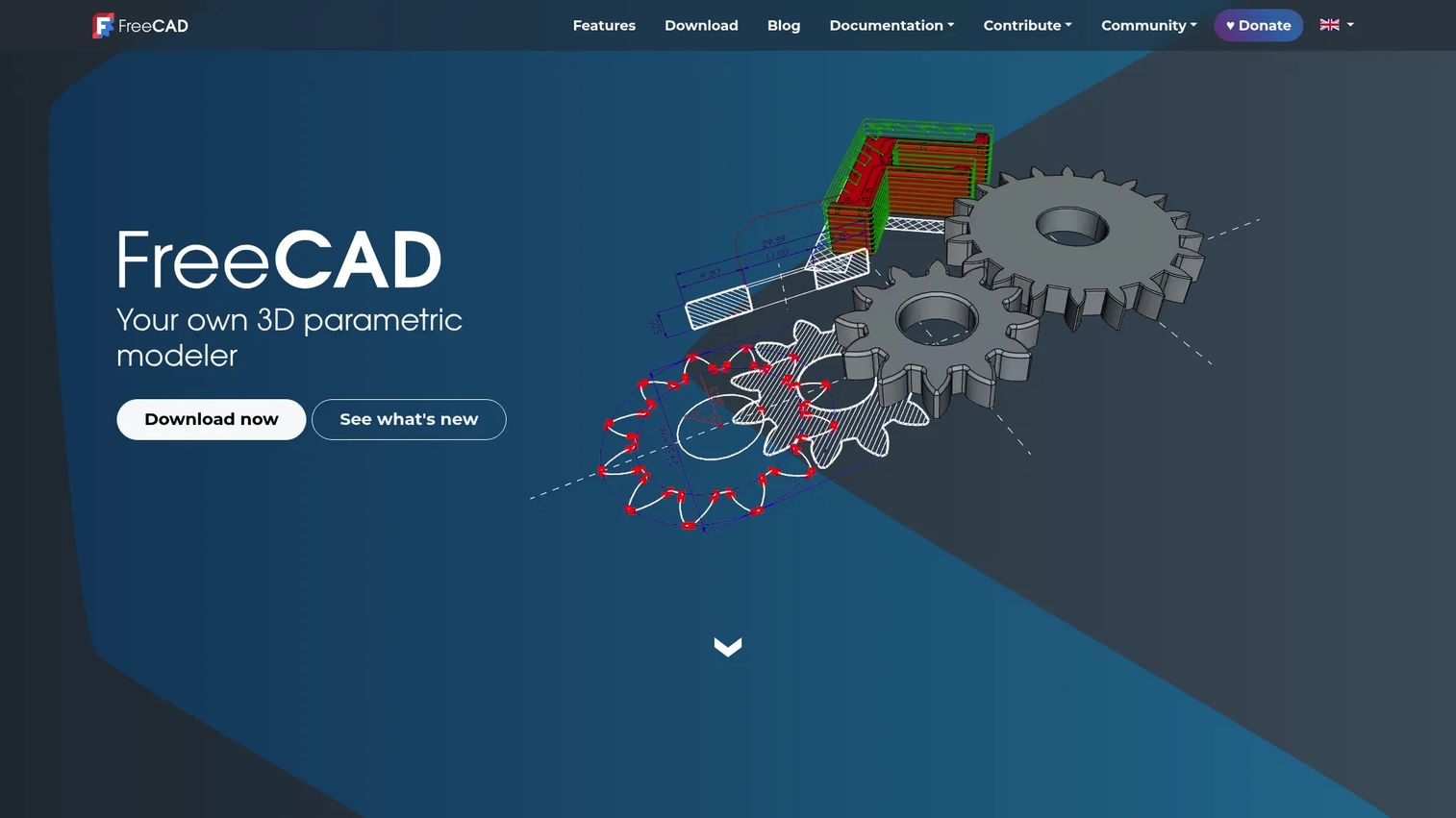
FreeCAD is an open-source parametric modeler for technical product design. It serves engineering, architecture, manufacturing, three-dimensional printing, and CNC workflows.
FreeCAD isn’t dedicated clothing pattern making software. Its value for fashion teams lies in accessories, hardware, fixtures, components, or experimental technical projects.
The platform includes constraint-based sketching, technical drawings, and specialized workbenches. Python scripting and macros support extension for teams with development skills.
Import and export coverage includes STEP, IGES, STL, OBJ, DXF, SVG, IFC, and DWG. This flexibility helps technical users exchange models with other systems.
Best for: Technical teams needing free CAD flexibility outside apparel-specific garment workflows.
Key features
- Parametric three-dimensional modeling
- Constraint-based sketching
- Production-ready technical drawings
- Python scripting and macros
- Broad file format support
Why choose FreeCAD: Choose it for general technical modeling with no license cost. Use fashion-specific software when you need grading, fabric simulation, or marker making.
FreeCAD pricing: Free. The software has no licensing fees, sign-up requirement, or usage paywall.
G2 rating: 4.2/5.
Considerations when choosing fashion design software
Match the product to your workflow stage
Concepting, pattern drafting, three-dimensional sampling, and production handoff are different jobs. Map your current bottleneck before comparing feature counts.
A strong visualization product may not replace apparel CAD. Conversely, production software may offer more depth than a small design team needs.
Verify file formats before buying
Test DXF exchange, PDF documentation, OBJ or FBX assets, and PLM handoff. Include the factory or downstream system in your evaluation.
Open the exported files outside the vendor’s environment. A listed format offers little value if measurements or grading rules change during transfer.
Pressure-test the adoption curve
Ask who needs training and who owns administration after launch. Review tutorials, sample files, update policies, and support channels.
For product teams, this is an opportunity-cost question. A capable platform can still miss its goals if adoption interrupts several release cycles.
Check fit accuracy and fabric data
Virtual garment simulation depends on pattern quality, avatar setup, and material properties. Evaluate these inputs with a garment your team already understands.
Compare the digital output with an approved physical sample. This gives stakeholders a concrete baseline for judging accuracy.
Plan for collaboration and governance
Review permissions, approvals, version control, and cloud access. Confirm how product data moves into PLM or production systems.
Scattered exports can recreate the same coordination problem you bought the software to remove. Assign ownership before expanding access.
Conclusion
The best fashion design software depends on the workflow you need to protect.
Style3D, Browzwear, and CLO 3D fit teams prioritizing three-dimensional garment development. Lectra, Optitex, and Gerber AccuMark support broader production or enterprise CAD requirements.
Tailornova suits made-to-measure businesses. PAD System offers focused pattern tools at an accessible starting price. Seamly2D provides open-source pattern drafting, while FreeCAD covers general technical modeling.
Build your shortlist around the work that currently creates delays. Decide whether you need visual iteration, pattern accuracy, production handoff, or cross-functional governance.
Then test each finalist with one representative garment. Export its files, run a fit review, and send the output to your downstream production partner. That exercise reveals more than a feature comparison alone.
FAQs
The right beginner option depends on the task. CLO 3D suits visual garment exploration, while Tailornova supports custom-pattern generation through a browser.
Seamly2D works for free pattern drafting when the user accepts a self-directed learning model. Beginners should start with one workflow rather than learning every production stage at once.
Fashion design software can cover concept development, garment visualization, fabric simulation, tech packs, or production workflows. Pattern-making software focuses on drafting and adjusting garment pieces.
It may also support grading, seam placement, marker planning, and production exports. Some platforms combine both categories within one workflow.
Not every designer needs it. Illustration-led work or one-off garments may rely more on sketching and physical draping.
Three-dimensional software becomes more useful for distributed review, sample planning, e-commerce assets, and repeated fit iterations. Teams should compare its value with the cost of current sample loops.
Digital sampling can reduce unnecessary rounds by exposing issues earlier. Teams can review silhouette, proportion, garment tension, and material behavior before producing another sample.
It doesn’t remove every physical validation step. Final fabric behavior, construction quality, and production fit often require tangible review.
DXF commonly supports pattern exchange between CAD systems. PDF works for documentation, while OBJ and FBX support three-dimensional asset workflows.
Your manufacturer may also require proprietary CAD or PLM formats. Test an exported garment before signing a long-term contract.
Seamly2D is free open-source pattern drafting software. FreeCAD is another free option for general parametric CAD and technical components.
These products usually require more self-directed setup than commercial fashion platforms. They also serve narrower workflows than integrated digital product-development systems.
AI can support design ideation, pattern adjustments, automated tagging, fit analysis, and workflow recommendations. Available capabilities vary widely between products.
Review whether generated outputs remain editable and whether they preserve production data. Teams should also test AI features using their own garment standards.
Start with workflow fit, file compatibility, training effort, support, and total cost. Then review PLM connections, version control, permissions, and manufacturing requirements.
Run a trial using one representative garment from concept through export. Measure review time, rework, adoption, and handoff quality before expanding deployment.