A divorce matter can scatter intake, financial disclosures, support calculations, billing, and client messages across separate systems.
That fragmentation creates duplicate entry and weak deadline visibility. It also makes every handoff depend on someone remembering where the latest information lives.
Cloud adoption is already standard across legal work. The American Bar Association’s 2024 Legal Technology Survey found that 75% of attorneys use cloud computing for work tasks.
The harder decision is choosing the right family law software. Some products handle financial analysis and court forms. Others manage the firm’s broader operations.
Choose by the workflow that breaks most often. A polished calendar won’t fix slow financial affidavits. Calculation depth won’t solve intake leakage or unpaid invoices.
What’s inside
This guide compares 12 family law legal software options for attorneys, administrators, and operators managing active casework.
We evaluated each product against the workflows that matter most:
- Family law workflow fit
- Forms, calculations, and document support
- Client communication and portal capabilities
- Billing, calendaring, intake, and firm operations
- Pricing clarity and firm size fit
The list covers specialist financial tools alongside broader family law practice management software. It also highlights state-specific forms, migration questions, and the likely fit for each operating model.
TL;DR
- Best for family law financial analysis: Family Law Software handles support calculations, affidavits, asset division, pension valuation, and projections
- Best for all-in-one family law practice management: Smokeball combines matters, documents, billing, workflows, and client communication
- Best for broad legal operations: Clio offers cloud case management with billing, intake, legal calendaring, and integrations
- Best for client communication: MyCase combines a client portal with messaging, document sharing, billing, and payments
- Best for intake: Lawmatics focuses on lead management, forms, scheduling, and follow-up automation
- Best for specialist billing or configurable workflows: TimeSolv prioritizes billing, while Actionstep supports process-led firms
What is family law software?
Family law software is legal software that helps attorneys manage divorce, custody, support, property division, client communication, court forms, billing, and financial case analysis.
The category has two main product types. Your choice depends on whether financial casework or firm operations creates the larger bottleneck.
Specialist family law financial analysis tools
These products support calculations and documents specific to family law matters. They can reduce reliance on spreadsheets when analyzing support or marital property.
Common capabilities include:
- Child support calculations
- Spousal support calculations
- Financial affidavits
- Marital asset division
- Arrears and interest calculations
- Pension valuation
- Long-term financial projections
- Jurisdiction-specific forms
Calculation accuracy depends on the relevant jurisdiction and current rules. Confirm which states, courts, and form versions each vendor supports.
Family law practice management platforms
Family law case management software organizes the operational side of a practice. It tracks matters from intake through billing and closure.
These platforms can support divorce case management software workflows without offering specialist financial modeling. Common functions include matter timelines, deadline tracking, and secure client communication for law firms.
Key capabilities to evaluate include:
- State-specific forms and court documents
- Child and spousal support calculations
- Financial disclosures and affidavits
- Custody schedules and parenting documents
- Document assembly and electronic signatures
- Client portals and secure communication
- Time tracking and invoicing
- Reporting, tasks, and deadline management
Some firms need both product types. A specialist tool handles financial analysis, while the practice platform remains the operational system of record.
That pairing costs more. It can still earn its place in the stack when each platform removes a distinct administrative burden.
When to use family law software
Standardize divorce and custody matter workflows
Use family lawyer software when every attorney handles divorce, custody, or support matters differently. Templates can standardize tasks, deadlines, court forms, and client updates.
Shared matter timelines also help staff see the next action without reconstructing the case from email threads.
Reduce manual financial analysis work
Specialist software fits firms that spend significant time preparing financial affidavits or support scenarios. It can also support asset division, arrears, pension valuation, and projections.
The goal is consistent analysis with a clearer audit trail than disconnected spreadsheets provide.
Keep clients, billing, and documents in one workflow
A practice platform helps when documents, invoices, and matter history sit in separate tools. A client portal can centralize secure messages, uploads, and updates.
Integrated time capture also reduces missed entries. That matters for firms using hourly, flat-fee, or mixed billing models.
Family law software comparison
Use this table to build a shortlist, rather than make the final purchase decision.
Pricing reflects vendor information supplied for this comparison. Quote-based costs can change with users, modules, contract terms, document libraries, or implementation.
G2 ratings are included where a current listing was found. A missing score does not indicate product quality. It means no current rating was available during research.
| # | Product | Best for | Key differentiator | Pricing | G2 rating |
|---|---|---|---|---|---|
| 1 | Family Law Software | Financial analysis and calculations | Support calculations, affidavits, asset division, reports | From $39.95 monthly, plus $99 initial charge | No current rating found |
| 2 | Smokeball | Family law practice management | Matter workflows, document automation, time tracking | Custom pricing | 4.7/5 |
| 3 | Clio | Broad legal practice management | Cloud case management and broad operational coverage | From $49 per user | 4.6/5 |
| 4 | MyCase | Client communication and organization | Portal, messaging, payments, and documents | From $50 per user monthly, billed annually | 4.4/5 |
| 5 | PracticePanther | Small firm workflow and billing | Matter management with automation and invoicing | From $49 per user monthly | 4.3/5 |
| 6 | Lawmatics | Intake and client relationships | Legal CRM with intake automation | Custom pricing | 4.6/5 |
| 7 | CARET Legal | Full-firm legal operations | Matters, accounting, documents, and analytics | Custom pricing | 4.4/5 |
| 8 | LEAP | Document-heavy family law firms | Document assembly with practice management | Custom pricing | 3.6/5 |
| 9 | Actionstep | Configurable legal workflows | Custom processes with legal accounting | Custom pricing | 4.1/5 |
| 10 | Amicus Attorney | Established legal workflows | Calendar, contacts, matters, and communication | Custom pricing | No current rating found |
| 11 | TimeSolv | Billing-heavy family law firms | Time tracking, invoicing, budgets, and payments | Custom pricing | 4.5/5 |
| 12 | Lawcus | Workflow-driven small firms | CRM, matter automation, and communication | From $39 per user monthly, billed annually | 4.5/5 |
Best 12 tools for family law software
1. Family Law Software
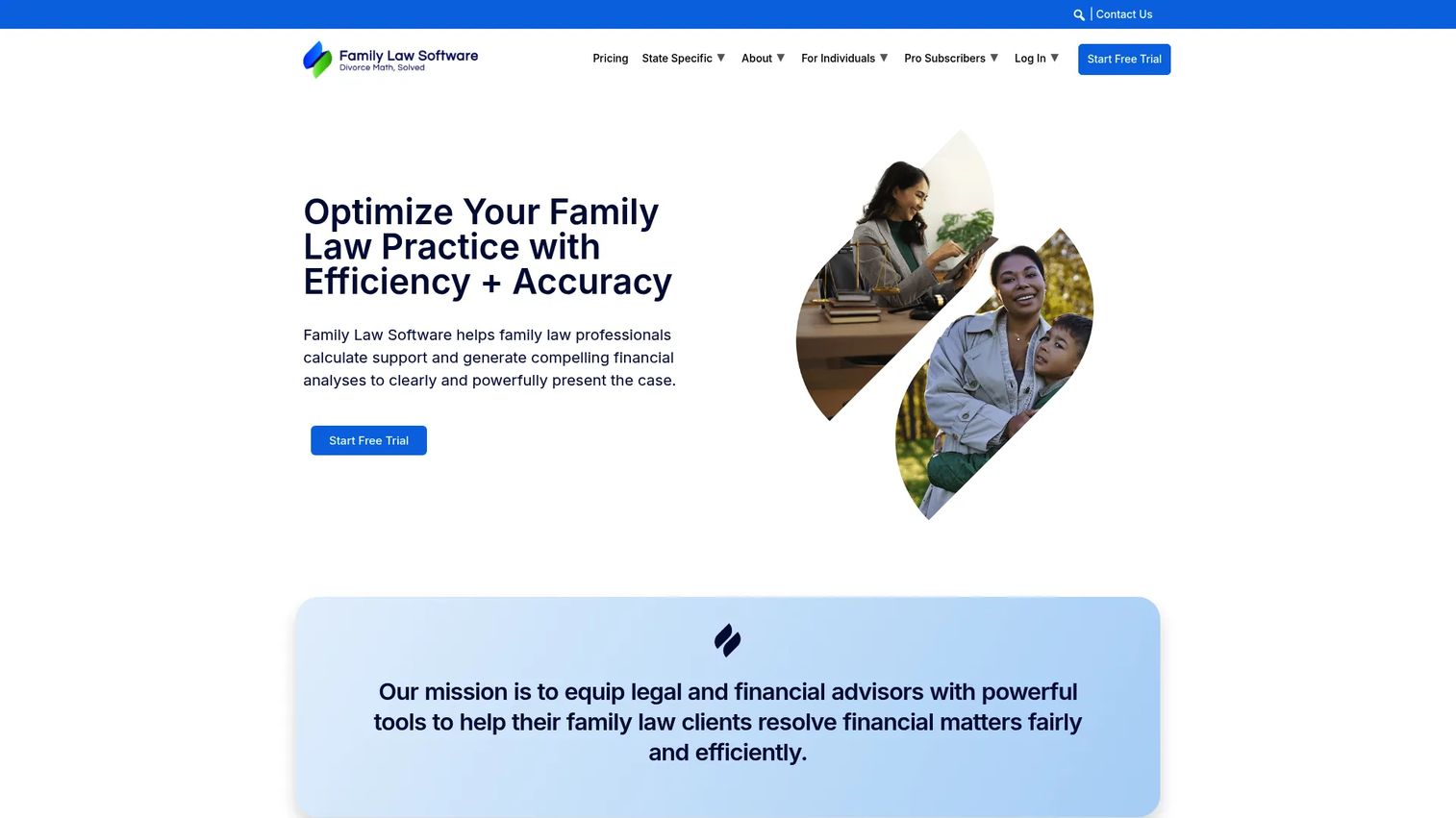
Family Law Software focuses on the financial analysis behind divorce and support matters. It covers support calculations, financial affidavits, property division, pension valuation, arrears, projections, and client reports.
Its state-specific forms make it different from general practice platforms. Secure electronic data entry also lets clients provide financial information through a portal.
Best for: Family law attorneys who need specialist calculations, forms, and financial reports more than broad practice management.
Key features
- Child and spousal support calculations
- Financial affidavits and state forms
- After-tax marital property division
- Defined benefit pension valuation
- Reports, graphs, and projections
Why choose Family Law Software: Choose it when financial analysis drives the matter. It provides more specialist depth than a generic calendar or billing platform.
Firms may pair it with practice management software for intake, communication, and time capture. That pairing makes sense when both analytical and operational workloads are substantial.
Family Law Software pricing: Solo Basic costs $39.95 monthly, plus a $99 initial charge. Solo Complete costs $69.95 monthly, plus the same charge.
Firm Basic costs $49.95 monthly per professional. Firm Complete costs $79.95 monthly per professional, with a $99 initial charge.
2. Smokeball

Smokeball is legal practice management software for small and midsized firms. Its family law fit covers client matters, documents, billing, calendaring, and repeatable workflows.
Automatic time tracking captures activity without relying entirely on manual entries. The client portal supports document exchange and case communication.
Best for: Family law firms wanting one operational system for matters, documents, time, billing, and client communication.
Key features
- Family law matter workflows
- Document automation and management
- Automatic time tracking
- Client portal
- Trust accounting and invoicing
Why choose Smokeball: It suits firms whose main problem is operational consistency. Matter workflows and document automation help reduce dependence on individual staff habits.
Confirm the calculation depth required for complex support or asset matters. A specialist financial product may still be necessary.
Smokeball pricing: Custom pricing applies to Bill, Boost, Grow, and Prosper+ plans. The quote reflects users, plan, contract term, and optional services.
G2 rating: Smokeball has a 4.7/5 G2 rating.
3. Clio

Clio combines legal practice management, client intake, billing, and legal calendaring in a cloud platform. Its client portal supports secure messages and document sharing.
Family law firms may choose it for broad operational coverage. It manages cases and firm activity rather than specialist spousal support calculations.
Best for: Family law firms seeking mature cloud operations with broad legal workflow coverage.
Key features
- Matter and contact management
- Client intake and CRM
- Billing and online payments
- Legal calendaring
- Secure client portal
Why choose Clio: It fits firms that want one established operational platform across departments. The broad scope can reduce the number of disconnected administrative tools.
Check state-specific forms and calculation requirements before committing. Those capabilities can determine whether another product remains necessary.
Clio pricing: Starter begins at $49 per user. Core, Signature, and Elite require pricing from Clio.
G2 rating: Clio has a 4.6/5 G2 rating.
4. MyCase
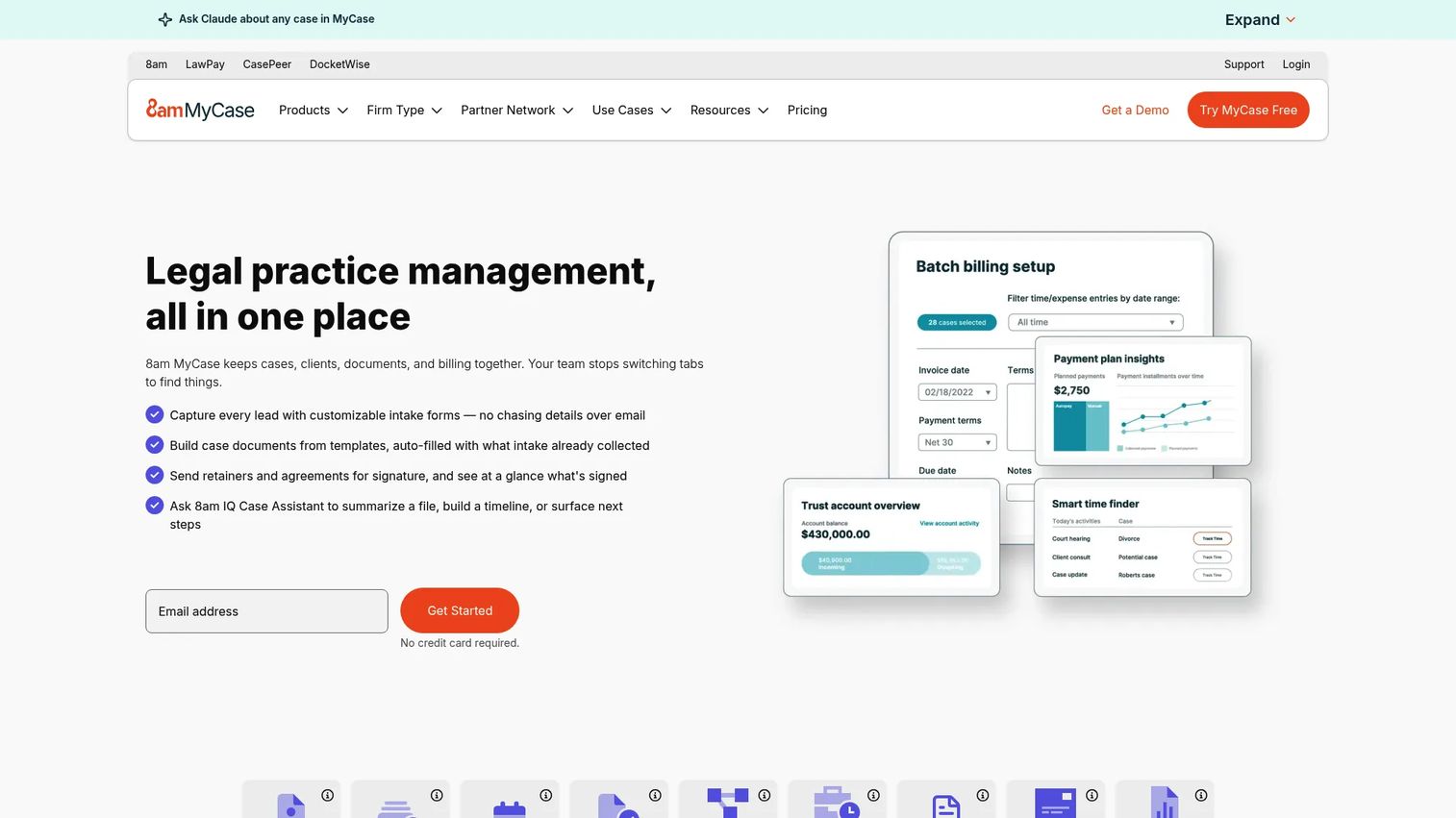
MyCase combines case management with client communication, documents, billing, and payments. Its portal and two-way texting suit practices handling frequent client questions.
The platform also covers intake, calendaring, trust accounting, and workflow automation. This makes it relevant when status updates consume staff time.
Best for: Family law firms wanting communication, billing, and case information in an accessible platform.
Key features
- Client portal
- Two-way client texting
- Document management and eSignature
- Billing and online payments
- Calendar and workflow automation
Why choose MyCase: Consider it when client communication creates repeated calls or scattered records. The portal keeps updates and shared documents attached to the matter.
Advanced financial analysis remains a separate requirement. Confirm whether specialist software is needed for affidavits or support scenarios.
MyCase pricing: Basic costs $50 per user monthly when billed annually. Pro costs $100, while Advanced costs $130 on annual billing.
Monthly billing raises those prices to $60, $120, and $150. A 10-day trial requires no credit card.
G2 rating: MyCase has a 4.4/5 G2 rating.
5. PracticePanther
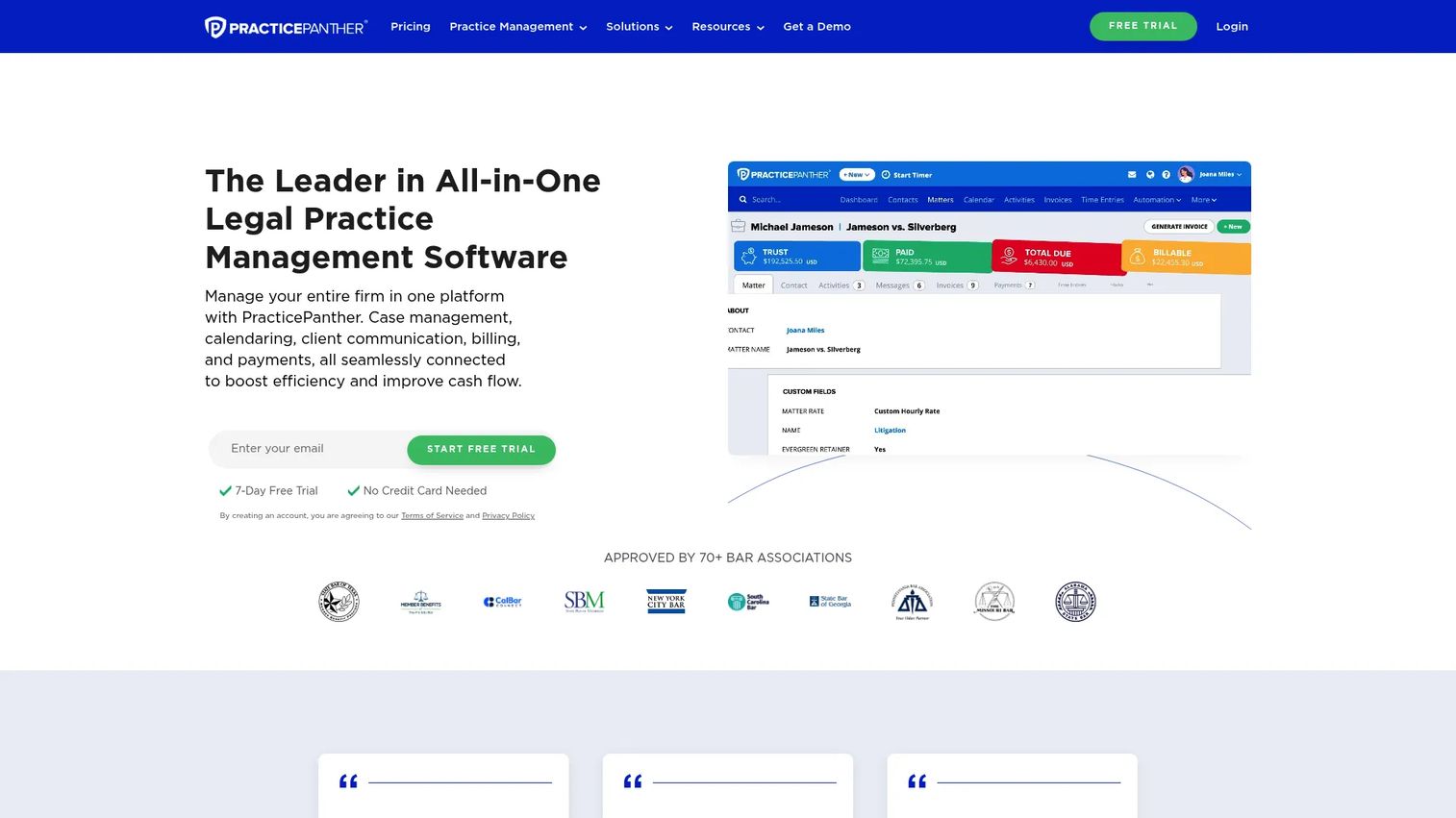
PracticePanther provides matter management, time tracking, billing, payments, documents, and client communication. Its structure suits solo attorneys and smaller firms seeking broad everyday coverage.
Workflow tools handle tasks and events, while intake forms support new client collection. Native electronic signatures reduce document handoffs.
Best for: Small family law firms seeking straightforward matter management and billing.
Key features
- Case and matter management
- Time and expense tracking
- Workflow automation
- Online payments
- Client intake forms
Why choose PracticePanther: It fits firms prioritizing manageable rollout and daily usability. The feature set covers common administrative work without requiring a large operations team.
Verify family law form depth before switching. Document automation requirements can vary sharply by jurisdiction.
PracticePanther pricing: Solo costs $49 per user monthly. Essential costs $69, Business costs $89, and Business Pro costs $114.
Annual billing is available. The vendor also offers a seven-day trial.
G2 rating: PracticePanther has a 4.3/5 G2 rating.
6. Lawmatics

Lawmatics is a legal CRM focused on intake and lead conversion. It handles lead management, forms, scheduling, follow-up workflows, and electronic signatures.
This product addresses the period before a matter opens. It can complement family law case management software when consultation follow-up is the bigger constraint.
Best for: Family law firms losing prospective clients during intake, scheduling, or follow-up.
Key features
- Legal CRM
- Client intake forms
- Workflow and marketing automation
- Appointment scheduling
- Pipeline reporting
Why choose Lawmatics: Pick it when leads go cold before consultation or engagement. Automated follow-up gives an operations lead a repeatable intake process from day one.
Lawmatics does not focus on family law financial calculations. Firms still need another platform for active matter management.
Lawmatics pricing: Custom pricing applies to Essential, Premium, and Enterprise plans. Ask sales about users, add-ons, onboarding, and contract terms.
G2 rating: Lawmatics has a 4.6/5 G2 rating.
7. CARET Legal
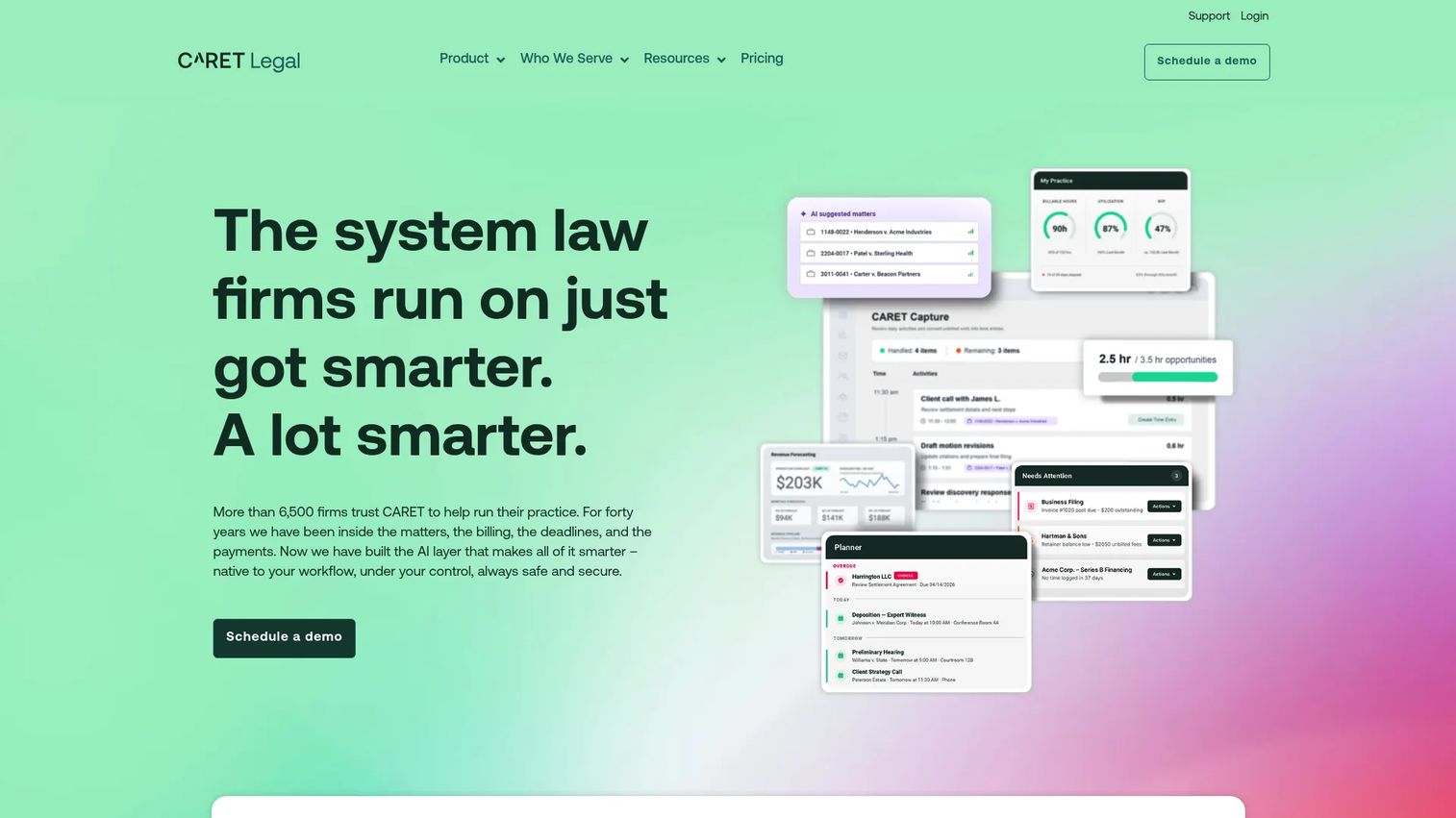
CARET Legal covers matters, documents, billing, accounting, payments, reporting, and client communication. It is designed as a full-firm operational platform rather than a narrow task tool.
Higher packages add automated workflows and broader reporting capabilities. This structure suits firms standardizing work across several attorneys or departments.
Best for: Growing family law firms needing control across matters, billing, documents, reporting, and firm workflows.
Key features
- Case management
- Billing and accounting
- Document management
- Automated workflows
- Client portal
Why choose CARET Legal: It fits firms replacing multiple operational systems with a broader legal platform. Native accounting and case management reduce handoffs between matter and finance teams.
Verify family law templates and state form coverage. Broad operations alone won’t replace jurisdiction-specific content.
CARET Legal pricing: Custom pricing applies to Enterprise, Enterprise Plus, and Enterprise Insights. Ask about users, analytics, permissions, and implementation.
G2 rating: CARET Legal has a 4.4/5 G2 rating.
8. LEAP
LEAP combines practice management with legal document automation, accounting, billing, and payments. It also supports secure document sharing through LawConnect.
The platform suits document-heavy practices producing repeatable pleadings, agreements, letters, and court materials. Microsoft 365 integration supports familiar drafting workflows.
Best for: Family law firms producing high volumes of forms, pleadings, agreements, and repeatable documents.
Key features
- Document automation and management
- Matter management
- Legal accounting and billing
- Secure document sharing
- Automatic timekeeping
Why choose LEAP: Its main appeal is connecting legal document automation software with matter operations. That can reduce repeated drafting work across common case types.
Confirm which state-specific forms are included. Content availability matters more than the headline size of a document library.
LEAP pricing: Custom pricing uses a per-user subscription model. A one-time implementation fee and separate third-party subscriptions may apply.
G2 rating: LEAP has a 3.6/5 G2 rating.
9. Actionstep

Actionstep provides legal practice management, accounting, billing, and workflow automation. Firms can configure matter stages around established processes.
Its automation can assign tasks and control document assembly as a case progresses. That flexibility suits practices with an operations leader and defined matter playbooks.
Best for: Family law firms wanting configurable workflows for complex or high-volume case processes.
Key features
- Custom matter workflows
- Task automation
- Document assembly
- Legal accounting and billing
- Client management
Why choose Actionstep: Choose it when your firm already knows how each matter should move. The platform can encode that process into stages and task rules.
Configuration requires clear ownership. Without a defined workflow, flexibility can become another implementation project.
Actionstep pricing: Custom pricing applies to Foundation, Connection, Performance, and Intelligence. Plans require annual commitments, per-user charges, and implementation.
G2 rating: Actionstep has a 4.1/5 G2 rating.
10. Amicus Attorney
Amicus Attorney is legal case management software built around contacts, email, tasks, calendaring, and client communication. It also connects with Office 365 and QuickBooks.
Its familiar legal workflow may appeal to firms modernizing gradually. Available court rules can support deadline management where relevant.
Best for: Family law firms valuing established case management with strong calendar and contact workflows.
Key features
- Contact management
- Built-in email management
- Legal calendaring
- Task management
- Client communication portal
Why choose Amicus Attorney: It suits firms prioritizing familiar legal workflows and established productivity integrations. The product can support gradual operational change rather than a complete process redesign.
Review cloud options, service arrangements, and integration requirements before purchase. Those details affect long-term stack fit.
Amicus Attorney pricing: Custom pricing applies. Request a quote covering users, deployment, support, and required integrations.
11. TimeSolv
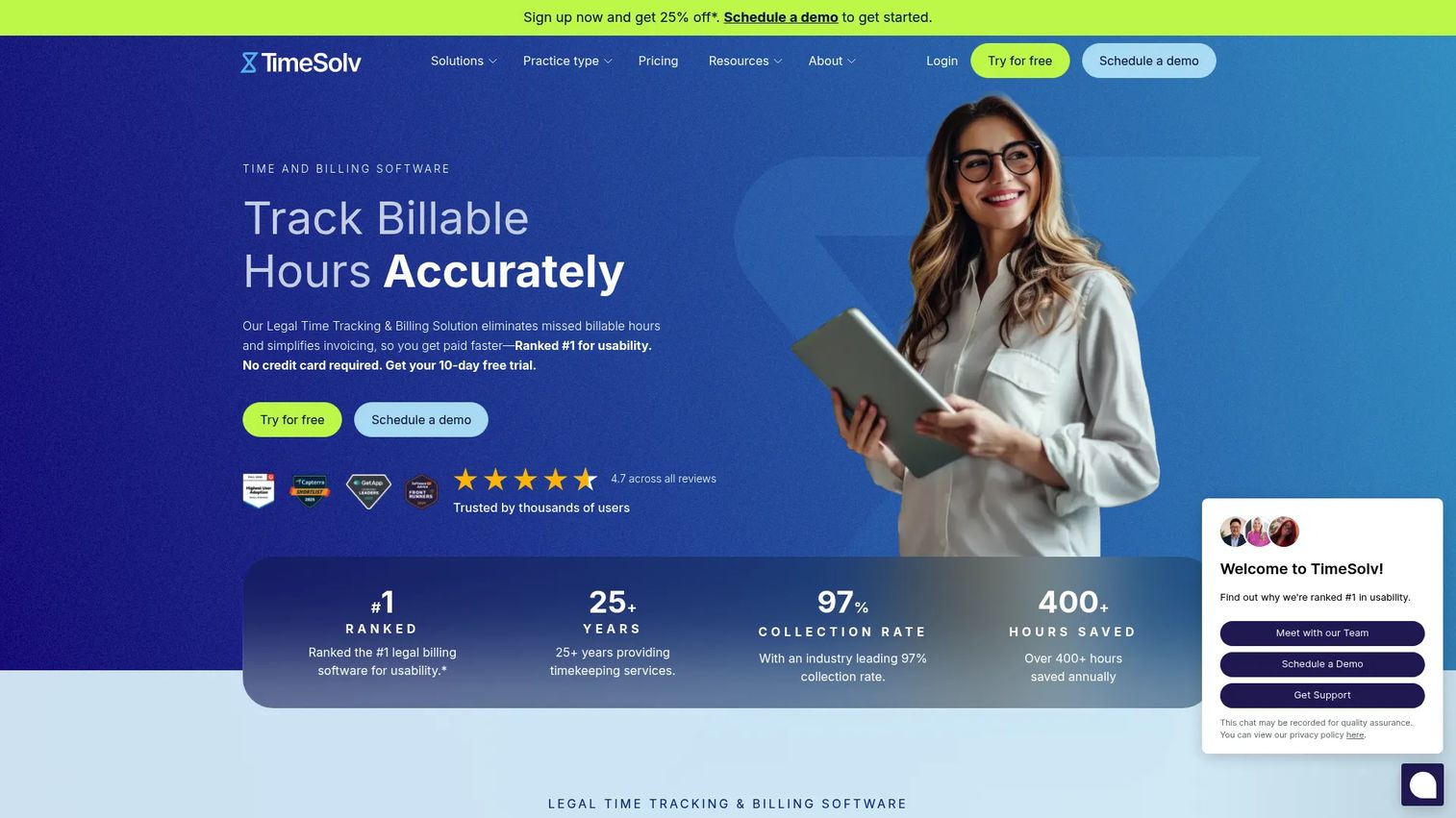
TimeSolv focuses on legal billing software, time tracking, expenses, trust accounting, and payments. It also includes project management and reporting functions.
The platform fits firms with workable matter processes but weak billing discipline. Mobile access helps attorneys capture time outside the office.
Best for: Family law firms needing better time capture, invoicing, budgets, payments, and expense management.
Key features
- Time and expense tracking
- Legal invoicing
- Trust accounting
- Online payments
- Client portal
Why choose TimeSolv: It fits when missed time or invoice delays create the largest financial leak. Reporting gives operators better visibility into billing activity.
It is not a full family law case management suite. Firms may need another system for documents and case workflows.
TimeSolv pricing: Custom pricing applies to Pro and Legal. A 10-day trial is available, with monthly or annual per-active-user subscriptions.
G2 rating: TimeSolv has a 4.5/5 G2 rating.
12. Lawcus
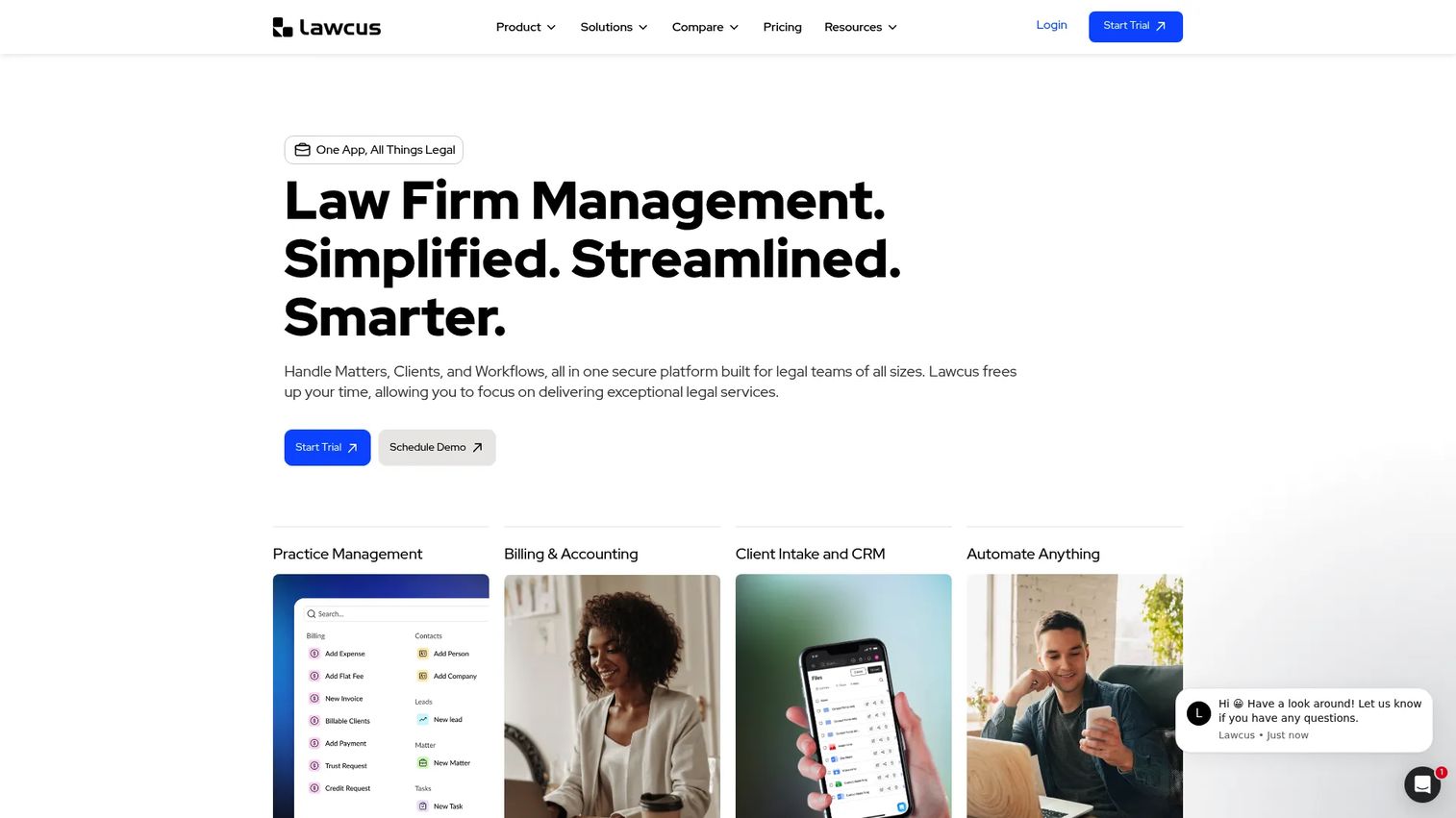
Lawcus combines legal CRM, case management, billing, and workflow automation. It gives firms visibility from initial inquiry through active matter work.
Intake forms and matter pipelines support lead handoffs. Higher tiers add workflow automation, dashboards, and custom reporting.
Best for: Family law firms wanting CRM-style intake with automated matter workflows.
Key features
- Legal CRM and intake forms
- Matter pipelines
- Workflow automation
- Client portal
- Billing and trust accounting
Why choose Lawcus: It suits smaller firms seeking visibility across intake and matter progress. The shared pipeline can reduce context loss between consultation and case opening.
Verify family law templates and calculation requirements first. Those needs may require specialist software.
Lawcus pricing: Essential starts at $39 per user monthly with annual billing. Growth costs $59, while Elite costs $79 on the same terms.
Monthly rates are $49, $69, and $89. A 14-day trial is available.
G2 rating: Lawcus has a 4.5/5 G2 rating.
Considerations when choosing family law software
Match the tool to your hardest workflow
Start with the recurring failure, rather than the longest feature list. Identify whether calculations, operations, intake, billing, or documents consume the most staff time.
A firm handling complex support matters should prioritize calculation depth. Another with missed follow-ups needs intake automation first.
Verify state-specific forms and calculations
Ask vendors which jurisdictions they support and how often forms change. Confirm coverage for support rules, financial affidavits, and local court documents.
Software should support the firm’s current case mix. A generic template library may not cover your filing requirements.
Check client portal adoption before rollout
A portal only reduces calls when clients can use it comfortably. Review mobile access, notifications, upload steps, and permission controls.
Test the experience with staff before launch. A confusing process shifts administrative work instead of removing it.
Compare pricing against the full workflow
Calculate costs for users, modules, document libraries, onboarding, migration, and support. Include payment fees or third-party subscriptions where relevant.
A low entry price loses value if essential court forms sit outside the core package.
Plan migration and staff adoption
Map the data that must move, including contacts, documents, calendars, balances, and templates. Assign one person to own the first 30 days.
Ask each vendor what migration includes. Also clarify who configures workflows and trains staff.
Conclusion
The right family law software depends on the work creating the most operational drag.
Family Law Software is the specialist choice for support calculations, financial affidavits, asset division, and pension valuation. It fits firms where financial analysis shapes case strategy.
For broader operations, shortlist these platforms by workflow:
- Smokeball for family law practice management
- Clio for broad cloud-based legal operations
- MyCase for client communication
- PracticePanther for small-firm administration
- CARET Legal for full-firm control
- LEAP for document-heavy work
- Actionstep for configurable processes
- Amicus Attorney for established legal workflows
- Lawcus for intake-to-matter automation
Lawmatics focuses on lead intake and follow-up. TimeSolv earns consideration when billing is the central problem.
Before buying, verify jurisdiction coverage and migration support. Recheck current pricing and G2 ratings as well.
Shortlist by workflow pain, then test the product with an active matter scenario. That approach is more useful than buying on brand familiarity.
Start your journey with Guideflow today!
Start your journey with Guideflow today!
FAQs
The best option depends on the firm’s main bottleneck. Specialist products suit calculation-heavy work, while practice platforms handle matters, billing, documents, and client communication.
Small firms should also weigh setup time and migration effort. A broad platform adds little value if staff only use its calendar.
Family law attorneys often use specialist products built for child support calculations and spousal support calculations. These products may also prepare financial affidavits or related court forms.
Verify the supported jurisdiction before purchasing. Rules, worksheets, and form requirements vary by state.
Family law software can include specialized calculations, affidavits, asset analysis, or custody workflows. General legal platforms usually focus on matters, documents, billing, calendaring, and communication.
Some family law firms use both. The extra cost makes sense when each system handles a distinct workload.
Entry plans in this comparison start at $39 per user monthly or $39.95 monthly for a specialist solo plan. Several vendors use custom pricing instead.
Total cost can change with users, document libraries, implementation, and state-specific content. Payment processing or accounting add-ons can increase the final amount.
Some specialist platforms include state-specific court forms and financial affidavits. General practice management products may rely on document templates, integrations, or separate content libraries.
Confirm the exact jurisdiction and form edition. Also ask how quickly the vendor updates forms after rule changes.
Some platforms organize custody documents, deadlines, tasks, and client communication. A firm can also configure matter templates around parenting-plan workflows.
Dedicated custody scheduling may require separate software or custom templates. Evaluate the system against the firm’s common case process.
Prioritize secure messaging, mobile access, document uploads, notifications, electronic signatures, and permission controls. The portal should preserve a clear matter history.
Ask staff to test it before rollout. Difficult navigation can create more support calls instead of reducing them.
Choose specialist software when calculations, affidavits, pension valuation, or marital asset analysis drive the work. Choose practice management when matter organization and billing create the larger burden.
A firm may use both when case complexity supports the extra cost. Define the system of record before implementation to prevent duplicate data.