The SDR's email got opened. The prospect read it. And then nothing happened.
More sends, more calls, more LinkedIn touches. The sequence ran. Activity metrics looked fine. But the prospect still hadn't booked a meeting because they had no way to understand the product without committing to a call with a stranger.
That's the real friction. Not messaging quality. Not list quality. The absence of a low-commitment way for a buyer to evaluate before agreeing to 30 minutes on the calendar. According to Gartner (2026), 67% of B2B buyers prefer a rep-free buying experience. They want to understand the product first. The ask for a meeting comes after.
Demo software gives SDRs a way to send that experience before the ask. An interactive demo link in a cold email or LinkedIn follow-up lets a buyer click through the product at their own pace. The SDR gets engagement data. The buyer gets context. The meeting that follows is higher quality on both sides.
This guide covers the 15 best demo software tools for SDRs in 2026, including demo automation platforms, screen sharing tools, CRM systems, sales engagement platforms, conversation intelligence, enablement platforms, and data tools.
What's inside
This guide is written for sales enablement managers building SDR plays, standardizing demo assets, and measuring what actually drives meetings and pipeline. Here's how tools were selected and what this guide covers:
- SDR workflow fit: Tools must support prospecting, outbound, qualification, or buyer evaluation
- CRM and sales-stack compatibility: Prioritizes Salesforce, HubSpot, Outreach, and Salesloft integration
- Analytics and governance: Covers buyer engagement signals and content management
- Pricing and rating transparency: Every figure verified against live vendor pages and G2
TL;DR
- Best overall demo automation platform for SDRs: Guideflow for sending interactive demo links in outbound and tracking impressions, completion rate, leads collected, and conversion
- Best for instant live screen sharing: CrankWheel for phone-first SDR conversations
- Best for personalized demo data: Saleo for account-specific live demo experiences
- Best for CRM-native SDR workflows: HubSpot or Salesforce, depending on your current stack
- Best for outbound sequence execution: Outreach or Salesloft for cadence consistency
- Best for data, research, and AI-assisted outreach: Apollo, ZoomInfo, Clay, AiSDR, or Qualified Piper depending on the motion
What is demo software for SDRs?
Demo software for SDRs is software that helps sales development teams show product value, share demo links, qualify buyer interest, and route prospects toward a meeting without relying on a full AE or sales engineering demo.
The category spans several tool types. At its core, purpose-built demo software creates shareable product experiences SDRs can send before or after outreach. Adjacent tools handle the systems those demos plug into: CRM, sequencing, enablement, coaching, data, and AI-led qualification.
Demo software for SDRs differs from general sales demo software in one key way: The SDR rarely delivers the demo live. Instead, they send a link. The prospect evaluates asynchronously. That's why self-serve product exploration matters so much in this category, and why engagement analytics, not just activity metrics, are what enablement managers should track.
Demo software also differs from AI SDR tools. AI SDR platforms automate research, outreach, reply handling, and meeting booking. Demo software creates the product experience the outreach links to. Both can coexist in the same play.
Key features to look for in SDR demo software:
- Shareable demo links for email and LinkedIn
- Self-serve product exploration without login requirements
- Lead capture inside the demo itself
- CRM and sales engagement platform integrations
- Engagement analytics by account or viewer, covering impressions, completion rate, repeat visits, and conversion
- Personalization by role, account, use case, or industry
- Version control for approved SDR demo assets
- Mobile-friendly viewing for prospects on phones
Sales enablement managers care about this category because it closes a gap in SDR plays. Reps have outreach. They have CRM. What they often lack is a governed, trackable, self-serve product experience to send between the first touch and the meeting ask.
When to use demo software for SDRs
Send a product experience before asking for a meeting
SDRs can include a demo link in a cold email, LinkedIn follow-up, or nurture step as a value-first touch before the meeting ask. The goal isn't to replace discovery. The goal is to give the buyer enough product context to say yes. TrustRadius research from 2024 found that among technology buyers who used a product demo, 71% called it their most influential buying resource.
Qualify interest from demo engagement
Completion rate, repeat visits, clicks, and form fills inside a demo signal genuine interest. SDRs can prioritize follow-up based on who actually engaged rather than who simply opened an email. Managers get clearer signals for AE handoff quality: A prospect who explored the product for three minutes is not the same as one who clicked and bounced.
Standardize outbound plays across the team
Enablement teams can create approved demo assets organized by persona, industry, pain point, or campaign, then give SDRs a library to draw from. This prevents message drift and ensures every rep sends the same quality experience. Governance here matters: An unapproved demo link in an SDR sequence can create positioning inconsistencies that surface weeks later in a deal.
Demo software for SDRs comparison
The table below covers all 15 tools in this guide. Pricing and G2 ratings are verified from live vendor pages and G2 listings.
| # | Product | Best for | Key differentiator | Pricing | G2 rating |
|---|---|---|---|---|---|
| 1 | Guideflow | Demo links in SDR outbound | Demo automation platform with interactive demos, sandboxes, demo centers, mobile demos, and live demos | Free plan available; paid plans from $35/month (annual) | 5.0/5 |
| 2 | CrankWheel | Instant screen sharing during calls | No-install screen sharing for phone-based SDR conversations | Plans from $29/month | 4.9/5 |
| 3 | Saleo | Personalized live demo data | Real-time prospect-specific data injection into native SaaS product | Custom pricing | N/A |
| 4 | HubSpot | CRM-native SDR workflows | CRM, sequences, meetings, and sales content in one GTM platform | Free plan available; paid plans from $7/seat/month | 4.4/5 |
| 5 | Salesforce | Enterprise SDR operations | CRM system of record for account, contact, and opportunity workflows | Free plan available; paid plans from $25/user/month | 4.4/5 |
| 6 | Outreach | Outbound sequence execution | AI-powered sales engagement with sequencing and rep activity tracking | Custom pricing | 4.3/5 |
| 7 | Salesloft | Cadence management | SDR cadences, coaching signals, and pipeline workflow support | Custom pricing | 4.5/5 |
| 8 | Gong | Conversation intelligence | Call analysis for coaching, deal context, and messaging improvement | Custom pricing | 4.7/5 |
| 9 | Seismic | Sales enablement governance | Approved content, training, and enablement analytics for revenue teams | Custom pricing | 4.7/5 |
| 10 | Highspot | Rep-ready enablement content | Content findability, guided selling, and enablement usage analytics | Custom pricing | 4.7/5 |
| 11 | Apollo | Prospecting and engagement | Contact data, sequencing, enrichment, and SDR prospecting workflows | Free plan available; paid plans from $49/seat/month (annual) | 4.7/5 |
| 12 | ZoomInfo | Data and account intelligence | Company data, intent signals, and GTM data enrichment | Custom pricing | 4.5/5 |
| 13 | Clay | Research and enrichment workflows | Flexible data enrichment and personalized outbound workflows | Free plan available; paid plans from $167/month | 4.6/5 |
| 14 | AiSDR | AI-assisted outreach | AI prospect research, messaging, qualification, and meeting booking | From $1.50 per person prospected | 4.6/5 |
| 15 | Qualified Piper | Inbound AI SDR engagement | Website visitor engagement, qualification, and meeting conversion | Custom pricing | 4.9/5 |
Best 15 demo software tools for SDRs in 2026
1. Guideflow
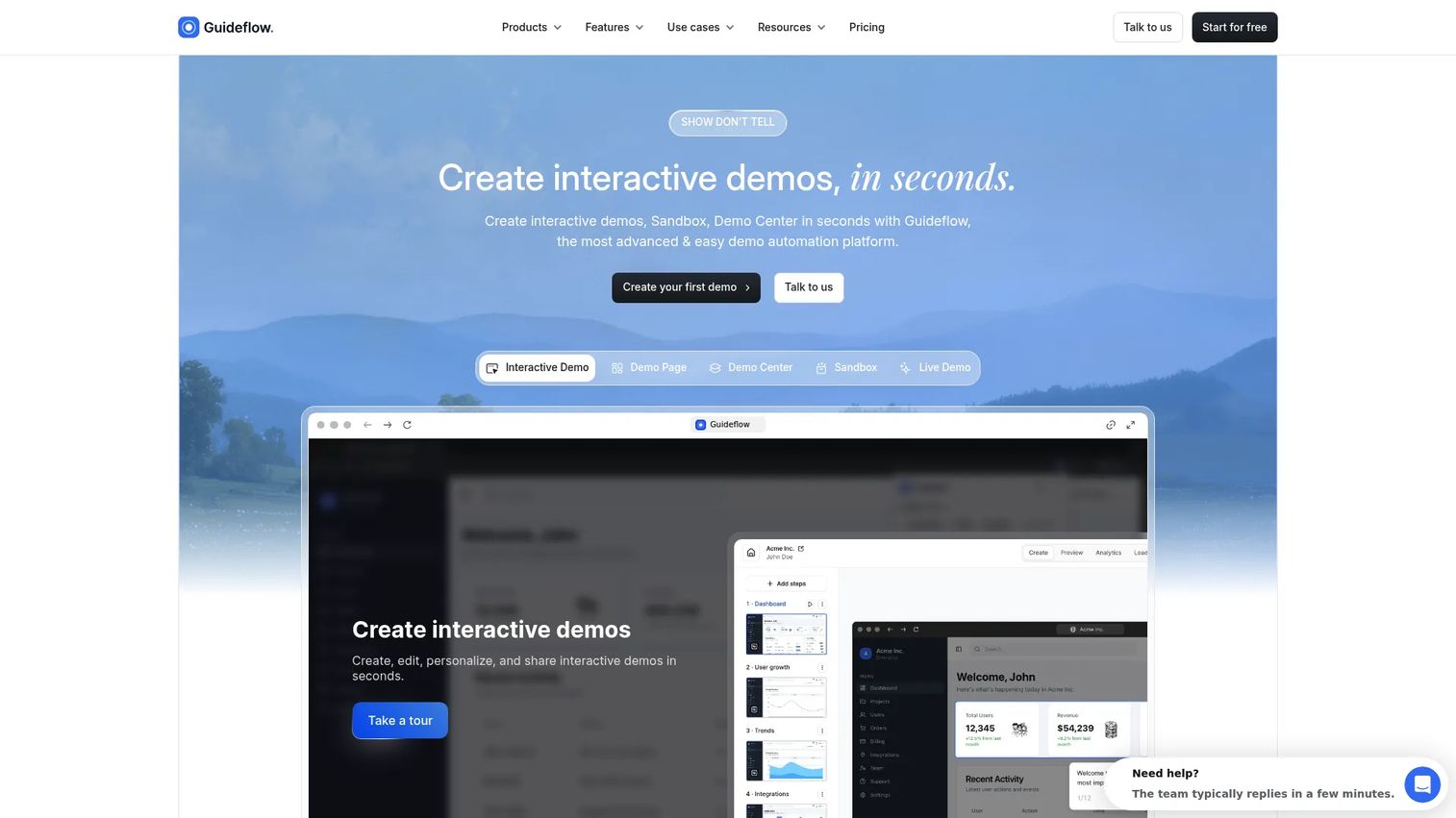
Guideflow is a demo automation platform that lets SDRs capture a product flow, personalize it, and share it as a link in outbound email or LinkedIn without requiring the prospect to log in or book a call first. The platform covers five demo formats: Interactive demos, sandboxes for open-ended product exploration, demo centers for organized multi-asset libraries, mobile demos for phone-first prospects, and live demos for real-time presentations. Analytics track impressions, completion rate, leads collected, and conversion in real time, giving SDRs engagement signals before follow-up and giving managers a clear read on what prospects actually explored.
Best for: SDR and enablement teams that want prospects to experience the product before agreeing to a meeting.
Key features
- Shareable interactive demo links for email and LinkedIn outreach
- Sandbox experiences for free-form buyer exploration
- Demo center libraries organized by persona, use case, or campaign
- Real-time analytics: Impressions, completion rate, leads, conversions
- CRM and sales engagement integrations
Why choose Guideflow: Guideflow is the right fit when enablement teams want to standardize what SDRs send, track buyer behavior before the AE handoff, and build a demo library that scales across reps without each one rebuilding assets from scratch.
Guideflow pricing: Free plan available. Paid plans start at $35 per user per month on the annual Solo plan, $499 per month on the annual Growth plan, and $1,499 per month on the annual Advanced plan. Enterprise pricing is available on request.
G2 rating: 5.0/5
Start your journey with Guideflow today!
2. CrankWheel
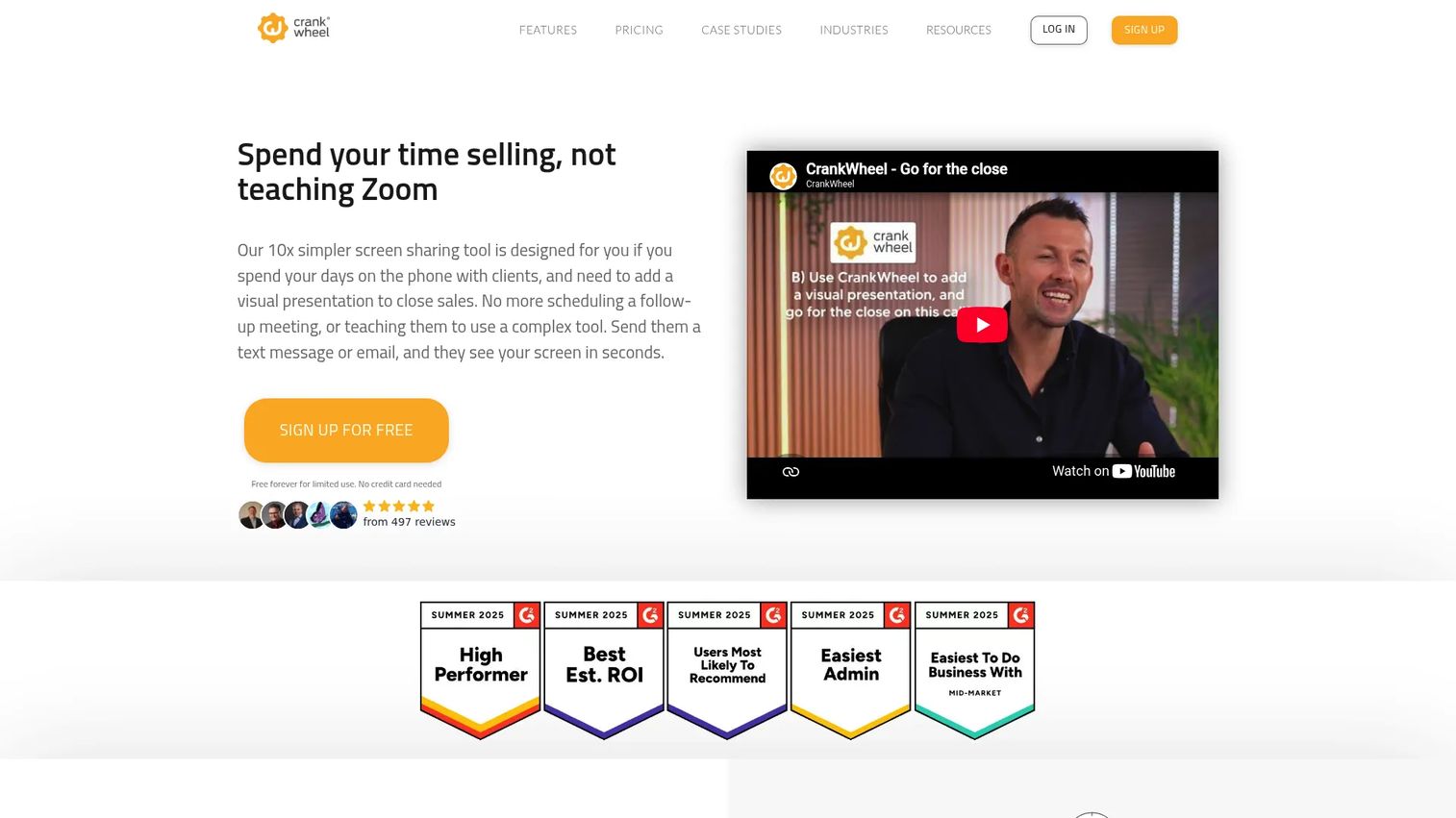
CrankWheel is a browser-based screen sharing platform built for sales conversations that happen on the phone. When an SDR catches a prospect live, CrankWheel lets them share a screen instantly by sending a link, with no download or install required on the prospect's end. Viewers can receive a tab, an application window, or the full screen. It also supports remote control so the prospect can interact directly during the call.
Best for: SDR teams that run phone-first outbound and need instant visual context during a live conversation.
Key features
- No-install screen sharing via browser link
- Remote control for viewer interaction
- Screen and webcam recording with engagement tracking
- CRM activity capture
Why choose CrankWheel: Choose CrankWheel when the SDR workflow is call-first and the prospect is already live. This is synchronous sharing for conversations already in motion, not an async demo library for outbound sequences.
CrankWheel pricing: Solo plan starts at $29 per month. Team plans start at $99 per month. Enterprise pricing is available on request.
G2 rating: 4.9/5
3. Saleo
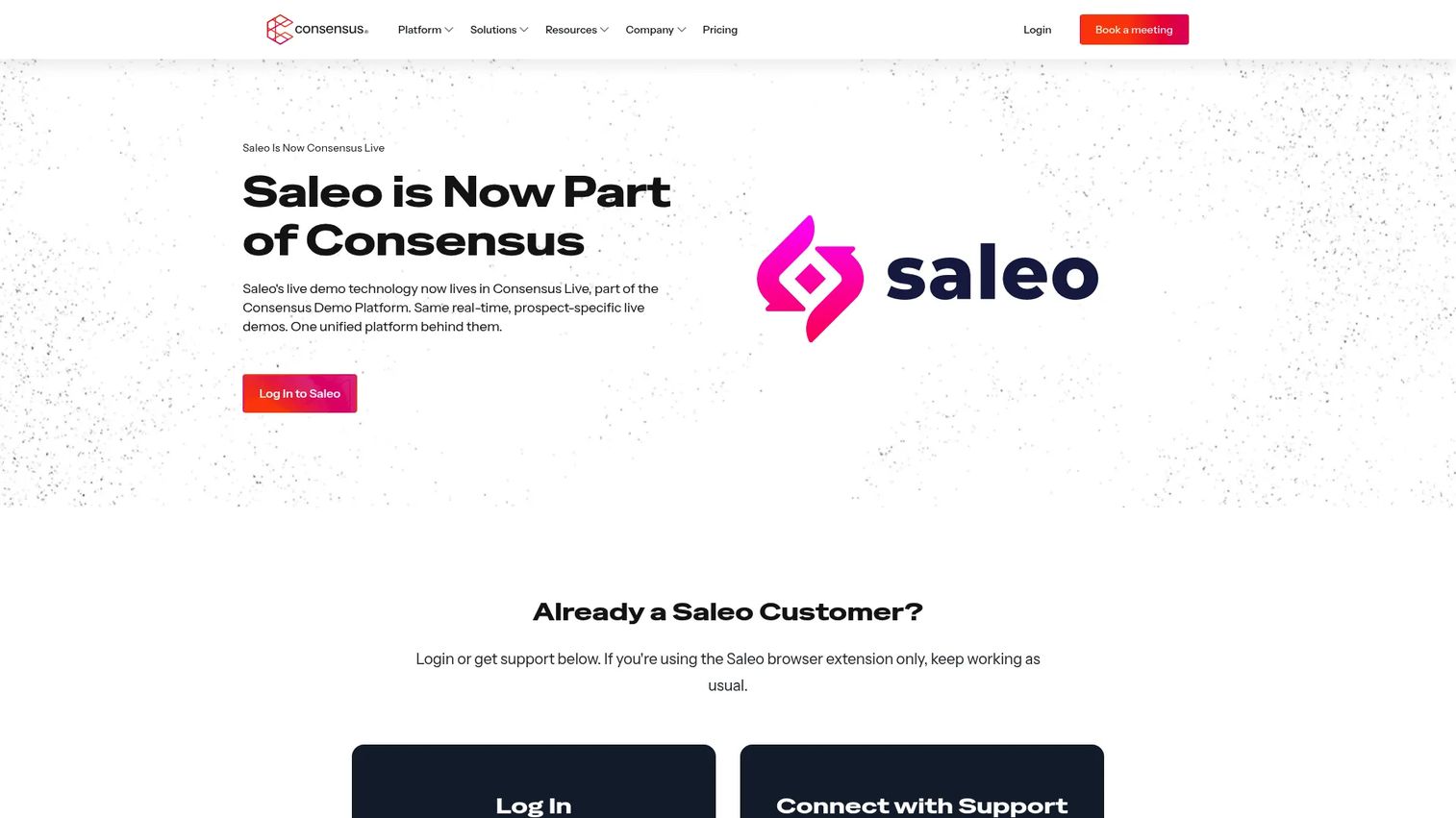
Saleo is a live demo platform that injects prospect-specific data into a company's native SaaS product, so sales teams show the buyer exactly what the product would look like for their account. The technology now powers Consensus Live, following Saleo's acquisition. SDRs benefit most from Saleo when they're preparing AEs or SEs for a live call that requires account-relevant data, such as showing a prospect their industry's metrics or their company's name inside the demo environment.
Best for: Revenue teams that need demos to show account-specific data during sales calls.
Key features
- Real-time data injection into the native product
- Token-based demo personalization by account
- Seller-led live demo support
- Actionable demo analytics
Why choose Saleo: Choose Saleo when the challenge is live demo data relevance, not async link sharing. SDR teams benefit by prepping account-specific live experiences ahead of AE handoff calls.
Saleo pricing: Saleo has been integrated into Consensus following acquisition. Contact Consensus for current packaging details.
4. HubSpot
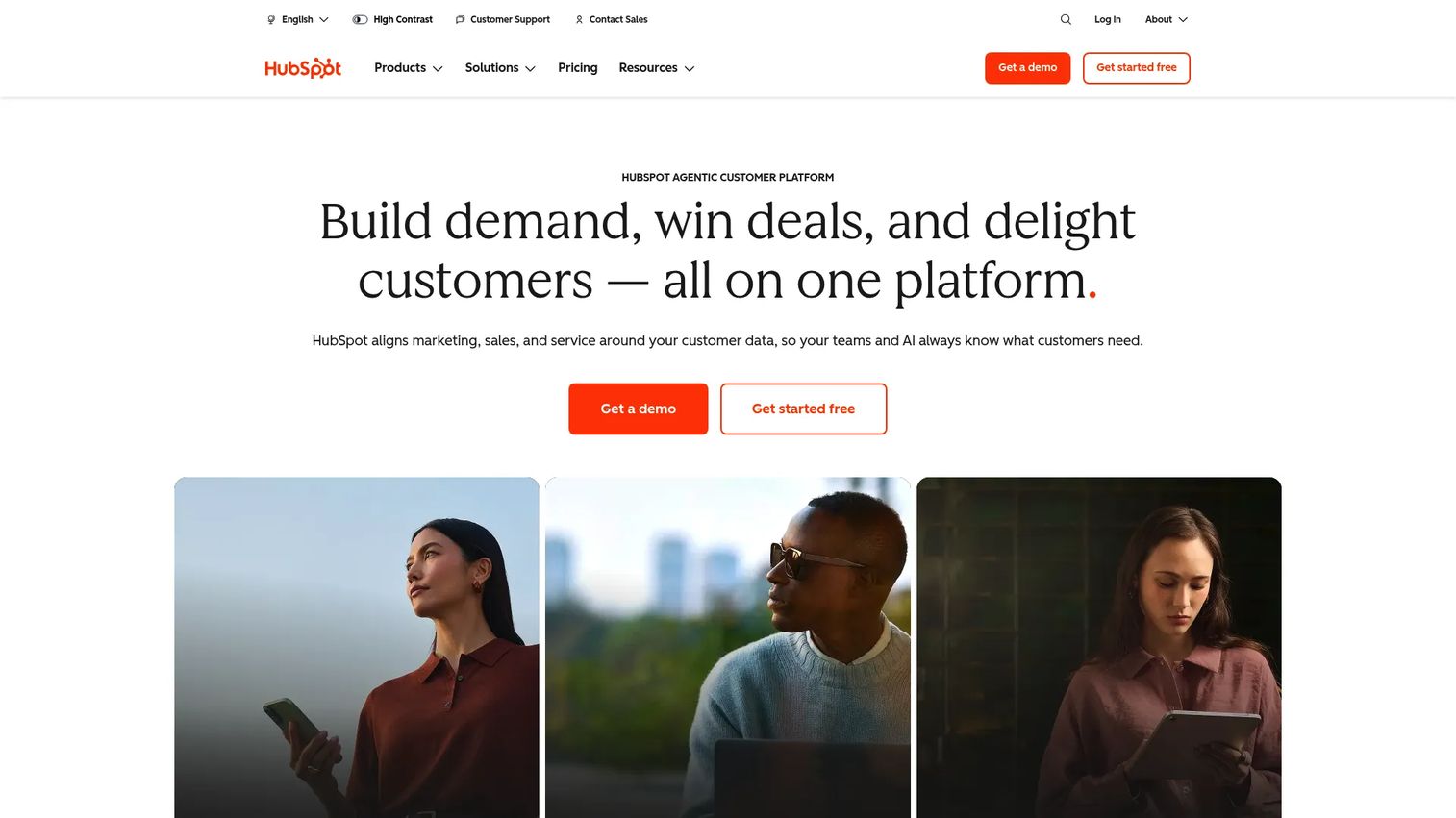
HubSpot is a customer platform combining CRM, marketing automation, sales engagement, service, and content tools in one system. For SDRs, the most relevant layer is Sales Hub: Contact records, email sequences, meeting scheduling links, deal tracking, and workflow automation. HubSpot isn't purpose-built demo automation, but demo links from tools like Guideflow sit naturally inside HubSpot-powered SDR sequences as a value-first step.
Best for: SDR teams already running inbound, outbound, and CRM activity inside HubSpot who want a unified base for outreach and pipeline management.
Key features
- CRM contact records and deal tracking
- Email sequences and task automation
- Meeting scheduling and calendar sync
- Sales content tools and document tracking
- Workflow automation and reporting
Why choose HubSpot: Choose HubSpot when the SDR team needs one system for outreach execution, CRM hygiene, and meeting booking. Pair it with demo software when prospects need a product experience before they're ready to book.
HubSpot pricing: Free plan available. Marketing Hub Starter starts at $7 per seat per month. Professional plans start at $800 per month. Enterprise plans start at $3,600 per month. Onboarding fees apply to Professional and Enterprise.
G2 rating: 4.4/5
5. Salesforce
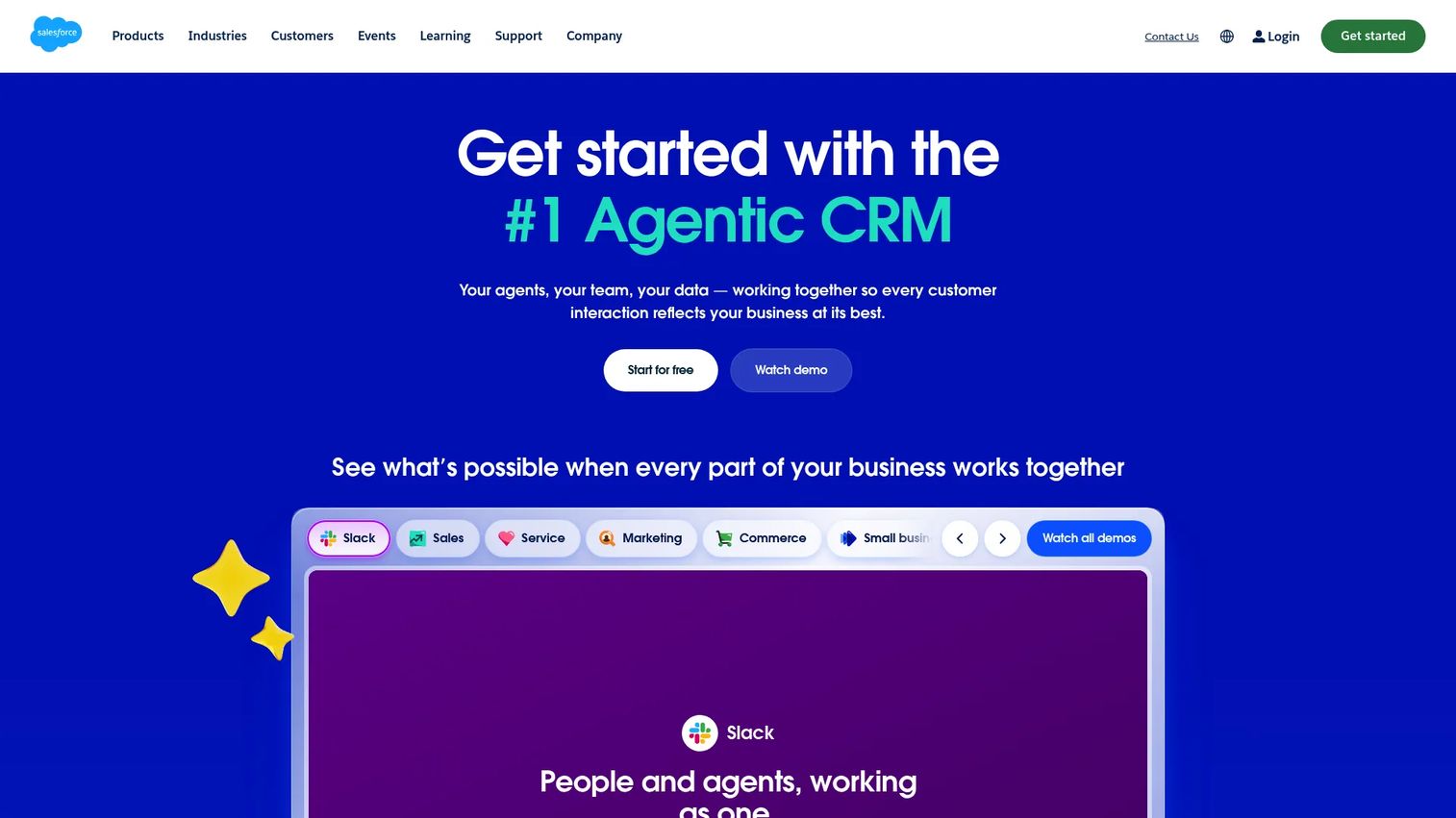
Salesforce is the CRM system of record for sales organizations that need structured account management, territory governance, pipeline reporting, and automation at scale. For SDRs operating in enterprise environments, Salesforce manages leads, contacts, accounts, and opportunities, while routing and reporting give managers visibility into every rep's pipeline. Salesforce also includes Agentforce AI capabilities and connects to hundreds of sales and marketing tools through AppExchange.
Best for: Enterprise SDR teams with structured territories, complex account ownership rules, and RevOps governance requirements.
Key features
- Lead, contact, account, and opportunity management
- Lead routing and territory assignment
- Pipeline reporting and forecasting
- Sales automation and AI via Agentforce
- AppExchange integrations
Why choose Salesforce: Choose Salesforce when enterprise governance, reporting depth, and CRM flexibility matter more than speed of setup. Demo engagement data should flow back into Salesforce to close the buyer-signal loop for managers.
Salesforce pricing: Free Suite available with 2 user licenses. Starter Suite begins at $25 per user per month. Pro Suite is $100 per user per month (billed annually). Core, Advanced, and Max editions go up to $550 per user per month.
G2 rating: 4.4/5
6. Outreach
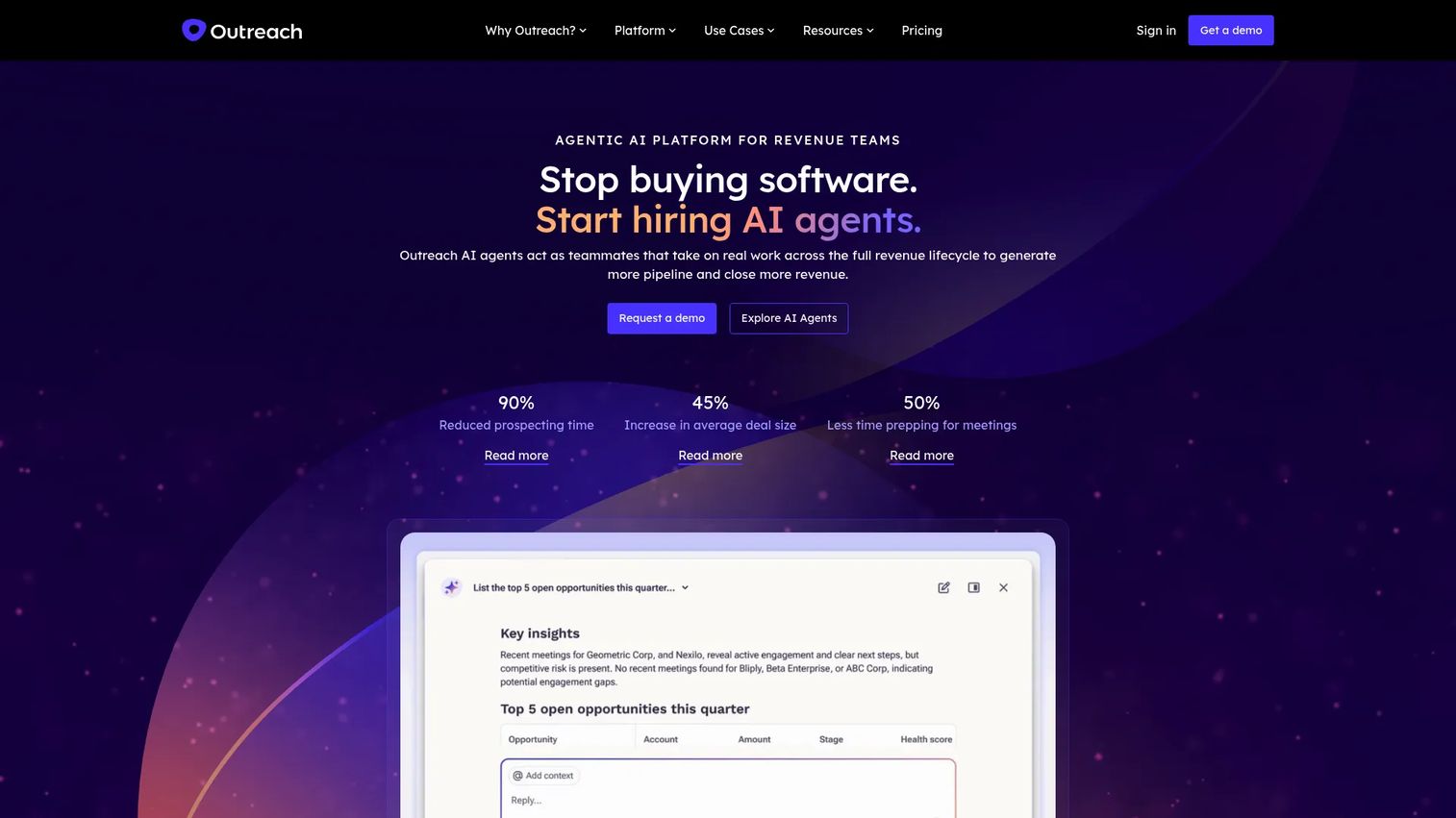
Outreach is a sales engagement platform that uses AI agents to handle prospecting, deal execution, coaching, and forecasting across the revenue team. For SDRs, the core value sits in multi-channel sequence execution: Email steps, call tasks, LinkedIn touchpoints, and task management. Outreach also provides conversation intelligence with real-time transcription, sentiment analysis, and coaching, plus pipeline reporting and CRM sync.
Best for: Mid-market and enterprise SDR teams running high-volume, multi-channel outbound sequences who need consistent rep execution.
Key features
- Multi-channel email, call, and LinkedIn sequences
- AI-powered task prioritization and rep activity analytics
- Conversation intelligence with transcription and coaching
- Pipeline and deal management
- CRM synchronization
Why choose Outreach: Choose Outreach when the SDR problem is sequence consistency and rep execution across a large team. Demo links from purpose-built demo software add the product experience that sequences deliver to the inbox.
Outreach pricing: Outreach uses seat-based access combined with consumption-based AI credits. All packages (Amplify Essentials, Core, Plus, and Pro) require custom pricing. Contact Outreach for a proposal.
G2 rating: 4.3/5
7. Salesloft
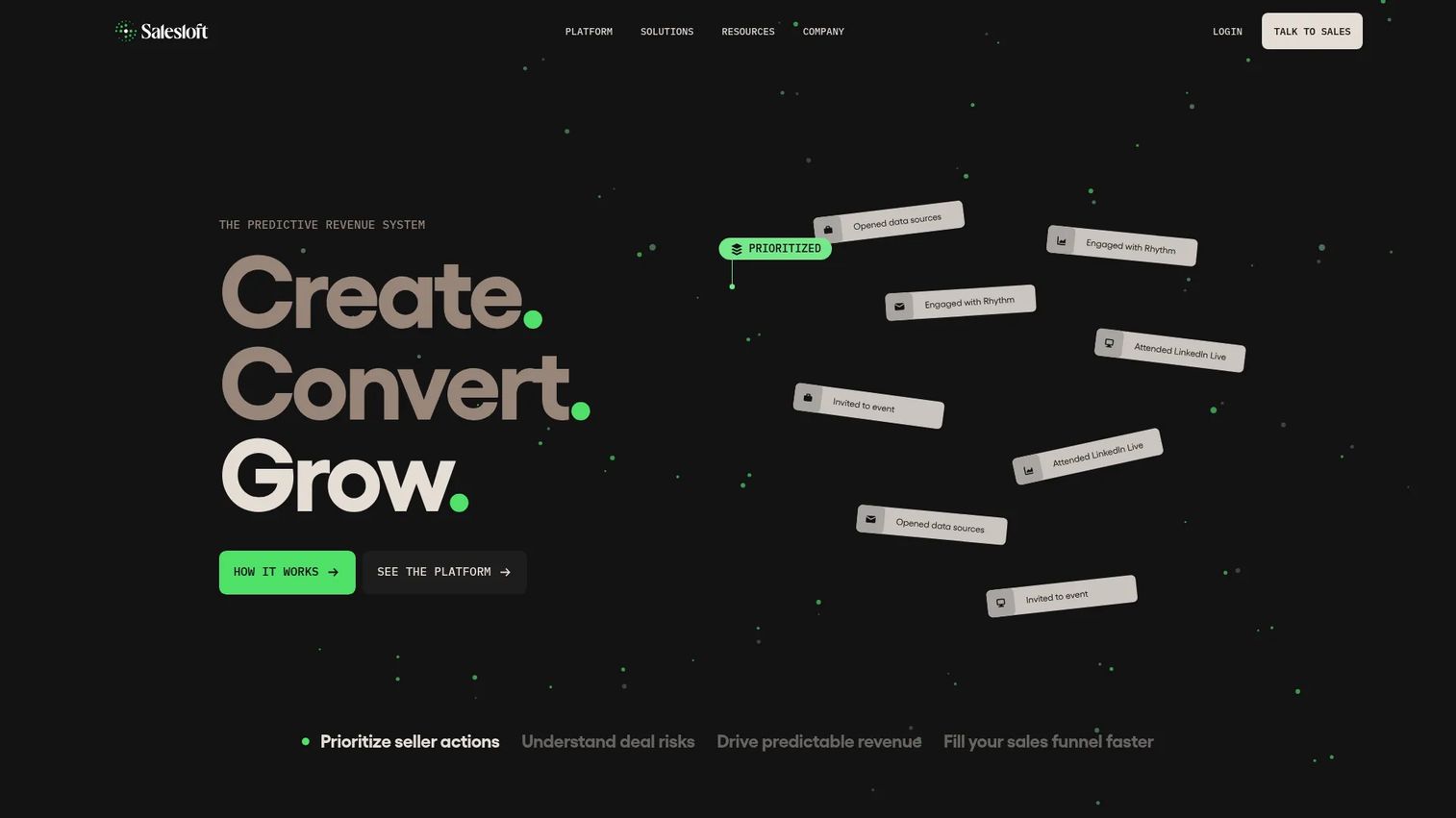
Salesloft is a revenue execution platform focused on cadence-based outreach, AI-guided prioritization, conversation intelligence, and pipeline management. For SDR teams, the cadence engine manages multi-channel sequences while Rhythm (Salesloft's AI prioritization layer) surfaces which accounts and activities to focus on based on buyer signals. Managers get coaching insights and execution analytics across the team.
Best for: SDR teams that want structured cadence execution, manager-visible coaching signals, and AI-guided activity prioritization.
Key features
- Cadence-based multi-channel sales engagement
- Rhythm AI prioritization based on buyer signals
- Conversation intelligence with coaching
- Deals and opportunity management
- CRM integration and analytics
Why choose Salesloft: Choose Salesloft when the SDR team needs a reliable cadence operating system with manager visibility into execution quality. Demo links become stronger when placed inside Salesloft cadences as a value-first touch before the meeting ask.
Salesloft pricing: Salesloft offers Advanced and Elite packages. Forecasting, Coaching Agent, and Dialer are available as add-ons. All pricing is by quote. Contact Salesloft for details.
G2 rating: 4.5/5
8. Gong
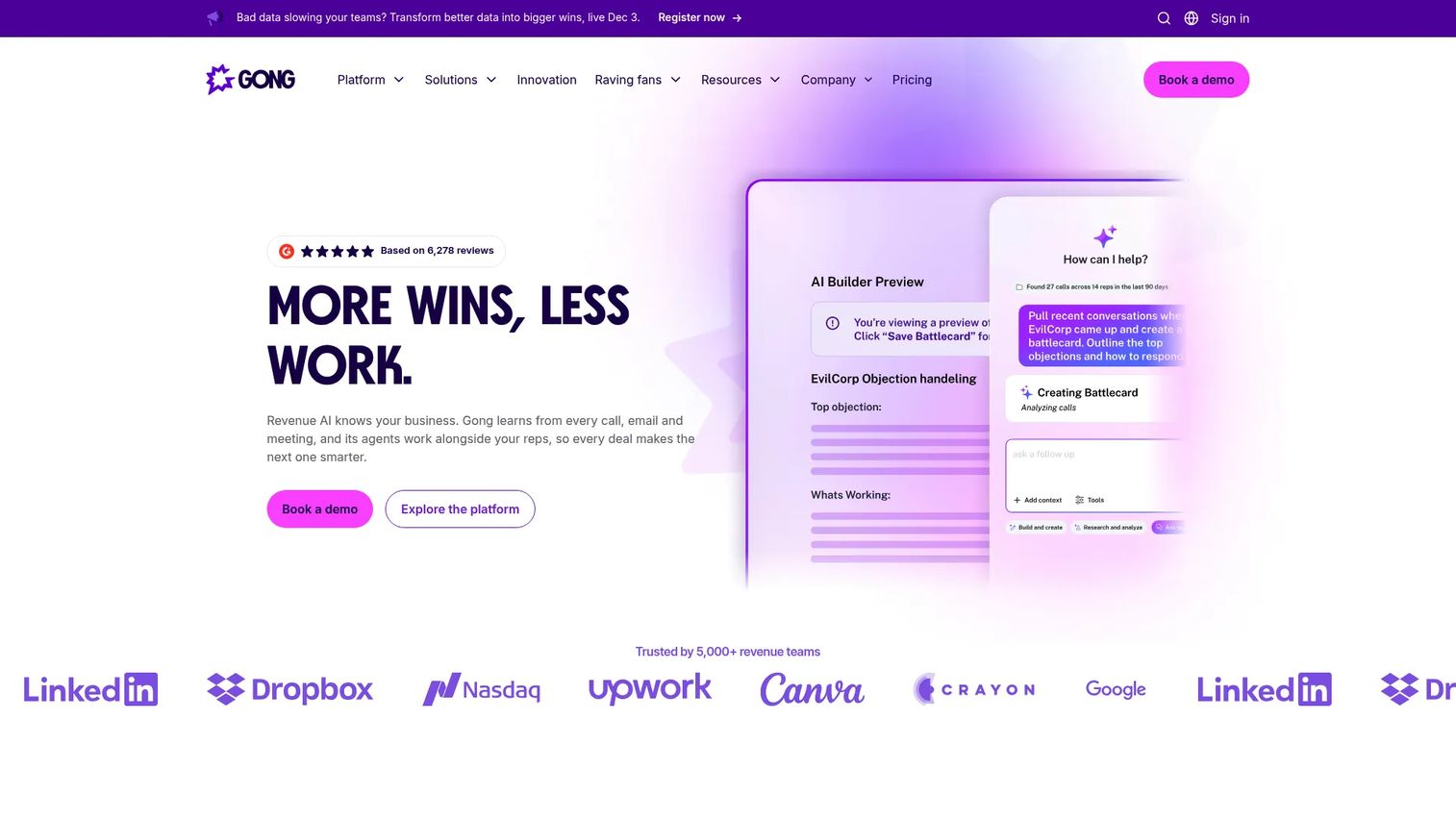
Gong is a Revenue AI platform that captures and analyzes customer interactions across calls, emails, and meetings. For sales enablement managers, Gong's value is coaching: Surfacing patterns in SDR conversations, flagging where messaging breaks down, and giving managers concrete data to coach against. Gong also provides deal intelligence, forecasting, and CRM updates generated automatically from call analysis.
Best for: Sales enablement teams that want to coach SDR messaging, objection handling, and talk track adherence from real conversation data.
Key features
- Call recording and conversation analysis
- AI-generated summaries, insights, and CRM updates
- Deal and pipeline intelligence
- Coaching scorecards and performance management
- Sales engagement and outreach automation
Why choose Gong: Choose Gong when the enablement problem is understanding and improving what reps say. It pairs well with demo engagement analytics: Gong shows what SDRs said, demo software shows what buyers did next.
Gong pricing: Pricing is per user plus a platform fee based on team size. All quotes are customized. Contact Gong for a proposal.
G2 rating: 4.7/5
9. Seismic
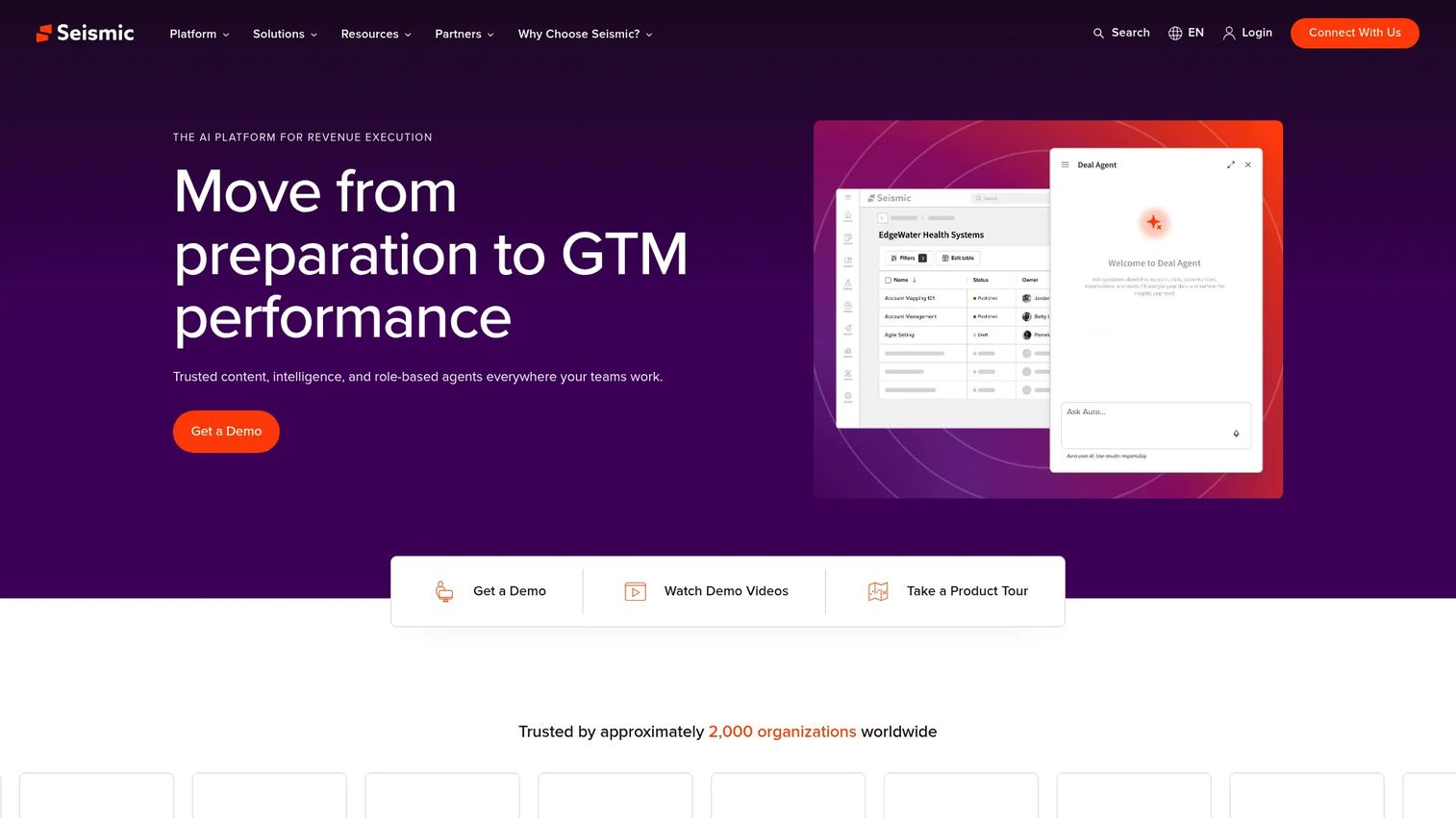
Seismic is an AI-powered enablement platform for content management, training, coaching, and buyer engagement. For enablement managers supporting SDRs, Seismic provides governed content libraries, AI-powered search, learning journeys, and analytics on how assets are used across the team. Digital Sales Rooms support buyer engagement for later-stage deals. Seismic also offers add-on capabilities for meeting intelligence, skill development, and scaled content management.
Best for: Enablement teams managing large content libraries, SDR training programs, and certification across a growing sales organization.
Key features
- Content management and distribution with governance controls
- Digital Sales Rooms and buyer engagement analytics
- AI-powered search, answers, and content personalization
- Learning journeys, training, and coaching
- Enablement program analytics
Why choose Seismic: Choose Seismic when content governance and SDR readiness programs are the core problem. Demo automation fills the gap Seismic doesn't cover: Giving buyers a product experience, not just an asset.
Seismic pricing: Seismic offers Essential, Advanced, and Ultimate packages. Add-ons are available for Learning, Meeting Intelligence, and Scaled Content Management. All pricing is by quote. Contact Seismic for details.
G2 rating: 4.7/5
10. Highspot
Highspot is an AI-powered revenue execution platform for sales enablement, content, training, and buyer engagement. For SDR enablement, the platform helps reps find the right asset at the right moment through AI-powered content recommendations, organized Sales Plays, and guided selling flows. Highspot also includes coaching analytics, meeting intelligence, and deep integrations with Salesforce, Microsoft 365, and Slack.
Best for: Enablement teams that want SDRs to find and use approved assets fast, without digging through shared drives or Slack threads.
Key features
- AI-powered content recommendations and search
- Sales Plays and guided selling
- Training, adaptive learning, and AI Role Play
- Coaching analytics and deal guidance
- Salesforce, Microsoft, and 100+ integrations
Why choose Highspot: Choose Highspot when content findability and SDR asset adoption are the core problems. When reps can find the right demo link in two clicks instead of searching five folders, usage rates climb.
Highspot pricing: Highspot offers three plans: Equip and engage, Train and practice, and Coach and reinforce. All pricing is by quote. Contact Highspot for details.
G2 rating: 4.7/5
11. Apollo
Apollo is an AI-powered go-to-market platform that combines B2B contact data, account intelligence, outreach automation, and AI agents for research and engagement. SDRs use Apollo to build prospect lists, enrich contact records, run email sequences, and manage call workflows from one interface. Apollo's waterfall enrichment and deliverability tools address two of the most common SDR problems: Data quality and inbox placement.
Best for: SDR teams that need contact data, enrichment, and outbound sequencing in a single platform without stitching multiple tools together.
Key features
- B2B contact and company database
- AI agents for list building, research, and outreach
- Email sequencing and automation
- Waterfall enrichment and deliverability tools
- CRM integration and parallel dialer
Why choose Apollo: Choose Apollo when the SDR workflow starts with finding and contacting the right buyer. Demo software improves the value of the outreach once the right people are identified and sequenced.
Apollo pricing: Free plan available. Basic plan is $49 per seat per month (billed annually). Professional is $79 per seat per month. Organization plan is $119 per seat per month (minimum 3 seats, billed annually).
G2 rating: 4.7/5
12. ZoomInfo
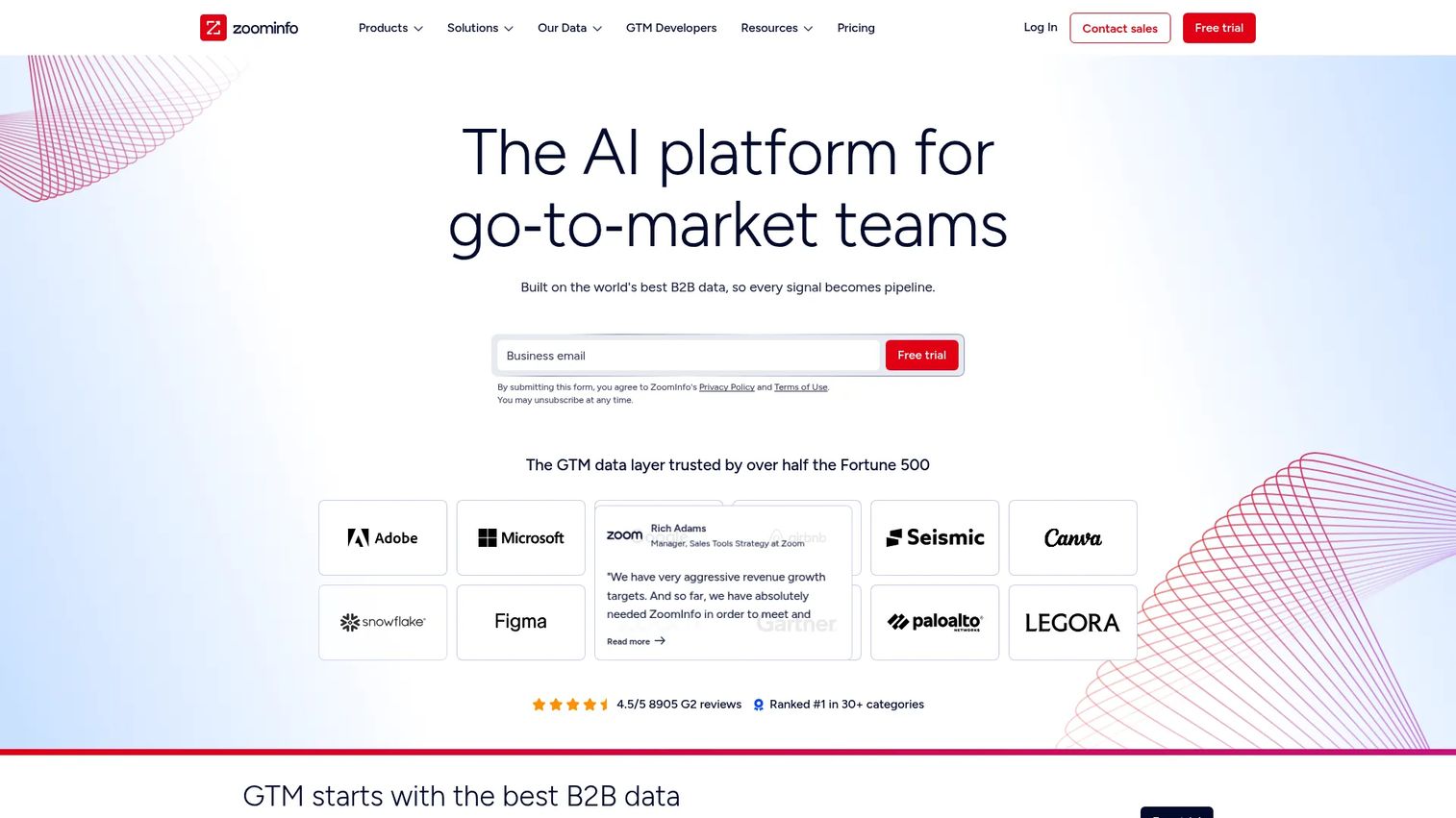
ZoomInfo is an AI-powered GTM data platform providing verified B2B contact data, company intelligence, buyer intent signals, and automation for sales, marketing, and revenue operations teams. For SDR enablement, ZoomInfo's value is data quality and account prioritization: Identifying which accounts are showing buying signals, enriching CRM records, and routing the right accounts to the right reps at the right time.
Best for: SDR teams and RevOps organizations that need enterprise-grade account intelligence and enrichment to prioritize outbound at scale.
Key features
- Verified B2B contact and company profiles
- Buyer intent signals and account prioritization
- Website visitor intelligence
- CRM and marketing automation integrations
- AI-powered email generation and personalization
Why choose ZoomInfo: Choose ZoomInfo when poor data quality or weak account targeting slows outbound. Combining ZoomInfo's account prioritization with demo engagement data creates a stronger qualification loop for managers.
ZoomInfo pricing: ZoomInfo offers Professional, Copilot Advanced, Copilot Enterprise, Marketing Demand, ABM Lite, and ABM Enterprise packages. All pricing requires a sales conversation. A free trial is advertised on the site.
G2 rating: 4.5/5
13. Clay
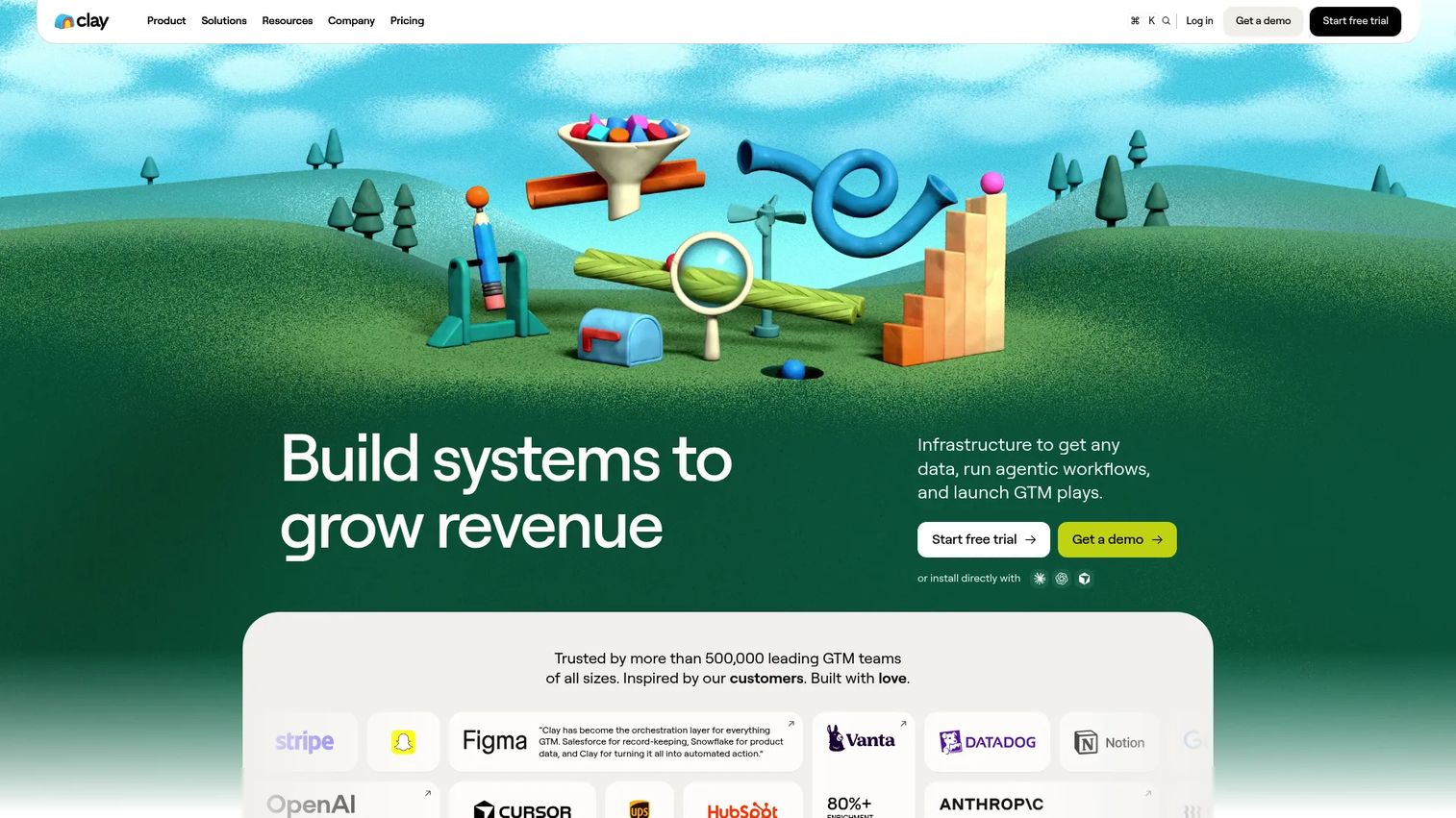
Clay is a data infrastructure and workflow automation platform for GTM teams building custom prospecting and enrichment pipelines. Users connect to 100+ data sources through a table-based interface, run AI-powered research with Claygent, trigger workflows based on job changes or company signals, and push enriched data into CRM or sequencing tools. Clay is a tool for SDR teams who build their own data workflows rather than relying on a single data vendor.
Best for: SDR teams that need custom enrichment and research pipelines for highly personalized, signal-based outbound.
Key features
- Multi-provider data enrichment and waterfall logic
- AI-powered Claygent web research
- Job change, company news, and web intent signals
- CRM enrichment and sequencing integrations
- Ad audience activation
Why choose Clay: Choose Clay when personalization quality depends on pulling signals from many sources and stitching them into a coherent message. It complements demo software by making the demo link feel tied to the specific context each prospect cares about.
Clay pricing: Free plan available with 500 actions per month. Launch plan is $167 per month. Growth plan is $446 per month. Enterprise uses custom pricing with annual commitment.
G2 rating: 4.6/5
14. AiSDR
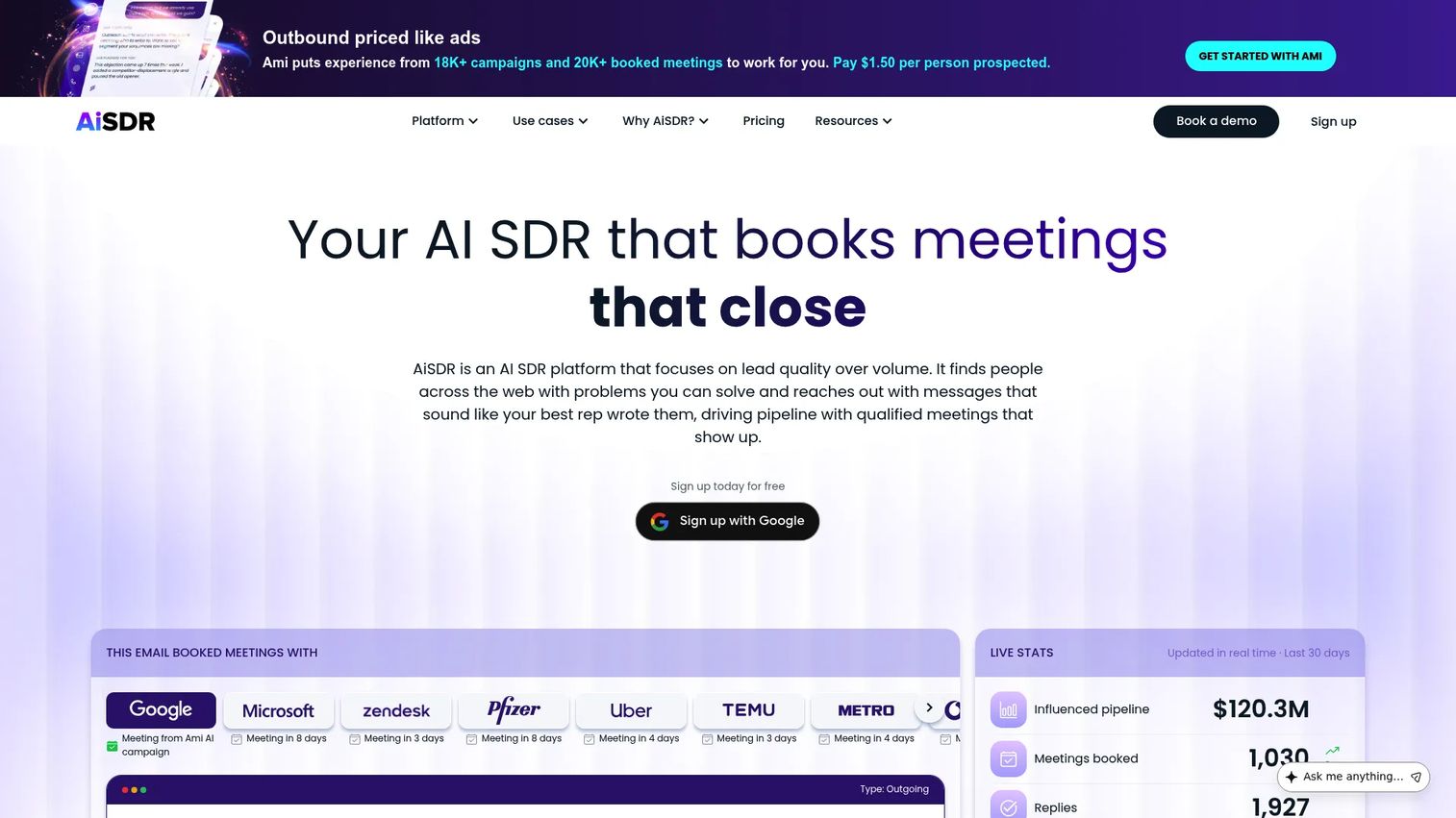
AiSDR is an AI SDR platform that handles prospect research, personalized outreach, reply classification, and meeting booking using live web data and intent signals. The platform runs multi-channel sequences across email and LinkedIn, monitors deliverability and inbox health, and integrates bi-directionally with HubSpot and Salesforce. AiSDR automates the SDR motion itself, which is different from demo software's job of creating the product experience prospects evaluate.
Best for: B2B sales teams exploring AI assistance for outbound research, personalized messaging, and meeting booking at scale.
Key features
- AI prospect research using intent signals and live web data
- Personalized email and LinkedIn messaging
- Multi-channel sequences with AI reply handling
- Two-way HubSpot and Salesforce integration
- Email infrastructure, warmup, and deliverability monitoring
Why choose AiSDR: Choose AiSDR when the goal is automating parts of prospecting and follow-up. For the cases where the prospect needs to see the product before agreeing to a meeting, demo links remain necessary alongside the automated outreach motion.
AiSDR pricing: Pay-as-you-go pricing starts at $1.50 per person prospected. Team plans use volume-based monthly pricing (contact AiSDR for details). A fully managed service is available at $2,500 per month. Users can build and test before entering payment details.
G2 rating: 4.6/5
15. Qualified Piper
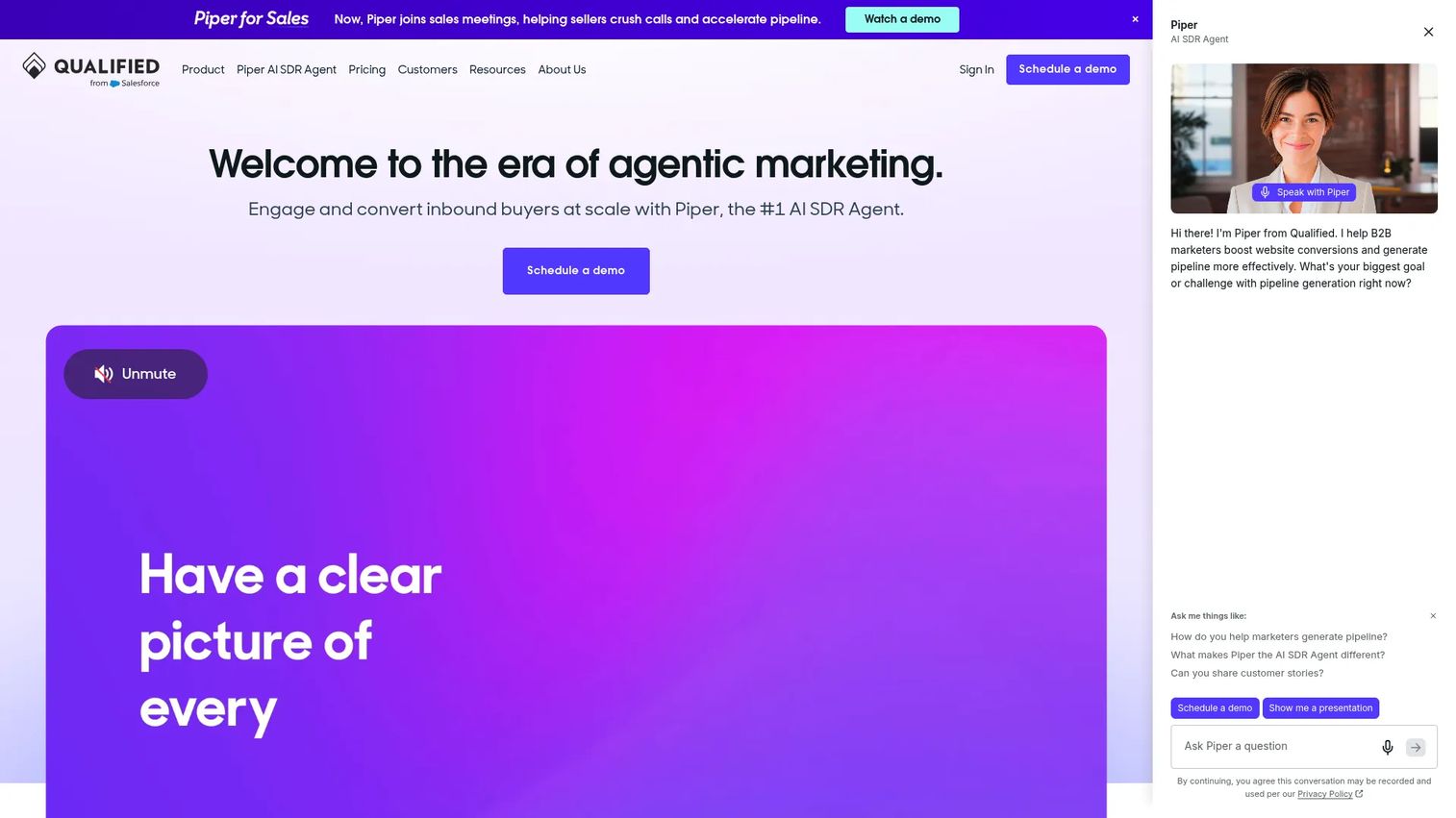
Qualified Piper is an AI SDR agent that engages website visitors via text, voice, and video, qualifies them against ICP criteria, delivers personalized marketing offers, and books meetings automatically. It runs on Salesforce-native infrastructure and integrates with 20+ GTM tools. Piper is the right tool when the SDR bottleneck is inbound website conversion, not outbound outreach.
Best for: B2B marketing and revenue teams using Salesforce that have enough inbound traffic to justify an AI-led qualification and meeting-booking agent.
Key features
- Website visitor engagement via text, voice, and video
- Lead qualification and ICP scoring
- Meeting scheduling and calendar routing
- Personalized AI email follow-up and nurturing
- Salesforce-native architecture with 20+ GTM integrations
Why choose Qualified Piper: Choose Qualified Piper when inbound conversion from your website is the SDR bottleneck. For outbound SDR teams, demo links in sequences still matter because most target prospects aren't visiting your site yet.
Qualified Piper pricing: Qualified offers Premier, Enterprise, and Ultimate plans. Enterprise adds APIs, custom data policies, and third-party intent signals. All pricing is by quote. Contact Qualified for details.
G2 rating: 4.9/5
Considerations when choosing demo software for SDRs
Match the tool to the SDR motion
Outbound SDRs need fast sharing, clean demo links, and trackable follow-up. Inbound SDRs need routing, qualification speed, and CRM sync. A demo automation platform fits outbound SDRs directly. An inbound AI agent like Qualified Piper fits a different job. Identify the primary SDR motion before shortlisting tools.
Check CRM and sales engagement fit
The tool should work with the systems reps already use. If the team runs on Salesforce, verify Salesforce-native or API integration. If Outreach or Salesloft owns the sequence layer, confirm the demo tool pushes engagement data into those platforms. Reps who have to leave their primary tools to send a demo link will skip the step.
Measure buyer behavior, not just rep activity
SDR managers typically track call volume, email sends, and reply rates. Demo software adds a second measurement layer: What did the prospect do after receiving the link? Track impressions, completion rate, repeat visits, leads collected, and conversion to meeting. Those signals reveal which prospects are evaluating versus which are ignoring.
Govern assets before scaling
Enablement teams should control which demo assets SDRs send and which are retired. Organize demos by persona, campaign, industry, or funnel stage. Assign ownership so someone updates assets after product changes. An SDR sending a demo showing a deprecated UI creates credibility problems in the deal.
Keep the workflow simple enough for adoption
If sending a demo link requires five steps and two new tools, adoption will stall. The best setup puts the demo link inside the sequence step or CRM record where the SDR already works. Measure adoption the same way you measure any enablement program: Track how often the asset gets used, not just how often it was created.
Conclusion
Demo software for SDRs covers a wider category than most people expect. At one end sits purpose-built demo automation: Tools that create shareable product experiences SDRs can send before the meeting ask. At the other end sit the systems those demos plug into: CRM, sequencing, enablement, coaching, data, and AI-led qualification.
For sales enablement managers, the clearest starting point is Guideflow for demo links, engagement analytics, and a governed demo library SDRs can draw from without rebuilding assets each time. CrankWheel fills a different gap for phone-first reps who catch prospects live. Saleo handles the account-specific live demo data problem for AE handoff calls. HubSpot and Salesforce anchor the CRM layer. Outreach and Salesloft own sequence execution. Gong, Seismic, and Highspot cover coaching and content governance. Apollo, ZoomInfo, and Clay address data quality and research. AiSDR and Qualified Piper handle AI-assisted outreach and inbound conversion respectively.
The SDR team doesn't need every tool on this list. It needs the tools that close the specific gaps in its current plays and that reps will adopt without a change management campaign.
Start your journey with Guideflow today!
FAQs
Demo software for SDRs is software that helps sales development representatives share product experiences, demo links, or interactive product flows with prospects before or after outreach, without requiring a live AE demo. It includes purpose-built demo automation platforms, screen sharing tools, and self-serve product exploration environments. It differs from CRM software (which manages records), sequencing tools (which manage outreach), and AI SDR agents (which automate research and messaging).
An SDR includes a demo link inside a cold email or LinkedIn follow-up as a value-first touch before asking for a meeting. The demo answers one specific buyer question, such as how a particular workflow works, without showing the entire product. The SDR then uses engagement data, such as completion rate and repeat views, to prioritize which prospects to follow up with and what to say.
Yes. AI SDR software automates prospect research, outreach messages, reply handling, or meeting booking. Demo software creates the product experience the outreach links to. The two categories solve different problems and can operate alongside each other in the same SDR play. An AI SDR tool finds and contacts the right people; demo software gives those people a reason to book.
The primary metrics to track are impressions (how many people viewed the demo), completion rate (how far they got), repeat visits (which accounts came back), leads collected (forms filled inside the demo), and conversion to meeting. These should be reviewed alongside traditional SDR metrics like reply rate and meetings held, because combining both layers shows which activities actually drive pipeline.
Not in every situation. Demo links work best when the product is easier to understand by seeing it and when the demo directly supports the outreach message. A generic demo with no contextual framing performs about as well as a generic email. SDRs should send demo links when they can connect the specific flow to the buyer's stated or inferred problem.
Organize demos by persona, industry, pain point, and campaign. Assign an owner to each asset and set a review cadence tied to product release cycles. Remove demos that show deprecated features or outdated UI. Put approved assets inside the sequencing tool or CRM so SDRs find them in the workflow rather than hunting for them in a shared folder.
Demo software reduces the need for early live demos, particularly before qualification. A self-serve product demo can answer buyer questions that would otherwise require an SE's time. Live demos still deliver genuine value for deeper technical discovery, executive alignment, and competitive evaluation scenarios where the buyer needs real-time conversation with a human.
A follow-up should include a short context sentence explaining why the demo is relevant to that specific prospect, one demo link (not four), a clear reason to open it, and a specific next step. If the SDR has engagement data showing the prospect already viewed the demo, the follow-up should reference what they saw and ask a question based on it. Generic "just following up" messages ignore the buyer signal the demo created.