You can have a clean migration plan on paper and still miss the dependency that breaks onboarding, billing, or a customer-facing workflow. That gap is where migration projects stall, roadmap quarters disappear, and engineering teams absorb the blast radius.
According to Foundry's 2025 Cloud Computing Survey, 70% of IT decision-makers said their organization accelerated cloud migration in the past year. But the same research found that 53% of IT leaders hit data portability challenges during the move. Speed without assessment is how those two numbers coexist.
For product managers, the stakes are higher than an infrastructure checklist. Migration waves affect release cadence, activation paths, retention-critical services, and the cross-functional dependencies your roadmap rarely captures upfront. A good assessment software run gives you the instrumentation to answer the questions that matter before engineering commits: What do we own? What depends on what? What moves first without breaking something a customer touches?
This guide compares 12 cloud migration assessment tools across workload discovery, application dependency mapping, cost modeling, and migration planning, so you can match the right tool to your next decision point.
What's inside
This guide covers 12 cloud migration assessment tools evaluated for depth, output quality, and fit across different migration stages. Selections were based on:
- Workload discovery depth and agent or agentless collection methods
- Dependency mapping and migration grouping capability
- Cloud provider fit across Azure, AWS, and Google Cloud
- Assessment outputs including readiness scores, cost estimates, and migration wave plans
- Pricing transparency and G2 rating availability
Pricing and G2 ratings reflect figures verified from vendor pricing pages and live G2 listings.
TL;DR
- Best for Azure-first migration planning: Azure Migrate, with free core assessment and built-in readiness scoring
- Best for AWS migration coordination: AWS Migration Hub, as the central tracking layer for AWS-native programs
- Best for Google Cloud planning: Google Cloud Migration Center, available at no additional cost
- Best for application modernization assessment: CAST Highlight, with portfolio-level code analysis and cloud readiness scoring
- Best for dependency-heavy enterprise environments: Device42 or Cloudamize, both built for complex infrastructure discovery
- Best for cost optimization and right-sizing: IBM Turbonomic or Flexera One, for performance-aware resource planning
What is cloud migration assessment software?
Cloud migration assessment software helps teams discover, analyze, prioritize, and plan the movement of applications, databases, infrastructure, and dependencies from existing environments to cloud platforms.
A cloud migration assessment framework typically covers several interrelated capabilities:
- Infrastructure inventory: Cataloging servers, virtual machines, databases, and storage
- Workload discovery: Identifying what is running and how it behaves under load
- Application dependency mapping: Mapping runtime connections, network traffic, shared services, and identity relationships
- Performance baselining: Capturing utilization metrics before migration to validate sizing
- Right-sizing and cloud migration TCO assessment: Modeling target-cloud costs against current spend
- Security, compliance, and identity review: Evaluating access controls, data classification, and regulatory constraints
- Migration wave planning: Grouping workloads by dependency and sequencing moves in the right order
- Risk registers and remediation planning: Documenting what could break and what needs to change before cutover
A complete cloud readiness assessment produces more than a dashboard. Teams should expect a workload inventory, a dependency map, readiness scores by application or service, cost estimates by target environment, a risk register, and a sequenced migration wave plan. For product managers, that output is what turns a technical discovery into a roadmap conversation: Which workloads affect customer-facing workflows, which migrations block feature work, and where engineering effort competes with delivery commitments.
The category boundary worth noting: Some tools focus on infrastructure discovery only, others on application portfolio analysis, and a third group on observability-backed validation. Most migration programs need all three, often from separate tools.
When to use cloud migration assessment tools
Assess on-prem apps before cloud migration
Before choosing rehost, replatform, refactor, retire, or retain for any workload, you need a baseline. Assessment tools surface runtime requirements, storage patterns, network dependencies, and customer-facing workflows that static documentation routinely misses. This is the right moment to use top tools for assessing on-prem apps before cloud migration, rather than after engineering has already committed capacity.
Build a migration roadmap without guessing
Migration wave planning is where most teams underestimate risk. The output of a solid assessment should let you sequence low-risk, independent workloads first, identify shared services that multiple applications depend on, and avoid moving dependent systems out of order. Product managers can use this sequencing directly for roadmap prioritization and release risk planning.
Validate cost, performance, and risk before committing engineering time
Cloud assessment tools reduce expensive surprises by modeling utilization telemetry, licensing obligations, SLA targets, RPO and RTO requirements, and compliance constraints before a single instance migrates. That validation protects roadmap capacity: A migration that hits unexpected costs or dependencies mid-flight will pull engineering off feature work for weeks.
Cloud migration assessment tools comparison
The table below compares all 12 cloud migration assessment tools by best fit, key use case, pricing model, and G2 rating. Use it to shortlist by migration stage and cloud target before reading the full tool sections.
| # | Product | Best for | Key use case | Pricing | G2 rating |
|---|---|---|---|---|---|
| 1 | Azure Migrate | Azure-first migration planning | Discovery, readiness assessment, and Azure cost estimation | Free (Azure resources billed separately) | 4.4/5 |
| 2 | AWS Migration Hub | AWS migration coordination | Central tracking across AWS migration tools and services | No additional charge | 4.5/5 |
| 3 | Google Cloud Migration Center | Google Cloud migration planning | Infrastructure discovery, TCO estimation, migration planning | Free (Google Cloud usage billed separately) | 5.0/5 |
| 4 | CAST Highlight | Application modernization assessment | Portfolio analysis, cloud readiness scoring, technical debt | From \~$206K/year (portfolio-based) | 4.5/5 |
| 5 | CloudPilot | App portfolio modernization for Azure | Code-level analysis, automated migration, compliance checks | From $5,000/year | N/A |
| 6 | Txture | Enterprise migration factory planning | Dependency mapping, wave planning, target architecture design | Contact IBM for a quote | 4.8/5 |
| 7 | Device42 | Dependency-rich infrastructure discovery | Asset inventory, dependency mapping, IT documentation | Quote by device count | 4.7/5 |
| 8 | Flexera One | Multi-cloud cost and asset visibility | IT asset management, cloud cost optimization, FinOps | Contact Flexera for a quote | 4.4/5 |
| 9 | IBM Turbonomic | Right-sizing and performance optimization | Resource optimization, capacity planning, hybrid cloud | Contact IBM; 30-day trial available | 4.4/5 |
| 10 | Datadog | Telemetry-backed migration validation | Observability, service maps, baseline monitoring | From $15/host/month (Infrastructure Pro, billed annually) | 4.5/5 |
| 11 | Dynatrace | Enterprise observability and dependency analysis | Application topology, dependency mapping, post-migration validation | From $7/host/month (Foundation, billed hourly at $0.01/hr) | 4.5/5 |
| 12 | Cloudamize | Data-driven workload assessment | Infrastructure discovery, TCO modeling, dependency mapping, wave planning | Contact Cloudamize for a quote | 4.5/5 |
Best 12 cloud migration assessment tools for 2026
1. Azure Migrate
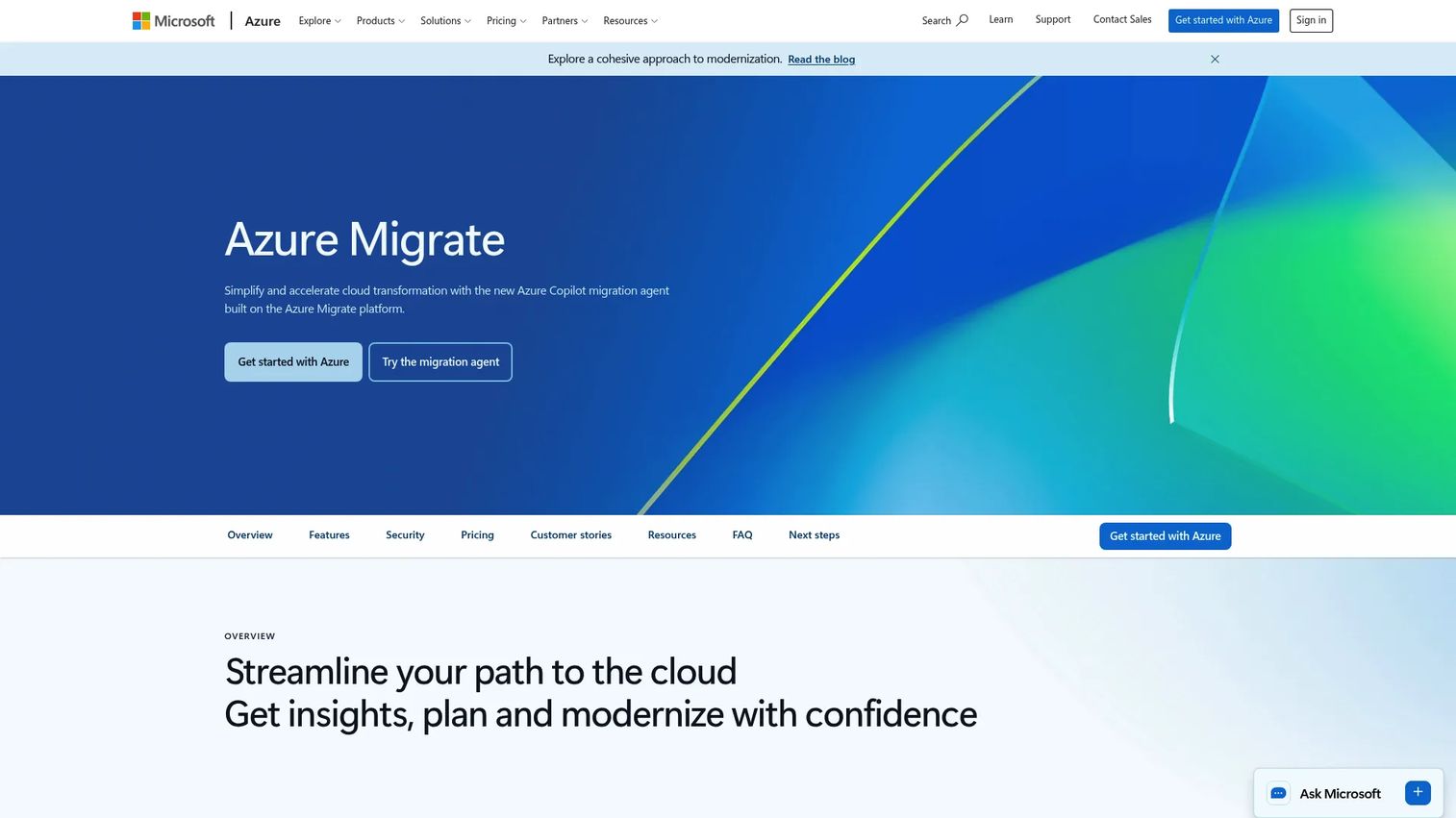
Azure Migrate is Microsoft's unified hub for discovering, assessing, and migrating on-premises workloads to Azure. It supports servers, databases, web applications, and virtual desktops, and connects with the Microsoft Cloud Adoption Framework to provide structured migration guidance. Teams already standardizing on Azure get the tightest fit here, with native integration across Microsoft's migration and monitoring stack.
Best for: Azure-first teams assessing servers, databases, web apps, and virtual desktops for migration readiness.
Key features
- Server discovery and agentless dependency visualization
- Azure cost and right-sizing estimation
- Database migration assessment
- Migration project tracking and progress dashboards
- Integration with Azure Monitor and third-party tools
Why choose Azure Migrate: For product managers on Azure-native roadmaps, the tool connects assessment outputs directly to Azure service cost projections, which makes it easier to model the engineering and operational cost impact of migration waves before they hit the sprint backlog.
Azure Migrate pricing: Core Azure Migrate capabilities are free. Server Migration is free per machine for the first 180 days; after that, replication costs $25/month per instance. Azure storage, data transfer, and third-party tool connections are billed separately at standard Azure rates.
G2 rating: 4.4/5
2. AWS Migration Hub
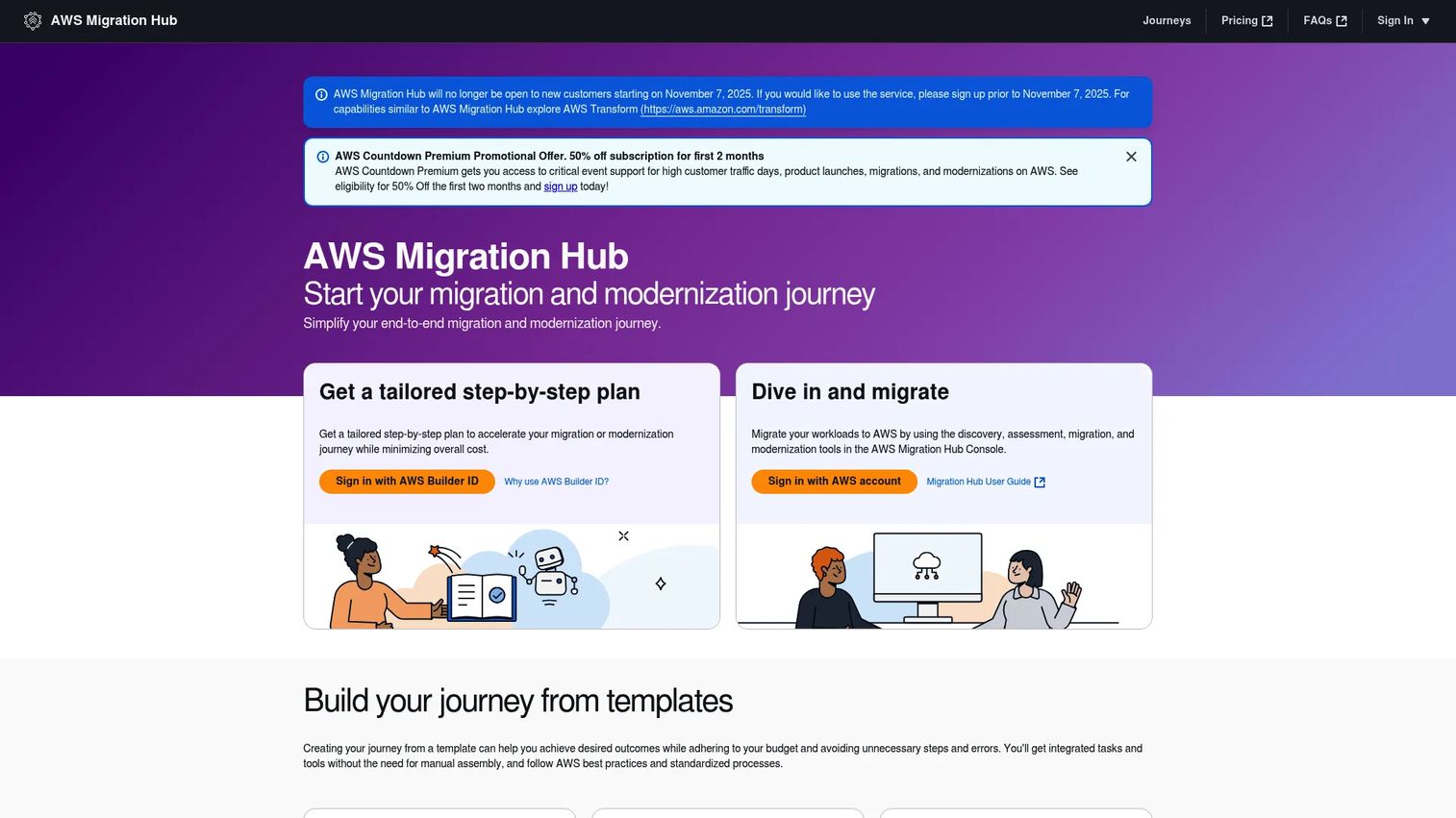
AWS Migration Hub provides a central place to discover servers, plan application migrations, and track migration status across AWS migration tools and AWS Regions. Rather than acting as a deep code or infrastructure analyzer itself, it functions as the operational control plane for multi-workstream AWS programs, connecting services like AWS Application Discovery Service, Migration Hub Journeys, and Migration Hub Orchestrator.
An important note: AWS stopped accepting new Migration Hub customers on November 7, 2025. Existing customers can continue ongoing projects, and AWS Transform is the recommended path for new programs.
Best for: Teams coordinating multiple AWS migration workstreams who need centralized visibility into application migration status and blockers.
Key features
- Application discovery and portfolio visibility
- Migration planning with status tracking across AWS Regions
- Migration Hub Journeys for collaborative migration projects
- Strategy Recommendations for migration and modernization pathways
- Orchestrator for template-based workflow automation
Why choose AWS Migration Hub: For product managers, the tool's migration status visibility answers the question engineering leaders need answered before every planning session: Which applications are in-flight, which are blocked, and where the program is off-track. Teams not yet on AWS should evaluate AWS Transform instead.
AWS Migration Hub pricing: No additional charge for hub usage. Connected AWS migration and discovery services may incur standard AWS costs.
G2 rating: 4.5/5
3. Google Cloud Migration Center

Google Cloud Migration Center helps teams assess current infrastructure, estimate migration costs, and plan moves to Google Cloud. It supports automated and manual discovery of servers, virtual machines, and databases, then produces infrastructure assessments, application dependency analysis, and data-driven target-product recommendations across rehost, replatform, and refactor strategies.
Best for: Teams evaluating Google Cloud as the target environment and needing structured discovery and cost estimation before committing migration resources.
Key features
- Automated and manual server and database discovery
- Cloud TCO estimation and cost comparison
- Infrastructure and network dependency assessment
- Migration planning with target-product recommendations
- Asset import options for existing inventory data
Why choose Google Cloud Migration Center: The free cost model removes a barrier that slows down early-stage assessment work. For product managers scoping Google Cloud migrations, the tool's cost estimates and dependency reports provide the inputs needed to model opportunity cost and sequence migration waves against feature delivery commitments.
Google Cloud Migration Center pricing: Available at no additional cost. Generated cost estimates cover projected Google Cloud infrastructure usage, not a Migration Center subscription.
G2 rating: 5.0/5
4. CAST Highlight
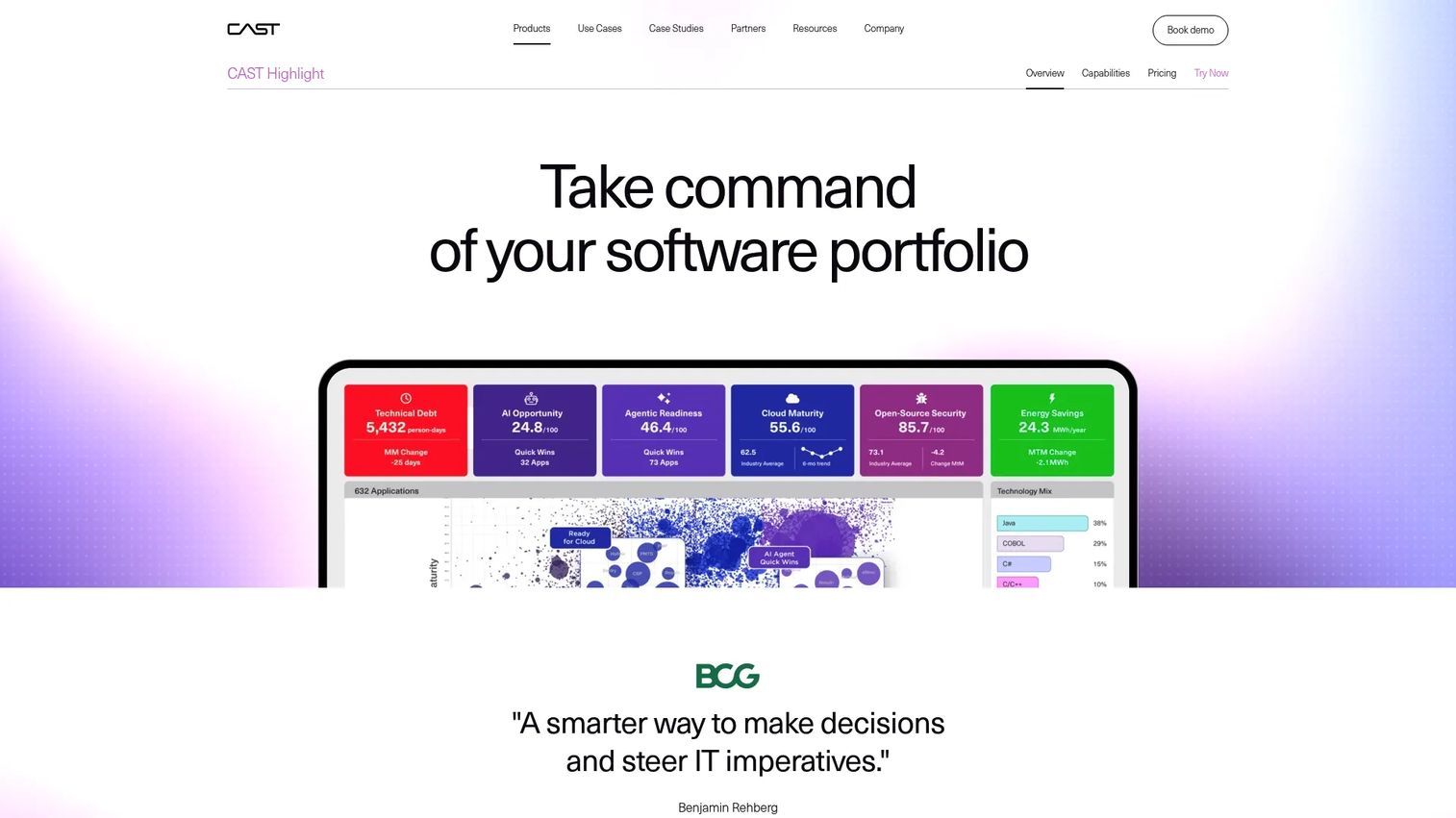
CAST Highlight assesses application portfolios for cloud readiness, modernization risk, open-source risk, and software health. Where infrastructure-focused tools catalog servers and network traffic, CAST works at the application and code level, scoring portfolios for cloud maturity, technical debt concentration, AI readiness, and software composition risk.
Best for: Teams assessing application modernization effort before migration, particularly those with large legacy portfolios where hidden technical debt affects migration estimates.
Key features
- Application portfolio analysis with cloud readiness scoring
- Technical debt and software health assessment
- Open-source security, license, and SBOM analysis
- AI readiness and modernization effort scoring
- Modernization roadmap recommendations by application
Why choose CAST Highlight: Underestimating modernization effort inside legacy codebases is one of the most common reasons migration projects run over. CAST surfaces that risk at portfolio scale before engineering starts, which lets product managers sequence the riskiest refactors into roadmap quarters where capacity exists.
CAST Highlight pricing: Pricing is tiered by application portfolio size. The Cloud Insights edition starts around $206,500 per year for smaller portfolios; a Complete Edition runs approximately $295,000 per year. Per-application pricing runs approximately $6,800 per named application annually. A 14-day trial is available. Contact CAST for large-portfolio quotes.
G2 rating: 4.5/5
5. CloudPilot
CloudPilot analyzes applications and databases at the code level to assess cloud readiness and support modernization and migration to Microsoft Azure. It generates per-application migration cost estimates, produces assessment reports for containers, app services, virtual machines, and PaaS targets, and runs continuous compliance analysis against governance controls.
Best for: Teams turning application-level assessment into concrete modernization plans for Azure, particularly those where automated migration of cloud-ready workloads reduces engineering hours.
Key features
- Static code analysis for cloud readiness
- Per-application migration cost estimates
- Automated migration for cloud-ready applications
- Continuous compliance analysis against GRC controls
- Assessment reports for containers, app services, VMs, and PaaS
Why choose CloudPilot: For product managers needing application-level decision support rather than infrastructure inventory, CloudPilot's per-application cost output translates directly into roadmap tradeoff conversations. The automated migration capability reduces the engineering opportunity cost for straightforward workloads.
CloudPilot pricing: A 15-day free trial includes one scan per application. The Standard plan costs $5,000 per year (5 scans per application); Premium costs $10,000 per year (20 scans per application). Custom plans are available for higher scan volumes.
6. Txture
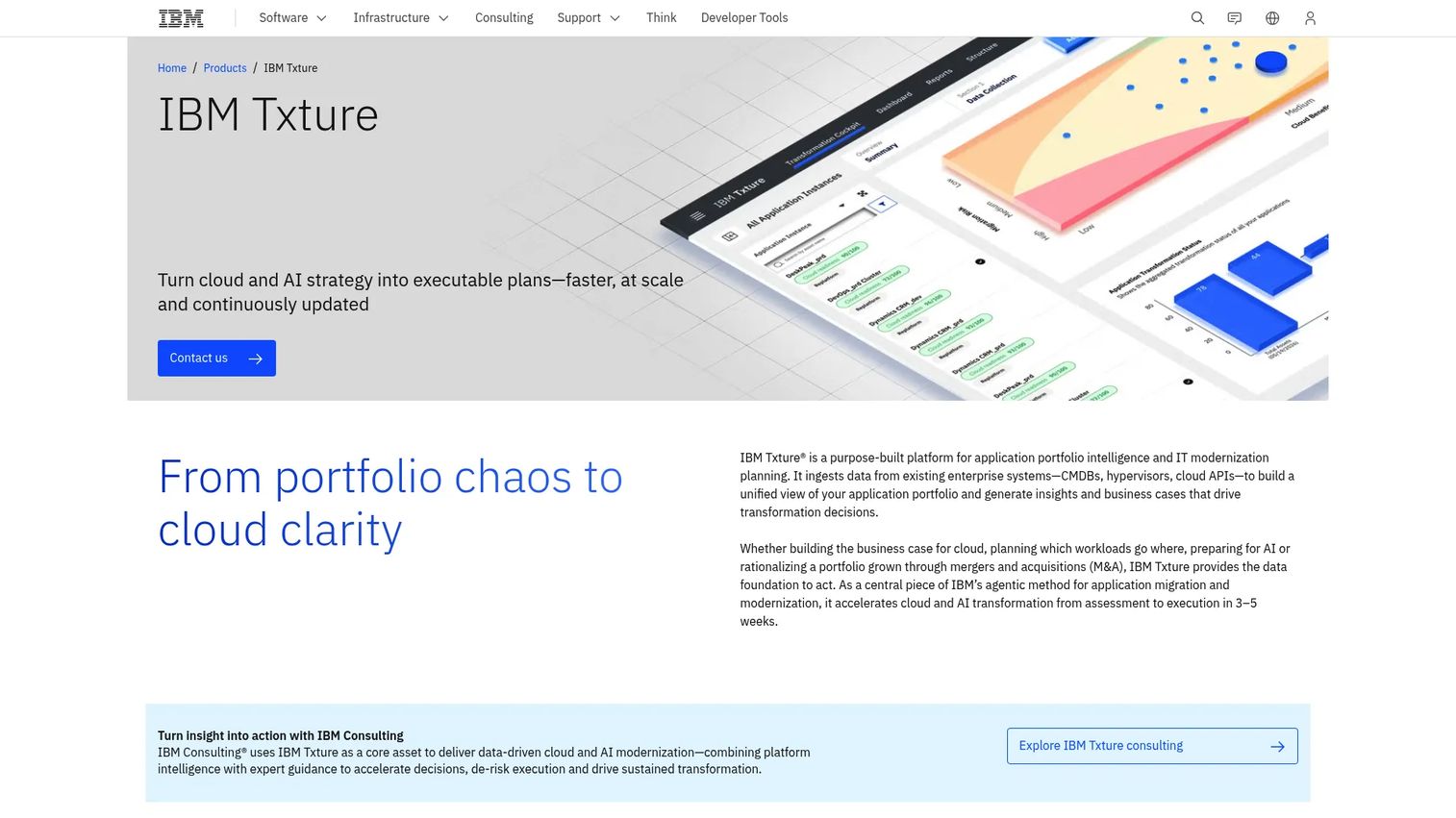
Txture is an IBM platform for application portfolio intelligence, IT modernization planning, cloud migration, and AI-readiness assessment. It supports enterprise cloud transformation planning through unified portfolio visibility, Gartner TIME analysis, dependency-aware migration wave planning, and cost and ROI modeling across cloud providers.
Best for: Enterprises planning complex migration waves across large portfolios, particularly those needing structured dependency mapping and target architecture design across business units.
Key features
- Unified application portfolio visibility across hybrid and multicloud environments
- Portfolio rationalization with Gartner TIME analysis and redundancy identification
- Dependency-aware migration wave planning with 6R recommendations
- Cloud cost and ROI modeling across providers
- AI-readiness assessment using a 5A maturity framework
Why choose Txture: For product managers at large organizations, Txture's migration wave sequencing and dependency clarity directly support roadmap discussions where multiple business units compete for engineering capacity. The 6R recommendation output maps technical findings to concrete strategy options.
Txture pricing: Contact IBM for a quote. Pricing reflects portfolio size, deployment model (SaaS or on-premises), and module scope.
G2 rating: 4.8/5
7. Device42
Device42 is an agentless hybrid IT discovery and dependency mapping platform. It supports migration assessment by giving teams a detailed view of infrastructure, applications, services, and their relationships, with capabilities spanning CMDB, IT asset management, data center infrastructure management, and IP address management.
Best for: Teams with messy or undocumented asset inventory who need comprehensive discovery of devices, applications, and dependencies before migration planning begins.
Key features
- End-to-end agentless hybrid IT discovery
- Application and device dependency mapping and visualization
- Built-in CMDB for configuration management
- IT asset and inventory management
- Cloud recommendation engine for migration target analysis
Why choose Device42: Migration planning fails when shared services, databases, and network dependencies are undocumented. Device42's discovery depth surfaces the hidden relationships that break migration waves, making it a strong foundation layer for programs where infrastructure documentation is incomplete. It integrates with more than 30 IT management tools.
Device42 pricing: Pricing is an annual subscription based on device count. Contact Device42 sales for a quote; a free trial is available.
G2 rating: 4.7/5
8. Flexera One
Flexera One provides visibility, cost optimization, and governance across hardware, software, SaaS, and cloud environments. It supports cloud migration assessment by helping teams understand their current IT asset footprint, software licensing obligations, cloud spend, and optimization opportunities before and after migration.
Best for: Organizations combining migration planning with FinOps discipline, particularly those where software licensing risk and cloud cost governance are part of the migration scope.
Key features
- IT visibility across hybrid IT estates
- IT asset and software license management
- SaaS discovery and spend optimization
- Cloud cost optimization and FinOps reporting
- Technology Intelligence powered by Technopedia
Why choose Flexera One: Unexpected licensing and cloud spend can reshape roadmap capacity mid-migration. For product managers, Flexera One's asset and cost intelligence surfaces the financial constraints that affect engineering capacity planning and migration sequencing before they become surprises. It is best suited to organizations with complex hybrid estates rather than teams doing a single-service lift-and-shift.
Flexera One pricing: Subscription pricing based on term length and usage metrics. Contact Flexera sales for a quote; ask about modules, cloud spend volume, and asset scope.
G2 rating: 4.4/5
9. IBM Turbonomic
IBM Turbonomic focuses on application resource management and optimization across hybrid cloud, multicloud, Kubernetes, and data center environments. It helps teams assess resource demand, automate right-sizing decisions, and plan migrations with application performance and cost in view simultaneously.
Best for: Teams that need performance-aware migration planning and want to validate right-sizing decisions before committing to target-cloud configurations.
Key features
- Full-stack visibility across applications, containers, VMs, and infrastructure
- Policy-driven automation for scaling, placement, and right-sizing
- Capacity planning for hybrid and multicloud environments
- Performance assurance using real-time resource optimization
- Application resource recommendations tied to SLA targets
Why choose IBM Turbonomic: Overprovisioning and underprovisioning post-migration both carry customer-impact risk. Turbonomic's performance-aware right-sizing connects resource decisions to reliability and experience outcomes, which matters for product managers who own the customer-facing services sitting on migrated infrastructure.
IBM Turbonomic pricing: A 30-day free trial is available. Paid plans (SaaS, on-premises, Parking Edition) are quote-based; contact IBM to scope by workload volume and deployment model.
G2 rating: 4.4/5
10. Datadog
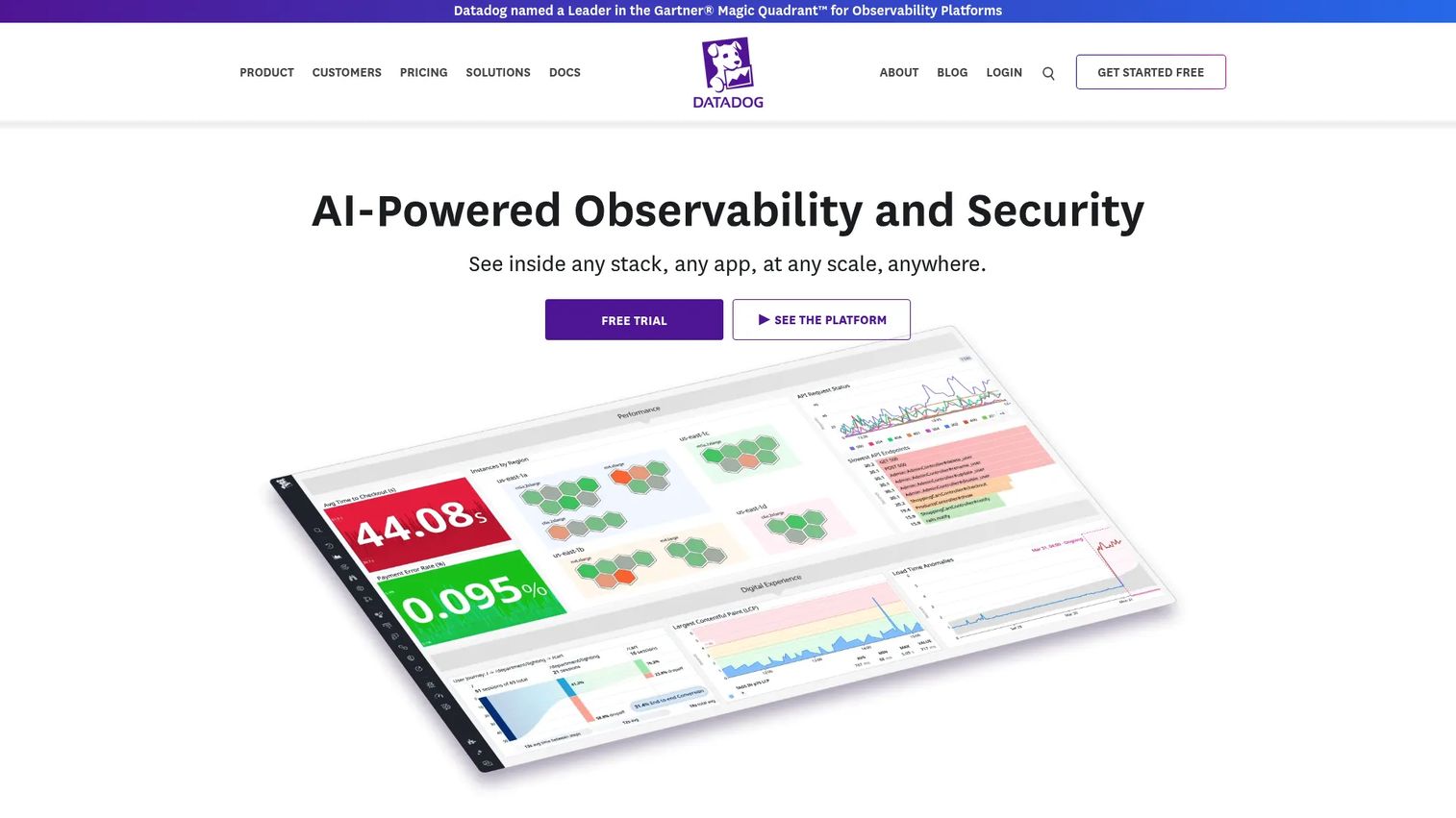
Datadog is an observability and security platform rather than a dedicated migration assessment tool. It supports cloud migration assessment by providing performance baselines, service maps, application dependency visibility, and cloud cost monitoring, making it most valuable as a telemetry layer before, during, and after migration.
Best for: Engineering and platform teams needing telemetry to validate migration impact, establish pre-migration baselines, and monitor post-migration performance against those baselines.
Key features
- Infrastructure monitoring with 900+ integrations
- APM service maps and distributed tracing
- Log management with contextual correlation
- Cloud cost monitoring and visibility
- Synthetic monitoring for post-migration validation
Why choose Datadog: For product managers, Datadog's pre-migration baselines and post-migration performance trends are the instrumentation layer that validates whether a migrated service is behaving as expected. It is a strong complement to discovery-focused tools but requires pairing with a workload assessment platform for readiness scoring and wave planning.
Datadog pricing: Infrastructure Pro costs $15 per host per month (billed annually); Infrastructure Enterprise costs $23 per host per month (billed annually). Cloud Cost Management Pro costs $5 per $1,000 in monthly cloud spend (billed annually). A free tier exists for limited infrastructure monitoring.
G2 rating: 4.5/5
11. Dynatrace
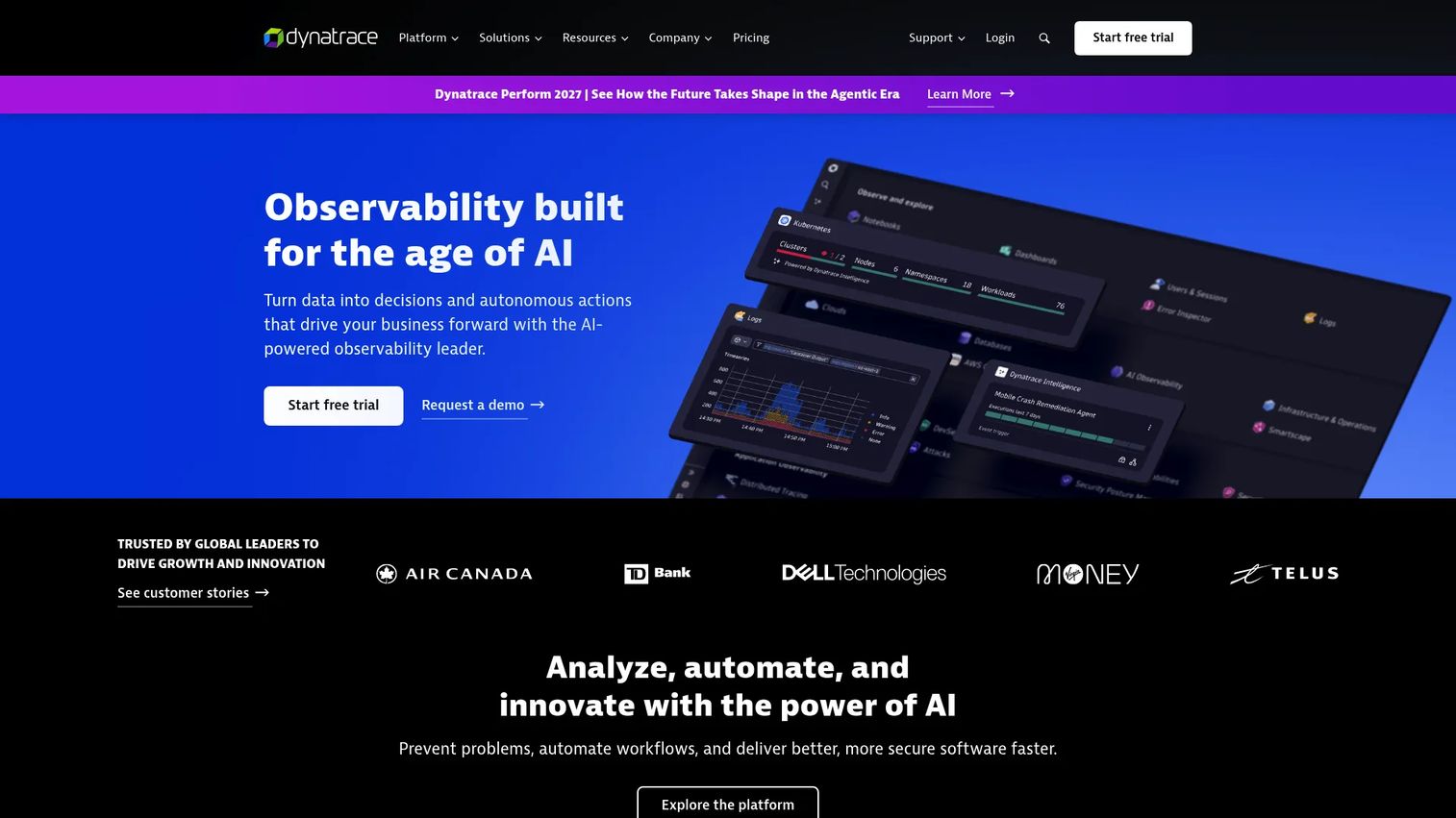
Dynatrace is an AI-powered observability and security platform that provides application topology mapping, dependency analysis, and performance monitoring across complex enterprise environments. For cloud migration assessment, it surfaces how applications behave and interrelate, which informs safer migration sequencing and post-cutover validation.
Best for: Enterprise teams needing deep application dependency and performance insight across complex, multi-tier architectures where hidden dependencies create migration risk.
Key features
- Application topology and dependency analysis
- AI-driven root-cause analysis and predictive analytics
- Log analytics with Grail and DQL, correlating logs, metrics, and traces
- Infrastructure observability across cloud and on-premises
- Automated operations and agentic capabilities
Why choose Dynatrace: For product managers managing roadmaps that include customer-facing services on complex enterprise infrastructure, Dynatrace's topology visibility helps map which dependencies could break release cadence during migration. The AI-driven analysis reduces the manual investigation burden on engineering when anomalies appear post-cutover.
Dynatrace pricing: Foundation and Discovery starts at $7 per host per month (billed at $0.01 per host-hour). Infrastructure Monitoring is $29 per host per month. Full-Stack Monitoring is $58 per 8 GiB host per month. A 15-day free trial is available. Pricing uses a consumption-based subscription model with annual commitment.
G2 rating: 4.5/5
12. Cloudamize
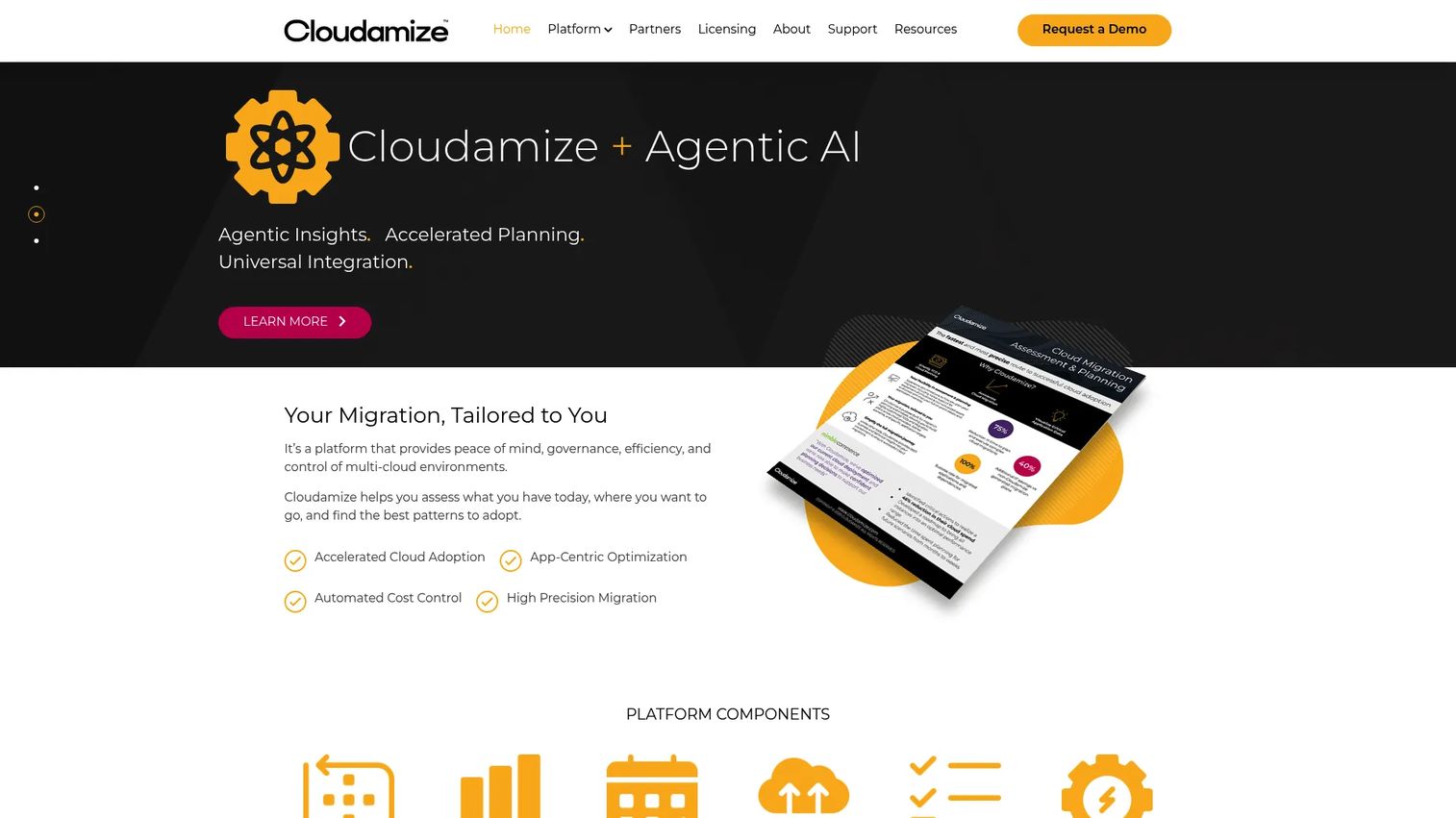
Cloudamize is a cloud migration and management platform focused on infrastructure assessment, multi-cloud TCO analysis, dependency mapping, and migration execution. It collects environment telemetry through agent, agentless, vCenter, SQL, and network discovery methods, then produces migration-wave groupings, right-sizing recommendations, and ongoing modernization guidance post-migration.
Best for: Organizations and service providers planning data-driven migrations across complex, multi-workload environments where detailed infrastructure analytics drive wave sequencing decisions.
Key features
- Infrastructure discovery using multiple collection methods
- Multi-cloud TCO analysis and right-sizing with license optimization
- Application dependency mapping and 7R migration grouping
- Migration wave orchestration with runbooks
- Continuous post-migration modernization recommendations
Why choose Cloudamize: For product managers, Cloudamize's assessment reports make scope, risk, and sequencing easier to surface in roadmap discussions with engineering. The 7R grouping output maps workloads to clear migration strategies, which supports prioritization conversations grounded in data rather than assumptions.
Cloudamize pricing: Three licensing models are available: Single Use License (per server, 12-month term, 100 server minimum), Tier Based License (per assessment, 2-month term, 5 assessment minimum), and Multi Use License (by license-month, minimum 1,200 license-months). Contact Cloudamize for a quote; ask about workload volume, assessment duration, and target cloud.
G2 rating: 4.5/5
Considerations when choosing cloud migration assessment tools
Match the tool to the migration stage
Early discovery needs differ from application modernization assessment or post-migration validation. Infrastructure discovery tools like Device42 and Cloudamize make sense at the inventory stage; CAST Highlight and CloudPilot add value when modernization effort needs quantifying; Datadog and Dynatrace serve the validation phase. Choose based on the next decision your team needs to make, not the full migration lifecycle at once.
Verify dependency mapping depth
Application dependency mapping matters most when products share databases, message queues, identity systems, or internal APIs. Ask whether a tool captures runtime connections, network traffic, and application topology, or only static configurations. Tools that surface runtime dependencies catch the hidden relationships that static documentation misses and that break migration waves mid-execution.
Check cloud migration assessment checklist outputs
A useful assessment produces more than a live dashboard. Look for exportable readiness scores, migration wave plans, cost estimates by target environment, and a risk register that engineering can act on. If the tool can only show current state without producing a prioritized remediation backlog, it adds limited value to roadmap sequencing conversations.
Review security and data collection methods
Agent-based and agentless discovery carry different data exposure profiles. Security and compliance teams need to know what metadata leaves the network, where it is stored, how long it is retained, and whether collection is read-only. Build this review into the assessment tool evaluation, not after a purchase decision.
Evaluate cost and roadmap impact together
Cost estimates matter, but migration roadmap impact goes beyond infrastructure spend. Product managers need to understand engineering hours, customer-facing service risk during cutover, and which migration waves block feature delivery. Tie tool selection to those roadmap sequencing and release risk questions, not only to TCO numbers.
Conclusion
The right cloud migration assessment tool depends on where your team sits in the migration lifecycle and which question you need to answer next.
For Azure-native programs, start with Azure Migrate. For AWS migration coordination, AWS Migration Hub (or AWS Transform for new programs) provides the centralized tracking layer. Google Cloud Migration Center serves Google Cloud-bound assessments at no additional cost. Teams with application modernization complexity should evaluate CAST Highlight or CloudPilot for portfolio-level code analysis. Device42, Txture, and Cloudamize cover dependency-heavy planning across large or undocumented estates. Flexera One and IBM Turbonomic address cost governance and right-sizing. Datadog and Dynatrace complete the picture as the observability and validation layer before and after cutover.
A cloud readiness assessment that only tells you what exists will not prevent the dependency that breaks an onboarding flow during migration week. The tools above help you understand what can move, what should wait, what might break, and what the application portfolio management and roadmap must account for before engineering starts.
Start your journey with Guideflow today!
FAQs
A cloud migration assessment tool helps teams discover existing workloads, map application dependencies, evaluate cloud readiness, model target-cloud costs, and plan migration sequencing. The best tools produce a workload inventory, a dependency map, readiness scores, cost estimates, and a migration wave plan that engineering can use to sequence work and product teams can use to manage roadmap risk.
A complete cloud migration assessment covers workload inventory, runtime dependency mapping, utilization and performance data, security constraints, software licensing obligations, RPO and RTO requirements, migration risk by workload, and target architecture recommendations. For product managers, the most actionable output is a prioritized migration wave plan that surfaces which workloads touch customer-facing systems and which moves carry the highest release risk.
Cloud readiness assessment is a component of migration assessment. Readiness evaluation answers whether a specific workload, team, or environment is prepared to move; migration assessment covers the full scope of discovery, dependency mapping, cost modeling, risk analysis, and sequencing. You need readiness scoring as an input to migration wave planning, not as a substitute for it.
Azure Migrate is the strongest fit for Azure-first planning, with free core assessment, server discovery, dependency visualization, and Azure cost estimation built in. Teams with multi-cloud scope, deep application modernization needs, or complex dependency mapping requirements often pair it with third-party tools like CAST Highlight for portfolio analysis or Device42 for infrastructure discovery.
AWS Migration Hub provides centralized tracking and planning for AWS migration programs, though new customers should evaluate AWS Transform following the November 2025 cutoff. Google Cloud Migration Center handles infrastructure discovery, TCO estimation, and migration planning for Google Cloud targets at no additional subscription cost. Both tools work best when paired with application-level assessment platforms for modernization-heavy programs.
Yes, though mapping depth varies significantly by tool type. Infrastructure discovery platforms like Device42 and Cloudamize capture network traffic and runtime connections. Observability platforms like Datadog and Dynatrace map service topology and distributed traces. Application portfolio tools like CAST Highlight and CloudPilot analyze code-level and architectural dependencies. Many migration programs use tools from multiple categories to get a complete dependency picture.
Assessment tools collect utilization data (CPU, memory, storage, network), apply right-sizing logic, and map those requirements to target-cloud pricing models to produce cost estimates. License optimization tools like Flexera One add software licensing costs to the picture. All cost estimates require validation before budget approval, particularly for workloads with variable utilization or complex licensing agreements.
Product managers should translate assessment findings into roadmap risks, migration wave sequencing, and customer-impact analysis before migration work enters the sprint backlog. Dependency maps identify which migrations could affect activation paths or retention-critical services. Wave plans surface where migration work will compete with feature delivery for engineering capacity. Risk registers give product managers the instrumentation to flag blockers early rather than absorbing them mid-quarter.