You send a security questionnaire, a data flow diagram, and a POC workbook to the customer's champion. Three days later, someone on their side forwards the whole folder to a consultant outside the deal. The security review stalls. The AE gets a question you can't answer about who accessed what.
That scenario is no longer rare. According to Thales (2025), 85% of organizations say at least 40% of their cloud data is sensitive. In the same study, 68% of respondents reported a rise in access-based attacks, which points at stolen credentials and weak access controls. Cloud file security software exists to close that gap: it protects the file itself, governs who can reach it, and gives you a record if something goes wrong.
The cloud data security market was estimated at $4.75 billion in 2024 and is projected to reach $11.62 billion by 2030, according to Grand View Research. The tools to protect sensitive files have matured significantly. This guide helps you cut through the noise and pick the right layer for your workflow.
What's inside
This guide is written for presales, sales engineering, IT, and RevOps teams that handle sensitive files across cloud environments. Tools were chosen based on four criteria:
- Cloud file protection fit: Does the tool address files stored, shared, or synced in cloud environments?
- Encryption model: Is the encryption client-side, end-to-end, or governance-layer?
- Sharing and access controls: Does the tool support link expiration, revocation, and audit logs?
- Admin visibility: Does it give teams the reporting and policy controls they need at scale?
TL;DR
- Best for simple file encryption: AxCrypt covers AES-256 encryption for cloud-synced folders with a free tier and a 14-day trial on paid plans
- Best free open-source encryption: Cryptomator provides client-side, zero-knowledge vaults at no cost for desktop use
- Best for privacy-first encrypted storage: Tresorit or NordLocker deliver end-to-end encryption with zero-knowledge architecture for teams that want control over their keys
- Best for enterprise content security: Box or Egnyte suit organizations that need governed collaboration at scale
- Best for regulated file exchange: Kiteworks or Virtru are the right call when external sharing must be tracked, revocable, and compliant
- Best for Microsoft or Google-native governance: Microsoft Purview, OneDrive, or Google Drive make sense when the organization already standardizes on those suites
What is cloud file security software?
Cloud file security software protects files stored, synced, backed up, or shared through cloud environments using encryption, access controls, policy enforcement, audit logs, and secure sharing controls.
The category spans several distinct approaches, and mixing them up leads to the wrong tool for the job.
File encryption software protects the file itself. The file stays encrypted wherever it goes, regardless of which storage system it lands in. Tools like AxCrypt and Cryptomator work this way.
Secure cloud storage protects folders and collaboration spaces at the platform level. Tresorit and NordLocker are built around encrypted storage vaults rather than encrypting individual files after the fact.
Secure file sharing software controls external access to files already in the cloud. The focus is link expiration, recipient authentication, access revocation, and audit trails rather than the underlying encryption algorithm.
Data loss prevention (DLP) and governance tools detect risky sharing, classify sensitive content, and enforce policy across many users. Microsoft Purview and Egnyte operate at this layer.
Zero-knowledge tools go further by ensuring the provider itself cannot read your file contents. The encryption keys stay with the user or organization, not the vendor.
Key features to look for
- File and folder encryption (AES-256 is a standard cipher worth confirming)
- Client-side encryption before files sync to cloud storage
- Filename and metadata protection
- Secure link sharing with expiration and password controls
- Multi-factor authentication for file access
- Admin policies and audit logs
- DLP and sensitive data detection
- Key management options
- Cross-platform support for Windows, macOS, iOS, and Android
What this category is not
Cloud file security software is not a cloud security posture management (CSPM) platform, a full backup suite, or an endpoint detection tool. The right choice depends on whether the gap is encryption, sharing control, or enterprise governance.
When to use cloud file security software
Protect sensitive deal documents
Presales teams routinely handle files they cannot afford to expose: security questionnaires, technical architecture diagrams, POC workbooks, mutual action plans, and customer data samples. These files move across AEs, customer champions, security reviewers, and legal teams. Without deliberate controls, a single forwarded email creates a traceable exposure. Tools with link expiration and revocation give you the ability to close access after the review closes.
Secure files in shared cloud drives
Google Drive, Dropbox, and OneDrive are practical tools that most teams already use. The problem is that shared folders accumulate collaborators, synced devices include personal hardware, and links live longer than the deal they were meant to support. Adding an encryption layer or tighter sharing controls on top of your existing cloud drive addresses these risks without replacing the tool your team already knows.
Control external file sharing during security review
Regulated buyers run formal security reviews. They want to see your architecture, your data flow, your access control model. Sharing those artifacts through a standard folder link creates questions you don't want to answer later. Tools with recipient authentication, watermarking, and downloadable audit logs let you share what the customer needs while maintaining a clear record of who accessed what and when.
Cloud file security software comparison
The table below is a fast-scan reference. Each tool gets a full write-up in the sections that follow, including pricing details and a closer look at what makes each one the right fit for a specific job.
| # | Product | Best for | Key differentiator | Pricing | G2 rating |
|---|---|---|---|---|---|
| 1 | AxCrypt | Simple file encryption for cloud-synced folders | AES-256 encryption for Google Drive, OneDrive, Dropbox, and iCloud | Free tier; Premium from €4.67/month (annual) | 4.1/5 (5 reviews) |
| 2 | Cryptomator | Free open-source cloud encryption | Client-side encrypted vaults with zero-knowledge architecture | Free (desktop); Hub from €8/seat/month | 4.1/5 |
| 3 | NordLocker | Privacy-first encrypted storage | Zero-knowledge end-to-end encryption with cloud vaults | Free (3 GB); 500 GB from $2.99/month | 4.2/5 |
| 4 | Box | Enterprise content security and collaboration | AI-powered content management with governance and admin controls | From $15/user/month (annual) | 4.2/5 |
| 5 | Egnyte | Mid-market file governance and content intelligence | Sensitive content detection, ransomware alerts, and lifecycle management | From $22/user/month (annual) | 4.4/5 |
| 6 | Tresorit | Secure cloud collaboration with end-to-end encryption | Zero-knowledge file sync, sharing, and data rooms | From $4.75/month; Business from $19/user/month | 4.5/5 |
| 7 | Kiteworks | Regulated secure file exchange | Private content network with full audit trail and governance | Business from $25.50/user/month; Enterprise by quote | 4.4/5 |
| 8 | Virtru | Email and file encryption with revocation | Policy-based encryption with access revocation for Gmail, Outlook, and more | From $119/month (5 users, annual) | 4.4/5 (Virtru Email Encryption listing) |
| 9 | Microsoft Purview | Microsoft 365 data governance and DLP | Sensitivity labels, DLP, insider risk, and compliance management | Suite add-on from $12/user/month (annual) | 4.3 to 4.7 across module listings |
| 10 | Google Drive | Workspace-native file security | Sharing controls, DLP, and audit logs inside Google Workspace | From $7/user/month (annual) | 4.6/5 (Google Workspace listing) |
| 11 | Dropbox | Business file collaboration with admin controls | Team storage with link permissions, device approvals, and file recovery | From $9.99/month | 4.4/5 |
| 12 | OneDrive | Microsoft-native secure cloud storage | Personal Vault, ransomware recovery, and Purview policy support | Microsoft 365 Basic from $19.99/year | 4.3/5 |
Vendor note: entries 9 and 12 are not independent vendors. Microsoft Purview and OneDrive are both Microsoft products, and Purview is the policy layer that governs OneDrive rather than an alternative to it. Treat them as one vendor decision, not two.
The 12 tools reviewed in detail
1. AxCrypt
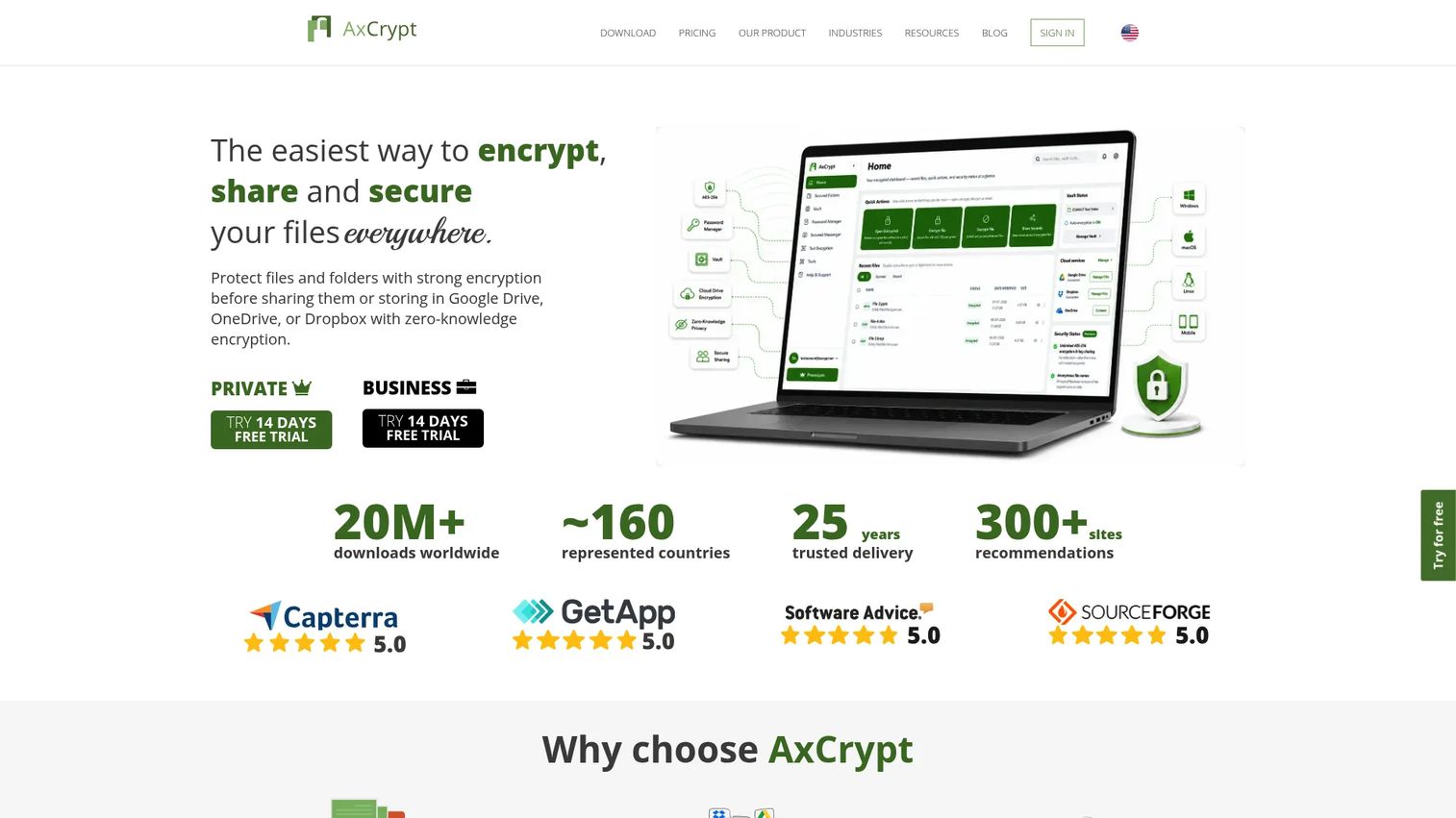
AxCrypt is file-encryption software built for individuals, small teams, and organizations that need to protect files stored in cloud-synced folders. It works directly on top of the cloud storage you already use, including Google Drive, OneDrive, Dropbox, and iCloud, so there is no new file system to learn. The product covers Windows, macOS, Linux, Android, and iOS, making it a practical choice for mixed-device teams.
Best for: Users and small teams that need straightforward AES-256 file encryption without buying a full governance platform.
Key features
- AES-256 file and folder encryption
- Cloud folder encryption for Google Drive, OneDrive, Dropbox, and iCloud
- Password-protected file sharing
- Cross-platform apps: Windows, macOS, Linux, Android, iOS
- Business user management and group access controls
Why choose AxCrypt: AxCrypt fits teams that want to encrypt files before they land in shared cloud folders without managing a new storage system or changing how they work. The free plan covers basic encryption, and the paid tiers add sharing and business management features for teams that need them.
AxCrypt pricing: The free tier is limited-use, covering two file encryptions per month and key sharing with one recipient. Premium is €4.67 per month billed annually, or €6.00 billed monthly, and unlocks unlimited encryption for private use. Business is €10.33 per month billed annually, or €12.00 billed monthly, and adds a master key, groups management, user access control, and business admin. Both paid tiers include a 14-day free trial. Check axcrypt.net/en/pricing for current rates in your currency.
2. Cryptomator
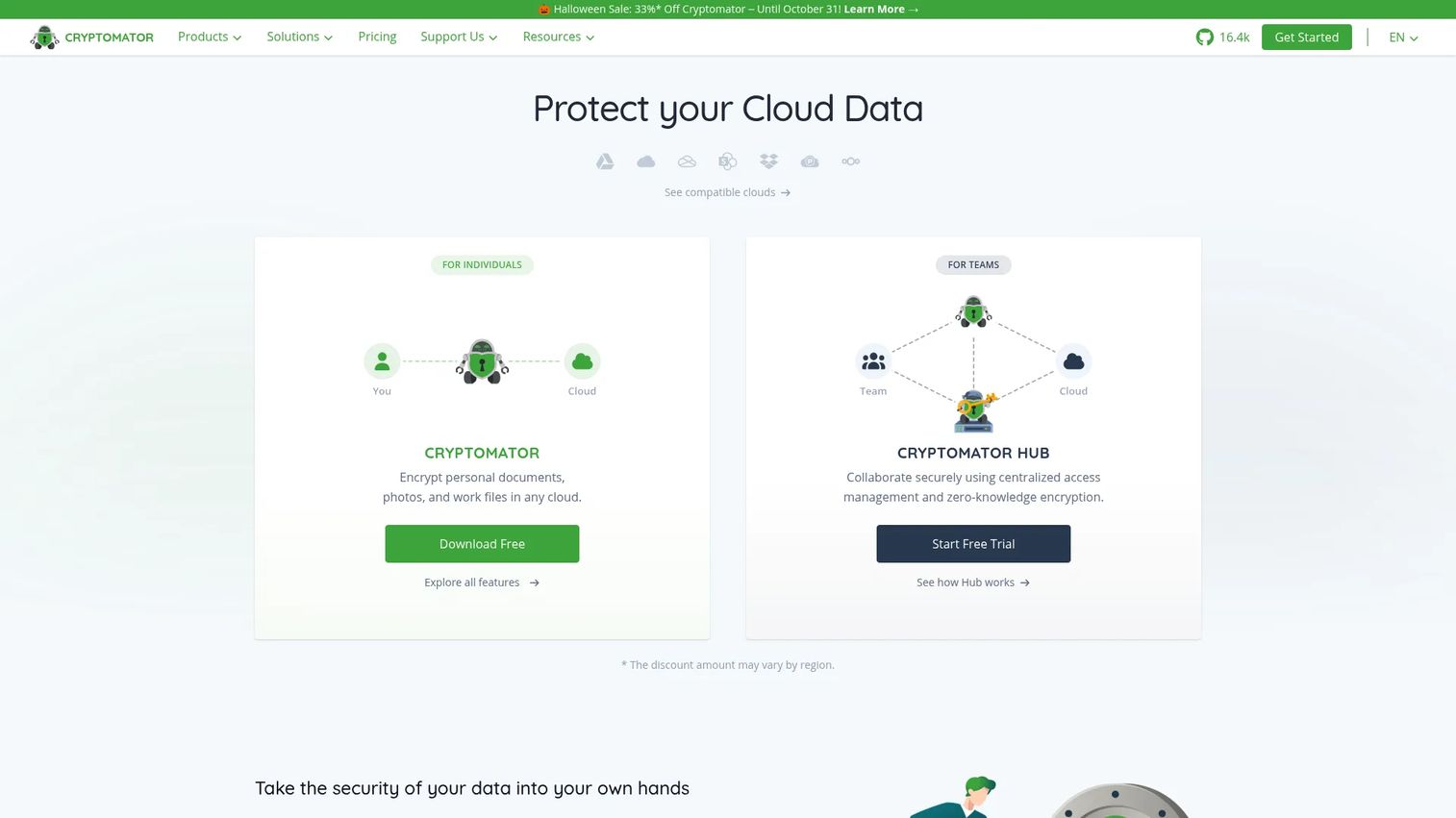
Cryptomator is a free, open-source tool that encrypts files on your device before they sync to any cloud storage provider. It creates an encrypted vault that looks like a normal folder to the cloud service but stays unreadable without your key. Because encryption happens locally, the cloud provider cannot access file contents. The codebase has been independently audited, and the project publishes its source code, making it a strong choice for privacy-conscious buyers who want to verify what the software does. Cryptomator is built by Skymatic GmbH in Germany.
Best for: Privacy-conscious individuals and teams that want zero-knowledge encryption layered on top of existing cloud storage at no desktop cost.
Key features
- Client-side encryption before files sync to cloud storage
- Filename and folder-structure encryption
- Virtual encrypted drive experience on desktop
- Open-source codebase with published security audits
- Cross-platform support: Windows, macOS, Linux, Android, iOS
Why choose Cryptomator: When you cannot change the cloud storage your organization uses, Cryptomator adds a zero-knowledge encryption layer on top without requiring a platform switch. For teams that need centralized key management and audit logs, Cryptomator Hub adds those capabilities on a per-seat subscription.
Cryptomator pricing: The desktop app is free for personal use. Cryptomator Hub Community is free and self-hosted. Hub Standard is €8 per seat per month self-hosted, or €12 per seat per month for the managed version. Hub Enterprise starts at €10,000 per year, excluding VAT, for a minimum of 50 seats. The mobile apps are sold separately as one-time purchases.
G2 rating: 4.1/5
3. NordLocker
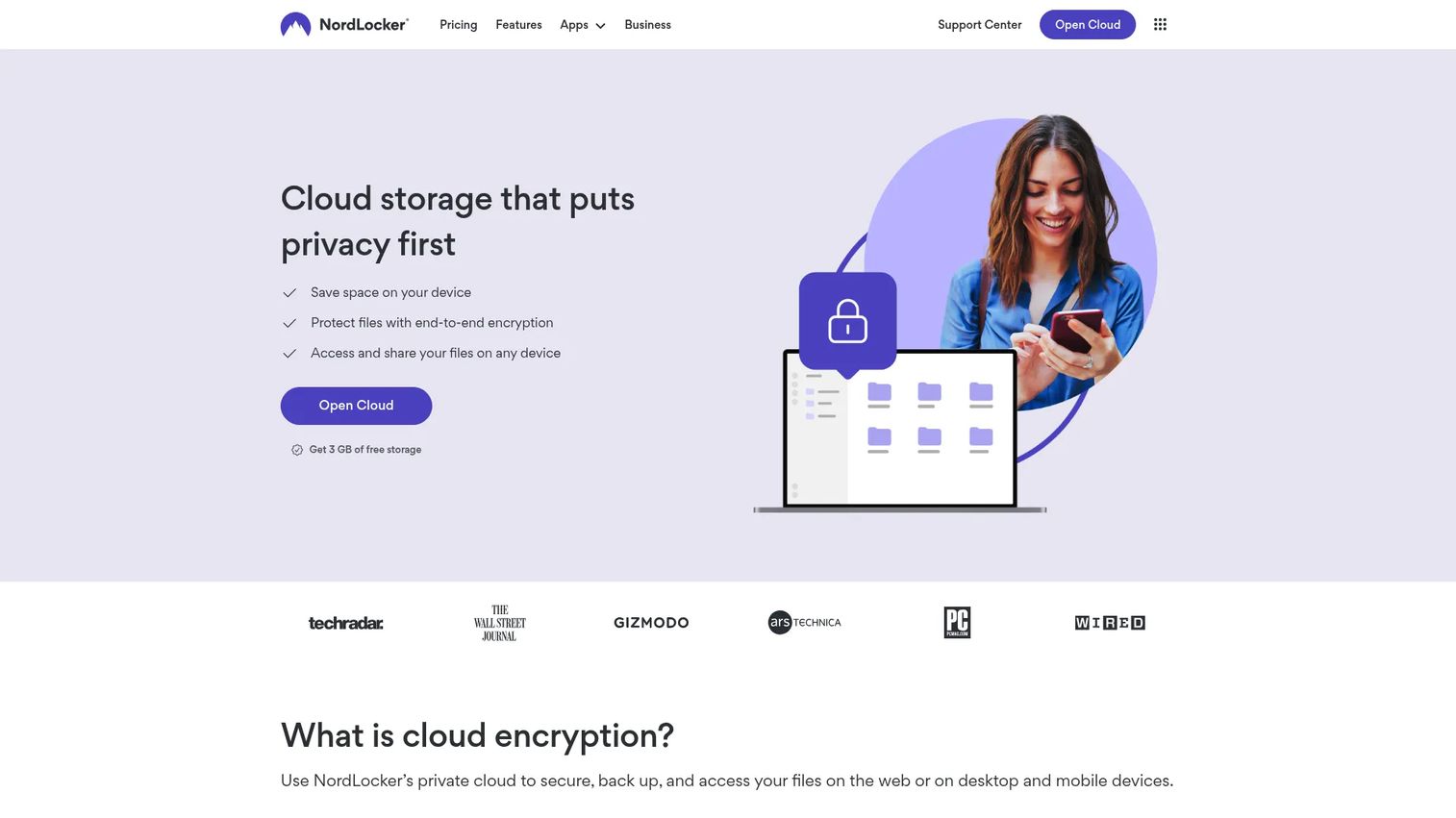
NordLocker is an encrypted cloud storage and file vault product built around zero-knowledge architecture. Files are encrypted on the device before uploading, so NordLocker cannot access your data. It is made by Nord Security, the same company behind NordVPN and NordPass, which matters if you are consolidating vendors or already have a Nord contract in place. NordLocker rebuilt its storage engine in 2026, replacing the older locker-based structure, so confirm current platform and offline coverage against the vendor's own documentation before you standardize on it.
Best for: Individuals and small teams that want privacy-first encrypted cloud storage with a clean, consumer-grade interface.
Key features
- Zero-knowledge end-to-end encryption
- Encrypted cloud storage with cross-device synchronization
- Private file sharing via email or link
- Device-side encryption before files leave the machine
- Secure backup and access across web, Windows, Android, and iOS
Why choose NordLocker: NordLocker works well when the priority is privacy-first storage rather than layering encryption onto an existing drive. Because keys stay with the user, even NordLocker cannot read your files. The free tier provides 3 GB of encrypted cloud storage, which is enough to evaluate the product before committing to a paid plan.
NordLocker pricing: The free plan includes 3 GB of cloud storage for a lifetime, with no credit card required. The 500 GB plan is $2.99 per month on an introductory annual term and renews at $59.88 per year. The 2 TB plan is $6.99 per month on an introductory annual term and renews at $179.88 per year. Both paid plans carry a 30-day money-back guarantee, and VAT may apply. Check nordlocker.com/plans for current rates, since introductory and renewal prices differ.
G2 rating: 4.2/5
4. Box
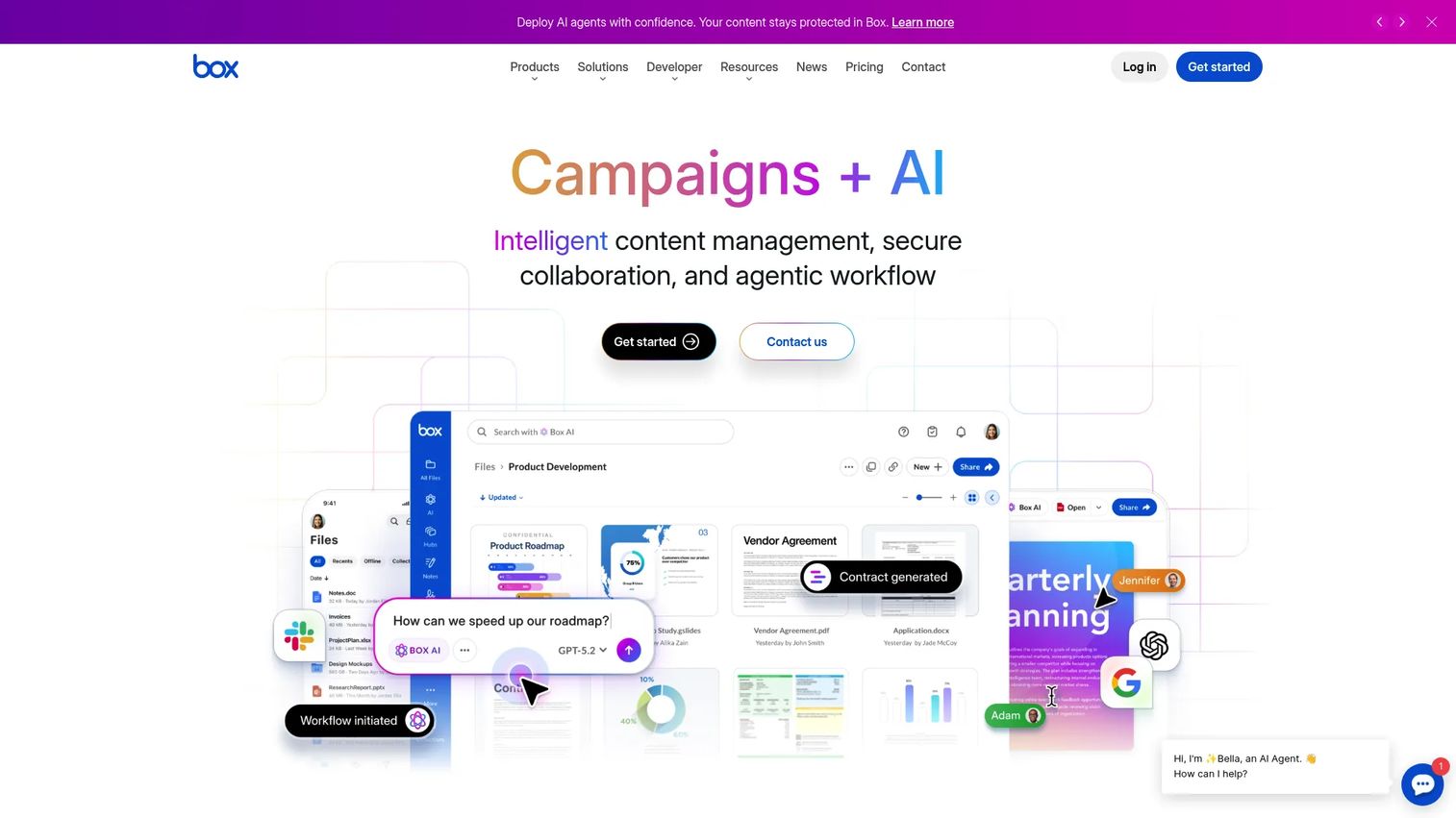
Box is an AI-powered content management platform for teams that need secure collaboration at scale. Beyond file storage, it covers workflow automation, e-signatures, threat detection, and compliance controls, all from a single admin console. Box integrates with hundreds of enterprise applications, making it practical for organizations that need file security to sit inside a broader content and productivity stack.
Best for: Enterprise teams that need governed content collaboration, admin access controls, and compliance management across large user bases.
Key features
- Secure content collaboration with granular access policies
- AI-powered content search, extraction, and classification
- Threat detection and anomaly alerts
- Workflow automation and document generation
- Compliance controls, audit logging, and records management
Why choose Box: Box makes sense when the challenge is governed collaboration at scale, not just encryption. It is stronger for teams that need admin policies, external sharing controls, and compliance workflows built into their file layer rather than added on top. Note that Box is not a zero-knowledge platform. Customer-managed keys are available through the Box KeySafe add-on, which is priced separately from the core plans.
Box pricing: Business is $15/user/month on annual billing, or $20 on monthly billing, with a minimum of 3 users. Business Plus is $25/user/month annual. Enterprise is $35/user/month annual. Enterprise Plus is $50/user/month annual. Enterprise Advanced requires contacting sales. Threat detection and native security classifications sit in Enterprise and above, or in the Box Shield add-on on lower tiers.
G2 rating: 4.2/5
5. Egnyte

Egnyte is a cloud content platform that combines file collaboration with data security, governance, and AI-powered content intelligence. Where basic cloud storage tells you who has access, Egnyte tells you what sensitive content exists, where it lives, and whether it is being shared in ways that create risk. Its ransomware detection and content lifecycle management features make it a good fit for mid-market teams under regulatory pressure. Egnyte took majority investment from the private equity firms GI Partners and TA Associates in 2025, so it is no longer a venture-backed independent in the way older comparisons describe it.
Best for: Mid-market and enterprise teams that need visibility into sensitive content across file repositories, not just access control.
Key features
- File access governance with granular permissions and versioning
- AI-powered sensitive content detection and classification
- Secure external sharing with link controls and audit reporting
- Ransomware detection and automated alerts
- Content lifecycle management and global file locking
Why choose Egnyte: Egnyte suits teams where the problem is not only encryption but knowing which files contain sensitive data and whether they are being shared appropriately. It fills the gap between basic cloud storage and full DLP platforms for organizations that need more visibility than a standard drive provides. Customer-held keys are available through Egnyte Key Management rather than by default.
Egnyte pricing: Business is $22/user/month on annual billing. Enterprise Lite is $39/user/month. Elite is $48/user/month. Ultimate requires a custom quote. Check egnyte.com/pricing for current user minimums and plan inclusions.
G2 rating: 4.4/5
6. Tresorit
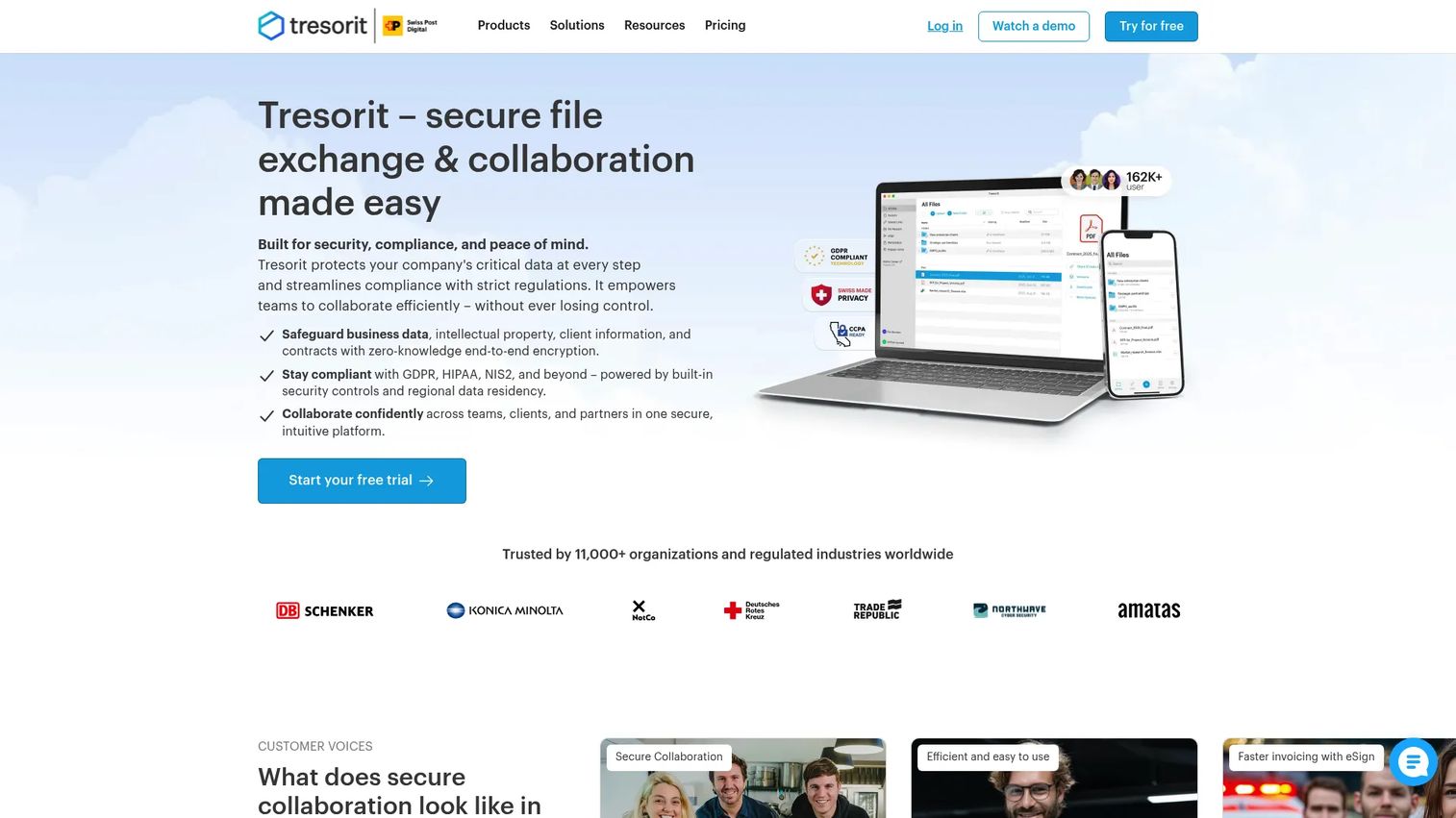
Tresorit is an end-to-end encrypted, zero-knowledge cloud platform for storing, syncing, sharing, and collaborating on sensitive files. Unlike traditional cloud storage where the provider holds encryption keys, Tresorit's architecture means only you and your team can decrypt your files. It covers secure data rooms, encrypted file requests, and electronic signatures, making it useful across legal, HR, finance, and presales workflows. Swiss Post acquired a majority stake in Tresorit in 2021, which is worth knowing when a customer security team asks about ownership and data residency.
Best for: Teams that want a secure cloud workspace with zero-knowledge encryption, rather than adding encryption on top of an existing drive.
Key features
- End-to-end, zero-knowledge encryption
- Encrypted file sharing with link expiration and access controls
- Secure file requests from external parties
- Secure data rooms for confidential collaboration
- Electronic signatures and encrypted email integration
Why choose Tresorit: Tresorit is the right call when the team needs end-to-end encrypted collaboration built into the storage layer, not retrofitted. It handles external sharing with the same encryption as internal storage, which matters when you are sending POC artifacts or contract drafts outside the organization.
Tresorit pricing: The Basic plan is free. Personal Lite starts at $4.75/month. On the business side, Professional is $27.49/month for a single user, Business is $19/user/month from a minimum of 3 users, and Business Pro is $24/user/month from a minimum of 5 users. Enterprise is custom priced and billed annually. See tresorit.com/pricing for the current personal and business tiers.
G2 rating: 4.5/5
7. Kiteworks
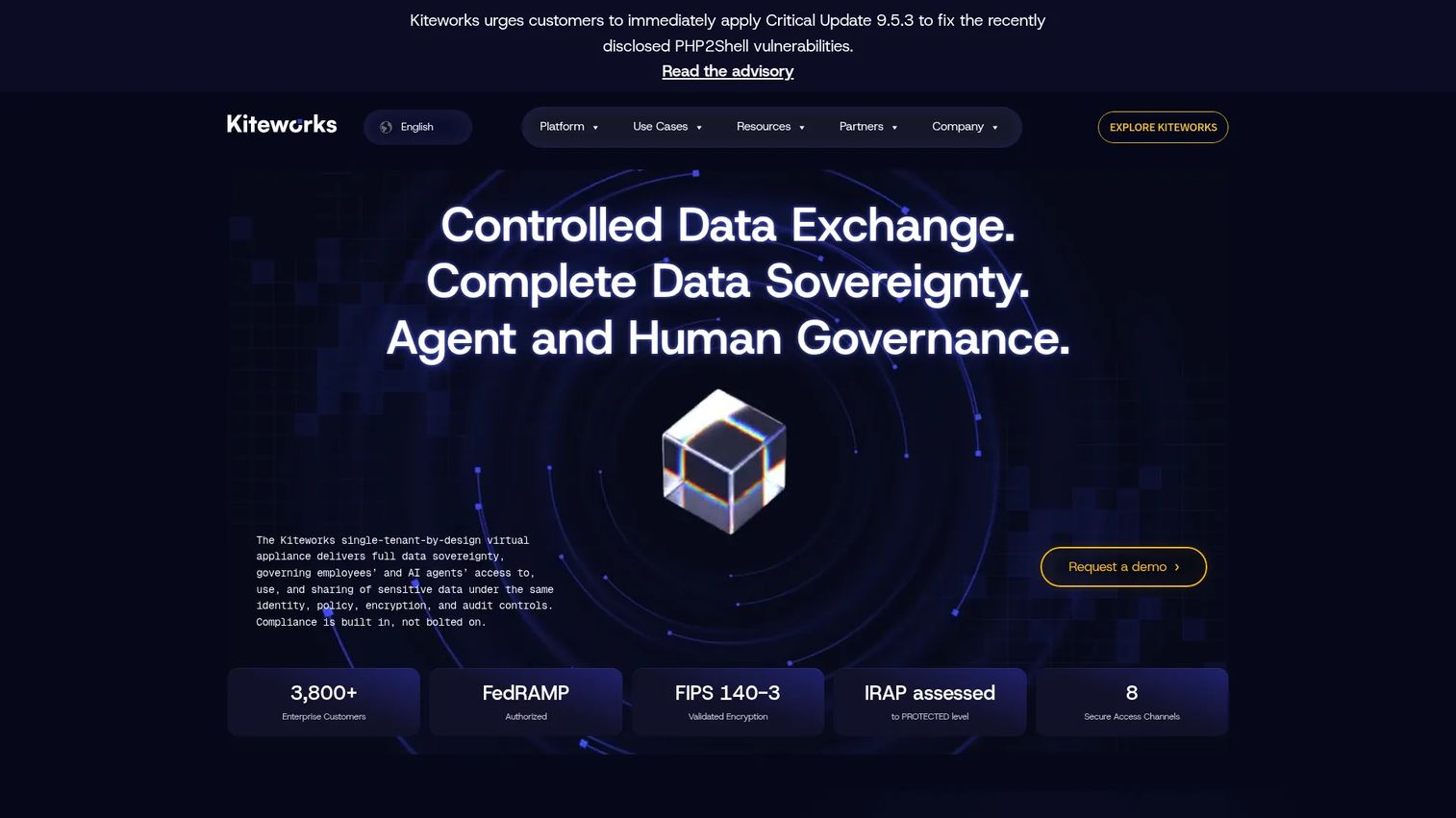
Kiteworks is a Private Data Network platform for organizations that need to control, protect, and track sensitive third-party data exchanges. It covers secure email, managed file transfer, SFTP, web forms, and APIs, all with granular access controls and a consolidated audit trail. Kiteworks is used heavily in regulated industries where external file movement must be logged and reportable. The product is the former Accellion, rebranded under the Kiteworks name in 2021, so older vendor documentation and security questionnaires may still refer to it by the previous name.
Best for: Regulated organizations that need a complete audit trail for every file exchanged with customers, partners, and auditors.
Key features
- Secure email with encrypted attachments
- Managed file transfer and SFTP
- Granular access controls with link expiration and revocation
- Consolidated audit logs across all communication channels
- Governance controls and compliance reporting
Why choose Kiteworks: Kiteworks fits when external file movement is a compliance requirement, not just a best practice. It goes further than secure file sharing apps by consolidating email, transfer, and form submissions into one auditable content network. The Business package covers 5 to 500 users with a 2 GB file size maximum, while Enterprise supports unlimited users and raises the file size maximum to 16 TB.
Kiteworks pricing: The Business package is listed at $25.50 per user per month, purchasable online from a minimum of five licenses, with a 40% discount for annual billing. Enterprise is sold through a sales-led process without a published price. Contact Kiteworks for an Enterprise quote.
G2 rating: 4.4/5
8. Virtru
Virtru provides data-centric security for protecting and controlling sensitive information shared through email, files, and SaaS applications. Its key capability is persistent access control: you can revoke access to a file or email attachment after sending it, even if the recipient has already opened it. Virtru integrates with Google Workspace, Microsoft 365, OneDrive, SharePoint, and several other SaaS platforms.
Best for: Teams that need to control files in motion, particularly documents shared through email workflows where revocation matters.
Key features
- End-to-end encryption for email and attachments, built on the Trusted Data Format
- File access revocation after sending
- Policy-based access controls with expiration settings
- Secure sharing links with persistent protection
- Key management options, including the Virtru Private Keystore for customer-hosted keys
Why choose Virtru: Virtru addresses a specific gap: the moment a file leaves your system through email. Once shared, most tools have no mechanism for taking it back. Virtru's persistent access control means you can close access to a security questionnaire response or architecture diagram after the review ends. One distinction to raise with a customer security team: in the default deployment, key management sits with Virtru rather than with you, so Virtru is end-to-end encrypted but not zero-knowledge. Teams that need to hold their own keys, often for CJIS, ITAR, or CMMC requirements, deploy the Virtru Private Keystore on-premises or in their own cloud.
Virtru pricing: Starter starts at $119/month for 5 users, billed annually. Business is $219/month for 5 users, billed annually. Compliance is $499/month for 5 users, billed annually. Enterprise uses custom pricing. Additional users can be added to any package.
G2 rating: 4.4/5, listed on G2 as Virtru Email Encryption
9. Microsoft Purview
Microsoft Purview is a portfolio of data governance, data security, and compliance tools for organizations running on Microsoft 365. It sits across SharePoint, OneDrive, Teams, and Exchange, applying sensitivity labels, DLP policies, retention schedules, and insider risk signals to files wherever they live in the Microsoft stack. It is not a standalone encrypted vault; it is the governance and policy layer that enforces how files are handled at scale. Purview and OneDrive, entry 12 in this list, are both Microsoft products, so choosing both is a single vendor decision rather than a two-vendor stack.
Best for: Microsoft 365 organizations that need enterprise-grade DLP, sensitivity labels, audit trails, and compliance management across their entire file environment.
Key features
- Sensitivity labels for classifying and protecting files and emails
- Data loss prevention (DLP) policies across Microsoft 365 apps
- Audit, eDiscovery, and communication compliance
- Retention policies and records management
- Insider risk management and data security investigations
Why choose Microsoft Purview: For teams already standardized on Microsoft 365, Purview is the natural governance layer. It applies policy across the tools people already use rather than requiring a separate file system. Pair it with OneDrive for storage and you cover the majority of enterprise file security requirements without adding another vendor.
Microsoft Purview pricing: Purview is licensed three ways, and the structure matters more than any single figure. The Purview Suite add-on lists at $12/user/month on an annual commitment, on top of an eligible base license. Many Purview capabilities are also bundled into Microsoft 365 E5, which lists at $60/user/month. Some capabilities are billed by consumption through Azure instead. Individual modules such as eDiscovery Premium and Insider Risk Management can also be licensed on their own. Confirm the exact entitlement for the capabilities you need on the Microsoft Purview pricing page, because the same feature name can carry a different price in each model.
10. Google Drive
Google Drive is the default file layer for Google Workspace teams, with sharing controls, admin security settings, DLP, and audit logs built into the platform. It is not a dedicated encryption product, but for organizations already running on Google Workspace, it provides a practical baseline for file security without adding new tooling. Gemini in Drive adds AI-powered file search and summarization for Workspace users.
Best for: Google Workspace teams that need practical sharing controls, DLP, and audit visibility inside their existing file system.
Key features
- Shared drives with granular member and access settings
- Link access controls with viewer, commenter, and editor permissions
- Admin security rules enforced across the organization
- DLP for scanning and protecting sensitive content in Drive files
- Workspace audit logs for file access and sharing activity
Why choose Google Drive: For Google Workspace organizations, Drive is the starting point rather than an add-on. Teams that need zero-knowledge encryption or revocable external sharing can add a tool like Cryptomator or Tresorit on top, but Drive's native controls cover the basics for most internal file management needs.
Google Drive pricing: Free Google accounts include 15 GB of shared storage. Drive for organizations is sold as part of Google Workspace: Business Starter is $7/user/month on an annual commitment with 30 GB per user, Business Standard is $14/user/month with 2 TB per user, and Business Plus is $22/user/month with 5 TB per user. Enterprise pricing requires contacting sales. DLP and the deeper audit controls sit on the higher tiers, so check the tier before assuming they are included.
G2 rating: 4.6/5. G2 lists Drive as a Google Workspace subproduct
11. Dropbox
Dropbox is a cloud storage and collaboration platform with business-grade sharing controls, an admin console, device management, and file recovery. It is not a zero-knowledge encryption tool, but for teams that need familiar file sync with structured sharing permissions and admin oversight, it covers most day-to-day file security requirements without requiring retraining.
Best for: Teams that want reliable file sync with business-grade admin controls and sharing permissions in a familiar interface.
Key features
- Team file storage with version history and recovery
- Link permissions with viewer, editor, and expiration settings
- Admin console with device approvals and access reporting
- Team folder management and granular permission controls
- File recovery and extended version history on higher tiers
Why choose Dropbox: Dropbox works well when user adoption is a constraint and the team needs secure sharing without switching to an unfamiliar file system. Its admin controls satisfy most internal sharing governance requirements, and the link permission settings reduce the risk of overshared folders.
Dropbox pricing: Basic is free with 2 GB of storage. Plus is $9.99/month for one person with 2 TB. On the team side, Standard is $15/user/month with 3 TB and Advanced is $24/user/month with 15 TB, both on monthly billing from a minimum of three users. Enterprise pricing requires contacting Dropbox.
G2 rating: 4.4/5
12. OneDrive
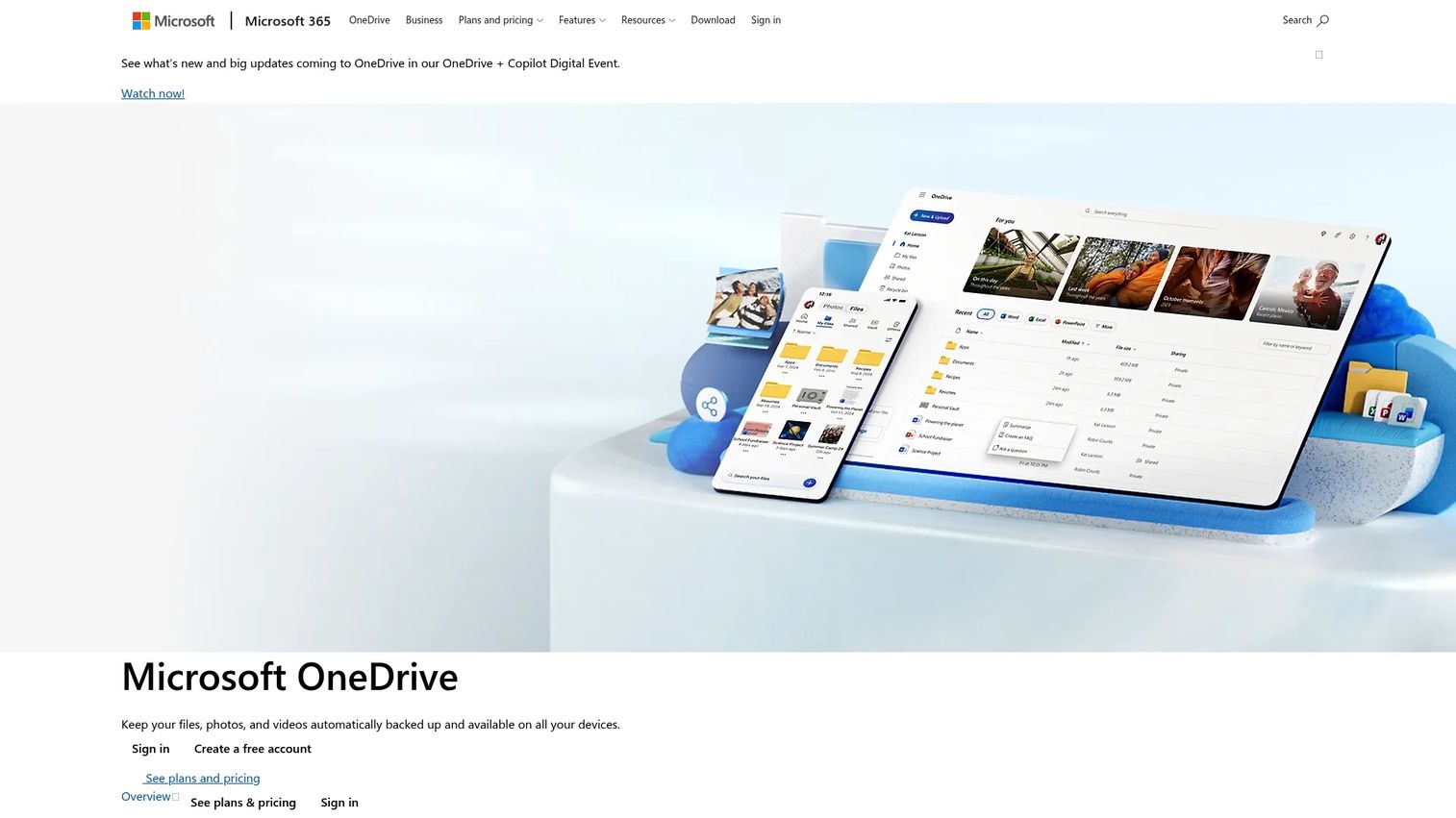
OneDrive is Microsoft's cloud storage service for backing up, accessing, sharing, and synchronizing files across devices. It includes a Personal Vault with multi-factor authentication for the most sensitive files, ransomware detection with file recovery, and full integration with Microsoft Purview for organizations that need policy-based governance across their file environment. OneDrive and Microsoft Purview, entry 9, come from the same vendor, so the pairing described below is one Microsoft decision rather than two separate purchases.
Best for: Microsoft 365 teams that need secure personal and shared cloud file storage tightly integrated with the rest of the Microsoft stack.
Key features
- Cross-device file backup, sync, and offline access
- Personal Vault with multi-factor authentication
- Ransomware detection and point-in-time file recovery
- Real-time collaboration on Microsoft 365 documents
- Purview sensitivity label and DLP policy support
Why choose OneDrive: OneDrive is strongest when the organization standardizes on Microsoft 365. Paired with Purview, it becomes a governed file storage layer with sensitivity labels, access policies, and audit logs applied across the entire Microsoft environment. Note that Personal Vault adds an authentication gate rather than zero-knowledge encryption, so Microsoft can still access the underlying content.
OneDrive pricing: The free tier includes 5 GB of storage. On the consumer side, Microsoft 365 Basic is $19.99/year with 100 GB, Microsoft 365 Personal is $9.99/month or $99.99/year with 1 TB and the Office apps, Microsoft 365 Family is $12.99/month or $129.99/year for up to 6 people, and Microsoft 365 Premium is $19.99/month or $199.99/year with additional security features. Storage allowances for Family and Premium changed in October 2026, so confirm the current pooled amount before you buy. Business OneDrive entitlements are licensed through the Microsoft 365 business plans instead.
G2 rating: 4.3/5
Considerations when choosing cloud file security software
Match the tool to the actual risk
File encryption software protects the file itself wherever it goes. Secure cloud storage protects folders and synchronization. Governance platforms enforce policy across many users. A presales team protecting POC workbooks has different requirements than a legal team managing contract drafts at scale. Start by identifying the specific exposure before choosing a tool.
Check where encryption happens
Server-side encryption protects data in transit and at rest on the provider's servers, but the provider holds the keys. Client-side encryption means your device encrypts the file before it ever leaves. End-to-end encryption keeps the file protected throughout transit and storage. Zero-knowledge architecture means the provider has no mechanism to decrypt your data at all. These are not equivalent, and vendors use the terms loosely. End-to-end encryption with vendor-held keys is not zero-knowledge, and a product can be both encrypted and readable by its provider. Ask specifically who holds the keys and whether customer-held key management costs extra, because that is the question a customer security team will ask you.
Evaluate sharing controls before storage size
Presales and sales engineering teams create risk through external sharing far more often than through storage volume. Look specifically for link expiration, recipient authentication, access revocation after the fact, watermarking, and downloadable audit logs. A tool that offers large storage but weak sharing controls is the wrong fit for this workflow.
Confirm cloud and operating system compatibility
Verify that the tool works with the storage your team already uses, whether that is Google Drive, Dropbox, OneDrive, or SharePoint, and that it runs on the operating systems your team and customers use. Windows 10, Windows 11, macOS, iOS, and Android coverage matters if the team shares files with customers on different devices. Check compatibility directly with the vendor before committing.
Review admin visibility and compliance support
DLP, audit trails, retention schedules, sensitivity labels, legal hold, access logs, and policy enforcement are not features every tool includes. If your organization is subject to data protection requirements or regularly responds to security questionnaires about file handling practices, verify which governance capabilities come with each tier before assuming they are included. Avoid tools where the audit log is locked to an enterprise plan you are not buying.
Conclusion
Cloud file security sits on a spectrum. At one end, you have lightweight file encryption for individuals protecting personal files. At the other, enterprise governance platforms that classify sensitive content, enforce policy, and generate audit trails across thousands of users.
For simple encryption, AxCrypt or Cryptomator add a protection layer to the cloud drive you already use. For privacy-first encrypted storage, Tresorit or NordLocker build that security into the storage layer itself. For governed team collaboration, Box or Egnyte cover content security at scale. For controlled external exchange, Kiteworks or Virtru handle regulated file movement with a full audit trail. For Microsoft and Google-native governance, Purview, OneDrive, and Google Drive fill the gap when the organization is already standardized on those platforms.
The practical next step is an inventory: find out where sensitive files actually live, who has access to them, and whether the current setup gives you a record of that access. Most security gaps in presales workflows are not encryption failures. They are sharing failures, where the right file reached the wrong person because no one thought about access control when the link was created.
Choosing the right encryption model is one half of the problem. The other half is explaining it, because the same security questionnaire that asks who holds your keys usually arrives alongside a request to see how your product actually works. Guideflow lets presales and product marketing teams build an interactive demo that shows the product in a controlled environment, so security reviewers can evaluate the workflow without a shared folder of screenshots living on someone's drive.
Start your journey with Guideflow today!
FAQs
Cloud file security software protects files stored, shared, or synchronized through cloud environments using encryption, access controls, policy enforcement, and audit logs. The category includes individual file encryption tools, encrypted cloud storage platforms, secure file sharing services, and enterprise DLP and governance systems. The right tool depends on whether you need to protect the file itself, control access to a shared folder, or enforce policy across an entire organization.
For small teams, AxCrypt and Cryptomator are strong starting points for file encryption at low or no cost. NordLocker and Tresorit offer encrypted cloud storage with a polished experience for teams that want keys out of the provider's hands. For teams already using Google Drive, Dropbox, or OneDrive, tightening the native sharing controls and admin settings in those platforms is often the fastest first step.
Enterprise teams with complex governance requirements tend to fit Box, Egnyte, Kiteworks, or Virtru, depending on whether the priority is collaboration, content intelligence, regulated file exchange, or email and file encryption with revocation. For Microsoft 365 environments, Microsoft Purview provides DLP, sensitivity labels, and compliance management directly inside the Microsoft stack without adding a separate vendor.
Encryption is necessary but not sufficient on its own. A file can be encrypted in transit and at rest while still being accessible to anyone who has the link. Comprehensive protection also requires permissions management, link expiration, recipient authentication, device policies, access revocation, and an audit log showing who accessed the file and when. Presales teams in particular need sharing controls as much as encryption, because most exposures happen at the sharing step, not the storage step.
Zero-knowledge encryption means the service provider cannot read your file contents because the encryption keys stay with the user or organization rather than the provider. The provider stores encrypted data but has no mechanism to decrypt it. Cryptomator, NordLocker, and Tresorit use zero-knowledge architecture. Box, Egnyte, and Virtru can hold keys on the customer side, but only through a separately configured key management option rather than by default. One practical consequence: if you lose your key or passphrase under a true zero-knowledge model, the provider cannot recover your files, so key management procedures matter.
Yes. Each platform includes sharing controls, admin settings, and, for business tiers, DLP and audit logging. Google Drive and OneDrive offer more governance depth through Google Workspace and Microsoft Purview respectively. For zero-knowledge encryption on top of any of these drives, a tool like Cryptomator creates an encrypted vault that the cloud provider cannot read, while your files still sync normally to the underlying storage.
Presales teams routinely handle security questionnaires, technical architecture diagrams, data flow documents, POC workbooks, customer environment details, pricing files, and contract drafts. Any of these files, if forwarded outside the intended audience, can slow a security review, create a compliance question, or expose competitive information. The most common risk is not a breach of the storage platform itself but an inappropriately forwarded link or a folder shared with more people than intended.
Choose file encryption when the file itself must stay protected regardless of where it ends up, even after forwarding or downloading. Choose secure file sharing controls when the priority is tracking access, revoking links, and maintaining an audit trail for files that leave your environment. For enterprise teams managing many users and sensitive content at scale, a DLP and governance platform like Microsoft Purview or Egnyte addresses access control at the policy level rather than the individual-file level. Many teams use more than one layer: encrypted storage for sensitive files combined with sharing controls for external distribution.