Your spreadsheet says every rep is certified. Then a frontline manager finds three people still using last quarter’s talk track.
That gap matters because training completion doesn’t always prove readiness. Enablement teams also need approvals, expiration dates, evidence, renewal status, and reporting by cohort.
The risk extends beyond sales. According to Training in 2025, 92% of organizations delivered at least some mandatory or compliance training online. Moving training online creates more records to govern, especially when credentials expire or require manager verification.
Certification tracking software gives each record an owner, status, and renewal workflow. The right system also improves audit readiness without adding another spreadsheet for managers to maintain.
What’s inside
This guide compares software for tracking employee certifications, external credentials, required training, and renewal dates.
- Who this is for: Enablement, HR, L&D, compliance, safety, healthcare, and operations teams
- How tools were selected: Certification relevance, renewal workflows, audit reporting, and training support
- What the comparison covers: Dedicated trackers, LMS platforms, compliance tools, and credential systems
- What to verify: Pricing, integrations, workflow depth, permissions, and G2 ratings
The list includes focused certification platforms alongside broader learning systems. That distinction matters because course completion and readiness evidence solve different operational problems.
TL;DR
- Best dedicated certification tracking platform: Certemy manages regulated credentials, renewals, verification, and compliance reporting
- Best for workforce readiness: TalentGuard connects certifications with skills, role expectations, and development planning
- Best for healthcare credentialing: MedTrainer combines healthcare training, credentialing, policy management, and audit support
- Best for simple expiration alerts: Expiration Reminder tracks renewal deadlines without requiring a full LMS
- Best LMS options: Absorb LMS, TalentLMS, LearnUpon, Litmos, Docebo, and Cornerstone Learning support broader learning programs
- Best for frontline operations: Vector Solutions, SafetyCulture, Convergence LMS, and VAIRKKO Suite connect readiness records with operational work
What is certification tracking software?
Certification tracking software helps organizations store, monitor, renew, verify, and report on employee certifications, licenses, permits, credentials, and required training records.
It gives enablement and compliance teams a current view of who is qualified for each role. Records can include internal product certifications, manager approved role plays, external licenses, safety credentials, or partner qualifications.
The category overlaps with training tracking software and compliance tracking software. However, its central job is managing evidence across the complete certification lifecycle.
Core capabilities to look for
- Centralized credential records
- Certification expiration tracking
- Automated renewal alerts
- Role based requirements
- Manager approval workflows
- Document and evidence storage
- Certification audit trails
- Compliance reporting
- Employee self service
- Credential verification workflows
A useful system should answer practical questions quickly. Which reps passed the latest certification? Who approved them? Which records expire before the next product launch? What evidence can leadership review?
Certification renewal reminders are only one part of the process. Stronger platforms can trigger recertification assignments, notify managers, flag overdue records, and preserve renewal history.
Certification tracking software vs. LMS software
An LMS delivers learning and records course completion. Certification management software tracks whether a person remains qualified, including evidence and renewal status.
Some LMS platforms handle both jobs. Dedicated systems become more relevant when professional license tracking, external certifications, or audit evidence drive operational risk.
| Need | LMS | Certification tracking software |
|---|---|---|
| Deliver courses | Strong | Sometimes available |
| Track external credentials | Varies | Strong |
| Manage expiration dates | Varies | Core capability |
| Store supporting evidence | Varies | Common capability |
| Produce audit reports | Varies | Core capability |
| Assign recertification | Strong for LMS courses | Strong when configured or integrated |
For sales enablement, ask whether the platform proves field readiness or only records training completion. A completion report won’t show manager approval unless the workflow captures it.
When to use certification tracking software
Replace spreadsheet based certification tracking
Spreadsheets become difficult to govern when records span managers, regions, cohorts, and external credentials. Version drift also weakens audit trails.
Use employee certification tracking software when manual reminders consume enablement time. A shared system can assign ownership and preserve status changes without relying on calendar tasks.
Keep role based certifications current
Sales roles often require product knowledge, methodology training, partner qualifications, or industry credentials. Requirements can also vary by territory or segment.
A certification tracker shows which reps meet the current standard. Managers can use that evidence when approving ramp milestones, assigning accounts, or preparing launch readiness reports.
Prepare for audits without panic
Audit readiness requires more than a list of names. You may need issue dates, expiration dates, attached proof, approver history, and renewal records.
A structured certification audit trail reduces evidence retrieval work. It also gives leadership a defensible picture of readiness before a review begins.
Certification tracking software comparison
The 17 tools below cover dedicated certification tracking, learning management, healthcare credentialing, frontline safety, and workforce operations.
Pricing comes from vendor sources in the supplied research. Custom pricing means the vendor prices by quote. G2 ratings reflect the current values in that research, while N/A means no meaningful rating was available.
| # | Product | Best for | Key differentiator | Pricing | G2 rating |
|---|---|---|---|---|---|
| 1 | Certemy | Regulated credential programs | License verification and lifecycle workflows | From $2.40 per user monthly, billed yearly | N/A |
| 2 | TalentGuard | Workforce readiness | Connects skills, certifications, and development | From $1.60 daily per user, billed $579 yearly | N/A |
| 3 | Trainery | Training operations | Product details require direct vendor review | Custom pricing | N/A |
| 4 | TraineryCredentials | Employee credential tracking | Renewal forecasts and role mapping | Custom pricing | N/A |
| 5 | Vector Solutions | Regulated workforce training | Industry focused compliance content | Custom pricing | 4.3/5 |
| 6 | Convergence LMS | Industrial training compliance | Industrial LMS with offline training support | Custom pricing | N/A |
| 7 | MedTrainer | Healthcare credentialing | Training, compliance, and provider credentialing | Custom pricing | 4.4/5 |
| 8 | Expiration Reminder | Simple expiration alerts | Tracks varied documents and renewal deadlines | From $44 monthly, billed yearly | 4.2/5 |
| 9 | Absorb LMS | Enterprise learning | Multi audience training and custom reporting | Custom pricing | 4.6/5 |
| 10 | TalentLMS | Smaller training teams | Free plan and accessible LMS packaging | Free; paid plans from $119 monthly | 4.6/5 |
| 11 | LearnUpon | Multi audience learning | Separate learning portals | Custom pricing | 4.5/5 |
| 12 | Litmos | Corporate compliance training | Certification workflows and content delivery | From $8,000 yearly | 4.3/5 |
| 13 | SafetyCulture | Frontline operations | Inspections, training, and issue management | Free; Premium from $24 monthly | 4.6/5 |
| 14 | Docebo | Enterprise learning programs | Multi audience learning and automation | Custom pricing | 4.3/5 |
| 15 | Cornerstone Learning | Global workforce development | Certification management inside a talent suite | Custom pricing | 4.1/5 |
| 16 | CredentialCamp | Employee credential programs | Credential tracking with automated scanning | Free signup; custom pricing | N/A |
| 17 | VAIRKKO Suite | Workforce operations | Modular training and employee records | Custom pricing | 4.4/5 |
Best 17 tools for certification tracking software
1. Certemy
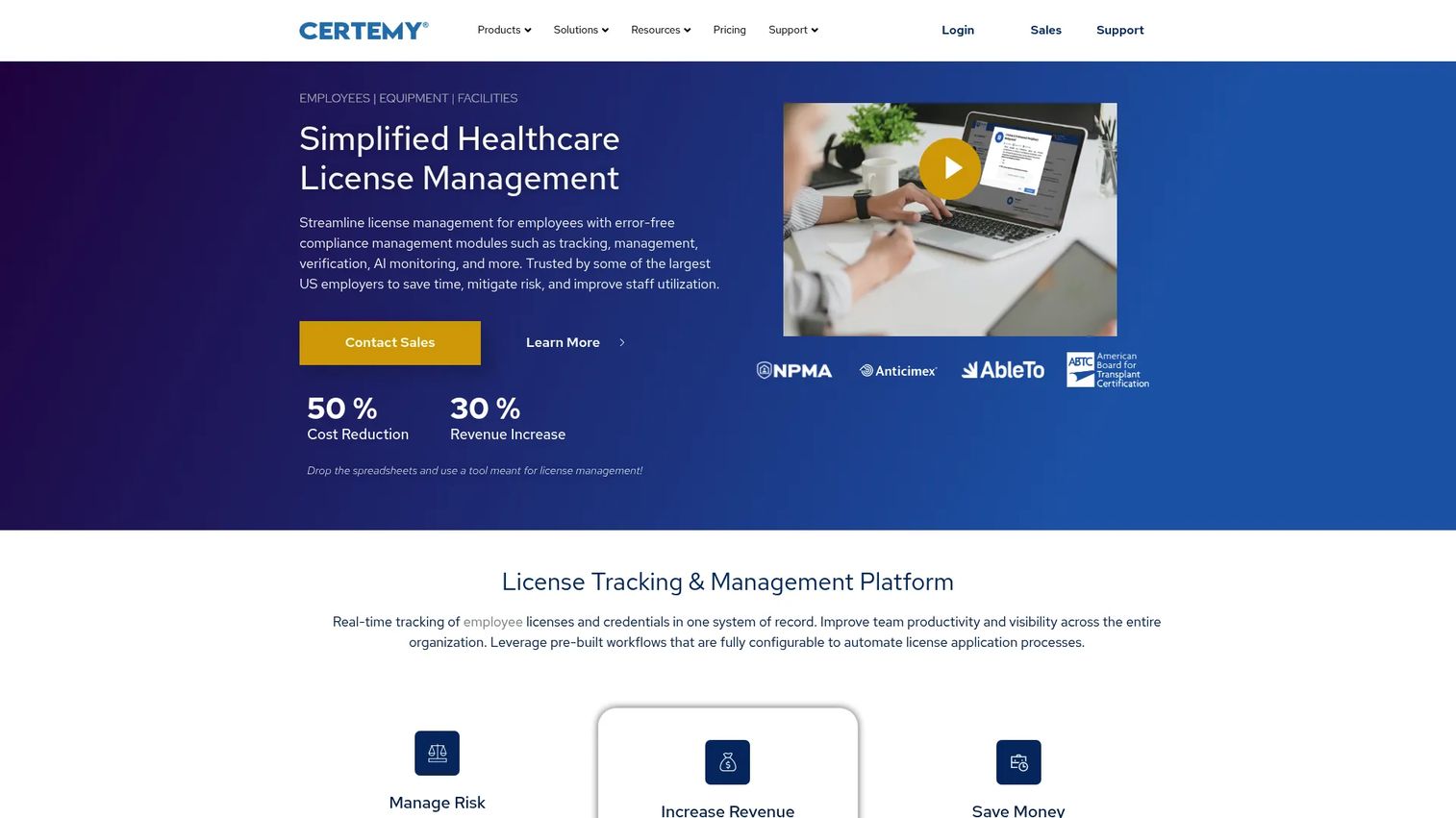
Certemy is a workforce compliance platform for employee, equipment, and facility credentials. It tracks licenses, certifications, permits, and registrations across jurisdictions.
The platform supports configurable workflows for applications and renewals. Automated notifications, reporting, continuing education requirements, and primary source verification extend it beyond basic certification expiration tracking.
Best for: Organizations managing licensed or certified workforces across multiple states or jurisdictions.
Key features
- License and certification tracking
- Primary source verification
- Configurable renewal workflows
- Continuing education requirements
- Compliance dashboards and reporting
Why choose Certemy: Choose it when credential status and evidence affect whether an employee can work. Its structured workflows suit regulated programs better than calendar reminders.
Small enablement teams tracking a few internal certifications may find the platform broader than required. The fit improves when approvals, jurisdiction rules, or external licenses create risk.
Certemy pricing: Yearly Track pricing starts at $2.40 per user monthly. Monthly Standard Track costs $3 per user monthly.
Enterprise Track & Manage costs $4.80 per user monthly with yearly billing. Primary Source Verification starts at $0.80 per verification in the yearly view.
2. TalentGuard
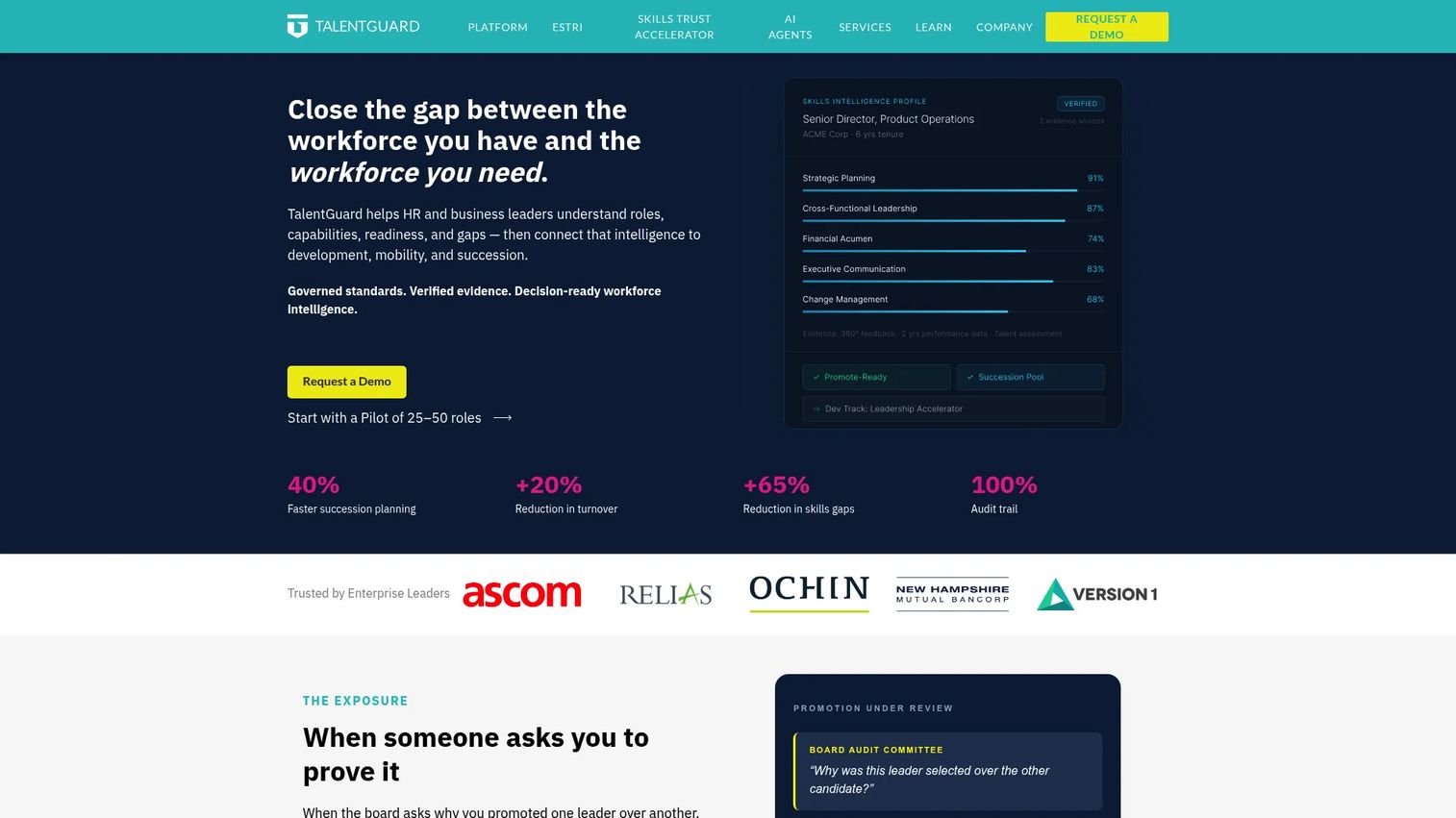
TalentGuard is a workforce intelligence platform for skills governance, role readiness, career mobility, and succession planning. Certification management sits inside a broader workforce readiness model.
Skills assessments can include manager verification and gap analysis. Talent teams can connect identified gaps with development planning, career paths, certification status, and workforce dashboards.
For sales enablement, that creates a useful link between certification and progression. A manager can view readiness as part of ramp milestones or coaching plans instead of treating it as an isolated completion record.
Best for: Midmarket and enterprise teams connecting certifications with skills, competencies, and role progression.
Key features
- Certification and compliance dashboards
- Skills gap analysis
- Manager verified assessments
- Career pathing
- Development planning
Why choose TalentGuard: It fits organizations where certification supports a wider talent strategy. Enablement leaders can connect readiness with coaching priorities and role expectations.
Choose a dedicated tracker when external licenses or jurisdiction specific renewal rules dominate the program. TalentGuard’s strongest fit is governed workforce intelligence.
TalentGuard pricing: Front Line Manager Development starts at $1.60 daily per user, billed at $579 yearly. Other published offerings use separate pricing models.
The homepage also offers free WorkforceGPT access. Enterprise platform pricing is custom.
3. Trainery
Trainery appears in certification tracking searches, but its official site did not expose enough readable information for a detailed product assessment. The available research could not verify its feature set, target customer, or packaging.
That makes the sales process important. Ask the vendor to demonstrate the complete lifecycle rather than presenting a general training overview.
Start with a certification record. Then request proof collection, manager approval, expiration handling, renewal assignment, escalation, and reporting. This sequence shows whether the product manages readiness evidence or mainly delivers training.
Best for: Teams willing to validate the current product directly with the vendor before creating a shortlist.
Key features
- Current capabilities require vendor confirmation
- Renewal depth requires vendor confirmation
- Reporting scope requires vendor confirmation
Why choose Trainery: Keep it on the list if its current product aligns with your certification workflow after a live review. Avoid making the decision from category labels alone.
Enablement teams should also test reporting by role and cohort. A useful system must show readiness before a launch, not only historical completion.
Trainery pricing: Custom pricing. Ask sales for plan structure, implementation costs, user limits, and renewal workflow details.
4. TraineryCredentials
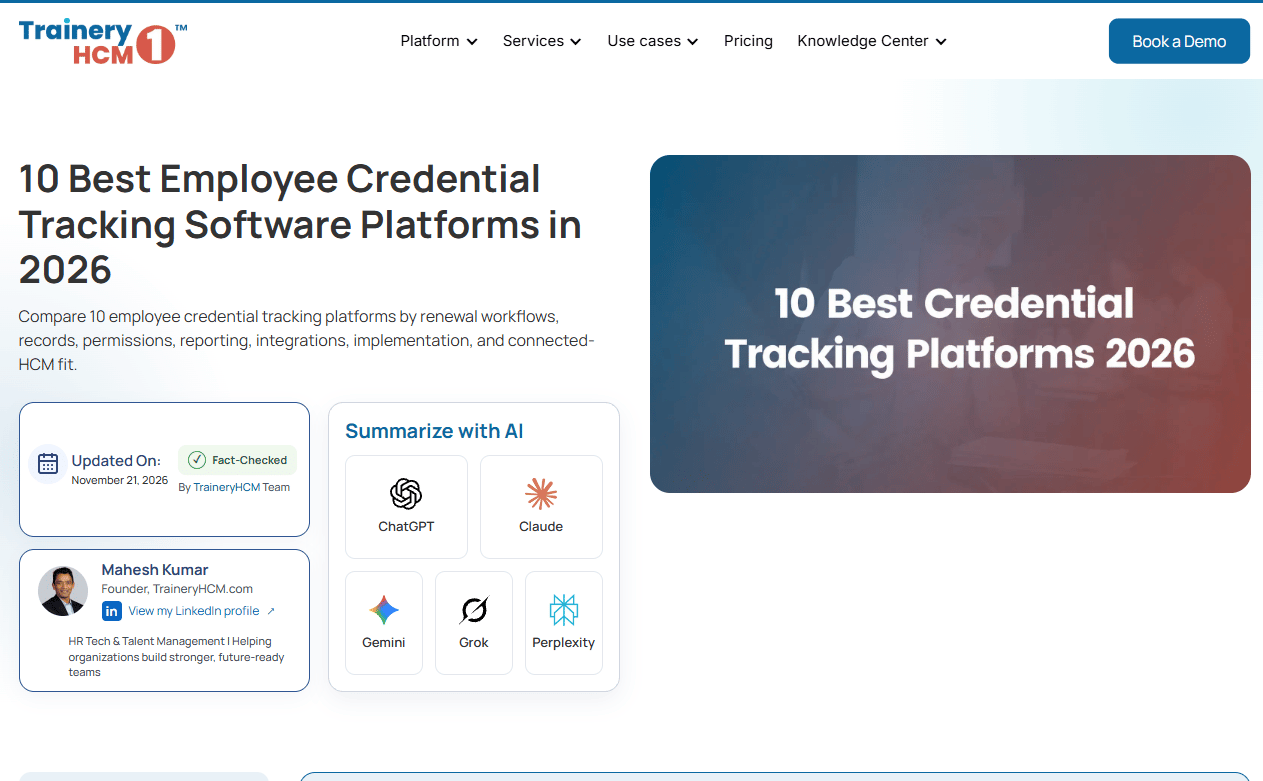
TraineryCredentials focuses on employee licenses, certifications, renewal forecasts, and workforce readiness visibility. Its supplied homepage was unavailable during research, so current information came from official Trainery materials.
The product maps credentials to roles and career paths. It also supports expiration reminders, credential risk visibility, bulk uploads, and historical record migration.
This positioning fits external certification tracking where qualification evidence matters more than course delivery. Sales enablement teams may find it relevant for regulated field roles or partner programs with formal credential requirements.
Best for: Organizations connecting credential and license records with broader workforce data.
Key features
- Employee credential tracking
- Renewal forecasts
- Expiration reminders
- Role and career mapping
- Historical record migration
Why choose TraineryCredentials: Choose it when external credentials drive readiness decisions. Bulk migration can also help teams replacing spreadsheets with established record histories.
Buyers should test verification steps and compliance exports during evaluation. Confirm whether each record retains evidence, approver history, and renewal changes.
TraineryCredentials pricing: Custom pricing. Quotes reflect selected modules, organization size, implementation, integrations, and workflow requirements.
5. Vector Solutions
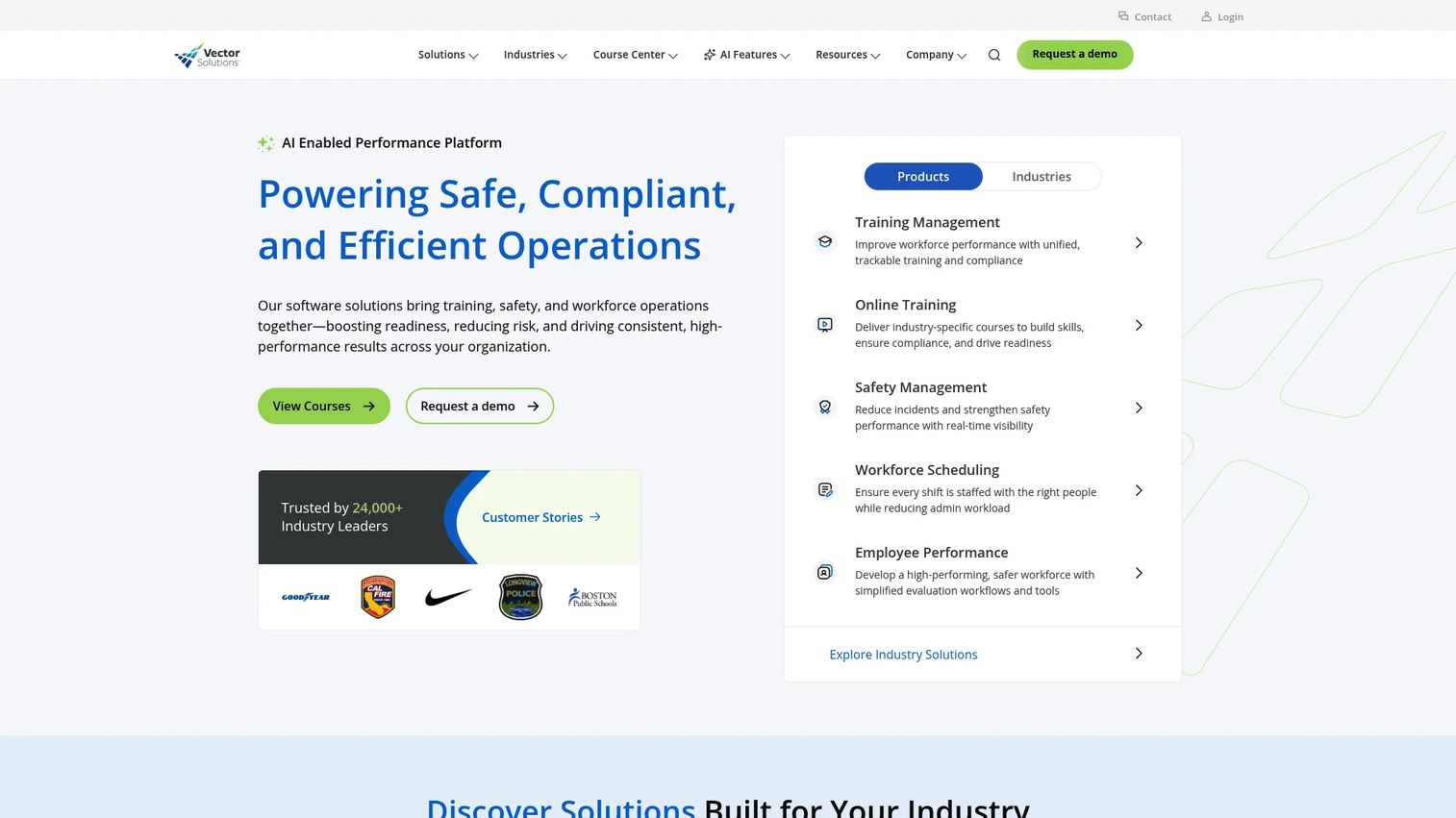
Vector Solutions provides training, compliance, safety, workforce management, and operational readiness software. Its sector coverage includes education, public safety, industrial organizations, AEC, and government.
The platform combines learning management with industry focused online course libraries. Additional capabilities cover safety workflows, incident reporting, workforce scheduling, inspections, and performance evaluations.
This breadth suits organizations where certification status connects directly to operational work. It also supports training compliance management for regulated employee groups.
Best for: Organizations needing industry focused training and certification evidence across safety critical workforces.
Key features
- Industry specific course libraries
- Learning and compliance management
- Safety incident workflows
- Workforce scheduling
- Inspection management
Why choose Vector Solutions: It fits teams that want training content and operational readiness in a connected product family. The industry focus may reduce the work needed to source compliance courses.
Confirm which product mix covers your credential workflow. Buyers should ask how records move between training, safety, and workforce modules.
Vector Solutions pricing: Custom pricing. Quotes reflect organization size and selected products.
G2 rating: 4.3/5 for the overall Vector Solutions seller profile.
6. Convergence LMS
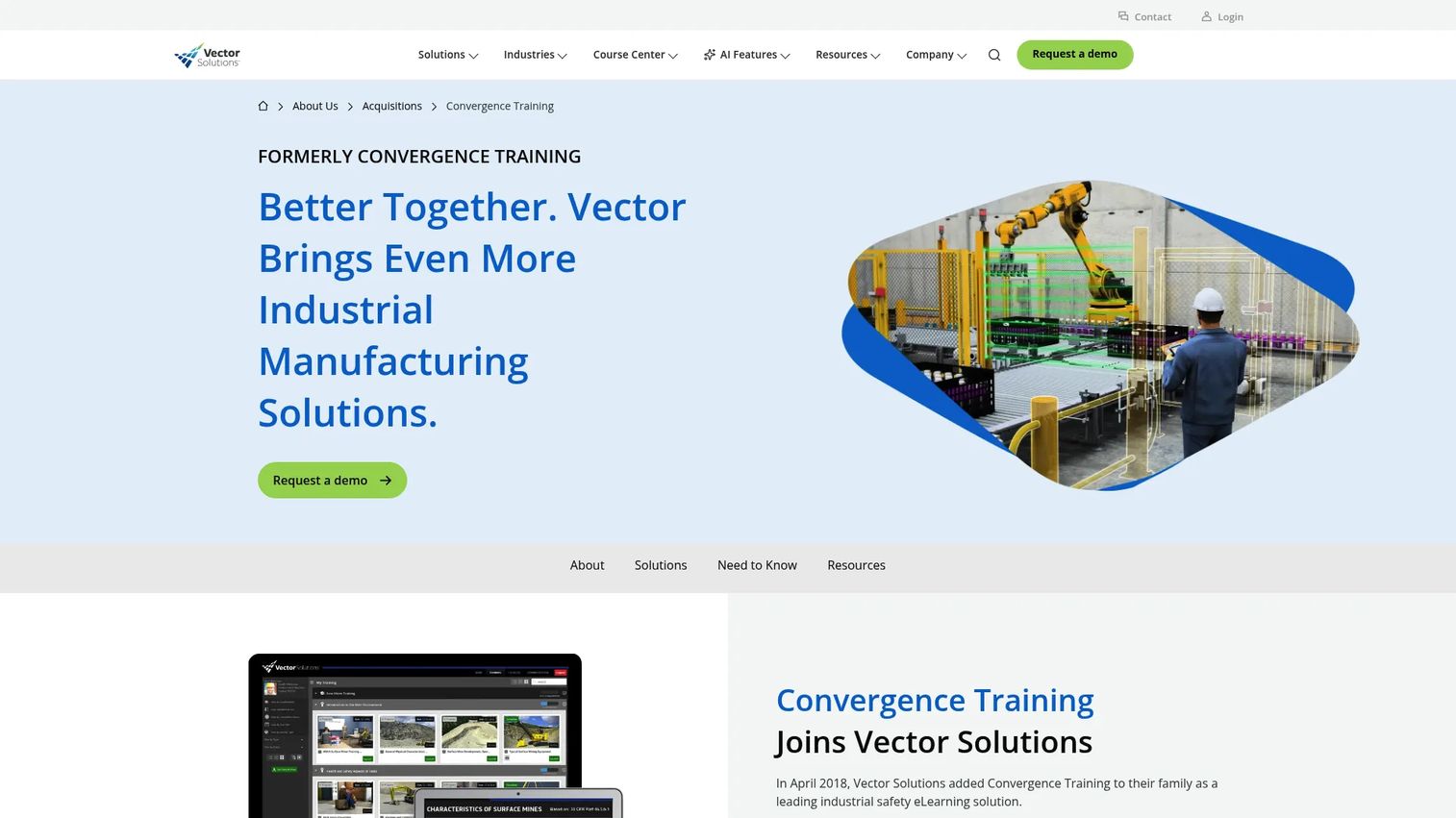
Convergence LMS is a web based learning management system for industrial workforce training. The original product site now redirects to Vector Solutions.
Its verified capabilities include assigning and delivering training, sending notifications, retaining records, and producing reports. The system also supports online and offline instruction.
Mobile compatibility helps teams reach workers outside desk based environments. Integrated incident management connects training records with workplace incident reporting and corrective action tracking.
Best for: Industrial and manufacturing organizations managing EHS, compliance, and workforce training.
Key features
- Role based training assignments
- Online and offline delivery
- Mobile compatibility
- Training record storage
- Incident management
Why choose Convergence LMS: Choose it when required instruction and certification evidence belong in the same industrial training workflow. Offline support can matter for distributed facilities.
Teams outside industrial operations may prefer a broader LMS or focused credential tracker. Current packaging should be reviewed through Vector Solutions.
Convergence LMS pricing: Custom pricing. Ask Vector Solutions about current packaging, learner counts, content access, and implementation.
7. MedTrainer
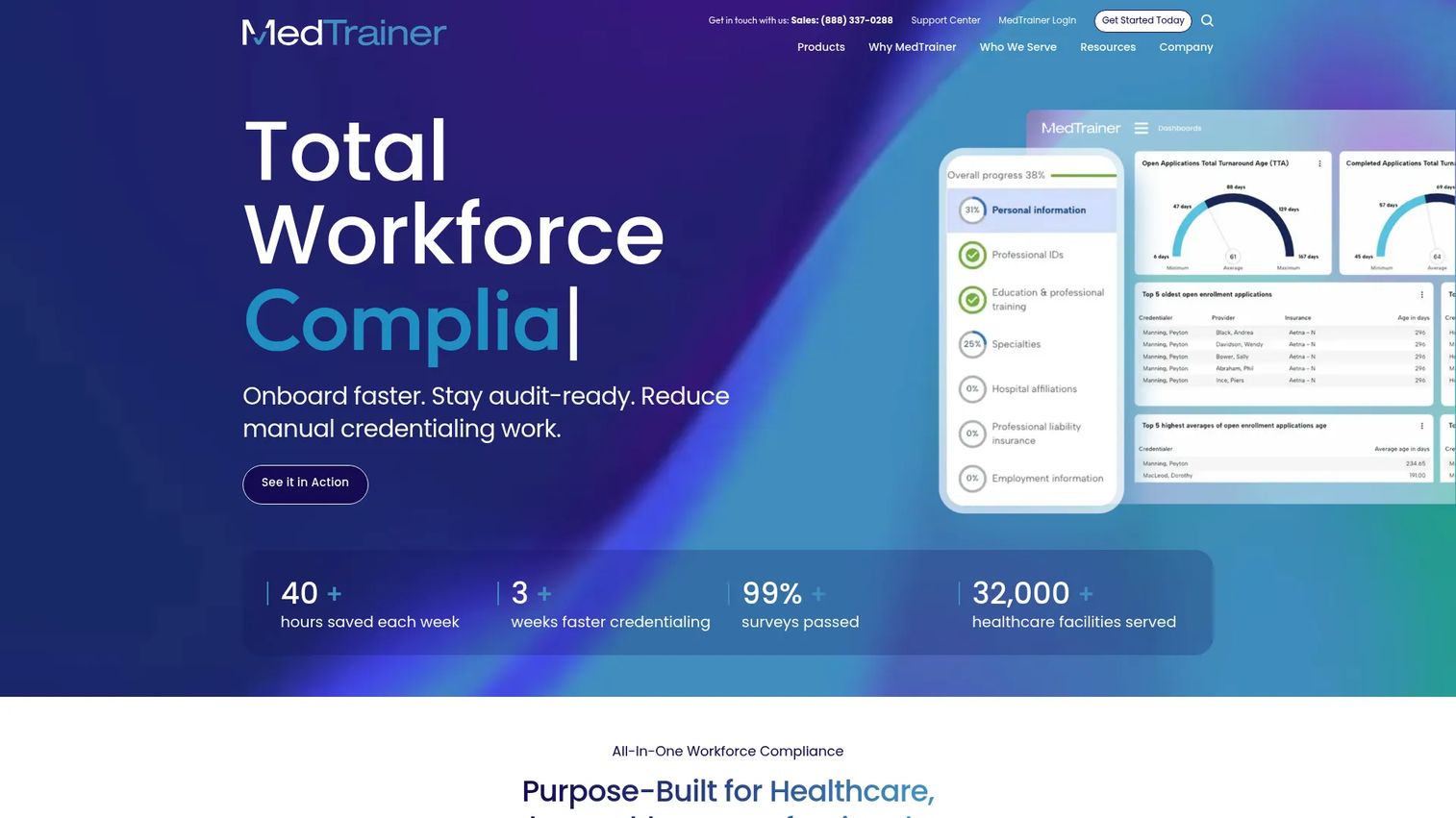
MedTrainer connects healthcare learning, compliance management, and provider credentialing. It is designed for healthcare organizations rather than general corporate training teams.
Its LMS includes healthcare compliance courses and continuing education. Compliance capabilities cover policies, documents, incidents, and safety data sheets.
Provider credentialing adds license verification, exclusions monitoring, enrollment workflows, and CAQH integration. This combination supports professional license tracking alongside internal training requirements.
Best for: Healthcare organizations managing licenses, provider credentials, compliance training, policies, and audit evidence.
Key features
- Healthcare credentialing
- License verification
- Compliance training
- Policy management
- Enrollment workflows
Why choose MedTrainer: It fits healthcare teams that need credentialing and learning records in a connected environment. The healthcare focus also supports workflows that generic employee training tracker software may not address.
Enablement teams can borrow the same readiness model for regulated roles. Qualification must be supported by current evidence, not inferred from course attendance.
MedTrainer pricing: Custom pricing across Select, Premier, and Signature tiers. Quotes reflect licensed users, modules, features, and industry content.
G2 rating: 4.4/5.
8. Expiration Reminder
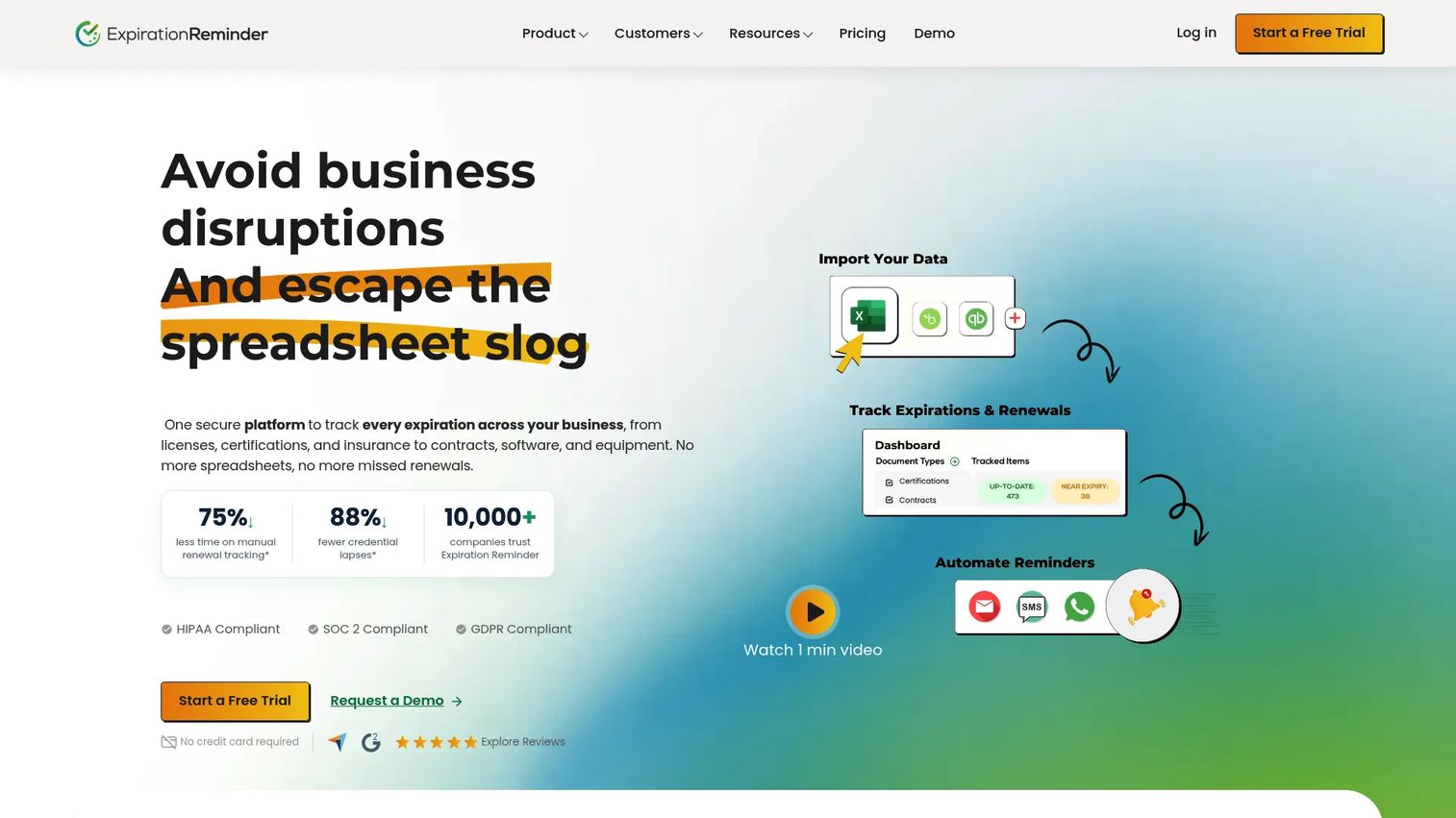
Expiration Reminder tracks expiration dates for certifications, licenses, contracts, permits, insurance, vehicles, and equipment. Its scope centers on deadlines and supporting records.
Automatic email notifications reduce manual calendar work. Teams can store documents, access records through a mobile app, collect electronic signatures, and scan document expiration information.
This focus makes it a practical spreadsheet replacement for certification tracking when missed dates are the main problem. It doesn’t require buyers to adopt a complete learning platform.
Best for: Small and midsized teams needing reliable certification renewal reminders and document tracking.
Key features
- Automatic email reminders
- Document storage
- Mobile app access
- Electronic signatures
- Expiration scanning
Why choose Expiration Reminder: Choose it when the core workflow is storing a record and acting before its deadline. The product also covers several asset and document categories.
Teams needing course delivery or complex role paths should evaluate an LMS. Formal credential verification may also require a more specialized platform.
Expiration Reminder pricing: Starter costs $44 monthly with yearly billing or $49 on monthly billing. Every plan includes a 14 day trial.
G2 rating: 4.2/5.
9. Absorb LMS
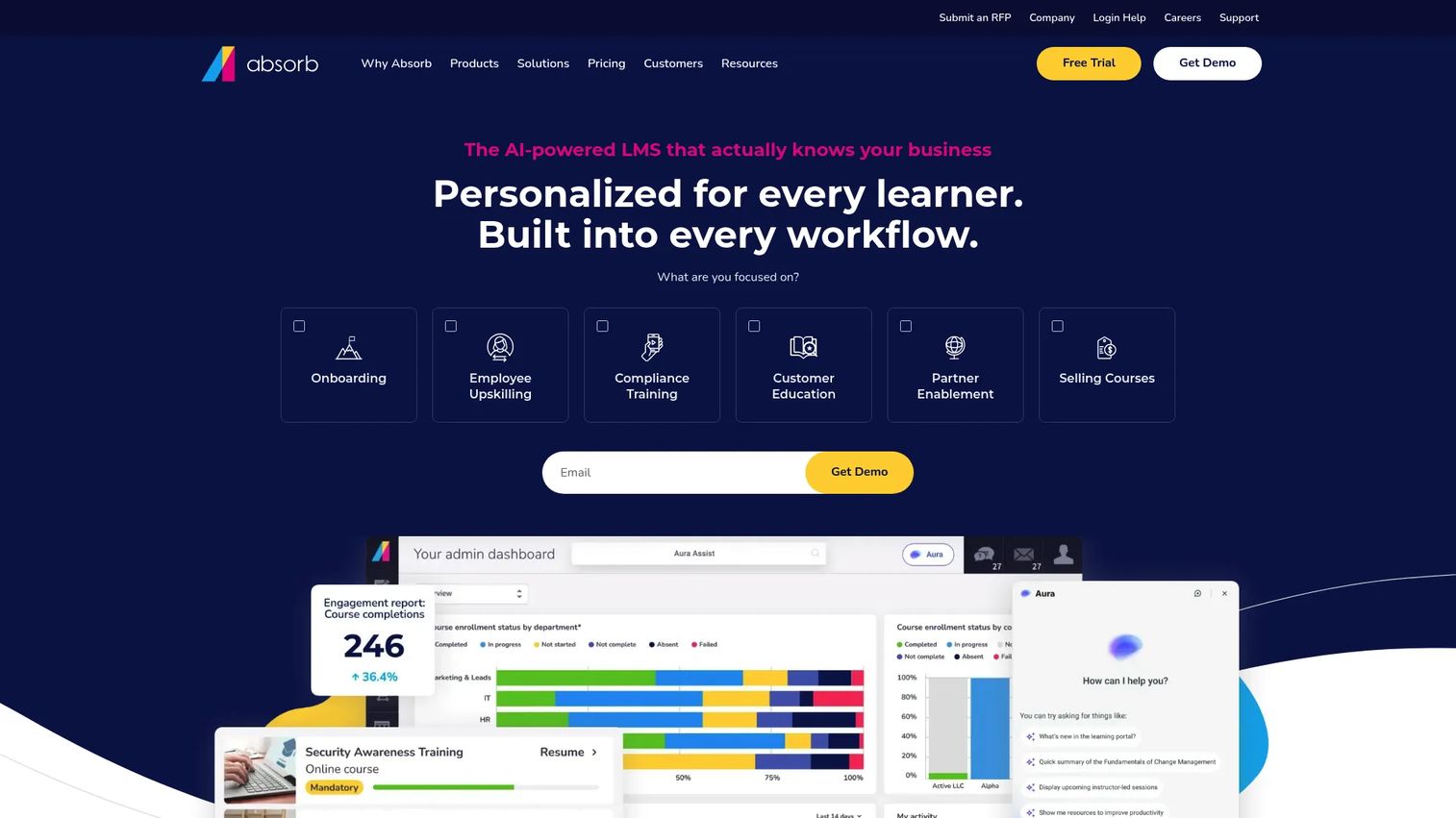
Absorb LMS is a learning management system for employee, partner, customer, and compliance training. It supports broader learning programs rather than acting as a dedicated license tracker.
Verified features include personalized learning paths and custom reporting for compliance, engagement, and ROI. The platform also provides course creation assistance, quizzes, translations, voiceovers, integrations, and API connectivity.
For sales enablement, this breadth supports onboarding and recurring product certification. It can also cover partner education or customer training from the same LMS.
Best for: Midmarket and enterprise organizations delivering certification through structured learning programs.
Key features
- Personalized learning paths
- Compliance reporting
- Course creation assistance
- Integrations and APIs
- Multi audience training
Why choose Absorb LMS: Choose it when training delivery and certification records should live together. Reporting can help enablement leaders compare engagement across cohorts.
A dedicated tracker may fit better when external licenses or primary source verification drive the requirement. Test evidence storage before relying on the LMS for audits.
Absorb LMS pricing: Custom pricing. Quotes reflect learner volume.
G2 rating: 4.6/5.
10. TalentLMS
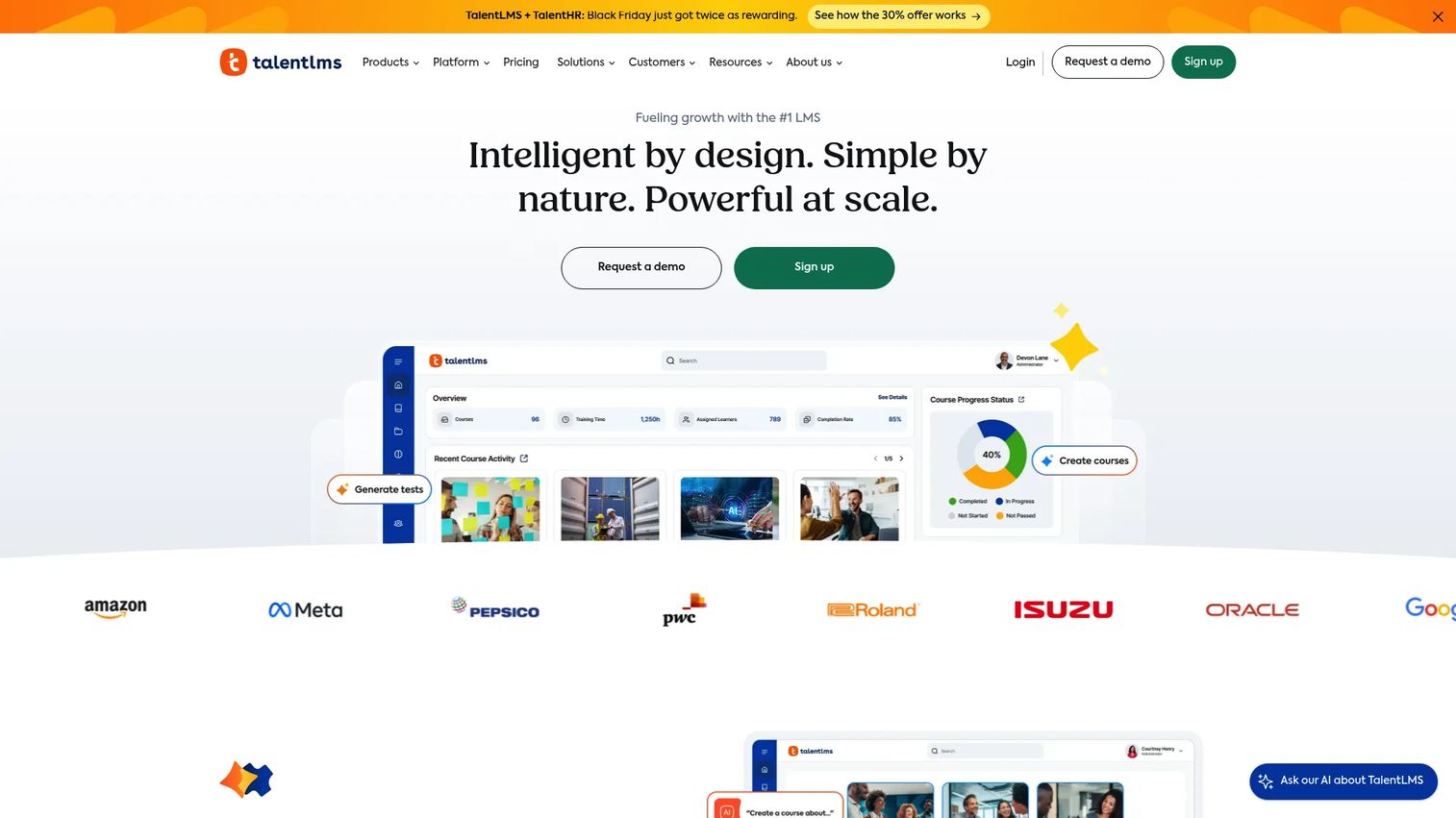
TalentLMS is a cloud LMS for employee, partner, and customer training. It offers course creation, learning paths, assessments, progress reporting, and gamification.
Branding, SSO, API access, integrations, and custom domains support more established programs. A free plan lets small teams test the learning workflow before paying.
For enablement, TalentLMS can support onboarding certifications and product knowledge programs. It fits teams that need training delivery more than external credential governance.
Best for: Small and midsized teams running internal learning and certification programs.
Key features
- Learning paths
- Assessments
- Progress tracking
- User groups
- Certificates and reporting
Why choose TalentLMS: Choose it when certifications follow assigned courses and assessments. The free plan also gives smaller teams a low commitment starting point.
External license tracking requires closer evaluation. Confirm how expiration dates, evidence uploads, and approval history work before buying.
TalentLMS pricing: The free plan supports five users and ten courses. Core starts at $119 monthly, with monthly or yearly billing.
Grow starts at $229 monthly. Pro starts at $449 monthly plus $6 for each additional user.
G2 rating: 4.6/5.
11. LearnUpon
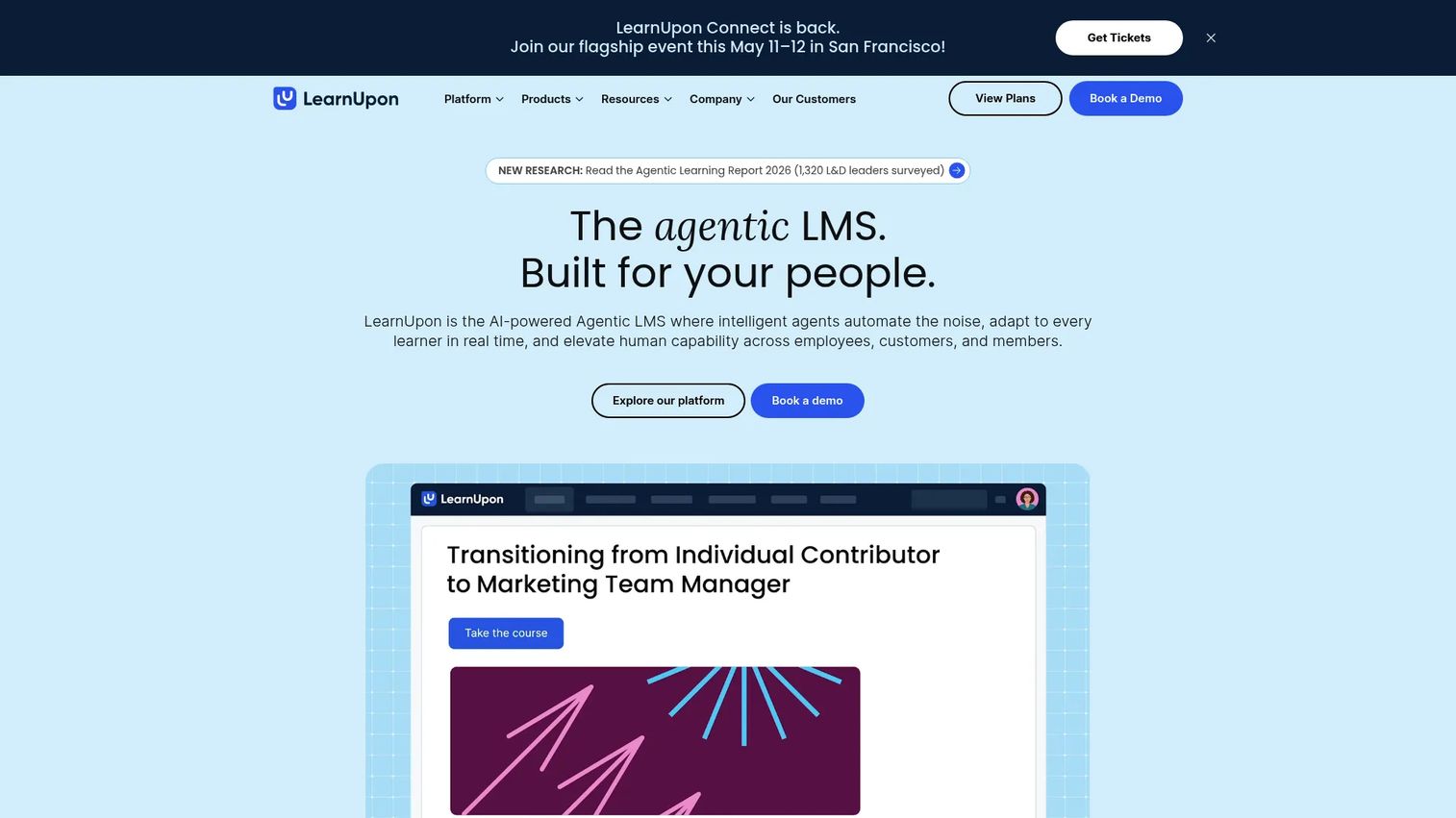
LearnUpon is a learning platform for employee, customer, partner, and association education. Its multi audience model is useful when certification programs extend beyond employees.
Branded learning portals can separate audiences while maintaining centralized administration. Learning Journeys support personalized delivery, while Create+ helps teams produce course content.
For sales enablement, that setup can support rep certification and partner training. Launch readiness programs can also use separate portals for distinct audiences.
Best for: Organizations certifying internal teams and external audiences through one LMS.
Key features
- Branded learning portals
- Multi audience delivery
- Learning Journeys
- Course creation tools
- Personalized learning
Why choose LearnUpon: Choose it when several audiences need distinct training environments. The portal structure can help enablement teams govern partner and employee programs without mixing records.
Buyers should test certification expiration and evidence workflows. Multi audience learning does not automatically cover every external credential requirement.
LearnUpon pricing: Custom pricing. Employee offerings start from 100 users, customer education from 300, and association learning from 150.
G2 rating: 4.5/5.
12. Litmos
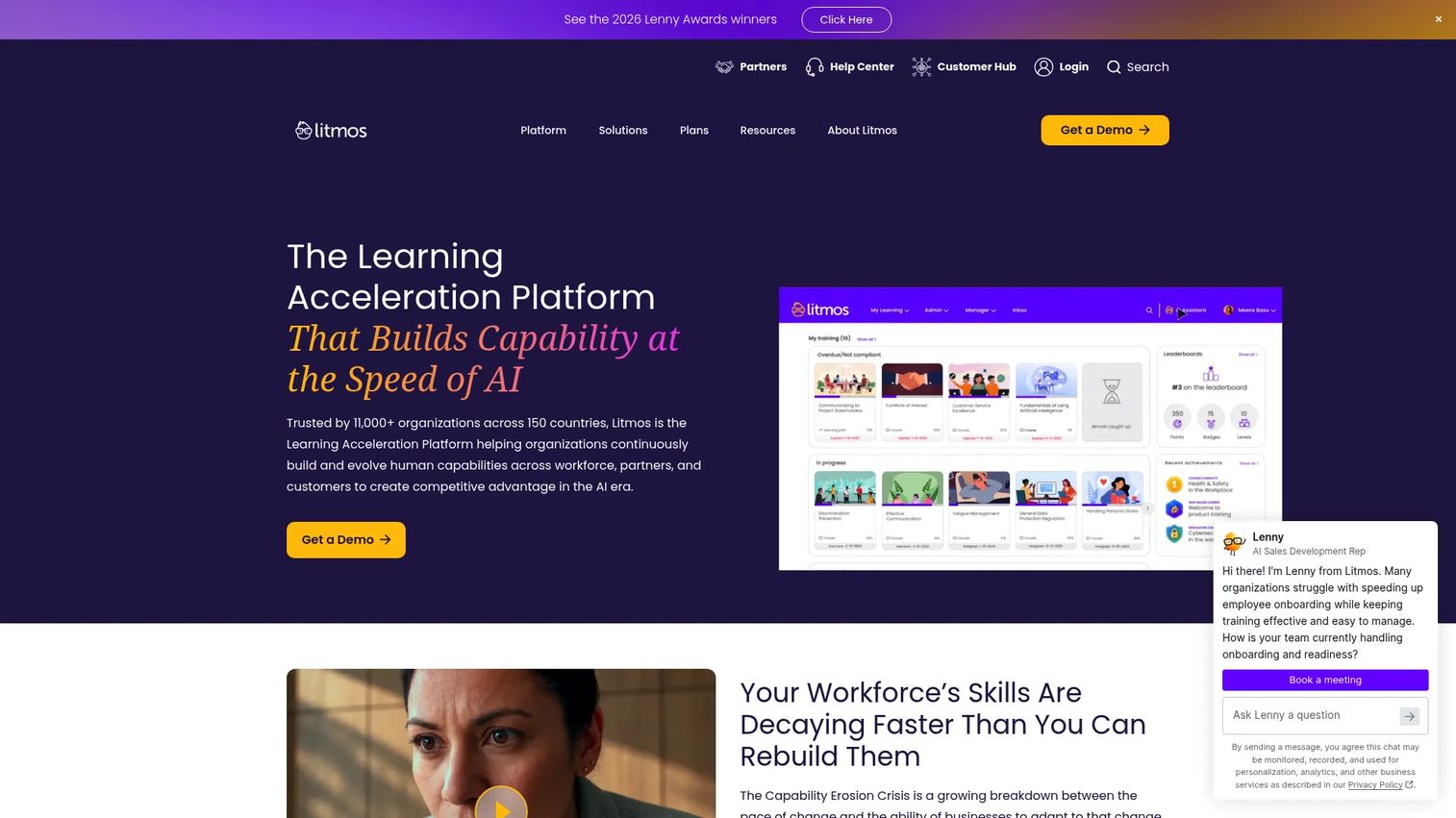
Litmos is a learning platform for employee, partner, and customer training. Its capabilities include learning delivery, compliance workflows, certification management, and automated enrollment.
The product also provides content authoring assistance and personalized recommendations. These features support recurring learning cycles across corporate programs.
Sales enablement teams can use Litmos for onboarding and product certification. Compliance training can run beside methodology or role based education.
Best for: Midmarket and enterprise organizations running learning driven certification programs.
Key features
- Certification workflows
- Automated enrollment
- Compliance training
- Learning delivery
- Content authoring assistance
Why choose Litmos: Choose it when training assignments drive certification status. Automated enrollment can help recurring programs reach the right cohort.
Organizations tracking external licenses should verify document handling and renewal history. The platform’s strongest fit remains structured learning delivery.
Litmos pricing: Foundation starts at $8,000 yearly. Platinum starts at $15,000 yearly, while Platinum AI uses custom pricing.
G2 rating: 4.3/5.
13. SafetyCulture
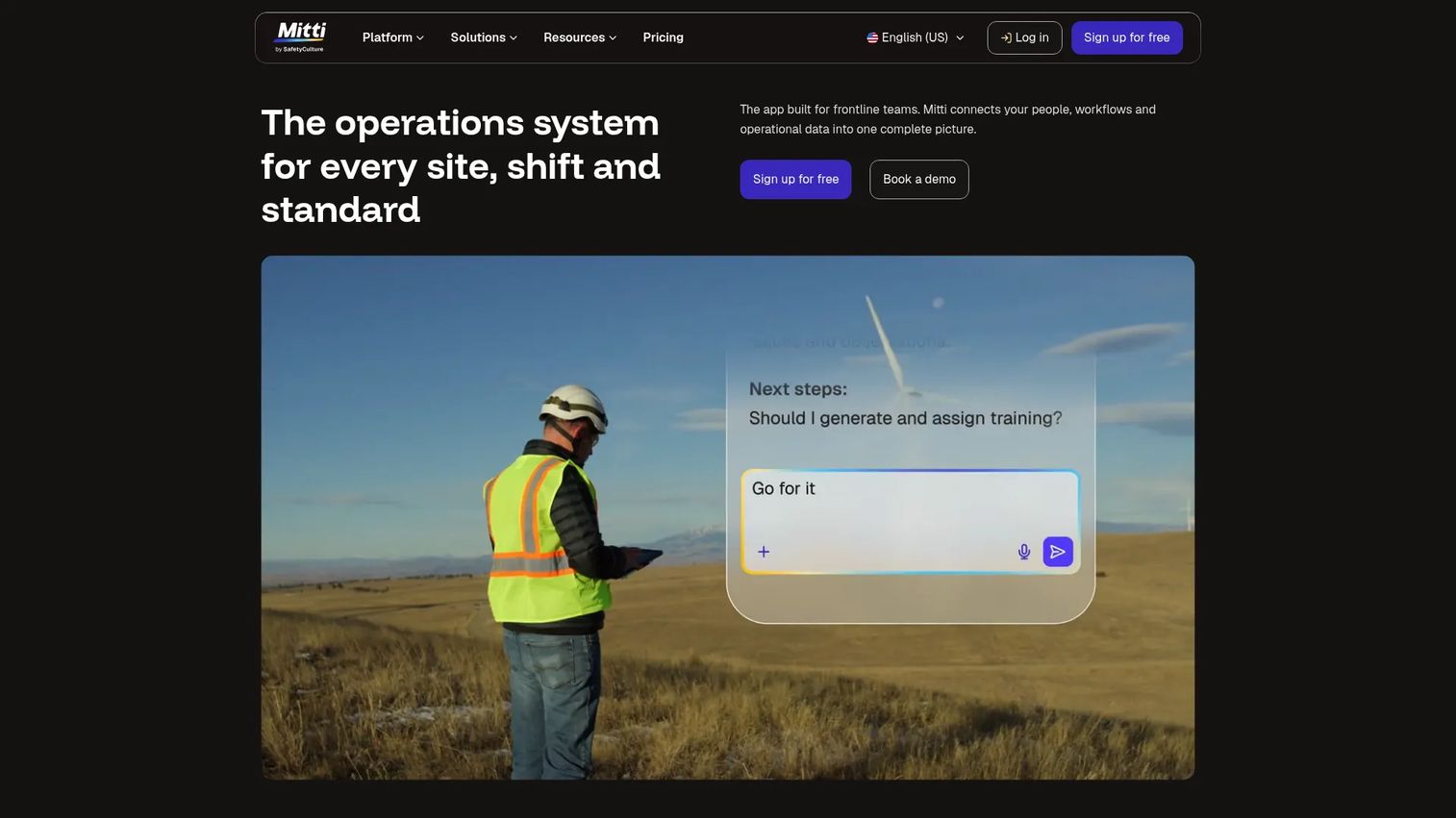
SafetyCulture is a frontline operations platform for inspections, training, issue reporting, and corrective actions. Its mobile and web tools support teams working away from desks.
Training includes microlearning with reporting and analytics. Inspection workflows work offline, while issue management helps teams track corrective work after problems appear.
Certification status can sit within a broader operational readiness process. This model fits teams connecting employee qualifications with inspections or safety tasks.
Best for: Frontline organizations linking training records with inspections, safety processes, and operational follow up.
Key features
- Mobile inspections
- Offline support
- Microlearning
- Issue reporting
- Corrective action workflows
Why choose SafetyCulture: Choose it when training is one part of frontline execution. Mobile access helps employees complete work and learning in the same operational context.
A dedicated tracker may better suit teams focused only on professional licenses. Confirm certification expiry and evidence handling during evaluation.
SafetyCulture pricing: A free version supports teams of up to ten. Premium starts at $24 monthly with yearly billing and includes a 30 day trial.
G2 rating: 4.6/5.
14. Docebo
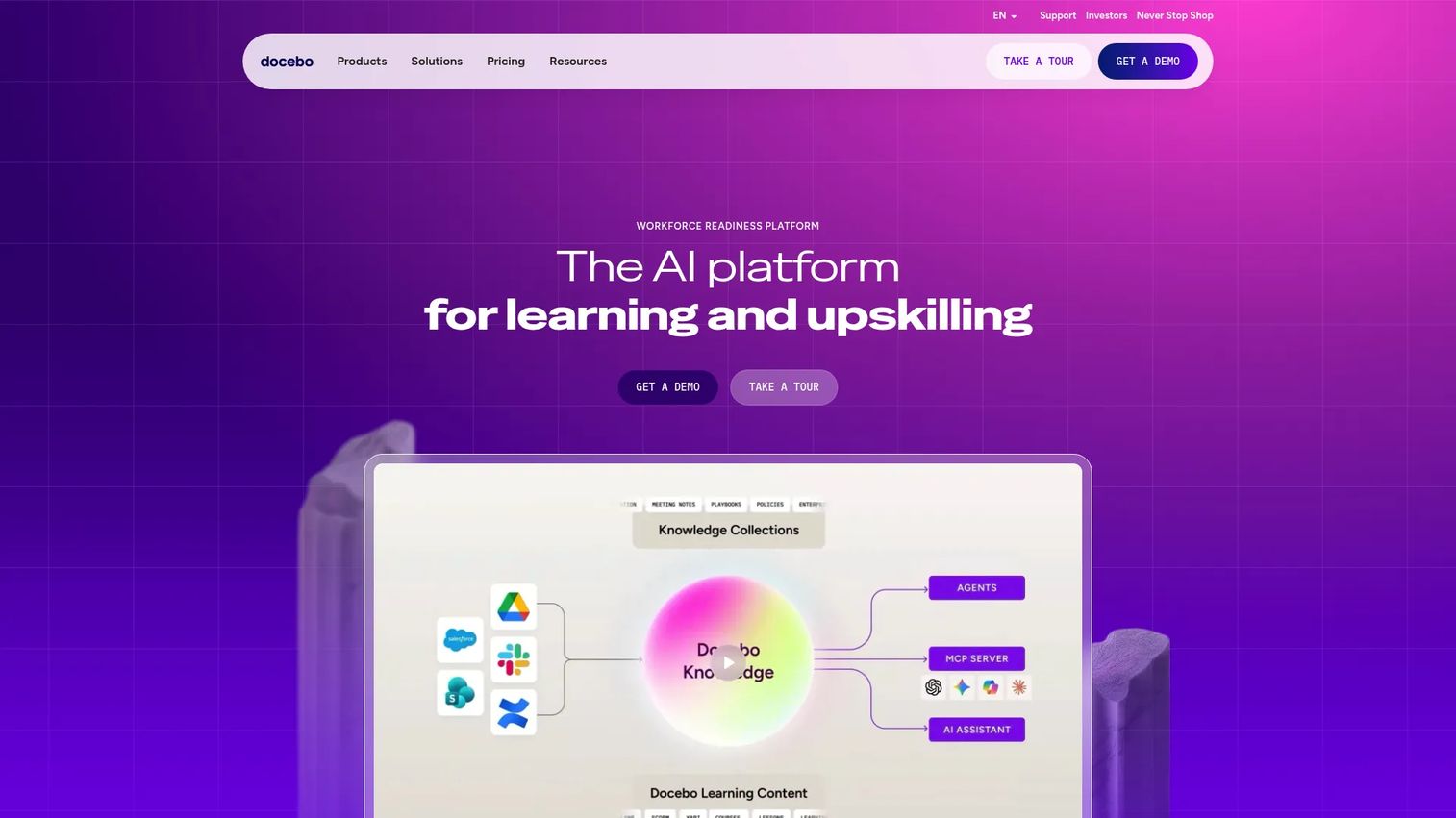
Docebo is an enterprise learning platform for employees, customers, and partners. It supports certification tracking, compliance training, multilingual delivery, and personalized learning.
Administrative automation helps larger teams manage recurring programs. Reporting and learning insights provide visibility across audiences.
For sales enablement, Docebo can support onboarding and role based product certification. Partner programs can also run alongside internal training.
Best for: Midmarket and enterprise organizations scaling certification across several learning audiences.
Key features
- Certification tracking
- Compliance learning
- Workflow automation
- Multilingual training
- Learning insights
Why choose Docebo: Choose it when certification belongs inside a broad enterprise learning program. Its multi audience support fits teams certifying employees and external partners.
Smaller enablement functions may prefer a focused platform with simpler administration. External credential verification also deserves a specific workflow test.
Docebo pricing: Custom pricing across Elevate and Enterprise plans. Quotes use active learner models, including monthly, yearly, or registered active users.
G2 rating: 4.3/5.
15. Cornerstone Learning
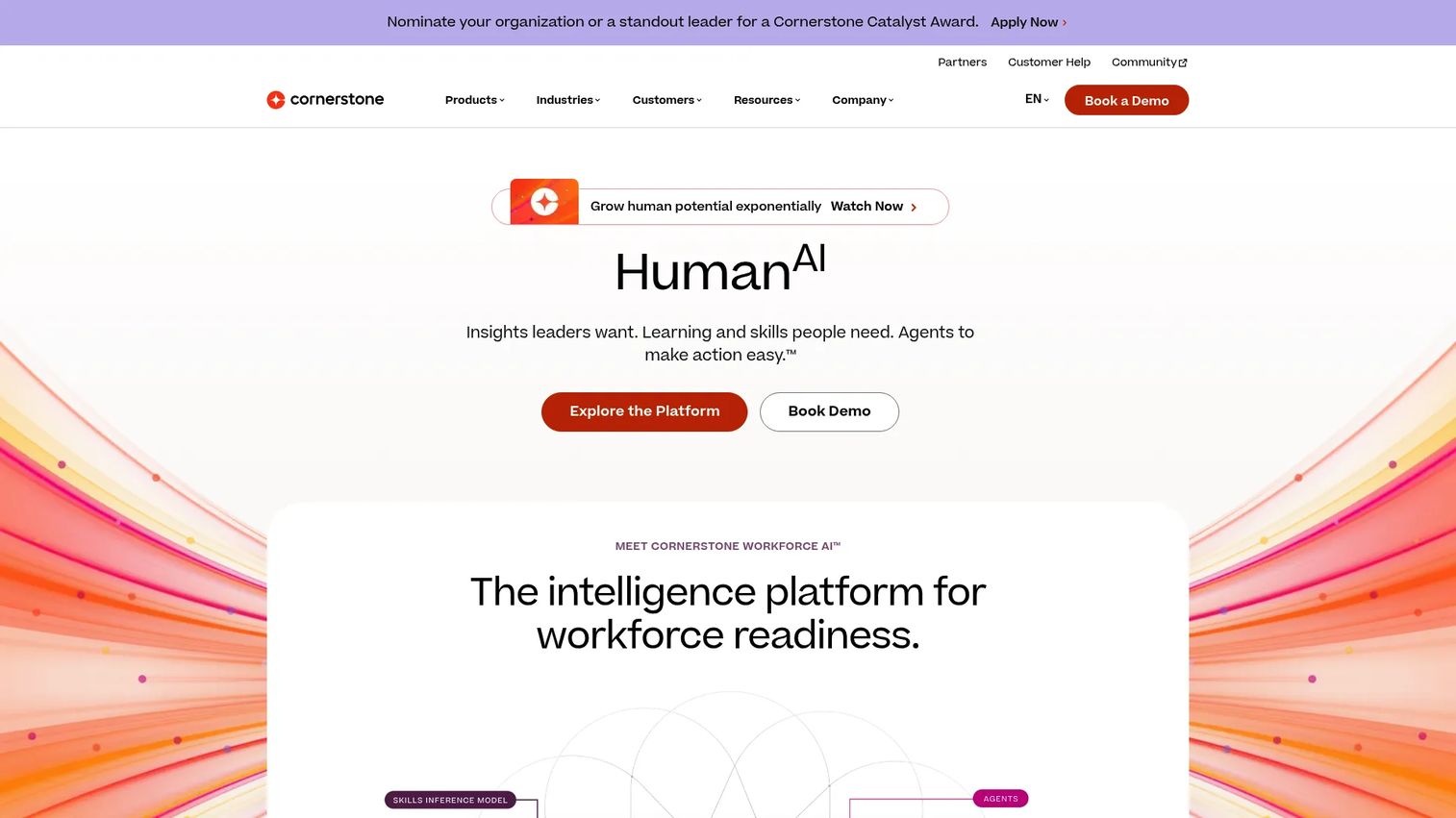
Cornerstone Learning provides enterprise learning software for global compliance, workforce readiness, and role based development. It sits within a broader talent platform.
The product supports certification and recertification, assessments, content management, collaborative learning, and reporting. Skill based learning paths connect education with workforce development.
Large sales organizations can map certification requirements across regions and role families. Enterprise reporting also supports leadership reviews across business units.
Best for: Large organizations managing learning, certification, compliance, and workforce development at global scale.
Key features
- Certification and recertification
- Compliance learning
- Assessments
- Role based learning paths
- Enterprise reporting
Why choose Cornerstone Learning: Choose it when certification must connect with a wider talent infrastructure. It suits organizations already managing complex employee development programs.
The platform may exceed what a small enablement team needs. Implementation and governance requirements should be assessed before purchase.
Cornerstone Learning pricing: Custom pricing. Learn+ uses per employee yearly licensing, with costs scaling by organization size.
G2 rating: 4.1/5.
16. CredentialCamp
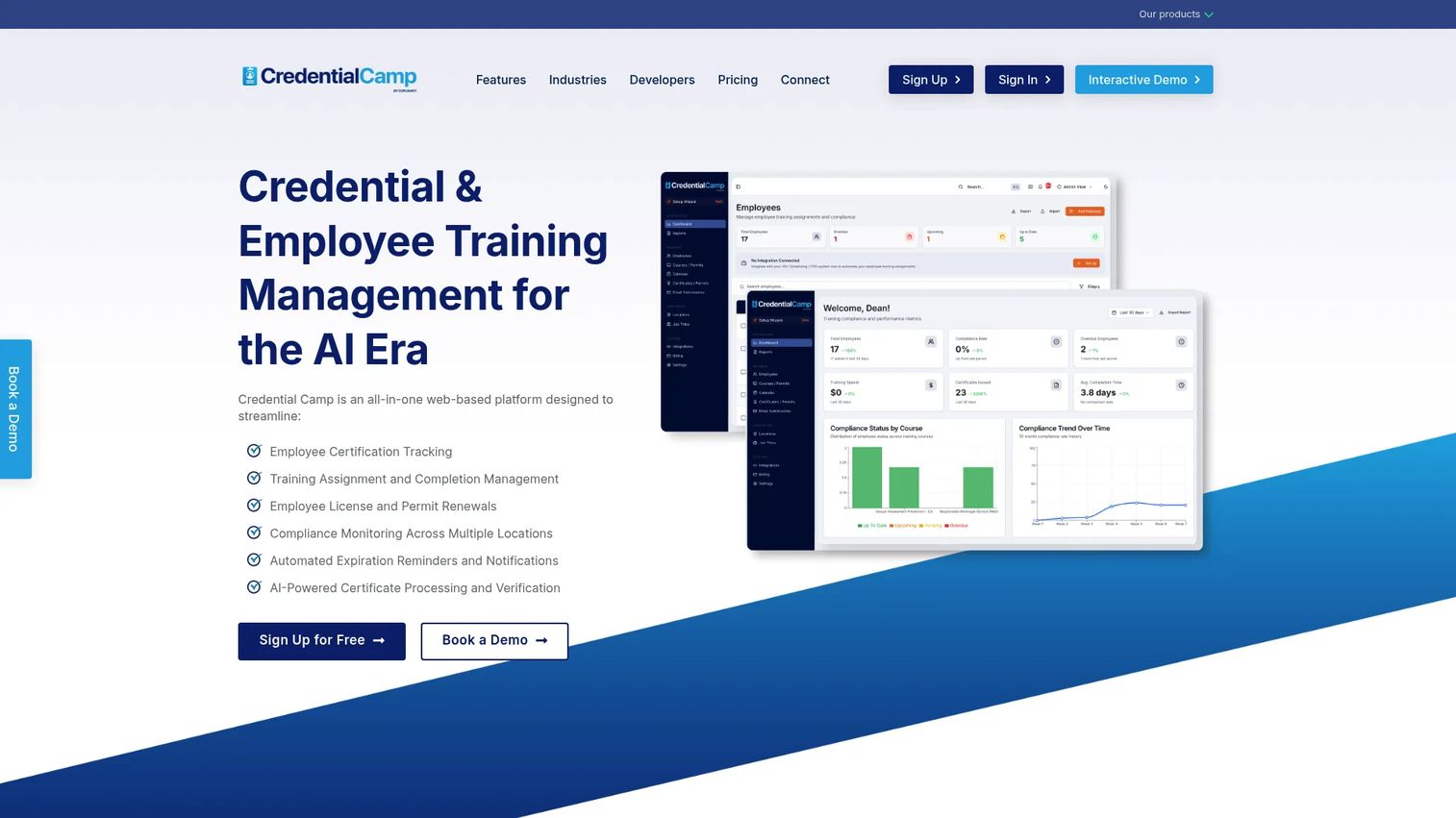
CredentialCamp is a web based platform for employee certifications, licenses, permits, training assignments, and compliance records.
It supports automated expiration reminders and role or location based requirements. AI document scanning can capture information from certificates and permits.
Multi location monitoring and compliance reports extend the product beyond a basic reminder tool. HRIS and scheduling integrations are also listed in the verified research.
Best for: Organizations tracking employee credentials and compliance requirements across roles or locations.
Key features
- Certification and license tracking
- Automated expiration reminders
- Document scanning
- Role based assignments
- Compliance reports
Why choose CredentialCamp: Choose it when credential records need structured assignment and deadline management. Document scanning may reduce manual entry during migration.
Buyers should evaluate integration depth and renewal automation directly. The available pricing information doesn’t describe paid package differences.
CredentialCamp pricing: Free signup is available. Custom pricing applies to paid plans and additional requirements.
17. VAIRKKO Suite
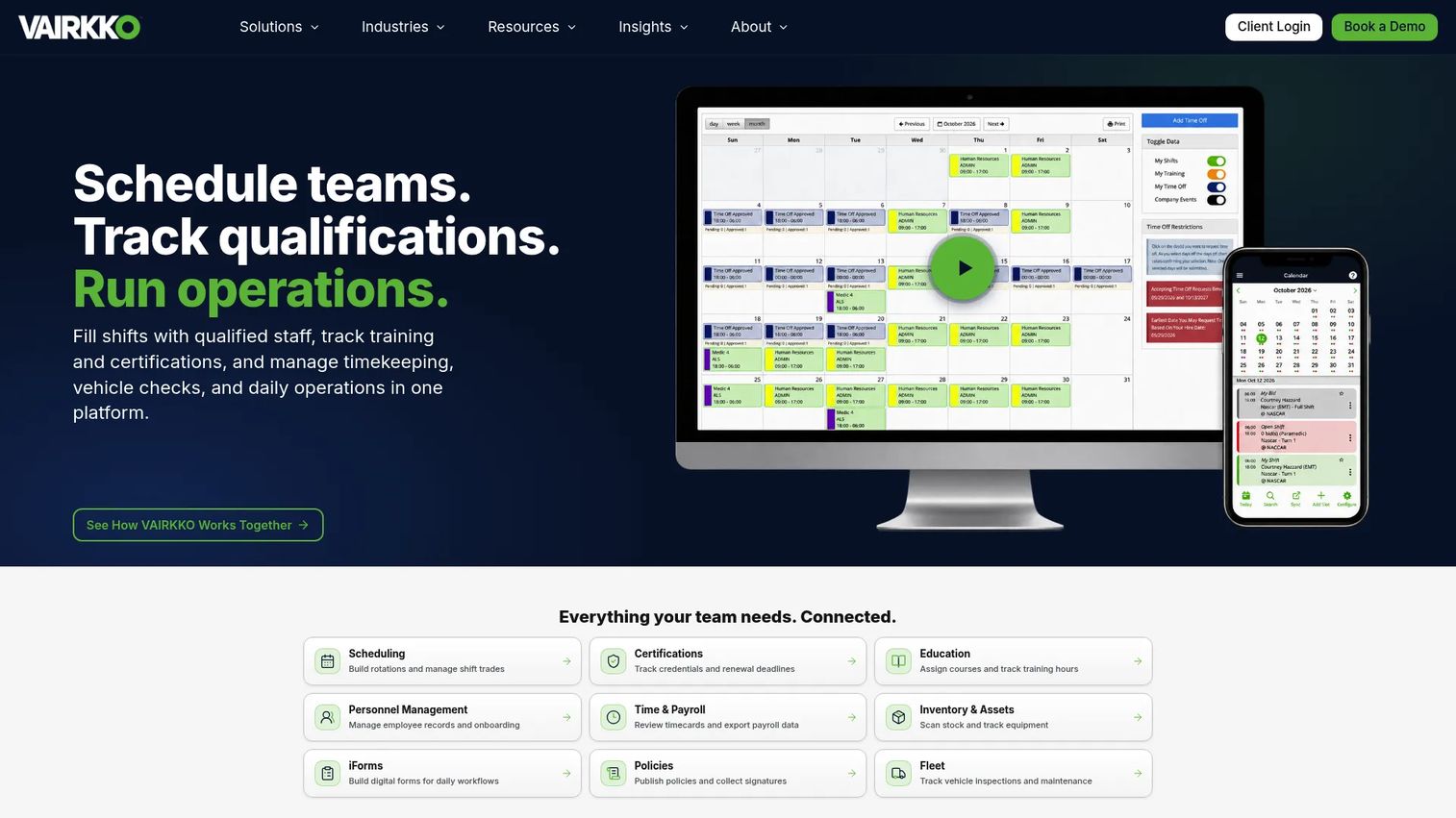
VAIRKKO Suite is a modular workforce platform covering scheduling, training, certifications, personnel records, and daily operations.
Its modules include time and payroll, fleet management, inventory, digital forms, and policies. Training records therefore sit alongside a wider employee and operational record.
This model suits organizations that want fewer disconnected systems. Certification status can inform scheduling and personnel workflows rather than remaining in an isolated tracker.
Best for: Organizations connecting certification records with workforce scheduling, employee profiles, and operations.
Key features
- Training management
- Certification records
- Personnel management
- Employee scheduling
- Digital forms and policies
Why choose VAIRKKO Suite: Choose it when certification tracking belongs inside broader workforce operations. Modular packaging lets buyers select relevant capabilities.
Confirm which modules are required for your workflow. Personalized onboarding and some additional services cost extra.
VAIRKKO Suite pricing: Custom pricing. Quotes reflect user licenses and selected modules, while implementation, setup, support, and updates are included.
G2 rating: 4.4/5.
Considerations when choosing certification tracking software
Start with the certification lifecycle
Map how each record moves from assignment through approval and renewal. Include evidence collection, escalation, reporting, and status history.
For example, a new AE may need product certification and manager approval. The record may renew after six months and appear in quarterly readiness reporting.
Decide whether you need an LMS or dedicated tracker
Choose an LMS when course delivery drives certification. Learning paths and assessments can cover onboarding or product knowledge programs.
Choose a dedicated tracker when external credentials, expiration dates, proof documents, or audits create greater risk. Hybrid platforms help when both training and evidence matter.
Check renewal and escalation depth
Certification renewal reminders shouldn’t be the end of the workflow. Test reminder timing, overdue notices, manager escalation, recertification assignments, and employee self service.
Ask what happens after a record expires. The answer reveals whether the system manages risk or only sends email.
Verify audit evidence and reporting
A defensible report should show the employee, credential, issue date, expiration date, evidence, approver, renewal history, and status changes.
Request the report during the vendor evaluation. Check whether leadership can filter it by cohort, manager, region, or role.
Map integrations before vendor calls
Certification data may touch your LMS, HRIS, CRM, ATS, identity provider, and reporting warehouse. Write down the required data movement before evaluating products.
For enablement teams, confirm how readiness records connect with employee profiles and learning assignments. Avoid creating another isolated system that managers must reconcile manually.
Conclusion
Certemy is the most focused option for regulated certification and compliance tracking. TalentGuard fits teams connecting qualifications with skills and workforce readiness.
MedTrainer stands out for healthcare credentialing, while Expiration Reminder handles straightforward renewal alerts. CredentialCamp and TraineryCredentials focus more directly on credential records.
Choose an LMS when training delivery drives the program. Absorb LMS, TalentLMS, LearnUpon, Litmos, Docebo, and Cornerstone Learning cover different levels of scale.
Operational teams should also consider Vector Solutions, Convergence LMS, SafetyCulture, or VAIRKKO Suite. Their broader workflows connect training records with safety or workforce operations.
The final decision comes back to evidence. Certification tracking should prove the field is ready to execute, not simply show who opened a course.
Need to show software workflows in training, onboarding, product education, and enablement content? Start your journey with Guideflow today!
FAQs
Certification tracking software stores and monitors employee certifications, professional licenses, permits, credentials, and required training records. It can also manage expiration dates, evidence, renewals, and compliance reporting.
Unlike a spreadsheet, the software assigns ownership and preserves workflow history. Automated alerts reduce the risk of a renewal date passing unnoticed.
The best choice depends on the certification lifecycle. Certemy fits regulated credential programs, while TalentGuard connects certification with workforce readiness.
MedTrainer serves healthcare credentialing. Expiration Reminder fits basic deadline tracking, while LMS platforms work well when courses and assessments drive certification.
An LMS creates, assigns, delivers, and reports on training. Certification tracking software monitors whether a person remains qualified, including expiration status and supporting evidence.
Some LMS products cover both jobs. Dedicated trackers often provide deeper external credential tracking, renewal workflows, and audit trails.
Yes, especially when several managers or departments maintain records. Software adds alerts, permissions, approval workflows, evidence storage, and reporting.
Spreadsheets struggle with version control and automated escalation. They also provide a weak audit trail unless every change is documented manually.
The software records expiration dates and sends certification renewal reminders before deadlines. More advanced platforms can notify managers, assign recertification, and report overdue records.
Evaluate the full renewal workflow before buying. A reminder alone won’t solve approval delays or missing evidence.
Look for role based requirements, manager approvals, cohort reporting, launch certifications, and product knowledge records. LMS and CRM integration can reduce duplicate administration.
Reporting should show readiness by team, role, manager, and ramp cohort. Completion data has limited value without evidence that reps can execute the required behavior.
A simple expiration tool may be enough when the team only needs deadline reminders. Small teams should prioritize quick setup and low maintenance.
Dedicated software becomes more useful when the organization tracks external credentials or formal approvals. Audit reporting also makes structured records worth the investment.
Ask the vendor to add a certification, upload evidence, set an expiration date, and send a reminder. Then request an overdue escalation and audit report.
Also review permissions, mobile access, integrations, and reporting exports. Use one realistic employee record throughout the evaluation rather than accepting separate feature slides.